AccessiPlay
AI toolkit that helps indie teams audit games and interactive apps for accessibility, then generates actionable UI, input, and UX fixes.
Why an AI game accessibility toolkit is a timely SaaS opportunity
AccessiPlay is an AI game accessibility toolkit for indie game studios and teams building interactive applications. It audits game interfaces, controls, feedback systems, and player flows, then turns detected barriers into actionable accessibility recommendations.
The product addresses a growing need in game development. Accessibility is no longer a late-stage compliance exercise or a niche feature set. It is a practical product-quality discipline that affects onboarding, retention, reviews, community trust, and the number of people who can successfully play a game.
For a small team, however, accessibility work is difficult to scope. Developers may know they should support remapping, readable text, subtitles, high-contrast modes, and reduced motion. The harder questions are more operational:
- Which screens introduce the most accessibility risk?
- Which issues are likely to block a player from completing a core task?
- How should a team prioritize accessibility work before launch?
- What is the fastest way to turn accessibility guidance into implementable tickets?
- How can a studio validate fixes without hiring a dedicated accessibility specialist?
AccessiPlay can become the bridge between broad accessibility principles and the day-to-day realities of game production. Its core promise is straightforward: help teams identify player barriers early, understand their impact, and ship prioritized fixes with less manual research.
The central product thesis
Accessibility guidance is widely available, but interpretation and implementation are still expensive for small teams. AccessiPlay should make accessibility reviews repeatable, contextual, and directly useful inside a game team's existing development workflow.
The strongest positioning is not “AI that certifies a game is accessible.” Accessibility cannot be reduced to a single automated score, and overpromising would create trust problems. Instead, AccessiPlay should be positioned as an AI-assisted accessibility review and remediation workspace for interactive products.
That distinction matters. Automated analysis can detect many high-value patterns, but it should guide human judgment rather than replace it.
Who AccessiPlay should serve first
The broad market includes game studios, app developers, QA agencies, accessibility consultants, educational software teams, and enterprise simulation vendors. A focused initial audience will make the product easier to build, market, and sell.
The best early customers are likely indie studios with active production schedules, limited QA resources, and a strong reason to avoid launch-day accessibility criticism.
Primary audience: indie game studios and small publishers
Indie developers often have strong creative vision but constrained time. A five-person studio may not have an accessibility lead, dedicated UX researcher, or external test budget. Yet the team still needs to make sound implementation choices before release.
Typical early customers may include:
- "Team size": 2 to 30 people, often with part-time contractors.
- "Platforms": PC first, with potential console or mobile ports planned.
- "Engine": Unity, Unreal Engine, Godot, or a custom web-based engine.
- "Project stage": Vertical slice, alpha, closed beta, release candidate, or post-launch iteration.
- "Decision maker": Founder, producer, technical director, lead designer, or senior QA lead.
- "Buying trigger": An upcoming demo, publisher milestone, Steam launch, console submission, or negative playtest feedback.
Their desired outcome is not a dense report. They want a prioritized answer to this question: what should we fix next to help more people play successfully without delaying release?
Secondary audience: interactive app and learning-product teams
AccessiPlay can also serve teams building interactive experiences outside traditional games:
- Educational games and classroom learning software
- Training simulations and safety exercises
- Virtual museum exhibits and public installations
- Therapy and rehabilitation applications
- Gamified onboarding and employee learning platforms
- Browser-based interactive storytelling products
These customers share many of the same accessibility concerns: keyboard navigation, readable interface copy, motion sensitivity, color independence, clear feedback, understandable interaction patterns, and adaptable controls.
The advantage of this adjacent market is that many organizations have more formal accessibility obligations. The drawback is that buying cycles can be slower and may require stronger reporting, security, and documentation capabilities.
Tertiary audience: accessibility consultants and QA specialists
Accessibility consultants can be valuable channel partners rather than just competitors. Their expertise is difficult to automate, and their time is limited. AccessiPlay can help them standardize intake, accelerate evidence capture, manage findings across projects, and create cleaner client deliverables.
A consultant-focused plan could offer:
- Multi-client workspaces
- White-label reports
- Custom audit templates
- Collaborative review queues
- Expert override controls
- Exportable remediation plans
- Annotated evidence and screen recordings
This model reinforces the product’s credibility because it treats accessibility professionals as essential reviewers, not as a category to be displaced.
Indie studio
Needs fast, practical guidance that fits a sprint and helps avoid costly late-stage redesigns.
Interactive product team
Needs accessible controls and UI quality across educational, training, and public-facing experiences.
Accessibility consultant
Needs a scalable way to capture evidence, prioritize findings, and deliver repeatable reports.
The market gap in game accessibility testing
The current accessibility workflow for smaller game teams is fragmented. A developer may read design guidelines, watch talks, gather player feedback, purchase external testing hours, and manually convert observations into backlog tasks. Every part of that process has value, but the workflow is inconsistent and difficult to repeat.
The market gap is not a lack of accessibility advice. It is a lack of context-aware implementation support.
A team can find general recommendations such as “do not rely on color alone” or “support remappable controls.” But that guidance becomes more difficult when applied to real gameplay:
- Does the puzzle depend on red-versus-green state changes?
- Can an enemy alert be perceived without hearing?
- Is a timed interaction possible for players with slower reaction times?
- Is the tutorial readable at a distance on a handheld device?
- Can a player navigate the pause menu without a mouse?
- Does screen shake make a critical target difficult to track?
- Is a quick-time event required to advance the story?
An AI accessibility audit tool can shorten the path from observation to decision. It can interpret screenshots, video captures, UI definitions, input maps, scene metadata, and written game design documentation together. The output should be a structured set of findings with evidence, confidence, severity, affected player needs, and suggested remediation paths.
Why existing approaches leave room for AccessiPlay
Manual audits remain highly valuable, especially for nuanced gameplay, cognitive load, and lived player experience. But manual reviews can be expensive and often happen too late.
Generic web accessibility scanners are also insufficient for games. They may catch basic interface markup problems in web-based experiences, but they do not understand real-time input, challenge design, gameplay feedback, camera behavior, or the significance of audio cues.
Static checklists are useful, but they create three friction points:
- Teams must know which checklist items apply to their game.
- Teams must correctly interpret each requirement.
- Teams must convert abstract guidance into engine-specific implementation work.
AccessiPlay’s opportunity is to combine automated detection, structured guidance, and human review support in one workflow.
| Approach | Speed | Gameplay context | Implementation guidance | Human expertise |
|---|---|---|---|---|
| Manual accessibility audit | Medium to low | High | High | Essential |
| Generic automated scanner | High | Low | Low | Limited |
| Static checklist | Medium | Medium | Low to medium | Required |
| AccessiPlay | High | Medium to high | High | Built into review workflow |
Core features for an AI game accessibility audit platform
AccessiPlay should begin with a narrow, trusted workflow rather than trying to diagnose every possible accessibility issue on day one. The minimum viable product should focus on review quality, useful recommendations, and evidence that teams can verify.
Multimodal project intake
Games are more complex than static websites. The platform needs several ways to understand a project, because every studio’s build pipeline is different.
The first version can support:
- Screenshot uploads for menus, HUDs, prompts, tutorials, and settings
- Short gameplay video uploads for moment-to-moment feedback analysis
- Design-document uploads for mechanics, narrative, controls, and progression
- UI string imports for text readability and plain-language review
- Input configuration exports for control mapping analysis
- Structured issue intake for manual observations from developers and testers
- Build links or downloadable test builds in later enterprise tiers
A practical onboarding flow should ask what platform the game targets, which control methods it supports, whether sound is required for progress, whether time limits are mandatory, and whether color signals carry essential meaning. These answers improve the relevance of subsequent analysis.
AI-powered visual UI and HUD analysis
Visual analysis is a natural first capability for an AI game accessibility toolkit. The system can inspect screenshots for likely issues such as:
- Low contrast between text, icons, and backgrounds
- Small text in critical menus or tutorials
- Dense HUD layouts that may overwhelm players
- State differences communicated only through color
- Important UI near screen edges or unsafe display areas
- Decorative motion or visual effects that obscure information
- Inconsistent focus states and selection indicators
- Tiny button prompts or unclear controller glyphs
- Unreadable subtitles against dynamic backgrounds
Every finding should contain a screenshot annotation. A developer must be able to see exactly what prompted the recommendation. Vague AI feedback, such as “improve contrast,” is not enough.
A useful finding might say:
The objective marker uses a pale yellow icon over a high-luminance sky area. At common display brightness levels, the marker may be difficult to distinguish. Add an outline, alternate shape, configurable contrast mode, or persistent directional cue.
This is specific, observable, and gives the team multiple valid solutions.
Input and control accessibility analysis
Input accessibility is one of AccessiPlay’s strongest potential differentiators. Many game accessibility barriers are rooted in control assumptions rather than visual design.
The platform should evaluate:
- Whether all essential actions can be remapped
- Whether multiple actions require the same hand position
- Whether rapid repeated button presses are mandatory
- Whether hold-to-perform actions have toggle alternatives
- Whether simultaneous inputs are required for core progression
- Whether mouse-only or touch-only interactions block other input methods
- Whether input prompts accurately reflect a player’s active device
- Whether sensitivity, dead zone, inversion, and aim-assist settings are exposed
- Whether vibration is optional and nonessential for comprehension
Rather than simply labeling a mechanic as “inaccessible,” AccessiPlay should describe the gameplay dependency and propose patterns that preserve design intent. For example, a mandatory rapid-tap sequence could be made optional through a hold alternative, an auto-complete accessibility setting, a timing window adjustment, or a difficulty configuration.
Audio, captions, and nonvisual feedback checks
Audio often communicates critical gameplay state: enemy direction, successful hits, countdowns, environmental hazards, dialogue, or puzzle clues. If audio is required for progress, players who are deaf or hard of hearing may be excluded unless the game provides parallel visual or haptic feedback.
AccessiPlay should help teams document and audit these dependencies:
- Identify game events triggered by audio
- Flag audio-only instructions in videos or tutorials
- Review caption availability and caption customization
- Detect missing speaker identification in dialogue-heavy scenes
- Suggest visual alternatives for directional sounds
- Review whether subtitle timing is reasonable
- Recommend separate sliders for dialogue, music, effects, and ambient sound
- Flag important notifications that lack visual confirmation
Automated speech transcription can support caption review, but it should not be presented as a complete caption-quality solution. Accurate captions also require context, speaker labels, sound-effect descriptions, timing quality, and player controls.
Motion, cognition, and gameplay-flow review
Many important barriers cannot be detected by contrast checks alone. Motion, timing pressure, disorientation, unclear objectives, and overloaded instructions can prevent players from enjoying a game even when its UI looks polished.
AccessiPlay can analyze captured gameplay and structured design descriptions for patterns such as:
- Frequent camera shake or flashing effects
- Forced camera movement without a reduction setting
- Time-limited tasks that block progress
- Multiple concurrent objectives without clear prioritization
- Tutorials that disappear before a player can reread them
- Puzzles with hidden, unexplained interaction rules
- Menus that reset a player’s position after each setting change
- Important feedback that appears for only a short duration
- Difficulty modes that change only enemy health rather than interaction demand
The recommendations should be framed around flexible play, not reduced challenge. Accessibility options can preserve the intended emotional experience while giving players more ways to engage with it.
Actionable issue reports and engineering tickets
The report is where AccessiPlay either becomes useful or becomes another dashboard that teams ignore.
Each issue should include:
- "Finding": a concise statement of the likely barrier.
- "Evidence": screenshots, timestamps, input data, or source references.
- "Affected experience": the player task that could become difficult or impossible.
- "Impact area": visual, auditory, motor, cognitive, motion, or multiple needs.
- "Severity": blocked progression, major friction, moderate friction, or enhancement.
- "Confidence": how certain the system is based on available evidence.
- "Recommendation": one or more practical remediation options.
- "Implementation notes": engine-appropriate guidance where possible.
- "Validation method": how the team can test whether the fix works.
- "Reference": relevant guideline or internally approved policy basis.
Issue export should support Markdown, CSV, JSON, Jira-compatible formats, and linear backlog systems through integrations or webhooks. The objective is not to produce a PDF that sits in a folder. The objective is to help a producer create an accessible game development sprint.
Expert review and custom audit rules
The AI should be configurable because genres differ. A rhythm game, visual novel, first-person shooter, puzzle game, and turn-based strategy title have different risks.
Custom rules could include:
- Flag every mandatory timed event in a narrative game
- Require subtitles for all spoken dialogue
- Require remapping for all core actions
- Require a motion-reduction setting for first-person camera movement
- Enforce publisher-specific terminology and acceptance criteria
- Apply platform-specific internal quality requirements
This feature also creates a credible pathway toward larger studios and publishers. Teams with established accessibility standards need software that supports their policy, not software that forces an opaque generic score.
What makes AccessiPlay different from a checklist or scanner
AccessiPlay’s unique selling proposition should be: an AI-assisted accessibility copilot that turns real game artifacts into prioritized, evidence-backed fixes.
That is meaningfully different from both a generic scanner and a long-form checklist.
The competitive advantage
A durable competitive advantage can come from five connected layers:
-
Game-specific context
The product understands HUDs, controller prompts, checkpoints, tutorials, gameplay loops, input maps, and audiovisual feedback, rather than only static interface elements. -
Multimodal evidence
It can reason across screenshots, clips, written mechanics, and configuration data. This makes its recommendations more useful than text-only assessment. -
Remediation quality
Findings are translated into task-ready guidance, including severity, implementation options, and validation steps. -
Workflow integration
Studios can assign, export, comment on, resolve, and re-test findings within release planning. -
Learning loop with expert oversight
With permissioned, privacy-conscious feedback data, the system can improve its recommendations based on verified human outcomes. Expert reviewers should remain central to this loop.
The platform should never claim that a game is universally accessible or legally compliant after an AI audit. Such a claim is too broad and could mislead customers. The defensible promise is faster discovery, better prioritization, and stronger documentation.
Avoid a misleading accessibility score
A single score can be useful as a progress indicator, but it should never imply complete accessibility or replace testing with disabled players. Present scores as internal triage signals, supported by issue-level evidence and clear limitations.
Recommended technology stack for AccessiPlay
The right stack should optimize for fast iteration, secure media processing, reliable asynchronous jobs, and transparent AI outputs. The product does not need to train a proprietary foundation model in its first phase. It needs a robust pipeline around high-quality models, deterministic checks, and reviewable evidence.
Product application and dashboard
A modern web application is the most practical first interface for studio teams.
A recommended foundation includes:
- React for the application interface
- Next.js for full-stack web delivery, routing, and server-rendered workflows
- TypeScript for safer shared data models
- Tailwind CSS for fast, consistent product UI development
- PostgreSQL for relational project, issue, membership, and audit data
- Prisma or another typed database layer for development speed
- Object storage compatible with Amazon S3 for screenshots, video clips, annotations, and exports
For an early-stage SaaS, TurboStarter can reduce the non-differentiated setup burden around authentication, payments, organizations, dashboards, and production-ready SaaS foundations.
AI and analysis pipeline
The analysis pipeline should be asynchronous. Video processing and multimodal inference can take time, and users should not need to keep a browser tab open while an audit runs.
A practical architecture includes:
- API endpoint for creating an audit job
- Queue system for background tasks
- Media transcoding and frame extraction service
- Deterministic visual checks where feasible
- Multimodal model analysis for contextual interpretation
- Rules engine for policy checks and severity assignment
- Structured output validator
- Human review state before issue delivery for higher-risk findings
- Audit log storing model version, prompt version, input references, and output history
The product should require the model to return validated structured JSON rather than freeform prose. This makes it easier to render consistent findings, maintain integrations, and track quality over time.
type AccessibilityFinding = {
  category: "visual" | "input" | "audio" | "cognitive" | "motion";
  severity: "blocker" | "high" | "medium" | "low";
  confidence: number;
  evidence: {
    assetId: string;
    timestamp?: number;
    annotation: string;
  }[];
  playerImpact: string;
  recommendation: string[];
  validationMethod: string;
  requiresHumanReview: boolean;
};
Deterministic checks versus generative AI
Not every analysis task should use a generative model. This is a major product-quality and cost-control decision.
Deterministic checks are better for repeatable measurements such as text contrast estimation, UI element size thresholds, missing subtitle configuration fields, unavailable remapping options, or absent focus states in structured UI data.
Generative AI is more useful for tasks such as interpreting whether a tutorial relies on ambiguous language, identifying likely audio-only cues in a clip, summarizing a design document, or proposing alternative interaction patterns.
Use deterministic checks when a rule can be measured reliably. Examples include contrast estimates, minimum target size policies, missing configuration flags, and required option availability.
Use AI interpretation when the product needs context. Examples include reviewing whether a combat encounter communicates danger through several channels or whether instructions are understandable for first-time players.
Require human review for ambiguous findings, claims with high customer impact, and gameplay judgments where design intent is especially important. The interface should make uncertainty visible rather than hiding it.
Trade-offs to plan for
A managed AI API can speed up prototyping, but it may create vendor dependency, variable inference cost, and concerns about unreleased game assets. Self-hosting models can improve control but requires substantial machine-learning operations expertise and GPU infrastructure.
For the first version, a hybrid strategy is sensible:
- Use managed model APIs for low-volume, opt-in early customers.
- Minimize data retention and document it clearly.
- Store only necessary derived artifacts.
- Offer customer-controlled deletion.
- Add private processing or virtual private cloud options later for enterprise accounts.
- Build the rules engine and evidence schema as proprietary product infrastructure from the beginning.
The highest-value asset is not the model itself. It is the trusted evaluation workflow, domain taxonomy, remediation library, and feedback loop created around the model.
Monetization options for AccessiPlay
A subscription model aligned to projects, audit volume, and collaboration is likely the clearest path. Indie teams need predictable pricing, while consultants and publishers need scale, reporting, and governance.
Suggested pricing structure
A freemium or low-cost starter tier can reduce purchase friction. Let a developer upload a few screenshots or run a limited audit before requiring a paid plan.
- "Free": One project, limited screenshots, basic visual findings, and no team exports.
- "Indie": Monthly subscription for one active game project, recurring scans, core issue reporting, and a small team.
- "Studio": Multiple projects, video analysis, integrations, team roles, custom policies, and higher audit limits.
- "Consultant": Client workspaces, white-label reporting, larger storage, client exports, and usage-based video processing.
- "Enterprise": Single sign-on, private processing options, custom retention, security review, service-level agreements, and tailored integrations.
Usage-based pricing can work for expensive video analysis. However, it must be easy to understand. Studios should know whether they are paying by video minute, analysis run, project, or AI credits before they upload large builds.
High-value add-ons
Potential expansion revenue includes:
- Accessibility readiness reports for publisher milestones
- Guided remediation workshops
- Expert human review marketplace referrals
- Continuous regression audits in build pipelines
- Console-platform readiness checklists
- Localization and readability review
- Policy templates for publishers and educational software organizations
- Team training modules linked to real findings
The most trust-building revenue model is one that does not force customers to buy more scans to understand their result. Core reports should be complete and exportable. Premium pricing should reflect scale, automation, governance, and collaboration.
Risks, limitations, and mitigation strategies
An AI accessibility product has significant risks. Addressing them openly is essential to E-E-A-T and to long-term customer trust.
False positives and false negatives
The tool may flag an issue that is already addressed elsewhere in the game. It may also miss a barrier that only appears after extended play or in a complex interaction.
Mitigation should include:
- Clear confidence levels on every finding
- Evidence attachments and timestamps
- Dismiss, confirm, and “not applicable” controls
- Mandatory human review for low-confidence or high-severity claims
- A feedback loop that captures why a finding was dismissed
- Versioned re-testing after a team applies a fix
Accessibility is not one universal experience
Players have varied needs, preferences, devices, and skills. A feature that helps one player may not solve another player’s challenge. For example, subtitles improve access to spoken dialogue but do not address all audio-related gameplay feedback. Remapping helps many players but does not automatically make a complex control scheme usable.
Mitigation means avoiding blanket language. The platform should describe affected tasks and probable barriers, not make unsupported assumptions about all disabled players.
Privacy and unreleased game assets
Studios may upload sensitive footage, design documents, source-derived metadata, and unreleased assets. A breach or unclear training policy could destroy trust quickly.
AccessiPlay should provide:
- Encryption in transit and at rest
- Fine-grained workspace permissions
- Clear data processing and retention terms
- Configurable deletion schedules
- Explicit opt-in choices for data used to improve models
- Audit logs for access and analysis events
- Enterprise isolation options as the business matures
Legal and compliance overclaims
Accessibility standards and legal obligations vary by geography, platform, contract, and product category. A game accessibility audit can improve quality, but it should not be sold as legal advice or guaranteed compliance.
Mitigation includes clear product language, scope statements in reports, and guidance to consult qualified legal and accessibility professionals where formal compliance is required.
Bias in training data and recommendations
If the product’s recommendations are based too heavily on common genres, platforms, or English-language conventions, it may produce weaker outcomes for other audiences.
Mitigation requires diverse test content, review by people with lived accessibility experience, ongoing evaluation across game genres, and a structured way for experts to challenge recommendations.
No. AI can accelerate triage and identify patterns, but disabled-player testing reveals real-world barriers, preferences, workarounds, and emotional responses that automated analysis cannot reliably infer.
Not in the early product. A certificate can imply a definitive legal or universal accessibility judgment. The safer and more useful output is an evidence-backed audit report with clear scope and limitations.
The platform should show uncertainty, lower the severity where appropriate, request additional context, or route the finding into a human review queue. Hiding uncertainty makes the product less trustworthy.
Building authority and trust in the game accessibility space
To rank and convert, AccessiPlay content should demonstrate genuine subject-matter expertise. This means avoiding generic “make your game inclusive” language without implementation depth.
A strong content program can include:
- Detailed accessibility audit examples using fictionalized game scenarios
- Genre-specific guides for platformers, visual novels, first-person games, strategy titles, and puzzle games
- Remapping design patterns and control accessibility checklists
- Articles explaining subtitles, audio descriptions, haptics, visual cues, and motion-reduction options
- Technical implementation tutorials for Unity, Unreal Engine, Godot, and web games
- Interviews or advisory content from accessibility specialists and disabled players
- Transparent documentation about AI limitations and evaluation methods
- Public changelogs for significant audit-rule improvements
When citing market data, use credible sources and name them precisely in editorial drafts. Appropriate sources may include platform-holder accessibility guidance, peer-reviewed human-computer interaction research, government accessibility resources, and reports from established disability organizations. Verify current figures before publishing rather than relying on old market-size claims.
The content should make one point consistently: accessibility work is better when teams involve disabled players, test early, and treat findings as product decisions rather than a release checklist.
A practical implementation roadmap
The fastest route to product-market fit is not to build a full game engine integration immediately. Start with the smallest workflow that creates an unmistakably useful result for an indie studio.
Phase one: validate the workflow manually
Before extensive automation, recruit 10 to 20 indie teams and run concierge audits. Ask teams for screenshots, short clips, control diagrams, and a short description of their core loop.
Use a repeatable internal rubric to produce findings. The immediate goal is to learn:
- Which issue types teams value most
- Which report language creates action
- Which recommendations feel too generic
- What evidence developers need to trust a finding
- Where studios already have data that can be imported
- What they would pay to save time on the process
This phase creates the initial accessibility taxonomy and remediation library that will later guide automation.
Phase two: ship the focused MVP
The MVP should support a secure workspace, project creation, screenshot and video upload, automated visual review, issue triage, comments, exports, and re-testing.
Prioritize a small number of high-confidence checks:
- Text and UI contrast risk
- Small or unreadable critical text
- Color-only communication risk
- Missing or unclear selection states
- Mandatory input configuration gaps
- Time-pressure and motion flags from structured questionnaires
- Subtitle and audio-feedback review prompts
Do not try to infer all gameplay accessibility from a single video. Build trust by being precise about what the tool can and cannot evaluate.
Phase three: add integrations and continuous auditing
Once teams repeatedly use the reports, add integrations that reduce context switching:
- Project management exports and ticket synchronization
- Build pipeline triggers
- Unity and Unreal metadata importers
- Regression comparisons between builds
- Shared review links for publishers and external testers
- API access for larger teams
Continuous accessibility QA can become a significant retention driver. If a new HUD change reduces contrast or a build removes a remapping option, the team should know before a public demo or release candidate.
Key metrics that prove product value
AccessiPlay should track both SaaS metrics and outcome metrics. Revenue alone will not show whether the product is actually helping teams create more accessible interactive experiences.
Important product metrics include:
- Audit completion rate
- Time from upload to actionable report
- Finding confirmation rate
- Finding dismissal rate by category
- Median time to resolve confirmed issues
- Re-test pass rate
- Number of accessibility options added per project
- Percentage of issues exported into a team’s backlog
- Retention after a project reaches launch
- Expansion from single-project to multi-project plans
The most revealing metric may be confirmed findings that lead to a validated fix. A high volume of AI-generated observations means little if studios cannot act on them.
Final recommendation
AccessiPlay has a compelling opportunity because it targets a real gap between accessibility knowledge and accessible game implementation. Indie teams do not need another abstract checklist. They need a workflow that shows where players may face barriers, explains why those barriers matter, and gives developers practical ways to address them.
The initial product should focus on trusted, evidence-backed audits for UI, controls, captions, audio cues, motion, and player flow. It should combine deterministic checks with AI interpretation, remain transparent about uncertainty, and make human review easy.
Its strongest competitive position is not “automated compliance.” It is accessible game development support that turns complex review work into prioritized, testable engineering and design decisions.
For founders building this SaaS, the next action is clear: validate the report format with real indie teams, use expert-informed rubrics, and build the smallest version that converts a game screenshot or gameplay clip into a finding a developer can confidently fix.
More 🤖 AI Startup SaaS ideas
Discover more innovative ai startup SaaS ideas that are trending in 2026. Each idea is AI-generated with market validation and growth potential to help you find your next profitable venture faster than competitors.
Your competitors are building with TurboStarter
Below are some of the SaaS ideas that have been generated and built with our starter kit.
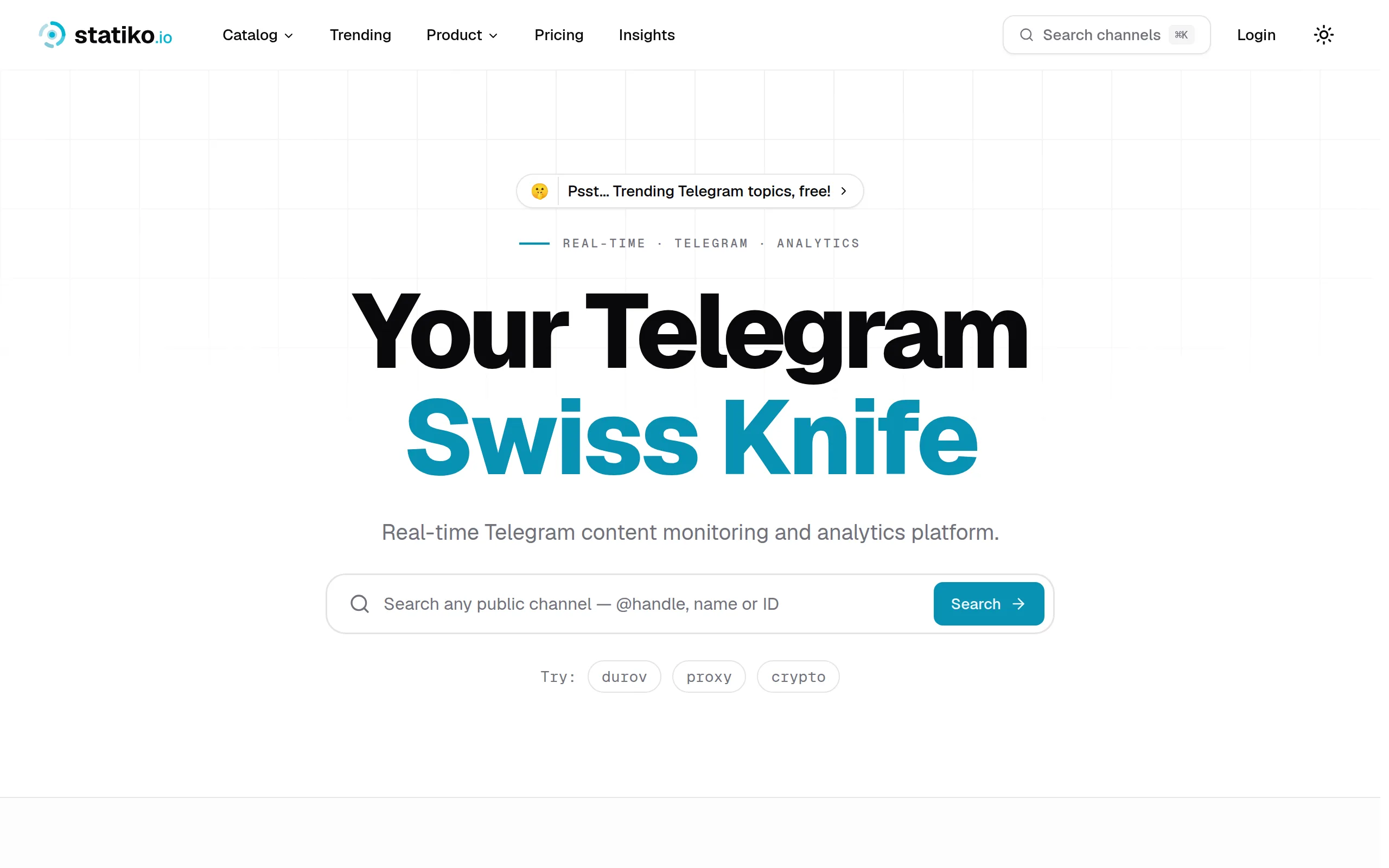
Statiko
Monitor any Telegram channel in real time - track posts, edits, deletions, and growth with AI recaps 📡
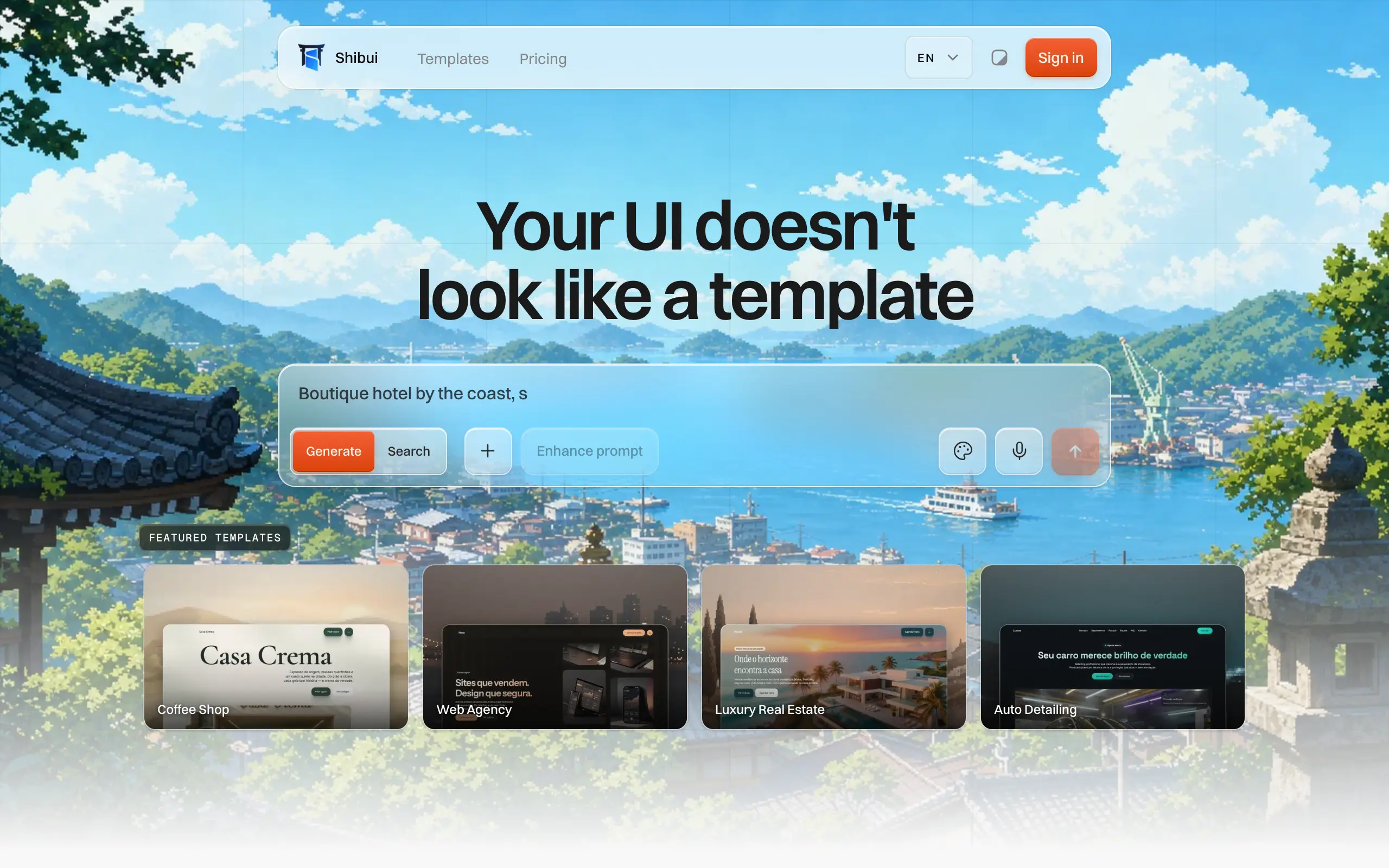
Shibui
AI website builder - describe your business, pick a niche template, edit by chatting, and publish instantly ✨

Pro Service
Find verified home service professionals, compare quotes, and pay securely through escrow - built for Brazilians across the US 🏠
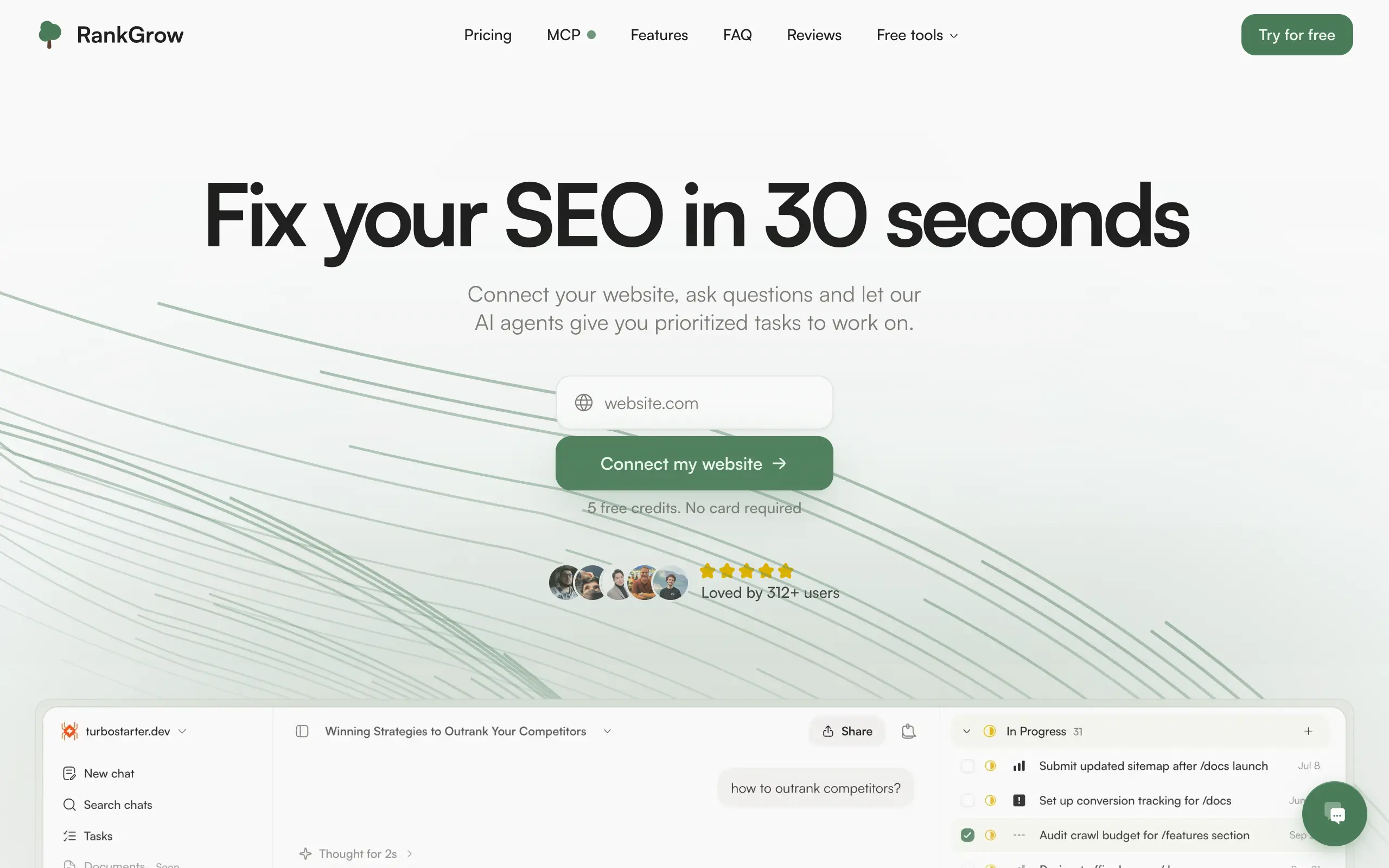
RankGrow
Fix your SEO with AI agents - connect Search Console, get prioritized tasks, and grow organic traffic 📈
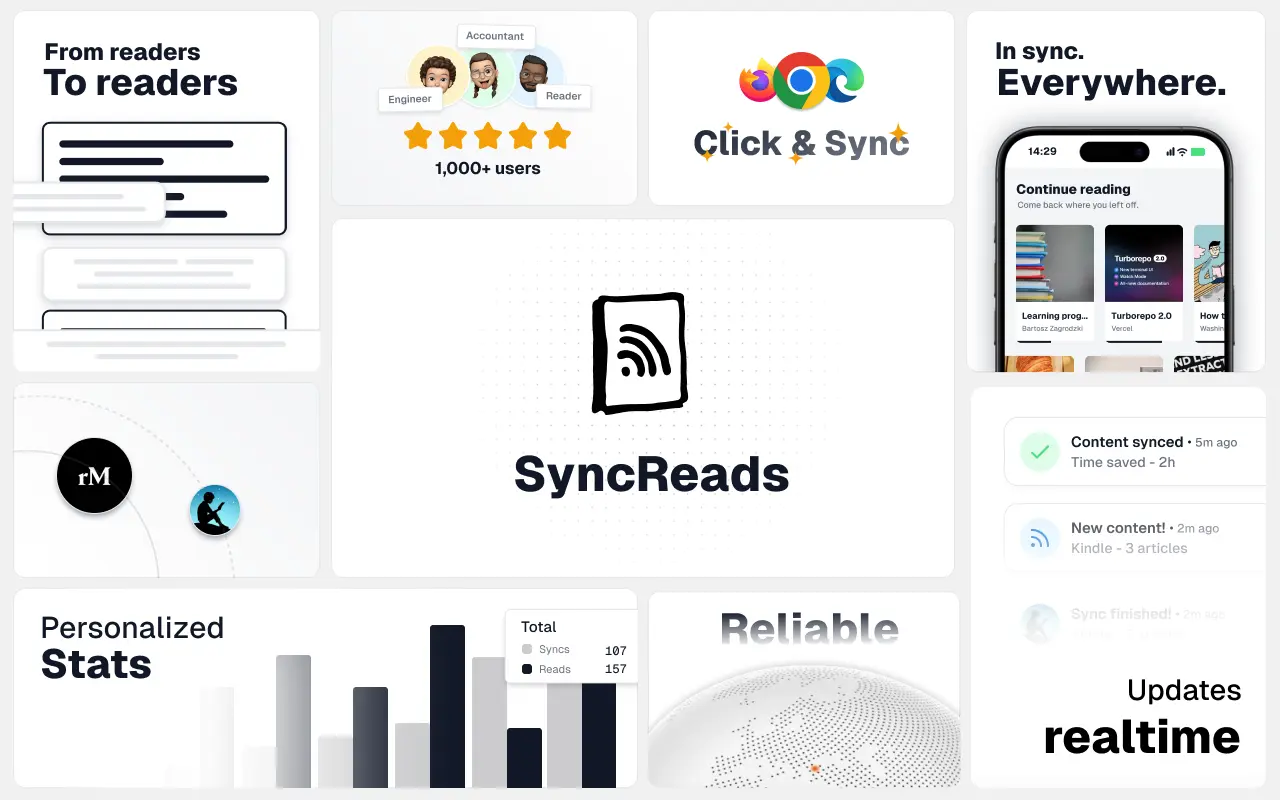
SyncReads
Sync your favorite content for distraction-free reading, save time and replace multiple apps. Anytime, anywhere 🔄
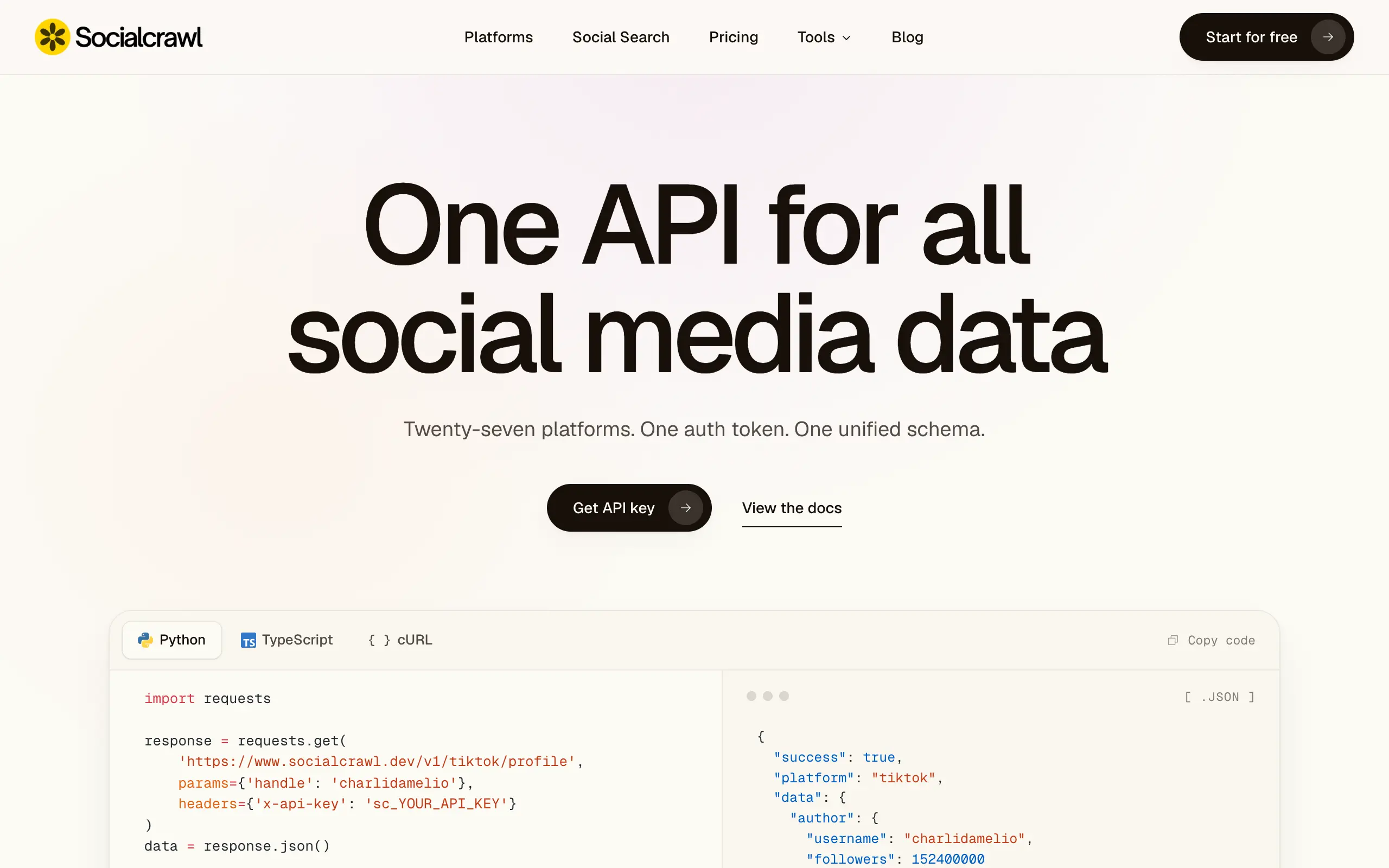
Socialcrawl
Get clean, structured data from 21 platforms like TikTok, Instagram, and YouTube with a single request 📊
Statiko
Monitor any Telegram channel in real time - track posts, edits, deletions, and growth with AI recaps 📡
Shibui
AI website builder - describe your business, pick a niche template, edit by chatting, and publish instantly ✨
Pro Service
Find verified home service professionals, compare quotes, and pay securely through escrow - built for Brazilians across the US 🏠
RankGrow
Fix your SEO with AI agents - connect Search Console, get prioritized tasks, and grow organic traffic 📈
SyncReads
Sync your favorite content for distraction-free reading, save time and replace multiple apps. Anytime, anywhere 🔄
Socialcrawl
Get clean, structured data from 21 platforms like TikTok, Instagram, and YouTube with a single request 📊
Statiko
Monitor any Telegram channel in real time - track posts, edits, deletions, and growth with AI recaps 📡
Shibui
AI website builder - describe your business, pick a niche template, edit by chatting, and publish instantly ✨
Pro Service
Find verified home service professionals, compare quotes, and pay securely through escrow - built for Brazilians across the US 🏠
RankGrow
Fix your SEO with AI agents - connect Search Console, get prioritized tasks, and grow organic traffic 📈
SyncReads
Sync your favorite content for distraction-free reading, save time and replace multiple apps. Anytime, anywhere 🔄
Socialcrawl
Get clean, structured data from 21 platforms like TikTok, Instagram, and YouTube with a single request 📊
Statiko
Monitor any Telegram channel in real time - track posts, edits, deletions, and growth with AI recaps 📡
Shibui
AI website builder - describe your business, pick a niche template, edit by chatting, and publish instantly ✨
Pro Service
Find verified home service professionals, compare quotes, and pay securely through escrow - built for Brazilians across the US 🏠
RankGrow
Fix your SEO with AI agents - connect Search Console, get prioritized tasks, and grow organic traffic 📈
SyncReads
Sync your favorite content for distraction-free reading, save time and replace multiple apps. Anytime, anywhere 🔄
Socialcrawl
Get clean, structured data from 21 platforms like TikTok, Instagram, and YouTube with a single request 📊
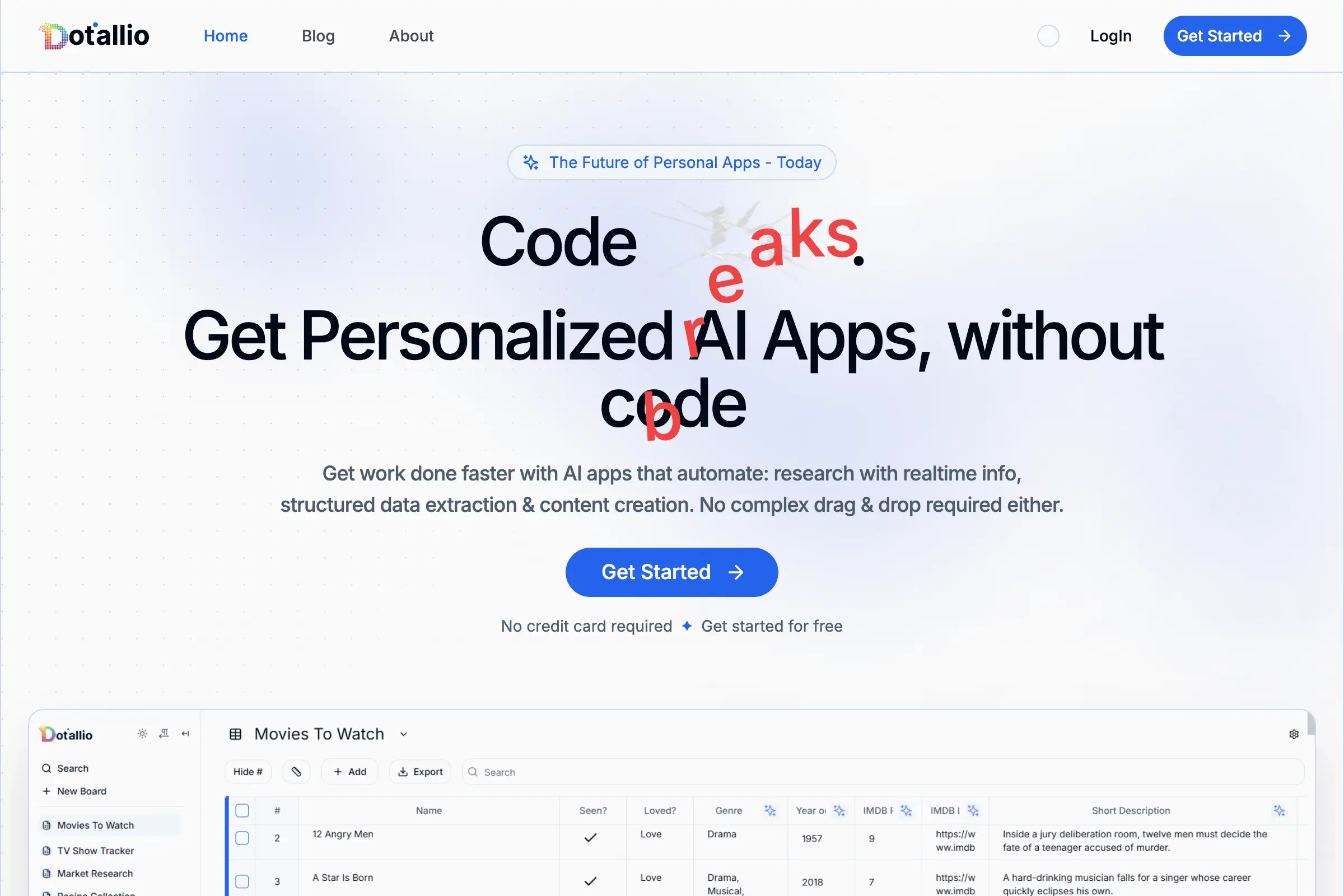
Dotallio
Personalized AI apps that automate research, data extraction, and content creation without code 🤖
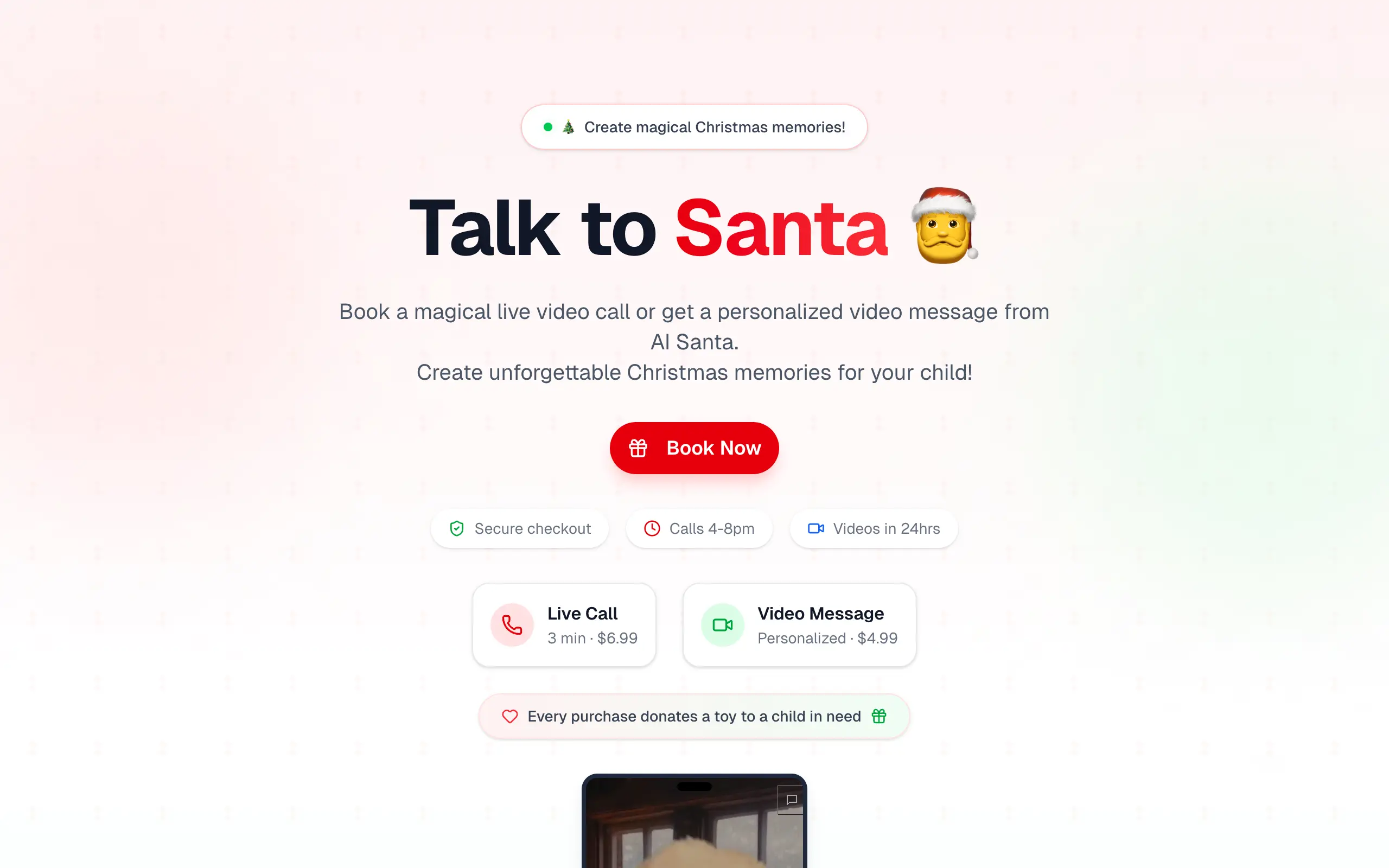
Talk to Santa
Enjoy a magical live video chat or receive a unique AI-generated video greeting from Santa Claus 🎅
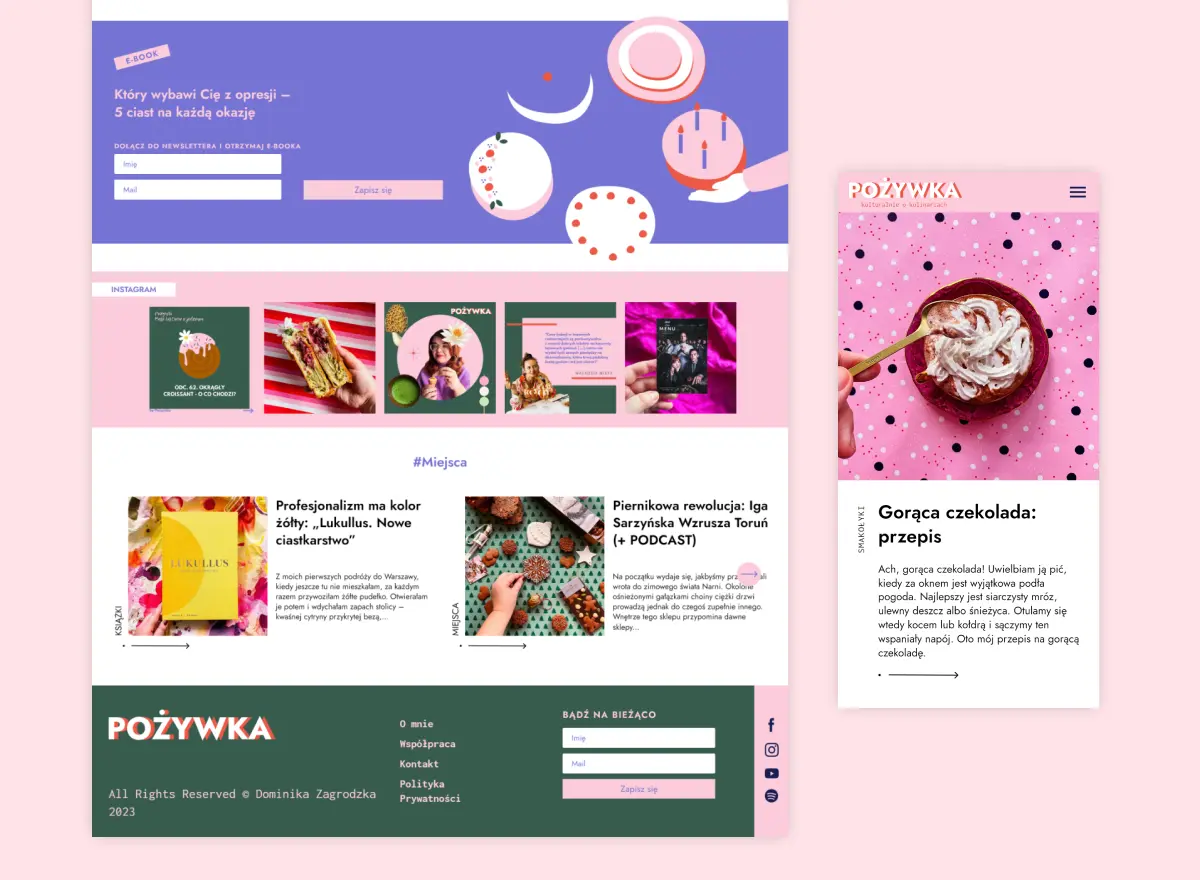
pozywka.pl
Scalable blog for food journalist, focused on performance and user experience 🌭
zagrodzki.me
Personal blog and portfolio of Bart Zagrodzki, where he shares his knowledge and work 💼
TurboStarter
Ship your startup everywhere. In minutes.
HTML to Markdown
Convert HTML to Markdown with ease, directly in your browser 📄
Dotallio
Personalized AI apps that automate research, data extraction, and content creation without code 🤖
Talk to Santa
Enjoy a magical live video chat or receive a unique AI-generated video greeting from Santa Claus 🎅
pozywka.pl
Scalable blog for food journalist, focused on performance and user experience 🌭
zagrodzki.me
Personal blog and portfolio of Bart Zagrodzki, where he shares his knowledge and work 💼
TurboStarter
Ship your startup everywhere. In minutes.
HTML to Markdown
Convert HTML to Markdown with ease, directly in your browser 📄
Dotallio
Personalized AI apps that automate research, data extraction, and content creation without code 🤖
Talk to Santa
Enjoy a magical live video chat or receive a unique AI-generated video greeting from Santa Claus 🎅
pozywka.pl
Scalable blog for food journalist, focused on performance and user experience 🌭
zagrodzki.me
Personal blog and portfolio of Bart Zagrodzki, where he shares his knowledge and work 💼
TurboStarter
Ship your startup everywhere. In minutes.
HTML to Markdown
Convert HTML to Markdown with ease, directly in your browser 📄
Dotallio
Personalized AI apps that automate research, data extraction, and content creation without code 🤖
Talk to Santa
Enjoy a magical live video chat or receive a unique AI-generated video greeting from Santa Claus 🎅
pozywka.pl
Scalable blog for food journalist, focused on performance and user experience 🌭
zagrodzki.me
Personal blog and portfolio of Bart Zagrodzki, where he shares his knowledge and work 💼
TurboStarter
Ship your startup everywhere. In minutes.
HTML to Markdown
Convert HTML to Markdown with ease, directly in your browser 📄
Omichat
Chat with 50+ AI models, including ChatGPT and Claude, in one place - switch models anytime without losing context 🤖
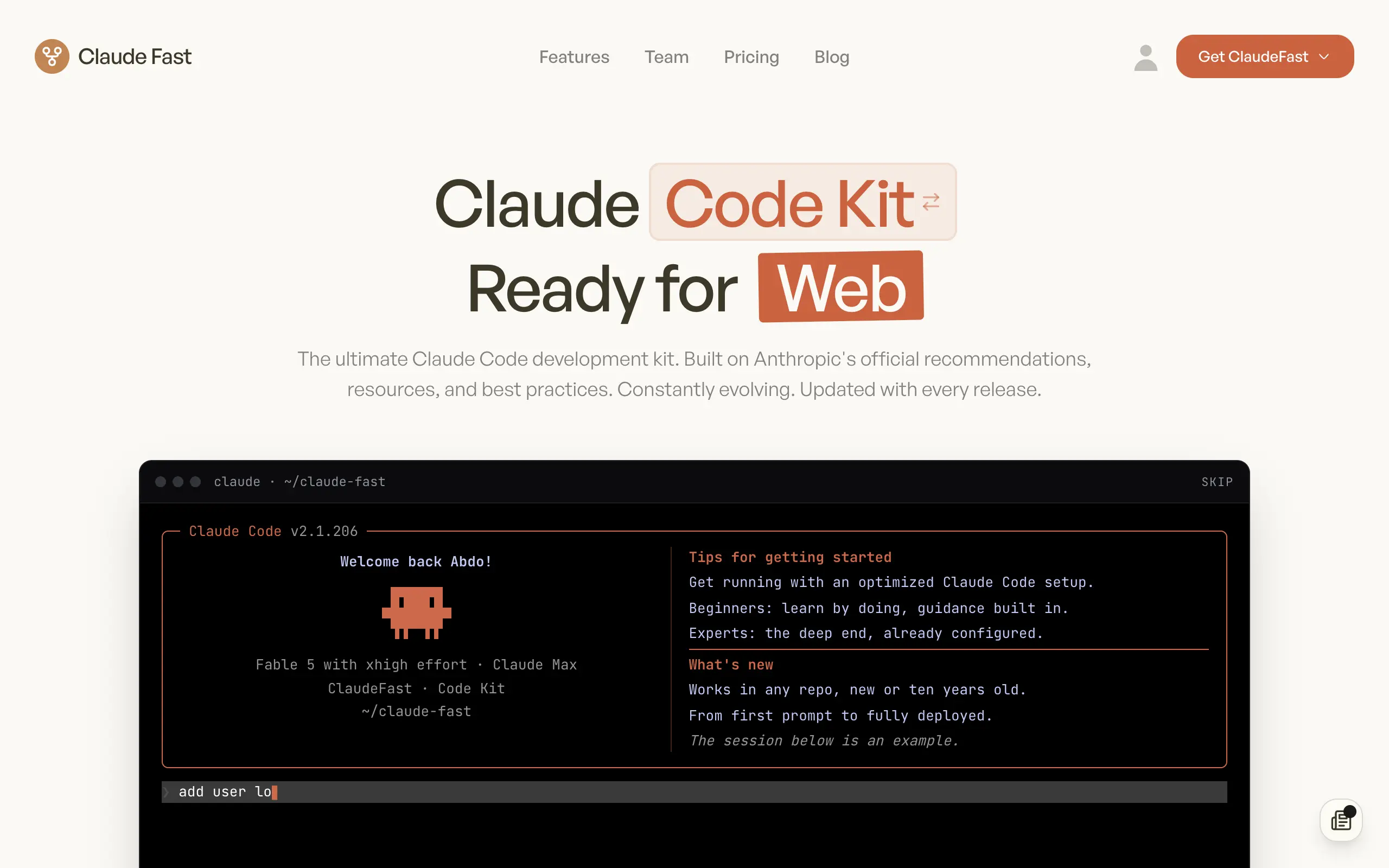
Claude Fast
Supercharge your Claude Code with 6x effective context window and specialized AI agents 🤖
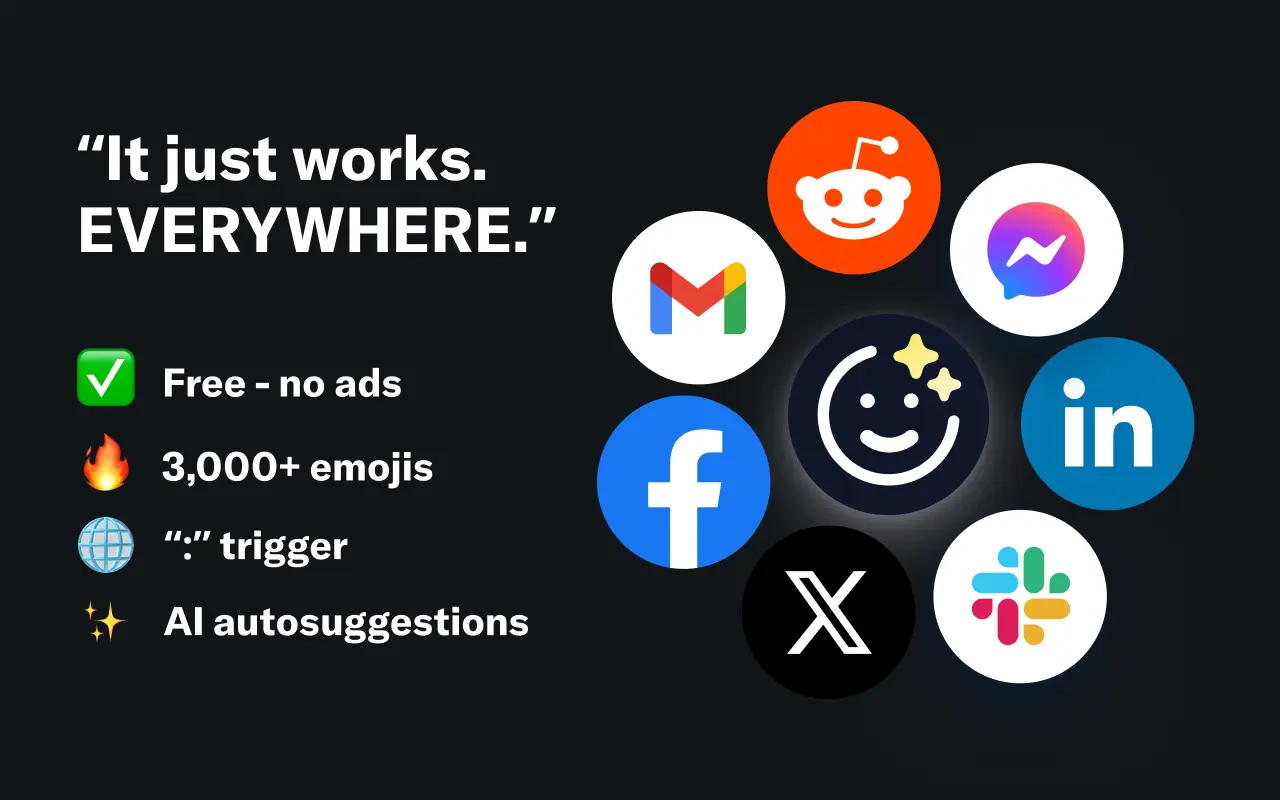
EmojAI
AI-powered emoji picker with smart, context-aware suggestions 🤖
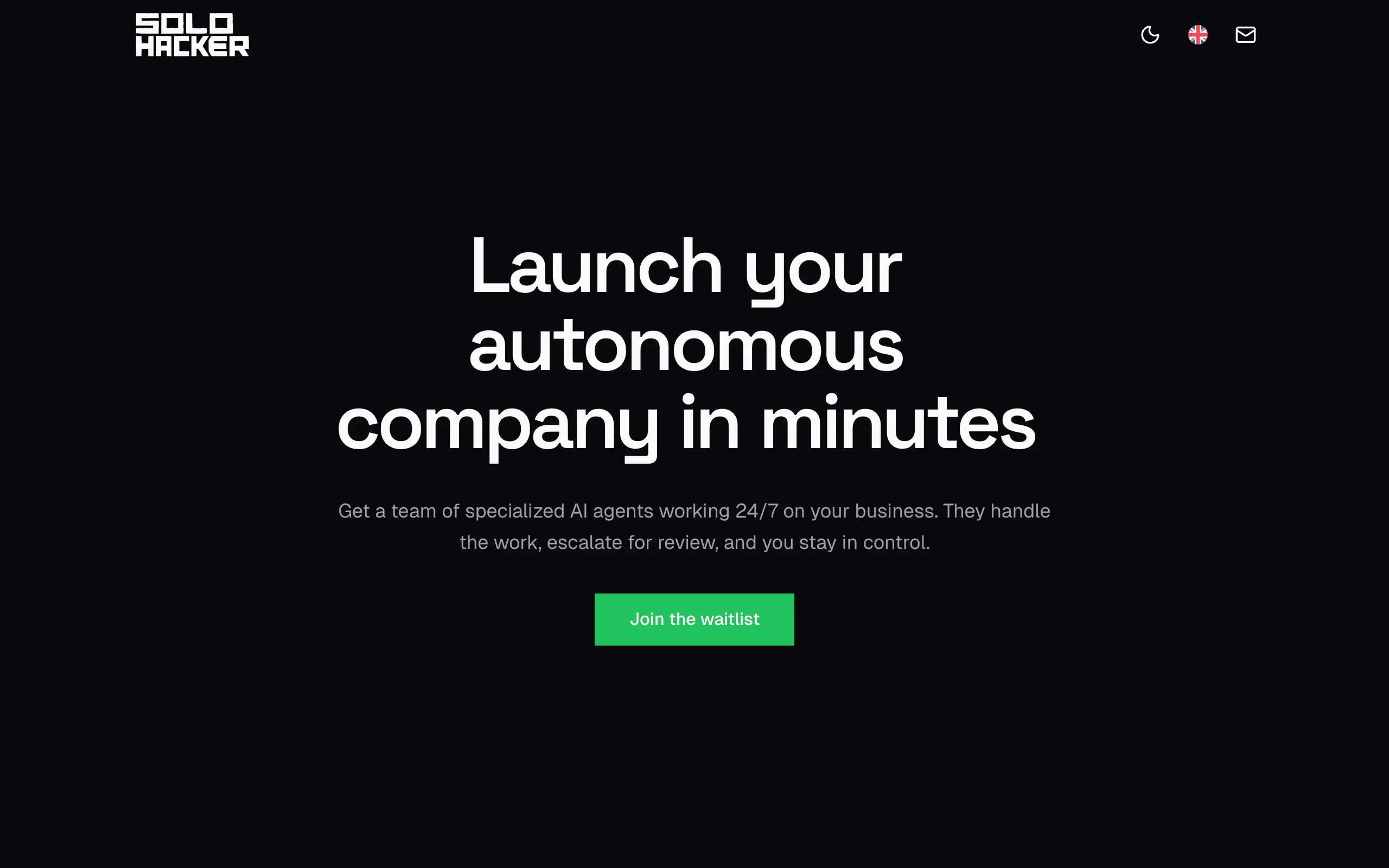
Solohacker
Autonomous company launcher - AI agents work 24/7, escalate what matters, and you stay in control 🤖
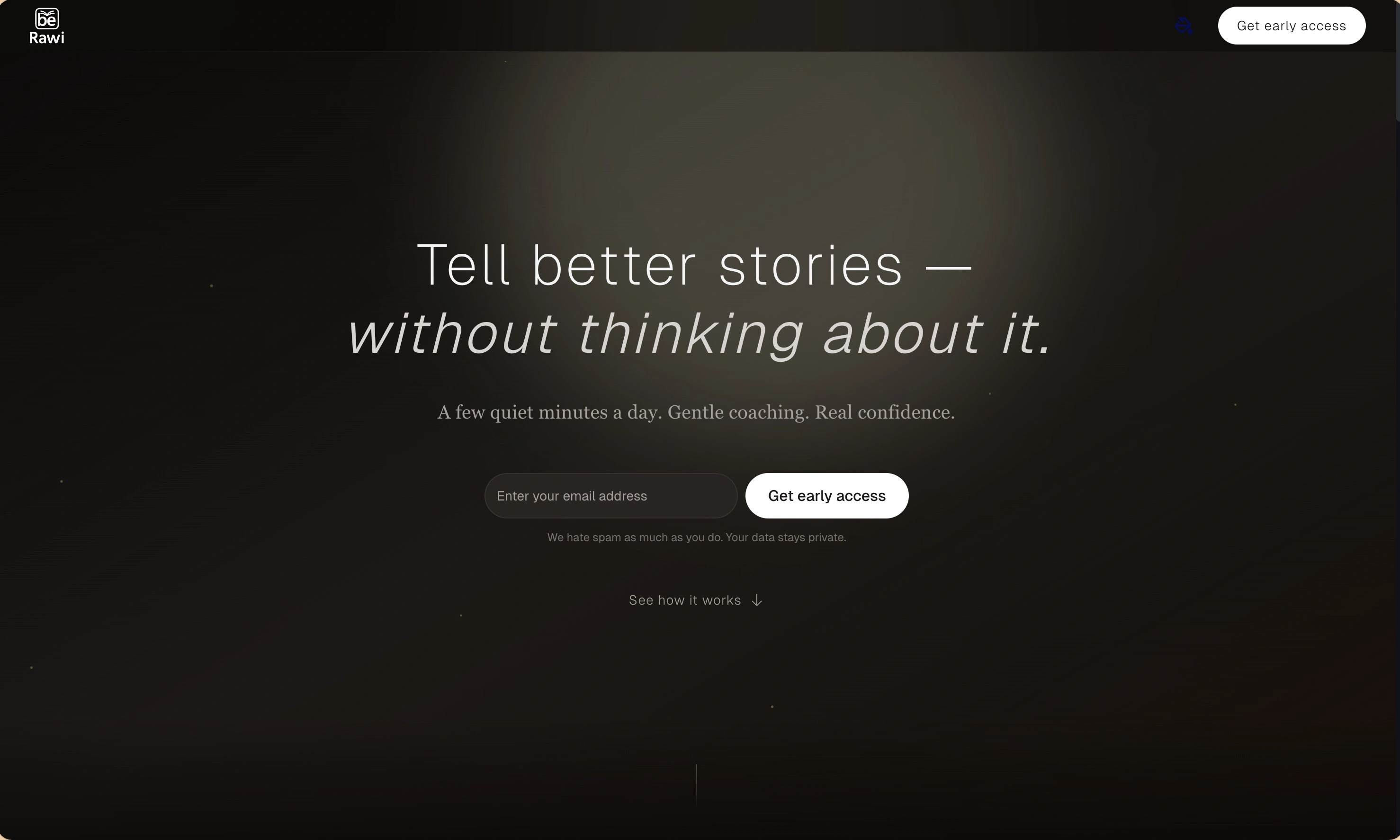
BeRawi: Storytelling Coach
Practice storytelling daily with instant feedback to sound clearer, more engaging, and confident 🎤
Omichat
Chat with 50+ AI models, including ChatGPT and Claude, in one place - switch models anytime without losing context 🤖
Claude Fast
Supercharge your Claude Code with 6x effective context window and specialized AI agents 🤖
EmojAI
AI-powered emoji picker with smart, context-aware suggestions 🤖
Solohacker
Autonomous company launcher - AI agents work 24/7, escalate what matters, and you stay in control 🤖
BeRawi: Storytelling Coach
Practice storytelling daily with instant feedback to sound clearer, more engaging, and confident 🎤
Omichat
Chat with 50+ AI models, including ChatGPT and Claude, in one place - switch models anytime without losing context 🤖
Claude Fast
Supercharge your Claude Code with 6x effective context window and specialized AI agents 🤖
EmojAI
AI-powered emoji picker with smart, context-aware suggestions 🤖
Solohacker
Autonomous company launcher - AI agents work 24/7, escalate what matters, and you stay in control 🤖
BeRawi: Storytelling Coach
Practice storytelling daily with instant feedback to sound clearer, more engaging, and confident 🎤
Omichat
Chat with 50+ AI models, including ChatGPT and Claude, in one place - switch models anytime without losing context 🤖
Claude Fast
Supercharge your Claude Code with 6x effective context window and specialized AI agents 🤖
EmojAI
AI-powered emoji picker with smart, context-aware suggestions 🤖
Solohacker
Autonomous company launcher - AI agents work 24/7, escalate what matters, and you stay in control 🤖
BeRawi: Storytelling Coach
Practice storytelling daily with instant feedback to sound clearer, more engaging, and confident 🎤

Connect with like-minded people
Join our community to get feedback, support, and grow together with 1,000+ builders on board, let's ship it!
Join usShip your startup everywhere. In minutes.
Don't burn tokens on setup and start building features on day one.