AliasPilot
AI-managed temporary email aliases that summarize incoming messages and detect phishing. Keep trials, newsletters, and vendor outreach separated.
Why AI-managed temporary email aliases solve a real inbox problem
Email remains the default identity layer for SaaS trials, ecommerce receipts, newsletters, support portals, vendor conversations, and account verification. That convenience comes with a cost. Every time someone shares their primary address, they create another path for marketing noise, data exposure, credential phishing, or a difficult-to-unsubscribe sender.
AliasPilot is an AI-managed temporary email alias platform designed to give users a safer, more intentional way to share email addresses. Instead of handing out one permanent inbox address everywhere, users can create purpose-specific aliases for trials, newsletters, vendor outreach, shopping, recruiting, or other workflows. Incoming messages are then summarized, categorized, screened for phishing signals, and routed according to user-defined rules.
The primary keyword for this concept is AI temporary email aliases. Related terms include:
- Email alias management
- Temporary email forwarding
- Disposable email aliases
- AI email summarization
- Phishing detection software
- Privacy email service
- Secure email forwarding
- Inbox management SaaS
- Trial signup email aliases
- Newsletter email organization
Unlike basic disposable email services, AliasPilot should not position itself as a tool for anonymity alone. Its value is more practical and durable: users receive messages reliably while retaining control over each relationship they create online.
The central positioning
AliasPilot is not merely a temporary email generator. It is an intelligent email relationship management layer that helps people decide which senders deserve attention, which aliases should remain active, and which messages may be risky.
The target audience for AI temporary email aliases
The best early users are people who already feel the pain of inbox overload, privacy exposure, or repeated vendor follow-ups. They do not need to be cybersecurity experts. They simply need a clearer system for sharing and controlling their email identity.
Privacy-conscious professionals
Freelancers, consultants, founders, investors, journalists, and researchers often need to sign up for tools, request demos, download reports, and contact unfamiliar organizations. Their primary inbox can quickly become a source of spam and unwanted follow-ups.
For this audience, AliasPilot can create aliases such as:
notion-trial@aliaspilot.appvendor-demo-q3@aliaspilot.appresearch-newsletters@aliaspilot.apppress-inquiries@aliaspilot.app
The benefit is not only privacy. It is context. If a message arrives at a vendor-specific alias, the user instantly knows how that sender obtained their address and what relationship the email belongs to.
Startup teams and small businesses
Small teams frequently test new SaaS products, evaluate agencies, compare vendors, and attend online events. These activities generate a high volume of sales sequences and nurture campaigns. A shared alias system can help teams keep evaluation conversations separate from customer support or internal operations.
A startup may create aliases for each vendor evaluation, then automatically route messages into a shared review queue. When a trial ends, the team can pause or delete the alias without affecting its core company inbox.
This creates a strong B2B use case for temporary email forwarding with team governance.
Developers, product managers, and growth teams
Technical and growth-focused users sign up for many tools. They often need accounts for documentation platforms, API services, analytics products, design tools, and automation software. The problem is compounded when a user must test competitors or create temporary environments.
AliasPilot can appeal to these users through:
- Fast alias generation
- Browser extension workflows
- Custom domains
- Webhooks and API access
- Rules for forwarding and archiving
- AI-generated email summaries
- Alias lifecycle controls
For developers, an alias API can turn email routing into programmable infrastructure rather than a manual inbox chore.
Online shoppers and newsletter subscribers
Consumers are a broad long-term market, especially users who are tired of promotional emails after making a one-time purchase. They may want a temporary alias for a store, a subscription box, an event registration, or a downloadable guide.
This segment values simplicity. They should be able to create an alias in seconds, use it at checkout, and later see a clean summary such as:
Three emails received from this retailer. One order update, one shipping confirmation, and one promotional campaign. No action required.
Security-aware organizations
Security teams, IT administrators, and compliance-conscious companies may use email aliases to reduce exposure in procurement, research, recruiting, and public contact forms. This segment has a higher willingness to pay but expects stronger controls, clear data handling policies, audit logs, and administrative oversight.
Enterprise adoption should come later, after AliasPilot has proven reliable routing, phishing analysis, and domain-level controls.
The market gap in email alias management
Email aliasing is not new. Many email providers allow users to add plus signs, create masked email addresses, or configure forwarding rules. However, the existing experience is fragmented.
Users commonly face one of four incomplete options:
- A standard inbox with weak organizational controls.
- A disposable email service that may be blocked by websites or lacks reliable message retention.
- A privacy alias tool that forwards mail but does not help users understand incoming content.
- An enterprise security product built for large organizations rather than individuals or small teams.
The opportunity for AliasPilot sits between privacy tooling and AI inbox assistance.
The gap is not alias creation alone
Generating a random address is easy. The more valuable product challenge is helping users manage the messages that arrive after the alias has been shared.
A useful AI temporary email alias platform should answer practical questions:
- Which messages require attention today?
- Which aliases are receiving unwanted marketing?
- Is this sender likely legitimate?
- Does this message contain suspicious links or social engineering language?
- Can the user safely ignore, block, pause, or delete this alias?
- Which vendor trials are about to expire?
- Which newsletter subscriptions have become inactive or irrelevant?
That is where AliasPilot can differentiate. It can transform aliases from passive forwarding addresses into active, intelligent inbox controls.
Why the timing is favorable
Several trends make this idea increasingly relevant:
- More software vendors use automated sales outreach after trial signup.
- Consumers are more aware of data brokerage, phishing, and password reuse risks.
- AI models can now classify and summarize routine messages with useful accuracy when paired with safeguards.
- Remote work has increased the number of online tools and vendor relationships an individual manages.
- Email phishing remains a persistent entry point for credential theft and business compromise.
For credible market validation, the final published article should cite current reports from organizations such as the Anti-Phishing Working Group, Verizon’s Data Breach Investigations Report, and national cybersecurity agencies. These sources can support specific claims about phishing volume and email-based social engineering without relying on outdated statistics.
The AliasPilot solution and unique selling proposition
AliasPilot should promise a simple outcome:
Use a different email identity for every context, then let AI tell you what matters and protect you from what does not.
Its unique selling proposition is the combination of three capabilities:
- Temporary and permanent email aliases for better privacy and sender attribution.
- AI email summaries that reduce reading time without hiding important messages.
- Phishing and risk detection that adds a safety layer before users click links or reply.
A standard alias product tells users where email came from. AliasPilot should tell them whether it matters, whether it looks safe, and what they should do next.
Privacy by context
Give every signup, trial, vendor, or newsletter its own controlled email identity.
AI inbox clarity
Summarize long email threads, surface requests, and identify routine promotional noise.
Proactive protection
Flag suspicious senders, deceptive language, risky links, and unexpected credential requests.
The core product workflow
A polished AliasPilot workflow should be short enough to fit naturally into a signup flow or browser extension.
The product should make the user feel in control rather than overwhelmed by another inbox.
Essential AliasPilot features
Alias generation and lifecycle management
At the foundation, AliasPilot needs fast, reliable alias provisioning. Users should be able to create aliases from the dashboard, browser extension, mobile app, API, or email command.
Useful alias options include:
- Random aliases for privacy-first signups
- Human-readable aliases for vendor relationships
- Expiring aliases for limited-time trials or events
- Permanent aliases for recurring subscriptions
- Shared aliases for teams
- Custom domain aliases for premium users
- Aliases with tags such as
shopping,research,tools, orrecruiting
Lifecycle controls are equally important. Every alias should support active, paused, archived, blocked, and deleted states. Pausing is especially valuable because it stops unwanted incoming mail while preserving the ability to reactivate the alias if needed.
AI email summaries and action extraction
AI summaries should be useful, brief, and verifiable. The product should never replace the original message; it should make the original easier to review.
For each email or thread, the platform can provide:
- A one- or two-sentence summary
- Sender identity and alias context
- Detected requests or deadlines
- Suggested action such as read, archive, unsubscribe, or review
- A classification such as transactional, marketing, support, security, or sales
- A confidence indicator when classification is uncertain
A vendor email summary could read:
The sales representative followed up after your demo request and offered a 14-day extension. No immediate action is required unless you want to schedule a call.
A shipping email summary could read:
Your order has shipped and is expected to arrive tomorrow. Tracking link detected and matches the retailer domain.
The key product principle is assistive AI, not opaque automation. Users should always be able to inspect the underlying email content and understand why a risk label or recommendation was applied.
Phishing detection for email aliases
Phishing detection is a major differentiator, but it must be presented responsibly. AliasPilot should avoid claiming it can guarantee that every malicious email will be caught. Instead, it should use layered detection and transparent risk explanations.
Potential phishing signals include:
- Sender domain mismatches
- Lookalike domains and homoglyph attacks
- Newly observed sender domains
- Suspicious redirect chains
- Link text that does not match destination domains
- Urgent payment or credential requests
- Unexpected attachment types
- Reply-to address inconsistencies
- Known malicious indicators from reputable threat intelligence sources
- Language patterns associated with impersonation or account takeover attempts
The user experience should emphasize clear warnings rather than technical jargon.
Phishing detection should be explainable
A high-risk label should include the reason, such as a mismatched reply-to address or a link that redirects to an unrelated domain. Explainable alerts help users make safer decisions and reduce false-positive frustration.
Smart routing and delivery rules
Users need control over where messages go. Some may prefer one consolidated AliasPilot inbox, while others want messages forwarded into Gmail, Outlook, or another existing provider.
A flexible rules engine can support:
- Forward messages from specific aliases
- Send transactional messages to the primary inbox
- Keep newsletters in an AliasPilot digest
- Auto-archive low-priority promotional messages
- Forward high-risk emails with warning headers disabled by default
- Notify users when a new sender contacts a sensitive alias
- Send weekly summaries of inactive or noisy aliases
- Route shared aliases to team members
The product should offer safe defaults. For example, suspected phishing messages should remain accessible in a quarantined view but should not be aggressively forwarded into a user’s primary inbox.
Alias intelligence dashboard
The dashboard should provide more than a list of email addresses. It should show the health and value of each alias.
Helpful dashboard metrics include:
- Messages received in the last 7, 30, and 90 days
- Top sender categories
- Unread action-required messages
- Risk alerts
- Alias expiration dates
- Last activity date
- Number of blocked messages
- Estimated inbox time saved through summaries
Avoid overstating time-saved claims unless the calculation is transparent. If AliasPilot displays a metric, explain the methodology and let users disable it.
Browser extension and mobile capture
A browser extension is likely one of the most important acquisition and retention features. When a user reaches an email field on a signup page, AliasPilot can offer a contextual suggestion:
Create an alias for this website
The extension should detect the current domain, propose a readable alias, and fill the form after the user approves. It must be privacy-sensitive and request only the minimum necessary permissions.
On mobile, share-sheet support or a keyboard integration can make alias generation equally convenient.
Feature prioritization for a focused MVP
A common SaaS mistake is trying to build an email platform, security platform, AI assistant, and enterprise administration suite all at once. AliasPilot should launch with a narrow but compelling version of the promise.
| Feature | MVP priority | User value | Complexity | Launch recommendation |
|---|---|---|---|---|
| Alias creation and forwarding | High | Core privacy control | Medium | Launch immediately |
| AI message summaries | High | Clear differentiation | Medium | Launch with limits |
| Basic phishing risk flags | High | Trust and safety value | High | Use layered rules first |
| Browser extension | Medium | Improves adoption | Medium | Release after core routing works |
| Team administration | Low | Supports B2B expansion | High | Build after product validation |
The first version should focus on individuals and solo professionals. A strong MVP could include unlimited or limited aliases, secure forwarding, an AliasPilot inbox, AI summaries, sender tagging, manual blocking, and a transparent suspicious-message warning system.
Recommended tech stack for AliasPilot
AliasPilot handles sensitive communication data, so technical choices should prioritize reliability, security, observability, and privacy over novelty.
Application and dashboard stack
A practical SaaS application stack could include:
- Next.js for the web application and server-rendered dashboard
- React for interactive interface components
- TypeScript for safer application code
- Tailwind CSS for rapid, consistent interface development
- PostgreSQL for relational data such as users, aliases, routing rules, billing, and audit events
- Prisma for type-safe database access and migrations
- Stripe for subscriptions, invoices, customer portal access, and usage-based billing
A relational database is a good fit because aliases, users, domains, messages, rules, teams, and audit logs have clear relationships. PostgreSQL also supports useful indexing and full-text capabilities for a product that may later offer message search.
Email receiving architecture
Receiving email reliably is the technically sensitive part of the platform. AliasPilot needs inbound email handling through a provider or infrastructure setup that supports custom domains, webhooks, routing, spam controls, and message retention.
Possible approaches include:
- Using a transactional email provider with inbound email webhooks
- Running a dedicated mail transfer agent for full control
- Combining a managed inbound provider with a queue-based processing pipeline
A managed provider reduces early operational risk. Running mail infrastructure directly provides more control but significantly increases the burden of deliverability, abuse prevention, DNS configuration, monitoring, and incident response.
For the MVP, use a managed inbound email provider and isolate its webhook processing behind a queue. A message should be accepted quickly, stored securely, and processed asynchronously for classification, summarization, and forwarding.
AI and classification layer
The AI layer should separate low-risk automation from high-risk security decisions.
Use deterministic rules for known, explainable checks such as:
- Sender and reply-to mismatches
- URL extraction
- Domain reputation checks
- Attachment extension checks
- DMARC, SPF, and DKIM result analysis where available
- Message header anomalies
Use an LLM for tasks where language understanding adds meaningful value:
- Summarizing long messages
- Extracting deadlines and tasks
- Categorizing intent
- Identifying suspicious urgency or impersonation language
- Producing human-readable explanations
The platform can use the OpenAI API documentation as a reference point when evaluating model integrations. However, the architecture should remain provider-agnostic. Build an internal AI service interface so that models can be changed, evaluated, or routed by sensitivity level.
A simplified processing flow could look like this:
type EmailRisk = "low" | "medium" | "high";

async function processInboundEmail(message: InboundEmail) {
  const authentication = analyzeEmailAuthentication(message.headers);
  const links = extractLinks(message.html, message.text);
  const linkRisk = await evaluateLinks(links);
  const contentAnalysis = await summarizeAndClassify(message);

  const risk = calculateRisk({
    authentication,
    linkRisk,
    urgencySignals: contentAnalysis.urgencySignals,
    impersonationSignals: contentAnalysis.impersonationSignals,
  });

  await saveProcessedMessage({
    messageId: message.id,
    summary: contentAnalysis.summary,
    category: contentAnalysis.category,
    risk: risk as EmailRisk,
  });

  return applyRoutingRules(message, risk);
}
The important trade-off is cost versus quality. Summarizing every marketing email with a large model can become expensive at scale. AliasPilot should use a tiered pipeline:
- Lightweight rules and classifiers for obvious spam, promotions, and transactional messages.
- LLM summarization only for messages likely to matter.
- Batch summaries for newsletters and low-priority email.
- Premium usage limits for high-volume processing.
Security, privacy, and data retention
A privacy-focused email product cannot treat security as a post-launch feature. The platform should implement:
- Encryption in transit and at rest
- Strong tenant isolation
- Role-based access controls for team plans
- Short-lived signed URLs for attachments
- Audit logs for alias changes and admin actions
- Rate limiting and abuse prevention
- Secure secret management
- Data deletion workflows
- Configurable email retention policies
- Clear disclosure of AI processing practices
AliasPilot should also consider data minimization. Does the service need to retain full message bodies forever? Usually, no. Users may prefer configurable retention periods, especially for temporary aliases.
A privacy-first option could allow users to store only message metadata and summaries after a retention window, unless they explicitly choose long-term archival.
Monetization strategies for AliasPilot
The best pricing model should align with the amount of value and infrastructure cost each customer creates. AliasPilot has recurring usage costs from email processing, storage, AI summaries, and security analysis.
Freemium plan for acquisition
A free plan can make the product easy to try while creating a natural upgrade path.
A reasonable free tier may include:
- A limited number of active aliases
- Standard forwarding
- Basic sender categories
- A limited monthly number of AI summaries
- Basic phishing warnings
- Short message retention
The free plan should be useful enough to prove the workflow. It should not be so limited that users cannot experience the core benefit of context-aware aliases.
Pro plan for individual power users
A paid individual plan could include:
- More or unlimited active aliases
- Custom alias naming
- Longer retention
- Advanced routing rules
- Full AI summaries
- Weekly inbox digests
- Custom domains
- Browser extension features
- Priority threat detection
- Export and search capabilities
The most compelling upgrade triggers are likely custom domains, advanced AI processing, greater retention, and automation rules.
Team plan for shared vendor and research workflows
A team plan can target startups, agencies, and small businesses.
Potential team features include:
- Shared aliases
- Shared inboxes
- Member permissions
- Alias ownership controls
- Central billing
- Activity logs
- Slack or webhook notifications
- Domain management
- Team-level retention policies
This plan has stronger revenue potential but should be introduced after individual users validate the core product.
Usage-based AI add-ons
AI processing can be expensive and variable. A base subscription plus usage credits is a transparent option for high-volume users. Customers should understand what counts as AI usage and be able to set hard spending limits.
Avoid unexpected overage charges. Trust is particularly important for a privacy and security product.
Competitive advantage and positioning
AliasPilot will compete indirectly with email providers, aliasing tools, disposable inbox services, spam filters, and AI email assistants. The competitive advantage comes from combining these jobs into one clear workflow.
| Capability | Disposable inboxes | Basic alias tools | AI inbox assistants | AliasPilot | User outcome |
|---|---|---|---|---|---|
| Reliable message forwarding | Limited | Yes | No | Yes | Users retain access to legitimate messages |
| Alias-level privacy control | Yes | Yes | No | Yes | Every sender relationship is traceable |
| AI summaries | No | Limited | Yes | Yes | Less time spent reading routine email |
| Phishing explanations | No | Limited | Limited | Yes | Better-informed safety decisions |
The strongest positioning statement is:
AliasPilot gives every online relationship its own email identity, then uses AI to summarize the conversation and identify potential threats before they reach the user’s main inbox.
That message is differentiated, easy to understand, and focused on user outcomes.
Risks and mitigation strategies
Risk of false phishing alerts
False positives can frustrate users and reduce trust. A legitimate invoice or password reset email incorrectly marked as dangerous may cause unnecessary concern.
Mitigation should include:
- Explainable risk reasons
- Clear risk levels rather than binary safe-or-unsafe labels
- A simple “mark as safe” feedback action
- Feedback loops for improving classifiers
- Conservative language such as “potentially suspicious”
- Separation between warnings and irreversible blocking
Risk of missed malicious messages
No phishing detection system is perfect. Overpromising creates legal and reputational risk.
AliasPilot should clearly state that its detection features are an additional safety layer, not a replacement for user caution, security awareness training, or endpoint protection. The service should surface risk signals and help users inspect messages safely.
Risk of handling sensitive email content
Users may receive invoices, contracts, account recovery emails, personal correspondence, or confidential business information through aliases. This creates a high privacy bar.
Mitigation requires:
- Transparent privacy policies
- Configurable retention
- Encryption
- Minimal internal access
- Strict audit logging
- Vendor security reviews
- Clear AI data processing disclosure
- A documented incident response plan
Risk of abuse and spam relay
Any email forwarding product can attract abuse. Attackers may attempt to use aliases for bulk signup abuse, spam forwarding, or evading platform restrictions.
Mitigation options include:
- Rate limits on alias creation
- CAPTCHA and verification at signup
- Reputation scoring
- Limits for new accounts
- Domain and IP abuse monitoring
- Manual review for suspicious activity
- Strong acceptable use policies
Risk of dependency on third-party email and AI providers
An inbound email provider outage or AI API pricing change can affect the product experience.
Mitigate this by using queues, retry logic, provider abstraction, service-level monitoring, and a fallback mode. If AI summarization is unavailable, AliasPilot should still receive, store, route, and display messages safely.
Go-to-market strategy for AliasPilot
The initial go-to-market motion should target users who already search for better ways to manage trial signups, unwanted marketing email, and vendor outreach.
High-intent SEO topics could include:
- How to create a temporary email alias for free trials
- Best email alias manager for newsletters
- How to stop vendor follow-up emails without missing receipts
- Temporary email forwarding for online shopping
- How to identify phishing emails from unfamiliar senders
- Disposable email alternatives for professionals
- Email privacy tools for SaaS trials
Product-led growth can work well if the free experience is immediately useful. The best activation event is not account creation. It is creating an alias, using it on a real website, and receiving a clearly summarized first message.
Distribution channels worth testing
- SEO content targeting email privacy and inbox organization intent
- Browser extension marketplaces
- Product communities and launch platforms
- Founder, developer, and productivity newsletters
- Cybersecurity and privacy communities
- Partnerships with password managers, privacy tools, and startup communities
- Referral incentives for custom domain users
The brand voice should stay practical. Do not rely on fear-based phishing marketing. Lead with clarity, privacy, and inbox control, then reinforce the security benefit.
Actionable implementation plan
A focused rollout helps AliasPilot reach the market before complexity overwhelms the product team.
Phase one: validate the core workflow
Build the smallest version that proves users value contextual aliases and summaries.
- Create account authentication and billing foundations.
- Provision an AliasPilot email domain.
- Implement alias creation, forwarding, pause, and delete actions.
- Build an inbox view with sender, alias, date, and message preview.
- Add basic categorization and concise AI summaries.
- Add a simple suspicious-message flag using deterministic checks.
- Interview early users after they have used at least three aliases.
Success in this phase means users return to manage aliases instead of treating them as one-time disposable addresses.
Phase two: improve daily utility
Once inbound email handling is stable, add features that create habitual use.
- Create notification preferences and digests.
- Add search, tags, and alias activity views.
- Build routing rules.
- Add trusted sender controls.
- Add browser extension support.
- Improve phishing explanations and user feedback loops.
- Introduce a paid plan for expanded aliases and AI usage.
Phase three: expand into teams and custom domains
After proving retention with individual users, build for organizations.
- Add team workspaces and shared aliases.
- Support custom domains.
- Add role-based access and audit logs.
- Add webhook and API integrations.
- Create admin retention controls.
- Develop a security and compliance roadmap based on customer requirements.
For founders who want to move from concept to a launch-ready SaaS application faster, TurboStarter can provide a practical foundation for authentication, billing, dashboards, and common SaaS infrastructure.
Final takeaways
AliasPilot has a credible opportunity because the problem is familiar, recurring, and increasingly expensive in attention and privacy terms. People do not simply need another disposable email address. They need an intelligent way to control the email identities they share across the internet.
The winning product will make three things effortless:
- Creating an alias at the moment it is needed.
- Understanding what arrived without reading every email.
- Acting confidently when a sender appears unwanted, irrelevant, or suspicious.
The product’s moat will not come from generating aliases alone. It will come from trustworthy message handling, explainable AI summaries, reliable routing, privacy-conscious architecture, and a user experience that makes email boundaries feel simple.
If AliasPilot earns trust as the place where users can safely separate trials, newsletters, online purchases, and vendor outreach from their primary inbox, it can become a valuable layer between people and the increasingly noisy email ecosystem.
More 🤖 AI Startup SaaS ideas
Discover more innovative ai startup SaaS ideas that are trending in 2026. Each idea is AI-generated with market validation and growth potential to help you find your next profitable venture faster than competitors.
Your competitors are building with TurboStarter
Below are some of the SaaS ideas that have been generated and built with our starter kit.
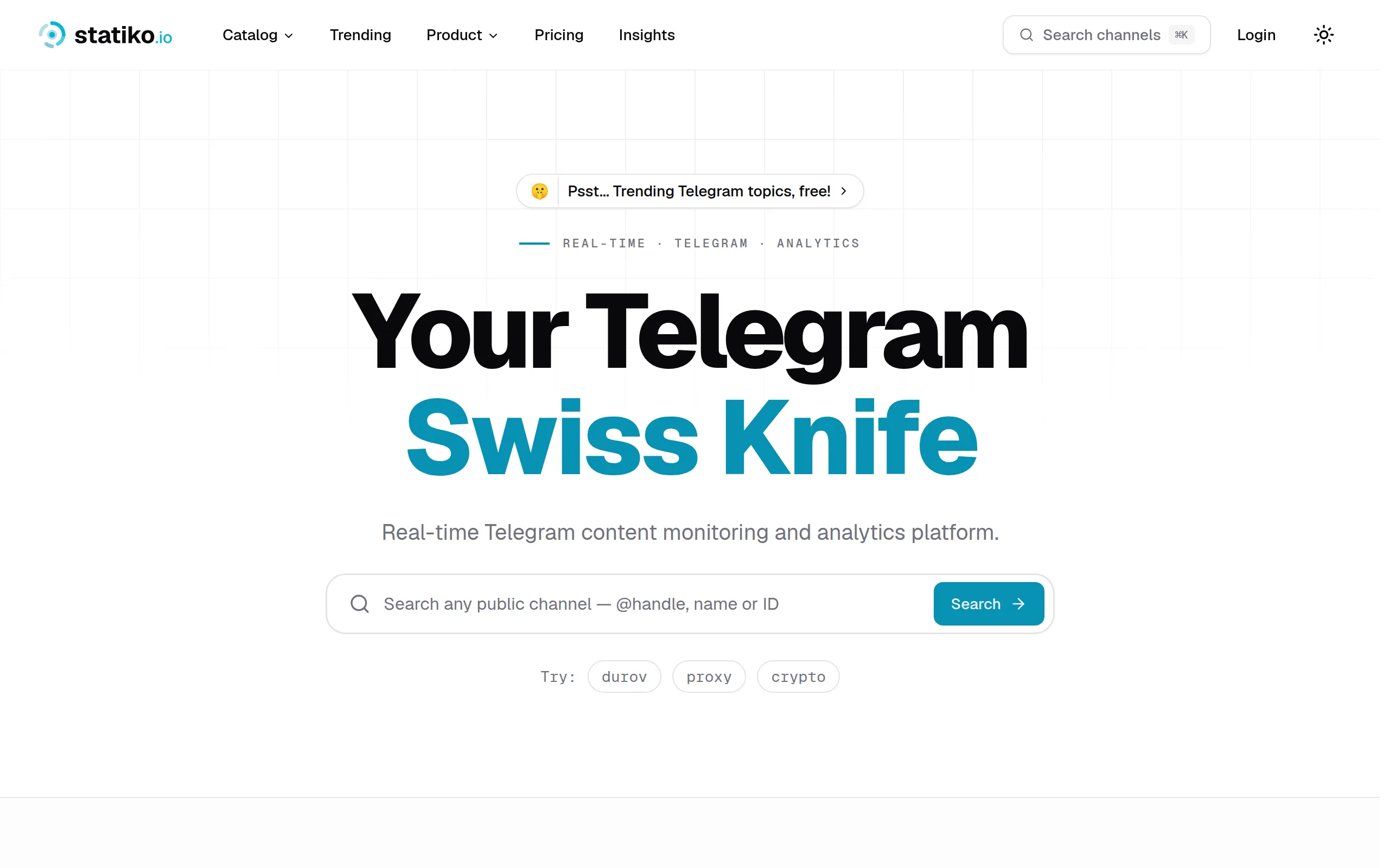
Statiko
Monitor any Telegram channel in real time - track posts, edits, deletions, and growth with AI recaps 📡
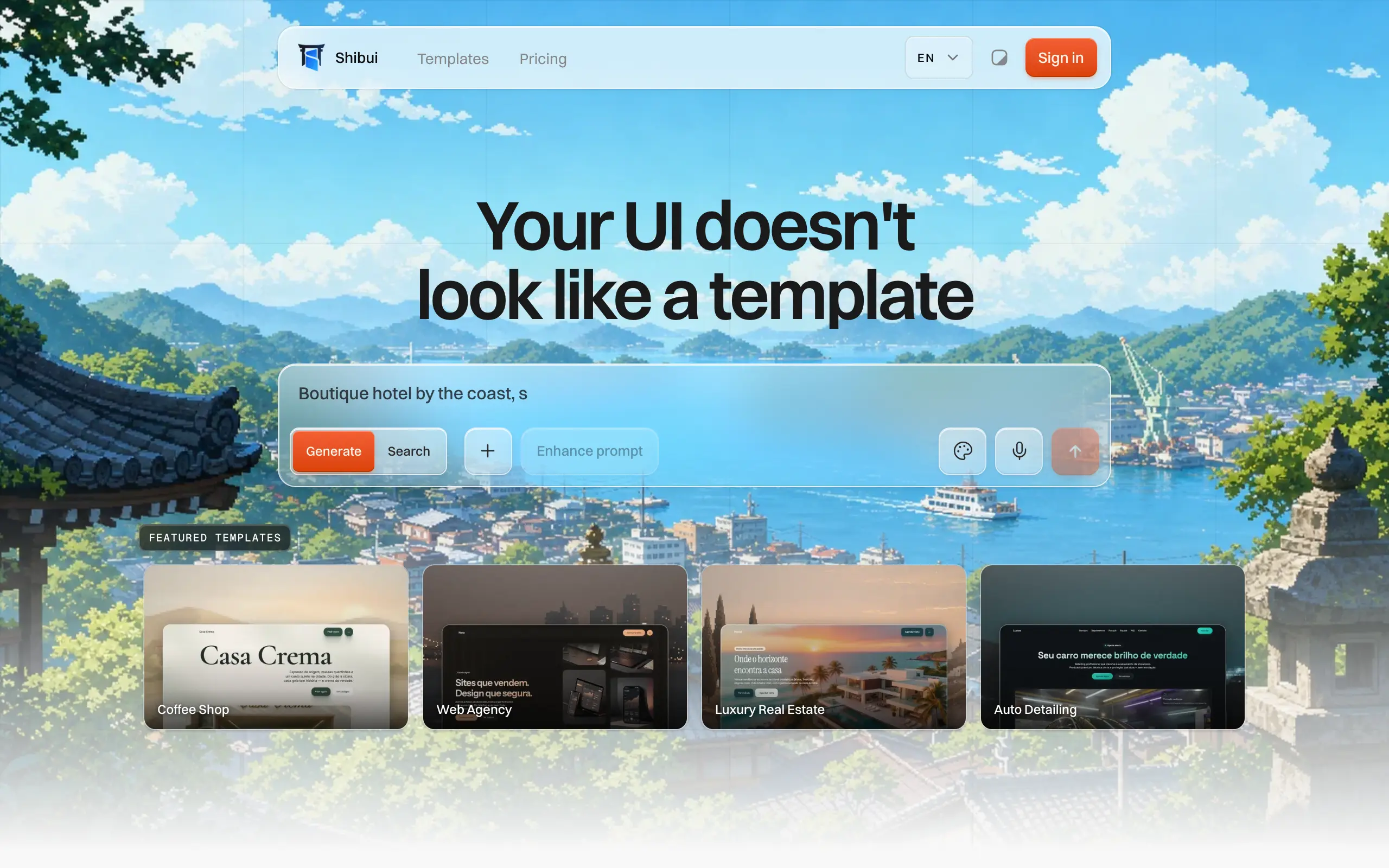
Shibui
AI website builder - describe your business, pick a niche template, edit by chatting, and publish instantly ✨

Pro Service
Find verified home service professionals, compare quotes, and pay securely through escrow - built for Brazilians across the US 🏠
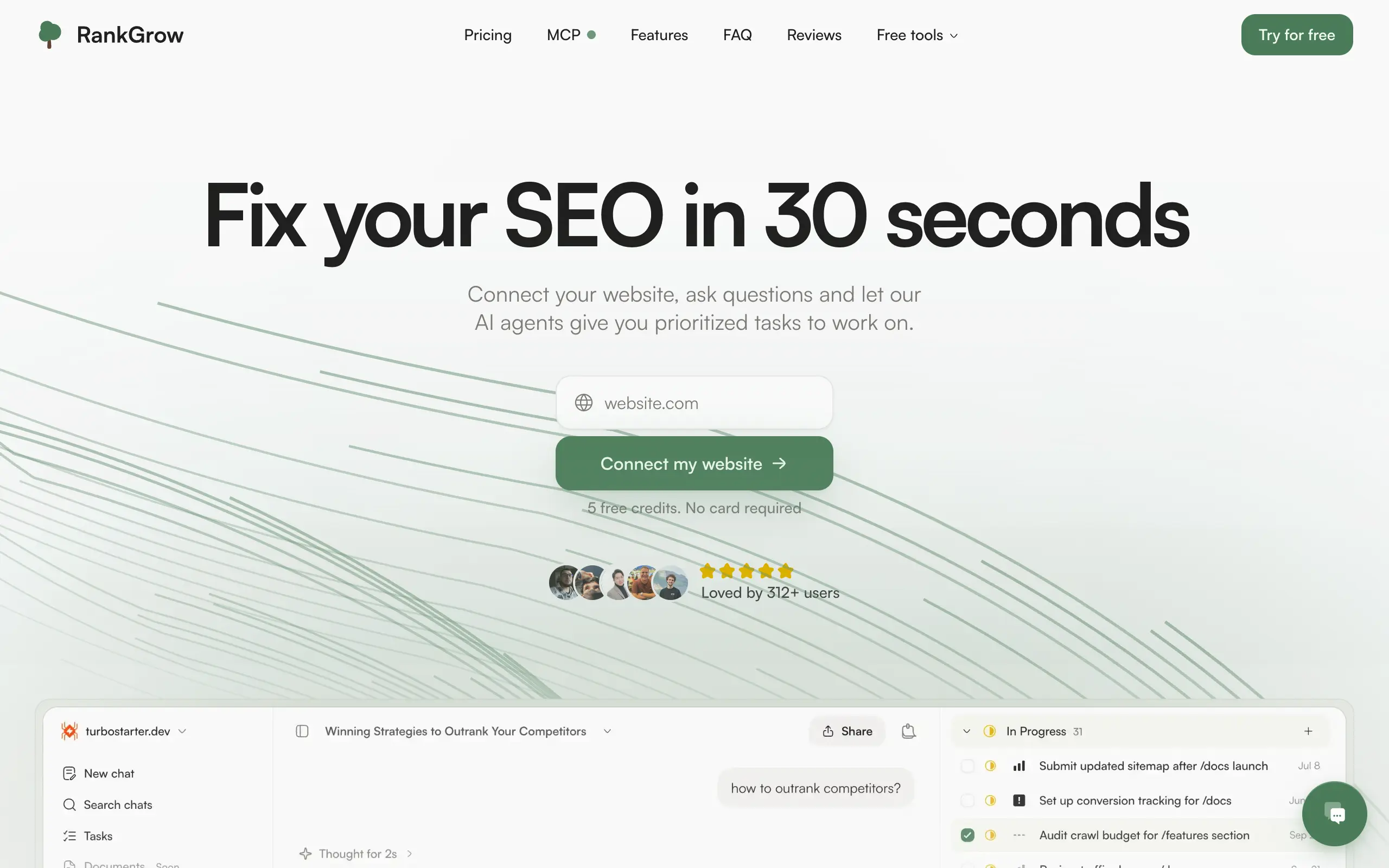
RankGrow
Fix your SEO with AI agents - connect Search Console, get prioritized tasks, and grow organic traffic 📈
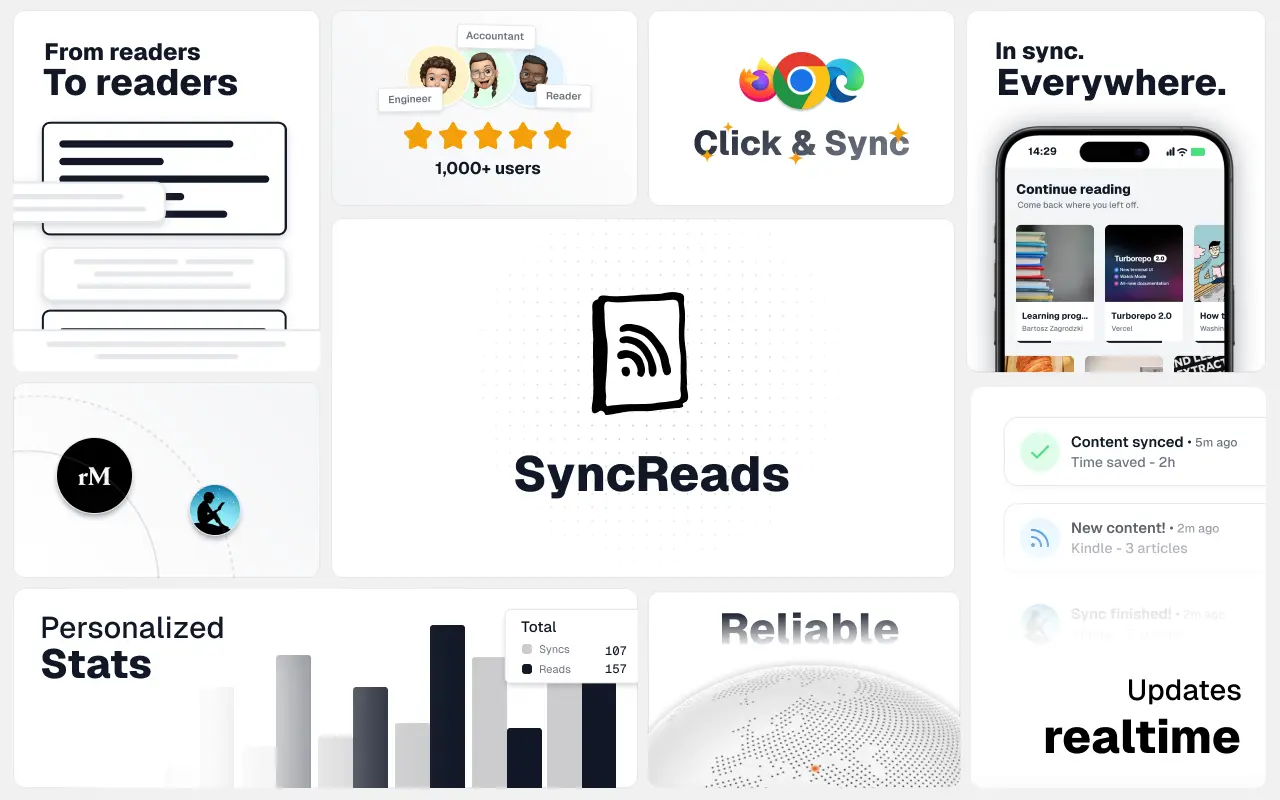
SyncReads
Sync your favorite content for distraction-free reading, save time and replace multiple apps. Anytime, anywhere 🔄
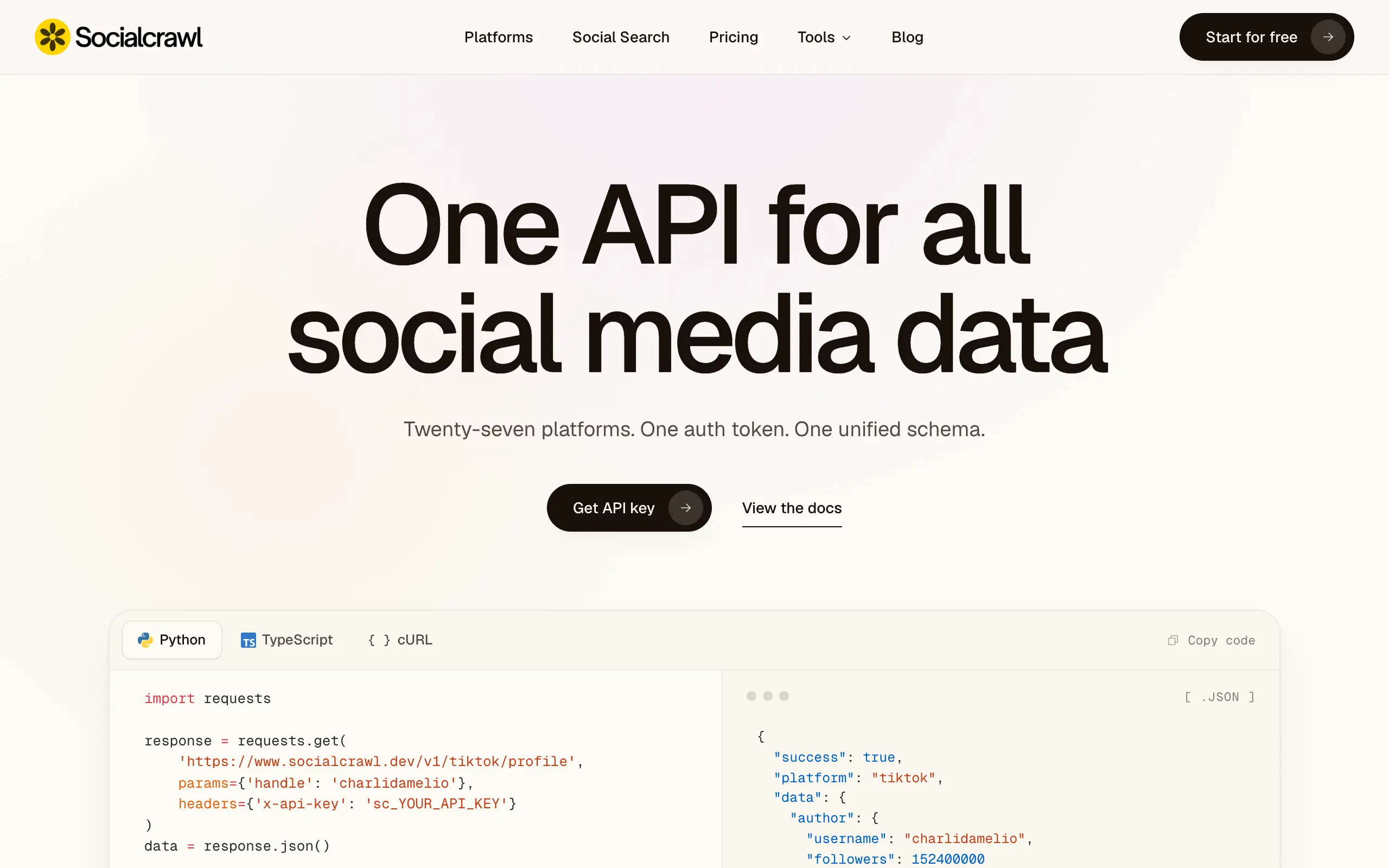
Socialcrawl
Get clean, structured data from 21 platforms like TikTok, Instagram, and YouTube with a single request 📊
Statiko
Monitor any Telegram channel in real time - track posts, edits, deletions, and growth with AI recaps 📡
Shibui
AI website builder - describe your business, pick a niche template, edit by chatting, and publish instantly ✨
Pro Service
Find verified home service professionals, compare quotes, and pay securely through escrow - built for Brazilians across the US 🏠
RankGrow
Fix your SEO with AI agents - connect Search Console, get prioritized tasks, and grow organic traffic 📈
SyncReads
Sync your favorite content for distraction-free reading, save time and replace multiple apps. Anytime, anywhere 🔄
Socialcrawl
Get clean, structured data from 21 platforms like TikTok, Instagram, and YouTube with a single request 📊
Statiko
Monitor any Telegram channel in real time - track posts, edits, deletions, and growth with AI recaps 📡
Shibui
AI website builder - describe your business, pick a niche template, edit by chatting, and publish instantly ✨
Pro Service
Find verified home service professionals, compare quotes, and pay securely through escrow - built for Brazilians across the US 🏠
RankGrow
Fix your SEO with AI agents - connect Search Console, get prioritized tasks, and grow organic traffic 📈
SyncReads
Sync your favorite content for distraction-free reading, save time and replace multiple apps. Anytime, anywhere 🔄
Socialcrawl
Get clean, structured data from 21 platforms like TikTok, Instagram, and YouTube with a single request 📊
Statiko
Monitor any Telegram channel in real time - track posts, edits, deletions, and growth with AI recaps 📡
Shibui
AI website builder - describe your business, pick a niche template, edit by chatting, and publish instantly ✨
Pro Service
Find verified home service professionals, compare quotes, and pay securely through escrow - built for Brazilians across the US 🏠
RankGrow
Fix your SEO with AI agents - connect Search Console, get prioritized tasks, and grow organic traffic 📈
SyncReads
Sync your favorite content for distraction-free reading, save time and replace multiple apps. Anytime, anywhere 🔄
Socialcrawl
Get clean, structured data from 21 platforms like TikTok, Instagram, and YouTube with a single request 📊
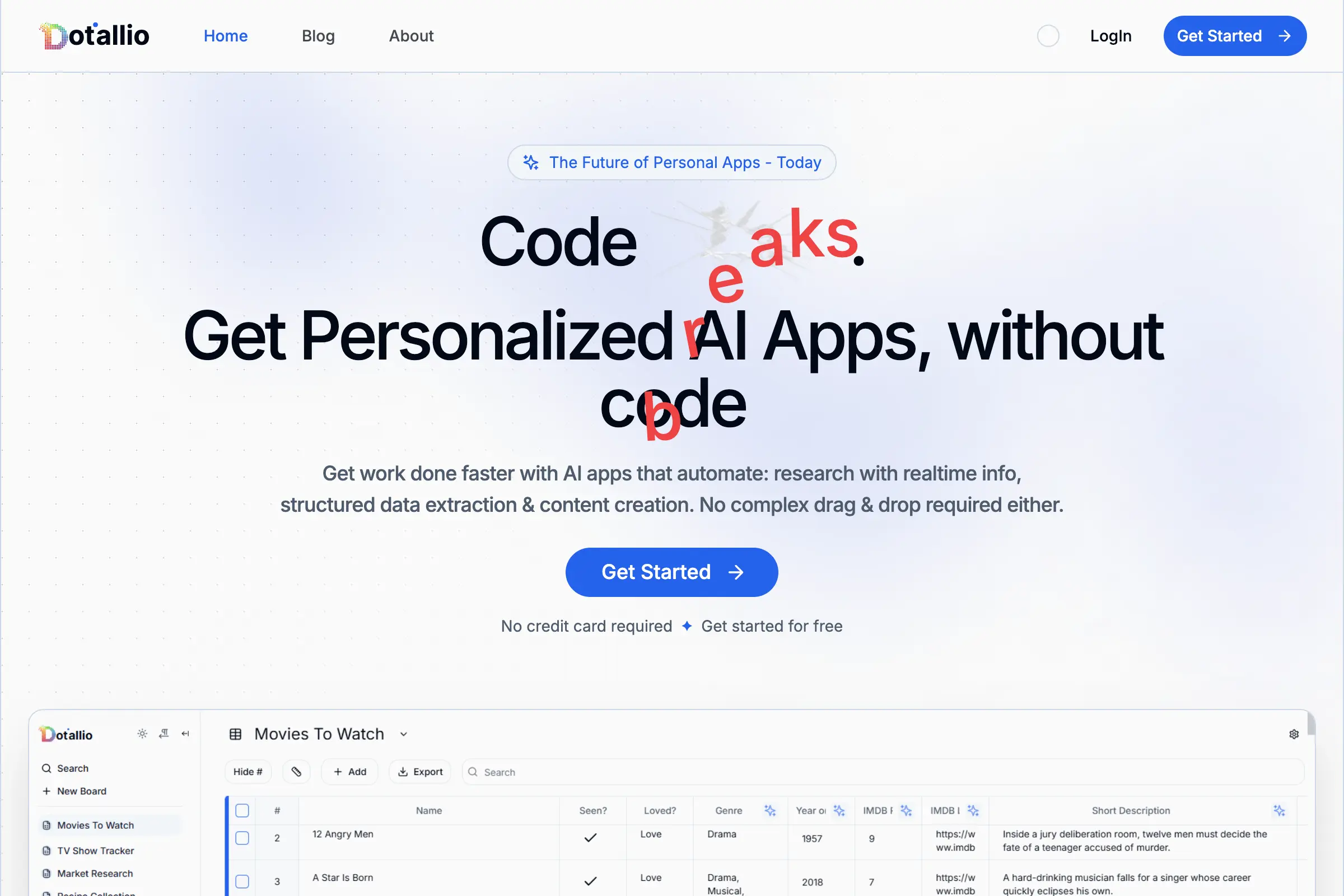
Dotallio
Personalized AI apps that automate research, data extraction, and content creation without code 🤖
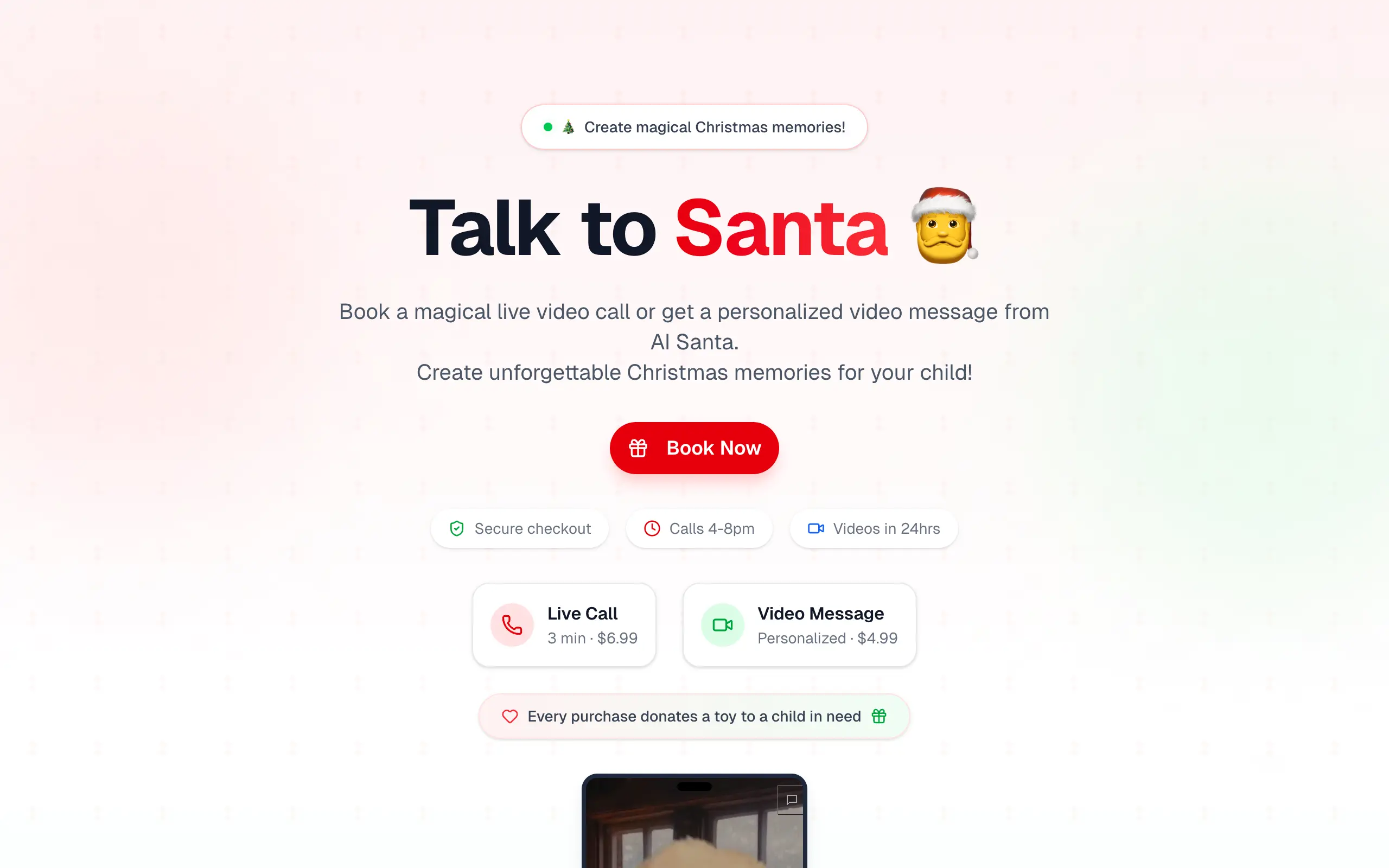
Talk to Santa
Enjoy a magical live video chat or receive a unique AI-generated video greeting from Santa Claus 🎅
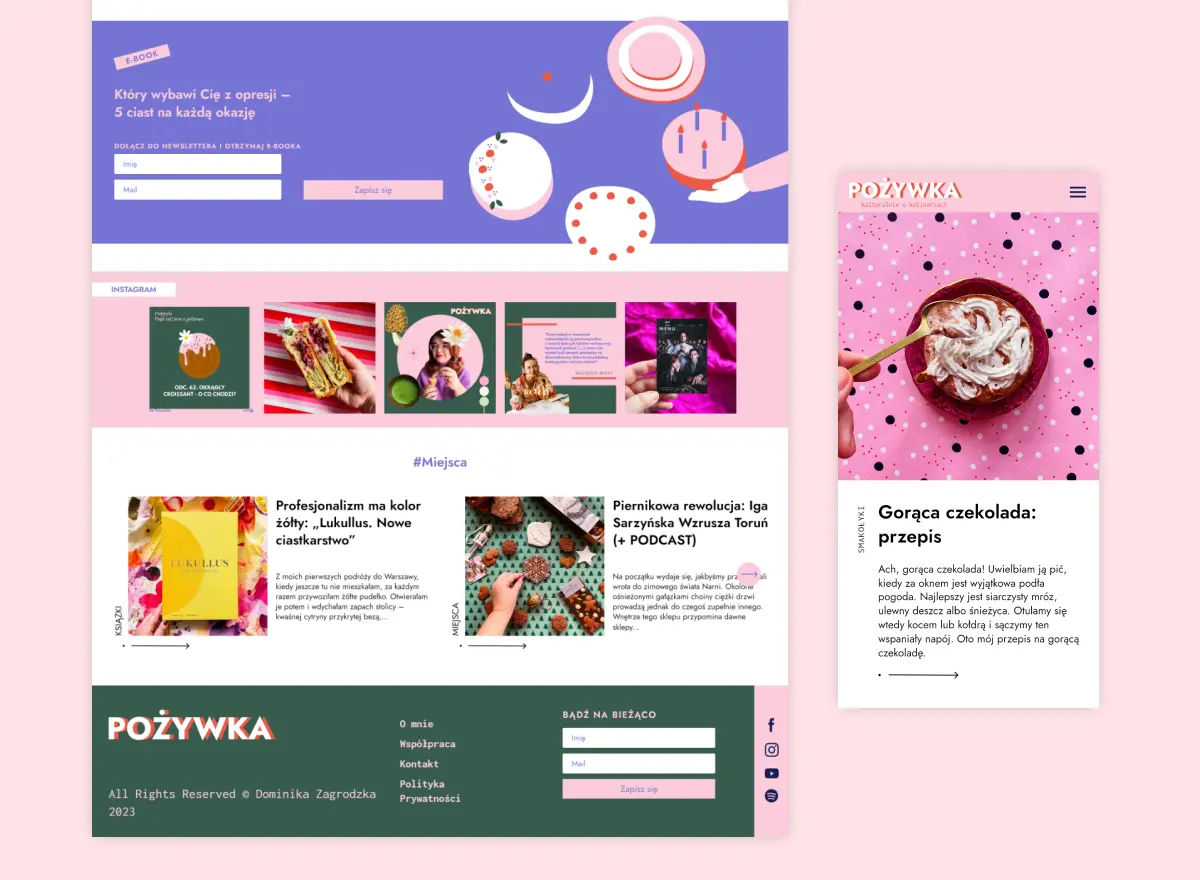
pozywka.pl
Scalable blog for food journalist, focused on performance and user experience 🌭
zagrodzki.me
Personal blog and portfolio of Bart Zagrodzki, where he shares his knowledge and work 💼
TurboStarter
Ship your startup everywhere. In minutes.
HTML to Markdown
Convert HTML to Markdown with ease, directly in your browser 📄
Dotallio
Personalized AI apps that automate research, data extraction, and content creation without code 🤖
Talk to Santa
Enjoy a magical live video chat or receive a unique AI-generated video greeting from Santa Claus 🎅
pozywka.pl
Scalable blog for food journalist, focused on performance and user experience 🌭
zagrodzki.me
Personal blog and portfolio of Bart Zagrodzki, where he shares his knowledge and work 💼
TurboStarter
Ship your startup everywhere. In minutes.
HTML to Markdown
Convert HTML to Markdown with ease, directly in your browser 📄
Dotallio
Personalized AI apps that automate research, data extraction, and content creation without code 🤖
Talk to Santa
Enjoy a magical live video chat or receive a unique AI-generated video greeting from Santa Claus 🎅
pozywka.pl
Scalable blog for food journalist, focused on performance and user experience 🌭
zagrodzki.me
Personal blog and portfolio of Bart Zagrodzki, where he shares his knowledge and work 💼
TurboStarter
Ship your startup everywhere. In minutes.
HTML to Markdown
Convert HTML to Markdown with ease, directly in your browser 📄
Dotallio
Personalized AI apps that automate research, data extraction, and content creation without code 🤖
Talk to Santa
Enjoy a magical live video chat or receive a unique AI-generated video greeting from Santa Claus 🎅
pozywka.pl
Scalable blog for food journalist, focused on performance and user experience 🌭
zagrodzki.me
Personal blog and portfolio of Bart Zagrodzki, where he shares his knowledge and work 💼
TurboStarter
Ship your startup everywhere. In minutes.
HTML to Markdown
Convert HTML to Markdown with ease, directly in your browser 📄
Omichat
Chat with 50+ AI models, including ChatGPT and Claude, in one place - switch models anytime without losing context 🤖
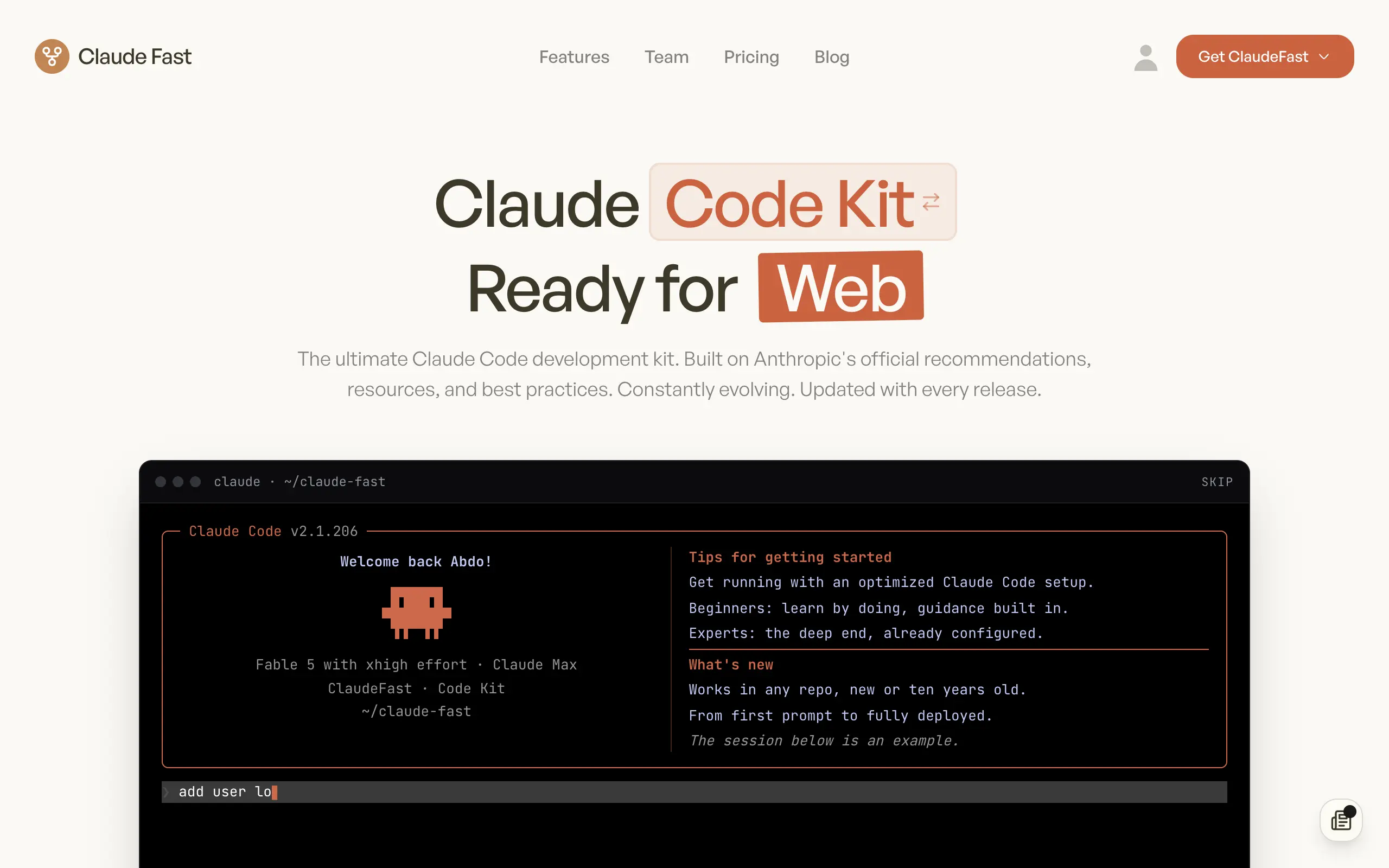
Claude Fast
Supercharge your Claude Code with 6x effective context window and specialized AI agents 🤖
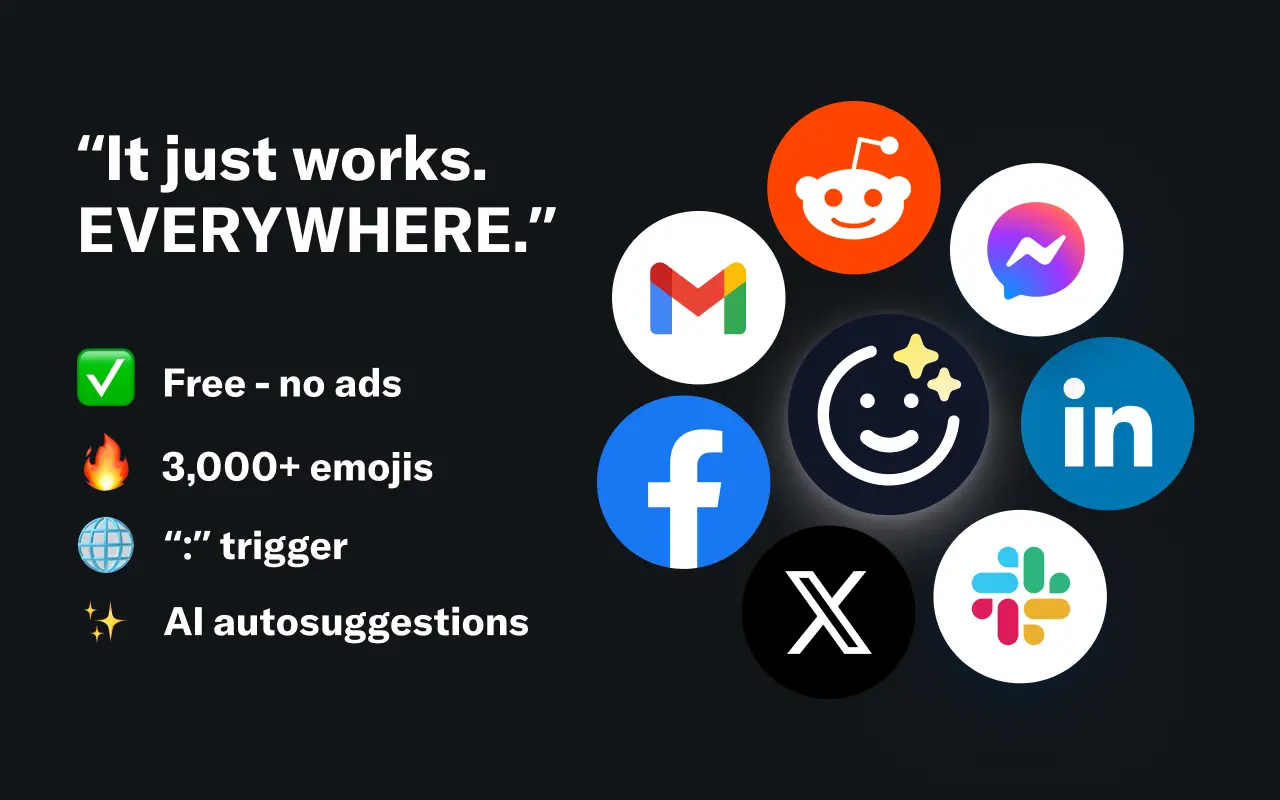
EmojAI
AI-powered emoji picker with smart, context-aware suggestions 🤖
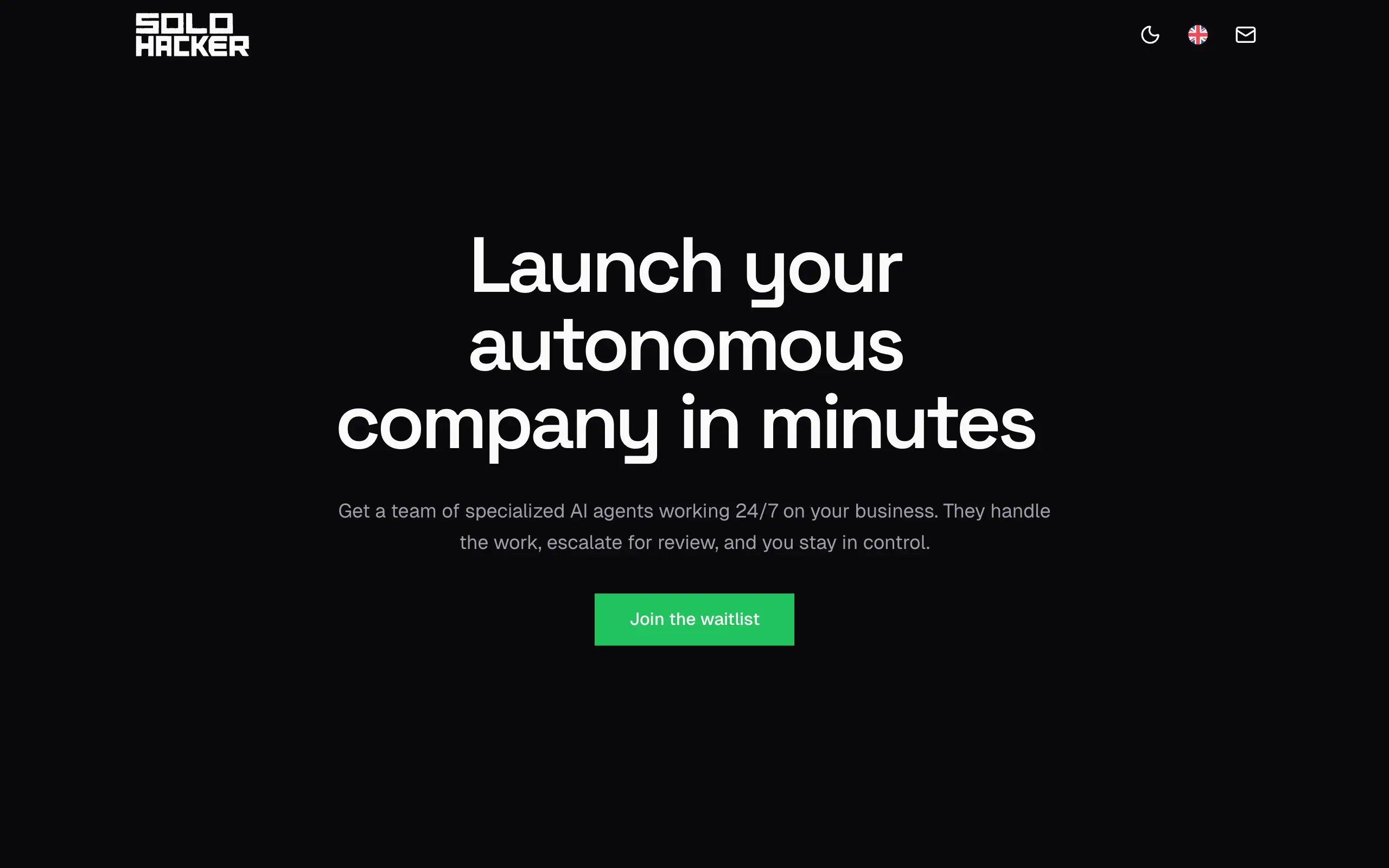
Solohacker
Autonomous company launcher - AI agents work 24/7, escalate what matters, and you stay in control 🤖
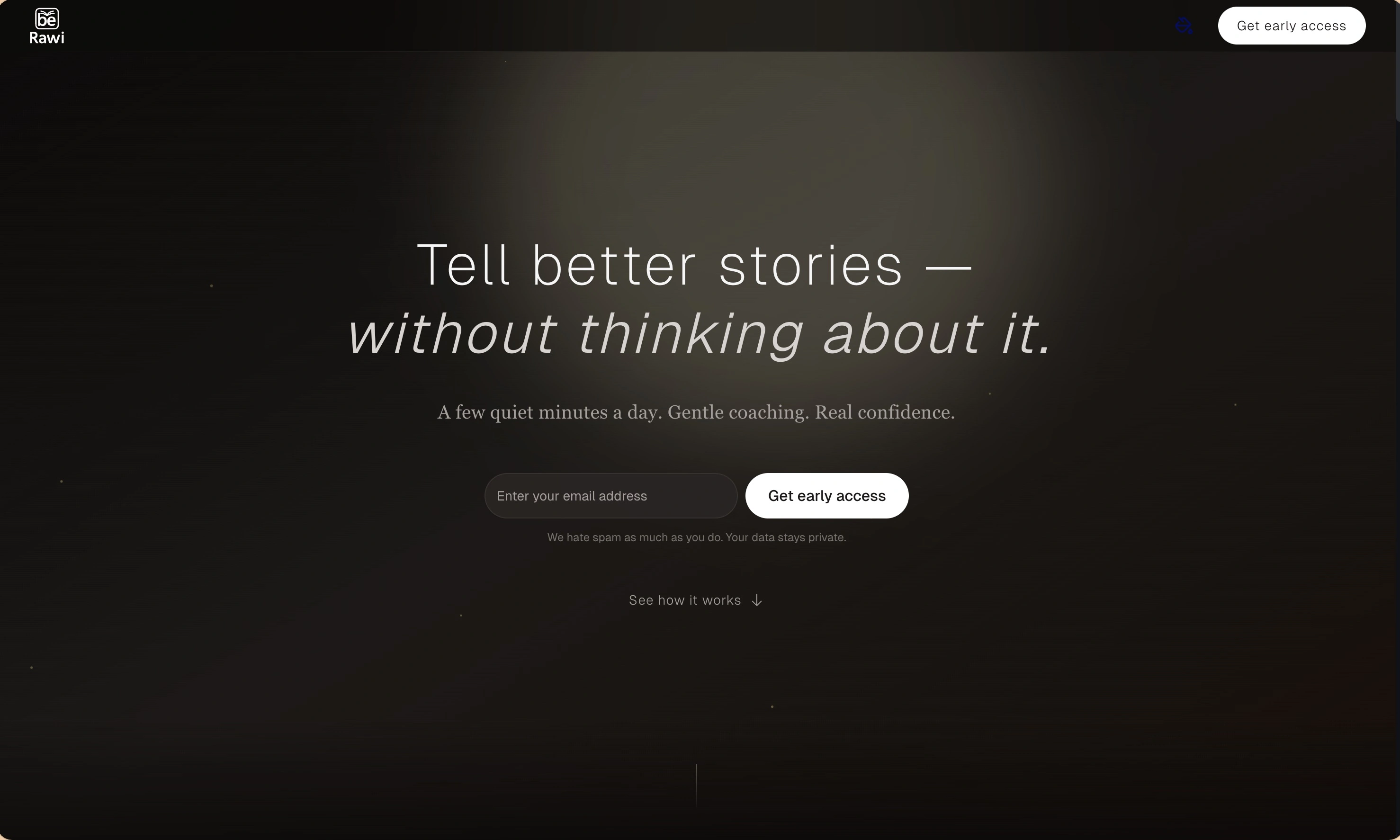
BeRawi: Storytelling Coach
Practice storytelling daily with instant feedback to sound clearer, more engaging, and confident 🎤
Omichat
Chat with 50+ AI models, including ChatGPT and Claude, in one place - switch models anytime without losing context 🤖
Claude Fast
Supercharge your Claude Code with 6x effective context window and specialized AI agents 🤖
EmojAI
AI-powered emoji picker with smart, context-aware suggestions 🤖
Solohacker
Autonomous company launcher - AI agents work 24/7, escalate what matters, and you stay in control 🤖
BeRawi: Storytelling Coach
Practice storytelling daily with instant feedback to sound clearer, more engaging, and confident 🎤
Omichat
Chat with 50+ AI models, including ChatGPT and Claude, in one place - switch models anytime without losing context 🤖
Claude Fast
Supercharge your Claude Code with 6x effective context window and specialized AI agents 🤖
EmojAI
AI-powered emoji picker with smart, context-aware suggestions 🤖
Solohacker
Autonomous company launcher - AI agents work 24/7, escalate what matters, and you stay in control 🤖
BeRawi: Storytelling Coach
Practice storytelling daily with instant feedback to sound clearer, more engaging, and confident 🎤
Omichat
Chat with 50+ AI models, including ChatGPT and Claude, in one place - switch models anytime without losing context 🤖
Claude Fast
Supercharge your Claude Code with 6x effective context window and specialized AI agents 🤖
EmojAI
AI-powered emoji picker with smart, context-aware suggestions 🤖
Solohacker
Autonomous company launcher - AI agents work 24/7, escalate what matters, and you stay in control 🤖
BeRawi: Storytelling Coach
Practice storytelling daily with instant feedback to sound clearer, more engaging, and confident 🎤

Connect with like-minded people
Join our community to get feedback, support, and grow together with 1,000+ builders on board, let's ship it!
Join usShip your startup everywhere. In minutes.
Don't burn tokens on setup and start building features on day one.