BenchPilot AI
AI lab companion that turns photos, sensor logs, and notes into test reports, wiring checks, and next-step debugging plans for makers.
What an AI lab companion should solve for makers
Building hardware is an iterative, evidence-heavy process. A maker might have a breadboard photo, a serial log, a multimeter reading, a schematic fragment, a supplier datasheet, and several handwritten notes describing what changed. The problem is not a lack of information. The problem is that the information is fragmented, inconsistently documented, and difficult to convert into a reliable next action.
BenchPilot AI is an AI lab companion for electronics makers that turns bench evidence into structured outputs:
- Test reports that capture setup, observations, measurements, and outcomes
- Wiring checks that identify likely mismatches between a circuit image, a netlist, and expected connections
- Debugging plans that prioritize safe, high-confidence diagnostic steps
- Experiment history that makes it easier to reproduce working builds and learn from failures
- Lab documentation that is useful to individual makers, teams, educators, and hardware startups
The primary keyword opportunity is AI lab companion, supported by related phrases such as AI electronics debugging tool, hardware test report generator, breadboard wiring checker, maker lab notebook, electronics troubleshooting AI, and AI-powered engineering documentation.
The core value proposition is straightforward: BenchPilot AI helps makers spend less time reconstructing what happened at the bench and more time validating, debugging, and improving their prototypes.
The product opportunity
BenchPilot AI should position itself as an evidence-aware assistant rather than an all-knowing circuit authority. Its job is to organize observations, surface inconsistencies, explain uncertainty, and recommend the next safest diagnostic step.
Why makers need better electronics documentation and debugging workflows
Many software teams have mature systems for version control, observability, issue tracking, and automated testing. Hardware development has equivalents, but they are often disconnected from the real-world bench workflow.
A typical prototype session may involve:
- A partially updated breadboard or perfboard
- Components that look similar but have different pinouts
- Measurements taken under changing supply conditions
- Photos stored in a camera roll with no project context
- Serial output copied into a chat window
- Notes written quickly during a late-night debugging session
- A working configuration that cannot be reproduced days later
This process creates costly ambiguity. When a circuit stops working, the maker must determine whether the cause is mechanical, electrical, firmware-related, environmental, or procedural. Without structured evidence, the most common debugging behavior is repeated trial and error.
An effective AI lab companion addresses this gap by creating a shared record of the experiment. It should not merely summarize a note. It should connect evidence across modalities:
- A photo can show component orientation, loose jumpers, rail discontinuity, or missing ground connections.
- A sensor log can reveal timing instability, out-of-range readings, boot loops, or communication failures.
- A written note can provide intended behavior, changed components, and test conditions.
- A schematic, pin map, or bill of materials can establish what the circuit was supposed to be.
- A multimeter reading can confirm or challenge a hypothesis generated from other evidence.
That combination makes BenchPilot AI more useful than a general-purpose chatbot and more approachable than enterprise-grade hardware lifecycle management software.
Target audience for an AI electronics lab companion
BenchPilot AI should initially focus on users who already build physical prototypes but lack a disciplined way to capture and analyze bench work. These users feel the problem frequently enough to pay for a solution, yet they do not want to adopt heavyweight engineering software.
Independent makers and hobbyist electronics builders
Independent makers are an ideal early audience because they work across varied projects and frequently rely on informal documentation. They may build Arduino-based controllers, home automation devices, robotics projects, custom keyboards, audio gear, IoT sensors, and experimental wearables.
Their main needs include:
- Fast capture from a phone or laptop
- Friendly explanations without excessive jargon
- Help interpreting common circuit and sensor failures
- Project history that does not require a corporate process
- Reusable templates for common tests
For this audience, BenchPilot AI should feel like a reliable bench partner that remembers context between sessions.
Hardware students, labs, and educators
Students often understand theory but struggle with methodical troubleshooting. They may not know whether to inspect power, ground, wiring, firmware, signal integrity, or measurement technique first.
Educators need a better way to review lab work without manually decoding every student photo and notebook entry. BenchPilot AI can support learning by producing reports that show the reasoning path, not just a final answer.
Useful education features include:
- Guided diagnostic checklists
- Instructor-created test templates
- Rubrics based on evidence quality and process
- Project workspaces for groups
- Warnings when a student is attempting an unsafe measurement
- Explanations that distinguish observed facts from AI inferences
Hardware startups and prototype teams
Early-stage hardware teams face a different version of the same challenge. Bench work moves quickly, multiple people make changes, and undocumented decisions become expensive during handoffs.
For a startup, BenchPilot AI can become a lightweight engineering evidence system:
- Capture test evidence during prototype iterations
- Attach photos, logs, firmware versions, and part revisions to a run
- Compare test outcomes across builds
- Create reports for internal reviews and external partners
- Preserve debugging knowledge when contractors or interns rotate out
This segment is likely to have the strongest willingness to pay for collaboration, access controls, exports, and structured reporting.
Repair technicians and field-service teams
Repair teams are a promising expansion market, especially for low-voltage devices, maker equipment, educational kits, and small electronics fleets. Their workflow already relies on photos, observations, repeatable checks, and repair notes.
However, this audience requires stronger controls around privacy, audit trails, device model libraries, and standardized procedures. It is best approached after BenchPilot AI has demonstrated accuracy and repeatability in maker environments.
The market gap: from scattered evidence to actionable debugging plans
The current market offers partial solutions, but few tools combine visual evidence, telemetry, technical notes, and guided debugging in a maker-friendly workflow.
| Approach | Captures bench evidence | Understands electronics context | Creates test reports | Suggests next checks | Built for individual makers |
|---|---|---|---|---|---|
| Generic AI chat | Partial | Partial | Partial | Yes | Yes |
| Lab notebook app | Yes | No | Yes | No | Often |
| Professional PLM or ALM software | Yes | Yes | Yes | Limited | No |
| BenchPilot AI | Yes | Yes | Yes | Yes | Yes |
The gap is not simply “AI for electronics.” General AI tools can explain an I2C bus, describe an LED circuit, or generate Arduino code. They do not automatically maintain a project-specific chain of evidence. They do not know which jumper moved since the last photo, which firmware revision produced a regression, or whether the reported voltage was measured relative to the expected ground reference.
BenchPilot AI’s unique selling proposition is its ability to convert real bench artifacts into traceable engineering actions. Rather than asking a maker to repeatedly restate context in a chat, it should assemble an evolving project model.
Core BenchPilot AI features
The MVP should prioritize repeatable workflows over a broad list of loosely connected AI capabilities. Every feature should improve the quality of a test record, reduce time-to-diagnosis, or make future work easier to reproduce.
Evidence capture from photos, logs, and notes
A project starts with a simple capture flow. Users can upload photos, paste serial output, import CSV sensor logs, attach a schematic, and write notes about intended behavior.
BenchPilot AI should automatically extract useful metadata where possible:
- Visible components and board types
- OCR text from labels, module markings, and handwritten notes
- Timestamps and upload order
- Sensor names, units, ranges, and anomalies in logs
- Mentioned microcontrollers, buses, power supplies, and pins
- Declared expected behavior
The system should then ask high-value follow-up questions. For example, if a user uploads a photo of a microcontroller and a sensor breakout, it might ask whether the board is powered by USB, whether both components share ground, and whether the sensor’s voltage level matches the controller.
The principle is important: ask only for missing information that materially changes the debugging plan.
AI wiring checker for breadboards and prototype circuits
The wiring checker is one of the strongest product hooks, but it must be framed carefully. A single image cannot reliably prove every electrical connection, especially when wires overlap or sit outside the camera frame.
A useful wiring check should produce three confidence categories:
- Confirmed observations based on clearly visible evidence
- Possible issues that deserve verification
- Unknown connections that need another photo, a continuity test, or user confirmation
Examples of valuable checks include:
- Detecting a power rail split on a breadboard
- Flagging a likely reversed polarized component
- Noticing that a module’s ground pin appears unconnected
- Comparing visible wires to an uploaded pin mapping
- Detecting probable pinout mismatches between similar component variants
- Identifying suspicious routing around a microcontroller header
- Requesting a closer image when confidence is too low
The product should avoid claiming that it has “verified” a connection unless the evidence is sufficient. The interface needs explicit confidence labels and a clear reminder that visual analysis does not replace measurement.
Structured test report generator
A test report generator turns raw experimentation into reusable documentation. A report should be built from a template, an evidence set, and an AI-assisted summary.
A high-quality electronics test report can include:
- Test objective
- Hardware configuration
- Firmware version or commit identifier
- Test setup and power conditions
- Procedure followed
- Measurements and captured logs
- Observed behavior
- Expected behavior
- Result status
- Known limitations
- Suggested next experiment
- Attached evidence and timestamps
The report should preserve source traceability. If the AI writes “the sensor output became unstable after 60 seconds,” users should be able to open the relevant log segment or photo rather than taking the statement on trust.
This traceability is essential for technical credibility. It also makes the report useful in design reviews, student submissions, client updates, and future debugging sessions.
Next-step debugging plans
The debugging planner should be the product’s daily-use engine. It must recommend a prioritized sequence of checks instead of overwhelming users with every possible cause.
For a symptom such as “an I2C sensor is not detected,” BenchPilot AI could generate a plan like this:
The order matters. Early steps should be low-risk, fast, and highly diagnostic. This encourages proper troubleshooting habits and prevents users from replacing components or rewriting code before checking power and grounding.
Project memory and experiment comparison
BenchPilot AI should maintain a project timeline rather than treating each prompt as an isolated conversation. Users need to answer questions such as:
- What changed between the last working test and the failed test?
- Which sensor modules have already been tried?
- Did the issue start after a firmware update or after a wiring change?
- Which voltage readings were normal in earlier runs?
- Has this symptom appeared before?
The product can generate a “change since last known good state” view that compares:
- New photos and annotated wiring changes
- Revised firmware identifiers
- Different part revisions
- Changed power sources
- Modified sensor settings
- New or missing log events
This capability is a defensible competitive advantage because it compounds in value as the project history grows.
Safety-aware guidance
Electronics troubleshooting can create real risks. BenchPilot AI must include safety controls from the beginning, especially around mains power, lithium batteries, high-current supplies, motors, heating elements, and unknown damaged devices.
The assistant should identify conditions that require additional caution:
- Exposed mains voltage
- Swollen or damaged batteries
- Potential short circuits
- High-current power sources
- Inadequate wire gauge
- Missing fuses or current limits
- Measurements likely to damage a meter or probe
- Heat-producing components with uncertain thermal behavior
The product should never present itself as a substitute for qualified electrical safety guidance. For higher-risk setups, it should stop normal diagnostic flow and recommend disconnecting power, following device documentation, or consulting a qualified technician.
A practical workflow for BenchPilot AI users
The best user experience is a short loop that fits naturally into bench work.
Create a project, describe the intended behavior, and upload a photo, log, note, schematic, or parts list. The goal is to capture enough context without slowing down the maker.
BenchPilot AI extracts evidence, asks clarifying questions, highlights possible wiring issues, and identifies inconsistencies between expected and observed behavior.
The maker follows a prioritized diagnostic checklist, records new readings, and marks each check as passed, failed, or inconclusive.
BenchPilot AI generates a traceable test report, saves the result in project history, and suggests the highest-value next experiment.
This flow avoids a common AI product mistake: generating long answers without creating an operational record. BenchPilot AI should produce actions, evidence, and learning after every session.
Recommended tech stack for BenchPilot AI
BenchPilot AI needs a web application that supports file uploads, real-time project updates, secure data storage, asynchronous AI processing, and structured technical records.
Frontend and application architecture
A strong SaaS foundation is React with Next.js. This combination supports a fast application interface, server-rendered marketing pages, authenticated dashboards, API routes, and scalable deployment patterns.
For the interface, Tailwind CSS is a practical choice because it supports consistent UI development without creating a large custom stylesheet. The product needs visual clarity more than decorative complexity. Bench views should prioritize project state, evidence, confidence labels, and the next action.
A recommended frontend structure includes:
- Project dashboard with active issues and recent test runs
- Evidence timeline for photos, logs, notes, and attachments
- Split-screen report editor and source evidence viewer
- Wiring review interface with image annotations
- Diagnostic checklist with status tracking
- Team comments and decision history for paid plans
Data layer and storage
Use PostgreSQL for relational project data. BenchPilot AI has strongly connected entities, including users, organizations, projects, components, test runs, files, reports, observations, hypotheses, and tasks. A relational database is better suited to this domain than a document-only design.
A managed platform such as Supabase can accelerate authentication, row-level security, PostgreSQL hosting, object storage, and real-time updates. It is especially effective for an MVP because it reduces operational burden.
Key data entities should include:
type TestRun = {
  id: string
  projectId: string
  title: string
  objective: string
  expectedBehavior: string
  observedBehavior: string
  status: "planned" | "running" | "passed" | "failed" | "inconclusive"
  firmwareVersion?: string
  createdAt: string
}

type EvidenceItem = {
  id: string
  testRunId: string
  type: "photo" | "log" | "note" | "schematic" | "measurement"
  sourceUrl: string
  extractedSummary?: string
  confidence?: number
  createdAt: string
}
Photos, logs, and attachments should live in encrypted object storage with short-lived signed URLs. Keep structured metadata in the database, while retaining links to original files for auditability.
AI and multimodal processing layer
BenchPilot AI requires more than a single chat completion. It needs a pipeline that can process files, extract structured observations, retrieve project context, and generate outputs in a predictable schema.
The pipeline can include:
- File validation and malware scanning
- Image preprocessing and OCR
- Log parsing and time-series anomaly detection
- Component and pinout retrieval from trusted project sources
- Multimodal AI analysis with constrained JSON outputs
- Rule-based safety checks and confidence evaluation
- Report and debugging-plan generation
- Human feedback capture for quality improvement
Use a model provider with multimodal and structured-output capabilities, but keep the provider behind an abstraction layer. This prevents lock-in and makes it possible to route tasks based on cost, latency, privacy requirements, and quality.
For example, simple log categorization may use a smaller and faster model, while visual circuit review may use a more capable multimodal model. Critical outputs should combine AI reasoning with deterministic checks. A rule that detects a missing expected ground connection from a user-confirmed pin map should not depend solely on generative output.
Retrieval and component knowledge
A retrieval layer is necessary, but it must use trustworthy sources. Hardware advice can become unsafe or incorrect when a model confuses board revisions, component packages, or voltage limits.
BenchPilot AI should prefer these knowledge sources:
- User-uploaded datasheets and schematics
- Manufacturer documentation
- Verified component libraries
- Project-specific pin mappings
- Curated troubleshooting guides
- Explicit user confirmations
The product should clearly identify the source used in an answer. If no authoritative source is available, the system should say so and recommend a measurement or visual check instead of inventing a specification.
Trade-offs to consider
A fully managed backend speeds up validation but may limit custom processing as usage grows. A modular architecture gives more control but raises engineering complexity.
Fast MVP path
Use Next.js, Supabase, managed storage, and an AI API to validate evidence capture, reports, and debugging-plan demand quickly.
Scale-ready path
Introduce job queues, dedicated file processing workers, vector retrieval, model routing, and observability when evidence volume and team usage increase.
Trust-first path
Invest early in confidence labels, source citations, immutable evidence links, safety rules, and user correction tools.
Monetization strategy for an AI hardware debugging SaaS
BenchPilot AI should use a freemium model that lets makers experience value on a real project while reserving high-volume analysis, collaboration, and advanced documentation for paid plans.
Free plan for individual experimentation
The free plan should include enough capacity to complete one or two meaningful prototype sessions per month:
- Limited projects
- Limited evidence uploads
- Basic test report generation
- A capped number of AI debugging plans
- Community templates
- Personal project history
The goal is not to provide unlimited AI usage. It is to demonstrate that a structured bench record saves time and improves troubleshooting quality.
Pro plan for serious makers
A Pro plan can target builders who work on multiple projects and want ongoing lab memory.
Potential Pro capabilities include:
- More projects and evidence storage
- Higher AI analysis limits
- Advanced report templates
- Experiment comparison tools
- Export to PDF and Markdown
- Component libraries and custom pin maps
- Priority processing
- Private project sharing
A monthly price in the range commonly accepted for productivity software may work, but pricing should be validated through interviews and willingness-to-pay tests rather than assumed.
Team and education plans
Teams and educational institutions need collaboration and administration, not simply more credits.
Features for these plans can include:
- Shared workspaces
- Role-based access control
- Instructor or manager review workflows
- Standardized report templates
- Organization knowledge bases
- Audit logs
- Centralized billing
- Data retention controls
- Support agreements
Usage-based pricing can be added for high-volume image analysis and large log-processing workloads. This protects gross margins while allowing organizations to start with a predictable base subscription.
Competitive advantage: why BenchPilot AI can stand out
The competitive advantage is not the ability to answer electronics questions. That capability is becoming widely available. The durable advantage comes from owning the workflow and the evidence graph around a physical prototype.
BenchPilot AI can differentiate through five layers.
Evidence-linked outputs
Every report finding, wiring concern, and debugging recommendation should link back to a specific source image, log segment, note, or confirmed project fact. This makes the AI more trustworthy and more useful than a generic response.
Hardware-specific context over time
Project memory becomes more valuable with use. A system that knows a user’s board variant, recurring sensor configuration, previous measurements, and last known good test can make better recommendations than an assistant starting from zero.
Confidence-aware assistance
A trustworthy AI electronics tool must communicate uncertainty. “This wire may be connected to the 3.3V rail, but the image is partially obstructed” is more valuable than a confident but unsupported conclusion.
Structured debugging discipline
BenchPilot AI should teach effective troubleshooting through its workflow. By prioritizing power, ground, physical connections, configuration, and measurements before complex theories, it helps users develop habits that transfer across projects.
A maker-first experience
Enterprise systems can be powerful but intimidating. Generic AI can be flexible but unstructured. BenchPilot AI should occupy the middle ground: technically credible, fast to use, visual, and designed for the reality of a crowded workbench.
Risks and mitigation strategies
An AI lab companion handles high-stakes technical guidance, personal project data, and potentially sensitive images. Product trust must be designed into the system.
Mitigate this with confidence thresholds, explicit uncertainty, deterministic checks, source-grounded responses, user confirmation steps, and prominent reminders that visual inspection does not replace electrical measurement.
Build a safety classifier and rule set that detects high-voltage, battery, thermal, or high-current scenarios. Restrict guidance to conservative safety steps and escalate to qualified assistance when appropriate.
Request guided retakes with overlays and examples. Ask for top-down, well-lit photos, include a reference scale where useful, and let users manually confirm or correct detected connections.
Require source-backed specifications. Favor uploaded datasheets and verified libraries. If the source is missing or uncertain, ask the user to confirm the part number or measure the relevant pin.
Provide private-by-default projects, encryption in transit and at rest, configurable retention, export and deletion controls, and clear policies on whether customer data is used for model improvement.
A strong quality program should also collect feedback after recommendations. Users should be able to mark a finding as correct, incorrect, uncertain, or resolved. This creates a valuable evaluation dataset and prevents the team from optimizing only for persuasive language instead of real debugging outcomes.
Go-to-market strategy for BenchPilot AI
The early marketing message should focus on a highly recognizable maker pain point:
Turn bench photos, logs, and notes into a clear debugging plan and a test report you can trust.
The product should avoid broad messaging such as “AI for engineering.” That phrase is vague and crowded. Specific use cases convert better:
- “Find likely breadboard wiring mistakes from project photos”
- “Generate electronics test reports from notes and sensor logs”
- “Track prototype changes and compare failed tests with the last working build”
- “Get a safe, prioritized electronics debugging checklist”
High-intent content opportunities
SEO content should target users who are actively troubleshooting or building documentation workflows. Useful article topics include:
- How to debug a breadboard circuit step by step
- How to write an electronics test report
- Common I2C sensor troubleshooting checks
- How to document hardware prototypes
- How to organize Arduino project notes
- Breadboard power rail mistakes and how to find them
- How to compare prototype test results
- Best AI tools for electronics makers
Each article should include actionable technical guidance first, then show how BenchPilot AI reduces the documentation and analysis burden. This creates useful content even for readers who are not yet ready to subscribe.
Community-led product validation
Maker communities are valuable, but the approach must be helpful rather than promotional. Engage through build logs, debugging templates, and honest discussions about the limits of visual circuit analysis.
Early validation channels can include:
- Maker forums and electronics communities
- Hackathons and local maker spaces
- University engineering clubs
- Robotics teams
- Hardware accelerator programs
- Creator partnerships with electronics educators
The most useful early metric is not signups. It is the rate at which users complete a capture-to-resolution loop and return for another test session.
Actionable implementation roadmap
A focused MVP can launch without solving every form of circuit analysis. Start with the workflow that has the clearest value and the lowest accuracy risk.
For founders who want to reduce the time spent assembling authentication, billing, dashboards, and SaaS fundamentals, TurboStarter can provide a practical starting point. The product-specific differentiation should remain focused on BenchPilot AI’s evidence model, safety controls, technical workflows, and evaluation system.
Final perspective on the AI lab companion opportunity
BenchPilot AI has a credible opportunity because hardware builders still lose time to fragmented evidence and unstructured troubleshooting. The product does not need to replace an electrical engineer, a multimeter, an oscilloscope, or a datasheet. It needs to make those tools and observations easier to use together.
The strongest version of BenchPilot AI will be trustworthy, not theatrical. It will show what it observed, explain what it inferred, identify what it cannot know, and recommend the next safest check. It will help makers document progress while the work is happening, rather than forcing them to reconstruct a prototype’s history after something fails.
By combining photos, sensor logs, notes, test reports, wiring checks, and project memory in one maker-first system, BenchPilot AI can become a valuable operating layer for electronics experimentation.
More 🤖 AI Startup SaaS ideas
Discover more innovative ai startup SaaS ideas that are trending in 2026. Each idea is AI-generated with market validation and growth potential to help you find your next profitable venture faster than competitors.
Your competitors are building with TurboStarter
Below are some of the SaaS ideas that have been generated and built with our starter kit.

Statiko
Monitor any Telegram channel in real time - track posts, edits, deletions, and growth with AI recaps 📡

Shibui
AI website builder - describe your business, pick a niche template, edit by chatting, and publish instantly ✨

Pro Service
Find verified home service professionals, compare quotes, and pay securely through escrow - built for Brazilians across the US 🏠

RankGrow
Fix your SEO with AI agents - connect Search Console, get prioritized tasks, and grow organic traffic 📈
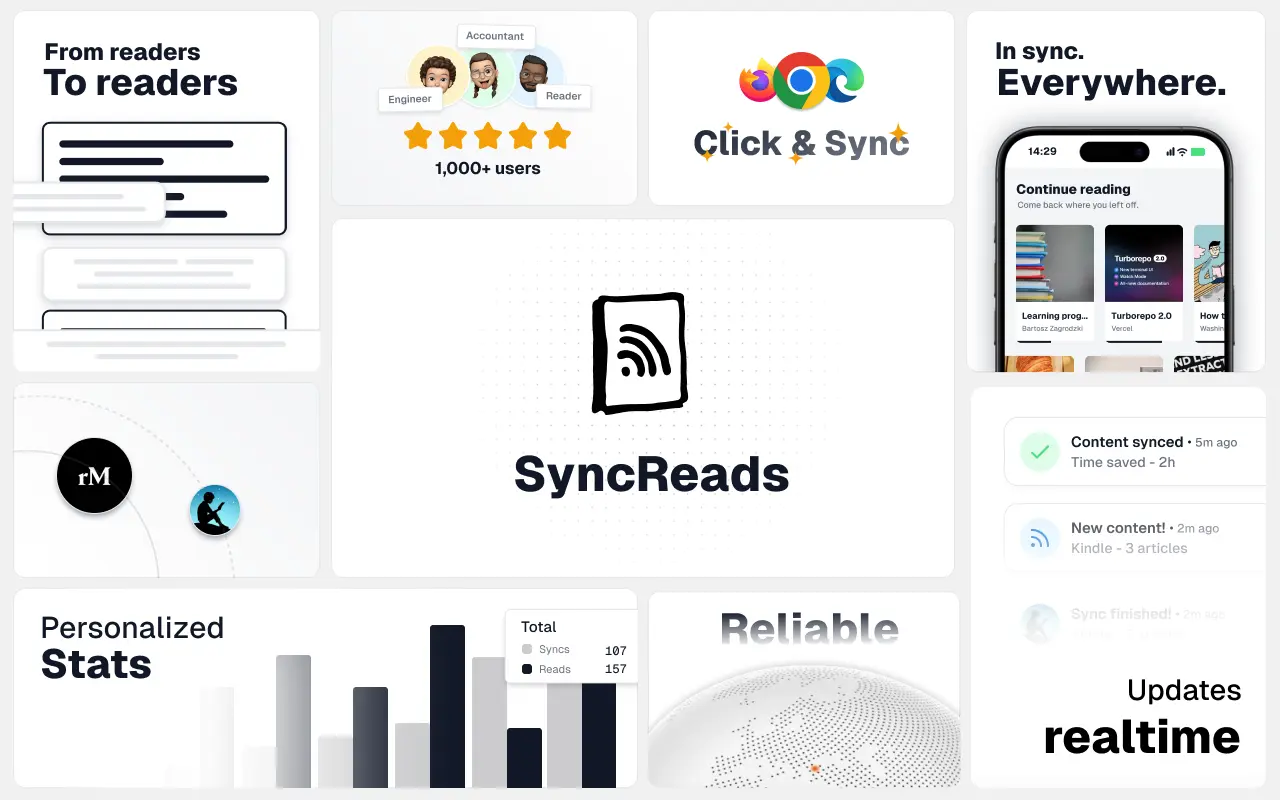
SyncReads
Sync your favorite content for distraction-free reading, save time and replace multiple apps. Anytime, anywhere 🔄
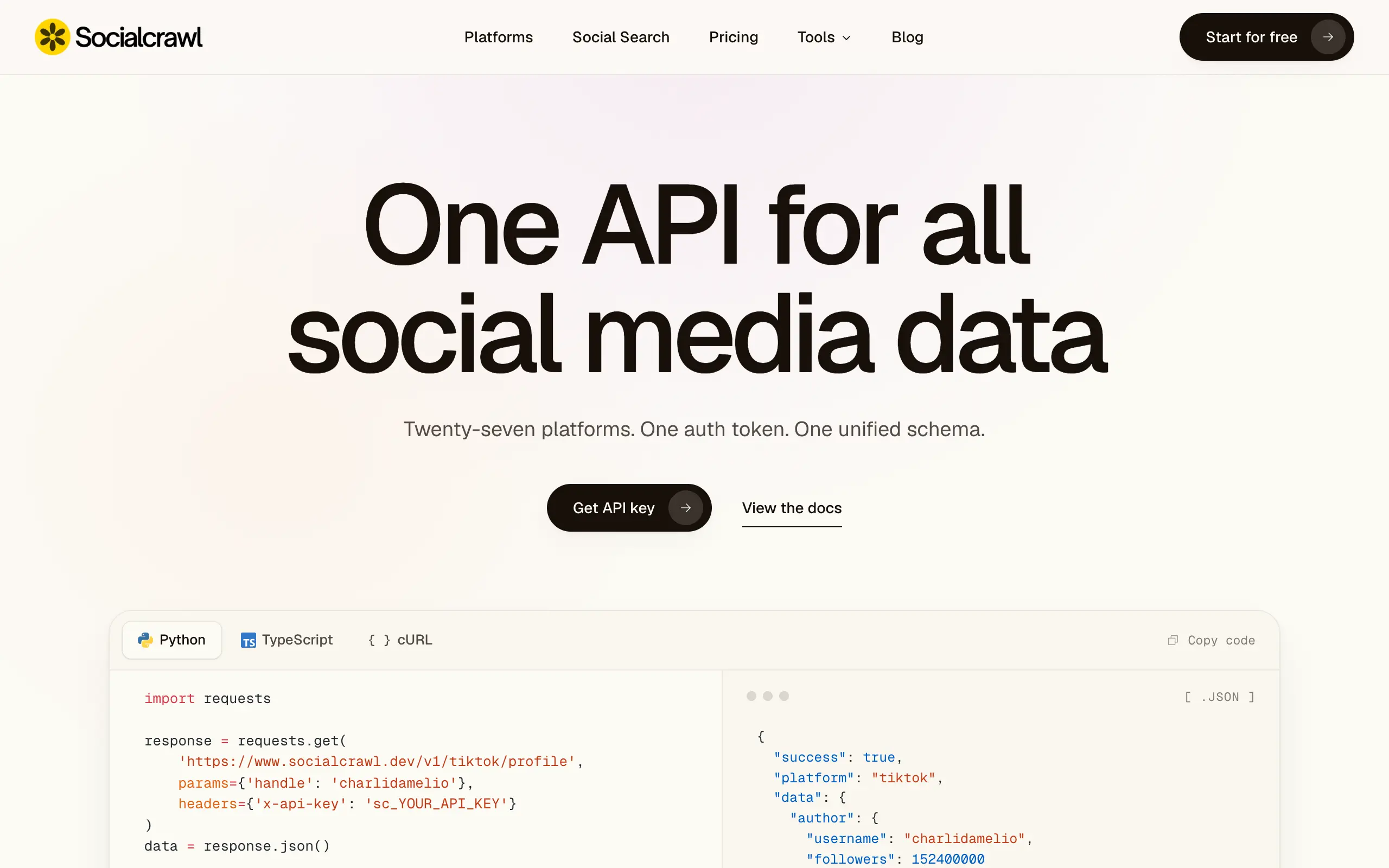
Socialcrawl
Get clean, structured data from 21 platforms like TikTok, Instagram, and YouTube with a single request 📊
Statiko
Monitor any Telegram channel in real time - track posts, edits, deletions, and growth with AI recaps 📡
Shibui
AI website builder - describe your business, pick a niche template, edit by chatting, and publish instantly ✨
Pro Service
Find verified home service professionals, compare quotes, and pay securely through escrow - built for Brazilians across the US 🏠
RankGrow
Fix your SEO with AI agents - connect Search Console, get prioritized tasks, and grow organic traffic 📈
SyncReads
Sync your favorite content for distraction-free reading, save time and replace multiple apps. Anytime, anywhere 🔄
Socialcrawl
Get clean, structured data from 21 platforms like TikTok, Instagram, and YouTube with a single request 📊
Statiko
Monitor any Telegram channel in real time - track posts, edits, deletions, and growth with AI recaps 📡
Shibui
AI website builder - describe your business, pick a niche template, edit by chatting, and publish instantly ✨
Pro Service
Find verified home service professionals, compare quotes, and pay securely through escrow - built for Brazilians across the US 🏠
RankGrow
Fix your SEO with AI agents - connect Search Console, get prioritized tasks, and grow organic traffic 📈
SyncReads
Sync your favorite content for distraction-free reading, save time and replace multiple apps. Anytime, anywhere 🔄
Socialcrawl
Get clean, structured data from 21 platforms like TikTok, Instagram, and YouTube with a single request 📊
Statiko
Monitor any Telegram channel in real time - track posts, edits, deletions, and growth with AI recaps 📡
Shibui
AI website builder - describe your business, pick a niche template, edit by chatting, and publish instantly ✨
Pro Service
Find verified home service professionals, compare quotes, and pay securely through escrow - built for Brazilians across the US 🏠
RankGrow
Fix your SEO with AI agents - connect Search Console, get prioritized tasks, and grow organic traffic 📈
SyncReads
Sync your favorite content for distraction-free reading, save time and replace multiple apps. Anytime, anywhere 🔄
Socialcrawl
Get clean, structured data from 21 platforms like TikTok, Instagram, and YouTube with a single request 📊
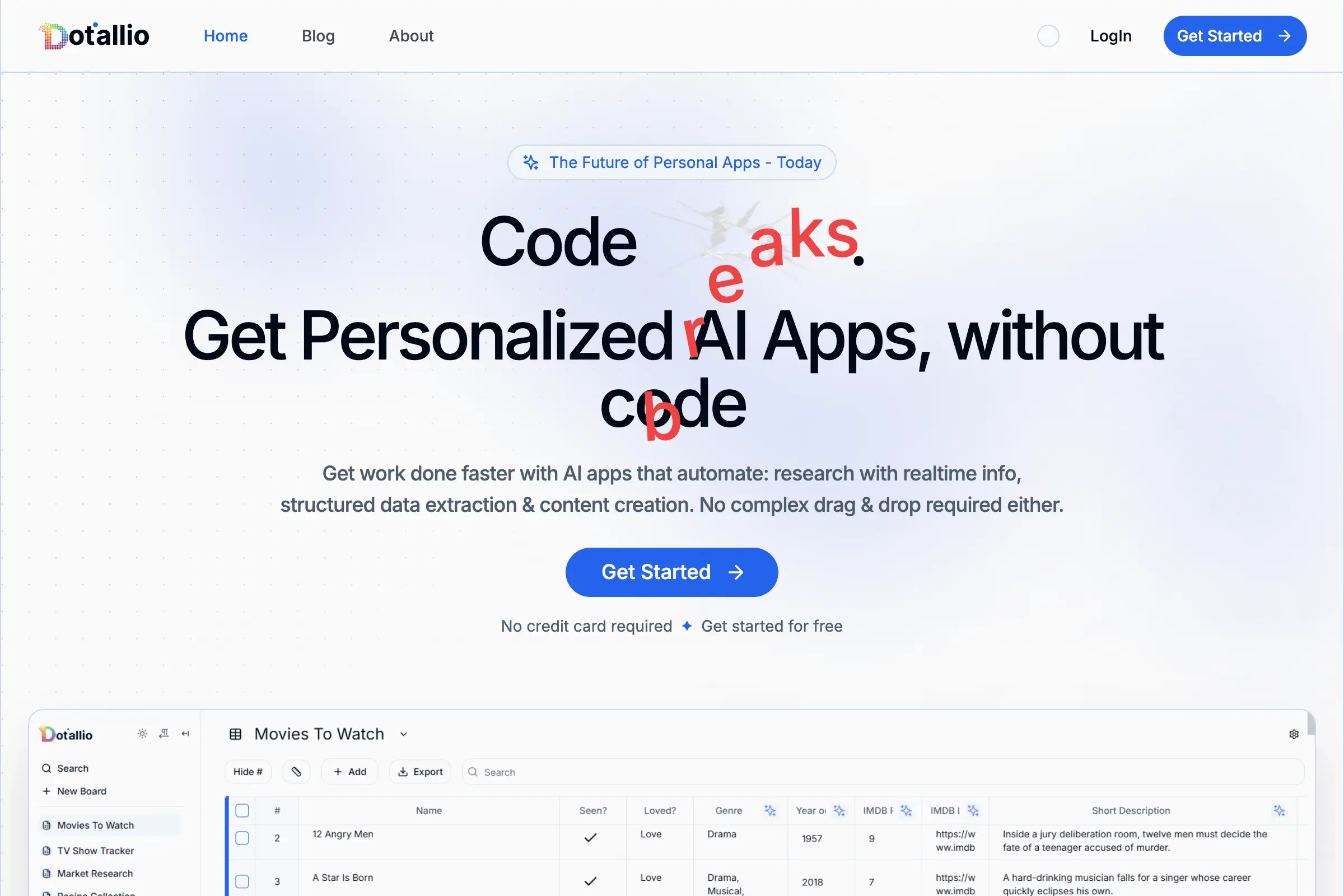
Dotallio
Personalized AI apps that automate research, data extraction, and content creation without code 🤖
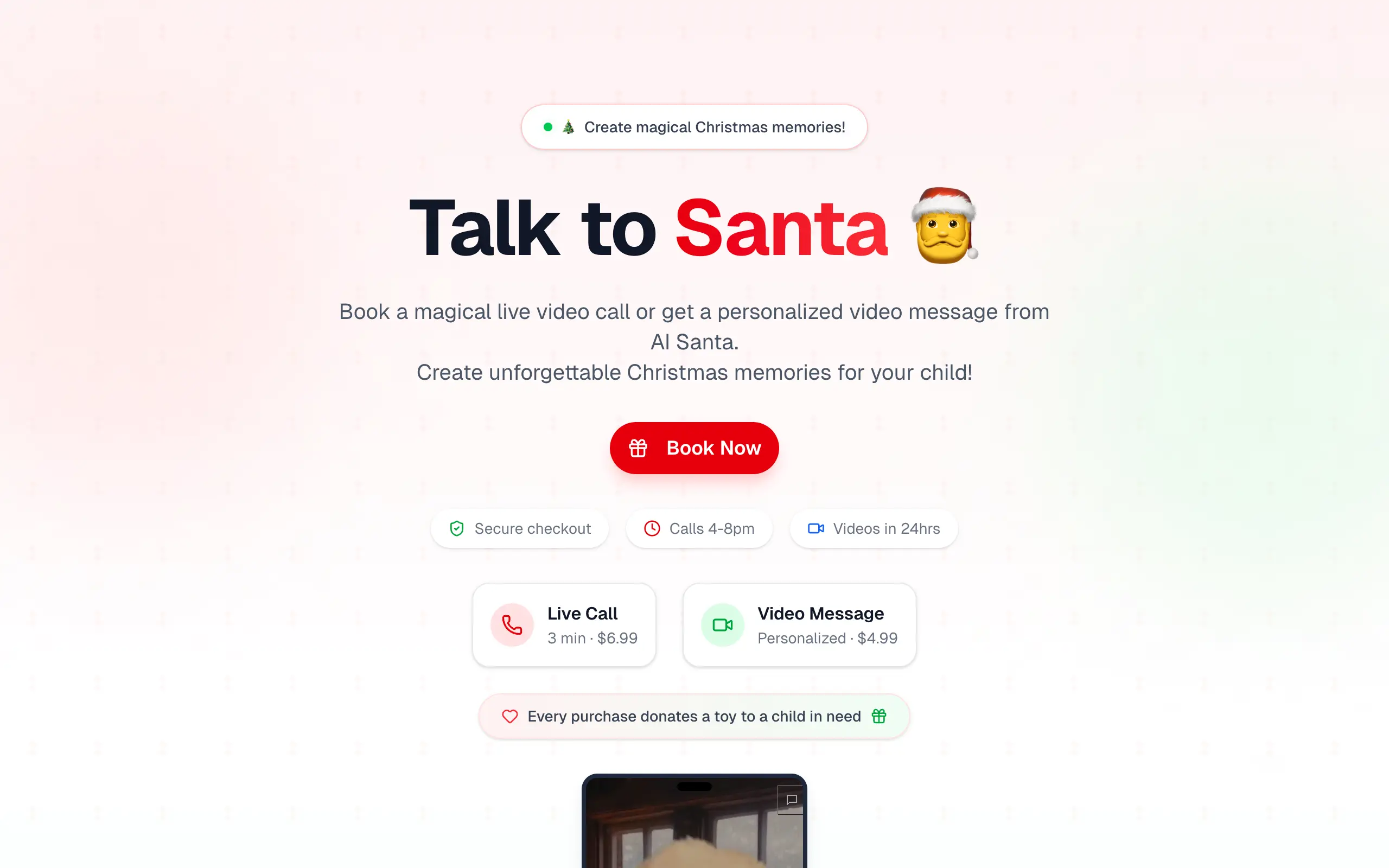
Talk to Santa
Enjoy a magical live video chat or receive a unique AI-generated video greeting from Santa Claus 🎅

pozywka.pl
Scalable blog for food journalist, focused on performance and user experience 🌭
zagrodzki.me
Personal blog and portfolio of Bart Zagrodzki, where he shares his knowledge and work 💼

TurboStarter
Ship your startup everywhere. In minutes.
HTML to Markdown
Convert HTML to Markdown with ease, directly in your browser 📄
Dotallio
Personalized AI apps that automate research, data extraction, and content creation without code 🤖
Talk to Santa
Enjoy a magical live video chat or receive a unique AI-generated video greeting from Santa Claus 🎅
pozywka.pl
Scalable blog for food journalist, focused on performance and user experience 🌭
zagrodzki.me
Personal blog and portfolio of Bart Zagrodzki, where he shares his knowledge and work 💼
TurboStarter
Ship your startup everywhere. In minutes.
HTML to Markdown
Convert HTML to Markdown with ease, directly in your browser 📄
Dotallio
Personalized AI apps that automate research, data extraction, and content creation without code 🤖
Talk to Santa
Enjoy a magical live video chat or receive a unique AI-generated video greeting from Santa Claus 🎅
pozywka.pl
Scalable blog for food journalist, focused on performance and user experience 🌭
zagrodzki.me
Personal blog and portfolio of Bart Zagrodzki, where he shares his knowledge and work 💼
TurboStarter
Ship your startup everywhere. In minutes.
HTML to Markdown
Convert HTML to Markdown with ease, directly in your browser 📄
Dotallio
Personalized AI apps that automate research, data extraction, and content creation without code 🤖
Talk to Santa
Enjoy a magical live video chat or receive a unique AI-generated video greeting from Santa Claus 🎅
pozywka.pl
Scalable blog for food journalist, focused on performance and user experience 🌭
zagrodzki.me
Personal blog and portfolio of Bart Zagrodzki, where he shares his knowledge and work 💼
TurboStarter
Ship your startup everywhere. In minutes.
HTML to Markdown
Convert HTML to Markdown with ease, directly in your browser 📄
Omichat
Chat with 50+ AI models, including ChatGPT and Claude, in one place - switch models anytime without losing context 🤖
Claude Fast
Supercharge your Claude Code with 6x effective context window and specialized AI agents 🤖
EmojAI
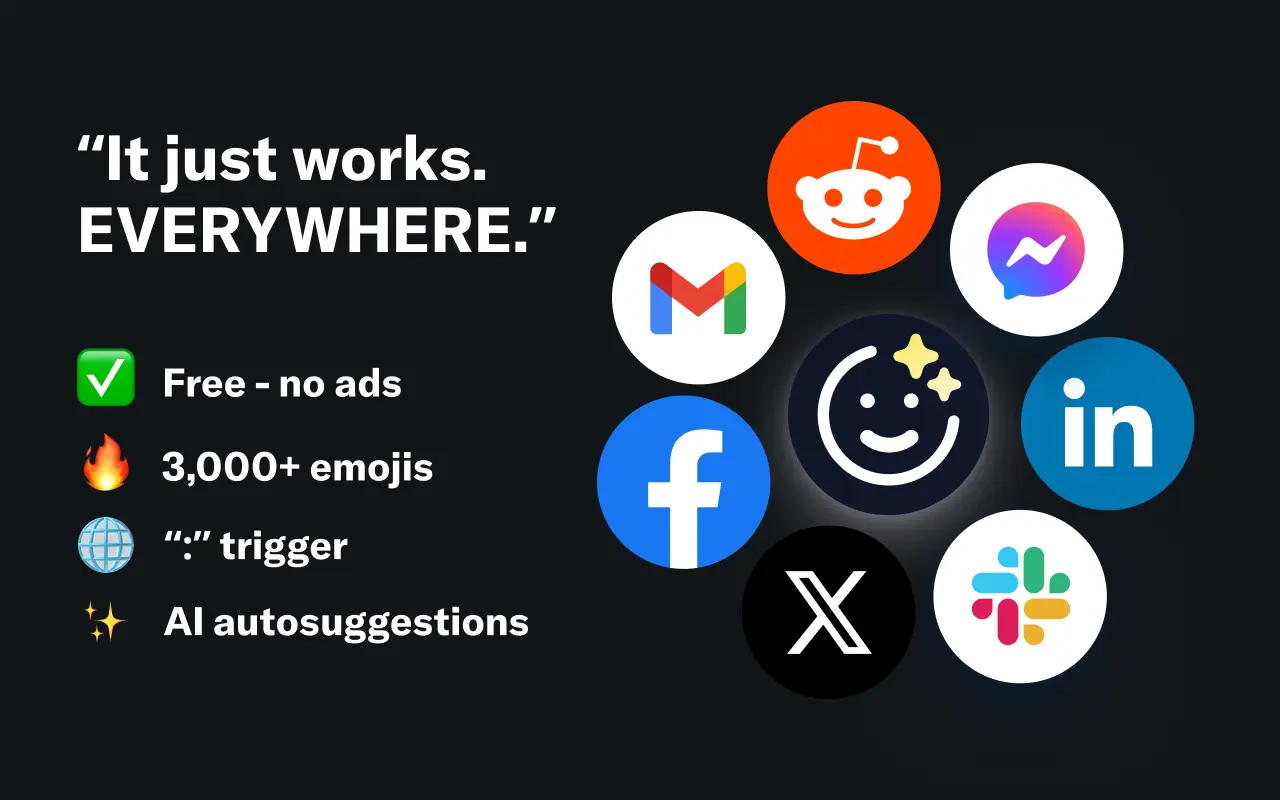
AI-powered emoji picker with smart, context-aware suggestions 🤖

Solohacker
Autonomous company launcher - AI agents work 24/7, escalate what matters, and you stay in control 🤖
BeRawi: Storytelling Coach
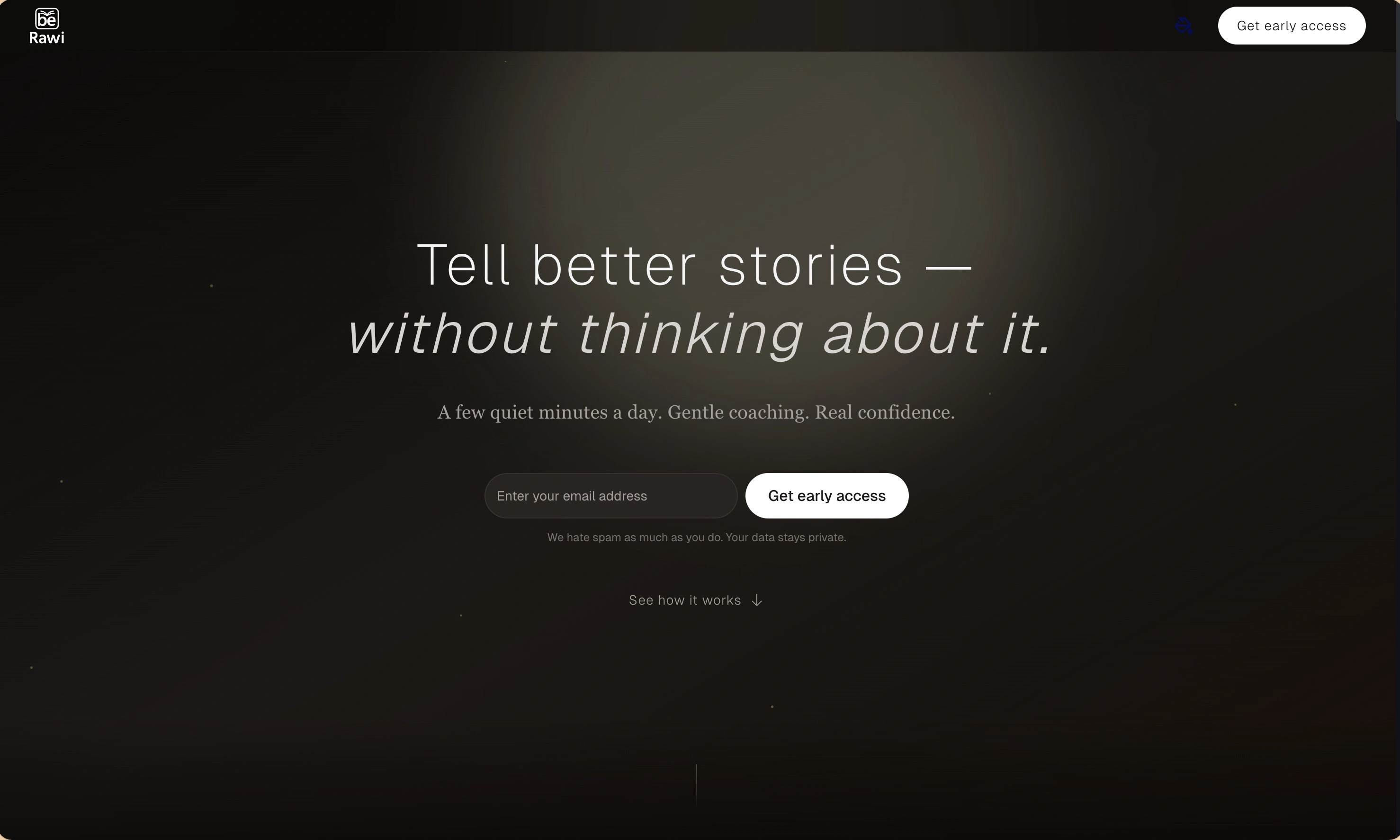
Practice storytelling daily with instant feedback to sound clearer, more engaging, and confident 🎤
Omichat
Chat with 50+ AI models, including ChatGPT and Claude, in one place - switch models anytime without losing context 🤖
Claude Fast
Supercharge your Claude Code with 6x effective context window and specialized AI agents 🤖
EmojAI
AI-powered emoji picker with smart, context-aware suggestions 🤖
Solohacker
Autonomous company launcher - AI agents work 24/7, escalate what matters, and you stay in control 🤖
BeRawi: Storytelling Coach
Practice storytelling daily with instant feedback to sound clearer, more engaging, and confident 🎤
Omichat
Chat with 50+ AI models, including ChatGPT and Claude, in one place - switch models anytime without losing context 🤖
Claude Fast
Supercharge your Claude Code with 6x effective context window and specialized AI agents 🤖
EmojAI
AI-powered emoji picker with smart, context-aware suggestions 🤖
Solohacker
Autonomous company launcher - AI agents work 24/7, escalate what matters, and you stay in control 🤖
BeRawi: Storytelling Coach
Practice storytelling daily with instant feedback to sound clearer, more engaging, and confident 🎤
Omichat
Chat with 50+ AI models, including ChatGPT and Claude, in one place - switch models anytime without losing context 🤖
Claude Fast
Supercharge your Claude Code with 6x effective context window and specialized AI agents 🤖
EmojAI
AI-powered emoji picker with smart, context-aware suggestions 🤖
Solohacker
Autonomous company launcher - AI agents work 24/7, escalate what matters, and you stay in control 🤖
BeRawi: Storytelling Coach
Practice storytelling daily with instant feedback to sound clearer, more engaging, and confident 🎤

Connect with like-minded people
Join our community to get feedback, support, and grow together with 1,000+ builders on board, let's ship it!
Join usShip your startup everywhere. In minutes.
Don't burn tokens on setup and start building features on day one.