BugLens
Drop your error logs or screenshots and get instant, beginner-friendly fixes with code suggestions and explanations tailored to your stack.
BugLens revolutionizes the way teams identify and resolve UI bugs with AI-powered visual bug detection. In this in-depth article, we’ll explore the evolving space of automated QA, focusing on how BugLens addresses real-world pain points for modern development teams. Whether you’re searching for a cutting-edge visual bug detection tool, market analysis, concrete implementation guidance, or technical underpinnings, this guide is designed to answer your every question about leveraging BugLens for staging site quality assurance.
Understanding user intent: What do users need from AI-powered visual bug detection?
User search intent around solutions like BugLens usually centers on a few high-priority questions:
- Automated bug detection: How quickly and accurately can the tool catch visual/UI regressions?
- Ease of use: Can non-technical users (QA, designers, PMs) upload screenshots or URLs directly?
- Actionable feedback: Does the tool go beyond detection and suggest concrete fixes?
- Team workflow integration: Can findings be shared, tracked, or integrated with existing tools?
- Evaluation of AI effectiveness: How reliable and trustworthy are the results, and what’s under the hood?
- Market positioning and ROI: Is it worth adopting compared to manual testing or other QA solutions?
Let’s address these needs point by point — drawing from practical experience, research, and the product’s current capabilities.
Target audience analysis: Who benefits most from BugLens?
AI-driven visual bug detection appeals to a broad audience, but clear segments stand out:
1. Product and Engineering Teams
- Frontend developers: Save time by automating repetitive visual checks before release.
- QA/test engineers: Enhance test coverage with visual regression analysis, catching issues missed by functional tests.
- Designers & UX specialists: Validate that completed features align with design specs visually.
- Product managers: Quickly verify the quality of staging builds before sign-off.
2. Agencies and Consultancies
- Client services teams: Deliver ongoing QA for client projects and catch issues early.
- Freelancers and studios: Offer differentiated QA services with AI-backed credibility.
3. Early-Stage Startups
- Resource-constrained teams: Achieve rapid release cycles without the overhead of manual QA.
Related secondary audiences
- Founders and CTOs evaluating process automation.
- Support roles triaging user-reported bugs with context.
Why this matters: The barrier to entry is minimal — anyone who can take a screenshot or copy a staging URL can use BugLens. No code integration is needed, supporting both technical and non-technical stakeholders.
Identifying the market gap: Why BugLens is needed in today’s QA landscape
The status quo: Manual, slow, and prone to human error
Despite advances in automated testing frameworks (Playwright, Cypress), most teams still rely heavily on:
- Manual visual QA on local/staging environments.
- Screenshots in Slack or bug-tracking tickets with vague descriptions.
- Human memory (“was that button always misaligned?”).
This leads to:
- Missed visual regressions after small code/UI changes.
- Slow iteration cycles due to bottlenecks in QA sign-off.
- Costly post-release fixes when bugs slip into production.
- Team frustration and finger-pointing.
Existing automated UI testing tools: Where they fall short
-
Traditional snapshot diffing (e.g., Percy, Chromatic):
- Requires code integration and setup.
- Often produces noisy or irrelevant diffs.
- Lacks actionable suggestions — just highlights “difference.”
-
Browser automation frameworks:
- Need technical implementation in the codebase.
- Focus on functionality, not pixel-perfect visual issues.
Where BugLens fits
BugLens directly addresses these problems by offering:
- Instant, AI-based visual bug detection with no code change required.
- Actionable suggestions (not just pointing out problems, but how to fix them).
- Usable by ANYONE — upload a screenshot or paste a URL, get insights instantly.
Industry insight
Today, 70% of reported production issues are related to UI bugs that went undetected in manual reviews (source: suggest linking to studies on QA bottlenecks and cost of visual bugs).
Core features of BugLens: How does it work?
BugLens is built to make visual quality assurance seamless and intelligent. Here’s what sets it apart:
1. Instant visual bug identification
- Upload a screenshot or share a public/private staging site link.
- BugLens's AI analyzes the page layout, design consistency, and visible issues in moments.
2. Actionable fix suggestions
- For each identified problem (misaligned element, blurry text, contrast issues, etc.), get:
- A clear description of the bug.
- Suggestions for remediation — e.g., “Increase button padding to align with design system” or “Fix color contrast for accessibility”.
3. Intuitive feedback for all team members
- No need for code access, CLI tools, or QA script writing.
- Simple web interface usable by designers, PMs, or clients.
4. Contextual reporting
- Download or share reports summarizing detected bugs and their locations.
- Annotated screenshots highlight problem areas for rapid team understanding.
5. AI-powered: continuous learning
- Improves with usage — BugLens learns from feedback (marking false positives/negatives).
- Adapts to your design system and recurring issues.
6. Seamless integration potential
- Public API for future integration into CI/CD pipelines or ticketing systems (Jira, Linear, Asana).
No setup required
Use instantly by uploading a screenshot or URL — no code changes or plugins.
AI-driven issue explanations
Understand not just what's broken, but why and how to fix it, even for non-engineers.
Collaborative QA
Share findings or reports easily with your team or clients.
Works with any web stack
From React and TailwindCSS to legacy platforms.
Recommended tech stack: Balancing performance, AI, and scalability
To deliver reliable and fast AI-powered visual analysis, BugLens should leverage cutting-edge, proven technologies.
Suggested core technologies
| Layer | Recommended Option | Alternatives | Rationale |
|---|---|---|---|
| Frontend | React, TailwindCSS | Vue, Svelte | React + Tailwind offer rapid UI dev, flexibility |
| AI inference | Python + TensorFlow/Keras, ONNX, or Huggingface Transformers | PyTorch, OpenVINO | Widespread support for image/CV models |
| Backend/API | Node.js/Fastify or Python/FastAPI | Go, Rust | Async APIs, strong ecosystem/support |
| Hosting | Vercel, AWS, or GCP | Azure | Fast serverless scaling, global APIs |
| Storage | AWS S3 (images/files), PostgreSQL (reports/logs) | Google Cloud Storage | Cost, durability, performance |
| Security/Auth | OAuth, JWT | SAML, OpenID | Industry standard, supports team workflows |
Trade-offs and why this stack
- React + TailwindCSS streamline modern, accessible UIs and work for both MVPs and mature products.
- Python’s deep learning ecosystem and capabilities in image analysis speed up the development of robust visual bug detectors.
- Serverless/API-first approaches enable scaling for sporadic, bursty QA jobs — only pay for what you use.
While open-source tools for visual regression exist, few offer true AI-powered detection and auto-fix suggestions out-of-the-box. BugLens provides a huge advantage through customization and adaptability.
Decoupling AI inference (Python/TensorFlow on GPU servers) from the API/app (Node.js) improves scalability and cost-effectiveness, especially as usage grows.
Monetization strategy: Building sustainable revenue
For SaaS products like BugLens, sustainable growth hinges on aligning monetization with user value and seamless onboarding.
Pricing model recommendations
- Freemium tier: Free analysis up to N screenshots per month; pay for additional usage.
- Pro plans: Advanced analytics, CI/CD integration, and team collaboration features.
- Enterprise: Custom plans for larger teams, white-labeling, SLA, or priority support.
Billing options
- Pay-per-use: Credits for image/link analyses beyond free quota.
- Subscription: Monthly/annual billing for Pro/Enterprise features.
Supporting options
- API access: Priced separately for CI/CD or partner integrations.
- Custom branding and audit reports: White-labeling for agencies or consulting firms.
| Features | Freemium | Pro | Enterprise | API Only |
|---|---|---|---|---|
| Screenshot uploads | ✅ | ✅ | ✅ | ❌ |
| Custom reports | ❌ | ✅ | ✅ | ✅ |
| Team workflows | ❌ | ✅ | ✅ | ❌ |
| API access | ❌ | ❌ | ✅ | ✅ |
| Custom branding | ❌ | ❌ | ✅ | ❌ |
Competitive advantage: Why BugLens stands out
BugLens's unique selling proposition lies in its combination of AI-driven analysis, actionable suggestions, and zero-friction onboarding. Here’s a breakdown:
What sets BugLens apart?
- True AI-driven visual bug detection: Moves beyond pixel diffs to understand page semantics, layout intent, and accessibility.
- Instant usage—no integrations needed: Just upload or paste, get results.
- Non-technical user empowerment: QA no longer bottlenecked by engineering resources.
- Actionable, context-rich feedback: Not just “what’s wrong,” but “how to fix it” in plain English.
Key differentiators
- Learning models: The more BugLens is used, the smarter the detection — personalized to your workflows and design norms.
- Collaboration: Reports and annotated images are made for teams, not just solo testers.
- API-first roadmap: Future-proof for CI/CD and automated QA pipelines.
Tip
Early adoption of AI QA tools like BugLens gives your team tangible time-saving benefits, faster releases, and higher customer trust.
Potential risks and mitigation strategies
Building a mission-critical QA tool requires foresight and robust safeguards.
Risks to consider
-
False positives/negatives from the AI
Mitigation: Allow users to flag/correct results to continuously retrain models; offer human review options for Enterprise customers. -
Data privacy (staging screenshots may contain sensitive info)
Mitigation: Use encrypted storage, anonymize screenshot data, offer on-premise/“no-screenshot-retention” options for privacy-sensitive teams. -
Browser/technology updates impacting detection accuracy
Mitigation: Maintain regular model updates; monitor breaking changes in front-end tech. -
User trust in AI recommendations
Mitigation: Transparently explain AI decisions; supplement suggestions with design system context or accessibility standards (WCAG). -
Scalability challenges during traffic spikes
Mitigation: Employ auto-scaling serverless infrastructure; decouple AI model serving from API/frontend.
Actionable steps: How to implement (or try) BugLens in your workflow
Ready to transform your staging QA with AI? Here’s how to get started:
Visit the BugLens website at buglens.io and sign up for a trial or freemium account.
Upload a screenshot of your latest staging page, or paste a shareable URL.
Review AI-highlighted issues and suggested fixes directly in your dashboard.
Download or share a report, or integrate feedback into your bug-tracker workflow.
(Optional) Connect API for automated scanning from your CI/CD or git hooks.
Conclusion: Bringing modern QA into the AI era
BugLens represents the next evolutionary step in web quality assurance — using AI not just to spot obvious errors, but to give in-depth, teachable feedback that improves the entire product team’s workflow. By lowering the barrier to visual testing, reducing release bottlenecks, and catching UI bugs before they reach production, BugLens increases both product quality and developer happiness.
If you’re ready to deliver more reliable, visually polished web projects and empower your team with actionable bug feedback, BugLens is a must-try AI SaaS. And if you’re exploring how to rapidly prototype or roll out your next AI SaaS tool, platforms like TurboStarter can help you get to market, fast.
Frequently asked questions about BugLens (AI-powered visual bug detection)
BugLens uses advanced computer vision models trained on thousands of UI examples. While no AI is perfect, continuous feedback and learning loops improve precision over time.
Yes — besides layout problems, BugLens flags low contrast, missing alt text, and other accessibility errors guided by WCAG standards.
No — BugLens is fully cloud-based. Use it via your browser; you don’t need any browser plugins or code changes to start detecting issues.
Yes. All uploads are encrypted, and options for limited data retention/privacy modes are available, especially for teams with sensitive staging environments.
BugLens goes beyond simple screenshot comparisons — it interprets UI intent and can suggest precise corrective steps, which pixel-diff tools typically can’t match.
Ready to level up your QA with AI-powered visual bug detection? Try BugLens now at buglens.io.
More 🤖 AI Startup SaaS ideas
Discover more innovative ai startup SaaS ideas that are trending in 2026. Each idea is AI-generated with market validation and growth potential to help you find your next profitable venture faster than competitors.
Your competitors are building with TurboStarter
Below are some of the SaaS ideas that have been generated and built with our starter kit.
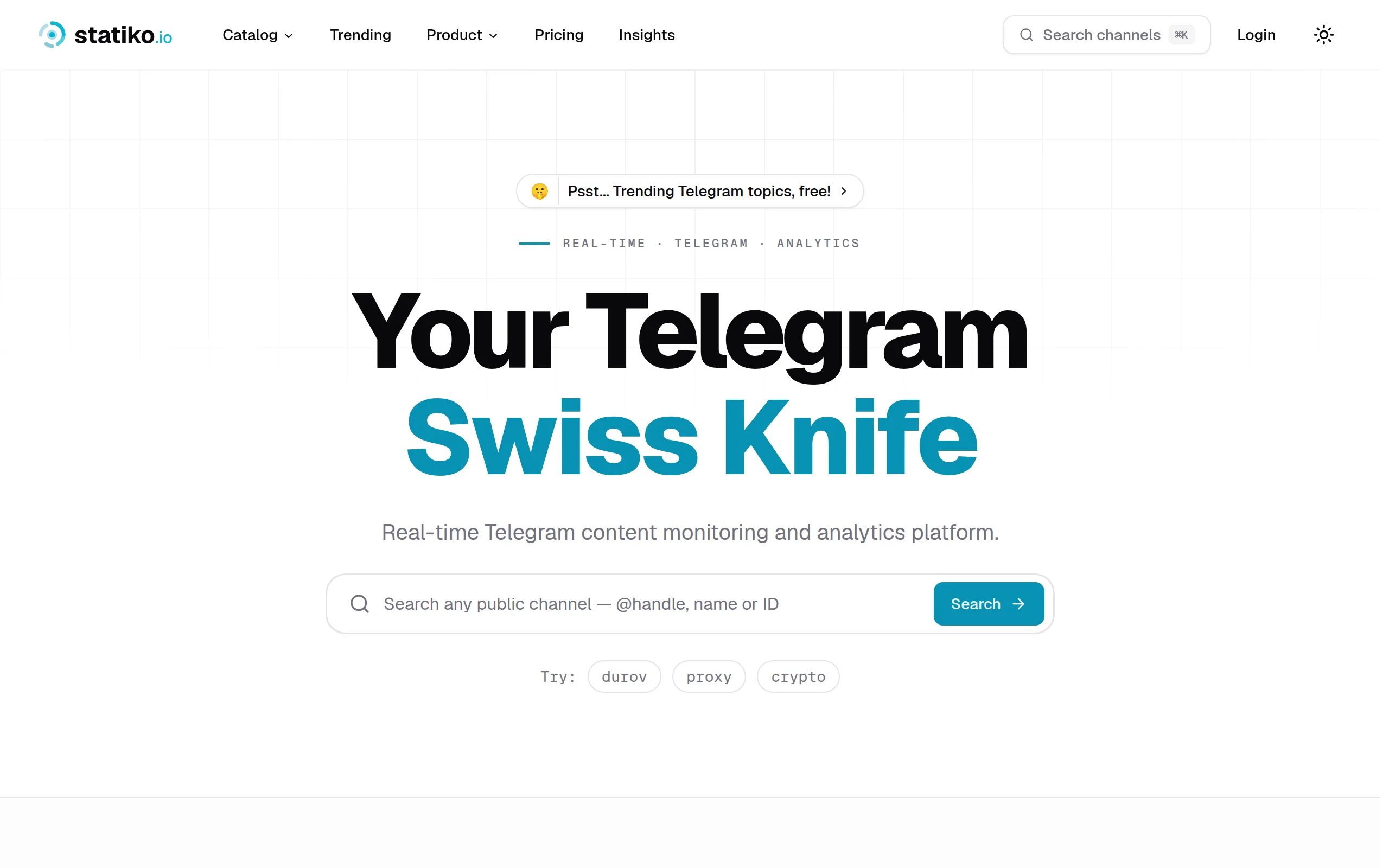
Statiko
Monitor any Telegram channel in real time - track posts, edits, deletions, and growth with AI recaps 📡

Shibui
AI website builder - describe your business, pick a niche template, edit by chatting, and publish instantly ✨

Pro Service
Find verified home service professionals, compare quotes, and pay securely through escrow - built for Brazilians across the US 🏠
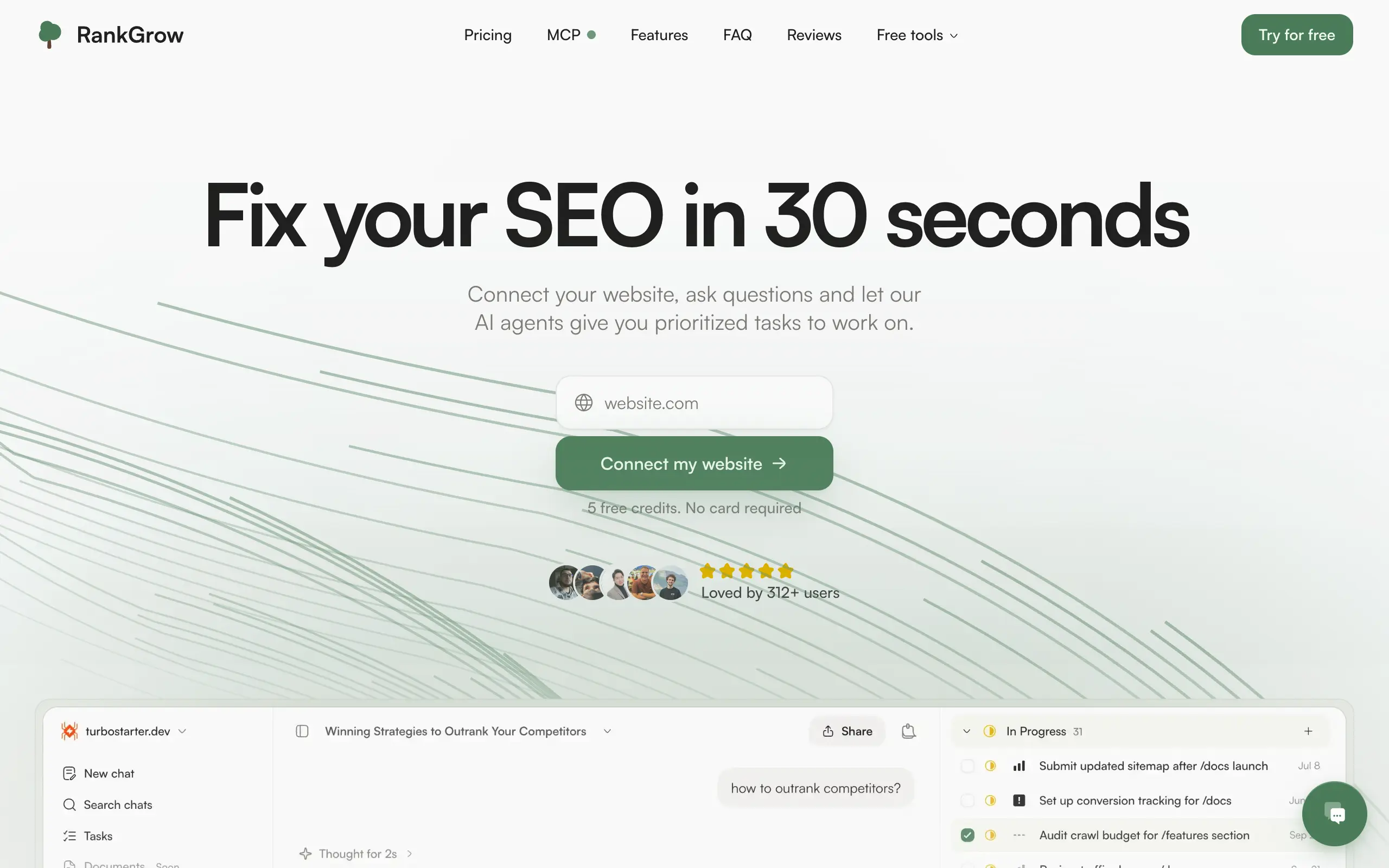
RankGrow
Fix your SEO with AI agents - connect Search Console, get prioritized tasks, and grow organic traffic 📈
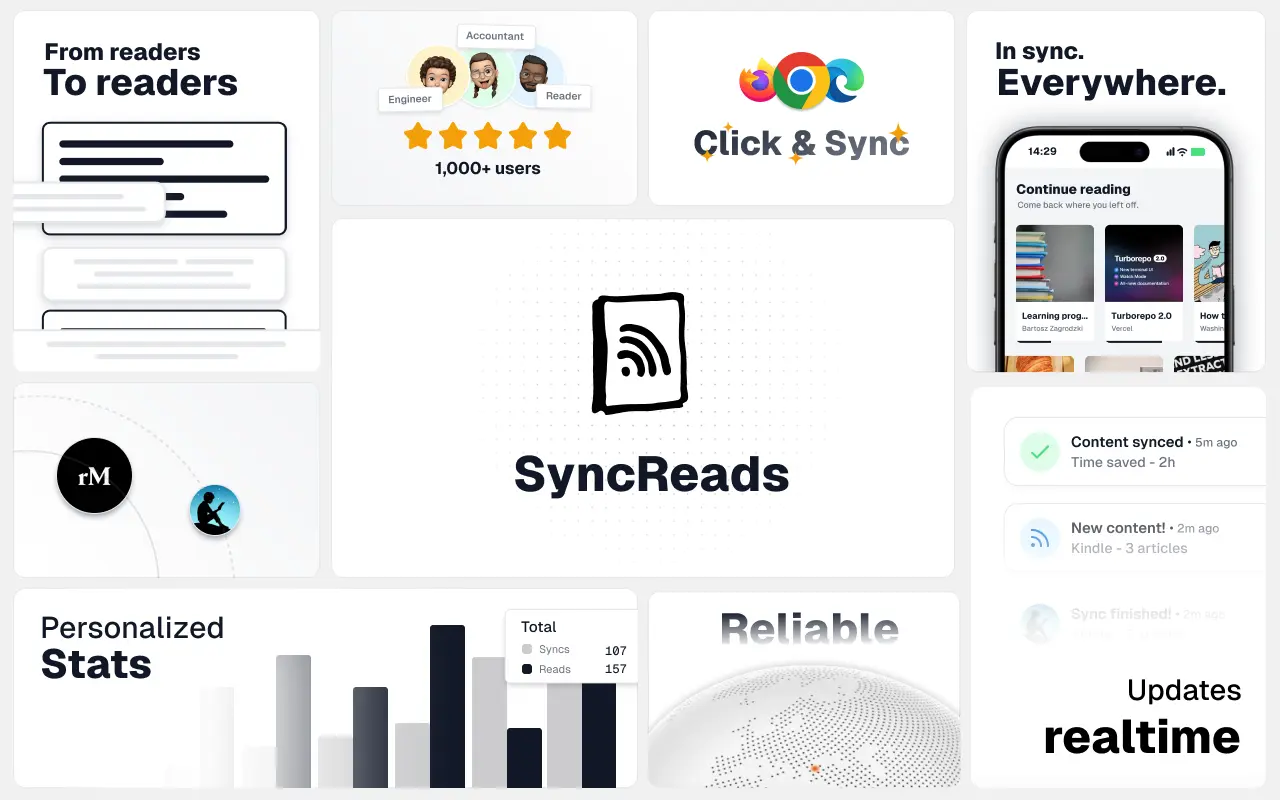
SyncReads
Sync your favorite content for distraction-free reading, save time and replace multiple apps. Anytime, anywhere 🔄
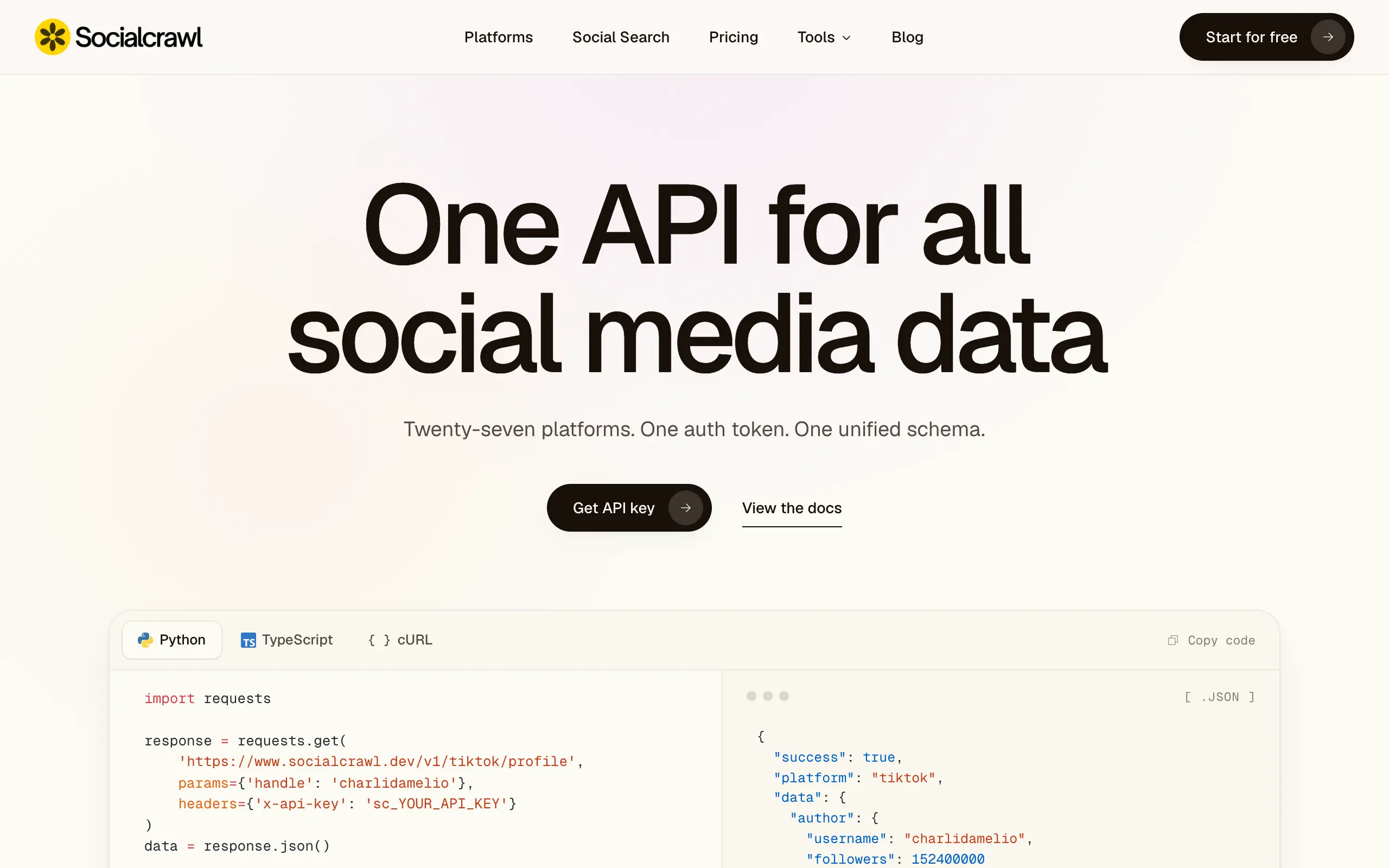
Socialcrawl
Get clean, structured data from 21 platforms like TikTok, Instagram, and YouTube with a single request 📊
Statiko
Monitor any Telegram channel in real time - track posts, edits, deletions, and growth with AI recaps 📡
Shibui
AI website builder - describe your business, pick a niche template, edit by chatting, and publish instantly ✨
Pro Service
Find verified home service professionals, compare quotes, and pay securely through escrow - built for Brazilians across the US 🏠
RankGrow
Fix your SEO with AI agents - connect Search Console, get prioritized tasks, and grow organic traffic 📈
SyncReads
Sync your favorite content for distraction-free reading, save time and replace multiple apps. Anytime, anywhere 🔄
Socialcrawl
Get clean, structured data from 21 platforms like TikTok, Instagram, and YouTube with a single request 📊
Statiko
Monitor any Telegram channel in real time - track posts, edits, deletions, and growth with AI recaps 📡
Shibui
AI website builder - describe your business, pick a niche template, edit by chatting, and publish instantly ✨
Pro Service
Find verified home service professionals, compare quotes, and pay securely through escrow - built for Brazilians across the US 🏠
RankGrow
Fix your SEO with AI agents - connect Search Console, get prioritized tasks, and grow organic traffic 📈
SyncReads
Sync your favorite content for distraction-free reading, save time and replace multiple apps. Anytime, anywhere 🔄
Socialcrawl
Get clean, structured data from 21 platforms like TikTok, Instagram, and YouTube with a single request 📊
Statiko
Monitor any Telegram channel in real time - track posts, edits, deletions, and growth with AI recaps 📡
Shibui
AI website builder - describe your business, pick a niche template, edit by chatting, and publish instantly ✨
Pro Service
Find verified home service professionals, compare quotes, and pay securely through escrow - built for Brazilians across the US 🏠
RankGrow
Fix your SEO with AI agents - connect Search Console, get prioritized tasks, and grow organic traffic 📈
SyncReads
Sync your favorite content for distraction-free reading, save time and replace multiple apps. Anytime, anywhere 🔄
Socialcrawl
Get clean, structured data from 21 platforms like TikTok, Instagram, and YouTube with a single request 📊
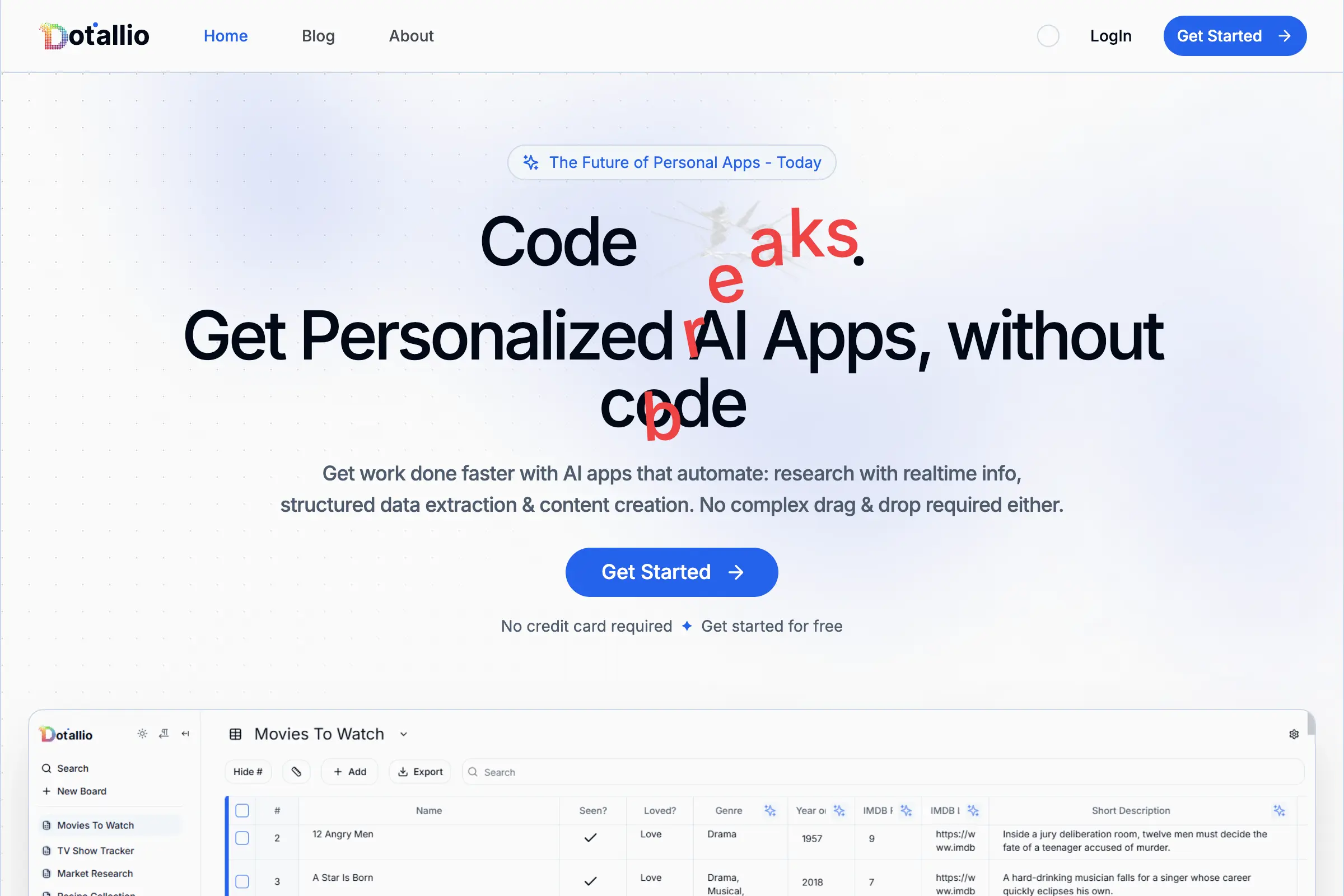
Dotallio
Personalized AI apps that automate research, data extraction, and content creation without code 🤖
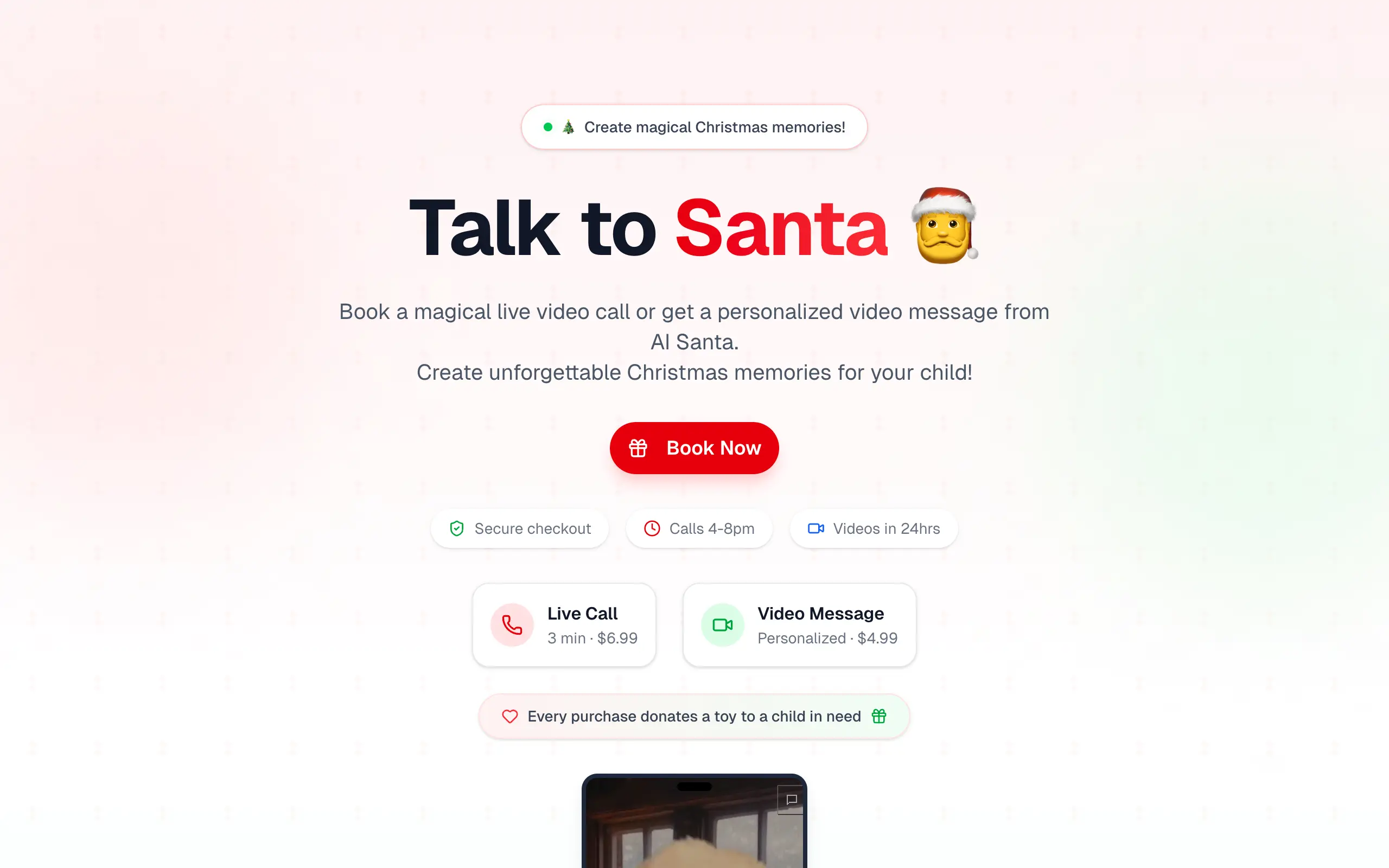
Talk to Santa
Enjoy a magical live video chat or receive a unique AI-generated video greeting from Santa Claus 🎅
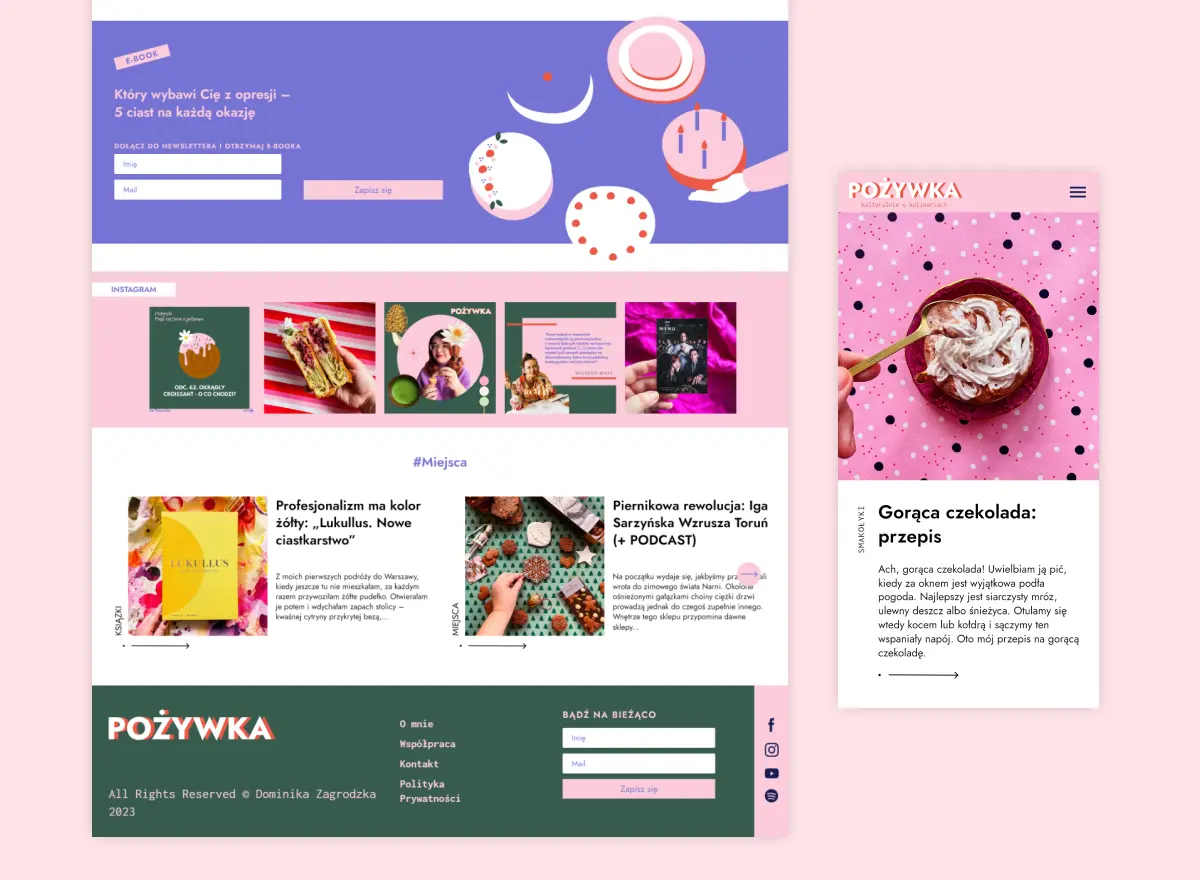
pozywka.pl
Scalable blog for food journalist, focused on performance and user experience 🌭
zagrodzki.me
Personal blog and portfolio of Bart Zagrodzki, where he shares his knowledge and work 💼
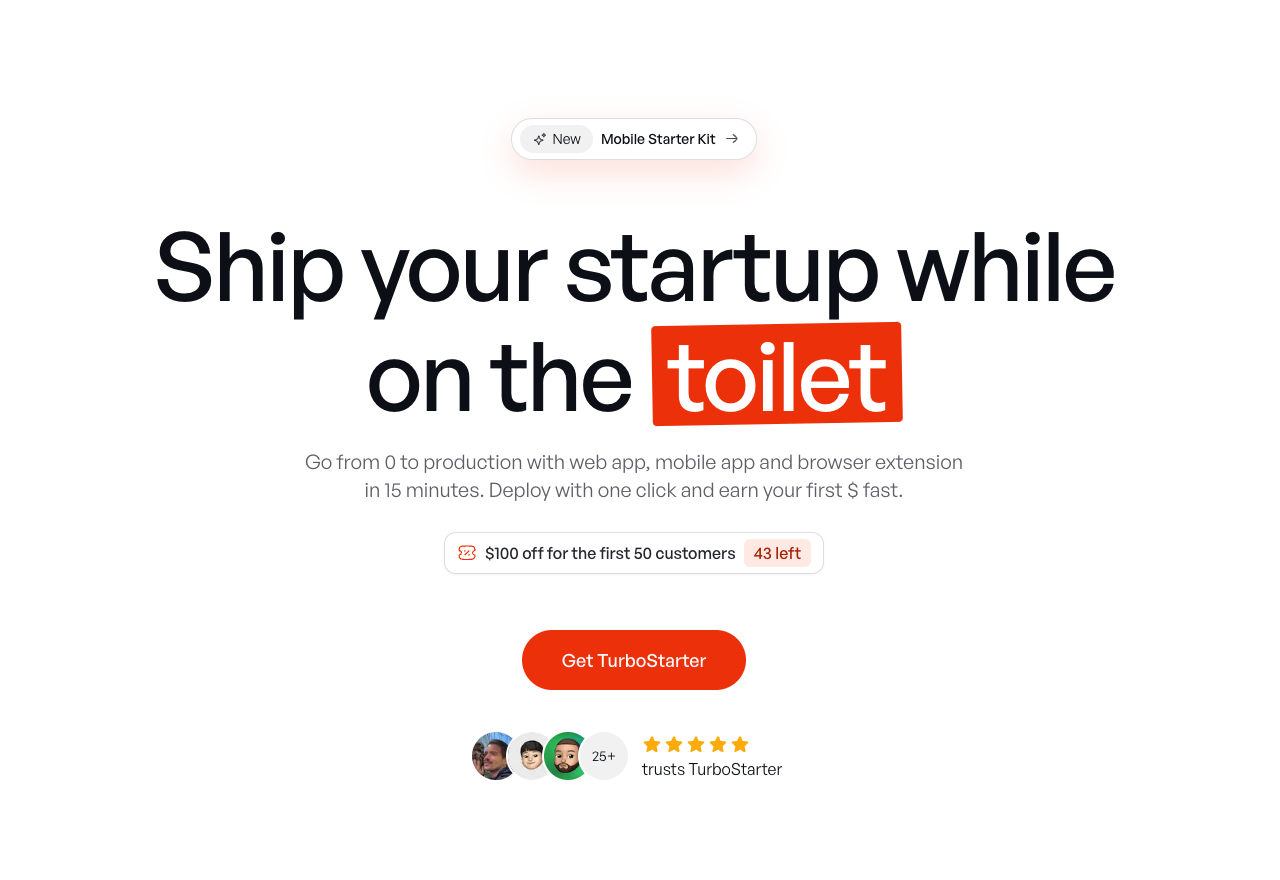
TurboStarter
Ship your startup everywhere. In minutes.
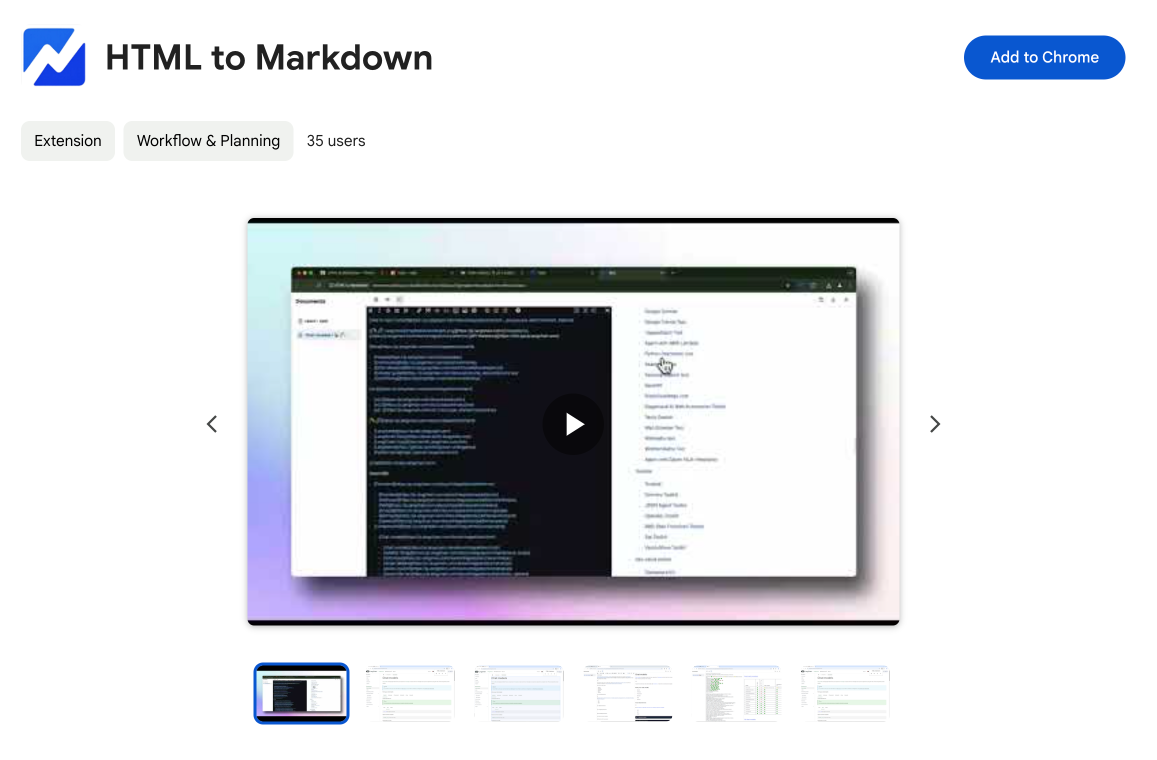
HTML to Markdown
Convert HTML to Markdown with ease, directly in your browser 📄
Dotallio
Personalized AI apps that automate research, data extraction, and content creation without code 🤖
Talk to Santa
Enjoy a magical live video chat or receive a unique AI-generated video greeting from Santa Claus 🎅
pozywka.pl
Scalable blog for food journalist, focused on performance and user experience 🌭
zagrodzki.me
Personal blog and portfolio of Bart Zagrodzki, where he shares his knowledge and work 💼
TurboStarter
Ship your startup everywhere. In minutes.
HTML to Markdown
Convert HTML to Markdown with ease, directly in your browser 📄
Dotallio
Personalized AI apps that automate research, data extraction, and content creation without code 🤖
Talk to Santa
Enjoy a magical live video chat or receive a unique AI-generated video greeting from Santa Claus 🎅
pozywka.pl
Scalable blog for food journalist, focused on performance and user experience 🌭
zagrodzki.me
Personal blog and portfolio of Bart Zagrodzki, where he shares his knowledge and work 💼
TurboStarter
Ship your startup everywhere. In minutes.
HTML to Markdown
Convert HTML to Markdown with ease, directly in your browser 📄
Dotallio
Personalized AI apps that automate research, data extraction, and content creation without code 🤖
Talk to Santa
Enjoy a magical live video chat or receive a unique AI-generated video greeting from Santa Claus 🎅
pozywka.pl
Scalable blog for food journalist, focused on performance and user experience 🌭
zagrodzki.me
Personal blog and portfolio of Bart Zagrodzki, where he shares his knowledge and work 💼
TurboStarter
Ship your startup everywhere. In minutes.
HTML to Markdown
Convert HTML to Markdown with ease, directly in your browser 📄
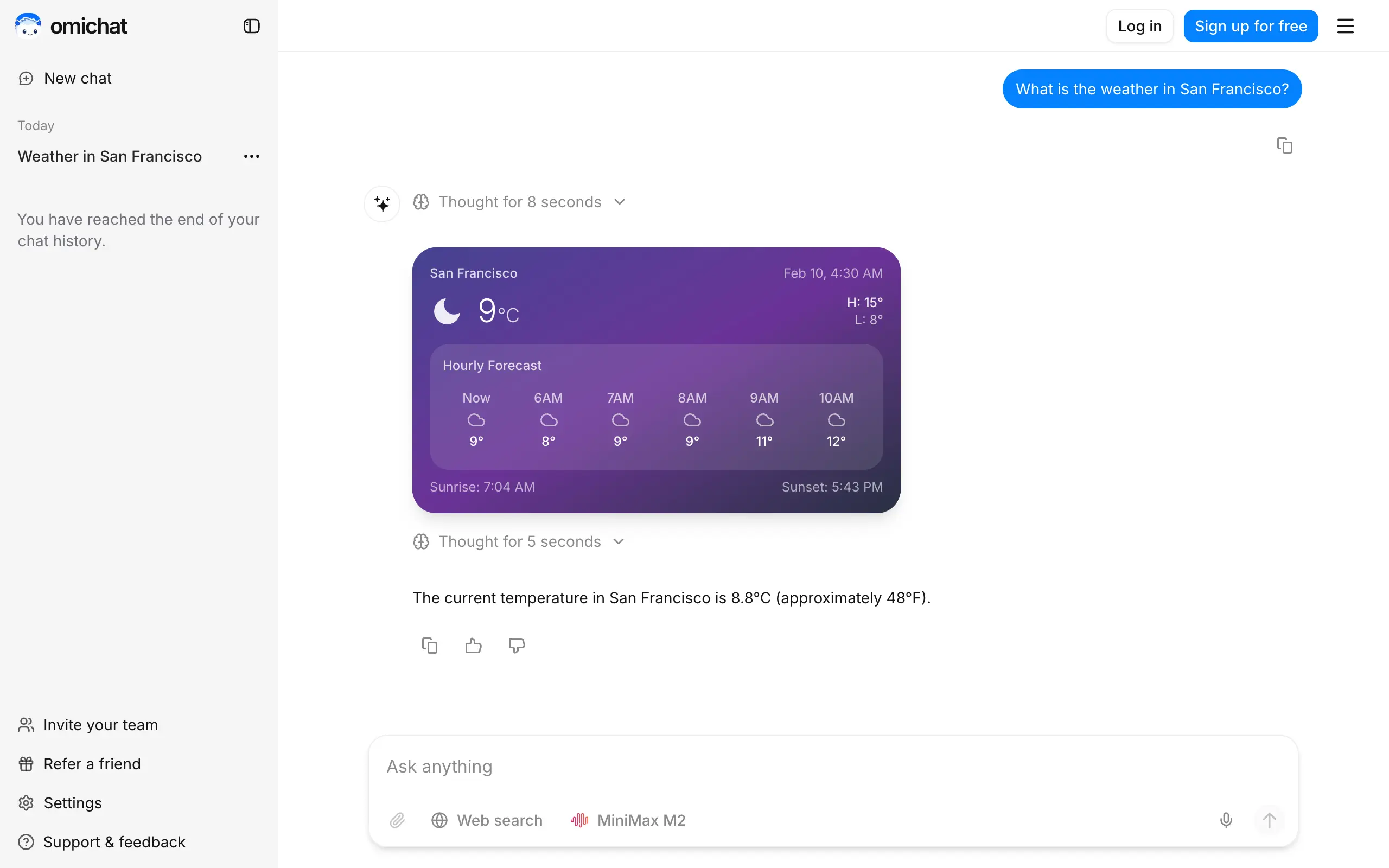
Omichat
Chat with 50+ AI models, including ChatGPT and Claude, in one place - switch models anytime without losing context 🤖
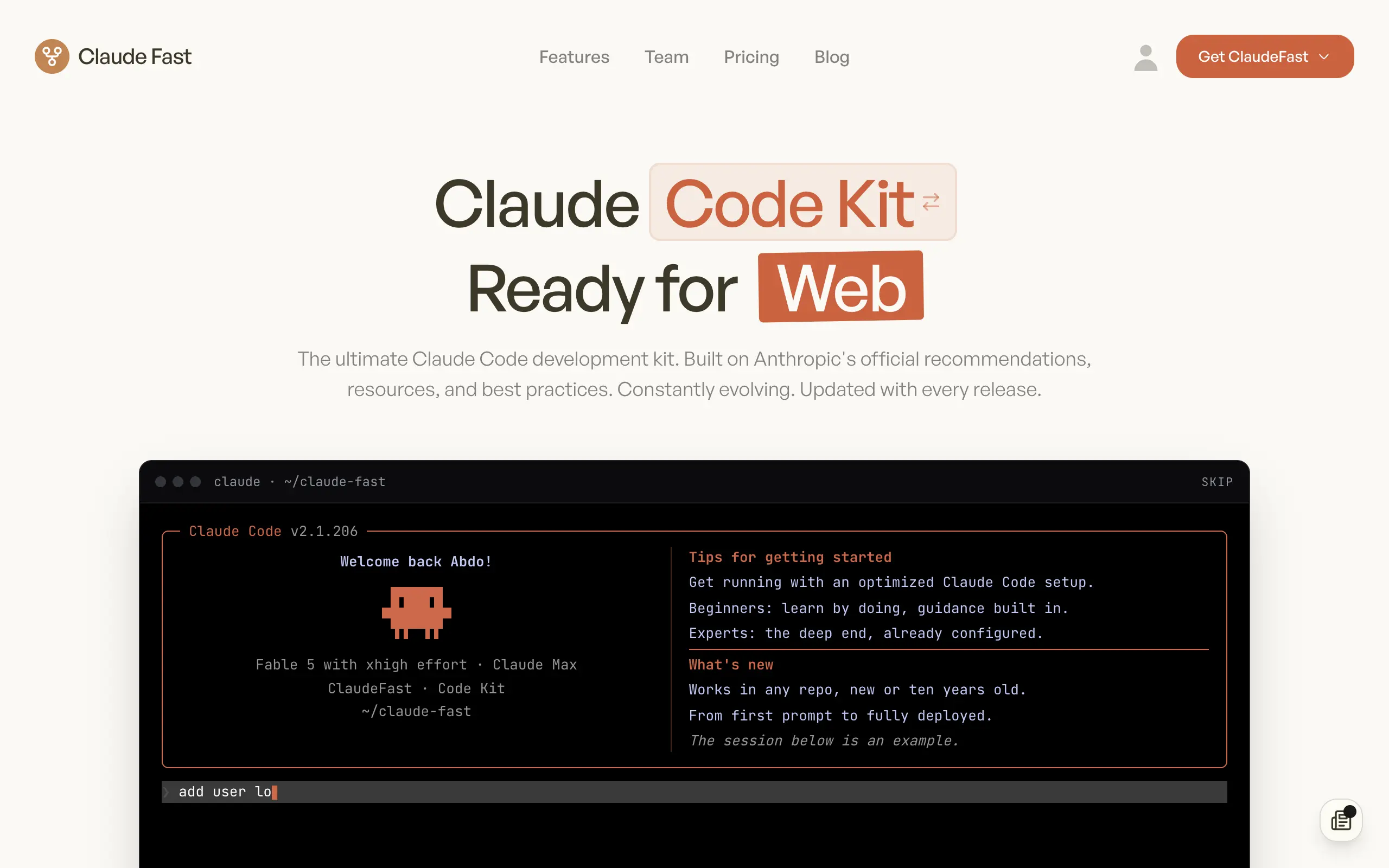
Claude Fast
Supercharge your Claude Code with 6x effective context window and specialized AI agents 🤖
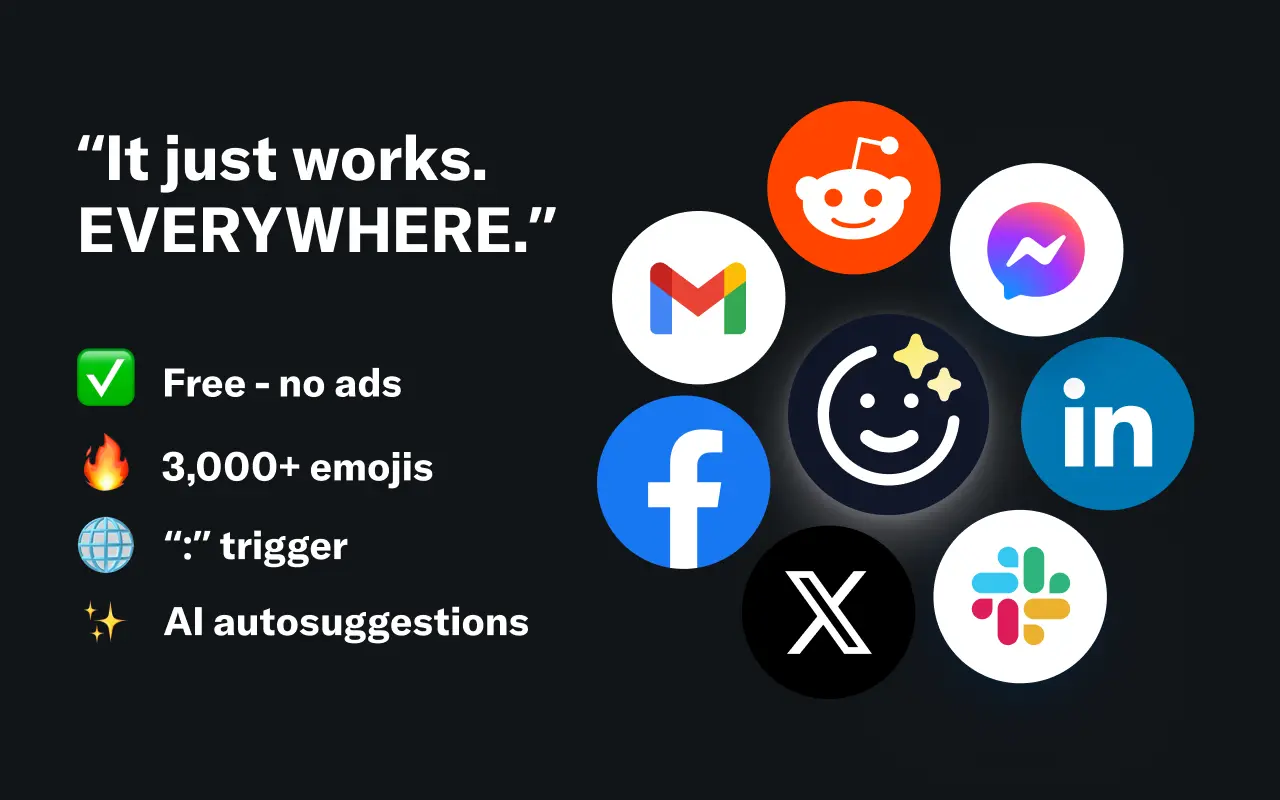
EmojAI
AI-powered emoji picker with smart, context-aware suggestions 🤖
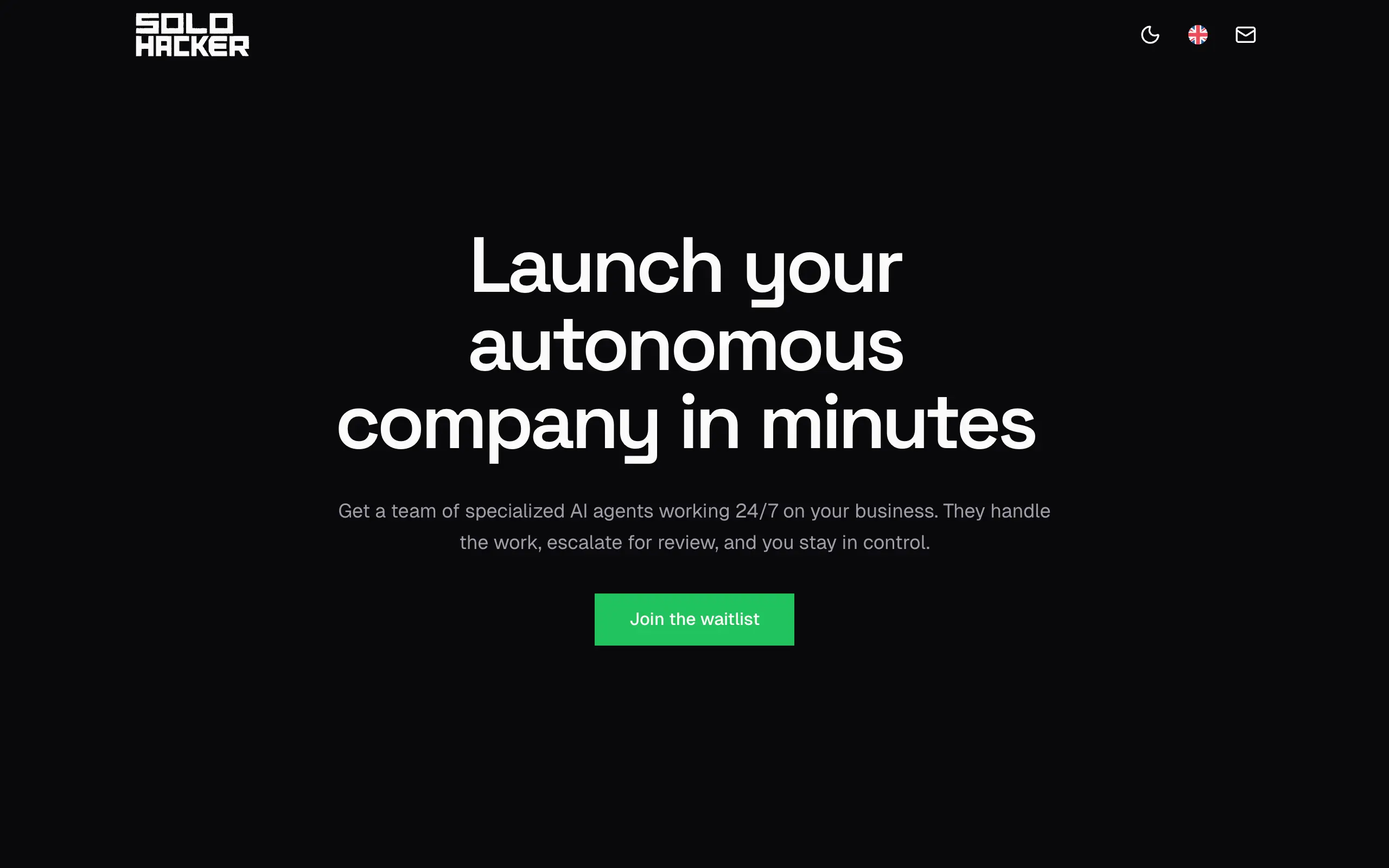
Solohacker
Autonomous company launcher - AI agents work 24/7, escalate what matters, and you stay in control 🤖
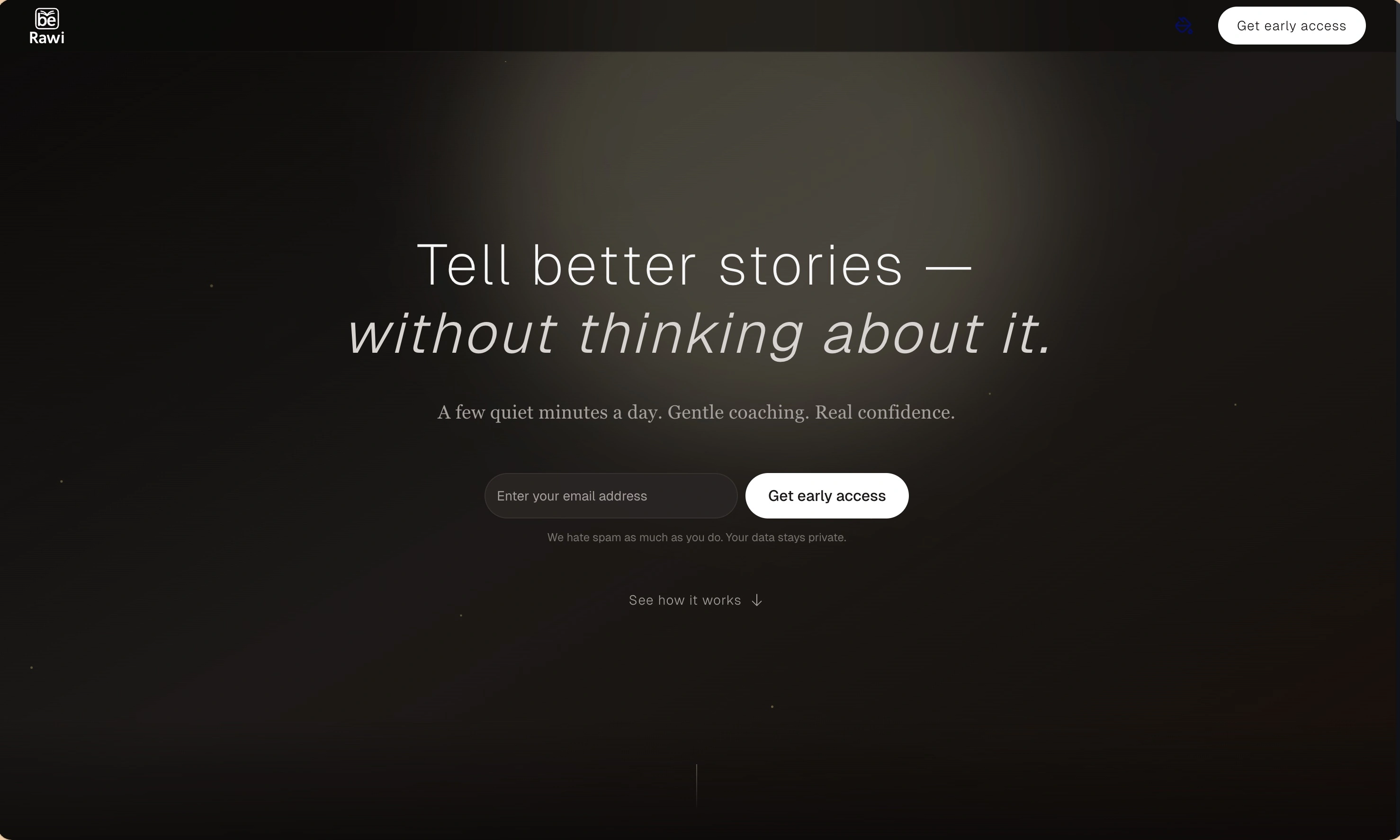
BeRawi: Storytelling Coach
Practice storytelling daily with instant feedback to sound clearer, more engaging, and confident 🎤
Omichat
Chat with 50+ AI models, including ChatGPT and Claude, in one place - switch models anytime without losing context 🤖
Claude Fast
Supercharge your Claude Code with 6x effective context window and specialized AI agents 🤖
EmojAI
AI-powered emoji picker with smart, context-aware suggestions 🤖
Solohacker
Autonomous company launcher - AI agents work 24/7, escalate what matters, and you stay in control 🤖
BeRawi: Storytelling Coach
Practice storytelling daily with instant feedback to sound clearer, more engaging, and confident 🎤
Omichat
Chat with 50+ AI models, including ChatGPT and Claude, in one place - switch models anytime without losing context 🤖
Claude Fast
Supercharge your Claude Code with 6x effective context window and specialized AI agents 🤖
EmojAI
AI-powered emoji picker with smart, context-aware suggestions 🤖
Solohacker
Autonomous company launcher - AI agents work 24/7, escalate what matters, and you stay in control 🤖
BeRawi: Storytelling Coach
Practice storytelling daily with instant feedback to sound clearer, more engaging, and confident 🎤
Omichat
Chat with 50+ AI models, including ChatGPT and Claude, in one place - switch models anytime without losing context 🤖
Claude Fast
Supercharge your Claude Code with 6x effective context window and specialized AI agents 🤖
EmojAI
AI-powered emoji picker with smart, context-aware suggestions 🤖
Solohacker
Autonomous company launcher - AI agents work 24/7, escalate what matters, and you stay in control 🤖
BeRawi: Storytelling Coach
Practice storytelling daily with instant feedback to sound clearer, more engaging, and confident 🎤

Connect with like-minded people
Join our community to get feedback, support, and grow together with 1,000+ builders on board, let's ship it!
Join usShip your startup everywhere. In minutes.
Don't burn tokens on setup and start building features on day one.