BugReplay
Capture, replay, and debug frontend bugs with AI-generated reproduction steps and fixes using real user session data and logs.
the future of frontend debugging: why bug replay platforms are taking over
Frontend debugging has always been messy. Between inconsistent user environments, incomplete logs, and vague bug reports like “it broke when I clicked the button,” developers often spend hours—or days—trying to reproduce issues that users encounter in seconds.
This is exactly where an AI-powered bug replay SaaS like BugReplay creates massive value. By capturing real user sessions, reconstructing bugs automatically, and generating actionable fixes, it fundamentally transforms how teams diagnose and resolve frontend issues.
In this guide, we’ll break down the full opportunity behind a tool like BugReplay—covering market demand, core features, technical architecture, monetization, and how to build it into a scalable SaaS business.
understanding the core problem: why frontend bugs are so hard to fix
Modern frontend applications are incredibly complex. Frameworks like React, distributed APIs, device fragmentation, and asynchronous behavior introduce layers of unpredictability.
Here’s what makes debugging especially painful:
- Non-reproducible issues: Bugs occur under specific conditions that are hard to recreate.
- Incomplete reports: Users rarely provide clear reproduction steps.
- Environment mismatch: Different browsers, devices, or network conditions affect behavior.
- Missing context: Logs alone don’t capture user intent or UI state transitions.
Even with tools like error tracking platforms, developers still ask:
“What exactly did the user do before this broke?”
That’s the gap BugReplay fills.
what is bug replay software (and why it matters now)
Bug replay software records user sessions—including clicks, inputs, DOM changes, and network activity—and allows developers to replay those sessions as if they were happening live.
BugReplay goes further by layering AI on top:
- Automatically identifies where things went wrong
- Generates reproduction steps
- Suggests fixes based on patterns
- Links logs, session data, and errors into a single narrative
why now is the perfect time
Several trends make this idea especially viable today:
- AI maturity: LLMs can now interpret logs and UI events meaningfully
- Frontend complexity: SPAs and micro-frontends increase debugging difficulty
- User expectations: Faster fixes are now expected in SaaS products
- DevOps culture: Teams prioritize observability and developer experience
target audience: who needs bug replay tools the most
BugReplay is not for everyone—it’s especially valuable for teams dealing with high frontend complexity and user scale.
primary segments
1. SaaS startups and scale-ups
- Fast iteration cycles
- Limited QA resources
- High pressure to fix bugs quickly
2. Product engineering teams
- React, Vue, or Angular-based applications
- Feature-rich dashboards or workflows
- Frequent UI updates
3. Customer-facing platforms
- E-commerce sites
- Marketplaces
- Fintech or healthtech dashboards
4. QA and support teams
- Need reproducible bug reports
- Want to reduce back-and-forth with users
secondary audiences
- Agencies managing multiple client apps
- Open-source maintainers (for complex UIs)
- Enterprise internal tools teams
market opportunity and competitive landscape
The debugging and observability space is already crowded—but still full of gaps.
existing players
- Session replay tools (e.g., LogRocket, FullStory)
- Error tracking tools (e.g., Sentry)
- Monitoring platforms (e.g., Datadog)
These tools are powerful—but fragmented.
the gap BugReplay fills
Most tools provide data, not answers.
BugReplay’s differentiation:
- AI-generated reproduction steps
- Root cause analysis suggestions
- Unified debugging narrative (session + logs + errors)
- Developer-first experience (not just analytics)
| Feature | Session Replay Tools | Error Trackers | BugReplay | Manual Debugging |
|---|---|---|---|---|
| Session playback | ✅ | ❌ | ✅ | ❌ |
| Error logs | ✅ | ✅ | ✅ | ✅ |
| AI reproduction steps | ❌ | ❌ | ✅ | ❌ |
| Fix suggestions | ❌ | ❌ | ✅ | ❌ |
| Unified debugging context | ⚠️ | ⚠️ | ✅ | ❌ |
core features that define a winning bug replay SaaS
To succeed, BugReplay needs to go beyond basic session recording.
1. session capture engine
- Record DOM mutations, clicks, scrolls, inputs
- Capture console logs and network requests
- Lightweight SDK to avoid performance impact
2. deterministic session replay
- Recreate sessions pixel-perfectly
- Sync with timeline events (logs, errors)
- Allow step-by-step navigation
3. AI-generated reproduction steps
Example output:
- “User clicked ‘Checkout’”
- “API call to /payments failed with 500”
- “UI entered inconsistent state after retry”
This is where LLMs shine.
4. automated root cause detection
- Identify failing components or hooks
- Highlight suspicious code paths
- Correlate frontend and backend signals
5. fix recommendations
- Suggest code-level changes
- Reference similar issues or patterns
- Provide patch examples where possible
6. developer-friendly dashboard
- Searchable sessions
- Filter by error type, user segment, browser
- Integration with issue trackers (GitHub, Jira)
7. privacy-first architecture
- Data masking (PII protection)
- GDPR compliance
- Selective recording
Key insight
Privacy concerns are one of the biggest blockers for session replay tools. Building trust through strong data controls is a competitive advantage—not just a compliance requirement.
how the AI layer actually works
This is the heart of BugReplay’s differentiation.
input data
- Session events
- Console logs
- Network traces
- Stack traces
processing pipeline
- Normalize session data into structured events
- Detect anomalies (errors, UI inconsistencies)
- Feed context into an LLM
- Generate:
- Reproduction steps
- Root cause hypotheses
- Fix suggestions
example pseudo-flow
const analysis = await ai.analyze({
  sessionEvents,
  consoleLogs,
  networkRequests,
  errorStack
});

return {
  steps: analysis.reproductionSteps,
  cause: analysis.rootCause,
  fix: analysis.suggestedFix
};
recommended tech stack (with trade-offs)
Building BugReplay requires careful infrastructure decisions.
frontend SDK
- JavaScript SDK (vanilla + framework adapters)
- Libraries:
- rrweb for session recording
- Custom instrumentation layer
Trade-off: More data vs performance overhead
backend infrastructure
- Node.js or Go for ingestion APIs
- Event streaming (Kafka or alternatives)
- Storage:
- Blob storage for sessions
- Time-series DB for logs
AI layer
- LLM APIs (OpenAI or similar)
- Fine-tuning or prompt engineering
- Vector database for pattern matching
frontend dashboard
- React
- TailwindCSS
- Realtime playback engine
deployment
- Cloud: AWS / GCP / Vercel
- Edge ingestion for performance
Scalability challenge
Session replay data grows extremely fast. Storage and indexing costs can spiral without aggressive compression and retention strategies.
monetization strategy: how bug replay tools make money
This is a high-value B2B SaaS category, which means strong pricing potential.
pricing models
1. usage-based pricing
- Sessions recorded per month
- Events processed
2. tiered plans
- Starter: limited sessions + basic replay
- Pro: AI insights + integrations
- Enterprise: compliance + SLA
3. add-ons
- Advanced AI debugging
- Extended retention
- Custom analytics
pricing benchmarks
Comparable tools often charge:
- $50–$500/month for startups
- $1,000+/month for enterprise
BugReplay can justify premium pricing due to AI capabilities.
competitive advantage: what makes bugreplay stand out
BugReplay’s moat is not just session replay—it’s actionable intelligence.
key differentiators
- AI-generated debugging steps (not just data)
- Reduced time-to-resolution
- Developer-first UX
- Integrated debugging narrative
From data to decisions
Transforms raw session data into clear debugging steps.
Faster fixes
Cuts debugging time from hours to minutes.
AI-native workflow
Built around AI, not retrofitted.
risks and how to mitigate them
1. privacy concerns
Risk: Users hesitate to record sessions
Solution:
- Mask sensitive inputs
- Offer on-prem or self-hosted options
2. performance overhead
Risk: SDK slows down apps
Solution:
- Optimize event sampling
- Lazy-load recording scripts
3. AI hallucinations
Risk: Incorrect debugging suggestions
Solution:
- Confidence scoring
- Show raw data alongside AI output
4. competition from incumbents
Risk: Tools like Sentry add similar features
Solution:
- Focus on UX and AI depth
- Build faster iteration cycles
step-by-step implementation roadmap
If you’re building BugReplay, here’s a realistic path.
go-to-market strategy
early traction channels
- Developer communities (GitHub, Reddit)
- Product Hunt launch
- Dev-focused content marketing
content ideas
- “Why debugging frontend bugs is broken”
- “How we reduced bug resolution time by 80%”
- Case studies with real teams
future expansion opportunities
Once the core product is stable, expansion paths include:
- Backend debugging correlation
- Automated testing from real sessions
- Predictive bug detection
- CI/CD integrations
actionable next steps to build your bug replay SaaS
If you’re serious about launching something like BugReplay:
- Validate demand with developers
- Build a minimal SDK + replay feature
- Add AI summarization early (even if basic)
- Focus heavily on UX
- Iterate with real user feedback
And importantly—don’t try to build everything at once. Start with replay + error linking, then layer AI.
final thoughts: why bug replay is a billion-dollar category
The shift toward complex frontend applications isn’t slowing down. If anything, it’s accelerating.
Debugging remains one of the most painful and time-consuming parts of software development—and tools that reduce that pain have massive value.
BugReplay sits at the intersection of:
- Observability
- Developer productivity
- AI-assisted workflows
That combination is powerful—and still underexplored.
If executed well, it’s not just another debugging tool. It’s a new standard for how bugs are understood and fixed.
ready to build bugreplay?
If you want to move fast and skip months of setup, using a solid SaaS starter kit can make a huge difference.
TurboStarter gives you a production-ready foundation with authentication, billing, and modern frontend tooling—so you can focus on building your core product instead of reinventing infrastructure.
frequently asked questions about bug replay software
Session replay shows what happened. Bug replay explains why it happened and how to fix it using AI-generated insights.
Yes—if implemented correctly with masking, consent mechanisms, and compliance standards like GDPR.
AI can significantly accelerate debugging by analyzing patterns and generating hypotheses, but it should complement—not replace—developer judgment.
Handling large volumes of session data efficiently while maintaining performance and privacy is the biggest technical challenge.
More 🤖 AI Startup SaaS ideas
Discover more innovative ai startup SaaS ideas that are trending in 2026. Each idea is AI-generated with market validation and growth potential to help you find your next profitable venture faster than competitors.
Your competitors are building with TurboStarter
Below are some of the SaaS ideas that have been generated and built with our starter kit.

Statiko
Monitor any Telegram channel in real time - track posts, edits, deletions, and growth with AI recaps 📡

Shibui
AI website builder - describe your business, pick a niche template, edit by chatting, and publish instantly ✨

Pro Service
Find verified home service professionals, compare quotes, and pay securely through escrow - built for Brazilians across the US 🏠
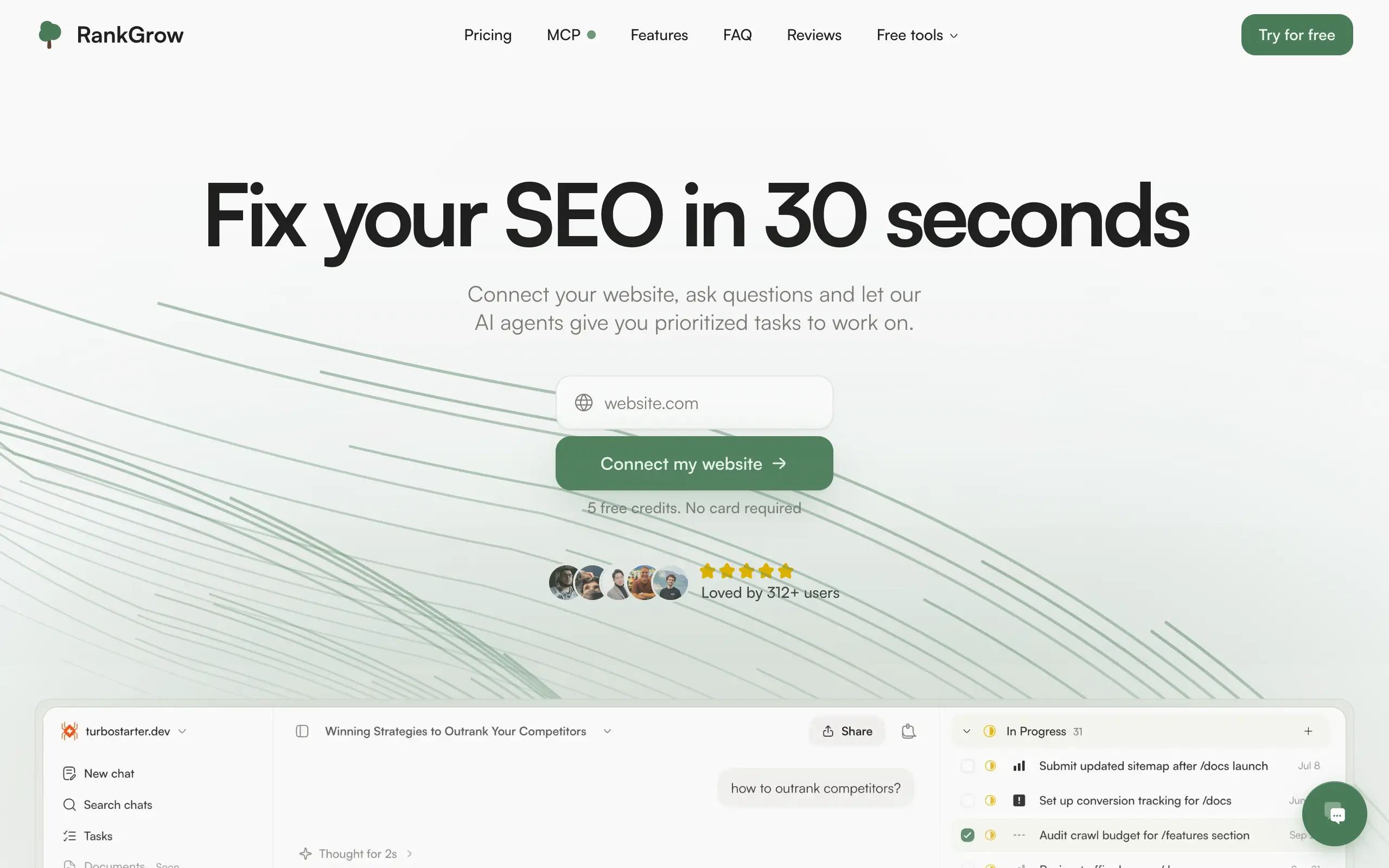
RankGrow
Fix your SEO with AI agents - connect Search Console, get prioritized tasks, and grow organic traffic 📈
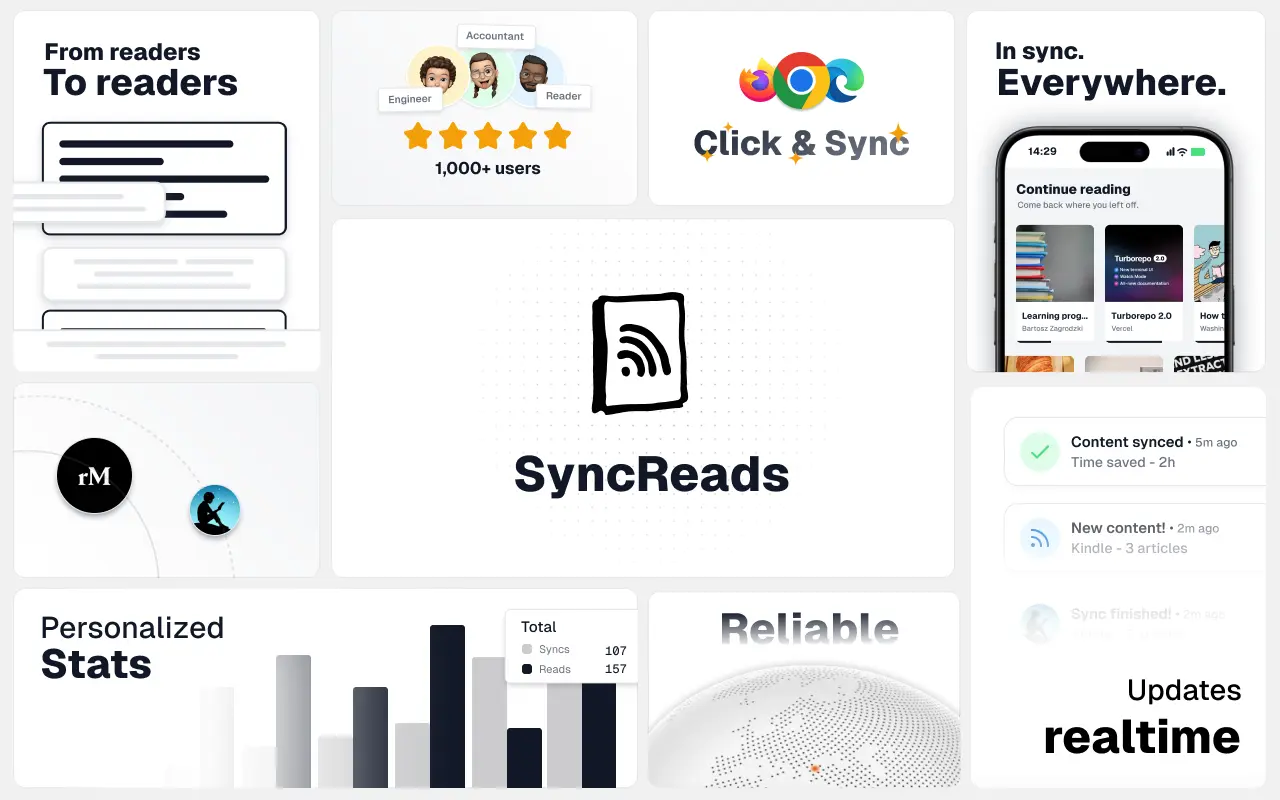
SyncReads
Sync your favorite content for distraction-free reading, save time and replace multiple apps. Anytime, anywhere 🔄
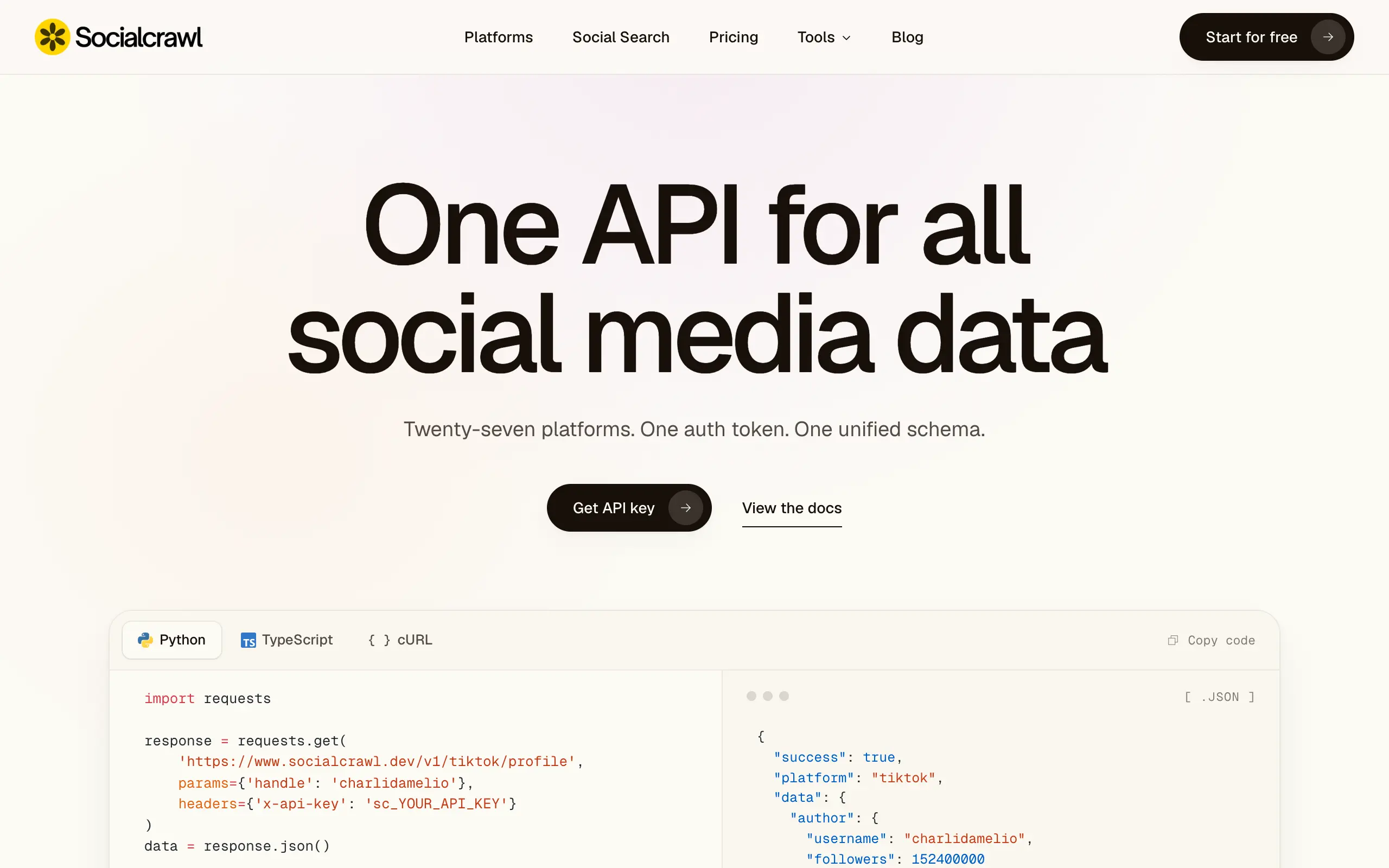
Socialcrawl
Get clean, structured data from 21 platforms like TikTok, Instagram, and YouTube with a single request 📊
Statiko
Monitor any Telegram channel in real time - track posts, edits, deletions, and growth with AI recaps 📡
Shibui
AI website builder - describe your business, pick a niche template, edit by chatting, and publish instantly ✨
Pro Service
Find verified home service professionals, compare quotes, and pay securely through escrow - built for Brazilians across the US 🏠
RankGrow
Fix your SEO with AI agents - connect Search Console, get prioritized tasks, and grow organic traffic 📈
SyncReads
Sync your favorite content for distraction-free reading, save time and replace multiple apps. Anytime, anywhere 🔄
Socialcrawl
Get clean, structured data from 21 platforms like TikTok, Instagram, and YouTube with a single request 📊
Statiko
Monitor any Telegram channel in real time - track posts, edits, deletions, and growth with AI recaps 📡
Shibui
AI website builder - describe your business, pick a niche template, edit by chatting, and publish instantly ✨
Pro Service
Find verified home service professionals, compare quotes, and pay securely through escrow - built for Brazilians across the US 🏠
RankGrow
Fix your SEO with AI agents - connect Search Console, get prioritized tasks, and grow organic traffic 📈
SyncReads
Sync your favorite content for distraction-free reading, save time and replace multiple apps. Anytime, anywhere 🔄
Socialcrawl
Get clean, structured data from 21 platforms like TikTok, Instagram, and YouTube with a single request 📊
Statiko
Monitor any Telegram channel in real time - track posts, edits, deletions, and growth with AI recaps 📡
Shibui
AI website builder - describe your business, pick a niche template, edit by chatting, and publish instantly ✨
Pro Service
Find verified home service professionals, compare quotes, and pay securely through escrow - built for Brazilians across the US 🏠
RankGrow
Fix your SEO with AI agents - connect Search Console, get prioritized tasks, and grow organic traffic 📈
SyncReads
Sync your favorite content for distraction-free reading, save time and replace multiple apps. Anytime, anywhere 🔄
Socialcrawl
Get clean, structured data from 21 platforms like TikTok, Instagram, and YouTube with a single request 📊
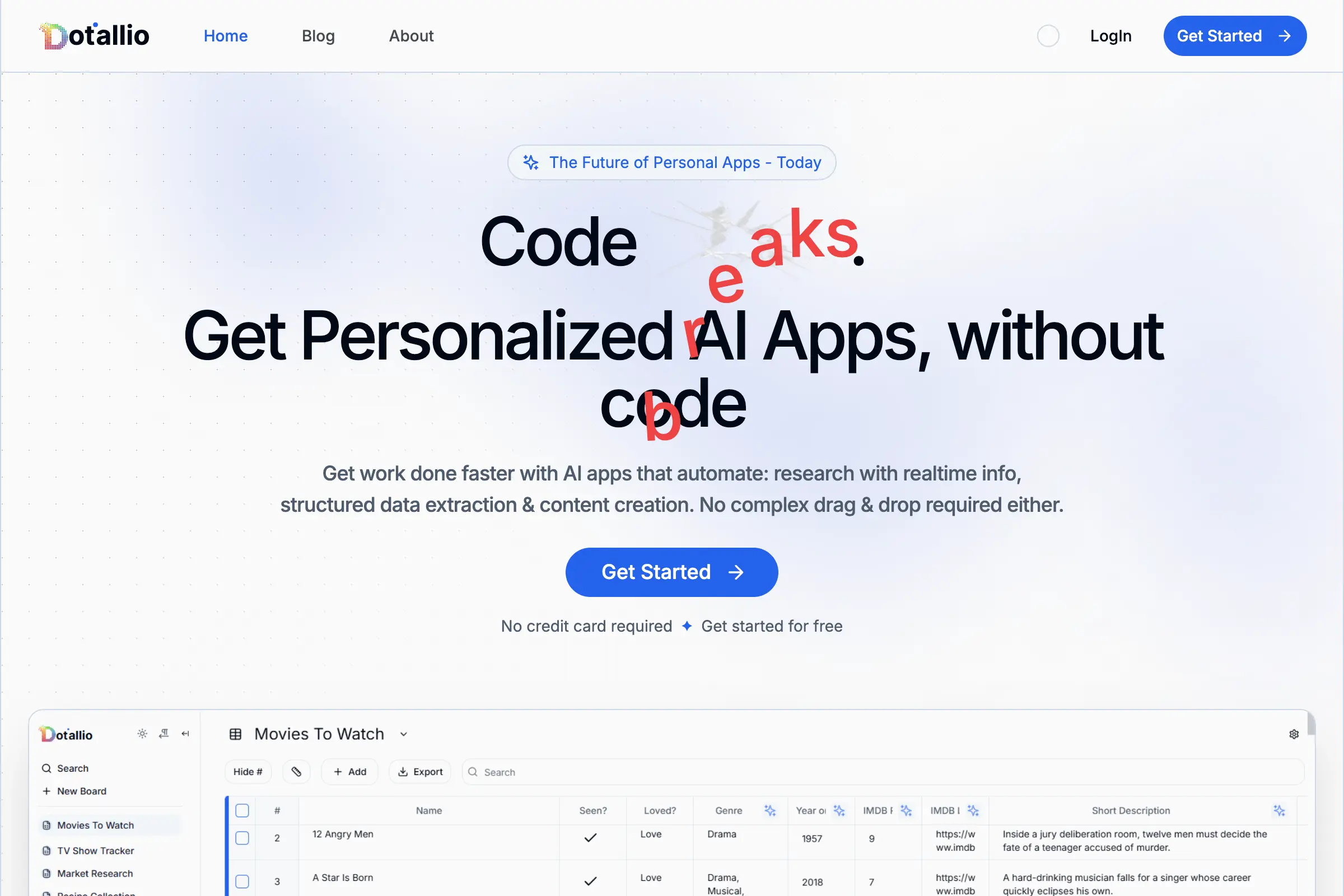
Dotallio
Personalized AI apps that automate research, data extraction, and content creation without code 🤖

Talk to Santa
Enjoy a magical live video chat or receive a unique AI-generated video greeting from Santa Claus 🎅

pozywka.pl
Scalable blog for food journalist, focused on performance and user experience 🌭
zagrodzki.me
Personal blog and portfolio of Bart Zagrodzki, where he shares his knowledge and work 💼
TurboStarter
Ship your startup everywhere. In minutes.
HTML to Markdown
Convert HTML to Markdown with ease, directly in your browser 📄
Dotallio
Personalized AI apps that automate research, data extraction, and content creation without code 🤖
Talk to Santa
Enjoy a magical live video chat or receive a unique AI-generated video greeting from Santa Claus 🎅
pozywka.pl
Scalable blog for food journalist, focused on performance and user experience 🌭
zagrodzki.me
Personal blog and portfolio of Bart Zagrodzki, where he shares his knowledge and work 💼
TurboStarter
Ship your startup everywhere. In minutes.
HTML to Markdown
Convert HTML to Markdown with ease, directly in your browser 📄
Dotallio
Personalized AI apps that automate research, data extraction, and content creation without code 🤖
Talk to Santa
Enjoy a magical live video chat or receive a unique AI-generated video greeting from Santa Claus 🎅
pozywka.pl
Scalable blog for food journalist, focused on performance and user experience 🌭
zagrodzki.me
Personal blog and portfolio of Bart Zagrodzki, where he shares his knowledge and work 💼
TurboStarter
Ship your startup everywhere. In minutes.
HTML to Markdown
Convert HTML to Markdown with ease, directly in your browser 📄
Dotallio
Personalized AI apps that automate research, data extraction, and content creation without code 🤖
Talk to Santa
Enjoy a magical live video chat or receive a unique AI-generated video greeting from Santa Claus 🎅
pozywka.pl
Scalable blog for food journalist, focused on performance and user experience 🌭
zagrodzki.me
Personal blog and portfolio of Bart Zagrodzki, where he shares his knowledge and work 💼
TurboStarter
Ship your startup everywhere. In minutes.
HTML to Markdown
Convert HTML to Markdown with ease, directly in your browser 📄
Omichat
Chat with 50+ AI models, including ChatGPT and Claude, in one place - switch models anytime without losing context 🤖
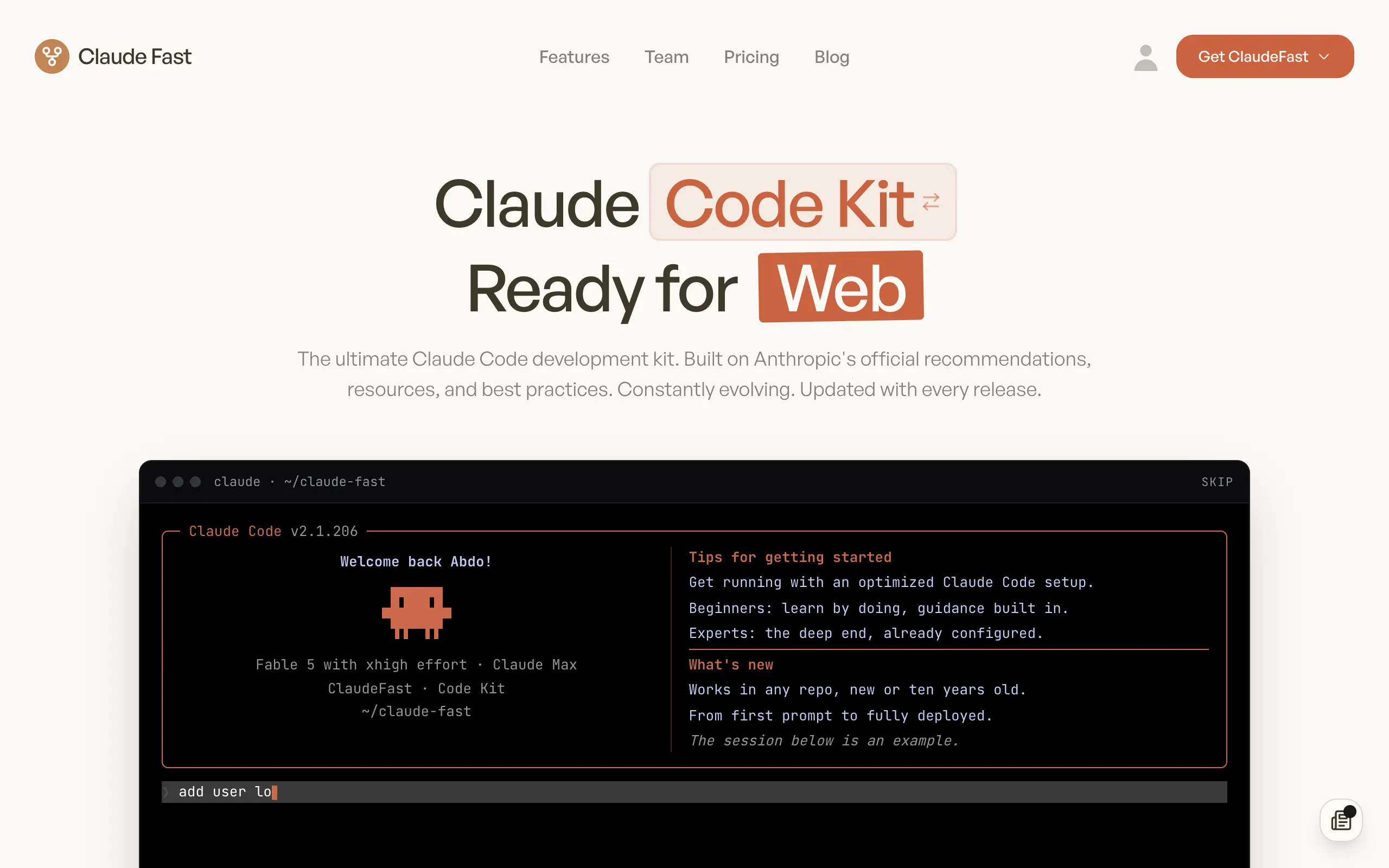
Claude Fast
Supercharge your Claude Code with 6x effective context window and specialized AI agents 🤖
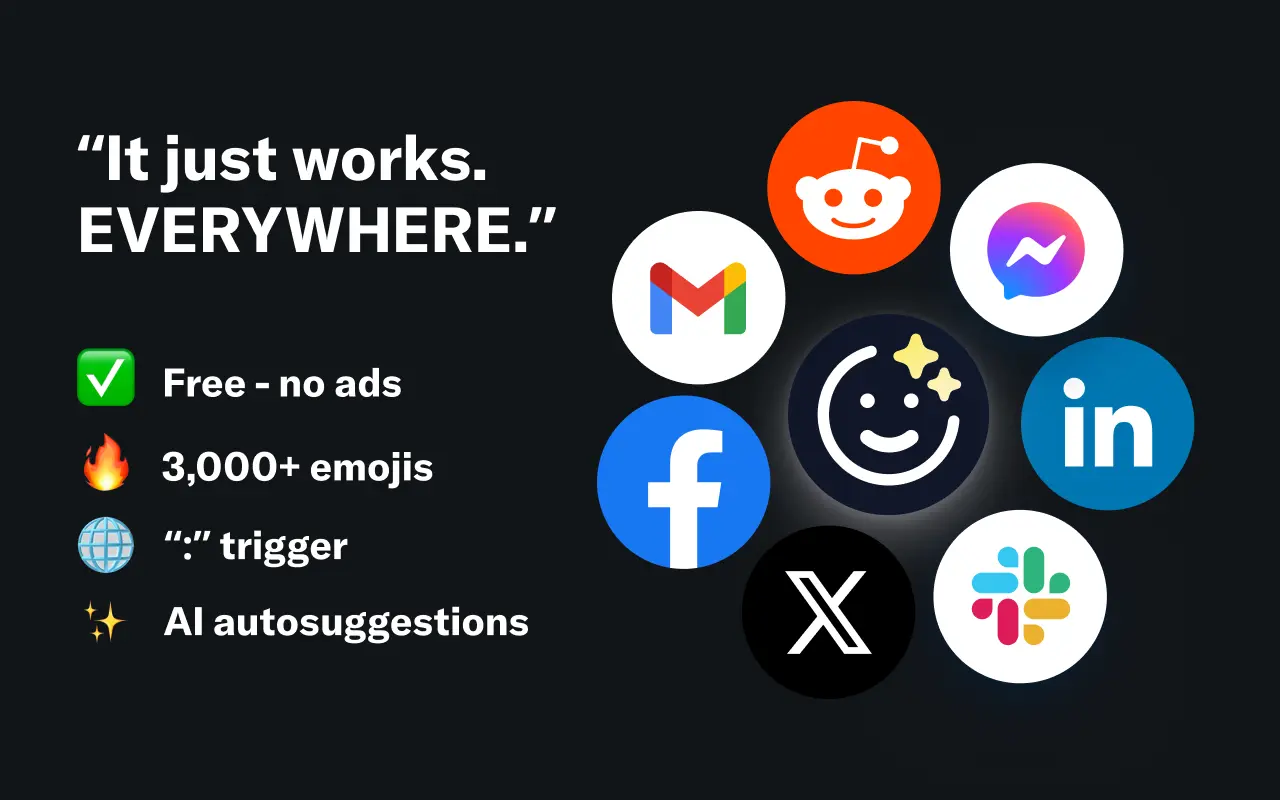
EmojAI
AI-powered emoji picker with smart, context-aware suggestions 🤖

Solohacker
Autonomous company launcher - AI agents work 24/7, escalate what matters, and you stay in control 🤖

BeRawi: Storytelling Coach
Practice storytelling daily with instant feedback to sound clearer, more engaging, and confident 🎤
Omichat
Chat with 50+ AI models, including ChatGPT and Claude, in one place - switch models anytime without losing context 🤖
Claude Fast
Supercharge your Claude Code with 6x effective context window and specialized AI agents 🤖
EmojAI
AI-powered emoji picker with smart, context-aware suggestions 🤖
Solohacker
Autonomous company launcher - AI agents work 24/7, escalate what matters, and you stay in control 🤖
BeRawi: Storytelling Coach
Practice storytelling daily with instant feedback to sound clearer, more engaging, and confident 🎤
Omichat
Chat with 50+ AI models, including ChatGPT and Claude, in one place - switch models anytime without losing context 🤖
Claude Fast
Supercharge your Claude Code with 6x effective context window and specialized AI agents 🤖
EmojAI
AI-powered emoji picker with smart, context-aware suggestions 🤖
Solohacker
Autonomous company launcher - AI agents work 24/7, escalate what matters, and you stay in control 🤖
BeRawi: Storytelling Coach
Practice storytelling daily with instant feedback to sound clearer, more engaging, and confident 🎤
Omichat
Chat with 50+ AI models, including ChatGPT and Claude, in one place - switch models anytime without losing context 🤖
Claude Fast
Supercharge your Claude Code with 6x effective context window and specialized AI agents 🤖
EmojAI
AI-powered emoji picker with smart, context-aware suggestions 🤖
Solohacker
Autonomous company launcher - AI agents work 24/7, escalate what matters, and you stay in control 🤖
BeRawi: Storytelling Coach
Practice storytelling daily with instant feedback to sound clearer, more engaging, and confident 🎤

Connect with like-minded people
Join our community to get feedback, support, and grow together with 1,000+ builders on board, let's ship it!
Join usShip your startup everywhere. In minutes.
Don't burn tokens on setup and start building features on day one.