CaseLabel
An AI document naming workspace for law firms that detects matter, client, document type and date before filing PDFs into the right case folder.
Why AI document naming software matters for law firms
Law firms create and receive an extraordinary volume of documents every day. Pleadings, contracts, exhibits, correspondence, discovery productions, medical records, invoices, court notices, and signed agreements all move through email inboxes, document management systems, shared drives, and client portals.
The problem is rarely that a firm has nowhere to store files. The problem is that files arrive with inconsistent, unhelpful, or misleading names:
scan_00482.pdffinal_final_v3.pdfAttachment.pdfJohn Doe Agreement Signed.pdfEmail from client 9-12.pdf
Before a document is useful, someone must identify it, determine the relevant client and matter, classify the document type, extract the important date, apply the firm’s naming convention, and file it in the right location. That work is repetitive, time-sensitive, and vulnerable to human error.
CaseLabel is an AI document naming workspace for law firms designed to solve that operational gap. It detects a PDF’s likely matter, client, document type, and date before generating a standardized name and routing the document into the appropriate case folder.
For firms evaluating AI document naming software, the core value proposition is not merely faster file renaming. It is creating a reliable intake layer between unstructured incoming PDFs and an organized legal matter workspace.
A strong implementation can reduce administrative friction, improve document retrieval, support more consistent matter records, and lower the risk of misfiling sensitive client documents.
The key workflow insight
Legal document organization is a classification problem before it is a storage problem. Firms need a dependable way to understand what a document is, who it belongs to, and where it should live before it enters the matter record.
The legal document filing problem CaseLabel solves
Legal teams often rely on a mix of manual judgment, staff conventions, and institutional memory to organize documents. That approach can work at a very small scale, but it becomes fragile as the number of matters, attorneys, offices, and document sources grows.
A legal assistant may know that a file named notice.pdf belongs to the Smith employment dispute because it arrived moments after a related email. Another team member, however, may upload the same file later without that context. Months later, a lawyer trying to locate the notice may search multiple folders and versions before finding it.
This creates four recurring problems.
Inconsistent legal file naming conventions
Without a shared and enforced convention, document names vary by person and practice group. One team may use:
YYYY-MM-DD - Client - Document Type
Another may use:
Document Type - Matter Number - Date
A third may save whatever name arrived from the sender.
Inconsistent conventions make search weaker, hamper reporting, and force staff to open files just to understand what they contain.
Misfiled documents and matter confusion
A firm may represent the same client across multiple disputes, transactions, entities, or jurisdictions. Matching a document to the right client is not enough. It must be matched to the correct matter.
For example, a business client could have separate folders for:
- A vendor contract dispute
- A commercial lease negotiation
- An employment claim
- An acquisition
- A regulatory response
Misclassifying a document into the wrong matter can produce missed deadlines, inefficient review, and confidentiality concerns.
Manual intake creates costly context switching
Document filing frequently interrupts more valuable work. Legal staff must stop to inspect documents, identify metadata, look up matter numbers, apply a naming policy, and move files into the correct destination.
The task may take only a few minutes per document, but the hidden cost includes context switching, review overhead, training, and correction of filing mistakes. Firms should measure this burden through time-and-motion sampling rather than assuming it is insignificant.
Search fails when metadata is absent
Even sophisticated document management systems depend on the quality of the data put into them. If filenames are vague and matter associations are wrong, search results become less useful.
CaseLabel can sit upstream of the existing repository and improve the quality of every document entering it.
Who needs an AI legal document naming workspace
The most promising audience for CaseLabel is not every legal organization at once. The strongest initial market is firms with frequent PDF intake, established folder structures, and enough document volume for manual filing to be painful.
Small and midsize law firms
Firms with growing caseloads often need process consistency but may lack a dedicated records-management team.
High-volume practice groups
Litigation, family law, personal injury, real estate, immigration, and employment practices frequently process repetitive document categories.
Legal operations teams
Operations leaders need measurable workflow improvements, clearer controls, and better adoption of existing document systems.
Boutique firms with sensitive matters
Specialized firms benefit from accurate matter routing, controlled access, and auditable handling of client files.
Primary buyer and daily users
The likely economic buyer is a managing partner, firm administrator, legal operations lead, chief information officer, or office administrator. The daily users may be legal assistants, paralegals, legal secretaries, records staff, junior associates, and intake coordinators.
Each audience evaluates the product differently.
- "Managing partners" want less non-billable administrative work, improved service quality, and reduced operational risk.
- "Legal operations leaders" want standardized workflows, reporting, integrations, and governance.
- "Paralegals and assistants" want a fast interface that minimizes duplicate work and does not require constant correction.
- "Attorneys" want documents to appear in the right matter folder and be easy to find when they need them.
- "IT and security stakeholders" want strong access controls, data protection, auditability, and predictable vendor practices.
Best early adopter segments
CaseLabel should initially focus on document-intensive practice areas where PDFs arrive in recognizable patterns and a clear naming schema is valuable.
| Practice area | Common incoming documents | Why the workflow fits |
|---|---|---|
| Litigation | Pleadings, motions, orders, discovery, exhibits | High volume, deadline-sensitive files, repeated court document types |
| Personal injury | Medical records, bills, demand letters, insurer correspondence | Large document batches and strong date-based organization needs |
| Immigration | Forms, identity documents, notices, supporting evidence | Repeated forms, client-specific packets, and structured case workflows |
| Real estate | Purchase agreements, title reports, deeds, disclosures | Transactional document types and predictable matter folders |
| Employment law | Complaints, HR records, settlement agreements, agency notices | Sensitive records requiring correct matter classification |
| Family law | Financial disclosures, court filings, parenting plans | Frequent client uploads and high administrative demand |
A practical go-to-market strategy is to choose one or two vertical workflows first. A generic “AI for law firms” message is difficult to differentiate. A specific promise such as “automatically name and file litigation PDFs into the correct matter folder” is easier to explain, validate, and sell.
The market opportunity for legal document automation
The legal technology market is increasingly focused on practical workflow automation rather than broad, ungoverned AI experimentation. Firms have learned that generative AI can accelerate work, but adoption depends on accuracy, trust, and clear controls.
Document intake is especially attractive because it is repetitive, measurable, and operationally important. It is also less risky than asking an AI system to provide legal advice or independently draft high-stakes legal analysis.
The market gap is clear:
- Traditional document management systems provide storage, permissions, versioning, and search, but may not solve messy inbound naming.
- Generic AI OCR tools can read documents, but they are not tuned to law-firm matters, matter taxonomies, and filing rules.
- Manual records workflows are reliable only when staff have sufficient time, training, and context.
- Broad automation platforms may require expensive implementation work before delivering value.
CaseLabel can occupy the space between raw file intake and the firm’s system of record.
Where existing tools fall short
Most firms already have some combination of a document management system, cloud drive, practice management product, scanner, email service, and e-signature tool. The issue is often not a lack of software. It is the absence of an intelligent document intake workflow.
A legal document naming platform should not force a firm to replace the system where its documents already live. Instead, it should make the existing repository more useful by improving naming, classification, and routing quality.
| Approach | Reads document content | Matches a legal matter | Applies naming rules | Routes to folders |
|---|---|---|---|---|
| Manual filing | ✅ | ✅ | ✅ | ✅ |
| Generic OCR tool | ✅ | ❌ | ❌ | ❌ |
| Traditional document repository | Limited | Usually manual | Usually manual | Usually manual |
| CaseLabel workflow | ✅ | ✅ | ✅ | ✅ |
For market-sizing claims, avoid relying on vague industry estimates. A stronger business case would combine firm-specific document volume data with credible sources such as legal industry reports, document management vendor research, and surveys from recognized legal technology associations. Cite the publication date, methodology, sample size, and geography when presenting statistics.
How CaseLabel should work from upload to filing
The product experience should feel like a controlled assembly line for legal PDFs. A user uploads one file, drags in a batch, forwards an email attachment, or connects an inbox or watch folder. CaseLabel then proposes a classification and makes the filing decision transparent.
The ideal workflow has five stages.
Matter detection requires more than keyword matching
Matter matching is the product’s hardest and most valuable feature. A document may contain several names, multiple companies, law firm letterhead, a court caption, and references to old or related cases.
A reliable matter detection system should combine several signals:
- Client names and known aliases
- Matter names and matter numbers
- Court names, docket numbers, and jurisdiction
- Email sender or upload source
- Names of opposing parties
- Internal reference numbers
- Existing folder metadata
- Practice-area-specific identifiers
- Prior document patterns within the matter
The system should rank candidate matters rather than pretend every match is certain. Showing the top three possible matters with explainable evidence is safer than silently making an opaque choice.
For example, the interface might state:
Matched to Acme Corp. v. Northstar LLC with 93% confidence because the PDF includes the docket number, both party names, and the assigned matter reference.
That explanation gives users a reason to trust or correct the recommendation.
Document type classification should use a legal taxonomy
A generic category such as “letter” is often too broad for a law-firm workspace. The system should support a taxonomy that can be customized by firm and practice area.
Litigation document types might include:
- Complaint
- Answer
- Motion
- Memorandum of law
- Affidavit or declaration
- Court order
- Notice of appearance
- Discovery request
- Discovery response
- Deposition transcript
- Exhibit
- Settlement agreement
Transactional document types might include:
- Draft agreement
- Executed agreement
- Amendment
- Term sheet
- Closing checklist
- Due diligence report
- Board consent
- Signature page
- Invoice
- Closing document
The classification model should return both a broad category and a specific subtype where possible. That supports flexible naming conventions without requiring the AI to be perfect at the most granular level.
Date extraction must distinguish meaningful dates
Legal documents can contain many dates. A court order may show the signing date, filing date, hearing date, service date, and deadline. An agreement may include an effective date and an execution date. A medical record may contain treatment dates that differ from the document creation date.
CaseLabel should not merely extract the first date it sees. It should infer the best date based on document type and firm policy.
A naming rule could define that:
- Court filings use the filed date when available.
- Court orders use the signed or entered date.
- Executed agreements use the execution date.
- Correspondence uses the letter date.
- Medical records use the record date range or document date.
- Scanned documents use a fallback received date only when no reliable document date exists.
The user should be able to override the suggested date and record that correction as feedback.
Filename generation should be predictable and configurable
The filename format must be firm-controlled. A useful default could be:
YYYY-MM-DD_Client_Matter_Document-Type_Description.pdfFor example:
2025-03-14_Acme-Corp_Northstar-Dispute_Motion-to-Compel.pdfA shorter, matter-number-centered alternative could be:
Matter-10482_2025-03-14_Motion-to-Compel.pdfCaseLabel should offer templates with tokens such as:
{matter_number}_{document_date}_{document_type}_{counterparty}_{version}.pdfFilename validation should prevent illegal characters, duplicate separators, overly long names, and accidental overwrites. The product should also preserve the original filename in metadata for traceability.
Core CaseLabel features for a strong minimum viable product
The first version should prioritize accuracy, reviewability, and integration over an overly broad feature list.
Essential MVP capabilities
- PDF upload with batch processing
- OCR for scanned PDFs
- Client and matter directory import
- Matter matching with confidence scores
- Legal document type classification
- Context-aware date extraction
- Configurable filename templates
- Folder destination recommendations
- Human review queue for uncertain items
- One-click approve, edit, and file actions
- Audit log of original name, suggested name, final name, and user changes
- Role-based access controls
- Export or integration with a cloud storage provider
High-value features after validation
Once the core workflow is reliable, the roadmap can expand into:
- Email attachment ingestion
- Scanner and multifunction printer integrations
- Duplicate document detection
- Document version grouping
- Bulk rule application
- Client portal uploads
- Automated retention labels
- Practice-area templates
- Matter closing and archival workflows
- Analytics on filing volume, exception rates, and turnaround time
- Retrieval search based on extracted metadata
- API and webhook support for legal operations teams
The review queue is a trust feature, not a fallback
In legal workflows, requiring human confirmation is often the right design choice. The goal is not “100% autonomous filing” on day one. The goal is to automate straightforward work while putting ambiguity in front of the right person.
A good review queue should prioritize documents by risk and confidence:
- High-confidence, low-risk documents can be auto-filed under firm policy.
- Medium-confidence documents should be suggested for quick approval.
- Low-confidence documents should require a human decision.
- Potentially sensitive documents should be routed to restricted reviewers.
- Documents with no convincing matter match should remain in a secure exception queue.
This human-in-the-loop model makes CaseLabel more credible than a system that promises perfect AI classification.
Do not optimize only for automation rate
A high auto-filing rate is not meaningful if it increases misfiling. Track precision, correction rate, time to resolution, and the severity of errors alongside automation percentage.
Recommended tech stack for an AI document naming SaaS
CaseLabel needs a stack that supports a polished workflow, secure multi-tenant data handling, asynchronous document processing, and a flexible AI pipeline.
A modern TypeScript-based architecture is a practical choice because it enables shared types across the product interface, API, and workflow services.
Frontend and application layer
A recommended web application stack includes:
- Next.js for the application framework, server rendering, routing, and API capabilities
- React for interactive user interfaces
- TypeScript for safer application development and shared data contracts
- Tailwind CSS for a consistent, efficient design system
- shadcn/ui for accessible, composable interface primitives
The UI should emphasize speed and clarity. The main work surface should show the PDF preview beside extracted fields, confidence indicators, candidate matters, filename preview, and destination folder.
Database, storage, and background processing
For the primary application database, PostgreSQL is a strong choice. It supports structured relational data for firms, users, matters, document records, audit events, permissions, and classification results.
A recommended baseline architecture includes:
- PostgreSQL for relational data and audit trails
- Object storage for original and processed PDFs
- A queue system for OCR, extraction, classification, and delivery jobs
- A worker service for long-running processing
- A vector search capability only when semantic retrieval becomes a validated requirement
Supabase can accelerate early development by combining PostgreSQL, authentication, storage, and row-level security. It is an excellent option for an MVP, though teams with complex enterprise deployment requirements may later choose more customized infrastructure.
For background workflows, use a durable job queue rather than processing PDFs inside a standard web request. OCR and AI classification can be slow, may require retries, and must be observable.
AI extraction and classification architecture
The AI pipeline should be structured, testable, and provider-flexible.
A sensible sequence is:
- Detect whether a PDF contains embedded text.
- Run OCR if needed.
- Extract text, page structure, metadata, and key entities.
- Classify the document into the firm’s taxonomy.
- Retrieve likely matters from a scoped client and matter index.
- Ask an AI model to select and explain the best candidate using structured inputs.
- Validate the output against strict schemas and firm business rules.
- Assign confidence and route the document accordingly.
Use schema validation to ensure model outputs never become untrusted application data. A classifier should return structured fields such as:
type DocumentClassification = {
  clientId: string | null;
  matterId: string | null;
  documentType: string;
  documentDate: string | null;
  confidence: number;
  rationale: string;
  needsReview: boolean;
};
The key trade-off is between speed, cost, and accuracy. A low-cost model may work well for simple categorization, while difficult matter matching can require a more capable model or a hybrid retrieval-and-rules approach. The product should avoid sending unnecessary document pages to a model when deterministic signals already identify the matter.
Security and compliance considerations
Law firms will assess CaseLabel through a security lens. The product should be designed for least privilege and evidence-based controls from the beginning.
Important requirements include:
- Encryption in transit and at rest
- Tenant isolation
- Role-based access controls
- Multi-factor authentication support
- Immutable or append-only audit logs where practical
- Data retention controls
- Secure deletion workflows
- Restricted support access
- Vendor and subprocessor transparency
- Incident response procedures
- Regular dependency and vulnerability management
- Backups with tested recovery procedures
Firms may also ask about data residency, client confidentiality, professional responsibility obligations, and whether uploaded content is used to train external models. CaseLabel should provide a plain-language data handling policy and clear contractual terms.
Avoid unsupported compliance claims. If pursuing SOC 2, ISO 27001, HIPAA, or other frameworks, communicate the actual scope and status precisely. “SOC 2-ready” is not equivalent to a completed independent attestation.
Monetization options for CaseLabel
A legal AI document naming SaaS should price around the value driver that customers understand: document volume, active matters, users, or workflow automation.
A hybrid seat-and-usage model is likely the most practical.
Suggested pricing structure
- "Starter": a low-cost plan for small firms with a limited number of users, matters, and monthly document processing credits.
- "Professional": a per-user or per-office plan with higher document volume, shared naming templates, review workflows, and common integrations.
- "Business": a plan for larger firms with advanced roles, analytics, API access, priority support, and custom retention settings.
- "Enterprise": annual contracts with single sign-on, dedicated environments or storage options, custom integrations, security reviews, and service-level commitments.
A usage allowance prevents large document-processing costs from being absorbed by small subscriptions. Overage pricing should be transparent, predictable, and easy to monitor.
Pricing metrics to test
CaseLabel should test which metric best aligns with perceived value:
- Per named user
- Per active matter
- Per document processed
- Per office location
- Platform fee plus processing credits
- Annual enterprise license
For most firms, a platform fee plus included document volume is easier to budget than purely consumption-based pricing. However, a high-volume litigation or personal injury firm may prefer a volume model if it can clearly connect cost to workload.
Expansion revenue opportunities
Expansion should come from workflow depth, not unnecessary complexity. Potential add-ons include:
- Premium document connectors
- Email intake automation
- Advanced analytics
- Custom practice-area taxonomies
- API access
- Enterprise security features
- Dedicated onboarding and migration services
- Custom retention and archival policies
CaseLabel’s competitive advantage
The clearest CaseLabel USP is this:
CaseLabel turns unstructured legal PDFs into consistently named, matter-linked, correctly filed documents before they create operational friction.
That positioning is more specific than “AI document management” and more valuable than “PDF renaming.”
A defensible product position
CaseLabel can differentiate through five layers.
-
Legal matter awareness
The system does not just read a document. It maps the document to a client and the correct legal matter. -
Configurable firm conventions
Firms retain control over file naming schemas, document types, date logic, and destination folder structures. -
Human-verifiable decisions
Users can see why the system selected a matter and quickly correct uncertain classifications. -
Workflow-first design
The product focuses on the moment documents enter the firm, where organization problems begin. -
Learning from corrections
Over time, approved edits can improve firm-specific rules, aliases, document patterns, and routing behavior.
The long-term moat is not a generic large language model. Foundation models are increasingly available to competitors. The defensible asset is the combination of legal workflow design, firm-specific configuration, high-quality feedback data, integration depth, and trust earned through reliable operations.
Risks and mitigation strategies for legal AI document filing
A credible SaaS strategy acknowledges risks directly. Legal teams will identify them anyway, so the product should demonstrate that each risk has a concrete operational response.
A document filed to the wrong matter can create confidentiality and workflow problems. Mitigate with confidence thresholds, candidate matter explanations, restricted auto-filing rules, review queues, and strong audit logs. Start with auto-filing only for document types and match patterns proven to be highly accurate.
Scanned, handwritten, skewed, or low-resolution documents can produce weak text extraction. Mitigate with quality detection, OCR confidence scores, alternate OCR providers where necessary, and manual-review triggers for unreadable documents.
Matter directories may contain duplicate clients, incomplete matter numbers, and inconsistent naming. Mitigate with data-cleanup tooling, alias management, unique matter identifiers, and a clear source-of-truth integration strategy.
AI models can infer details that are not actually present. Mitigate by requiring source-grounded extraction, validating model outputs, preserving source snippets where appropriate, and never allowing a model to invent a matter, date, or document type without evidence.
Law firms may require lengthy reviews of security posture, subprocessors, and data handling. Mitigate by preparing a security overview, architecture diagrams, data flow documentation, incident response policy, and answers to common legal vendor questionnaires early.
Every firm may have different folder rules and document repositories. Mitigate by launching with a narrow set of well-supported destinations, offering CSV or secure export as an interim path, and building integrations based on validated customer demand.
Metrics that validate the CaseLabel business
The product should measure whether it saves time without sacrificing filing accuracy. Vanity metrics such as uploads or model calls are not enough.
Track the following metrics by firm, practice area, and document type:
- Percentage of documents correctly classified on the first suggestion
- Matter-match precision
- Document type classification accuracy
- Date extraction accuracy
- Auto-file rate
- Human review rate
- Average time from upload to final filing
- Average number of user edits per document
- Number of misfile corrections
- Percentage of documents with a standardized filename
- Weekly active users in the review workflow
- Retention by firm and office
- Processing cost per document
- Gross margin after OCR, model, storage, and support costs
For early pilots, establish a baseline before deployment. Measure how long a representative sample of staff currently spends naming and filing documents, how often documents require correction, and how long it takes to retrieve a file later. This creates a more persuasive ROI narrative than generic claims.
A practical implementation roadmap
A disciplined launch plan should avoid trying to solve every legal workflow at once.
Phase 1: validate the workflow manually
Start with 10 to 20 discovery conversations across a focused practice area. Ask participants to provide anonymized examples of incoming filenames, folder structures, matter lists, and naming rules.
The goal is to learn:
- Which documents arrive most often
- Which filing mistakes create the most pain
- Which fields staff need in a filename
- How matters are identified today
- What confidence level users need before trusting automation
- Which existing storage system must receive the final document
Build a concierge prototype if necessary. Even a semi-manual service can reveal where AI classification is reliable and where human judgment remains essential.
Phase 2: build the narrow MVP
Launch with PDF upload, text extraction, matter directory import, filename proposals, and a human review queue. Support one destination, such as a structured cloud folder workflow, before taking on multiple complex integrations.
The MVP should make every decision editable and auditable.
Phase 3: establish a quality dataset
Create a carefully labeled evaluation set from documents that customers are authorized to use for testing. Include difficult cases such as:
- Multiple clients named in one document
- Related matters with similar names
- Poorly scanned PDFs
- Documents with several significant dates
- Duplicate documents
- Documents with no visible matter number
- Mixed document packets
Evaluate classification quality continuously. Do not rely on anecdotal examples or a small set of easy documents.
Phase 4: add automation responsibly
After proving high accuracy in defined conditions, introduce auto-filing rules for high-confidence classifications. Let each firm set its own thresholds and retain the ability to require review for selected document types or sensitive matters.
Phase 5: expand through integrations and vertical templates
Build connectors only after identifying which repositories and practice management tools appear repeatedly in customer demand. Add practice-area templates that include relevant document taxonomies, date rules, and folder structures.
For founders building the application quickly, TurboStarter can provide a practical foundation for common SaaS requirements such as authentication, billing, team management, and application scaffolding, leaving more development time for CaseLabel’s differentiated document intelligence workflow.
Final recommendations for launching CaseLabel
CaseLabel has a compelling position in legal technology because it targets an everyday operational burden with a clear, measurable outcome. Law firms do not need another vague AI assistant. They need documents to arrive with the right context, correct name, and correct matter assignment.
The winning version of this product should be intentionally narrow at first:
- Focus on PDFs and one or two high-volume legal practice areas.
- Make matter detection transparent and reviewable.
- Treat naming conventions as configurable firm policy.
- Use human review as a product strength.
- Integrate with existing document repositories instead of demanding replacement.
- Measure filing accuracy and time saved from the first pilot.
- Invest early in security documentation and auditability.
The opportunity is strongest when CaseLabel becomes the trusted intake layer for a firm’s document ecosystem. If the product reliably converts scan_00482.pdf into a properly named, matter-linked legal record with minimal user effort, it can deliver value every day across the firm.
More 🤖 AI Startup SaaS ideas
Discover more innovative ai startup SaaS ideas that are trending in 2026. Each idea is AI-generated with market validation and growth potential to help you find your next profitable venture faster than competitors.
Your competitors are building with TurboStarter
Below are some of the SaaS ideas that have been generated and built with our starter kit.

Statiko
Monitor any Telegram channel in real time - track posts, edits, deletions, and growth with AI recaps 📡

Shibui
AI website builder - describe your business, pick a niche template, edit by chatting, and publish instantly ✨

Pro Service
Find verified home service professionals, compare quotes, and pay securely through escrow - built for Brazilians across the US 🏠

RankGrow
Fix your SEO with AI agents - connect Search Console, get prioritized tasks, and grow organic traffic 📈
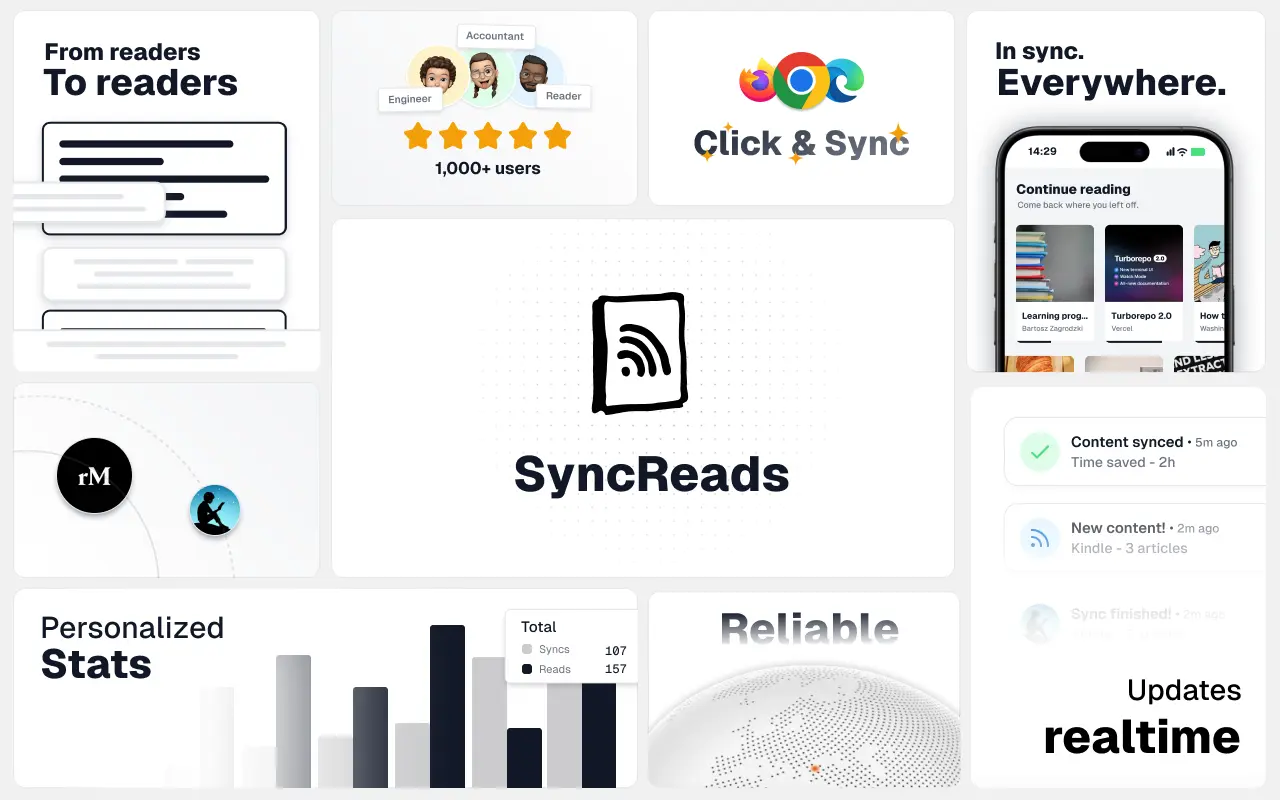
SyncReads
Sync your favorite content for distraction-free reading, save time and replace multiple apps. Anytime, anywhere 🔄
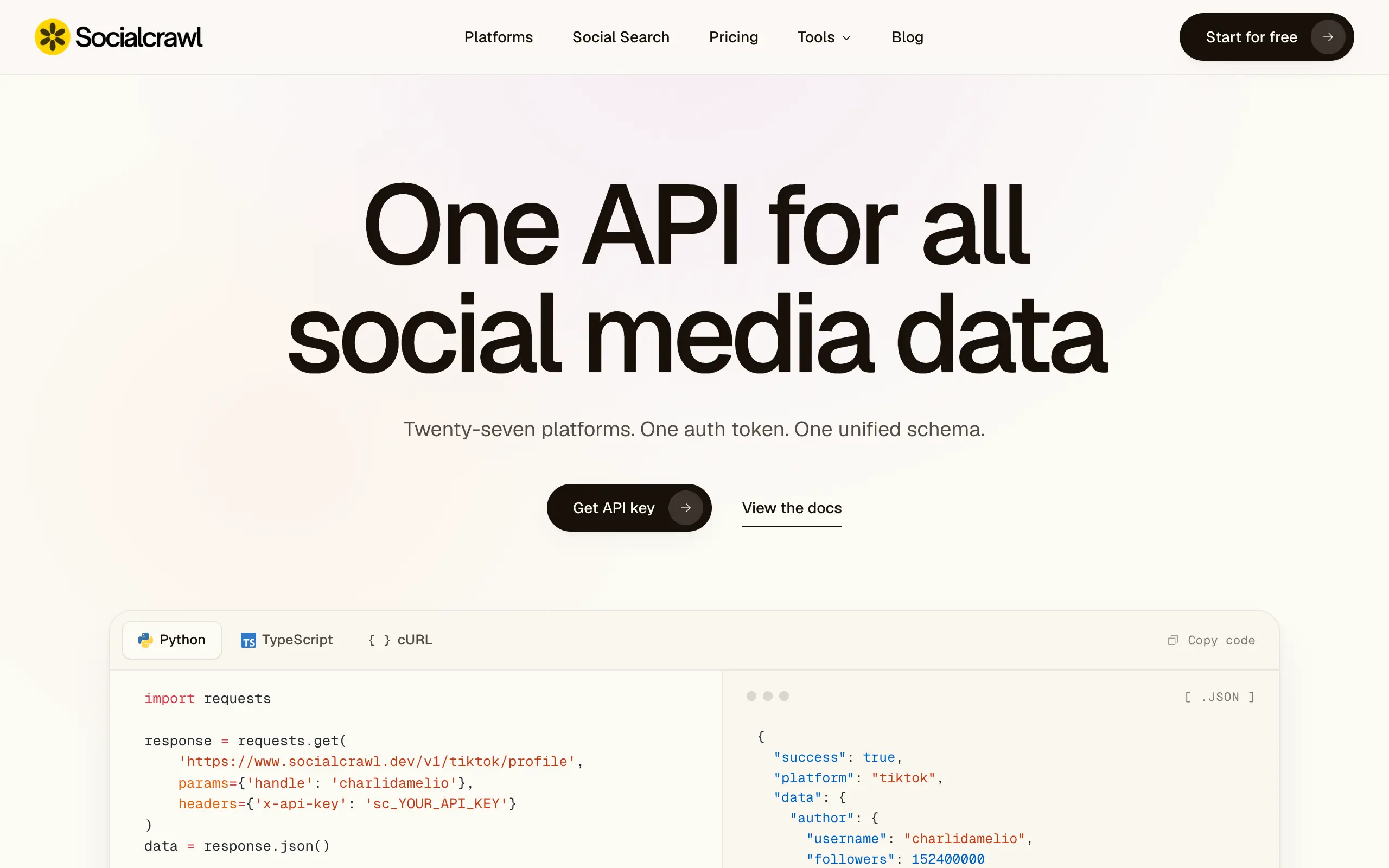
Socialcrawl
Get clean, structured data from 21 platforms like TikTok, Instagram, and YouTube with a single request 📊
Statiko
Monitor any Telegram channel in real time - track posts, edits, deletions, and growth with AI recaps 📡
Shibui
AI website builder - describe your business, pick a niche template, edit by chatting, and publish instantly ✨
Pro Service
Find verified home service professionals, compare quotes, and pay securely through escrow - built for Brazilians across the US 🏠
RankGrow
Fix your SEO with AI agents - connect Search Console, get prioritized tasks, and grow organic traffic 📈
SyncReads
Sync your favorite content for distraction-free reading, save time and replace multiple apps. Anytime, anywhere 🔄
Socialcrawl
Get clean, structured data from 21 platforms like TikTok, Instagram, and YouTube with a single request 📊
Statiko
Monitor any Telegram channel in real time - track posts, edits, deletions, and growth with AI recaps 📡
Shibui
AI website builder - describe your business, pick a niche template, edit by chatting, and publish instantly ✨
Pro Service
Find verified home service professionals, compare quotes, and pay securely through escrow - built for Brazilians across the US 🏠
RankGrow
Fix your SEO with AI agents - connect Search Console, get prioritized tasks, and grow organic traffic 📈
SyncReads
Sync your favorite content for distraction-free reading, save time and replace multiple apps. Anytime, anywhere 🔄
Socialcrawl
Get clean, structured data from 21 platforms like TikTok, Instagram, and YouTube with a single request 📊
Statiko
Monitor any Telegram channel in real time - track posts, edits, deletions, and growth with AI recaps 📡
Shibui
AI website builder - describe your business, pick a niche template, edit by chatting, and publish instantly ✨
Pro Service
Find verified home service professionals, compare quotes, and pay securely through escrow - built for Brazilians across the US 🏠
RankGrow
Fix your SEO with AI agents - connect Search Console, get prioritized tasks, and grow organic traffic 📈
SyncReads
Sync your favorite content for distraction-free reading, save time and replace multiple apps. Anytime, anywhere 🔄
Socialcrawl
Get clean, structured data from 21 platforms like TikTok, Instagram, and YouTube with a single request 📊
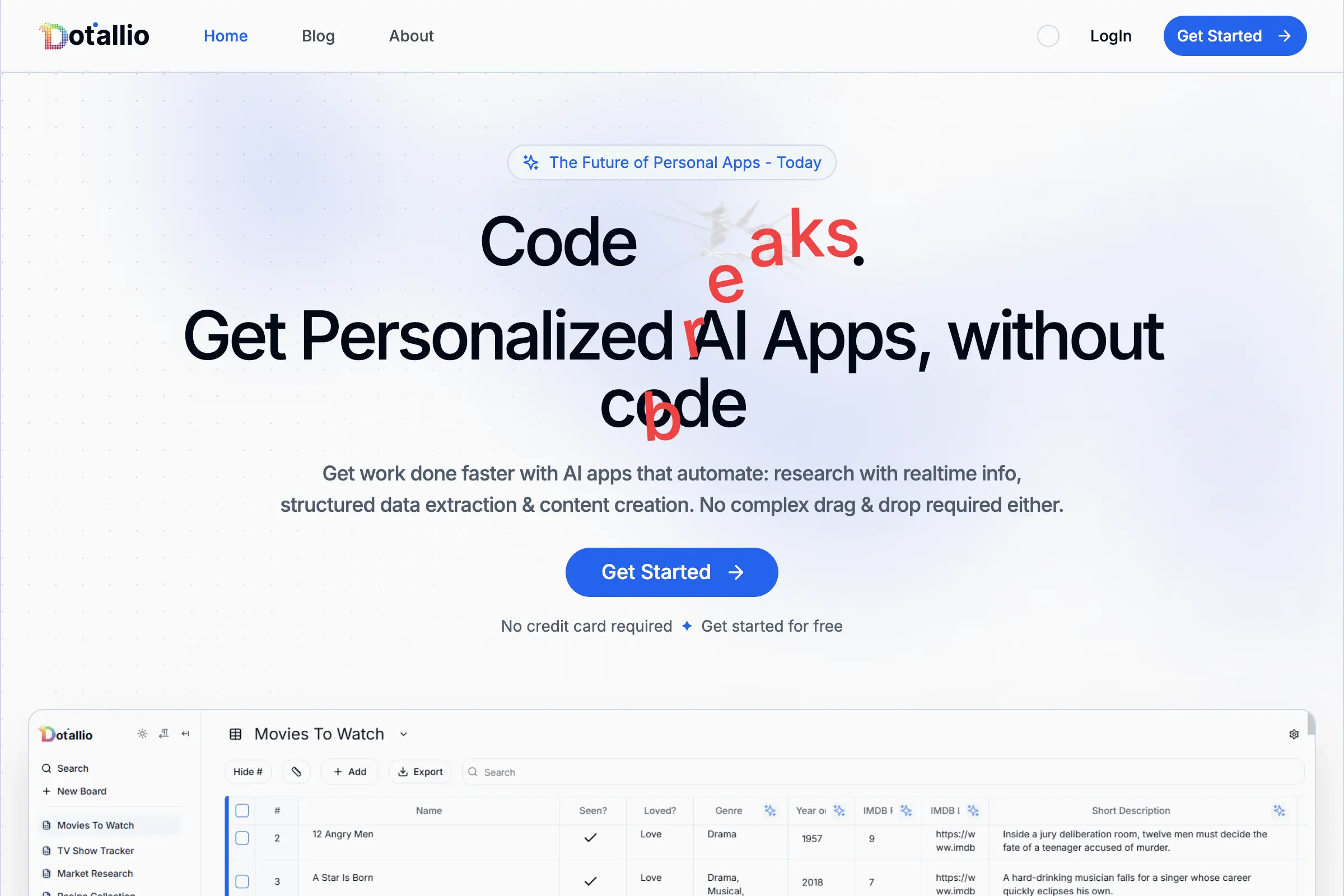
Dotallio
Personalized AI apps that automate research, data extraction, and content creation without code 🤖

Talk to Santa
Enjoy a magical live video chat or receive a unique AI-generated video greeting from Santa Claus 🎅

pozywka.pl
Scalable blog for food journalist, focused on performance and user experience 🌭
zagrodzki.me
Personal blog and portfolio of Bart Zagrodzki, where he shares his knowledge and work 💼
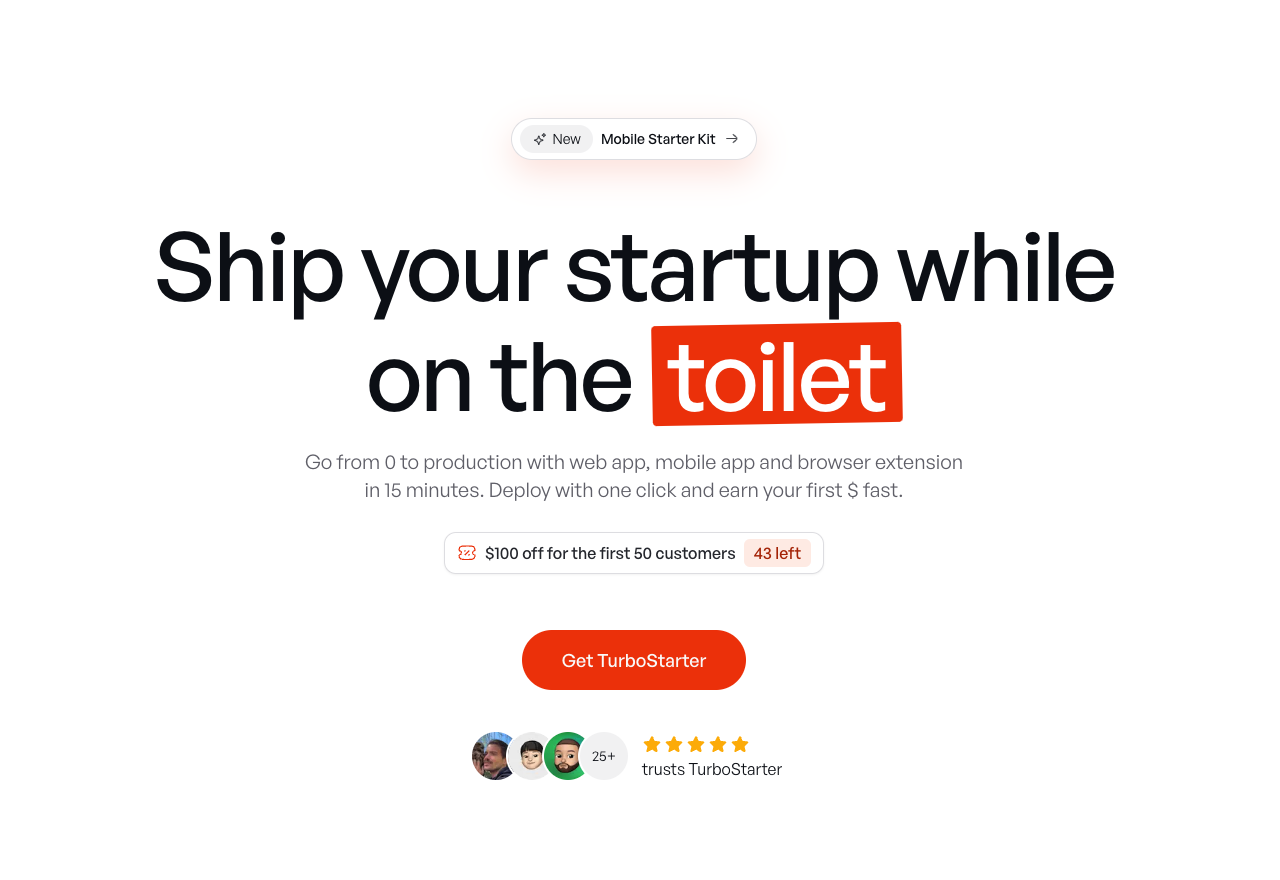
TurboStarter
Ship your startup everywhere. In minutes.
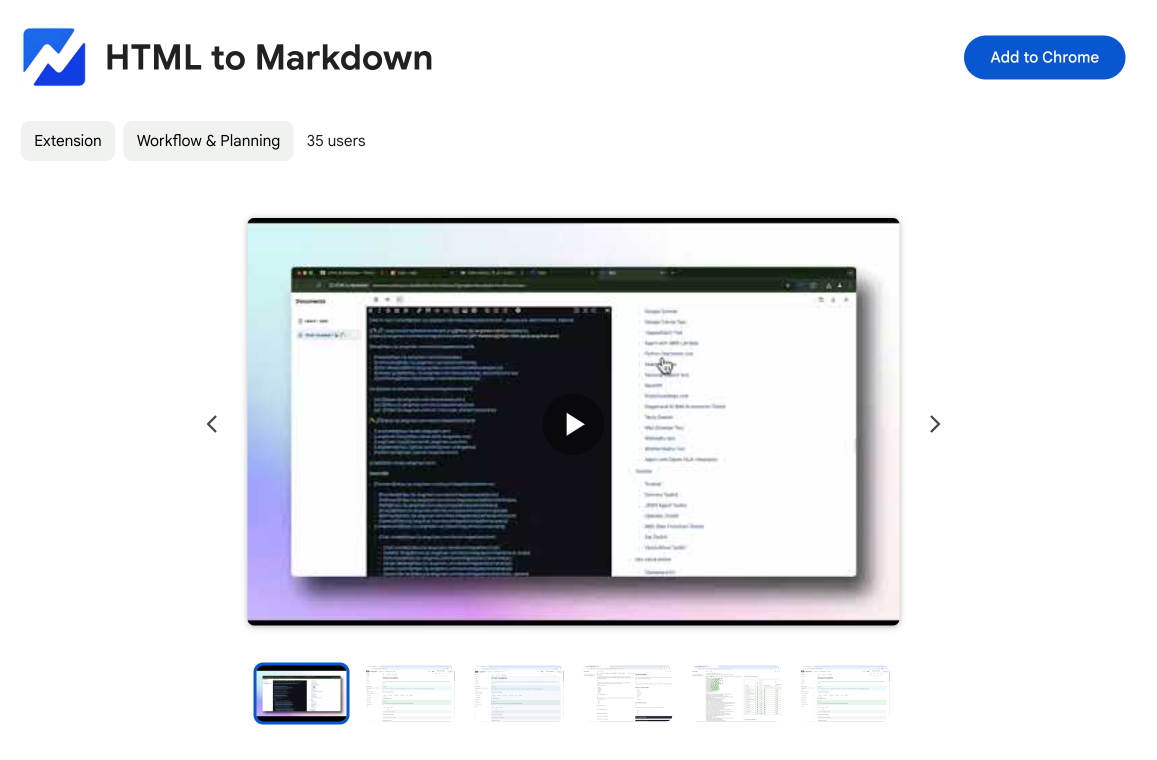
HTML to Markdown
Convert HTML to Markdown with ease, directly in your browser 📄
Dotallio
Personalized AI apps that automate research, data extraction, and content creation without code 🤖
Talk to Santa
Enjoy a magical live video chat or receive a unique AI-generated video greeting from Santa Claus 🎅
pozywka.pl
Scalable blog for food journalist, focused on performance and user experience 🌭
zagrodzki.me
Personal blog and portfolio of Bart Zagrodzki, where he shares his knowledge and work 💼
TurboStarter
Ship your startup everywhere. In minutes.
HTML to Markdown
Convert HTML to Markdown with ease, directly in your browser 📄
Dotallio
Personalized AI apps that automate research, data extraction, and content creation without code 🤖
Talk to Santa
Enjoy a magical live video chat or receive a unique AI-generated video greeting from Santa Claus 🎅
pozywka.pl
Scalable blog for food journalist, focused on performance and user experience 🌭
zagrodzki.me
Personal blog and portfolio of Bart Zagrodzki, where he shares his knowledge and work 💼
TurboStarter
Ship your startup everywhere. In minutes.
HTML to Markdown
Convert HTML to Markdown with ease, directly in your browser 📄
Dotallio
Personalized AI apps that automate research, data extraction, and content creation without code 🤖
Talk to Santa
Enjoy a magical live video chat or receive a unique AI-generated video greeting from Santa Claus 🎅
pozywka.pl
Scalable blog for food journalist, focused on performance and user experience 🌭
zagrodzki.me
Personal blog and portfolio of Bart Zagrodzki, where he shares his knowledge and work 💼
TurboStarter
Ship your startup everywhere. In minutes.
HTML to Markdown
Convert HTML to Markdown with ease, directly in your browser 📄
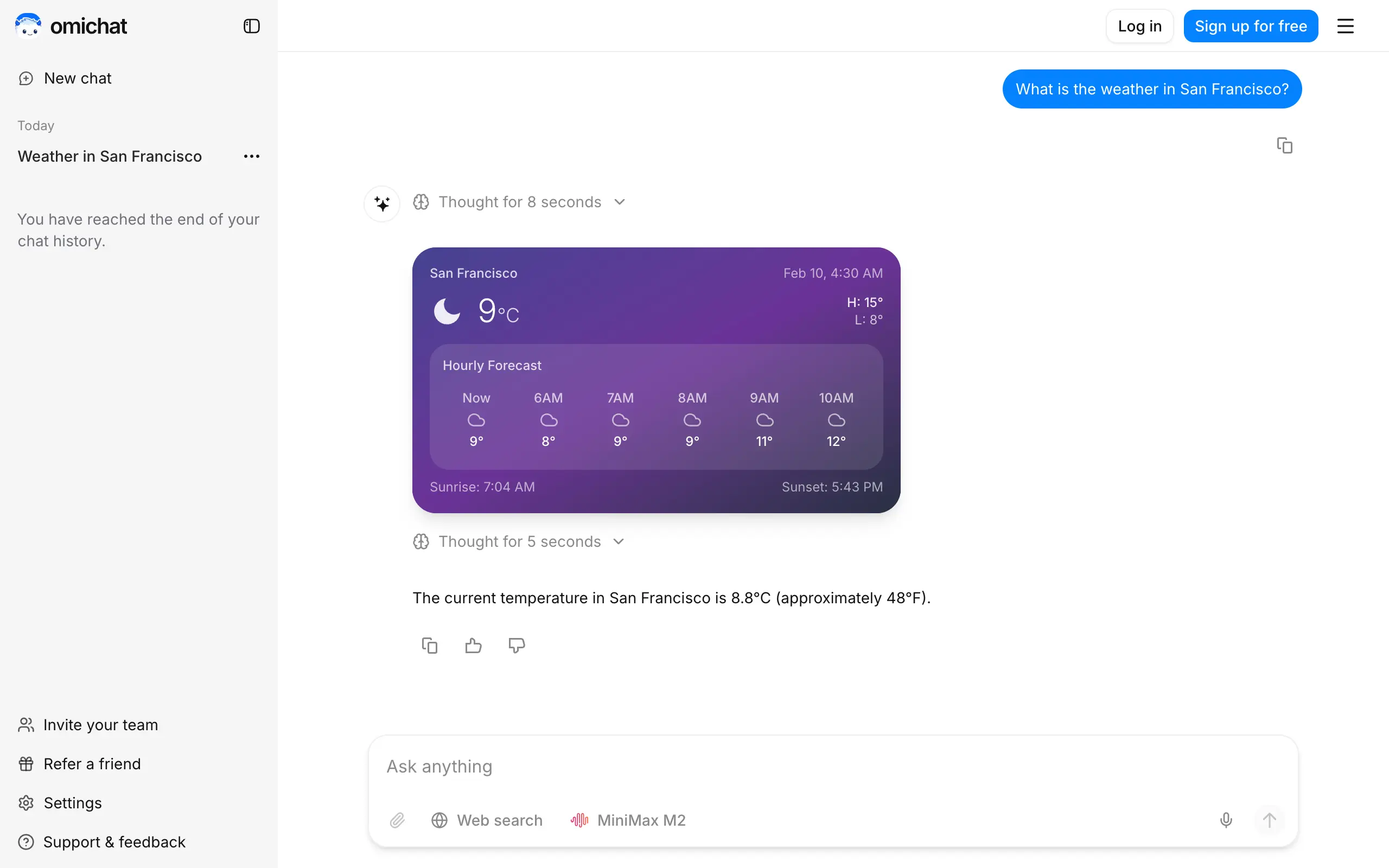
Omichat
Chat with 50+ AI models, including ChatGPT and Claude, in one place - switch models anytime without losing context 🤖
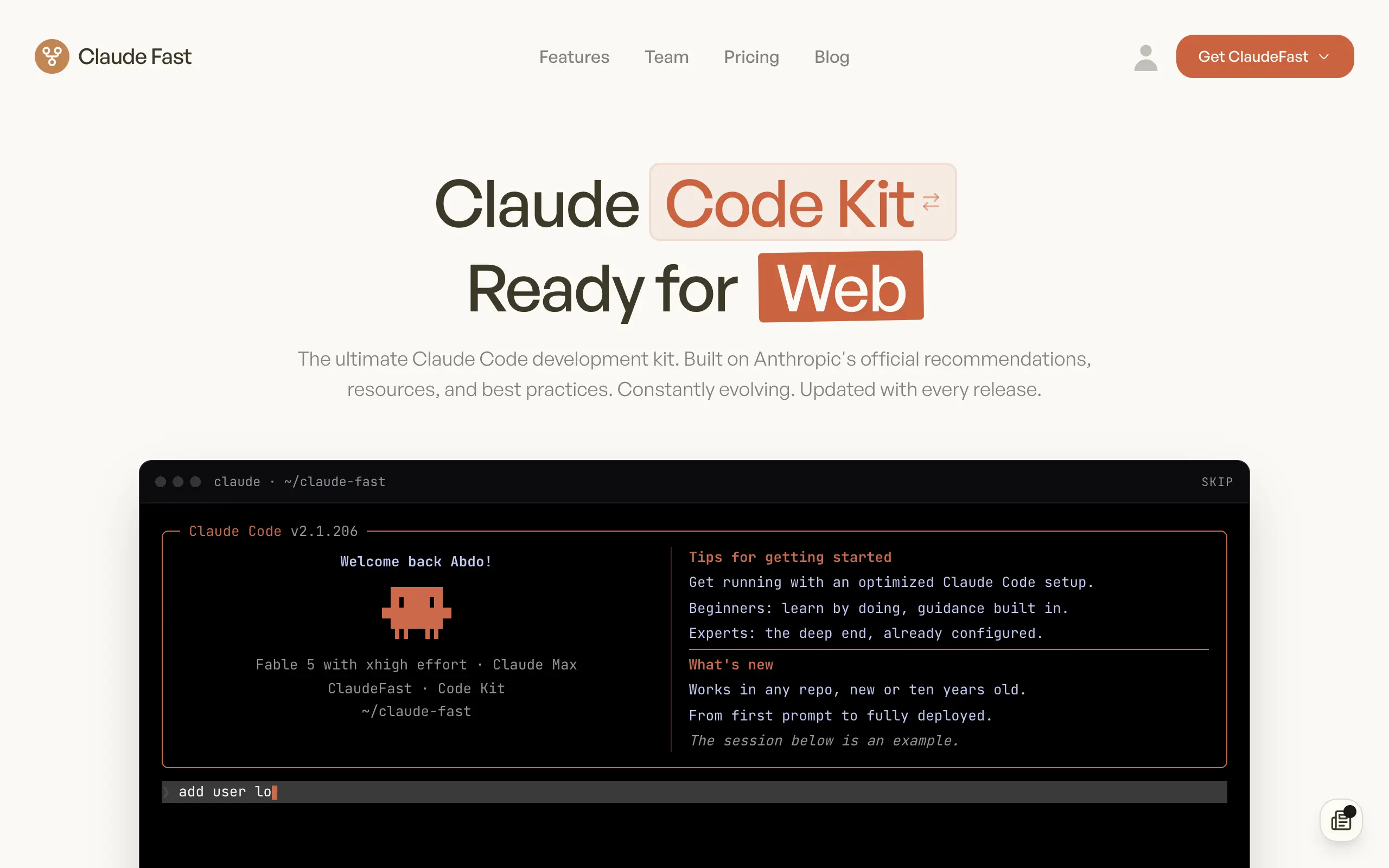
Claude Fast
Supercharge your Claude Code with 6x effective context window and specialized AI agents 🤖
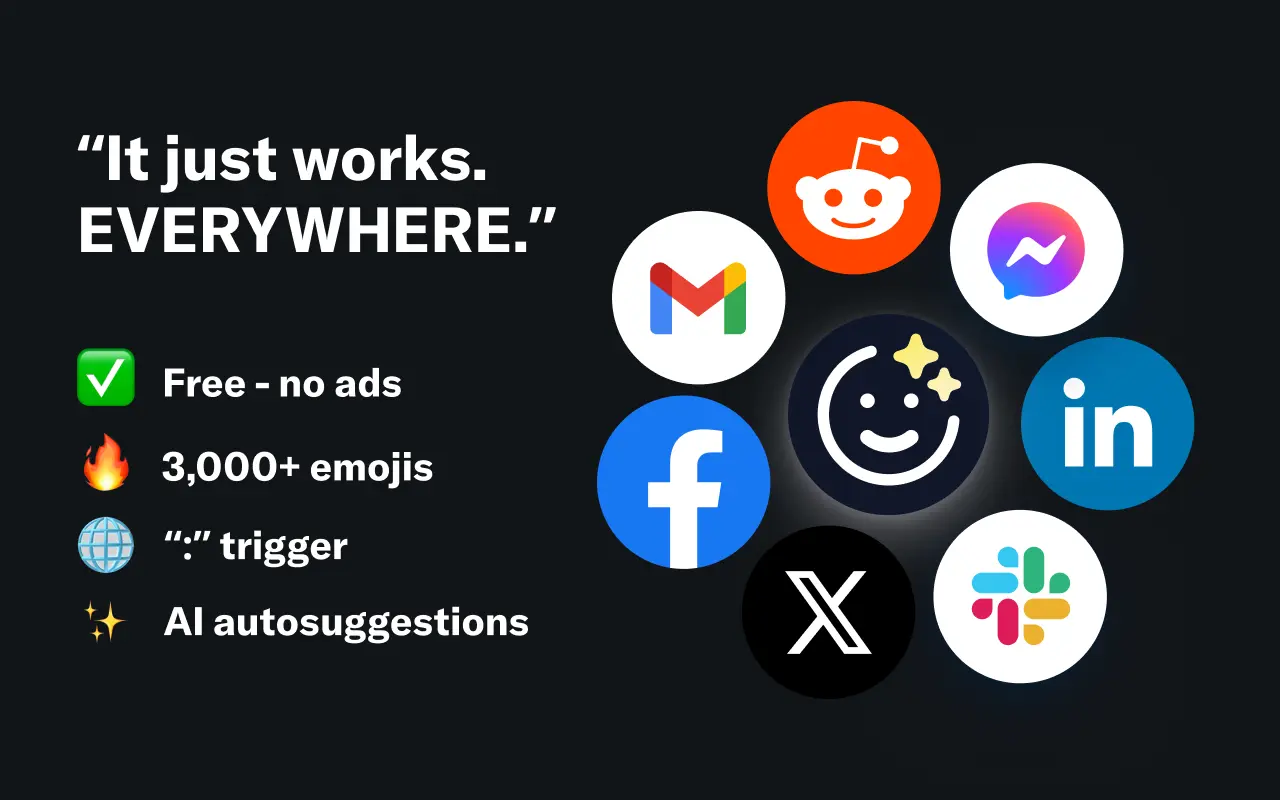
EmojAI
AI-powered emoji picker with smart, context-aware suggestions 🤖

Solohacker
Autonomous company launcher - AI agents work 24/7, escalate what matters, and you stay in control 🤖

BeRawi: Storytelling Coach
Practice storytelling daily with instant feedback to sound clearer, more engaging, and confident 🎤
Omichat
Chat with 50+ AI models, including ChatGPT and Claude, in one place - switch models anytime without losing context 🤖
Claude Fast
Supercharge your Claude Code with 6x effective context window and specialized AI agents 🤖
EmojAI
AI-powered emoji picker with smart, context-aware suggestions 🤖
Solohacker
Autonomous company launcher - AI agents work 24/7, escalate what matters, and you stay in control 🤖
BeRawi: Storytelling Coach
Practice storytelling daily with instant feedback to sound clearer, more engaging, and confident 🎤
Omichat
Chat with 50+ AI models, including ChatGPT and Claude, in one place - switch models anytime without losing context 🤖
Claude Fast
Supercharge your Claude Code with 6x effective context window and specialized AI agents 🤖
EmojAI
AI-powered emoji picker with smart, context-aware suggestions 🤖
Solohacker
Autonomous company launcher - AI agents work 24/7, escalate what matters, and you stay in control 🤖
BeRawi: Storytelling Coach
Practice storytelling daily with instant feedback to sound clearer, more engaging, and confident 🎤
Omichat
Chat with 50+ AI models, including ChatGPT and Claude, in one place - switch models anytime without losing context 🤖
Claude Fast
Supercharge your Claude Code with 6x effective context window and specialized AI agents 🤖
EmojAI
AI-powered emoji picker with smart, context-aware suggestions 🤖
Solohacker
Autonomous company launcher - AI agents work 24/7, escalate what matters, and you stay in control 🤖
BeRawi: Storytelling Coach
Practice storytelling daily with instant feedback to sound clearer, more engaging, and confident 🎤

Connect with like-minded people
Join our community to get feedback, support, and grow together with 1,000+ builders on board, let's ship it!
Join usShip your startup everywhere. In minutes.
Don't burn tokens on setup and start building features on day one.