ContextCatch
AI workspace that gathers scattered notes, chats, and files to explain a project’s status and answer what to do next without lengthy handoffs.
Why AI project context management software is becoming essential
Modern teams do not usually fail because they lack communication. They fail because the information needed to make a decision is scattered across too many places.
A product manager may know why a priority changed because it was discussed in a chat thread. An engineer may understand a technical trade-off from a pull request comment. A customer success lead may have crucial client feedback buried in a call summary. By the time a new teammate, contractor, executive, or AI assistant needs the full story, the team is forced into another lengthy handoff.
ContextCatch is an AI workspace designed to solve that operational problem. It gathers notes, conversations, documents, and project files into a connected source of truth that can explain a project’s current status, identify unresolved work, and answer the practical question every team asks: what should we do next?
The core opportunity is not simply building another note-taking app or AI chatbot. It is creating AI project context management software that converts fragmented organizational knowledge into decision-ready project intelligence.
For knowledge-intensive teams, this can reduce time spent searching for updates, eliminate repetitive status meetings, improve onboarding, and preserve the reasoning behind important decisions.
The strategic insight
The most valuable unit of information is rarely an individual document. It is the relationship between a decision, the discussion that informed it, the work it created, and the outcome it was meant to achieve.
The problem ContextCatch solves for modern teams
Most organizations already own tools for chat, documentation, project tracking, cloud storage, and meetings. The issue is that these tools are optimized for storing or transmitting information, not for maintaining shared understanding.
A project’s real context is often distributed across:
- Chat conversations and direct messages
- Meeting notes, transcripts, and recordings
- Product requirement documents
- Design files and feedback threads
- Issue trackers and sprint boards
- Customer interview notes
- Pull request discussions
- Internal wikis
- Shared drives and spreadsheets
- Email threads and executive updates
When someone asks, “Why are we doing this?” or “What changed since last week?”, there is rarely one authoritative place to look.
This creates a hidden operational tax. Team members spend time reconstructing history, asking colleagues for clarification, attending status meetings, and repeating explanations that should have been captured once.
The handoff problem is a context problem
Traditional handoffs tend to focus on outputs. A teammate receives a ticket, document, checklist, or task assignment. What they often do not receive is the context required to make sound decisions when the plan changes.
A high-quality project handoff should include:
- The business objective behind the work
- The current project stage and scope
- Decisions already made and why they were made
- Open questions and unresolved dependencies
- Stakeholders, owners, and approvers
- Customer or market evidence influencing priorities
- Risks that could affect delivery
- The next highest-confidence action
Without this context, teams create unnecessary dependencies on the people with the most institutional knowledge. That increases bottlenecks and makes projects slower, less resilient, and harder to scale.
Why existing tools leave a gap
Project management platforms are excellent at showing tasks, owners, and dates. Documentation tools are useful for storing knowledge. Chat applications make communication fast. However, none automatically assembles a trustworthy answer from the full project record without deliberate manual upkeep.
The market gap is between information storage and contextual understanding.
ContextCatch can occupy that gap by functioning as an AI-powered project memory layer. Instead of asking users to manually write a weekly status update from scratch, the platform can synthesize recent evidence, flag uncertainty, and generate an explainable project narrative.
Who should use ContextCatch first
The best initial market is not every company with projects. ContextCatch should focus on teams where fragmented context creates expensive delays, repeated explanation, or meaningful delivery risk.
Product and engineering teams
Product and engineering teams operate across many tools and produce large volumes of decisions. A single feature may have evidence in customer calls, planning documents, design critiques, architecture discussions, backlog tickets, source control comments, and launch reports.
For these teams, ContextCatch can answer questions such as:
- What customer problem is this feature intended to solve?
- Which decisions were made during discovery?
- What technical constraints are still unresolved?
- Which blockers are threatening the release timeline?
- What changed after the latest stakeholder review?
- What should the product manager, engineering lead, or designer do next?
The strongest early use case is likely project status intelligence for cross-functional product delivery.
Agencies and professional services firms
Agencies often lose margin when client context is poorly documented. Account managers, strategists, designers, developers, and client stakeholders all need a consistent view of scope, feedback, approvals, and next steps.
ContextCatch can help agencies turn messy project history into client-ready summaries while preserving internal detail. This is especially useful when an account owner is unavailable, a new consultant joins mid-engagement, or a client challenges a prior decision.
Customer success and implementation teams
Implementation and customer success teams manage long-running relationships where each account develops its own history. Important context can live in onboarding notes, support tickets, CRM records, call transcripts, product feedback, and renewal planning documents.
An AI workspace for client context could help teams identify:
- Commitments made to a customer
- Product gaps affecting adoption
- Unresolved implementation tasks
- Usage risks and renewal signals
- The appropriate owner for each next action
Remote-first and distributed organizations
Distributed teams have fewer spontaneous opportunities to share context. Async work makes written communication more important, but it also creates more documents and messages to review.
ContextCatch is particularly compelling for remote teams because it can produce an up-to-date narrative without requiring every person to attend another status meeting.
High-value early adopter
A 20 to 200 person product-led company with Slack, Notion, Linear or Jira, cloud storage, and recurring cross-functional launches.
Strong agency segment
A digital agency managing multiple client accounts where scope, approvals, and client feedback are distributed across channels.
Expansion segment
Enterprise transformation and operations teams with complex programs, compliance needs, and substantial knowledge transfer risk.
The market opportunity for an AI workspace that understands projects
The adoption of generative AI has changed user expectations. People no longer only expect software to store information; they increasingly expect it to retrieve, summarize, compare, and explain it.
That shift creates an opening for AI knowledge management and project intelligence products. However, generic AI chat interfaces have a major limitation: their answers are only as useful as the context they can securely access, retrieve accurately, and cite clearly.
The winning product will not be the one that generates the most fluent summary. It will be the one users trust when making decisions.
The opportunity is contextual orchestration, not generic summarization
Basic summaries are quickly becoming a commodity. Most collaboration platforms can summarize a document or meeting. ContextCatch can differentiate by combining information across systems and producing a project-level view.
A useful answer should connect multiple evidence types:
- A project brief defines the intended outcome.
- Customer feedback clarifies the underlying need.
- A planning meeting changes the scope.
- A technical discussion identifies a dependency.
- A task board reveals an overdue blocker.
- A decision log explains the trade-off.
- The AI produces a current status and recommended next action.
This is substantially more useful than a transcript summary because it reconstructs the relationship between events.
Trends that support demand
Several technology and work trends support the ContextCatch opportunity:
- Organizations are consolidating fragmented knowledge after years of SaaS tool sprawl.
- AI retrieval systems are improving through retrieval-augmented generation, embeddings, reranking, and better citation patterns.
- Teams are under pressure to improve productivity without increasing headcount.
- Remote and hybrid work increases the cost of undocumented decisions.
- Security teams increasingly demand controlled, auditable AI access instead of employees pasting sensitive data into unmanaged tools.
- Leaders want faster visibility into delivery risk without creating more reporting work.
For market sizing or investor-facing materials, support claims with current research from recognized firms and primary sources. Useful references may include annual reports from Microsoft, Google, Atlassian, Gartner, McKinsey, or official workplace productivity studies. Avoid relying on broad productivity statistics without documenting the study methodology, sample size, and publication date.
The unique value proposition of ContextCatch
ContextCatch should position itself as:
The AI workspace that turns scattered project knowledge into a clear status, trusted rationale, and next-best action.
This positioning is specific enough to distinguish the platform from generic AI search, note-taking tools, and task managers.
Its unique selling proposition depends on three connected promises.
It builds a living project narrative
Instead of presenting a flat list of search results, ContextCatch should maintain an evolving narrative of each project.
That narrative may include:
- The project objective
- Desired outcomes and success criteria
- Milestones and current delivery phase
- Recent changes in scope or priority
- Decisions and supporting rationale
- Known risks and blockers
- Active owners and stakeholders
- Recommended next steps
The narrative must be editable. AI-generated project context should be treated as a draft informed by source material, not as unquestionable truth.
It explains answers with evidence
Trust is a core product requirement. If an AI says a project is blocked, users need to know why. If it recommends delaying a launch, users need to see the source conversations, task updates, and decisions behind that recommendation.
Every high-stakes answer should include:
- A concise conclusion
- Linked source references
- A confidence indicator
- The date range considered
- Any assumptions or missing information
- A way to correct the answer or add context
This evidence-first approach can become a decisive competitive advantage, particularly for teams working with client commitments, technical decisions, or regulated information.
It turns context into action
ContextCatch should not stop at answering questions. It should help users decide what to do next.
Examples include:
- Draft a status update for stakeholders
- Create a decision record from a meeting
- Identify owners for unresolved questions
- Generate a handoff brief for a new teammate
- Propose tasks from an agreed action plan
- Flag conflicting statements across project sources
- Prepare an agenda for the next project meeting
- Surface a risk before it becomes a missed deadline
The product becomes more valuable when it reduces cognitive overhead without taking autonomous actions that users have not approved.
Core features for an AI project context management platform
A successful first version should prioritize accuracy, integration quality, explainability, and workflow usefulness over broad feature coverage.
Connected workspace ingestion
ContextCatch needs reliable connectors for the systems where project context already lives. Start with a small set of high-demand integrations rather than trying to support every collaboration tool immediately.
Priority integrations may include:
- Slack for conversations and channel history
- Notion for documents and project pages
- Google Drive for files and shared documents
- Linear for modern product issue tracking
- Jira for enterprise project workflows
- GitHub for technical discussions and pull request context
- Calendar and meeting transcript providers where permission models allow access
Each connector should preserve metadata such as author, timestamp, workspace, channel, project association, permissions, and original URL.
Project context graph
The product’s intelligence should be built around a project context graph rather than a simple document repository.
A graph can connect entities such as:
- Projects
- Goals
- Milestones
- Tasks
- Decisions
- Risks
- People
- Teams
- Customers
- Documents
- Conversations
- Meetings
- Dependencies
For example, a decision can be linked to the meeting where it was made, the people who approved it, the project it affects, the issue it created, and the customer feedback that informed it.
This enables more relevant retrieval and helps the system explain why a source matters.
AI status reports with source citations
The flagship feature should be an AI-generated status report that is fresh, evidence-based, and easy to verify.
A useful report could include:
- Overall project health
- Progress since the prior update
- Completed work
- Current work in progress
- Key decisions
- Open blockers
- Delivery risks
- Owner-specific next actions
- Questions requiring human confirmation
The report should not invent certainty. When evidence is conflicting or incomplete, ContextCatch should explicitly say so.
Avoid false precision
A project health score can be useful, but only if users can inspect the signals behind it. A red, yellow, or green label without evidence will quickly lose credibility.
Ask-anything project intelligence
Users should be able to ask natural-language questions in a project-scoped interface.
Examples include:
- What did we decide about the onboarding flow?
- Why was the launch date moved?
- Which customer requests are still unaddressed?
- What commitments have we made to this client?
- What is preventing the API migration from moving forward?
- Summarize everything a new engineering manager needs to know.
- What should I focus on before Friday?
To avoid irrelevant answers, users should be able to constrain queries by project, date range, source type, team, or stakeholder.
Decision log and unresolved questions
Important decisions should become first-class objects, not buried sentences in an AI summary.
A decision record can capture:
- The decision statement
- Decision owner
- Date decided
- Alternatives considered
- Rationale
- Supporting sources
- Consequences
- Follow-up work
- Review date when applicable
Similarly, ContextCatch should track unresolved questions. This gives teams a visible list of ambiguity rather than allowing important issues to disappear into chat history.
Handoff and onboarding briefs
Handoff briefs are an exceptionally strong use case because their value is easy to understand and measure.
A user could select a project and generate a briefing tailored to a role, such as a new designer, engineering lead, executive sponsor, account manager, or contractor.
The briefing should answer:
- What is this project trying to achieve?
- What has happened so far?
- What decisions are already settled?
- What remains uncertain?
- Who are the key people?
- What should this person do first?
How ContextCatch compares with adjacent tools
ContextCatch should avoid competing head-on as a replacement for every existing collaboration tool. Its role is to unify and explain the information across those tools.
| Capability | Chat apps | Project trackers | Knowledge bases | Generic AI chat | ContextCatch |
|---|---|---|---|---|---|
| Cross-tool project narrative | ❌ | ❌ | ⚠️ | ⚠️ | ✅ |
| Evidence-linked answers | ⚠️ | ⚠️ | ⚠️ | ⚠️ | ✅ |
| Decision and blocker tracking | ❌ | ✅ | ⚠️ | ❌ | ✅ |
| Role-specific handoff briefing | ❌ | ❌ | ⚠️ | ⚠️ | ✅ |
The comparison should remain nuanced. Existing tools may offer some overlapping AI capabilities, and many customers will prefer to keep using them. ContextCatch wins by providing an independent intelligence layer that connects the project story across the stack.
Recommended technical architecture for ContextCatch
Building trusted AI project context management software requires more than adding a language model API to a document search experience. The architecture needs to support secure ingestion, permission-aware retrieval, entity extraction, semantic search, source traceability, and human feedback.
Application stack
A pragmatic web stack for an early-stage SaaS product could include:
- Next.js for the application framework, server rendering, routing, and API endpoints
- React for interactive workspace interfaces
- TypeScript for safer application development
- Tailwind CSS for rapid and consistent interface styling
- PostgreSQL for structured application data
- Prisma or a comparable ORM for database access
- pgvector for vector similarity search within PostgreSQL
- Redis for caching, queues, and rate-limiting support
- Object storage for original documents and ingestion artifacts
- Background workers for long-running synchronization and indexing jobs
A proven SaaS starter architecture can shorten the path to launch. TurboStarter is worth evaluating when the goal is to begin with foundational SaaS capabilities such as authentication, payments, teams, and production-ready application structure rather than rebuilding those layers from scratch.
Retrieval-augmented generation pipeline
The AI layer should use retrieval-augmented generation, often called RAG, to ground answers in workspace data.
A strong pipeline typically includes:
- Ingest source content and metadata through OAuth-based connectors.
- Normalize content into a common internal schema.
- Chunk documents while preserving source and permission metadata.
- Generate embeddings for semantic retrieval.
- Extract entities, decisions, action items, dates, and relationships.
- Store structured entities and relationships in the primary database.
- Retrieve relevant source chunks at query time.
- Apply reranking to improve relevance.
- Generate an answer constrained by retrieved evidence.
- Return citations, confidence signals, and feedback controls.
A simplified internal model might look like this:
type ProjectContextAnswer = {
  projectId: string;
  answer: string;
  confidence: "high" | "medium" | "low";
  assumptions: string[];
  citations: Array<{
    sourceId: string;
    sourceType: "chat" | "document" | "issue" | "meeting";
    title: string;
    url: string;
    createdAt: string;
    relevance: number;
  }>;
  suggestedActions: Array<{
    action: string;
    ownerId?: string;
    rationale: string;
  }>;
};
Technical trade-offs to consider
Using PostgreSQL plus pgvector is often a sensible early-stage choice because it reduces operational complexity and keeps relational data, metadata, and embeddings close together. The trade-off is that a dedicated vector database may provide more specialized filtering or performance characteristics at very large scale.
A graph database can be valuable for sophisticated relationship exploration, but it may add complexity before product-market fit. A practical initial approach is to model key relationships in PostgreSQL and introduce graph infrastructure only when the product’s query patterns demonstrate a clear need.
Similarly, real-time synchronization sounds attractive but can be costly and difficult to maintain across many third-party APIs. Begin with scheduled syncs, webhooks where available, and visible freshness timestamps. Customers care more about knowing how current an answer is than they care about an invisible claim of real-time intelligence.
Security, privacy, and trust requirements
ContextCatch will handle sensitive organizational data. Security cannot be treated as an enterprise add-on after the product gains traction.
Permission-aware retrieval is non-negotiable
The system must never answer a question using information the requesting user is not allowed to access. This requires permissions to travel with source content throughout ingestion, indexing, storage, retrieval, and generation.
Key controls include:
- OAuth scopes limited to required access
- Encryption in transit and at rest
- Tenant isolation
- Role-based access controls
- Document-level and channel-level permission mapping
- Audit logs for ingestion and AI queries
- Configurable retention and deletion policies
- Administrative controls for connectors and model usage
- Clear disclosure of how customer data is processed
Human review should remain part of high-impact workflows
AI-generated status reports and handoff briefs should be easy to edit before sharing. For critical decisions, ContextCatch should encourage users to verify sources rather than imply that the system can independently determine business truth.
The correct product behavior is not “the AI knows everything.” It is “the AI makes the relevant evidence easier to find, understand, and act on.”
Monetization options for ContextCatch
A B2B SaaS pricing model is a natural fit because the value grows with team adoption, integrations, and retained organizational knowledge.
Freemium or free trial entry point
A free plan can work if it supports an individual or very small team with limited projects, connectors, retention, or AI queries. However, a time-bound trial may better demonstrate value because the product requires enough data to produce meaningful insights.
The onboarding goal should be to help a team connect at least two core sources and generate one trusted project briefing within the first session.
Seat-based team pricing
A seat-based model is familiar and straightforward for collaboration software.
Potential pricing dimensions include:
- Per active user
- Number of connected sources
- Number of indexed projects
- AI query or processing allowance
- Data retention period
- Workspace-level analytics
- Premium connector availability
Be careful with opaque AI credit systems. Customers should understand what they are paying for and should not fear unexpected bills when using a core feature.
Enterprise pricing
Enterprise plans can include:
- Single sign-on and SCIM provisioning
- Advanced access controls
- Custom retention policies
- Dedicated support and onboarding
- Audit exports
- Bring-your-own-model or private deployment options
- Legal and security review support
- Custom integrations
- Service-level agreements
The enterprise motion should be introduced after the product demonstrates reliable permission handling and a repeatable deployment process.
Risks and mitigation strategies
The ContextCatch concept is compelling, but it has meaningful execution risks. Addressing them directly improves product strategy and buyer trust.
Mitigate this with retrieval-grounded answers, visible citations, explicit uncertainty, answer freshness indicators, and a clear distinction between sourced facts and AI recommendations. Avoid unsupported claims such as “the project is on track” unless the underlying signals are available to inspect.
Launch with a narrow connector strategy focused on the tools used by the ideal customer profile. Build a reusable ingestion framework, monitor API changes, and prioritize connectors according to adoption and revenue impact.
Do not ask teams to abandon their existing tools. Position ContextCatch as a context layer that works with their current workflow. Deliver value through briefs, search, updates, and handoffs that link back to original sources.
Make security architecture, access controls, data handling, and deletion processes visible early. Enterprise buyers need confidence before they connect company-wide knowledge sources.
Compete on cross-tool context, project-specific workflows, evidence quality, permission-aware intelligence, and opinionated handoff experiences. Native platform AI may summarize local data but often lacks a unified project memory across systems.
Go-to-market strategy for ContextCatch
The most effective go-to-market motion begins with a painful, measurable workflow rather than a broad promise of AI productivity.
Lead with the project handoff use case
“Never lose project context” is a powerful message, but it can feel abstract. A more concrete entry point is:
Generate a source-linked project handoff in minutes instead of scheduling hours of knowledge transfer.
This creates a clear before-and-after story. It also gives users a low-risk way to evaluate the product against information they already know.
Build distribution around context-heavy moments
ContextCatch can be promoted around moments where teams already feel the pain of fragmented knowledge:
- New manager onboarding
- Team reorganizations
- Project ownership changes
- Client account transitions
- Product launches
- Incident retrospectives
- Quarterly planning
- Contractor or agency transitions
- Employee leave coverage
Content marketing should target practical searches such as:
- How to create a project handoff document
- How to track project decisions
- How to reduce status meetings
- How to onboard a new project manager
- Best AI tools for project knowledge management
- How to document product decisions
- How to avoid losing context in Slack
Use proof-based product marketing
Because trust is central, product marketing should show real workflows rather than only claiming intelligence.
Strong assets include:
- An annotated example of a project status report
- Before-and-after handoff comparisons
- Short product demonstrations showing citations
- Case studies with time-to-onboard or meeting reduction outcomes
- Security documentation for technical buyers
- Templates for project briefs, decision logs, and handoffs
A practical implementation roadmap
The first release should solve one workflow exceptionally well. Resist the temptation to build a universal enterprise knowledge platform before validating user behavior.
Define the initial ideal customer profile. Start with product and engineering teams at growing software companies that already use Slack, Notion, and Linear or Jira.
Validate the problem through structured interviews. Ask participants to walk through a recent project handoff, delayed decision, or status update process. Collect the actual artifacts they had to search.
Build the minimum connector set. Prioritize one chat tool, one documentation source, and one task tracker so ContextCatch can demonstrate cross-tool intelligence.
Launch a project briefing workflow. Let users connect sources, define a project, review extracted context, and generate a cited status or handoff brief.
Add correction loops. Enable users to mark answers as inaccurate, pin authoritative sources, merge duplicate entities, and confirm decisions.
Measure retained value. Track weekly active teams, repeat briefing generation, source citation clicks, successful handoffs, time saved, and the percentage of projects with confirmed context.
Expand into proactive intelligence only after trust is established. Add risk alerts, missing-owner detection, stale-decision prompts, and next-step recommendations gradually.
Final perspective on building ContextCatch
ContextCatch has the potential to become more than an AI search tool. It can become the operational memory system that helps teams retain the reasoning behind their work.
The product’s long-term advantage will not come from generating polished summaries alone. It will come from reliably connecting scattered evidence, preserving permissions, showing users why an answer is credible, and turning context into clear next actions.
The best version of ContextCatch makes work feel less like archaeology. Instead of asking who remembers what happened, teams can ask a trusted workspace for the project story, inspect the evidence, and move forward with confidence.
More 🤖 AI Startup SaaS ideas
Discover more innovative ai startup SaaS ideas that are trending in 2026. Each idea is AI-generated with market validation and growth potential to help you find your next profitable venture faster than competitors.
Your competitors are building with TurboStarter
Below are some of the SaaS ideas that have been generated and built with our starter kit.
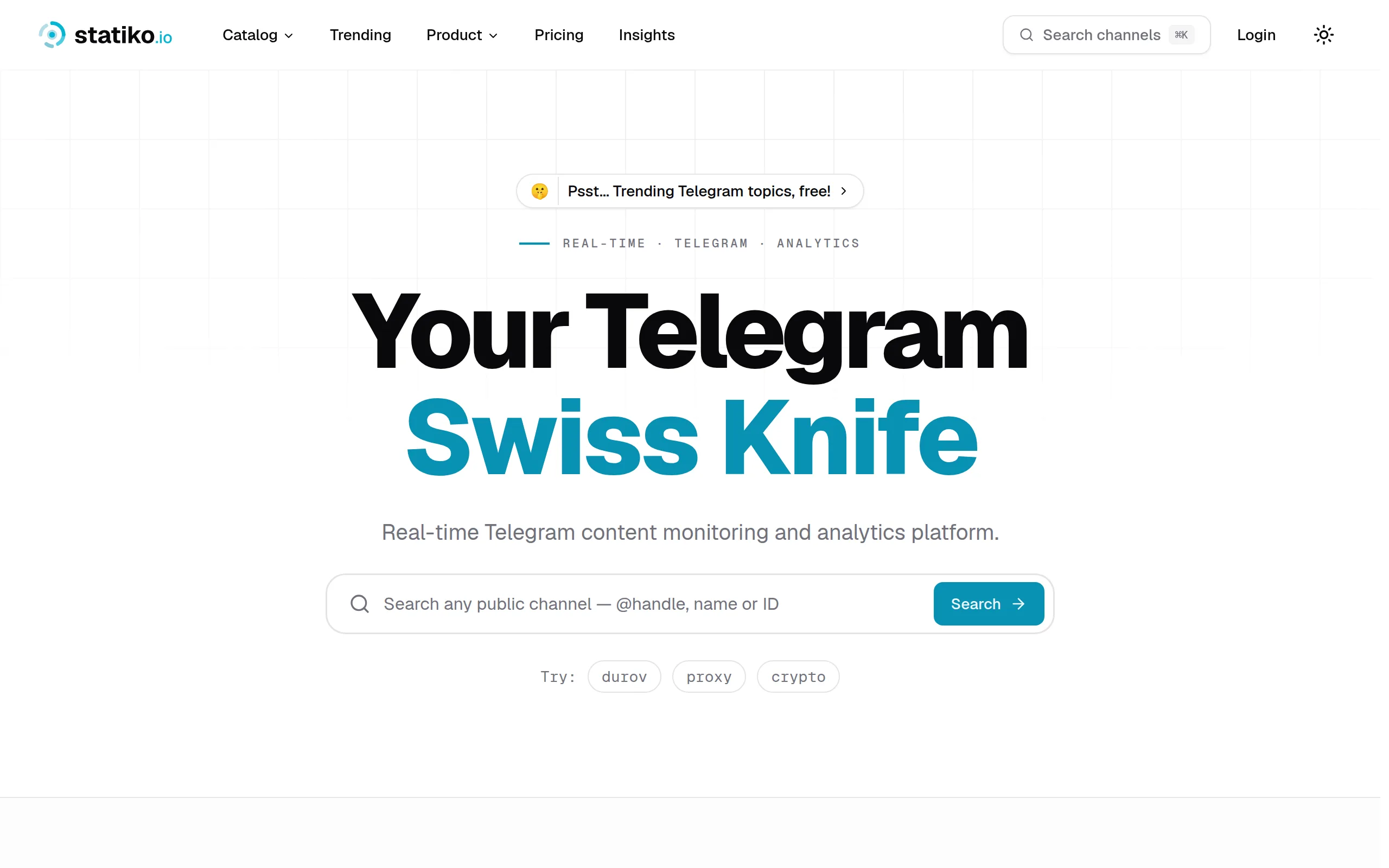
Statiko
Monitor any Telegram channel in real time - track posts, edits, deletions, and growth with AI recaps 📡

Shibui
AI website builder - describe your business, pick a niche template, edit by chatting, and publish instantly ✨

Pro Service
Find verified home service professionals, compare quotes, and pay securely through escrow - built for Brazilians across the US 🏠
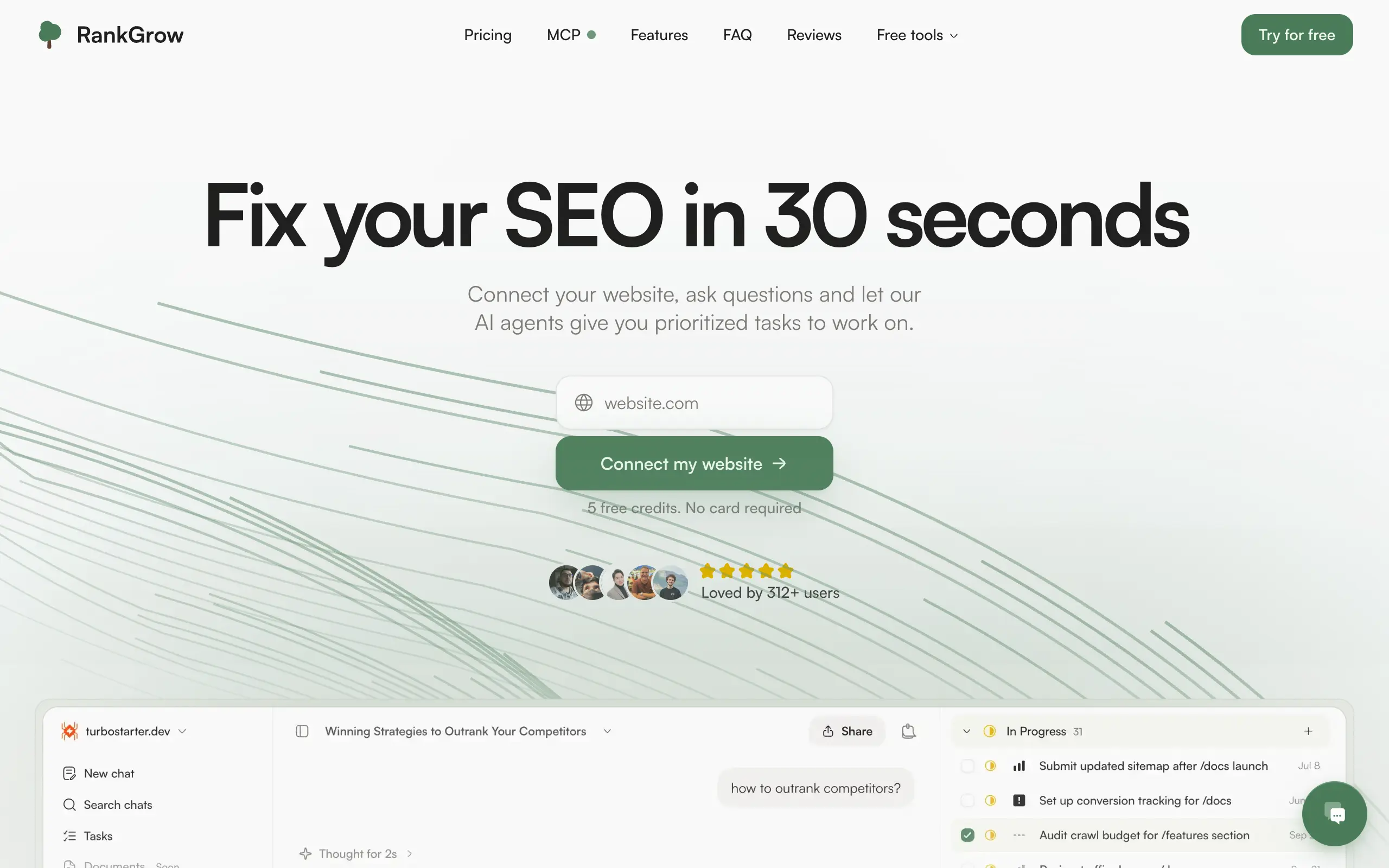
RankGrow
Fix your SEO with AI agents - connect Search Console, get prioritized tasks, and grow organic traffic 📈
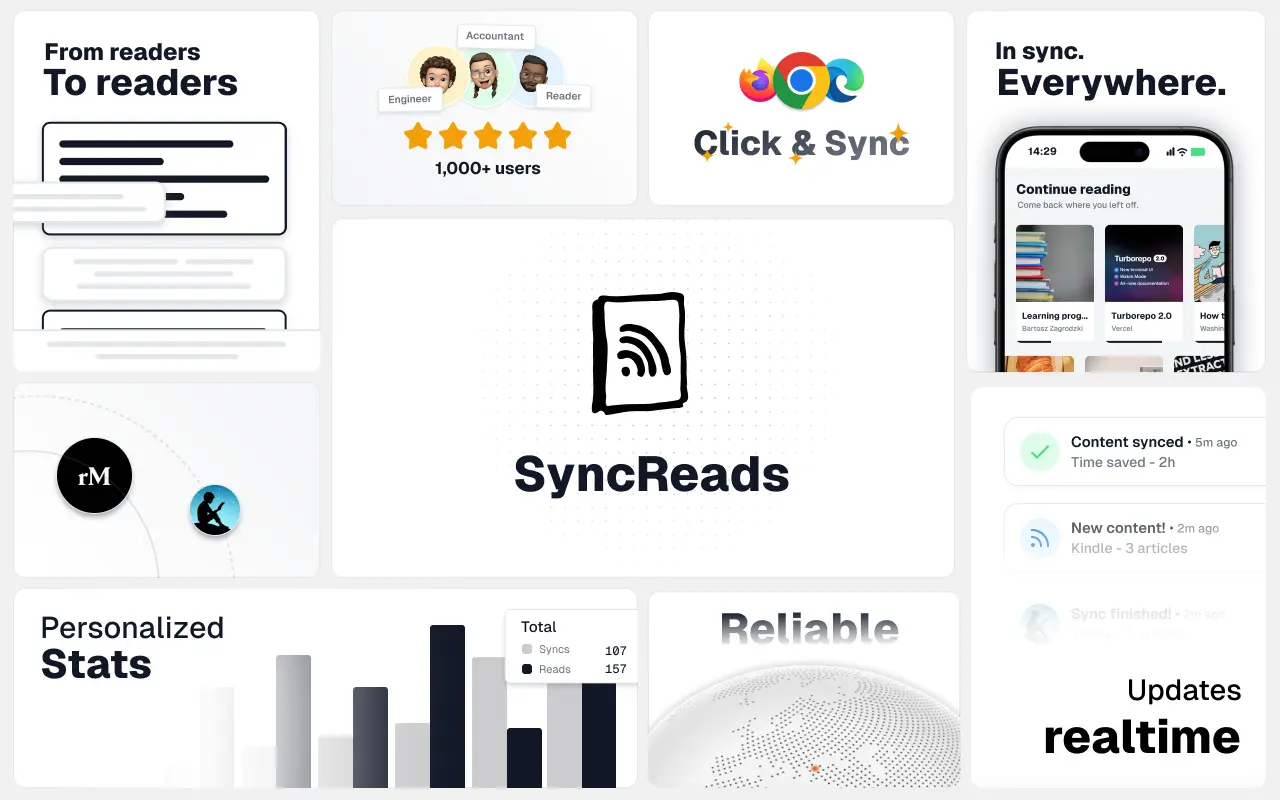
SyncReads
Sync your favorite content for distraction-free reading, save time and replace multiple apps. Anytime, anywhere 🔄
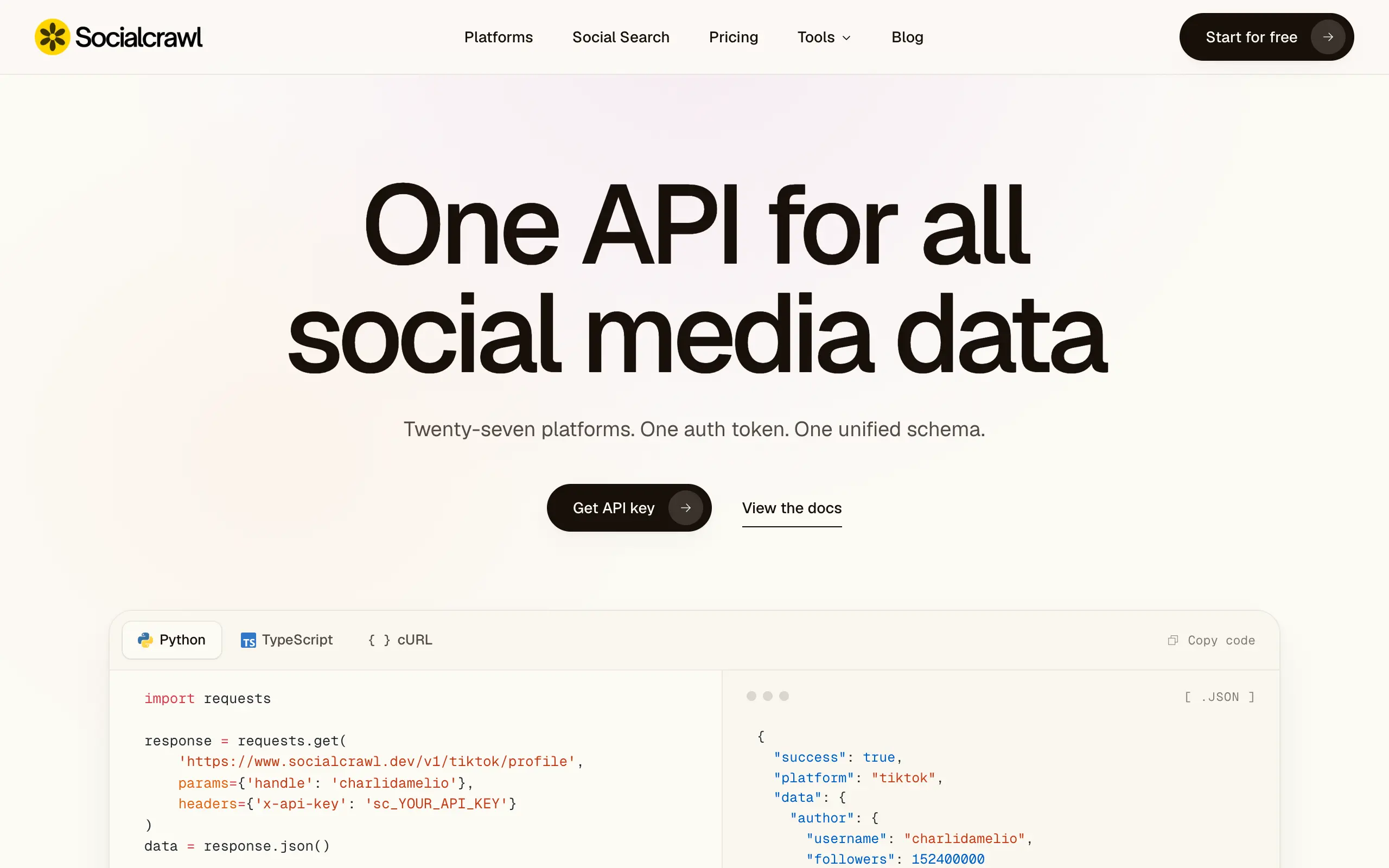
Socialcrawl
Get clean, structured data from 21 platforms like TikTok, Instagram, and YouTube with a single request 📊
Statiko
Monitor any Telegram channel in real time - track posts, edits, deletions, and growth with AI recaps 📡
Shibui
AI website builder - describe your business, pick a niche template, edit by chatting, and publish instantly ✨
Pro Service
Find verified home service professionals, compare quotes, and pay securely through escrow - built for Brazilians across the US 🏠
RankGrow
Fix your SEO with AI agents - connect Search Console, get prioritized tasks, and grow organic traffic 📈
SyncReads
Sync your favorite content for distraction-free reading, save time and replace multiple apps. Anytime, anywhere 🔄
Socialcrawl
Get clean, structured data from 21 platforms like TikTok, Instagram, and YouTube with a single request 📊
Statiko
Monitor any Telegram channel in real time - track posts, edits, deletions, and growth with AI recaps 📡
Shibui
AI website builder - describe your business, pick a niche template, edit by chatting, and publish instantly ✨
Pro Service
Find verified home service professionals, compare quotes, and pay securely through escrow - built for Brazilians across the US 🏠
RankGrow
Fix your SEO with AI agents - connect Search Console, get prioritized tasks, and grow organic traffic 📈
SyncReads
Sync your favorite content for distraction-free reading, save time and replace multiple apps. Anytime, anywhere 🔄
Socialcrawl
Get clean, structured data from 21 platforms like TikTok, Instagram, and YouTube with a single request 📊
Statiko
Monitor any Telegram channel in real time - track posts, edits, deletions, and growth with AI recaps 📡
Shibui
AI website builder - describe your business, pick a niche template, edit by chatting, and publish instantly ✨
Pro Service
Find verified home service professionals, compare quotes, and pay securely through escrow - built for Brazilians across the US 🏠
RankGrow
Fix your SEO with AI agents - connect Search Console, get prioritized tasks, and grow organic traffic 📈
SyncReads
Sync your favorite content for distraction-free reading, save time and replace multiple apps. Anytime, anywhere 🔄
Socialcrawl
Get clean, structured data from 21 platforms like TikTok, Instagram, and YouTube with a single request 📊
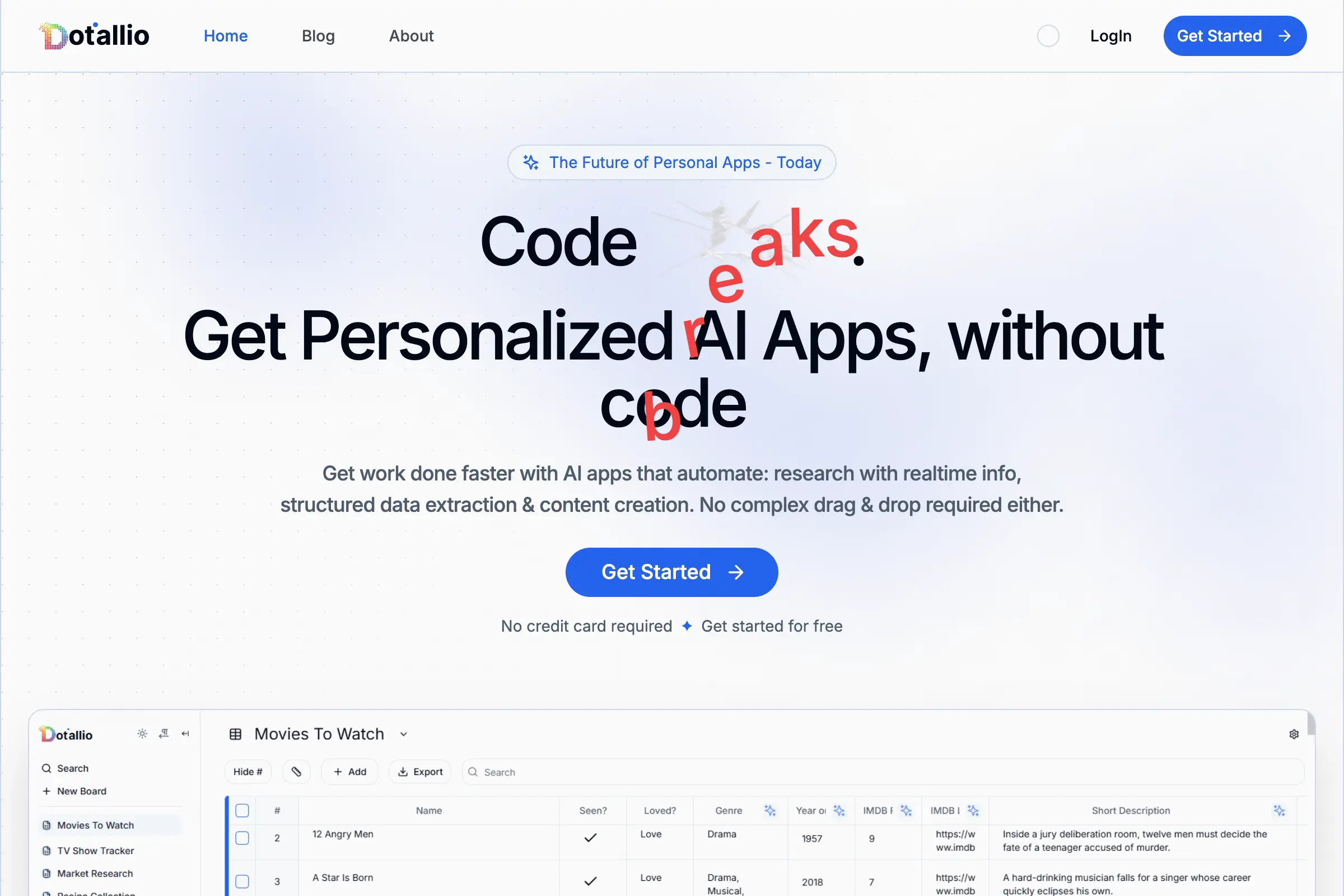
Dotallio
Personalized AI apps that automate research, data extraction, and content creation without code 🤖
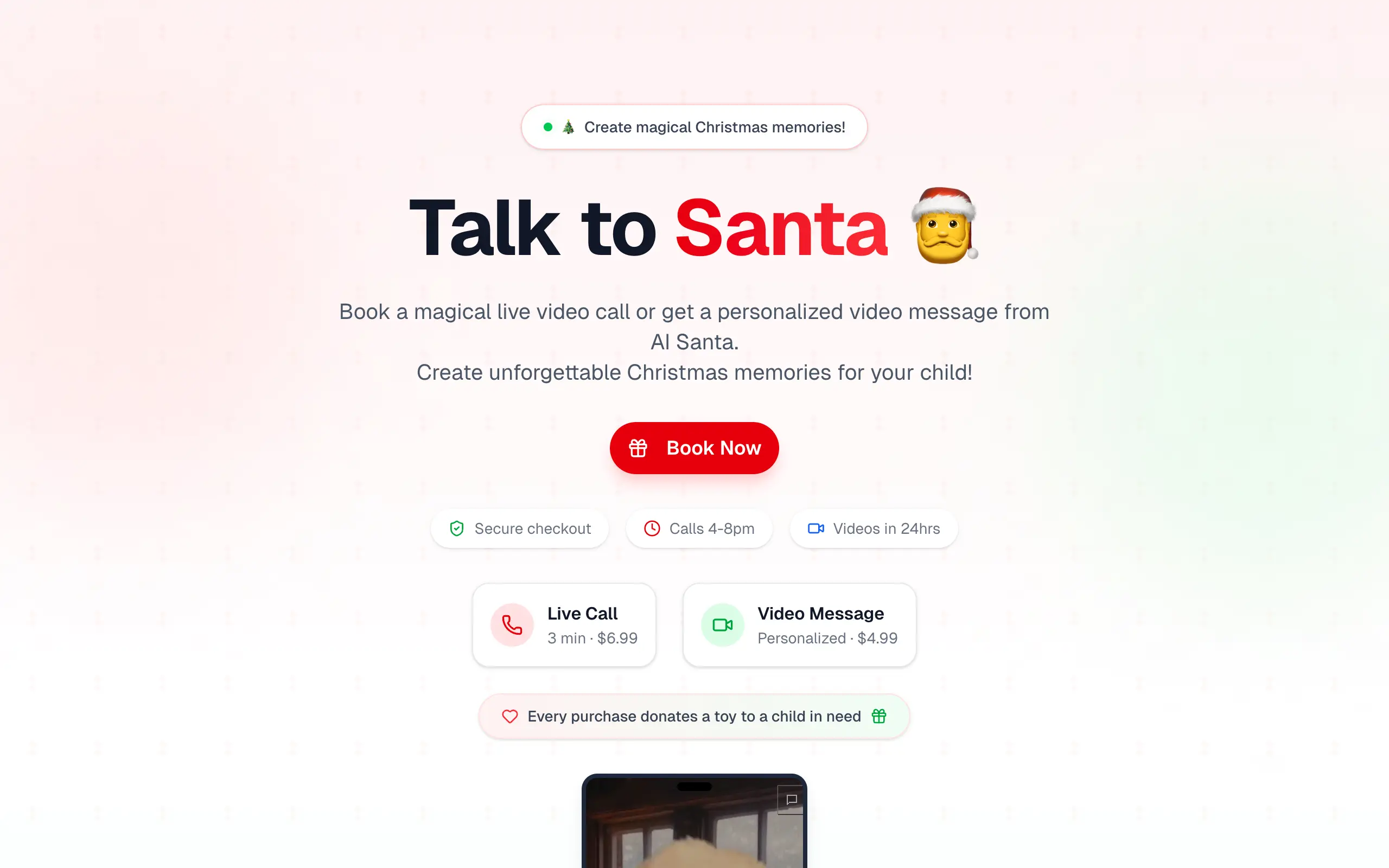
Talk to Santa
Enjoy a magical live video chat or receive a unique AI-generated video greeting from Santa Claus 🎅
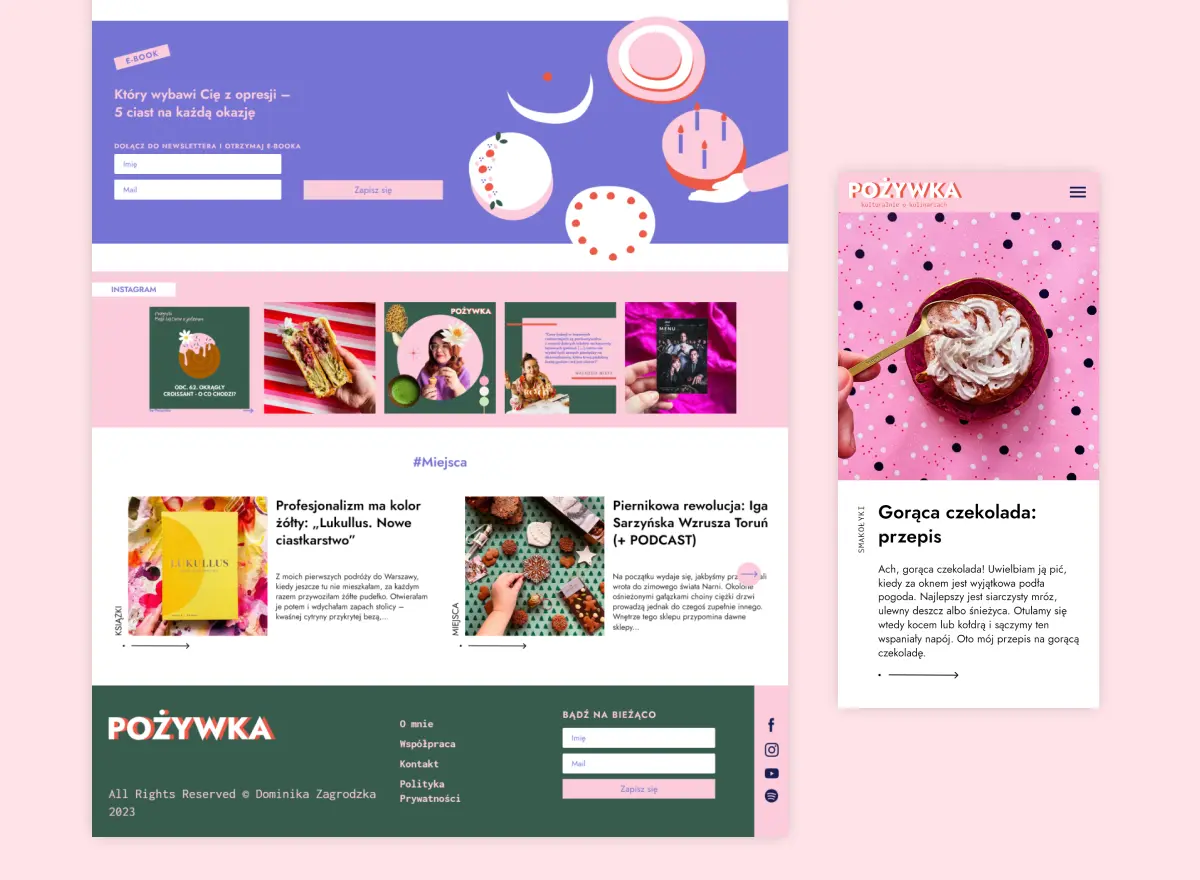
pozywka.pl
Scalable blog for food journalist, focused on performance and user experience 🌭
zagrodzki.me
Personal blog and portfolio of Bart Zagrodzki, where he shares his knowledge and work 💼
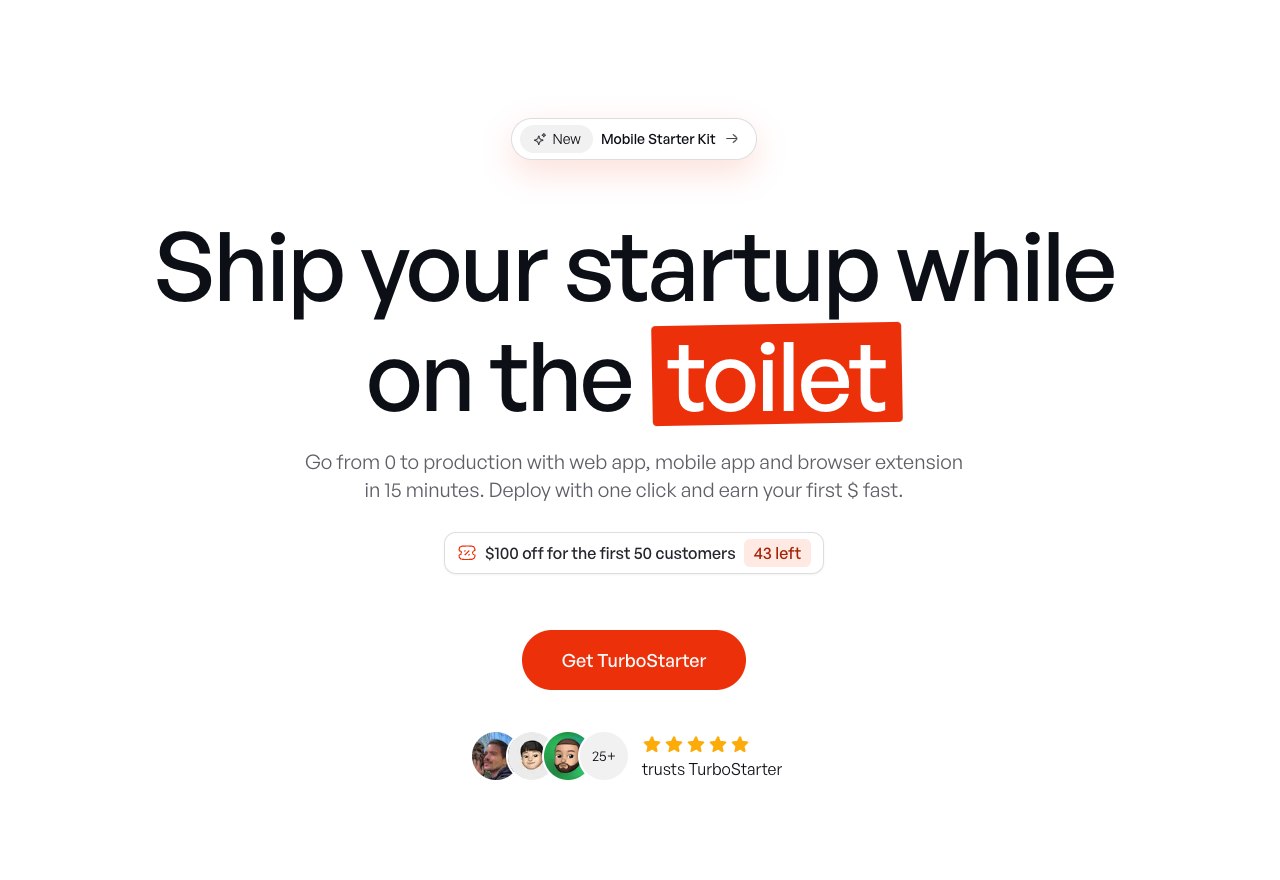
TurboStarter
Ship your startup everywhere. In minutes.
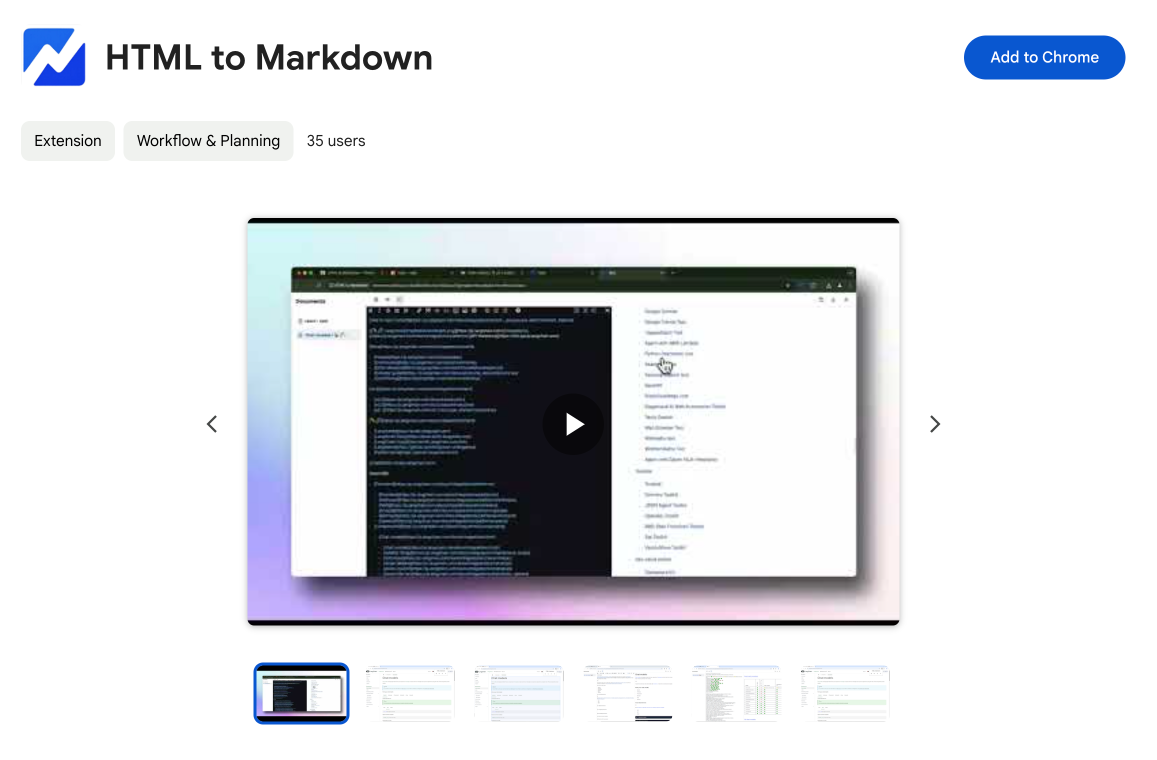
HTML to Markdown
Convert HTML to Markdown with ease, directly in your browser 📄
Dotallio
Personalized AI apps that automate research, data extraction, and content creation without code 🤖
Talk to Santa
Enjoy a magical live video chat or receive a unique AI-generated video greeting from Santa Claus 🎅
pozywka.pl
Scalable blog for food journalist, focused on performance and user experience 🌭
zagrodzki.me
Personal blog and portfolio of Bart Zagrodzki, where he shares his knowledge and work 💼
TurboStarter
Ship your startup everywhere. In minutes.
HTML to Markdown
Convert HTML to Markdown with ease, directly in your browser 📄
Dotallio
Personalized AI apps that automate research, data extraction, and content creation without code 🤖
Talk to Santa
Enjoy a magical live video chat or receive a unique AI-generated video greeting from Santa Claus 🎅
pozywka.pl
Scalable blog for food journalist, focused on performance and user experience 🌭
zagrodzki.me
Personal blog and portfolio of Bart Zagrodzki, where he shares his knowledge and work 💼
TurboStarter
Ship your startup everywhere. In minutes.
HTML to Markdown
Convert HTML to Markdown with ease, directly in your browser 📄
Dotallio
Personalized AI apps that automate research, data extraction, and content creation without code 🤖
Talk to Santa
Enjoy a magical live video chat or receive a unique AI-generated video greeting from Santa Claus 🎅
pozywka.pl
Scalable blog for food journalist, focused on performance and user experience 🌭
zagrodzki.me
Personal blog and portfolio of Bart Zagrodzki, where he shares his knowledge and work 💼
TurboStarter
Ship your startup everywhere. In minutes.
HTML to Markdown
Convert HTML to Markdown with ease, directly in your browser 📄
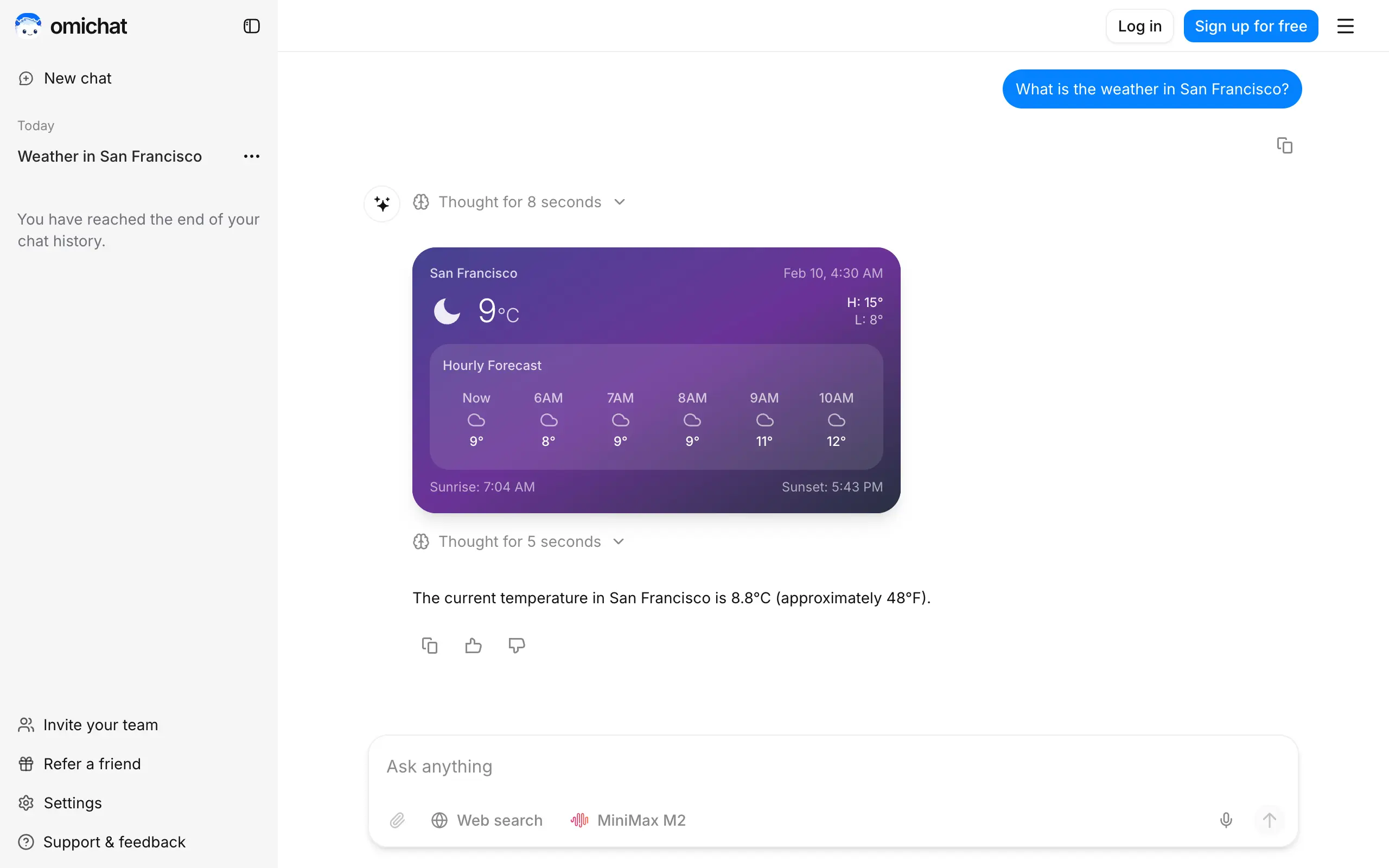
Omichat
Chat with 50+ AI models, including ChatGPT and Claude, in one place - switch models anytime without losing context 🤖
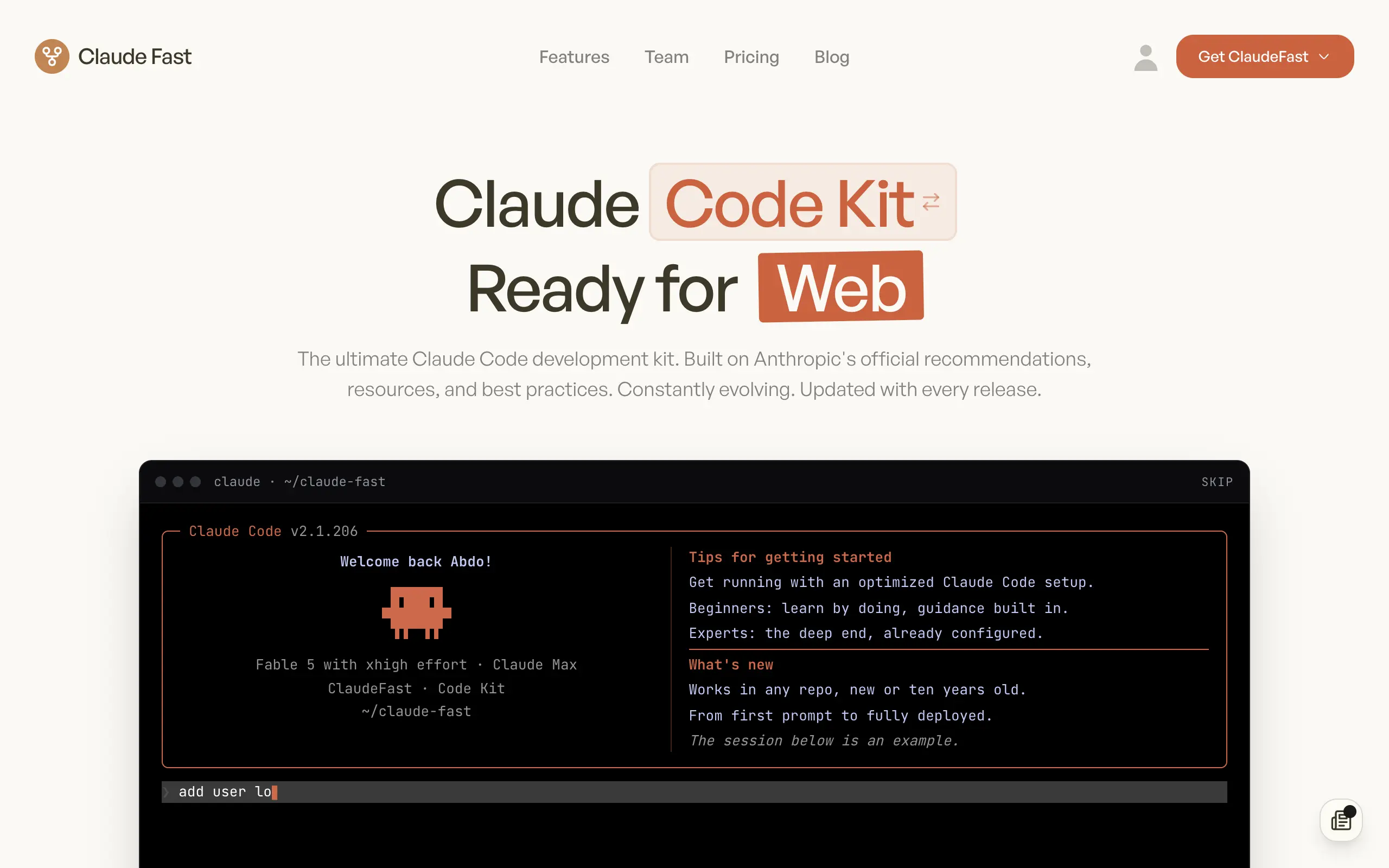
Claude Fast
Supercharge your Claude Code with 6x effective context window and specialized AI agents 🤖
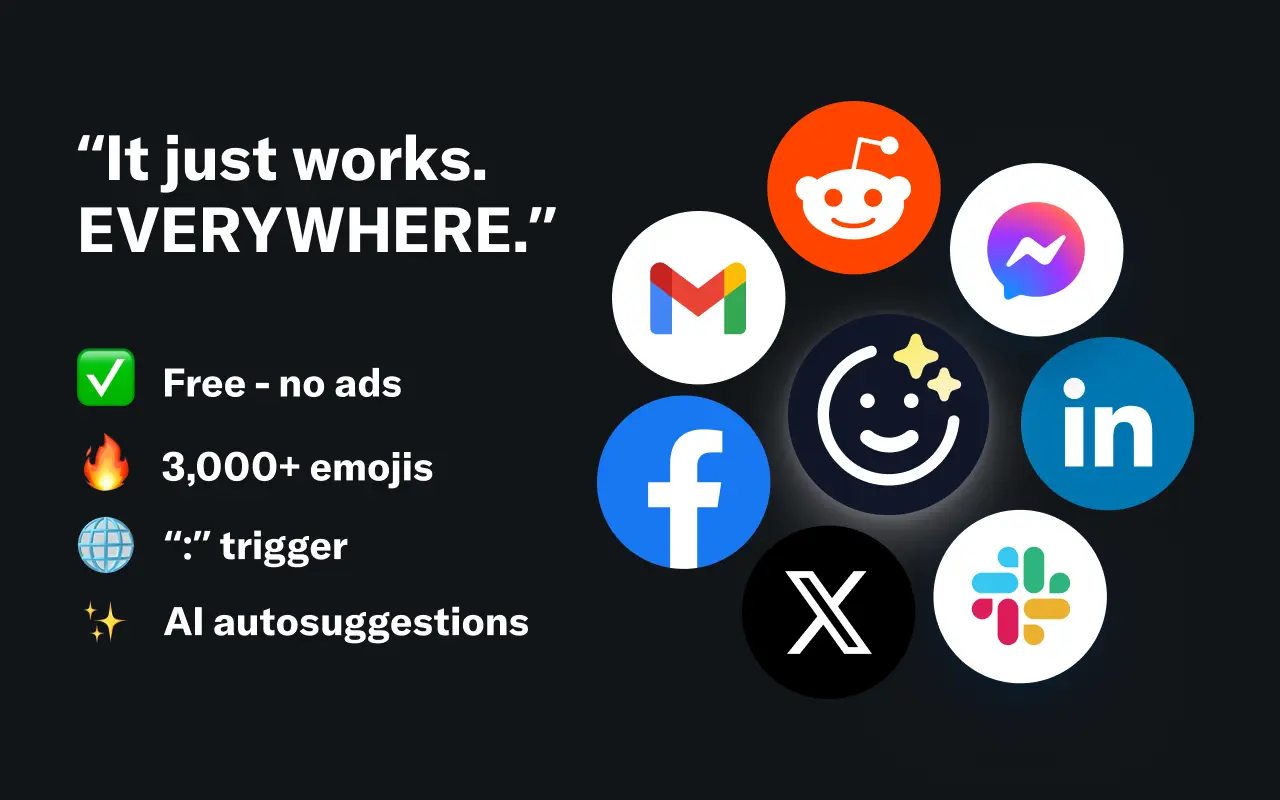
EmojAI
AI-powered emoji picker with smart, context-aware suggestions 🤖
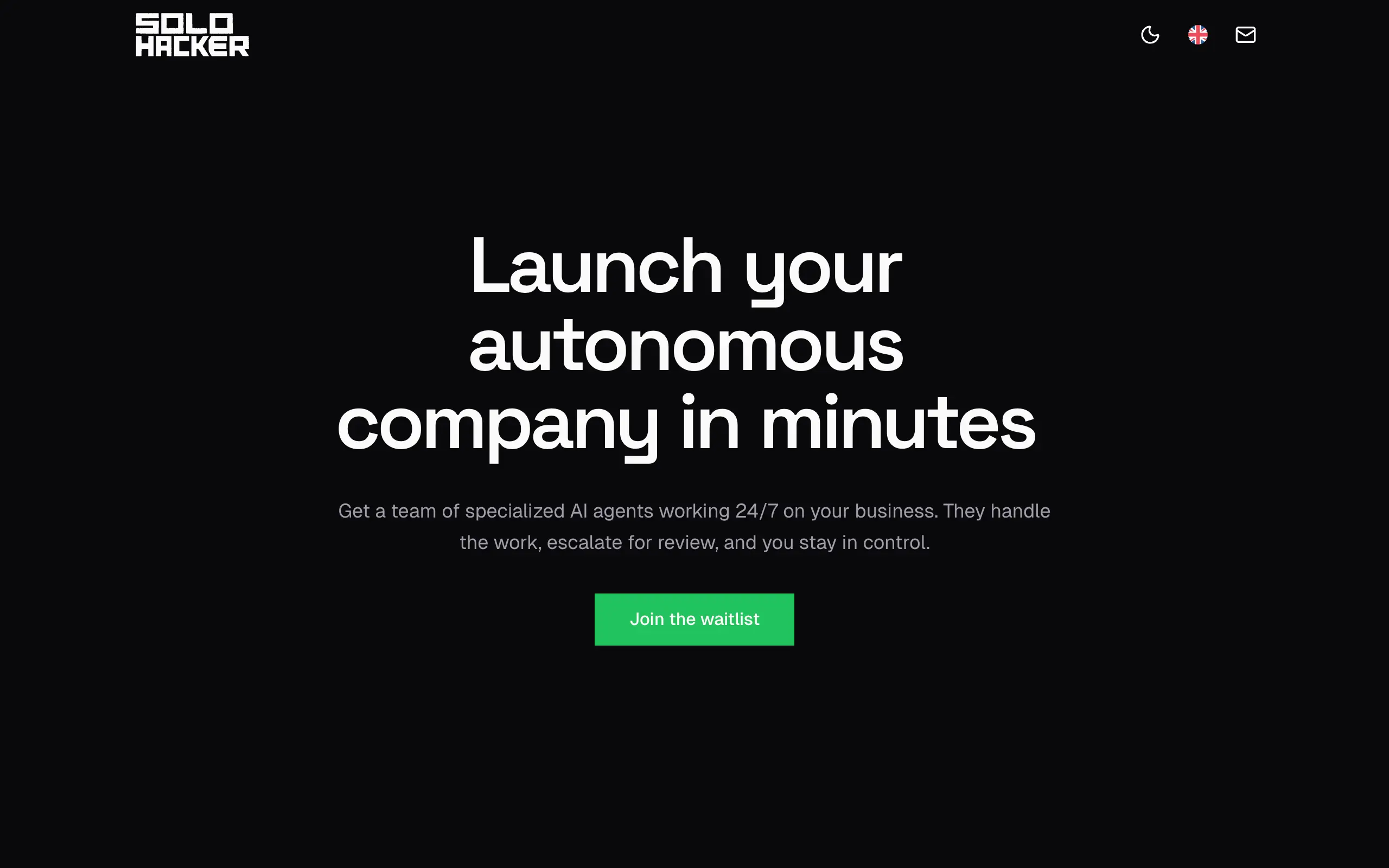
Solohacker
Autonomous company launcher - AI agents work 24/7, escalate what matters, and you stay in control 🤖
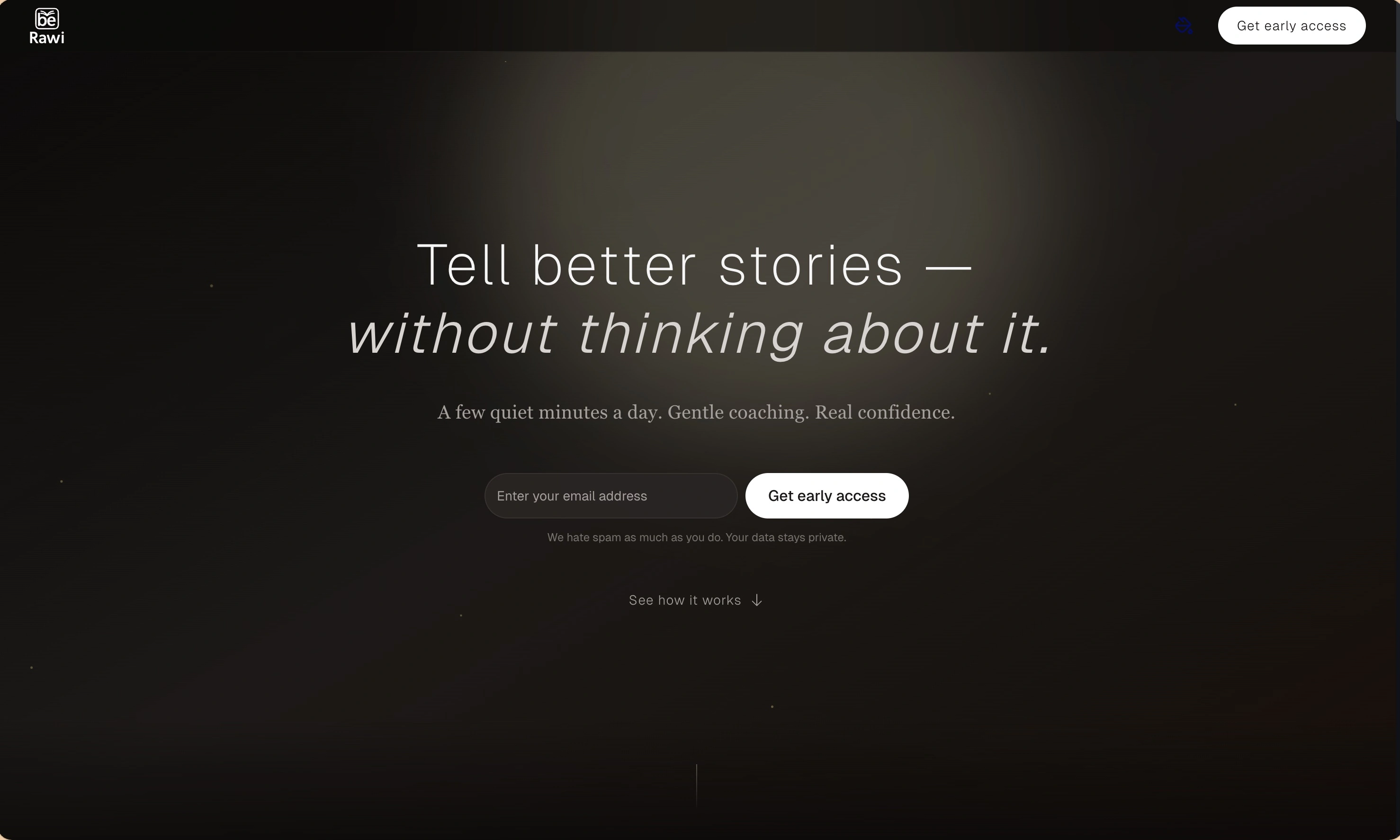
BeRawi: Storytelling Coach
Practice storytelling daily with instant feedback to sound clearer, more engaging, and confident 🎤
Omichat
Chat with 50+ AI models, including ChatGPT and Claude, in one place - switch models anytime without losing context 🤖
Claude Fast
Supercharge your Claude Code with 6x effective context window and specialized AI agents 🤖
EmojAI
AI-powered emoji picker with smart, context-aware suggestions 🤖
Solohacker
Autonomous company launcher - AI agents work 24/7, escalate what matters, and you stay in control 🤖
BeRawi: Storytelling Coach
Practice storytelling daily with instant feedback to sound clearer, more engaging, and confident 🎤
Omichat
Chat with 50+ AI models, including ChatGPT and Claude, in one place - switch models anytime without losing context 🤖
Claude Fast
Supercharge your Claude Code with 6x effective context window and specialized AI agents 🤖
EmojAI
AI-powered emoji picker with smart, context-aware suggestions 🤖
Solohacker
Autonomous company launcher - AI agents work 24/7, escalate what matters, and you stay in control 🤖
BeRawi: Storytelling Coach
Practice storytelling daily with instant feedback to sound clearer, more engaging, and confident 🎤
Omichat
Chat with 50+ AI models, including ChatGPT and Claude, in one place - switch models anytime without losing context 🤖
Claude Fast
Supercharge your Claude Code with 6x effective context window and specialized AI agents 🤖
EmojAI
AI-powered emoji picker with smart, context-aware suggestions 🤖
Solohacker
Autonomous company launcher - AI agents work 24/7, escalate what matters, and you stay in control 🤖
BeRawi: Storytelling Coach
Practice storytelling daily with instant feedback to sound clearer, more engaging, and confident 🎤

Connect with like-minded people
Join our community to get feedback, support, and grow together with 1,000+ builders on board, let's ship it!
Join usShip your startup everywhere. In minutes.
Don't burn tokens on setup and start building features on day one.