CoverCheck
Checks vendor insurance certificates against property requirements, flags coverage gaps, and tracks expirations for small commercial property managers.
What is AI certificate of insurance tracking software for property managers?
AI certificate of insurance tracking software helps property managers collect, review, and monitor vendor insurance certificates. The goal is to compare the information on a certificate of insurance (COI) with a property’s requirements, flag possible coverage gaps, and track when certificates or policies may expire.
CoverCheck is a proposed AI-powered platform for small commercial property managers. It would organize vendor insurance documents, extract relevant details, compare them with configurable property requirements, and help managers follow up when something needs attention.
A COI is a snapshot of insurance information, not an insurance policy. It can help a manager understand the coverage a vendor reports, but it does not replace the policy, endorsements, advice from an insurance professional, or a legal review. That distinction should shape the product: CoverCheck should help teams identify and manage potential issues, not promise to certify that a vendor is fully insured.
The product’s primary keyword opportunity is AI certificate of insurance tracking software for property managers. Closely related search topics include vendor insurance tracking, COI management software, commercial property vendor compliance, insurance certificate expiration tracking, and automated COI review.
Why property managers need a better COI workflow
Commercial property managers rely on outside vendors for work such as maintenance, cleaning, landscaping, construction, security, and specialist repairs. Before work begins, a property team may need to collect insurance documentation and check it against requirements for the property, contract, or type of work.
For a small management company, this process is often spread across inboxes, spreadsheets, shared drives, and property management systems. That setup can work when there are only a few vendors. It becomes harder when a team manages multiple properties, renews vendor agreements at different times, or has to find a specific certificate quickly.
Common process problems include:
- Missing documents: A vendor may be approved to work before the property team has received the required certificate.
- Manual review: Staff must locate fields such as policy dates, limits, and named entities across documents with different layouts.
- Inconsistent requirements: Two properties may have different standards, and staff may apply the wrong checklist.
- Expiration surprises: A certificate can be out of date without anyone noticing until renewal or an incident.
- Unclear ownership: Teams may not know who is responsible for requesting an updated document.
- Weak audit trails: It can take time to show which document was reviewed, what requirement was applied, and what follow-up occurred.
These are workflow and recordkeeping challenges, not simply document-storage problems. A useful COI platform must connect documents to vendors, properties, requirements, decisions, and reminders.
The market opportunity and product gap
There is an opportunity between basic file storage and enterprise risk-management systems. Small commercial property managers may not need a broad governance platform, but they do need more than a folder of PDFs and a spreadsheet.
A focused product can reduce administrative friction by giving teams one place to:
- Request insurance documents from vendors.
- Extract key fields from uploaded certificates.
- Compare extracted information with property-specific rules.
- Review uncertain or potentially deficient results.
- Track renewal dates and follow-up.
- Produce a clear history of documents and review actions.
The opportunity is not to replace insurance brokers or legal counsel. It is to make routine document handling more organized and visible. That positioning is especially important because insurance requirements vary by contract, property, jurisdiction, and work type. The software should help apply requirements that the customer has chosen and approved.
Why small commercial property managers are a strong initial audience
Small and mid-sized operators can be a practical starting segment because they often manage enough vendors for manual tracking to become burdensome, while lacking dedicated compliance teams or complex internal systems.
CoverCheck could initially serve:
- Independent commercial property management firms
- Small portfolios of office, retail, industrial, or mixed-use properties
- Property owners that coordinate recurring maintenance vendors
- Facilities teams responsible for contractor documentation
- Regional operators that use spreadsheets or shared inboxes for COIs
The first market should be narrow enough to support a consistent workflow. For example, CoverCheck could focus on firms managing a modest portfolio of commercial properties and working with recurring maintenance vendors. That focus would help the team learn which fields, reminders, and approval steps matter most before expanding to larger operators or other real estate segments.
What is underserved by generic document tools
A generic document-management system can store certificates, but it may not know that a document belongs to a particular vendor, property, contract, and requirement set. A spreadsheet can list expiration dates, but it will not reliably extract changing information from PDFs or support a consistent review history.
CoverCheck can differentiate by connecting these pieces. Its value comes from the operational model around the document, not just the use of AI to read it.
Who uses CoverCheck and what they need
A successful product should account for several roles, even if one person fills multiple roles at a small company.
Property managers
Property managers need a clear view of vendor readiness across their properties. They want to know which vendors have current documents, which need attention, and whether a vendor can be scheduled under the organization’s own process.
A useful dashboard should answer practical questions quickly:
- Which vendors have documents approaching expiration?
- Which properties have unresolved insurance items?
- Which vendors are awaiting review?
- Which follow-ups are overdue?
- What changed since the last review?
Operations and administrative staff
Operations coordinators may handle vendor onboarding and document collection. They need simple request workflows, reusable email templates, and a way to avoid manually entering the same vendor details more than once.
The product should make routine actions easy. A staff member should be able to resend a request, update a contact, or mark a document for human review without navigating a complicated compliance interface.
Owners and executives
Owners and executives need confidence that the process is consistently managed. They may not review individual certificates every day, but they need summary reporting, visibility into unresolved items, and evidence of follow-up.
Vendors
Vendors are not the paying customer in the initial model, but their experience affects adoption. A vendor should be able to provide or update a document without creating unnecessary friction. A secure upload link and clear instructions can reduce back-and-forth emails.
Core CoverCheck features
1. Vendor and property records
CoverCheck should create a structured record for each vendor and property. Vendor records can include business name, contacts, service category, associated properties, and document history. Property records can contain the insurance requirements set by the customer.
This structure prevents a common workflow mistake: treating every certificate as an isolated file. A document needs context to be useful.
2. Secure document collection
Property managers should be able to upload documents themselves or request them from vendors through a secure workflow. The initial product might support PDF uploads and common image formats, with clear limits and validation.
Useful collection features include:
- Vendor upload links with expiration controls
- Email notifications when a document is received
- Support for replacement or updated certificates
- Duplicate detection or warnings
- A visible document status, such as received, processing, needs review, or reviewed
Security should be designed from the start. Uploaded files may contain sensitive business information. CoverCheck should use access controls, encryption in transit and at rest, retention settings, and a documented process for handling deletion requests.
3. AI-assisted field extraction
AI can help extract information from certificates and related documents. Depending on the document, fields may include:
- Insured business name
- Certificate holder
- Insurer or carrier name
- Policy type
- Policy number
- Effective and expiration dates
- Limits and deductibles
- Additional insured indicators
- Relevant endorsements or notes
The system should preserve the source document and show where each extracted value came from. If a field is unclear, CoverCheck should say so rather than silently filling in a guess.
4. Requirement comparison
Customers should be able to define requirements for a property, vendor category, or work type. CoverCheck can compare extracted fields against those rules and highlight possible mismatches.
For example, a rule might specify a minimum limit or require a document to remain valid through a particular date. The platform should present the result as a comparison against the customer’s configuration, not as an independent legal conclusion.
A clear result might use statuses such as:
- Appears to match: Extracted information meets the configured checks.
- Needs review: A value is missing, uncertain, or requires interpretation.
- Potential gap: A value appears not to meet the configured requirement.
- Expired or expiring: The relevant date is past or approaching.
These statuses should be configurable and explained in plain language. Avoid an oversimplified “compliant” label that could imply a guarantee.
5. Expiration monitoring and reminders
Expiration tracking is one of the most direct sources of value. CoverCheck should let teams configure notification schedules, such as reminders before a certificate or policy expiration date. The exact timing should be controlled by the customer rather than hard-coded as universal best practice.
Notifications should go to the people who can act on them. A team may want an initial reminder to the vendor, a later reminder to the property manager, and an escalation if the issue remains unresolved.
6. Review history and audit trail
Every meaningful action should be recorded: document uploaded, field extracted, requirement checked, reviewer decision made, and reminder sent. A history helps staff understand why a vendor’s status changed and supports internal reporting.
The audit trail should distinguish between:
- Automated extraction
- Automated comparison against configured rules
- Human review or override
- Vendor-provided information
- Customer changes to requirements
This distinction is important for trust and for troubleshooting incorrect results.
7. Portfolio reporting
A portfolio dashboard can summarize document status by property, vendor, expiration window, or issue type. Reporting should support action rather than merely display charts.
Useful reports could include:
- Vendors with documents expiring soon
- Properties with unresolved review items
- Documents awaiting human review
- Vendors with repeated late submissions
- Historical completion rates by vendor category
How AI should work in a trustworthy COI product
AI is useful when it reduces repetitive work while keeping uncertainty visible. It is risky when users cannot tell how a result was produced or when the software presents an interpretation as a guarantee.
A responsible CoverCheck workflow could work as follows:
- A document is uploaded and scanned for text.
- The extraction system identifies likely fields and their locations.
- Validation checks look for missing values, inconsistent dates, and low-confidence extraction.
- The rules engine compares the extracted data with the customer’s saved requirements.
- A human reviews uncertain or potentially deficient results.
- The product records the source, decision, and any follow-up.
This approach combines automation with human oversight. The initial product does not need to make complex legal judgments. It can focus on reliable extraction, transparent comparisons, and well-managed follow-up.
Avoid presenting AI output as insurance advice
A certificate is not the policy itself, and a field extracted from a certificate may not establish the full scope of coverage. CoverCheck should describe results as document checks against customer-defined requirements and direct users to an insurance professional or legal advisor when interpretation is needed.
Competitive advantage and positioning
CoverCheck’s strongest position is a focused workflow for small commercial property managers, rather than an attempt to serve every industry with a general compliance suite.
| Product approach | Document storage | COI-focused workflow | Property-level requirements | Expiration tracking | Human review support |
|---|---|---|---|---|---|
| Shared drive and email | Yes | No | Manual | Manual | Informal |
| Spreadsheet tracking | Limited | Partial | Manual | Manual | Manual |
| Generic document platform | Yes | Usually limited | May require setup | Sometimes | Varies |
| Broad enterprise compliance platform | Yes | Often available | Often available | Often available | Often available |
| CoverCheck opportunity | Yes | Yes | Yes | Yes | Yes |
The table describes product categories, not a claim that every product in a category has identical capabilities. A real competitive assessment should compare named vendors, current features, pricing, integrations, and customer feedback before making market claims.
The CoverCheck USP
CoverCheck turns vendor insurance documents into a property-specific, reviewable workflow for small commercial property teams.
That positioning brings together four differentiators:
- Narrow customer focus: Build around commercial property operations rather than generic document processing.
- Property-level context: Apply requirements in relation to a property, vendor, or work category.
- Transparent automation: Show extracted data and highlight uncertainty instead of hiding it.
- Follow-through: Connect document review to reminders, assignments, and history.
The defensible advantage will not come from using AI alone. Similar extraction tools can be built or purchased. Long-term differentiation is more likely to come from a well-designed requirements model, trustworthy review workflow, customer-specific data, and integrations that fit property managers’ daily work.
Recommended technology stack
The technology stack should support document security, accurate processing, and a product that can be iterated quickly. A practical first version does not need a large distributed architecture.
Application and interface
A web application built with React can support the dashboard, document review interface, vendor portal, and administrative settings. A framework such as Next.js can provide routing, server-rendered pages where useful, and a cohesive application structure.
For styling, Tailwind CSS can help a small team ship a consistent interface quickly. The critical product challenge is not the framework choice; it is making review states, source documents, and follow-up actions easy to understand.
Database and file storage
A relational database such as PostgreSQL is a strong fit for vendors, properties, requirements, documents, extracted fields, users, and audit events. These entities have clear relationships, and relational constraints can help protect data consistency.
Store uploaded files in private object storage rather than directly in database rows. Use short-lived signed access links, file-size limits, malware scanning where appropriate, and retention controls. The application should not expose a document through a public URL.
Document processing and AI
Use a processing pipeline that separates document upload, text extraction, field extraction, and rule comparison. This makes failures easier to diagnose and gives the team a way to replace or improve an extraction provider without redesigning the whole application.
A sensible design includes:
- A background job queue for file processing
- OCR for scanned documents
- A structured extraction step with confidence scores
- Schema validation for dates, currency values, and policy fields
- A rules engine that compares extracted values with customer settings
- A review queue for low-confidence or unusual documents
Do not rely on a language model alone for deterministic checks such as date comparison. Use ordinary application logic for rules that can be expressed clearly. AI can help interpret varied document layouts, while code should handle exact comparisons and status transitions.
Authentication, billing, and deployment
Use an established authentication provider or a well-maintained authentication framework. Support role-based access so users only see the properties and records they are authorized to access.
For subscriptions, Stripe is a common billing option, though the right choice depends on geography, billing needs, and product economics. For deployment, choose a managed platform that supports secure environment variables, background jobs, database backups, and monitoring.
A SaaS starter kit can shorten the time needed to build account management, billing, and common application foundations. TurboStarter is one option to evaluate for that purpose. Before adopting any starter, confirm that its architecture and licensing fit the product’s security and deployment requirements.
Trade-offs to consider
- Build versus buy for OCR: A third-party provider can speed up a prototype, while an in-house pipeline may offer more control later. Compare accuracy on real customer documents, not only vendor demos.
- Single application versus services: A modular monolith is usually simpler for an early product. Separate processing services only when scale, isolation, or team ownership justifies the operational cost.
- Flexible requirements versus simple setup: Highly configurable rules can serve diverse portfolios, but too many options can overwhelm customers. Start with a small, understandable set of requirements.
- Automated decisions versus review queues: More automation can reduce manual work, but uncertain cases need a visible path to human review.
Monetization strategies for CoverCheck
CoverCheck should charge in a way that maps to customer value and remains easy to understand. Several models are worth testing.
Subscription by portfolio size
A monthly or annual subscription based on the number of properties can work for property managers because property count often reflects the scope of the workflow. Pricing tiers might include different limits for properties, users, or active vendors.
The risk is that property count may not match document volume. A small portfolio with many contractors could create more processing and support costs than a larger, low-activity portfolio.
Subscription by vendor volume
Pricing based on active vendors or tracked certificates can align more closely with usage. It can also create uncertainty if customers do not know how many vendors they will add during the year.
A good implementation could provide usage visibility and notify customers before they reach a plan limit.
Per-property pricing with included vendor capacity
A hybrid model can be easier to explain: charge by property and include a reasonable allowance for vendors or documents, with higher tiers for larger portfolios. This provides predictable billing while still accounting for heavier usage.
Paid onboarding and migration
Some customers may need help importing vendors, reviewing existing requirements, or configuring their first property. Paid onboarding can provide revenue and improve activation, but it should not be mandatory for a straightforward self-serve customer.
Expansion opportunities
After the core workflow is established, CoverCheck could test add-ons such as portfolio reporting, integrations, custom approval paths, and advanced retention controls. These should be added only when customer research demonstrates demand.
Risks and how to mitigate them
Risk: Users mistake a document check for a coverage guarantee
Mitigation: Use precise language throughout the interface. Show which fields were checked, what rule was applied, and where the source information came from. Avoid broad claims that a vendor is fully insured or legally compliant.
Risk: AI extracts the wrong information
Mitigation: Store confidence and source location for extracted fields. Route low-confidence results to review, validate field formats, and test against a representative set of real documents. Provide a way for users to correct information and preserve the correction history.
Risk: Customer requirements are incomplete or inconsistent
Mitigation: Make customers responsible for approving their requirements. Offer guided setup, version history, and clear ownership for changes. Consider optional assistance from an insurance professional, but do not imply that default templates fit every customer.
Risk: Security or privacy incident
Mitigation: Minimize data collection, protect files with access controls, encrypt data in transit and at rest, maintain backups, and define retention and deletion policies. Conduct a security review before launch and create an incident response plan. Larger customers may also request security documentation, vendor assessments, or independent audits.
Risk: Vendor participation is low
Mitigation: Make document submission simple, mobile-friendly, and clearly explained. Allow managers to upload documents on a vendor’s behalf when appropriate. Track incomplete requests and make reminders easy to send without spamming recipients.
Risk: Existing systems already handle the workflow
Mitigation: Validate the target segment before building extensive integrations. Interview property teams about their actual process, including the systems they use and the steps they still perform manually. Start with import and export options, then build integrations based on repeated demand.
Risk: Long sales cycles or unclear willingness to pay
Mitigation: Begin with smaller operators that have direct access to decision-makers. Test pricing with paid pilots rather than relying on statements of interest. Measure whether the product saves time, reduces missed follow-ups, or improves document visibility.
How to validate the idea before building too much
The fastest way to test CoverCheck is to observe how property teams currently handle real documents, then prototype the highest-friction steps.
Conduct interviews with property managers, operations coordinators, and owners. Ask participants to describe the last time they requested, reviewed, or renewed a vendor certificate. Questions should focus on specific behavior:
- Where did the document arrive?
- Who reviewed it?
- What information did they check?
- How were requirements recorded?
- What happened when something was missing?
- How were expiration dates tracked?
- What tools were used to follow up?
- How often did the process need to be repeated?
Avoid leading questions such as “Would you use an AI COI tool?” People may express interest without changing their behavior. Instead, ask to see a redacted example of their workflow, spreadsheet, or checklist if they are comfortable sharing it.
Then test a clickable prototype or concierge pilot. For a concierge pilot, the team can manually process documents behind the scenes while users interact with a simple interface. This reveals whether customers value the workflow before significant investment goes into automation.
Track practical validation signals:
- Number of customer interviews that reveal the same pain
- Time required to process a document in the existing workflow
- Frequency of missing or expired documents
- Percentage of uploaded documents requiring human correction
- Pilot conversion to paid usage
- Weekly engagement with reminders and review queues
- Customer willingness to provide feedback and refer another operator
A practical MVP scope
A focused minimum viable product should solve one complete workflow instead of offering a broad collection of partially finished features.
For the first version, prioritize:
- User accounts and role-based access
- Vendor and property records
- Document upload and secure storage
- AI-assisted extraction of a limited set of fields
- Customer-defined requirements for a small number of common checks
- Review and correction of uncertain results
- Expiration reminders
- A clear audit history
- A basic portfolio dashboard
Defer complex integrations, extensive analytics, custom reporting builders, and highly flexible approval systems until customers demonstrate a need. The MVP should make one manager’s recurring task substantially easier and more reliable.
Actionable implementation steps
Choose a narrow initial customer segment. Define the property type, approximate portfolio size, and vendor workflow the first version will support. A clear segment makes customer interviews and product decisions more useful.
Map the current COI process. Document how customers request, receive, review, store, and renew certificates today. Identify the roles, tools, handoffs, and most common failure points.
Define the product’s boundaries. Decide what CoverCheck will automate, what it will flag, and what remains a customer or professional judgment. Write the language used for statuses before building them.
Prototype the review experience. Show the original document next to extracted fields and requirement comparisons. Test whether users can understand the result, correct errors, and take the next action without training.
Build a secure end-to-end workflow. Start with upload, extraction, review, requirement comparison, reminders, and history. Keep processing steps observable so the team can identify failures.
Run a paid pilot. Recruit a small group of property managers, support their onboarding, and measure document-processing time, correction rates, follow-up completion, and willingness to renew.
Improve based on evidence. Prioritize changes that repeatedly reduce customer effort or improve trust. Add integrations and broader requirements only when they address validated needs.
The long-term opportunity
CoverCheck can become more than a certificate inbox if it earns trust as the operational record for vendor insurance documentation. A strong product can help property teams understand what they have received, what remains unresolved, and who needs to act next.
The key is to treat AI as an assistant within a dependable process. Accurate extraction matters, but so do clear requirements, visible uncertainty, human review, secure document handling, and a useful audit trail. If CoverCheck delivers those foundations for a focused group of commercial property managers, it can stand apart from spreadsheets without overpromising what software can determine about insurance coverage.
More 🤖 AI Startup SaaS ideas
Discover more innovative ai startup SaaS ideas that are trending in 2026. Each idea is AI-generated with market validation and growth potential to help you find your next profitable venture faster than competitors.
Your competitors are building with TurboStarter
Below are some of the SaaS ideas that have been generated and built with our starter kit.
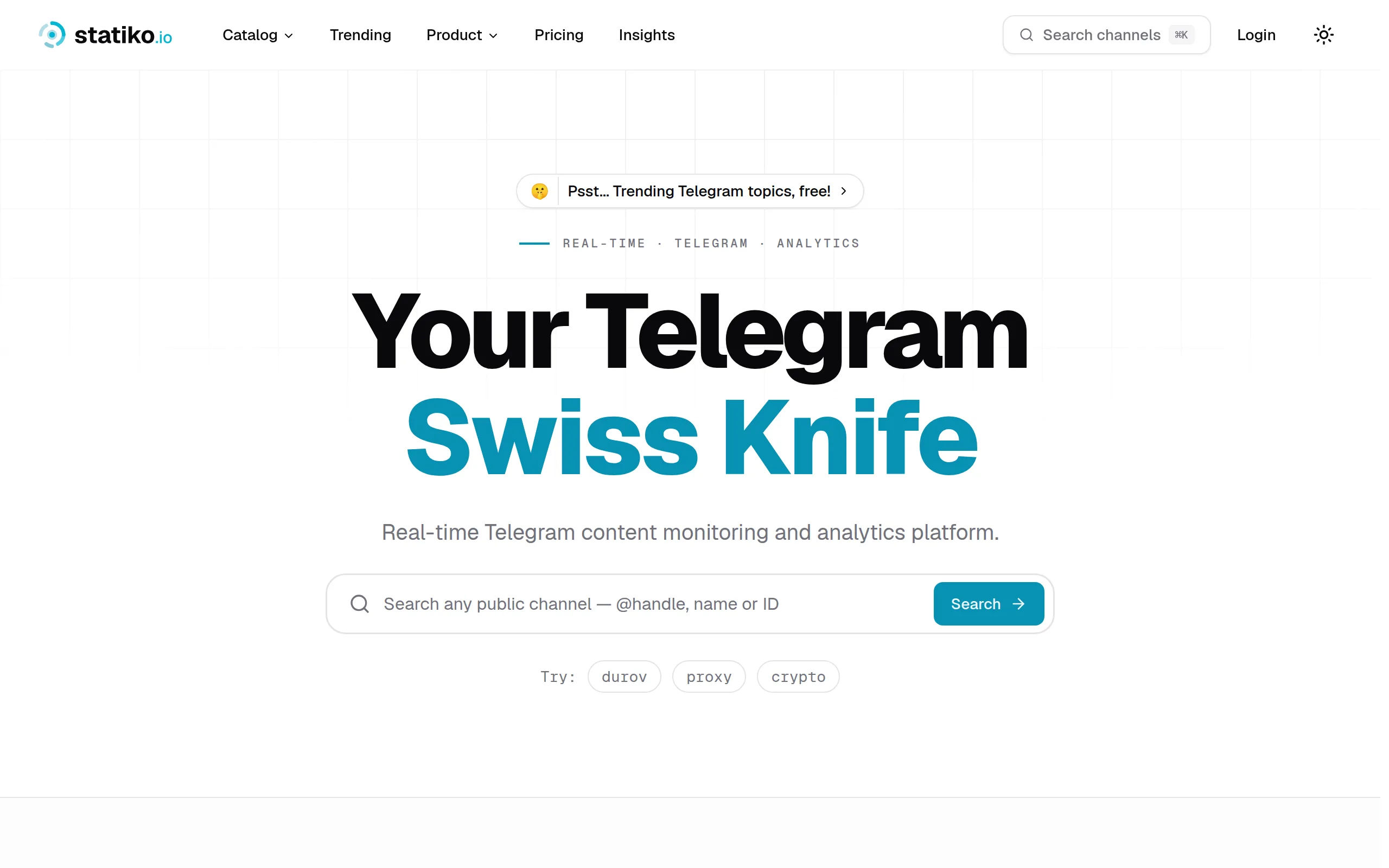
Statiko
Monitor any Telegram channel in real time - track posts, edits, deletions, and growth with AI recaps 📡

Shibui
AI website builder - describe your business, pick a niche template, edit by chatting, and publish instantly ✨

Pro Service
Find verified home service professionals, compare quotes, and pay securely through escrow - built for Brazilians across the US 🏠
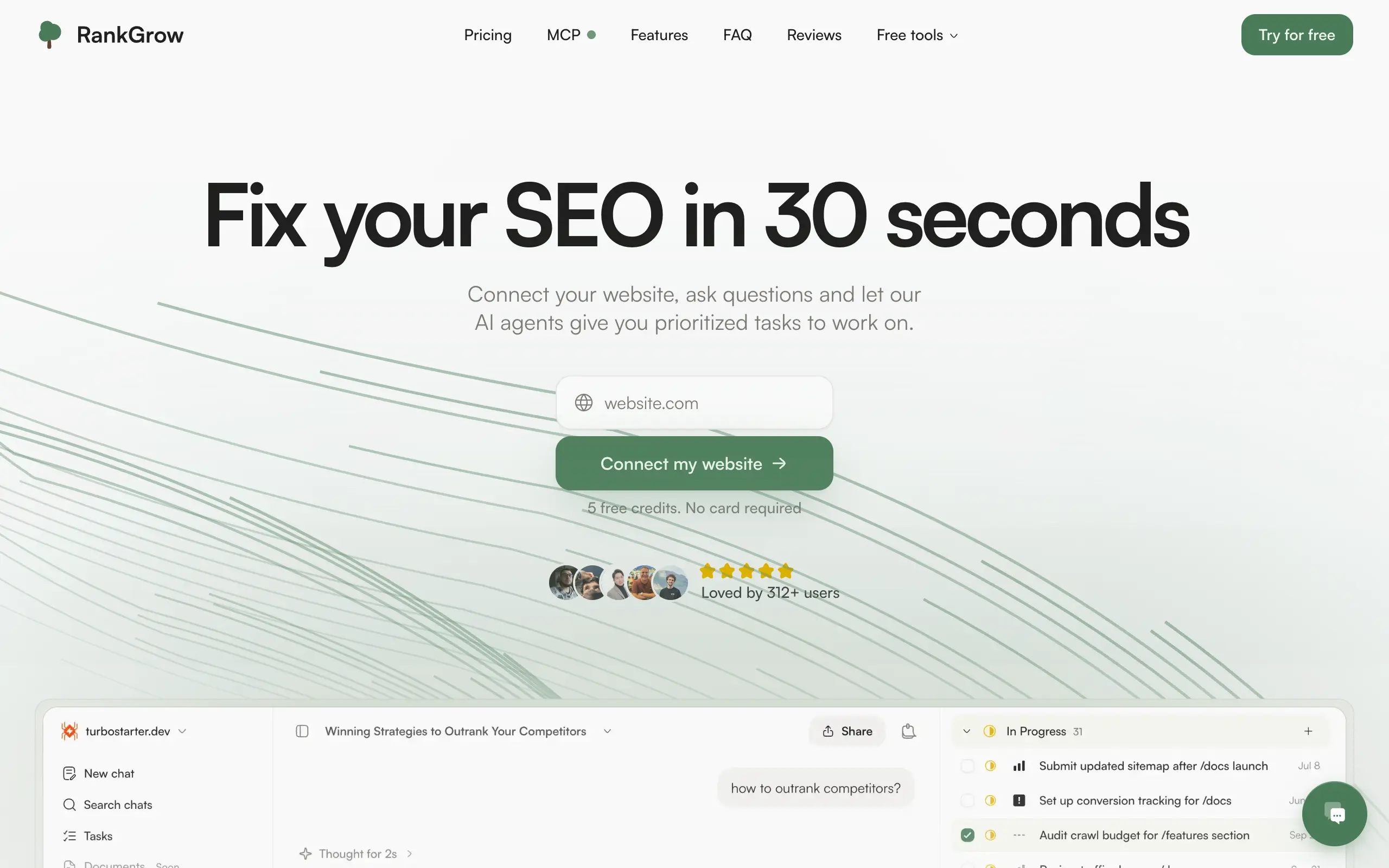
RankGrow
Fix your SEO with AI agents - connect Search Console, get prioritized tasks, and grow organic traffic 📈
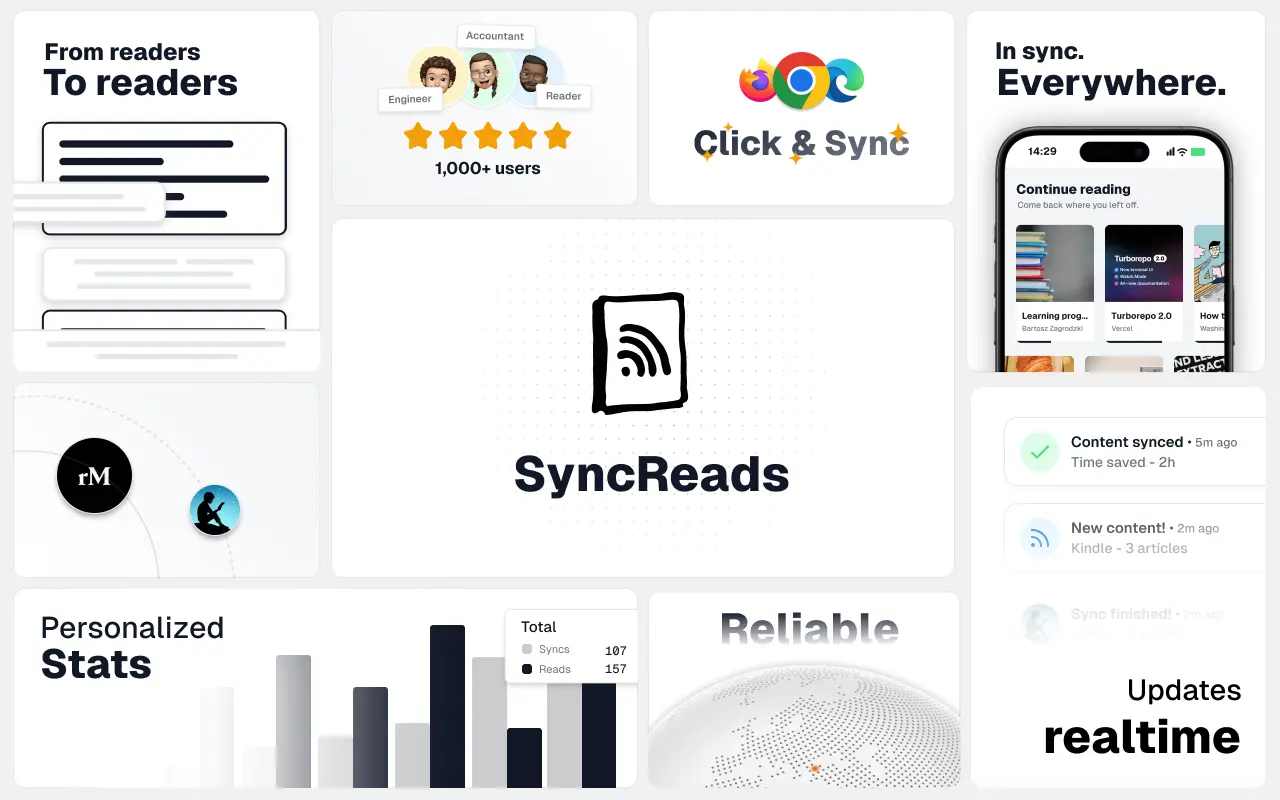
SyncReads
Sync your favorite content for distraction-free reading, save time and replace multiple apps. Anytime, anywhere 🔄
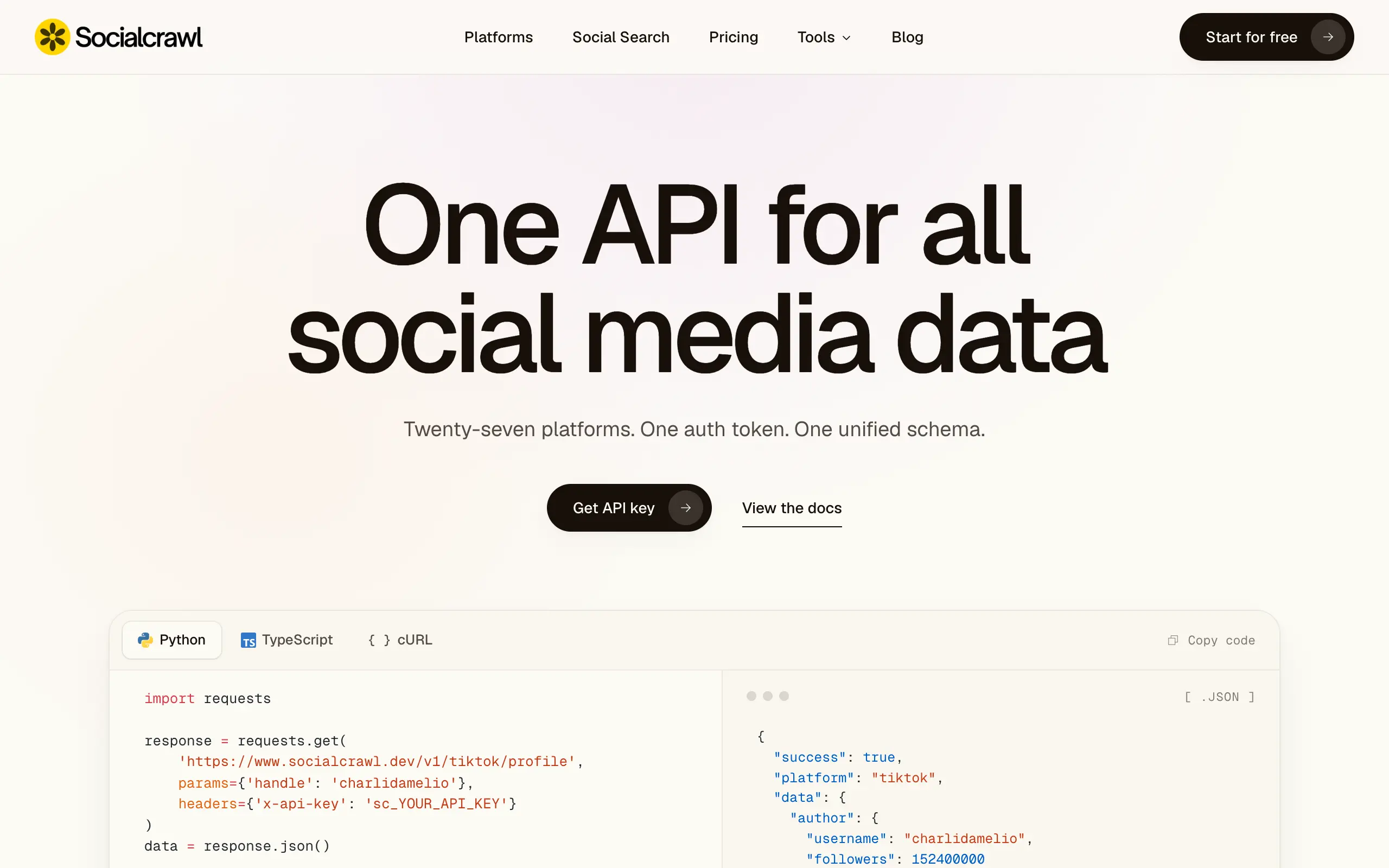
Socialcrawl
Get clean, structured data from 21 platforms like TikTok, Instagram, and YouTube with a single request 📊
Statiko
Monitor any Telegram channel in real time - track posts, edits, deletions, and growth with AI recaps 📡
Shibui
AI website builder - describe your business, pick a niche template, edit by chatting, and publish instantly ✨
Pro Service
Find verified home service professionals, compare quotes, and pay securely through escrow - built for Brazilians across the US 🏠
RankGrow
Fix your SEO with AI agents - connect Search Console, get prioritized tasks, and grow organic traffic 📈
SyncReads
Sync your favorite content for distraction-free reading, save time and replace multiple apps. Anytime, anywhere 🔄
Socialcrawl
Get clean, structured data from 21 platforms like TikTok, Instagram, and YouTube with a single request 📊
Statiko
Monitor any Telegram channel in real time - track posts, edits, deletions, and growth with AI recaps 📡
Shibui
AI website builder - describe your business, pick a niche template, edit by chatting, and publish instantly ✨
Pro Service
Find verified home service professionals, compare quotes, and pay securely through escrow - built for Brazilians across the US 🏠
RankGrow
Fix your SEO with AI agents - connect Search Console, get prioritized tasks, and grow organic traffic 📈
SyncReads
Sync your favorite content for distraction-free reading, save time and replace multiple apps. Anytime, anywhere 🔄
Socialcrawl
Get clean, structured data from 21 platforms like TikTok, Instagram, and YouTube with a single request 📊
Statiko
Monitor any Telegram channel in real time - track posts, edits, deletions, and growth with AI recaps 📡
Shibui
AI website builder - describe your business, pick a niche template, edit by chatting, and publish instantly ✨
Pro Service
Find verified home service professionals, compare quotes, and pay securely through escrow - built for Brazilians across the US 🏠
RankGrow
Fix your SEO with AI agents - connect Search Console, get prioritized tasks, and grow organic traffic 📈
SyncReads
Sync your favorite content for distraction-free reading, save time and replace multiple apps. Anytime, anywhere 🔄
Socialcrawl
Get clean, structured data from 21 platforms like TikTok, Instagram, and YouTube with a single request 📊
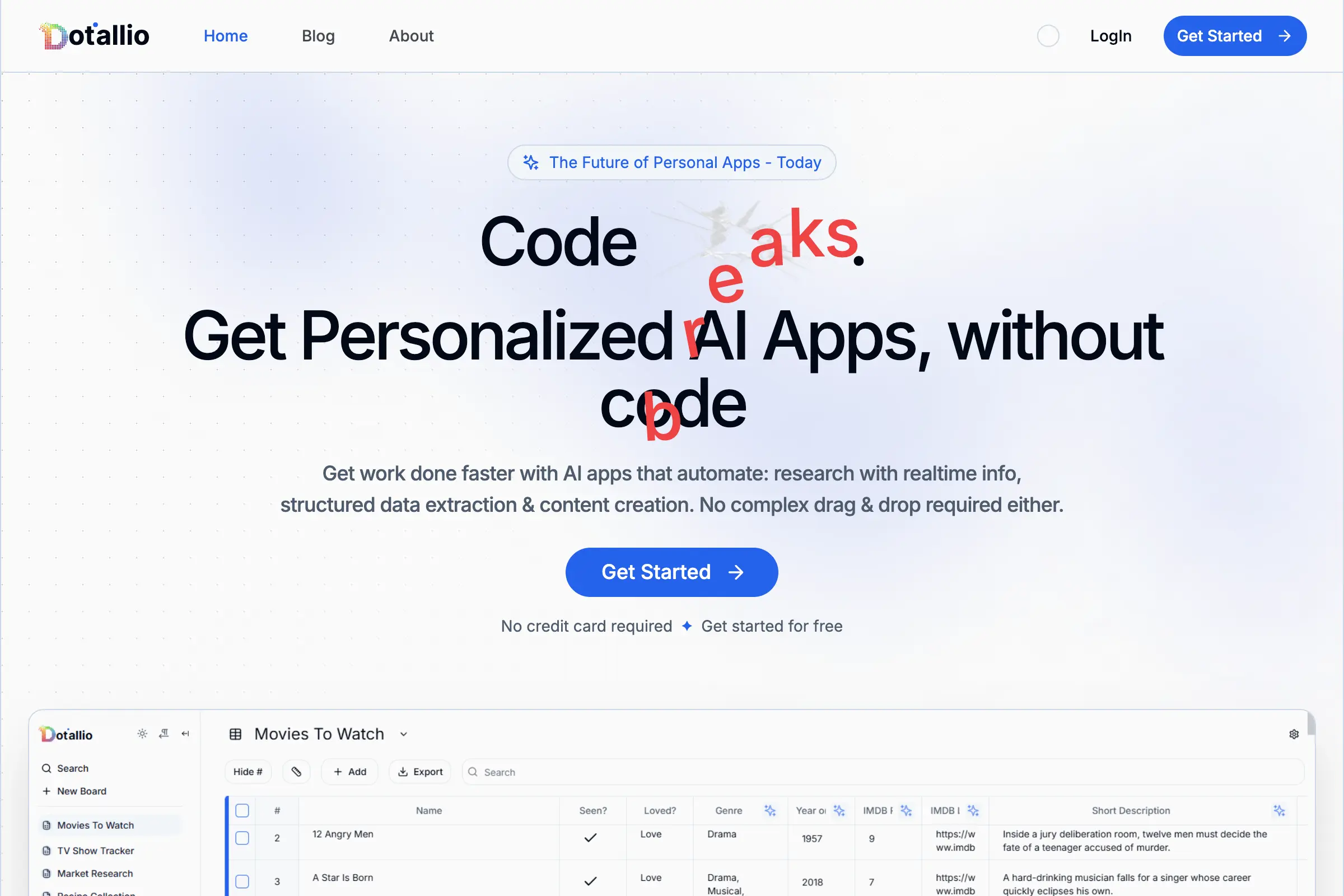
Dotallio
Personalized AI apps that automate research, data extraction, and content creation without code 🤖

Talk to Santa
Enjoy a magical live video chat or receive a unique AI-generated video greeting from Santa Claus 🎅

pozywka.pl
Scalable blog for food journalist, focused on performance and user experience 🌭
zagrodzki.me
Personal blog and portfolio of Bart Zagrodzki, where he shares his knowledge and work 💼
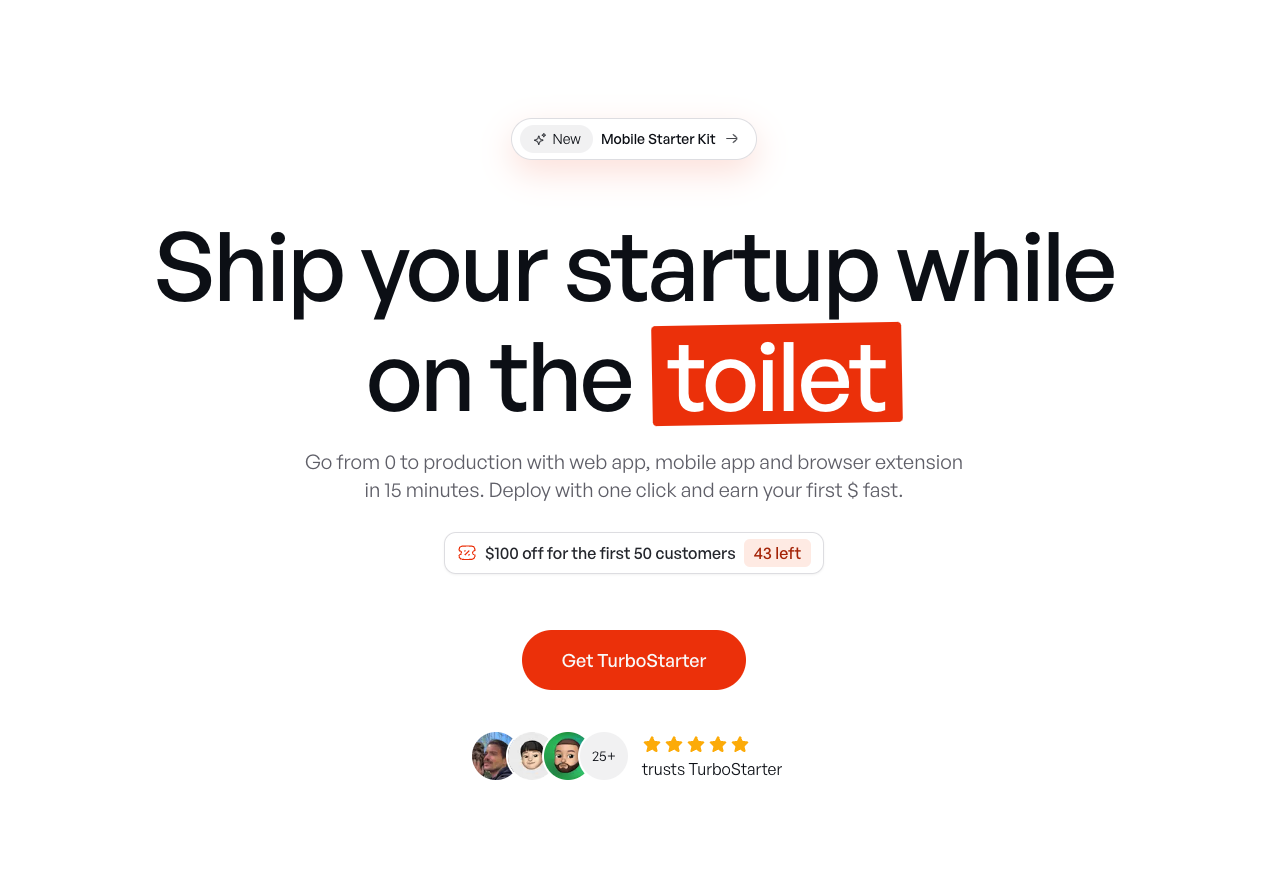
TurboStarter
Ship your startup everywhere. In minutes.
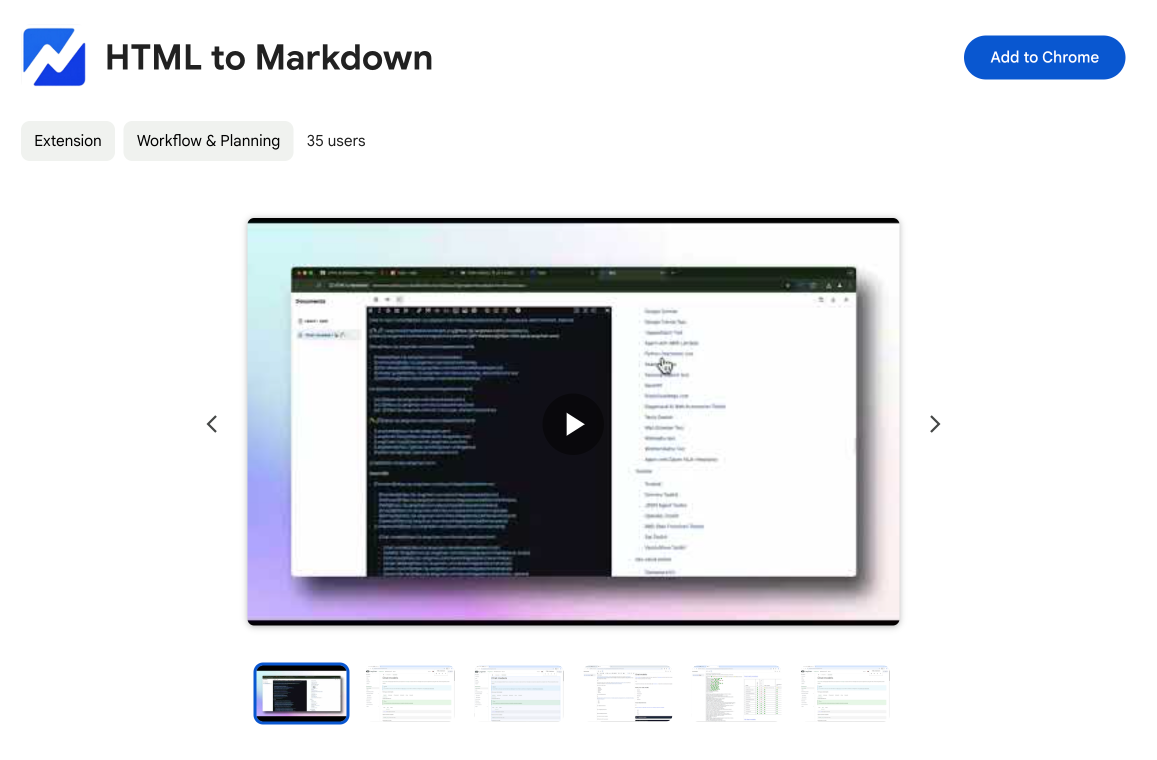
HTML to Markdown
Convert HTML to Markdown with ease, directly in your browser 📄
Dotallio
Personalized AI apps that automate research, data extraction, and content creation without code 🤖
Talk to Santa
Enjoy a magical live video chat or receive a unique AI-generated video greeting from Santa Claus 🎅
pozywka.pl
Scalable blog for food journalist, focused on performance and user experience 🌭
zagrodzki.me
Personal blog and portfolio of Bart Zagrodzki, where he shares his knowledge and work 💼
TurboStarter
Ship your startup everywhere. In minutes.
HTML to Markdown
Convert HTML to Markdown with ease, directly in your browser 📄
Dotallio
Personalized AI apps that automate research, data extraction, and content creation without code 🤖
Talk to Santa
Enjoy a magical live video chat or receive a unique AI-generated video greeting from Santa Claus 🎅
pozywka.pl
Scalable blog for food journalist, focused on performance and user experience 🌭
zagrodzki.me
Personal blog and portfolio of Bart Zagrodzki, where he shares his knowledge and work 💼
TurboStarter
Ship your startup everywhere. In minutes.
HTML to Markdown
Convert HTML to Markdown with ease, directly in your browser 📄
Dotallio
Personalized AI apps that automate research, data extraction, and content creation without code 🤖
Talk to Santa
Enjoy a magical live video chat or receive a unique AI-generated video greeting from Santa Claus 🎅
pozywka.pl
Scalable blog for food journalist, focused on performance and user experience 🌭
zagrodzki.me
Personal blog and portfolio of Bart Zagrodzki, where he shares his knowledge and work 💼
TurboStarter
Ship your startup everywhere. In minutes.
HTML to Markdown
Convert HTML to Markdown with ease, directly in your browser 📄
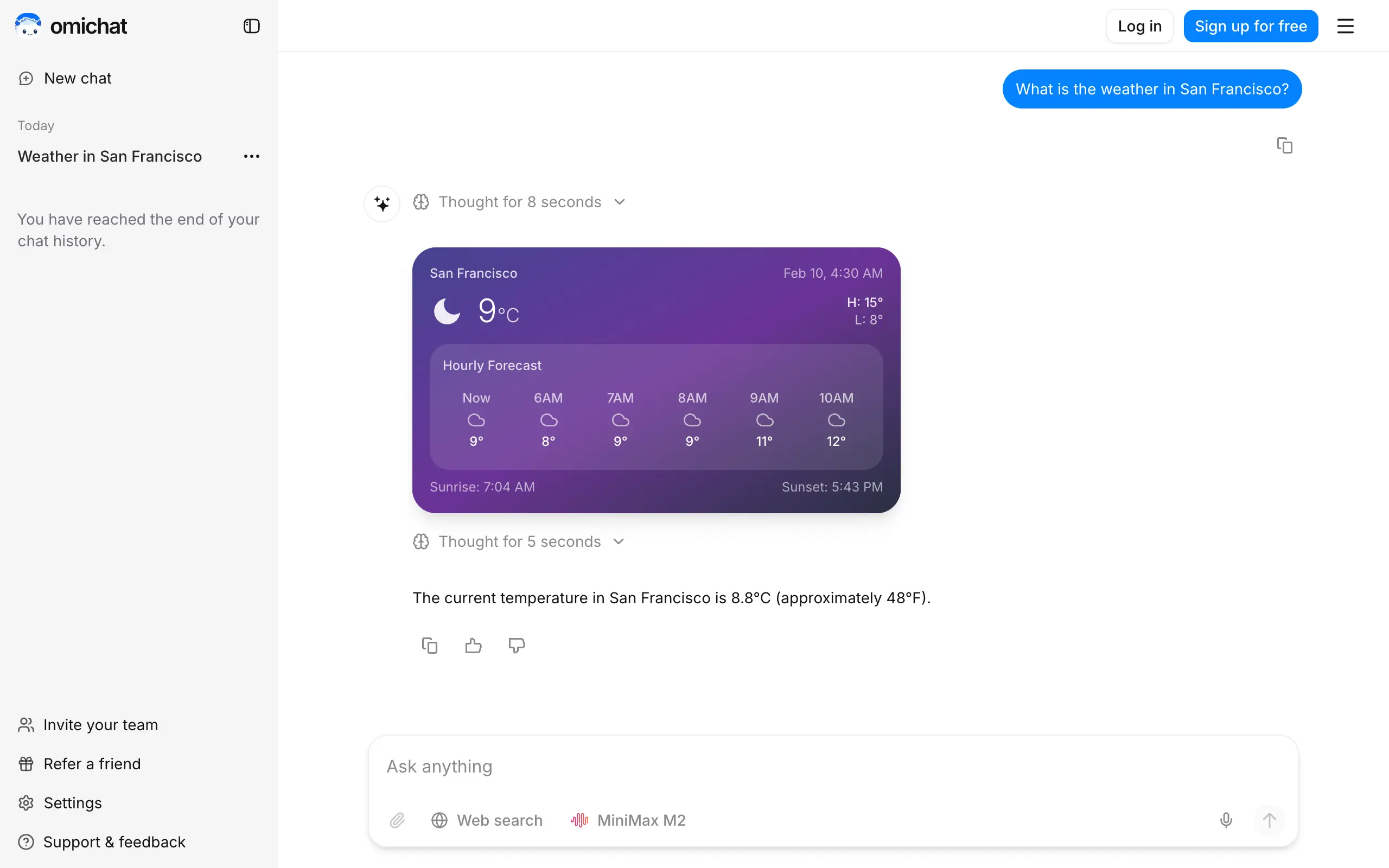
Omichat
Chat with 50+ AI models, including ChatGPT and Claude, in one place - switch models anytime without losing context 🤖
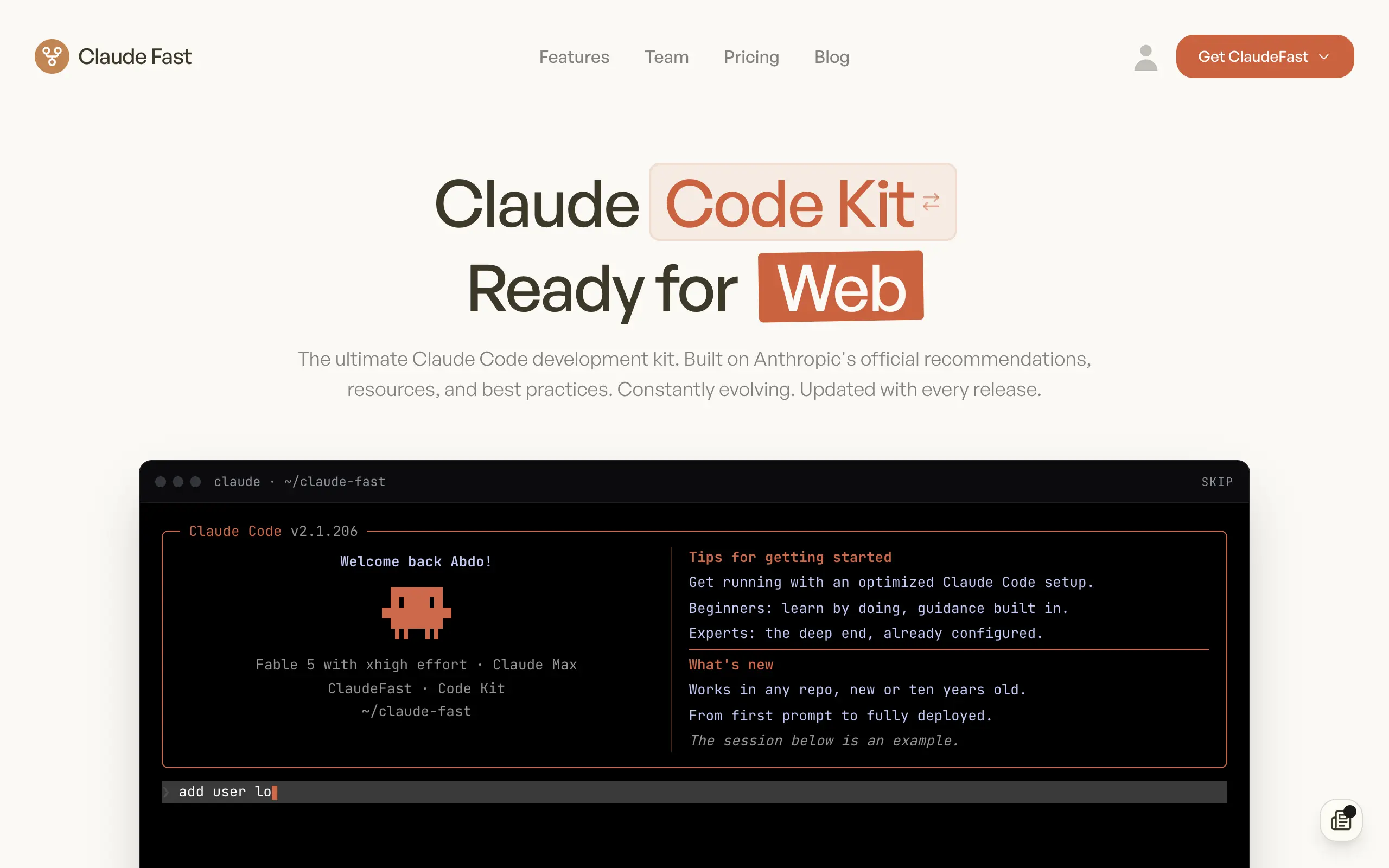
Claude Fast
Supercharge your Claude Code with 6x effective context window and specialized AI agents 🤖
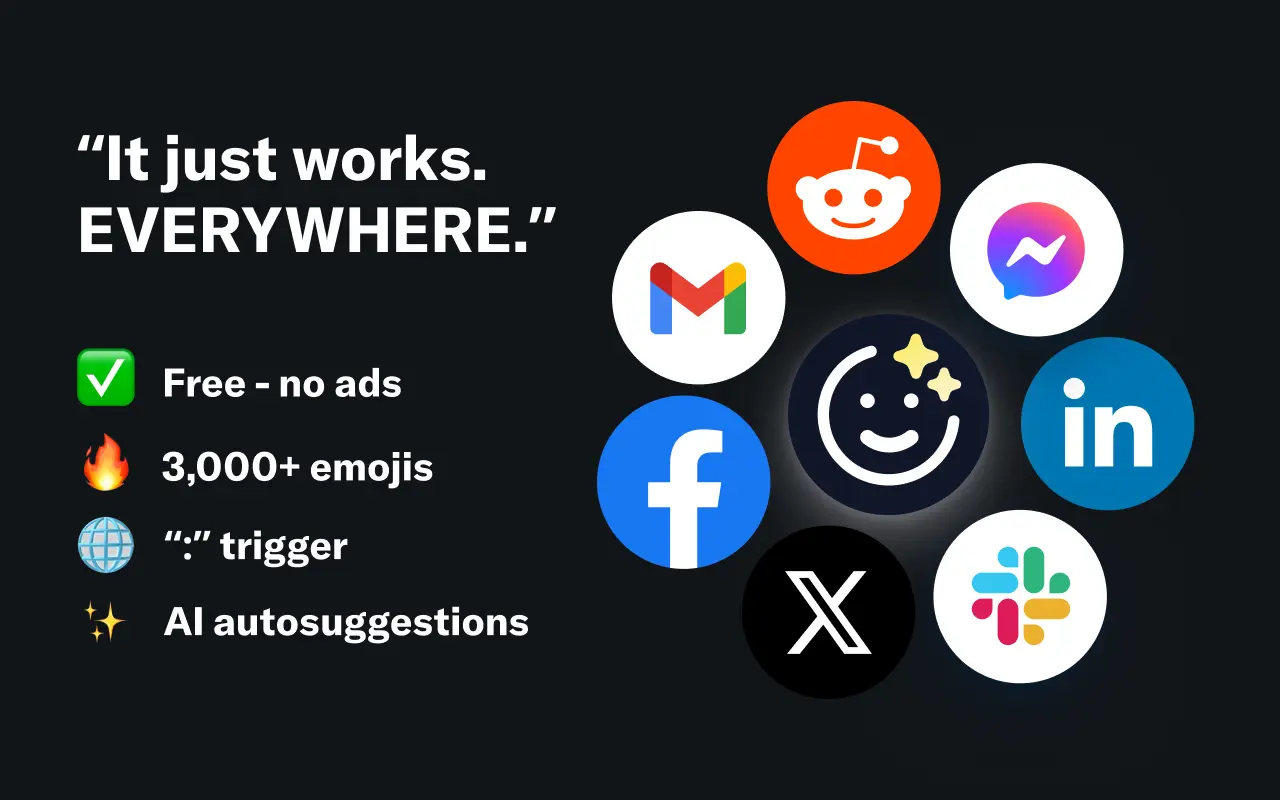
EmojAI
AI-powered emoji picker with smart, context-aware suggestions 🤖

Solohacker
Autonomous company launcher - AI agents work 24/7, escalate what matters, and you stay in control 🤖

BeRawi: Storytelling Coach
Practice storytelling daily with instant feedback to sound clearer, more engaging, and confident 🎤
Omichat
Chat with 50+ AI models, including ChatGPT and Claude, in one place - switch models anytime without losing context 🤖
Claude Fast
Supercharge your Claude Code with 6x effective context window and specialized AI agents 🤖
EmojAI
AI-powered emoji picker with smart, context-aware suggestions 🤖
Solohacker
Autonomous company launcher - AI agents work 24/7, escalate what matters, and you stay in control 🤖
BeRawi: Storytelling Coach
Practice storytelling daily with instant feedback to sound clearer, more engaging, and confident 🎤
Omichat
Chat with 50+ AI models, including ChatGPT and Claude, in one place - switch models anytime without losing context 🤖
Claude Fast
Supercharge your Claude Code with 6x effective context window and specialized AI agents 🤖
EmojAI
AI-powered emoji picker with smart, context-aware suggestions 🤖
Solohacker
Autonomous company launcher - AI agents work 24/7, escalate what matters, and you stay in control 🤖
BeRawi: Storytelling Coach
Practice storytelling daily with instant feedback to sound clearer, more engaging, and confident 🎤
Omichat
Chat with 50+ AI models, including ChatGPT and Claude, in one place - switch models anytime without losing context 🤖
Claude Fast
Supercharge your Claude Code with 6x effective context window and specialized AI agents 🤖
EmojAI
AI-powered emoji picker with smart, context-aware suggestions 🤖
Solohacker
Autonomous company launcher - AI agents work 24/7, escalate what matters, and you stay in control 🤖
BeRawi: Storytelling Coach
Practice storytelling daily with instant feedback to sound clearer, more engaging, and confident 🎤

Connect with like-minded people
Join our community to get feedback, support, and grow together with 1,000+ builders on board, let's ship it!
Join usShip your startup everywhere. In minutes.
Don't burn tokens on setup and start building features on day one.