CrewSignal
Spot schedule risks early by analyzing job updates, messages, and technician availability. Help local service managers keep projects on time and customers informed.
What CrewSignal is and why it matters
CrewSignal is an AI-powered field service scheduling risk platform. It analyzes job updates, team messages, and technician availability to help local service managers identify delays before they become missed appointments, unhappy customers, or costly schedule changes.
The idea addresses a common operational gap: managers often have access to scheduling software, messaging tools, and job records, but the signals that a project is at risk are scattered across all three. A technician might mention a missing part in a chat, while a job record still shows the work as on track. A manager who sees those details separately has to connect them manually—and may not do so until the customer is already asking where the crew is.
CrewSignal can connect these signals and surface a practical answer to a manager’s most urgent question:
Which jobs are likely to go off schedule, why, and what should I do next?
The product should not aim to replace every field service management system. Its more focused opportunity is to become an early-warning and decision-support layer that works alongside the tools a service business already uses.
The problem with reactive field service scheduling
Field service schedules are difficult to manage because the plan is continually affected by real-world events. Work can take longer than estimated, technicians can become unavailable, parts can arrive late, and customers can change access arrangements. Even a small disruption may affect several later appointments.
Many service businesses already have software for dispatching, job management, or communication. The challenge is not always a lack of data. It is that relevant information may live in separate systems and arrive in inconsistent forms.
A manager might have to review:
- The appointment calendar and work order status
- Technician notes entered from a phone
- Messages from a team chat or email thread
- Customer updates and access instructions
- Availability changes, time off, or shift adjustments
- Parts, equipment, or subcontractor updates
When the workday is busy, checking each source repeatedly is hard. A problem can remain hidden until a technician is already late or a customer has been left without an update.
CrewSignal should help move the process from reactive rescheduling to earlier, evidence-based intervention. It can flag emerging risks, explain the evidence behind them, and help a manager decide whether to reassign work, contact a customer, adjust an appointment window, or simply monitor the situation.
Who CrewSignal should serve first
A useful product strategy starts with a narrow customer profile. “All field service companies” is too broad for an initial product: a two-person repair business, a regional maintenance contractor, and a large utility provider have different processes, budgets, and software requirements.
A strong initial target is a local or regional service business with a small operations team, recurring daily dispatch work, and enough technicians or appointments that manual coordination has become difficult.
Primary audience
Service managers and dispatchers are likely to be the main users. They are responsible for assigning work, responding to schedule changes, and communicating with customers. They benefit when the product turns a stream of updates into a short, prioritized list of jobs that need attention.
Owners and general managers are likely to influence or approve the purchase. In smaller businesses, the owner may also perform dispatch duties. They care about operational reliability, customer experience, team utilization, and avoiding preventable costs.
Technicians are important contributors, even if they are not the primary buyers. Their notes and availability updates can provide the signals CrewSignal needs. The product should make it easy to provide useful updates without adding burdensome data entry.
Good early customer segments
CrewSignal could initially focus on businesses that meet several of these criteria:
- They coordinate multiple technicians across a shared schedule.
- Jobs have dependencies, estimated durations, or customer arrival windows.
- Dispatchers currently rely on calls, texts, spreadsheets, or manual calendar checks.
- A missed or delayed appointment has a meaningful cost to the business or customer.
- The team already uses a field service management platform, scheduling tool, or team messaging app.
- Managers can describe recent examples of delays that could have been caught earlier.
Potential verticals include HVAC, plumbing, electrical work, appliance repair, property maintenance, and commercial facilities services. These are not interchangeable markets. Each has distinct job types, seasonality, compliance requirements, and scheduling constraints. Customer discovery should identify one segment where the problem is frequent and the buying process is accessible.
Users, buyers, and stakeholders
| Role | Main concern | CrewSignal’s value |
|---|---|---|
| Dispatcher or service manager | Knowing which jobs need attention now | A prioritized risk queue with evidence and recommended actions |
| Owner or general manager | Reliable service and efficient operations | Better visibility into recurring sources of delay |
| Technician | Clear expectations and fewer avoidable disruptions | Relevant schedule changes and fewer unnecessary check-ins |
| Customer service representative | Giving customers accurate updates | A clearer view of jobs that may require proactive communication |
| IT or operations lead | Secure, dependable integrations | Permission controls, audit history, and predictable data handling |
CrewSignal should avoid treating all stakeholders as identical users. Dispatchers need fast, operational detail. Owners may want trends and outcomes. Technicians need simple workflows that do not feel like surveillance.
The market opportunity and product gap
Field service companies can choose from a broad range of scheduling, dispatch, workforce, and job-management software. That does not mean every operational problem is solved. An opportunity for CrewSignal may exist between a system that records a schedule and the manager who needs to understand whether that schedule is still realistic.
The hypothesis to test is that many service businesses have fragmented operational signals and lack a lightweight way to interpret them across tools. CrewSignal can differentiate itself by focusing on schedule risk detection rather than attempting to become a complete system of record.
This is a hypothesis, not a guarantee of demand. Interviews and pilot usage should establish whether managers consider the problem frequent, costly, and urgent enough to pay for.
Questions that validate the gap
In early discovery, ask prospective customers to walk through their most recent schedule disruption. Avoid beginning with a product pitch. Instead, learn:
- What was the original schedule?
- What changed, and when did the team first know about it?
- Where was that information recorded?
- Who had to notice it and decide what to do?
- What happened to later jobs or customer communications?
- How often does a similar issue occur?
- What tools or workarounds are already in place?
- What would need to improve for the business to pay for a new solution?
Look for evidence of a recurring workflow, not just general enthusiasm. Strong signals include repeated examples, an existing manual process, willingness to share anonymized workflow data, and agreement to participate in a time-limited pilot.
Why a focused product may be more valuable
A full field service management platform may be difficult to build and expensive to sell. It would need to handle scheduling, dispatch, work orders, invoicing, customer records, mobile workflows, and many other functions. CrewSignal can be more focused: interpret operational updates and help managers act on schedule risk.
That focus creates several potential advantages:
- The product can complement existing systems rather than require a full migration.
- A manager may be able to evaluate it against a specific operational problem.
- The MVP can be smaller than a complete dispatch platform.
- Product messaging can center on early warnings and practical recommendations.
- Integrations can be prioritized around customers’ existing tools.
The trade-off is dependence on external data sources. If the integrations are incomplete, unreliable, or hard to configure, the product’s insight quality will suffer. Integration strategy is therefore part of the product, not merely a technical detail.
How CrewSignal could work
A useful CrewSignal workflow should be simple enough to fit into a dispatcher’s workday:
- Connect the scheduling, job, messaging, and availability sources that the business already uses.
- Collect relevant updates and associate them with jobs, people, and time windows.
- Identify signals that may affect job readiness, duration, or technician availability.
- Calculate a risk level and explain the evidence behind it.
- Present the most important issues in a manager’s queue.
- Let the manager choose an action and record the outcome.
- Use feedback to improve future recommendations.
The central product experience should be a schedule risk dashboard, not a generic AI chat window. Managers should be able to see what is at risk, why it is at risk, how urgent the issue is, and what action is available.
Core risk signals
The initial version should focus on a small number of understandable signals. Examples include:
- A technician reports that a job is taking longer than expected.
- A required part, tool, or access detail is missing.
- A technician becomes unavailable or is reassigned.
- A job has not received a required confirmation before its appointment.
- A message suggests the customer may not be available.
- An earlier job’s delay could affect one or more later appointments.
- A job status has not changed within an expected time window.
These signals should not be treated as proof that a job will be late. A mention of a missing part may be outdated or already resolved. CrewSignal should communicate uncertainty clearly and show the supporting evidence, including its source and timestamp.
Risk scoring and explanations
A risk score is useful only when it helps a person make a decision. A single number without context can create confusion or false confidence.
A practical risk card could include:
- Job: customer or work-order identifier, subject to access controls
- Risk level: low, medium, or high
- Expected impact: potential effect on the appointment or later jobs
- Evidence: relevant update, status, or availability event
- Freshness: when the source information was recorded
- Suggested action: a draft or operational next step
- Controls: confirm, dismiss, snooze, or mark resolved
For an early MVP, the risk calculation does not need to be an opaque machine-learning model. It can combine explicit business rules with AI-assisted extraction from messages. For example, a rule may increase risk when a high-priority job has a reported blocker and a nearby appointment has limited scheduling flexibility.
The system should distinguish between:
- Observed facts, such as a technician marking themselves unavailable
- Extracted statements, such as a message indicating that a part is missing
- Predictions, such as the likelihood that a later appointment will be delayed
- Recommendations, such as contacting a customer or considering a reassignment
This separation improves trust and makes it easier for users to correct mistakes.
Recommended MVP features
The first product release should prove that CrewSignal can create useful, timely awareness without requiring a large implementation project.
1. A unified risk inbox
Show the jobs that may need attention, ranked by urgency and potential impact. Include filters for technician, date, job status, and risk type.
2. Job and technician context
Connect an alert to the relevant work order, schedule entry, technician, and source update. Avoid making a dispatcher search through several tools to understand why a warning appeared.
3. Clear evidence and timestamps
Show the source of each signal and when it was recorded. Where feasible, let the user open the original message or record.
4. Human-reviewed recommendations
Offer suggested next steps, but require manager approval before changing schedules or contacting customers. This keeps early automation useful without giving an AI model authority over consequential operations.
5. Resolution and feedback controls
Allow users to mark an alert as resolved, irrelevant, or already handled. Capture the reason in a lightweight way so the team can assess alert quality.
6. Basic operational reporting
Show alert volume, resolution status, recurring risk categories, and patterns by team or job type. Avoid claiming that an alert prevented a delay unless the customer’s data supports that conclusion.
7. Notifications with sensible defaults
Provide in-product notifications first. Add email, SMS, or chat notifications only when users can control frequency and severity. Too many low-value alerts can quickly damage trust.
What to postpone
Some features may be valuable later but can distract from validating the central product:
- Fully automated dispatch and reassignment
- A replacement calendar or work-order system
- Extensive custom reporting
- Predictive optimization across every route and job type
- Unreviewed customer messaging
- Broad integrations before an initial customer segment is established
A focused MVP should answer one question well: Can CrewSignal help a manager detect and address schedule risks earlier than their current process?
Competitive advantage and positioning
CrewSignal’s potential competitive advantage is not simply that it uses AI. AI features are increasingly easy to add, and competitors may offer their own automation. The stronger position is a dependable workflow that connects operational signals to decisions a service manager can understand and act on.
Differentiation opportunities
Cross-source context
If CrewSignal can connect job data, messages, and availability without forcing a system migration, it can provide context that a single-source scheduling view may not show.
Explainable risk alerts
A useful alert should state what triggered it and what it may affect. Clear evidence helps managers verify the signal and decide whether to act.
Workflow fit for local service teams
A small or regional business may not have a dedicated data team. Setup, permissions, integration health, and day-to-day operation should be designed for a practical operations team.
Human-centered automation
CrewSignal can recommend actions while keeping managers in control. This may be more acceptable than attempting to autonomously change assignments or make customer commitments.
Learning from outcomes
If users can resolve, dismiss, or correct alerts, CrewSignal can build a better understanding of which risk patterns matter for a particular business. The product should use this feedback carefully and explain how it affects recommendations.
Positioning statement
A concise positioning statement could be:
CrewSignal helps field service teams spot schedule risks early by connecting job updates, team communication, and technician availability in one actionable view.
This positioning avoids promising that the product will eliminate delays. It describes a specific job the software performs and a plausible benefit, while leaving room for customer-specific results.
A competitive comparison framework
When evaluating CrewSignal against alternatives, compare the workflows customers actually use rather than relying only on feature lists.
| Capability | Existing dispatch or job system | Team messaging tools | Manual spreadsheet process | CrewSignal opportunity |
|---|---|---|---|---|
| Records appointments and work orders | Often | Usually not | Sometimes | Connect to existing records |
| Captures informal updates | May be limited | Yes | Manual | Interpret relevant updates |
| Tracks technician availability | Often | Sometimes | Manual | Combine availability with job risk |
| Surfaces cross-source schedule risk | Varies | Rarely | Depends on manager | Prioritize issues with evidence |
| Suggests next steps | Varies | Informal | Manual | Provide reviewed recommendations |
| Fits into an existing workflow | Usually | Yes | Yes | Add a focused decision-support layer |
This is a product hypothesis, not a universal claim about every competitor. Customer research should assess the actual systems used by the target segment and identify where CrewSignal can deliver value without duplicating existing features.
Recommended technology stack
The technology stack should support rapid iteration, reliable integrations, secure data handling, and clear observability. There is no single stack that fits every team. Choose tools based on engineering experience, integration requirements, and the security expectations of the target customers.
Application and interface
A TypeScript-based application can help share types between the interface and backend services. React is a common choice for building interactive interfaces. A React framework such as Next.js can support the application shell, server-rendered pages, and API endpoints where appropriate.
For CrewSignal, the dashboard should prioritize:
- A fast, readable risk queue
- Clear status and severity indicators
- Filters that work well on desktop and tablet
- Accessible keyboard and screen-reader interactions
- A compact mobile experience for managers on the move
The visual design should distinguish risk levels without relying on color alone. Labels, icons, and explanatory text make the interface more usable and reduce ambiguity.
Data and backend
A relational database such as PostgreSQL is a practical foundation for customers, jobs, technicians, schedules, source events, alerts, and outcomes. These entities have clear relationships and benefit from transactions and structured queries.
A managed platform such as Supabase may accelerate early development by providing hosted PostgreSQL and related services. The trade-off is platform dependency and the need to understand its limits, pricing, and security configuration before scaling.
A backend service should handle:
- Integration authentication and token refresh
- Webhook processing and scheduled synchronization
- Data normalization across providers
- Risk-rule evaluation
- AI extraction and summarization
- Tenant isolation and access control
- Audit logging and operational monitoring
For tasks that may take time—such as processing a batch of new messages—use a queue or background worker. This keeps user-facing requests responsive and makes retries more manageable.
AI and decision logic
An AI model can help extract structured signals from unstructured notes and messages. For example, it might classify a message as mentioning a delay, unavailable equipment, or a customer access issue. A model should not be treated as the sole source of truth for schedule risk.
A safer architecture separates the work into stages:
- Validate and normalize incoming data.
- Use deterministic rules for explicit states and timing constraints.
- Use an AI model to classify or summarize relevant unstructured text.
- Validate the model output against a defined schema.
- Calculate a risk assessment using configurable rules.
- Present the evidence and confidence to a human reviewer.
- Record the user’s action and the eventual outcome.
If using the OpenAI API or another model provider, review current documentation for data handling, retention, and available controls. Do not send more personal or customer information than is necessary for the task. Keep model prompts and outputs out of general logs unless they are appropriately protected and needed for debugging.
Integrations and platform choices
Integrations may be the most important technical investment. Start with one or two sources used by the initial customer segment rather than attempting a large catalog of connectors.
For each integration, define:
- Which records CrewSignal can read
- Whether it can write changes back
- How updates are received and retried
- How credentials are stored and rotated
- What happens when an API is unavailable
- How the customer disconnects or deletes the integration
- How CrewSignal handles duplicate or out-of-order events
Prefer read-only access for the first version unless write access is essential to the customer workflow. If write operations are later introduced, make them explicit, auditable, and reversible where possible.
Security and reliability foundations
Even a small SaaS product should plan for:
- Tenant-level data separation
- Least-privilege access for users and integrations
- Encryption in transit and at rest
- Secure secret storage
- Audit logs for sensitive actions
- Backups and recovery testing
- Rate limiting and abuse protection
- Monitoring for failed integrations and delayed jobs
- Data retention and deletion controls
A product handling operational messages may encounter personal or customer information. Define what data is required, who can access it, how long it is retained, and how a customer can request deletion. These decisions should be reviewed with qualified legal and security advisors as the product and customer base grow.
Monetization strategy
CrewSignal’s pricing should reflect measurable operational value and remain understandable to businesses that may not have enterprise procurement teams.
Per-technician subscription
A per-technician plan is easy to explain and can align with customer growth. It may work well when the product’s value increases with the number of people being scheduled. The risk is that customers may resist paying for technicians who rarely use the interface, even if their availability data is useful.
Per-location or team pricing
A team-based subscription can be simpler for businesses with a central dispatch operation. Plans can vary by active technician count, number of connected systems, or reporting capabilities. Make the included limits transparent to avoid surprise charges.
Tiered plans
A possible structure could include:
- Starter: one team, core integrations, and a basic risk inbox
- Growth: more technicians, advanced filters, and operational reporting
- Pro: multiple locations, configurable rules, and priority support
Treat these as packaging hypotheses, not final pricing. The right plan boundaries should emerge from customer interviews and willingness-to-pay testing.
Paid pilots and onboarding
A paid pilot can help determine whether CrewSignal creates value in a real workflow. A pilot should have a defined duration, participating users, selected data sources, success criteria, and a review date. Charging something—even a modest amount—can provide a stronger signal of buying intent than an informal trial alone.
If integration setup requires significant work, charge for onboarding or include it in higher-value plans. Avoid a service-heavy model that cannot scale unless implementation services are an intentional part of the business.
Pricing validation
Test pricing with questions connected to current costs and behavior:
- What does a schedule disruption cost the business in time or rework?
- How many staff hours are spent checking status and coordinating changes?
- Which team would own the budget?
- What existing software budget could CrewSignal replace or complement?
- What outcome would justify an ongoing subscription?
Do not base pricing solely on hypothetical savings. Establish a baseline during pilots and use customer-approved measures to compare outcomes.
Risks and how to mitigate them
False positives and alert fatigue
If CrewSignal flags too many harmless updates, users may ignore the entire risk queue.
Mitigation: Begin with a small set of high-value signals. Show evidence, allow feedback, provide thresholds, and measure the proportion of alerts that users consider actionable. Make it easy to tune rules by job type or team.
False negatives and misplaced confidence
A manager may assume that an unflagged job is safe, even though the system has incomplete data.
Mitigation: Explain which data sources are connected and when they last synchronized. Do not imply full visibility when key sources are missing. Present CrewSignal as decision support, not a guarantee of on-time service.
Inconsistent or incomplete data
Technician updates may be late, ambiguous, or missing. Job statuses may differ across systems.
Mitigation: Show data freshness and source attribution. Provide sensible fallbacks and integration health indicators. Validate the product with real customer data before making strong claims about prediction quality.
Integration complexity
External systems can change APIs, restrict access, or provide inconsistent records.
Mitigation: Start with the integration most important to the target segment. Build resilient retries, sync monitoring, and clear error messages. Maintain a support process for customers whose connected systems stop updating.
Privacy and employee trust
Analyzing team messages can feel intrusive, particularly if staff do not know what is being collected or how it is used.
Mitigation: Collect only the information required for schedule risk detection. Make the data scope visible to administrators. Avoid unnecessary employee scoring, hidden monitoring, or vague explanations of AI use. Establish clear customer controls and retention settings.
AI errors and over-automation
A model may misunderstand a message, produce an unsupported summary, or recommend an unsuitable action.
Mitigation: Treat AI output as an interpretation, not a fact. Keep the original source available to authorized users. Validate outputs, record model and rule versions, and require human approval for schedule changes or customer communications.
Long sales cycles or unclear ROI
Local service businesses may see the problem but have limited time for onboarding or may already believe their current process is sufficient.
Mitigation: Keep setup focused, build for a narrow customer segment, and use pilots to measure operational outcomes. Demonstrate value within the tools the team already uses rather than requiring a full system replacement.
Security and regulatory expectations
As customer trust grows, businesses may ask for security documentation, data-processing terms, retention controls, and information about subprocessors.
Mitigation: Establish security practices early and document them. For jurisdiction-specific legal requirements, consult qualified counsel rather than relying on generic product guidance.
Metrics to assess product-market fit
CrewSignal should measure whether the product changes operational behavior, not just whether users open the dashboard.
Useful early metrics include:
- Time from an operational signal arriving to a manager seeing it
- Percentage of alerts reviewed
- Percentage of alerts marked actionable, irrelevant, or already resolved
- Time from alert to resolution
- Number of connected data sources that remain healthy
- Weekly active dispatchers and managers
- Pilot conversion and renewal rates
- Customer-reported usefulness and trust in alert explanations
For customer outcomes, define a baseline before a pilot. Possible measures include schedule changes made after a blocker was identified, time spent coordinating daily schedules, customer updates sent before a likely delay, or missed appointment rates. Interpret these measures carefully: seasonality, staffing levels, job mix, and changes in business volume can affect results.
A credible case study should explain the customer context, measurement period, baseline, and limitations. Avoid attributing every improvement to CrewSignal unless the evidence supports that conclusion.
An actionable implementation plan
The most efficient path is to validate the operational problem, deliver a narrow workflow, and expand only when real usage shows where the product creates value.
Interview a focused customer segment
Choose one initial vertical and speak with dispatchers, owners, and technicians. Ask for examples of recent delays and map where the relevant information lived. Record the current workaround and the cost of the problem as the customer describes it.
Define the first high-value risk cases
Select a small number of patterns that customers repeatedly encounter and can explain clearly. Document the source data required, the expected behavior, the likely false positives, and what action a manager might take.
Secure a design partner and sample workflow
Work with a business willing to review the product using realistic, appropriately protected data. Confirm which systems are involved, who can authorize access, and what success would look like before building a broad integration layer.
Build a read-only integration and risk inbox
Start with one high-priority integration and a simple, evidence-rich dashboard. Keep schedule changes and customer messages under human control. Include clear timestamps, source links or references, and integration health status.
Run a measured pilot
Set a baseline, train participating users, and review feedback on a regular schedule. Track actionable alerts, irrelevant alerts, resolution times, and workflow adoption. Ask users to explain decisions rather than collecting ratings alone.
Improve trust before expanding automation
Refine risk explanations, permissions, data freshness indicators, and feedback controls. Add integrations or automated actions only when customers demonstrate a clear need and the risks can be managed.
Convert pilot evidence into a repeatable offer
Create a practical onboarding process, a clear pricing model, and a customer story that accurately describes the outcomes and limitations. Use the evidence to decide whether to deepen the initial vertical or expand to another segment.
A founder building the first version can use TurboStarter to accelerate common SaaS foundations and reserve more time for CrewSignal’s differentiated workflows, integration design, and customer validation.
The long-term opportunity for CrewSignal
CrewSignal’s promise is not that AI can eliminate every operational disruption. Field service work will always involve uncertainty. Its opportunity is to help managers notice meaningful signals sooner, understand why a job may be at risk, and take a timely action with better context.
The product’s strongest path is likely to begin as a focused decision-support layer for one well-defined service segment. If customers consistently trust its alerts and use them to make better scheduling decisions, CrewSignal can expand into richer analytics, more integrations, and carefully controlled automation.
The foundation for that growth is straightforward: solve a frequent problem, explain the evidence, respect the people whose work data is involved, and measure customer outcomes honestly.
More 🤖 AI Startup SaaS ideas
Discover more innovative ai startup SaaS ideas that are trending in 2026. Each idea is AI-generated with market validation and growth potential to help you find your next profitable venture faster than competitors.
Your competitors are building with TurboStarter
Below are some of the SaaS ideas that have been generated and built with our starter kit.
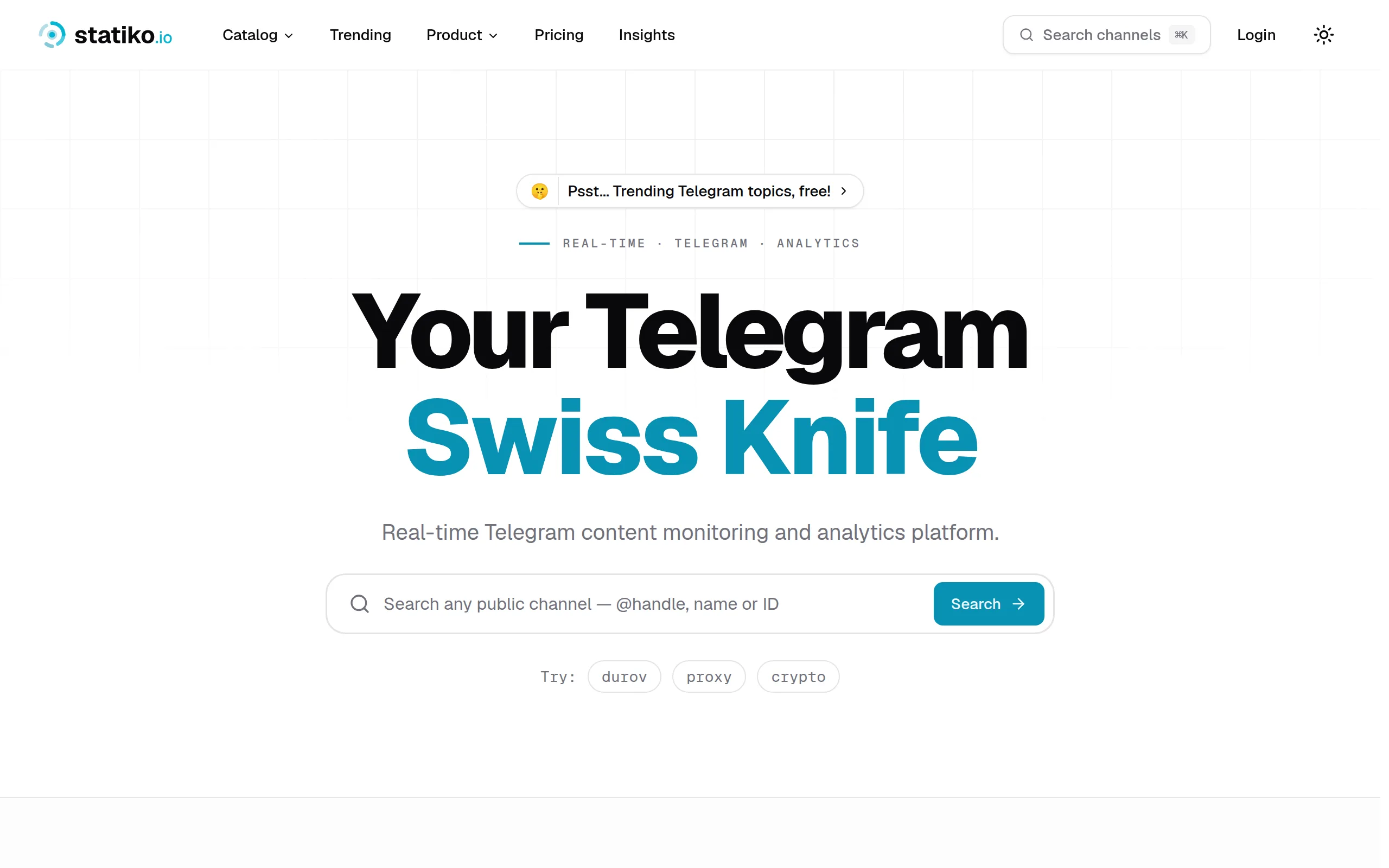
Statiko
Monitor any Telegram channel in real time - track posts, edits, deletions, and growth with AI recaps 📡

Shibui
AI website builder - describe your business, pick a niche template, edit by chatting, and publish instantly ✨

Pro Service
Find verified home service professionals, compare quotes, and pay securely through escrow - built for Brazilians across the US 🏠
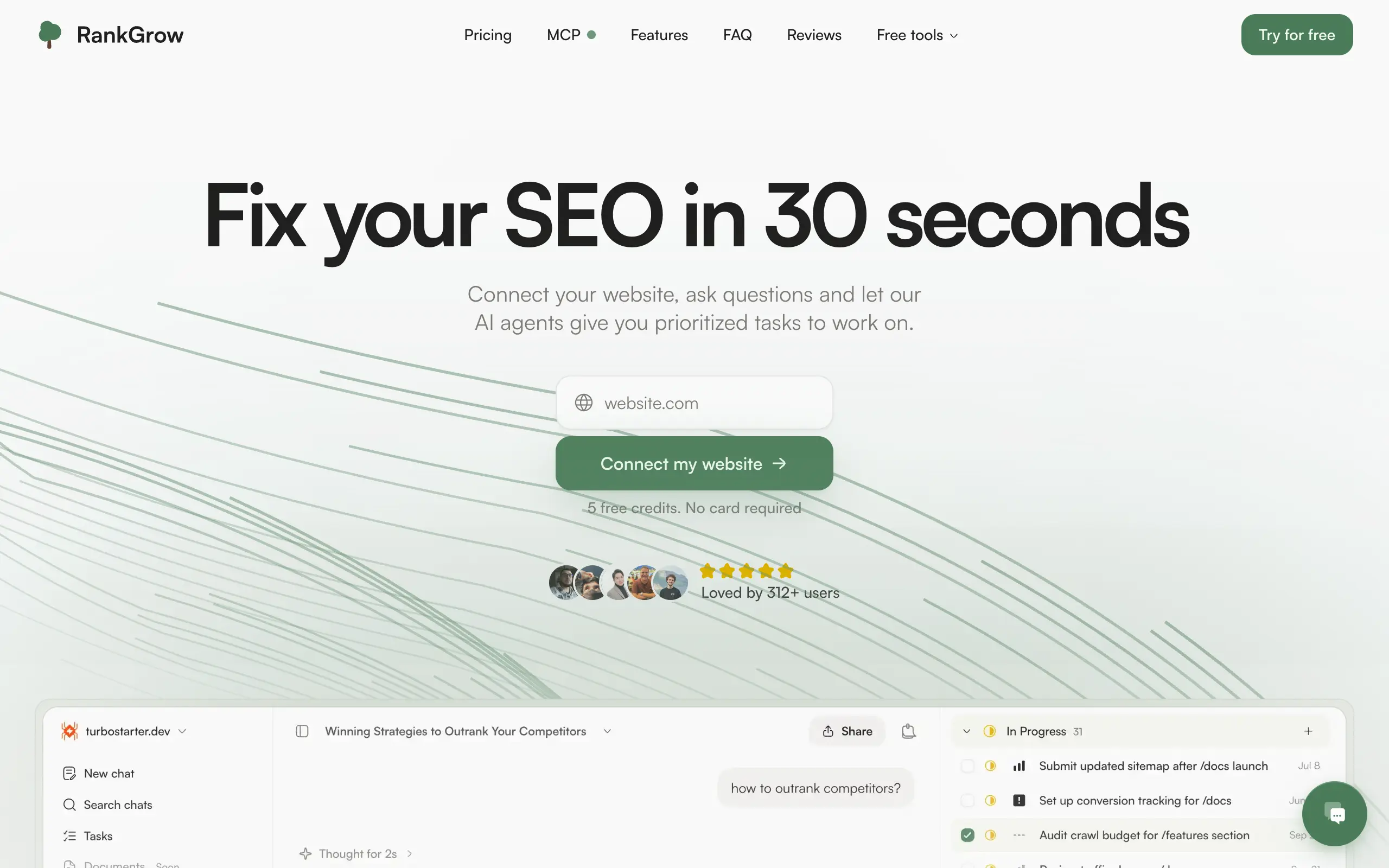
RankGrow
Fix your SEO with AI agents - connect Search Console, get prioritized tasks, and grow organic traffic 📈
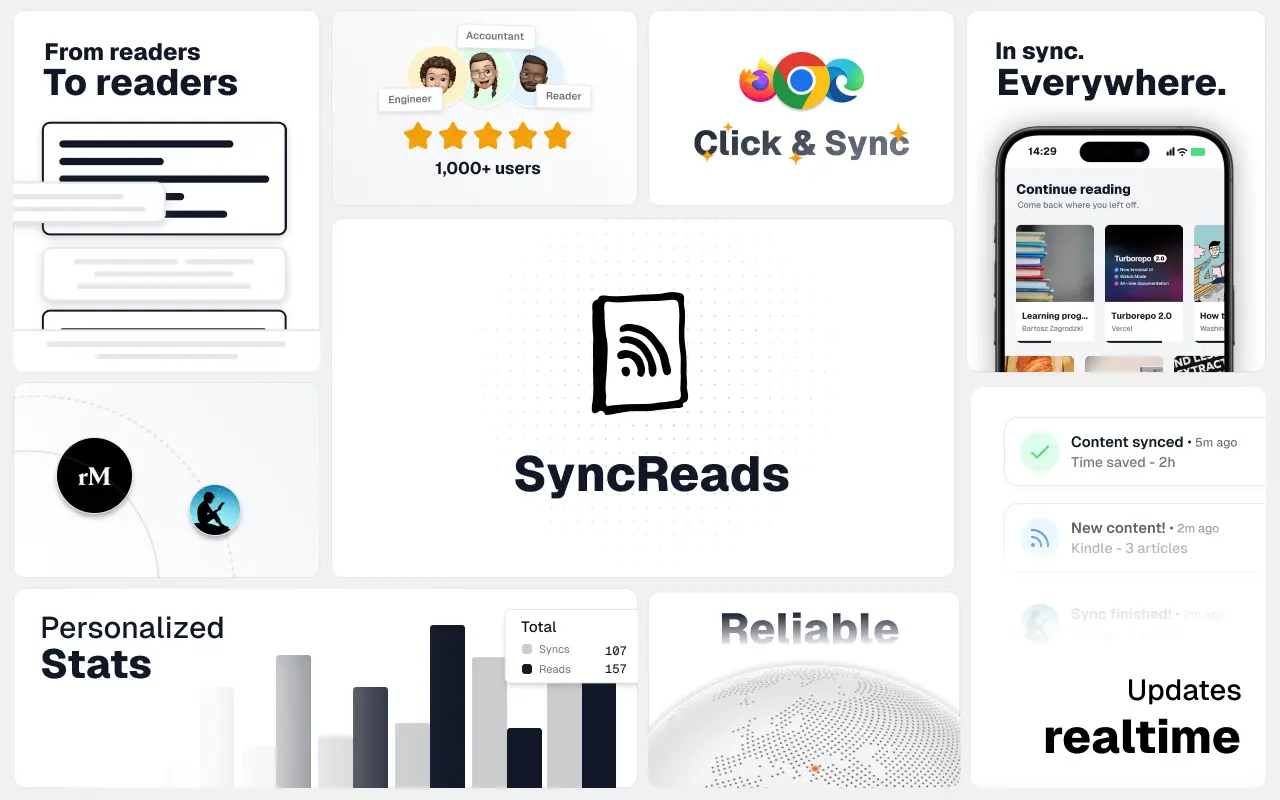
SyncReads
Sync your favorite content for distraction-free reading, save time and replace multiple apps. Anytime, anywhere 🔄
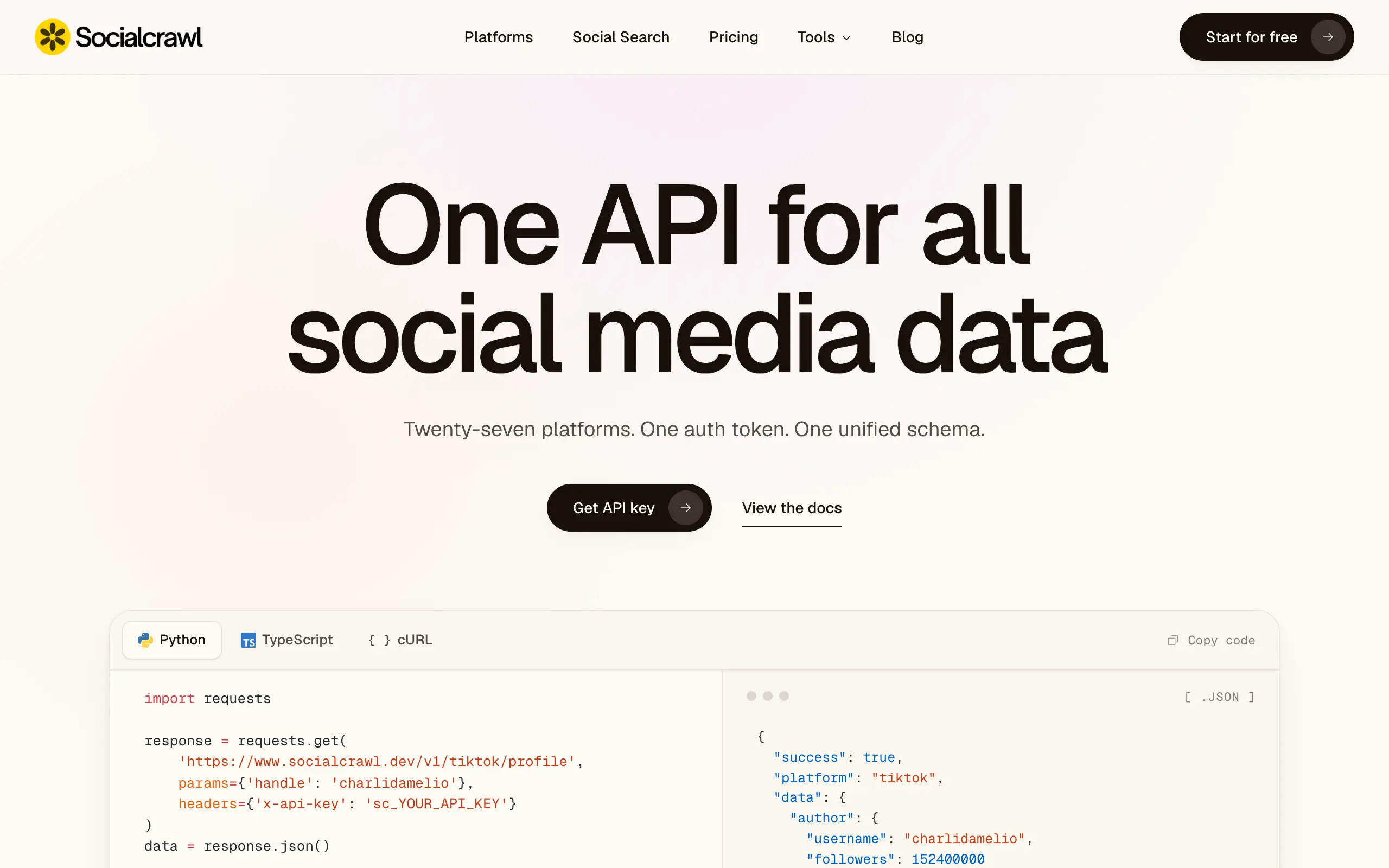
Socialcrawl
Get clean, structured data from 21 platforms like TikTok, Instagram, and YouTube with a single request 📊
Statiko
Monitor any Telegram channel in real time - track posts, edits, deletions, and growth with AI recaps 📡
Shibui
AI website builder - describe your business, pick a niche template, edit by chatting, and publish instantly ✨
Pro Service
Find verified home service professionals, compare quotes, and pay securely through escrow - built for Brazilians across the US 🏠
RankGrow
Fix your SEO with AI agents - connect Search Console, get prioritized tasks, and grow organic traffic 📈
SyncReads
Sync your favorite content for distraction-free reading, save time and replace multiple apps. Anytime, anywhere 🔄
Socialcrawl
Get clean, structured data from 21 platforms like TikTok, Instagram, and YouTube with a single request 📊
Statiko
Monitor any Telegram channel in real time - track posts, edits, deletions, and growth with AI recaps 📡
Shibui
AI website builder - describe your business, pick a niche template, edit by chatting, and publish instantly ✨
Pro Service
Find verified home service professionals, compare quotes, and pay securely through escrow - built for Brazilians across the US 🏠
RankGrow
Fix your SEO with AI agents - connect Search Console, get prioritized tasks, and grow organic traffic 📈
SyncReads
Sync your favorite content for distraction-free reading, save time and replace multiple apps. Anytime, anywhere 🔄
Socialcrawl
Get clean, structured data from 21 platforms like TikTok, Instagram, and YouTube with a single request 📊
Statiko
Monitor any Telegram channel in real time - track posts, edits, deletions, and growth with AI recaps 📡
Shibui
AI website builder - describe your business, pick a niche template, edit by chatting, and publish instantly ✨
Pro Service
Find verified home service professionals, compare quotes, and pay securely through escrow - built for Brazilians across the US 🏠
RankGrow
Fix your SEO with AI agents - connect Search Console, get prioritized tasks, and grow organic traffic 📈
SyncReads
Sync your favorite content for distraction-free reading, save time and replace multiple apps. Anytime, anywhere 🔄
Socialcrawl
Get clean, structured data from 21 platforms like TikTok, Instagram, and YouTube with a single request 📊
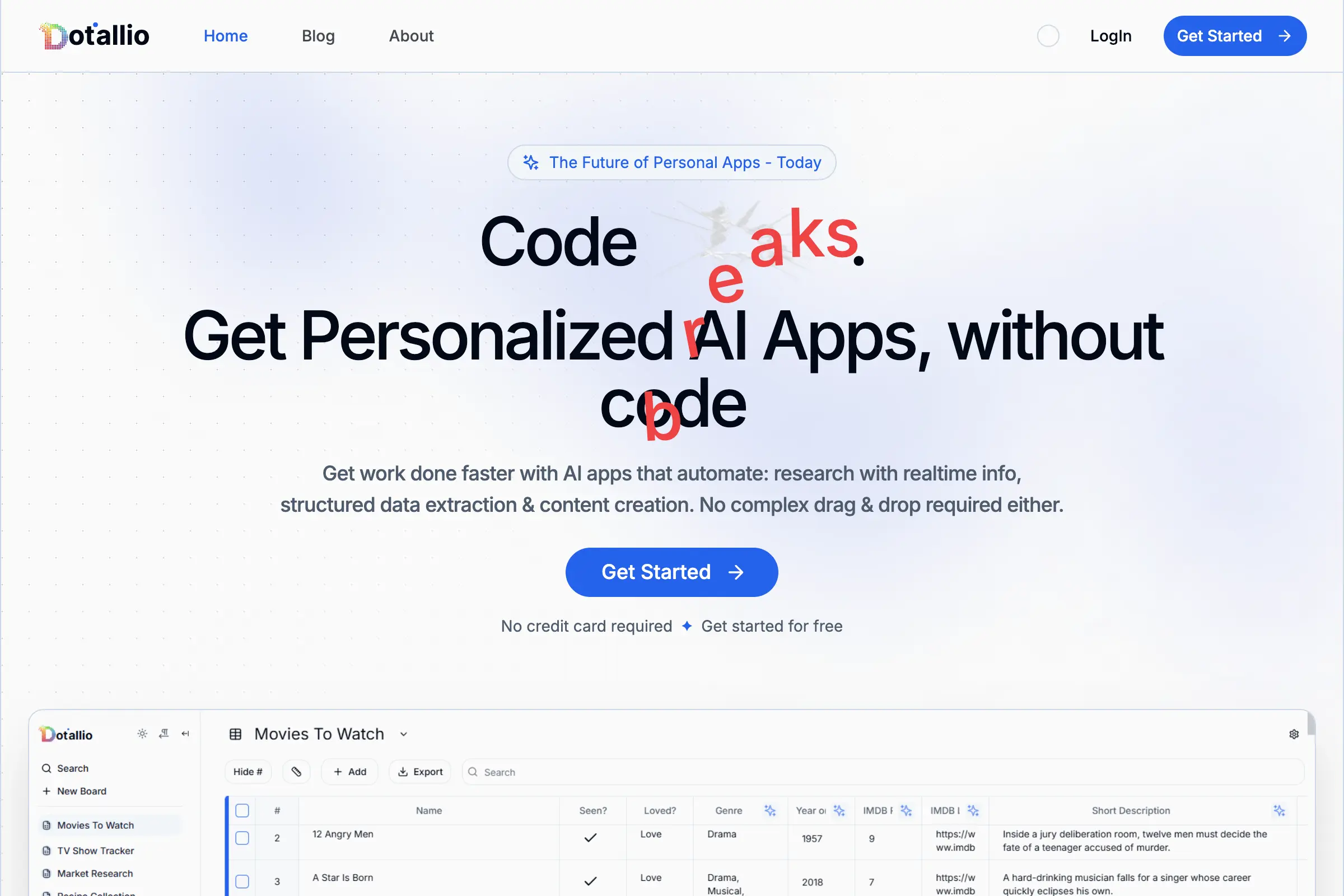
Dotallio
Personalized AI apps that automate research, data extraction, and content creation without code 🤖
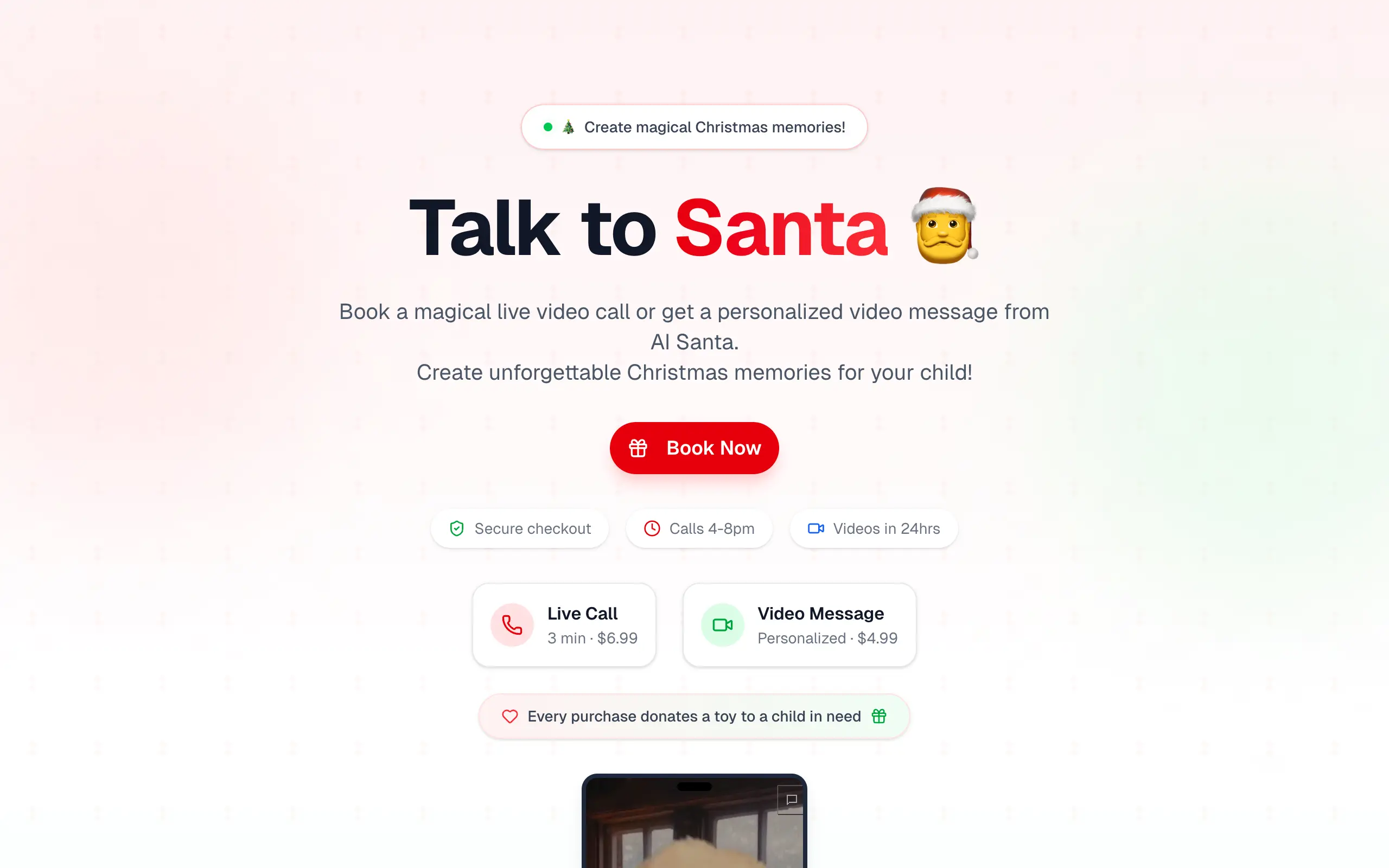
Talk to Santa
Enjoy a magical live video chat or receive a unique AI-generated video greeting from Santa Claus 🎅

pozywka.pl
Scalable blog for food journalist, focused on performance and user experience 🌭
zagrodzki.me
Personal blog and portfolio of Bart Zagrodzki, where he shares his knowledge and work 💼
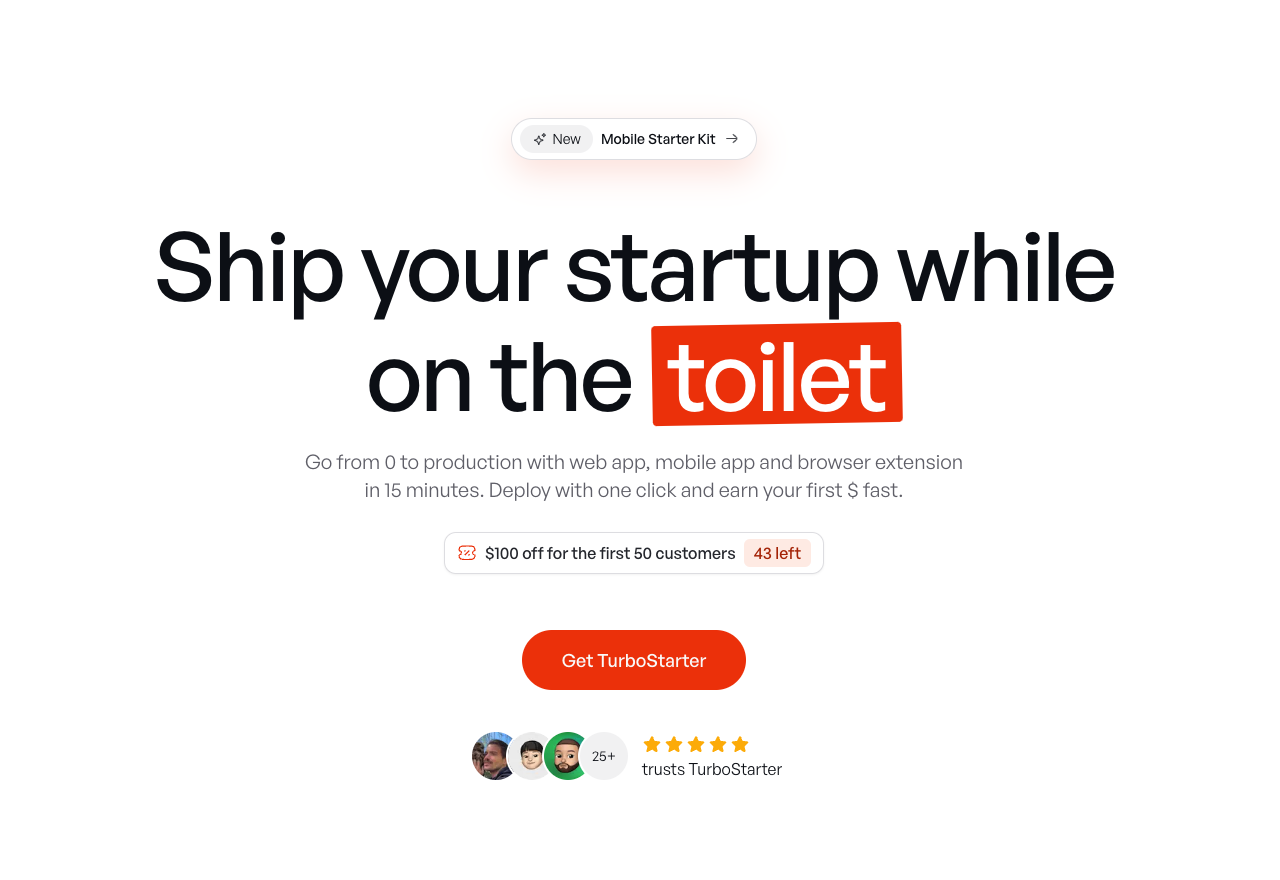
TurboStarter
Ship your startup everywhere. In minutes.
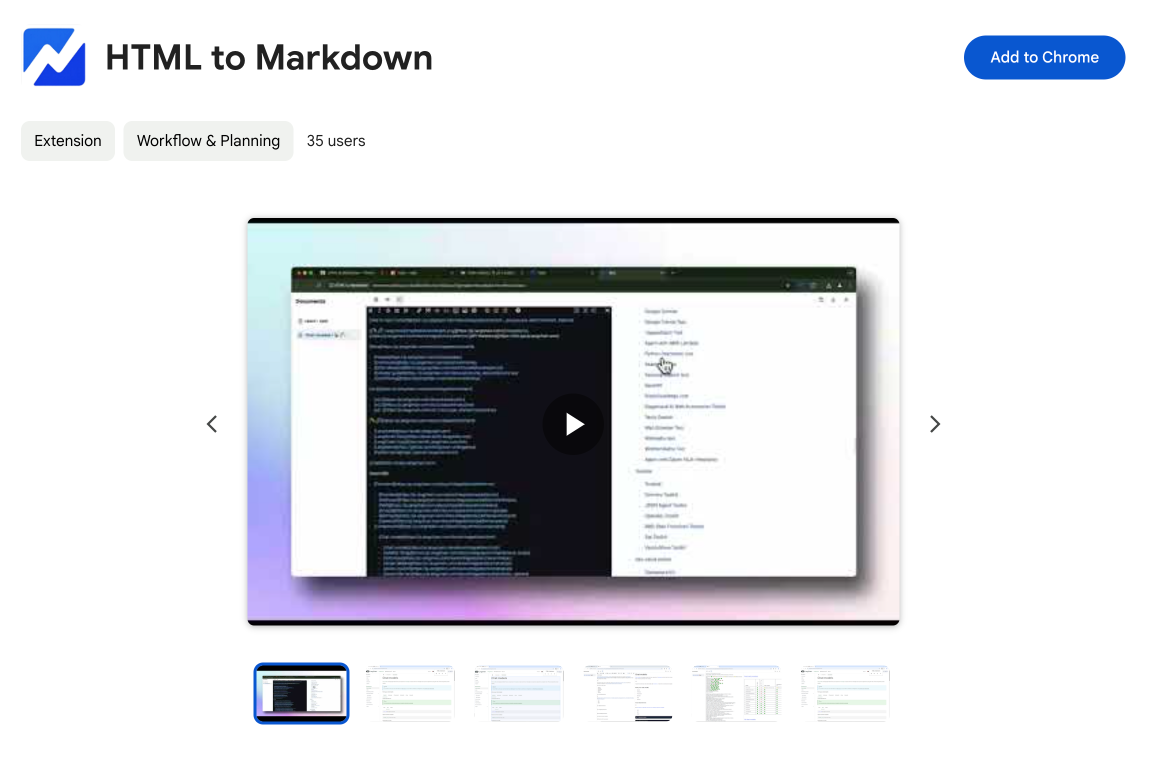
HTML to Markdown
Convert HTML to Markdown with ease, directly in your browser 📄
Dotallio
Personalized AI apps that automate research, data extraction, and content creation without code 🤖
Talk to Santa
Enjoy a magical live video chat or receive a unique AI-generated video greeting from Santa Claus 🎅
pozywka.pl
Scalable blog for food journalist, focused on performance and user experience 🌭
zagrodzki.me
Personal blog and portfolio of Bart Zagrodzki, where he shares his knowledge and work 💼
TurboStarter
Ship your startup everywhere. In minutes.
HTML to Markdown
Convert HTML to Markdown with ease, directly in your browser 📄
Dotallio
Personalized AI apps that automate research, data extraction, and content creation without code 🤖
Talk to Santa
Enjoy a magical live video chat or receive a unique AI-generated video greeting from Santa Claus 🎅
pozywka.pl
Scalable blog for food journalist, focused on performance and user experience 🌭
zagrodzki.me
Personal blog and portfolio of Bart Zagrodzki, where he shares his knowledge and work 💼
TurboStarter
Ship your startup everywhere. In minutes.
HTML to Markdown
Convert HTML to Markdown with ease, directly in your browser 📄
Dotallio
Personalized AI apps that automate research, data extraction, and content creation without code 🤖
Talk to Santa
Enjoy a magical live video chat or receive a unique AI-generated video greeting from Santa Claus 🎅
pozywka.pl
Scalable blog for food journalist, focused on performance and user experience 🌭
zagrodzki.me
Personal blog and portfolio of Bart Zagrodzki, where he shares his knowledge and work 💼
TurboStarter
Ship your startup everywhere. In minutes.
HTML to Markdown
Convert HTML to Markdown with ease, directly in your browser 📄
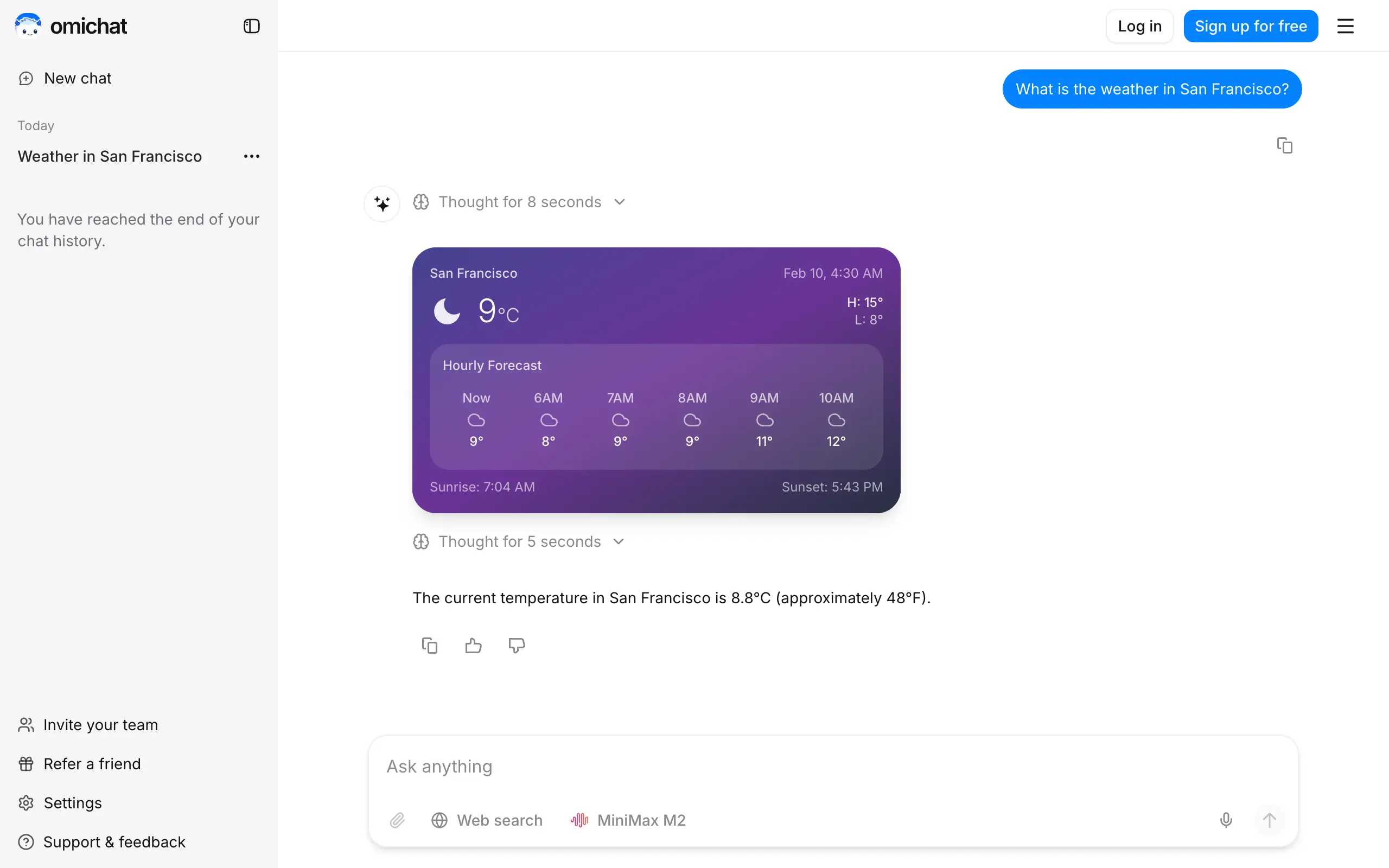
Omichat
Chat with 50+ AI models, including ChatGPT and Claude, in one place - switch models anytime without losing context 🤖
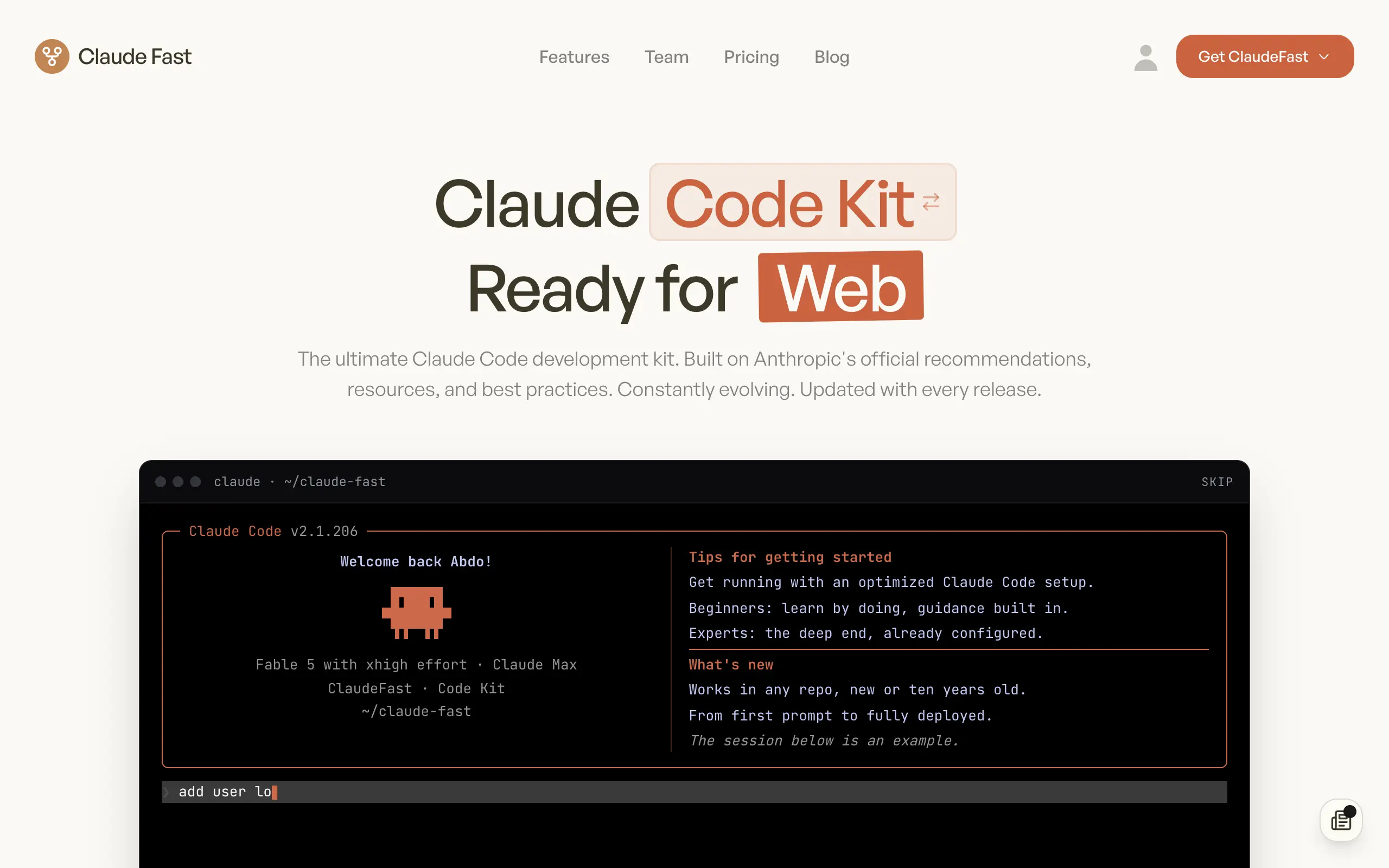
Claude Fast
Supercharge your Claude Code with 6x effective context window and specialized AI agents 🤖
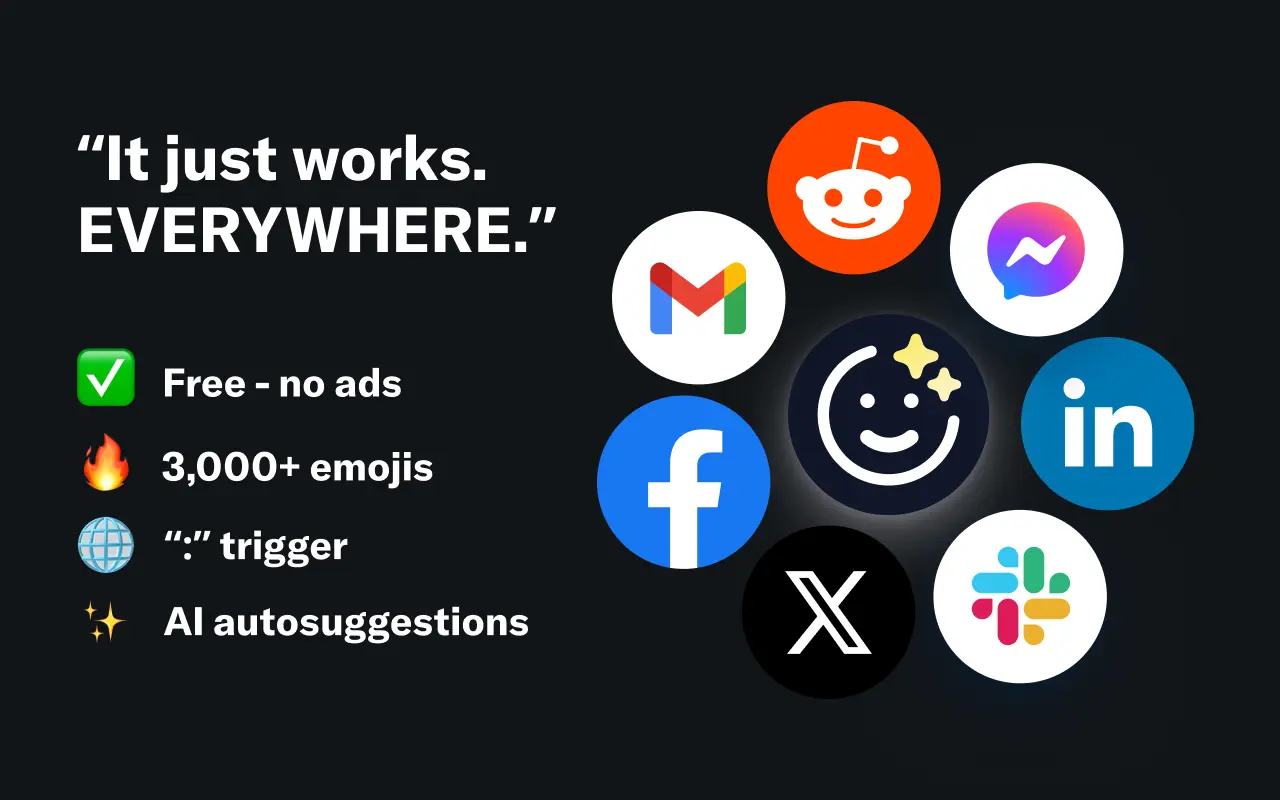
EmojAI
AI-powered emoji picker with smart, context-aware suggestions 🤖
Solohacker
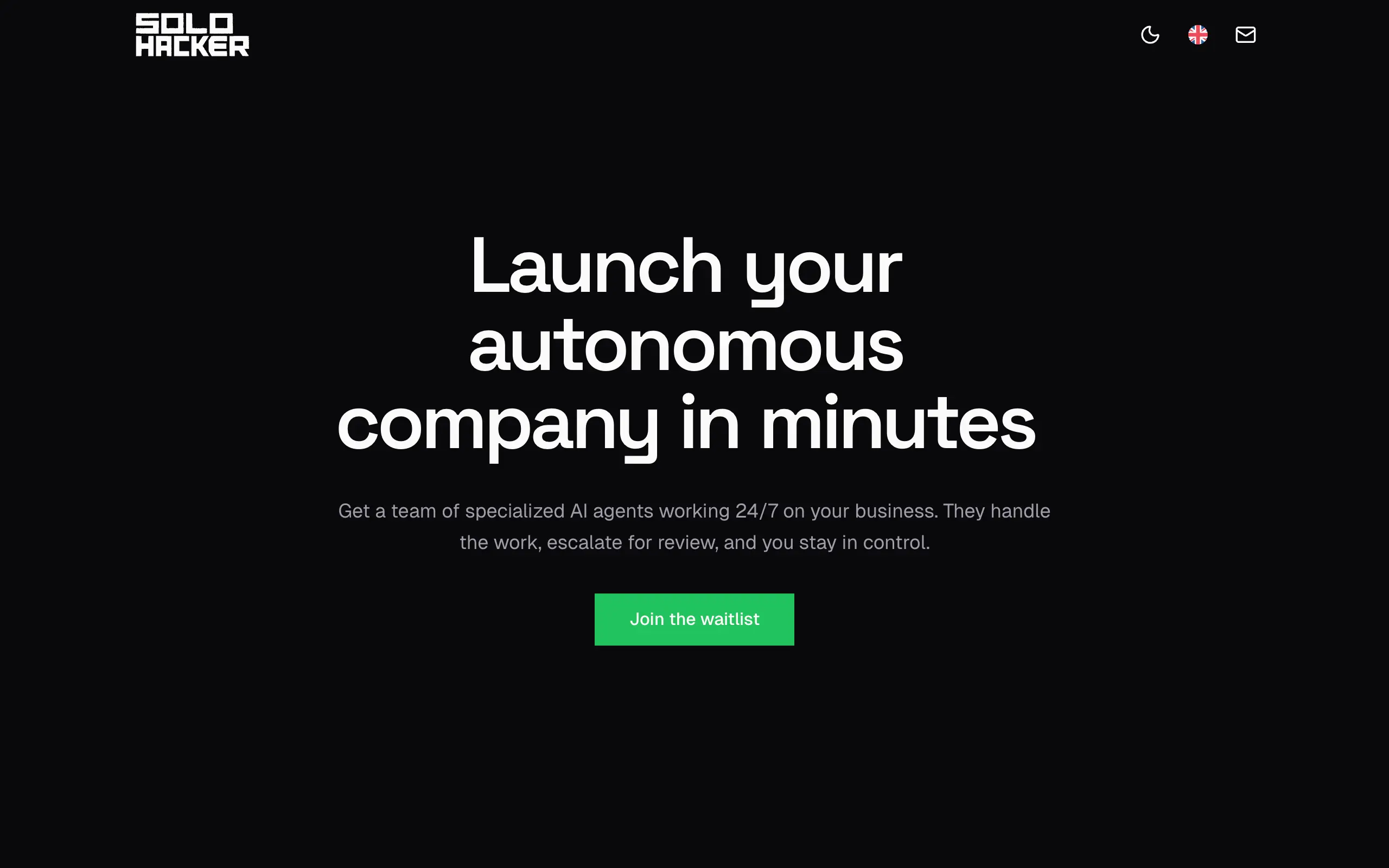
Autonomous company launcher - AI agents work 24/7, escalate what matters, and you stay in control 🤖

BeRawi: Storytelling Coach
Practice storytelling daily with instant feedback to sound clearer, more engaging, and confident 🎤
Omichat
Chat with 50+ AI models, including ChatGPT and Claude, in one place - switch models anytime without losing context 🤖
Claude Fast
Supercharge your Claude Code with 6x effective context window and specialized AI agents 🤖
EmojAI
AI-powered emoji picker with smart, context-aware suggestions 🤖
Solohacker
Autonomous company launcher - AI agents work 24/7, escalate what matters, and you stay in control 🤖
BeRawi: Storytelling Coach
Practice storytelling daily with instant feedback to sound clearer, more engaging, and confident 🎤
Omichat
Chat with 50+ AI models, including ChatGPT and Claude, in one place - switch models anytime without losing context 🤖
Claude Fast
Supercharge your Claude Code with 6x effective context window and specialized AI agents 🤖
EmojAI
AI-powered emoji picker with smart, context-aware suggestions 🤖
Solohacker
Autonomous company launcher - AI agents work 24/7, escalate what matters, and you stay in control 🤖
BeRawi: Storytelling Coach
Practice storytelling daily with instant feedback to sound clearer, more engaging, and confident 🎤
Omichat
Chat with 50+ AI models, including ChatGPT and Claude, in one place - switch models anytime without losing context 🤖
Claude Fast
Supercharge your Claude Code with 6x effective context window and specialized AI agents 🤖
EmojAI
AI-powered emoji picker with smart, context-aware suggestions 🤖
Solohacker
Autonomous company launcher - AI agents work 24/7, escalate what matters, and you stay in control 🤖
BeRawi: Storytelling Coach
Practice storytelling daily with instant feedback to sound clearer, more engaging, and confident 🎤

Connect with like-minded people
Join our community to get feedback, support, and grow together with 1,000+ builders on board, let's ship it!
Join usShip your startup everywhere. In minutes.
Don't burn tokens on setup and start building features on day one.