FailPilot
AI triages GitHub Actions failures, groups flaky tests, and posts evidence-backed fixes on pull requests—so small engineering teams spend less time rerunning builds.
Why AI GitHub Actions failure triage is a promising SaaS opportunity
A failing CI build is rarely just a red mark on a pull request. It can mean a genuine regression, an intermittent test, a dependency outage, a runner problem, or an error in the workflow itself. Engineers often have to inspect logs, compare runs, rerun jobs, and coordinate with teammates before they can decide what to do next.
FailPilot is an AI-powered GitHub Actions failure triage product designed to shorten that investigation. It analyzes failed workflow runs, identifies likely flaky tests, groups recurring failures, and posts evidence-backed explanations and suggested fixes on pull requests. Its goal is not to replace engineers or automatically change production code. It is to reduce the manual work between “the build failed” and “we understand why.”
That distinction matters. Many teams already have test runners, dashboards, and AI coding assistants. The gap is often the triage workflow itself: connecting a failure to its history, assessing whether it is actionable, and giving the right person enough evidence to make a decision.
For small engineering teams, this can be especially valuable. A team without a dedicated build-infrastructure group may lose substantial focus to repeated investigations and reruns. A useful AI GitHub Actions failure triage tool can make those interruptions shorter and more predictable.
What FailPilot should solve
The product should answer a few practical questions whenever a workflow fails:
- What failed, and where in the workflow did it happen?
- Is this failure new, recurring, or likely intermittent?
- What evidence supports that assessment?
- Has the same error appeared in earlier runs or other pull requests?
- What should the developer investigate or try next?
A useful answer is more than a generated summary of a log. It should combine relevant job output with workflow context, recent failure history, test names, commit information, and other signals the team has chosen to make available.
For example, a weak triage comment might say:
The test failed. Check the logs and try again.
An actionable comment would identify the failing test, quote the relevant error, point out that the same test passed on a rerun or failed intermittently in previous runs, and offer a specific next step. The user should be able to verify the conclusion without trusting a black box.
The product’s core promise is therefore less time spent locating and interpreting CI failures, not “AI fixes every build.”
Target audience and buyer analysis
FailPilot should begin with a focused audience rather than attempting to serve every organization using CI.
Small engineering teams
Teams with a handful of engineers often have enough automated testing to generate frequent workflow failures, but not enough dedicated infrastructure staff to maintain a sophisticated internal triage system.
For these teams, a single intermittent test can create disproportionate friction. Developers may rerun a workflow, switch to another task, then return later to find the build has failed again. The team needs a clear explanation more than another dashboard.
The strongest early users are likely to have:
- GitHub repositories with active pull request workflows.
- Automated tests that run on most pull requests.
- A recurring mix of genuine failures and intermittent failures.
- Limited time to maintain custom CI analytics.
- A willingness to install a GitHub App or configure a repository integration.
Engineering leads and platform owners
Engineering managers, tech leads, and developer productivity leads may not personally investigate every failing job, but they care about delivery predictability and wasted engineering time. For them, FailPilot can provide visibility into recurring failure patterns and reveal whether the team’s CI system is becoming less trustworthy.
These buyers are likely to ask questions such as:
- Are the same tests failing repeatedly?
- Which repositories or workflows produce the most noisy failures?
- Are teams relying on reruns instead of fixing unstable tests?
- Can the product operate without exposing sensitive source code unnecessarily?
- Can the team audit or disable automated actions?
FailPilot should serve these needs with organization-level reporting and controls, while keeping the day-to-day experience centered on the pull request.
Consultants and software agencies
Agencies and consultants manage multiple repositories, sometimes across several client organizations. They may value a product that makes failure patterns easier to explain and helps prevent routine CI noise from delaying delivery.
However, this segment introduces additional permission, billing, and data-separation requirements. It may be a useful expansion audience after the product has proved its value for a single engineering organization.
Who is less likely to be an ideal first customer
A project with very few tests and infrequent commits may not generate enough failures for the benefit to feel immediate. At the other end of the market, a large enterprise may require procurement reviews, custom retention rules, private deployment options, or extensive security documentation before approving an integration.
The best initial customer is likely between those extremes: an active software team with recurring CI friction and a clear owner for developer productivity.
The market gap and opportunity
The CI ecosystem already includes workflow runners, test frameworks, code-hosting features, test analytics products, and AI coding assistants. FailPilot should not assume that teams lack tools. Its opportunity is to make existing tools easier to operate by connecting signals that are otherwise spread across logs, pull requests, and previous runs.
A build runner reports what happened during execution. A test framework reports which tests ran. A dashboard may show trends. An AI coding assistant may help modify code. But the person responding to a failed pull request still has to determine whether the error is real, familiar, flaky, or caused by infrastructure.
That creates an opportunity for a focused product positioned between CI observability and developer workflow automation.
Why flaky tests are a valuable starting point
Flaky tests are a compelling initial use case because they create repeated, visible pain. A test that fails intermittently can consume time even when the underlying product code is correct. Teams may rerun it, inspect prior attempts, discuss it in chat, and eventually add a workaround without fixing the root cause.
FailPilot can help by looking for patterns across runs, such as:
- The same test failing and passing across similar commits.
- A failure appearing on one runner or environment but not another.
- Repeated timeouts or setup errors.
- A test failing on unrelated pull requests.
- Changes in failure frequency after a code or dependency update.
These patterns do not prove a test is flaky by themselves. A real defect can also produce inconsistent outcomes. The product should present a confidence level and the evidence behind it, rather than treating a probabilistic classification as a definitive diagnosis.
Why the product should focus on workflow, not just analysis
A log summarizer can be copied by other tools. A trusted triage workflow is harder to replace because it depends on useful history, accurate grouping, good integrations, and habits formed across a team.
The product should make the next step easy: surface findings where developers already work, connect recurring failures, and let a user correct an inaccurate classification. Over time, those corrections can improve the team’s own failure history and make the product more valuable.
Core features for an effective FailPilot MVP
The MVP should be narrow enough to build and reliable enough to earn trust. A strong first release can focus on one platform, one high-value workflow, and clear evidence.
1. GitHub Actions integration
FailPilot needs a secure connection to repositories and workflow events. A GitHub App is a natural integration model because it can request selected permissions and subscribe to relevant events. The product should request the minimum permissions necessary and explain why each permission is needed.
The integration should detect relevant workflow failures, retrieve the associated run and job information, and associate the failure with a pull request or commit when possible. GitHub’s Actions documentation and GitHub App documentation provide useful starting points for designing that integration.
Important product decisions include:
- Whether users install FailPilot for an organization, selected repositories, or both.
- Which workflow events trigger analysis.
- How to handle reruns and partially completed workflows.
- How to avoid duplicate reports for the same failure.
- What data is stored, for how long, and how users can remove it.
2. Evidence-backed failure summaries
A failure summary should point to the source of its conclusions. At minimum, it should identify the failed workflow and job, the most relevant error output, the suspected category, and a suggested next step.
Possible categories include:
- Test assertion or application regression.
- Intermittent test behavior.
- Timeout or resource exhaustion.
- Dependency or service availability issue.
- Workflow configuration problem.
- Unknown or insufficient evidence.
The “unknown” category is important. A trustworthy assistant must be able to say it cannot determine the cause. Forcing a confident diagnosis can waste more time than it saves.
3. Flaky test detection and grouping
FailPilot should group related failures using signals such as test name, error signature, workflow, job, branch, and environment. Teams should be able to inspect why two events were grouped and split them when the match is wrong.
A useful first version might use deterministic rules alongside AI analysis:
- Normalize common log variations.
- Extract test names and error signatures.
- Match failures against a repository’s recent history.
- Use a model to summarize likely causes and supporting evidence.
- Display the result with links to the underlying runs.
This hybrid design can be more dependable than asking a language model to infer everything from raw logs.
4. Pull request comments
The pull request is the natural place to deliver findings because it is already where developers review changes. Comments should be concise, non-disruptive, and easy to distinguish from a human review.
A useful comment can include:
- A brief summary of the failure.
- The classification and confidence level.
- Evidence from the current run and relevant prior runs.
- A suggested next action.
- A link to a deeper report.
- A way to provide feedback or dismiss the suggestion.
FailPilot should avoid repeatedly posting a new comment for every rerun. Updating an existing report or grouping events under one status can keep conversations readable.
5. Feedback and correction
Users need a way to say that a classification was wrong, a failure is known to be flaky, or a suggested action was useful. Feedback can improve the product’s ranking and grouping logic, but it should not silently train a customer-specific model or repurpose sensitive data without clear disclosure.
Corrections are also valuable product data. If engineers repeatedly reject the same type of recommendation, that may indicate a problem with the model, the evidence display, or the product’s assumptions.
6. Team-level failure history
Once FailPilot has enough data, it can provide a searchable record of recurring failures. This makes it possible to answer questions that are difficult to resolve from one run alone.
Useful views might include:
- Most frequently failing tests.
- Failure groups by repository or workflow.
- Recent changes in failure frequency.
- Open recurring issues.
- Failures marked as resolved or accepted.
- Rerun outcomes over time.
The initial product should resist building a large analytics suite before it has validated the basic triage experience. Start with the views needed to understand and resolve repeated patterns.
How the AI triage workflow should work
AI can add value by interpreting unstructured logs, summarizing evidence, and proposing likely causes. It should not be treated as a substitute for reliable data collection or deterministic checks.
A practical pipeline looks like this:
- Receive the event. Accept a workflow notification and verify that it came from the expected GitHub integration.
- Collect relevant context. Retrieve the run, job, commit, pull request, and permitted log data.
- Normalize the evidence. Remove irrelevant repetition, group stack traces, and identify test names or common error signatures.
- Compare with history. Search prior failures in the same repository and relevant environment.
- Classify the failure. Combine deterministic rules and model-assisted analysis.
- Generate a concise explanation. Include evidence, uncertainty, and recommended next steps.
- Publish and record. Post or update a pull request comment, then store the decision and feedback.
The model prompt should clearly distinguish facts from hypotheses. For example, “the job timed out after the database container failed health checks” is an observed fact if supported by the logs. “The test is flaky” is a conclusion that should be qualified and backed by historical evidence.
A structured output can make downstream validation safer:
type TriageResult = {
  category:
    | "test_failure"
    | "possible_flake"
    | "timeout"
    | "dependency_issue"
    | "workflow_issue"
    | "unknown";
  confidence: number;
  summary: string;
  evidence: Array<{
    source: string;
    excerpt: string;
    url?: string;
  }>;
  suggestedActions: string[];
  needsHumanReview: boolean;
};
The application should validate the model’s response against a schema, limit the size of supplied logs, and avoid allowing generated output to execute commands automatically. In the MVP, recommendations should be advisory, not autonomous.
Recommended technology stack
The best stack is the one the founding team can operate securely and improve quickly. A conventional web application architecture is sufficient for the first version; the differentiator is the quality of the triage workflow, not an exotic infrastructure choice.
Application and user interface
A product team could use Next.js with React and TypeScript for the web application. This supports a familiar component model and a shared type system across much of the product.
A server-rendered framework can simplify authenticated dashboards and product pages, but teams should keep webhook processing and long-running analysis decoupled from page requests. The user interface should prioritize repository setup, recent failures, evidence review, and integration health.
Data storage and background jobs
PostgreSQL is a strong default for organizations, installations, repositories, workflow runs, failure groups, and audit events. Its relational model suits the product’s need to connect a run to a repository, pull request, classification, and feedback record.
A queue is important because workflow analysis may take longer than a webhook request should remain open. Redis can support queueing and short-lived coordination, although a managed queue service may reduce operational burden. Choose based on the team’s existing experience, hosting environment, and reliability requirements.
The key architectural principle is to acknowledge the webhook quickly, persist enough information to process it safely, and perform log retrieval and AI analysis asynchronously.
AI provider and model strategy
The AI layer should be replaceable. A provider such as the OpenAI API may support summarization and structured outputs, but FailPilot should avoid coupling its business logic to one model’s response format.
A model abstraction can make it easier to compare cost, latency, output quality, and data-handling terms. Keep deterministic components—such as event deduplication, test-name extraction, and known error matching—outside the model where practical.
Integration and observability
Use GitHub’s official APIs and webhook mechanisms rather than scraping pages. The GitHub REST API documentation is a reference for working with repository data and checks.
The service also needs application-level observability. Track webhook delivery, queue lag, analysis duration, API errors, model failures, and comment publication outcomes. Avoid recording full sensitive logs in general-purpose application telemetry. Operational metrics should help the team diagnose FailPilot without creating an unnecessary second copy of customer data.
Stack trade-offs
| Area | Recommended starting point | Main trade-off |
|---|---|---|
| Web application | Next.js, React, and TypeScript | Familiar ecosystem, but background work should not run inside request handlers |
| Primary database | PostgreSQL | Strong relational fit, but requires careful data retention and indexing |
| Job processing | Managed queue or Redis-backed workers | Reliability and retry behavior matter more than choosing a fashionable tool |
| AI analysis | Provider abstraction with structured output | Faster initial development, but model costs and output variability need monitoring |
| GitHub connection | GitHub App and official APIs | Fine-grained installation model, but permissions and webhook security require care |
Monetization strategy options
FailPilot should price around the value of reduced investigation effort, while keeping the model understandable to teams.
Free tier for adoption
A free tier can let a team install the integration and experience a small number of analyzed failures. This reduces the friction of evaluating an early product and can create a natural path to paid plans when the team sees recurring value.
Possible limits include analyzed workflow runs, connected repositories, history retention, or team size. The limit should be easy to understand and should not prevent a user from investigating a serious failure.
Per-repository or usage-based pricing
Per-repository pricing is simple to explain and aligns with how teams organize code. Its drawback is that repository count does not always reflect analysis volume or value.
Usage-based pricing based on analyzed runs can better connect cost to infrastructure consumption, especially if log volume varies significantly. However, unpredictable bills can discourage adoption. A practical design may combine a predictable base plan with a generous included allowance and transparent overage rules.
Team and organization plans
Higher tiers can add features that matter to engineering leads and larger organizations:
- Longer failure history.
- Organization-level insights.
- Advanced permissions and audit records.
- Custom retention controls.
- Priority support.
- Shared failure ownership and workflow policies.
Enterprise pricing should be tied to real requirements, such as security reviews, administrative controls, or deployment needs, rather than simply adding arbitrary feature gates.
Pricing research before launch
Before setting prices, interview potential buyers about how they currently handle failures, who owns the budget, and what would make them trust a CI analysis tool. Ask about actual workflows rather than hypothetical willingness to pay. A team saying “this sounds useful” is weaker evidence than a team installing a prototype, using it on real pull requests, and requesting continued access.
Competitive advantage and positioning
FailPilot’s advantage should not be “we use AI.” AI features are increasingly easy for competing products to add. A stronger position comes from being consistently useful at a specific point in the engineering workflow.
A focused promise
Position the product around evidence-backed GitHub Actions failure triage for small teams. That is more specific than broad claims about automating software development and easier for a potential user to evaluate.
Context across repeated failures
A single log summary is disposable. A history that connects the same test or error across runs can provide compounding value. This history can help teams identify noisy tests and see whether a fix actually reduced recurring failures.
Trust through inspectability
Every conclusion should be easy to verify. Show where the evidence came from, state what is uncertain, and avoid presenting a guess as a fact. Users should be able to correct the product without opening a support ticket.
Low-friction delivery
Developers should receive findings in their existing pull request workflow rather than having to adopt a separate console for every failure. A dashboard still matters for history and administration, but the first useful insight should appear where the work is happening.
| Differentiator | Why it matters | How FailPilot can deliver it |
|---|---|---|
| Evidence-backed recommendations | Developers need to verify conclusions quickly | Link findings to logs, runs, and prior examples |
| Failure history | Recurring patterns are hard to see one run at a time | Group similar errors and preserve run outcomes |
| Pull request delivery | Extra tools can add workflow friction | Post concise, deduplicated reports in context |
| Honest uncertainty | Incorrect confidence damages trust | Include confidence, unknown states, and human review |
| Small-team usability | Lean teams lack time for complex setup | Offer clear installation, sensible defaults, and simple controls |
Risks and mitigation strategies
Incorrect classifications
A real regression could be mislabeled as a flaky test, or an infrastructure issue could be mistaken for an application failure. This is the highest product risk because an incorrect recommendation can encourage a developer to ignore a genuine defect.
Mitigation: use cautious language, display evidence, expose confidence, and avoid automatically dismissing failures. Measure classification quality with reviewed examples and maintain an explicit unknown category.
Sensitive data in logs
CI logs can contain secrets, internal URLs, customer data, or proprietary source details. Even when teams try to mask secrets, the product should assume that log content may be sensitive.
Mitigation: request only required permissions, minimize stored content, redact likely secrets, set clear retention controls, encrypt data in transit and at rest, and document how model providers process submitted content. Give administrators a straightforward way to remove stored data.
Excessive comments and notifications
If the product posts too often, developers may ignore it or uninstall the integration.
Mitigation: deduplicate events, update existing reports where possible, provide per-repository settings, and make the default behavior conservative. Avoid commenting on every low-confidence result.
API limits and webhook reliability
An integration can miss or delay work because of webhook delivery issues, rate limits, or transient API errors.
Mitigation: make processing idempotent, use retry policies with backoff, retain delivery identifiers, monitor queue depth, and provide an integration-health view. Do not assume that a webhook is delivered exactly once or in order.
Model cost and latency
Large logs and repeated analyses can increase both cost and response time. A slow report may arrive after the developer has already rerun the workflow or moved on.
Mitigation: filter and summarize logs before model calls, cache reusable analysis where safe, use smaller models for simple categorization, and reserve more expensive analysis for ambiguous cases. Measure cost per useful triage outcome rather than optimizing for model usage alone.
Weak proof of value
A product may produce impressive summaries without reducing time spent on failures. Teams may stop using it if the findings do not change their behavior.
Mitigation: measure user outcomes. Useful indicators include time from failure to acknowledgment, rate of accepted classifications, frequency of repeated investigations, and whether teams resolve recurring flaky tests. Treat these as product metrics to validate, not marketing claims to assume.
Actionable implementation plan
The most effective route is to validate the workflow before building a broad analytics platform.
Interview teams about real failures
Speak with engineers who have investigated recent GitHub Actions failures. Ask them to walk through a specific incident: what failed, what they checked, how many reruns they performed, and how they decided the issue was resolved.
Look for repeated behavior, not just enthusiasm. Record the failure types, tools used, and points where context was difficult to find.
Build a narrow integration prototype
Start with one GitHub App installation flow and a small set of workflow events. Confirm that the product can reliably identify the repository, run, job, commit, and associated pull request.
Keep permissions minimal and document each requested permission in plain language.
Create a dependable evidence pipeline
Retrieve logs asynchronously, normalize the content, remove unnecessary noise, and store only what the product needs. Make event processing idempotent so retries do not create duplicate analyses or comments.
Before generating an AI summary, ensure that the system can show the underlying source data and trace each finding back to it.
Test classifications against reviewed examples
Build a small evaluation set from anonymized or permissioned examples representing common failure types. Have experienced engineers review the classifications and evidence.
Measure false positives and false negatives separately. For FailPilot, an incorrect “safe to ignore” implication may be more damaging than an honest “uncertain” result.
Deliver findings in pull requests
Post concise, deduplicated comments with evidence and suggested next steps. Make it easy for users to correct the classification, dismiss the suggestion, or open the full report.
Initially, keep all actions advisory. Do not automatically change workflow files, skip tests, or merge code.
Measure whether triage gets faster
Track whether developers use the reports, whether the findings are accepted, and whether recurring failures become easier to identify. Interview users again after they have handled real incidents with the product.
Use these observations to decide whether to improve flaky test detection, failure grouping, organization reporting, or integrations.
Expand only after the core loop works
Once the product reliably turns a failed workflow into a useful, trusted explanation, add capabilities such as team ownership, broader analytics, additional CI providers, or advanced policies.
Expansion should follow evidence of demand rather than a desire to match every adjacent tool.
For a team moving quickly from product concept to a working SaaS foundation, TurboStarter can help accelerate common application scaffolding. The product-specific work should still center on GitHub permissions, webhook reliability, log handling, and the quality of the triage experience.
A useful MVP test
A developer should be able to open a failed pull request, understand why FailPilot believes the workflow failed, inspect the supporting evidence, and decide on a next step without trusting an unexplained AI conclusion.
How to measure product-market fit
FailPilot should define success in terms of customer outcomes, not the number of AI summaries generated.
Useful early indicators include:
- Activation: Does a newly installed team connect an active repository and receive a relevant first analysis?
- Report usefulness: Do developers mark findings as helpful or accept the suggested classification?
- Trust: Do users inspect the evidence and continue using reports after an incorrect result?
- Retention: Does the team keep FailPilot installed after the initial evaluation period?
- Resolution: Are recurring failures easier to identify and assign?
- Operational quality: Are analyses timely, duplicated infrequently, and resilient to API interruptions?
These indicators should be interpreted in context. A team may have few failures in a particular week, so raw report volume is not a reliable standalone measure. Likewise, high interaction with a comment does not necessarily mean that the analysis was useful.
For stronger evidence, combine product events with interviews and examples of real incidents. Ask users what they did differently because of the report. The answer can reveal whether FailPilot is saving investigation time, merely restating the log, or introducing another step.
Frequently asked questions
AI GitHub Actions failure triage is the process of analyzing failed workflow runs, identifying likely causes, connecting failures to relevant history, and presenting useful next steps. AI can help interpret logs, but reliable triage also depends on workflow metadata, deterministic checks, historical comparisons, and evidence users can inspect.
The safest initial product should recommend actions rather than make code or workflow changes automatically. Automated fixes can be considered later for narrow, reversible cases, with explicit user approval and a clear audit trail. A recommendation is not trustworthy simply because it was generated by a model.
It can look for repeated pass-and-fail behavior, recurring test names, similar error signatures, environment differences, and outcomes across reruns or commits. These signals support a likelihood assessment, but they do not conclusively prove that a test is flaky. FailPilot should show the evidence and let teams correct the classification.
Not necessarily. Teams may want to select repositories or workflows, exclude certain jobs, or limit analysis to pull request builds. Selective analysis can reduce cost, avoid irrelevant reports, and improve user trust.
The biggest risk is giving a confident but incorrect conclusion that causes someone to overlook a real regression. The product should preserve uncertainty, link to source evidence, avoid automatically suppressing failures, and evaluate accuracy against human-reviewed examples.
Final recommendation
FailPilot has a credible opportunity if it treats CI triage as a trust and workflow problem rather than a prompt-generation problem. Its strongest initial position is a focused AI GitHub Actions failure triage assistant for small engineering teams: one that groups recurring failures, highlights likely flaky tests, and posts concise, evidence-backed findings on pull requests.
The product should start with a narrow integration, minimize data collection, and keep recommendations advisory. It should earn trust through visible evidence, conservative classifications, and reliable handling of webhook events. If early customers confirm that it reduces repeated investigation—not merely that its summaries look impressive—FailPilot can expand into richer failure history, organization-level insights, and additional CI systems.
The next step is straightforward: interview teams about recent build failures, prototype the pull request workflow, and test whether engineers can reach a sound next action faster with FailPilot than without it.
More 🤖 AI Startup SaaS ideas
Discover more innovative ai startup SaaS ideas that are trending in 2026. Each idea is AI-generated with market validation and growth potential to help you find your next profitable venture faster than competitors.
Your competitors are building with TurboStarter
Below are some of the SaaS ideas that have been generated and built with our starter kit.

Statiko
Monitor any Telegram channel in real time - track posts, edits, deletions, and growth with AI recaps 📡

Shibui
AI website builder - describe your business, pick a niche template, edit by chatting, and publish instantly ✨

Pro Service
Find verified home service professionals, compare quotes, and pay securely through escrow - built for Brazilians across the US 🏠

RankGrow
Fix your SEO with AI agents - connect Search Console, get prioritized tasks, and grow organic traffic 📈
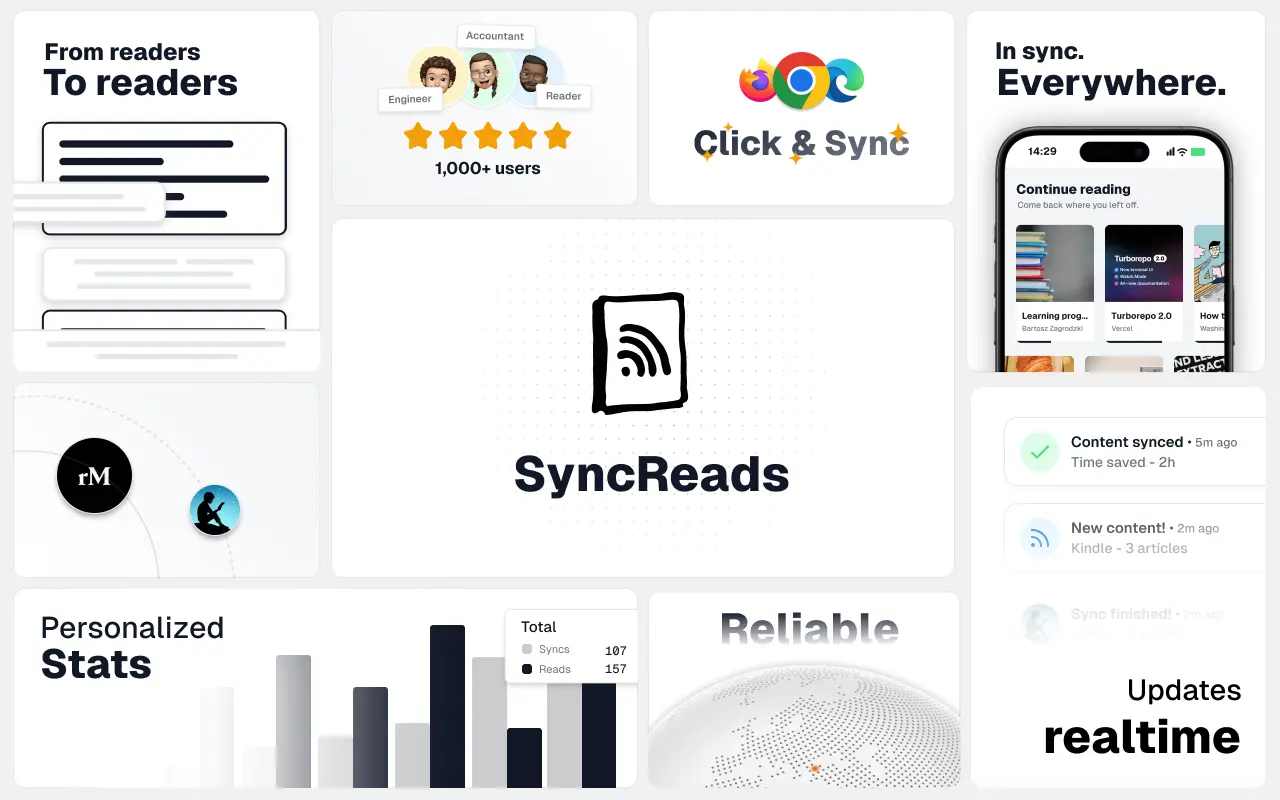
SyncReads
Sync your favorite content for distraction-free reading, save time and replace multiple apps. Anytime, anywhere 🔄
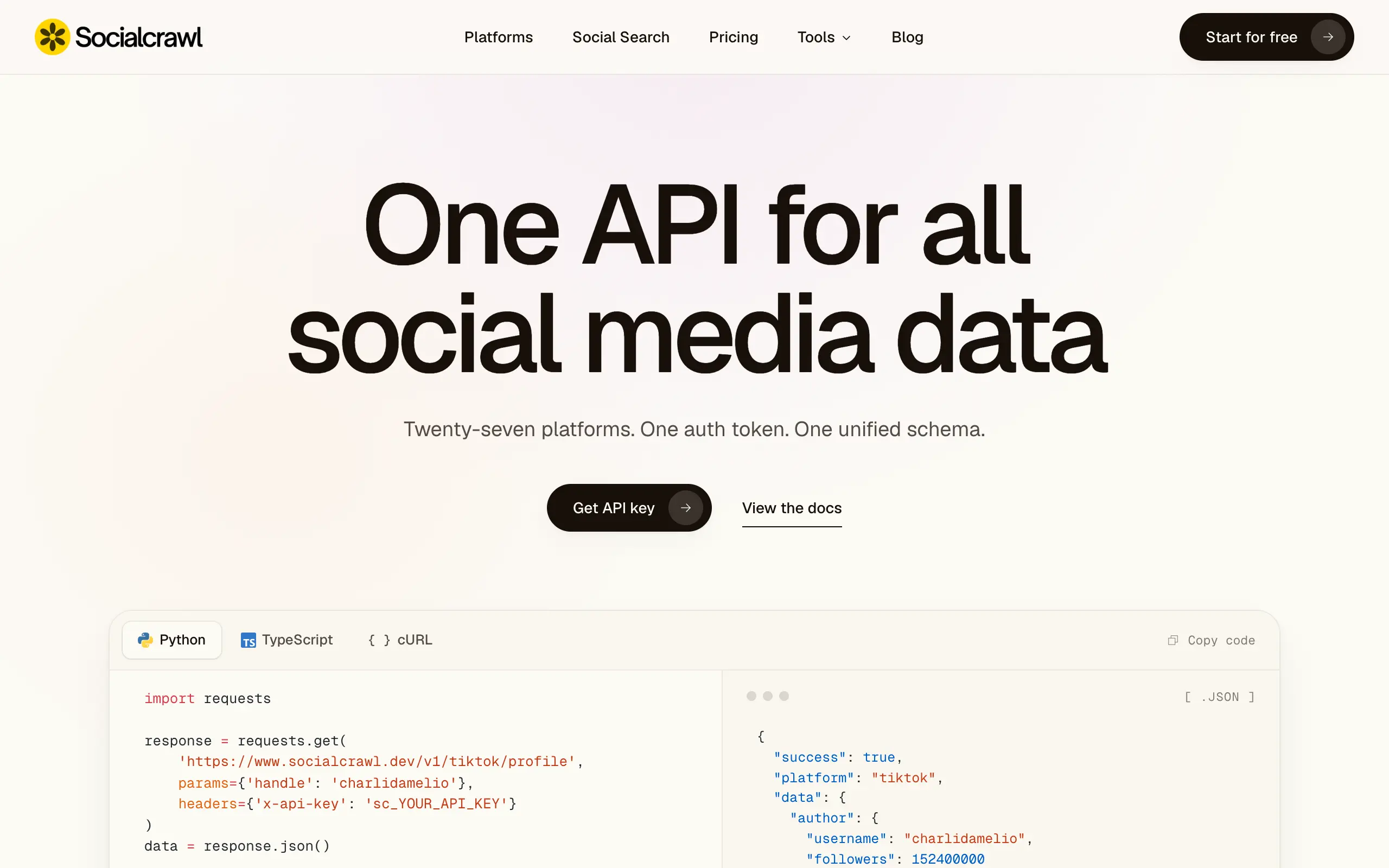
Socialcrawl
Get clean, structured data from 21 platforms like TikTok, Instagram, and YouTube with a single request 📊
Statiko
Monitor any Telegram channel in real time - track posts, edits, deletions, and growth with AI recaps 📡
Shibui
AI website builder - describe your business, pick a niche template, edit by chatting, and publish instantly ✨
Pro Service
Find verified home service professionals, compare quotes, and pay securely through escrow - built for Brazilians across the US 🏠
RankGrow
Fix your SEO with AI agents - connect Search Console, get prioritized tasks, and grow organic traffic 📈
SyncReads
Sync your favorite content for distraction-free reading, save time and replace multiple apps. Anytime, anywhere 🔄
Socialcrawl
Get clean, structured data from 21 platforms like TikTok, Instagram, and YouTube with a single request 📊
Statiko
Monitor any Telegram channel in real time - track posts, edits, deletions, and growth with AI recaps 📡
Shibui
AI website builder - describe your business, pick a niche template, edit by chatting, and publish instantly ✨
Pro Service
Find verified home service professionals, compare quotes, and pay securely through escrow - built for Brazilians across the US 🏠
RankGrow
Fix your SEO with AI agents - connect Search Console, get prioritized tasks, and grow organic traffic 📈
SyncReads
Sync your favorite content for distraction-free reading, save time and replace multiple apps. Anytime, anywhere 🔄
Socialcrawl
Get clean, structured data from 21 platforms like TikTok, Instagram, and YouTube with a single request 📊
Statiko
Monitor any Telegram channel in real time - track posts, edits, deletions, and growth with AI recaps 📡
Shibui
AI website builder - describe your business, pick a niche template, edit by chatting, and publish instantly ✨
Pro Service
Find verified home service professionals, compare quotes, and pay securely through escrow - built for Brazilians across the US 🏠
RankGrow
Fix your SEO with AI agents - connect Search Console, get prioritized tasks, and grow organic traffic 📈
SyncReads
Sync your favorite content for distraction-free reading, save time and replace multiple apps. Anytime, anywhere 🔄
Socialcrawl
Get clean, structured data from 21 platforms like TikTok, Instagram, and YouTube with a single request 📊
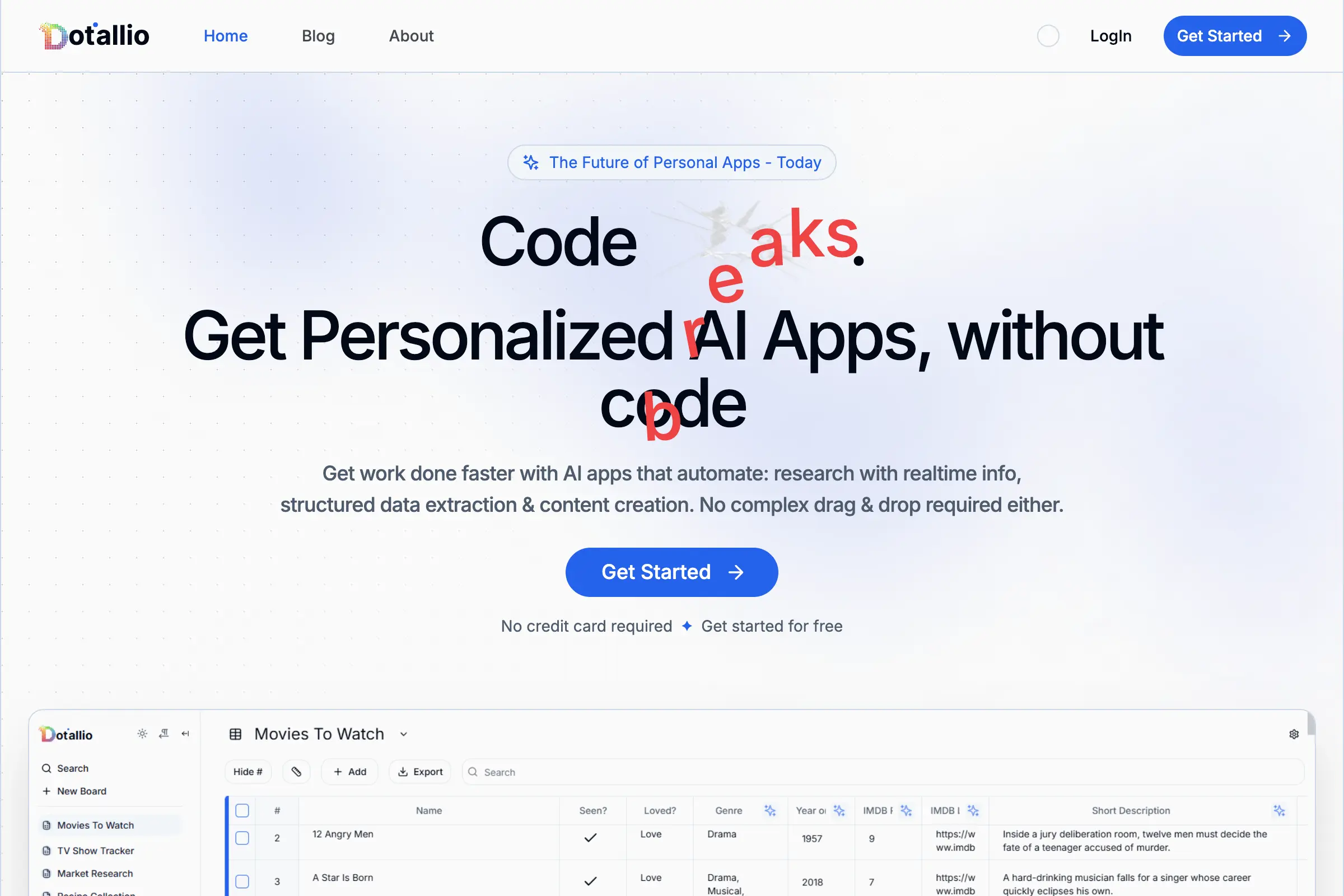
Dotallio
Personalized AI apps that automate research, data extraction, and content creation without code 🤖

Talk to Santa
Enjoy a magical live video chat or receive a unique AI-generated video greeting from Santa Claus 🎅

pozywka.pl
Scalable blog for food journalist, focused on performance and user experience 🌭
zagrodzki.me
Personal blog and portfolio of Bart Zagrodzki, where he shares his knowledge and work 💼
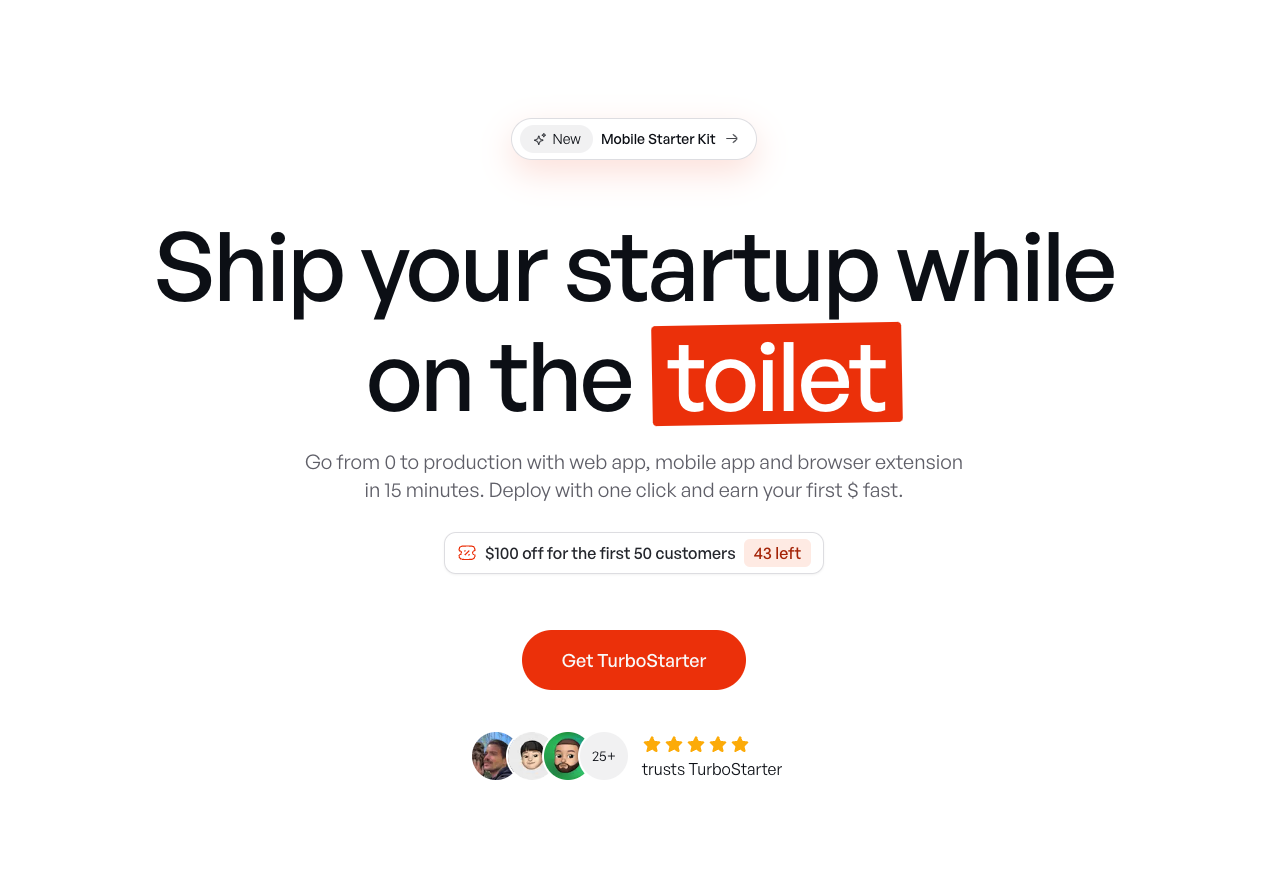
TurboStarter
Ship your startup everywhere. In minutes.
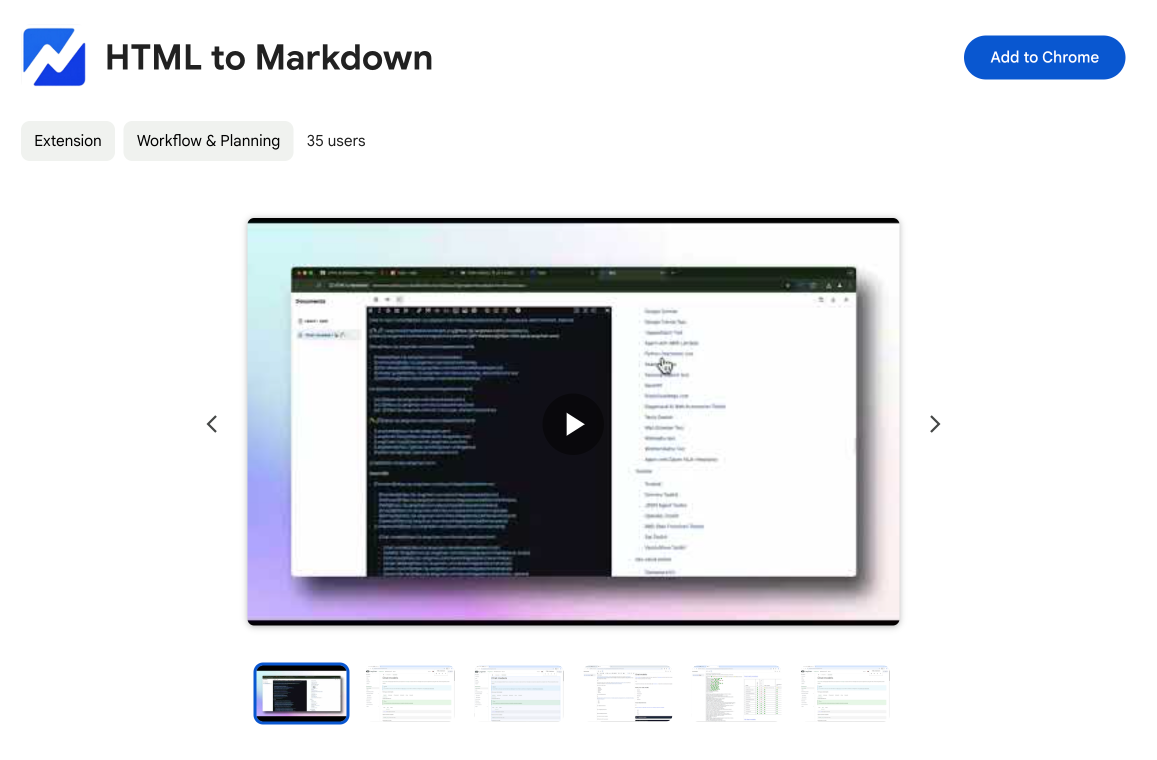
HTML to Markdown
Convert HTML to Markdown with ease, directly in your browser 📄
Dotallio
Personalized AI apps that automate research, data extraction, and content creation without code 🤖
Talk to Santa
Enjoy a magical live video chat or receive a unique AI-generated video greeting from Santa Claus 🎅
pozywka.pl
Scalable blog for food journalist, focused on performance and user experience 🌭
zagrodzki.me
Personal blog and portfolio of Bart Zagrodzki, where he shares his knowledge and work 💼
TurboStarter
Ship your startup everywhere. In minutes.
HTML to Markdown
Convert HTML to Markdown with ease, directly in your browser 📄
Dotallio
Personalized AI apps that automate research, data extraction, and content creation without code 🤖
Talk to Santa
Enjoy a magical live video chat or receive a unique AI-generated video greeting from Santa Claus 🎅
pozywka.pl
Scalable blog for food journalist, focused on performance and user experience 🌭
zagrodzki.me
Personal blog and portfolio of Bart Zagrodzki, where he shares his knowledge and work 💼
TurboStarter
Ship your startup everywhere. In minutes.
HTML to Markdown
Convert HTML to Markdown with ease, directly in your browser 📄
Dotallio
Personalized AI apps that automate research, data extraction, and content creation without code 🤖
Talk to Santa
Enjoy a magical live video chat or receive a unique AI-generated video greeting from Santa Claus 🎅
pozywka.pl
Scalable blog for food journalist, focused on performance and user experience 🌭
zagrodzki.me
Personal blog and portfolio of Bart Zagrodzki, where he shares his knowledge and work 💼
TurboStarter
Ship your startup everywhere. In minutes.
HTML to Markdown
Convert HTML to Markdown with ease, directly in your browser 📄
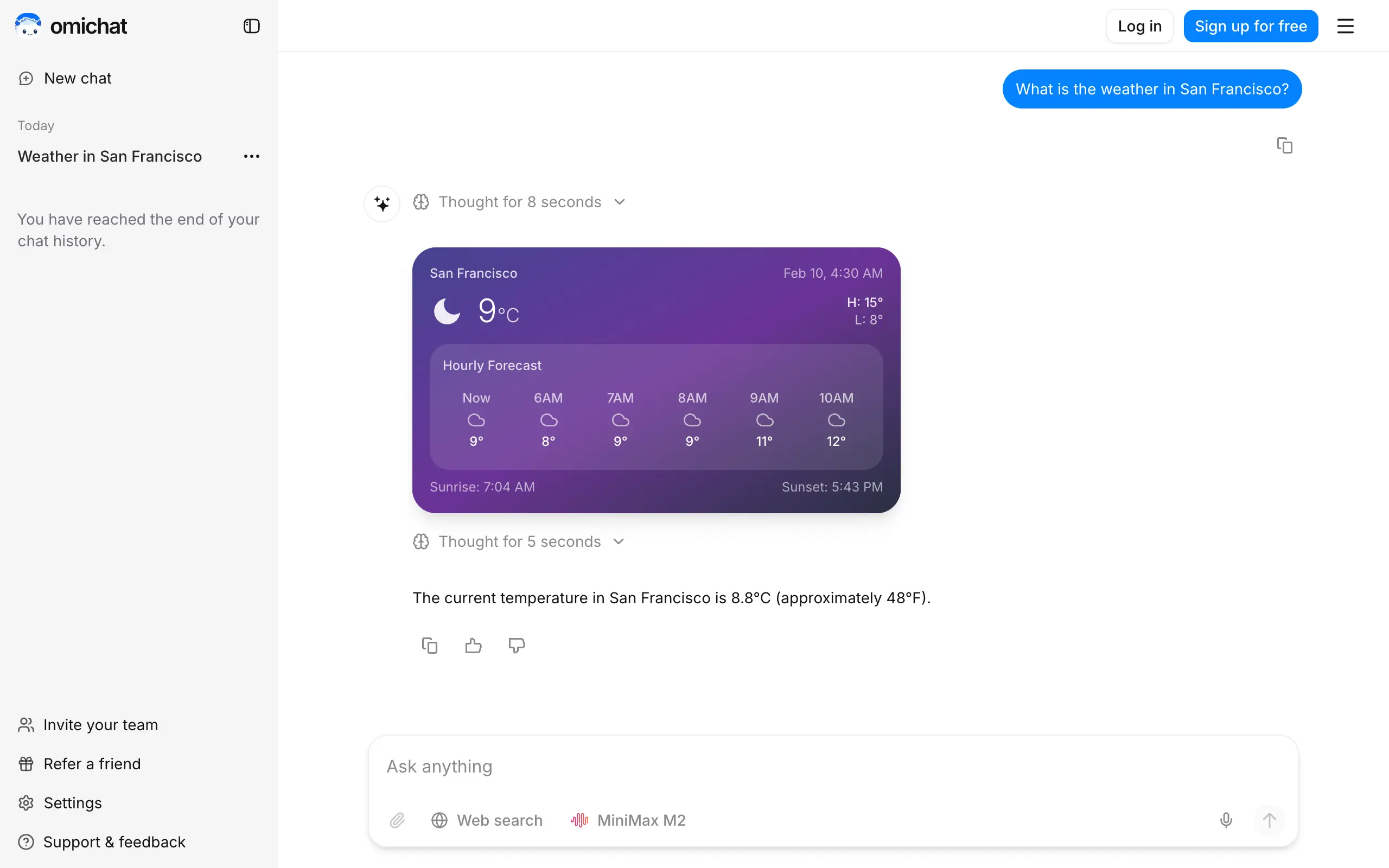
Omichat
Chat with 50+ AI models, including ChatGPT and Claude, in one place - switch models anytime without losing context 🤖
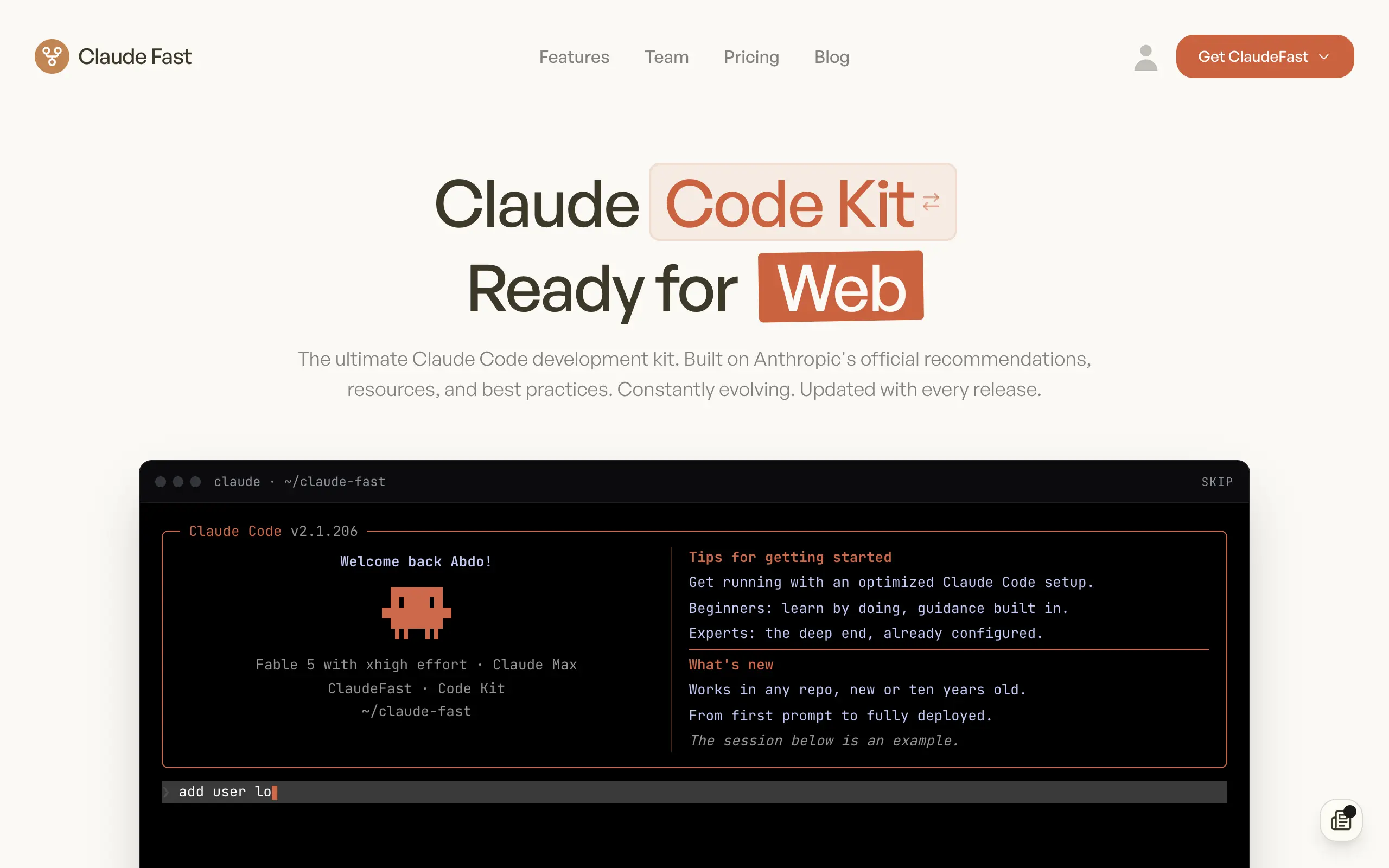
Claude Fast
Supercharge your Claude Code with 6x effective context window and specialized AI agents 🤖

EmojAI
AI-powered emoji picker with smart, context-aware suggestions 🤖

Solohacker
Autonomous company launcher - AI agents work 24/7, escalate what matters, and you stay in control 🤖

BeRawi: Storytelling Coach
Practice storytelling daily with instant feedback to sound clearer, more engaging, and confident 🎤
Omichat
Chat with 50+ AI models, including ChatGPT and Claude, in one place - switch models anytime without losing context 🤖
Claude Fast
Supercharge your Claude Code with 6x effective context window and specialized AI agents 🤖
EmojAI
AI-powered emoji picker with smart, context-aware suggestions 🤖
Solohacker
Autonomous company launcher - AI agents work 24/7, escalate what matters, and you stay in control 🤖
BeRawi: Storytelling Coach
Practice storytelling daily with instant feedback to sound clearer, more engaging, and confident 🎤
Omichat
Chat with 50+ AI models, including ChatGPT and Claude, in one place - switch models anytime without losing context 🤖
Claude Fast
Supercharge your Claude Code with 6x effective context window and specialized AI agents 🤖
EmojAI
AI-powered emoji picker with smart, context-aware suggestions 🤖
Solohacker
Autonomous company launcher - AI agents work 24/7, escalate what matters, and you stay in control 🤖
BeRawi: Storytelling Coach
Practice storytelling daily with instant feedback to sound clearer, more engaging, and confident 🎤
Omichat
Chat with 50+ AI models, including ChatGPT and Claude, in one place - switch models anytime without losing context 🤖
Claude Fast
Supercharge your Claude Code with 6x effective context window and specialized AI agents 🤖
EmojAI
AI-powered emoji picker with smart, context-aware suggestions 🤖
Solohacker
Autonomous company launcher - AI agents work 24/7, escalate what matters, and you stay in control 🤖
BeRawi: Storytelling Coach
Practice storytelling daily with instant feedback to sound clearer, more engaging, and confident 🎤

Connect with like-minded people
Join our community to get feedback, support, and grow together with 1,000+ builders on board, let's ship it!
Join usShip your startup everywhere. In minutes.
Don't burn tokens on setup and start building features on day one.