FileSense
AI reads PDFs, invoices and scans to create consistent filenames, tags and folders from your rules. Built for freelancers and small offices.
Why intelligent file organization is a real small-business problem
Freelancers and small offices accumulate documents faster than they can organize them. Client contracts arrive as PDFs, suppliers send invoices by email, receipts are photographed on phones, and scanned paperwork lands in random download folders. The result is a document system that usually depends on memory rather than a reliable process.
FileSense is an AI document organization SaaS designed to solve that operational gap. It reads PDFs, invoices, and scanned documents, then applies user-defined naming rules, tags, and folder structures consistently. Instead of manually renaming scan_2025_04_17.pdf or searching through hundreds of “final-final” invoices, users can automatically convert messy files into structured, searchable records.
The primary keyword for this opportunity is AI document organization software. Related terms include:
- AI file organizer
- automatic file naming software
- invoice organization software
- PDF naming automation
- document management for freelancers
- OCR document classification
- receipt organization software
- small business document automation
- file tagging software
- scanned document organizer
The core value proposition is simple. FileSense does not ask users to adopt a complicated enterprise document management system. It helps them make their existing folders, cloud drives, and file naming conventions work automatically.
The FileSense opportunity
FileSense can position itself as the practical middle ground between manual file organization and expensive enterprise document management platforms. Its strongest promise is consistent organization without forcing small teams to change how they work.
Who needs AI document organization software
The best FileSense customers are not necessarily large enterprises with formal records-management policies. They are professionals and small teams that repeatedly handle important documents but lack the time, staff, or technical discipline to keep everything organized.
Freelancers with client and finance paperwork
Freelancers often manage client briefs, statements of work, invoices, receipts, tax records, and project deliverables from the same laptop or cloud storage account. They typically understand that file organization matters, especially when tax time or a client dispute arrives, but manual cleanup is easy to postpone.
FileSense can help freelancers build a reliable digital filing habit without adding an administrative burden.
Common freelancer workflows include:
- Sorting invoices by client, invoice number, and payment status
- Renaming signed contracts with consistent dates and client names
- Separating business receipts from personal receipts
- Organizing project reference documents by client and project
- Tagging files by tax year, deductible expense type, or vendor
- Locating an old document without remembering the exact filename
For this audience, the product should emphasize simplicity, trust, and quick setup. A freelancer does not want to configure a records-management taxonomy for two hours before seeing value. They want to upload a batch of files, review sensible suggestions, and have a cleaner workspace within minutes.
Small offices with recurring administrative work
Small service businesses often have several people touching the same files. Think bookkeepers, legal support teams, property managers, consultants, medical-adjacent offices, agencies, trades businesses, and nonprofit administrators.
These teams deal with common problems:
- Multiple versions of the same invoice in different folders
- Documents named differently by every employee
- Files stored on local desktops rather than shared locations
- Inconsistent client or vendor naming
- Difficulty finding documents when someone is unavailable
- Missing documents during audits, renewals, or reconciliations
A small office may not need a full enterprise content management suite. It does need a repeatable system that transforms incoming documents into predictable folder paths and filenames.
Bookkeepers, accountants, and finance support professionals
Bookkeeping is a particularly strong vertical for FileSense because the document volume is high, naming standards matter, and document types are often recognizable. Invoices, bills, receipts, bank statements, purchase orders, and tax documents all contain structured signals that AI and OCR can extract.
A bookkeeper could create rules such as:
Client / Year / Expense receipts / Vendor - Date - AmountClient / Accounts payable / Vendor / Invoice numberClient / Bank statements / Account ending / Statement periodTax year / Forms / Document type / Taxpayer name
The first valuable version of FileSense should not attempt to replace accounting software. Instead, it should become the dependable intake and organization layer before documents are sent to accounting systems or stored for compliance.
Operations managers in document-heavy local businesses
Local businesses often use mainstream storage tools but have weak conventions. A property manager may receive lease agreements, maintenance invoices, inspection reports, and utility bills. A contractor may handle estimates, permits, supplier invoices, insurance certificates, and site photos.
These businesses are attractive because their files have repeatable categories and business value. A lost document can delay a payment, create a compliance issue, or require staff to repeat work.
High-frequency pain
Users receive documents continuously, so manual filing becomes a persistent task rather than a one-time cleanup project.
Clear financial value
Faster retrieval, fewer duplicate files, and better invoice tracking are easy benefits for small teams to understand.
Repeatable patterns
Invoices, statements, receipts, contracts, and reports contain recurring fields that support reliable automation.
The market gap FileSense can own
The AI document management market is crowded at the enterprise end and fragmented at the consumer end. Large document management platforms offer elaborate workflows, permissions, retention schedules, and integrations. Consumer scanners may extract text, but they often stop before solving the actual organizational problem.
The gap is a lightweight, rules-driven AI file organizer for small businesses.
Users do not merely need OCR. They need a system that makes practical filing decisions while keeping them in control. OCR turns pixels into text. FileSense needs to turn text into a usable filing outcome.
That outcome has three parts:
- A clear, consistent filename
- A useful set of searchable tags
- A predictable folder destination
For example, an uploaded invoice might become:
2025-04-15_Acme-Office-Supplies_INV-10482_487-20.pdfIt could receive tags such as invoice, office supplies, April 2025, accounts payable, and Acme Office Supplies, then move into a folder such as:
Finance/2025/Accounts Payable/Acme Office SuppliesThis approach is more valuable than generic document search because it improves the user’s underlying storage system. If a customer exports files, changes drives, or stops using the application, their documents remain logically organized.
Why generic cloud storage is not enough
Google Drive, Dropbox, OneDrive, and similar platforms provide storage, sharing, and search. They are essential distribution channels and potential integration targets, but they do not automatically enforce a small business’s unique filing policy.
Search is also not a complete substitute for organization. Users may be able to find an invoice by searching for a vendor name, but search does not solve these operational questions:
- Which folder should this document live in?
- What should every file of this type be named?
- Is this already in the system under another filename?
- Which client, project, tax year, or property does it belong to?
- Is the AI confident enough to automate this action?
- Can a human audit what happened and correct it?
FileSense should sell control and consistency, not just “AI search for documents.”
Why enterprise document management is often too heavy
Enterprise platforms can be expensive, slow to implement, and built around governance requirements that a two-person business does not have. Their feature depth can become a barrier to adoption.
FileSense should avoid copying enterprise complexity. A small office needs:
- Simple rules written in plain language
- Sensible templates for common document types
- A review queue for uncertain classifications
- Clear integrations with current storage
- Easy correction and undo actions
- Transparent data handling
It does not need an overwhelming permissions matrix on day one.
The FileSense product vision and unique selling proposition
FileSense should be built around a distinct promise:
AI that organizes documents according to your business rules, not a generic filing system.
This positioning matters. Many document tools can scan, index, or summarize PDFs. FileSense becomes more defensible when it learns and applies each customer’s preferred naming, tagging, and folder conventions.
Its USP combines three capabilities:
- Document understanding through OCR, text extraction, and AI classification
- Rules-based control that lets users define and approve business-specific conventions
- Actionable organization that renames, tags, and files documents instead of only describing them
The best experience is not fully autonomous from the first upload. It is confidence-aware automation. FileSense should automate low-risk, high-confidence actions while routing uncertain files to a short review queue.
Core FileSense workflow
A reliable user journey could follow this sequence:
Essential MVP features
The MVP should focus on delivering a trustworthy filing result, not building every possible document management feature.
| Feature area | Why it matters | MVP recommendation |
|---|---|---|
| File upload and inbox | Users need a quick entry point for PDFs and scans | Support drag-and-drop, batch upload, and an email forwarding address |
| Text extraction | AI needs content before it can classify documents | Parse text-based PDFs first and use OCR only when necessary |
| Document classification | The workflow depends on recognizing document types | Begin with invoices, receipts, contracts, statements, and other |
| Naming rules | Consistency is the visible user outcome | Offer tokens for date, vendor, client, amount, document type, and invoice number |
| Folder rules | Files must land where users expect | Support a simple conditional folder builder and templates |
| Tags and search | Users need retrieval after automation | Auto-tag entities and allow custom tags |
| Review queue | Users need confidence and control | Require approval below a configurable confidence threshold |
| Activity log | Trust requires traceability | Show original name, extracted fields, action taken, and user corrections |
| Undo | Automation must be reversible | Let users restore the original name and destination |
Rules should be powerful without becoming technical
The product should make organization rules approachable. A user should be able to state a rule like:
Put all invoices from Acme Design into
Clients/Acme Design/Invoices/2025and name themYYYY-MM-DD_Acme-Design_Invoice-Number.
Behind the scenes, FileSense can translate this into structured conditions and output templates.
A basic rule model could look like this:
type FilingRule = {
  documentType: "invoice" | "receipt" | "contract" | "statement";
  conditions: {
    vendor?: string;
    client?: string;
    minimumConfidence?: number;
  };
  filenameTemplate: string;
  destinationTemplate: string;
  requiredFields: string[];
};
The interface should never force ordinary users to write code. However, a structured internal model makes rules testable, versioned, auditable, and easier to apply consistently.
Document confidence is a product feature, not a technical detail
AI extraction is probabilistic. A scanned receipt may have a blurred vendor name. An invoice may contain multiple dates. A contract could refer to several companies. Treating every prediction as equally reliable is one of the fastest ways to lose user trust.
FileSense should distinguish between:
- High confidence for automatic filing
- Medium confidence for suggested actions requiring quick review
- Low confidence for manual classification or a request for missing information
The UI should explain why a suggestion was made. For instance, “Classified as invoice because the document contains an invoice number, due date, line items, and payment terms.” This transparency turns AI from a black box into an assistant.
How FileSense creates a durable competitive advantage
The competitive advantage should not depend only on access to a large language model. Foundation models, OCR APIs, and document parsers are increasingly accessible. The defensible layer is the customer-specific organization system built on top of them.
The proprietary value is in decisions and corrections
Every user correction can improve future recommendations. If a customer repeatedly routes documents from a vendor into one folder or changes “Receipt” to “Travel Receipt,” the system should learn that preference.
Over time, FileSense can create a customer-specific filing intelligence layer containing:
- Approved vendor aliases
- Client and project names
- Preferred filename formats
- Common folder destinations
- Document-type corrections
- Duplicate-file signals
- Accepted and rejected AI recommendations
This data should be isolated per workspace and handled under strict privacy controls. It is valuable because it captures business context that a generic model does not know.
Templates can create a vertical go-to-market advantage
Horizontal document organization is broad, but vertical templates make onboarding faster and marketing more concrete. FileSense can offer starter packs for:
- Freelance designers and consultants
- Bookkeepers and accounting firms
- Property management offices
- Legal support teams
- Marketing agencies
- Contractors and home-service businesses
- Nonprofit operations teams
A bookkeeping template, for example, could include invoice and receipt routing rules, vendor naming patterns, tax-year folders, and review states for questionable expense documents.
Start with a personal upload inbox. Classify client documents, receipts, contracts, and invoices. Route files to client and tax-year folders with a minimal review process.
Connect shared folders, define standardized naming policies, and assign reviewer roles. Prioritize activity logs, duplicate detection, and consistency across employees.
Extract vendor, date, total, tax, invoice number, and client context. Route documents into client workspaces while requiring approval for low-confidence financial data.
Trust is a stronger moat than novelty
Small businesses may hesitate to allow an AI system to rename or move important documents. FileSense earns trust through product choices:
- Preview every action during onboarding
- Make all automations reversible
- Preserve the original filename in metadata
- Maintain an immutable activity record
- Separate extracted facts from AI inferences
- Provide confidence scores and explanations
- Offer clear data retention and deletion controls
- Avoid training on customer files without explicit permission
This is especially important for invoices, contracts, financial records, and documents containing personal information.
Recommended tech stack for FileSense
FileSense needs an architecture that handles a modern SaaS application, secure file ingestion, asynchronous document processing, rule evaluation, and integrations. The stack should optimize for reliability and iteration speed rather than premature scale.
Application layer
A strong default choice is Next.js with React and TypeScript. This combination supports a fast product interface, server-side routes, authentication flows, dashboard pages, and a unified development model.
For UI development, Tailwind CSS is practical for building a clean product interface quickly. It is particularly useful when FileSense needs numerous states such as upload progress, extraction status, confidence labels, review queues, empty states, and rule-builder forms.
Recommended application components include:
- Next.js for the web application and backend endpoints
- TypeScript for safer rule and document schemas
- React for interactive review and workflow interfaces
- Tailwind CSS for consistent, fast UI delivery
- Zod for server-side and client-side data validation
- React Hook Form for rule configuration forms
The main trade-off is that a single full-stack application can become crowded as document processing grows. Keep latency-sensitive processing outside the request-response cycle from the beginning.
Database, authentication, and storage
PostgreSQL is an excellent system of record for workspaces, users, document metadata, tags, rules, audit events, and billing states. Its relational model is a good fit because filing rules and document actions need reliable joins, transactions, and traceable history.
A managed platform such as Supabase can accelerate the early product by combining PostgreSQL, authentication, storage options, and row-level security. It is a sensible choice for a small founding team, especially when tenant isolation must be implemented carefully.
Core data entities should include:
- Workspace
- User and role
- Connected storage provider
- Document
- Document version
- Extracted field
- Classification result
- Filing rule
- Filing action
- Tag
- Review decision
- Audit event
For file objects, use private cloud object storage. Never expose permanent public URLs for sensitive customer documents. Generate short-lived signed URLs and validate authorization before file access.
AI, OCR, and document extraction pipeline
The document-processing layer should be asynchronous. A file upload should create a document record, store the original securely, enqueue a job, and return an immediate progress state to the user.
A sensible pipeline is:
- Detect file type and validate size, format, and malware risk
- Extract embedded PDF text when available
- Render relevant pages for OCR when the PDF is image-based
- Run OCR and layout extraction
- Identify document type and key fields
- Normalize dates, currency values, vendor names, and identifiers
- Apply deterministic rules before AI-generated judgments
- Generate a proposed filename, tags, and destination
- Score confidence and queue the result for automation or review
- Write an immutable audit event
For language-model features, use structured outputs and strict schemas rather than asking the model to return free-form prose. Extracted values should be validated against expected formats. A date should parse as a date. An invoice amount should parse as a currency value. An invoice number should remain traceable to the original text.
Use AI where it is strong:
- Classifying ambiguous document types
- Extracting entities from varied layouts
- Resolving labels such as “bill,” “tax invoice,” or “payment request”
- Suggesting filename components from a user’s rules
- Explaining why a recommendation was made
Use deterministic logic where it is safer:
- Filename sanitization
- Folder path construction
- Duplicate checks
- Permission validation
- Rule precedence
- Date formatting
- Currency normalization
- File-moving actions
Do not let AI move every file blindly
The initial release should use a review-first mode for most users. Automatic filing can become available after the system reaches an agreed confidence threshold or after a customer explicitly enables trusted rules.
Background jobs and observability
Document handling can be slow and occasionally fail because files are corrupt, OCR providers time out, or integrations return errors. A queue-based architecture is mandatory for a dependable product.
Use a managed queue or background job system for:
- OCR processing
- Classification jobs
- Retry handling
- Batch uploads
- Storage-provider synchronization
- Notification delivery
- Scheduled cleanup and retention processes
Implement observability early. Track job duration, OCR failure rate, extraction confidence, manual-correction frequency, processing cost per document, and integration errors. These metrics are essential both for product quality and unit economics.
For starter speed, TurboStarter can provide a strong SaaS foundation for authentication, payments, application structure, and common production concerns, allowing the FileSense team to focus its engineering time on the document intelligence workflow.
Monetization strategies for FileSense
The most intuitive pricing model combines a workspace subscription with document-processing allowances. Customers understand that OCR and AI have usage costs, while predictable monthly pricing reduces buying friction.
Recommended pricing structure
| Plan | Best customer | Suggested value metric | Product emphasis |
|---|---|---|---|
| Free trial | New users validating accuracy | Limited document credits | Upload, review, and a sample rule pack |
| Solo | Freelancers | Documents processed per month | Personal folders, standard rules, and search |
| Team | Small offices | Documents and users per month | Shared workspaces, integrations, and audit log |
| Professional | Bookkeepers and advanced teams | Documents, clients, or connected sources | Client workspaces, priority processing, and advanced templates |
| Enterprise-lite | Larger regulated small businesses | Custom usage agreement | Security review, onboarding, and service commitments |
The most important pricing decision is the value metric. Charging purely per user may not align with value because a one-person bookkeeper can process more documents than a ten-person consultancy. Charging only per document can feel unpredictable. A hybrid model works well: a base plan includes a document allowance, with clear overage packs or automatic upgrades.
Upsell opportunities
Once core filing works reliably, FileSense can add paid expansion features:
- Additional cloud-storage connections
- Shared client portals
- Advanced rule conditions
- Bulk historical cleanup
- Custom vertical templates
- Email inbox ingestion
- Duplicate-document detection
- Retention and archival policies
- API and webhook access
- White-label workflows for bookkeeping firms
- Premium support and onboarding
Avoid charging for fundamental safety features such as audit logs or undo. Those are trust-building basics, not luxury options.
Key risks and how to mitigate them
The product is compelling, but it operates on sensitive files and makes potentially disruptive changes. Risk management must be part of the product strategy.
Accuracy risk
A wrong filename or folder can create confusion. A wrong invoice amount or vendor extraction can create a financial workflow error.
Mitigation should include:
- Confidence thresholds by document type and action
- Required human review for uncertain results
- A clear undo mechanism
- Original-file preservation
- Field-level confidence, not only document-level confidence
- User feedback controls for corrections
- Evaluation datasets based on real, consented document patterns
- Regression tests for critical extraction fields
Measure quality with more than a generic model score. Track the percentage of files accepted without edits, correction rates by field, routing accuracy, and time saved per processed file.
Privacy and security risk
Invoices, contracts, identification documents, and financial statements can contain sensitive information. Security is a growth requirement, not a later checklist.
Mitigation should include:
- Encryption in transit and at rest
- Private object storage with signed access URLs
- Strong tenant isolation
- Role-based permissions for team accounts
- Malware scanning before processing
- Configurable document retention settings
- Clear deletion workflows
- Audit logging for file views and actions
- Vendor assessments for AI and OCR providers
- A public security and privacy explanation written in plain language
For security guidance and control mapping, teams can consult the NIST Cybersecurity Framework. Before making compliance claims, FileSense should complete the appropriate audits and legal reviews rather than implying certifications it does not have.
Integration risk
Cloud-storage APIs can change, customers may revoke permissions, and file-move conflicts can happen. Integrations must be treated as distributed systems, not simple one-time connections.
Mitigation should include idempotent operations, retry logic, sync state tracking, conflict detection, and clear messages when an integration needs reconnection. Store the original provider file identifier where possible so a file can be traced even if its name changes.
Cost risk
OCR and AI calls can become expensive when users upload multi-page scans or large historical archives. A low subscription price can become unprofitable if processing costs are uncontrolled.
Mitigation options include:
- Parse native PDF text before running OCR
- Run AI only on relevant text chunks and extracted fields
- Cache repeated processing results
- Limit free-trial document volume
- Price heavy batch cleanup separately
- Use lower-cost models for straightforward classifications
- Reserve premium models for uncertain or complex documents
- Monitor cost per processed page and per successful filing action
Legal and expectation risk
FileSense should not present itself as an accounting, legal, medical, or compliance decision-maker. It organizes documents; it does not verify that an invoice is valid, determine tax treatment, or provide legal advice.
Product copy should clearly define the role of AI suggestions and the customer’s responsibility to review important records.
Go-to-market strategy for an AI file organizer
A strong launch should start with a narrow audience and a highly specific promise. “AI document management for everyone” is broad and hard to differentiate. “Automatically organize freelance invoices and tax receipts” is easier to understand, search for, and validate.
Start with a focused beachhead
The strongest first segment is likely freelance professionals and independent bookkeepers. Both groups feel the document-organizing pain directly, can make purchasing decisions quickly, and have repeatable workflows.
Initial SEO and content themes can target intent-driven searches such as:
- How to organize invoices for a small business
- Best file naming convention for invoices
- How freelancers should organize tax receipts
- How to organize client contracts
- Invoice folder structure template
- PDF naming convention for bookkeeping
- How to organize scanned documents
These topics attract users before they search specifically for “AI document organization software.” Educational content should include practical templates, naming examples, and downloadable rule ideas while naturally introducing FileSense as the automation layer.
Use a proof-first onboarding funnel
The first session should demonstrate value with real documents, not an abstract dashboard. A good onboarding flow is:
- Ask the user what type of work they do
- Offer a relevant organization template
- Let them upload five to ten sample documents
- Show proposed names, tags, and destinations
- Ask for corrections where needed
- Apply the approved rule to the rest of the batch
- Show a before-and-after view of time saved and files organized
The “aha” moment happens when a user sees messy documents transformed into a folder structure they would actually use.
Actionable implementation plan for FileSense
The fastest path is to build a narrow, trusted workflow before adding broad integrations and complex automation.
Phase one: validate the workflow
Build a clickable prototype and test it with freelancers, bookkeepers, and office administrators. Ask participants to bring anonymized examples of their real documents.
Validate these questions:
- Can users understand and create a filing rule without help?
- Which fields matter most for filenames?
- Which document types generate the most repetitive work?
- What level of confidence is needed before auto-filing feels safe?
- Do users prefer folders, tags, or both?
- Which storage locations are most important to connect first?
Do not optimize for model sophistication before confirming the desired end state. The product’s job is not merely to extract invoice data. Its job is to produce a filing result that users trust.
Phase two: ship a focused MVP
The first production version should support:
- PDF and image upload
- OCR and text extraction
- Invoice, receipt, contract, and statement classification
- Filename templates
- Folder-routing rules
- Tags and full-text search
- Manual review queue
- Undo and activity history
- One storage destination or internal FileSense storage
- Workspace authentication and basic billing
Keep integrations limited initially. Reliable upload-based processing can validate demand before engineering multiple storage-provider sync systems.
Phase three: improve accuracy and automation
After users process enough documents, focus on the highest-leverage improvements:
- Vendor and client normalization
- Learning from user corrections
- Duplicate detection
- Batch review actions
- Email attachment intake
- Additional storage integrations
- Vertical templates
- Configurable automation thresholds
- Team roles and approval workflows
Use correction data to identify where the system fails. If users frequently edit dates, improve date extraction. If they frequently change folders, improve rule previews and routing logic. Product analytics should guide the roadmap.
Phase four: expand into team and vertical workflows
Once FileSense is trusted for individual use, expand toward small-office collaboration and vertical-specific offerings. This is where shared workspaces, multi-client views, stronger permissions, integrations, and professional onboarding can justify higher price points.
The winning long-term strategy is not to become another generic file storage provider. It is to become the organization intelligence layer that sits on top of the files businesses already have.
Build the upload-to-organized-file workflow first. Users should be able to upload a PDF or scan, review extracted information, approve a suggested filename and destination, and find the file later through search.
No. Start with review-first automation, especially for financial and contractual documents. Expand automatic filing only when confidence is high, rules are explicit, and users can easily undo actions.
OCR reads text. FileSense uses extracted content, customer rules, and confidence-aware automation to create filenames, tags, folders, and an auditable filing history.
FileSense has a credible opportunity because document organization remains an unglamorous but persistent problem for millions of small businesses. The strongest version of the product is not the one with the most AI features. It is the one that reliably saves time, preserves control, and makes every future document easier to find.
More 🤖 AI Startup SaaS ideas
Discover more innovative ai startup SaaS ideas that are trending in 2026. Each idea is AI-generated with market validation and growth potential to help you find your next profitable venture faster than competitors.
Your competitors are building with TurboStarter
Below are some of the SaaS ideas that have been generated and built with our starter kit.

Statiko
Monitor any Telegram channel in real time - track posts, edits, deletions, and growth with AI recaps 📡

Shibui
AI website builder - describe your business, pick a niche template, edit by chatting, and publish instantly ✨

Pro Service
Find verified home service professionals, compare quotes, and pay securely through escrow - built for Brazilians across the US 🏠
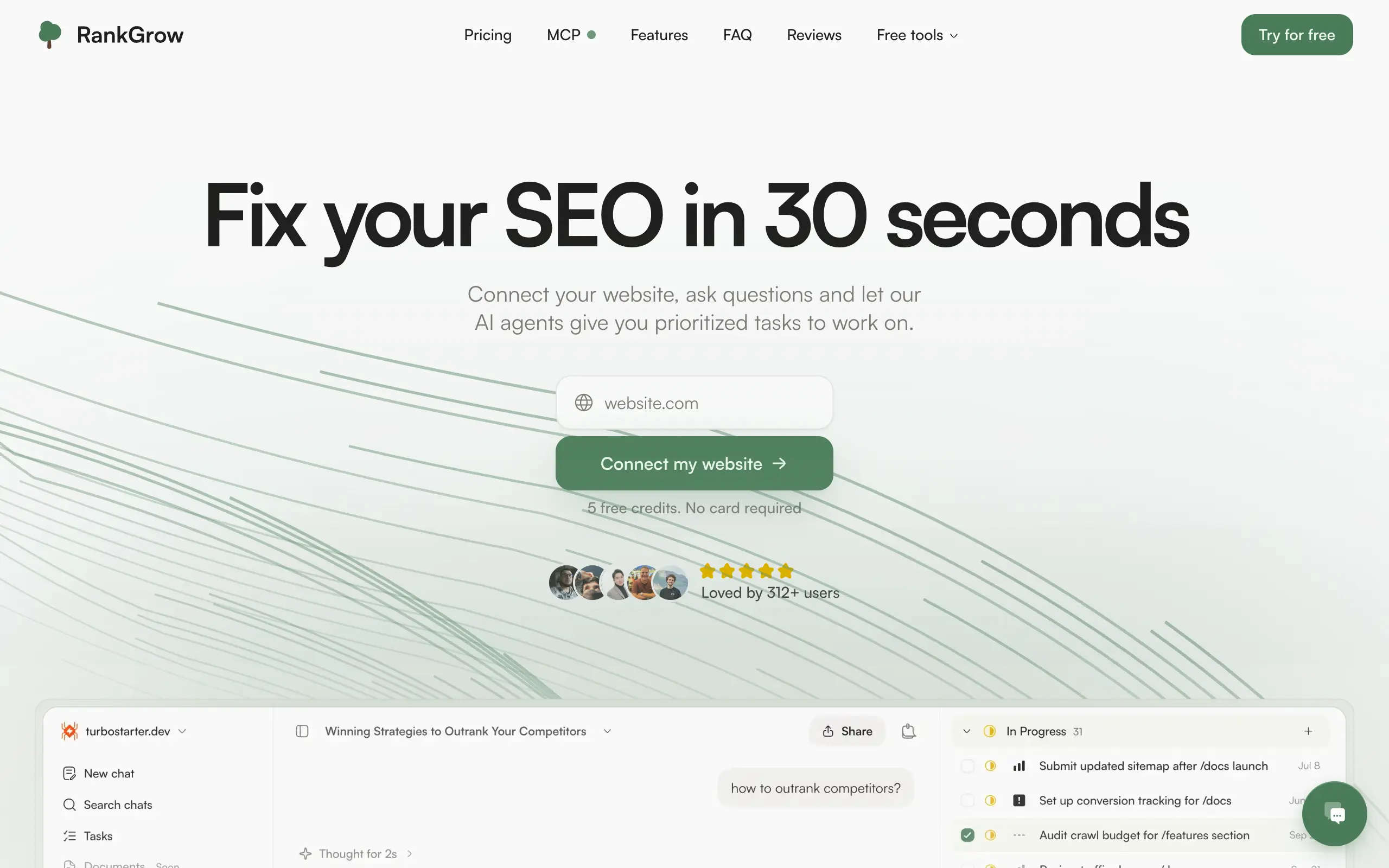
RankGrow
Fix your SEO with AI agents - connect Search Console, get prioritized tasks, and grow organic traffic 📈
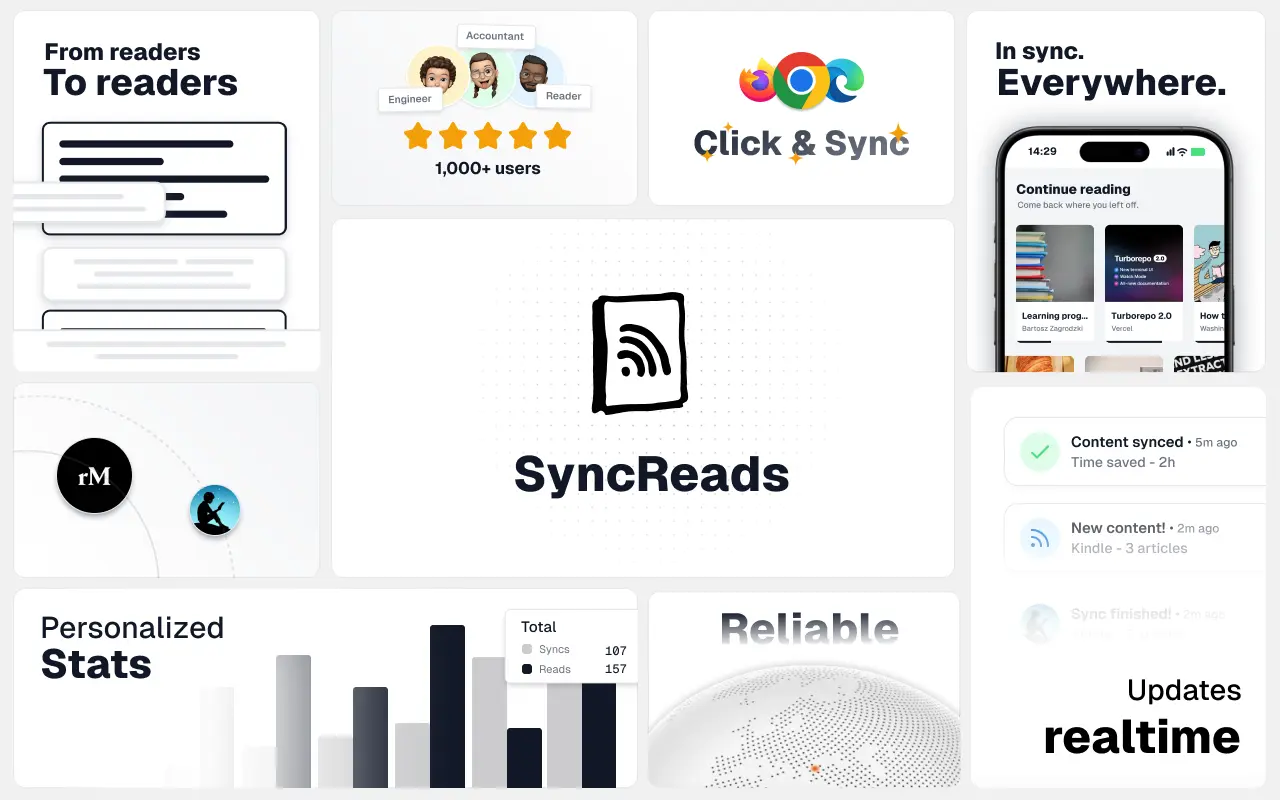
SyncReads
Sync your favorite content for distraction-free reading, save time and replace multiple apps. Anytime, anywhere 🔄
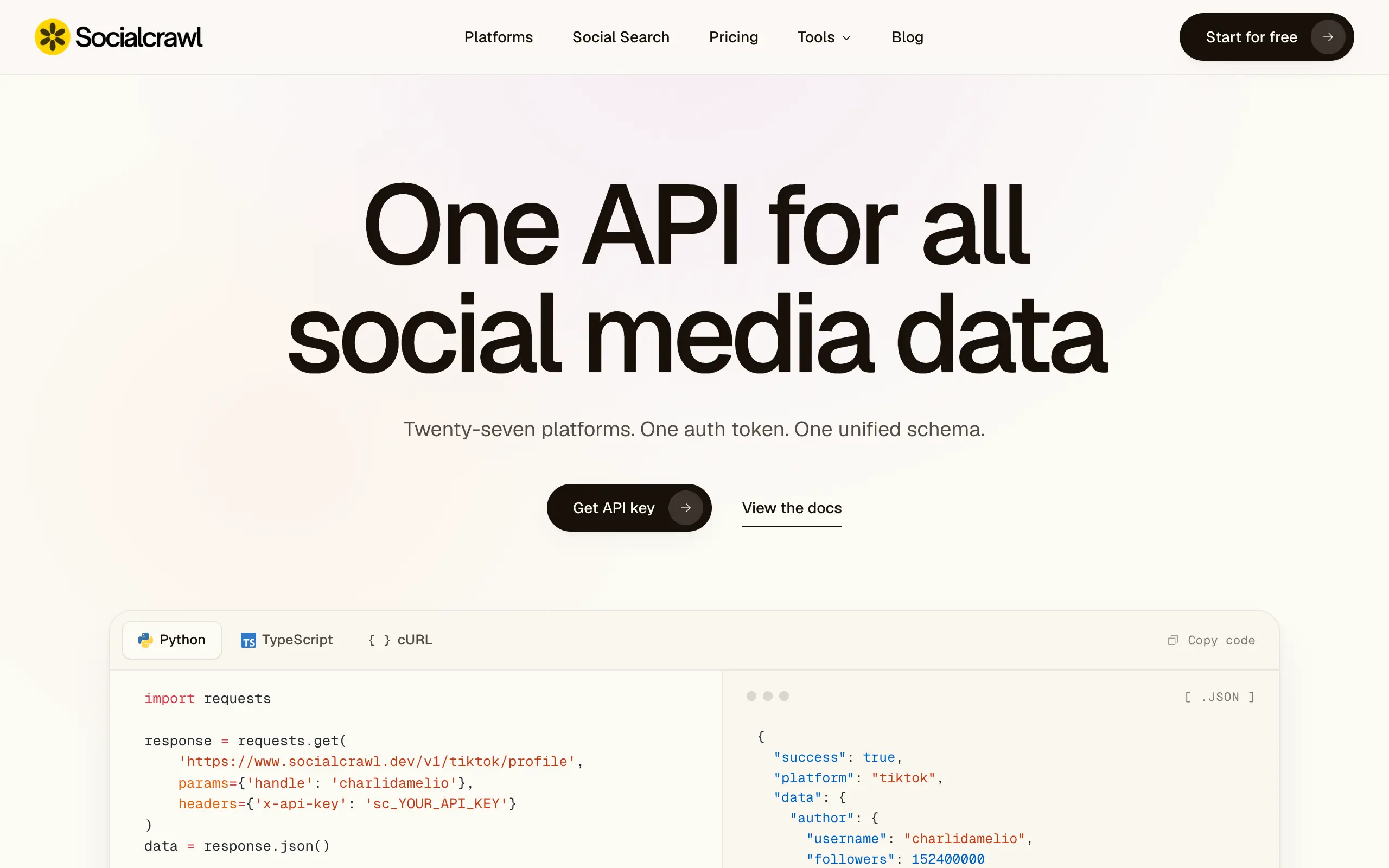
Socialcrawl
Get clean, structured data from 21 platforms like TikTok, Instagram, and YouTube with a single request 📊
Statiko
Monitor any Telegram channel in real time - track posts, edits, deletions, and growth with AI recaps 📡
Shibui
AI website builder - describe your business, pick a niche template, edit by chatting, and publish instantly ✨
Pro Service
Find verified home service professionals, compare quotes, and pay securely through escrow - built for Brazilians across the US 🏠
RankGrow
Fix your SEO with AI agents - connect Search Console, get prioritized tasks, and grow organic traffic 📈
SyncReads
Sync your favorite content for distraction-free reading, save time and replace multiple apps. Anytime, anywhere 🔄
Socialcrawl
Get clean, structured data from 21 platforms like TikTok, Instagram, and YouTube with a single request 📊
Statiko
Monitor any Telegram channel in real time - track posts, edits, deletions, and growth with AI recaps 📡
Shibui
AI website builder - describe your business, pick a niche template, edit by chatting, and publish instantly ✨
Pro Service
Find verified home service professionals, compare quotes, and pay securely through escrow - built for Brazilians across the US 🏠
RankGrow
Fix your SEO with AI agents - connect Search Console, get prioritized tasks, and grow organic traffic 📈
SyncReads
Sync your favorite content for distraction-free reading, save time and replace multiple apps. Anytime, anywhere 🔄
Socialcrawl
Get clean, structured data from 21 platforms like TikTok, Instagram, and YouTube with a single request 📊
Statiko
Monitor any Telegram channel in real time - track posts, edits, deletions, and growth with AI recaps 📡
Shibui
AI website builder - describe your business, pick a niche template, edit by chatting, and publish instantly ✨
Pro Service
Find verified home service professionals, compare quotes, and pay securely through escrow - built for Brazilians across the US 🏠
RankGrow
Fix your SEO with AI agents - connect Search Console, get prioritized tasks, and grow organic traffic 📈
SyncReads
Sync your favorite content for distraction-free reading, save time and replace multiple apps. Anytime, anywhere 🔄
Socialcrawl
Get clean, structured data from 21 platforms like TikTok, Instagram, and YouTube with a single request 📊
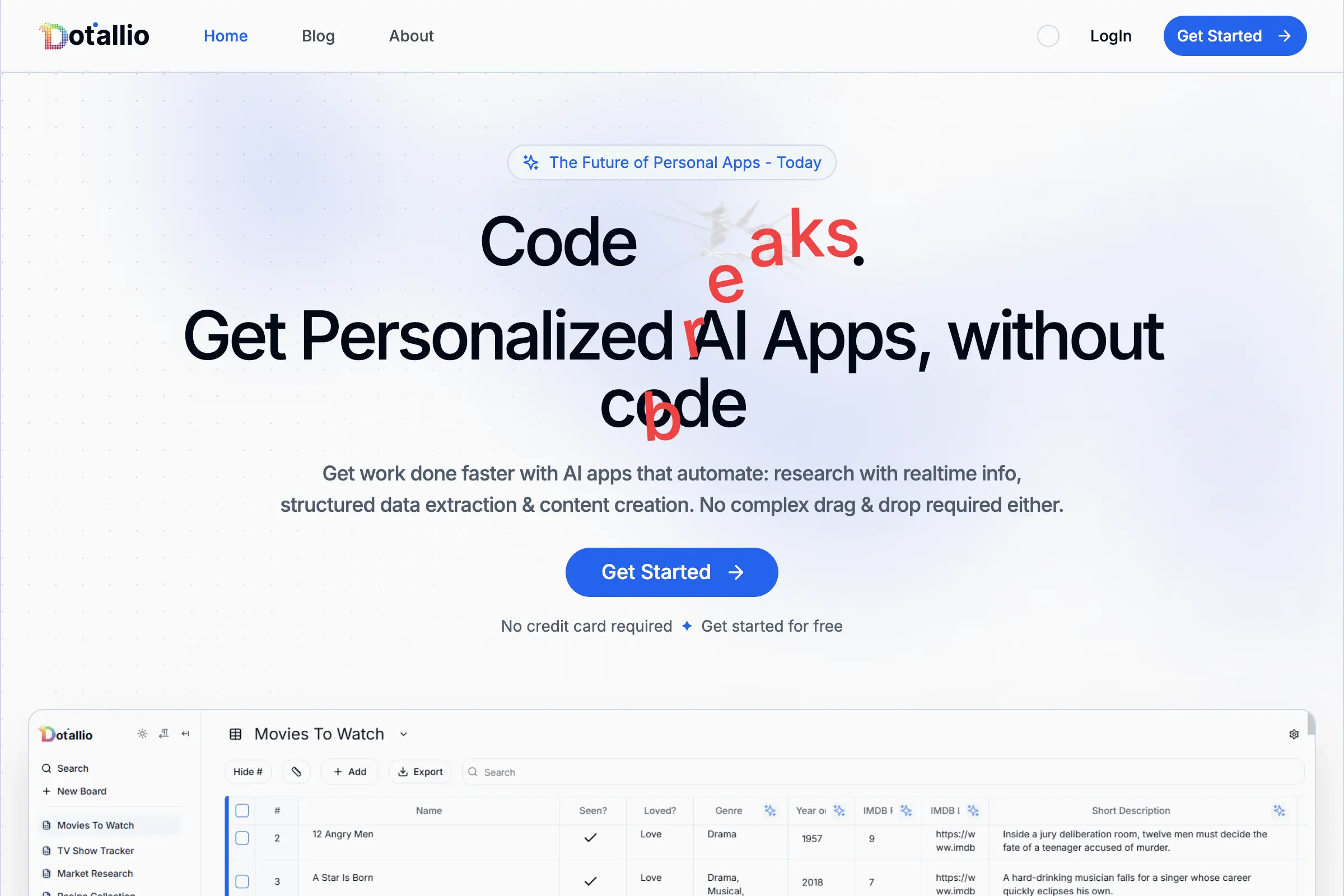
Dotallio
Personalized AI apps that automate research, data extraction, and content creation without code 🤖

Talk to Santa
Enjoy a magical live video chat or receive a unique AI-generated video greeting from Santa Claus 🎅

pozywka.pl
Scalable blog for food journalist, focused on performance and user experience 🌭
zagrodzki.me
Personal blog and portfolio of Bart Zagrodzki, where he shares his knowledge and work 💼
TurboStarter
Ship your startup everywhere. In minutes.
HTML to Markdown
Convert HTML to Markdown with ease, directly in your browser 📄
Dotallio
Personalized AI apps that automate research, data extraction, and content creation without code 🤖
Talk to Santa
Enjoy a magical live video chat or receive a unique AI-generated video greeting from Santa Claus 🎅
pozywka.pl
Scalable blog for food journalist, focused on performance and user experience 🌭
zagrodzki.me
Personal blog and portfolio of Bart Zagrodzki, where he shares his knowledge and work 💼
TurboStarter
Ship your startup everywhere. In minutes.
HTML to Markdown
Convert HTML to Markdown with ease, directly in your browser 📄
Dotallio
Personalized AI apps that automate research, data extraction, and content creation without code 🤖
Talk to Santa
Enjoy a magical live video chat or receive a unique AI-generated video greeting from Santa Claus 🎅
pozywka.pl
Scalable blog for food journalist, focused on performance and user experience 🌭
zagrodzki.me
Personal blog and portfolio of Bart Zagrodzki, where he shares his knowledge and work 💼
TurboStarter
Ship your startup everywhere. In minutes.
HTML to Markdown
Convert HTML to Markdown with ease, directly in your browser 📄
Dotallio
Personalized AI apps that automate research, data extraction, and content creation without code 🤖
Talk to Santa
Enjoy a magical live video chat or receive a unique AI-generated video greeting from Santa Claus 🎅
pozywka.pl
Scalable blog for food journalist, focused on performance and user experience 🌭
zagrodzki.me
Personal blog and portfolio of Bart Zagrodzki, where he shares his knowledge and work 💼
TurboStarter
Ship your startup everywhere. In minutes.
HTML to Markdown
Convert HTML to Markdown with ease, directly in your browser 📄
Omichat
Chat with 50+ AI models, including ChatGPT and Claude, in one place - switch models anytime without losing context 🤖
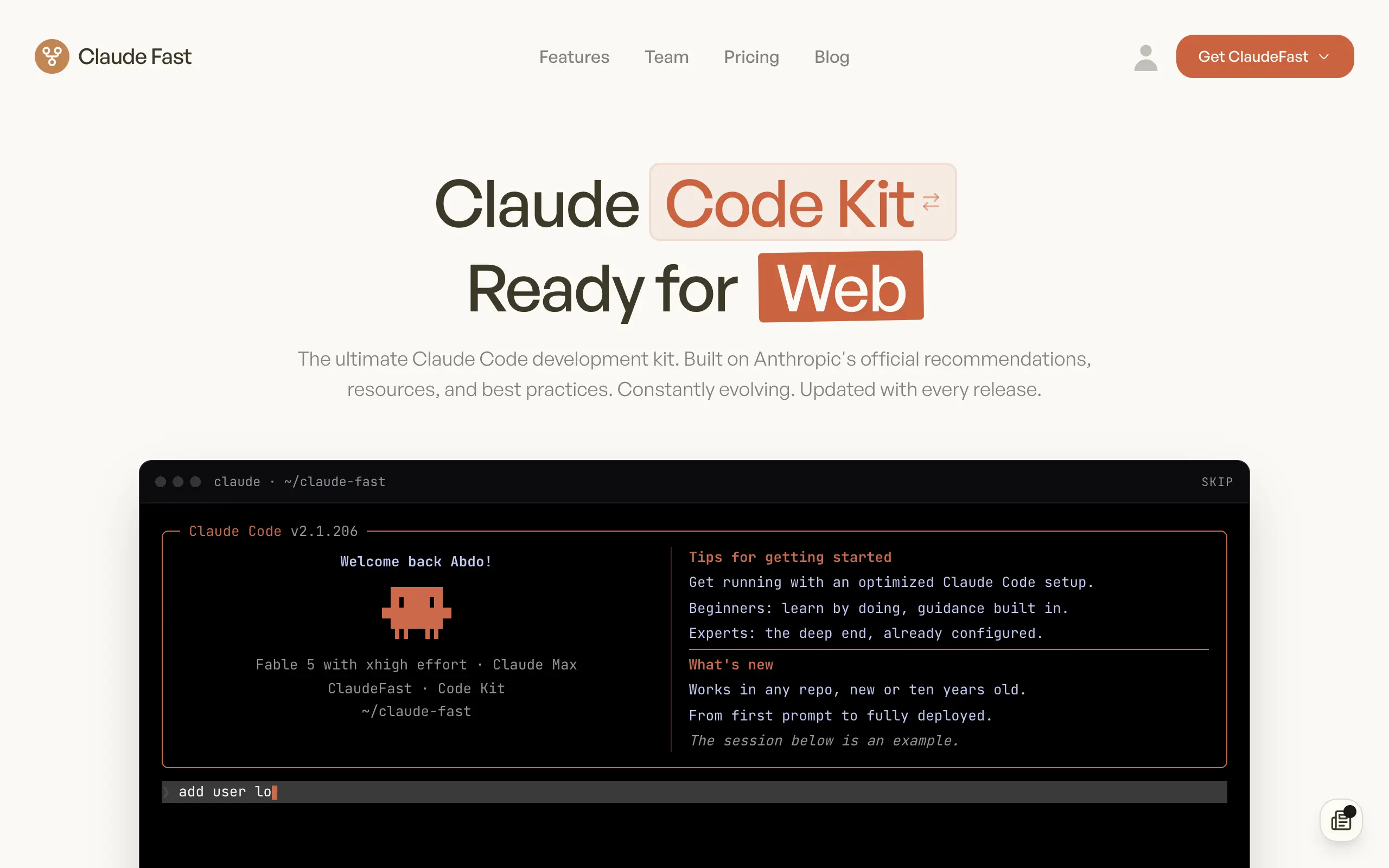
Claude Fast
Supercharge your Claude Code with 6x effective context window and specialized AI agents 🤖
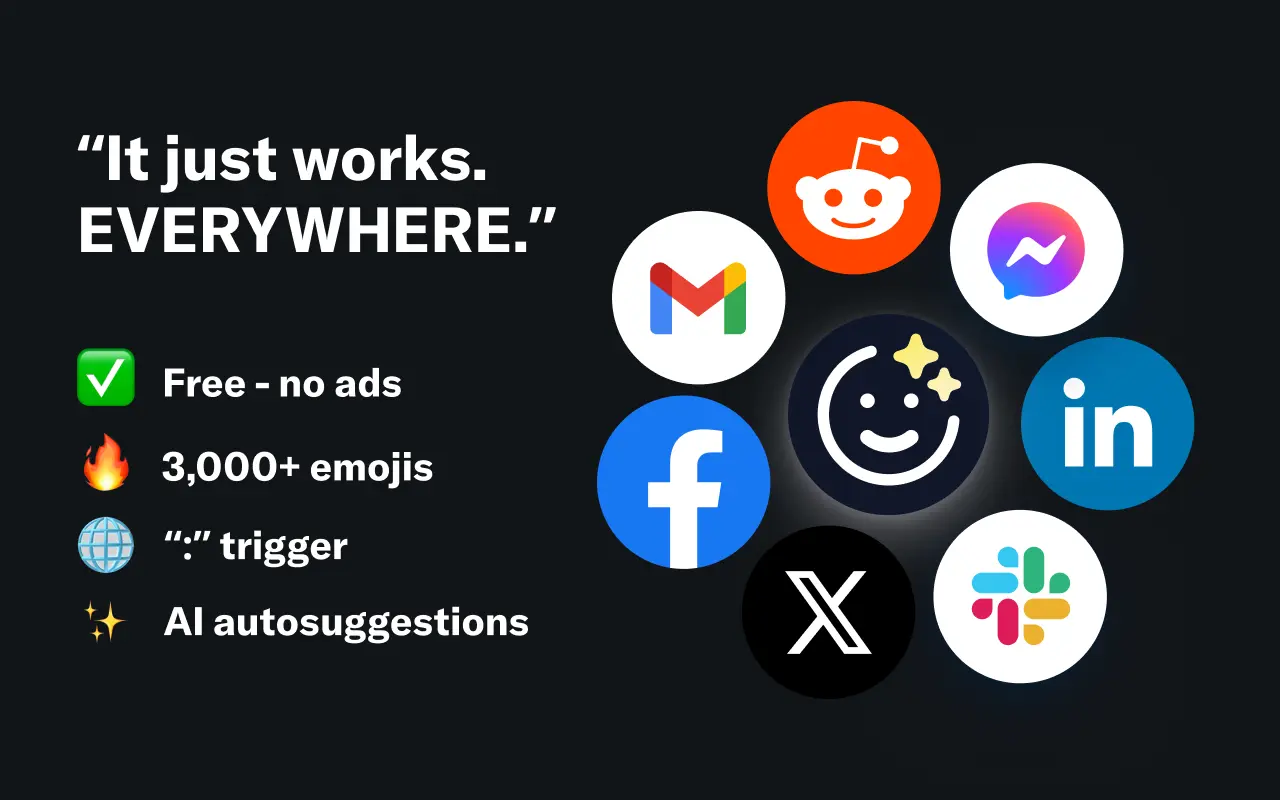
EmojAI
AI-powered emoji picker with smart, context-aware suggestions 🤖
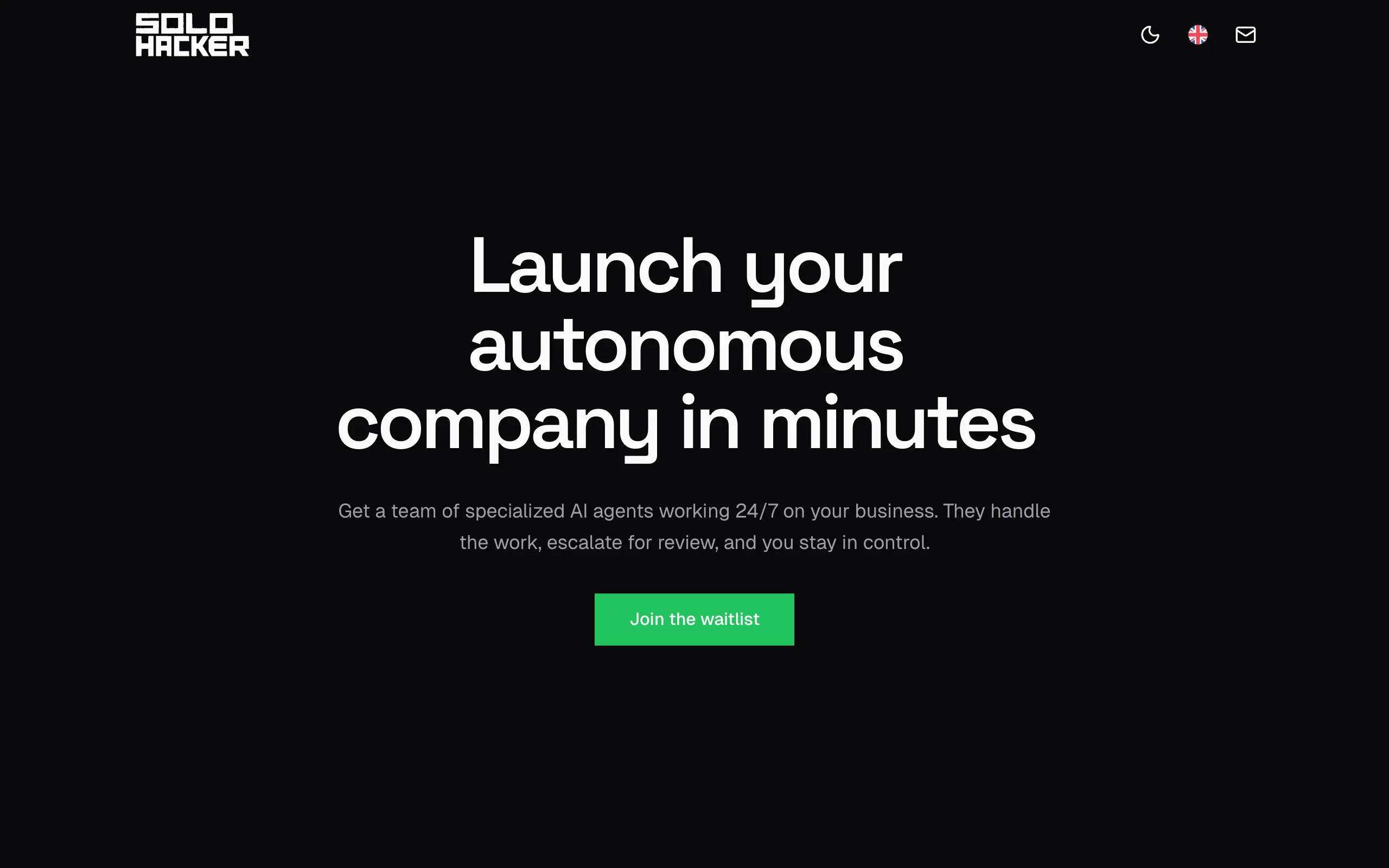
Solohacker
Autonomous company launcher - AI agents work 24/7, escalate what matters, and you stay in control 🤖
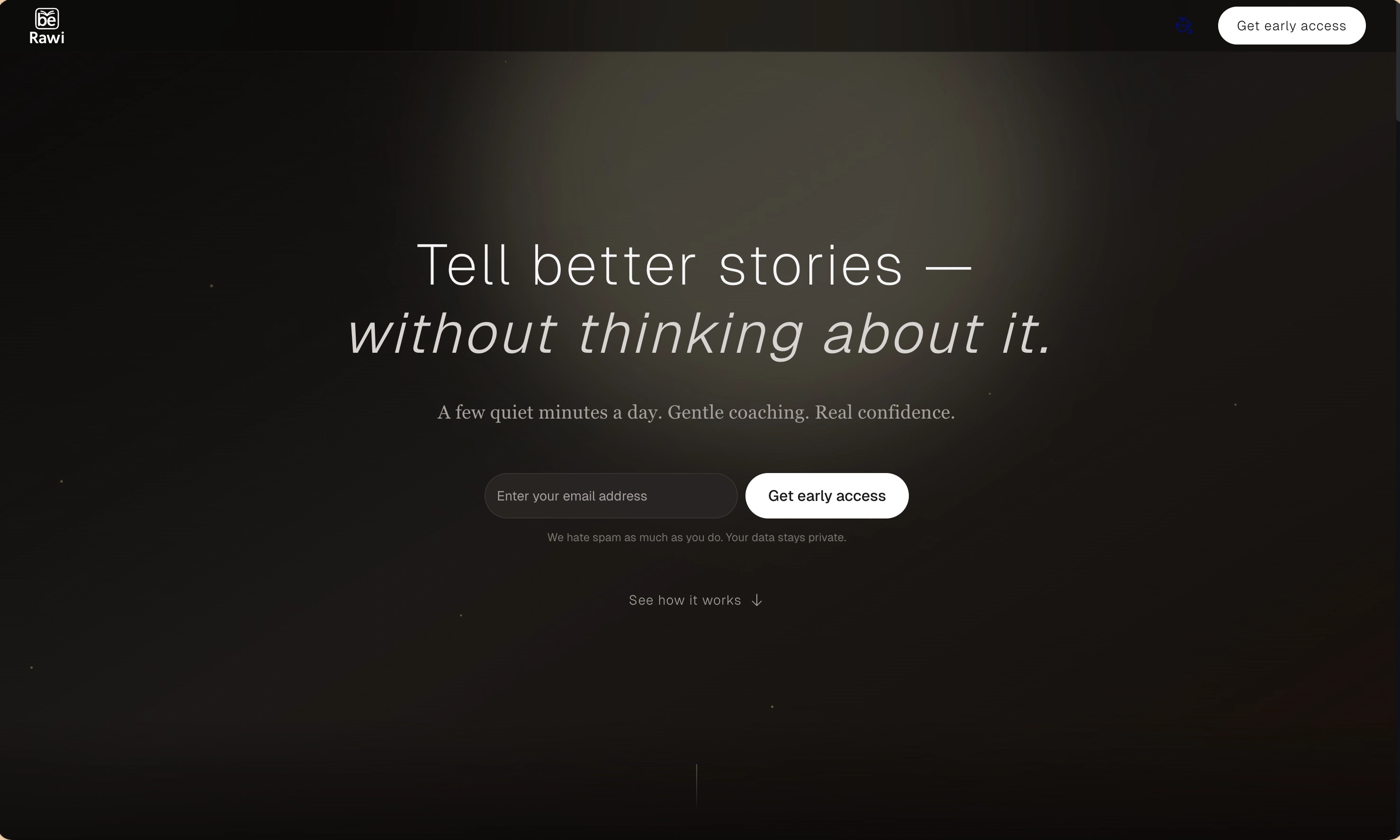
BeRawi: Storytelling Coach
Practice storytelling daily with instant feedback to sound clearer, more engaging, and confident 🎤
Omichat
Chat with 50+ AI models, including ChatGPT and Claude, in one place - switch models anytime without losing context 🤖
Claude Fast
Supercharge your Claude Code with 6x effective context window and specialized AI agents 🤖
EmojAI
AI-powered emoji picker with smart, context-aware suggestions 🤖
Solohacker
Autonomous company launcher - AI agents work 24/7, escalate what matters, and you stay in control 🤖
BeRawi: Storytelling Coach
Practice storytelling daily with instant feedback to sound clearer, more engaging, and confident 🎤
Omichat
Chat with 50+ AI models, including ChatGPT and Claude, in one place - switch models anytime without losing context 🤖
Claude Fast
Supercharge your Claude Code with 6x effective context window and specialized AI agents 🤖
EmojAI
AI-powered emoji picker with smart, context-aware suggestions 🤖
Solohacker
Autonomous company launcher - AI agents work 24/7, escalate what matters, and you stay in control 🤖
BeRawi: Storytelling Coach
Practice storytelling daily with instant feedback to sound clearer, more engaging, and confident 🎤
Omichat
Chat with 50+ AI models, including ChatGPT and Claude, in one place - switch models anytime without losing context 🤖
Claude Fast
Supercharge your Claude Code with 6x effective context window and specialized AI agents 🤖
EmojAI
AI-powered emoji picker with smart, context-aware suggestions 🤖
Solohacker
Autonomous company launcher - AI agents work 24/7, escalate what matters, and you stay in control 🤖
BeRawi: Storytelling Coach
Practice storytelling daily with instant feedback to sound clearer, more engaging, and confident 🎤

Connect with like-minded people
Join our community to get feedback, support, and grow together with 1,000+ builders on board, let's ship it!
Join usShip your startup everywhere. In minutes.
Don't burn tokens on setup and start building features on day one.