InboxPilot
AI assistant that drafts, categorizes, and prioritizes customer emails for small support teams. Cuts response time and improves consistency without full helpdesk software.
AI email assistant for small support teams: a deep dive into building and scaling a tool like InboxPilot
Customer support inboxes are where brand perception lives or dies. For small teams, every email is a trade-off between speed, accuracy, and tone. Traditional helpdesk platforms like Zendesk or Intercom often feel bloated, expensive, or over-engineered for lean teams. That gap creates a strong opportunity for a focused, AI-first solution.
An AI email assistant like InboxPilot—designed to draft, categorize, and prioritize customer emails—sits right at the intersection of automation and human empathy. It doesn’t try to replace support teams; it amplifies them.
This guide breaks down the market opportunity, product design, technical architecture, and go-to-market strategy for building a competitive SaaS product in this space.
understanding the real user intent behind AI email assistants
Before diving into features or tech, it’s critical to understand what users actually want when they search for an “AI email assistant for customer support.”
They’re not just looking for automation. They want:
- Faster response times without hiring more agents
- Consistent tone across responses
- Reduced cognitive load from repetitive emails
- Prioritization of urgent or high-value messages
- A solution that works with their existing inbox (Gmail, Outlook)
This means the winning product isn’t the most feature-rich—it’s the one that integrates seamlessly into existing workflows and delivers immediate time savings.
target audience analysis: who InboxPilot is really for
primary audience: small support teams (1–15 agents)
These teams typically:
- Use shared inboxes (e.g., support@company.com)
- Avoid complex helpdesk systems due to cost or setup friction
- Struggle with response consistency
- Handle 50–500 emails per day
Industries include:
- SaaS startups
- Ecommerce brands
- Digital agencies
- Online education platforms
secondary audience: solo founders and indie hackers
These users:
- Handle support themselves
- Need fast, high-quality replies
- Value automation but want control
tertiary audience: scaling startups
Teams transitioning from inbox-based support to structured systems may use InboxPilot as:
- A bridge before adopting full helpdesk tools
- A lightweight alternative to expensive platforms
the market gap: why existing tools fall short
The support software market is crowded, but there’s a clear gap between:
- Basic email clients (Gmail, Outlook) → No automation, no intelligence
- Enterprise helpdesks (Zendesk, Freshdesk) → Expensive, complex, overkill
InboxPilot sits in the middle: intelligent, lightweight, and affordable.
key gaps in current solutions
- AI features are often bolted on, not core
- Poor prioritization of incoming emails
- Lack of contextual understanding (customer history, sentiment)
- High onboarding friction
- Pricing not aligned with small teams
competitive comparison
| Feature | Gmail | Zendesk | Intercom | InboxPilot |
|---|---|---|---|---|
| AI drafting | ❌ | ✅ | ✅ | ✅ |
| Email prioritization | ❌ | ⚠️ | ⚠️ | ✅ |
| Lightweight setup | ✅ | ❌ | ❌ | ✅ |
| Affordable for small teams | ✅ | ❌ | ❌ | ✅ |
core product vision: what InboxPilot actually does
InboxPilot is not just an AI writing tool—it’s a decision engine for customer support.
core capabilities
AI email drafting
Generate high-quality replies based on context, tone, and company knowledge.
Smart categorization
Automatically label emails by intent: billing, bug, feature request, etc.
Priority scoring
Detect urgency and importance using sentiment and metadata.
Consistency engine
Ensure tone and language align with brand voice across all replies.
feature breakdown: building a competitive AI email assistant
1. AI-powered drafting engine
This is the heart of InboxPilot.
Key requirements:
- Context-aware responses
- Tone customization (formal, friendly, concise)
- Knowledge base integration
- Editable drafts (human-in-the-loop)
2. email categorization and tagging
Use NLP to classify emails into categories:
- Bug reports
- Refund requests
- Sales inquiries
- General questions
Benefits:
- Faster routing
- Better analytics
- Improved response templates
3. intelligent prioritization
Not all emails are equal.
InboxPilot should assign a priority score based on:
- Customer sentiment (angry vs neutral)
- Customer value (paid vs free)
- Keywords (e.g., “urgent”, “cancel”, “refund”)
- Time sensitivity
4. shared inbox with AI layer
Instead of replacing Gmail, enhance it:
- Chrome extension or Gmail API integration
- Inline suggestions
- AI-powered reply buttons
5. training and personalization
Allow teams to:
- Upload past conversations
- Define brand voice
- Create custom templates
recommended tech stack (with trade-offs)
frontend
- React for UI
- TailwindCSS for styling
Why:
- Fast development
- Component-based scalability
- Strong ecosystem
backend
- Node.js (with NestJS or Express)
- PostgreSQL for structured data
- Redis for caching
AI layer
- OpenAI API or similar LLM providers
- Embeddings for semantic search
- Vector database (e.g., Pinecone, Weaviate)
email integration
- Gmail API
- Microsoft Graph API (for Outlook)
deployment
- Vercel (frontend)
- AWS / Railway / Fly.io (backend)
trade-offs to consider
Using OpenAI-like APIs is faster but creates dependency and cost variability. Running open-source models gives control but increases infrastructure complexity.
Serverless deployment is scalable but can increase cold-start latency. Dedicated servers offer predictability but require more management.
Deep Gmail integration improves UX but increases compliance and security complexity.
monetization strategy: pricing that actually converts
pricing tiers
- Free: limited emails/month, basic AI drafting
- Pro ($15–$29/user/month): full AI features
- Team ($49–$99/month): collaboration + analytics
- Enterprise: custom pricing
usage-based pricing
AI costs scale with usage, so consider:
- Credits per email
- Fair usage limits
- Add-ons for high-volume teams
expansion revenue opportunities
- Knowledge base integration
- CRM integrations
- Advanced analytics
building trust: E-E-A-T considerations
For a product handling customer communication, trust is critical.
experience
- Show real use cases
- Provide demo inbox scenarios
expertise
- Publish content on support best practices
- Share benchmarks (e.g., response time reduction)
authoritativeness
- Integrate with trusted platforms (Google, Microsoft)
- Highlight security practices
trustworthiness
- GDPR compliance
- Data encryption
- Clear AI usage policies
Security matters
If your AI assistant mishandles sensitive customer data, adoption will stall instantly. Prioritize encryption, access controls, and transparent data policies from day one.
potential risks and how to mitigate them
1. inaccurate AI responses
Risk: wrong or misleading replies
Mitigation:
- Human approval before sending
- Confidence scoring
- Editable drafts
2. over-automation backlash
Risk: customers feel responses are robotic
Mitigation:
- Personalization layers
- Tone controls
- Hybrid AI-human workflows
3. API dependency costs
Risk: margins shrink as usage grows
Mitigation:
- Optimize prompts
- Cache responses
- Explore open-source models
4. crowded market
Risk: competing with established tools
Mitigation:
- Focus on niche (small teams)
- Simplicity as a differentiator
- Superior onboarding
competitive advantage: what makes InboxPilot stand out
InboxPilot’s strength lies in focus and usability.
key differentiators
- AI-first, not AI-added
- Built specifically for small teams
- No migration required (works with existing inbox)
- Faster onboarding than traditional helpdesks
positioning statement
“InboxPilot is the fastest way for small support teams to respond like a world-class operation—without switching tools.”
implementation roadmap: from idea to MVP
MVP feature set
Start small:
- Gmail integration
- AI reply suggestions
- Basic tagging
- Simple UI
Avoid:
- Complex dashboards
- Deep analytics
- Multi-channel support
sample architecture snippet
// Example: generating an AI email reply
import OpenAI from "openai";

const client = new OpenAI({ apiKey: process.env.OPENAI_API_KEY });

export async function generateReply(emailContent: string) {
  const response = await client.chat.completions.create({
    model: "gpt-4.1",
    messages: [
      { role: "system", content: "You are a helpful customer support agent." },
      { role: "user", content: emailContent }
    ],
  });

  return response.choices[0].message.content;
}
go-to-market strategy: getting your first 100 customers
1. niche targeting
Start with:
- Shopify store owners
- SaaS founders
- Indie hackers
2. content marketing
Create SEO content around:
- “How to reduce support response time”
- “AI for customer support”
- “Best shared inbox tools”
3. communities
Promote in:
- Indie Hackers
- Reddit (r/SaaS, r/startups)
- Twitter/X
4. integrations as growth
- Gmail marketplace
- Chrome extensions
future trends shaping AI email assistants
1. autonomous agents
AI will move from drafting to:
- Taking actions (refunds, account updates)
- Following up automatically
2. multimodal support
Handling:
- Screenshots
- Voice messages
- Attachments
3. deeper personalization
AI trained on:
- Company tone
- Customer history
- Behavioral patterns
actionable next steps to build InboxPilot
- Validate the idea with a simple landing page
- Build a Gmail extension MVP
- Integrate AI drafting
- Test with real users
- Iterate quickly based on feedback
- Add prioritization and categorization
- Launch publicly
final thoughts
InboxPilot represents a powerful shift in how small teams approach customer support. Instead of adopting heavy, complex systems, they can now layer intelligence directly onto their existing workflows.
The opportunity isn’t just in automation—it’s in augmentation. Helping humans respond faster, better, and more consistently is where real value lies.
If executed well, a focused AI email assistant can become an essential tool for modern businesses—quietly powering better customer experiences behind the scenes.
More 🤖 AI Startup SaaS ideas
Discover more innovative ai startup SaaS ideas that are trending in 2026. Each idea is AI-generated with market validation and growth potential to help you find your next profitable venture faster than competitors.
Your competitors are building with TurboStarter
Below are some of the SaaS ideas that have been generated and built with our starter kit.
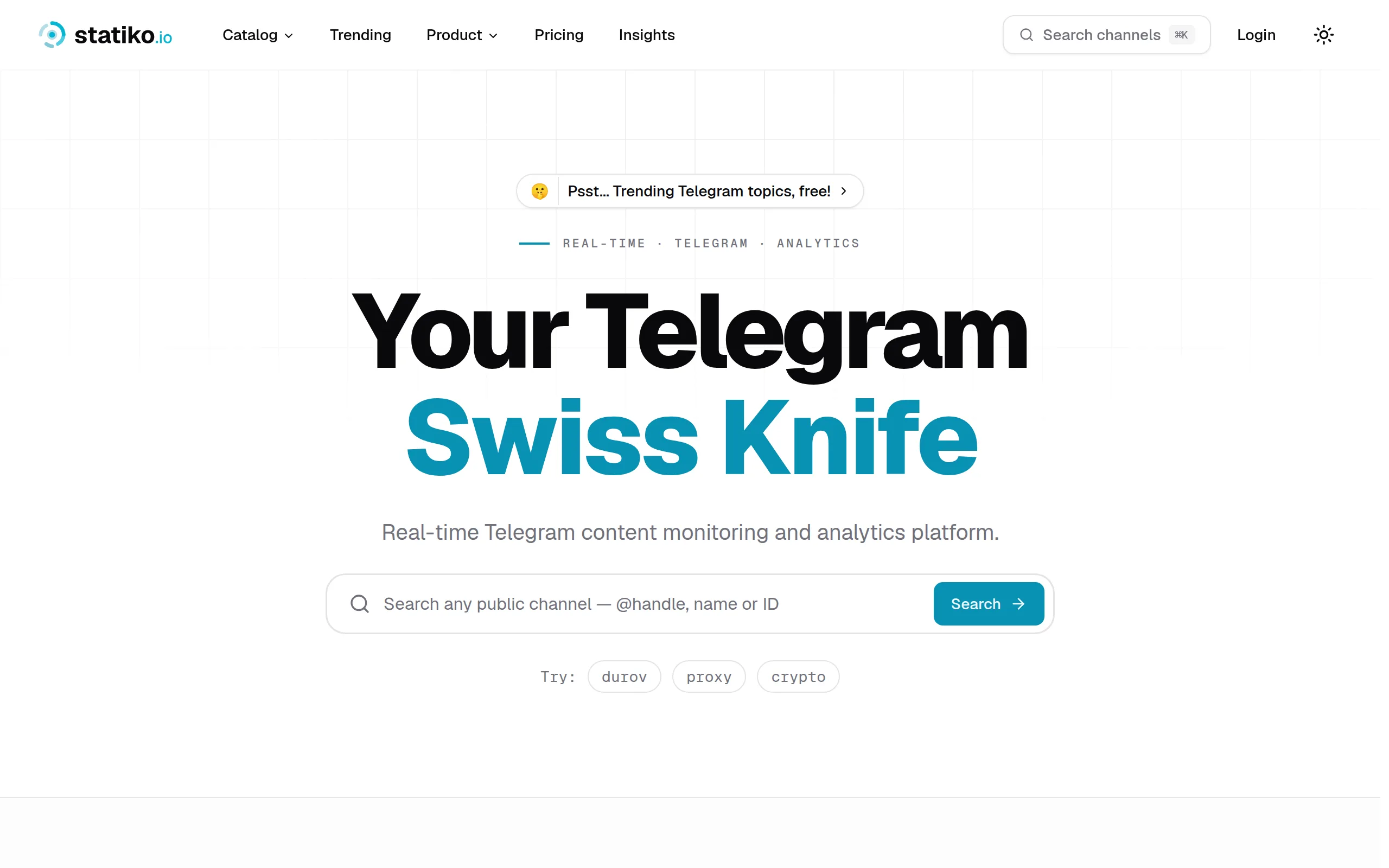
Statiko
Monitor any Telegram channel in real time - track posts, edits, deletions, and growth with AI recaps 📡

Shibui
AI website builder - describe your business, pick a niche template, edit by chatting, and publish instantly ✨

Pro Service
Find verified home service professionals, compare quotes, and pay securely through escrow - built for Brazilians across the US 🏠
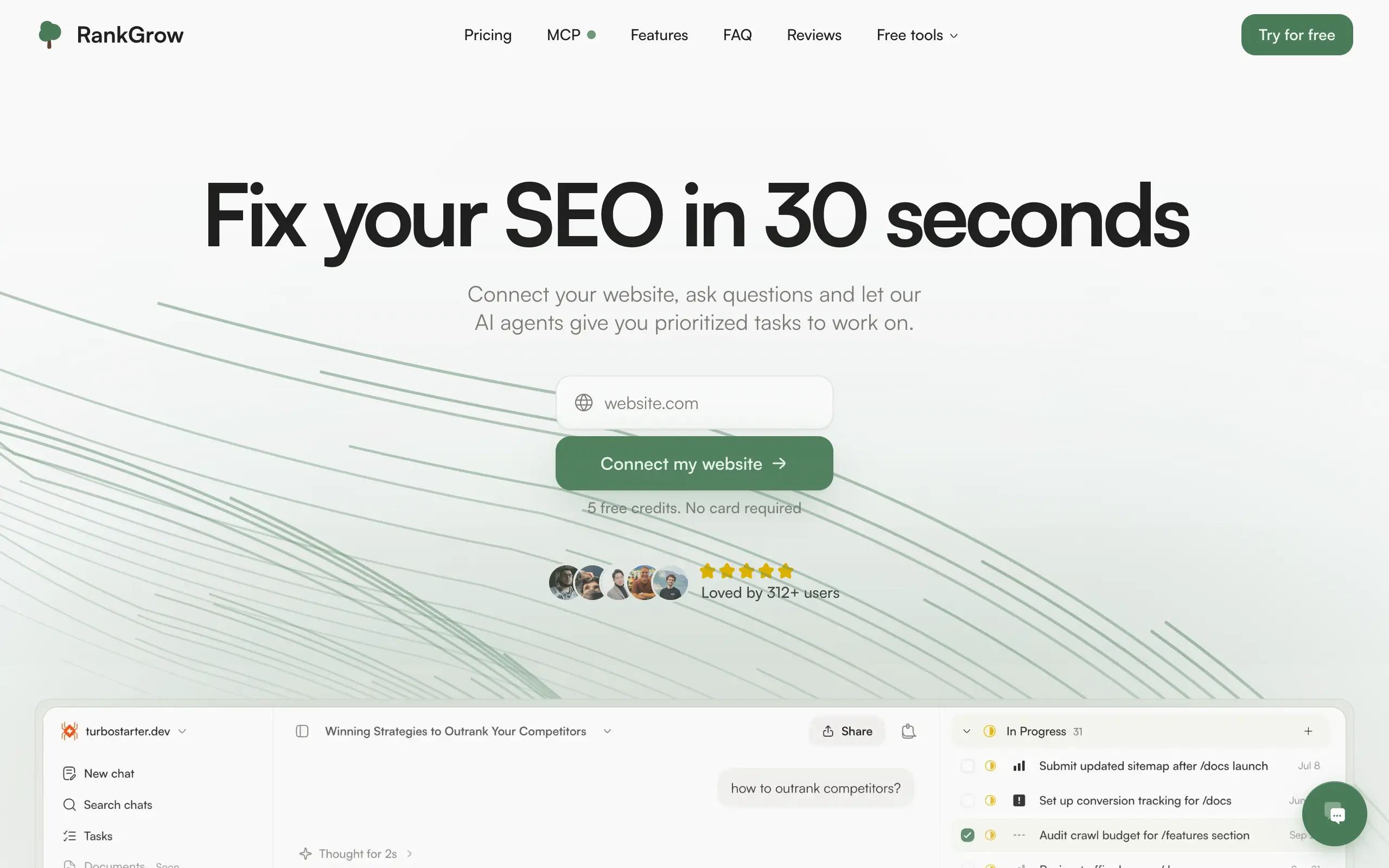
RankGrow
Fix your SEO with AI agents - connect Search Console, get prioritized tasks, and grow organic traffic 📈
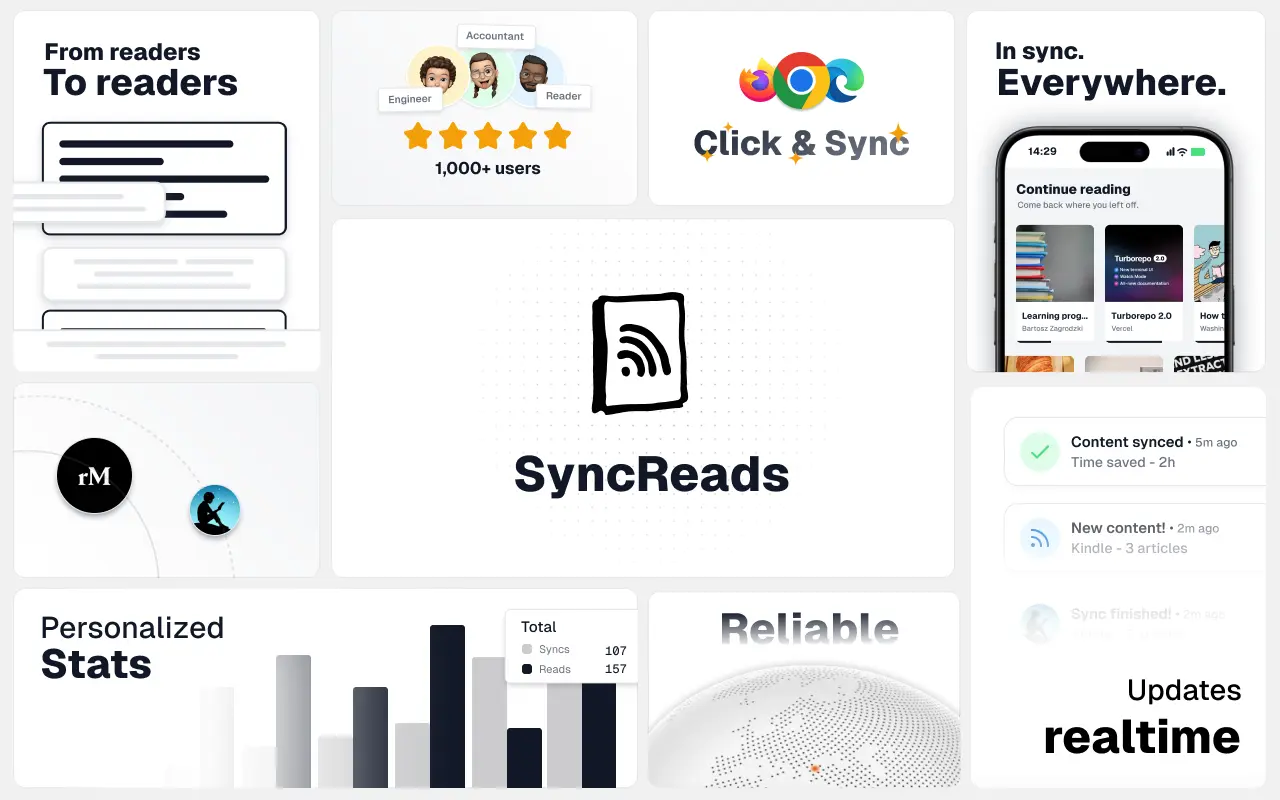
SyncReads
Sync your favorite content for distraction-free reading, save time and replace multiple apps. Anytime, anywhere 🔄
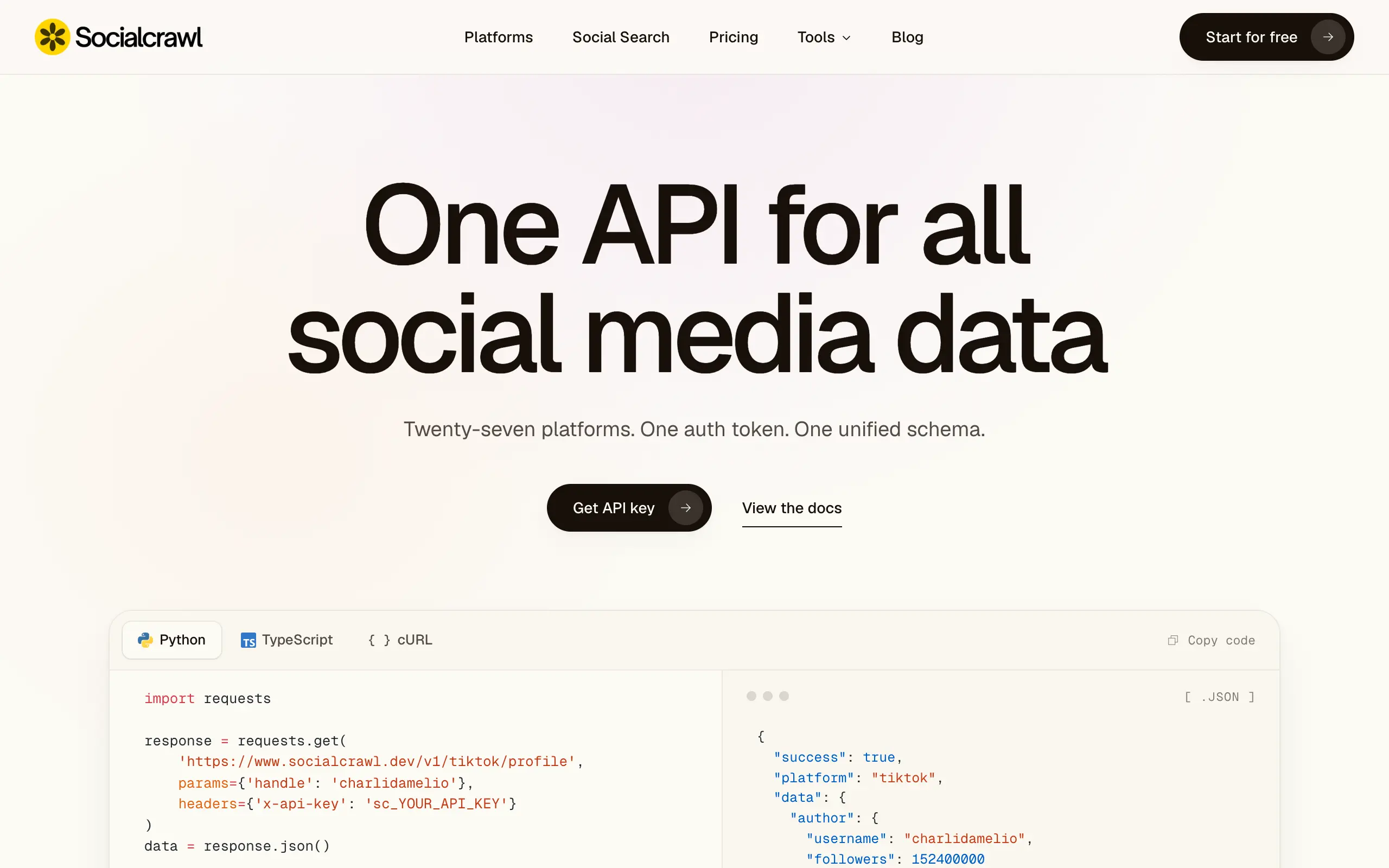
Socialcrawl
Get clean, structured data from 21 platforms like TikTok, Instagram, and YouTube with a single request 📊
Statiko
Monitor any Telegram channel in real time - track posts, edits, deletions, and growth with AI recaps 📡
Shibui
AI website builder - describe your business, pick a niche template, edit by chatting, and publish instantly ✨
Pro Service
Find verified home service professionals, compare quotes, and pay securely through escrow - built for Brazilians across the US 🏠
RankGrow
Fix your SEO with AI agents - connect Search Console, get prioritized tasks, and grow organic traffic 📈
SyncReads
Sync your favorite content for distraction-free reading, save time and replace multiple apps. Anytime, anywhere 🔄
Socialcrawl
Get clean, structured data from 21 platforms like TikTok, Instagram, and YouTube with a single request 📊
Statiko
Monitor any Telegram channel in real time - track posts, edits, deletions, and growth with AI recaps 📡
Shibui
AI website builder - describe your business, pick a niche template, edit by chatting, and publish instantly ✨
Pro Service
Find verified home service professionals, compare quotes, and pay securely through escrow - built for Brazilians across the US 🏠
RankGrow
Fix your SEO with AI agents - connect Search Console, get prioritized tasks, and grow organic traffic 📈
SyncReads
Sync your favorite content for distraction-free reading, save time and replace multiple apps. Anytime, anywhere 🔄
Socialcrawl
Get clean, structured data from 21 platforms like TikTok, Instagram, and YouTube with a single request 📊
Statiko
Monitor any Telegram channel in real time - track posts, edits, deletions, and growth with AI recaps 📡
Shibui
AI website builder - describe your business, pick a niche template, edit by chatting, and publish instantly ✨
Pro Service
Find verified home service professionals, compare quotes, and pay securely through escrow - built for Brazilians across the US 🏠
RankGrow
Fix your SEO with AI agents - connect Search Console, get prioritized tasks, and grow organic traffic 📈
SyncReads
Sync your favorite content for distraction-free reading, save time and replace multiple apps. Anytime, anywhere 🔄
Socialcrawl
Get clean, structured data from 21 platforms like TikTok, Instagram, and YouTube with a single request 📊
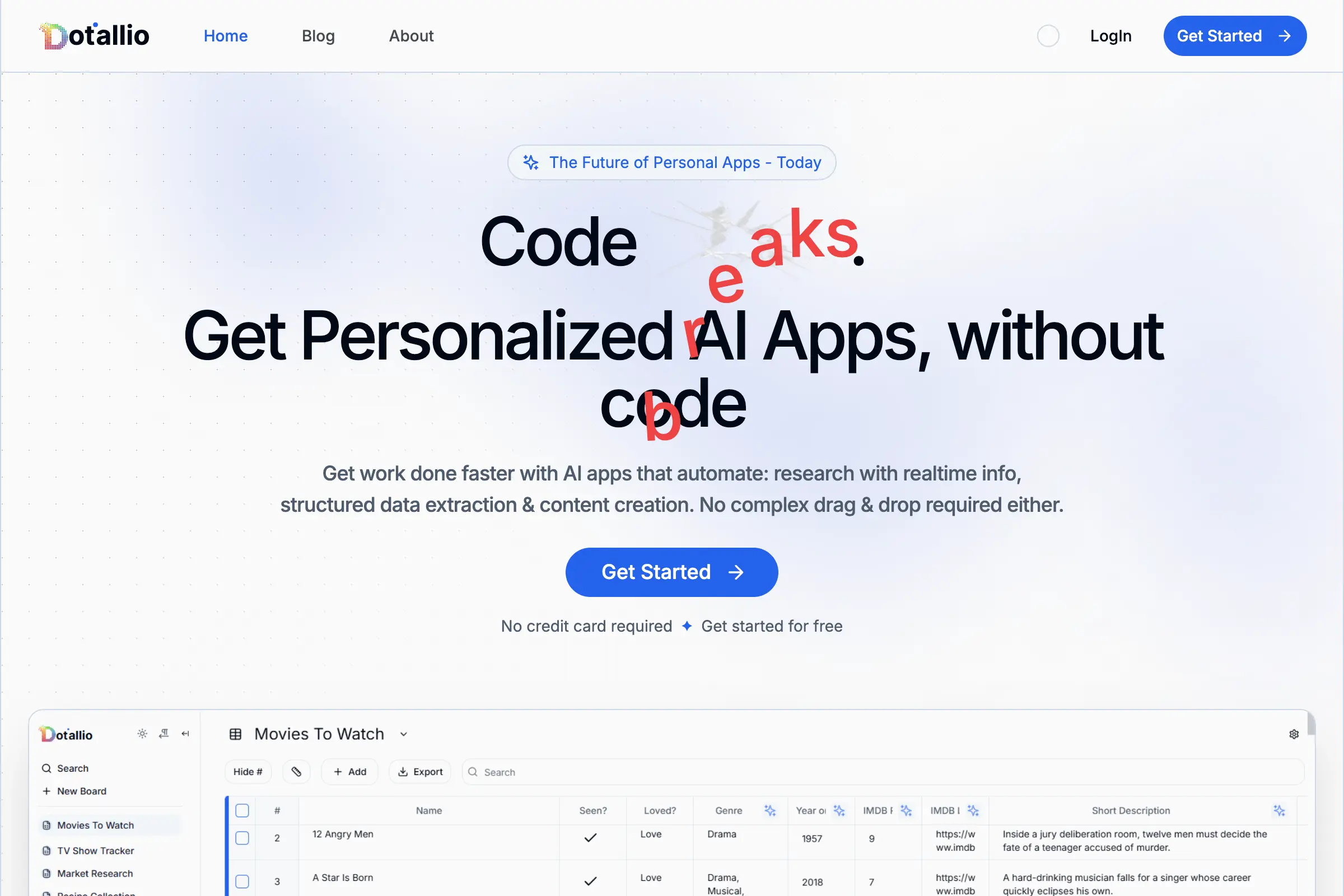
Dotallio
Personalized AI apps that automate research, data extraction, and content creation without code 🤖
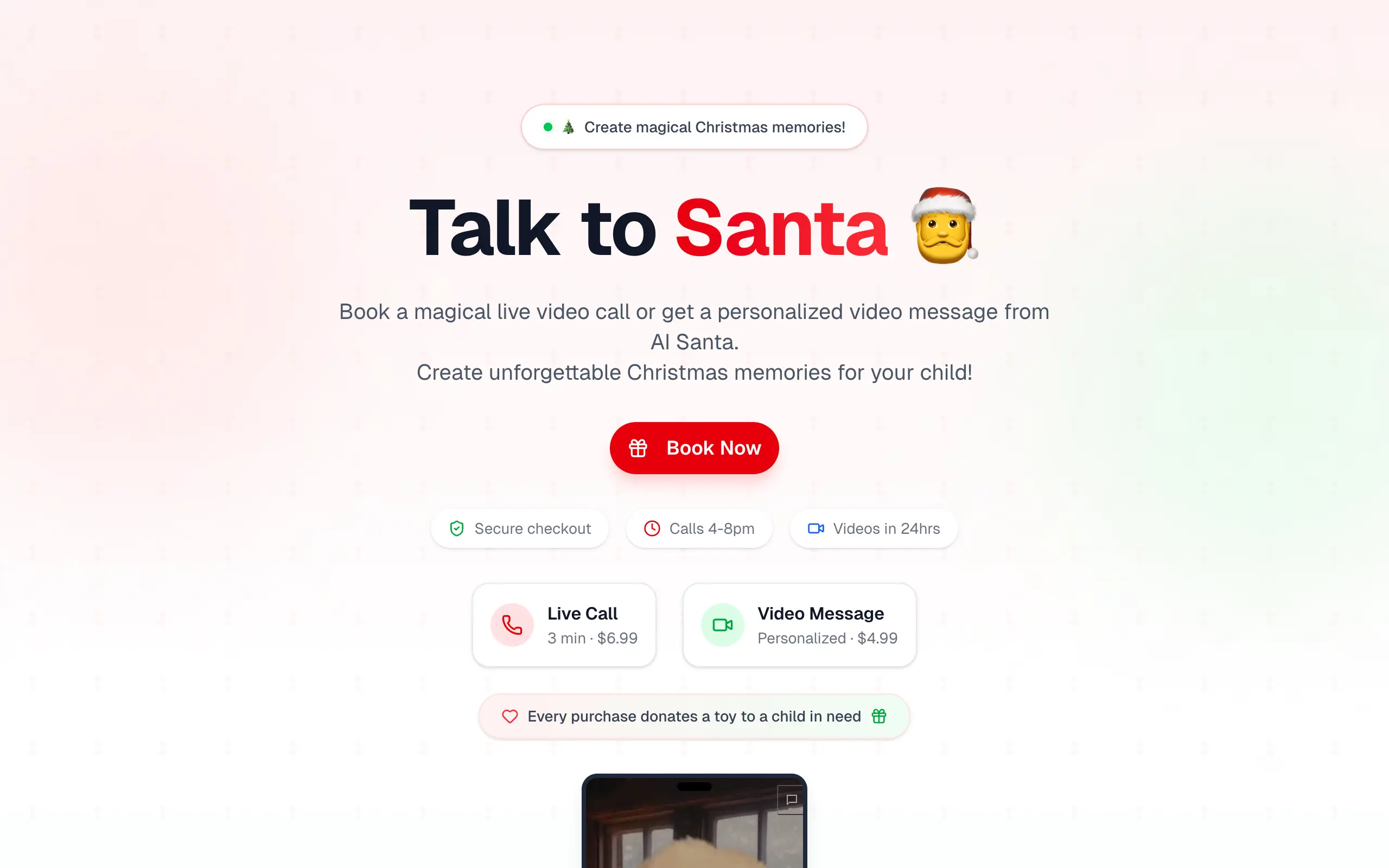
Talk to Santa
Enjoy a magical live video chat or receive a unique AI-generated video greeting from Santa Claus 🎅
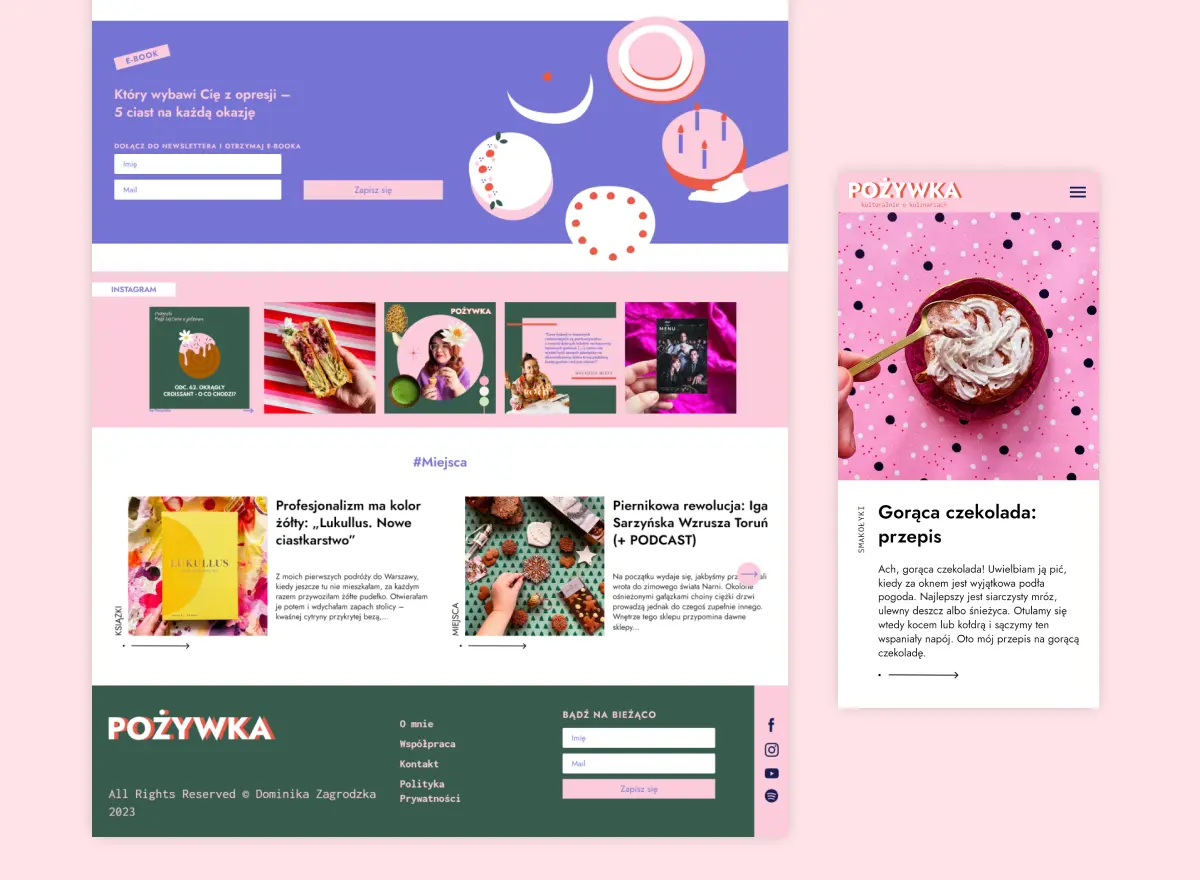
pozywka.pl
Scalable blog for food journalist, focused on performance and user experience 🌭
zagrodzki.me
Personal blog and portfolio of Bart Zagrodzki, where he shares his knowledge and work 💼
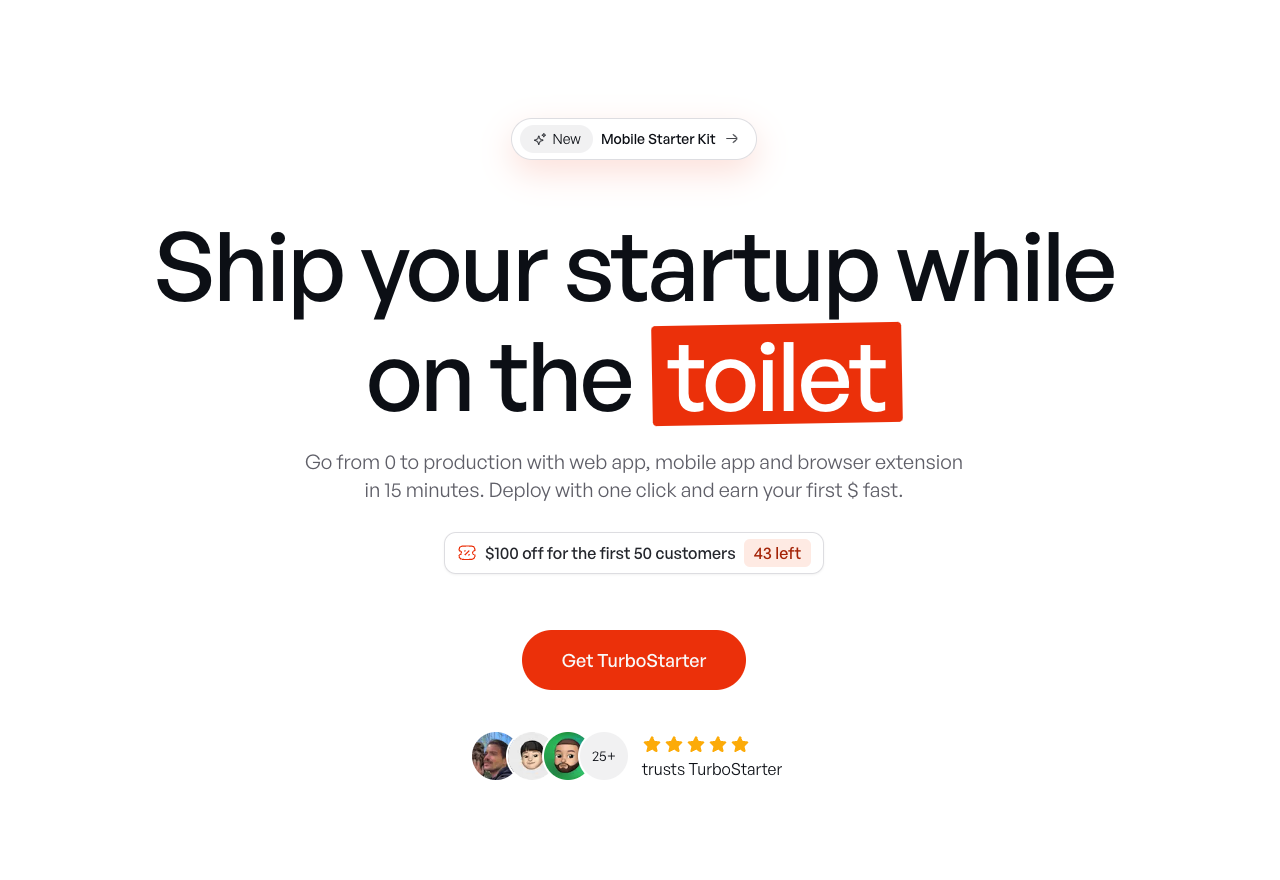
TurboStarter
Ship your startup everywhere. In minutes.
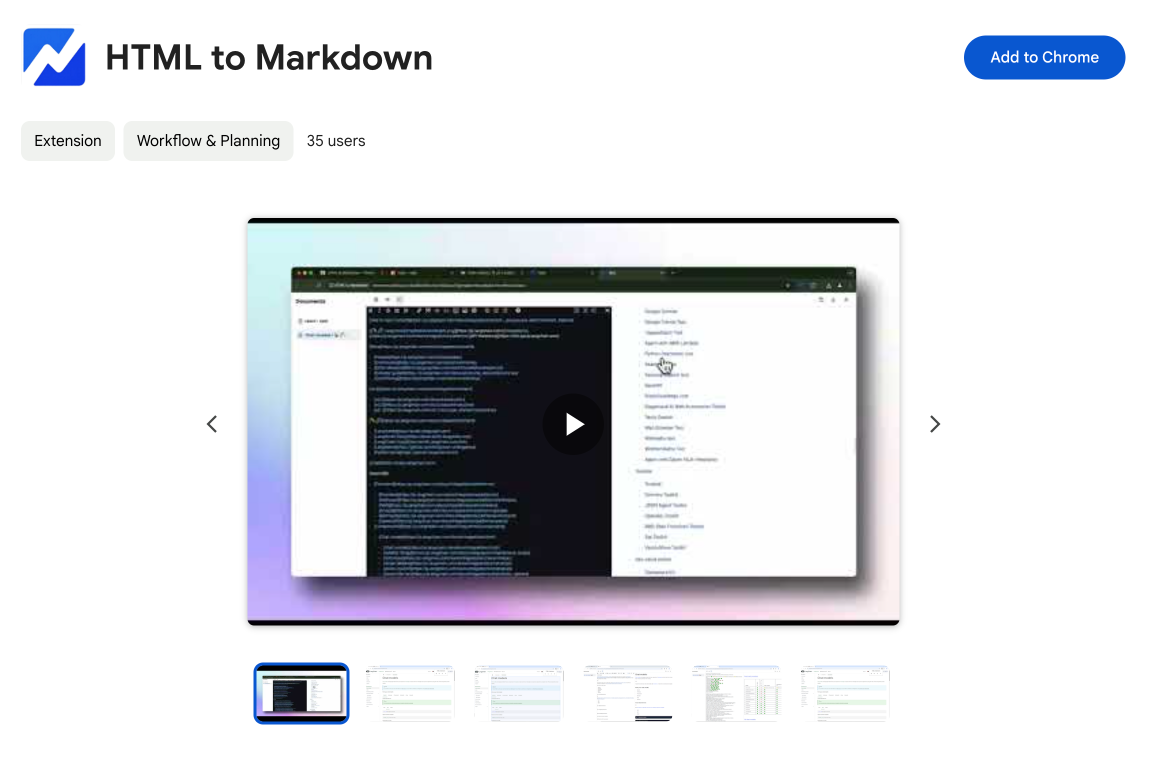
HTML to Markdown
Convert HTML to Markdown with ease, directly in your browser 📄
Dotallio
Personalized AI apps that automate research, data extraction, and content creation without code 🤖
Talk to Santa
Enjoy a magical live video chat or receive a unique AI-generated video greeting from Santa Claus 🎅
pozywka.pl
Scalable blog for food journalist, focused on performance and user experience 🌭
zagrodzki.me
Personal blog and portfolio of Bart Zagrodzki, where he shares his knowledge and work 💼
TurboStarter
Ship your startup everywhere. In minutes.
HTML to Markdown
Convert HTML to Markdown with ease, directly in your browser 📄
Dotallio
Personalized AI apps that automate research, data extraction, and content creation without code 🤖
Talk to Santa
Enjoy a magical live video chat or receive a unique AI-generated video greeting from Santa Claus 🎅
pozywka.pl
Scalable blog for food journalist, focused on performance and user experience 🌭
zagrodzki.me
Personal blog and portfolio of Bart Zagrodzki, where he shares his knowledge and work 💼
TurboStarter
Ship your startup everywhere. In minutes.
HTML to Markdown
Convert HTML to Markdown with ease, directly in your browser 📄
Dotallio
Personalized AI apps that automate research, data extraction, and content creation without code 🤖
Talk to Santa
Enjoy a magical live video chat or receive a unique AI-generated video greeting from Santa Claus 🎅
pozywka.pl
Scalable blog for food journalist, focused on performance and user experience 🌭
zagrodzki.me
Personal blog and portfolio of Bart Zagrodzki, where he shares his knowledge and work 💼
TurboStarter
Ship your startup everywhere. In minutes.
HTML to Markdown
Convert HTML to Markdown with ease, directly in your browser 📄
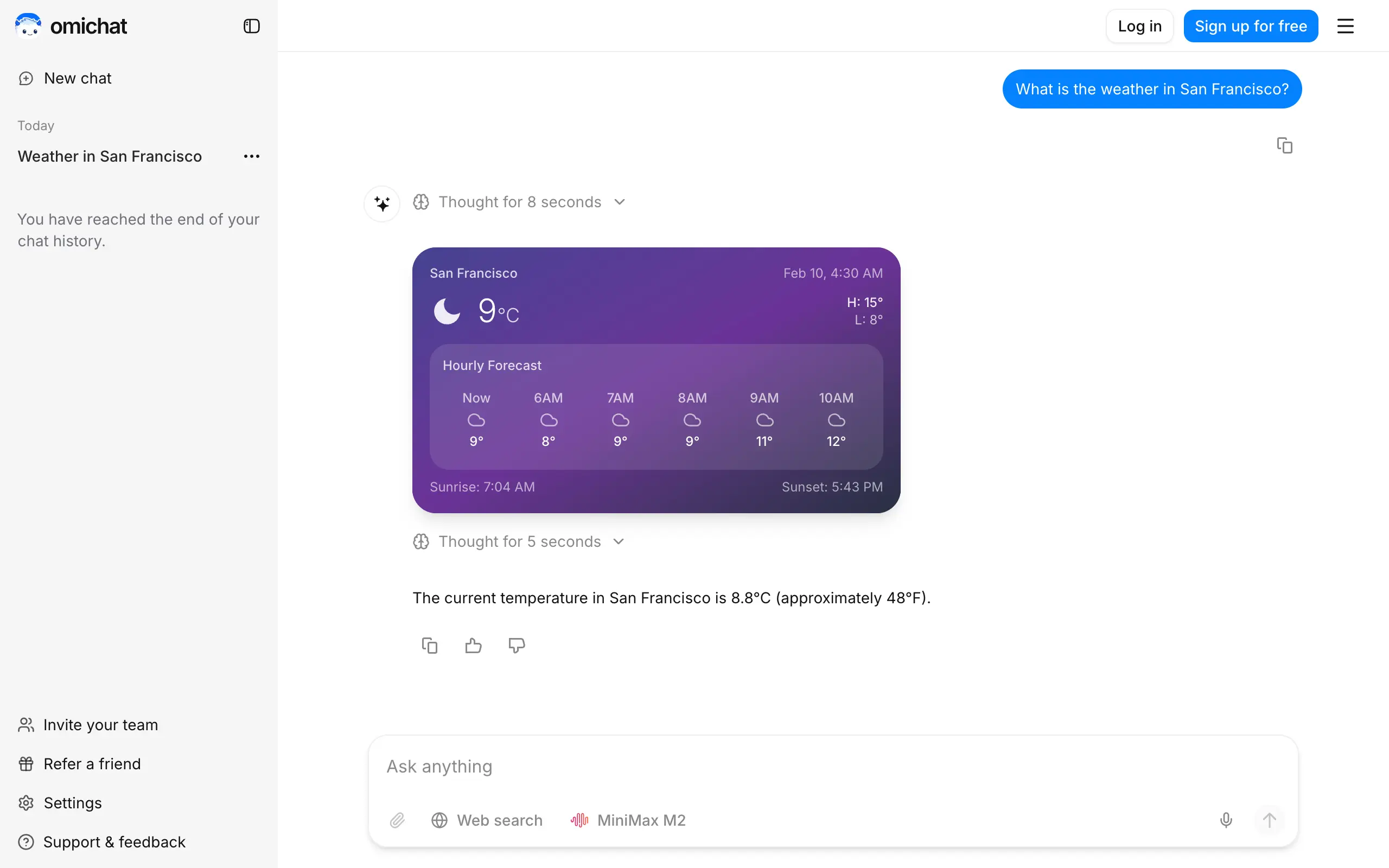
Omichat
Chat with 50+ AI models, including ChatGPT and Claude, in one place - switch models anytime without losing context 🤖
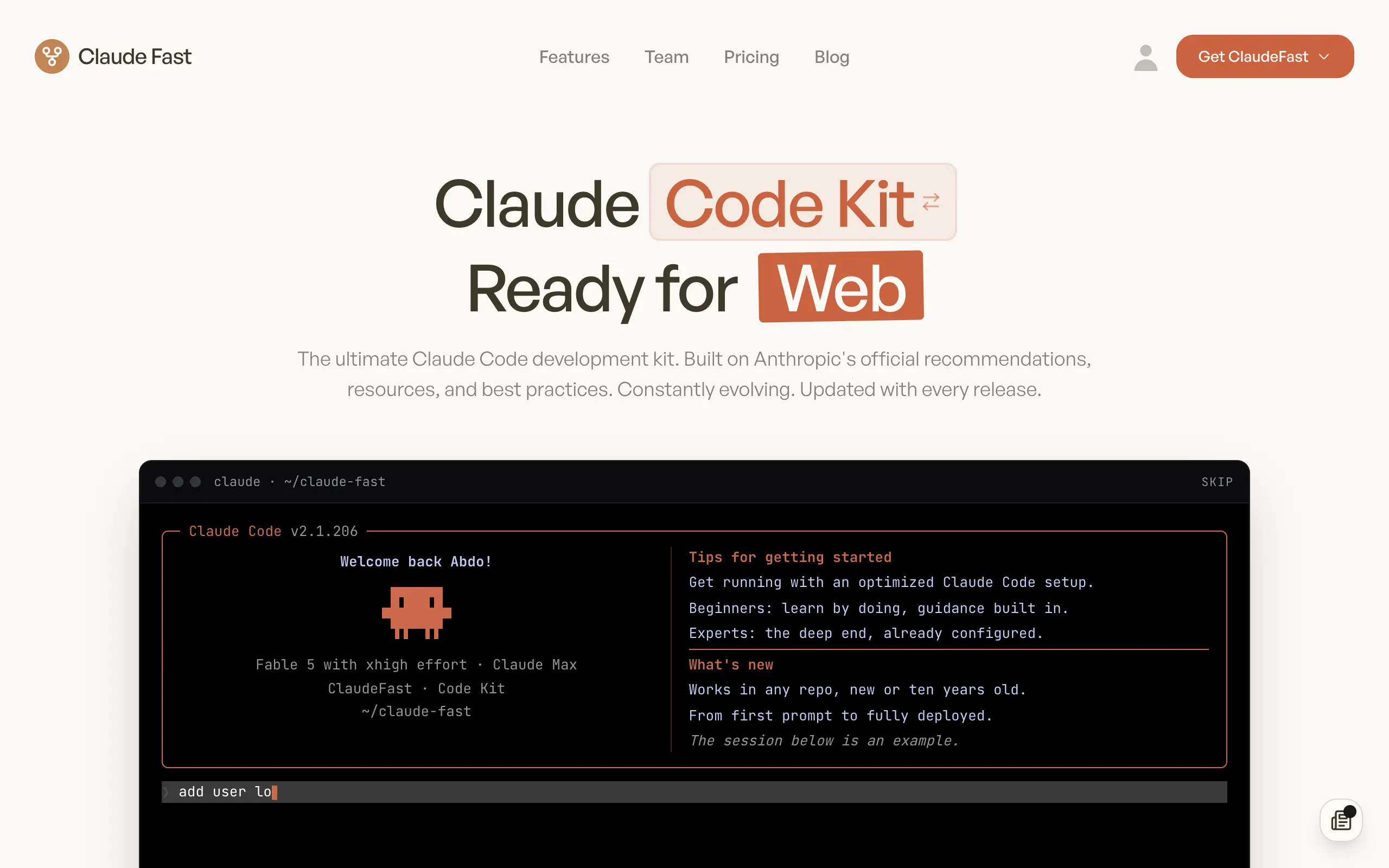
Claude Fast
Supercharge your Claude Code with 6x effective context window and specialized AI agents 🤖
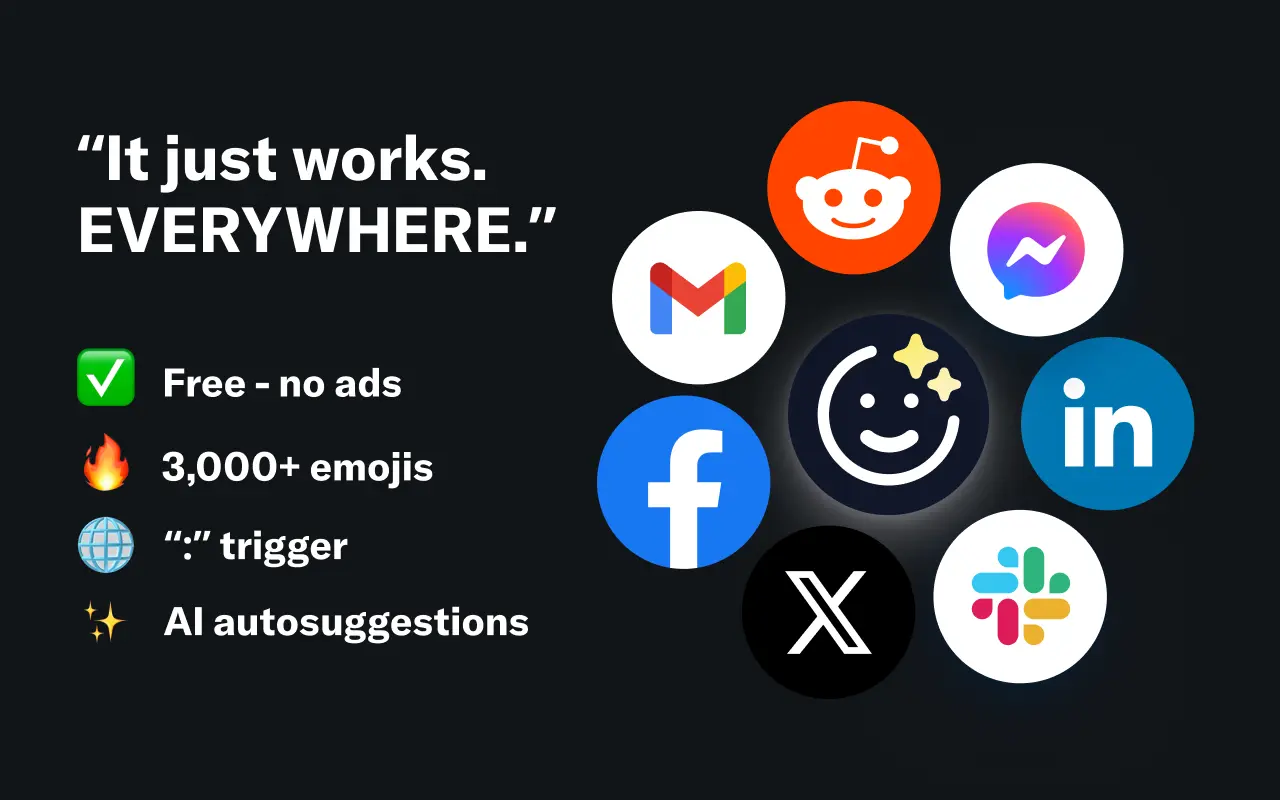
EmojAI
AI-powered emoji picker with smart, context-aware suggestions 🤖
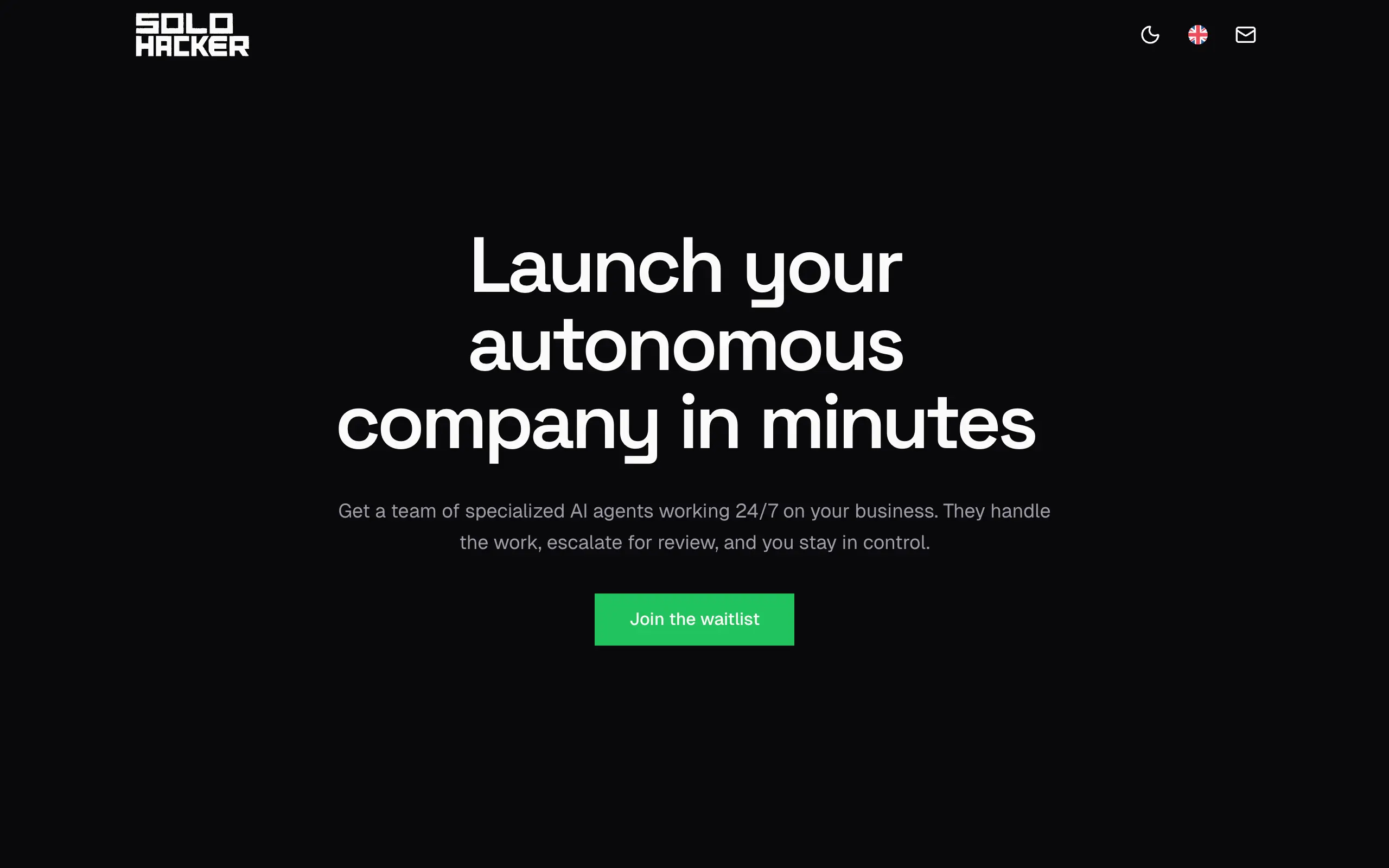
Solohacker
Autonomous company launcher - AI agents work 24/7, escalate what matters, and you stay in control 🤖
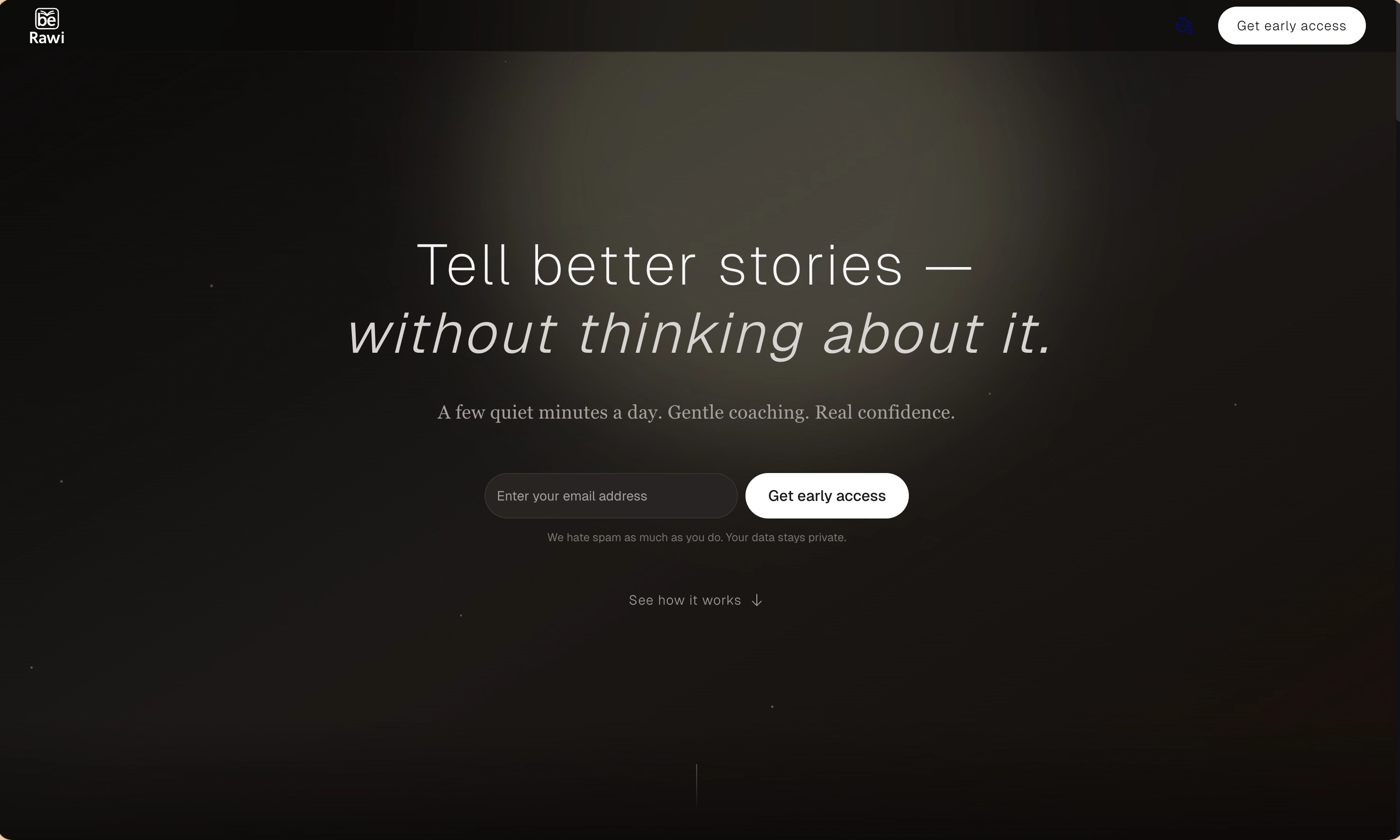
BeRawi: Storytelling Coach
Practice storytelling daily with instant feedback to sound clearer, more engaging, and confident 🎤
Omichat
Chat with 50+ AI models, including ChatGPT and Claude, in one place - switch models anytime without losing context 🤖
Claude Fast
Supercharge your Claude Code with 6x effective context window and specialized AI agents 🤖
EmojAI
AI-powered emoji picker with smart, context-aware suggestions 🤖
Solohacker
Autonomous company launcher - AI agents work 24/7, escalate what matters, and you stay in control 🤖
BeRawi: Storytelling Coach
Practice storytelling daily with instant feedback to sound clearer, more engaging, and confident 🎤
Omichat
Chat with 50+ AI models, including ChatGPT and Claude, in one place - switch models anytime without losing context 🤖
Claude Fast
Supercharge your Claude Code with 6x effective context window and specialized AI agents 🤖
EmojAI
AI-powered emoji picker with smart, context-aware suggestions 🤖
Solohacker
Autonomous company launcher - AI agents work 24/7, escalate what matters, and you stay in control 🤖
BeRawi: Storytelling Coach
Practice storytelling daily with instant feedback to sound clearer, more engaging, and confident 🎤
Omichat
Chat with 50+ AI models, including ChatGPT and Claude, in one place - switch models anytime without losing context 🤖
Claude Fast
Supercharge your Claude Code with 6x effective context window and specialized AI agents 🤖
EmojAI
AI-powered emoji picker with smart, context-aware suggestions 🤖
Solohacker
Autonomous company launcher - AI agents work 24/7, escalate what matters, and you stay in control 🤖
BeRawi: Storytelling Coach
Practice storytelling daily with instant feedback to sound clearer, more engaging, and confident 🎤

Connect with like-minded people
Join our community to get feedback, support, and grow together with 1,000+ builders on board, let's ship it!
Join usShip your startup everywhere. In minutes.
Don't burn tokens on setup and start building features on day one.