KinKeep
Independent caregivers lose track of who is handling each family task. KinKeep turns updates into clear assignments and reminders for the care circle.
What KinKeep is and why caregiver coordination needs a better system
KinKeep is an AI-powered caregiver coordination app designed to help families turn scattered updates into clear assignments, shared reminders, and reliable follow-through. Its central promise is simple: everyone in a care circle should be able to see what needs to happen, who is responsible, and when the task is due.
That problem is more common than it first appears. A parent may have an adult child managing appointments, a sibling handling groceries, a neighbor checking in, and a professional caregiver sharing updates by text. Important information ends up spread across conversations, calendars, email threads, and memory. Even families that communicate frequently can struggle to answer basic questions:
- Has someone picked up the prescription?
- Who is taking Mom to the appointment?
- Did the home-care worker confirm the schedule?
- Is anyone checking in after the procedure?
- Has this task already been handled?
KinKeep can address this coordination gap without trying to replace a family’s existing relationships or make clinical decisions. It gives the care circle a shared place to organize responsibilities, preserve context, and send timely reminders. AI can help translate updates into actionable tasks, but the people in the circle stay in control.
For people searching for a caregiver coordination app, family caregiving app, or caregiving task management software, KinKeep’s opportunity is to make everyday care logistics easier to share and less dependent on one person remembering everything.
The target audience for an AI caregiver coordination app
KinKeep should be designed around real care circles rather than a single “primary user.” One person may create the account, but the product becomes useful when other people can contribute in appropriate ways.
Family caregivers coordinating care at home
The initial audience is likely to include adults coordinating care for an aging parent, a partner, or another relative. They may be managing practical responsibilities alongside work and their own household commitments. Their needs are often operational rather than clinical:
- Assigning rides, meals, shopping, and household tasks
- Keeping track of appointments and follow-up actions
- Sharing updates with siblings who live elsewhere
- Reminding relatives about recurring responsibilities
- Recording useful context, such as a preferred pharmacy or a question to ask at the next visit
These users need low-friction setup. A family should be able to create a care circle, invite relatives, and assign a task without first building a complex care plan.
Long-distance relatives
A relative who lives in another city may not be able to provide daily hands-on help, but they can still take responsibility for calls, scheduling, bill administration, or periodic check-ins. KinKeep can make remote participation tangible by showing what has been completed and where help is needed.
The product should avoid implying that a dashboard can replace personal contact. Instead, it can help distant relatives contribute in practical, visible ways.
Informal helpers and neighbors
Some care circles include trusted friends, neighbors, or community members. These helpers may only need limited access, such as seeing a task assigned to them or confirming a visit. KinKeep should support permissions that fit these narrower roles rather than requiring every participant to see all family information.
Professional caregivers and care organizations
Home-care agencies, care managers, and other professionals are a potential later audience. Their workflows, privacy obligations, and integration needs can be substantially different from those of a family. KinKeep should validate this segment separately instead of assuming that a consumer family app can immediately serve as a regulated enterprise care platform.
A practical early strategy is to serve families first, learn which professional workflows are genuinely needed, and then decide whether a separate business plan or product experience is warranted.
The market opportunity and the coordination gap
The opportunity for KinKeep is not simply to put a calendar in an app. Families already have calendars, messaging tools, and to-do lists. The gap is that those tools do not necessarily connect an update to an owner, a due date, and a shared record of completion.
For example, a message that says “The clinic moved the appointment to Thursday” contains information, but it may not answer the operational questions that follow:
- Who will update the calendar?
- Who is taking the person to the appointment?
- Does anyone need to prepare questions or paperwork?
- Who will check in afterward?
- Has everyone who needs to know seen the change?
KinKeep’s core opportunity is to create a reliable workflow from communication to action. That means the product should not compete only on the number of features. It should compete on whether a family can understand and use the system during a busy, emotionally demanding day.
A fragmented set of alternatives
Families often coordinate care through some combination of:
- Group texts and messaging apps
- Shared calendars
- Notes and spreadsheets
- General task-management products
- Phone calls and verbal handoffs
- Paper lists kept at home
Each option can solve part of the problem. A calendar records a time, a message shares an update, and a task manager records an assignment. But families may still have to copy information manually between tools or rely on one person to interpret conversations and maintain the system.
KinKeep can differentiate by connecting these pieces in one care-focused workflow. The product should make it easy to move from “something changed” to “here is the next step, and this person has accepted responsibility.”
Why a focused product can be more useful than a generic tool
A general task app can be flexible, but flexibility can also mean setup work. A caregiver coordination app can provide relevant defaults, such as appointment follow-ups, medication pickup, transportation, meal support, and check-in tasks. These defaults make the product easier to understand while still allowing families to create their own tasks.
The key is to avoid over-prescribing how a family should provide care. KinKeep should be a configurable coordination layer, not a rigid care protocol.
KinKeep’s unique selling proposition
KinKeep’s strongest potential USP is turning informal care updates into shared, accountable actions while keeping the family in control.
That positioning is more specific than “AI for caregivers.” AI is a technology choice, not a user benefit. The benefit is that an update can become a well-formed task with an owner, timing, and confirmation—without requiring a family member to manually reconstruct every detail.
The product can stand out through four connected principles:
- Care-circle clarity: Participants can see responsibilities and status in one shared place.
- Low-friction task creation: Users can turn a natural-language update into a draft task.
- Respectful reminders: Notifications help people follow through without shaming or overwhelming them.
- Human-controlled AI: Users review and approve AI-generated tasks, summaries, and suggestions.
KinKeep should not promise to prevent every missed task or eliminate caregiver stress. A credible promise is narrower and more trustworthy: help families make responsibilities visible, reduce avoidable coordination overhead, and make it easier to ask for help.
Core features for a useful caregiver coordination app
A strong first release should solve a complete, repeatable workflow rather than launch with a long list of partially developed features.
1. Care circles and role-based access
A care circle is the shared workspace for a person or household receiving support. Users should be able to invite relatives and trusted helpers, assign roles, and set permissions.
Useful roles might include:
- Circle administrator
- Family member
- Limited task helper
- View-only participant
Permissions should be understandable at the point of use. A user should know whether they are sharing an appointment, a task, or a broader update. Where possible, the product should avoid a single all-or-nothing privacy setting.
2. Shared task assignments
Every task should answer a few essential questions:
- What needs to be done?
- Who is responsible?
- When is it due?
- Is it recurring?
- What is its current status?
- Is there any relevant context?
A task might be “Pick up the prescription,” assigned to a named person with a due date and an optional note. Users should be able to accept, complete, reassign, or flag a task that they cannot handle.
Task ownership matters. A task visible to everyone but assigned to no one can still be forgotten. KinKeep should encourage explicit responsibility while allowing people to offer help voluntarily.
3. Reminders designed for people, not just schedules
Reminders should be timely and configurable. A useful system may send a reminder before a due date, a notice when a task is overdue, and a confirmation to the rest of the circle when the task is completed.
The product should give users control over:
- Reminder timing
- Notification channels
- Quiet hours
- Recurrence rules
- Whether a task update notifies the whole circle or only selected people
Notification overload is a real product risk. KinKeep should prefer relevant, actionable alerts over frequent generic prompts.
4. Updates that become structured tasks
This is where AI can make the experience meaningfully easier. A user might enter or dictate an update such as:
“The appointment moved to Friday morning. I can take him, but someone needs to pick up the new prescription afterward.”
KinKeep could suggest two draft actions: update the appointment and assign prescription pickup. The user should review the proposed details, select an owner, and confirm before the tasks are added.
The AI workflow should be designed around confirmation:
- Capture an update.
- Extract possible tasks, dates, people, and context.
- Show the proposed interpretation.
- Ask the user to correct missing or uncertain details.
- Create tasks only after confirmation.
AI should not silently assign responsibilities, change important dates, or make medical judgments.
5. Shared calendar and appointment follow-through
A shared calendar can help families see appointments and plan transport. KinKeep can make calendar entries more useful by connecting them to related tasks, such as preparing questions, arranging a ride, or checking in afterward.
The first version can include an internal calendar. Calendar integrations may come later, once the team understands which external calendars users rely on and how they want changes synchronized. Two-way sync adds edge cases, including duplicate events, conflicts, and unexpected edits, so it should be implemented deliberately.
6. Task history and useful handoffs
A concise history helps a care circle understand what changed and when. It can show that a task was created, accepted, reassigned, completed, or postponed.
A useful activity log can reduce repeated questions, but it should not become an invasive monitoring feature. KinKeep should make its purpose clear: supporting handoffs and coordination, not evaluating a family member’s commitment.
7. Accessibility and inclusive onboarding
Caregivers and care recipients have different comfort levels with technology. KinKeep should prioritize:
- Clear text and strong visual contrast
- Large, readable controls
- Plain-language labels
- Screen-reader support
- Simple invitation flows
- Minimal required setup
- A mobile-friendly interface
The product should also work well for someone who is not the original account creator. Invited participants need a clear explanation of what KinKeep is, what they have been asked to do, and how to manage notifications.
How KinKeep should use AI responsibly
The AI component should improve coordination without making the product feel unpredictable. A family must be able to understand and correct what the system does.
Appropriate AI use cases
Useful early applications include:
- Extracting potential tasks from user-entered updates
- Suggesting due dates when a date is explicitly stated
- Drafting a short summary of recent activity
- Identifying incomplete task details, such as a missing owner
- Reformatting a voice note into a clearer task description
These functions are bounded, reviewable, and connected to the product’s core job.
AI use cases to defer or avoid
KinKeep should not present itself as a diagnostic tool or a substitute for professional medical advice. It should avoid making clinical recommendations, interpreting symptoms as a diagnosis, or automatically deciding what care a person needs.
It should also avoid inferring sensitive personal details that the user did not provide. If a task is ambiguous, the safest response is to ask a question or offer a draft for review—not to guess.
A practical quality and safety framework
For every AI-generated action, the product team should define:
- What input the model can access
- What output it is allowed to produce
- Which actions require user confirmation
- How uncertainty is communicated
- How errors are reported and corrected
- Whether the input or output is retained
- Which model provider processes the information
The product can measure extraction quality using test cases created from realistic, consented, and appropriately de-identified examples. Evaluation should include ordinary language, incomplete statements, conflicting dates, names that resemble other names, and updates that contain no actionable task.
Recommended tech stack for building KinKeep
The best technology stack depends on the team’s skills, product scope, and data-handling requirements. For an early web-based product, a modern TypeScript stack can support a responsive interface and a maintainable application architecture.
Frontend and application framework
React is a suitable choice for building an interactive task and care-circle experience. A team can pair it with a framework such as Next.js when it needs server-rendered pages, routing, and server-side application capabilities.
A responsive web app can be a sensible first release because it is easier to distribute than a native application. If user research shows that push notifications, offline use, or mobile-specific workflows are essential, a dedicated mobile app can follow. Expo is one option for building React Native applications, though the team should evaluate its requirements and platform-specific trade-offs before committing.
Backend and data storage
A relational database is a strong fit for the core domain. Care circles, users, memberships, tasks, assignments, reminders, and activity events have clear relationships. PostgreSQL can support those relationships and structured queries.
A backend service such as Supabase may help a small team move quickly with database, authentication, and storage capabilities. The trade-off is that convenience does not remove the need to design access controls carefully. The team must validate authorization rules at the database and API layers, not rely only on hiding interface elements.
AI service layer
Keep AI calls behind a server-side service rather than calling a model directly from the browser. This makes it possible to control prompts, validate output, manage provider credentials, add rate limits, and change providers without rewriting the user interface.
For task extraction, request a predictable structured response and validate it against a schema before displaying it. Store the original user input only when necessary and with a clear retention policy. Do not include more personal information in an AI request than the feature requires.
Notifications and background jobs
Scheduled reminders and recurring tasks need reliable background processing. A queue or scheduled job system can handle reminders, retries, and notification delivery independently of a user’s current session.
Design notification processing to be idempotent. If a job runs twice, the user should not receive duplicate reminders or have a task changed twice. Track delivery outcomes and provide ways to pause or adjust notifications.
Security and operational fundamentals
A production-ready stack should include:
- Authentication with secure account recovery
- Server-side authorization checks
- Encryption in transit and at rest
- Audit-friendly records for important changes
- Backups and tested restore procedures
- Error monitoring and rate limiting
- Secrets management
- Data export and account deletion workflows
KinKeep handles personal information about family relationships and care logistics. The team should treat privacy and security as product requirements, not as launch-week tasks.
Monetization strategies for KinKeep
KinKeep’s business model should align with its role as a trusted coordination tool. Pricing should be understandable to families and should not create incentives to exploit sensitive care data.
Freemium family plan
A free tier can support basic care circles, a limited number of active tasks, and shared reminders. A paid family plan might add larger circles, recurring workflows, calendar integrations, richer history, or expanded notification options.
The free tier should be useful enough to establish trust. If core coordination only works after payment, users may not be able to invite enough family members to experience the product’s value.
Subscription per care circle
A per-circle subscription is easy to explain because the product’s value is shared. It avoids charging every relative separately, which can discourage participation. The plan should make it clear who pays and what happens if the administrator cancels.
Professional or organizational plans
Care managers and home-care organizations may eventually need team administration, reporting, staff roles, and client management. These requirements are different enough that they may justify a separate plan and onboarding experience.
Before investing in this route, KinKeep should interview organizations about procurement, compliance, training, integrations, and expected support. A professional plan can create higher revenue potential, but also adds sales complexity and operational obligations.
Ethical revenue principles
KinKeep should avoid advertising based on sensitive care information and should not sell personal data. If the product uses third-party AI or analytics providers, it should disclose the relevant data practices in clear language and minimize what it shares.
Trust is part of the product’s value. A short-term revenue approach that undermines trust could weaken the adoption and retention the business depends on.
Competitive advantage and differentiation
KinKeep will operate alongside general-purpose communication, calendar, and task tools. Its advantage should come from the quality of the connected workflow rather than claiming that no alternatives exist.
| Product category | What it does well | Common coordination limitation | KinKeep opportunity |
|---|---|---|---|
| Group messaging | Fast conversation and updates | Responsibilities can disappear in message history | Turn an update into a visible, assigned task |
| Shared calendars | Display dates and appointments | Do not always capture preparation or follow-up work | Connect appointments to related actions |
| General task managers | Track owners and due dates | May require users to configure a care-specific workflow | Offer care-focused defaults and terminology |
| Spreadsheets and notes | Flexible and familiar | Updates and ownership can become difficult to maintain | Provide shared status, reminders, and history |
| KinKeep | Care-circle tasks, reminders, and AI-assisted updates | Must earn trust and avoid adding setup burden | Keep care coordination clear, human-controlled, and accessible |
KinKeep’s defensible advantage will not come from AI alone. Similar AI features can be added by other products. A stronger advantage can emerge from a combination of:
- A focused understanding of family caregiving workflows
- High-quality task and reminder design
- Trusted onboarding and permission controls
- Reliable shared history
- A respectful tone that works across different family dynamics
- Feedback loops that improve task extraction without over-collecting data
The most valuable product learning may come from observing where families stop using the app. If users create tasks but do not invite others, the invitation experience may be the bottleneck. If they invite relatives but do not return, the task and reminder workflow may not be useful enough. Product analytics should be designed to answer these questions without collecting unnecessary sensitive content.
Potential risks and how to mitigate them
Risk: AI creates incorrect tasks
A model could misread a date, confuse who volunteered, or invent a responsibility that was never agreed upon.
Mitigation: Keep AI outputs in draft form until a user confirms them. Show the source update alongside the suggestion, make corrections easy, and provide a clear way to report an error.
Risk: Families do not adopt another app
Users may already be overwhelmed by apps and may resist moving communication into a new system.
Mitigation: Start with a narrow, useful workflow. Make invitations simple, let users add a task quickly, and provide a clear benefit before asking them to organize historical information.
Risk: Notifications create stress
Frequent alerts can feel like criticism or surveillance, especially when family members have different availability.
Mitigation: Let users configure reminders, set quiet hours, and communicate when a task is overdue without using accusatory language. A participant should be able to say they cannot take a task rather than silently ignore it.
Risk: Privacy expectations are unclear
Care information can involve sensitive details about several people, not only the account holder.
Mitigation: Explain what is visible to each role. Use privacy-conscious defaults, minimize data collection, and make deletion and export options understandable. Get legal advice on the obligations that apply to the product and its markets rather than assuming that a consumer app is or is not subject to a particular health privacy law.
Risk: A care circle has unequal participation
One person may continue to do most of the work even after a shared tool is introduced. The product cannot solve family conflict or guarantee that responsibilities are distributed fairly.
Mitigation: Make task ownership visible, allow people to volunteer or decline, and avoid framing completion rates as a judgment of character. Design for coordination, not behavioral policing.
Risk: The product becomes too broad
Adding medication management, medical records, professional scheduling, telehealth, and clinical recommendations too early can make the product harder to build and explain.
Mitigation: Keep the initial product focused on assignments, reminders, updates, and follow-through. Add adjacent capabilities only when user research demonstrates a clear need and the team can support the related risks.
Actionable implementation steps
A disciplined launch can help KinKeep validate whether families value the core workflow before the team invests in complex integrations.
1. Interview caregivers and map current coordination
Talk with family caregivers, long-distance relatives, and informal helpers. Ask them to describe the last time a task was missed, duplicated, or unclear. Map the tools they used and the handoffs that caused friction.
Avoid asking only whether someone “likes the idea.” Look for concrete behavior, workarounds, and repeated problems.
2. Define one primary user journey
Choose a workflow such as “share an update, turn it into an assigned task, and confirm completion.” Write down the minimum information needed at each step. Keep the initial scope narrow enough to test quickly.
3. Prototype the care circle and task experience
Create a clickable prototype that includes inviting a participant, creating a task, assigning an owner, setting a reminder, and marking the task complete. Test it with people who have different levels of technical confidence.
4. Build a secure, non-AI baseline
First make manual task creation, assignments, reminders, permissions, and activity history work reliably. This baseline gives the team a way to measure whether AI actually saves effort rather than merely adding novelty.
5. Add AI as an optional, reviewable assistant
Introduce update-to-task suggestions behind a clear confirmation step. Evaluate extraction quality against realistic scenarios, communicate uncertainty, and provide a manual alternative for every AI-assisted workflow.
6. Test onboarding and participation
Measure whether users can create a circle, invite at least one other person, assign a task, and complete it without help. If participants do not join, investigate the invitation message, account setup, privacy explanation, and value proposition.
7. Launch with a focused audience
Begin with a specific group, such as families coordinating non-clinical support for an older relative. Gather feedback through interviews and support requests. Expand to professional organizations only when the product has evidence of fit and a plan for their additional requirements.
Useful early product measures include time to create the first task, invitation acceptance, task assignment rate, completion rate, reminder dismissal patterns, and repeat use of the update-to-task workflow. Interpret these measures cautiously. A family’s care needs can change, and a lower activity level may mean the system is working—or that the group no longer finds it helpful.
Test whether families can understand the value of KinKeep without a long explanation. Check whether users complete a real task in the product, invite another participant, and return when a new coordination need arises. Ask what they still handle outside the app and why.
Test authorization boundaries, reminder delivery, account recovery, data deletion, and AI output validation. Verify that a user cannot access another care circle’s tasks by changing a URL or request. Test backup restoration before relying on backups.
Build and launch efficiently
A focused product still needs a dependable foundation: authentication, billing, user onboarding, and application structure can consume time that would be better spent learning from caregivers. A starter can help a team accelerate that foundation, provided it does not dictate the product’s privacy model or data architecture.
TurboStarter is one option teams can evaluate when choosing a starting point for a SaaS application. Compare any starter against KinKeep’s requirements for authorization, data isolation, accessibility, and long-term maintainability before adopting it.
Keep the first release trustworthy
The best first version is not the one with the most AI. It is the one that helps a real care circle assign and complete tasks reliably, while making data access and AI-generated suggestions easy to understand.
Frequently asked questions about KinKeep
KinKeep helps families coordinate caregiving responsibilities by making updates, task ownership, due dates, reminders, and completion status visible to the care circle. It is intended to reduce coordination friction, not replace family communication or professional care.
AI should help users turn an update into a draft task or summary. The user should review and confirm any action before it is saved or assigned. AI should not make diagnoses, provide clinical decisions, or silently take actions on behalf of a family.
A practical starting audience is families coordinating everyday support for a relative, especially when several relatives or trusted helpers share responsibilities. Professional care organizations may be a later segment with distinct requirements.
KinKeep can differentiate by connecting informal updates to clear assignments and reminders in a care-focused, shared workflow. Its advantage depends on usability, trust, and reliable follow-through—not on AI as a standalone feature.
A family subscription or per-care-circle plan can align pricing with shared value. KinKeep should be transparent about data practices and avoid selling sensitive care information or using it for invasive advertising.
The next steps for building KinKeep
KinKeep has a clear product opportunity: help families move from scattered care updates to shared, actionable responsibilities. The most promising version will be focused, accessible, and careful with personal information. It will use AI to reduce repetitive coordination work while leaving decisions and final confirmation with the people involved.
The practical path is to validate the workflow with caregivers, build a dependable manual task system, and then add AI where it measurably reduces effort. Start with one care circle, one task flow, and one clear promise: everyone can see what needs to happen and who is handling it.
More 🤖 AI Startup SaaS ideas
Discover more innovative ai startup SaaS ideas that are trending in 2026. Each idea is AI-generated with market validation and growth potential to help you find your next profitable venture faster than competitors.
Your competitors are building with TurboStarter
Below are some of the SaaS ideas that have been generated and built with our starter kit.
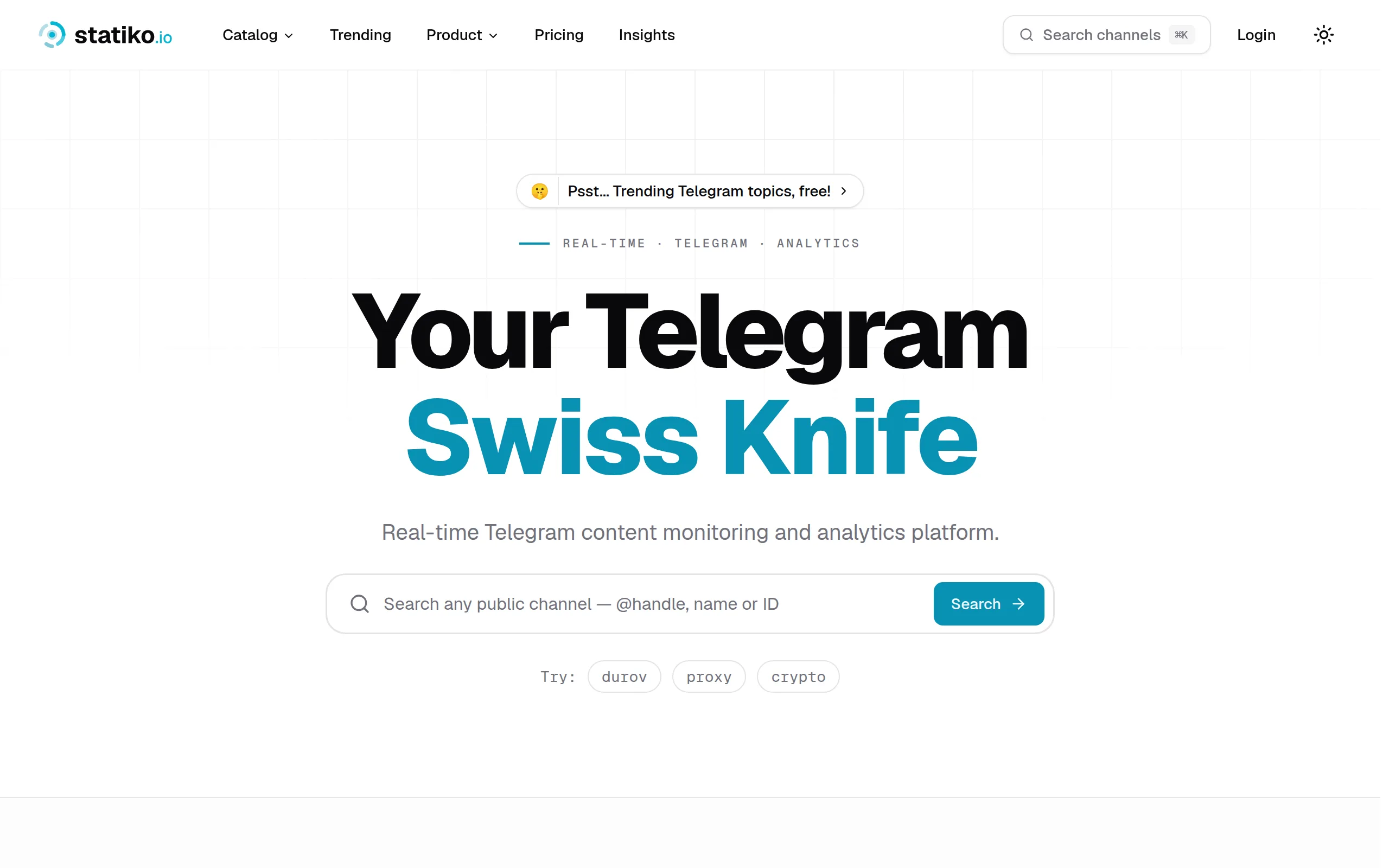
Statiko
Monitor any Telegram channel in real time - track posts, edits, deletions, and growth with AI recaps 📡

Shibui
AI website builder - describe your business, pick a niche template, edit by chatting, and publish instantly ✨
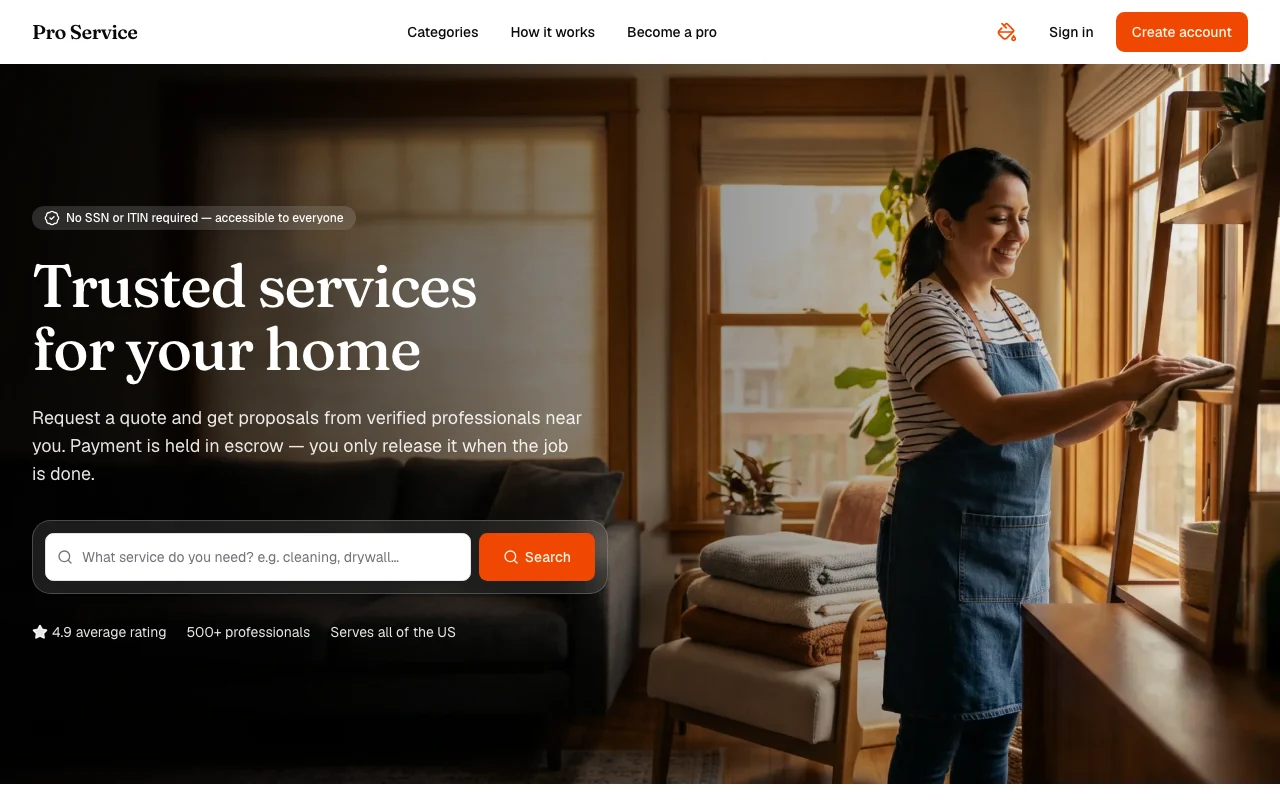
Pro Service
Find verified home service professionals, compare quotes, and pay securely through escrow - built for Brazilians across the US 🏠
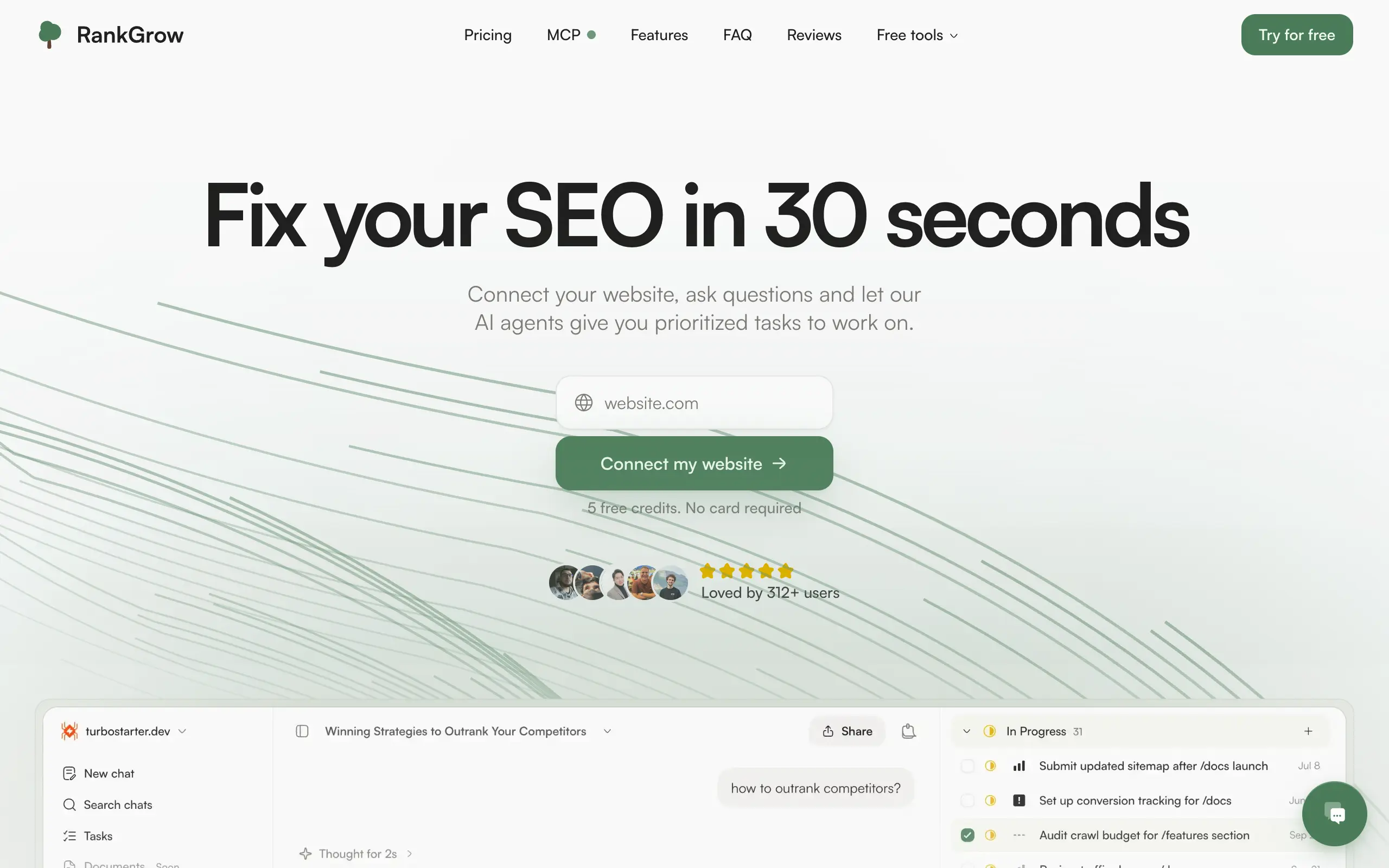
RankGrow
Fix your SEO with AI agents - connect Search Console, get prioritized tasks, and grow organic traffic 📈
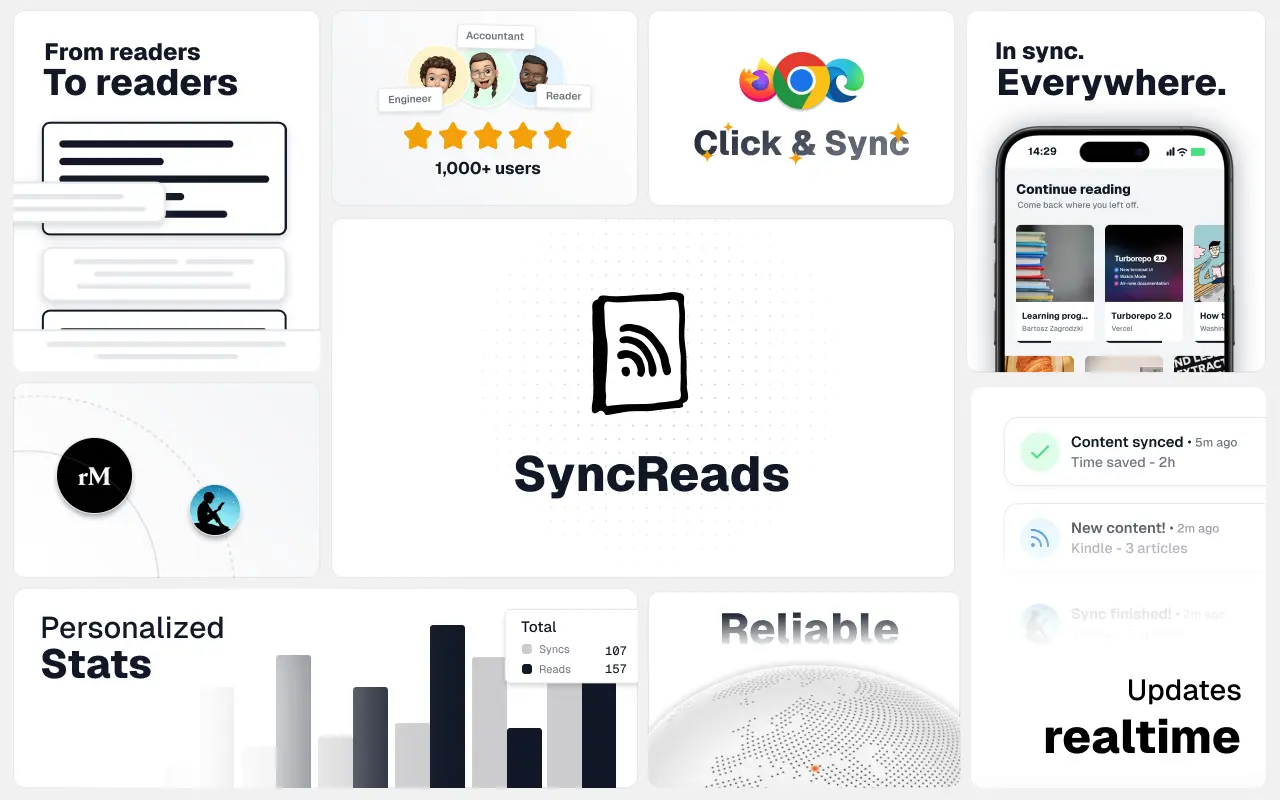
SyncReads
Sync your favorite content for distraction-free reading, save time and replace multiple apps. Anytime, anywhere 🔄
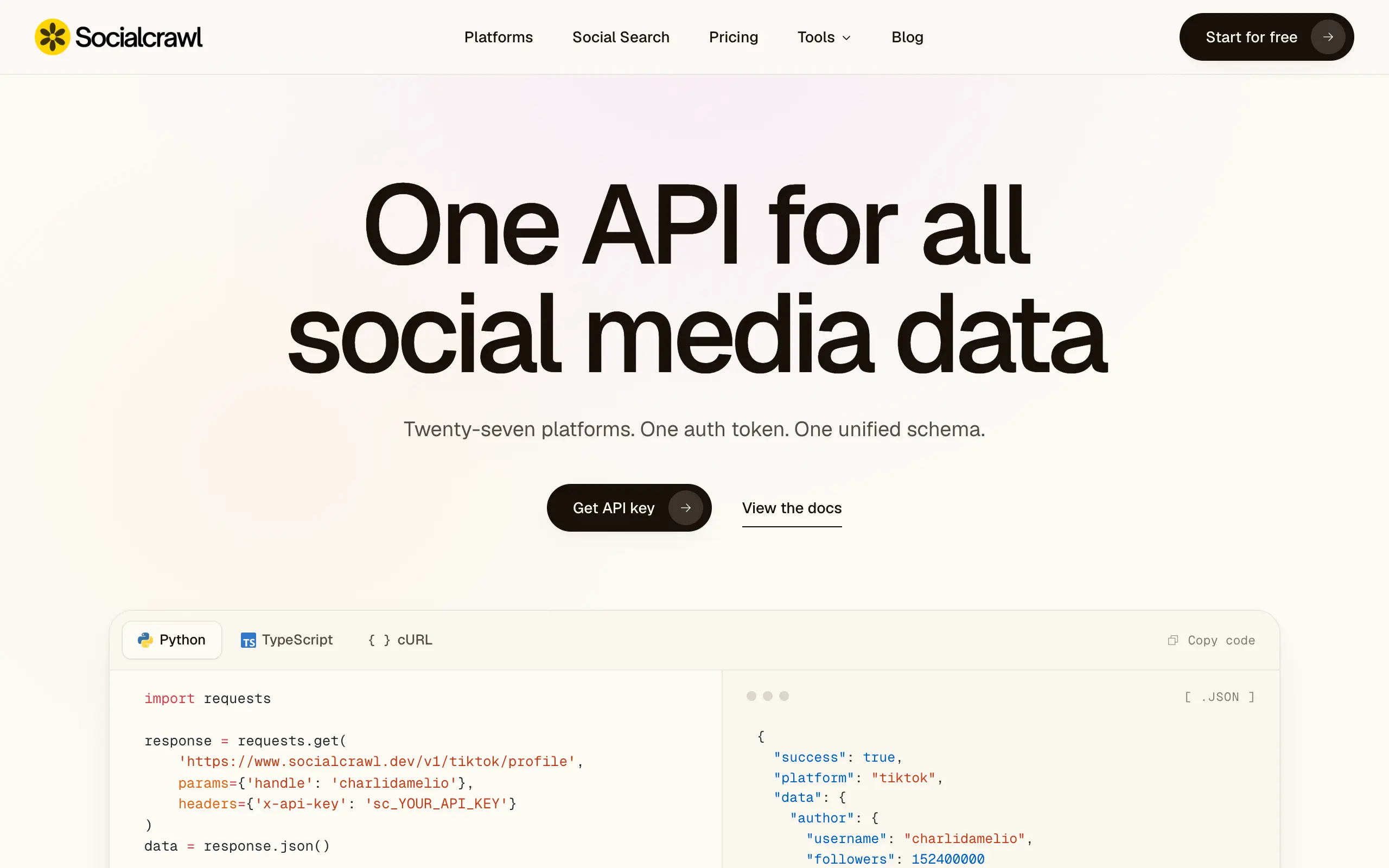
Socialcrawl
Get clean, structured data from 21 platforms like TikTok, Instagram, and YouTube with a single request 📊
Statiko
Monitor any Telegram channel in real time - track posts, edits, deletions, and growth with AI recaps 📡
Shibui
AI website builder - describe your business, pick a niche template, edit by chatting, and publish instantly ✨
Pro Service
Find verified home service professionals, compare quotes, and pay securely through escrow - built for Brazilians across the US 🏠
RankGrow
Fix your SEO with AI agents - connect Search Console, get prioritized tasks, and grow organic traffic 📈
SyncReads
Sync your favorite content for distraction-free reading, save time and replace multiple apps. Anytime, anywhere 🔄
Socialcrawl
Get clean, structured data from 21 platforms like TikTok, Instagram, and YouTube with a single request 📊
Statiko
Monitor any Telegram channel in real time - track posts, edits, deletions, and growth with AI recaps 📡
Shibui
AI website builder - describe your business, pick a niche template, edit by chatting, and publish instantly ✨
Pro Service
Find verified home service professionals, compare quotes, and pay securely through escrow - built for Brazilians across the US 🏠
RankGrow
Fix your SEO with AI agents - connect Search Console, get prioritized tasks, and grow organic traffic 📈
SyncReads
Sync your favorite content for distraction-free reading, save time and replace multiple apps. Anytime, anywhere 🔄
Socialcrawl
Get clean, structured data from 21 platforms like TikTok, Instagram, and YouTube with a single request 📊
Statiko
Monitor any Telegram channel in real time - track posts, edits, deletions, and growth with AI recaps 📡
Shibui
AI website builder - describe your business, pick a niche template, edit by chatting, and publish instantly ✨
Pro Service
Find verified home service professionals, compare quotes, and pay securely through escrow - built for Brazilians across the US 🏠
RankGrow
Fix your SEO with AI agents - connect Search Console, get prioritized tasks, and grow organic traffic 📈
SyncReads
Sync your favorite content for distraction-free reading, save time and replace multiple apps. Anytime, anywhere 🔄
Socialcrawl
Get clean, structured data from 21 platforms like TikTok, Instagram, and YouTube with a single request 📊
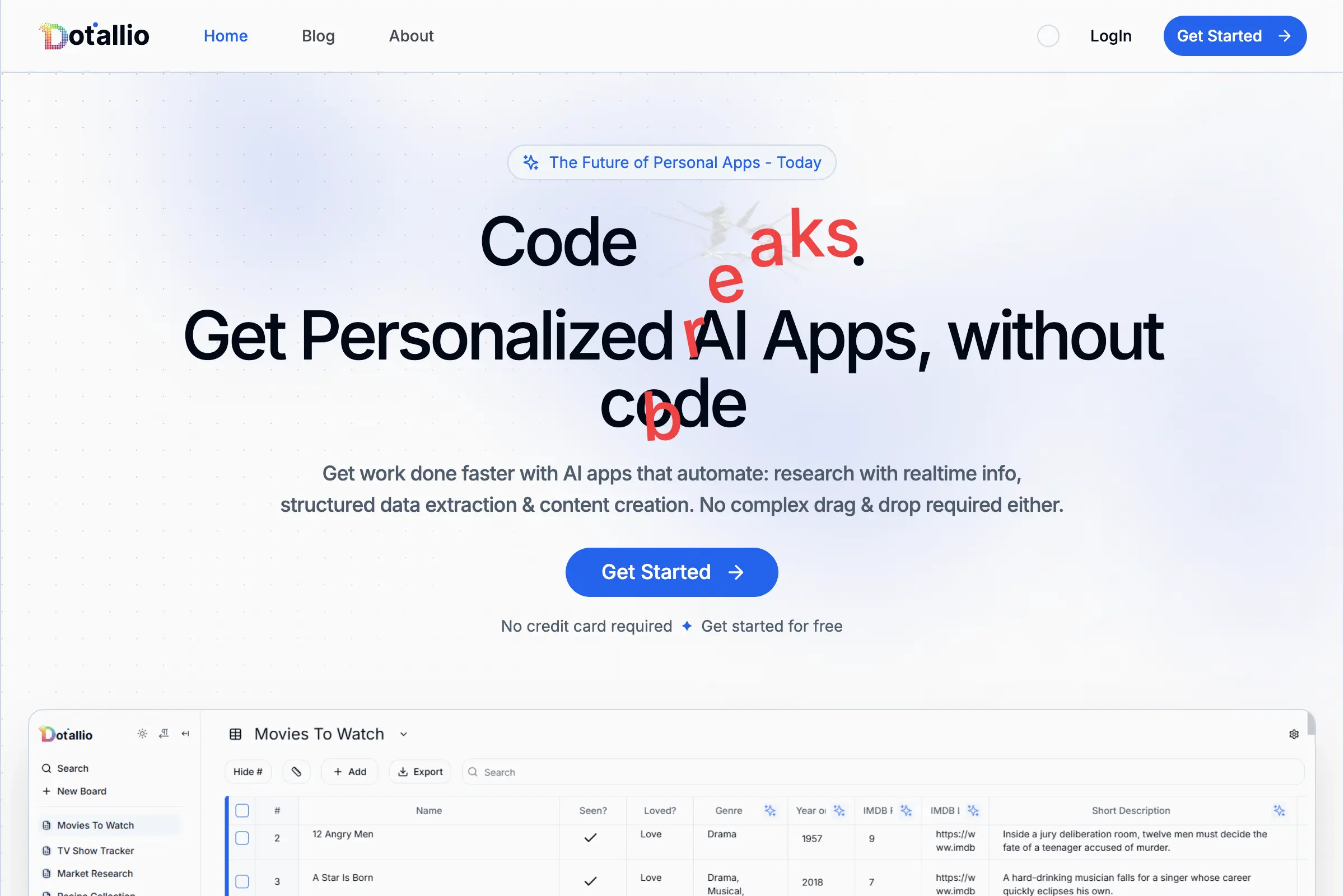
Dotallio
Personalized AI apps that automate research, data extraction, and content creation without code 🤖
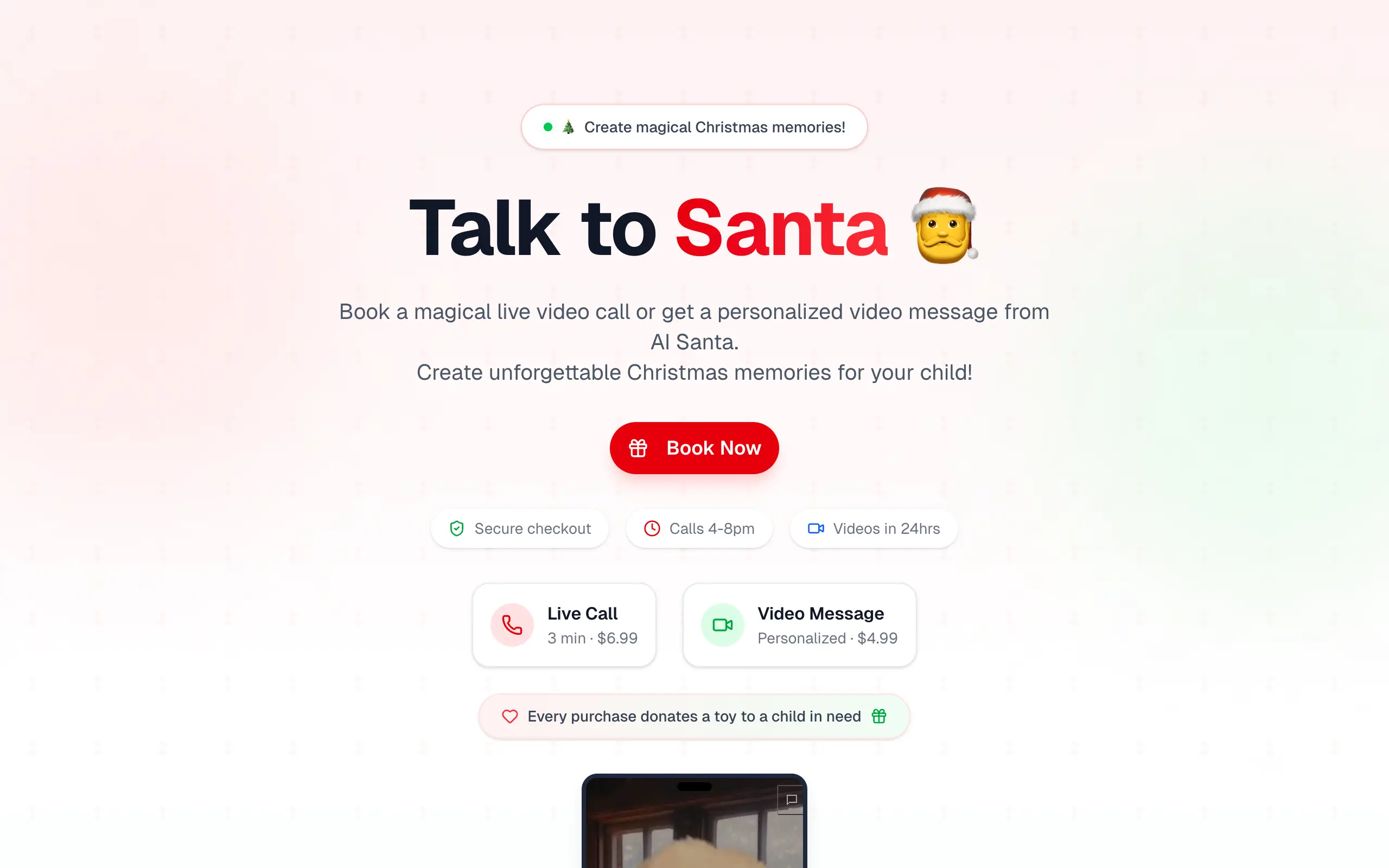
Talk to Santa
Enjoy a magical live video chat or receive a unique AI-generated video greeting from Santa Claus 🎅
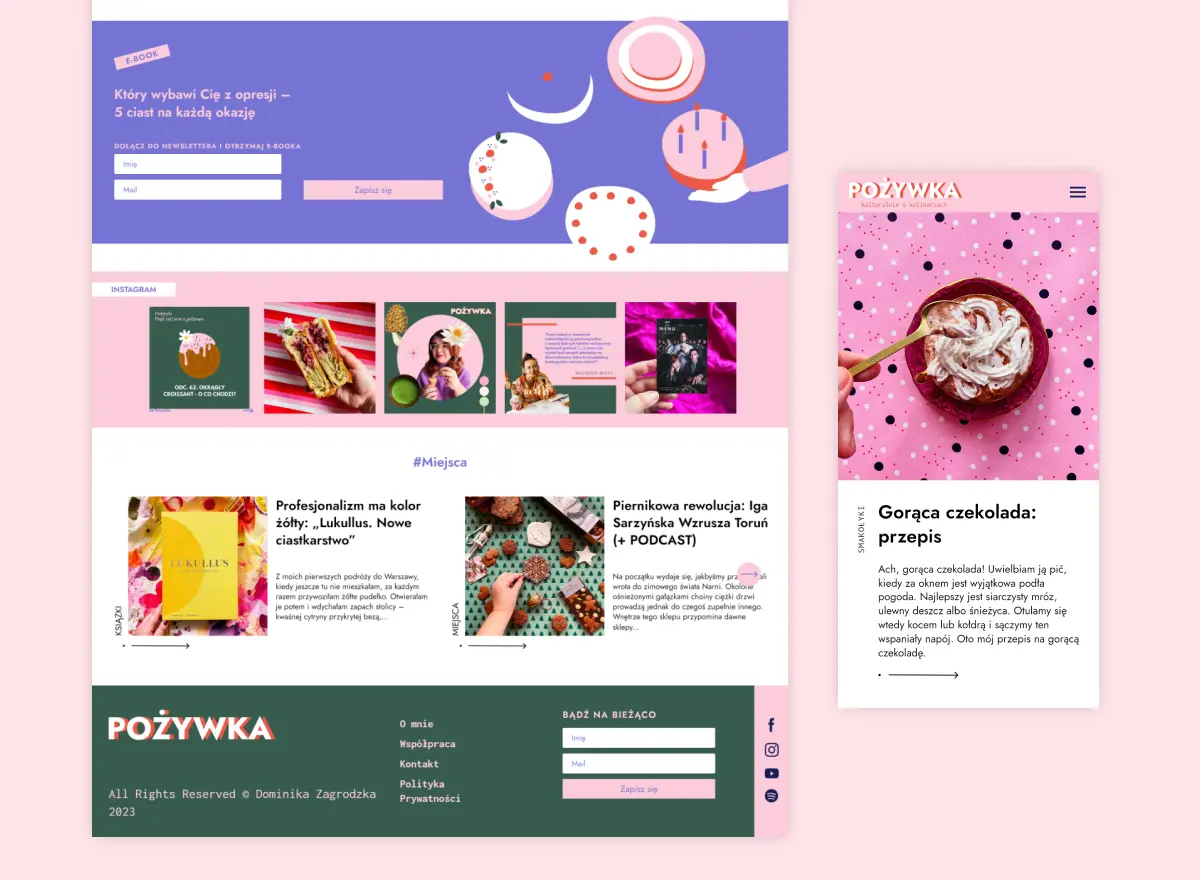
pozywka.pl
Scalable blog for food journalist, focused on performance and user experience 🌭
zagrodzki.me
Personal blog and portfolio of Bart Zagrodzki, where he shares his knowledge and work 💼
TurboStarter
Ship your startup everywhere. In minutes.
HTML to Markdown
Convert HTML to Markdown with ease, directly in your browser 📄
Dotallio
Personalized AI apps that automate research, data extraction, and content creation without code 🤖
Talk to Santa
Enjoy a magical live video chat or receive a unique AI-generated video greeting from Santa Claus 🎅
pozywka.pl
Scalable blog for food journalist, focused on performance and user experience 🌭
zagrodzki.me
Personal blog and portfolio of Bart Zagrodzki, where he shares his knowledge and work 💼
TurboStarter
Ship your startup everywhere. In minutes.
HTML to Markdown
Convert HTML to Markdown with ease, directly in your browser 📄
Dotallio
Personalized AI apps that automate research, data extraction, and content creation without code 🤖
Talk to Santa
Enjoy a magical live video chat or receive a unique AI-generated video greeting from Santa Claus 🎅
pozywka.pl
Scalable blog for food journalist, focused on performance and user experience 🌭
zagrodzki.me
Personal blog and portfolio of Bart Zagrodzki, where he shares his knowledge and work 💼
TurboStarter
Ship your startup everywhere. In minutes.
HTML to Markdown
Convert HTML to Markdown with ease, directly in your browser 📄
Dotallio
Personalized AI apps that automate research, data extraction, and content creation without code 🤖
Talk to Santa
Enjoy a magical live video chat or receive a unique AI-generated video greeting from Santa Claus 🎅
pozywka.pl
Scalable blog for food journalist, focused on performance and user experience 🌭
zagrodzki.me
Personal blog and portfolio of Bart Zagrodzki, where he shares his knowledge and work 💼
TurboStarter
Ship your startup everywhere. In minutes.
HTML to Markdown
Convert HTML to Markdown with ease, directly in your browser 📄
Omichat
Chat with 50+ AI models, including ChatGPT and Claude, in one place - switch models anytime without losing context 🤖
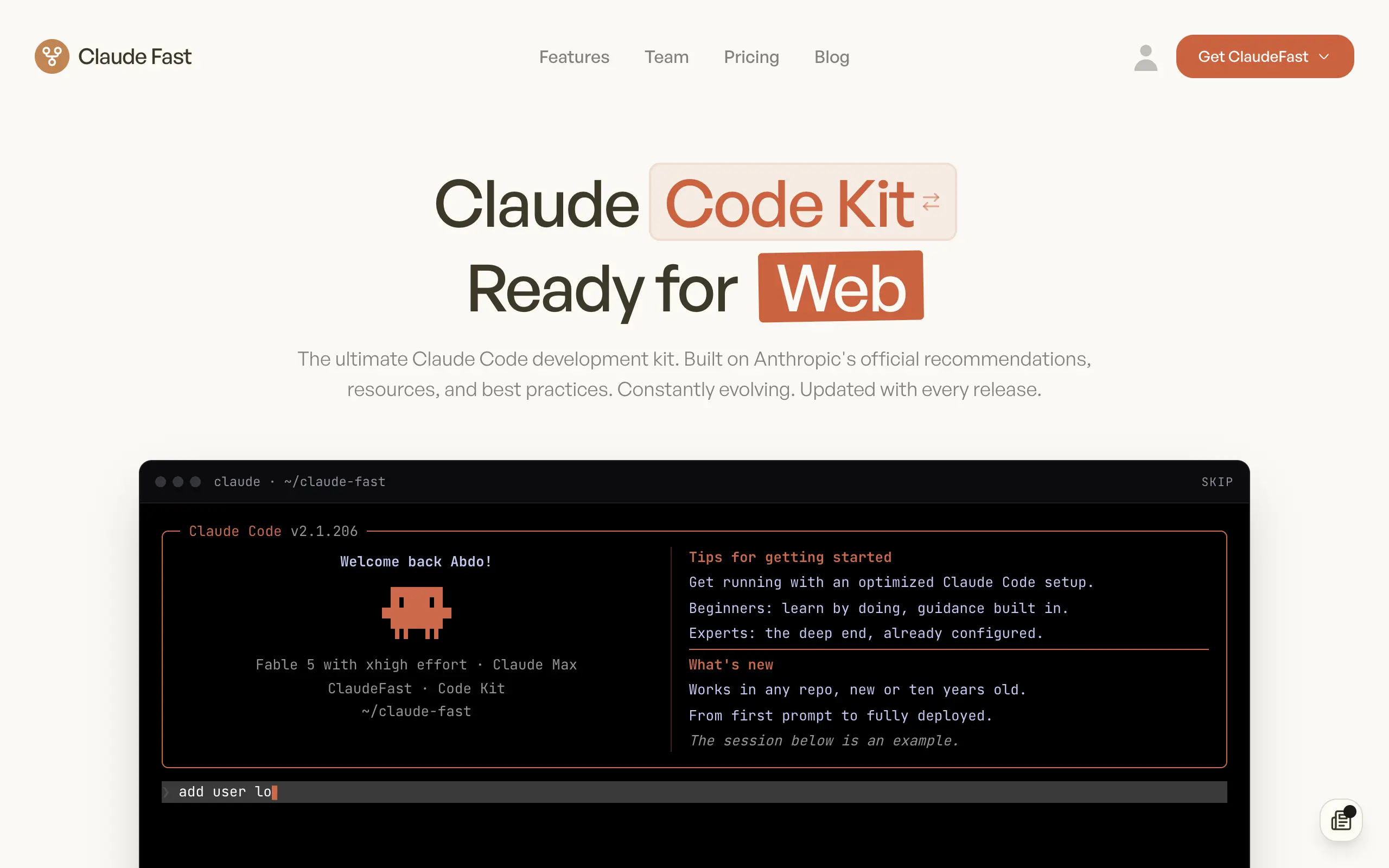
Claude Fast
Supercharge your Claude Code with 6x effective context window and specialized AI agents 🤖
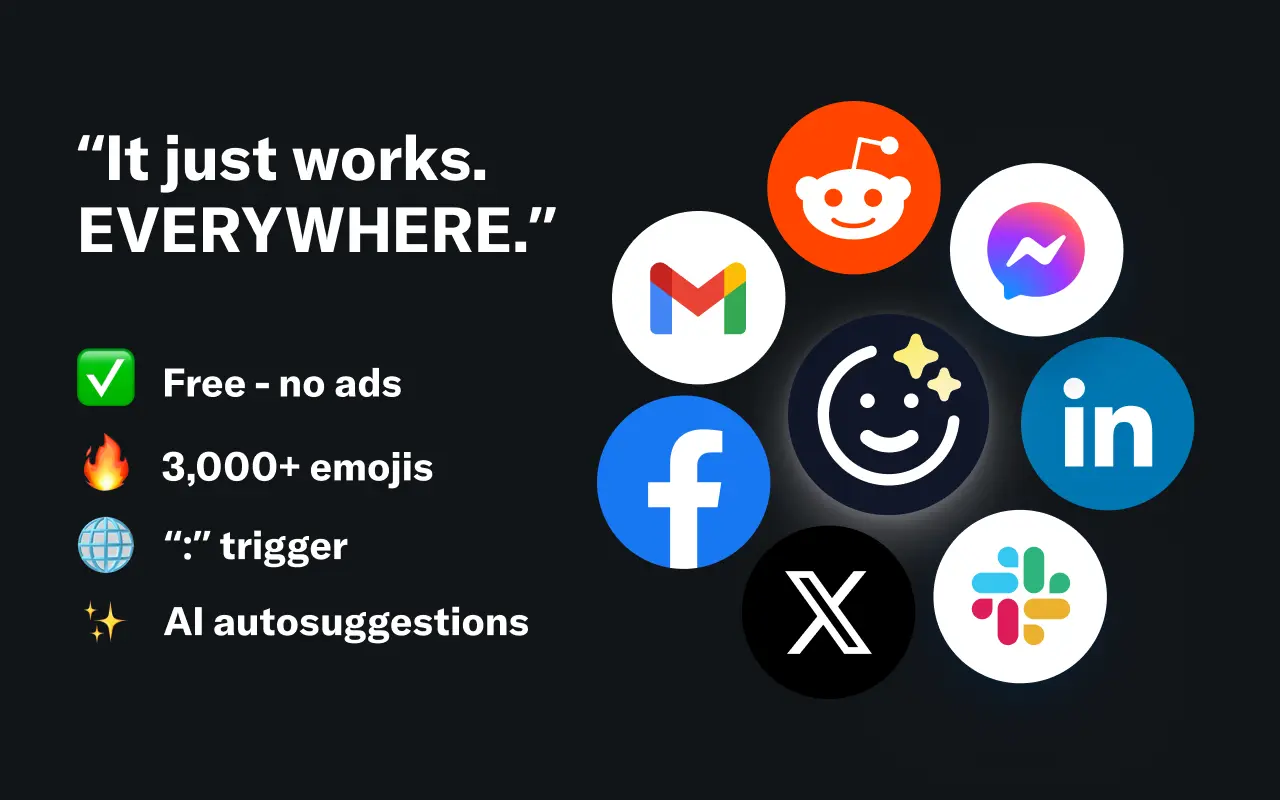
EmojAI
AI-powered emoji picker with smart, context-aware suggestions 🤖
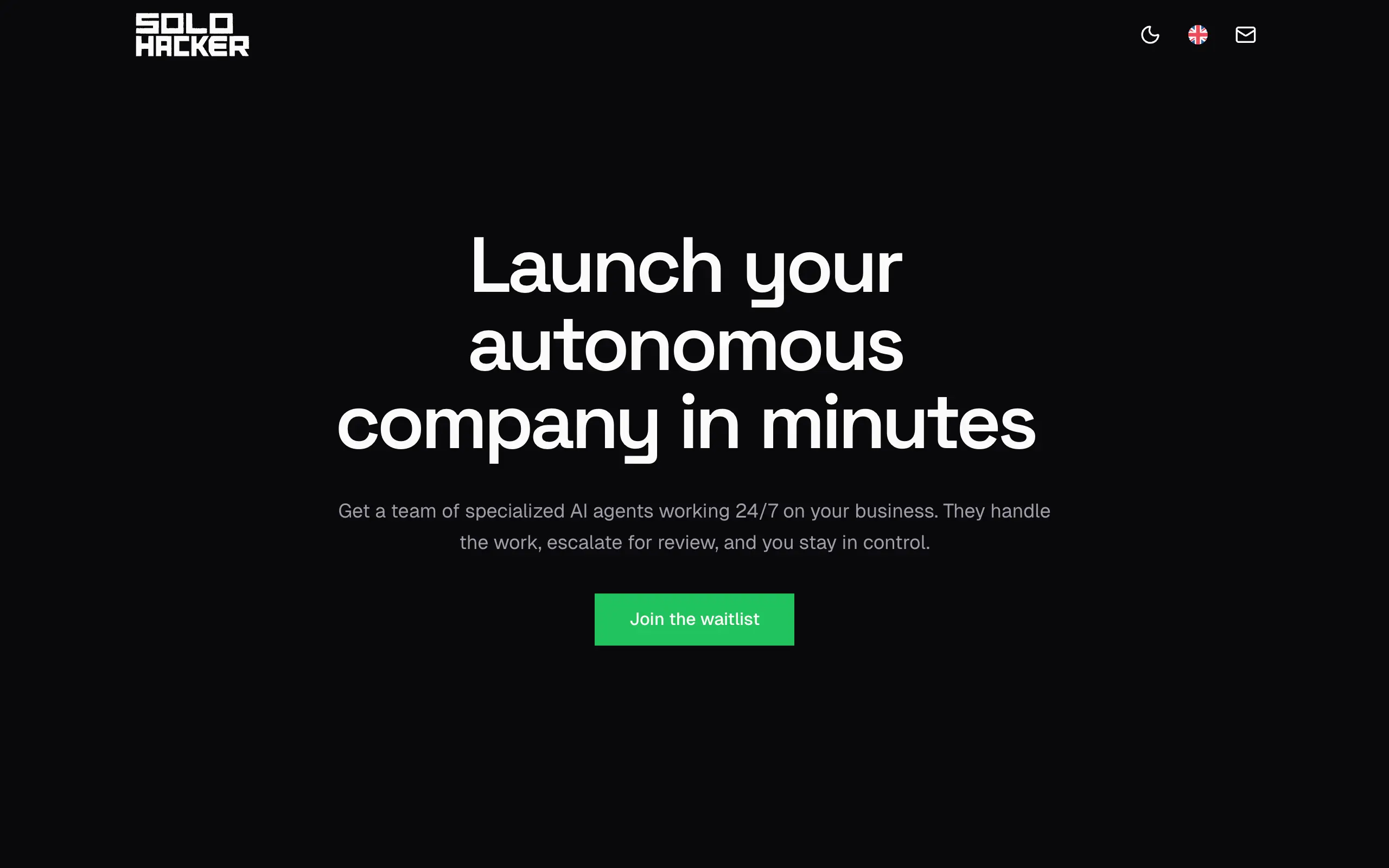
Solohacker
Autonomous company launcher - AI agents work 24/7, escalate what matters, and you stay in control 🤖
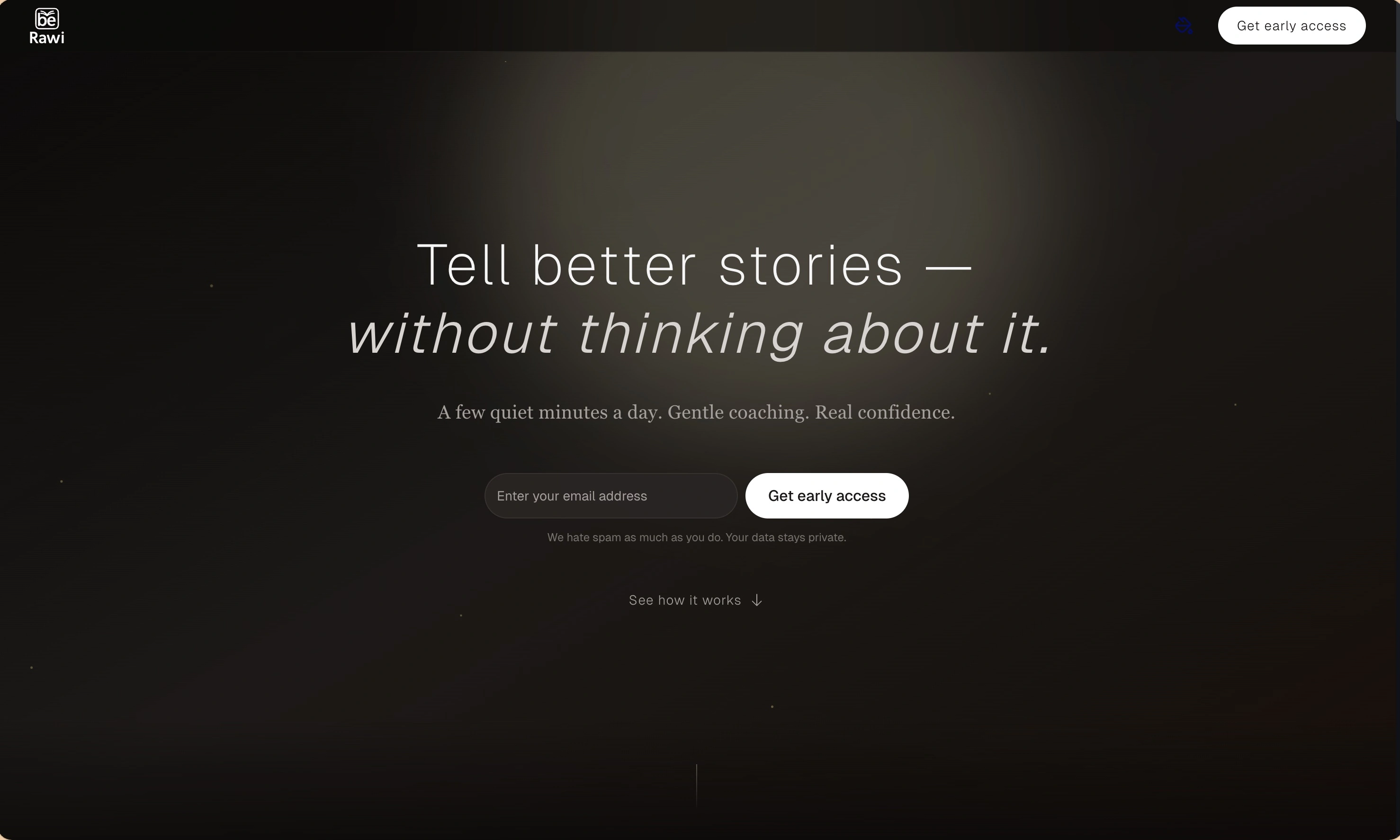
BeRawi: Storytelling Coach
Practice storytelling daily with instant feedback to sound clearer, more engaging, and confident 🎤
Omichat
Chat with 50+ AI models, including ChatGPT and Claude, in one place - switch models anytime without losing context 🤖
Claude Fast
Supercharge your Claude Code with 6x effective context window and specialized AI agents 🤖
EmojAI
AI-powered emoji picker with smart, context-aware suggestions 🤖
Solohacker
Autonomous company launcher - AI agents work 24/7, escalate what matters, and you stay in control 🤖
BeRawi: Storytelling Coach
Practice storytelling daily with instant feedback to sound clearer, more engaging, and confident 🎤
Omichat
Chat with 50+ AI models, including ChatGPT and Claude, in one place - switch models anytime without losing context 🤖
Claude Fast
Supercharge your Claude Code with 6x effective context window and specialized AI agents 🤖
EmojAI
AI-powered emoji picker with smart, context-aware suggestions 🤖
Solohacker
Autonomous company launcher - AI agents work 24/7, escalate what matters, and you stay in control 🤖
BeRawi: Storytelling Coach
Practice storytelling daily with instant feedback to sound clearer, more engaging, and confident 🎤
Omichat
Chat with 50+ AI models, including ChatGPT and Claude, in one place - switch models anytime without losing context 🤖
Claude Fast
Supercharge your Claude Code with 6x effective context window and specialized AI agents 🤖
EmojAI
AI-powered emoji picker with smart, context-aware suggestions 🤖
Solohacker
Autonomous company launcher - AI agents work 24/7, escalate what matters, and you stay in control 🤖
BeRawi: Storytelling Coach
Practice storytelling daily with instant feedback to sound clearer, more engaging, and confident 🎤

Connect with like-minded people
Join our community to get feedback, support, and grow together with 1,000+ builders on board, let's ship it!
Join usShip your startup everywhere. In minutes.
Don't burn tokens on setup and start building features on day one.