LaunchLens
Catch production risks before deployment with AI-powered checks for visual regressions, accessibility, performance, and broken user journeys. Add clear fixes and release gates to your CI pipeline.
The opportunity for an AI-powered pre-deployment testing platform
A production release can fail in ways that ordinary automated tests do not catch. A button may shift below the fold after a CSS change. A checkout flow may stop working only for a particular account state. A page may become noticeably slower, or a color update may make its text difficult to read. These problems often appear after code has passed unit tests and a team has already decided it is ready to deploy.
LaunchLens is a SaaS idea designed to close that gap. It would run AI-assisted checks for visual regressions, accessibility issues, performance changes, and broken user journeys, then translate findings into actionable fixes and release gates inside a continuous integration (CI) pipeline.
The core promise is practical: help teams understand whether a release is safe to ship before it reaches production. Rather than replacing developers, test automation, or human review, LaunchLens would connect signals from several kinds of quality checks and make them easier to interpret and act on.
That positioning matters. Teams do not need another dashboard full of unexplained warnings. They need reliable evidence about what changed, why it matters, who should fix it, and whether it should block a release.
What LaunchLens would do
LaunchLens can be described as an AI-powered pre-deployment testing platform. A team connects a repository and CI provider, configures the application’s critical pages or user journeys, and runs LaunchLens against a proposed change.
A useful report would answer four questions:
- What changed? Show visual differences, performance shifts, accessibility findings, or failed journey steps.
- Why does it matter? Explain the likely user or business impact in plain language.
- What should happen next? Provide a reproducible failure, a suggested fix, or an assignment-ready issue.
- Can the release proceed? Apply configurable pass, warn, or block rules to the CI check.
The product should not market an AI verdict as proof that an application is defect-free. No automated system can establish that. The stronger and more credible promise is that LaunchLens helps teams catch a broader range of release risks, prioritize them, and make deployment decisions with better evidence.
The primary keyword and related search intent
The primary SEO theme is AI-powered pre-deployment testing platform. Related topics include:
- AI-powered CI testing
- Visual regression testing
- Automated accessibility testing
- Website performance monitoring before deployment
- End-to-end test automation
- CI release gates
- Broken user journey detection
- Software release risk management
Searchers interested in these terms may be evaluating a product, researching a testing strategy, or looking for a way to prevent regressions. An effective product and content strategy should address all three intents: explain the problem, show how the workflow works, and provide enough implementation detail to establish credibility.
Who LaunchLens should serve
A successful launch begins with a narrow, well-understood audience. “Every team that ships software” is too broad for an initial product because engineering organizations vary in their tools, risk tolerance, test maturity, and purchasing process.
Initial target customers
LaunchLens should first consider teams that deploy web applications frequently and already use CI, but still rely on manual review or disconnected test tools to assess release quality.
Potential early adopters include:
- Product engineering teams at SaaS companies that ship changes continuously and need confidence across customer-facing screens.
- Frontend teams that experience frequent visual regressions from shared components, CSS changes, or responsive layout updates.
- Quality engineering teams that maintain end-to-end tests but want clearer triage and broader coverage.
- Agencies and development studios that manage releases for multiple client sites and need repeatable quality checks.
- Digital commerce teams where broken navigation, checkout interruptions, or accessibility regressions can have direct business consequences.
- Platform and DevOps teams responsible for making CI checks reliable and useful rather than noisy.
The strongest first segment is likely a small-to-midsize product team with a modern web stack, an existing CI workflow, and a clear set of high-value user journeys. Such a team can adopt a new check without requiring a long enterprise procurement process, while still experiencing enough release complexity to value the product.
The users and buyers are not always the same
The day-to-day user may be a frontend engineer, test engineer, or engineering manager. The budget owner may be a VP of Engineering, CTO, head of quality, or product leader.
LaunchLens should therefore communicate value at multiple levels:
- For engineers, make findings reproducible and suggest concrete next steps.
- For quality teams, make it easier to expand coverage and reduce repetitive triage.
- For engineering leaders, show release risk, check reliability, and trends across projects.
- For product or operations leaders, connect technical failures to important customer workflows.
A report that only displays a model-generated severity score may impress in a demo but fail to support real decisions. The product should show its evidence: screenshots, affected routes, browser and viewport details, test steps, relevant traces, and links to the code or CI run when available.
The market gap and product opportunity
The market already includes mature products for visual testing, browser automation, accessibility scanning, performance analysis, observability, and CI orchestration. LaunchLens should not assume that the opportunity is to replace every existing tool. The more defensible opportunity is to make quality signals work together at the point of release.
Why existing workflows can still leave gaps
Many engineering teams have several sources of release feedback, but each one may have a different interface, configuration model, severity scale, and notification path. A developer may need to inspect a failed browser test, compare screenshots elsewhere, run an accessibility scan separately, and then decide whether a performance change is significant.
That fragmented workflow creates several problems:
- Important findings can be missed because they are distributed across tools.
- Duplicate or low-value warnings can weaken trust in automated checks.
- Teams may not know which failures should block a release.
- A technical report may not explain user impact.
- Test coverage may focus on isolated pages rather than end-to-end journeys.
- Existing checks can become expensive or slow when run indiscriminately.
LaunchLens could address this by providing a unified release review: a shared view of relevant signals, a consistent explanation of risk, and policy-based CI outcomes.
The differentiating insight
The product’s unique selling proposition should not be “AI testing.” That phrase is broad and easy to imitate. A sharper positioning is:
LaunchLens turns changes in a web application into evidence-based release decisions, combining visual, accessibility, performance, and journey checks in a CI-ready workflow.
The distinction is the combination of risk detection, useful explanation, and enforceable release policy. AI can help classify findings, summarize evidence, recommend likely fixes, and group related failures. Deterministic checks should remain responsible for measurable conditions such as a route failing to load or a specified accessibility rule being violated.
This hybrid approach is more trustworthy than presenting a language model as the sole judge of release quality.
Core features for a useful first version
The initial product should solve a complete, narrow workflow rather than offer a large collection of loosely connected checks.
1. Repository and CI integration
Teams need to add LaunchLens to an existing workflow with minimal friction. Start with one or two widely used CI providers rather than attempting every integration at once.
The integration should:
- Trigger on pull requests or selected branch events.
- Run against a deployed preview environment or a test environment.
- Post a concise check result and link to a detailed report.
- Support configurable timeouts, retries, and environment variables.
- Allow teams to define which checks are advisory and which can block merging.
For a first release, setup should be possible through a guided onboarding flow and a documented configuration file. Developers should be able to see what will run before they enable a blocking gate.
2. Visual regression testing
Visual regression testing compares captured pages or components across versions to identify meaningful appearance changes. LaunchLens could capture configured URLs at selected viewport sizes and compare the current build with an approved baseline.
A useful implementation should account for:
- Dynamic content such as timestamps, rotating banners, and personalized data.
- Browser and operating-system differences.
- Responsive breakpoints and device-specific layouts.
- Fonts, animations, and content that loads asynchronously.
- Baseline approval and history.
- Controls for masking regions that cannot be made deterministic.
AI can help distinguish likely layout changes from harmless pixel noise, but users must be able to inspect the underlying images and comparison. An opaque “AI passed” result is not enough.
3. Accessibility checks
Accessibility findings should identify the affected element, the relevant rule, the user impact, and a practical path to remediation. Automated checks can catch many common issues, but they cannot establish that a website is fully accessible. Manual testing and user research remain important.
LaunchLens can make accessibility checks more useful by:
- Running automated scans on critical pages and journey states.
- Reporting the violated criterion and affected DOM element.
- Connecting a finding to the relevant screenshot or test step.
- Grouping repeated instances of the same issue.
- Tracking whether the issue was introduced by the current change.
The Web Content Accessibility Guidelines (WCAG) 2.2 provide an authoritative reference for accessibility criteria. LaunchLens should describe automated results as signals or findings, not as a certification of conformance.
4. Performance checks
A performance check should focus on meaningful changes, not just a single score. For example, the product could compare a release candidate with a baseline under consistent test conditions and flag a substantial regression in page load behavior or core rendering metrics.
To avoid misleading results, LaunchLens should:
- Run tests in a controlled environment.
- Record the tested URL, browser, viewport, and run conditions.
- Use repeated measurements where appropriate.
- Separate noisy measurements from persistent changes.
- Show trends and raw evidence alongside any summary score.
Google’s Lighthouse documentation can serve as a reference point for teams evaluating browser-based performance and quality audits. LaunchLens should clearly explain what it measures and avoid implying that one metric captures the full experience of site speed.
5. User journey checks
A user journey is a sequence of interactions that represents a meaningful task, such as creating an account, searching for a product, or submitting a form. Journey monitoring helps detect failures that isolated page screenshots can miss.
For an initial implementation, teams could define journeys using a guided recorder or a code-based configuration. The test should capture:
- The steps performed and the result expected at each step.
- Screenshots and browser logs at failure points.
- Network or console errors relevant to the outcome.
- The test account or fixture state, without exposing secrets.
- A clear distinction between application failure and test-environment failure.
Browser automation tools such as Playwright can provide a foundation for executing repeatable browser journeys. LaunchLens’s value would come from making those checks easier to configure, analyze, and connect to release policy.
6. AI-assisted triage and fix guidance
AI should reduce the time between detecting a problem and deciding what to do. It can summarize a group of related findings, explain likely impact, suggest investigation steps, and draft a fix for a developer to review.
Good AI assistance should be:
- Evidence-linked, with claims tied to the relevant screenshot, rule, or trace.
- Uncertain when appropriate, distinguishing observed facts from likely causes.
- Reviewable, so a developer can verify a recommendation before acting.
- Scoped, with access limited to data required for the analysis.
- Measurable, with product teams tracking whether summaries and suggestions actually help.
Avoid automatically changing application code or silently downgrading failures in the first version. The product should support developer judgment, not replace it.
7. Configurable release gates
A release gate turns a check into a policy. Teams should be able to define which findings block a merge or deployment and which appear only as warnings.
Policies might consider:
- Severity and confidence.
- Whether the issue is new or pre-existing.
- Whether a critical journey failed.
- Whether the finding affects a configured high-priority route.
- Whether the check itself completed reliably.
The default should be conservative. A product that blocks every minor difference may be disabled; one that silently passes meaningful failures will not earn trust. Give administrators a clear explanation for every gate decision and a documented way to override it.
A practical competitive advantage
LaunchLens would compete with both point solutions and the status quo. Its advantage must be demonstrable in a customer’s workflow, not just in feature comparisons.
| Approach | Strength | Common limitation | LaunchLens opportunity | Best fit |
|---|---|---|---|---|
| Manual review | Human judgment and context | Slow, inconsistent, difficult to repeat | Surface evidence before review and focus attention | Small or low-frequency releases |
| Individual testing tools | Deep capability in a specific area | Findings may be split across workflows | Unite key release signals in one review | Teams with specialized needs |
| In-house scripts | Flexible and tailored | Maintenance burden and uneven reporting | Offer managed execution and triage | Teams with engineering capacity |
| Traditional end-to-end tests | Reproducible user-flow coverage | Can be brittle and expensive to maintain | Add visual, accessibility, and performance context | Teams with established test suites |
| LaunchLens | Cross-signal release review and policy | Must prove reliability and fit existing workflows | Make checks understandable, actionable, and CI-ready | Teams seeking broader pre-deployment confidence |
This comparison is a positioning framework, not a claim that every competing product has the same limitations. During customer research, validate which tools prospects already use and where their workflow breaks down.
Potential defensible advantages
LaunchLens could build an advantage through:
- Workflow integration, by making setup and release review feel native to engineering routines.
- High-quality signal, by minimizing flaky tests and clearly separating product failures from test failures.
- Historical context, by learning from approved baselines, known issues, and resolved findings within a customer’s project.
- Actionable evidence, by connecting each finding to the page, user journey, and change that produced it.
- Trustworthy release policies, with transparent rules, audit history, and explicit override paths.
The hardest advantage to build is not the AI model itself. It is the combination of reliable test execution, useful customer-specific context, and developer trust accumulated over time.
Recommended technology stack
The right stack depends on team experience, expected workload, supported browsers, and data residency requirements. A sensible architecture separates the customer-facing application, orchestration services, browser workers, and analysis pipeline.
Frontend and dashboard
A web dashboard can use React with a framework and component system suited to the team’s needs. The interface should prioritize fast navigation across projects, pull requests, findings, baselines, and policy settings.
Important dashboard design choices include:
- Show the release decision and the reasons behind it immediately.
- Keep visual evidence close to the associated finding.
- Make it easy to compare current and previous runs.
- Provide useful filters for route, severity, check type, and status.
- Ensure the interface itself is accessible, especially for keyboard navigation and screen-reader use.
API and application services
Use a server-side application layer for authentication, team and project management, CI integrations, policy evaluation, and report delivery. A TypeScript service can share types with a React frontend; a Python service can be a good fit when the team expects substantial data-processing or machine-learning work.
The important architectural choice is not the language. It is maintaining clear service boundaries between:
- User and organization management.
- Test-run orchestration.
- Browser execution.
- Artifact storage and retrieval.
- Findings and policy evaluation.
- AI-assisted analysis.
Browser execution and job queues
Browser tests are resource-intensive and can be unpredictable. Run them in isolated workers rather than inside the main web application process. A queue-based architecture makes it easier to control concurrency, retry transient failures, and scale worker pools independently.
Playwright is a reasonable candidate for browser automation, especially when the product needs repeatable cross-browser journeys and screenshots. The trade-off is operational complexity: browser environments require careful version management, resource limits, and debugging tools.
Storage and observability
A practical data architecture could include:
- A relational database for organizations, projects, settings, runs, findings, and policies.
- Object storage for screenshots, traces, videos, and other larger artifacts.
- A queue for test execution and asynchronous analysis.
- A cache for frequently accessed report data and short-lived workflow state.
Instrument services and worker processes so the team can diagnose slow or failing checks. OpenTelemetry is an established open-source framework for collecting and exporting telemetry, although it does not replace the need to define useful product-specific metrics.
AI services and data controls
Use AI selectively. For example, a model could summarize related findings or generate a plain-language explanation from structured evidence. Deterministic tools should perform checks whose outcomes can be directly measured.
Before sending customer artifacts to an external model provider, establish:
- What data is transmitted and why.
- Whether screenshots, page content, or source code are included.
- How data is retained and whether it is used to train models.
- Which regions and subprocessors are involved.
- How customers can disable AI analysis or configure retention.
- How secrets and personally identifiable information are detected or redacted.
A self-hosted model may give customers more control but creates additional infrastructure and maintenance costs. A managed model can speed up development but requires careful vendor review and transparent data handling.
Build for debuggability
The browser worker should preserve enough evidence to reproduce a failure: test configuration, browser version, relevant logs, screenshots, and a clear run identifier. Without that trail, even a sophisticated AI summary is difficult to trust.
Monetization strategy
LaunchLens can use a SaaS pricing model tied to the value and cost of test execution. Pricing should be easy to understand, predictable enough for engineering budgets, and aligned with how customers expand usage.
Possible pricing metrics
Common options include:
- Per project or repository, which is simple to understand but may not reflect execution costs.
- Monthly test runs, which aligns price with usage but can create uncertainty if tests are rerun often.
- Concurrent browser minutes, which reflects infrastructure usage but may feel technical to buyers.
- Team or organization tiers, which can package collaboration, policies, integrations, and support.
- Hybrid pricing, with a base subscription and included usage plus transparent overage.
A reasonable early model is a tiered subscription with included test capacity, followed by predictable usage-based expansion. Keep the pricing page explicit about what consumes usage, how retries are counted, and what happens when an account reaches its limit.
Packaging by customer need
A free or developer tier can encourage evaluation through limited projects, runs, and retention. A paid team tier can add collaboration, shared baselines, advanced journey coverage, and more CI integrations. Larger customers may need SSO, role-based access, audit logs, private worker options, security reviews, and custom retention.
Enterprise features should be based on validated buyer requirements, not added only because they appear on competitor pricing pages. For each feature, identify who needs it, what risk it addresses, and whether it affects the buying decision.
Demonstrate return on investment
Avoid promising a fixed financial return without customer evidence. Instead, measure operational outcomes such as:
- Time spent investigating and triaging failures.
- Rate of flaky checks and reruns.
- Number of meaningful issues found before release.
- Time from failure detection to resolution.
- Frequency of releases delayed by false positives.
- Adoption of configured journeys and policy gates.
These metrics help customers decide whether the product is useful and give the company a foundation for evidence-based case studies.
Risks and mitigation
The central business risk is trust. A release gate that is flaky, opaque, or too noisy can become another obstacle in the development process.
False positives and test flakiness
Visual and browser tests can fail for reasons unrelated to an application change, including unstable test data, timing, browser updates, or network conditions.
Mitigation: Track failure causes, control test environments, provide retry policies, distinguish infrastructure errors from application findings, and expose evidence. Measure flakiness as a first-class product metric.
False negatives and overconfidence
A passing automated check does not prove that a release is safe. Automated coverage is necessarily incomplete, and AI summaries may omit important context.
Mitigation: Use precise language about what was checked. Show coverage and limitations. Encourage human review for high-risk changes and never present an AI score as a guarantee.
Privacy and security exposure
Screenshots and browser traces may contain confidential business data, personal information, session tokens, or customer records.
Mitigation: Use test accounts and synthetic data where possible. Encrypt data in transit and at rest, restrict access by project and role, support configurable retention, redact sensitive information, and document subprocessors and data flows. Security controls should be designed before enterprise expansion, not added as an afterthought.
CI performance and cost
Running full browser coverage on every change may lengthen pipelines and increase compute costs.
Mitigation: Offer tiered test selection. Run a fast smoke suite for every pull request, then run broader coverage on selected branches or schedules. Let teams prioritize critical routes and use historical change patterns only as a recommendation, not an unexplained exclusion rule.
AI reliability and explainability
A model may invent a cause, propose an unsafe fix, or use a confidence level that does not correspond to real accuracy.
Mitigation: Ground summaries in structured findings and observed artifacts. Label suggestions as suggestions, not facts. Evaluate outputs against a curated test set, record model and prompt versions, and provide a non-AI path to inspect raw evidence.
Integration and adoption friction
Teams may avoid a tool that requires substantial configuration or changes established deployment workflows.
Mitigation: Start with one high-value CI integration and a guided setup. Provide a useful result from a small number of configured URLs before asking customers to author extensive test suites. Make the first successful run easy to share with teammates.
How to validate the idea before building too much
The first objective should be to confirm that the problem is frequent, costly, and underserved for a specific type of team.
Interview engineers, quality leads, and engineering managers who have recently experienced a production regression or a difficult release. Ask them to walk through the actual event:
- What failed, and how was it discovered?
- Which checks ran before deployment?
- What tools were involved in investigating the issue?
- How much time did diagnosis and resolution require?
- Which findings would have been useful before release?
- What makes the team ignore or disable an automated check?
- Who approves a new CI tool, and what security review is required?
Avoid asking only whether someone likes the idea. Positive reactions are not the same as purchase intent. Stronger validation includes a request to test against a real preview environment, permission to integrate with a repository, or an agreed pilot with success criteria.
Suggested pilot success criteria
A design partner pilot could measure:
- Time to install and complete the first useful run.
- Number of configured routes or journeys used regularly.
- Percentage of findings considered actionable by the team.
- Rate of false positives, retries, and failed test infrastructure.
- Whether the check remains enabled after the pilot.
- Whether the customer is willing to pay for continued use.
Use these results to decide whether LaunchLens should prioritize visual comparisons, journey checks, accessibility findings, or release policy first. Do not assume that every advertised capability is equally valuable to the initial customer segment.
Actionable implementation steps
A focused implementation plan reduces technical risk while creating opportunities to learn from real users.
1. Choose a narrow customer segment
Select one initial audience, such as SaaS frontend teams that already use pull requests and preview deployments. Document the team’s CI provider, testing habits, buying process, and most important customer journeys.
2. Validate the release-risk problem
Conduct structured interviews and review recent regression examples. Confirm which kinds of failures teams miss, what evidence they need, and what would justify adding another CI check.
3. Define a focused minimum viable product
Start with a small workflow: connect one repository, run checks against a preview environment, capture a few configured routes, and publish a useful report. Choose only the first checks that customers have validated as valuable.
4. Build deterministic execution before AI summaries
Make browser runs repeatable, store artifacts safely, and distinguish product failures from test infrastructure failures. Add AI-assisted explanation only after the underlying evidence is reliable.
5. Add one transparent release gate
Let teams choose a small number of conditions that can block a pull request. Explain each decision, allow controlled overrides, and record the reason so teams can audit what happened.
6. Run design-partner pilots
Test the product with real repositories and preview environments. Observe setup friction, measure useful findings, and track how often teams rerun or ignore checks.
7. Improve signal quality and security
Invest in test stability, access controls, secret handling, retention settings, and clear data documentation. These capabilities support both customer trust and later enterprise adoption.
8. Expand based on usage evidence
Add more browsers, CI providers, journey authoring options, or analytics only when customers show sustained demand. Use retention and regular usage—not feature requests alone—to guide the roadmap.
Why LaunchLens could stand out
LaunchLens has a credible opportunity if it avoids competing only on the number of checks it can run. Its strongest position is as a release confidence layer: a product that gathers high-value evidence from visual, accessibility, performance, and journey testing, explains what changed, and applies clear policy inside CI.
The concept will stand out if it delivers three things consistently:
- Reliable checks that engineers do not need to babysit.
- Actionable findings tied to evidence and user impact.
- Transparent release decisions that teams can configure and trust.
AI can make the workflow more understandable, but reliability, integration, and data stewardship will determine whether customers keep using the product. LaunchLens should therefore lead with the outcome—better-informed releases—and use AI as a practical capability that supports that outcome.
For founders building the first version, TurboStarter can help accelerate the SaaS foundation so more product effort can go toward the browser-testing workflow, signal quality, and customer validation. The key is to keep the initial scope focused and test the product with real engineering teams before expanding into a broad quality platform.
Frequently asked questions
LaunchLens is a proposed AI-powered pre-deployment testing platform. It would check web applications for visual regressions, accessibility issues, performance changes, and broken user journeys, then report findings and apply configurable CI release gates.
Visual regression testing focuses on appearance changes. LaunchLens is positioned to combine visual checks with accessibility, performance, and user journey signals in a shared release review. Its differentiation depends on integrating those signals reliably and making the resulting CI decision understandable.
No. AI and automated tests can help find risks, summarize evidence, and prioritize investigation, but they cannot prove that an application has no defects. Teams should treat LaunchLens as decision support and retain human review for important changes.
The first version should include only checks validated by a specific customer segment. A practical starting point could be visual comparisons for a few key routes plus a small set of repeatable user journeys. Accessibility or performance checks can follow based on pilot evidence.
The biggest risk is losing developer trust through flaky tests, noisy findings, or opaque AI conclusions. LaunchLens should make test reliability measurable, show underlying evidence, and give teams control over which findings block a release.
More 🤖 AI Startup SaaS ideas
Discover more innovative ai startup SaaS ideas that are trending in 2026. Each idea is AI-generated with market validation and growth potential to help you find your next profitable venture faster than competitors.
Your competitors are building with TurboStarter
Below are some of the SaaS ideas that have been generated and built with our starter kit.
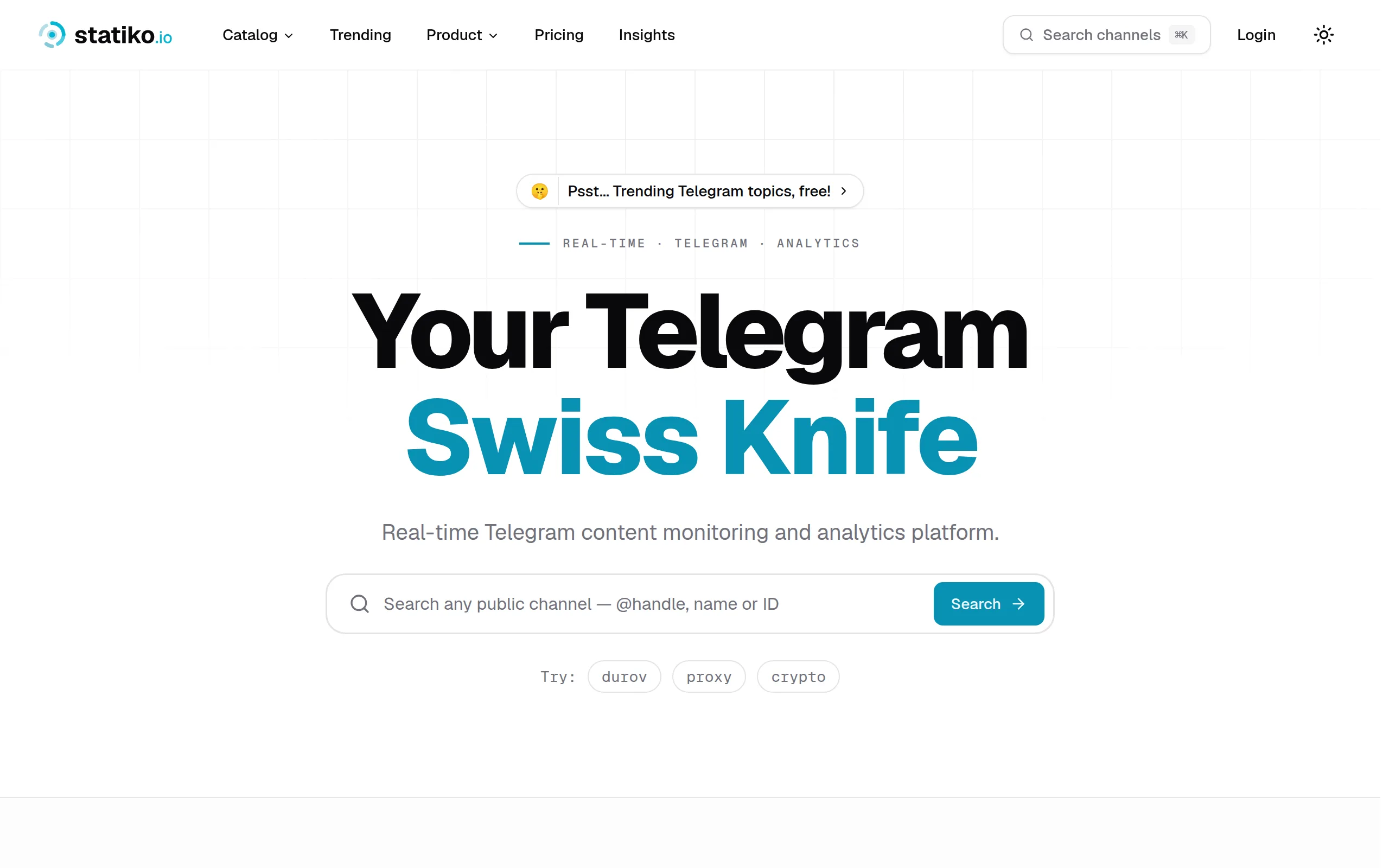
Statiko
Monitor any Telegram channel in real time - track posts, edits, deletions, and growth with AI recaps 📡
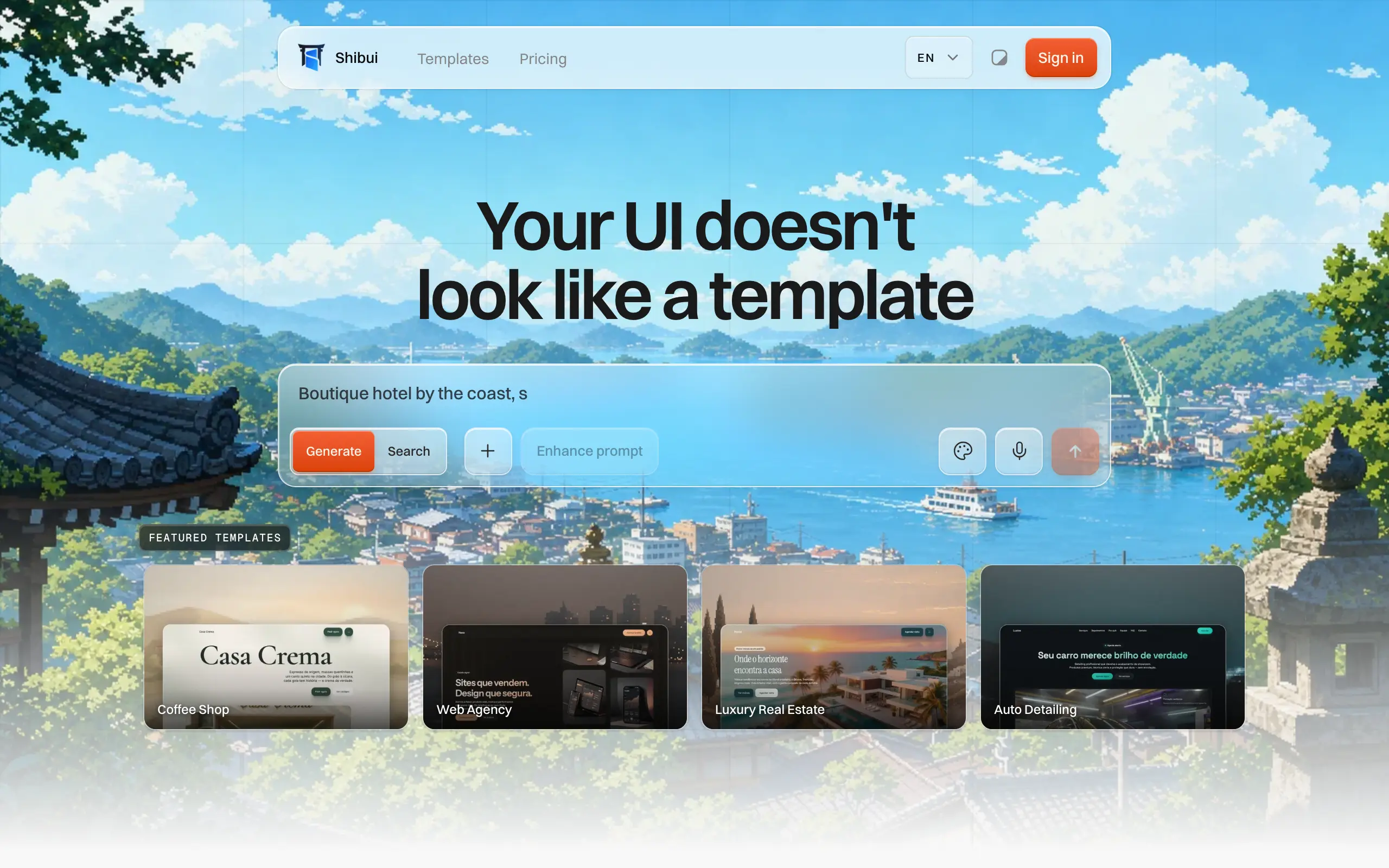
Shibui
AI website builder - describe your business, pick a niche template, edit by chatting, and publish instantly ✨

Pro Service
Find verified home service professionals, compare quotes, and pay securely through escrow - built for Brazilians across the US 🏠
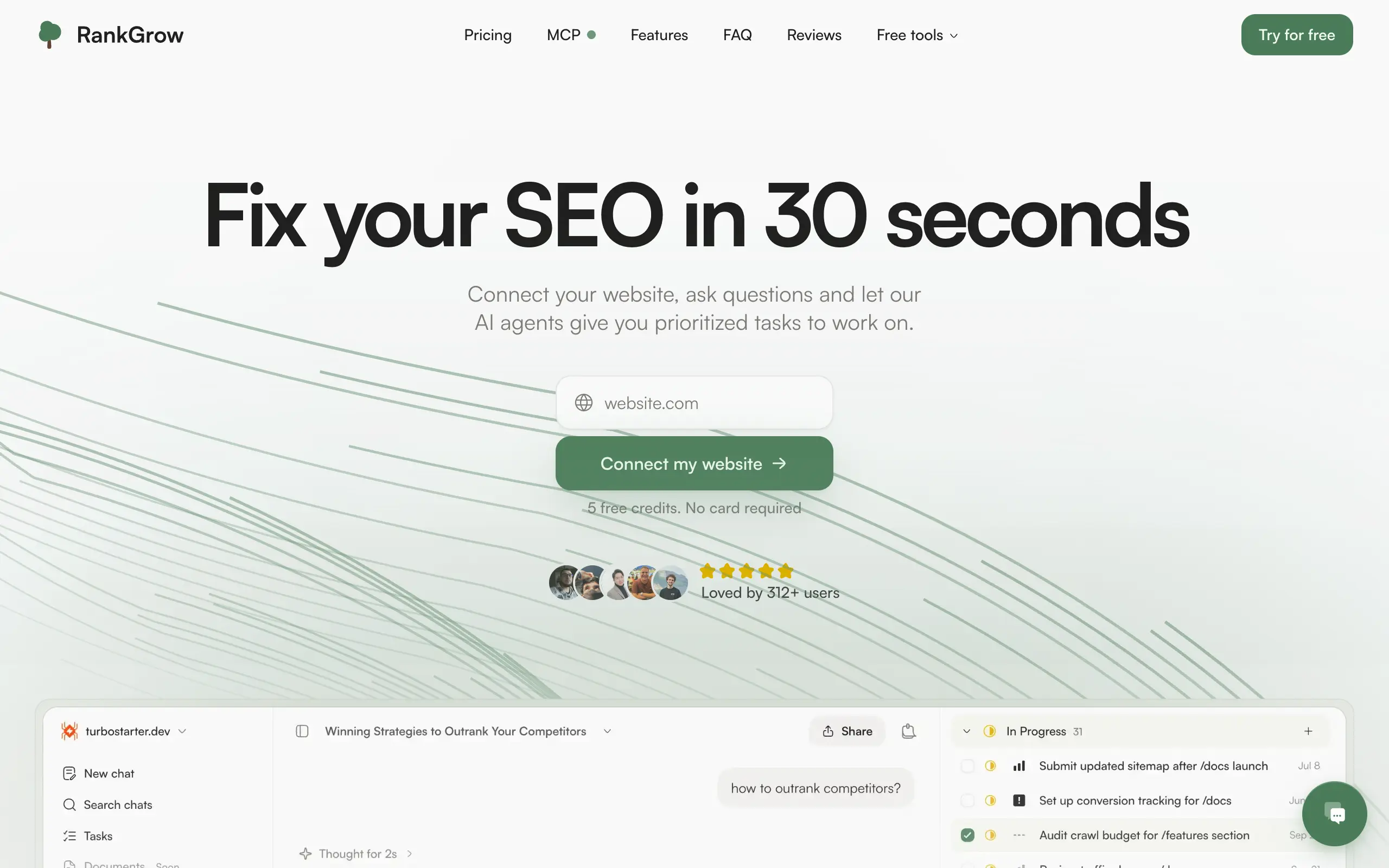
RankGrow
Fix your SEO with AI agents - connect Search Console, get prioritized tasks, and grow organic traffic 📈
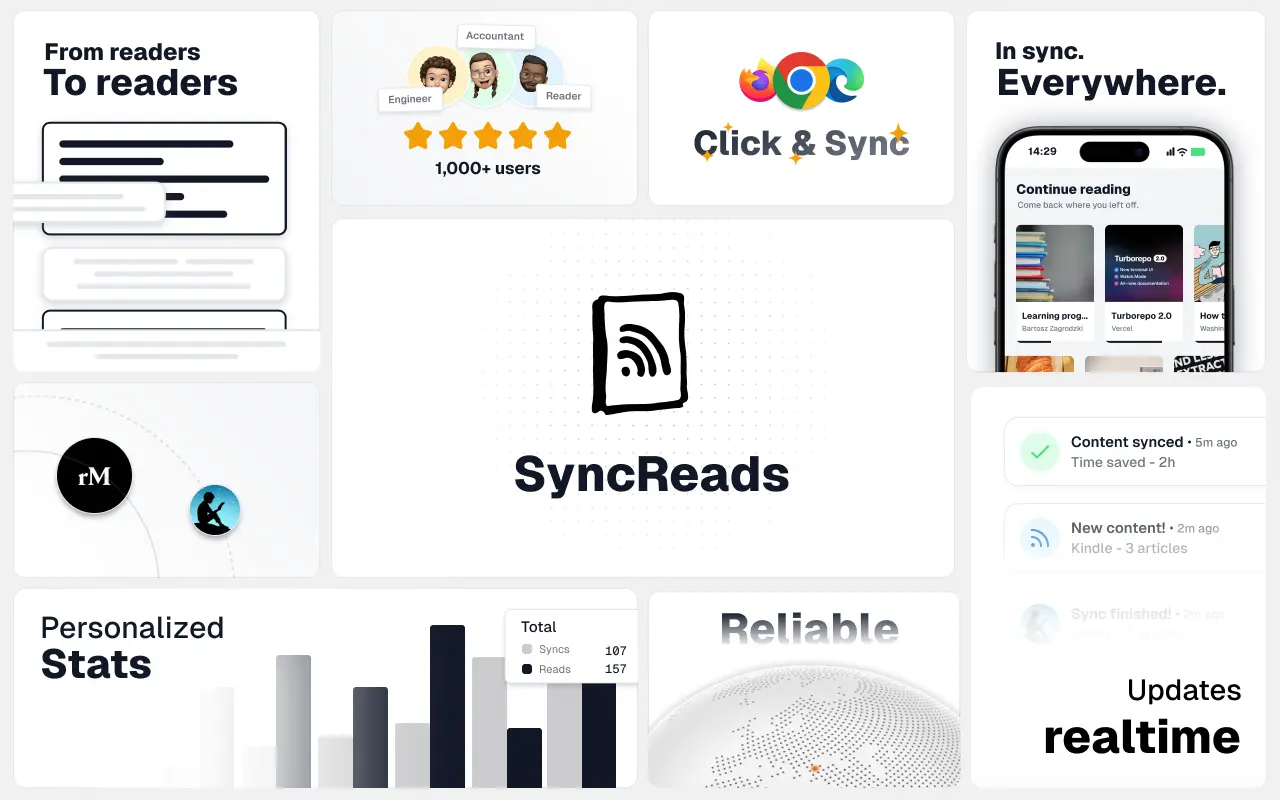
SyncReads
Sync your favorite content for distraction-free reading, save time and replace multiple apps. Anytime, anywhere 🔄
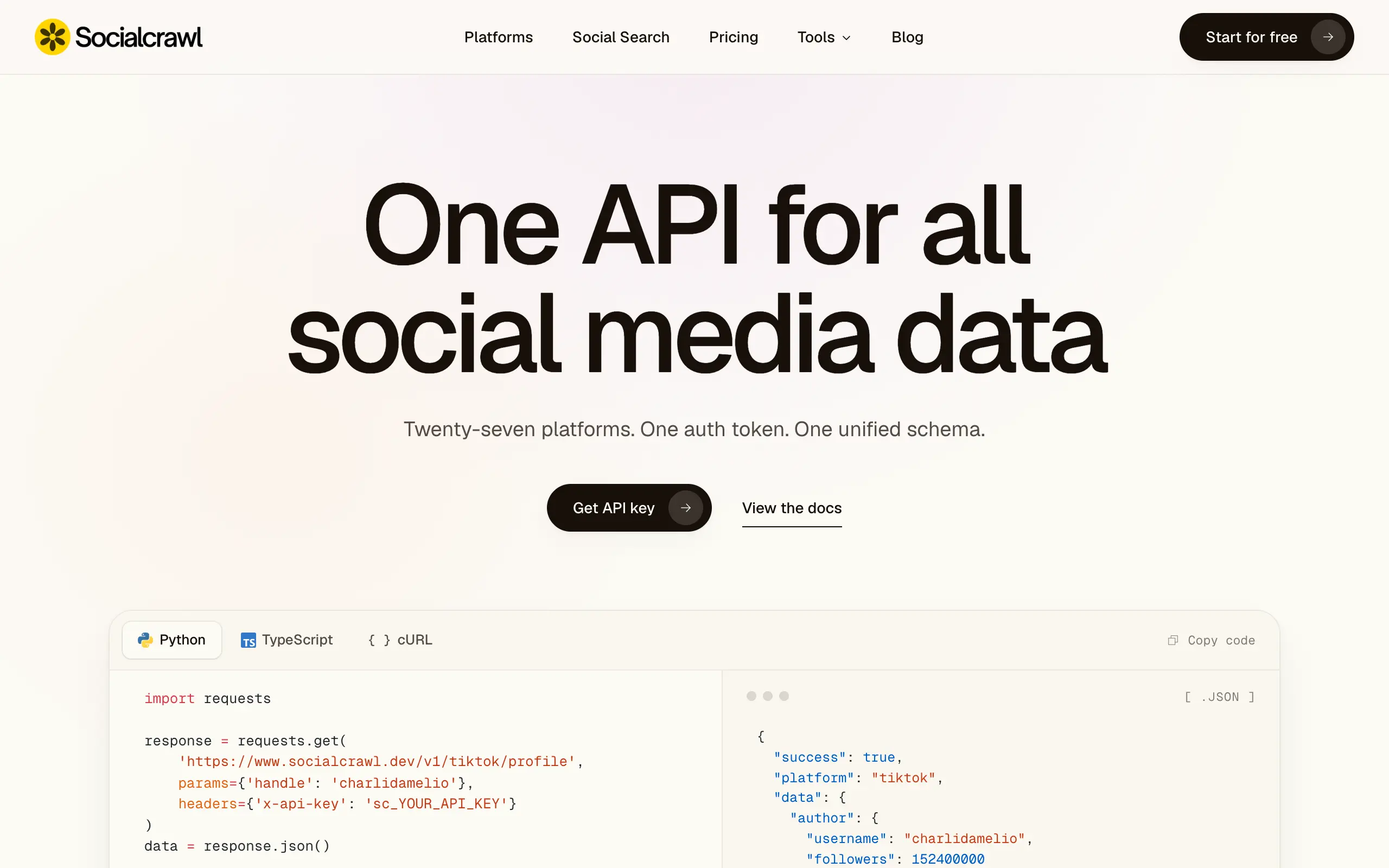
Socialcrawl
Get clean, structured data from 21 platforms like TikTok, Instagram, and YouTube with a single request 📊
Statiko
Monitor any Telegram channel in real time - track posts, edits, deletions, and growth with AI recaps 📡
Shibui
AI website builder - describe your business, pick a niche template, edit by chatting, and publish instantly ✨
Pro Service
Find verified home service professionals, compare quotes, and pay securely through escrow - built for Brazilians across the US 🏠
RankGrow
Fix your SEO with AI agents - connect Search Console, get prioritized tasks, and grow organic traffic 📈
SyncReads
Sync your favorite content for distraction-free reading, save time and replace multiple apps. Anytime, anywhere 🔄
Socialcrawl
Get clean, structured data from 21 platforms like TikTok, Instagram, and YouTube with a single request 📊
Statiko
Monitor any Telegram channel in real time - track posts, edits, deletions, and growth with AI recaps 📡
Shibui
AI website builder - describe your business, pick a niche template, edit by chatting, and publish instantly ✨
Pro Service
Find verified home service professionals, compare quotes, and pay securely through escrow - built for Brazilians across the US 🏠
RankGrow
Fix your SEO with AI agents - connect Search Console, get prioritized tasks, and grow organic traffic 📈
SyncReads
Sync your favorite content for distraction-free reading, save time and replace multiple apps. Anytime, anywhere 🔄
Socialcrawl
Get clean, structured data from 21 platforms like TikTok, Instagram, and YouTube with a single request 📊
Statiko
Monitor any Telegram channel in real time - track posts, edits, deletions, and growth with AI recaps 📡
Shibui
AI website builder - describe your business, pick a niche template, edit by chatting, and publish instantly ✨
Pro Service
Find verified home service professionals, compare quotes, and pay securely through escrow - built for Brazilians across the US 🏠
RankGrow
Fix your SEO with AI agents - connect Search Console, get prioritized tasks, and grow organic traffic 📈
SyncReads
Sync your favorite content for distraction-free reading, save time and replace multiple apps. Anytime, anywhere 🔄
Socialcrawl
Get clean, structured data from 21 platforms like TikTok, Instagram, and YouTube with a single request 📊
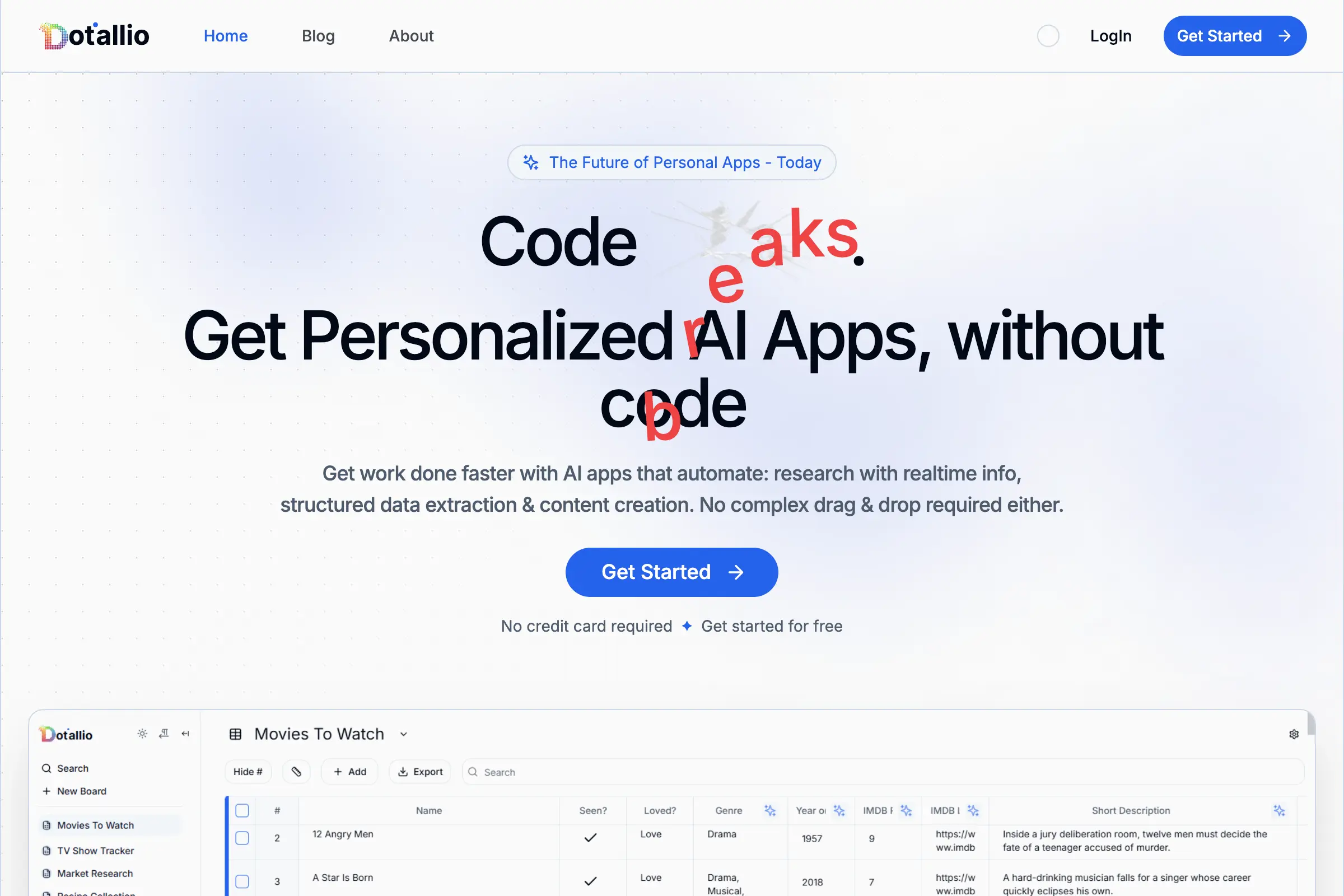
Dotallio
Personalized AI apps that automate research, data extraction, and content creation without code 🤖
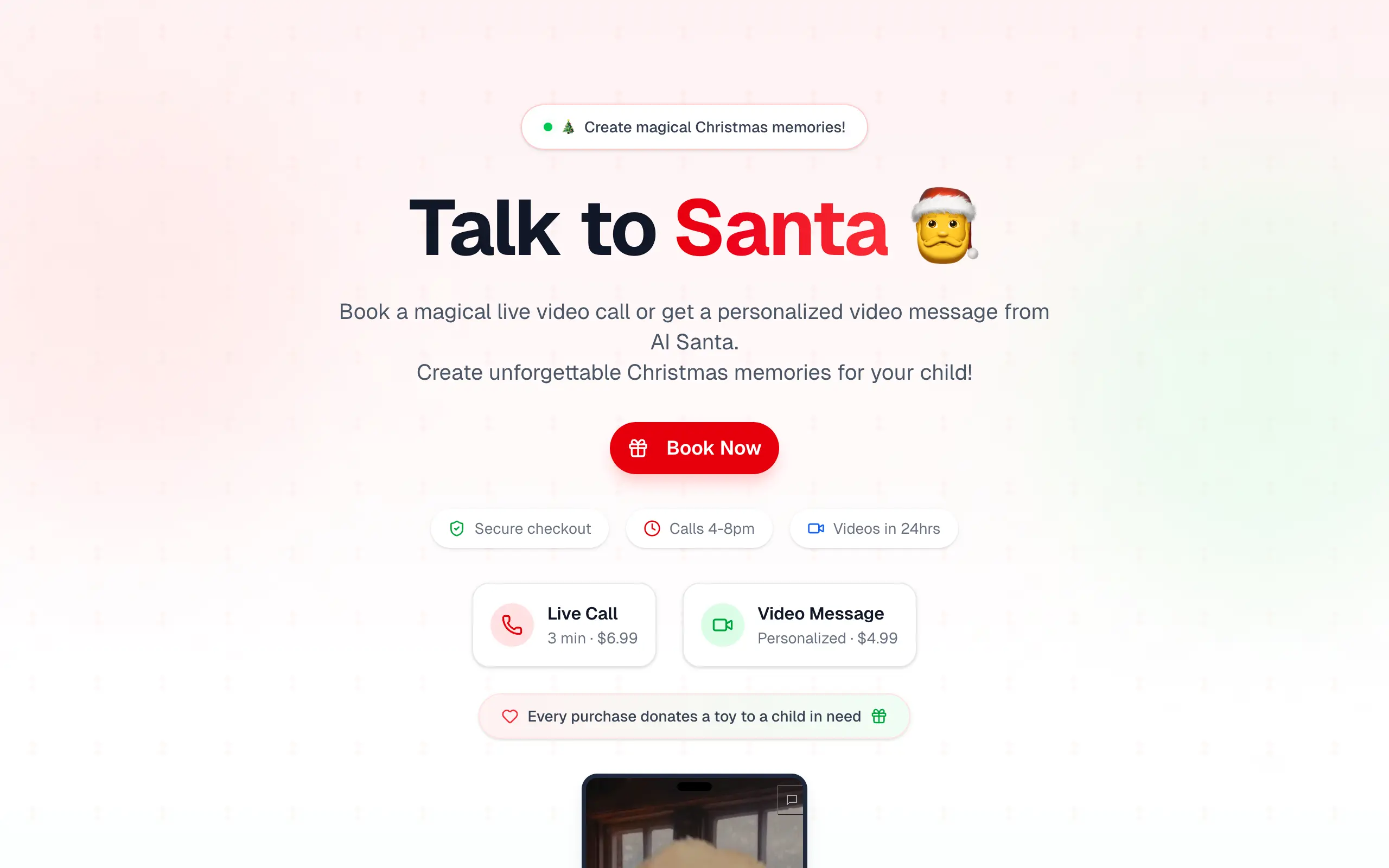
Talk to Santa
Enjoy a magical live video chat or receive a unique AI-generated video greeting from Santa Claus 🎅
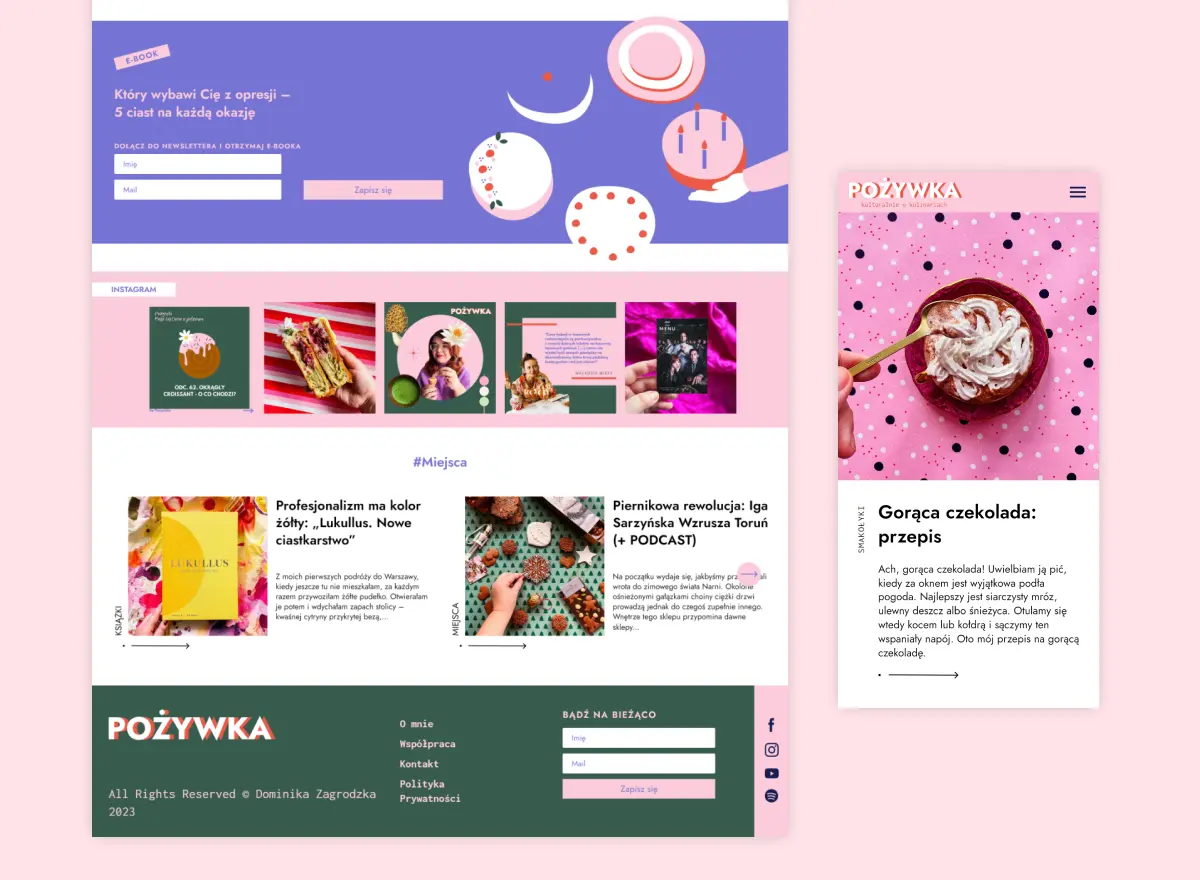
pozywka.pl
Scalable blog for food journalist, focused on performance and user experience 🌭
zagrodzki.me
Personal blog and portfolio of Bart Zagrodzki, where he shares his knowledge and work 💼
TurboStarter
Ship your startup everywhere. In minutes.
HTML to Markdown
Convert HTML to Markdown with ease, directly in your browser 📄
Dotallio
Personalized AI apps that automate research, data extraction, and content creation without code 🤖
Talk to Santa
Enjoy a magical live video chat or receive a unique AI-generated video greeting from Santa Claus 🎅
pozywka.pl
Scalable blog for food journalist, focused on performance and user experience 🌭
zagrodzki.me
Personal blog and portfolio of Bart Zagrodzki, where he shares his knowledge and work 💼
TurboStarter
Ship your startup everywhere. In minutes.
HTML to Markdown
Convert HTML to Markdown with ease, directly in your browser 📄
Dotallio
Personalized AI apps that automate research, data extraction, and content creation without code 🤖
Talk to Santa
Enjoy a magical live video chat or receive a unique AI-generated video greeting from Santa Claus 🎅
pozywka.pl
Scalable blog for food journalist, focused on performance and user experience 🌭
zagrodzki.me
Personal blog and portfolio of Bart Zagrodzki, where he shares his knowledge and work 💼
TurboStarter
Ship your startup everywhere. In minutes.
HTML to Markdown
Convert HTML to Markdown with ease, directly in your browser 📄
Dotallio
Personalized AI apps that automate research, data extraction, and content creation without code 🤖
Talk to Santa
Enjoy a magical live video chat or receive a unique AI-generated video greeting from Santa Claus 🎅
pozywka.pl
Scalable blog for food journalist, focused on performance and user experience 🌭
zagrodzki.me
Personal blog and portfolio of Bart Zagrodzki, where he shares his knowledge and work 💼
TurboStarter
Ship your startup everywhere. In minutes.
HTML to Markdown
Convert HTML to Markdown with ease, directly in your browser 📄
Omichat
Chat with 50+ AI models, including ChatGPT and Claude, in one place - switch models anytime without losing context 🤖
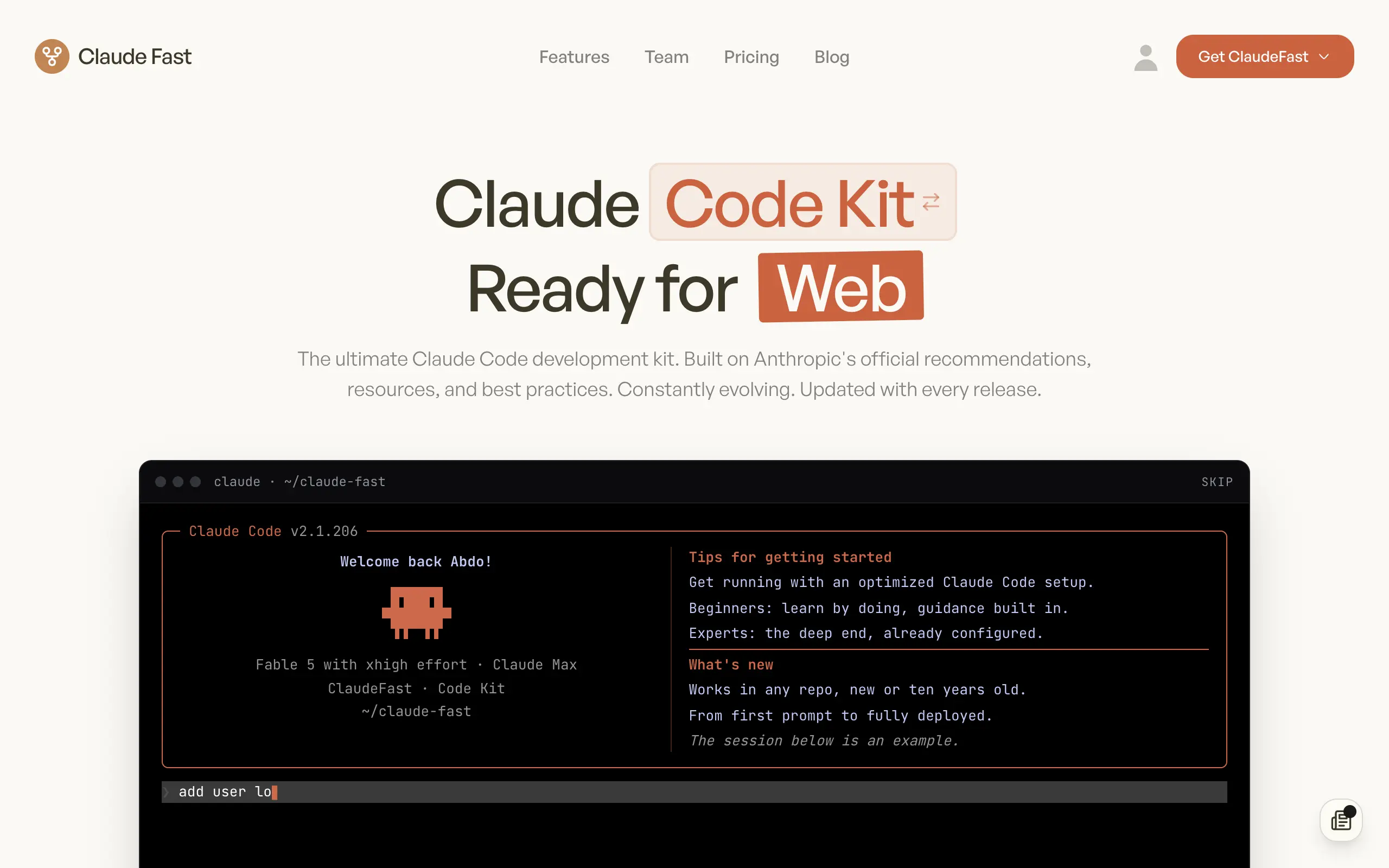
Claude Fast
Supercharge your Claude Code with 6x effective context window and specialized AI agents 🤖
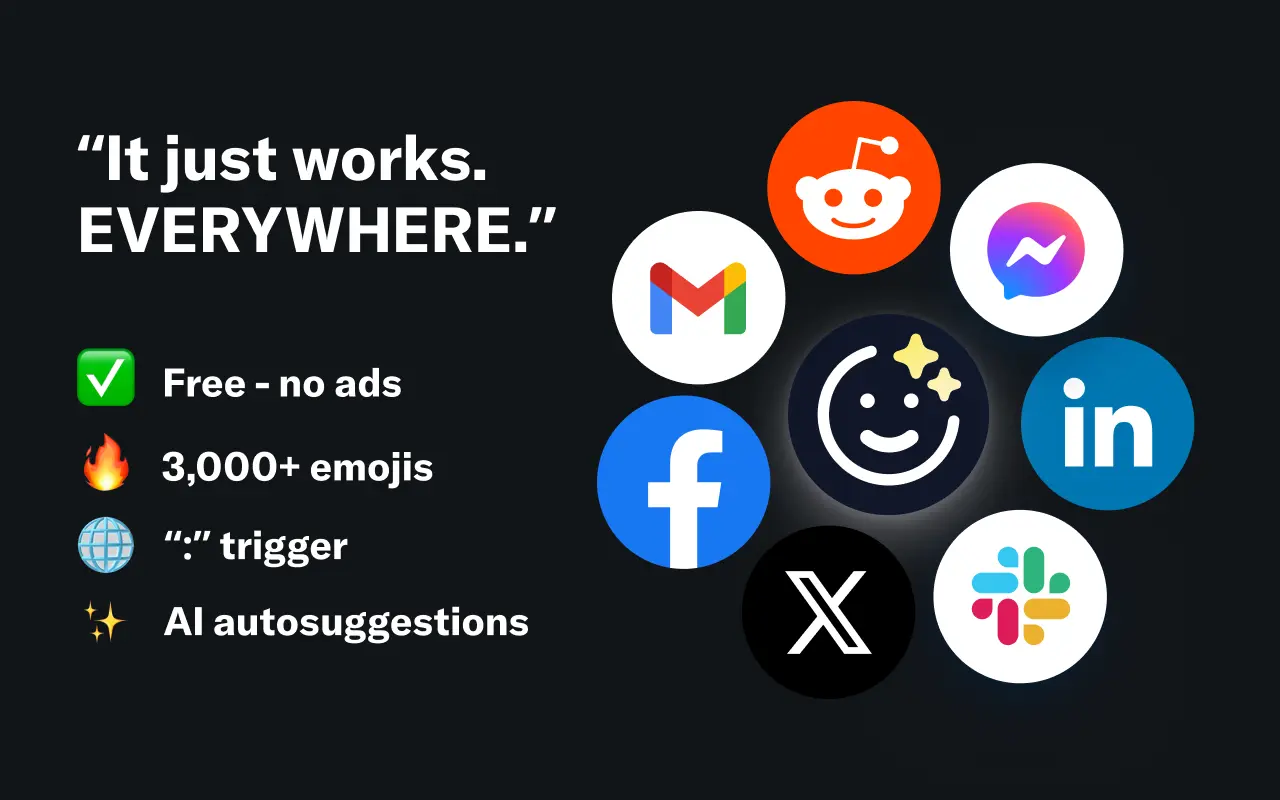
EmojAI
AI-powered emoji picker with smart, context-aware suggestions 🤖
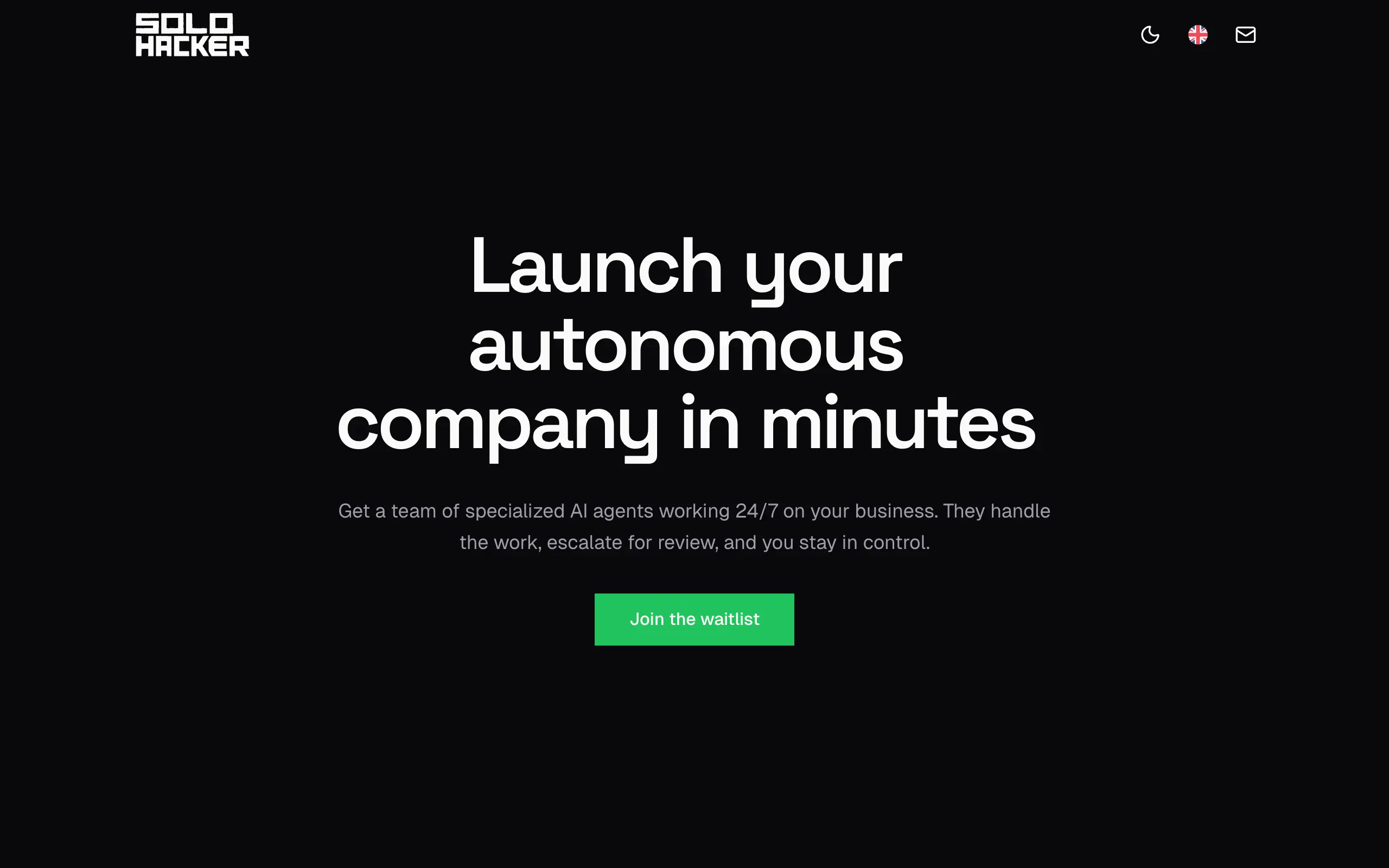
Solohacker
Autonomous company launcher - AI agents work 24/7, escalate what matters, and you stay in control 🤖
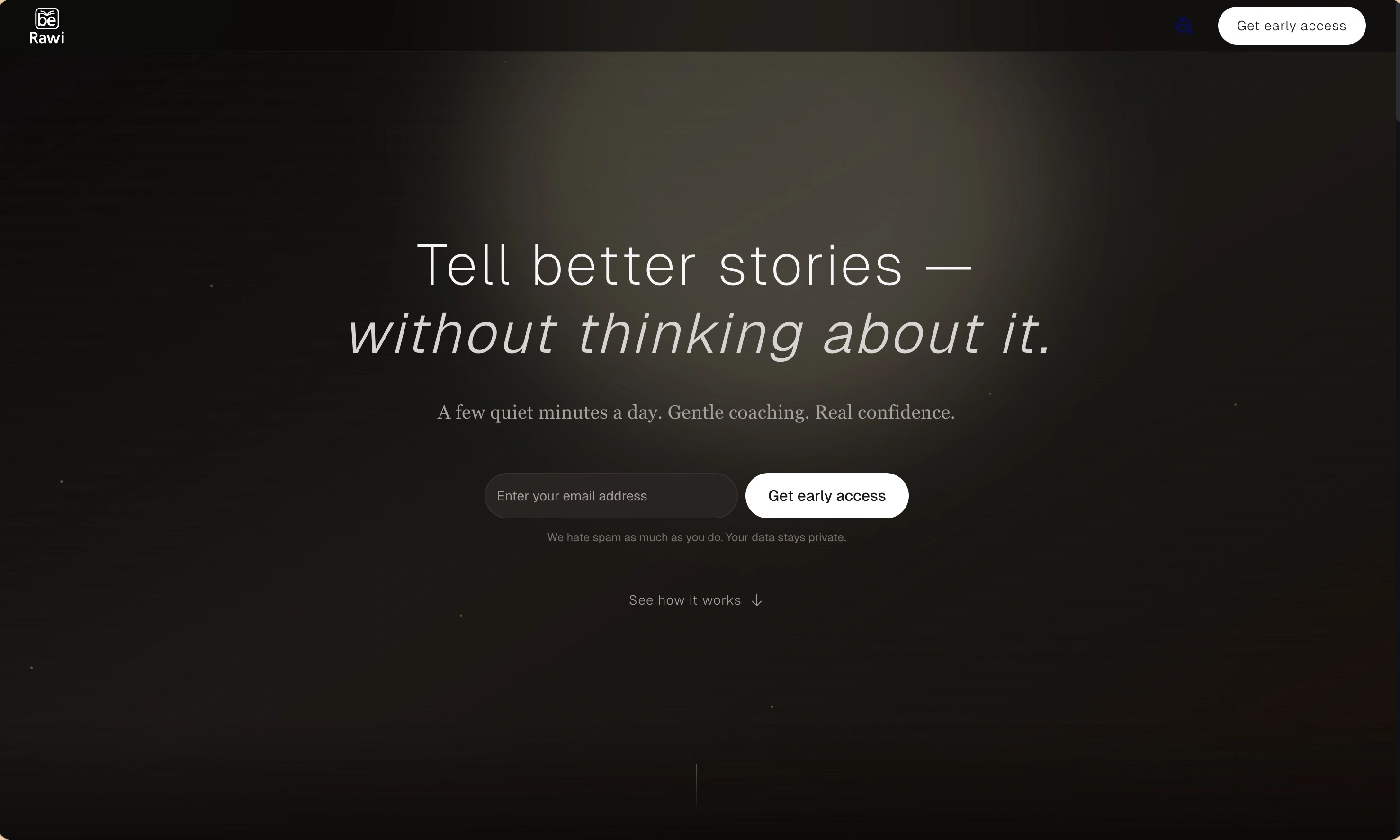
BeRawi: Storytelling Coach
Practice storytelling daily with instant feedback to sound clearer, more engaging, and confident 🎤
Omichat
Chat with 50+ AI models, including ChatGPT and Claude, in one place - switch models anytime without losing context 🤖
Claude Fast
Supercharge your Claude Code with 6x effective context window and specialized AI agents 🤖
EmojAI
AI-powered emoji picker with smart, context-aware suggestions 🤖
Solohacker
Autonomous company launcher - AI agents work 24/7, escalate what matters, and you stay in control 🤖
BeRawi: Storytelling Coach
Practice storytelling daily with instant feedback to sound clearer, more engaging, and confident 🎤
Omichat
Chat with 50+ AI models, including ChatGPT and Claude, in one place - switch models anytime without losing context 🤖
Claude Fast
Supercharge your Claude Code with 6x effective context window and specialized AI agents 🤖
EmojAI
AI-powered emoji picker with smart, context-aware suggestions 🤖
Solohacker
Autonomous company launcher - AI agents work 24/7, escalate what matters, and you stay in control 🤖
BeRawi: Storytelling Coach
Practice storytelling daily with instant feedback to sound clearer, more engaging, and confident 🎤
Omichat
Chat with 50+ AI models, including ChatGPT and Claude, in one place - switch models anytime without losing context 🤖
Claude Fast
Supercharge your Claude Code with 6x effective context window and specialized AI agents 🤖
EmojAI
AI-powered emoji picker with smart, context-aware suggestions 🤖
Solohacker
Autonomous company launcher - AI agents work 24/7, escalate what matters, and you stay in control 🤖
BeRawi: Storytelling Coach
Practice storytelling daily with instant feedback to sound clearer, more engaging, and confident 🎤

Connect with like-minded people
Join our community to get feedback, support, and grow together with 1,000+ builders on board, let's ship it!
Join usShip your startup everywhere. In minutes.
Don't burn tokens on setup and start building features on day one.