LectureLoop AI
Turn lectures into searchable notes, flashcards and practice quizzes with citations. Built for students who need faster revision from recordings.
Why an AI lecture notes app solves a real student problem
LectureLoop AI is an AI lecture notes app that turns recorded lectures into searchable notes, citation-backed summaries, flashcards, and practice quizzes. Its core promise is straightforward: students should not have to replay a 90-minute recording repeatedly to find one explanation, definition, or exam-relevant example.
For many students, lectures are information-rich but revision-poor. A lecture recording may contain important definitions, worked examples, assignment guidance, professor emphasis, and offhand comments about likely exam topics. Yet recordings are usually trapped in a learning management system, difficult to search, and time-consuming to review.
Generic transcription tools solve only part of the problem. They can convert speech into text, but they rarely turn that text into a reliable study workflow. Students need more than a transcript. They need:
- Searchable explanations linked to the original lecture moment
- Concise notes organized around concepts rather than timestamps alone
- Flashcards that support active recall
- Practice quizzes that reveal knowledge gaps
- Citations that make AI-generated material trustworthy
- A system that works across multiple modules and weeks of teaching
This is where LectureLoop AI has a differentiated opportunity. It can become a lecture-to-notes AI platform designed around academic revision rather than generic meeting transcription.
The central product thesis
The most useful educational AI does not merely summarize information. It helps learners retrieve, verify, practice, and revisit knowledge in the context where it was taught.
The ideal positioning is not “another AI note-taking tool.” It is a revision intelligence layer for lecture recordings. That distinction matters because it changes the product’s audience, workflow, trust requirements, pricing model, and competitive advantage.
The target audience for LectureLoop AI
LectureLoop AI should focus on learners who already have access to lecture recordings but struggle to turn those recordings into an efficient revision system. This is a large and recurring pain point across higher education, professional education, and online learning.
Primary audience: university and college students
The primary audience is undergraduate and postgraduate students taking content-heavy courses. These students are especially likely to benefit when courses include weekly recorded lectures, technical explanations, dense reading lists, or cumulative exams.
High-value early segments include:
- "STEM students": Students in medicine, engineering, computer science, chemistry, mathematics, and biology often need to recall definitions, mechanisms, formulas, and procedures accurately.
- "Law and business students": These learners need structured arguments, cases, frameworks, terminology, and examples drawn from lectures.
- "Health sciences students": Nursing, pharmacy, psychology, and medical students frequently face high-volume memorization and exam preparation needs.
- "International students": Students studying in a second language may use searchable transcripts and replay-linked citations to improve comprehension.
- "Students with accessibility needs": Accurate transcripts, structured notes, and navigable lecture content can reduce friction for learners with hearing, attention, processing, or note-taking challenges.
The strongest early adopter is likely a student who is already using multiple disconnected tools: their university’s recording platform, a transcript service, Notion or Google Docs, Quizlet-style flashcards, and a general-purpose AI chatbot. They are actively looking for a way to consolidate this workflow.
Secondary audience: tutors, teaching assistants, and study groups
Tutors and teaching assistants can use LectureLoop AI to create supplementary review materials, identify common areas of confusion, and build quiz packs from approved source material.
Study groups represent another distribution channel. When one student creates an organized lecture workspace, other students may want access to the same structure, collaborative annotations, or shared practice questions. This introduces a useful product-led growth loop, provided the platform respects university policies and lecturer intellectual property.
Longer-term audience: institutions and online course providers
Educational institutions may be interested in LectureLoop AI if it improves learner support, accessibility, retention, and engagement. However, institutional sales should not be the first go-to-market motion.
Universities have long procurement cycles, demanding security reviews, accessibility requirements, and complex integrations. A student-first SaaS model can validate demand and product behavior before LectureLoop AI invests in enterprise features such as single sign-on, learning management system integrations, data processing agreements, and administrator analytics.
Students upload or connect a lecture recording, receive a transcript and structured notes, search for concepts, generate revision materials, and verify every important answer against the original audio or video timestamp.
Tutors create approved study packs, review AI-generated quizzes, share concept explanations, and use source citations to maintain academic accuracy.
Institutions manage permissions, retention policies, accessibility support, learning platform integrations, and aggregated usage reporting without exposing individual student content unnecessarily.
The market gap in AI lecture transcription and revision
The market already contains transcription products, note-taking apps, flashcard tools, learning platforms, and general AI assistants. The opportunity is not to recreate each category independently. The opportunity is to combine the right capabilities into a single citation-first AI study tool.
Existing tools leave students with fragmented workflows
A student’s typical revision workflow may look like this:
- Download or replay a lecture recording.
- Use a transcription service or manually take notes.
- Copy important sections into a note-taking app.
- Ask an AI assistant to summarize the notes.
- Create flashcards manually or move content into a separate flashcard tool.
- Write their own practice questions.
- Return to the recording when the AI output is vague or questionable.
This workflow is repetitive, slow, and prone to errors. The most damaging issue is that students can lose the link between an AI-generated note and the lecture source that supports it.
LectureLoop AI should remove those handoffs. Its value is not just automation. Its value is traceability from learning output back to the lecture evidence.
The trust gap is the most important opportunity
Students may use generative AI for revision, but they are rightly cautious about hallucinations. A study tool that produces an incorrect definition, omits a lecturer’s caveat, or invents an example can actively harm exam preparation.
LectureLoop AI should make source grounding visible in every important interaction:
- Notes should cite lecture timestamps.
- Flashcard answers should link to the relevant transcript segment.
- Quiz explanations should show the source passage used to generate the answer.
- AI chat responses should cite one or more lecture moments.
- Uncertain output should be labeled rather than presented as fact.
This creates a meaningful product advantage over generic AI chat interfaces. Students do not merely want an answer; they want to know, “Where did my lecturer say that?”
The academic context gap
Generic meeting note software is optimized for action items, speakers, decisions, and follow-ups. Lecture content has different structure:
- Learning objectives
- Definitions and terminology
- Conceptual explanations
- Worked examples
- Diagrams and slide references
- Questions from students
- Assignment reminders
- Exam hints
- Comparisons between theories or methods
An effective AI lecture summarizer must understand and represent this structure. It should identify not only what was said, but why the material matters for learning and assessment.
The retention gap
A transcript and summary may help comprehension, but they do not automatically create long-term memory. Educational research consistently supports practices such as retrieval practice and spaced repetition. Rather than relying on unsupported claims, the product’s educational content should reference peer-reviewed learning science literature and established organizations when publishing study guidance.
LectureLoop AI can operationalize these principles by converting lecture concepts into flashcards, low-stakes quizzes, confidence ratings, and personalized review queues.
Core features for an AI lecture notes platform
The product should begin with a narrow but complete workflow: upload a recording, process it, study from trustworthy outputs, and return to the source when needed.
Lecture understanding
Transcription, speaker-aware timestamps, slide-aware segmentation, topic detection, and concise structured notes.
Active revision
Citation-backed flashcards, adaptive practice quizzes, weak-topic tracking, and review reminders.
Grounded AI help
Ask questions about a lecture and receive answers linked directly to transcript passages and timestamps.
Accurate lecture transcription with timestamps
LectureLoop AI needs transcription that performs well on academic vocabulary, varied accents, classroom acoustics, and occasional audience questions. The UI should preserve a precise relationship between transcript text and the original media timeline.
Minimum requirements include:
- Audio and video uploads
- Transcript generation with timestamps
- Paragraph-level or sentence-level source anchors
- Editable transcript text
- Playback that begins at the cited timestamp
- Speaker labeling when audio quality permits
- Support for common recording formats
- Clear processing status and failure recovery
A transcript should never be treated as perfect. Give students and tutors lightweight editing tools, especially for specialist terms, proper names, equations, and abbreviations. Corrected terms can improve downstream summaries, flashcards, and question generation.
Structured notes that reflect how students revise
LectureLoop AI should generate notes in layers rather than one long summary. A student revising the night before an exam has different needs from a student attending a lecture for the first time.
Useful note formats include:
- "Quick overview": A short explanation of the lecture’s purpose and main takeaways.
- "Topic outline": Major concepts grouped under clear headings.
- "Key definitions": Important terms, meanings, and context.
- "Worked examples": Procedures, calculations, scenarios, or case examples discussed by the lecturer.
- "Exam relevance": Explicit assessment guidance or lecturer emphasis, with careful source citation.
- "Questions to revisit": Topics the student marked as unclear.
- "Linked sources": Timestamped references to relevant transcript segments.
The system should allow students to choose the note depth. A 200-word recap, comprehensive revision notes, and a concept-by-concept breakdown should be different generated views of the same grounded source material.
Citation-backed AI chat for lecture recordings
The highest-value feature is a conversational interface that answers questions using a specific lecture or selected set of lectures.
Examples of useful student prompts include:
- “Explain the difference between the two models discussed in week 4.”
- “What did the lecturer say about the assumptions behind this equation?”
- “Create an example similar to the worked example at 42 minutes.”
- “Which topics did the lecturer emphasize for the midterm?”
- “What concepts from this lecture connect to last week’s lecture?”
Every answer should include clickable citations. The citation experience should be fast and intuitive:
- The student asks a question.
- LectureLoop AI retrieves relevant transcript segments.
- The model generates an answer based on those segments.
- The interface displays source timestamps.
- The student clicks a citation to open the relevant audio or video moment.
This approach is commonly called retrieval-augmented generation, or RAG. It reduces unsupported generation by grounding answers in retrieved source material, though it does not eliminate the need for quality checks and transparent uncertainty.
Flashcards designed for active recall
Flashcards should not be an afterthought. They are a core retention mechanism and an important reason students will return to the product.
LectureLoop AI should generate several types of flashcards:
- Basic question-and-answer cards
- Definition cards
- Cloze deletion cards
- Comparison cards
- Process or sequence cards
- Formula interpretation cards
- Scenario-based application cards
Students need control over quality. Let them edit, regenerate, delete, tag, and combine cards into decks by course, lecture, topic, or exam.
The product should also avoid generating hundreds of shallow cards simply because it can. Better defaults prioritize high-yield concepts, challenging distinctions, and material supported by the lecture source.
Practice quizzes with explanations
Practice quizzes create a clear bridge between passive review and exam readiness. Quiz generation should support multiple formats:
- Multiple-choice questions
- Short-answer questions
- True-or-false questions
- Matching exercises
- Ordering or sequence questions
- Applied scenario questions
Every question needs an explanation, not just a score. When a student answers incorrectly, they should see why the correct answer is supported by the lecture and where that topic was taught.
A strong quiz flow includes confidence scoring. After answering, a student can choose whether they were confident, unsure, or guessing. This produces richer signals than correctness alone and enables a more useful revision dashboard.
Search across an entire course
Search is a major retention feature. A student should be able to search “Bayes theorem,” “consideration in contract law,” or “mitosis checkpoint” and find relevant moments across all course lectures.
Results should include:
- Matching transcript snippets
- Lecture title and date
- Timestamp
- Related note section
- Matching flashcards
- Related quiz questions
- Saved student annotations
This turns lecture recordings from an archive into an accessible knowledge base.
What makes LectureLoop AI different from generic note-taking tools
LectureLoop AI’s unique selling proposition is source-verifiable revision from lecture recordings.
Most AI transcription products help users capture what happened. Most study products help users memorize content. LectureLoop AI should combine both while preserving the source relationship between generated study material and the original lecture.
| Capability | Generic transcription app | Flashcard app | General AI chatbot | LectureLoop AI |
|---|---|---|---|---|
| Timestamped lecture transcript | Usually | Rarely | No | Yes |
| Source-cited AI answers | Rarely | No | Usually no | Yes |
| Lecture-specific flashcards | Limited | Yes | Manual prompt needed | Yes |
| Revision analytics | No | Often | No | Yes |
| Playback-linked verification | Sometimes | No | No | Yes |
The differentiation is strongest when the product follows three principles:
- Ground every important output in the lecture source.
- Convert understanding into active practice without forcing tool switching.
- Make revision progress visible at a topic level, not only a lecture level.
Recommended tech stack for LectureLoop AI
A modern AI SaaS stack should optimize for speed of iteration, dependable background processing, secure file handling, and observable AI behavior. The right stack depends on team experience and expected scale, but the architecture should separate the user-facing application from media processing and AI workloads.
Frontend and application layer
A practical choice is Next.js with React and TypeScript. This stack supports server-rendered marketing pages, authenticated application experiences, API routes or server actions, and a broad ecosystem.
For UI development, Tailwind CSS can accelerate consistent responsive design. A student-facing product benefits from excellent mobile usability because many learners review flashcards and recordings on phones or tablets.
Recommended frontend capabilities include:
- Responsive lecture library
- Accessible media player
- Transcript virtualization for long lectures
- Citation hover cards and timestamp deep links
- Keyboard navigation for flashcard review
- Offline-friendly caching for recently viewed notes
- Clear loading states for long-running AI tasks
Database, authentication, and storage
A relational database such as PostgreSQL is a strong foundation for users, courses, lectures, transcript segments, notes, flashcards, quiz attempts, and entitlements.
The core data model should preserve relationships between generated content and source segments. For example, a flashcard should store not only front and back text, but also the transcript chunk identifiers that informed it.
For file storage, use object storage rather than storing recordings directly in the database. Storage needs include:
- Original uploaded audio and video
- Normalized audio files for transcription
- Optional extracted slide images
- Transcript exports
- User-generated attachments
Authentication should support email sign-in first, with social login where appropriate. For future institutional accounts, plan for SAML or OpenID Connect single sign-on, but avoid building enterprise identity features before demand is proven.
AI pipeline and retrieval architecture
The AI workflow should be asynchronous. A student should not wait in a browser request while a large video uploads, transcription completes, embeddings are generated, and multiple study assets are created.
A typical pipeline is:
Validate the uploaded media, create a lecture record, and store the original file securely.
Extract and normalize audio, then send it to a transcription provider or self-hosted speech-to-text service.
Clean the transcript, identify timestamps, detect sections, and allow terminology corrections.
Chunk the transcript by semantic boundaries while retaining timing and lecture metadata.
Create embeddings, index chunks for retrieval, and generate grounded notes, flashcards, and quiz candidates.
Run quality checks, attach citations, notify the user, and make all outputs editable.
For language model generation, use structured outputs where possible. Rather than asking a model for free-form text, request validated fields such as title, summary, learning objectives, source chunk IDs, flashcard front, flashcard back, and confidence notes.
A simplified schema for a source-grounded flashcard could look like this:
type Flashcard = {
  id: string;
  lectureId: string;
  topicId?: string;
  front: string;
  back: string;
  sourceChunkIds: string[];
  sourceTimestamps: number[];
  status: "draft" | "approved" | "archived";
  createdBy: "ai" | "student" | "tutor";
};
For vector search, choose a managed vector capability or dedicated vector database based on operational needs. The trade-off is straightforward:
- A PostgreSQL-based vector approach can simplify the stack and reduce early operational overhead.
- A dedicated vector database may offer stronger performance or filtering flexibility at large scale.
- The best initial decision is often the one the team can monitor, secure, and evolve confidently.
Background jobs and observability
Media and AI work requires a job queue. Jobs should be idempotent, retryable, and traceable. A lecture processing failure should not leave a student with an unexplained blank screen.
Track operational metrics such as:
- Upload completion rate
- Transcription success rate
- Median processing time by lecture length
- Cost per processed minute
- Citation coverage across generated content
- Flashcard edit and deletion rates
- Quiz completion rate
- Search success rate
- AI answer feedback scores
High edit rates may indicate that generated notes are inaccurate, too verbose, poorly structured, or not aligned with how students study. Product analytics should guide prompt improvements and interface changes.
Monetization strategies for an AI study SaaS
LectureLoop AI has recurring usage costs because transcription, storage, model inference, and retrieval all scale with lecture volume. Pricing must protect margins while keeping the product accessible to students.
Freemium model with usage-based limits
A freemium model is likely the best initial strategy. The free tier should provide enough value for students to experience the full workflow, but it should limit costly processing.
Possible packaging includes:
- "Free": A limited number of lecture minutes per month, basic notes, a small flashcard allowance, and search within processed lectures.
- "Student": More processing minutes, unlimited flashcards, advanced quiz generation, cross-lecture AI chat, exports, and revision analytics.
- "Exam sprint": A short-term higher-usage package for revision season.
- "Tutor or creator": Shared study spaces, curated packs, and collaboration features.
- "Institution": SSO, administrator controls, integrations, privacy terms, and volume pricing.
Avoid unlimited video processing at a low fixed price unless usage assumptions are well understood. Heavy users can quickly make an apparently attractive subscription unprofitable.
Credits versus hard usage caps
Credits can make AI costs easier to communicate, but they can also confuse users. Students should not need to understand token consumption or embedding costs.
A better presentation is human-readable allowances:
- Hours of lecture processing
- Number of AI quiz generations
- Number of course workspaces
- Amount of cloud storage
- Advanced AI chat messages
Internally, the system can still use credits or metered usage to manage cost.
Student acquisition and referral loops
LectureLoop AI has natural viral loops:
- Students share a study set with classmates.
- Group revision drives invitations.
- A searchable course workspace becomes more useful when multiple lectures are added.
- Tutors can distribute approved quiz sets.
- Students may invite peers during exam periods.
The sharing experience must clearly distinguish private work from collaborative work. Default privacy should be conservative, and students should have granular control over whether a lecture, note, flashcard deck, or quiz is shared.
Risks and mitigation for AI lecture note-taking software
Education is a high-trust use case. Product quality, privacy, and academic integrity cannot be treated as later-stage concerns.
Hallucinations and misleading study materials
AI-generated summaries and quizzes can be wrong, incomplete, or overly confident. This is the largest product risk because incorrect revision content can damage student outcomes and trust.
Mitigation should include:
- Requiring source citations for generated factual content
- Restricting answers to retrieved lecture context when appropriate
- Showing “not found in this lecture” when evidence is insufficient
- Supporting one-click playback to the source timestamp
- Letting students report inaccurate outputs
- Versioning prompts and models for auditability
- Running automated checks for unsupported claims
- Making generated content editable rather than presenting it as authoritative
Do not overpromise accuracy
LectureLoop AI should describe outputs as AI-assisted study materials. Citations improve verification, but they do not turn every summary or generated question into an infallible academic source.
Copyright and lecturer intellectual property
Lecture recordings may be owned by an institution, lecturer, or course provider. Students may have permission to watch recordings but not permission to redistribute them or upload them to third-party services.
Mitigation includes:
- Clear terms requiring users to have rights to upload content
- Private-by-default workspaces
- Controls that prevent public sharing of raw recordings
- Takedown processes
- Institution-specific policies for approved deployments
- Metadata labels for course ownership and sharing restrictions
- Optional deletion schedules for recordings and transcripts
The platform should encourage students to check their institution’s recording and AI usage policies. For enterprise customers, contract terms and data processing agreements should be reviewed by qualified legal professionals.
Privacy and sensitive data
Lecture recordings can include student voices, names, personal anecdotes, health discussions, or sensitive course content. Privacy expectations may be particularly strict in education and health-related programs.
Mitigation measures include:
- Encryption in transit and at rest
- Access controls at workspace and asset levels
- Configurable data retention
- Deletion workflows that remove media, transcripts, vectors, and derived AI outputs
- Transparent disclosure of third-party processors
- Separate environments for development and production data
- Minimal employee access to customer content
- Audit logs for institutional plans
If serving users in regulated jurisdictions, seek specialist legal guidance on applicable privacy requirements rather than assuming a generic privacy policy is sufficient.
Academic integrity concerns
A revision assistant should help students learn, not facilitate dishonest submission of assessed work. The product should avoid positioning itself as a system for completing assignments or generating answers for take-home assessments.
Helpful safeguards include:
- Study-focused prompts and templates
- Clear academic integrity guidance
- Instructor controls for approved material
- Policies against misuse
- Detection and moderation processes for prohibited content
- Product language centered on comprehension, practice, and source verification
A practical MVP for LectureLoop AI
The first version should prove that students will repeatedly use a lecture-to-revision workflow. Do not begin with every integration, every flashcard algorithm, or a full institutional dashboard.
A focused MVP should include:
- Secure account creation and course workspaces.
- Lecture audio or video upload.
- Timestamped transcript generation.
- Structured notes with citations.
- Search across transcript and notes.
- Citation-backed chat for one lecture at a time.
- AI-generated, editable flashcards.
- Basic practice quizzes with answer explanations.
- Subscription billing and transparent usage limits.
- Feedback controls for inaccurate or unhelpful outputs.
The key activation event is not simply uploading a recording. A better activation definition is:
A student uploads a lecture, opens cited notes, studies at least one generated flashcard or quiz, and returns to the workspace for another lecture.
That behavior signals that LectureLoop AI is becoming part of a real revision habit.
What to postpone until product-market fit
Avoid spending early engineering time on features that do not validate the core value proposition:
- Full learning management system integrations
- Institution-wide administration
- Complex social features
- Automatic slide extraction for every format
- Advanced proctoring or assessment tools
- Too many note templates
- Extensive multi-language support before validating one primary market
- A broad marketplace for shared study materials
These can become valuable later. Initially, the product must excel at turning a single lecture into trusted, useful revision material.
How to launch and validate the product
Start with a narrow audience and a measurable promise. For example, target second- and third-year students in content-heavy university courses who use lecture recordings and are approaching exam periods.
Build a student research loop
Before and during MVP development, interview students about real study behavior. Ask them to show their current workflow rather than only describing it.
Useful questions include:
- How often do you replay lecture recordings?
- What makes a lecture difficult to revise from?
- Which tools do you currently use after a lecture?
- When do you create flashcards, if at all?
- What would make you distrust AI-generated notes?
- Would timestamp citations change your willingness to use AI for revision?
- What would you pay to save revision time during an exam period?
Recruit users through university societies, student communities, tutors, and course-specific groups. Offer a limited beta in exchange for detailed feedback and permission to observe anonymized product behavior.
Measure learning workflow value, not vanity metrics
Downloads and sign-ups are useful, but they do not prove value. Prioritize retention and study behavior.
Key metrics include:
- Percentage of users who finish processing their first lecture
- Time from upload to first study action
- Weekly active learners
- Lectures processed per active user
- Flashcard review sessions per week
- Quiz completion rate
- Citation click-through rate
- Rate of return before exams
- Free-to-paid conversion
- Cost per retained active learner
Citation click-through is particularly important. If students frequently open source timestamps, citations are likely building trust. If they never do, investigate whether citations are hard to notice, not useful, or attached to low-quality outputs.
Action plan for building LectureLoop AI
The fastest path is to build the source-grounded revision loop first, test it with real students, and improve based on evidence.
Define the initial customer segment, such as university students in lecture-heavy courses, and conduct at least 15 workflow interviews.
Design the core data model around lectures, timestamped transcript chunks, citations, notes, flashcards, quizzes, and user study activity.
Build secure upload, background transcription, transcript playback, and searchable lecture workspaces.
Add retrieval-augmented AI notes and chat with visible timestamp citations on every substantive answer.
Introduce editable flashcards and quizzes, then measure whether students return to use them during revision.
Set pricing limits based on observed processing cost, storage use, and repeat study behavior.
Run a focused student beta, document quality issues, and refine prompts, citations, and study flows before expanding distribution.
For founders who want to avoid rebuilding common SaaS foundations such as authentication, billing, account management, and application structure from scratch, TurboStarter can accelerate the path from idea to a production-ready SaaS foundation.
Final takeaway
LectureLoop AI has a compelling opportunity because it addresses a persistent student pain point: turning long, hard-to-search lecture recordings into reliable revision material.
Its winning feature is not transcription alone, AI summaries alone, or flashcards alone. The durable advantage is a citation-backed learning workflow where every important note, answer, flashcard, and quiz explanation can lead students back to what was actually taught.
To earn trust, the product should prioritize source grounding, transparent uncertainty, privacy-aware design, editable outputs, and measurable learning utility. To build efficiently, start with the smallest complete loop: lecture upload, timestamped transcript, cited notes, source-grounded AI questions, and active recall materials.
If LectureLoop AI makes students feel more prepared without making them question whether the AI invented the content, it can become a valuable part of the modern revision stack.
More 🤖 AI Startup SaaS ideas
Discover more innovative ai startup SaaS ideas that are trending in 2026. Each idea is AI-generated with market validation and growth potential to help you find your next profitable venture faster than competitors.
Your competitors are building with TurboStarter
Below are some of the SaaS ideas that have been generated and built with our starter kit.
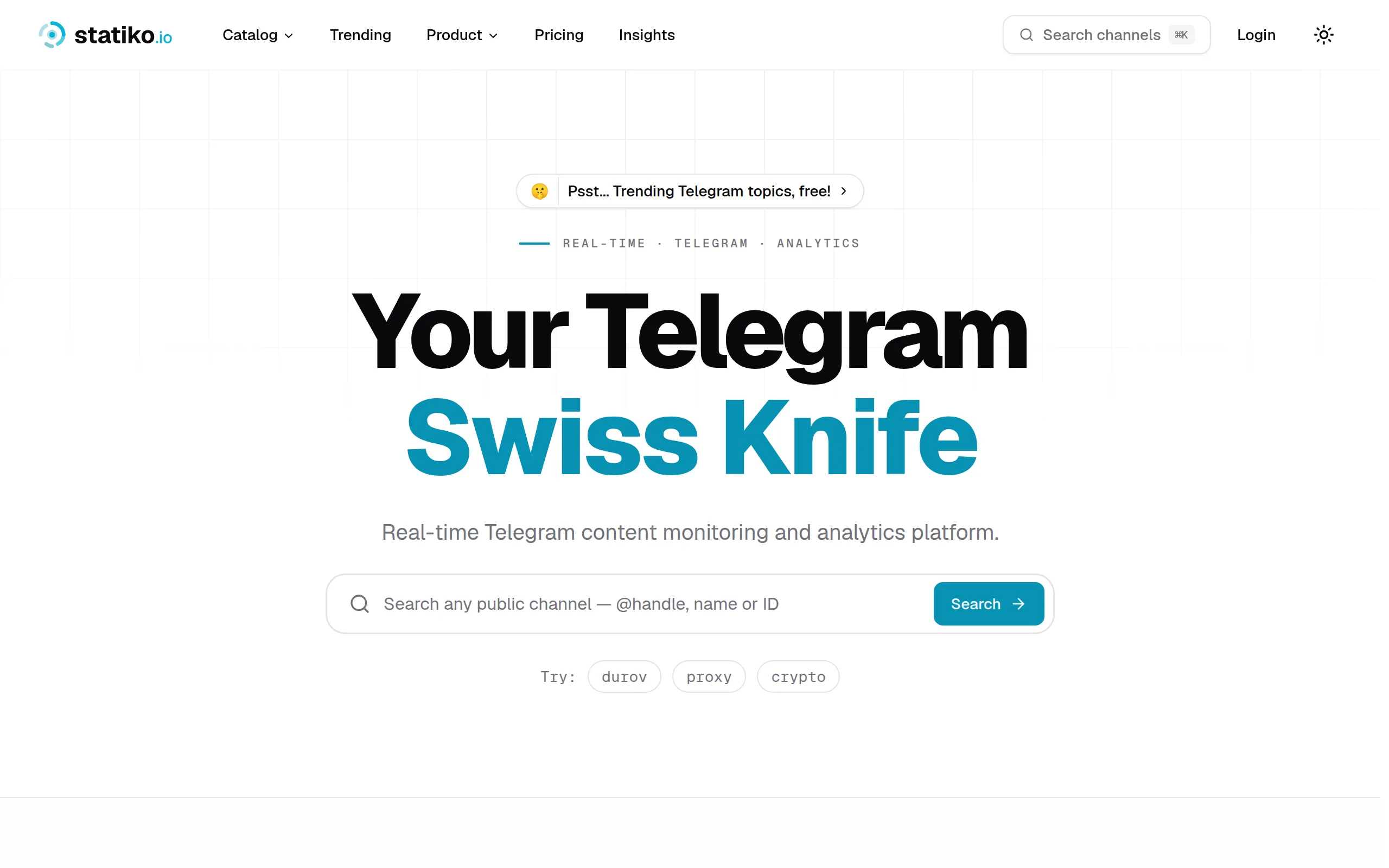
Statiko
Monitor any Telegram channel in real time - track posts, edits, deletions, and growth with AI recaps 📡

Shibui
AI website builder - describe your business, pick a niche template, edit by chatting, and publish instantly ✨

Pro Service
Find verified home service professionals, compare quotes, and pay securely through escrow - built for Brazilians across the US 🏠
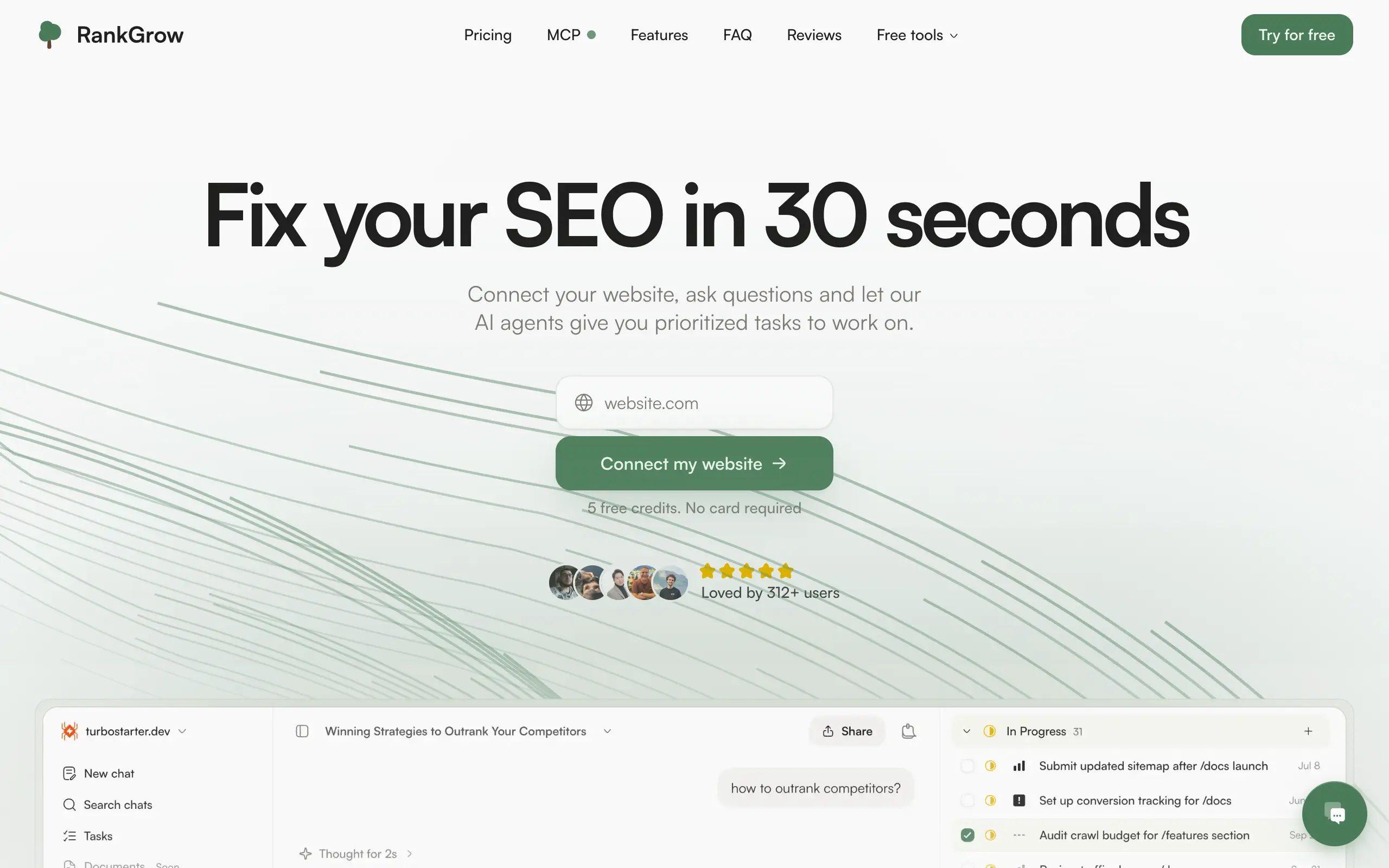
RankGrow
Fix your SEO with AI agents - connect Search Console, get prioritized tasks, and grow organic traffic 📈
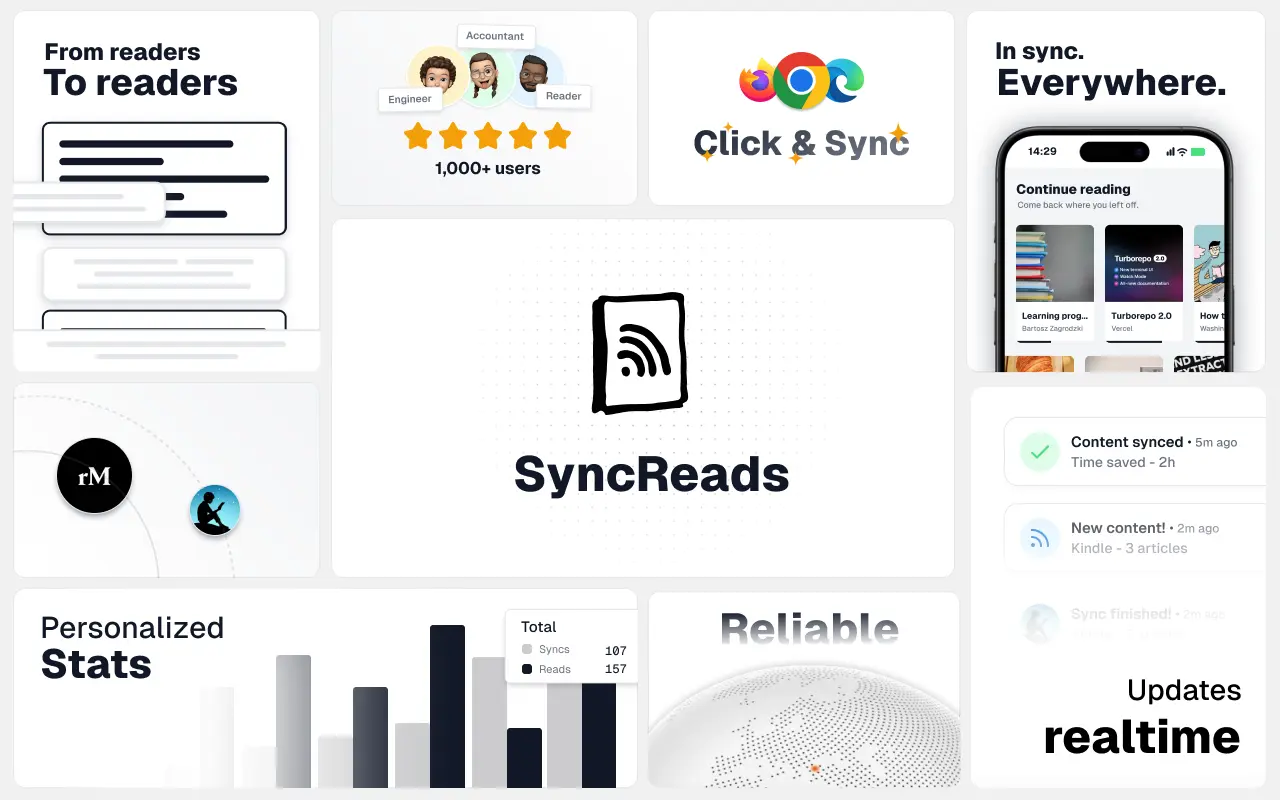
SyncReads
Sync your favorite content for distraction-free reading, save time and replace multiple apps. Anytime, anywhere 🔄
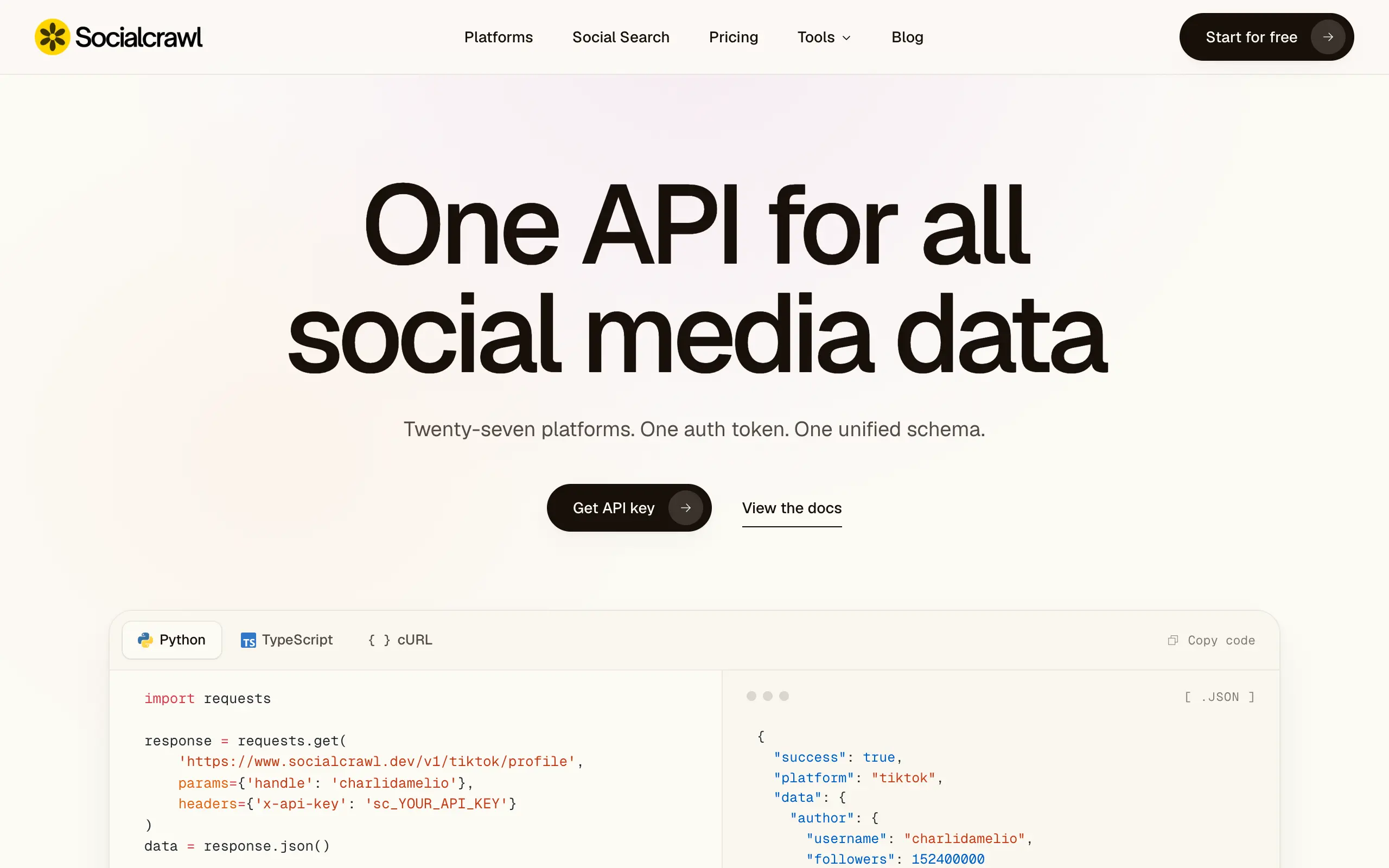
Socialcrawl
Get clean, structured data from 21 platforms like TikTok, Instagram, and YouTube with a single request 📊
Statiko
Monitor any Telegram channel in real time - track posts, edits, deletions, and growth with AI recaps 📡
Shibui
AI website builder - describe your business, pick a niche template, edit by chatting, and publish instantly ✨
Pro Service
Find verified home service professionals, compare quotes, and pay securely through escrow - built for Brazilians across the US 🏠
RankGrow
Fix your SEO with AI agents - connect Search Console, get prioritized tasks, and grow organic traffic 📈
SyncReads
Sync your favorite content for distraction-free reading, save time and replace multiple apps. Anytime, anywhere 🔄
Socialcrawl
Get clean, structured data from 21 platforms like TikTok, Instagram, and YouTube with a single request 📊
Statiko
Monitor any Telegram channel in real time - track posts, edits, deletions, and growth with AI recaps 📡
Shibui
AI website builder - describe your business, pick a niche template, edit by chatting, and publish instantly ✨
Pro Service
Find verified home service professionals, compare quotes, and pay securely through escrow - built for Brazilians across the US 🏠
RankGrow
Fix your SEO with AI agents - connect Search Console, get prioritized tasks, and grow organic traffic 📈
SyncReads
Sync your favorite content for distraction-free reading, save time and replace multiple apps. Anytime, anywhere 🔄
Socialcrawl
Get clean, structured data from 21 platforms like TikTok, Instagram, and YouTube with a single request 📊
Statiko
Monitor any Telegram channel in real time - track posts, edits, deletions, and growth with AI recaps 📡
Shibui
AI website builder - describe your business, pick a niche template, edit by chatting, and publish instantly ✨
Pro Service
Find verified home service professionals, compare quotes, and pay securely through escrow - built for Brazilians across the US 🏠
RankGrow
Fix your SEO with AI agents - connect Search Console, get prioritized tasks, and grow organic traffic 📈
SyncReads
Sync your favorite content for distraction-free reading, save time and replace multiple apps. Anytime, anywhere 🔄
Socialcrawl
Get clean, structured data from 21 platforms like TikTok, Instagram, and YouTube with a single request 📊
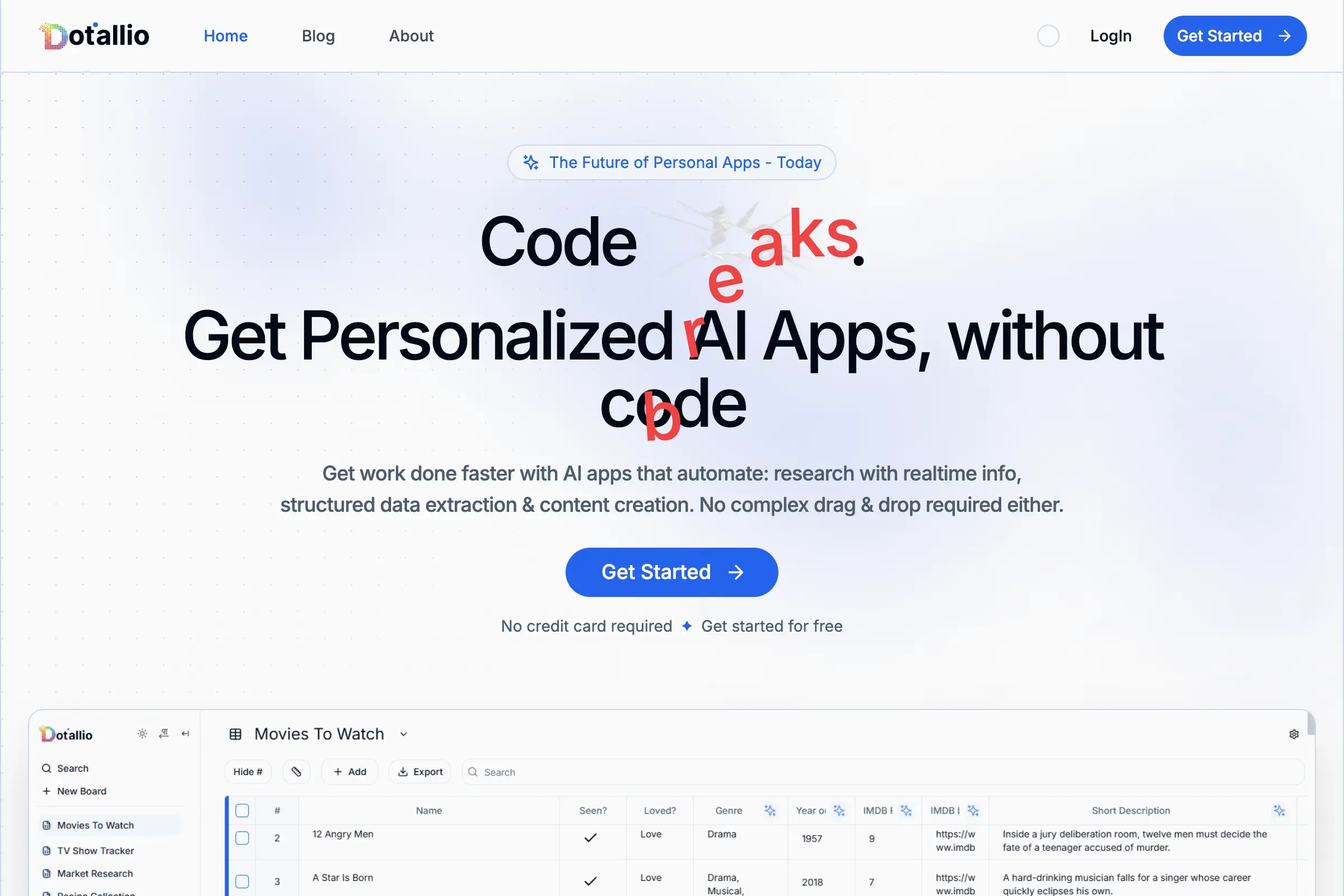
Dotallio
Personalized AI apps that automate research, data extraction, and content creation without code 🤖
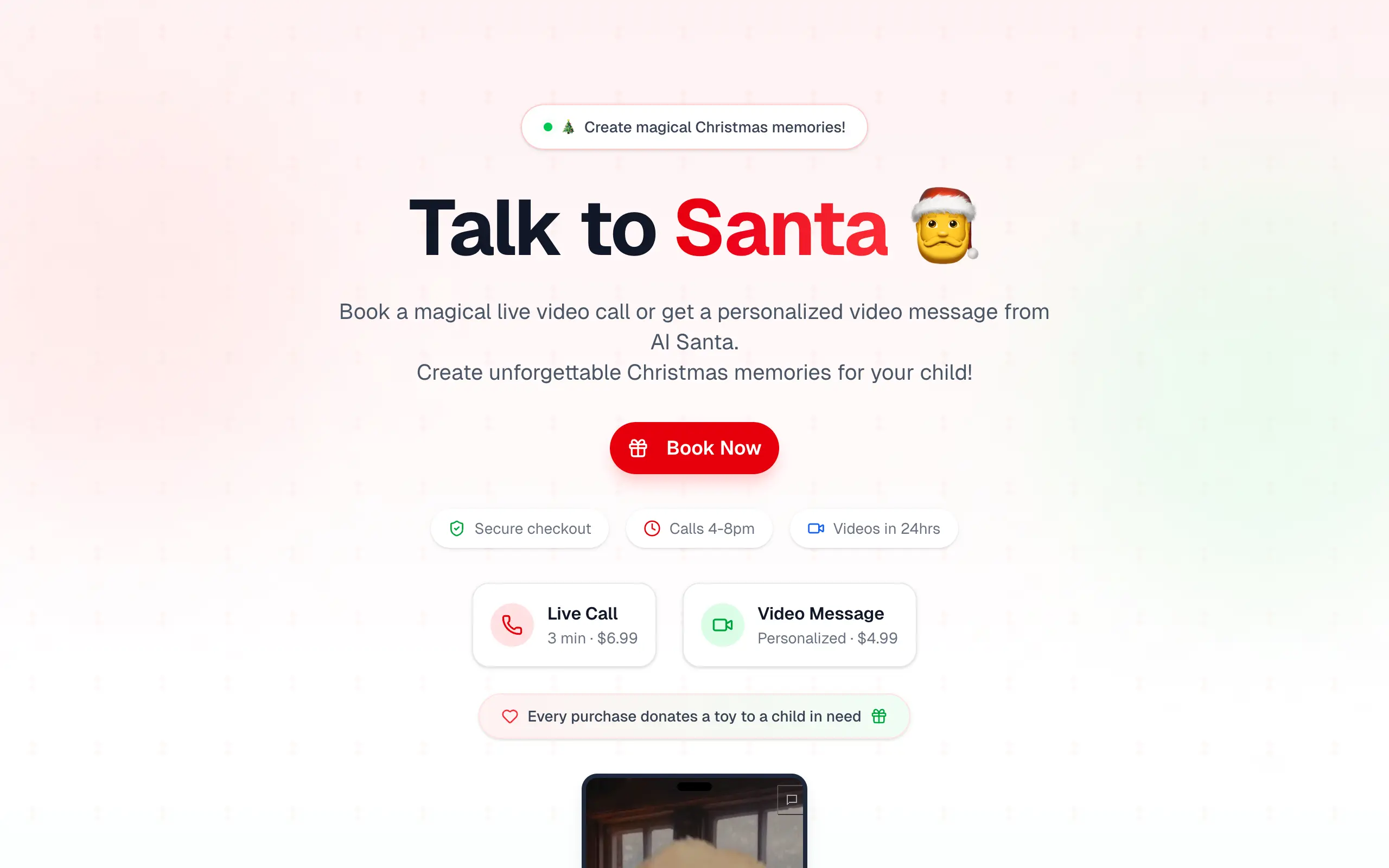
Talk to Santa
Enjoy a magical live video chat or receive a unique AI-generated video greeting from Santa Claus 🎅
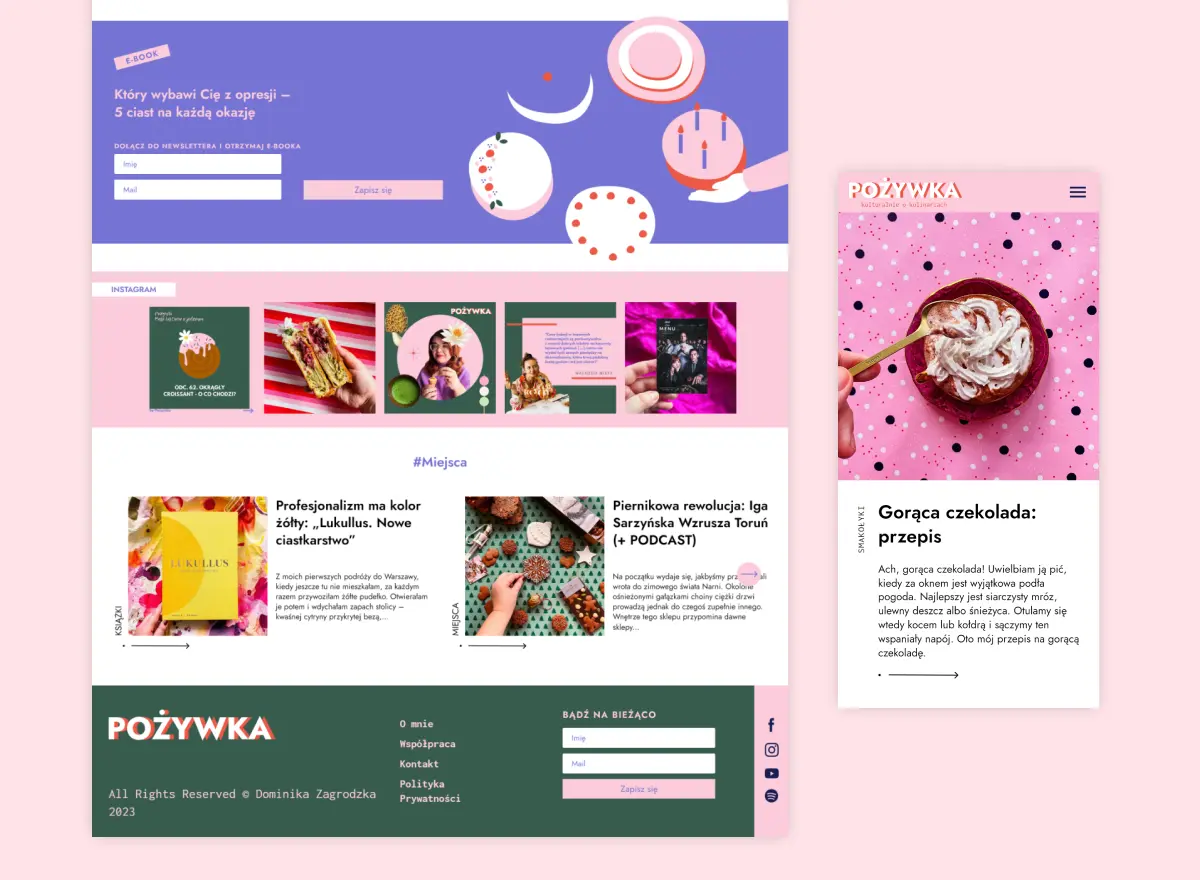
pozywka.pl
Scalable blog for food journalist, focused on performance and user experience 🌭
zagrodzki.me
Personal blog and portfolio of Bart Zagrodzki, where he shares his knowledge and work 💼
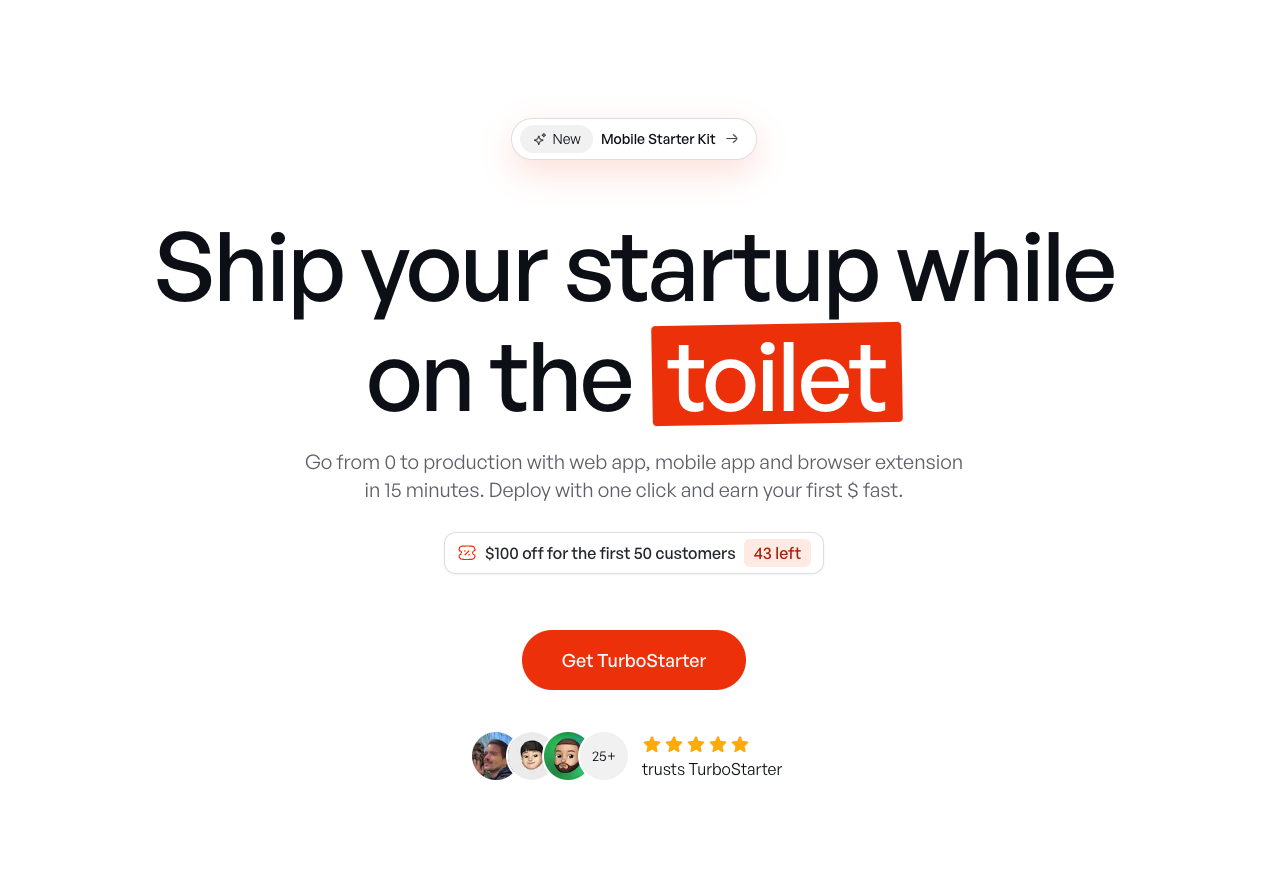
TurboStarter
Ship your startup everywhere. In minutes.
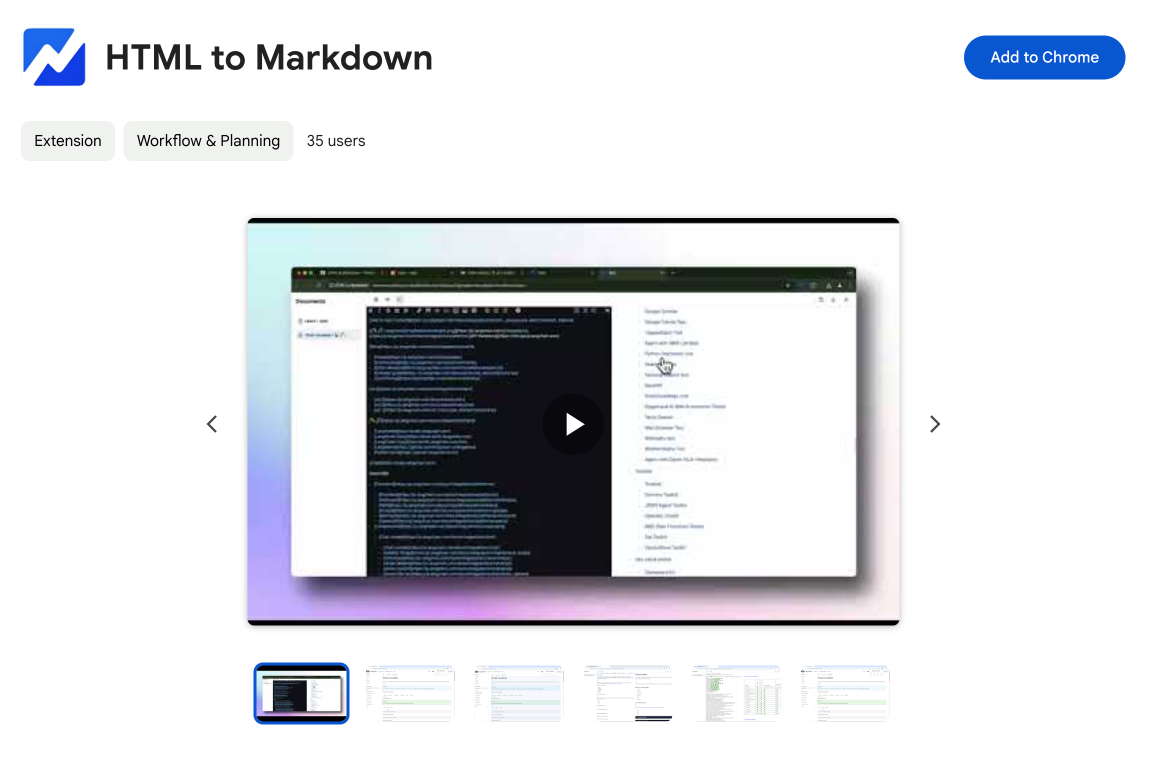
HTML to Markdown
Convert HTML to Markdown with ease, directly in your browser 📄
Dotallio
Personalized AI apps that automate research, data extraction, and content creation without code 🤖
Talk to Santa
Enjoy a magical live video chat or receive a unique AI-generated video greeting from Santa Claus 🎅
pozywka.pl
Scalable blog for food journalist, focused on performance and user experience 🌭
zagrodzki.me
Personal blog and portfolio of Bart Zagrodzki, where he shares his knowledge and work 💼
TurboStarter
Ship your startup everywhere. In minutes.
HTML to Markdown
Convert HTML to Markdown with ease, directly in your browser 📄
Dotallio
Personalized AI apps that automate research, data extraction, and content creation without code 🤖
Talk to Santa
Enjoy a magical live video chat or receive a unique AI-generated video greeting from Santa Claus 🎅
pozywka.pl
Scalable blog for food journalist, focused on performance and user experience 🌭
zagrodzki.me
Personal blog and portfolio of Bart Zagrodzki, where he shares his knowledge and work 💼
TurboStarter
Ship your startup everywhere. In minutes.
HTML to Markdown
Convert HTML to Markdown with ease, directly in your browser 📄
Dotallio
Personalized AI apps that automate research, data extraction, and content creation without code 🤖
Talk to Santa
Enjoy a magical live video chat or receive a unique AI-generated video greeting from Santa Claus 🎅
pozywka.pl
Scalable blog for food journalist, focused on performance and user experience 🌭
zagrodzki.me
Personal blog and portfolio of Bart Zagrodzki, where he shares his knowledge and work 💼
TurboStarter
Ship your startup everywhere. In minutes.
HTML to Markdown
Convert HTML to Markdown with ease, directly in your browser 📄
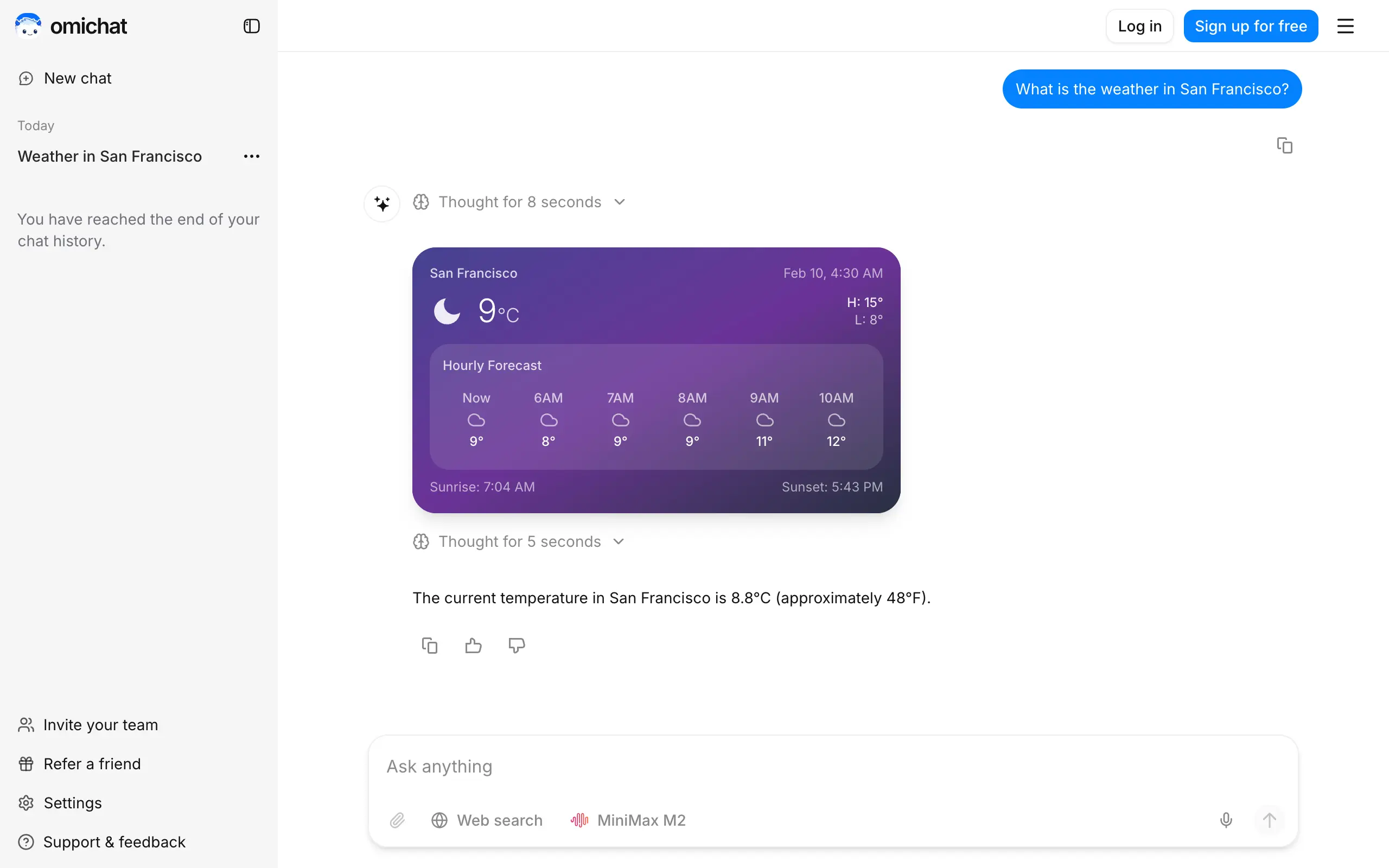
Omichat
Chat with 50+ AI models, including ChatGPT and Claude, in one place - switch models anytime without losing context 🤖
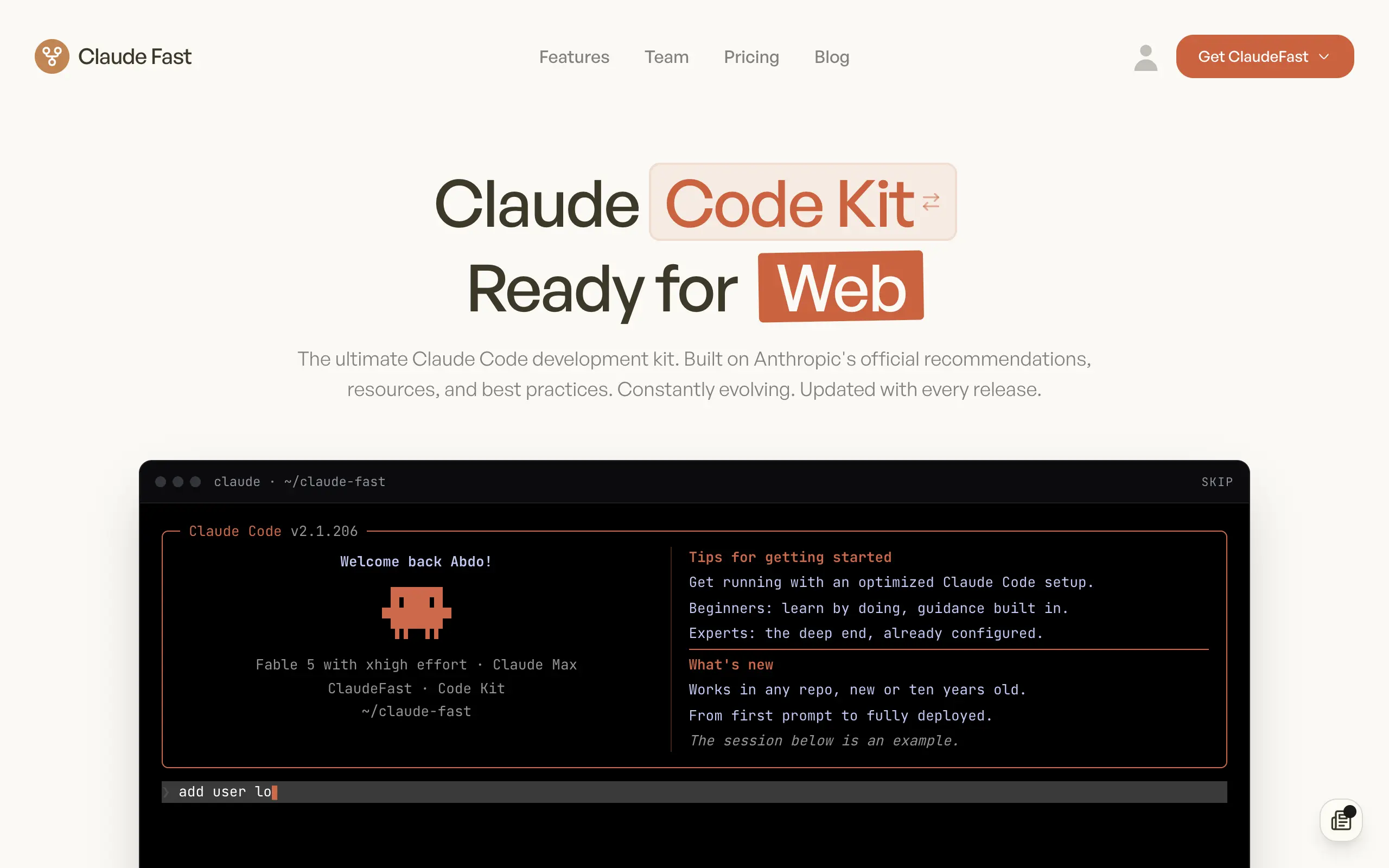
Claude Fast
Supercharge your Claude Code with 6x effective context window and specialized AI agents 🤖
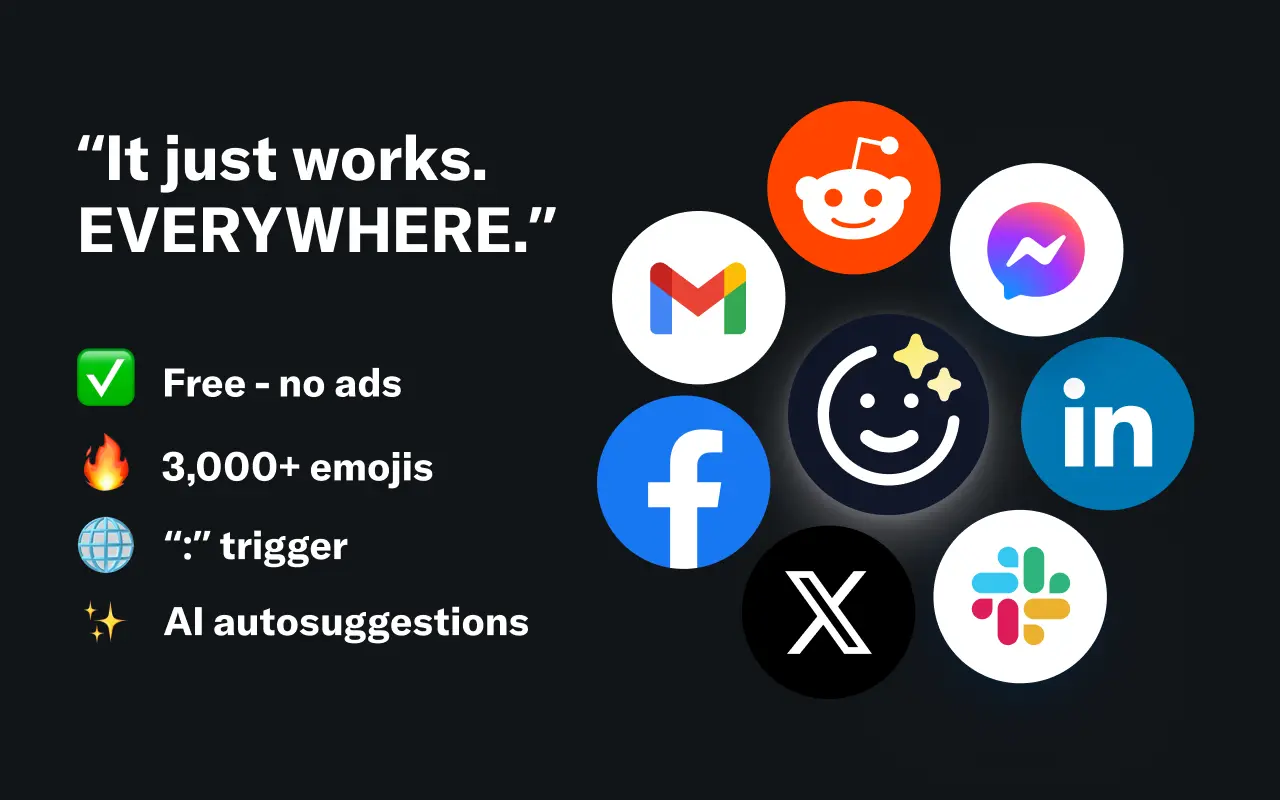
EmojAI
AI-powered emoji picker with smart, context-aware suggestions 🤖
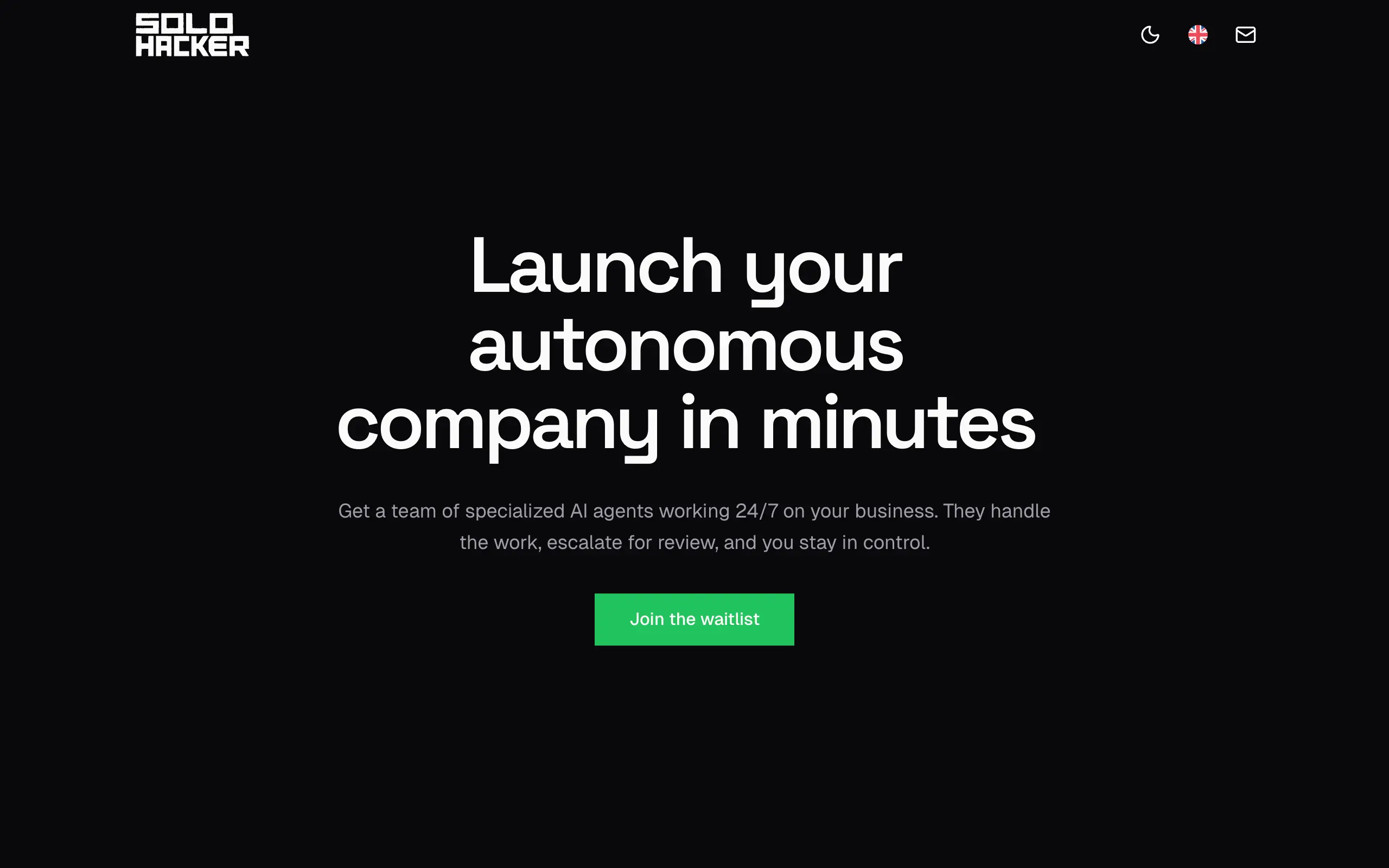
Solohacker
Autonomous company launcher - AI agents work 24/7, escalate what matters, and you stay in control 🤖
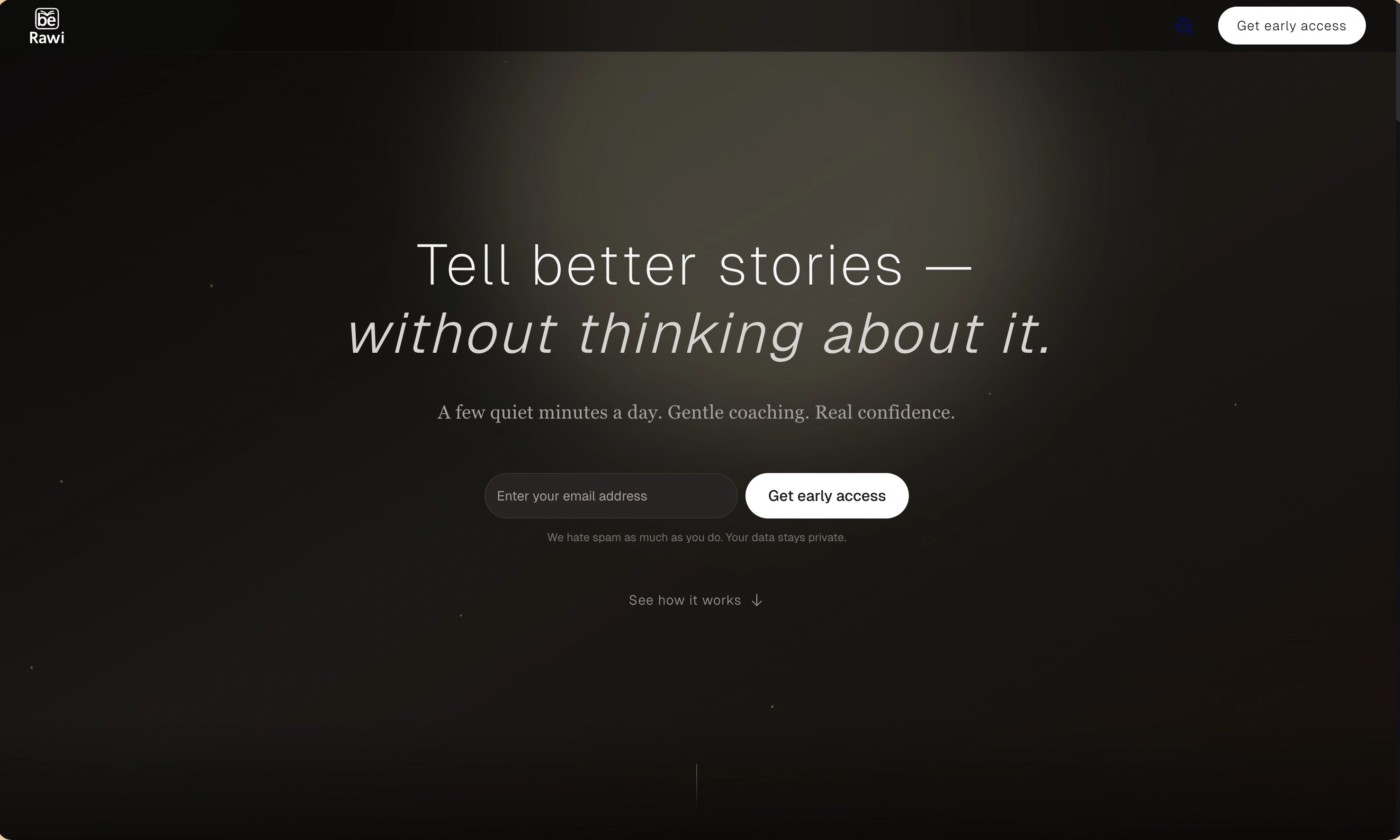
BeRawi: Storytelling Coach
Practice storytelling daily with instant feedback to sound clearer, more engaging, and confident 🎤
Omichat
Chat with 50+ AI models, including ChatGPT and Claude, in one place - switch models anytime without losing context 🤖
Claude Fast
Supercharge your Claude Code with 6x effective context window and specialized AI agents 🤖
EmojAI
AI-powered emoji picker with smart, context-aware suggestions 🤖
Solohacker
Autonomous company launcher - AI agents work 24/7, escalate what matters, and you stay in control 🤖
BeRawi: Storytelling Coach
Practice storytelling daily with instant feedback to sound clearer, more engaging, and confident 🎤
Omichat
Chat with 50+ AI models, including ChatGPT and Claude, in one place - switch models anytime without losing context 🤖
Claude Fast
Supercharge your Claude Code with 6x effective context window and specialized AI agents 🤖
EmojAI
AI-powered emoji picker with smart, context-aware suggestions 🤖
Solohacker
Autonomous company launcher - AI agents work 24/7, escalate what matters, and you stay in control 🤖
BeRawi: Storytelling Coach
Practice storytelling daily with instant feedback to sound clearer, more engaging, and confident 🎤
Omichat
Chat with 50+ AI models, including ChatGPT and Claude, in one place - switch models anytime without losing context 🤖
Claude Fast
Supercharge your Claude Code with 6x effective context window and specialized AI agents 🤖
EmojAI
AI-powered emoji picker with smart, context-aware suggestions 🤖
Solohacker
Autonomous company launcher - AI agents work 24/7, escalate what matters, and you stay in control 🤖
BeRawi: Storytelling Coach
Practice storytelling daily with instant feedback to sound clearer, more engaging, and confident 🎤

Connect with like-minded people
Join our community to get feedback, support, and grow together with 1,000+ builders on board, let's ship it!
Join usShip your startup everywhere. In minutes.
Don't burn tokens on setup and start building features on day one.