LevelBrief
Buat proposal desain yang interaktif seperti level game: klien memilih arah visual, memberi umpan balik, dan menyetujui revisi dalam satu ruang kerja AI.
LevelBrief is an AI design proposal software concept for creative teams that want client decisions to feel clear, collaborative, and easy to act on. Instead of sending a static presentation and collecting scattered replies by email, a designer could invite clients into a shared workspace, present distinct visual directions as interactive “levels,” gather structured feedback, and record approvals in one place.
The concept addresses a familiar problem: creative work depends on good communication, but the tools used to discuss it often make communication harder. A deck can show the work, a chat thread can hold reactions, and a project board can track tasks—but clients and designers still have to connect the pieces themselves. LevelBrief’s opportunity is to bring those steps together in a focused, guided experience.
This article explores the product’s audience, market opportunity, feature set, technical foundations, business model, risks, and a practical path to launch. It treats LevelBrief as a product concept, not as an established service with proven results. Any market assumptions should be validated with interviews, prototypes, and real customer behavior before they become business claims.
What is LevelBrief?
LevelBrief is an interactive design proposal platform where clients move through visual directions, leave context-rich feedback, and approve a selected direction or revision. Its defining interface metaphor is a game-like progression: each stage gives the client a clear task, such as exploring concepts, choosing a direction, reviewing a revision, or confirming final approval.
The word “game-like” should describe the product’s clarity and momentum—not turn a professional design review into a gimmick. Clients do not need points, leaderboards, or cartoon characters. They need to understand what they are looking at, what decision is expected, and what happens next.
A typical LevelBrief project might work like this:
- A designer creates a project and adds the brief, timeline, and brand references.
- The designer presents several visual directions, each with its own rationale and examples.
- The client explores the options and selects a preferred direction or requests a discussion.
- The designer turns the decision into a revision stage.
- The client comments on specific elements and approves or requests another change.
- The project records decisions and approval history for both parties.
The product’s core promise is not simply “AI-generated design proposals.” It is a more structured way to make creative decisions. AI can help prepare and organize the work, but the designer remains responsible for the creative judgment and the client relationship.
The problem with traditional design proposals
A design proposal is meant to help a client understand what could be created and decide how to proceed. In practice, the proposal often becomes one item in a fragmented workflow.
Designers may share a PDF, present concepts during a video call, collect feedback in email, and track changes in a separate project-management tool. The client may respond to an outdated attachment or send a general reaction such as “make it more modern,” leaving the designer to interpret what that means. The result is extra clarification, avoidable rework, and uncertainty about which direction was approved.
Several workflow problems make this especially frustrating:
- Feedback lacks context. A comment such as “I don’t like this” may not identify the specific screen, color, layout, or concept under discussion.
- Decisions get buried. A client’s approval may live in an email thread instead of beside the design it refers to.
- Options are hard to compare. A deck may present concepts sequentially, making it difficult to revisit and evaluate them side by side.
- The next step is unclear. Clients may not know whether they should choose a direction, provide detailed notes, or wait for a revised draft.
- Scope boundaries become fuzzy. Without a clear record of feedback and approval, it can be difficult to distinguish an agreed revision from a new request.
These are not merely interface problems. They are coordination problems between people with different expertise. Designers understand visual trade-offs, while clients understand their organization, customers, and business constraints. Good proposal software should help both sides exchange that knowledge without making either party learn a complicated production tool.
Who is the target audience?
LevelBrief should initially focus on teams that regularly present visual work to clients and need a repeatable review process. The strongest early audience is likely to be independent designers and small creative studios, rather than large enterprises with complex procurement and platform requirements.
Independent designers and freelancers
Freelancers often manage the creative work, client communication, and project administration themselves. A purpose-built proposal workspace could help them present a more polished process without adopting a heavy enterprise system.
For this audience, LevelBrief should make it easy to:
- Create a branded client workspace quickly.
- Reuse proposal structures for similar project types.
- Explain the thinking behind each visual direction.
- Set expectations for the client’s role in the review.
- Keep approvals and feedback accessible after a meeting.
The product should save time, not introduce a second job. If setting up a project takes longer than preparing a concise deck, the freelancer may not return.
Small design agencies and creative studios
Small teams may have multiple projects moving through different review stages. They need consistent client experiences, visibility into stalled approvals, and a clear way to understand what has changed between versions.
Agency-focused capabilities could include shared templates, team roles, internal comments, client access controls, project status dashboards, and a reusable library of presentation components. These features should follow evidence from real teams rather than being included simply because larger software products offer them.
Brand, web, and product designers
The concept can serve designers working on:
- Brand identity directions.
- Website concepts and visual systems.
- Landing pages and campaign creative.
- Product interface explorations.
- Packaging and marketing design.
- Design refreshes and style updates.
The initial product should still choose a narrow starting workflow. Supporting every kind of creative project at launch would make the interface, templates, and AI assistance less specific.
Clients who are not design professionals
Clients are not only recipients of the proposal; they are essential users. Many are business owners, marketers, founders, or operations leads who need to give useful input but do not use professional design software every day.
For them, the experience should answer three questions at all times:
- What am I reviewing?
- What decision or feedback is needed from me?
- What happens after I respond?
A client should be able to participate through a browser without creating a complex account or learning a design application. The less product knowledge required, the more likely the client is to provide timely, relevant feedback.
Market opportunity and the product gap
The design workflow market includes presentation tools, collaborative design applications, whiteboards, project-management software, client portals, and proposal products. These categories overlap, but their primary jobs differ. A design tool helps people create visual work. A whiteboard supports open-ended collaboration. A project board tracks tasks. A proposal product may focus on commercial terms and signatures.
LevelBrief’s opportunity is to focus on the space between showing creative work and getting a confident decision. Its value depends on whether it can make this step meaningfully better than the combination of tools designers already use.
That distinction matters. A new workspace is not valuable just because it combines several features. It has to reduce the effort of creating a proposal, improve the quality of client feedback, shorten the path to a decision, or make approval status easier to trust.
The gap to validate
The potential product gap is a guided client review experience with four connected parts:
- Presentation: Designers can show options in a polished, structured format.
- Decision-making: Clients can compare options and record preferences.
- Feedback: Comments stay attached to the relevant proposal item or revision.
- Approval: The chosen direction and its approval history are easy to identify.
To test whether this gap is commercially meaningful, interview designers about their last several client reviews. Ask them to describe the tools used, where feedback was lost, how many clarification rounds occurred, and how approvals were recorded. Ask clients what made the review easy or difficult. Recent examples are more useful than broad opinions about whether they “like” the idea.
A promising signal is not just enthusiasm. Stronger evidence includes designers willing to run an upcoming project through a prototype, pay for a pilot, or replace part of an existing workflow.
Why timing may be favorable
AI tools have raised expectations around how quickly teams can generate drafts, summarize information, and prepare content. At the same time, faster production can create more options for clients to evaluate. The bottleneck may move from producing alternatives to helping people choose among them.
This is a useful product hypothesis, not a guaranteed market fact. LevelBrief should use AI where it removes friction—such as drafting a project summary or organizing feedback—while keeping creative decisions visible and reviewable. The interface should make it clear which content was written or proposed by AI and which content was supplied or approved by a human.
For credible market sizing, the founding team should build estimates from a defined customer segment, pricing tests, and reliable third-party sources. If the article or product later includes statistics about design-software adoption, agency counts, or AI use, cite the original report, publication date, methodology, and geography. Avoid presenting a broad industry estimate as proof of demand for this specific product.
How LevelBrief can stand out
The clearest competitive advantage is a decision-first client experience. Many tools can display a design or collect a comment. LevelBrief should make it easier to move from “here are the options” to “this is the direction we have agreed to develop.”
The game-level metaphor can support that advantage when it gives each stage a visible purpose:
- A concept stage helps a client explore alternatives.
- A choice stage asks for a direction or a reason to pause.
- A revision stage focuses comments on a defined set of changes.
- An approval stage records an explicit decision and what it applies to.
This approach is more specific than a general-purpose project board and more collaborative than sending a static PDF. It can also help designers frame decisions without asking clients to interpret an unfamiliar creative process.
| Product approach | Main strength | Common limitation | LevelBrief opportunity |
|---|---|---|---|
| Static proposal deck | Familiar and easy to share | Feedback and approval happen elsewhere | Keep the presentation connected to decisions |
| Collaborative design tool | Detailed visual creation and editing | May be more complex than a client needs | Offer a simpler, client-facing review layer |
| Whiteboard | Flexible exploration | Can become unstructured | Guide clients through defined review stages |
| Project-management software | Tasks, ownership, and timelines | Not designed around visual comparison | Link approval status to the creative work |
| Client portal | Centralized project access | May be generic across many service types | Make visual direction and feedback the core workflow |
LevelBrief should not try to replace every tool in a designer’s stack. It may be more practical to complement design and project-management products, then integrate with them where customers repeatedly request it. A focused product can win by doing one difficult workflow exceptionally well.
Core features for an effective AI design proposal platform
1. Guided proposal stages
A proposal should be easy to follow from the client’s point of view. Each stage needs a clear title, short explanation, relevant visual content, and one primary action.
For example, a stage might ask the client to compare three identity directions and select the one that best fits the stated brand goals. The client should also have a clear option to explain why none of the choices work. Forcing a selection can create false agreement and hide important objections.
2. Side-by-side visual direction comparison
The product should help clients compare concepts without losing the context behind each one. Each direction could include:
- A name and concise summary.
- The design rationale.
- Reference imagery or mockups.
- Intended audience or use case.
- Trade-offs and open questions.
- A client preference or decision control.
The designer should control how much explanation is shown. A short client-facing summary may be more helpful than a long internal design rationale.
3. Contextual comments and feedback
Clients should be able to comment on an entire direction or a specific visual item. Comments can then be organized by stage, status, or topic, making it easier for designers to respond.
Useful feedback tools might include:
- Comments attached to an image or proposal section.
- A way to label feedback as a question, concern, or requested change.
- Designer replies and resolved states.
- A summary of open items before a revision begins.
The product should avoid treating every client note as an instruction. Designers need the ability to clarify feedback and discuss conflicting requests before updating the work.
4. Revision comparison and history
A revision should show what changed and why. The client should be able to compare the current version with a previous one, review resolved comments, and understand what remains open.
A dependable history also protects the working relationship. It gives both sides a shared record of decisions without making the software feel adversarial. The interface should emphasize clarity and continuity, not frame the approval record as a legal weapon.
5. Explicit approval checkpoints
Approval should be specific enough to be useful. Instead of a vague “looks good,” the client might approve a named direction, a defined revision, or a final deliverable stage.
A strong approval event should record:
- The project and stage.
- The version or material being approved.
- The approving user.
- The decision and timestamp.
- Any note submitted with the approval.
LevelBrief should explain what approval means within the designer’s own workflow. It should not imply that a click automatically creates a legally binding contract unless the product has been designed and reviewed for that purpose.
6. AI assistance with human oversight
AI can support the workflow without attempting to replace the designer. Useful early applications include:
- Turning a project brief into a concise client summary.
- Drafting neutral descriptions of visual directions from designer-provided notes.
- Grouping similar client comments.
- Summarizing unresolved feedback before a revision.
- Suggesting clarifying questions when a comment is ambiguous.
- Creating a draft recap of a review session for designer approval.
The product should not automatically decide which design direction is best or silently rewrite a client’s feedback. AI-generated summaries should remain editable, show their source context, and require human confirmation before they are sent or treated as a decision.
7. Templates, branding, and reusable workflows
Templates can make repeat projects faster and create a consistent studio experience. A designer might save a brand identity proposal structure, a website concept review, or a campaign direction template.
Templates should be adaptable rather than rigid. A small business logo project should not require the same stages as a product-interface review. The product can offer a few carefully designed starting points and let users remove or rearrange stages.
8. Notifications and accessibility
Notifications should help the project move forward without becoming a source of noise. Designers may want an alert when a client leaves feedback or an approval is pending. Clients may need a reminder that a review is ready, along with a clear deadline if one was set.
Accessibility should be built into the client experience from the beginning. Support keyboard navigation, sufficient contrast, meaningful labels, reduced-motion preferences, and screen-reader-friendly controls. Interactive transitions should never be the only way to understand progress or reach an action.
Recommended technology stack
A first version should be technically dependable but not overbuilt. The team should select tools based on the product’s actual interaction model, team expertise, hosting needs, and data policies.
Front end
A component-based web application can support the interactive workspace and client portal. React is a common choice for building interactive interfaces, while Next.js can provide routing, server-rendering options, and a structured application framework.
For styling, Tailwind CSS can speed up consistent interface development. Its trade-off is that teams need conventions to prevent long utility-heavy markup from becoming difficult to maintain. A small design system, reusable components, and accessible interaction patterns matter more than the styling tool itself.
The client-facing experience should be responsive and work well on common mobile browsers. A designer may create projects on desktop, but a client may open a review link on a phone between meetings.
Backend and data
A relational database such as PostgreSQL is a good fit for structured records such as users, organizations, projects, stages, proposal versions, comments, and approvals. Relational constraints can help maintain consistent ownership and project relationships.
A managed backend service can reduce infrastructure work during early validation. The trade-off is that the team must understand its security model, data-access rules, backup strategy, and migration path. Regardless of provider, authorization should be enforced on the server, not only by hiding interface elements.
File storage and media delivery
Design proposals may contain large images and other assets. Store files in object storage rather than directly in the application database, and use a content-delivery strategy suited to the expected audience and privacy needs.
Consider:
- File-size and format limits.
- Secure access to client-only project material.
- Image resizing and preview generation.
- Retention and deletion policies.
- Protection against accidental public sharing.
AI integration
The AI layer can use a model provider through a server-side service that separates prompts, input validation, logging, and output review from the user interface. The interface should make AI assistance optional and transparent.
Before sending project data to a model provider, review its current data-processing terms and retention options. Do not assume that client briefs, unreleased brand assets, or business information can be sent to an external service without permission. Build controls that let a workspace owner decide which AI features are enabled.
Payments and product operations
A payment provider such as Stripe can support subscription billing if the team chooses a recurring-revenue model. Billing should be introduced after the core value proposition is tested, not as a substitute for product validation.
Operational essentials include error monitoring, audit logs for important approval events, secure authentication, automated backups, and a documented incident-response process. A product that stores client feedback and creative assets needs a clear account-deletion and data-export approach.
Build versus buy trade-offs
For the first release, buying commodity infrastructure can free the team to focus on the distinctive proposal experience. However, integrations and managed services should not create hidden security or portability risks.
A sensible rule is:
- Buy or use managed services for authentication, billing, email delivery, and basic file storage when they meet the project’s requirements.
- Build deliberately the review stages, visual comparison, comment context, and approval history because those form the product’s differentiation.
- Delay complex workflow automation, advanced analytics, and large-scale AI orchestration until customer usage demonstrates a need.
TurboStarter can be considered as a starting point for the SaaS application foundation. A starter kit may help accelerate common product infrastructure, but it does not validate the market or replace careful decisions about authorization, data handling, accessibility, and the core workflow.
Monetization strategy options
The right business model depends on who receives the most value and how frequently they use the product. Pricing should be tested with real buyers rather than chosen only by comparing feature lists.
Subscription per designer or team
A recurring subscription can suit freelancers and studios that manage proposals throughout the year. Possible plan boundaries include the number of active projects, team members, reusable templates, or levels of branding customization.
Be cautious about pricing based only on client seats. If every client reviewer creates a charge, designers may avoid inviting the people whose feedback makes the product valuable.
Usage-based pricing
Usage-based pricing could be linked to active projects, storage, or AI processing. It gives occasional users a lower entry point, but unpredictable bills can be uncomfortable for small studios. If using this model, explain the limits clearly and provide usage controls.
Free tier with paid upgrades
A limited free tier can help designers test the client experience with a real project. It should include enough functionality to demonstrate the complete review workflow, while paid plans can support multiple active projects, team collaboration, reusable branding, or advanced integrations.
The main risk is giving away a service that costs too much to operate, particularly if file storage or AI usage is included without reasonable limits.
Agency and studio plans
A team plan may be valuable if multiple designers need shared templates, consistent client presentation, and visibility across projects. Potential paid features include role management, organization branding, shared libraries, and consolidated project reporting.
These capabilities should solve a real coordination need. Avoid turning the product into a broad agency-management suite before the proposal workflow itself is compelling.
Services and onboarding
For larger studios, paid onboarding or template setup could generate early revenue and reveal where product configuration is confusing. Services should support product learning, not become a permanently manual substitute for a usable self-serve experience.
Risks and how to mitigate them
Risk: clients will not adopt another tool
A client may resist creating an account or switching from familiar email and presentation workflows. If accessing a proposal feels like work, the designer may return to PDFs.
Mitigation: Make invited-client access simple, explain the value immediately, and test the experience with people who did not help design the product. Minimize required fields and allow a low-friction review path while keeping sensitive projects protected.
Risk: the game metaphor feels unprofessional
Some clients may find overt game language distracting or inappropriate for high-stakes work.
Mitigation: Keep the metaphor in the underlying interaction design—progress, stages, clear objectives—and let teams choose a restrained presentation style. Avoid game mechanics that add pressure or trivialize a business decision.
Risk: AI output weakens trust
A poorly worded summary or invented interpretation can misrepresent a client’s feedback. Designers may lose confidence if they cannot tell where an AI suggestion came from.
Mitigation: Show the original comments next to AI-generated summaries, let users edit or reject suggestions, and never treat an AI output as an approval. Evaluate quality with real examples and make the feature easy to disable.
Risk: scope expands into a broad project-management product
Requests for task boards, time tracking, contracts, invoicing, messaging, and asset management can pull the team away from its differentiator.
Mitigation: Evaluate each request against the central job: help clients understand creative directions, provide useful feedback, and approve work. Integrate with other tools when possible instead of rebuilding their full functionality.
Risk: privacy and intellectual property concerns
Design proposals can contain unreleased product information, brand assets, or confidential business strategy. A security incident could harm both the designer and the client.
Mitigation: Provide clear access controls, secure storage, sensible retention policies, data export and deletion, and transparent AI data practices. Have qualified security and legal professionals review the product’s policies and implementation as it matures.
Risk: clients confuse preference with business evidence
A visual selection reflects a client’s judgment, but it does not prove that a concept will perform better with customers.
Mitigation: Frame approvals as workflow decisions, not market validation. If customer testing or performance evidence is needed, state that clearly and make it a separate step.
Risk: slow approval is blamed on the product
A well-designed review space cannot make every client respond promptly. Delays may be caused by internal stakeholders, unclear authority, or competing priorities.
Mitigation: Let designers identify decision-makers, set review deadlines, and send respectful reminders. Track where projects pause so teams can distinguish product friction from organizational delay.
How to validate the idea before building the full platform
The highest-risk assumption is that designers will change their existing proposal workflow—and that clients will respond better to the new one. Test this before investing in a large feature set.
Start with structured interviews. Speak with freelancers, studio owners, and recent design clients. Ask about actual projects, not hypothetical preferences:
- How did the last proposal get presented?
- How did the client choose between options?
- Where did feedback arrive?
- What caused a revision to be repeated?
- How was approval recorded?
- What part of the process would the respondent pay to improve?
Then create a clickable prototype around one narrow scenario, such as selecting a brand identity direction and reviewing one revision. Watch users complete the task without explaining every control. Note where they hesitate, what they misunderstand, and what they try to click.
A concierge pilot can test the service before automating it. The founding team can manually prepare a LevelBrief-style workspace for a small number of designers, observe real client behavior, and learn which features matter most. Measure concrete outcomes such as time to first client response, number of clarification messages, proposal completion rate, and designer willingness to use the process again.
Do not rely on a single metric. A client may respond faster because a designer set a deadline, not because the interface improved. Combine behavioral data with interviews and compare similar projects where possible.
A practical implementation roadmap
Phase 1: Define the narrow workflow
Choose one audience and one project type. Write down the beginning and end of the workflow, the roles involved, and what counts as a completed decision. Avoid designing around every possible creative discipline at once.
Phase 2: Prototype the client journey
Create a lightweight prototype that demonstrates:
- A project introduction.
- Two or three visual directions.
- A comparison or selection step.
- A contextual feedback interaction.
- A revision review.
- A clear approval checkpoint.
Test the prototype with designers and clients separately. Their expectations may differ, and both perspectives should shape the product.
Phase 3: Build a focused MVP
The first usable release should prioritize secure project creation, client invitations, proposal stages, visual content, feedback, version history, and approval records. Add only the AI assistance that directly reduces a validated pain point.
For example, a feedback summary may be more useful than an AI feature that generates design concepts. The former addresses review coordination while leaving creative ownership with the designer.
Phase 4: Run paid or high-commitment pilots
Recruit a small group of designers who have upcoming client projects. Ask them to use the product from start to finish and agree in advance on what feedback they will provide. Where practical, charge for the pilot or ask for another meaningful commitment. Positive comments alone are weak evidence of willingness to pay.
Phase 5: Improve onboarding and repeat use
Observe whether designers create a second project without help. Look for the points where they abandon setup, copy content from another tool, or return to email. Prioritize improvements that reduce repeated effort and increase the clarity of client decisions.
Phase 6: Expand with evidence
Only after the central workflow is working should the team consider additional project types, integrations, analytics, or more advanced AI features. Expansion should follow observed demand, not a desire to match every adjacent product.
Choose one initial customer segment. Start with a group whose proposal process is frequent enough to evaluate and whose needs can be reached through direct interviews.
Map the current process. Document how designers present concepts, collect feedback, revise work, and record approvals today.
Prototype a single end-to-end review. Focus on one client decision rather than a complete creative project-management system.
Test with real work. Observe designers and clients using the prototype on an upcoming project, then record friction and outcomes.
Build only the validated essentials. Prioritize the proposal stages, feedback context, version history, and approval record before secondary features.
Measure repeat use and willingness to pay. A successful first trial is encouraging; designers returning for another project is stronger evidence.
What success should look like
LevelBrief should measure whether it improves the decision process, not merely how many proposals users create. Useful early indicators include:
- The percentage of invited clients who open and complete a review.
- Time from proposal delivery to a first meaningful response.
- The number of clarification exchanges needed before a direction is chosen.
- The share of projects with a recorded decision at each stage.
- The proportion of designers who reuse the product on another project.
- Conversion from a trial or pilot to a paid plan.
- User-reported confidence that the approved version is clear.
These metrics require context. A low approval rate could reflect a weak product, a difficult client, or a proposal that needs better options. A short decision time is not necessarily positive if clients feel rushed. Pair quantitative measures with conversations and review the full journey.
The strategic case for LevelBrief
LevelBrief’s strongest positioning is not “AI creates your design proposal.” That claim could lead customers to expect automated creative work and put the product in competition with a wide range of generative tools.
A more defensible position is: LevelBrief helps designers guide clients from visual exploration to clear feedback and approval. AI supports the workflow by reducing administrative effort, while the designer retains creative control and the client’s decisions remain visible.
That positioning connects the product’s differentiators:
- A guided, game-inspired progression makes the next step apparent.
- Visual directions are presented for comparison, not buried in a document.
- Feedback stays connected to the work it refers to.
- Revisions and approvals have a usable history.
- AI assists with summaries and organization rather than replacing judgment.
The idea is most likely to succeed if it remains focused. A lightweight, client-friendly decision workspace could be more valuable than a larger platform with many loosely connected features. Its competitive advantage will come from how well it handles the moment when a client needs to understand the options, express a preference, and agree on what happens next.
Conclusion
LevelBrief is a promising concept for AI design proposal software because it targets a specific, recurring friction point in creative work: turning a presentation into a clear decision. Its opportunity is to connect visual storytelling, contextual feedback, revision review, and approval in one client-friendly experience.
The product should validate its audience and workflow before building deeply. Start with designers who regularly present visual directions, test the client journey with real projects, and measure whether the experience reduces confusion and encourages repeat use. Use AI carefully, protect client work, and keep the game-inspired interface professional and accessible.
If those tests show that designers return to LevelBrief and clients complete reviews with less friction, the concept can expand from a focused proposal workspace into a dependable layer for creative collaboration.
More 🤖 AI Startup SaaS ideas
Discover more innovative ai startup SaaS ideas that are trending in 2026. Each idea is AI-generated with market validation and growth potential to help you find your next profitable venture faster than competitors.
Your competitors are building with TurboStarter
Below are some of the SaaS ideas that have been generated and built with our starter kit.
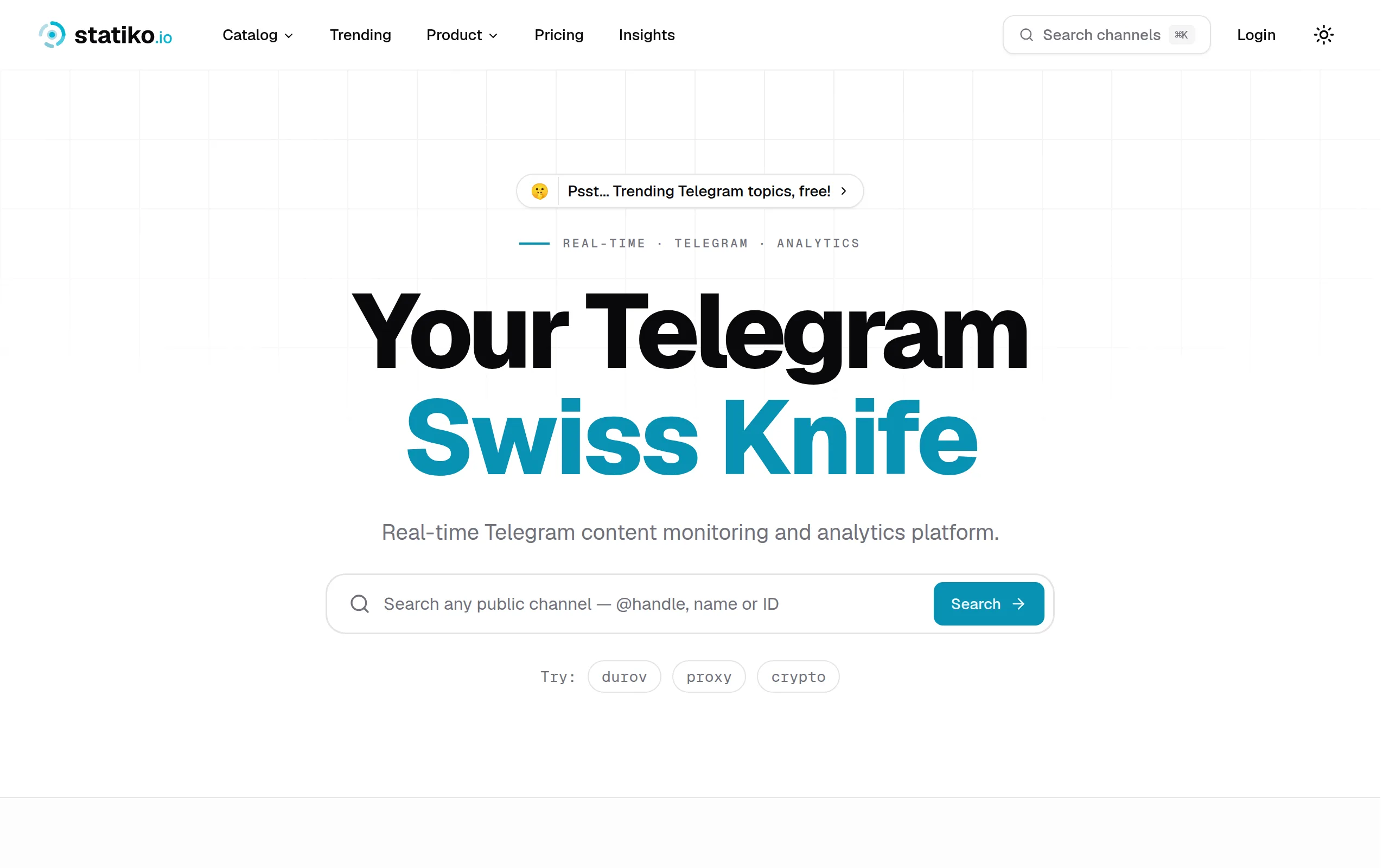
Statiko
Monitor any Telegram channel in real time - track posts, edits, deletions, and growth with AI recaps 📡
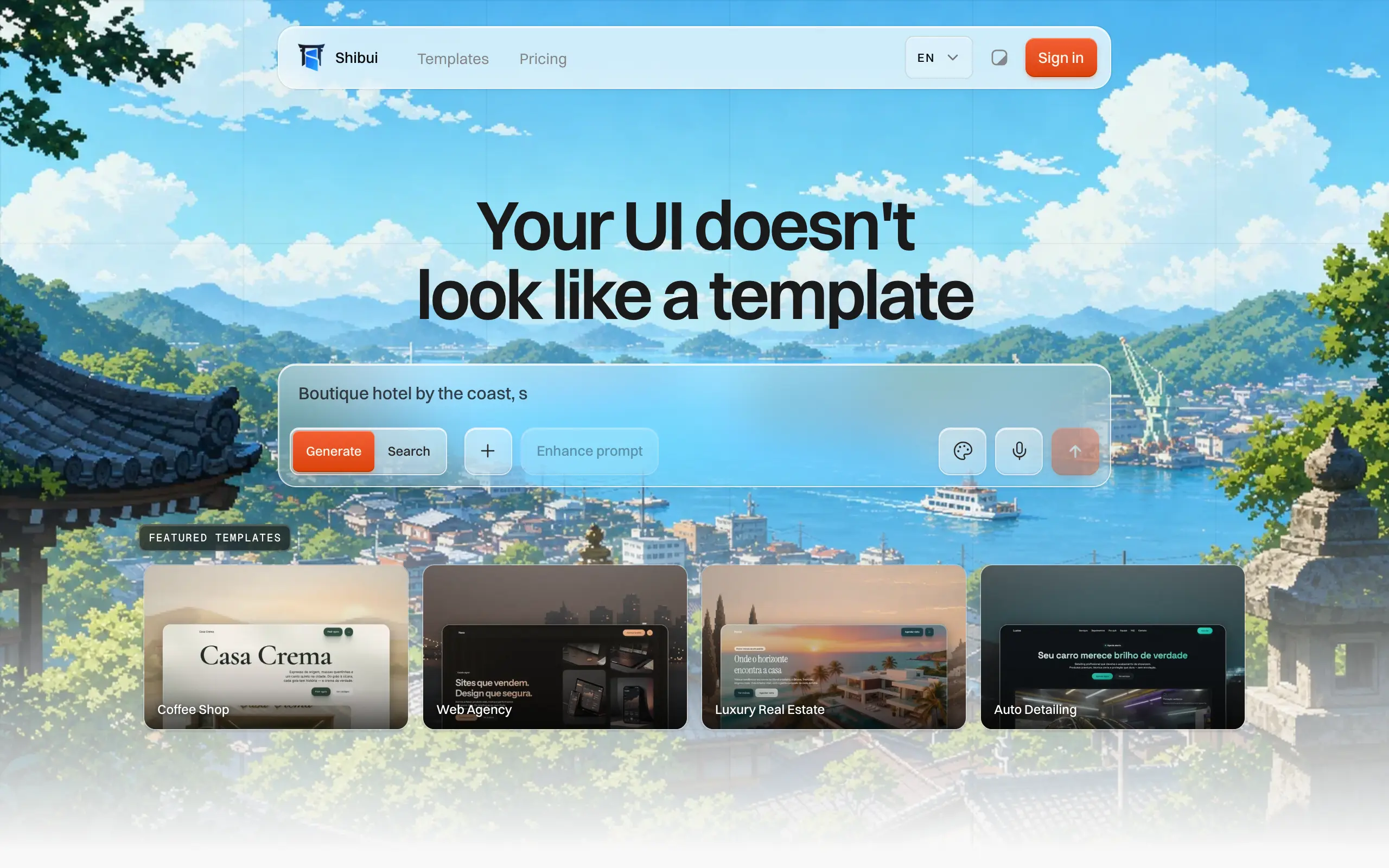
Shibui
AI website builder - describe your business, pick a niche template, edit by chatting, and publish instantly ✨
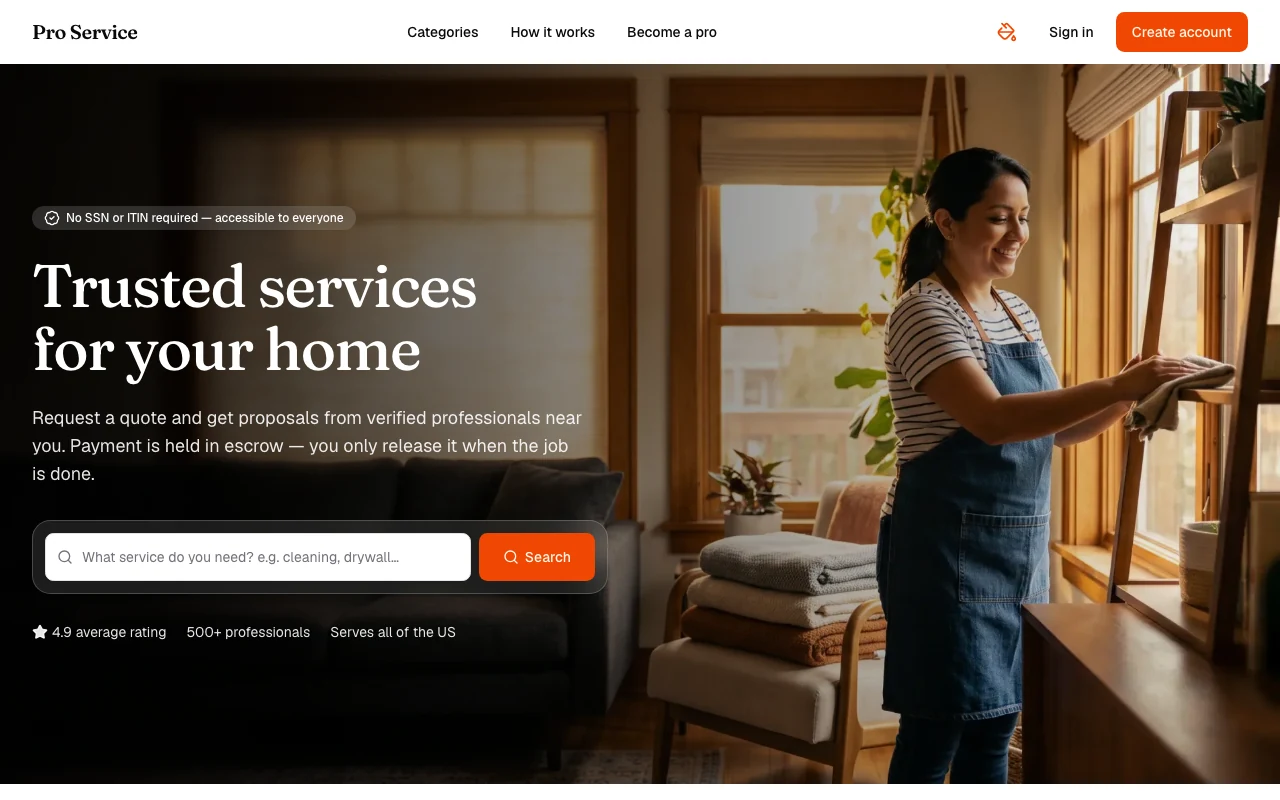
Pro Service
Find verified home service professionals, compare quotes, and pay securely through escrow - built for Brazilians across the US 🏠
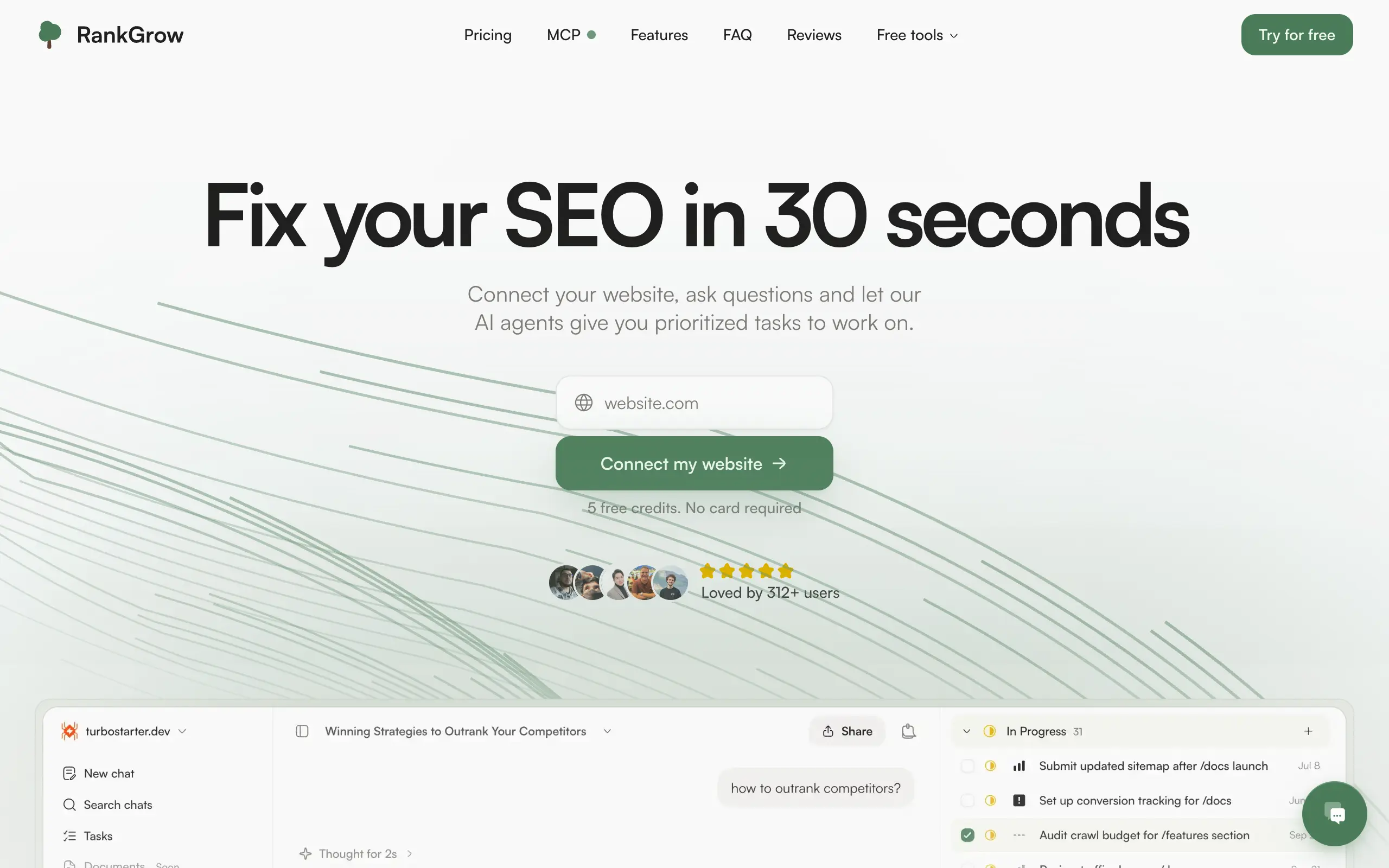
RankGrow
Fix your SEO with AI agents - connect Search Console, get prioritized tasks, and grow organic traffic 📈
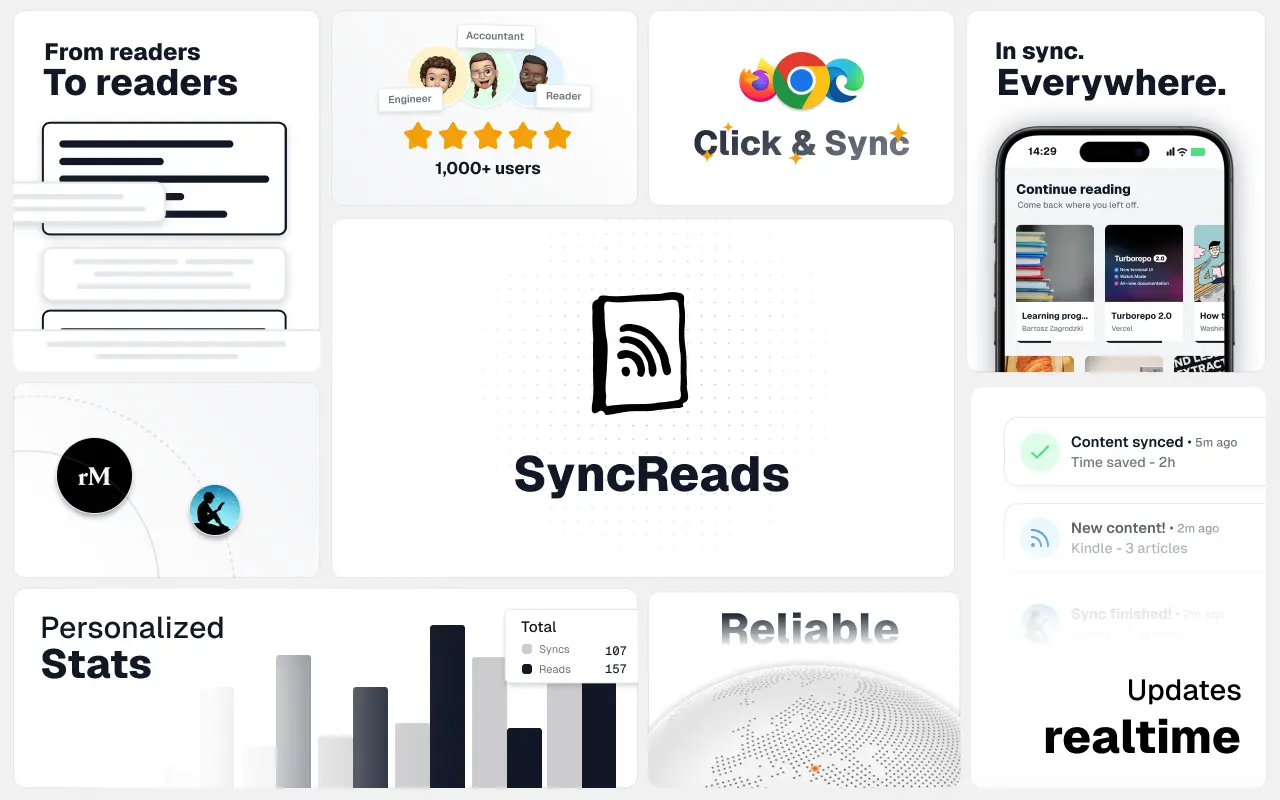
SyncReads
Sync your favorite content for distraction-free reading, save time and replace multiple apps. Anytime, anywhere 🔄
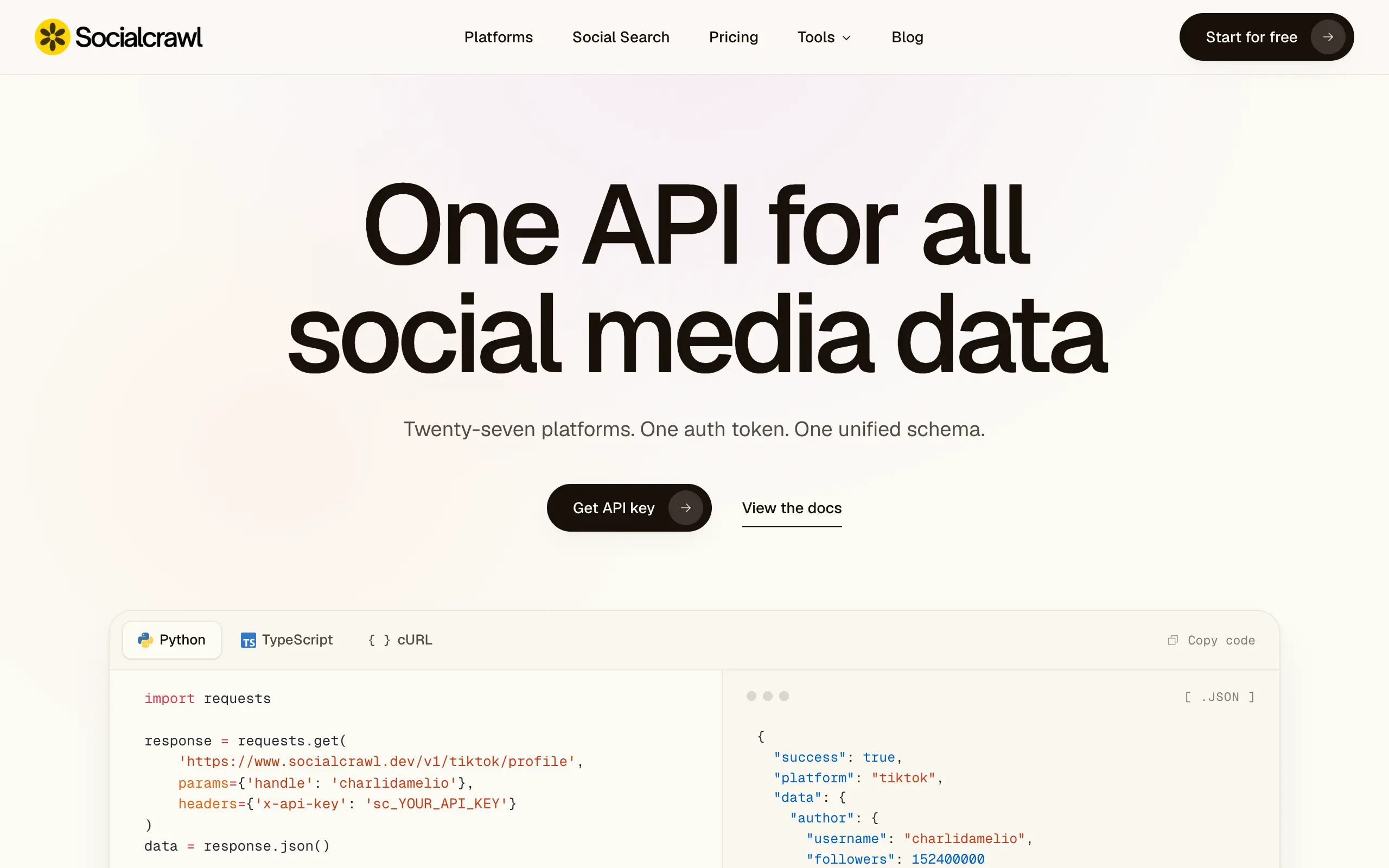
Socialcrawl
Get clean, structured data from 21 platforms like TikTok, Instagram, and YouTube with a single request 📊
Statiko
Monitor any Telegram channel in real time - track posts, edits, deletions, and growth with AI recaps 📡
Shibui
AI website builder - describe your business, pick a niche template, edit by chatting, and publish instantly ✨
Pro Service
Find verified home service professionals, compare quotes, and pay securely through escrow - built for Brazilians across the US 🏠
RankGrow
Fix your SEO with AI agents - connect Search Console, get prioritized tasks, and grow organic traffic 📈
SyncReads
Sync your favorite content for distraction-free reading, save time and replace multiple apps. Anytime, anywhere 🔄
Socialcrawl
Get clean, structured data from 21 platforms like TikTok, Instagram, and YouTube with a single request 📊
Statiko
Monitor any Telegram channel in real time - track posts, edits, deletions, and growth with AI recaps 📡
Shibui
AI website builder - describe your business, pick a niche template, edit by chatting, and publish instantly ✨
Pro Service
Find verified home service professionals, compare quotes, and pay securely through escrow - built for Brazilians across the US 🏠
RankGrow
Fix your SEO with AI agents - connect Search Console, get prioritized tasks, and grow organic traffic 📈
SyncReads
Sync your favorite content for distraction-free reading, save time and replace multiple apps. Anytime, anywhere 🔄
Socialcrawl
Get clean, structured data from 21 platforms like TikTok, Instagram, and YouTube with a single request 📊
Statiko
Monitor any Telegram channel in real time - track posts, edits, deletions, and growth with AI recaps 📡
Shibui
AI website builder - describe your business, pick a niche template, edit by chatting, and publish instantly ✨
Pro Service
Find verified home service professionals, compare quotes, and pay securely through escrow - built for Brazilians across the US 🏠
RankGrow
Fix your SEO with AI agents - connect Search Console, get prioritized tasks, and grow organic traffic 📈
SyncReads
Sync your favorite content for distraction-free reading, save time and replace multiple apps. Anytime, anywhere 🔄
Socialcrawl
Get clean, structured data from 21 platforms like TikTok, Instagram, and YouTube with a single request 📊
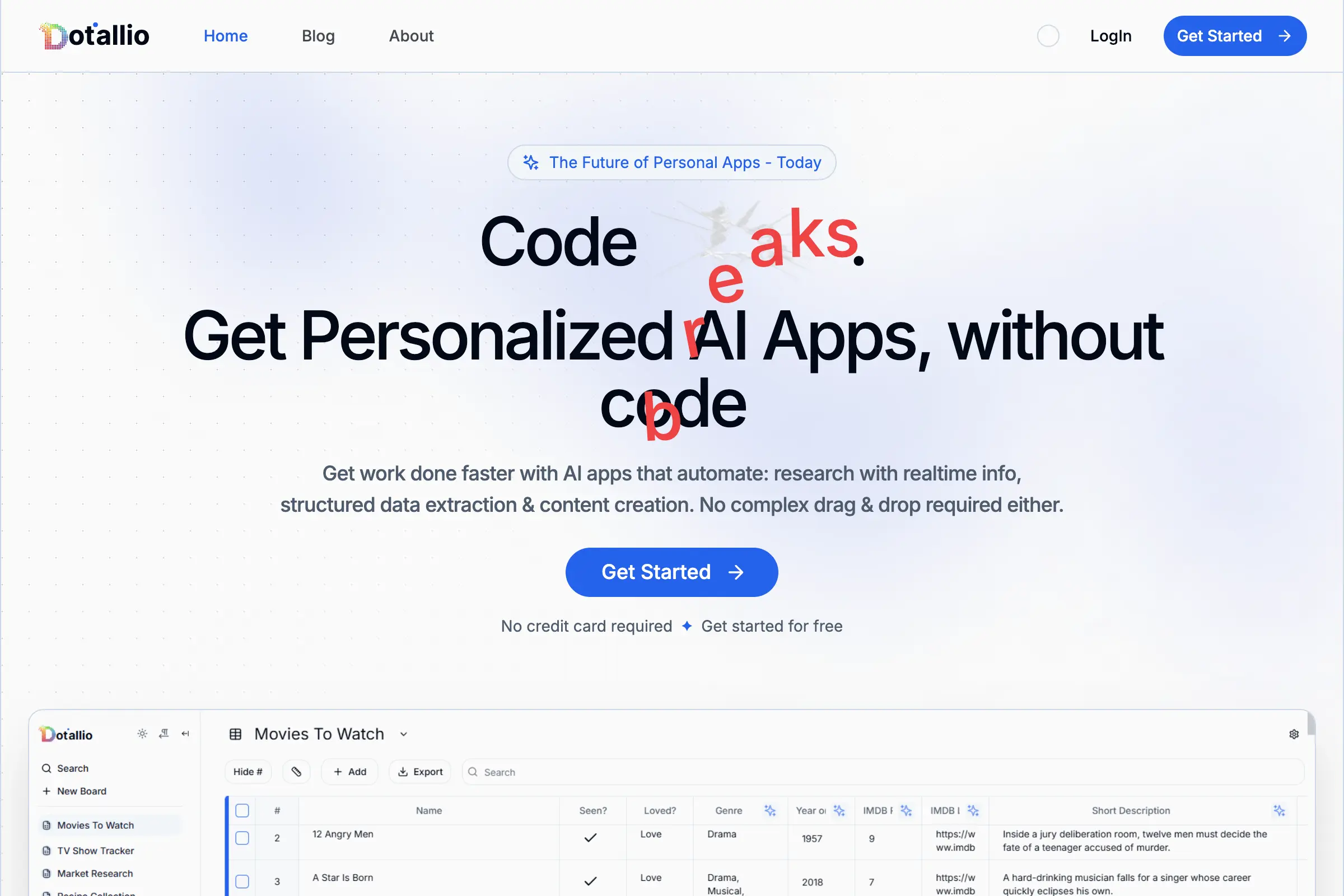
Dotallio
Personalized AI apps that automate research, data extraction, and content creation without code 🤖
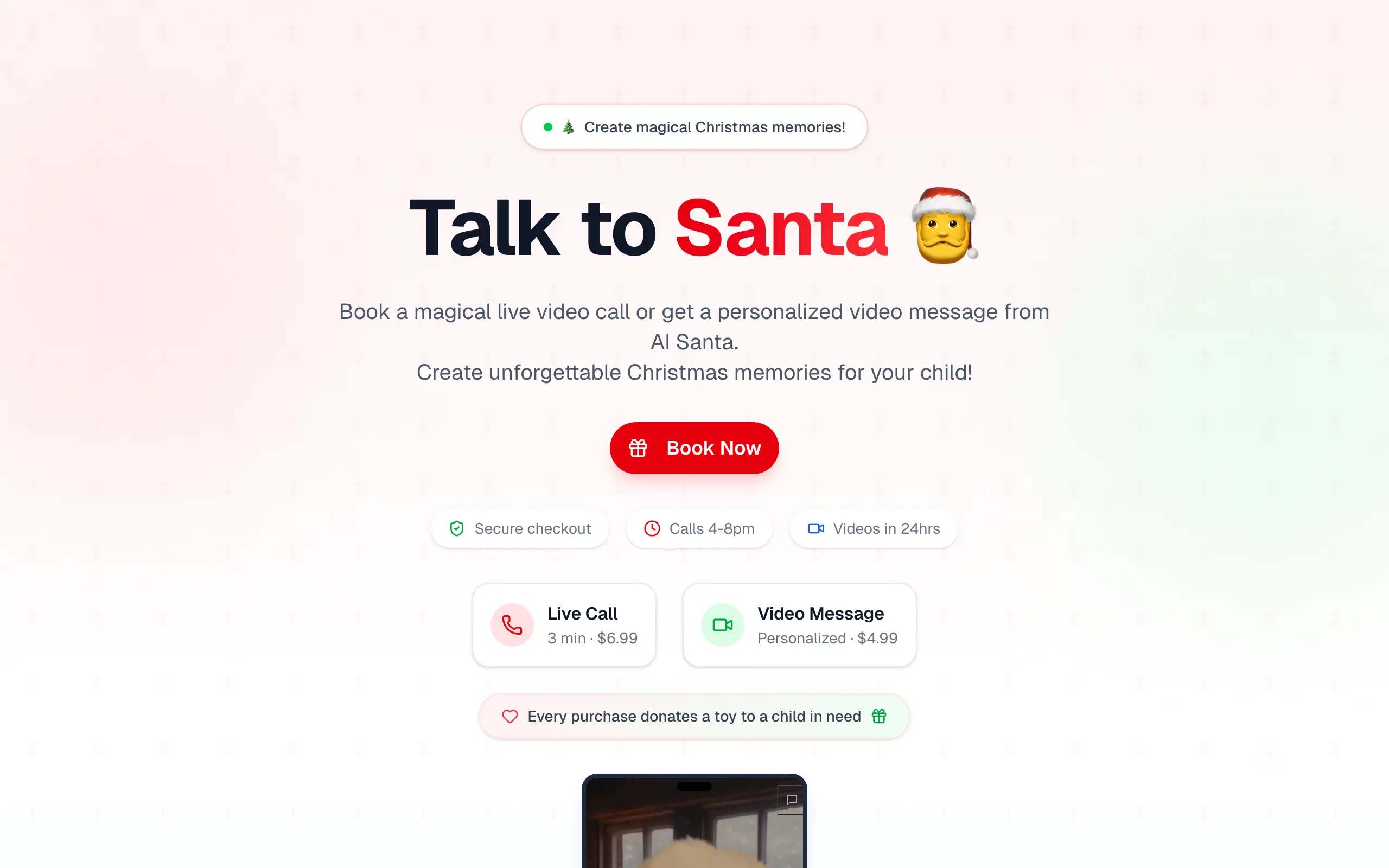
Talk to Santa
Enjoy a magical live video chat or receive a unique AI-generated video greeting from Santa Claus 🎅
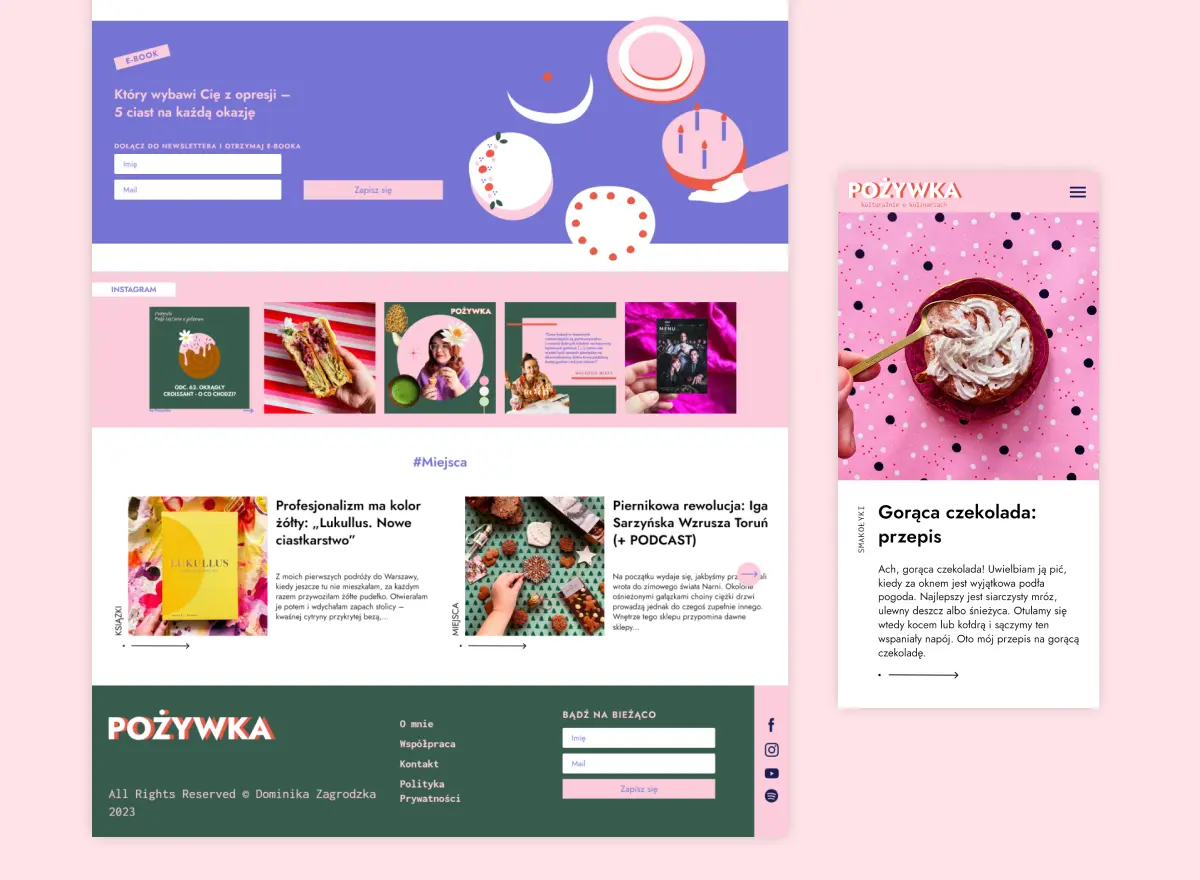
pozywka.pl
Scalable blog for food journalist, focused on performance and user experience 🌭
zagrodzki.me
Personal blog and portfolio of Bart Zagrodzki, where he shares his knowledge and work 💼
TurboStarter
Ship your startup everywhere. In minutes.
HTML to Markdown
Convert HTML to Markdown with ease, directly in your browser 📄
Dotallio
Personalized AI apps that automate research, data extraction, and content creation without code 🤖
Talk to Santa
Enjoy a magical live video chat or receive a unique AI-generated video greeting from Santa Claus 🎅
pozywka.pl
Scalable blog for food journalist, focused on performance and user experience 🌭
zagrodzki.me
Personal blog and portfolio of Bart Zagrodzki, where he shares his knowledge and work 💼
TurboStarter
Ship your startup everywhere. In minutes.
HTML to Markdown
Convert HTML to Markdown with ease, directly in your browser 📄
Dotallio
Personalized AI apps that automate research, data extraction, and content creation without code 🤖
Talk to Santa
Enjoy a magical live video chat or receive a unique AI-generated video greeting from Santa Claus 🎅
pozywka.pl
Scalable blog for food journalist, focused on performance and user experience 🌭
zagrodzki.me
Personal blog and portfolio of Bart Zagrodzki, where he shares his knowledge and work 💼
TurboStarter
Ship your startup everywhere. In minutes.
HTML to Markdown
Convert HTML to Markdown with ease, directly in your browser 📄
Dotallio
Personalized AI apps that automate research, data extraction, and content creation without code 🤖
Talk to Santa
Enjoy a magical live video chat or receive a unique AI-generated video greeting from Santa Claus 🎅
pozywka.pl
Scalable blog for food journalist, focused on performance and user experience 🌭
zagrodzki.me
Personal blog and portfolio of Bart Zagrodzki, where he shares his knowledge and work 💼
TurboStarter
Ship your startup everywhere. In minutes.
HTML to Markdown
Convert HTML to Markdown with ease, directly in your browser 📄
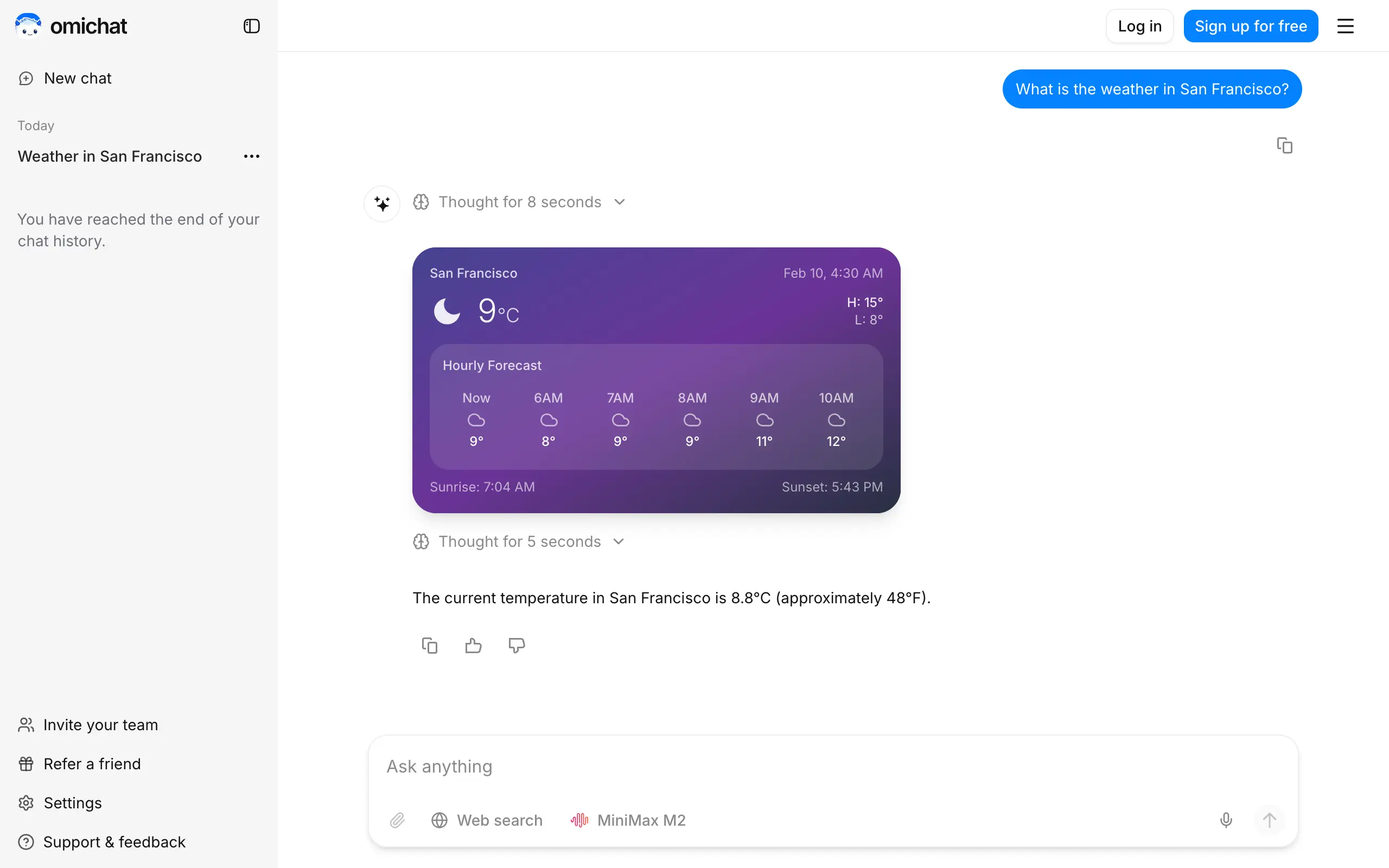
Omichat
Chat with 50+ AI models, including ChatGPT and Claude, in one place - switch models anytime without losing context 🤖
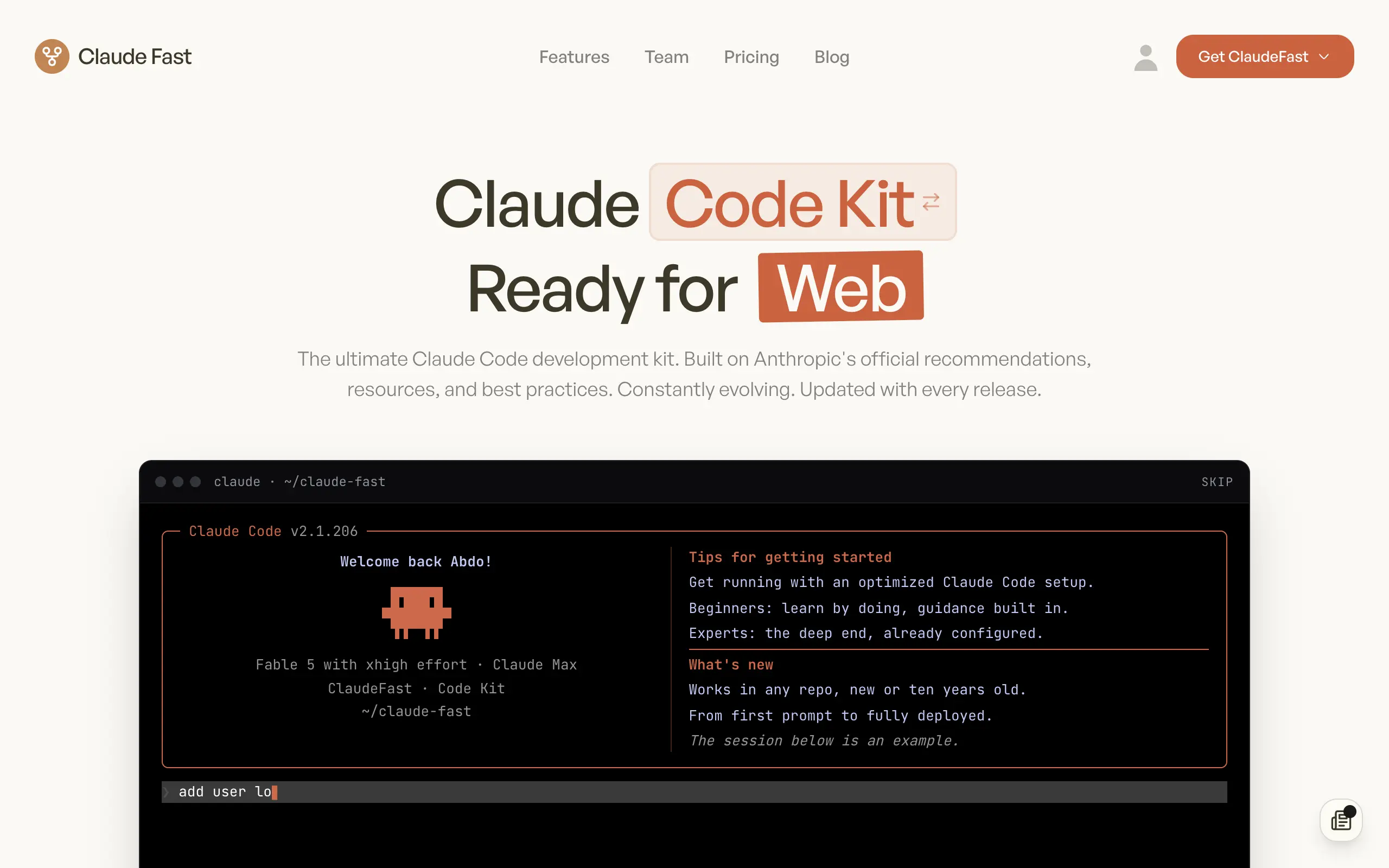
Claude Fast
Supercharge your Claude Code with 6x effective context window and specialized AI agents 🤖
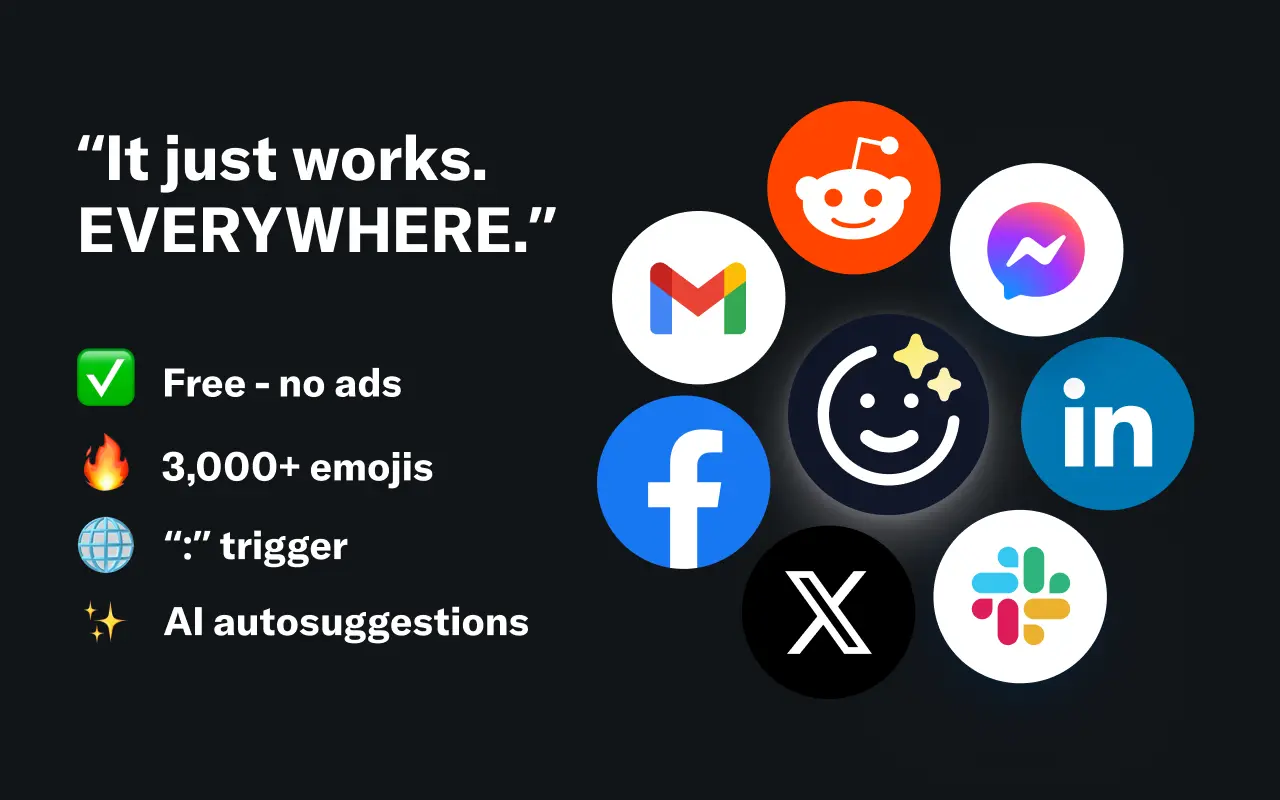
EmojAI
AI-powered emoji picker with smart, context-aware suggestions 🤖
Solohacker
Autonomous company launcher - AI agents work 24/7, escalate what matters, and you stay in control 🤖
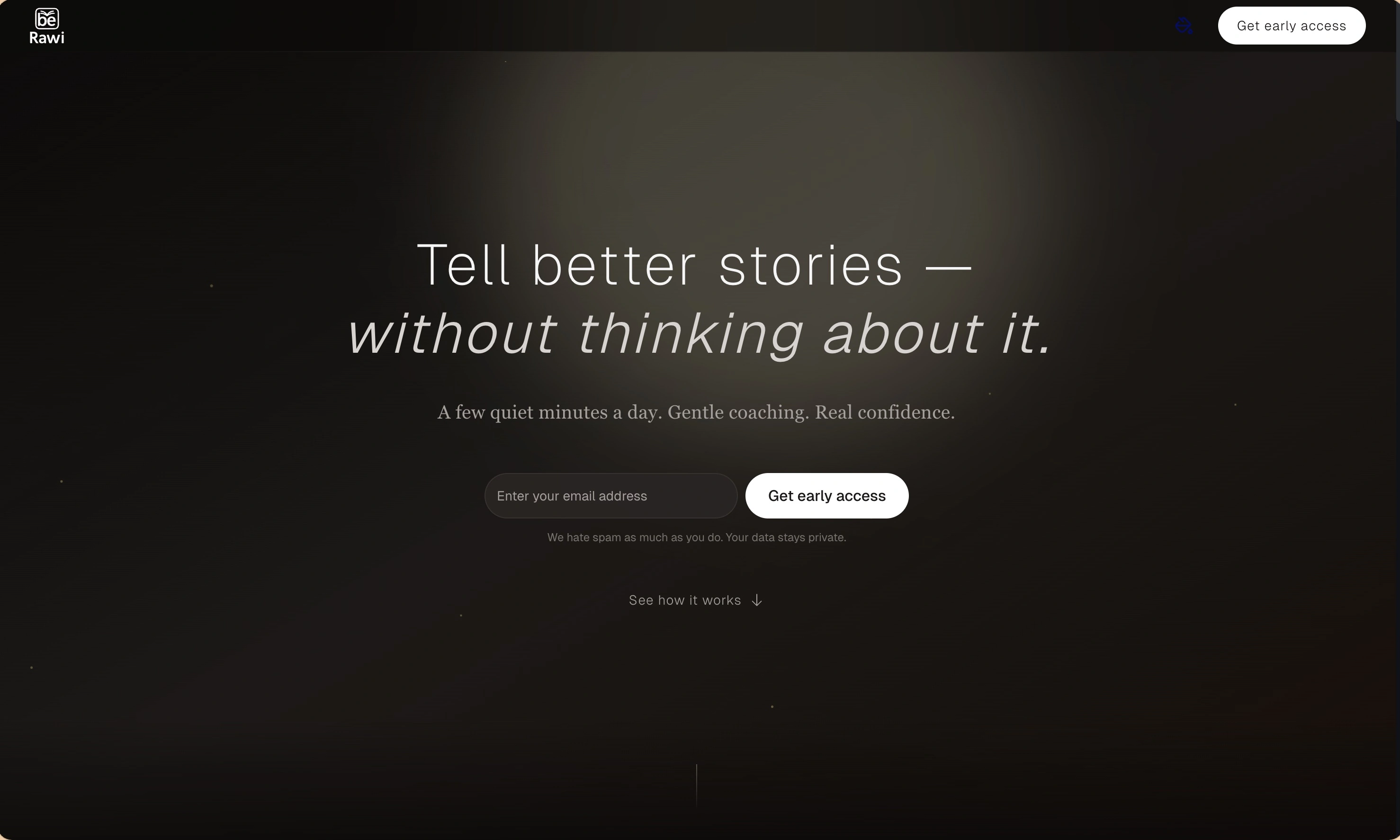
BeRawi: Storytelling Coach
Practice storytelling daily with instant feedback to sound clearer, more engaging, and confident 🎤
Omichat
Chat with 50+ AI models, including ChatGPT and Claude, in one place - switch models anytime without losing context 🤖
Claude Fast
Supercharge your Claude Code with 6x effective context window and specialized AI agents 🤖
EmojAI
AI-powered emoji picker with smart, context-aware suggestions 🤖
Solohacker
Autonomous company launcher - AI agents work 24/7, escalate what matters, and you stay in control 🤖
BeRawi: Storytelling Coach
Practice storytelling daily with instant feedback to sound clearer, more engaging, and confident 🎤
Omichat
Chat with 50+ AI models, including ChatGPT and Claude, in one place - switch models anytime without losing context 🤖
Claude Fast
Supercharge your Claude Code with 6x effective context window and specialized AI agents 🤖
EmojAI
AI-powered emoji picker with smart, context-aware suggestions 🤖
Solohacker
Autonomous company launcher - AI agents work 24/7, escalate what matters, and you stay in control 🤖
BeRawi: Storytelling Coach
Practice storytelling daily with instant feedback to sound clearer, more engaging, and confident 🎤
Omichat
Chat with 50+ AI models, including ChatGPT and Claude, in one place - switch models anytime without losing context 🤖
Claude Fast
Supercharge your Claude Code with 6x effective context window and specialized AI agents 🤖
EmojAI
AI-powered emoji picker with smart, context-aware suggestions 🤖
Solohacker
Autonomous company launcher - AI agents work 24/7, escalate what matters, and you stay in control 🤖
BeRawi: Storytelling Coach
Practice storytelling daily with instant feedback to sound clearer, more engaging, and confident 🎤

Connect with like-minded people
Join our community to get feedback, support, and grow together with 1,000+ builders on board, let's ship it!
Join usShip your startup everywhere. In minutes.
Don't burn tokens on setup and start building features on day one.