LifeAdmin Copilot
A personal AI assistant that organizes bills, errands, appointments, and reminders into one calm, prioritized daily checklist.
Why a personal AI assistant for life admin has real demand
LifeAdmin Copilot is an AI-powered personal admin assistant that turns the invisible work of everyday life into one calm, prioritized daily checklist. Rather than making people manage separate apps for bills, errands, appointments, follow-ups, household tasks, and reminders, it gives them one place to understand what matters now and what can wait.
The core problem is not a lack of productivity apps. Most people already have calendars, inboxes, banking apps, note tools, task managers, and messaging threads. The problem is coordination.
A bill due date may arrive by email. An appointment may live in a calendar. A prescription refill might be remembered from a text message. An errand could be written on paper or buried in a family chat. Every system has data, but no system creates a practical plan for the day.
That creates a meaningful opportunity for an AI personal assistant app that does more than capture tasks. LifeAdmin Copilot can interpret incoming information, recognize urgency, ask useful clarifying questions, reduce decision fatigue, and produce an achievable plan.
The product’s strongest promise is simple:
LifeAdmin Copilot helps people feel on top of life without forcing them to become productivity experts.
This positioning matters. Users do not wake up wanting a better task database. They want fewer overdue bills, less mental load, fewer forgotten commitments, and a clearer answer to the question, “What should I do today?”
The category opportunity
The best personal AI assistant products do not compete only on intelligence. They compete on trust, low-friction capture, excellent prioritization, and the emotional experience of feeling calmer after opening the app.
The target audience for LifeAdmin Copilot
An AI life management assistant can serve a broad market, but the initial product should focus on people with frequent context switching, recurring obligations, and limited time to maintain a manual organization system.
The highest-potential users are not necessarily people who love productivity software. In fact, many ideal customers have tried task apps and stopped using them because maintaining the system became another task.
Busy professionals managing work and personal obligations
Busy professionals often maintain a work calendar but struggle to organize the personal responsibilities that happen around it. They may remember meetings but forget to schedule a car service, pay an invoice, call a provider, or plan for a family commitment.
For this segment, LifeAdmin Copilot should emphasize:
- A daily checklist that fits around calendar availability
- Fast capture through text, voice, and email forwarding
- Deadline awareness for bills and time-sensitive tasks
- A clear separation between urgent tasks and optional tasks
- Privacy controls that make personal information feel safe
The value proposition is not “do more.” It is “stop carrying every unfinished obligation in your head.”
Parents and household coordinators
Parents and household coordinators often function as the operational center of a home. They manage school events, family appointments, grocery needs, bills, maintenance, forms, birthdays, travel, and care responsibilities.
This audience has a particularly strong need for a household admin app because the work is fragmented, repetitive, and difficult to delegate. A shared family calendar helps, but it does not tell someone which tasks are actually important today.
Relevant workflows include:
- Coordinating recurring payments and household maintenance
- Tracking school, medical, and childcare deadlines
- Turning messages into follow-up tasks
- Creating shared errands and responsibilities
- Preparing weekly plans around family schedules
A future household plan could support shared spaces, delegated tasks, and a lightweight family command center without becoming an overly complex project-management product.
Adults supporting aging parents or dependents
Caregiving introduces a high volume of time-sensitive administrative work. Users may need to handle appointments, insurance forms, medication refill reminders, provider calls, and financial paperwork while also managing their own household.
This group needs clarity more than advanced automation. A missed reminder can have serious consequences, so LifeAdmin Copilot should avoid acting autonomously in sensitive areas. Instead, it should make deadlines visible, prompt users early, and provide a reliable audit trail.
Neurodivergent users and people affected by decision fatigue
People with ADHD, executive function challenges, chronic stress, or burnout can benefit from a calm daily planning experience. However, this audience should never be treated as a marketing stereotype or a diagnosis-based feature checklist.
The product should support common needs such as:
- Breaking large tasks into approachable next actions
- Reducing the number of choices presented at once
- Offering a gentle restart after users fall behind
- Avoiding shame-based overdue states
- Supporting flexible routines rather than rigid productivity systems
The tone of the product matters as much as the feature set. “You have 42 overdue tasks” creates anxiety. “Here are the three things most worth handling today” creates momentum.
Freelancers and self-employed operators
Freelancers must manage both work operations and personal life administration. They often have irregular schedules, variable income, invoices, client follow-ups, tax reminders, and no operations team to handle administrative tasks.
For these users, LifeAdmin Copilot can become a daily operational layer that brings together professional and personal responsibilities while allowing clear categorization and separate views.
Primary user
A busy person with many recurring obligations who wants a daily plan without maintaining an elaborate productivity system.
High-value behavior
Capturing an obligation the moment it appears, then trusting the AI to surface it at the right time.
Retention driver
Opening the app each morning and receiving a short, realistic checklist that consistently feels useful.
The market gap in personal AI assistants
The personal productivity market is crowded, but the market gap is specific. Most existing products fall into one of several categories.
- Task managers are good at storing tasks but require users to decide priority, due dates, projects, and structure.
- Calendars are good at time-based commitments but do not handle vague obligations well.
- Reminder apps are quick to use but rarely create a coherent daily plan.
- Personal finance tools monitor money but usually do not translate bills into actionable life administration.
- AI chat assistants can answer questions but are not designed as persistent, trusted systems of record for personal obligations.
- Smart home assistants handle simple commands but typically lack nuanced prioritization and cross-tool planning.
LifeAdmin Copilot sits at the intersection of these products. Its differentiated role is to act as a personal operations layer for the user’s life.
The app should not ask users to maintain a perfect database. It should accept imperfect input and progressively organize it.
For example, a user might type:
Renew car registration next month and book a dentist appointment sometime soon.
The assistant should identify two separate items, determine that one likely needs a deadline or location, ask only necessary follow-up questions, and avoid overwhelming the user with forms.
Why now is the right time for AI life administration
Recent advancements in large language models, multimodal input, function calling, and structured AI outputs make this product category more feasible than it was a few years ago.
The technical change is not merely that AI can write natural language. Modern AI systems can increasingly:
- Extract dates, tasks, people, and amounts from messy text
- Convert unstructured requests into structured records
- Generate concise summaries from many inputs
- Ask context-sensitive follow-up questions
- Classify urgency based on user-defined rules
- Support voice-first capture and conversational planning
Still, the product should not rely on AI as an unquestioned authority. Prioritization errors can reduce trust quickly. The strongest implementation uses AI for interpretation and suggestions, while deterministic rules protect critical reminders, financial deadlines, and user-set constraints.
When publishing market claims or adoption statistics, cite reputable sources such as research firms, platform reports, academic studies, or public surveys. Avoid using unverified productivity statistics simply because they support a narrative.
The unique value proposition of LifeAdmin Copilot
LifeAdmin Copilot should be positioned as a calm AI personal assistant for everyday obligations, not another all-purpose chatbot and not another complicated task manager.
Its unique selling proposition is the combination of three capabilities:
- Universal life admin capture that accepts tasks and obligations in everyday language.
- Context-aware prioritization that converts a backlog into a realistic daily plan.
- Calm, trustworthy guidance that helps users make progress without guilt or cognitive overload.
A strong product message could be:
One quiet place for everything life asks you to remember, with an AI copilot that helps you decide what to do next.
That statement is emotionally resonant while still describing a practical outcome.
How LifeAdmin Copilot can avoid becoming another to-do list
A to-do list primarily records what users enter. A personal AI assistant should reduce the work required to decide, organize, and follow through.
The distinction appears in the interaction design.
| Capability | Traditional task app | LifeAdmin Copilot approach | User value |
|---|---|---|---|
| Task capture | User fills in fields | AI extracts task details from natural language | Less friction |
| Prioritization | User manually sorts lists | AI proposes a daily plan using urgency, effort, and context | Less decision fatigue |
| Overdue tasks | Tasks accumulate in a red backlog | Assistant helps reschedule, delegate, or dismiss stale items | Reduced guilt and clutter |
| Daily planning | User builds a plan from scratch | Assistant creates a realistic shortlist | More follow-through |
Core features for an AI personal assistant app
The MVP should concentrate on building a trusted daily loop. The goal is not to launch every possible integration. The goal is to make users feel immediate relief after they capture a few obligations and open their first daily plan.
Unified inbox for bills, errands, appointments, and reminders
The core screen should be an inbox where users can add almost anything without deciding where it belongs.
Users should be able to enter:
- “Pay electricity bill by Friday”
- “Book Sam’s annual checkup”
- “Pick up dry cleaning after work”
- “Remind me to call insurance when I have the policy number”
- “The dishwasher warranty expires in September”
- “Need to submit the school form before the trip”
The AI should convert this information into structured entities such as tasks, reminders, recurring items, appointments, or reference notes.
A good capture flow should infer details quietly and ask follow-up questions only when the missing information meaningfully affects the outcome.
For instance, if the user says “Call the dentist,” LifeAdmin Copilot can create the task immediately. It does not need to force a due date. If the user says “Pay rent on the first,” the assistant should recognize recurrence and ask for confirmation before creating a monthly schedule.
Calm daily checklist and smart prioritization
The daily checklist is the product’s central experience. It should answer the user’s most important question:
What should I realistically handle today?
The list should avoid presenting every task at equal importance. Instead, it can group work into a small number of clear sections:
- Must handle today
- Important next steps
- Quick wins if there is time
- Waiting on someone else
- Upcoming deadlines
The assistant should account for user preferences, calendar availability, task duration, due dates, recurring commitments, and task urgency.
A useful prioritization model can combine deterministic and AI-assisted signals:
type PriorityInput = {
  dueDate?: Date;
  estimatedMinutes?: number;
  importance: "low" | "medium" | "high";
  energyRequired: "low" | "medium" | "high";
  calendarFreeMinutes: number;
  userDefinedUrgency?: number;
};

function calculatePriorityScore(input: PriorityInput) {
  const dueDateWeight = input.dueDate ? 40 : 0;
  const importanceWeight =
    input.importance === "high" ? 30 : input.importance === "medium" ? 15 : 5;
  const timeFitWeight =
    input.estimatedMinutes && input.estimatedMinutes <= input.calendarFreeMinutes
      ? 15
      : 0;
  const manualWeight = input.userDefinedUrgency ?? 0;

  return dueDateWeight + importanceWeight + timeFitWeight + manualWeight;
}
The AI should not be the sole source of a priority score. Clear business rules make the experience more predictable and easier to explain.
Natural-language planning conversations
A conversational layer can make the app feel supportive rather than transactional. Users should be able to ask questions such as:
- “What do I need to do before my trip?”
- “Can I fit these errands in tomorrow?”
- “What bills are coming up this month?”
- “Help me catch up after a busy week.”
- “What can I delegate to my partner?”
- “Move anything non-urgent to next week.”
The assistant should return actionable answers based on the user’s data, with clear references to the underlying tasks. It should never silently modify important data without confirmation.
Smart recurring tasks and life routines
Recurring obligations are where a life admin assistant can become indispensable. Many personal responsibilities repeat but do not belong in a standard work calendar.
Examples include:
- Monthly bills and subscription reviews
- Medication refill reminders
- Home maintenance schedules
- Pet care routines
- Seasonal renewal dates
- Birthday and gift planning
- Vehicle registration and inspections
- Household inventory checks
The assistant should make recurrence easy to set up from natural language. It should also offer a periodic review so old routines do not become stale noise.
Calendar and email integration
Integrations can create strong retention, but they must be introduced with clear privacy controls.
A calendar integration should help the app:
- Avoid scheduling too much on busy days
- Highlight conflicts with appointments
- Suggest task timing based on available windows
- Surface preparation tasks before events
An email integration can be valuable for extracting bills, appointments, receipts, and action items. However, email is highly sensitive. The app should use least-privilege access, explain exactly what it reads, and allow users to connect only selected labels or inbox sources where possible.
The MVP can begin with email forwarding or manual sharing rather than full inbox access. This reduces engineering complexity and helps validate whether automatic extraction is truly a must-have for the initial audience.
Gentle review and backlog recovery
Most people abandon task systems after falling behind. A crucial LifeAdmin Copilot feature is a forgiving recovery workflow.
Instead of displaying a massive overdue list, the app can offer a weekly reset:
- Identify expired, completed, and stale tasks.
- Ask the user whether each important item should be rescheduled, delegated, or dropped.
- Keep only actionable items in the active plan.
- Rebuild the coming week around actual capacity.
This feature aligns closely with the “calm” brand promise and can distinguish the product from task managers that turn unfinished work into visual debt.
Avoid building deep project management, full document storage, autonomous bill payment, medical advice, and complex family permissions in the first release. These features add risk and scope before the core daily planning habit has been validated.
For low-risk actions, such as drafting a reminder or moving an unscheduled task, automation can be useful. For financial, health, legal, or calendar-changing actions, require explicit user confirmation and show exactly what will happen.
Explain recommendations in simple language. A note such as “Suggested because it is due tomorrow and takes about 10 minutes” gives users confidence and makes AI behavior feel less arbitrary.
Recommended tech stack for LifeAdmin Copilot
The technical architecture should support reliable task data, secure integrations, AI-assisted extraction, and a responsive mobile-friendly experience. The stack should also make it easy to evolve from an MVP into a scalable SaaS product.
Frontend and application framework
A strong starting point is Next.js with React and TypeScript. This combination supports a fast web application, server-side functionality, API routes, strong typing, and a mature ecosystem.
For interface development, Tailwind CSS is well suited to building a calm, consistent design system quickly. Pair it with accessible, reusable component patterns and strong keyboard support.
Recommended frontend choices include:
- Next.js for full-stack React development
- React for interactive user interfaces
- TypeScript for safer data models
- Tailwind CSS for rapid UI implementation
- Zod for runtime schema validation
- React Hook Form for reliable forms and settings flows
A progressive web app can be a practical first step before investing in native iOS and Android applications. It enables push notifications, home-screen installation, and quick cross-platform distribution, although native apps may ultimately offer better notification reliability and voice capture experiences.
Backend, database, and job processing
A relational database is the right default for personal life administration data because users have structured relationships between tasks, reminders, recurrence rules, people, household spaces, and integrations.
PostgreSQL is an excellent choice because it is mature, reliable, and flexible enough for structured records plus JSON metadata where needed. Prisma can improve development speed through typed database access and migrations.
Important backend capabilities include:
- Encrypted storage for sensitive integration tokens
- Background jobs for reminders and recurring task generation
- Idempotent processing for incoming emails and webhook events
- Audit logs for AI-generated changes and user approvals
- Rate limiting and abuse prevention
- Role-based permissions for future shared household accounts
For asynchronous jobs, use a durable queue or managed job platform. Reminder delivery must be reliable, observable, and resilient to retries. A missed bill reminder is more damaging than a delayed nonessential recommendation.
AI orchestration and structured outputs
The AI layer should be designed around structured, validated operations rather than free-form text alone.
For example, when a user adds an item, the system can ask the model to return a schema such as:
const taskExtractionSchema = {
  title: "string",
  taskType: "task | reminder | appointment | recurring_task",
  dueDate: "ISO date or null",
  estimatedMinutes: "number or null",
  recurrenceRule: "string or null",
  confidence: "number from 0 to 1",
  clarificationQuestion: "string or null"
};
The application should validate the result before writing data to the database. When confidence is low, show the extracted draft to the user rather than assuming it is correct.
This architecture has several benefits:
- It reduces malformed AI outputs.
- It creates predictable database writes.
- It supports explainable automation.
- It makes it easier to test prompts and model changes.
- It limits the impact of hallucinated details.
Trade-offs to consider
Use managed authentication, a hosted PostgreSQL provider, a third-party AI API, and a progressive web app. This path is fast and cost-effective, but it creates vendor dependencies that should be documented from day one.
Minimize data retention, avoid broad inbox permissions, encrypt sensitive fields, and design for regional hosting requirements. This improves trust but can slow integration development and increase operational complexity.
Build native mobile clients early if push notifications, offline capture, and voice-first workflows are central to the product thesis. This can improve the user experience but requires more platform-specific engineering.
Monetization strategies for a personal life admin SaaS
LifeAdmin Copilot is a consumer SaaS product with a clear path to subscription revenue. The best monetization model should let users experience the core daily planning benefit before hitting a hard paywall.
Freemium with a premium personal plan
A freemium model is likely the best initial approach.
The free tier can include:
- Manual task and reminder capture
- A basic daily checklist
- Limited AI parsing each month
- One calendar connection
- Standard notifications
- A limited history window
The premium plan can include:
- Unlimited AI-assisted capture
- Advanced daily prioritization
- Email-to-task extraction
- Recurring life routines
- Weekly reset and planning reviews
- Cross-device sync and richer notifications
- Calendar-aware planning
- Data export and enhanced privacy controls
A price point should be validated through user interviews and willingness-to-pay testing. The product should price based on recurring value and avoided stress, not on the raw number of AI messages.
Household and family subscription
A higher-priced household plan can unlock shared lists, task delegation, family calendar context, and multiple adult accounts. This has strong expansion potential because household coordination is a real problem, but it should launch only after individual retention is proven.
Shared features must be carefully designed. Personal tasks should remain private by default, while users explicitly choose what to share with a household space.
Concierge onboarding or premium setup
Some users may pay for a guided setup service that helps them migrate recurring obligations, build routines, organize bills, and configure reminders.
This could be offered as a one-time premium add-on. It also provides direct customer insight into the most confusing setup steps and highest-value user workflows.
Ethical affiliate opportunities
Relevant affiliate relationships may eventually be possible for services such as home maintenance, insurance comparison, tax preparation, or local providers. However, recommendations must be transparent and never distort prioritization.
A user should never wonder whether a task appeared because it was important or because it generated affiliate revenue. Trust must remain more valuable than short-term monetization.
Privacy, security, and AI safety risks
A personal AI assistant handles deeply sensitive information. Bills, appointments, home addresses, family names, healthcare reminders, and financial obligations are not ordinary productivity data.
Privacy is therefore a product feature, not just a legal requirement.
Key risks to address
- "Data exposure" arises when integrations or databases are poorly secured.
- "Over-permissioned integrations" can make users uncomfortable and increase breach impact.
- "Incorrect AI extraction" may create wrong dates, amounts, or reminders.
- "Automation mistakes" can reschedule important tasks or send unintended communications.
- "Notification fatigue" can cause users to disable the very reminders that create value.
- "Overreliance" can lead users to assume the app will handle critical obligations without verification.
- "Regulatory complexity" increases when the product touches financial, health, or household data.
Risk mitigation principles
LifeAdmin Copilot should implement these safeguards early:
- Use explicit consent before connecting email, calendars, or other external accounts.
- Request the minimum data access needed for a feature to work.
- Encrypt data in transit and at rest, including sensitive OAuth tokens.
- Require confirmation for high-impact actions.
- Show users why the AI made a suggestion.
- Keep an activity history for changes made by automation.
- Provide clear export and deletion controls.
- Make reminder reliability measurable through monitoring and delivery logs.
- Avoid presenting health, legal, or financial guidance as professional advice.
- Build a human-readable privacy policy before broad launch.
Do not overpromise
LifeAdmin Copilot should describe itself as an organizational assistant, not a financial manager, medical advisor, emergency service, or legal compliance tool. Users must remain responsible for verifying critical dates, payments, and appointments.
Competitive advantage and defensibility
The first version of an AI personal assistant can be copied at the feature level. A competitor can add natural-language task capture or an AI chat box. Sustainable differentiation comes from the complete system around those features.
LifeAdmin Copilot can build defensibility through several layers.
A trusted personal context graph
Over time, the product can develop an opt-in context graph containing the user’s routines, preferred planning style, recurring obligations, energy patterns, common locations, household responsibilities, and decision preferences.
This context makes recommendations more useful. A generic task app knows that a bill is due. LifeAdmin Copilot can learn that the user prefers to handle bills on Sunday evenings, does errands near a particular location, and avoids high-effort admin tasks during busy workdays.
The system should make this personalization transparent and editable. Hidden personalization may feel invasive in a personal data product.
Superior prioritization rather than generic AI chat
Many products can generate a plausible answer. Fewer can consistently create a daily plan users trust.
The prioritization engine should become a core asset through:
- User feedback on suggested tasks
- Completion and deferral patterns
- Personal scheduling preferences
- Explicit user rules
- Deadline and recurrence intelligence
- Capacity-aware daily planning
The goal is not to maximize completed task counts. The goal is to recommend the right amount of work at the right time.
Calm brand and interaction design
A calm product voice can be a meaningful competitive advantage. Life admin is emotionally loaded because it often involves money, family, health, maintenance, and responsibilities that users already feel behind on.
Avoid gamified pressure, guilt-heavy streaks, and excessive badges. Use supportive language, clean visual hierarchy, and a small number of high-confidence recommendations.
Trustworthy integration architecture
Trust is hard to earn and easy to lose. Clear integration permissions, reliable reminders, user-visible AI actions, and easy account deletion can become differentiators in a market where consumers are increasingly cautious about AI access to personal data.
Go-to-market strategy for LifeAdmin Copilot
The early go-to-market strategy should focus on a narrow problem statement that users immediately recognize.
Strong initial positioning angles include:
- “The AI assistant for bills, errands, and everything you keep forgetting.”
- “A calm daily checklist for your real life, not just your work.”
- “Turn life admin into a short daily plan.”
- “Your personal operations assistant for home, family, and everyday tasks.”
Content-led acquisition opportunities
SEO can be effective because users actively search for solutions to recurring life administration problems. Build content around high-intent topics such as:
- How to organize bills and due dates
- How to create a household admin system
- Best way to remember appointments and errands
- How to manage life admin with ADHD
- Personal assistant apps for busy families
- How to reduce decision fatigue with a daily checklist
- How to set up recurring home maintenance reminders
The content should provide useful frameworks, templates, and practical advice even for readers who do not immediately sign up. This supports E-E-A-T and creates a credible long-term acquisition channel.
Beta testing and customer interviews
Recruit an early cohort of users who experience frequent life admin overload. Ask them to use the product for two to four weeks, then analyze where the product succeeds and where trust breaks.
High-value interview questions include:
- “What did you stop worrying about after using the app?”
- “Which recommendation felt especially helpful?”
- “When did the app misunderstand your intent?”
- “What information were you uncomfortable sharing?”
- “Would you pay for this today, and what would make it worth paying for?”
- “What would you use instead if this product disappeared?”
The most important early metric is not raw signups. It is whether users return to the daily checklist because it makes their day feel easier.
Actionable implementation roadmap
A focused roadmap will help LifeAdmin Copilot validate the product before feature creep sets in.
Define the initial user segment and write a clear problem statement. Start with busy professionals or household coordinators rather than trying to serve every possible user on day one.
Build the core data model for tasks, reminders, due dates, recurring rules, categories, task status, and user preferences. Design an audit log from the start.
Launch natural-language capture with structured AI extraction, user confirmation for uncertain details, and a simple manual editing flow.
Build the calm daily checklist. Include must-do items, suggested next actions, quick wins, and a simple way to defer or dismiss tasks.
Add dependable notifications and recurring reminders before pursuing complex integrations. Reliability is essential to user trust.
Test the weekly reset workflow with early users. Measure whether it helps people return after they have fallen behind.
Introduce calendar context, then selectively test email forwarding or inbox integrations with explicit user consent.
Add paid features only after the daily planning loop produces meaningful retention and users report that the product reduces mental load.
For a faster SaaS launch, use TurboStarter to accelerate foundational application work while keeping the team focused on LifeAdmin Copilot’s distinctive AI workflows, privacy model, and daily planning experience.
Final recommendation
LifeAdmin Copilot has a compelling opportunity because life administration is universal, fragmented, and emotionally draining. The market does not need another feature-heavy task manager. It needs a personal AI assistant that can turn scattered obligations into a clear plan people trust.
The winning version of this product will focus on a narrow but powerful promise:
- Capture life admin without friction.
- Prioritize what matters now.
- Protect highly personal data.
- Make recovery easy when users fall behind.
- Deliver a calm daily experience that earns habitual use.
Start with reliable capture, intelligent but explainable prioritization, and a small daily checklist. If users consistently say, “I finally feel like I know what I need to do,” LifeAdmin Copilot will have validated its most important advantage.
More 🤖 AI Startup SaaS ideas
Discover more innovative ai startup SaaS ideas that are trending in 2026. Each idea is AI-generated with market validation and growth potential to help you find your next profitable venture faster than competitors.
Your competitors are building with TurboStarter
Below are some of the SaaS ideas that have been generated and built with our starter kit.
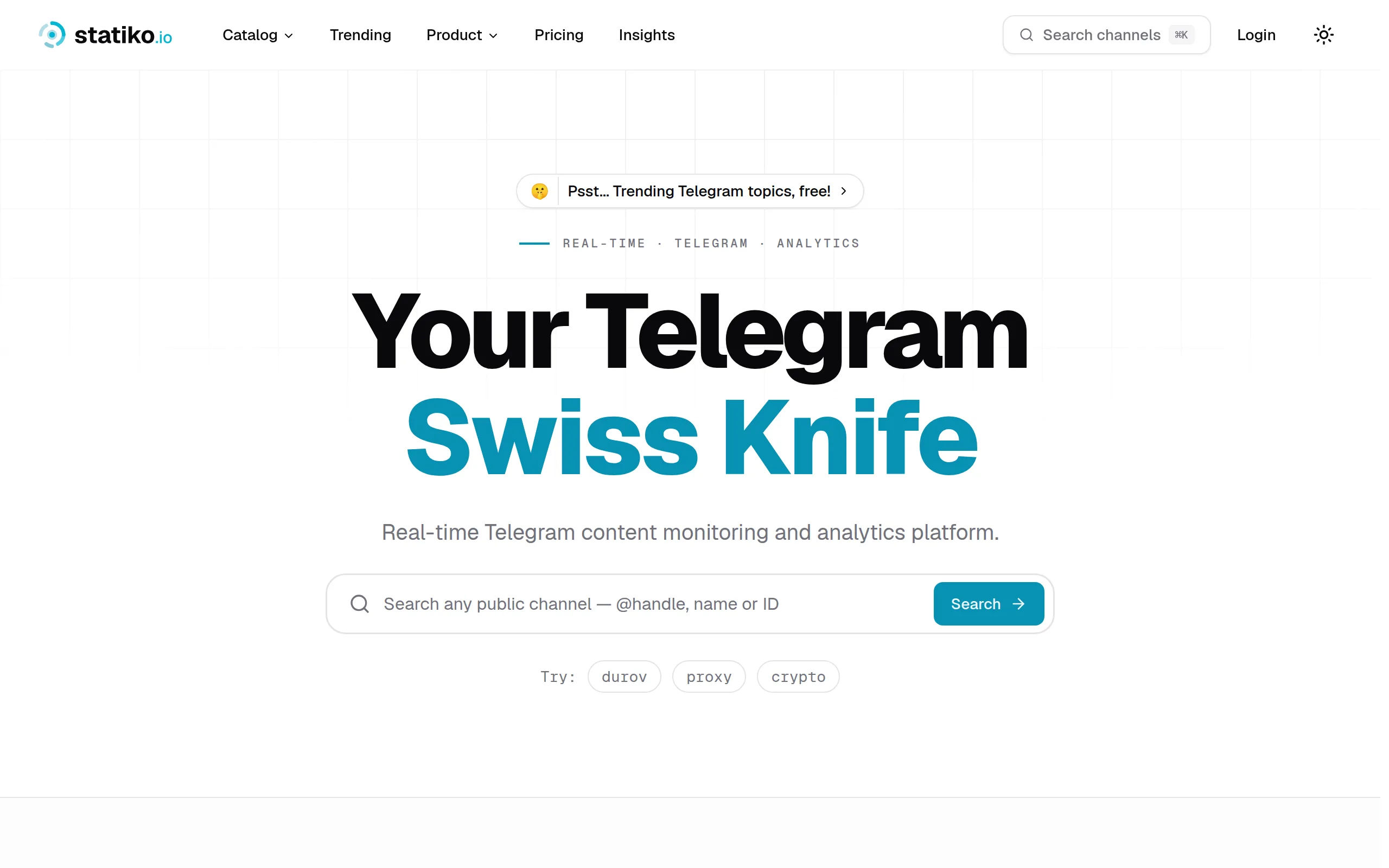
Statiko
Monitor any Telegram channel in real time - track posts, edits, deletions, and growth with AI recaps 📡

Shibui
AI website builder - describe your business, pick a niche template, edit by chatting, and publish instantly ✨
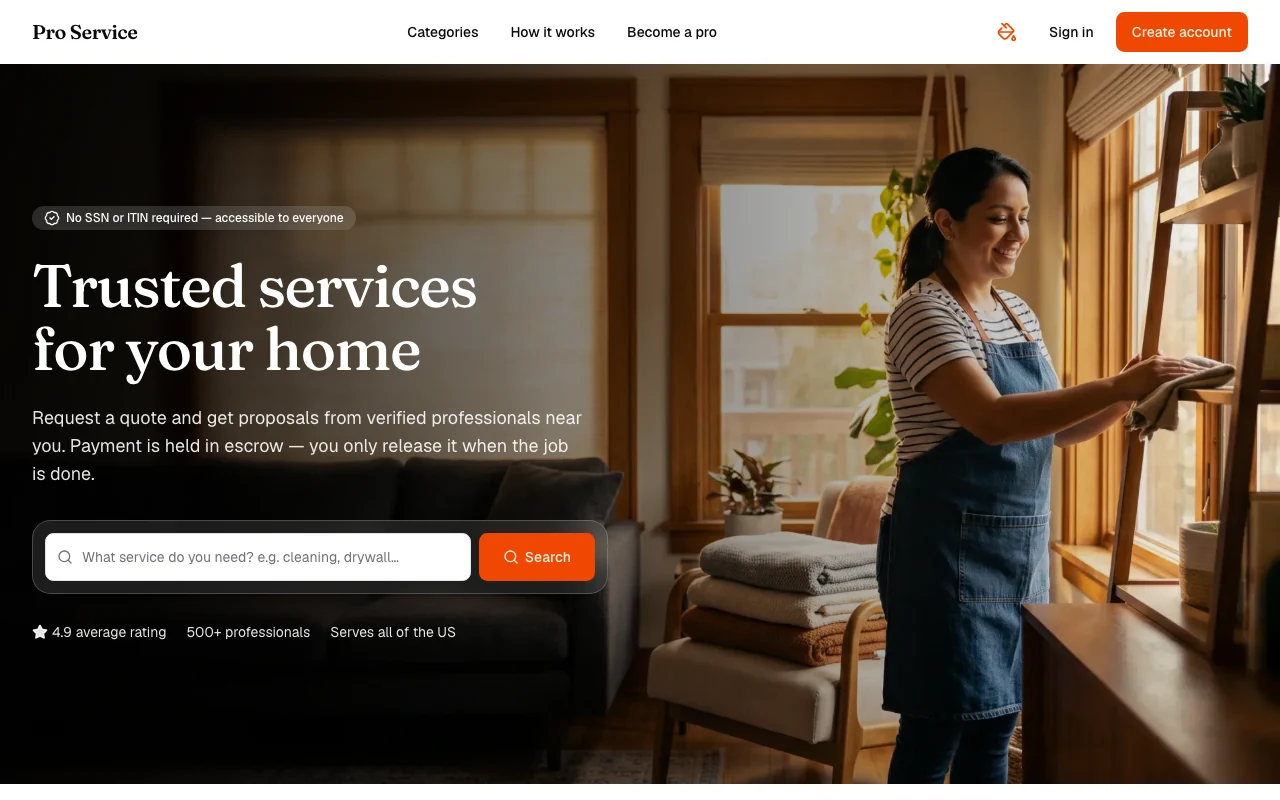
Pro Service
Find verified home service professionals, compare quotes, and pay securely through escrow - built for Brazilians across the US 🏠
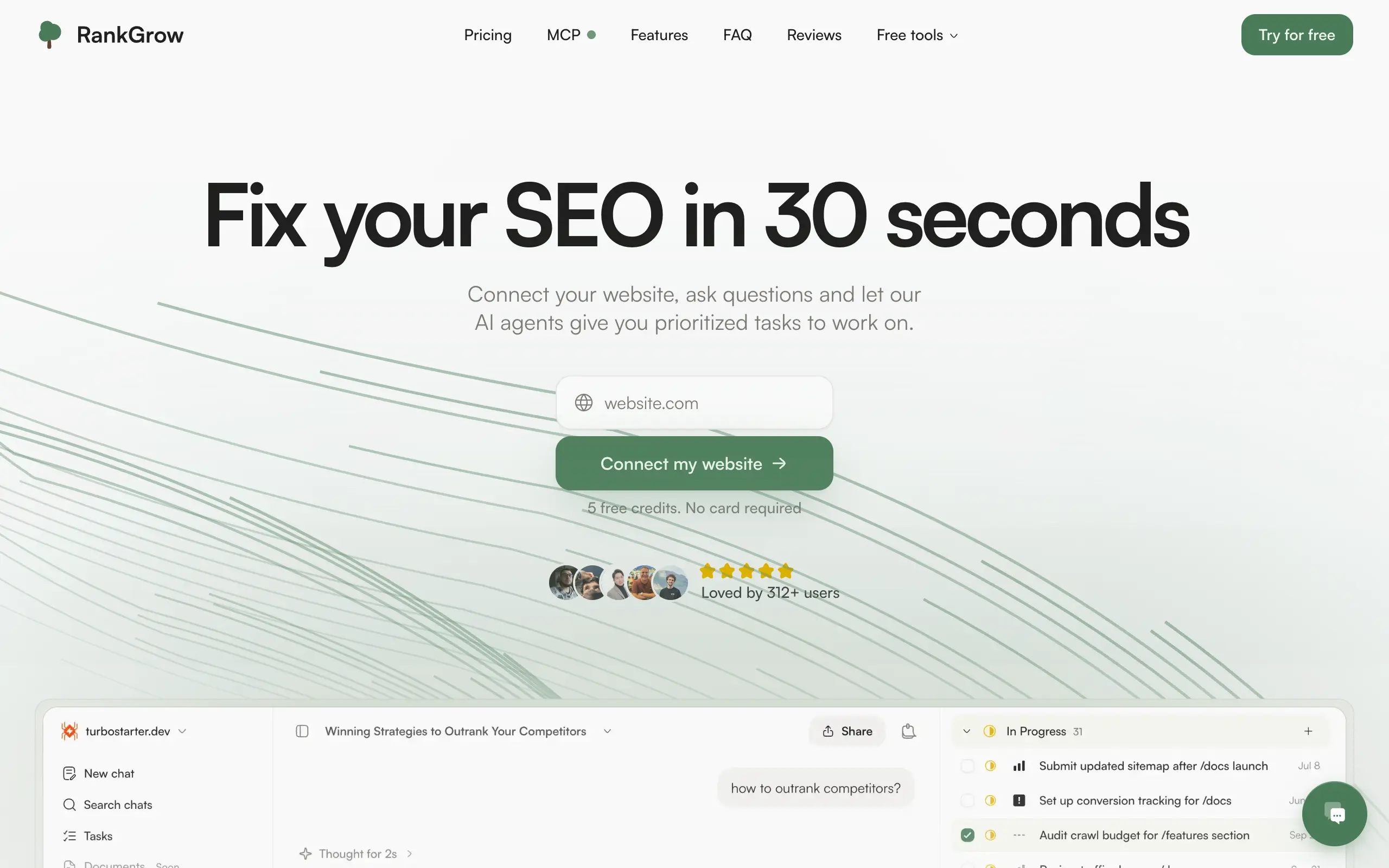
RankGrow
Fix your SEO with AI agents - connect Search Console, get prioritized tasks, and grow organic traffic 📈
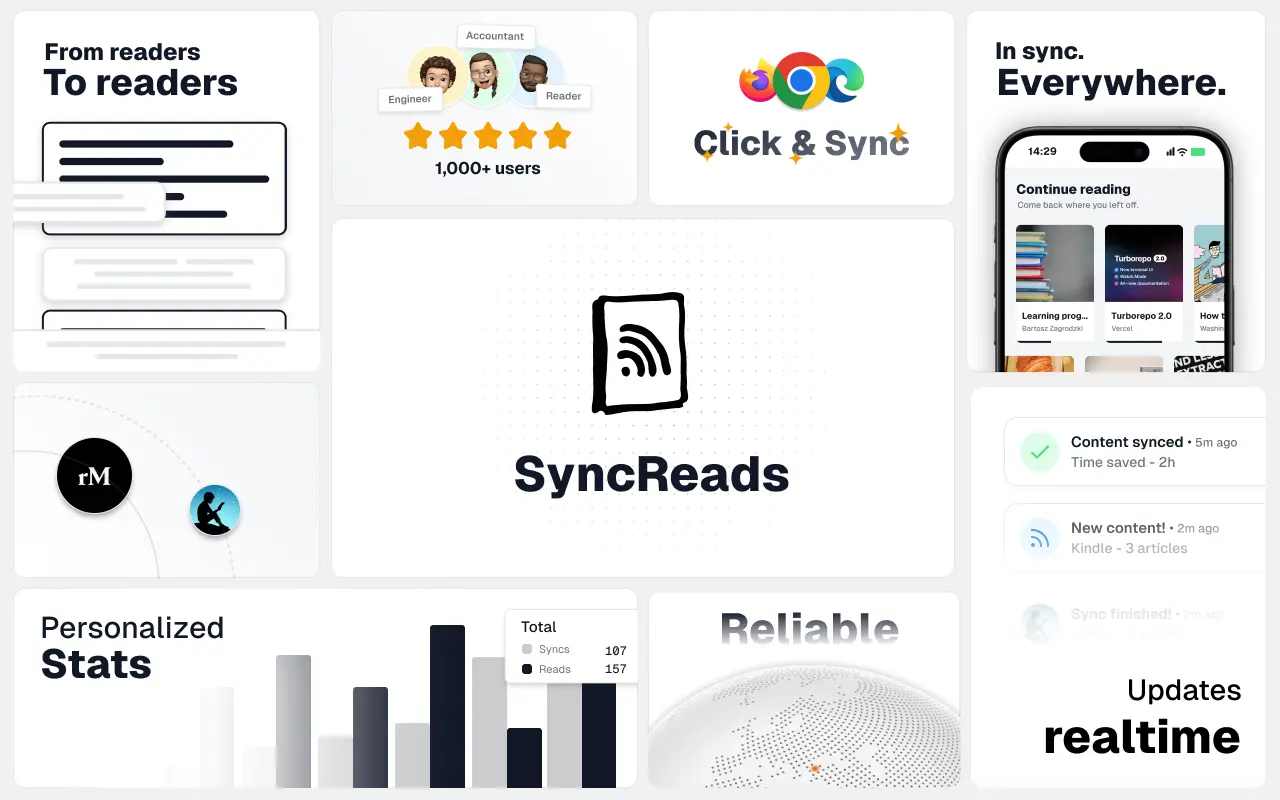
SyncReads
Sync your favorite content for distraction-free reading, save time and replace multiple apps. Anytime, anywhere 🔄
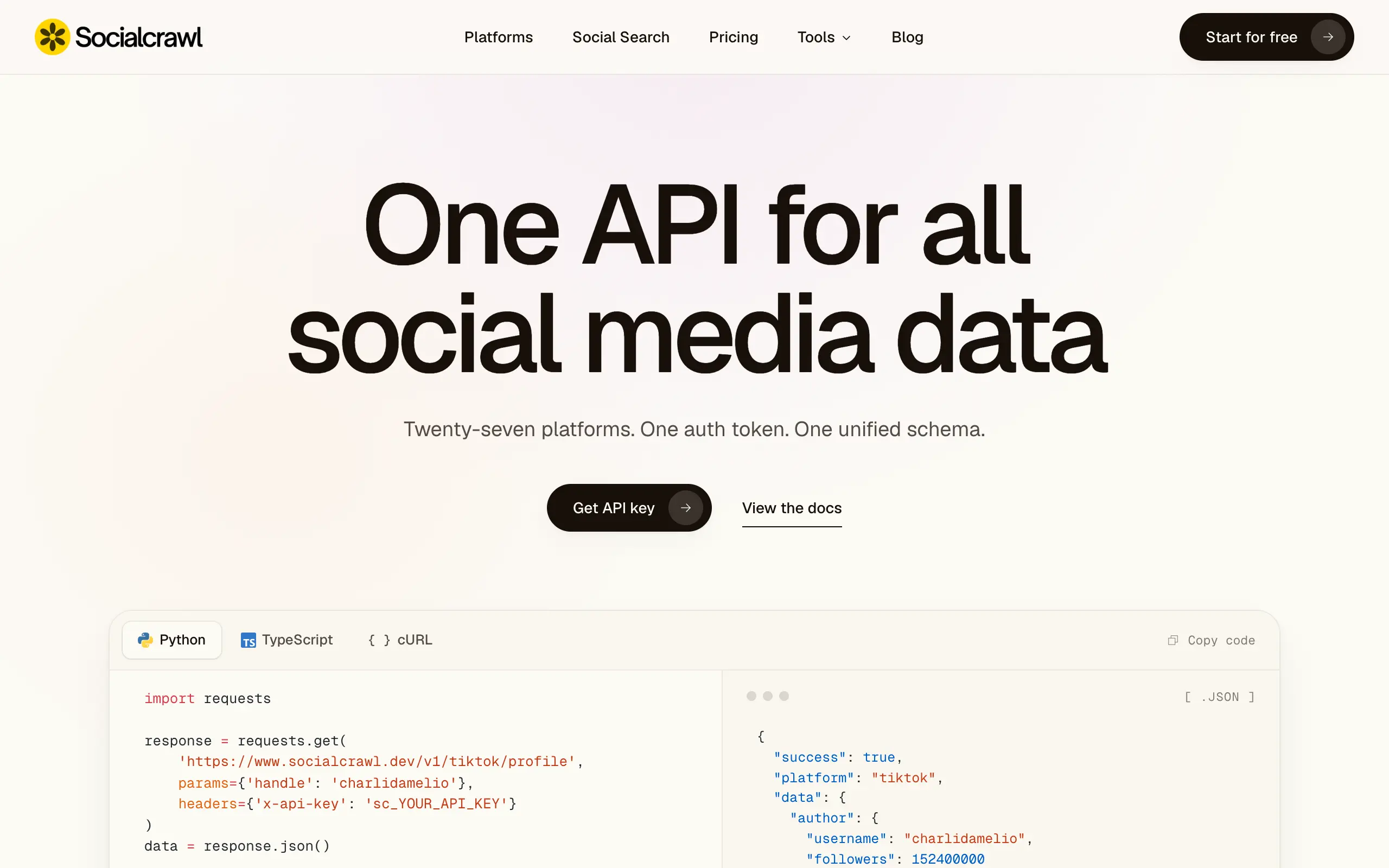
Socialcrawl
Get clean, structured data from 21 platforms like TikTok, Instagram, and YouTube with a single request 📊
Statiko
Monitor any Telegram channel in real time - track posts, edits, deletions, and growth with AI recaps 📡
Shibui
AI website builder - describe your business, pick a niche template, edit by chatting, and publish instantly ✨
Pro Service
Find verified home service professionals, compare quotes, and pay securely through escrow - built for Brazilians across the US 🏠
RankGrow
Fix your SEO with AI agents - connect Search Console, get prioritized tasks, and grow organic traffic 📈
SyncReads
Sync your favorite content for distraction-free reading, save time and replace multiple apps. Anytime, anywhere 🔄
Socialcrawl
Get clean, structured data from 21 platforms like TikTok, Instagram, and YouTube with a single request 📊
Statiko
Monitor any Telegram channel in real time - track posts, edits, deletions, and growth with AI recaps 📡
Shibui
AI website builder - describe your business, pick a niche template, edit by chatting, and publish instantly ✨
Pro Service
Find verified home service professionals, compare quotes, and pay securely through escrow - built for Brazilians across the US 🏠
RankGrow
Fix your SEO with AI agents - connect Search Console, get prioritized tasks, and grow organic traffic 📈
SyncReads
Sync your favorite content for distraction-free reading, save time and replace multiple apps. Anytime, anywhere 🔄
Socialcrawl
Get clean, structured data from 21 platforms like TikTok, Instagram, and YouTube with a single request 📊
Statiko
Monitor any Telegram channel in real time - track posts, edits, deletions, and growth with AI recaps 📡
Shibui
AI website builder - describe your business, pick a niche template, edit by chatting, and publish instantly ✨
Pro Service
Find verified home service professionals, compare quotes, and pay securely through escrow - built for Brazilians across the US 🏠
RankGrow
Fix your SEO with AI agents - connect Search Console, get prioritized tasks, and grow organic traffic 📈
SyncReads
Sync your favorite content for distraction-free reading, save time and replace multiple apps. Anytime, anywhere 🔄
Socialcrawl
Get clean, structured data from 21 platforms like TikTok, Instagram, and YouTube with a single request 📊
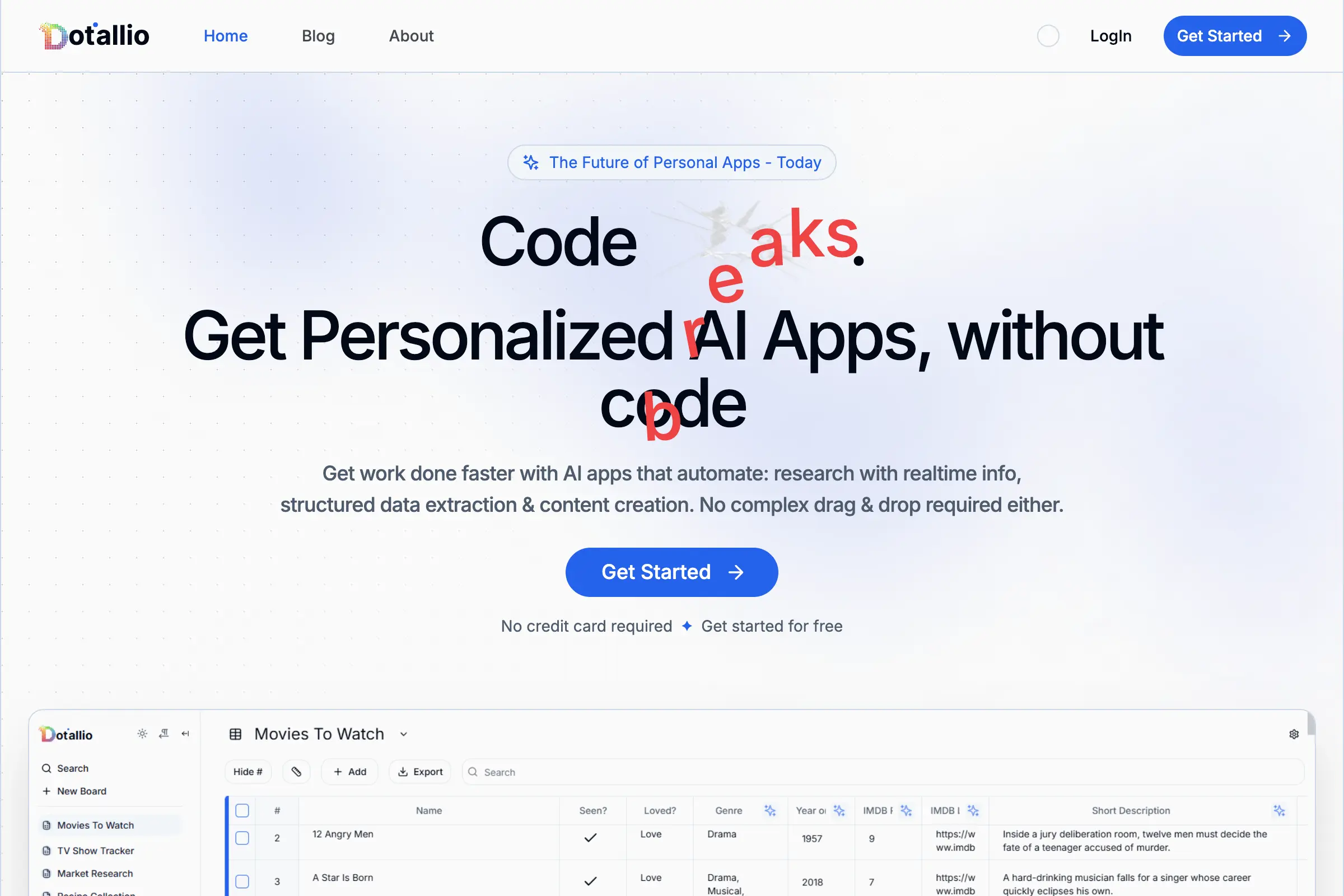
Dotallio
Personalized AI apps that automate research, data extraction, and content creation without code 🤖
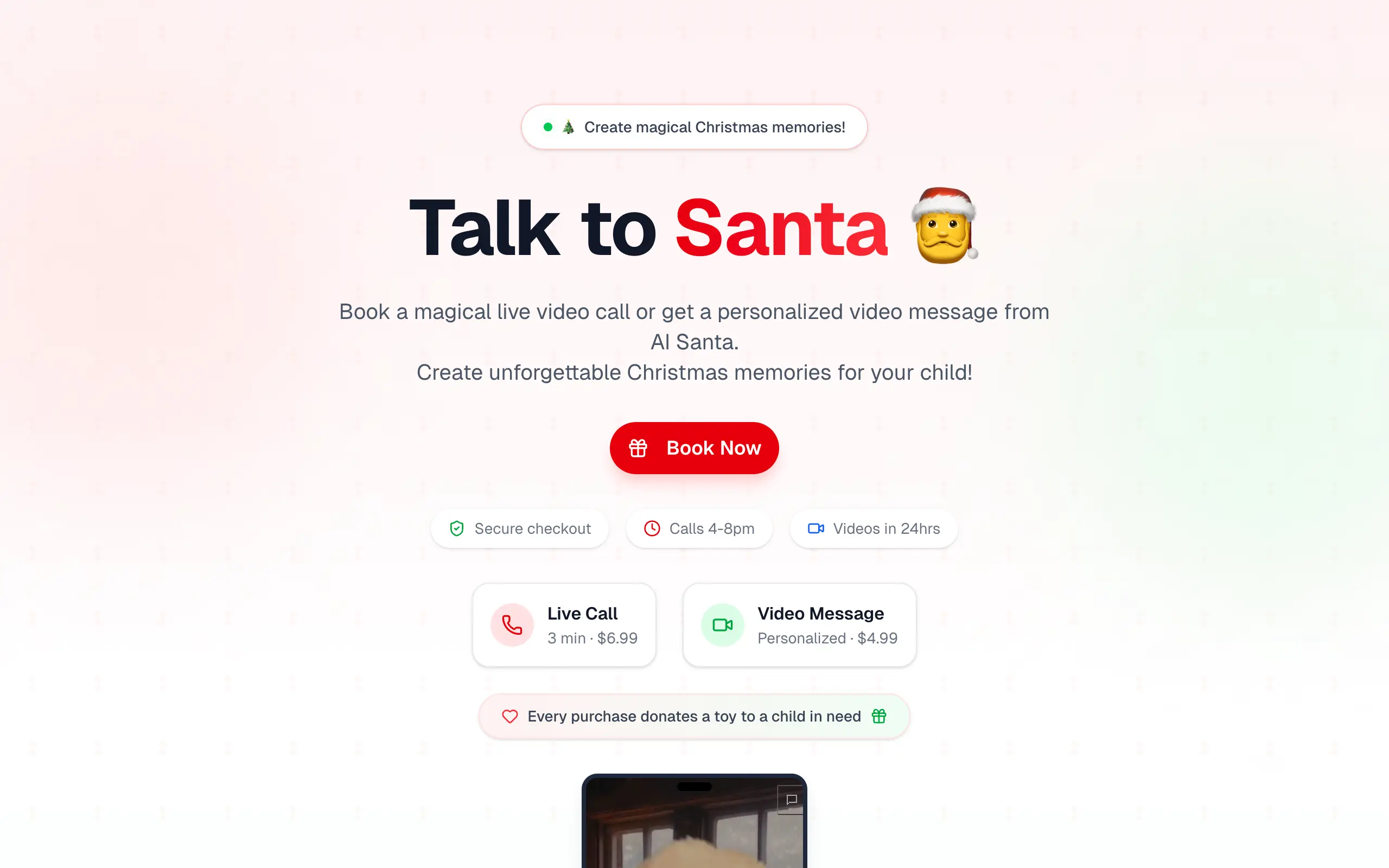
Talk to Santa
Enjoy a magical live video chat or receive a unique AI-generated video greeting from Santa Claus 🎅
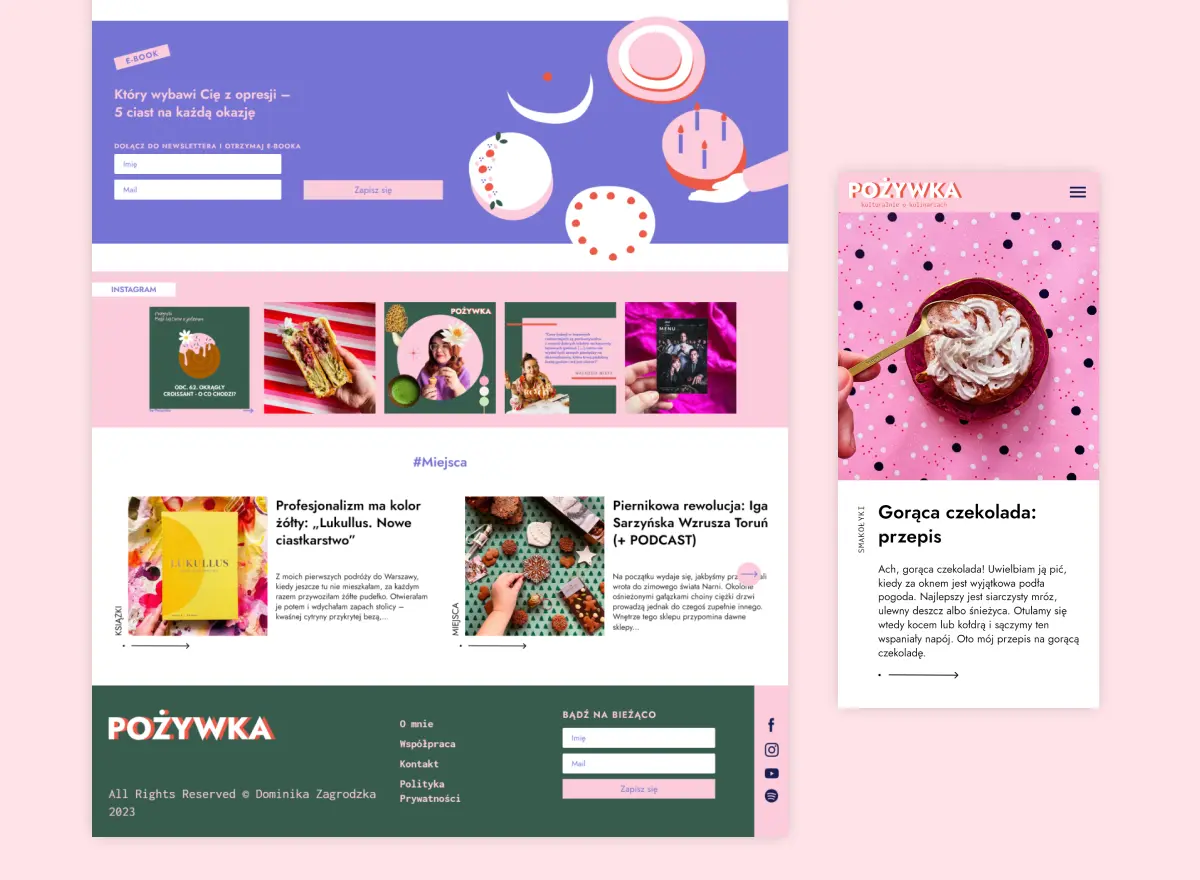
pozywka.pl
Scalable blog for food journalist, focused on performance and user experience 🌭
zagrodzki.me
Personal blog and portfolio of Bart Zagrodzki, where he shares his knowledge and work 💼
TurboStarter
Ship your startup everywhere. In minutes.
HTML to Markdown
Convert HTML to Markdown with ease, directly in your browser 📄
Dotallio
Personalized AI apps that automate research, data extraction, and content creation without code 🤖
Talk to Santa
Enjoy a magical live video chat or receive a unique AI-generated video greeting from Santa Claus 🎅
pozywka.pl
Scalable blog for food journalist, focused on performance and user experience 🌭
zagrodzki.me
Personal blog and portfolio of Bart Zagrodzki, where he shares his knowledge and work 💼
TurboStarter
Ship your startup everywhere. In minutes.
HTML to Markdown
Convert HTML to Markdown with ease, directly in your browser 📄
Dotallio
Personalized AI apps that automate research, data extraction, and content creation without code 🤖
Talk to Santa
Enjoy a magical live video chat or receive a unique AI-generated video greeting from Santa Claus 🎅
pozywka.pl
Scalable blog for food journalist, focused on performance and user experience 🌭
zagrodzki.me
Personal blog and portfolio of Bart Zagrodzki, where he shares his knowledge and work 💼
TurboStarter
Ship your startup everywhere. In minutes.
HTML to Markdown
Convert HTML to Markdown with ease, directly in your browser 📄
Dotallio
Personalized AI apps that automate research, data extraction, and content creation without code 🤖
Talk to Santa
Enjoy a magical live video chat or receive a unique AI-generated video greeting from Santa Claus 🎅
pozywka.pl
Scalable blog for food journalist, focused on performance and user experience 🌭
zagrodzki.me
Personal blog and portfolio of Bart Zagrodzki, where he shares his knowledge and work 💼
TurboStarter
Ship your startup everywhere. In minutes.
HTML to Markdown
Convert HTML to Markdown with ease, directly in your browser 📄
Omichat
Chat with 50+ AI models, including ChatGPT and Claude, in one place - switch models anytime without losing context 🤖
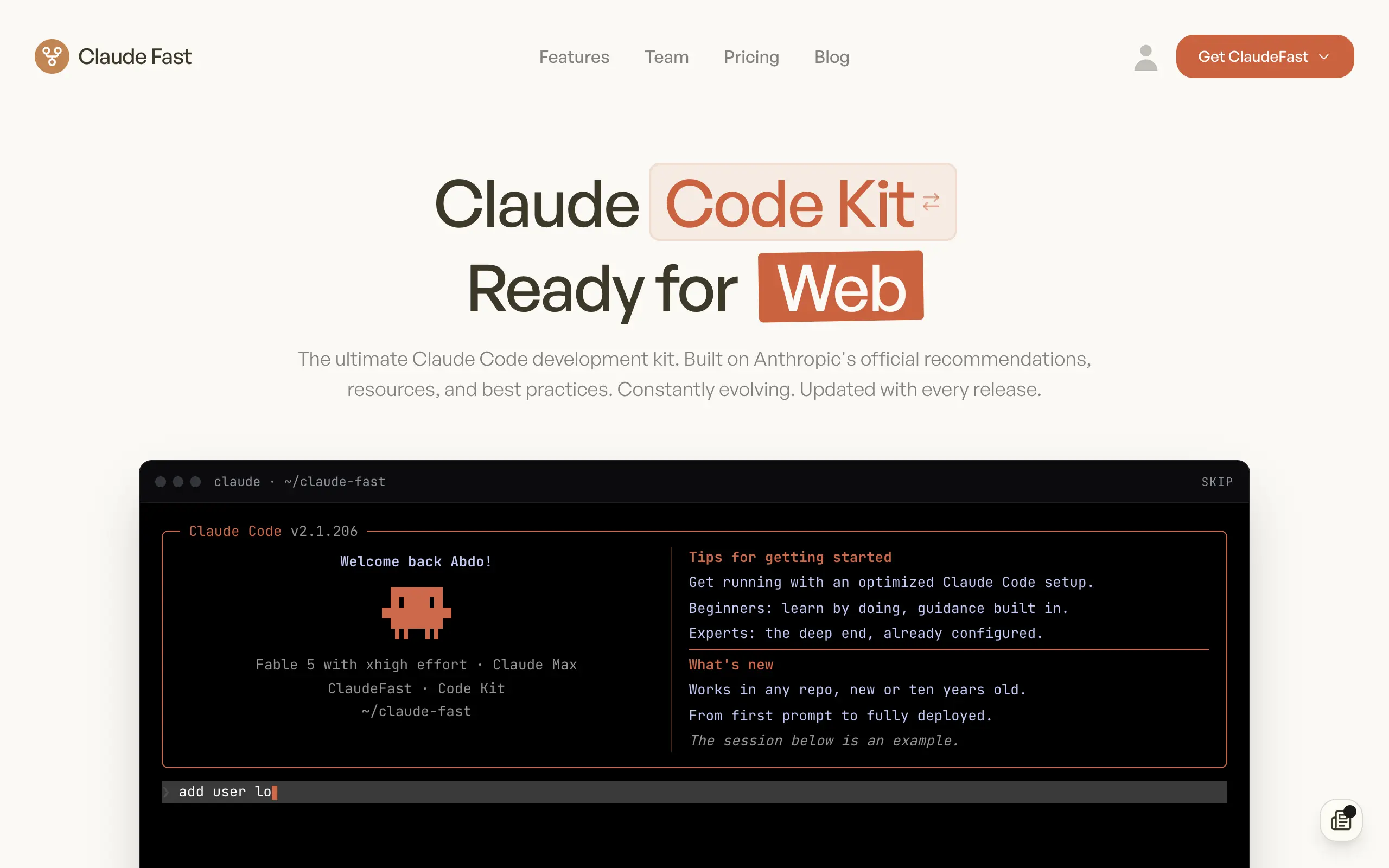
Claude Fast
Supercharge your Claude Code with 6x effective context window and specialized AI agents 🤖
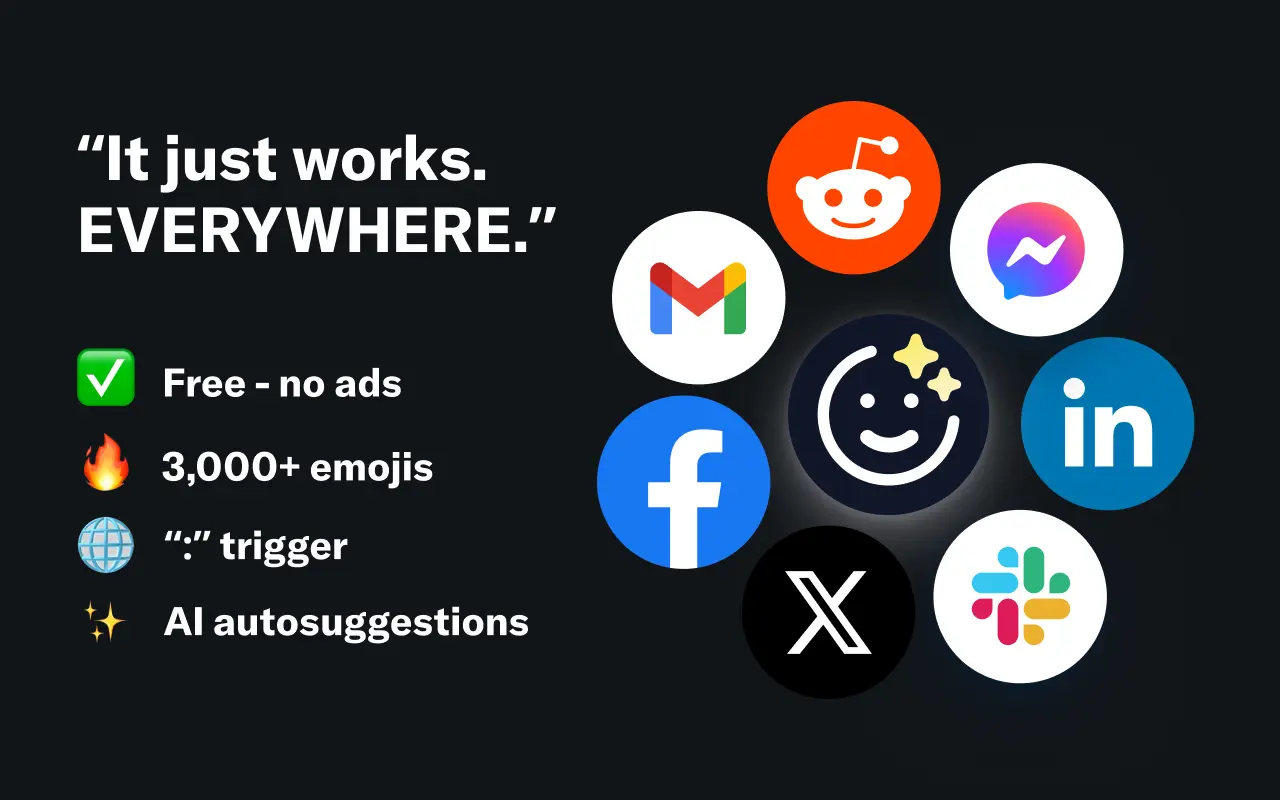
EmojAI
AI-powered emoji picker with smart, context-aware suggestions 🤖
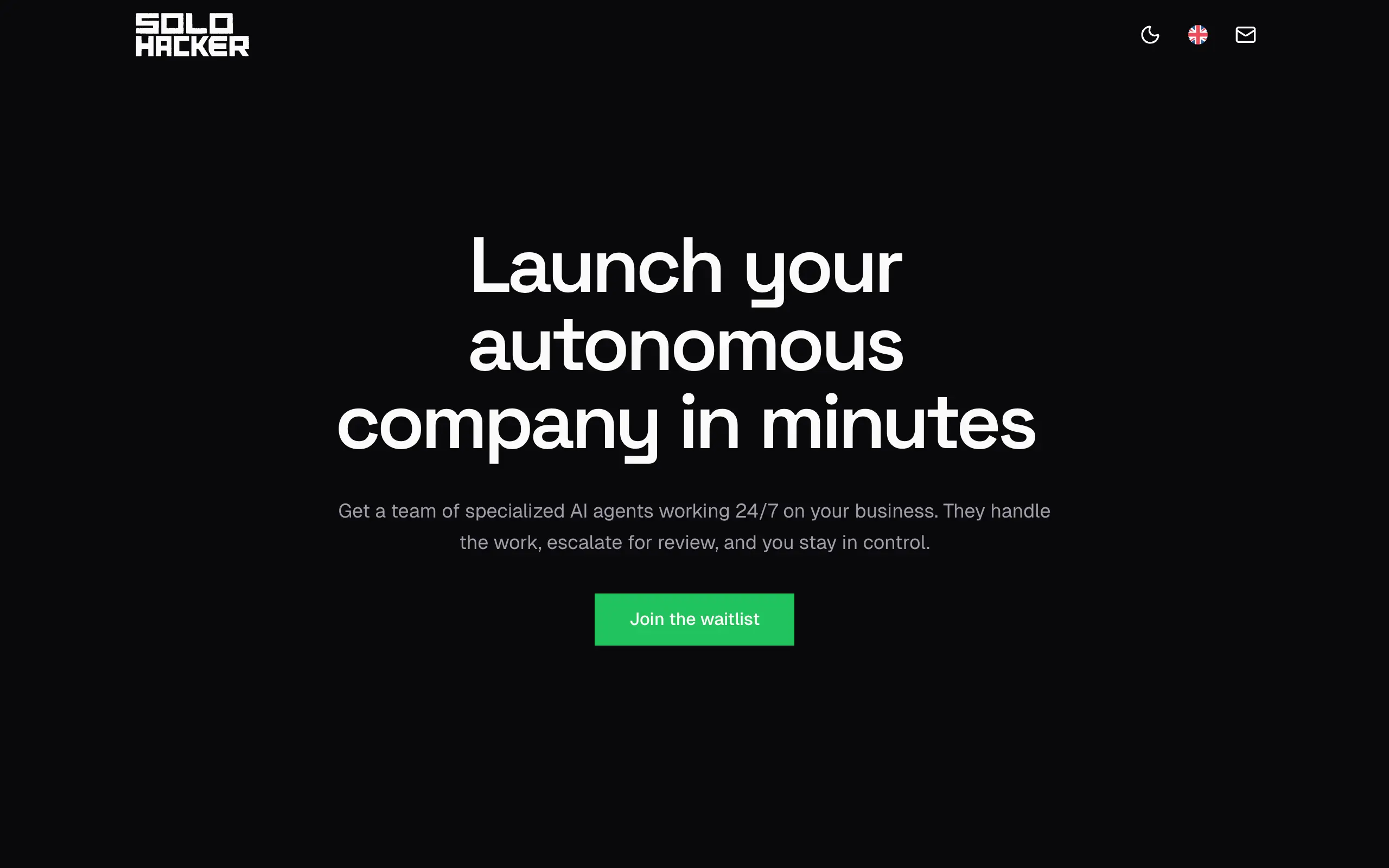
Solohacker
Autonomous company launcher - AI agents work 24/7, escalate what matters, and you stay in control 🤖
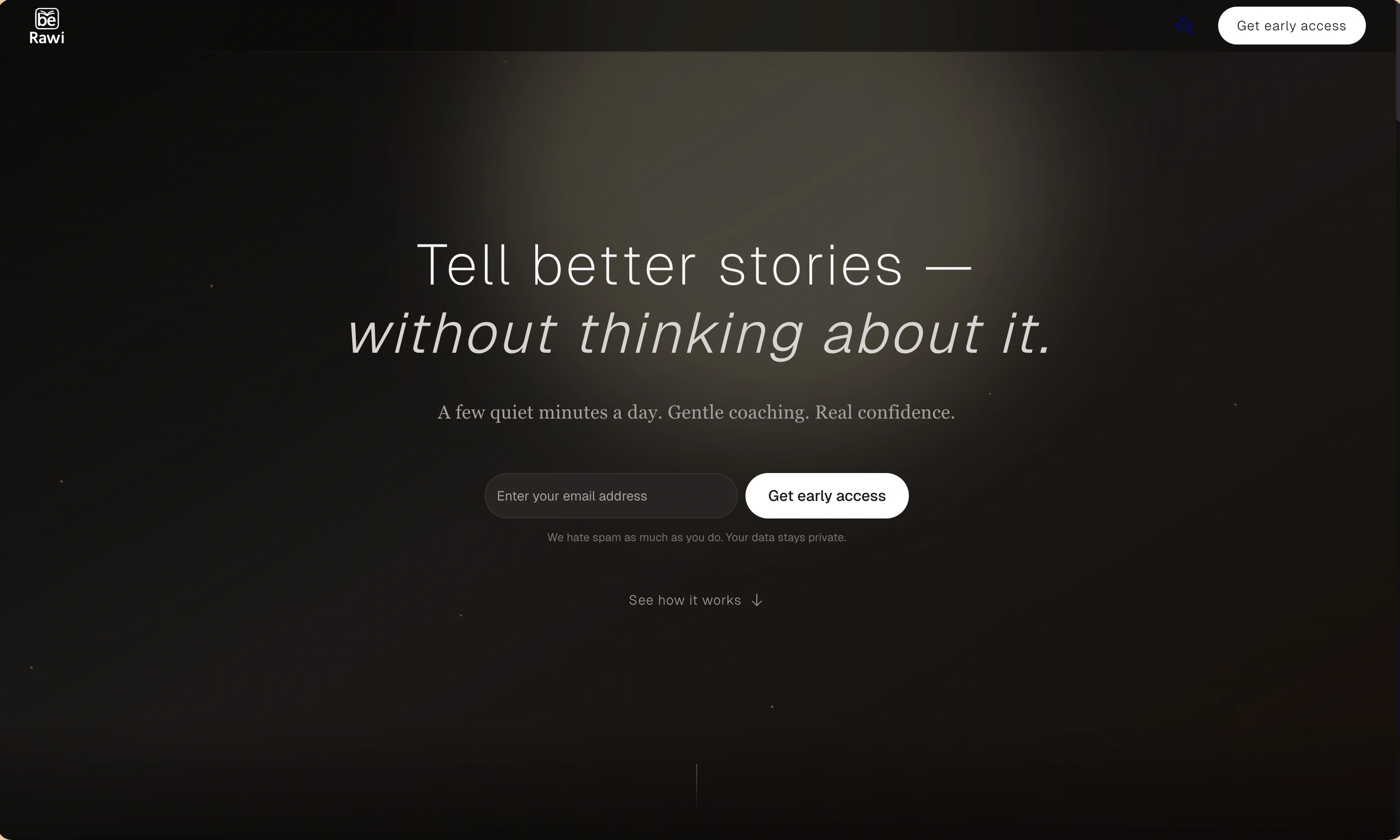
BeRawi: Storytelling Coach
Practice storytelling daily with instant feedback to sound clearer, more engaging, and confident 🎤
Omichat
Chat with 50+ AI models, including ChatGPT and Claude, in one place - switch models anytime without losing context 🤖
Claude Fast
Supercharge your Claude Code with 6x effective context window and specialized AI agents 🤖
EmojAI
AI-powered emoji picker with smart, context-aware suggestions 🤖
Solohacker
Autonomous company launcher - AI agents work 24/7, escalate what matters, and you stay in control 🤖
BeRawi: Storytelling Coach
Practice storytelling daily with instant feedback to sound clearer, more engaging, and confident 🎤
Omichat
Chat with 50+ AI models, including ChatGPT and Claude, in one place - switch models anytime without losing context 🤖
Claude Fast
Supercharge your Claude Code with 6x effective context window and specialized AI agents 🤖
EmojAI
AI-powered emoji picker with smart, context-aware suggestions 🤖
Solohacker
Autonomous company launcher - AI agents work 24/7, escalate what matters, and you stay in control 🤖
BeRawi: Storytelling Coach
Practice storytelling daily with instant feedback to sound clearer, more engaging, and confident 🎤
Omichat
Chat with 50+ AI models, including ChatGPT and Claude, in one place - switch models anytime without losing context 🤖
Claude Fast
Supercharge your Claude Code with 6x effective context window and specialized AI agents 🤖
EmojAI
AI-powered emoji picker with smart, context-aware suggestions 🤖
Solohacker
Autonomous company launcher - AI agents work 24/7, escalate what matters, and you stay in control 🤖
BeRawi: Storytelling Coach
Practice storytelling daily with instant feedback to sound clearer, more engaging, and confident 🎤

Connect with like-minded people
Join our community to get feedback, support, and grow together with 1,000+ builders on board, let's ship it!
Join usShip your startup everywhere. In minutes.
Don't burn tokens on setup and start building features on day one.