LifePilot AI
An AI daily-life copilot that turns voice notes, bills, tasks, and goals into simple plans, reminders, and weekly action checklists.
Why an AI daily-life copilot is a compelling SaaS opportunity
LifePilot AI is an AI daily-life copilot designed to turn the fragmented inputs of everyday life—voice notes, household bills, personal tasks, appointments, and long-term goals—into clear plans, timely reminders, and weekly action checklists.
The product opportunity is not simply “another AI assistant.” The differentiator is practical execution. Many people already capture information in note apps, send themselves voice messages, keep browser tabs open for bills, and maintain disconnected task lists. The problem is that these systems record intent but rarely convert it into a realistic, prioritized plan.
An AI life copilot can close that gap by helping users answer the questions that create daily friction:
- What needs attention today?
- Which bill or deadline is most urgent?
- What did I say I would do last week?
- How do my small tasks connect to my larger goals?
- What should I work on next when I only have 20 minutes?
- Which commitments are slipping before they become stressful?
LifePilot AI can become a trusted “personal operations layer” rather than a generic chatbot. It should help users capture unstructured information quickly, understand what matters, and receive calm, useful guidance without requiring them to manually maintain a complex productivity system.
Core positioning
LifePilot AI should be positioned as an AI daily-life copilot that converts life admin into an achievable weekly plan—not as a replacement for users’ judgment, calendar, or existing task tools.
The user problem LifePilot AI solves
Personal productivity software is abundant, but most tools still expect people to do the hardest work themselves. Users need to decide what to capture, categorize every item, set due dates, create projects, prioritize tasks, and revisit old lists. That process is especially difficult when life is busy, unpredictable, or emotionally taxing.
The average user does not wake up thinking, “I need a better database for my tasks.” They think:
- “I have too many things in my head.”
- “I forgot what I needed to do.”
- “I keep paying bills late.”
- “I have goals, but I never make progress on them.”
- “My to-do list makes me feel worse.”
- “I need someone or something to help me organize the next step.”
This is where an AI daily planning assistant can offer meaningful value. Instead of asking users to create a perfect productivity workflow, LifePilot AI can accept imperfect inputs and organize them automatically.
For example, a user could record a voice note such as:
“I need to call the dentist, the electricity bill is due next Tuesday, I should order a birthday gift for Mum, and I want to get back to running three times a week.”
LifePilot AI should be able to identify separate actions, infer urgency, ask only essential clarifying questions, and create an understandable plan. It might turn that note into:
- A dentist call task for the next available weekday
- A utility bill reminder with a due-date alert
- A gift purchase task scheduled before the birthday
- A recurring running habit with a realistic weekly target
- A weekly checklist that balances urgent obligations with personal goals
That conversion from raw thought to organized action is the product’s central promise.
Target audience for an AI life copilot
LifePilot AI will be most valuable for people who have high cognitive load but do not want to spend hours building a productivity system. The strongest early audience is likely not enterprise teams or productivity enthusiasts. It is people managing busy, fragmented personal lives.
Primary audience: overloaded knowledge workers
Knowledge workers often use a work task manager but lack an equivalent system for personal administration. Their personal to-do lists may be scattered across Notes, WhatsApp messages, email inboxes, sticky notes, and mental reminders.
Typical needs include:
- Managing household bills and subscriptions
- Remembering appointments and errands
- Organizing family commitments
- Tracking personal projects
- Making steady progress on health, learning, or financial goals
- Reducing the mental burden of remembering everything
This segment is attractive because it understands the value of productivity tools and may be willing to pay for a service that saves time and reduces stress.
Secondary audience: parents and household managers
Parents, caregivers, and household managers deal with continuous incoming obligations. School messages, appointments, meal planning, renewals, activities, purchases, and family schedules create a constant stream of small tasks.
LifePilot AI can provide a household-friendly workflow by allowing users to:
- Capture requests through voice while multitasking
- Extract due dates from bills and emails
- Create shared reminders for family logistics
- Generate a weekly household checklist
- Surface overdue or forgotten items before they become urgent
Privacy, shared access controls, and a non-judgmental interface are especially important for this audience.
Secondary audience: neurodivergent users and people with executive function challenges
An AI daily-life copilot can be especially helpful for users who experience difficulty with planning, task initiation, prioritization, working memory, or routine maintenance. However, this audience must be approached responsibly.
LifePilot AI should not make medical claims or present itself as treatment. Instead, it can offer supportive features such as:
- Breaking overwhelming goals into smaller next actions
- Gentle reminders with adjustable frequency
- Low-friction voice capture
- “Start here” recommendations
- Flexible rescheduling without guilt-oriented messaging
- Daily plans that limit the number of active priorities
Accessibility should be a product principle, not just a niche feature. Clear language, predictable interactions, adjustable notifications, and reduced visual clutter benefit nearly every user.
Early adopter persona summary
Busy professional
Needs a unified way to manage personal tasks, bills, errands, and goals outside work.
Household organizer
Coordinates appointments, payments, shopping, family logistics, and recurring responsibilities.
Goal-oriented planner
Wants help translating ambitions into realistic weekly actions rather than collecting more advice.
Overwhelmed multitasker
Needs voice-first capture and calm prioritization when life admin feels unmanageable.
Market gap: from task capture to personal execution
The productivity market includes note-taking apps, task managers, calendars, habit trackers, budgeting products, email clients, and conversational AI tools. Yet users still assemble these systems manually.
The market gap is the missing orchestration layer.
A standard task manager is excellent at storing tasks once users create them. A calendar is excellent at displaying scheduled events. A budget app can categorize spending. A chatbot can answer questions. But users often need a product that connects those inputs and says:
“Here is what matters this week, why it matters, and the smallest useful action to take next.”
That is the strategic opening for LifePilot AI.
Why current alternatives leave room for LifePilot AI
Many existing tools force a trade-off between flexibility and simplicity.
- Simple reminder apps are fast but lack planning intelligence.
- Advanced task tools are powerful but can become complex and require ongoing maintenance.
- Calendar apps organize time but do not automatically transform vague personal commitments into actionable tasks.
- Note apps retain information but often bury it.
- General AI chat tools can help brainstorm, but they are not inherently persistent, reminder-driven, or connected to a user’s evolving personal system.
LifePilot AI can differentiate by combining capture, interpretation, prioritization, and follow-through in one experience.
The right market wedge
The best initial wedge is not “manage every part of life.” That message is too broad and can undermine trust. A more focused market entry is:
Turn scattered personal inputs into a realistic weekly plan.
This wedge is concrete, emotionally resonant, and easy to demonstrate in onboarding. It lets LifePilot AI begin with voice notes, tasks, bills, and goals while leaving room to expand into calendar synchronization, household collaboration, subscriptions, personal finance workflows, and proactive planning.
Avoid the productivity trap
Do not build a feature-heavy clone of existing task management software. The product wins when it removes planning effort, not when it gives users more fields to configure.
Core features for LifePilot AI
The MVP should focus on a complete user outcome: capture something messy, have AI structure it, and receive a plan that is useful enough to act on immediately.
Voice note to action plan
Voice capture should be a flagship LifePilot AI feature. Speaking is often faster and more natural than typing, particularly when users are driving, walking, cooking, commuting, or handling multiple responsibilities.
The workflow should include:
- Record or upload a voice note.
- Transcribe audio accurately.
- Detect tasks, deadlines, people, places, bills, recurring commitments, and goals.
- Present extracted items for confirmation.
- Recommend priorities and schedule suggestions.
- Add confirmed items to the user’s plan.
The AI should never silently turn uncertain speech into irreversible commitments. For example, if a user says, “Maybe I should call the insurance company,” LifePilot AI should recognize uncertainty and suggest an optional task rather than presenting it as a hard deadline.
Bill and document understanding
Bills are a strong, practical input category because they include dates, amounts, vendors, account details, and action requirements. A bill upload workflow can use optical character recognition and document extraction to identify:
- Bill issuer
- Amount due
- Payment due date
- Billing period
- Account or reference number
- Payment status, when a user confirms it
- Whether the charge differs materially from prior bills
The user should receive a concise summary, not a dense document view. For example:
Electricity bill of £84.20 is due on 14 May. Add a reminder three days before the due date?
This is a clear example of an AI personal assistant solving a real administrative task.
Smart task extraction and organization
LifePilot AI should transform fragmented inputs into a unified task model. Tasks can originate from voice notes, manual entry, bill uploads, forwarded emails, recurring routines, or goal planning sessions.
Each task should support useful metadata:
- “Source” such as voice note, bill, manual entry, or email
- “Status” such as inbox, planned, completed, deferred, or archived
- “Priority” such as urgent, important, routine, or someday
- “Estimated effort” such as 5 minutes, 20 minutes, 1 hour, or flexible
- “Due date” when explicitly stated or inferred with user approval
- “Context” such as home, errands, phone, computer, or family
- “Goal connection” when the task contributes to a larger outcome
The interface should hide this complexity by default. Advanced organization is useful only if the system does most of the organizing.
Goal-to-weekly-plan conversion
Goals are valuable but abstract. “Get healthier,” “sort out finances,” and “learn Spanish” do not tell users what to do on Tuesday afternoon.
LifePilot AI should translate goals into small, observable actions. A user who creates a goal to improve fitness could receive a weekly plan like:
- Schedule two 20-minute walks
- Lay out exercise clothes on Sunday evening
- Add one recurring reminder after work
- Review progress during the weekly reset
The AI should account for a user’s available time, current obligations, stated energy preferences, and past completion patterns. A plan that looks ambitious but cannot be completed damages trust.
Daily briefing and weekly reset
The daily briefing is where the AI daily-life copilot becomes habitual. A good briefing should be concise, contextual, and actionable.
A daily briefing may include:
- Today’s top three priorities
- Upcoming bills or deadlines
- Calendar commitments
- Tasks that fit available time
- One small action toward a longer-term goal
- Items that need rescheduling or clarification
The weekly reset is equally important. It helps users review unfinished items, upcoming obligations, progress toward goals, and the next week’s constraints.
Instead of merely showing a long backlog, LifePilot AI can ask:
- Which unfinished task still matters?
- Which task can be dropped?
- What is the one goal you want to move forward this week?
- Are there bills, appointments, or renewals due soon?
- How busy do you expect the coming week to be?
Reminder intelligence
Reminders should be helpful rather than noisy. Notification fatigue is a major risk for personal productivity apps, so LifePilot AI should allow users to configure a preferred style.
Possible reminder modes include:
- Gentle reminders for non-urgent habits
- Escalating reminders for bills and time-sensitive commitments
- Context-aware reminders when a user has an open time block
- End-of-day nudges for unfinished priorities
- Weekly summaries instead of frequent individual notifications
A useful AI reminder system explains relevance. “Your car insurance renewal is due in five days” is more effective than “Reminder: task overdue.”
A recommended technical architecture for LifePilot AI
The architecture should support rapid iteration while preserving a path to secure, reliable scale. Personal data is central to this product, so security and data boundaries must influence technical decisions from the first release.
Frontend and application layer
A strong stack for an AI SaaS product can include Next.js for the web application and React for interface composition. This combination supports server-side rendering, API routes, authentication patterns, and a mature ecosystem.
Tailwind CSS is a practical choice for building a consistent, responsive interface quickly. It is particularly useful during MVP development because the team can iterate on onboarding, dashboards, task views, and mobile layouts without maintaining a large custom stylesheet.
For a highly interactive experience, the product should prioritize:
- Fast mobile web performance
- Clear empty states
- Offline-aware capture where possible
- Optimistic task updates
- Accessible form controls and keyboard navigation
- A simple visual hierarchy that does not overwhelm users
Backend, data, and jobs
A relational database such as PostgreSQL is well suited to LifePilot AI because tasks, users, goals, reminders, documents, and relationships require structured queries and reliable transactions.
A practical backend architecture should include:
- A secure API layer for client requests
- PostgreSQL for core application data
- Object storage for uploaded documents and audio files
- A background job system for transcription, OCR, AI extraction, reminder delivery, and weekly planning
- An event log for traceability and debugging
- A vector search layer only when it provides clear user value
The trade-off is important. A vector database can help retrieve historical user context, but it should not become a substitute for well-designed structured data. Bills, tasks, deadlines, and reminders should remain queryable as first-class records.
AI processing pipeline
The AI layer should use multiple purpose-specific steps rather than one large prompt that attempts to do everything.
type CapturedItem = {
  sourceType: "voice" | "bill" | "manual" | "email";
  rawText: string;
  userId: string;
};

async function processCapturedItem(item: CapturedItem) {
  const entities = await extractEntities(item.rawText);
  const proposedTasks = await createTaskProposals(entities);
  const plan = await prioritizeForWeeklyPlan(proposedTasks, item.userId);

  return {
    entities,
    proposedTasks,
    plan,
  };
}
A reliable pipeline can follow this order:
- Transcribe or extract text from the source.
- Identify structured entities such as amounts, dates, tasks, and goal references.
- Validate date interpretations and ambiguous details.
- Generate user-reviewable proposals.
- Save only confirmed or high-confidence items.
- Recalculate the daily and weekly plan.
- Log AI decisions and user corrections for evaluation.
The product should use structured output schemas for extraction. This reduces errors compared with parsing free-form natural language responses and makes testing significantly easier.
Trade-offs in AI model selection
A higher-capability model may produce better planning suggestions and nuanced summaries, but it can increase cost and latency. Smaller models can be more economical for routine classification and extraction.
A sensible approach is model routing:
- Use a lower-cost model for simple categorization and entity extraction.
- Use a higher-capability model for complex planning, goal decomposition, or ambiguous user requests.
- Use deterministic rules for hard constraints such as reminder delivery, due-date calculations, and payment status.
- Cache outputs where the same document or request is processed repeatedly.
This approach protects margins while maintaining quality where users notice it most.
Privacy, security, and trust are product features
LifePilot AI will handle highly sensitive information. Voice notes can include family details, financial worries, health-related context, location information, and account references. Bills can expose addresses, account numbers, usage patterns, and payment data.
Trust cannot be treated as a footer link. It must be visible in the product experience.
Essential trust controls
- Encrypt data in transit and at rest.
- Limit internal access to sensitive user content.
- Use short-lived signed URLs for file access.
- Separate raw source files from extracted structured data.
- Let users review, correct, export, and delete their data.
- Clearly explain whether uploaded content is used for model training.
- Minimize retained audio and raw document data where possible.
- Require explicit consent before connecting email, calendars, or financial services.
- Maintain audit logs for sensitive actions.
For authentication, use proven patterns such as passkeys, social sign-in, secure sessions, optional multi-factor authentication, and device management. The exact implementation should follow current security guidance from authoritative standards bodies such as NIST and OWASP.
Human-centered AI safeguards
The assistant should be transparent about uncertainty. It should say “I found a possible due date” rather than treating a low-confidence OCR result as fact.
LifePilot AI should also avoid:
- Financial advice presented as personalized professional advice
- Medical or mental health diagnosis
- Manipulative streak mechanics
- Shame-based overdue notifications
- Autonomous actions such as paying bills without explicit user approval
- Excessive inferences from highly personal data
When a date is unclear, show the extracted text and ask the user to confirm. For example, “I found ‘due 8/6.’ Is that 8 June or 6 August?” Date ambiguity should never result in a silent reminder error.
Store raw audio only when it is necessary for the user experience, support, or reprocessing workflow, and give users clear retention and deletion controls. A transcript may be sufficient after processing for many use cases.
It can be partially automated, but the user should remain in control. The system can recommend priorities and schedules while allowing quick edits, dismissals, and overrides.
Monetization strategy for an AI life planning app
The best pricing model for LifePilot AI is likely freemium with a clearly useful paid tier. The free plan should prove the core value quickly, while paid plans should unlock ongoing automation, deeper planning, and larger usage limits.
Suggested pricing structure
| Plan | Target user | Suggested features | Revenue role | Key limit |
|---|---|---|---|---|
| Free | New users | Manual tasks, limited voice captures, daily overview | Acquisition and activation | Monthly AI processing cap |
| Premium | Active individual users | Unlimited planning, bill extraction, advanced reminders, weekly reset | Primary recurring revenue | Fair-use AI policy |
| Household | Families and partners | Shared planning, shared reminders, multiple members | Higher average revenue per account | Member count |
A reasonable initial premium price test could fall in the range commonly used by consumer productivity products, with monthly and discounted annual options. Pricing should be validated through willingness-to-pay interviews and conversion experiments rather than selected solely from competitor comparisons.
Premium features users may pay for
- More voice transcription minutes
- More document or bill uploads
- Smart weekly planning
- Goal decomposition and progress reviews
- Calendar integration
- Email forwarding and extraction
- Shared household workspaces
- Advanced recurring reminders
- Custom planning preferences
- Historical insights and annual reviews
- Priority customer support
Avoid monetization mistakes
Do not put the core “aha” moment behind a paywall too early. A user should be able to experience the transformation from messy input to a useful plan before being asked to subscribe.
Avoid advertising as a primary revenue model. For a product handling intimate life information, targeted advertising can severely weaken user trust. Subscription revenue aligns better with a privacy-first personal assistant brand.
Competitive advantage for LifePilot AI
LifePilot AI’s defensibility will not come from having access to an AI model. Models are increasingly available to every competitor. The durable advantage comes from product design, user trust, proprietary interaction data, and a reliable personal planning system.
The LifePilot AI USP
LifePilot AI turns unstructured personal life admin into a calm, realistic action plan that users can actually follow.
This positioning is stronger than “AI-powered tasks” because it emphasizes the outcome. Users do not want more AI features. They want fewer forgotten obligations, less planning stress, and visible progress on the things that matter.
Competitive differentiation dimensions
- “Input flexibility” through voice notes, documents, tasks, and goals in one capture system
- “Planning intelligence” that balances deadlines, effort, available time, and personal priorities
- “Personal context” that improves recommendations without forcing users to organize everything manually
- “Trust-first UX” with reviewable AI suggestions, editable plans, and transparent privacy controls
- “Emotional usability” through supportive language and non-punitive rescheduling
- “Weekly operating rhythm” that gives users a repeatable planning habit
The product should aim to become better over time because it learns user preferences such as preferred planning days, realistic task capacity, favorite reminder timing, recurring obligations, and task completion behavior. That learning must be permissioned, explainable, and easy for users to reset.
Key risks and how to mitigate them
Every AI personal assistant faces practical, commercial, and ethical risks. Identifying them early will shape a stronger product.
Risk: inaccurate extraction creates costly mistakes
A wrong payment date or incorrectly extracted bill amount can erode trust immediately.
Mitigation options include:
- Display confidence levels for uncertain extractions.
- Require confirmation for financial dates and amounts.
- Preserve the original document context.
- Add deterministic validation for dates, currencies, and known bill formats.
- Build an evaluation set from anonymized or synthetic examples.
- Track correction rate by extraction field.
Risk: users do not build a habit
Personal productivity products can suffer from strong onboarding but weak long-term retention.
Mitigation options include:
- Deliver value in the first session.
- Make capture nearly frictionless.
- Offer a lightweight daily briefing.
- Make the weekly reset useful in under five minutes.
- Avoid excessive setup requirements.
- Use reminders based on demonstrated user preference.
- Measure whether users complete planned tasks, not merely whether they open the app.
Risk: AI costs exceed subscription revenue
Voice transcription, document processing, and high-capability models can make unit economics difficult.
Mitigation options include:
- Cap expensive free-tier actions.
- Route simple tasks to lower-cost models.
- Cache results and avoid repeat processing.
- Batch non-urgent weekly planning jobs.
- Apply rate limits to abusive use cases.
- Monitor gross margin by customer cohort and feature.
Risk: users do not trust a product with personal data
The more useful LifePilot AI becomes, the more sensitive the user data becomes.
Mitigation options include:
- Publish understandable privacy commitments.
- Make data deletion easy and real.
- Give users control over integrations.
- Avoid dark patterns around consent.
- Explain why the product needs each permission.
- Complete security reviews before expanding into sensitive integrations.
Risk: the product becomes too broad
A “life operating system” can turn into an unfocused roadmap spanning finances, health, relationships, work, and home management.
Mitigation options include:
- Keep the MVP centered on capture-to-plan.
- Choose one or two high-frequency integrations.
- Prioritize workflows with clear recurring value.
- Reject features that do not improve weekly execution.
- Use customer interviews to identify repeated pain, not isolated requests.
Metrics that validate the LifePilot AI business
Vanity metrics such as downloads and raw signups are insufficient. The product should track whether users receive and act on meaningful value.
Important early metrics include:
- Activation rate after first voice note, task, or bill upload
- Time to first generated plan
- Percentage of AI-extracted items confirmed by users
- Weekly active users
- Weekly plan creation rate
- Task completion rate for planned tasks
- Reminder interaction rate
- Week-four and week-eight retention
- Paid conversion after the user experiences the core workflow
- AI processing cost per active user
- Support tickets related to inaccurate extraction
- Data deletion and integration disconnect rates as trust signals
A strong north-star metric could be:
The number of users who complete at least one meaningful action from a LifePilot AI weekly plan.
This ties product value to real-world follow-through rather than passive usage.
Go-to-market strategy for LifePilot AI
Early marketing should focus on relatable life problems rather than technical AI capabilities. “AI that organizes your life” is broad. “Turn voice notes and bills into a weekly plan” is specific and demonstrable.
High-intent SEO topics
Organic content can target search intent around personal planning, reminders, and household organization. Useful topics include:
- How to organize life admin without feeling overwhelmed
- Best way to turn voice notes into tasks
- How to remember bills and payment due dates
- Weekly planning checklist for busy professionals
- How to break goals into manageable weekly actions
- Personal task management for ADHD-friendly planning
- How to create a household admin system
- Daily planning methods that take less than 10 minutes
Each article should offer a practical framework first, then show how an AI daily-life copilot can reduce the manual work. For statistics about productivity, missed payments, consumer AI adoption, or time spent on household administration, cite primary research, official reports, or reputable survey publishers rather than relying on uncited claims.
Product-led acquisition loop
The most compelling growth loop is shareable output. For example, LifePilot AI could help users generate a clean weekly checklist or household plan that they can export, print, or share with a partner.
Potential loops include:
- Weekly checklist sharing
- Household invitation flows
- Referral credits for premium AI processing
- Templates for common life events such as moving home, having a baby, planning a holiday, or annual renewal season
- Educational content that leads directly into a relevant product workflow
The product should avoid making users feel pressured to share private plans. Sharing must always be optional and granular.
An actionable MVP implementation roadmap
The first version of LifePilot AI should not attempt to solve every part of personal life. It should prove that AI can reliably convert scattered inputs into a simple weekly plan.
Define one high-value onboarding flow: capture a voice note, extract tasks and dates, confirm the results, and generate a first weekly checklist.
Build secure authentication, user profiles, task storage, reminder preferences, and a basic planning dashboard.
Add voice transcription and structured AI extraction with confidence scores and user confirmation.
Introduce bill upload support for due dates, amounts, and payment reminders after task extraction quality is stable.
Launch daily briefings and a five-minute weekly reset that surfaces priorities, unfinished tasks, and upcoming deadlines.
Recruit a focused beta group from the primary audience and conduct weekly usability interviews.
Measure correction rates, completion rates, retention, and AI cost before adding major integrations or collaboration features.
A practical 90-day launch plan
Build the core data model, authentication flow, task inbox, manual task capture, voice upload, transcription pipeline, and AI extraction review screen. Interview prospective users before and during development to test language, onboarding, and trust expectations.
Release the first planning engine, daily view, reminder service, and weekly checklist. Add bill upload only if the team can provide a high-confidence, reviewable experience. Start a small closed beta with users who have recurring life-admin pain.
Improve extraction accuracy, refine notification preferences, test premium packaging, and add the most requested integration only if it supports the capture-to-plan loop. Prepare SEO content, lifecycle emails, and a public waitlist or launch campaign.
For founders who want to move quickly, TurboStarter can reduce the time required to establish common SaaS foundations so the team can focus on LifePilot AI’s differentiated planning, intelligence, and trust experience.
Final perspective on building LifePilot AI
LifePilot AI has the potential to succeed because it addresses a persistent and deeply human problem: people are overwhelmed by the gap between what they need to remember and what they can realistically do.
The winning product will not be the one that produces the most impressive AI-generated text. It will be the one that consistently helps users take the next useful action with less stress, less setup, and more confidence.
Start with the most valuable promise: turn one messy voice note, bill, task list, or goal into a plan for the week. Make every AI suggestion transparent and easy to correct. Protect user data rigorously. Then expand only when each new feature makes daily life meaningfully easier.
That focus gives LifePilot AI a clear path from an AI task planner to a trusted daily-life copilot users rely on every week.
More 🤖 AI Startup SaaS ideas
Discover more innovative ai startup SaaS ideas that are trending in 2026. Each idea is AI-generated with market validation and growth potential to help you find your next profitable venture faster than competitors.
Your competitors are building with TurboStarter
Below are some of the SaaS ideas that have been generated and built with our starter kit.
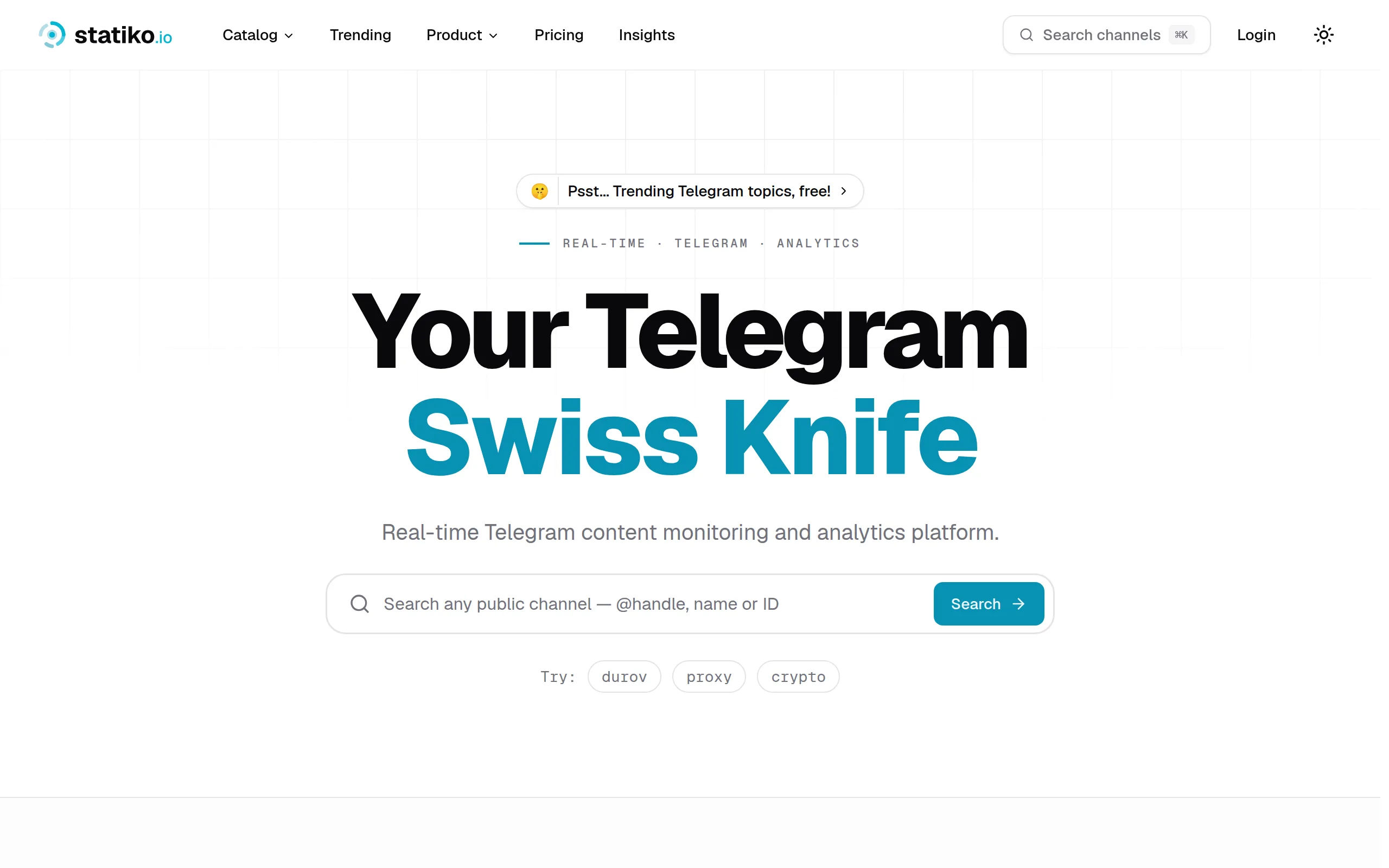
Statiko
Monitor any Telegram channel in real time - track posts, edits, deletions, and growth with AI recaps 📡

Shibui
AI website builder - describe your business, pick a niche template, edit by chatting, and publish instantly ✨

Pro Service
Find verified home service professionals, compare quotes, and pay securely through escrow - built for Brazilians across the US 🏠
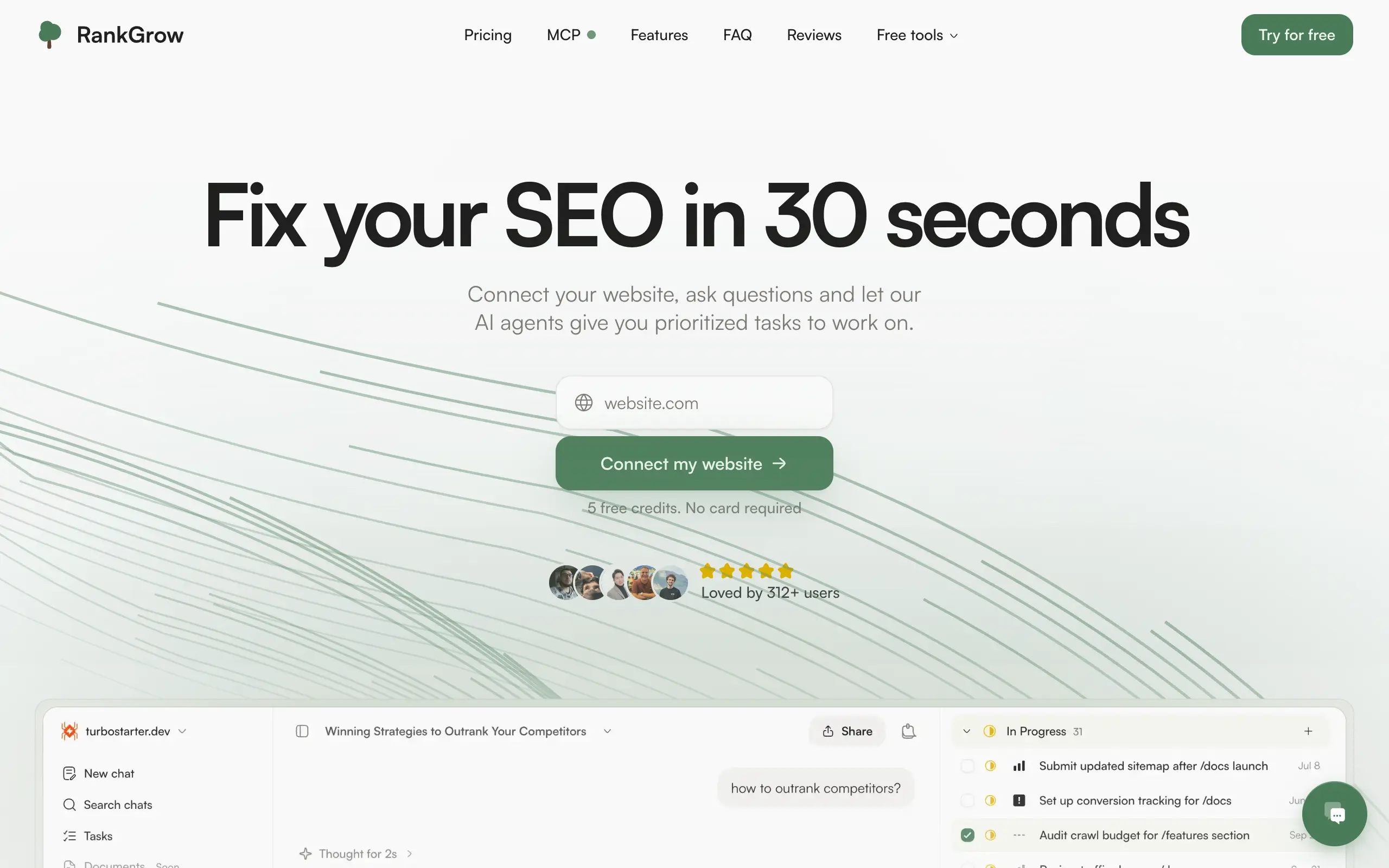
RankGrow
Fix your SEO with AI agents - connect Search Console, get prioritized tasks, and grow organic traffic 📈
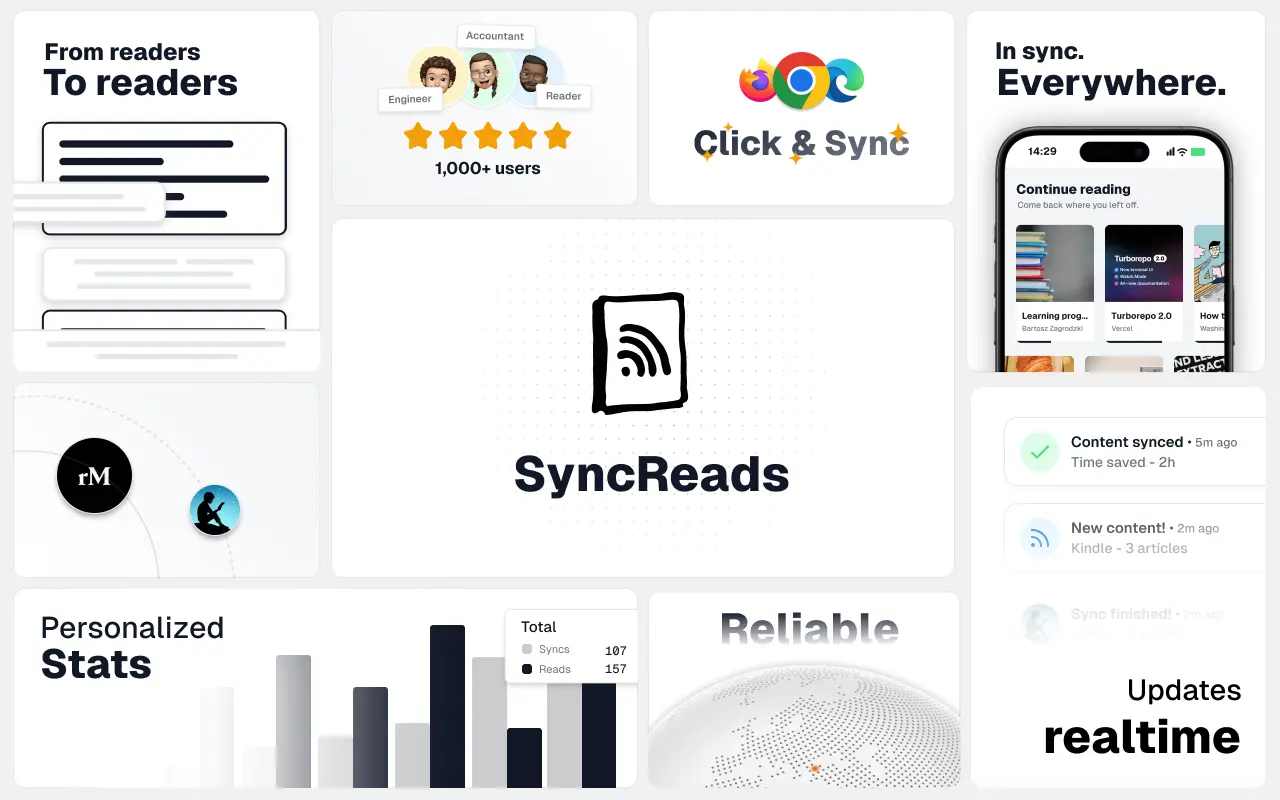
SyncReads
Sync your favorite content for distraction-free reading, save time and replace multiple apps. Anytime, anywhere 🔄
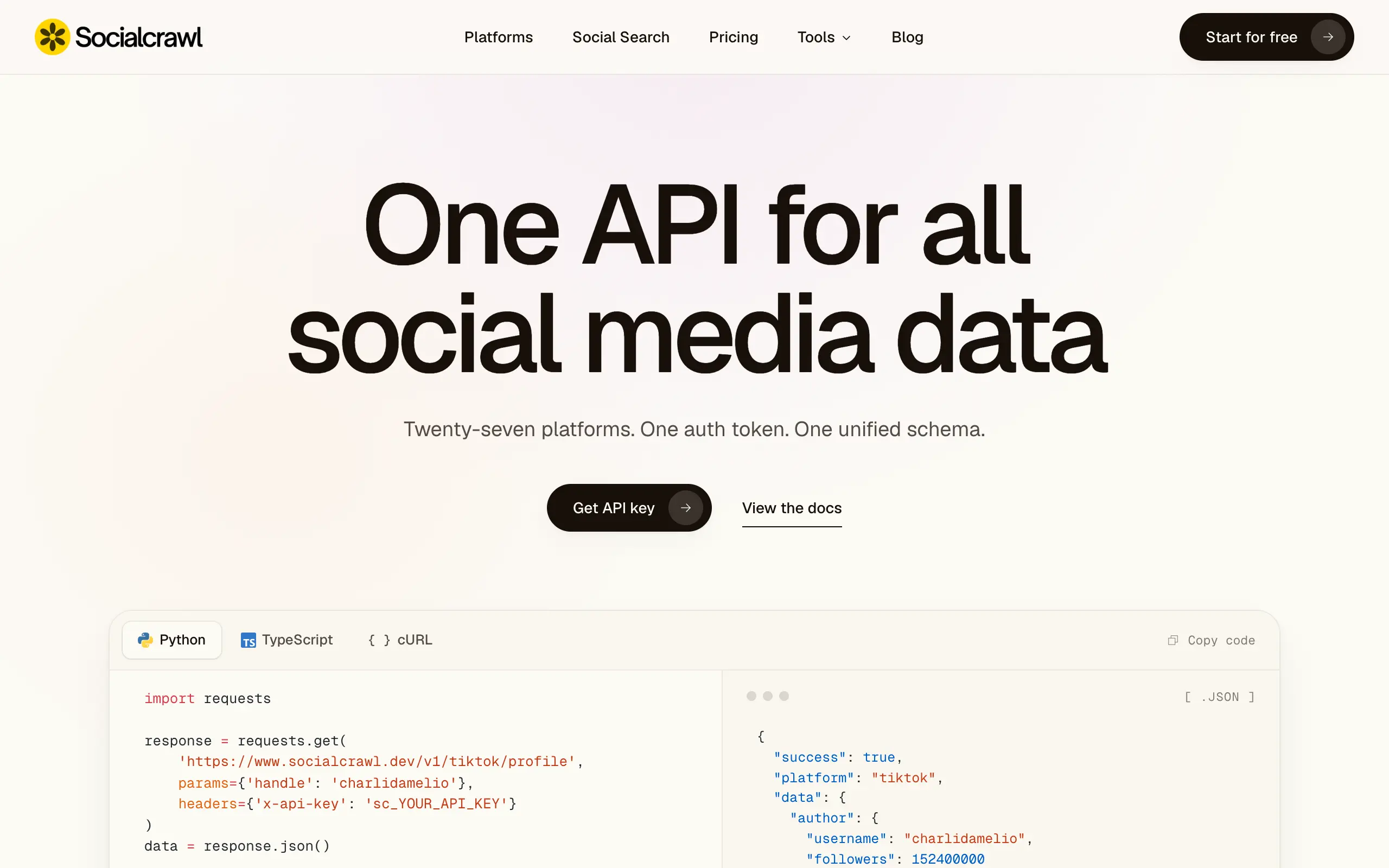
Socialcrawl
Get clean, structured data from 21 platforms like TikTok, Instagram, and YouTube with a single request 📊
Statiko
Monitor any Telegram channel in real time - track posts, edits, deletions, and growth with AI recaps 📡
Shibui
AI website builder - describe your business, pick a niche template, edit by chatting, and publish instantly ✨
Pro Service
Find verified home service professionals, compare quotes, and pay securely through escrow - built for Brazilians across the US 🏠
RankGrow
Fix your SEO with AI agents - connect Search Console, get prioritized tasks, and grow organic traffic 📈
SyncReads
Sync your favorite content for distraction-free reading, save time and replace multiple apps. Anytime, anywhere 🔄
Socialcrawl
Get clean, structured data from 21 platforms like TikTok, Instagram, and YouTube with a single request 📊
Statiko
Monitor any Telegram channel in real time - track posts, edits, deletions, and growth with AI recaps 📡
Shibui
AI website builder - describe your business, pick a niche template, edit by chatting, and publish instantly ✨
Pro Service
Find verified home service professionals, compare quotes, and pay securely through escrow - built for Brazilians across the US 🏠
RankGrow
Fix your SEO with AI agents - connect Search Console, get prioritized tasks, and grow organic traffic 📈
SyncReads
Sync your favorite content for distraction-free reading, save time and replace multiple apps. Anytime, anywhere 🔄
Socialcrawl
Get clean, structured data from 21 platforms like TikTok, Instagram, and YouTube with a single request 📊
Statiko
Monitor any Telegram channel in real time - track posts, edits, deletions, and growth with AI recaps 📡
Shibui
AI website builder - describe your business, pick a niche template, edit by chatting, and publish instantly ✨
Pro Service
Find verified home service professionals, compare quotes, and pay securely through escrow - built for Brazilians across the US 🏠
RankGrow
Fix your SEO with AI agents - connect Search Console, get prioritized tasks, and grow organic traffic 📈
SyncReads
Sync your favorite content for distraction-free reading, save time and replace multiple apps. Anytime, anywhere 🔄
Socialcrawl
Get clean, structured data from 21 platforms like TikTok, Instagram, and YouTube with a single request 📊
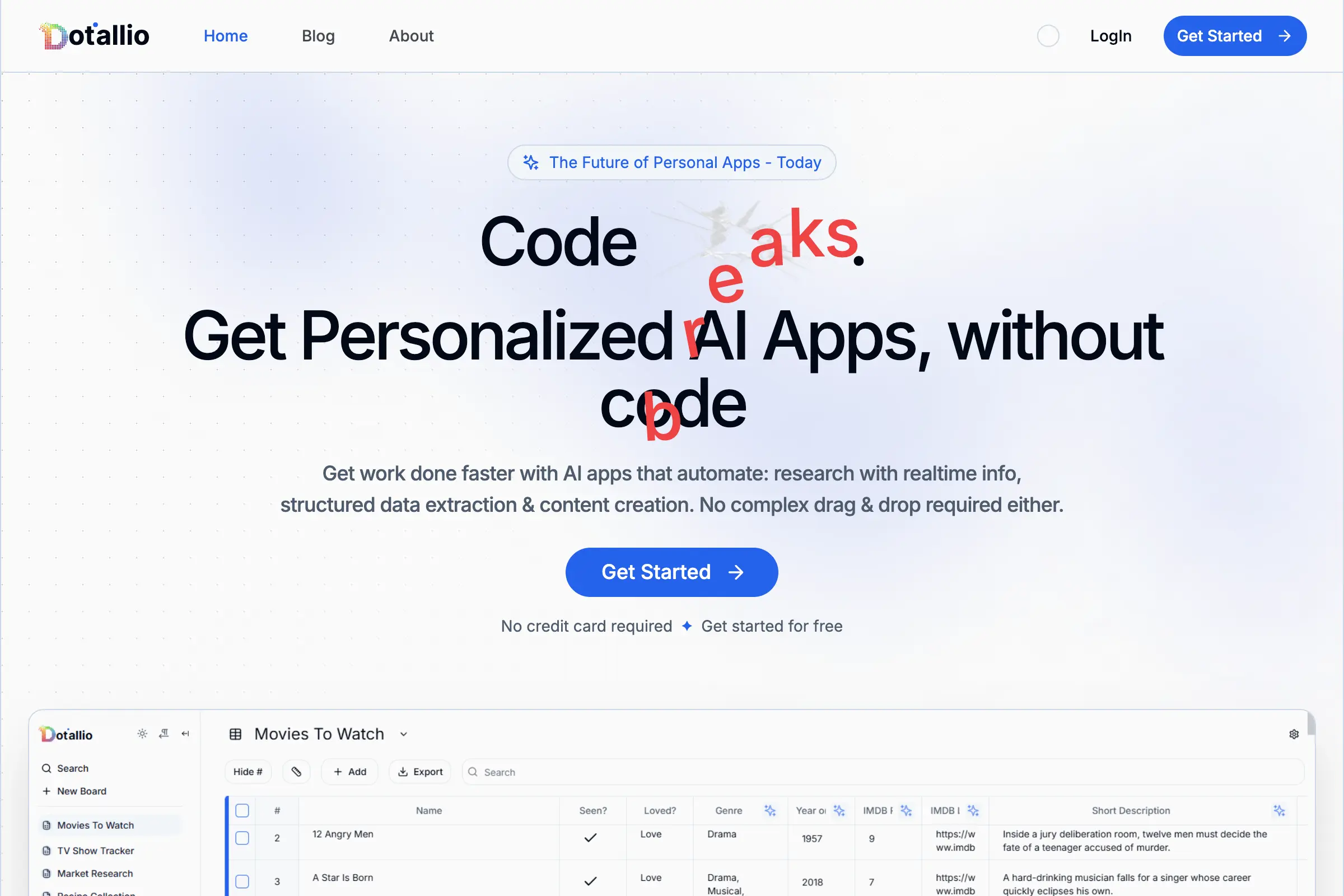
Dotallio
Personalized AI apps that automate research, data extraction, and content creation without code 🤖
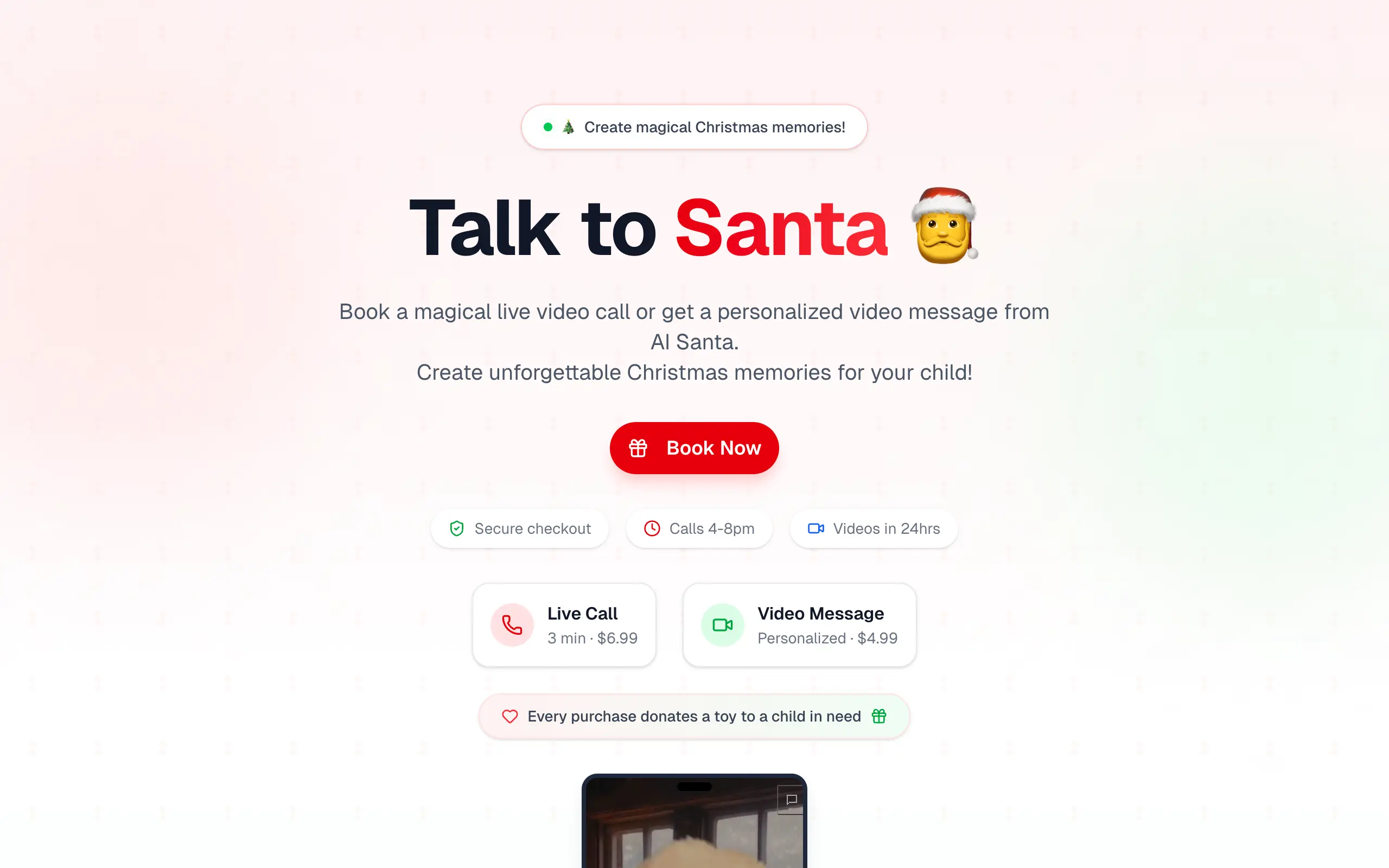
Talk to Santa
Enjoy a magical live video chat or receive a unique AI-generated video greeting from Santa Claus 🎅

pozywka.pl
Scalable blog for food journalist, focused on performance and user experience 🌭
zagrodzki.me
Personal blog and portfolio of Bart Zagrodzki, where he shares his knowledge and work 💼
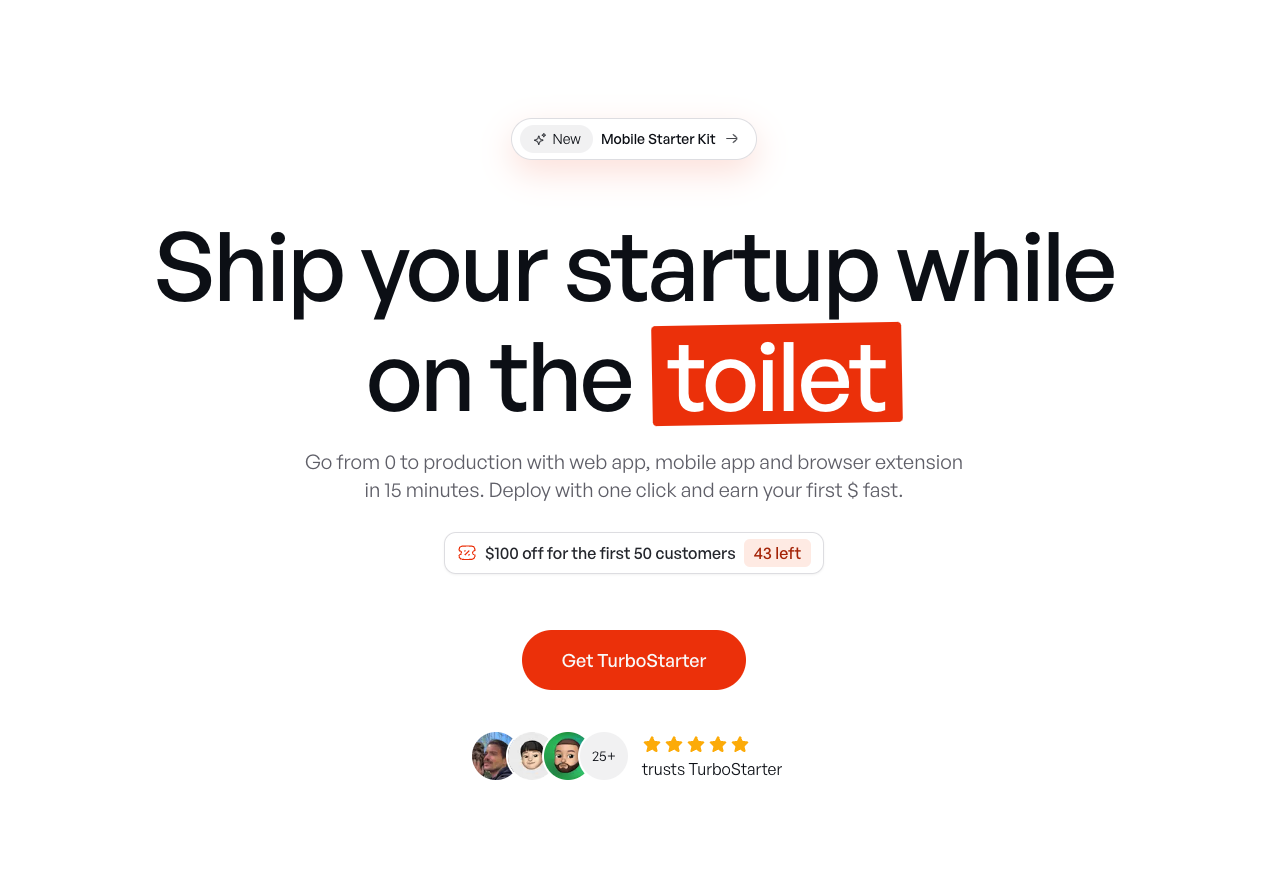
TurboStarter
Ship your startup everywhere. In minutes.
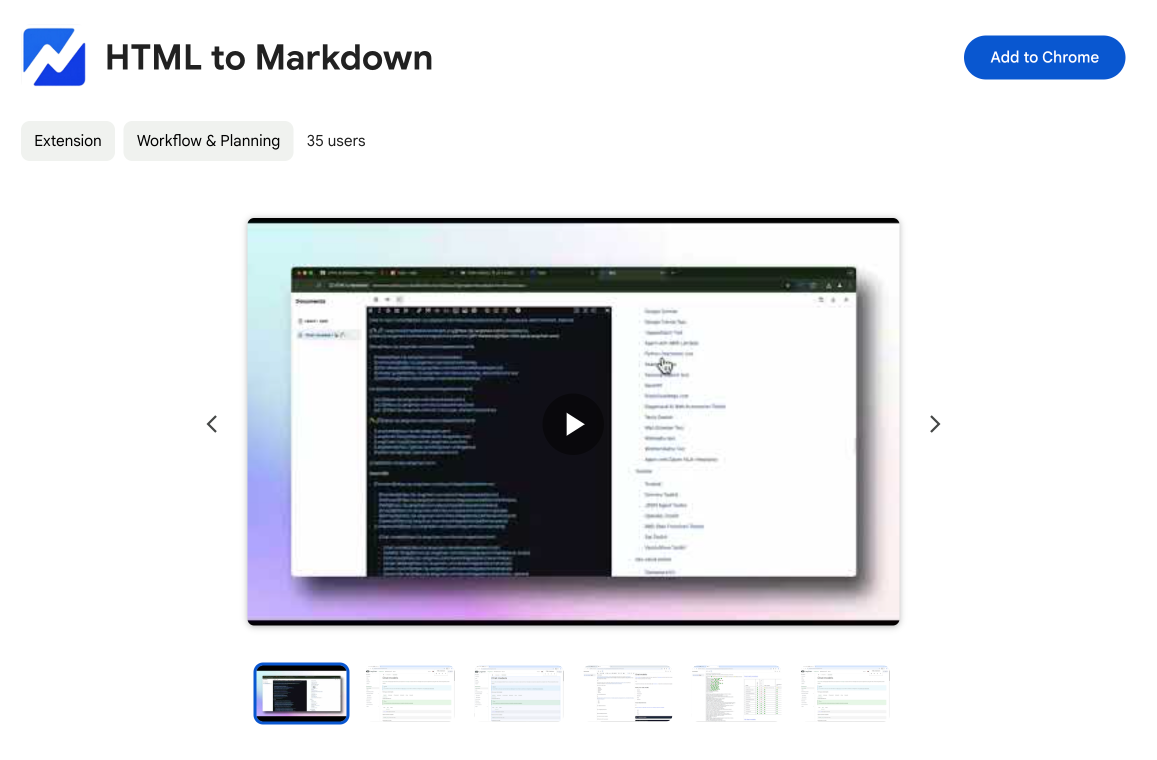
HTML to Markdown
Convert HTML to Markdown with ease, directly in your browser 📄
Dotallio
Personalized AI apps that automate research, data extraction, and content creation without code 🤖
Talk to Santa
Enjoy a magical live video chat or receive a unique AI-generated video greeting from Santa Claus 🎅
pozywka.pl
Scalable blog for food journalist, focused on performance and user experience 🌭
zagrodzki.me
Personal blog and portfolio of Bart Zagrodzki, where he shares his knowledge and work 💼
TurboStarter
Ship your startup everywhere. In minutes.
HTML to Markdown
Convert HTML to Markdown with ease, directly in your browser 📄
Dotallio
Personalized AI apps that automate research, data extraction, and content creation without code 🤖
Talk to Santa
Enjoy a magical live video chat or receive a unique AI-generated video greeting from Santa Claus 🎅
pozywka.pl
Scalable blog for food journalist, focused on performance and user experience 🌭
zagrodzki.me
Personal blog and portfolio of Bart Zagrodzki, where he shares his knowledge and work 💼
TurboStarter
Ship your startup everywhere. In minutes.
HTML to Markdown
Convert HTML to Markdown with ease, directly in your browser 📄
Dotallio
Personalized AI apps that automate research, data extraction, and content creation without code 🤖
Talk to Santa
Enjoy a magical live video chat or receive a unique AI-generated video greeting from Santa Claus 🎅
pozywka.pl
Scalable blog for food journalist, focused on performance and user experience 🌭
zagrodzki.me
Personal blog and portfolio of Bart Zagrodzki, where he shares his knowledge and work 💼
TurboStarter
Ship your startup everywhere. In minutes.
HTML to Markdown
Convert HTML to Markdown with ease, directly in your browser 📄
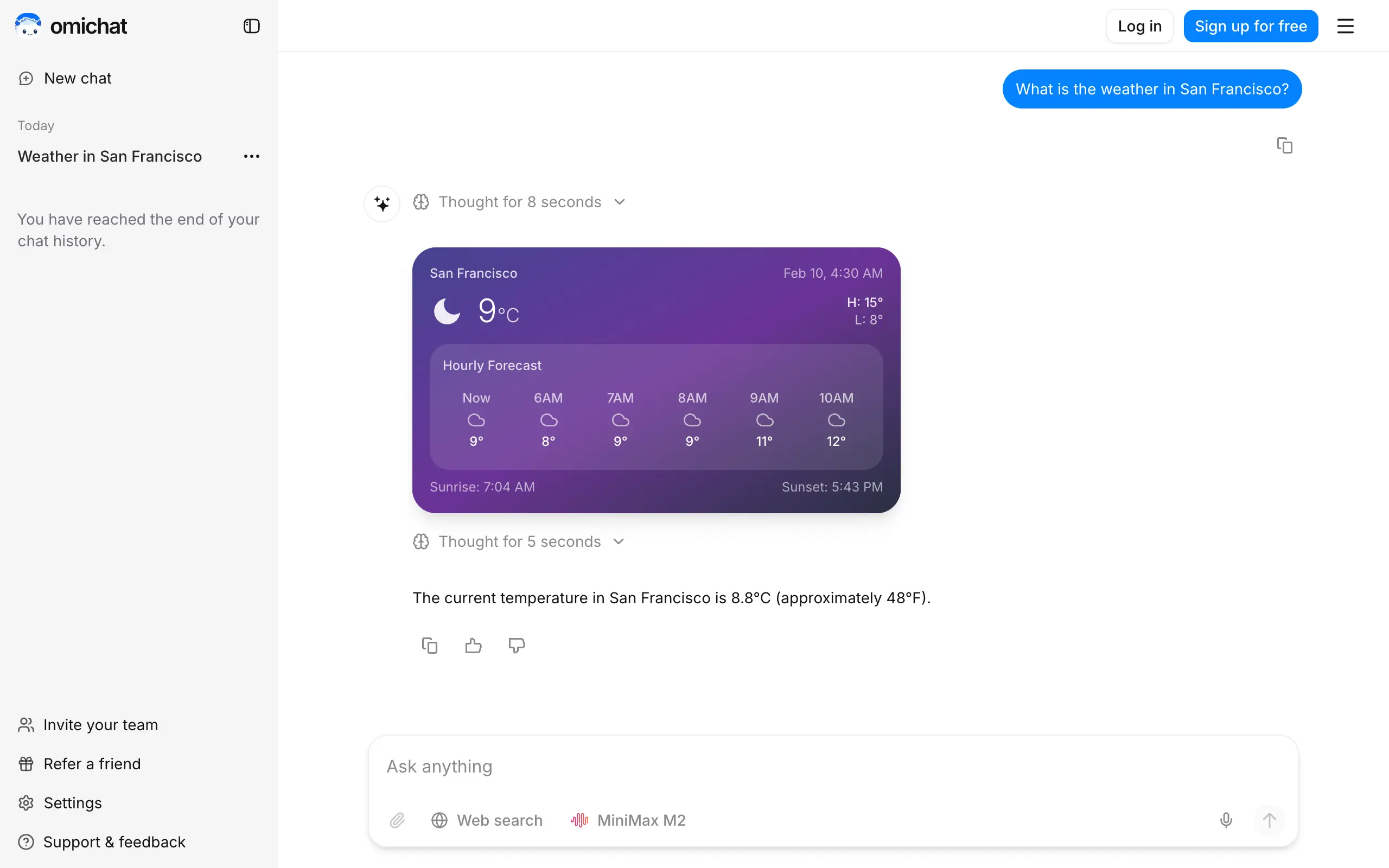
Omichat
Chat with 50+ AI models, including ChatGPT and Claude, in one place - switch models anytime without losing context 🤖
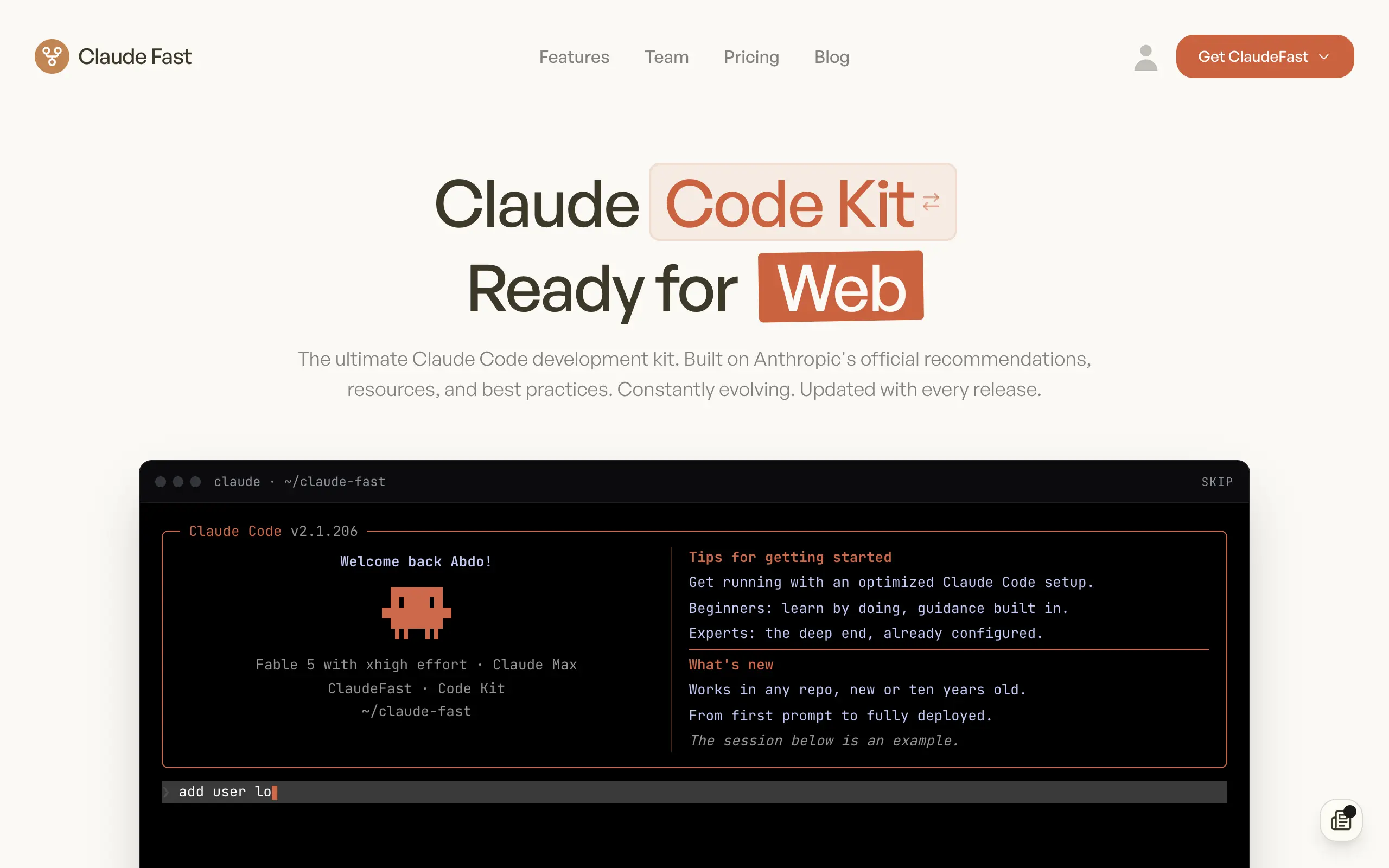
Claude Fast
Supercharge your Claude Code with 6x effective context window and specialized AI agents 🤖
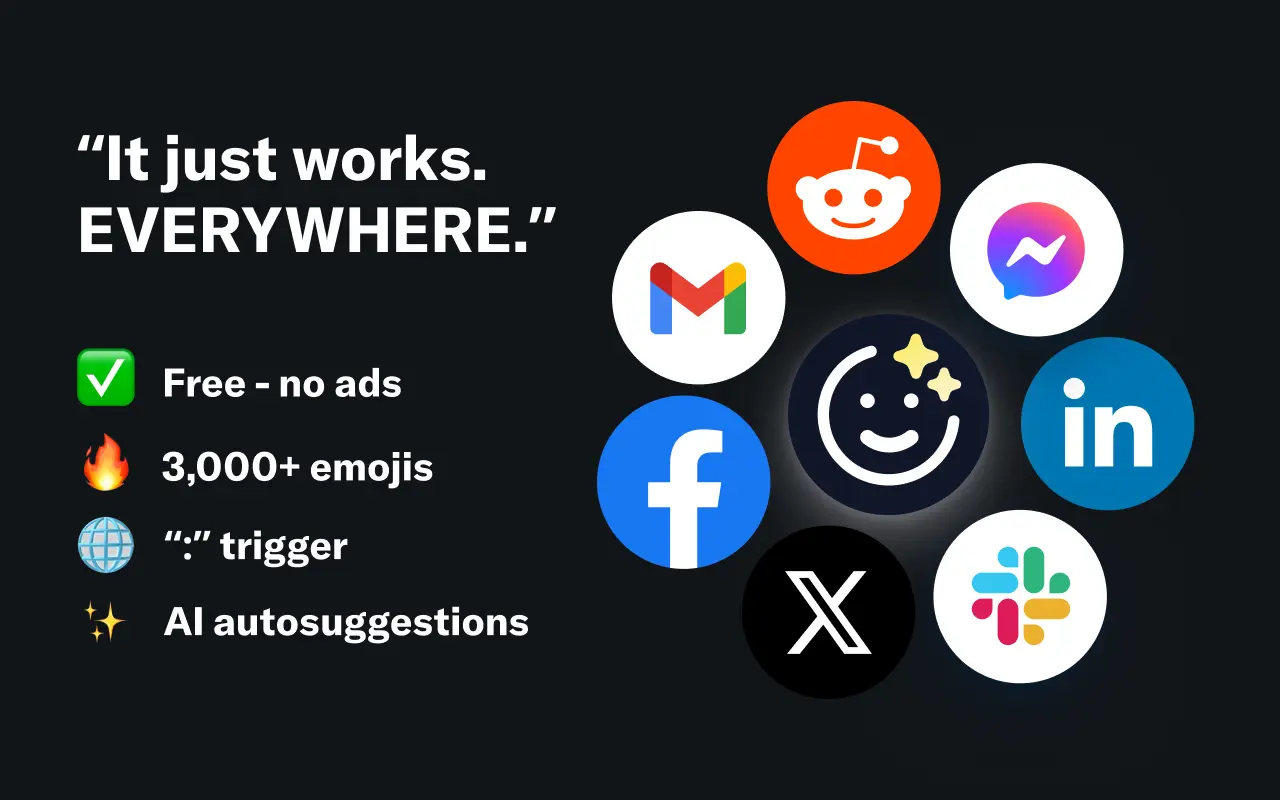
EmojAI
AI-powered emoji picker with smart, context-aware suggestions 🤖
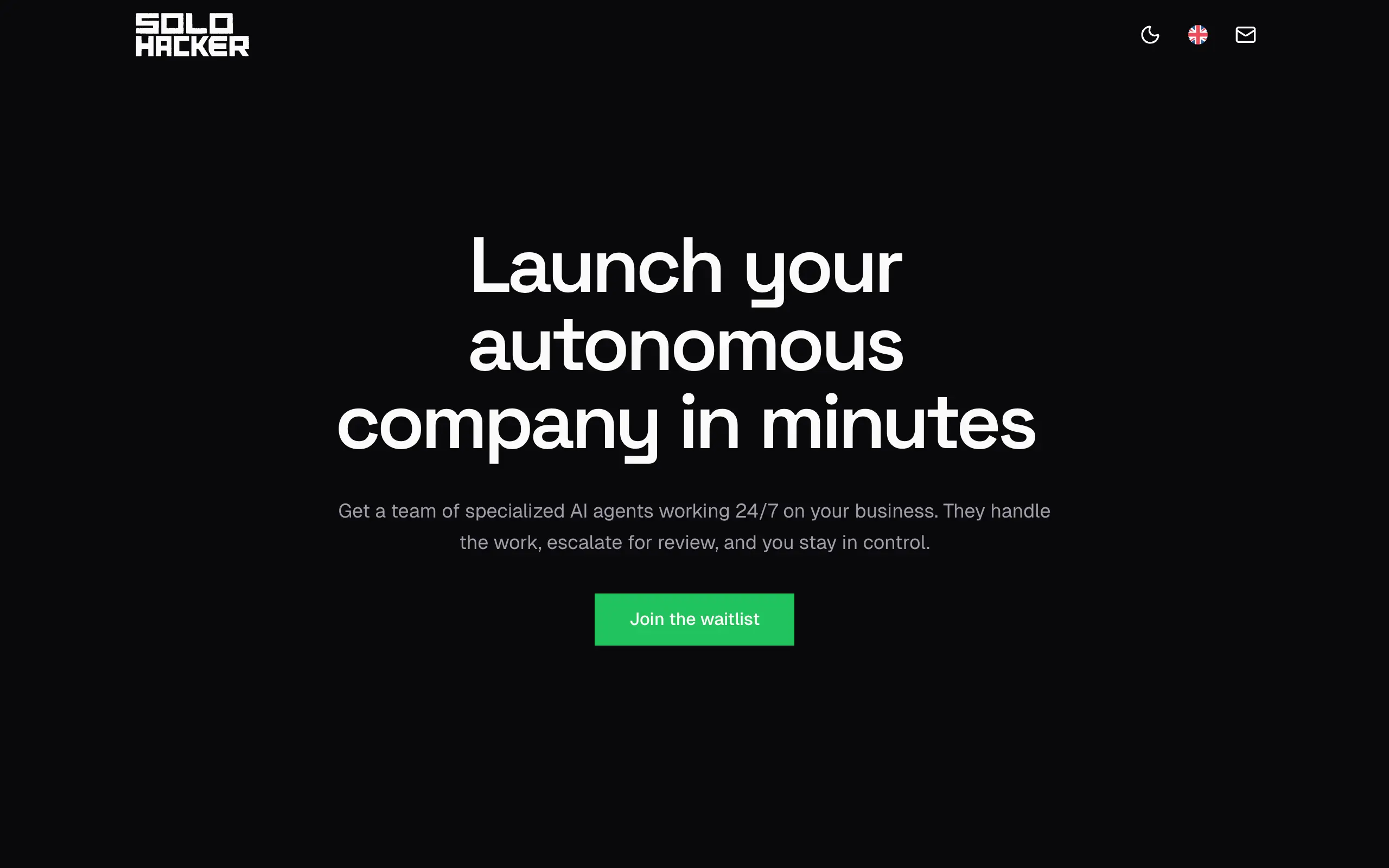
Solohacker
Autonomous company launcher - AI agents work 24/7, escalate what matters, and you stay in control 🤖
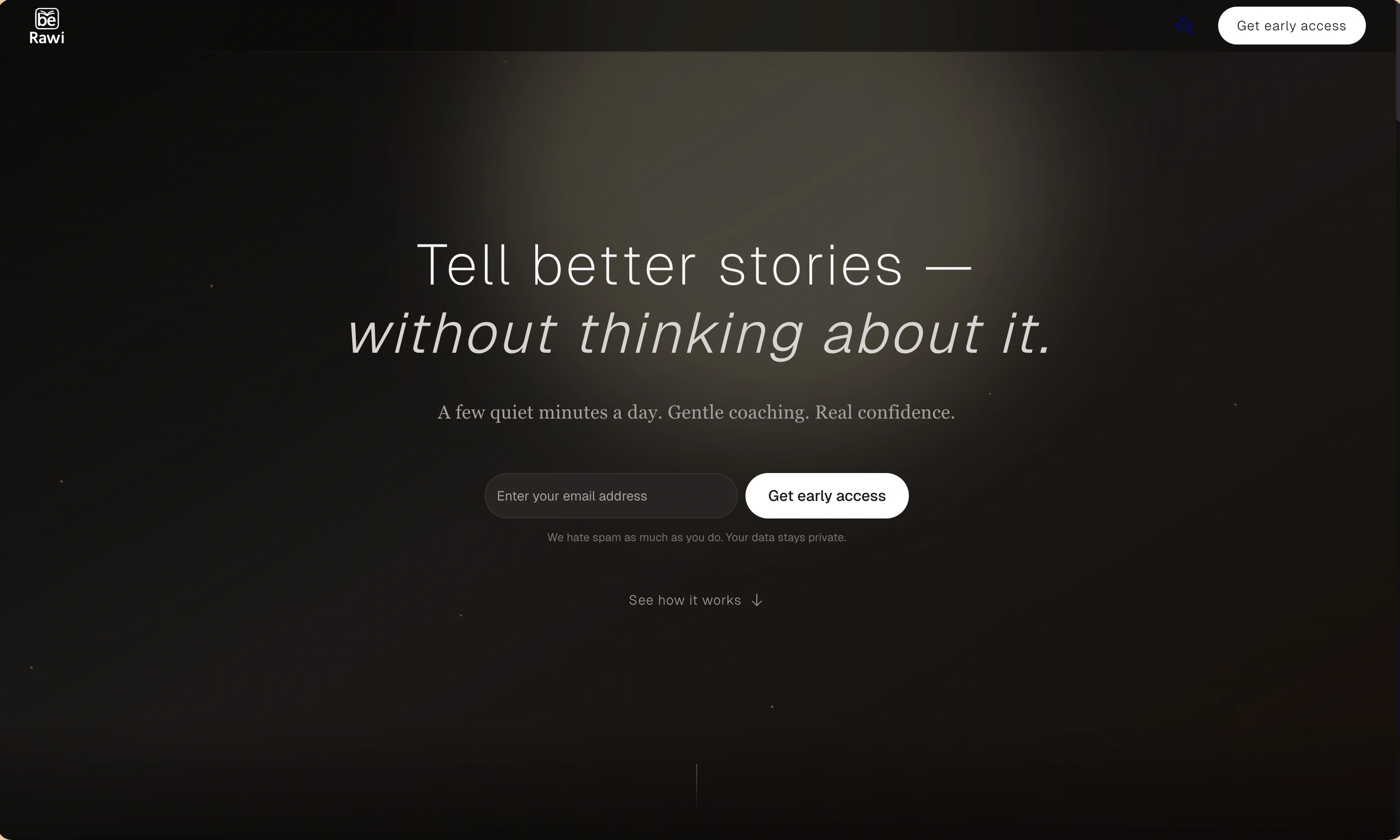
BeRawi: Storytelling Coach
Practice storytelling daily with instant feedback to sound clearer, more engaging, and confident 🎤
Omichat
Chat with 50+ AI models, including ChatGPT and Claude, in one place - switch models anytime without losing context 🤖
Claude Fast
Supercharge your Claude Code with 6x effective context window and specialized AI agents 🤖
EmojAI
AI-powered emoji picker with smart, context-aware suggestions 🤖
Solohacker
Autonomous company launcher - AI agents work 24/7, escalate what matters, and you stay in control 🤖
BeRawi: Storytelling Coach
Practice storytelling daily with instant feedback to sound clearer, more engaging, and confident 🎤
Omichat
Chat with 50+ AI models, including ChatGPT and Claude, in one place - switch models anytime without losing context 🤖
Claude Fast
Supercharge your Claude Code with 6x effective context window and specialized AI agents 🤖
EmojAI
AI-powered emoji picker with smart, context-aware suggestions 🤖
Solohacker
Autonomous company launcher - AI agents work 24/7, escalate what matters, and you stay in control 🤖
BeRawi: Storytelling Coach
Practice storytelling daily with instant feedback to sound clearer, more engaging, and confident 🎤
Omichat
Chat with 50+ AI models, including ChatGPT and Claude, in one place - switch models anytime without losing context 🤖
Claude Fast
Supercharge your Claude Code with 6x effective context window and specialized AI agents 🤖
EmojAI
AI-powered emoji picker with smart, context-aware suggestions 🤖
Solohacker
Autonomous company launcher - AI agents work 24/7, escalate what matters, and you stay in control 🤖
BeRawi: Storytelling Coach
Practice storytelling daily with instant feedback to sound clearer, more engaging, and confident 🎤

Connect with like-minded people
Join our community to get feedback, support, and grow together with 1,000+ builders on board, let's ship it!
Join usShip your startup everywhere. In minutes.
Don't burn tokens on setup and start building features on day one.