LocalOps Copilot
An AI workspace for local service businesses that drafts quotes, follows up on leads, and answers questions from their own documents.
Why an AI workspace for local service businesses is a timely SaaS opportunity
Local service businesses run on speed, trust, and follow-through. A homeowner requesting a plumbing quote, a property manager asking for maintenance details, or a commercial client needing an urgent HVAC estimate rarely waits days for a response. Yet many local operators still manage leads, quotes, job notes, customer questions, and follow-ups across phone calls, text messages, email inboxes, spreadsheets, and disconnected field service software.
This is the gap that LocalOps Copilot addresses: an AI workspace for local service businesses that drafts quotes, follows up on leads, and answers questions using the company’s own documents.
The core value proposition is simple but high-impact:
Help local service teams respond faster, produce more consistent estimates, and use their existing operational knowledge without forcing staff to search through folders, manuals, price sheets, and old job records.
Unlike broad AI chatbots, LocalOps Copilot can become a vertical AI assistant designed around the workflows of plumbers, electricians, HVAC contractors, landscapers, cleaners, restoration companies, locksmiths, pest control businesses, roofers, and other field-service operators.
The demand is driven by several converging trends:
- Customers increasingly expect same-day responses and digital communication.
- Local service companies face persistent labor shortages and administrative overload.
- AI adoption is moving from generic experimentation toward workflow-specific automation.
- Small businesses now have access to APIs, document intelligence, and large language models that were previously available only to enterprise software vendors.
- Field service businesses need practical tools that protect margins, reduce missed opportunities, and fit existing operations.
For founders evaluating an AI SaaS for local service businesses, LocalOps Copilot is compelling because it targets a clear, costly, recurring operational problem: valuable leads and institutional knowledge are routinely lost in the gaps between systems and people.
The strongest positioning
LocalOps Copilot should not be marketed as “another AI chatbot.” Position it as an operational revenue assistant for local service teams: it helps businesses reply faster, quote more confidently, and convert more of the opportunities they already receive.
Who LocalOps Copilot should serve first
The local service market is broad, but an early-stage product should not try to serve every trade with the same workflows. The best initial customers have frequent inbound leads, repeatable quote structures, operational documentation, and a meaningful cost of delayed response.
Primary audience: owner-led service businesses
The most promising early segment is typically businesses with roughly 3 to 50 employees. These companies are large enough to feel the administrative burden but often too small to employ dedicated sales operations, customer success, or knowledge-management teams.
Typical buyers include:
- "Owner-operators": Business owners who still answer calls, approve pricing, and manage customer relationships.
- "Office managers": Staff members responsible for scheduling, inbox management, lead coordination, and customer communication.
- "Dispatchers": Team members who need fast access to service areas, availability, job requirements, and technician information.
- "Sales coordinators": Employees who prepare estimates, follow up with prospects, and track open opportunities.
- "Operations managers": Leaders who need consistent processes across multiple technicians, crews, or locations.
Their daily pain is not a lack of software. It is a lack of usable operational context at the moment work needs to happen.
A dispatcher may know the right answer to a customer’s question, but that answer could be buried in a PDF service policy. An office manager may know the standard quote language, but not the exact pricing rules for a particular service. An owner may want every lead contacted within five minutes, but the team is already handling calls, jobs, payments, and reschedules.
Strong verticals for a focused MVP
Not every local service niche needs the same quote engine or document retrieval system. LocalOps Copilot should begin with one or two trades where work is repeatable and lead response has a direct connection to revenue.
HVAC and plumbing
High-value jobs, emergency inquiries, recurring maintenance plans, and detailed service documentation make these strong initial markets.
Cleaning and restoration
These businesses often need rapid lead follow-up, scope summaries, service packages, and consistent customer updates.
Landscaping and lawn care
Seasonal lead volume, recurring contracts, property-specific scope details, and quote requests create clear automation opportunities.
HVAC and plumbing are especially attractive because leads can be urgent, customers often compare providers quickly, and inaccurate communication can create expensive downstream issues. However, a founder with existing access to another trade should prioritize distribution over abstract market size. A narrower niche with ten engaged design partners is often more valuable than a broad market with no direct customer access.
Secondary audience: multi-location and franchise operators
After validating the core workflow with small teams, LocalOps Copilot can move upmarket toward regional operators, franchise groups, and multi-location service businesses.
These buyers may need:
- Separate knowledge bases by brand or location
- Permission controls by role and branch
- Approval workflows for quotes above a threshold
- Centralized templates and compliance language
- Reporting on lead response and conversion performance
- Integrations with their field service management platform
- Audit logs for customer-facing AI activity
This segment can support higher contract values, but it introduces longer sales cycles, implementation needs, and more demanding security requirements. It is usually better approached after the product has demonstrated measurable results for smaller teams.
The market gap in local service business automation
Most local service businesses already use some combination of customer relationship management software, scheduling tools, field service management platforms, accounting tools, and communications apps. The real problem is that those systems are not always designed to help a busy employee think, write, and act quickly.
A field service platform may store a customer’s job history, but it may not produce a polished follow-up message based on that history. A CRM may track a lead stage, but it does not necessarily know which questions a prospect asked in an attached property report. A document folder may contain detailed service procedures, but an employee still has to find and interpret them under time pressure.
LocalOps Copilot can fill the missing layer between business data and everyday decisions.
| Operational task | Typical current process | Business cost | LocalOps Copilot role | Expected benefit |
|---|---|---|---|---|
| New lead reply | Manual email or delayed callback | Lost or cold leads | Draft personalized response | Faster engagement |
| Quote creation | Reuse old estimates and spreadsheets | Slow, inconsistent pricing | Generate structured quote draft | More consistent proposals |
| Customer questions | Search folders or ask the owner | Interruptions and incorrect answers | Answer from approved documents | Operational consistency |
| Lead follow-up | Remember manually or use generic templates | Unconverted pipeline | Trigger contextual follow-up drafts | Higher response coverage |
The competitive gap is not simply “AI is missing.” Many local businesses can already access ChatGPT or another general-purpose tool. The gap is that general AI does not arrive with the company’s pricing logic, quote formats, service policies, customer context, approval rules, and workflow triggers.
A business does not want to repeatedly paste a customer request into a blank chat window and hope the result is safe. It wants a guided workflow that knows how the company communicates, what it sells, what information is required, and when a human must approve the result.
The hidden cost of slow lead response
Local service businesses often underestimate the cost of delayed follow-up because it does not show up as a clean line item in accounting software. A lead that receives no reply, a quote sent two days late, or a prospect who never gets a second follow-up can quietly reduce revenue month after month.
The impact compounds when the business pays for lead generation through search advertising, local service ads, directories, referral fees, or agency retainers. Every missed lead then represents both lost revenue and wasted acquisition spend.
For sales and lead-response benchmarks, founders should reference reputable sources such as industry research firms, CRM providers with transparent methodology, or trade associations. When publishing marketing claims, avoid unsupported promises such as “double your revenue.” Instead, use measurable operational outcomes:
- Reduced median first-response time
- Increased percentage of leads contacted within a defined service-level agreement
- More follow-up tasks completed
- Fewer hours spent searching for answers
- Higher quote completion rate
- Shorter time from inquiry to proposal
How LocalOps Copilot should solve the workflow
A successful AI workspace for local service businesses should be opinionated. It should reduce steps for common tasks instead of exposing users to a generic blank prompt.
The product can center around three connected workflows: quote drafting, lead follow-up, and answers from company knowledge.
AI quote drafting for service businesses
Quote generation is the highest-value workflow when it creates a clear draft without making unsafe pricing decisions. The system should collect the relevant details, retrieve approved templates and pricing guidance, then produce a reviewable quote or estimate.
A quote drafting workflow might include:
- A staff member pastes a lead message, uploads a site assessment, or selects an existing CRM contact.
- LocalOps Copilot identifies missing information, such as service address, scope, unit count, urgency, access constraints, or requested appointment window.
- The system retrieves relevant pricing rules, service packages, terms, and previously approved quote structures.
- AI generates a draft scope of work, exclusions, assumptions, next steps, and optional service tiers.
- A user reviews the draft, adjusts approved variables, and sends it through email or exports it to the field service system.
The product should clearly distinguish between a quote draft and a final binding estimate. This distinction reduces risk and reinforces the need for human approval.
Intelligent lead follow-up automation
Lead follow-up should feel personal without forcing staff to write the same messages repeatedly. Rather than automatically sending every message from day one, the MVP should begin with AI-generated follow-up drafts and reminders.
Useful triggers include:
- A web form lead has not received a response within a set timeframe
- A quote was sent but has not been viewed or answered
- A customer asked a question that needs a clarification
- An appointment request lacks essential information
- A service inquiry has gone cold after an initial conversation
- A recurring customer may be due for maintenance or renewal
Every generated message should use business-specific voice, service area details, availability guidance, and appropriate disclaimers. It should never invent pricing, guarantees, appointment availability, licensing details, or technical conclusions.
A practical sequence might include an initial response, a value-focused reminder, a final check-in, and a handoff task for a team member. The customer should always be able to opt out of marketing-oriented communication, and the product should support compliance review for SMS and email workflows.
Answers grounded in the business’s own documents
The knowledge assistant is where LocalOps Copilot becomes more than a content generator. Users should be able to ask operational questions in plain language and receive answers supported by the company’s approved materials.
Examples include:
- “What is our standard warranty language for a new water heater installation?”
- “Do we service this ZIP code?”
- “What information do we need before quoting a commercial cleaning job?”
- “Which maintenance plan includes two seasonal visits?”
- “What should we tell a customer about emergency callout fees?”
- “What are the exclusions in our mold remediation proposal template?”
The answer experience should display citations to the source documents or document sections used. This is essential for trust. If the system cannot find reliable evidence, it should say so rather than invent an answer.
Never let the model silently guess
In local services, a fabricated warranty term, service area, licensing claim, or price can damage customer trust and create legal exposure. Grounding, source citations, confidence rules, and human escalation are product requirements, not optional enhancements.
Core features for the LocalOps Copilot MVP
The first version should focus on repeatable value and avoid becoming an all-in-one field service platform. The goal is to sit alongside existing systems, not replace every system a local business relies on.
Essential MVP capabilities
- "Business profile setup": Service categories, service areas, operating hours, tone of voice, policies, licensing details, and escalation contacts.
- "Document ingestion": Upload PDFs, DOCX files, CSV files, service guides, price books, standard operating procedures, quote templates, and FAQs.
- "Knowledge organization": Tag information by trade, location, service type, document status, and effective date.
- "Lead workspace": Store lead details, customer messages, task status, draft responses, and follow-up history.
- "Quote composer": Create structured quote drafts using templates, editable line items, scope language, assumptions, and exclusions.
- "Follow-up assistant": Generate personalized email or SMS drafts and create reminders for unresponsive leads.
- "Cited answers": Show the specific documents or passages supporting each AI answer.
- "Approval controls": Require a human review before external messages or quote drafts are sent.
- "Feedback controls": Let users mark answers as helpful, incorrect, outdated, or needing review.
- "Activity history": Record who generated, edited, approved, and sent customer-facing materials.
Features to delay until product-market fit
It is tempting to build scheduling, invoicing, payments, route optimization, technician GPS, call tracking, and full CRM functionality. These are important categories, but they can dilute the product before the core value is proven.
Delay these capabilities unless customer research makes one unavoidable:
- Full dispatch and route optimization
- Native payment processing
- Inventory management
- Technician time tracking
- Complex accounting sync
- Autonomous outbound campaigns
- Voice agents that book or diagnose jobs without review
- Dynamic pricing recommendations without robust controls
The strongest early product is a revenue and knowledge copilot, not a replacement for every operational tool.
Recommended AI SaaS tech stack
LocalOps Copilot needs a modern stack that supports multi-tenant SaaS operations, secure document processing, AI retrieval, workflow automation, and fast iteration.
A practical approach is to build with technologies that are proven, well documented, and easy to hire for.
Frontend and application layer
Use Next.js with React for the application interface. Next.js provides a strong foundation for server-rendered pages, API routes, authentication flows, and SaaS dashboards. React supports reusable components for the quote editor, knowledge chat, lead pipeline, and approval inbox.
For styling, Tailwind CSS is a strong option because it enables fast, consistent interface development without building a large custom CSS architecture. Local service users often value simple, highly legible screens over visually experimental dashboards.
Use TypeScript from the beginning. It helps reduce integration errors in systems that handle structured customer records, quote fields, document metadata, and AI output schemas.
Database, authentication, and storage
A relational database such as PostgreSQL is well suited to core SaaS data: organizations, users, roles, leads, quotes, jobs, documents, messages, and audit events.
For authentication and managed backend functionality, Supabase is a practical choice for an early-stage team. It combines PostgreSQL, authentication, object storage, and row-level security capabilities. A custom backend can provide additional flexibility later, but managed infrastructure can shorten time to market.
The central multi-tenant security principle is straightforward: every record must be scoped to an organization, and every query must enforce that scope. Document retrieval is especially sensitive because a cross-tenant knowledge leak would be a severe trust failure.
AI model and retrieval architecture
LocalOps Copilot should use a retrieval-augmented generation, or RAG, architecture. In practical terms, this means AI responses are informed by relevant customer documents rather than generated from generic model knowledge alone.
A reliable pipeline includes:
- Document upload and file validation
- Text extraction and optical character recognition where required
- Content cleanup and section-aware chunking
- Metadata assignment, including organization, document type, status, date, and permission level
- Embedding generation for semantic retrieval
- Retrieval of relevant source chunks for each question or workflow
- Structured model output that references retrieved evidence
- Citation display and confidence-aware fallback behavior
OpenAI can provide language model and embedding capabilities for a rapid first implementation. However, the product architecture should avoid hard-wiring business logic to one provider. A model gateway or abstraction layer allows future evaluation of cost, latency, quality, and data-handling requirements.
For vector search, pgvector can be a sensible early choice if PostgreSQL is already central to the stack. It reduces operational complexity by keeping relational data and embeddings close together. Dedicated vector databases may become useful at larger scale or when advanced retrieval features are required, but they add another system to operate.
Background jobs and integrations
Document processing, embedding generation, scheduled follow-ups, and CRM synchronization should run asynchronously. A background job system prevents long-running tasks from degrading the customer-facing experience.
Integrations should be designed around the systems local businesses already use:
- Email providers for sending reviewed messages
- Calendar tools for appointment availability
- CRM platforms for lead context
- Field service management platforms for jobs and customer records
- Form tools for inbound inquiries
- Communication providers for compliant SMS workflows
Begin with one integration that matches the chosen vertical’s workflow. For example, an email and web form integration may create enough value for an MVP. Building ten shallow integrations before validating the core assistant is rarely efficient.
Trade-offs founders should understand
Use managed authentication, hosted databases, one AI provider, and simple document uploads. This approach minimizes infrastructure work and maximizes learning speed.
Add single sign-on, advanced role controls, data retention configuration, regional hosting options, audit exports, and deeper integrations after repeatable demand is established.
More architecture can improve control, but it can also delay customer learning. Build robust tenant isolation and auditability early; postpone complexity that does not improve the first customer outcome.
Designing trustworthy AI outputs
Trust is the product. A local business owner will not keep using an AI assistant that sends an inaccurate quote, gives customers incorrect policy information, or uses a tone that feels unlike the business.
LocalOps Copilot should earn trust through product design, not only marketing claims.
Use structured outputs instead of freeform text
Quote generation should not return an unstructured wall of prose. It should return fields that the application can validate and present clearly.
type QuoteDraft = {
  serviceType: string
  scopeOfWork: string[]
  assumptions: string[]
  exclusions: string[]
  recommendedNextStep: string
  missingInformation: string[]
  sourceReferences: Array<{
    documentName: string
    section: string
  }>
  requiresHumanApproval: true
}
Structured output makes it easier to enforce rules. For example, the system can require at least one source reference, flag missing required information, or prevent a quote from being sent until an authorized user approves it.
Establish a document governance workflow
Business documents change. Price books are revised, policies are updated, service areas expand, and old templates become invalid. If the knowledge base is unmanaged, the AI will eventually retrieve outdated material.
Each uploaded document should have:
- An owner
- An effective date
- A status such as draft, active, archived, or superseded
- A category and service type
- A visibility level
- A review reminder
- A clear process for replacement
A useful interface feature is an “outdated source” alert. When a staff member marks an answer as incorrect, the system should capture the cited document and route it to the designated content owner.
Build human escalation into every critical workflow
The assistant should know when to defer. High-risk situations may include disputes, legal questions, safety issues, emergencies, unusually large commercial quotes, requests outside the service area, and questions about licensing or insurance.
The product can route these cases to a human using rules such as:
- Quote value exceeds a business-defined threshold
- The model confidence is below a threshold
- No approved source was retrieved
- The customer uses language associated with complaints or legal action
- The requested service is outside approved categories
- The customer asks for medical, structural, or safety advice
This is not merely a compliance feature. It makes the AI more useful because employees know when they can rely on it and when they need to intervene.
Monetization strategy for LocalOps Copilot
The product should be priced around operational value, not token usage. Local service owners care about more leads answered, more quotes sent, and less office work. They do not want to think about embeddings, API calls, or AI model costs.
A tiered SaaS pricing model is appropriate.
Recommended pricing model
- "Starter plan": For solo operators and small teams. Include a limited number of users, documents, and AI actions each month.
- "Growth plan": For teams with active lead volume. Include more users, shared templates, approval workflows, integrations, and follow-up automations.
- "Multi-location plan": For regional operators. Include multiple workspaces, granular permissions, advanced reporting, onboarding support, and data governance controls.
- "Usage add-ons": Offer additional document processing, message volume, or AI actions only after customers understand the core plan.
An early pricing test might target a range that is easy to compare with the cost of one missed lead or a few hours of office administration. The exact pricing should be tested through customer interviews and paid pilots rather than determined purely from competitor pages.
Avoid underpricing because AI infrastructure is not the only cost. Support, onboarding, document cleanup, integration maintenance, and customer success can be substantial in vertical SaaS.
Paid onboarding can be valuable
Many local businesses need help organizing documents, setting up templates, and defining workflows. A one-time onboarding package can improve activation while creating a meaningful services revenue stream.
The onboarding offer might include:
- Importing and organizing existing quote templates
- Configuring business profile information
- Setting lead response rules
- Creating approved communication templates
- Training office staff
- Defining escalation and approval policies
This service also reveals which onboarding steps should later become product features.
Competitive advantage and defensibility
The market includes generic AI tools, horizontal CRM platforms, field service management suites, marketing automation tools, and communications software. LocalOps Copilot should not attempt to win by claiming that it has AI while competitors do not.
Its defensibility comes from becoming the most useful AI layer for a specific local service workflow.
The LocalOps Copilot moat
- "Vertical workflow design": The interface, prompts, templates, and approval logic reflect real service business tasks rather than generic writing tasks.
- "Business-specific knowledge": The product answers from each company’s approved documents, price books, policies, and service materials.
- "Trust infrastructure": Citations, approval gates, audit trails, and document status controls make adoption safer.
- "Workflow data flywheel": Over time, approved edits, common missing fields, accepted quote structures, and lead outcomes can improve templates and recommendations.
- "Integration position": The product can become a connective layer across lead sources, email, CRM records, and field service systems.
- "Niche distribution": Partnerships with consultants, trade associations, agencies, and field service implementation firms can create a channel advantage.
The unique selling proposition should remain crisp:
LocalOps Copilot turns a local service business’s existing documents and lead information into accurate, reviewable quotes, responses, and follow-ups.
That message is more concrete than “AI for contractors” and more differentiated than “a chatbot for small businesses.”
Risks and mitigation strategies
AI SaaS for local service businesses has clear upside, but founders should address predictable risks before they become expensive.
Mitigate with retrieval-augmented generation, citations, confidence thresholds, document status controls, and clear escalation paths. Never present unsupported outputs as verified business policy.
Use tenant isolation, least-privilege access, encrypted storage, audit logs, secure file handling, and clear retention policies. Test authorization boundaries continuously.
Design around existing tasks, minimize setup steps, provide ready-made templates, and prove value within the first week. A user should be able to draft a useful reply or answer a policy question quickly.
Start with imports, email, and one high-demand integration. Validate that an integration drives retention before expanding the connector catalog.
Track operational metrics from day one, including response time, quote throughput, follow-up completion, and time saved. Use pilot data to create credible case studies.
There is also a product strategy risk: over-automation. Local service owners often protect their reputation carefully. If the product feels like an uncontrollable robot sending messages, they may reject it even if the automation is technically capable.
The better adoption path is usually:
- Assist with drafts.
- Require approval.
- Build trust through visible results.
- Allow selective automation for low-risk, repeatable cases.
- Keep human override available at every stage.
Measuring product-market fit for an AI local service business platform
Vanity metrics such as signups and total prompts are not enough. LocalOps Copilot should measure whether it improves the workflows customers actually value.
Useful activation metrics include:
- A business uploads at least one approved operational document
- A user generates and approves their first lead response
- A user creates a quote draft from a real inquiry
- A team member asks a knowledge question and opens a cited source
- The business connects an inbound lead channel
- A follow-up workflow is created and used
Retention signals are even more important:
- Weekly active teams, not only individual users
- Repeat quote drafting activity
- Percentage of follow-up suggestions reviewed or sent
- Knowledge answer helpfulness ratings
- Number of active and current documents in the workspace
- Time saved per office employee
- Lead response service-level agreement performance
For paid pilots, set baseline metrics before implementation. For example, measure average first-response time and quote turnaround time for two to four weeks, then compare performance after adoption. This approach creates credible evidence for case studies and future sales conversations.
Actionable implementation steps
A focused launch plan can help LocalOps Copilot validate demand without building a massive platform.
For founders who want to ship the SaaS foundation faster, TurboStarter can reduce time spent assembling common application infrastructure and let the team focus on the vertical workflows that make LocalOps Copilot distinctive.
Final perspective
LocalOps Copilot has the potential to become a valuable category of AI software because it addresses a problem local service businesses experience every day: operational knowledge exists, leads arrive, and work needs to move quickly, but the information and actions are scattered.
The winning product will not be the one with the most impressive demo chat. It will be the one that helps a busy office manager answer a customer correctly, helps an owner send a better quote faster, and helps a service business follow up before an opportunity disappears.
Start narrow. Build around trusted business data. Keep humans in control of consequential outputs. Prove measurable operational value. Then expand from an AI quote and lead-response assistant into the essential AI workspace for local service businesses.
More 🤖 AI Startup SaaS ideas
Discover more innovative ai startup SaaS ideas that are trending in 2026. Each idea is AI-generated with market validation and growth potential to help you find your next profitable venture faster than competitors.
Your competitors are building with TurboStarter
Below are some of the SaaS ideas that have been generated and built with our starter kit.
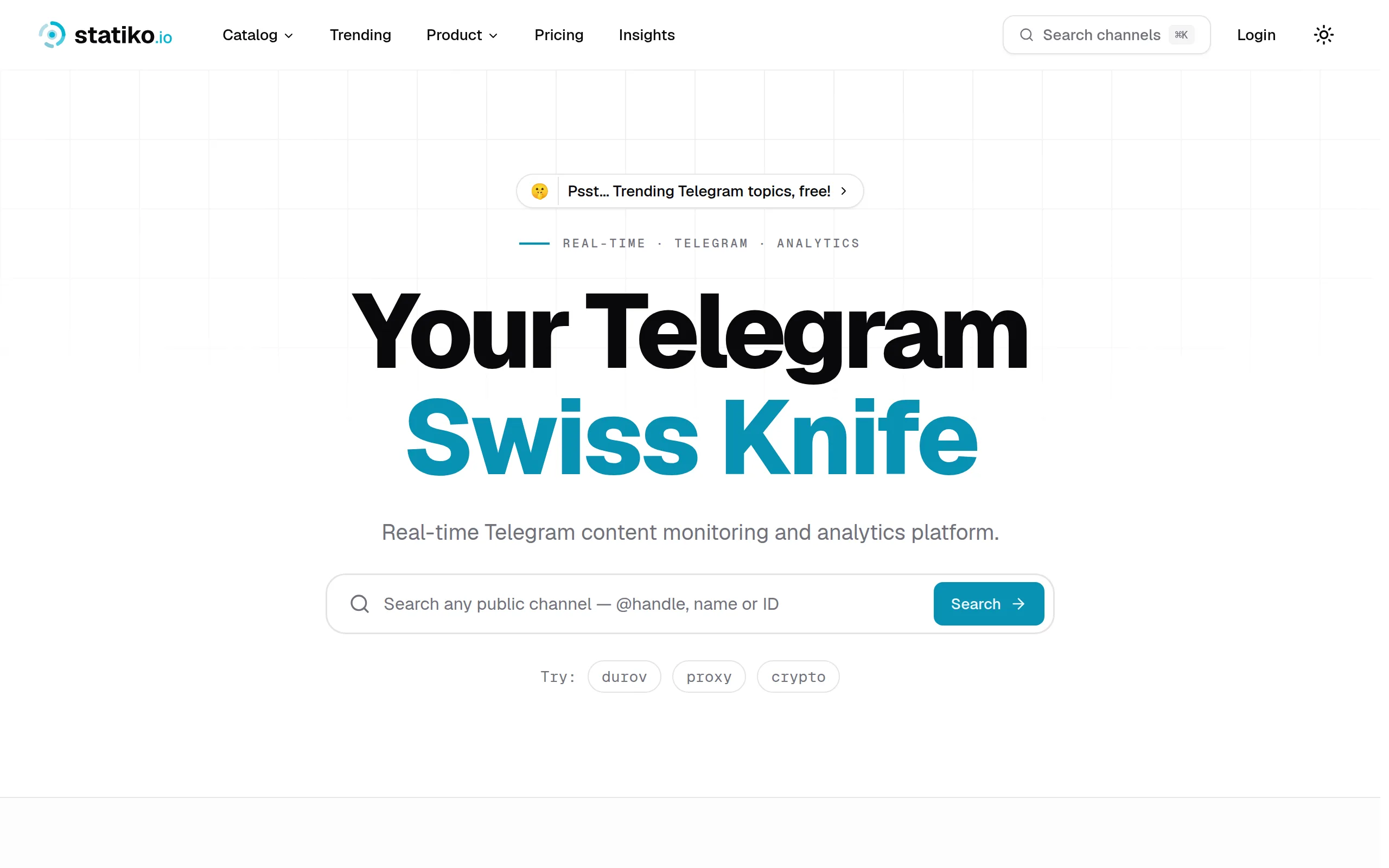
Statiko
Monitor any Telegram channel in real time - track posts, edits, deletions, and growth with AI recaps 📡

Shibui
AI website builder - describe your business, pick a niche template, edit by chatting, and publish instantly ✨

Pro Service
Find verified home service professionals, compare quotes, and pay securely through escrow - built for Brazilians across the US 🏠
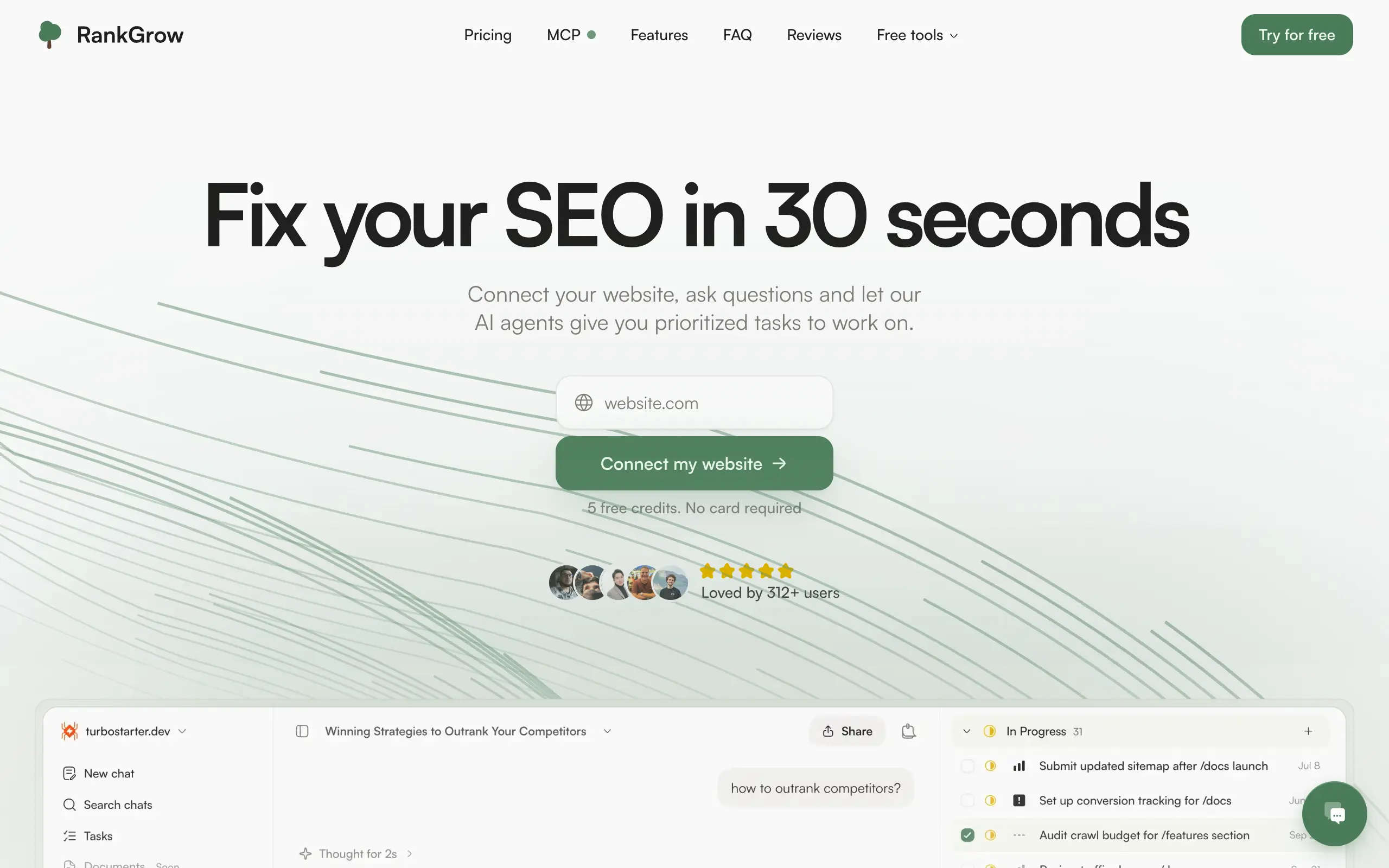
RankGrow
Fix your SEO with AI agents - connect Search Console, get prioritized tasks, and grow organic traffic 📈
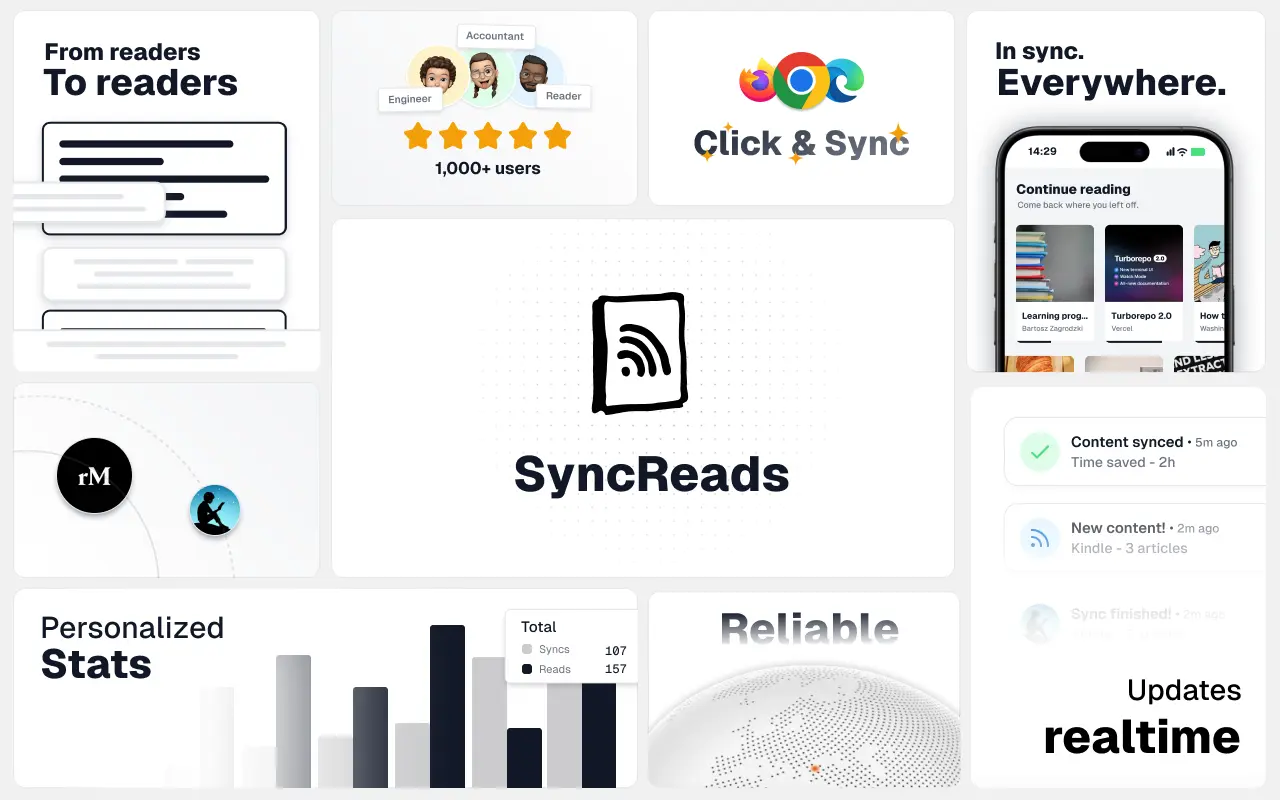
SyncReads
Sync your favorite content for distraction-free reading, save time and replace multiple apps. Anytime, anywhere 🔄
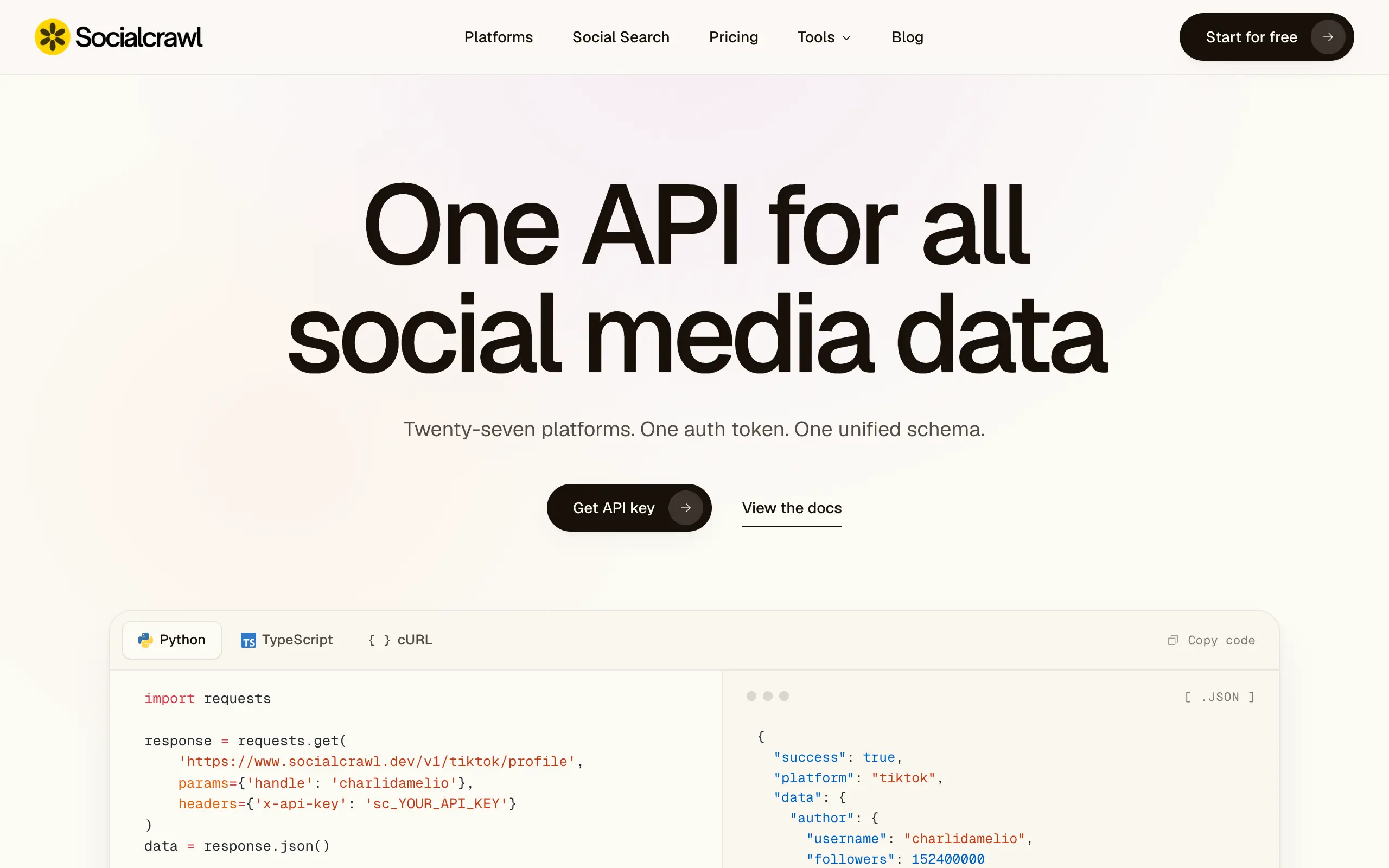
Socialcrawl
Get clean, structured data from 21 platforms like TikTok, Instagram, and YouTube with a single request 📊
Statiko
Monitor any Telegram channel in real time - track posts, edits, deletions, and growth with AI recaps 📡
Shibui
AI website builder - describe your business, pick a niche template, edit by chatting, and publish instantly ✨
Pro Service
Find verified home service professionals, compare quotes, and pay securely through escrow - built for Brazilians across the US 🏠
RankGrow
Fix your SEO with AI agents - connect Search Console, get prioritized tasks, and grow organic traffic 📈
SyncReads
Sync your favorite content for distraction-free reading, save time and replace multiple apps. Anytime, anywhere 🔄
Socialcrawl
Get clean, structured data from 21 platforms like TikTok, Instagram, and YouTube with a single request 📊
Statiko
Monitor any Telegram channel in real time - track posts, edits, deletions, and growth with AI recaps 📡
Shibui
AI website builder - describe your business, pick a niche template, edit by chatting, and publish instantly ✨
Pro Service
Find verified home service professionals, compare quotes, and pay securely through escrow - built for Brazilians across the US 🏠
RankGrow
Fix your SEO with AI agents - connect Search Console, get prioritized tasks, and grow organic traffic 📈
SyncReads
Sync your favorite content for distraction-free reading, save time and replace multiple apps. Anytime, anywhere 🔄
Socialcrawl
Get clean, structured data from 21 platforms like TikTok, Instagram, and YouTube with a single request 📊
Statiko
Monitor any Telegram channel in real time - track posts, edits, deletions, and growth with AI recaps 📡
Shibui
AI website builder - describe your business, pick a niche template, edit by chatting, and publish instantly ✨
Pro Service
Find verified home service professionals, compare quotes, and pay securely through escrow - built for Brazilians across the US 🏠
RankGrow
Fix your SEO with AI agents - connect Search Console, get prioritized tasks, and grow organic traffic 📈
SyncReads
Sync your favorite content for distraction-free reading, save time and replace multiple apps. Anytime, anywhere 🔄
Socialcrawl
Get clean, structured data from 21 platforms like TikTok, Instagram, and YouTube with a single request 📊
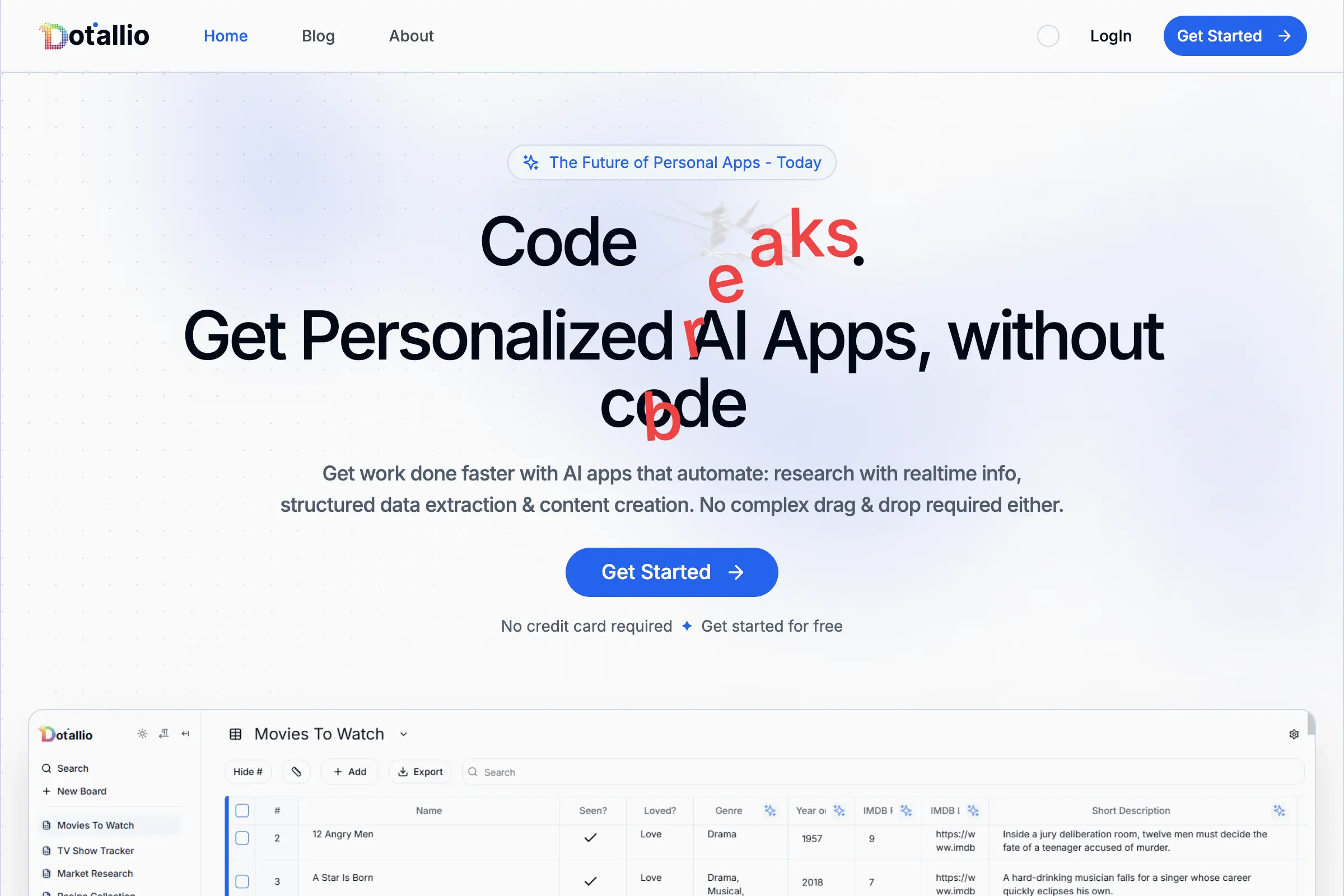
Dotallio
Personalized AI apps that automate research, data extraction, and content creation without code 🤖
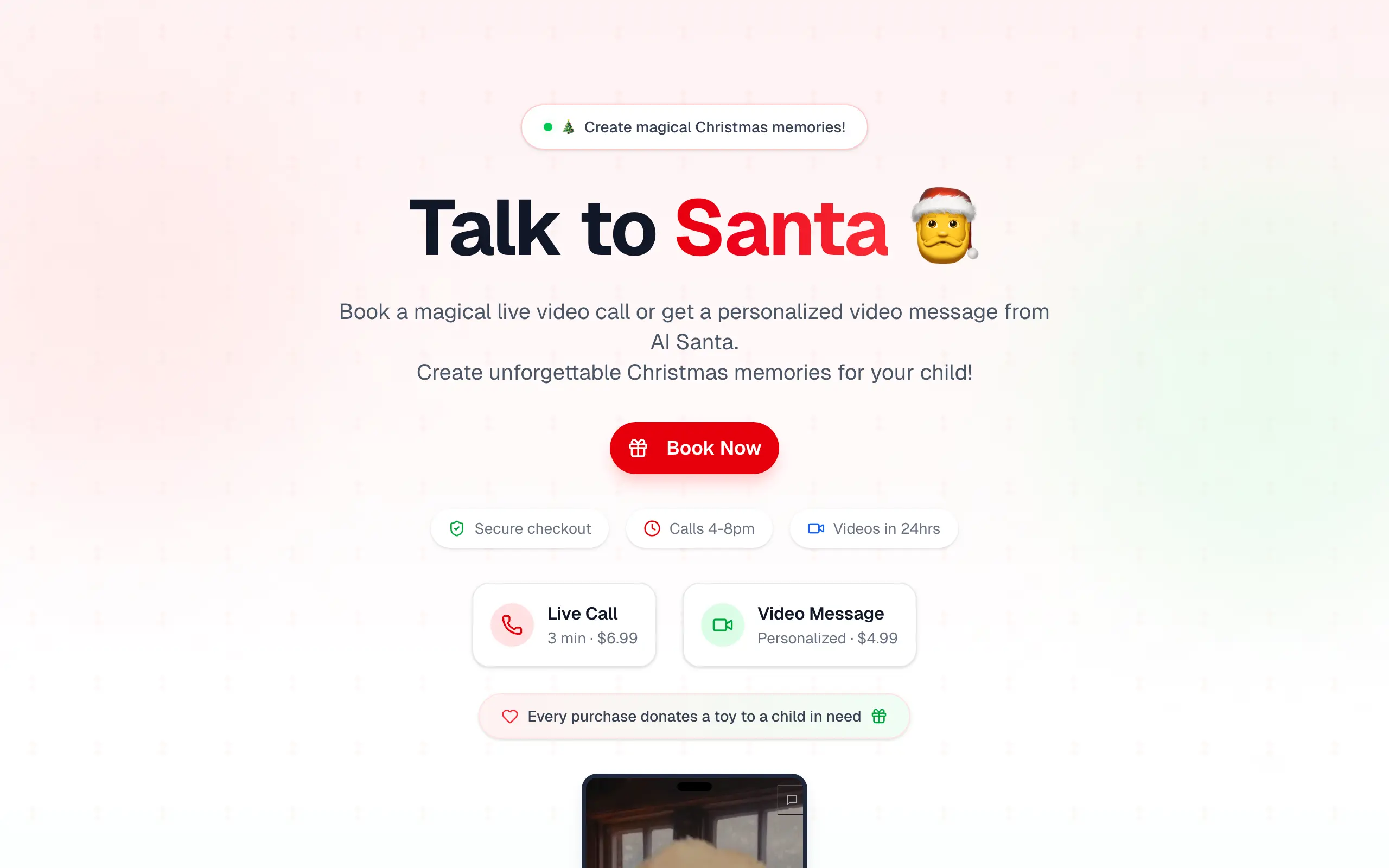
Talk to Santa
Enjoy a magical live video chat or receive a unique AI-generated video greeting from Santa Claus 🎅

pozywka.pl
Scalable blog for food journalist, focused on performance and user experience 🌭
zagrodzki.me
Personal blog and portfolio of Bart Zagrodzki, where he shares his knowledge and work 💼
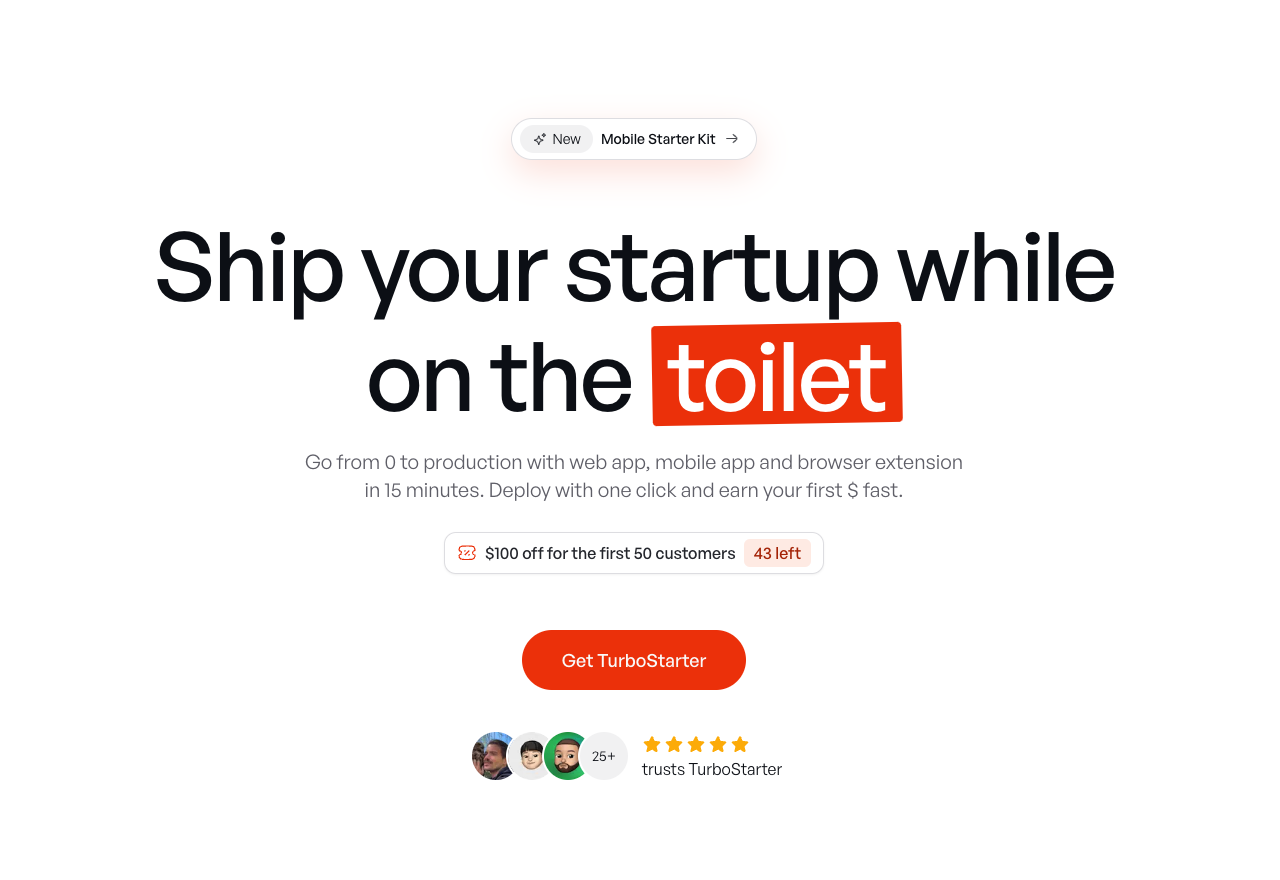
TurboStarter
Ship your startup everywhere. In minutes.
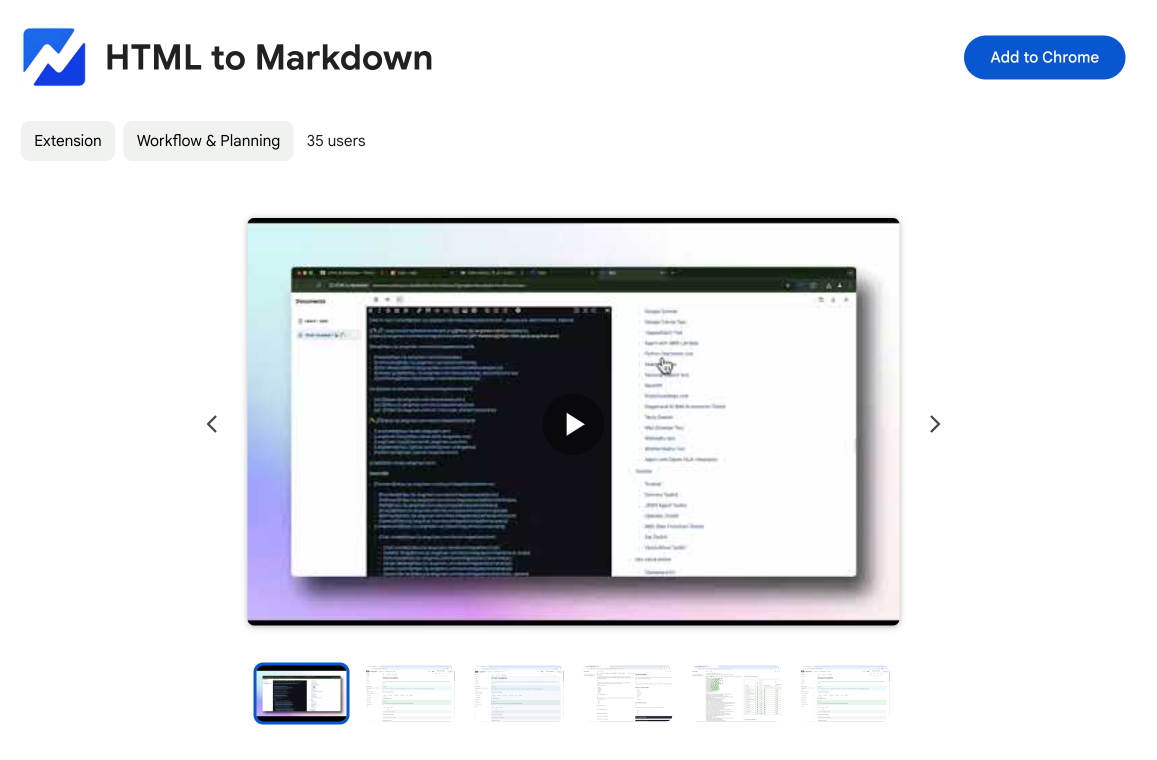
HTML to Markdown
Convert HTML to Markdown with ease, directly in your browser 📄
Dotallio
Personalized AI apps that automate research, data extraction, and content creation without code 🤖
Talk to Santa
Enjoy a magical live video chat or receive a unique AI-generated video greeting from Santa Claus 🎅
pozywka.pl
Scalable blog for food journalist, focused on performance and user experience 🌭
zagrodzki.me
Personal blog and portfolio of Bart Zagrodzki, where he shares his knowledge and work 💼
TurboStarter
Ship your startup everywhere. In minutes.
HTML to Markdown
Convert HTML to Markdown with ease, directly in your browser 📄
Dotallio
Personalized AI apps that automate research, data extraction, and content creation without code 🤖
Talk to Santa
Enjoy a magical live video chat or receive a unique AI-generated video greeting from Santa Claus 🎅
pozywka.pl
Scalable blog for food journalist, focused on performance and user experience 🌭
zagrodzki.me
Personal blog and portfolio of Bart Zagrodzki, where he shares his knowledge and work 💼
TurboStarter
Ship your startup everywhere. In minutes.
HTML to Markdown
Convert HTML to Markdown with ease, directly in your browser 📄
Dotallio
Personalized AI apps that automate research, data extraction, and content creation without code 🤖
Talk to Santa
Enjoy a magical live video chat or receive a unique AI-generated video greeting from Santa Claus 🎅
pozywka.pl
Scalable blog for food journalist, focused on performance and user experience 🌭
zagrodzki.me
Personal blog and portfolio of Bart Zagrodzki, where he shares his knowledge and work 💼
TurboStarter
Ship your startup everywhere. In minutes.
HTML to Markdown
Convert HTML to Markdown with ease, directly in your browser 📄
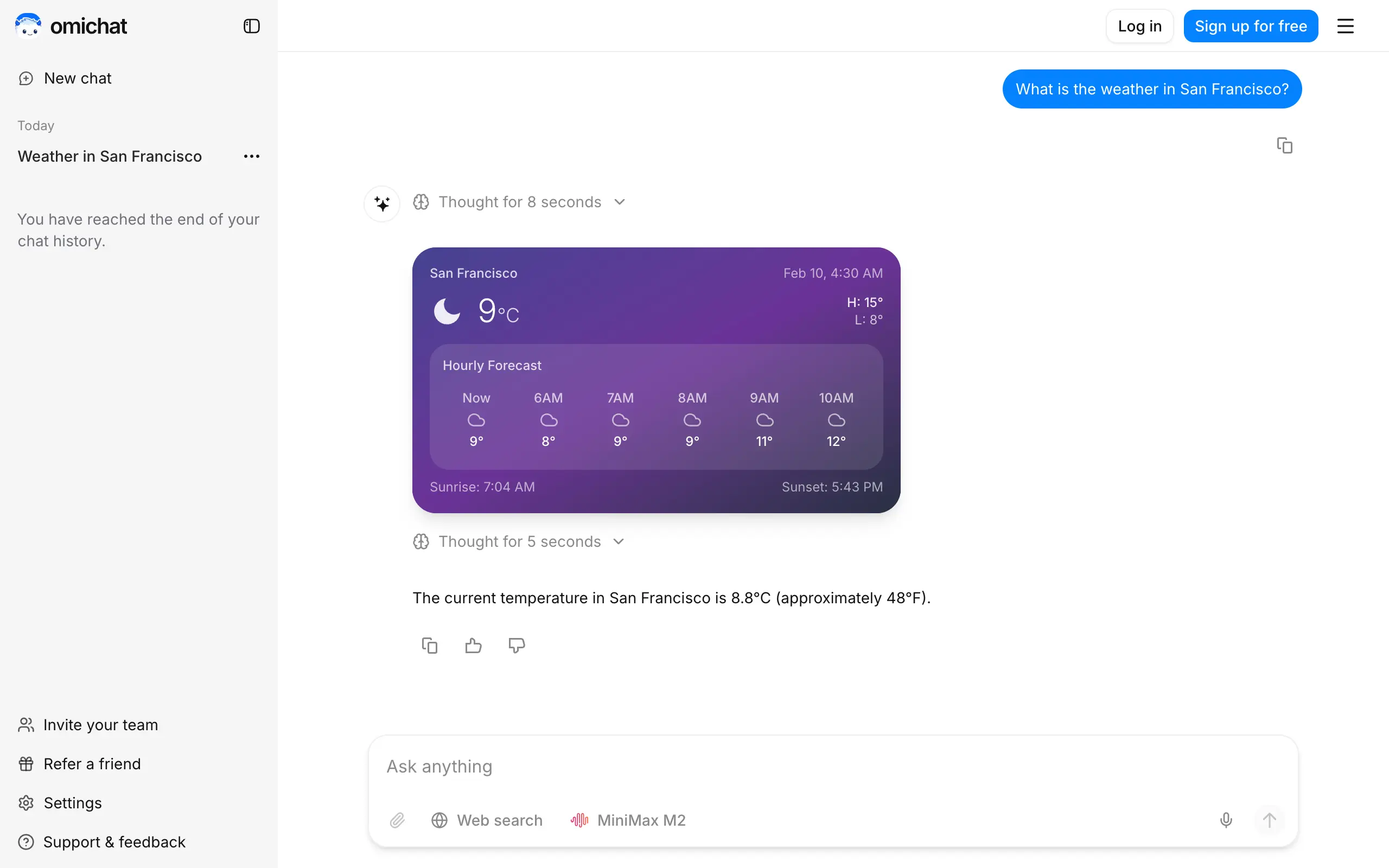
Omichat
Chat with 50+ AI models, including ChatGPT and Claude, in one place - switch models anytime without losing context 🤖
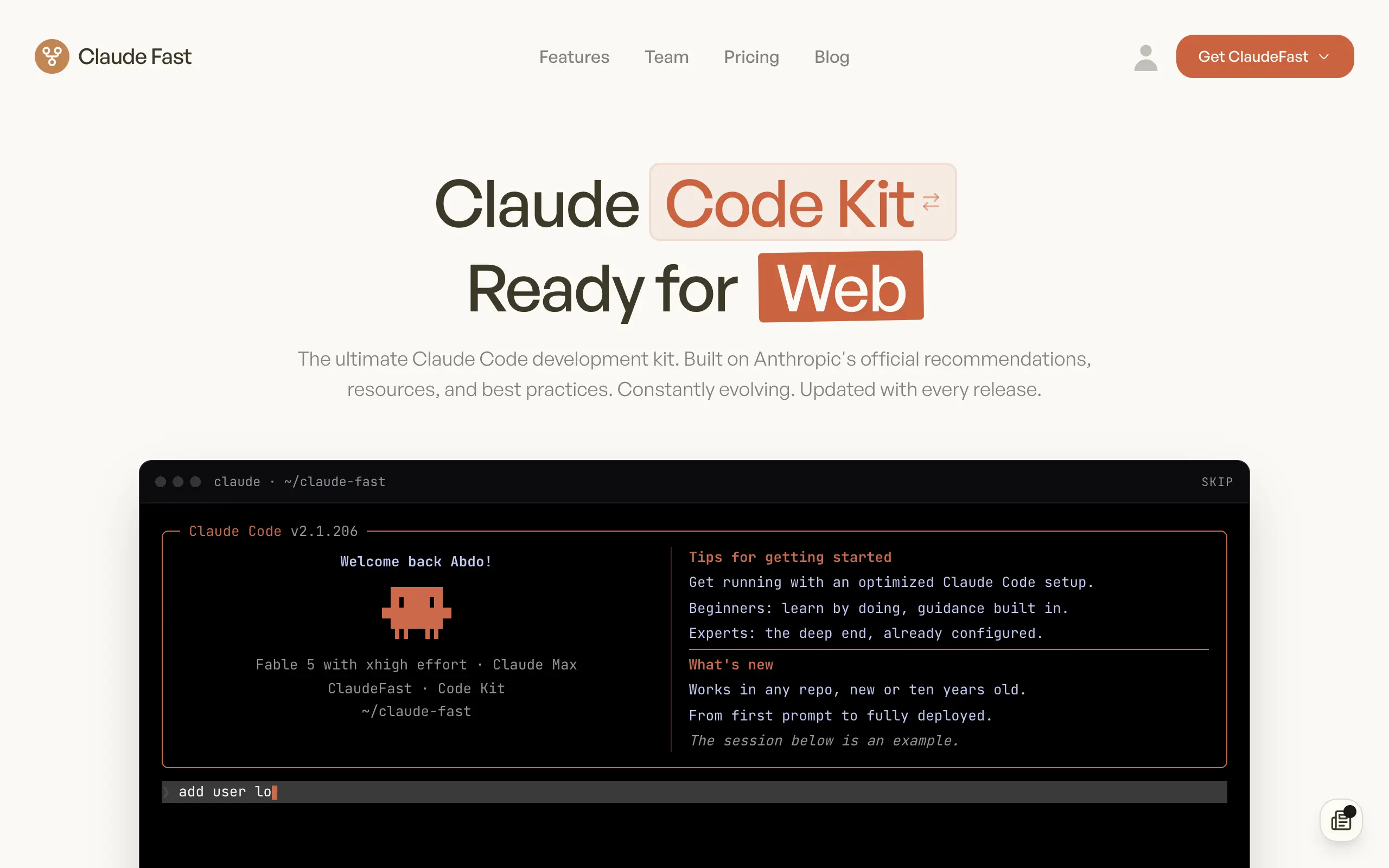
Claude Fast
Supercharge your Claude Code with 6x effective context window and specialized AI agents 🤖
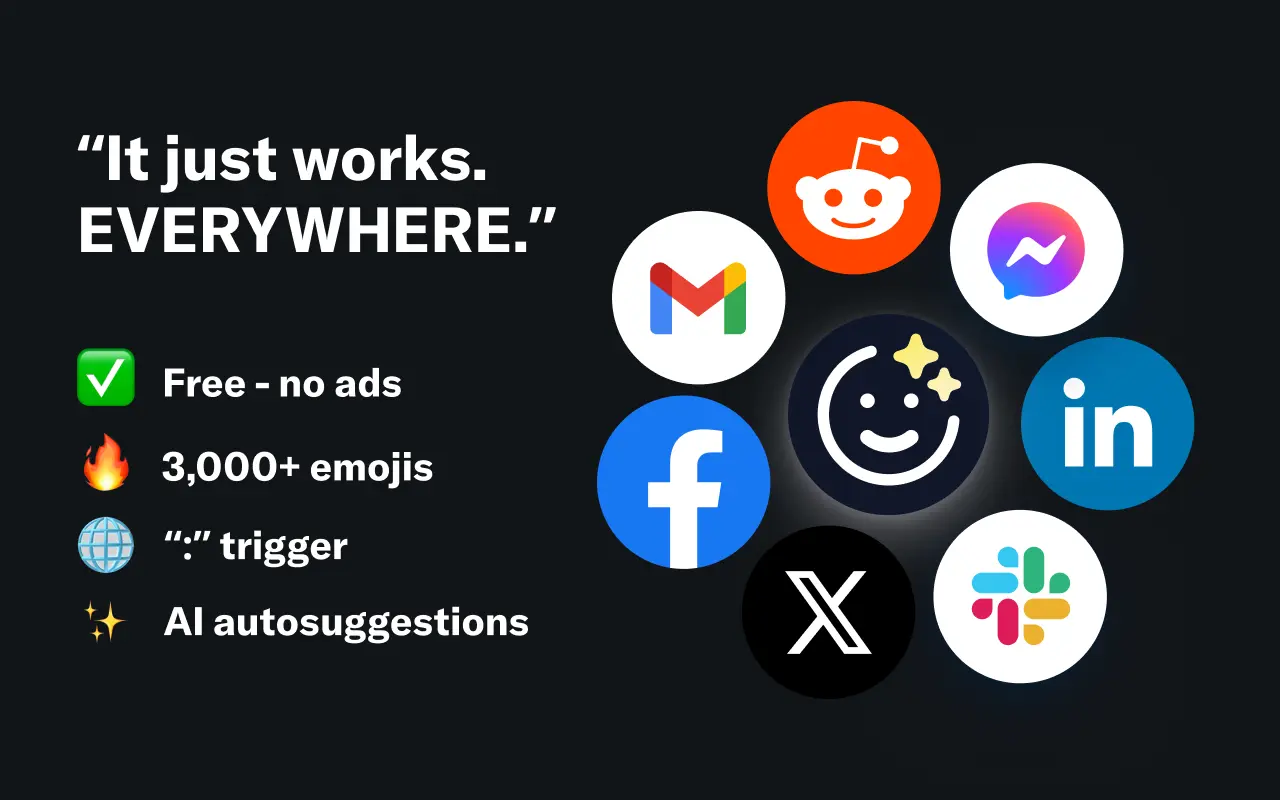
EmojAI
AI-powered emoji picker with smart, context-aware suggestions 🤖
Solohacker
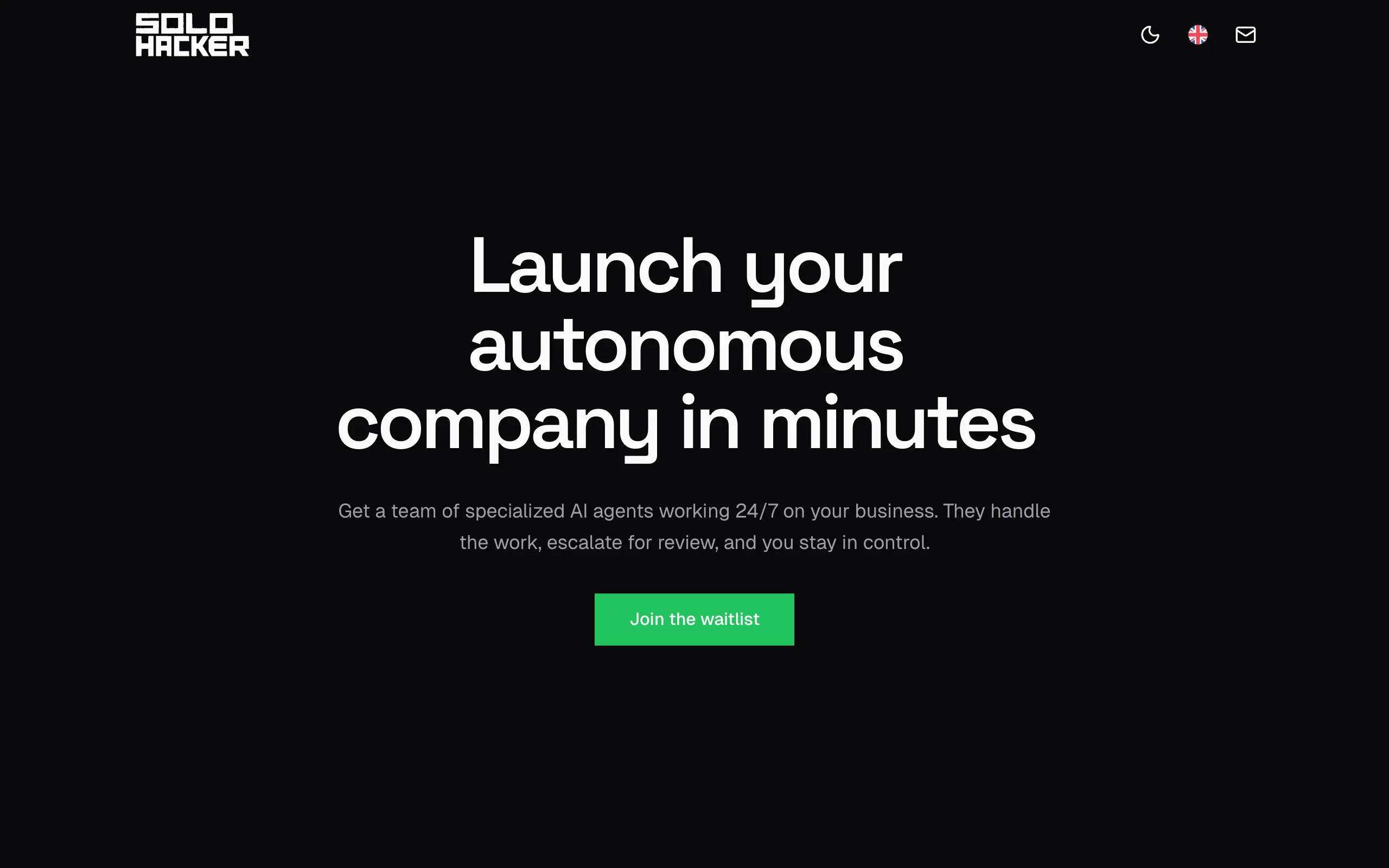
Autonomous company launcher - AI agents work 24/7, escalate what matters, and you stay in control 🤖

BeRawi: Storytelling Coach
Practice storytelling daily with instant feedback to sound clearer, more engaging, and confident 🎤
Omichat
Chat with 50+ AI models, including ChatGPT and Claude, in one place - switch models anytime without losing context 🤖
Claude Fast
Supercharge your Claude Code with 6x effective context window and specialized AI agents 🤖
EmojAI
AI-powered emoji picker with smart, context-aware suggestions 🤖
Solohacker
Autonomous company launcher - AI agents work 24/7, escalate what matters, and you stay in control 🤖
BeRawi: Storytelling Coach
Practice storytelling daily with instant feedback to sound clearer, more engaging, and confident 🎤
Omichat
Chat with 50+ AI models, including ChatGPT and Claude, in one place - switch models anytime without losing context 🤖
Claude Fast
Supercharge your Claude Code with 6x effective context window and specialized AI agents 🤖
EmojAI
AI-powered emoji picker with smart, context-aware suggestions 🤖
Solohacker
Autonomous company launcher - AI agents work 24/7, escalate what matters, and you stay in control 🤖
BeRawi: Storytelling Coach
Practice storytelling daily with instant feedback to sound clearer, more engaging, and confident 🎤
Omichat
Chat with 50+ AI models, including ChatGPT and Claude, in one place - switch models anytime without losing context 🤖
Claude Fast
Supercharge your Claude Code with 6x effective context window and specialized AI agents 🤖
EmojAI
AI-powered emoji picker with smart, context-aware suggestions 🤖
Solohacker
Autonomous company launcher - AI agents work 24/7, escalate what matters, and you stay in control 🤖
BeRawi: Storytelling Coach
Practice storytelling daily with instant feedback to sound clearer, more engaging, and confident 🎤

Connect with like-minded people
Join our community to get feedback, support, and grow together with 1,000+ builders on board, let's ship it!
Join usShip your startup everywhere. In minutes.
Don't burn tokens on setup and start building features on day one.