LoopLedger
Freelancers forget to follow up and lose the context behind important contacts. LoopLedger organizes relationship notes and suggests timely, personal check-ins.
LoopLedger is an AI-powered relationship management tool for freelancers. It helps independent professionals remember who they know, preserve the context behind important conversations, and follow up with messages that feel personal rather than automated. The opportunity is not to build another oversized sales CRM. It is to make consistent, thoughtful relationship-building easier for people who manage their own client pipelines.
For a freelancer, a missed follow-up can mean more than a delayed email. It can mean lost project revenue, a forgotten referral, or a professional connection that quietly goes cold. LoopLedger can address that problem by turning scattered contact notes and good intentions into a simple, timely workflow.
What LoopLedger is and who it serves
LoopLedger is best understood as a freelancer relationship management and follow-up assistant. It combines lightweight contact management with contextual notes and AI-supported reminders. Instead of asking users to maintain a complicated sales process, it helps them answer three practical questions:
- Who should I reconnect with?
- What did we last discuss?
- What would be a relevant, natural reason to reach out now?
The initial audience should be independent professionals who depend on repeat clients, referrals, and professional networks but do not want to operate a full sales organization. That focus gives the product a clearer position than a general-purpose CRM.
Primary target audiences
Freelancers and solo consultants are the strongest starting segment. They may manage a mix of active clients, past clients, prospective clients, collaborators, and referral partners. Their relationship history is often spread across email, calendars, messaging apps, and personal notes.
Creative professionals such as designers, writers, photographers, and brand strategists also fit well. Their work may come through referrals or repeat engagements, and maintaining a warm network can be important even when they are busy delivering projects.
Independent consultants and fractional executives often have longer sales cycles and more complex relationships. A contact may be a prospect today, a collaborator next quarter, and a referral source later. Context helps them maintain continuity without relying on memory.
Early-stage founders and solopreneurs may also use LoopLedger to track investors, advisors, partners, and potential customers. This could become a secondary audience once the freelancer experience is established.
Users to avoid targeting too early
LoopLedger should not initially try to serve every person who manages contacts. Large sales teams often need advanced reporting, territory management, lead routing, and deep integrations with established sales systems. Consumers who only want a personal address book have different needs and may not pay for workflow features.
A focused first audience makes it easier to make product decisions. For example, a solo consultant may value a fast way to capture a conversation note more than a complex deal forecasting dashboard. Prioritizing that real-world use case helps keep the product understandable.
The problem with freelancer follow-up
Freelancers are usually not short on contacts. They are short on reliable systems for remembering why those contacts matter and when it makes sense to reconnect.
A person may meet a potential client at an event, exchange a few emails, and then return to billable work. They may intend to check in after the prospect’s product launch or after a project ends. Weeks later, the relevant detail is buried in an inbox—or forgotten entirely.
This creates several related problems:
- Context is fragmented. Contact details, meeting notes, email threads, and reminders live in separate tools.
- Follow-up depends on memory. Busy professionals may remember the person but forget the specific reason for reaching out.
- Generic reminders are hard to act on. “Contact Alex” is less useful than “Alex mentioned a product launch in May; ask how it went.”
- Existing systems can feel too heavy. A traditional CRM may require more setup and ongoing data entry than a solo professional wants to manage.
- Outreach can feel uncomfortable. Users may avoid contacting someone because they cannot find a natural, relevant opening.
The product should not imply that every contact needs constant attention. Its role is to help users maintain relationships thoughtfully, not to turn every human interaction into a sales task.
The product promise
LoopLedger should make a useful follow-up easier to remember and easier to write. It should not encourage indiscriminate messaging or automate relationships without the user's judgment.
Market opportunity and product gap
The broad CRM market is mature, but that does not mean every audience is well served by the same kind of CRM. The opportunity for LoopLedger is a narrower product experience: a low-maintenance relationship system for independent professionals who value context and timely follow-up.
Many tools already handle part of the problem. Address books store contact details. Note-taking apps store observations. Email platforms preserve conversations. Calendar apps record meetings. CRMs organize prospects and opportunities. The gap is often the connective tissue between these tools: turning relationship context into a relevant next action without demanding extensive administration.
A gap between a contact list and a sales CRM
A contact list can answer “Who is this person?” but often does not help a freelancer recall the last meaningful conversation or decide when to reconnect. A full sales CRM can track elaborate pipelines, but may be excessive for someone who does not have a dedicated sales team.
LoopLedger can sit between those extremes:
- More relationship context than an address book
- Less operational overhead than a traditional sales CRM
- More actionable than a passive notes database
- More personal than a generic automated outreach sequence
This positioning needs to be validated through customer research. It is a product hypothesis, not proof that every freelancer wants another app. Interviews and workflow observation should establish how people currently manage follow-ups, what they forget, and which tools they are willing to replace or connect.
How to validate the opportunity
Before building a broad platform, test whether users experience the problem often enough to change their habits and pay for a solution. Ask potential users to walk through their last few follow-ups rather than asking only whether they “like” the idea.
Useful discovery questions include:
- How do you currently remember to reconnect with past clients or prospects?
- Tell me about a recent relationship you meant to follow up with but did not.
- Where do you keep notes about people, meetings, and promises?
- What makes a follow-up feel timely and personal to you?
- Which tools would you expect a relationship manager to connect to?
- What would make you trust—or distrust—AI-generated message suggestions?
- What have you tried already, and why did you stop using it?
Look for repeated behavior, not just positive reactions. Strong signals include users showing their current workaround, asking to try a prototype, importing real contacts, or returning to the product after an initial test. Weak signals include general enthusiasm without a willingness to change a workflow.
A useful validation plan could combine customer interviews, a clickable prototype, a small private beta, and a concierge test. In a concierge test, the team manually helps a few users organize follow-up reminders before automating the workflow. This reveals whether the underlying service is valuable before investing in complex integrations.
The core features of an AI relationship management tool
LoopLedger’s first version should make the core loop work reliably: capture a person, record meaningful context, receive a useful prompt, and choose what to do next.
1. Contact profiles with useful context
A profile should contain the information a freelancer needs to recognize a person and understand the relationship. Start with a few fields that are easy to maintain:
- Name and professional details
- Organization or client
- Relationship type, such as prospect, past client, collaborator, or referral partner
- Last interaction date
- Notes and important details
- Follow-up status or next action
Users should be able to add context quickly. A required, elaborate form undermines the product’s promise. The first interaction could be as simple as creating a name, adding a short note, and optionally setting a reminder.
2. Relationship notes that preserve the “why”
A note should capture more than a meeting title. The valuable detail might be that a client is hiring in the autumn, a former colleague is exploring a career change, or a prospect prefers to revisit a proposal after a funding decision.
LoopLedger could support dated notes, lightweight tags, and a short “remember this” field. It should also make the source and date of a note visible. This helps the user distinguish a recent observation from something that may no longer be relevant.
3. Thoughtful follow-up reminders
The reminder system should help users act at an appropriate time without flooding them with notifications. Users could schedule a reminder manually, choose a suggested date, or set a recurring check-in for selected relationships.
Recommendations should explain themselves. “Check in with Morgan” is less helpful than “Morgan said their new portfolio would be ready this month.” If the system cannot explain why a reminder is relevant, it should present the prompt as a simple user-created task rather than an AI insight.
4. AI-assisted message drafting
AI can turn stored context into a first draft that the user edits and approves. A useful draft should reflect the relationship, the remembered topic, and the user’s preferred tone. It should not invent events, imply a closer relationship than exists, or send anything without explicit approval.
A strong drafting flow might offer:
- A short, natural message rather than a long sales email
- A clear reference to the relevant note
- Tone options, such as warm, direct, or professional
- Editing before copying or sending
- A way to flag incorrect or outdated context
AI should reduce the blank-page problem, not remove the user from the relationship.
5. A simple “who should I contact?” view
A home screen can surface a small, prioritized list of people to review. The ranking should consider the user’s own reminders, time since contact, and relevant notes—not merely the passage of time.
The user should be able to snooze, dismiss, reschedule, or mark a follow-up complete. These actions are important because a reminder is a suggestion, not an obligation. Over time, the product can learn whether the user prefers fewer prompts, different intervals, or specific relationship categories.
6. Search and capture that fit daily work
Users need to find people quickly and add context while it is still fresh. Search should include names, organizations, tags, and note text. A quick-add flow can let users save a person or note without navigating through several screens.
Email and calendar integrations may eventually reduce manual work, but they should be introduced carefully. Many users will want control over which data is imported and how it is used. A practical first release can begin with manual entry and a well-designed import flow, then add integrations based on validated demand.
Product scope and a sensible MVP
The MVP should test whether users will maintain a relationship record and act on context-aware prompts. It does not need every feature that a mature CRM offers.
A first release could include:
- Account creation and a clear onboarding flow
- Contact creation and CSV import
- Notes with timestamps and simple tags
- User-created follow-up reminders
- A daily or weekly follow-up queue
- AI message suggestions based only on user-approved context
- Search, snooze, complete, and edit actions
- A privacy page and understandable data controls
Defer advanced team permissions, complex pipeline reporting, automatic email sending, broad social network scraping, and highly configurable automation until users demonstrate a need. Each additional capability increases product complexity, support demands, and potential privacy concerns.
A useful product principle is manual first, assistive second, automated only with explicit consent. Let people understand the data and workflow before asking them to trust AI or connect sensitive accounts.
Competitive advantage and positioning
LoopLedger’s advantage cannot simply be “it uses AI.” AI features are increasingly easy to imitate, and users will compare the whole experience—not just the underlying model. A more defensible position comes from combining an audience-specific workflow, trustworthy context handling, and a low-friction product design.
A practical competitive comparison
| Product category | Typical strength | Common limitation for the target user | LoopLedger opportunity |
|---|---|---|---|
| Contact manager | Stores basic identity and contact details | Limited support for relationship history and next actions | Connect people, notes, and reminders |
| Note-taking app | Flexible space for detailed information | The user must create and maintain their own follow-up system | Turn selected context into an actionable prompt |
| Sales CRM | Tracks structured prospects and deals | May feel heavy for a solo professional with a small pipeline | Keep the workflow focused on individual relationships |
| Email and calendar tools | Preserve messages and events | Important details can be hard to find across many interactions | Summarize user-approved context in a dedicated profile |
| Generic AI assistant | Helps draft or summarize text | May lack a durable relationship record and follow-up workflow | Keep context attached to a person and a chosen next step |
This comparison is about product categories, not a claim that every product in each category has the same limitations. Individual tools vary, and competitive research should test specific products with real users.
The proposed USP
A concise unique selling proposition could be:
LoopLedger helps freelancers remember the story behind a relationship and choose a thoughtful next step—without the overhead of a full sales CRM.
That statement is specific enough to guide product design. It also sets expectations. LoopLedger is not a bulk prospecting engine, a contact data broker, or an autonomous email agent. Its value is helping a user follow through on relationships they already care about.
What could make the advantage durable
Potential sources of differentiation include:
- A workflow designed around freelance work rather than enterprise sales operations
- Fast capture of notes and reminders
- AI recommendations grounded in user-provided context
- Clear controls over imported data and AI use
- A calm notification experience that respects user attention
- Strong portability, including export and deletion options
- A product voice that encourages authentic, individualized outreach
Trust can be a competitive advantage. If LoopLedger handles personal and professional relationship information, transparent behavior and dependable data controls can matter as much as feature breadth.
Recommended technology stack
The technology stack should support a fast, secure web product and leave room for integrations. The team should choose tools based on its experience, hosting requirements, and privacy obligations rather than adopting a fashionable architecture by default.
Frontend and application layer
A TypeScript-based web application can provide a strong foundation for a responsive dashboard. React is a widely used library for building user interfaces. A framework such as Next.js may be appropriate if the team wants routing, server-side capabilities, and a structured application environment. A utility-first styling system such as Tailwind CSS can help a small team build and refine the interface quickly.
Trade-offs matter. A framework can speed up common product work, but adds conventions and complexity. A simple client-rendered application may be sufficient for an early private beta, while server-side features may help with authentication, account-specific data access, and secure API routes.
Backend, database, and authentication
A relational database such as PostgreSQL fits LoopLedger’s core data well. Contacts, notes, reminders, users, and integration permissions have clear relationships, and transactional consistency is useful when updating them. The schema should support a user’s data ownership from the beginning, even if the first version is single-user per workspace.
The application needs authentication, authorization, and careful tenant isolation. Every query that reads or changes a contact should verify that the authenticated user has access to it. This is not an area to postpone until after launch.
For the first release, a managed database and authentication service may reduce operational work. A custom backend can provide more control but requires the team to take responsibility for security patches, backups, monitoring, and deployment reliability.
AI and data boundaries
An AI model can help generate message drafts or summarize notes, but the product should send only the information needed for that task. Keep user identity, private notes, and model prompts separated where practical. Avoid putting secrets or unnecessary personal information into prompts.
The AI layer should include:
- Input validation and length limits
- Clear handling of provider errors and timeouts
- Output review before a message is used
- Logging that avoids storing more sensitive content than necessary
- A way to disable AI features
- Evaluation tests for factuality, tone, and unsupported claims
Model selection should account for quality, latency, cost, data processing terms, and the product’s privacy commitments. Do not promise that data is never used for training or retained for a particular period unless the relevant provider terms and implementation actually support that promise.
Integrations and background work
Email and calendar connections can make LoopLedger more useful, but they introduce permission and reliability challenges. Start with the smallest integration that solves a validated problem. Use the provider’s official APIs, request only necessary scopes, and explain what the connection does before the user grants access.
Background jobs can handle reminder scheduling, imports, and retryable integration tasks. The system should account for duplicate events, failed syncs, time zones, revoked permissions, and rate limits. A reminder should not disappear just because an external provider is temporarily unavailable.
A pragmatic stack summary
| Layer | Reasonable starting choice | Key trade-off |
|---|---|---|
| User interface | React with a structured web framework | Faster development, with framework conventions to learn |
| Styling | Tailwind CSS or a small design system | Rapid iteration, requiring consistent component discipline |
| Database | Managed PostgreSQL | Strong relational model, with hosting and migration decisions to manage |
| Authentication | Established managed authentication or a maintained library | Reduced implementation burden, with provider dependency |
| AI | A commercial model API behind a controlled server-side layer | Fast to launch, with ongoing cost and data-governance review |
| Background tasks | Managed queue or scheduled jobs | Better reliability, with extra infrastructure and observability needs |
For a team prioritizing speed, a product starter can reduce the amount of repetitive setup involved in authentication, billing, and application structure. TurboStarter is one option to evaluate. A starter accelerates scaffolding; it does not replace security review, product validation, or decisions about user data.
Privacy, trust, and responsible AI
Relationship notes can contain sensitive information about a person’s work, plans, preferences, or personal circumstances. LoopLedger should treat that data as valuable and potentially sensitive from the earliest prototype.
The product should clearly explain:
- What information is stored
- Whether information is sent to an AI provider
- How AI-generated suggestions are produced
- Which integrations can access account data
- How users can export or delete their information
- What happens when a user disconnects an integration
A user should never have to guess whether a message was sent automatically. If LoopLedger initially drafts messages rather than sending them, state that plainly in the interface. If automated sending is later introduced, it should require explicit setup, clear limits, and a reliable way to pause it.
Use data minimization: collect only what the product needs. Provide secure account access, protect credentials, and review the security of every integration. Legal obligations vary by geography and use case, so the team should consult qualified counsel before making compliance claims or expanding into new markets.
Monetization strategy
A subscription model is a natural starting point because LoopLedger offers recurring value: users can keep their contacts organized and receive ongoing reminders. Pricing should reflect the value of a reliable workflow rather than the number of AI drafts generated in isolation.
Freemium with a clear upgrade path
A free plan can help users test whether the workflow fits. It might limit the number of contacts, reminders, or AI-assisted drafts. The free plan should still deliver a complete small-scale experience; otherwise, users cannot judge the core product.
A paid individual plan could include a higher contact limit, more AI suggestions, integrations, advanced search, and customizable reminder patterns. The exact limits should be determined through testing, not guessed from competitors.
Usage-based AI allowances
AI usage has a direct infrastructure cost, so a plan may include a monthly allowance or fair-use limit. Be transparent about what counts as AI usage. A confusing credit system can make users wary, especially if they cannot predict their bill.
A sensible approach is to include a modest number of drafts in the subscription and offer a higher tier for heavier use. Monitor both model costs and the rate at which AI features contribute to activation and retention.
Team plans as a later expansion
Small agencies or consultancies may want shared contacts, ownership assignments, and team visibility. This creates a possible team plan, but it should follow evidence that independent users value the core product. Shared relationship data also requires permission controls and more complex collaboration design.
Avoid monetization approaches that undermine trust. Selling contact data, injecting third-party advertisements into personal reminders, or making deletion difficult would conflict with LoopLedger’s relationship-focused positioning.
Pricing research
Test willingness to pay with real choices, such as a small set of clearly described plans, rather than relying only on hypothetical survey questions. Watch whether users connect accounts, return to review reminders, and convert after using the product over time. Retention and repeated value are more informative than sign-up volume alone.
Go-to-market strategy
LoopLedger can reach early users through communities and channels where independent professionals already discuss client work, business operations, and referrals. The goal is not to promote “AI” as a novelty. It is to explain a recognizable problem and show how the product helps solve it.
Early acquisition channels
- Founder-led interviews and demos: Build relationships with freelancers and observe their current workflow.
- Professional communities: Participate in relevant groups with practical advice, not generic product promotion.
- Educational content: Publish useful guidance on freelancer CRM workflows, client follow-up, referral management, and relationship notes.
- Partnerships: Explore communities, coworking spaces, independent consultant networks, and freelance business educators.
- Referral invitations: Give early users a simple way to invite a trusted peer after they experience value.
A search strategy could target intent-driven queries such as “CRM for freelancers,” “how to follow up with past clients,” and “client follow-up reminders.” Content should answer those questions thoroughly and connect the advice to the product naturally, rather than repeating keywords unnaturally.
Product-led activation
The first session should help a user add a small number of meaningful contacts and schedule at least one follow-up. Asking users to import an entire address book before they understand the product can create friction and privacy concerns.
Measure whether onboarding leads to a meaningful first action. A user who adds three relevant contacts and records a note may be more activated than one who imports hundreds of names but never returns.
Risks and how to mitigate them
Low engagement after initial setup
A relationship tool can lose value if users do not return regularly. The product should make the follow-up queue useful without requiring daily maintenance. Use interviews and product analytics to find where users stop, and provide lightweight ways to capture context as work happens.
Notification fatigue
Too many reminders can make the product feel like another demanding inbox. Let users set frequency preferences, snooze prompts, and control which relationship types appear. Track dismissal and snooze behavior as signals that the recommendation system may need adjustment.
AI-generated inaccuracies
An AI suggestion may misstate a detail or produce an awkward message. Ground drafts in visible notes, identify the context used, and require human review. Test the system against realistic examples, including incomplete notes, conflicting dates, and sensitive topics.
Integration complexity
Email and calendar APIs can change, permissions can be revoked, and sync processes can fail. Start with a limited integration surface, communicate connection status, and provide manual workflows that continue to function when an integration is unavailable.
Weak differentiation
If the product is described only as “AI for networking,” it may sound interchangeable with other AI assistants. Keep the positioning anchored in the specific freelancer workflow: preserving relationship context and prompting a thoughtful next step with minimal overhead.
Privacy and security failures
A breach or unclear data practice can damage user trust. Apply least-privilege access, use secure credential handling, test authorization boundaries, maintain backups, and create a response plan before broad launch. Have qualified security and legal professionals review the product as it grows.
Metrics that show whether LoopLedger is working
Avoid optimizing only for sign-ups or the number of AI drafts produced. Those measures can rise without showing that users maintain relationships more consistently.
Useful metrics include:
- Activation: The percentage of new users who add a contact, record context, and create a follow-up.
- Time to first value: How quickly a user reaches a useful reminder or drafts a relevant message.
- Follow-up completion: The proportion of reminders users mark complete, reschedule, or otherwise act on.
- Retention: Whether users return to the product over successive weeks or months.
- Context quality: Whether users report that a prompt reflects useful, accurate information.
- Notification health: How often users snooze, dismiss, or disable reminders.
- Paid conversion and churn: Whether recurring value supports a sustainable subscription.
- Trust indicators: Support issues, data export requests, integration disconnects, and AI correction rates.
Interpret these metrics together. A high reminder completion rate might mean recommendations are useful, or it might mean the reminder list is too small. Pair behavioral data with user conversations to understand the cause.
Actionable implementation steps
Choose a narrow first audience. Start with one freelancer segment, such as independent consultants or creative professionals. Write down its current follow-up workflow and the specific moments where context is lost.
Interview potential users. Ask people to show how they manage real relationships today. Record common tools, recurring frustrations, privacy expectations, and willingness to change behavior.
Test the core workflow before building integrations. Prototype contact profiles, dated notes, and a follow-up queue. Confirm that users understand the value without email automation or complex AI.
Build a secure MVP. Implement authentication, tenant-isolated contact records, notes, reminders, search, and export or deletion controls. Add AI drafting only after the underlying context model works.
Run a small beta and observe behavior. Track activation, repeat usage, reminder actions, and user corrections. Interview users who stop engaging as well as those who become regular users.
Improve the experience before expanding scope. Refine onboarding, reminder timing, and note capture. Add integrations or team features only when repeated user evidence supports them.
Is LoopLedger a promising SaaS idea?
LoopLedger addresses a specific and familiar problem: independent professionals often want to stay in touch, but their relationship context and follow-up plans are scattered across tools or stored in memory. The idea is promising if the product can make the habit easier without adding administrative work or compromising trust.
Its strongest opportunity is a clear, focused product position: a lightweight AI relationship manager for freelancers, centered on personal context and timely follow-up rather than sales-process complexity. Its main challenge is earning a place in users’ routines. A reminder app that people ignore is not enough; LoopLedger must reliably help users remember why a relationship matters and make the next action feel natural.
The best path forward is to validate that core behavior with a narrow audience, build a privacy-conscious MVP, and measure whether people return to act on useful prompts. If the product succeeds at that small but meaningful job, integrations, richer AI assistance, and team plans can follow from evidence rather than assumption.
More 🤖 AI Startup SaaS ideas
Discover more innovative ai startup SaaS ideas that are trending in 2026. Each idea is AI-generated with market validation and growth potential to help you find your next profitable venture faster than competitors.
Your competitors are building with TurboStarter
Below are some of the SaaS ideas that have been generated and built with our starter kit.
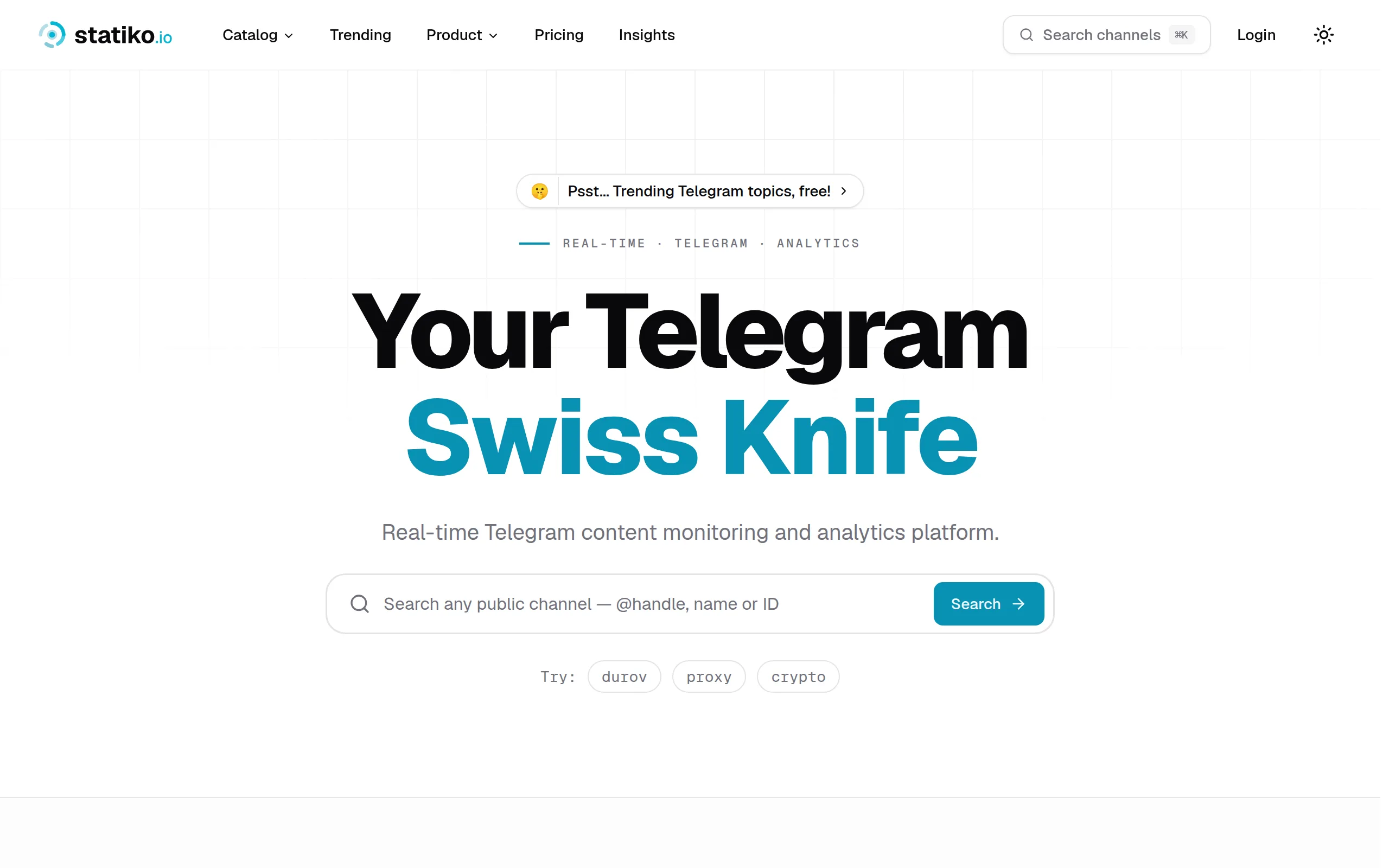
Statiko
Monitor any Telegram channel in real time - track posts, edits, deletions, and growth with AI recaps 📡
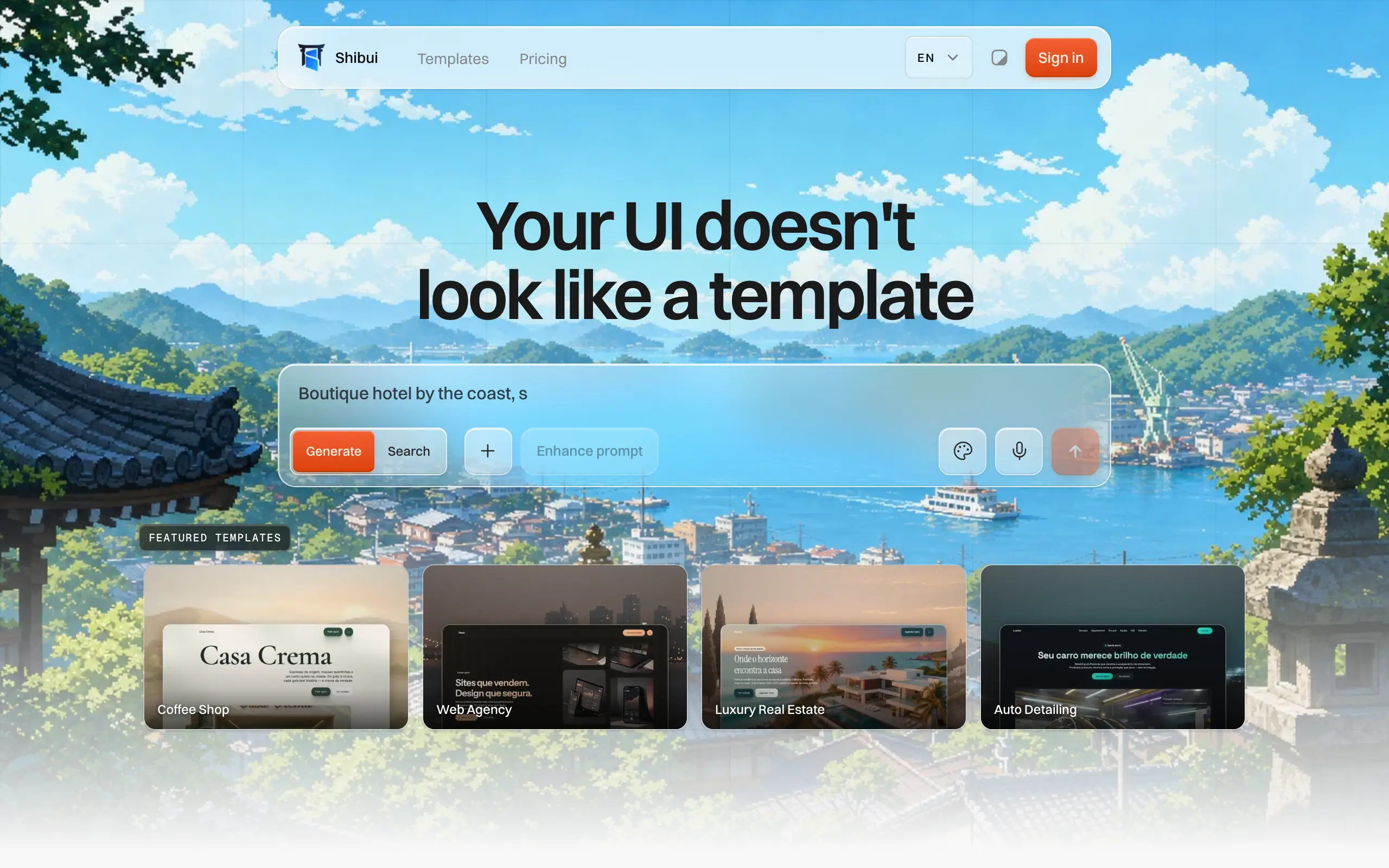
Shibui
AI website builder - describe your business, pick a niche template, edit by chatting, and publish instantly ✨
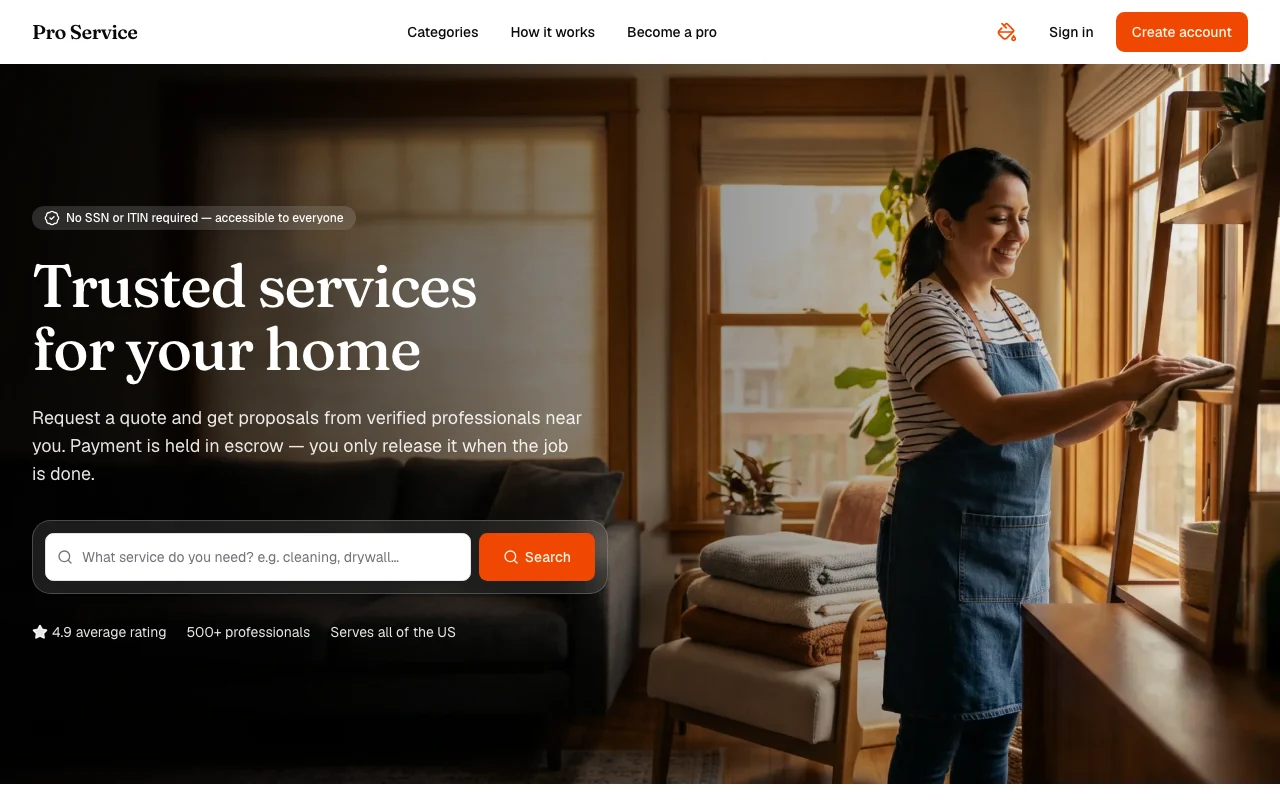
Pro Service
Find verified home service professionals, compare quotes, and pay securely through escrow - built for Brazilians across the US 🏠
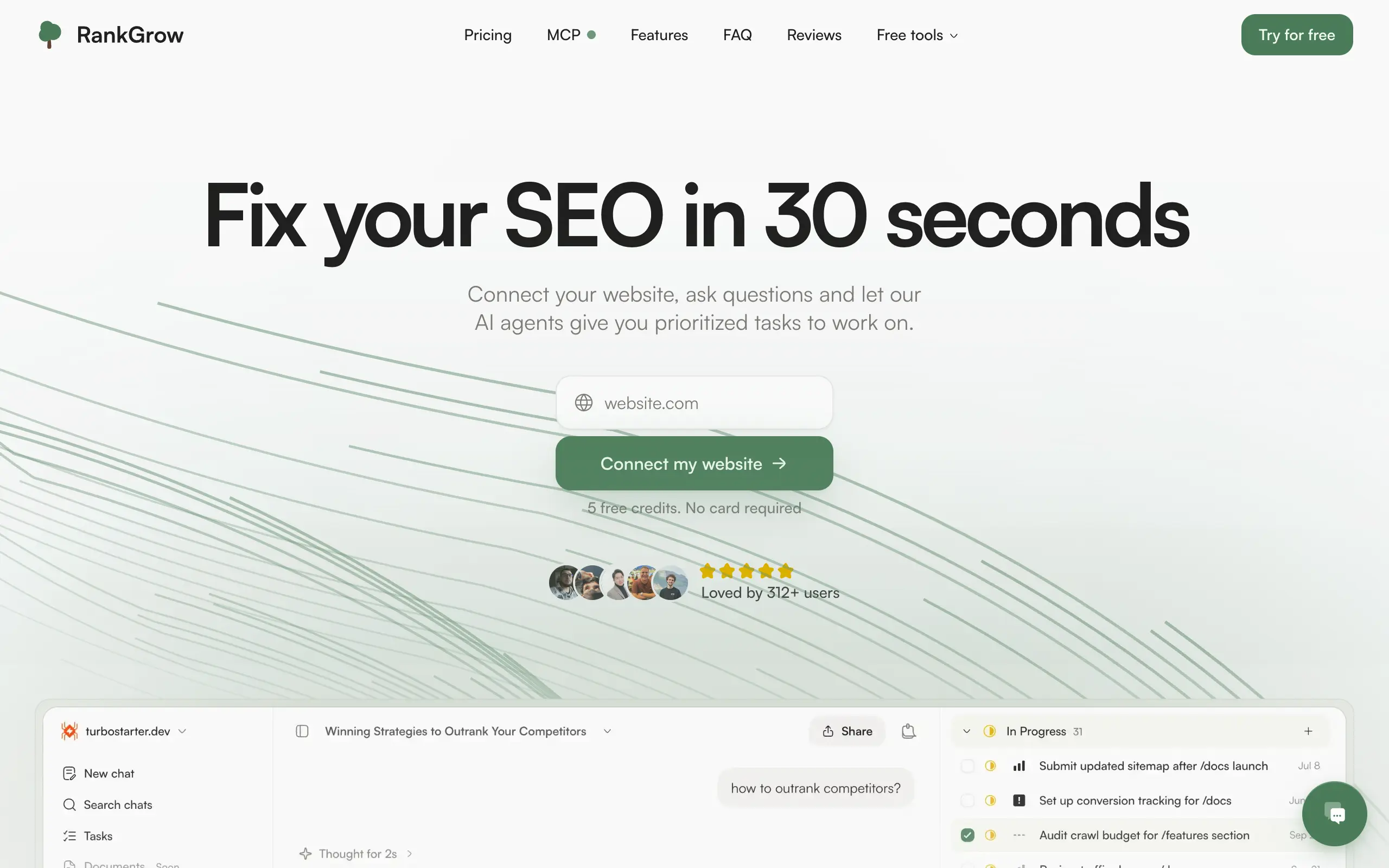
RankGrow
Fix your SEO with AI agents - connect Search Console, get prioritized tasks, and grow organic traffic 📈
SyncReads
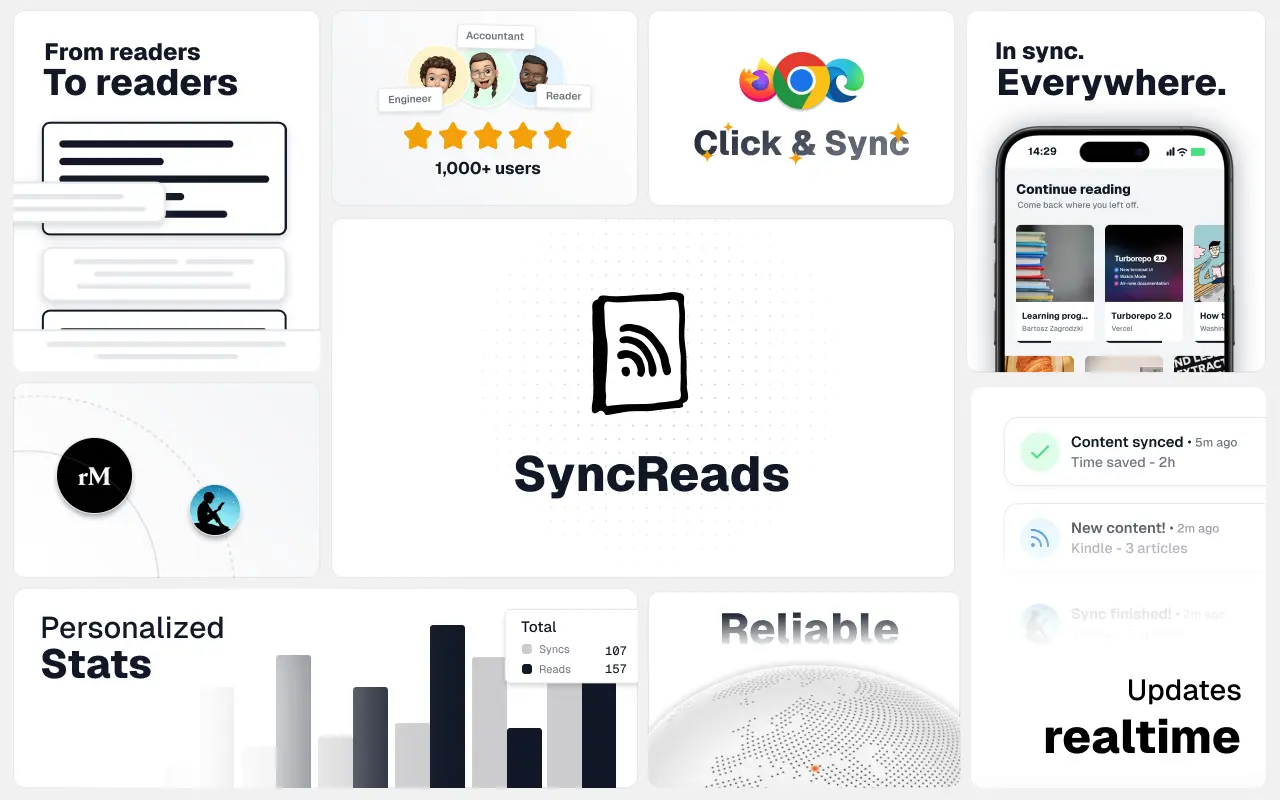
Sync your favorite content for distraction-free reading, save time and replace multiple apps. Anytime, anywhere 🔄
Socialcrawl
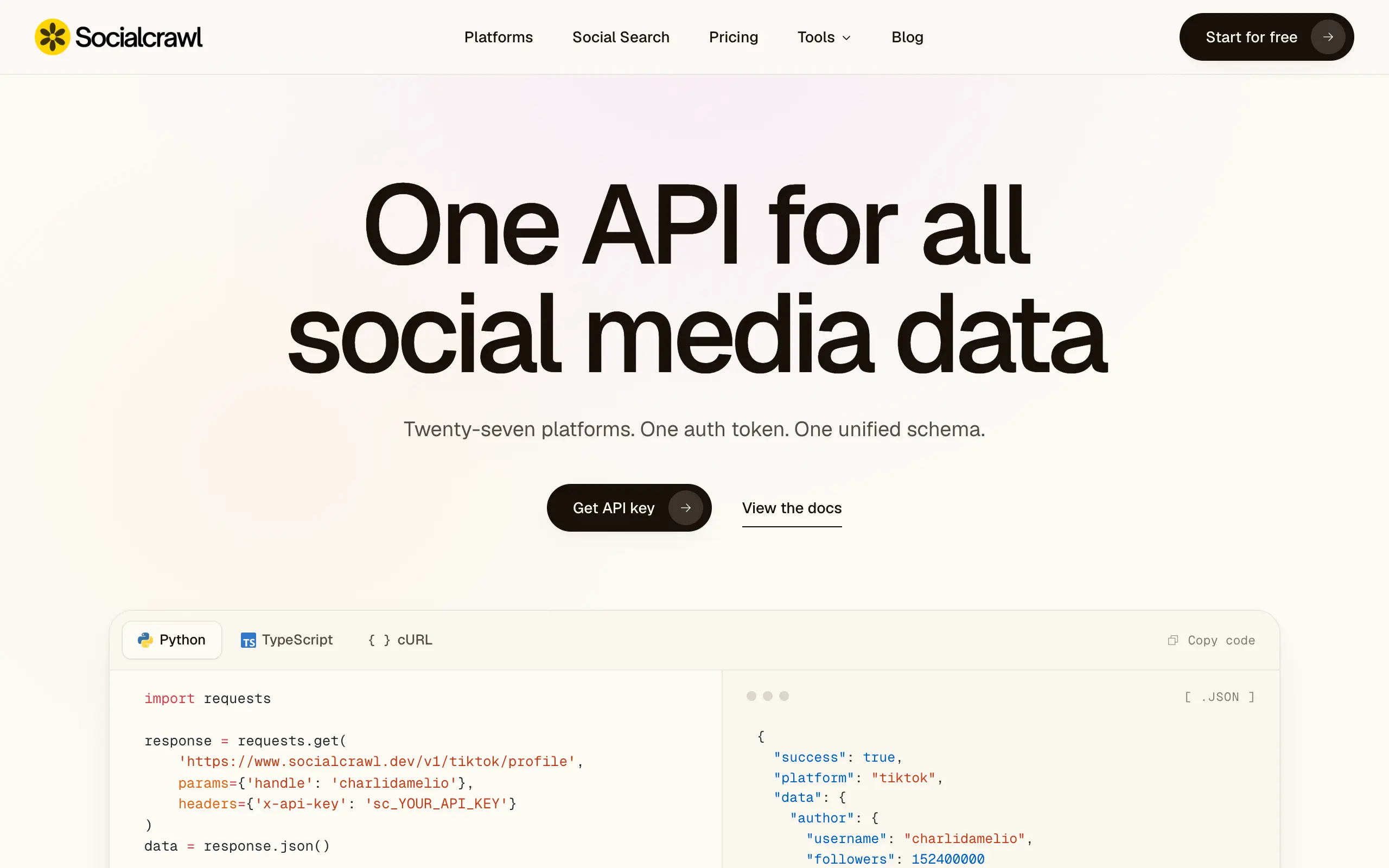
Get clean, structured data from 21 platforms like TikTok, Instagram, and YouTube with a single request 📊
Statiko
Monitor any Telegram channel in real time - track posts, edits, deletions, and growth with AI recaps 📡
Shibui
AI website builder - describe your business, pick a niche template, edit by chatting, and publish instantly ✨
Pro Service
Find verified home service professionals, compare quotes, and pay securely through escrow - built for Brazilians across the US 🏠
RankGrow
Fix your SEO with AI agents - connect Search Console, get prioritized tasks, and grow organic traffic 📈
SyncReads
Sync your favorite content for distraction-free reading, save time and replace multiple apps. Anytime, anywhere 🔄
Socialcrawl
Get clean, structured data from 21 platforms like TikTok, Instagram, and YouTube with a single request 📊
Statiko
Monitor any Telegram channel in real time - track posts, edits, deletions, and growth with AI recaps 📡
Shibui
AI website builder - describe your business, pick a niche template, edit by chatting, and publish instantly ✨
Pro Service
Find verified home service professionals, compare quotes, and pay securely through escrow - built for Brazilians across the US 🏠
RankGrow
Fix your SEO with AI agents - connect Search Console, get prioritized tasks, and grow organic traffic 📈
SyncReads
Sync your favorite content for distraction-free reading, save time and replace multiple apps. Anytime, anywhere 🔄
Socialcrawl
Get clean, structured data from 21 platforms like TikTok, Instagram, and YouTube with a single request 📊
Statiko
Monitor any Telegram channel in real time - track posts, edits, deletions, and growth with AI recaps 📡
Shibui
AI website builder - describe your business, pick a niche template, edit by chatting, and publish instantly ✨
Pro Service
Find verified home service professionals, compare quotes, and pay securely through escrow - built for Brazilians across the US 🏠
RankGrow
Fix your SEO with AI agents - connect Search Console, get prioritized tasks, and grow organic traffic 📈
SyncReads
Sync your favorite content for distraction-free reading, save time and replace multiple apps. Anytime, anywhere 🔄
Socialcrawl
Get clean, structured data from 21 platforms like TikTok, Instagram, and YouTube with a single request 📊
Dotallio
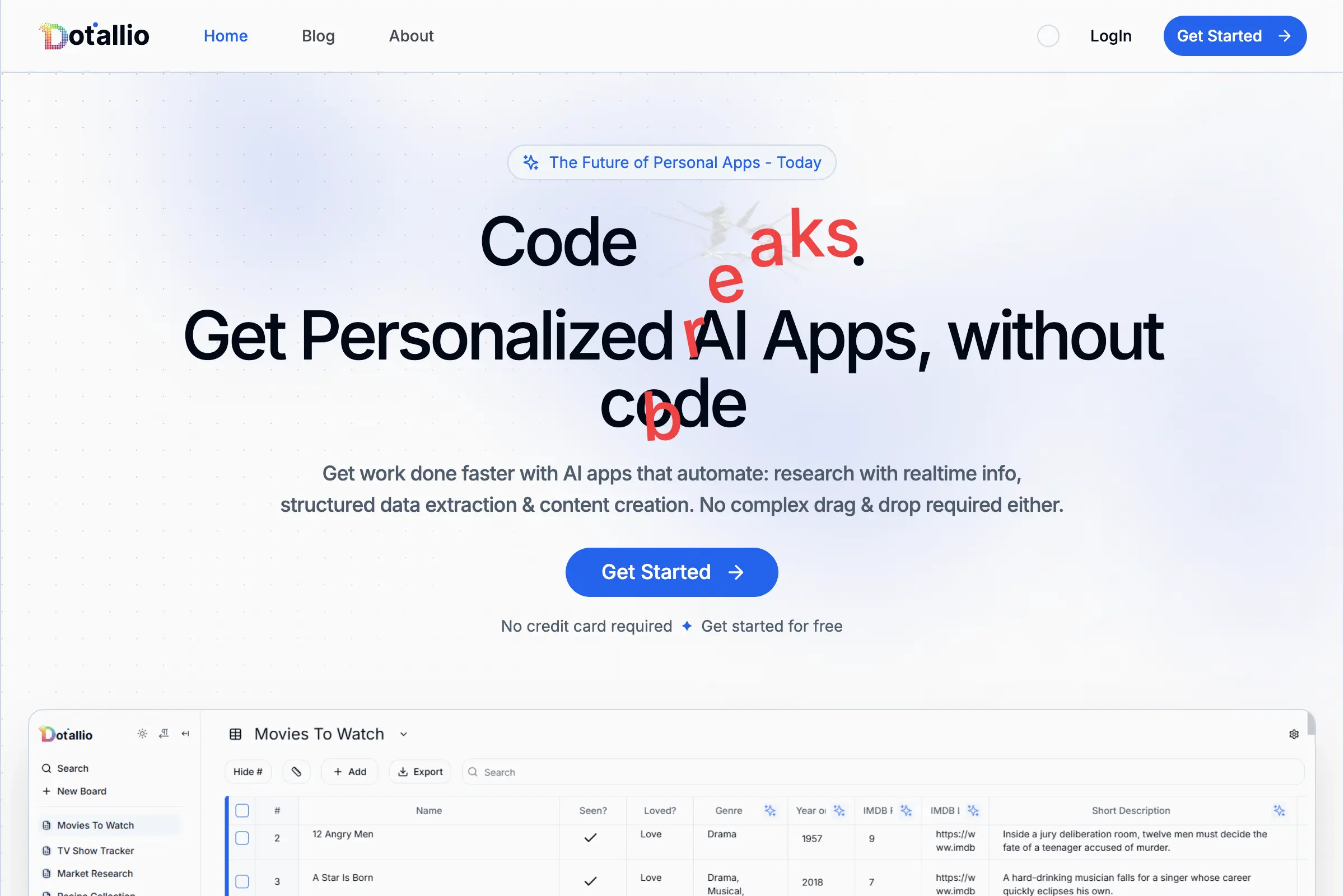
Personalized AI apps that automate research, data extraction, and content creation without code 🤖
Talk to Santa
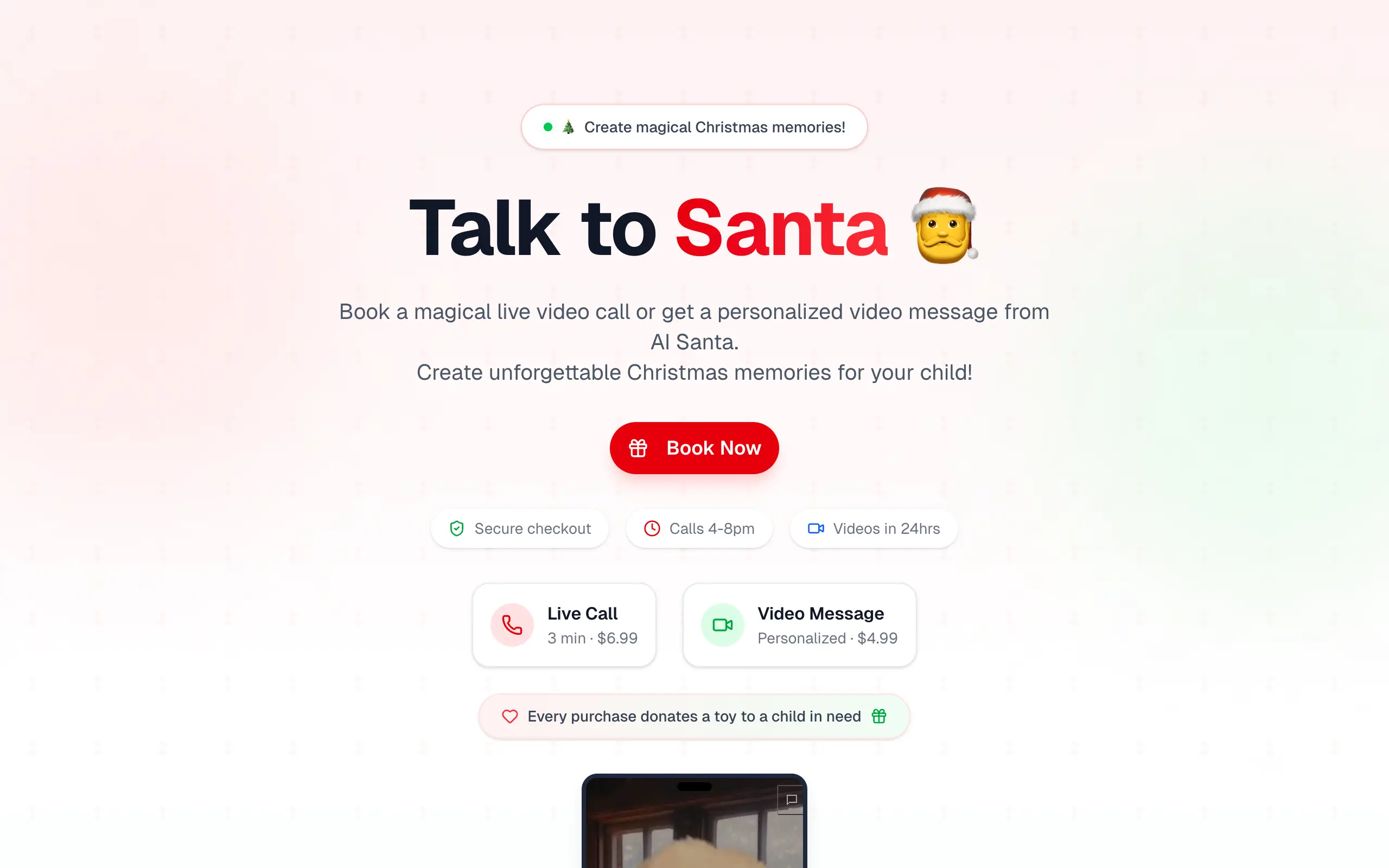
Enjoy a magical live video chat or receive a unique AI-generated video greeting from Santa Claus 🎅
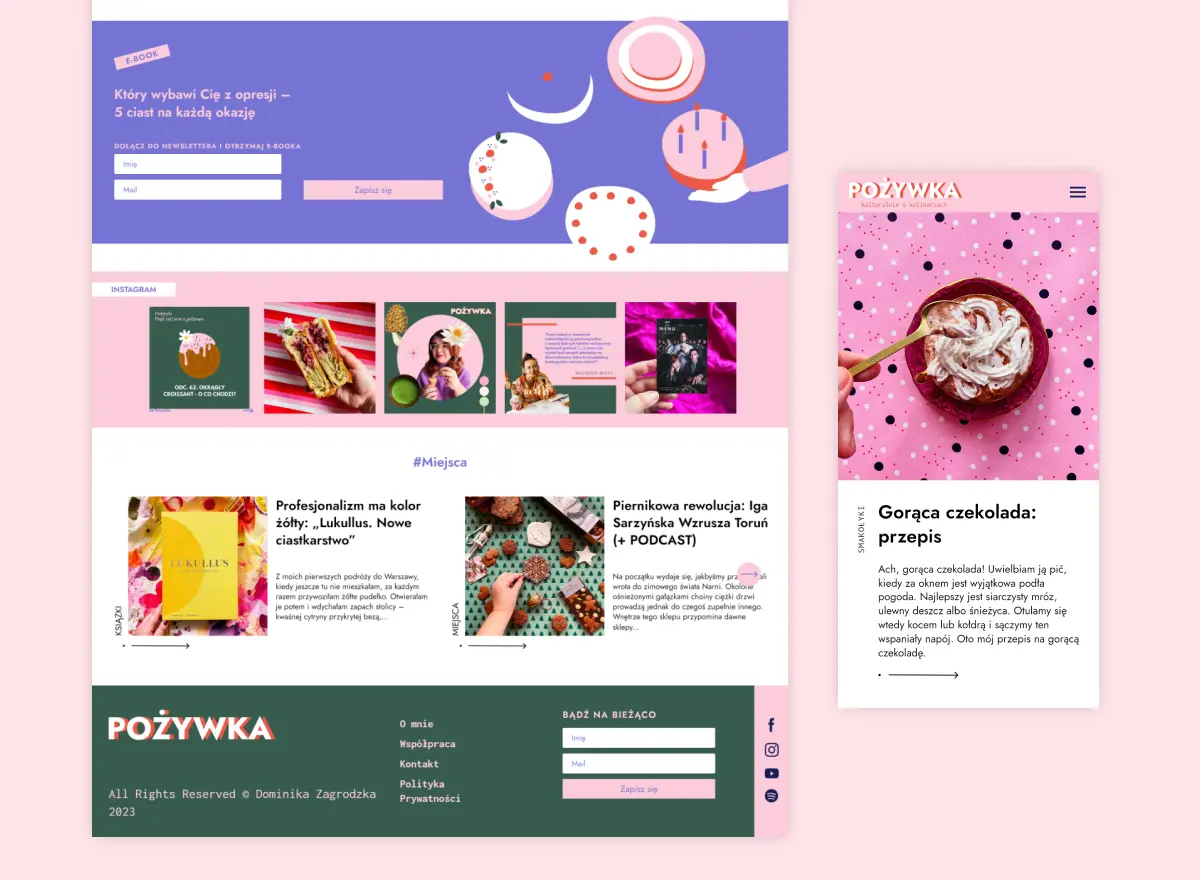
pozywka.pl
Scalable blog for food journalist, focused on performance and user experience 🌭
zagrodzki.me
Personal blog and portfolio of Bart Zagrodzki, where he shares his knowledge and work 💼
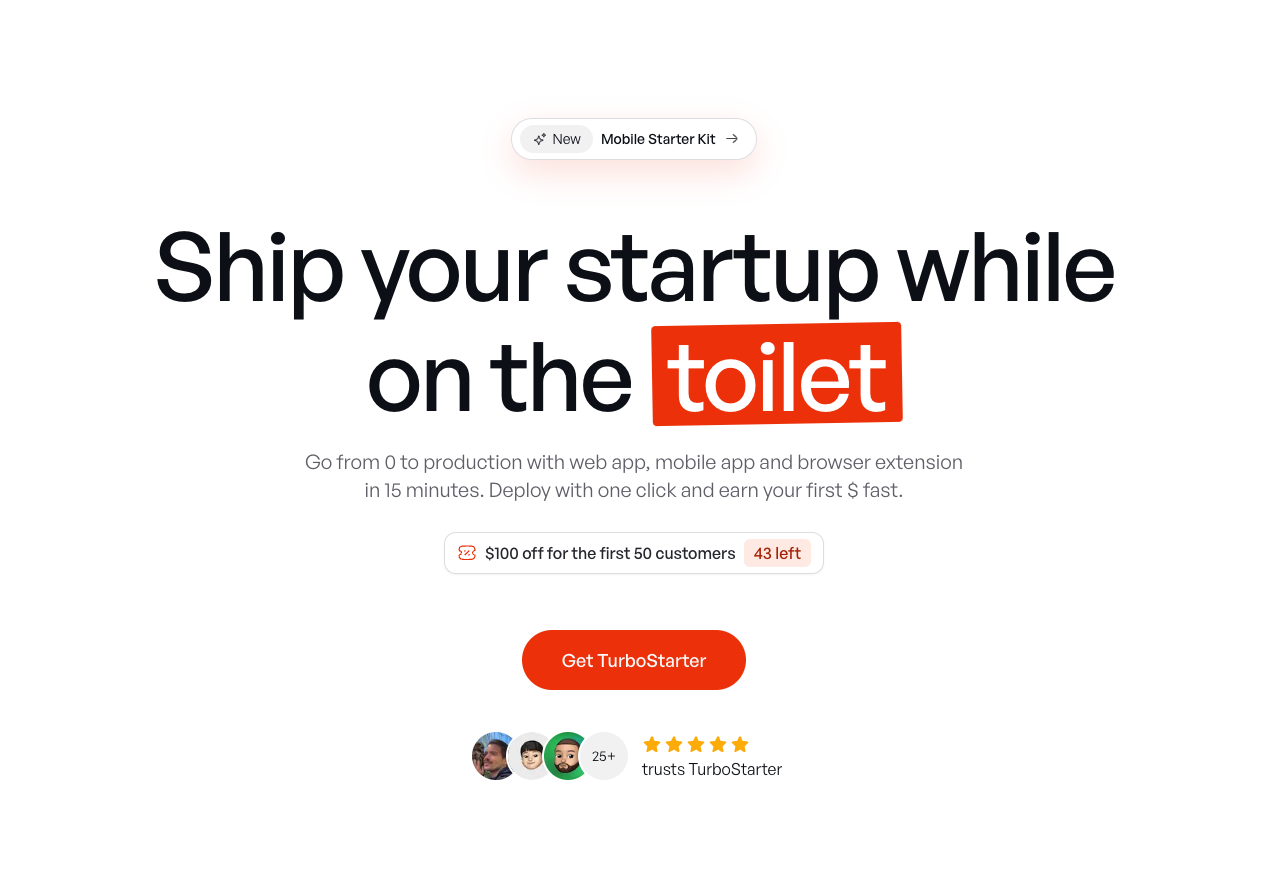
TurboStarter
Ship your startup everywhere. In minutes.
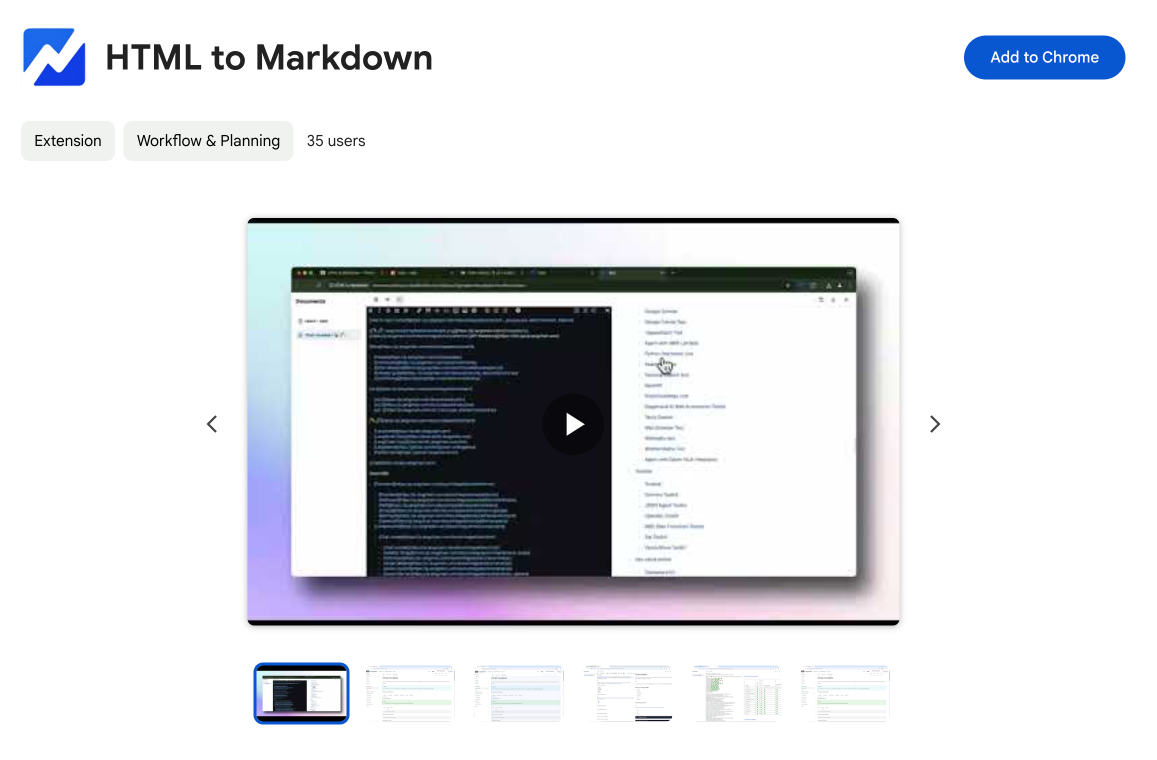
HTML to Markdown
Convert HTML to Markdown with ease, directly in your browser 📄
Dotallio
Personalized AI apps that automate research, data extraction, and content creation without code 🤖
Talk to Santa
Enjoy a magical live video chat or receive a unique AI-generated video greeting from Santa Claus 🎅
pozywka.pl
Scalable blog for food journalist, focused on performance and user experience 🌭
zagrodzki.me
Personal blog and portfolio of Bart Zagrodzki, where he shares his knowledge and work 💼
TurboStarter
Ship your startup everywhere. In minutes.
HTML to Markdown
Convert HTML to Markdown with ease, directly in your browser 📄
Dotallio
Personalized AI apps that automate research, data extraction, and content creation without code 🤖
Talk to Santa
Enjoy a magical live video chat or receive a unique AI-generated video greeting from Santa Claus 🎅
pozywka.pl
Scalable blog for food journalist, focused on performance and user experience 🌭
zagrodzki.me
Personal blog and portfolio of Bart Zagrodzki, where he shares his knowledge and work 💼
TurboStarter
Ship your startup everywhere. In minutes.
HTML to Markdown
Convert HTML to Markdown with ease, directly in your browser 📄
Dotallio
Personalized AI apps that automate research, data extraction, and content creation without code 🤖
Talk to Santa
Enjoy a magical live video chat or receive a unique AI-generated video greeting from Santa Claus 🎅
pozywka.pl
Scalable blog for food journalist, focused on performance and user experience 🌭
zagrodzki.me
Personal blog and portfolio of Bart Zagrodzki, where he shares his knowledge and work 💼
TurboStarter
Ship your startup everywhere. In minutes.
HTML to Markdown
Convert HTML to Markdown with ease, directly in your browser 📄
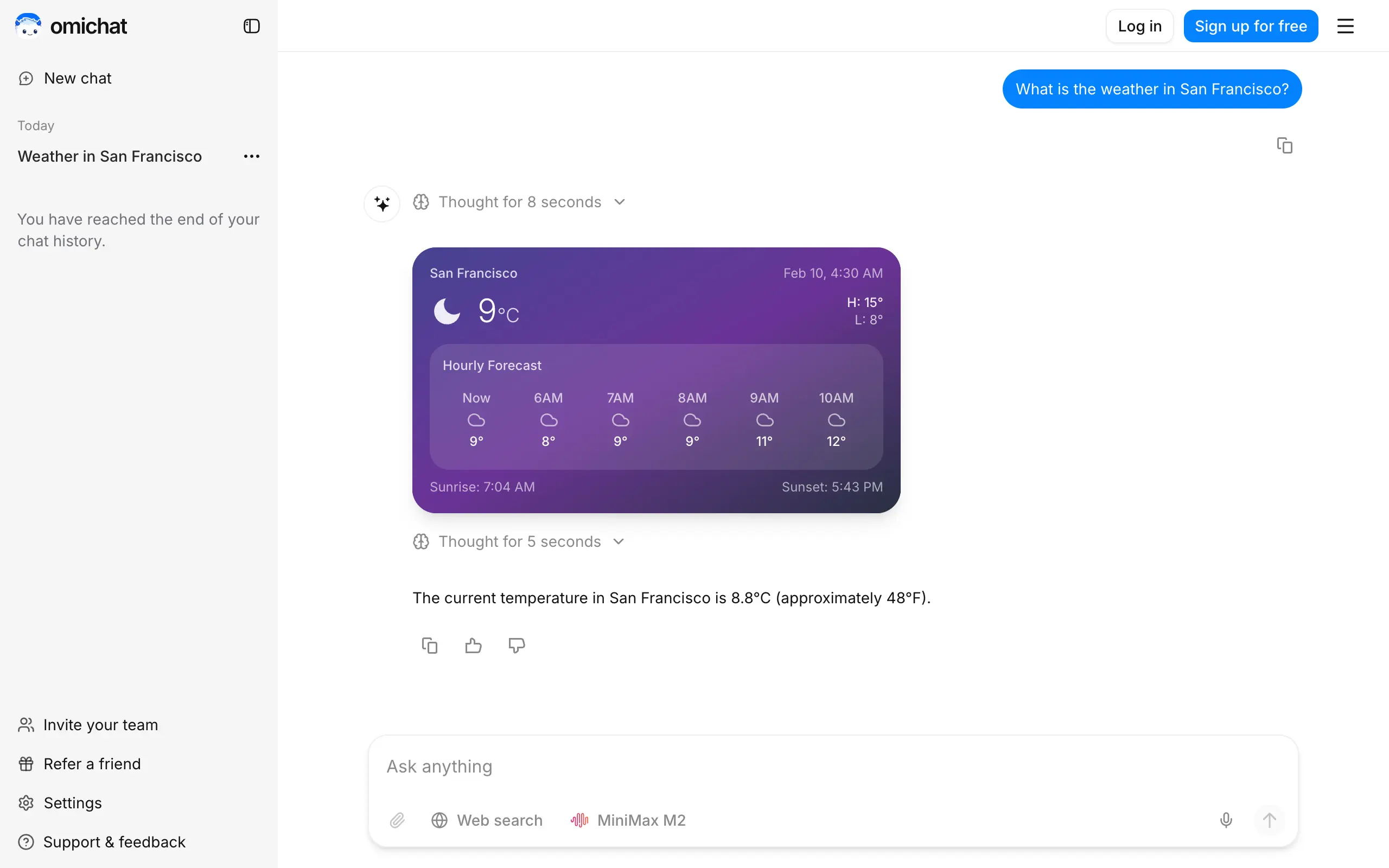
Omichat
Chat with 50+ AI models, including ChatGPT and Claude, in one place - switch models anytime without losing context 🤖
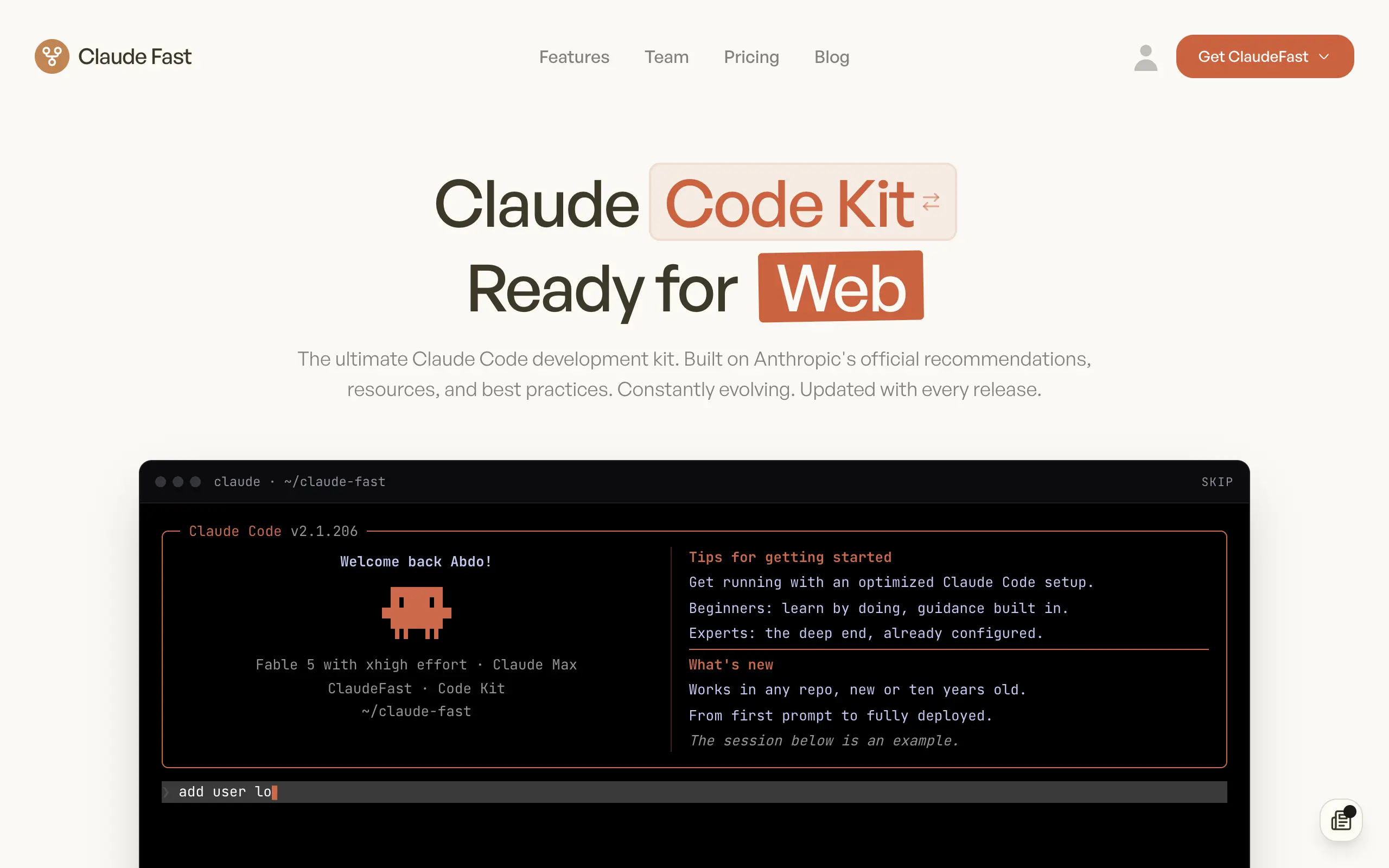
Claude Fast
Supercharge your Claude Code with 6x effective context window and specialized AI agents 🤖
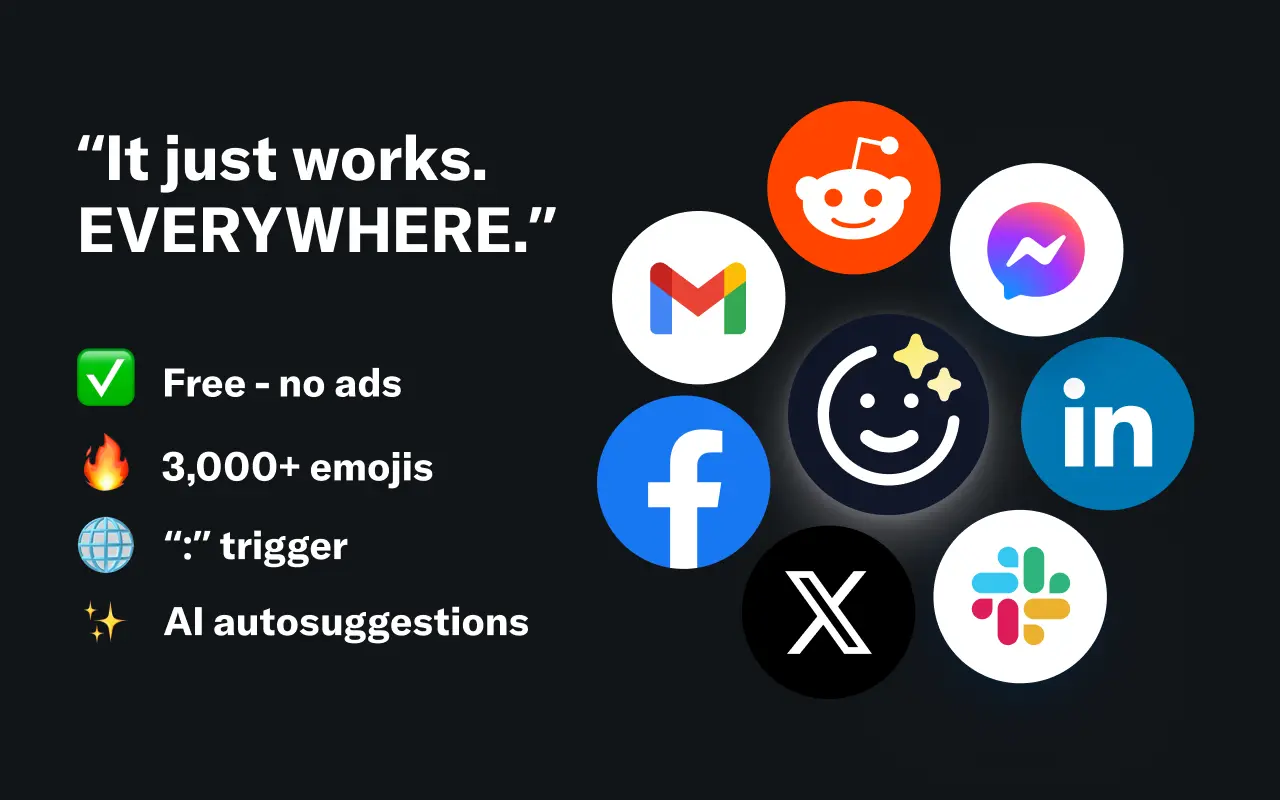
EmojAI
AI-powered emoji picker with smart, context-aware suggestions 🤖
Solohacker
Autonomous company launcher - AI agents work 24/7, escalate what matters, and you stay in control 🤖
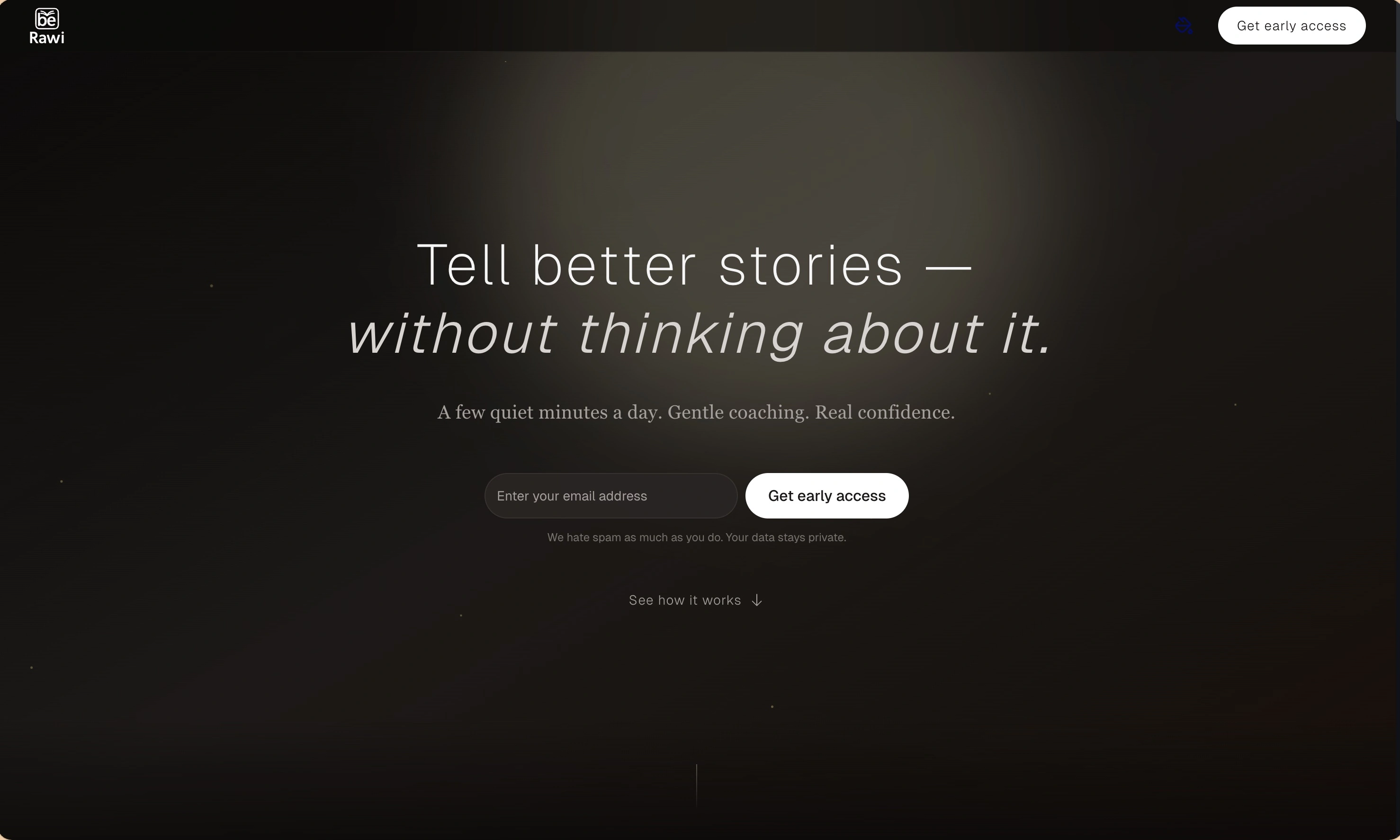
BeRawi: Storytelling Coach
Practice storytelling daily with instant feedback to sound clearer, more engaging, and confident 🎤
Omichat
Chat with 50+ AI models, including ChatGPT and Claude, in one place - switch models anytime without losing context 🤖
Claude Fast
Supercharge your Claude Code with 6x effective context window and specialized AI agents 🤖
EmojAI
AI-powered emoji picker with smart, context-aware suggestions 🤖
Solohacker
Autonomous company launcher - AI agents work 24/7, escalate what matters, and you stay in control 🤖
BeRawi: Storytelling Coach
Practice storytelling daily with instant feedback to sound clearer, more engaging, and confident 🎤
Omichat
Chat with 50+ AI models, including ChatGPT and Claude, in one place - switch models anytime without losing context 🤖
Claude Fast
Supercharge your Claude Code with 6x effective context window and specialized AI agents 🤖
EmojAI
AI-powered emoji picker with smart, context-aware suggestions 🤖
Solohacker
Autonomous company launcher - AI agents work 24/7, escalate what matters, and you stay in control 🤖
BeRawi: Storytelling Coach
Practice storytelling daily with instant feedback to sound clearer, more engaging, and confident 🎤
Omichat
Chat with 50+ AI models, including ChatGPT and Claude, in one place - switch models anytime without losing context 🤖
Claude Fast
Supercharge your Claude Code with 6x effective context window and specialized AI agents 🤖
EmojAI
AI-powered emoji picker with smart, context-aware suggestions 🤖
Solohacker
Autonomous company launcher - AI agents work 24/7, escalate what matters, and you stay in control 🤖
BeRawi: Storytelling Coach
Practice storytelling daily with instant feedback to sound clearer, more engaging, and confident 🎤

Connect with like-minded people
Join our community to get feedback, support, and grow together with 1,000+ builders on board, let's ship it!
Join usShip your startup everywhere. In minutes.
Don't burn tokens on setup and start building features on day one.