MailFlow Sandbox
An AI temp-mail testing workspace that classifies transactional emails and flags broken templates. Built for QA teams validating email journeys.
Why AI email testing workspaces are becoming essential for QA teams
Transactional email is part of the product experience, not a secondary marketing channel. Password resets, magic links, billing notices, account verification messages, shipping confirmations, security alerts, and onboarding sequences all carry critical user actions. When any of these messages fail, arrive late, render incorrectly, or contain broken links, the result can be lost revenue, increased support volume, security concerns, and reduced trust.
MailFlow Sandbox is an AI email testing workspace designed for QA teams that need to validate complete transactional email journeys before release. Instead of relying on scattered temporary inboxes, manual screenshots, and fragile test scripts, teams can use a controlled temp-mail environment that receives, classifies, inspects, and flags problematic transactional emails.
The core opportunity is clear: software teams increasingly automate application testing, but email QA often remains inconsistent and manual. An AI-powered transactional email testing platform can close that quality gap by combining disposable inbox management, delivery verification, template analysis, email classification, and actionable defect reporting in one workspace.
Primary market insight
A transactional email testing tool should not compete only on inbox creation. Its lasting value comes from helping QA teams answer a more important question: did the right email reach the right recipient, at the right time, with the correct content and working actions?
The problem with traditional transactional email QA
Most development teams understand that email testing matters. The issue is that their existing workflow is usually fragmented.
A QA engineer may create a disposable email address from a public temp-mail provider, run a product flow, wait for a message, visually inspect it, and then repeat the process across environments. This approach is slow, difficult to standardize, and poorly suited to automated regression testing.
Public temporary inbox tools also create risks. They may have unpredictable retention, limited team controls, weak APIs, publicly visible mailboxes, poor isolation between test runs, or no meaningful support for analyzing email content.
At the other end of the spectrum, enterprise email testing platforms may be expensive or oriented primarily around developers, SMTP capture, or preview rendering. A team still needs a practical QA workspace that organizes test inboxes around user journeys and identifies the defects that matter.
Common transactional email QA failures include:
- "Wrong trigger": a user completes an action but the expected email never arrives.
- "Incorrect recipient": an email is sent to an unintended address, shared test inbox, or stale user record.
- "Timing issue": an email is delayed beyond an acceptable service-level expectation.
- "Broken CTA": a reset-password button points to an invalid, expired, or production URL.
- "Template regression": variables fail to render, the layout breaks, or fallback text appears.
- "Classification error": a promotional message is sent instead of a transactional confirmation.
- "Environment leakage": staging emails use production branding, domains, legal copy, or links.
- "Duplicate send": retry logic or event processing causes customers to receive multiple messages.
- "Security failure": magic links, verification codes, or sensitive data are exposed in an unsafe way.
- "Localization defect": dates, currencies, language strings, and right-to-left layouts render incorrectly.
MailFlow Sandbox addresses these problems as an AI temp-mail testing workspace rather than a simple inbox generator. The distinction matters. The product should help teams validate intent, not merely receive mail.
Who needs an AI email testing workspace
The strongest target customers are teams that ship software with user-facing transactional messages and have enough release velocity for manual email checking to become painful.
Primary audience: SaaS QA teams
Quality assurance teams at SaaS companies are the most direct audience. They commonly test signup flows, account settings, authentication, subscriptions, invitations, notifications, and automated lifecycle actions.
These teams need repeatable answers to questions such as:
- Did a signup trigger the correct verification message?
- Did the account owner receive the invitation notification?
- Does a password reset link work in the staging environment?
- Did a failed payment produce the correct billing notice?
- Was the email delivered within the expected time window?
- Does the rendered message contain the correct customer name, plan, and invoice amount?
For QA professionals, the appeal of MailFlow Sandbox is operational clarity. They need test runs to be organized, shareable, and easy to reproduce when a defect is found.
Secondary audience: developers and SDETs
Developers and software development engineers in test are likely to adopt the product for integration and end-to-end testing. They want isolated inboxes, deterministic APIs, webhook events, assertions, and simple CI integration.
Their success criteria differ somewhat from manual QA users:
- Programmatically create an inbox for every test run.
- Wait for a matching email event.
- Assert sender, recipient, subject, HTML body, and critical links.
- Export failure artifacts to CI logs.
- Avoid flaky tests caused by shared inboxes or asynchronous delivery.
An API-first layer is essential for this audience, even if the visual workspace remains the primary product experience.
Additional audiences with high-value use cases
Product managers
Validate customer-facing lifecycle messages during feature acceptance testing without relying on engineering to retrieve emails.
Customer support teams
Reproduce account access, verification, billing, and invitation issues inside a safe test environment.
Email operations teams
Monitor template consistency, sender identity, compliance copy, and deliverability-related anomalies before campaigns or releases.
Security teams
Review magic links, one-time passcodes, sensitive data exposure, and domain safety in authentication emails.
Ideal customer profile
The best early customer profile is a B2B SaaS company with:
- Multiple transactional email types.
- A staging or preview environment.
- A QA function, whether dedicated or shared.
- Frequent feature releases.
- An email service provider such as Amazon SES, Postmark, SendGrid, Mailgun, Resend, or a custom SMTP service.
- An existing pain point around release regressions, inbox clutter, or flaky end-to-end email tests.
Early traction will likely be strongest among teams of 10 to 200 people because they have enough complexity to need a dedicated workflow but may not have enterprise procurement requirements.
The market gap for transactional email testing software
The email testing market has several established categories, but the gap between them creates room for MailFlow Sandbox.
The first category is public disposable email. These tools are convenient for one-off testing but are not designed for secure, collaborative, automated QA. They solve address creation, not quality validation.
The second category is SMTP sandboxing. These products capture messages sent by a development or staging environment. They are useful for developers, but some teams need a more workflow-oriented QA layer that mirrors business journeys, supports test-case organization, and explains what is wrong with a message.
The third category is email preview and rendering testing. Preview tools help teams evaluate visual differences across clients, which is important. However, rendering is only one dimension of email quality. It does not by itself verify whether an email was triggered by the correct product event, delivered to the intended recipient, populated with valid dynamic data, or linked to the right environment.
The fourth category is email deliverability monitoring. Deliverability products focus on sender reputation, spam placement, authentication, and inbox performance. These are valuable capabilities, but they operate at a different stage of the email lifecycle than application QA.
MailFlow Sandbox can occupy a differentiated position:
A QA-focused AI workspace for validating transactional email journeys from trigger to recipient action.
This positioning combines several needs that are usually separated:
- Disposable, isolated test mailboxes.
- Transactional email capture.
- Automated email type classification.
- Template and variable validation.
- Link and environment checks.
- Journey-level QA organization.
- Team collaboration and test evidence.
- Automation APIs and CI support.
Why the timing is favorable
Modern applications are sending more system-generated messages than ever. Authentication flows now use magic links and one-time passcodes. Subscription businesses send complex billing sequences. Collaborative products send high volumes of invitations and notification digests. AI products frequently add usage alerts, quota notices, job-completion notifications, and account updates.
At the same time, release cycles have accelerated. Teams using continuous delivery need quality checks that can run repeatedly, not only during scheduled manual regression periods.
AI also makes email testing more useful when it is applied to narrow, auditable tasks. Rather than claiming to replace QA judgment, MailFlow Sandbox can use AI to classify emails, detect anomalies, summarize differences, identify likely template defects, and prioritize failures for human review.
The MailFlow Sandbox product vision
The product should be designed around a simple but powerful workflow:
- A tester creates or selects an isolated sandbox inbox.
- The tester runs a product action, manually or through automation.
- MailFlow Sandbox receives the message.
- The platform identifies the email type and related user journey.
- Validation rules inspect delivery timing, sender, subject, content, links, and template variables.
- AI highlights unexpected patterns or likely defects.
- The team saves evidence, shares the result, or creates a defect ticket.
This workflow turns email testing from a loosely documented manual activity into a repeatable QA system.
Core feature set for the MVP
A disciplined MVP should solve the most painful workflows exceptionally well. Avoid building a complete email marketing suite or a broad deliverability platform in the first release.
Isolated temporary inboxes
Each workspace should support unique inbox generation for individuals, environments, test suites, or single test runs.
Important capabilities include:
- Custom inbox aliases and readable naming.
- Automatic expiration and retention policies.
- Private access controls.
- Environment labels such as development, staging, preview, and QA.
- Domain support for controlled sending and clear routing.
- Inbox search by recipient, sender, subject, tags, and time range.
- Message grouping by test run or product journey.
Private, isolated inboxes are a fundamental trust feature. A QA team should never wonder whether another team member’s test data is mixed into their results.
Transactional email classification
AI classification is one of the strongest differentiators for MailFlow Sandbox. When a message arrives, the platform can label it based on its likely purpose.
Useful categories include:
- Account verification.
- Password reset.
- Magic link login.
- One-time passcode.
- Welcome email.
- Team invitation.
- Billing receipt.
- Payment failure.
- Subscription change.
- Security alert.
- Order confirmation.
- Shipment update.
- Product notification.
- System error or job completion.
Classification should be transparent. Users need to see the confidence level, the signals used, and an easy way to correct a label. Those corrections can improve workspace-specific rules over time.
Avoid opaque AI scoring
A vague “passed by AI” result is not sufficient for QA. Every flagged issue should point to concrete evidence, such as an unresolved variable, an unexpected URL host, a missing required phrase, or a delivery delay beyond a configured threshold.
Template validation and defect detection
Template validation should inspect both structured and unstructured aspects of each message.
High-value checks include:
- Missing personalization variables such as
{{first_name}}. - Empty placeholders caused by absent application data.
- Incorrect sender name or sender domain.
- Missing required subject text.
- Unexpected production domains in non-production messages.
- Unexpected staging domains in release-candidate messages.
- Broken or malformed hyperlinks.
- Missing call-to-action buttons.
- Invalid unsubscribe or preference links where required.
- Missing legal, security, or billing copy.
- Duplicate sections or content blocks.
- Suspicious changes from an approved baseline.
- Incorrect locale, currency, or date format.
- Accessibility concerns such as image-only calls to action or absent meaningful text.
The initial version should use deterministic rules wherever possible. For example, a known reset-email template can require a reset URL, a configured sender, a specific route pattern, and an expiry-related phrase. AI becomes most valuable in identifying deviations that are difficult to enumerate manually.
Email journey test cases
A journey view gives the product its QA identity. Rather than presenting an inbox as a flat list of messages, MailFlow Sandbox should let teams define expected communication sequences.
Examples include:
- New user signup, followed by verification, welcome, and onboarding messages.
- Password reset request, followed by reset email and confirmation notice.
- Subscription checkout, followed by payment receipt and account upgrade confirmation.
- Team invitation, followed by invite email, acceptance confirmation, and admin notification.
- Failed payment, followed by an alert, retry notice, and account status update.
Each journey can define expected messages, maximum delivery times, required content, expected recipients, and links that must resolve.
A QA tester opens a journey, creates a labeled inbox, completes the application steps, and marks each captured email as passed, failed, or needing review. The workspace records screenshots, headers, raw HTML, and notes for defect reporting.
A CI job creates a unique inbox through the API, executes browser tests, waits for expected classified emails, runs assertions, and uploads the result as a build artifact. Failed tests include the email content and the specific validation that failed.
Message inspection and evidence
When a test fails, users need evidence that is easy to share with developers and product stakeholders.
Each captured email should provide:
- Rendered HTML view.
- Plain-text view.
- Raw MIME source.
- Key headers and SMTP metadata.
- Links extracted from the message.
- Attachment metadata.
- Delivery timestamp and latency.
- Classification result and confidence.
- Validation checklist.
- Test-run context.
- Copyable issue summary.
A visual diff between an approved baseline and a new message is a particularly useful later-stage feature. It can highlight changed text, missing blocks, altered links, and layout-level differences.
Team collaboration and integrations
QA workflows are collaborative. A good workspace should support comments, issue status, ownership, and integrations with the team’s existing tools.
Start with practical options:
- Slack or Microsoft Teams notifications.
- Webhook delivery for new messages and failures.
- Issue exports to Jira, Linear, or GitHub Issues.
- Test management references.
- CI integrations through REST APIs.
- Role-based access controls.
- Audit trails for rule changes and approvals.
Recommended technical architecture for MailFlow Sandbox
The technology choices should prioritize reliable inbound email processing, secure multi-tenant isolation, low-latency search, and straightforward automation.
Frontend stack
A modern TypeScript web application is a strong fit for the QA workspace.
- React provides a mature component model for interactive inboxes, validation panels, and test-run dashboards.
- Next.js offers a practical full-stack framework for a SaaS application, including server rendering, route handlers, and deployment flexibility.
- Tailwind CSS speeds up consistent interface delivery for dense QA dashboards.
- TypeScript improves reliability across API contracts, validation schemas, and asynchronous event flows.
The frontend needs to handle real-time updates gracefully. Server-sent events are often sufficient for notifying users that a message has arrived or validation has completed. WebSockets are useful if the product later adds more collaborative live workflows, but they introduce additional operational complexity.
Backend and data layer
A TypeScript backend can initially live within Next.js route handlers or a dedicated service layer. As inbound email volume and processing complexity grow, separating worker services becomes worthwhile.
A sensible architecture includes:
- A REST API for workspace, inbox, message, and test-run management.
- An inbound email receiver or provider integration.
- A queue for asynchronous parsing, classification, validation, and notifications.
- Object storage for raw MIME bodies and attachments.
- A relational database for tenants, users, inboxes, rules, message metadata, and audit events.
- A search index or database-backed full-text search for inbox filtering.
- Worker processes for link checks, content extraction, and AI evaluation.
PostgreSQL is a strong primary database choice because message metadata and workspace permissions are relational, while JSON fields can store flexible email-derived attributes. For early-stage scale, PostgreSQL full-text search may be enough. A dedicated search engine should only be introduced when search relevance or volume creates a demonstrated need.
For background work, Redis can support queues, caching, rate limits, and temporary inbox session data. The trade-off is operational overhead. A managed queue service can reduce maintenance if the cloud provider already offers one.
Email ingestion options and trade-offs
Inbound email handling is the most technically sensitive part of the product. There are two broad approaches.
| Approach | Best for | Advantages | Trade-offs | MVP fit |
|---|---|---|---|---|
| Inbound email provider | Fast launch | Lower infrastructure burden and simpler webhooks | Provider limits, per-message cost, and less control | Strong |
| Self-managed SMTP receiving | High-control scale | Custom routing, deeper control, and potential unit economics | Security, deliverability, abuse prevention, and operations complexity | Later stage |
For an MVP, an inbound email provider or managed cloud email receiving service is usually the safer choice. The early product risk is not whether the team can operate SMTP infrastructure; it is whether customers value AI-assisted email QA enough to adopt and pay for it.
AI implementation strategy
AI should be implemented as an assistive layer with deterministic guardrails.
A robust pipeline can work as follows:
- Parse MIME content into normalized fields.
- Extract sender, recipients, subject, headers, plain text, HTML, links, attachments, and timing data.
- Apply deterministic workspace rules.
- Classify the email into a known transactional category.
- Compare the content against expected template patterns or approved baselines.
- Generate a concise explanation for any anomaly.
- Store structured findings alongside the raw evidence.
Use structured outputs for AI tasks. For example, the model should return a category, confidence score, detected variables, potential defects, and evidence snippets according to a defined schema. This makes results testable, reviewable, and less prone to unhelpful free-form output.
type EmailValidationResult = {
  category: "password_reset" | "verification" | "billing" | "invitation" | "other";
  confidence: number;
  status: "passed" | "failed" | "review";
  findings: Array<{
    rule: string;
    severity: "low" | "medium" | "high";
    evidence: string;
  }>;
};

const result: EmailValidationResult = {
  category: "password_reset",
  confidence: 0.96,
  status: "failed",
  findings: [
    {
      rule: "reset_link_environment",
      severity: "high",
      evidence: "Detected production URL in a staging test email."
    }
  ]
};
Do not send sensitive customer data to an AI provider by default. MailFlow Sandbox should support redaction, opt-in AI processing, configurable retention, and ideally a mode where only extracted metadata or masked content is evaluated.
Building a defensible competitive advantage
The competitive advantage is not “AI” in isolation. Many products can add an AI summary feature. The moat comes from deeply integrating intelligence into the QA workflow and accumulating high-quality, permissioned test context.
MailFlow Sandbox can stand out through five connected strengths.
QA-first workflow design
Most inbox tools stop at email capture. MailFlow Sandbox should make it easy to answer whether a release passed a defined email journey. Test cases, expected messages, validation rules, baselines, and defect evidence make it useful to quality teams every day.
Contextual classification
A generic classifier can label a message as a password reset email. A workspace-aware classifier can understand that this message belongs to a specific application, environment, release, test run, and journey step. That context leads to better alerts and fewer false positives.
Explainable validation
Trust is essential. Users should see why an email failed, which requirement was violated, and what evidence supports the result. Explainable outcomes are more valuable than black-box scores because they help teams fix the issue quickly.
Automation plus human review
The product should work for both automated CI tests and exploratory QA. Teams rarely choose one or the other permanently. A shared workspace where automation results and human verification use the same inboxes, rules, and evidence becomes difficult to replace.
Privacy and security posture
Because transactional email can contain sensitive account details, privacy is a feature rather than a compliance afterthought. Strong tenant isolation, encryption, configurable retention, audit logging, and secure access controls can create a meaningful buying advantage.
Monetization strategies for an AI email testing platform
A usage-aware SaaS model aligns well with the cost structure of inboxes, message storage, AI analysis, and team collaboration.
Recommended pricing structure
Use a free or low-cost developer tier to reduce adoption friction, then charge for team workflows, scale, retention, and advanced analysis.
- "Free tier": limited inboxes, short retention, basic message capture, and a constrained monthly email volume.
- "Pro tier": private team workspaces, longer retention, journey templates, API access, webhooks, and standard AI classification.
- "Business tier": role controls, SSO, audit logs, higher limits, advanced validation rules, priority support, and integrations.
- "Enterprise tier": custom retention, dedicated infrastructure options, security reviews, contractual support, and higher-volume pricing.
Metered dimensions can include message volume, active inboxes, retention duration, AI analyses, API calls, and team seats. Avoid charging across too many dimensions early because customers need predictable pricing.
Value metric considerations
The best primary value metric is likely monthly captured transactional emails, with seats and retention as plan limits. Email volume maps directly to infrastructure cost and customer value.
However, a QA team may perceive value through test runs rather than raw messages. The product can present usage in QA terms, such as journeys validated or automated runs completed, while billing remains operationally tied to message volume.
Expansion opportunities
Once the core product is trusted, optional add-ons can increase account value:
- Email client rendering checks.
- Link crawling and destination monitoring.
- Advanced baseline diffing.
- Compliance rule packs.
- Regional data residency.
- Dedicated inbound domains.
- Longer archival retention.
- AI-assisted test-case creation.
- Deliverability diagnostics through partner integrations.
Risks and how to mitigate them
A credible SaaS strategy must account for the product’s risks early.
Privacy and sensitive data exposure
Emails may contain reset links, invoices, personal data, or security notifications. Mishandling this data would damage trust quickly.
Mitigations include:
- Encrypt data in transit and at rest.
- Use strict tenant isolation.
- Offer automatic message expiration.
- Support role-based access control.
- Redact secrets in logs and AI prompts.
- Store raw email content separately from metadata where appropriate.
- Provide audit trails for inbox and message access.
- Publish clear data-processing and retention policies.
Abuse of temporary email infrastructure
Temp-mail functionality can attract spam, fraud, or misuse if not controlled.
Mitigations include:
- Require authenticated workspaces for private inboxes.
- Rate-limit inbox creation and API calls.
- Monitor suspicious usage patterns.
- Restrict high-risk forwarding capabilities.
- Implement domain and sender controls.
- Establish acceptable-use policies and abuse response processes.
AI false positives and false negatives
An AI classifier may mislabel messages or flag harmless content changes. Conversely, it may miss a subtle defect.
Mitigations include:
- Keep deterministic rules separate from probabilistic AI findings.
- Show confidence scores and evidence.
- Allow users to mark findings as correct or incorrect.
- Require human approval for high-impact baseline changes.
- Design AI as a reviewer and prioritization layer, not the sole release gate.
- Continuously evaluate models using anonymized, consented test datasets.
Inbound delivery reliability
If the sandbox fails to receive messages, users will not trust it.
Mitigations include:
- Use redundant processing and durable message queues.
- Monitor inbound webhook failures and latency.
- Preserve raw provider events for troubleshooting.
- Build clear status dashboards.
- Offer test-domain health checks.
- Establish explicit service-level objectives for message ingestion.
Competitive pressure
Established email sandbox, testing, and preview vendors may add AI features.
Mitigations include:
- Focus on the narrow QA journey workflow rather than broad email tooling.
- Build integrations that embed the product in CI and issue-management processes.
- Develop reusable validation templates for common SaaS flows.
- Prioritize high-quality evidence and collaboration over generic AI summaries.
- Build trust through security and transparent product behavior.
Go-to-market strategy for MailFlow Sandbox
The most effective early go-to-market motion is product-led adoption among developers and QA teams, supported by content that targets high-intent problems.
High-value SEO topics include:
- Transactional email testing.
- How to test password reset emails.
- Temp mail for QA testing.
- Email testing in CI/CD pipelines.
- Testing magic link authentication.
- Staging environment email testing.
- How to validate transactional email templates.
- Email QA checklist for SaaS releases.
- Testing email links and dynamic variables.
The product’s primary keyword should center on AI email testing workspace and transactional email testing, while supporting semantic keywords such as temporary email testing, email sandbox, SMTP testing, email template validation, QA automation, email regression testing, and disposable test inbox.
Content should be written by people who understand real release workflows. Practical checklists, test examples, template validation patterns, and failure postmortems will demonstrate experience more effectively than generic thought leadership.
For initial distribution, focus on:
- Developer documentation and API quick starts.
- QA community education.
- Integration guides for common test frameworks.
- Comparison pages that fairly explain category differences.
- Free disposable inbox workflows with a natural upgrade path.
- Templates for password reset, verification, billing, and invitation testing.
A practical implementation roadmap
The roadmap should validate customer demand before investing heavily in complex email infrastructure or advanced AI capabilities.
What to build first
The smallest compelling version of MailFlow Sandbox should allow a QA team to create a private inbox, trigger an application workflow, receive an email, and immediately learn whether it satisfies configured expectations.
That first release needs:
- A secure workspace and user authentication.
- Unique test inbox addresses.
- Reliable inbound capture.
- Message rendering and raw-source inspection.
- A rules engine for key validation checks.
- Clear pass, fail, and review states.
- Evidence export or shareable result views.
- A lightweight API for automated tests.
Do not make advanced email-client rendering, deliverability scoring, broad marketing email capabilities, or fully autonomous AI agents prerequisites for launch. Those may be valuable expansions, but they do not prove the core product thesis.
Suggested validation metrics
Track behavior that indicates repeatable QA value:
- Percentage of workspaces that create a second inbox.
- Number of captured messages per active workspace.
- Number of validation rules configured.
- Percentage of messages associated with a journey or test run.
- Automated test runs per week.
- Failure findings marked as valid by users.
- Time from email receipt to defect identification.
- Conversion from free inbox use to team workspace adoption.
- Retention among teams with CI integration.
A particularly meaningful metric is the share of customers that use MailFlow Sandbox in release testing more than once per month. Repeated use during releases shows that the product has become part of the quality process rather than a one-off debugging tool.
Final takeaway
MailFlow Sandbox has a strong SaaS opportunity because it targets an expensive, under-automated part of product quality: transactional email validation.
Its winning position is not simply providing temporary email addresses or adding an AI chat layer to an inbox. The opportunity is to become the trusted AI email testing workspace where QA teams validate complete email journeys, detect template regressions, isolate test data, automate assertions, and produce evidence developers can act on.
Start with private test inboxes, reliable capture, deterministic validation, and journey-oriented QA workflows. Then use AI carefully to classify messages, explain anomalies, and reduce manual review effort. This approach creates a product that is useful for both exploratory testers and automated engineering teams.
For teams that want to accelerate the SaaS foundation around authentication, billing, dashboards, and production-ready application patterns, TurboStarter can help reduce time spent on undifferentiated setup work.
More 🤖 AI Startup SaaS ideas
Discover more innovative ai startup SaaS ideas that are trending in 2026. Each idea is AI-generated with market validation and growth potential to help you find your next profitable venture faster than competitors.
Your competitors are building with TurboStarter
Below are some of the SaaS ideas that have been generated and built with our starter kit.
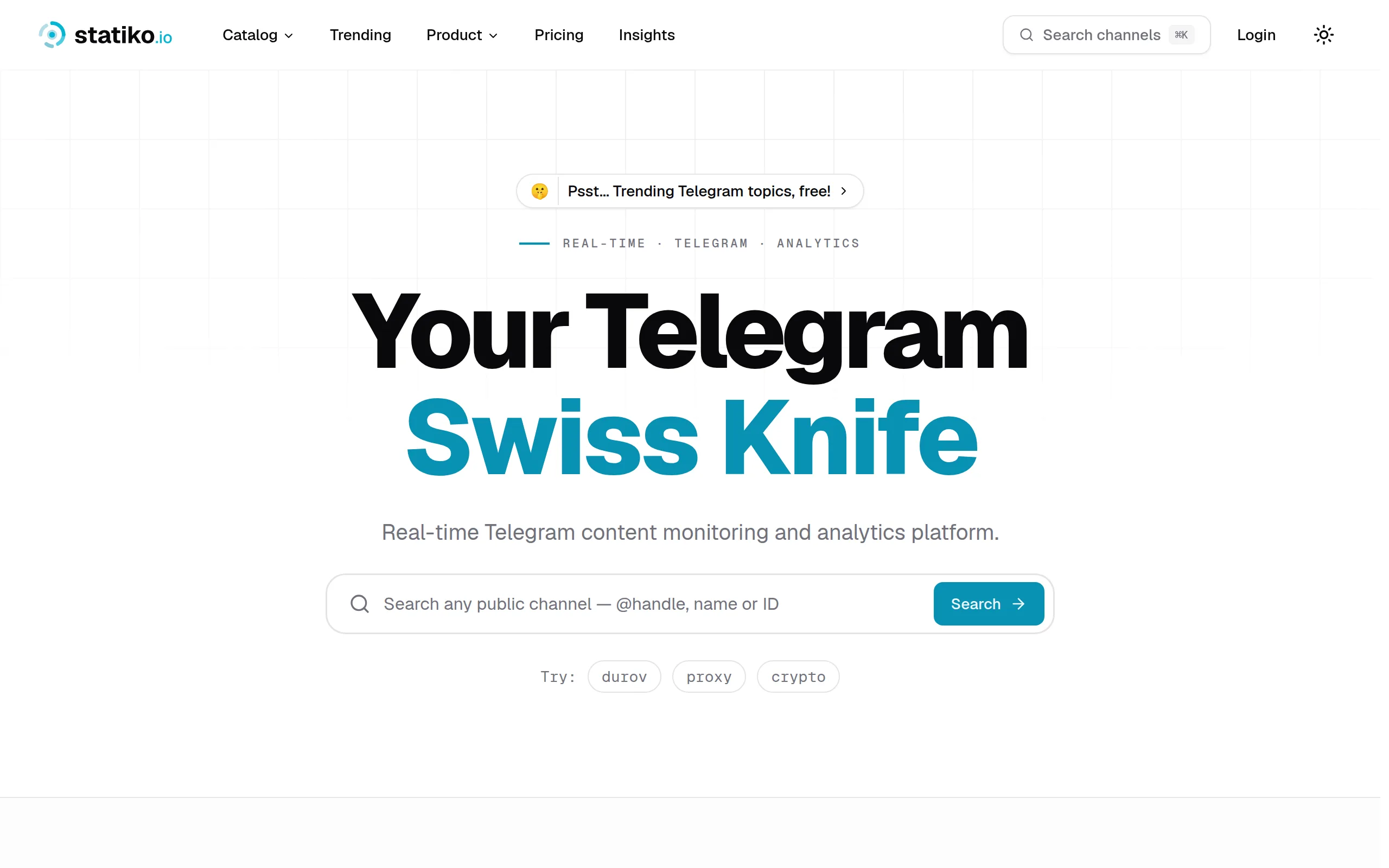
Statiko
Monitor any Telegram channel in real time - track posts, edits, deletions, and growth with AI recaps 📡

Shibui
AI website builder - describe your business, pick a niche template, edit by chatting, and publish instantly ✨

Pro Service
Find verified home service professionals, compare quotes, and pay securely through escrow - built for Brazilians across the US 🏠
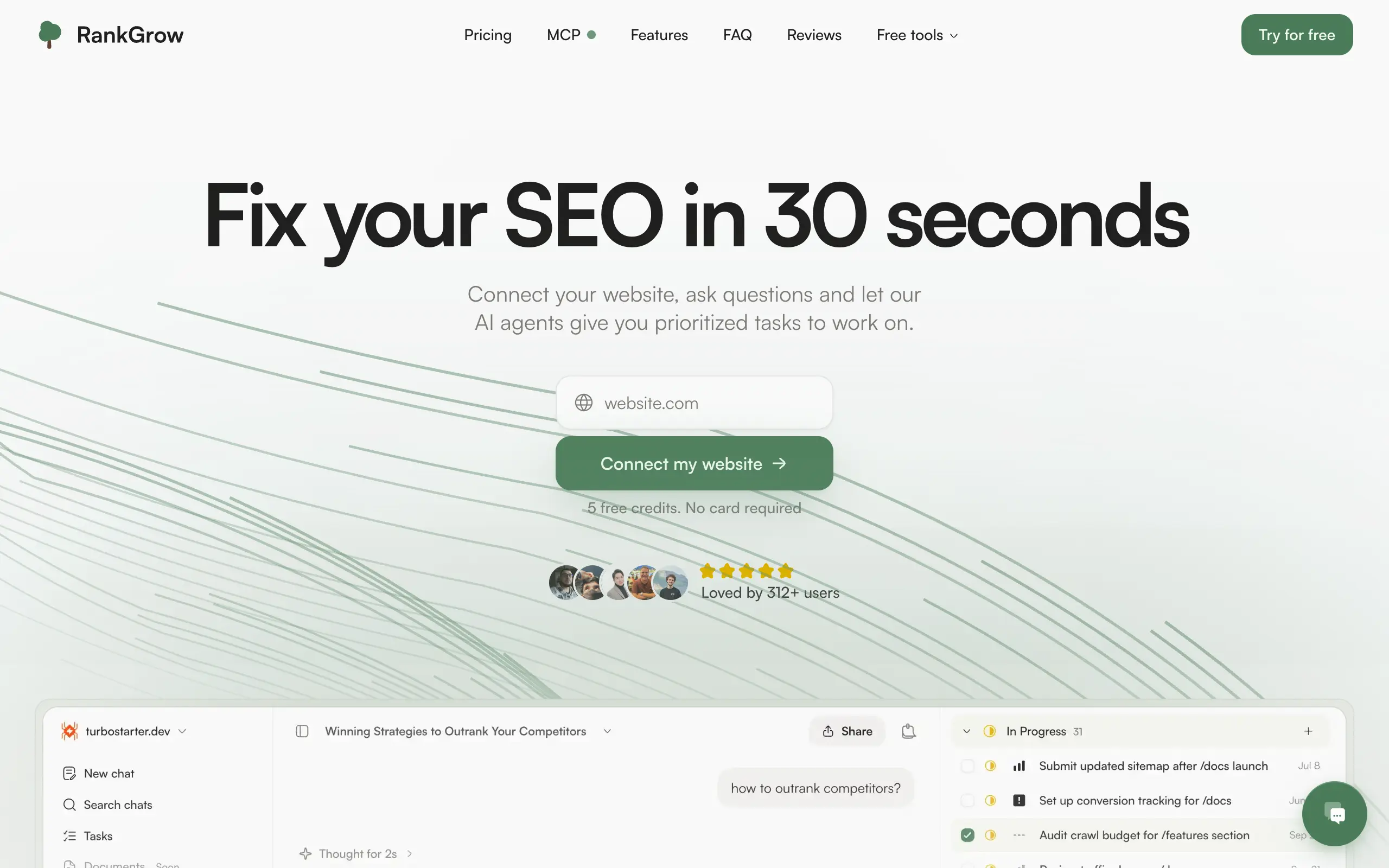
RankGrow
Fix your SEO with AI agents - connect Search Console, get prioritized tasks, and grow organic traffic 📈
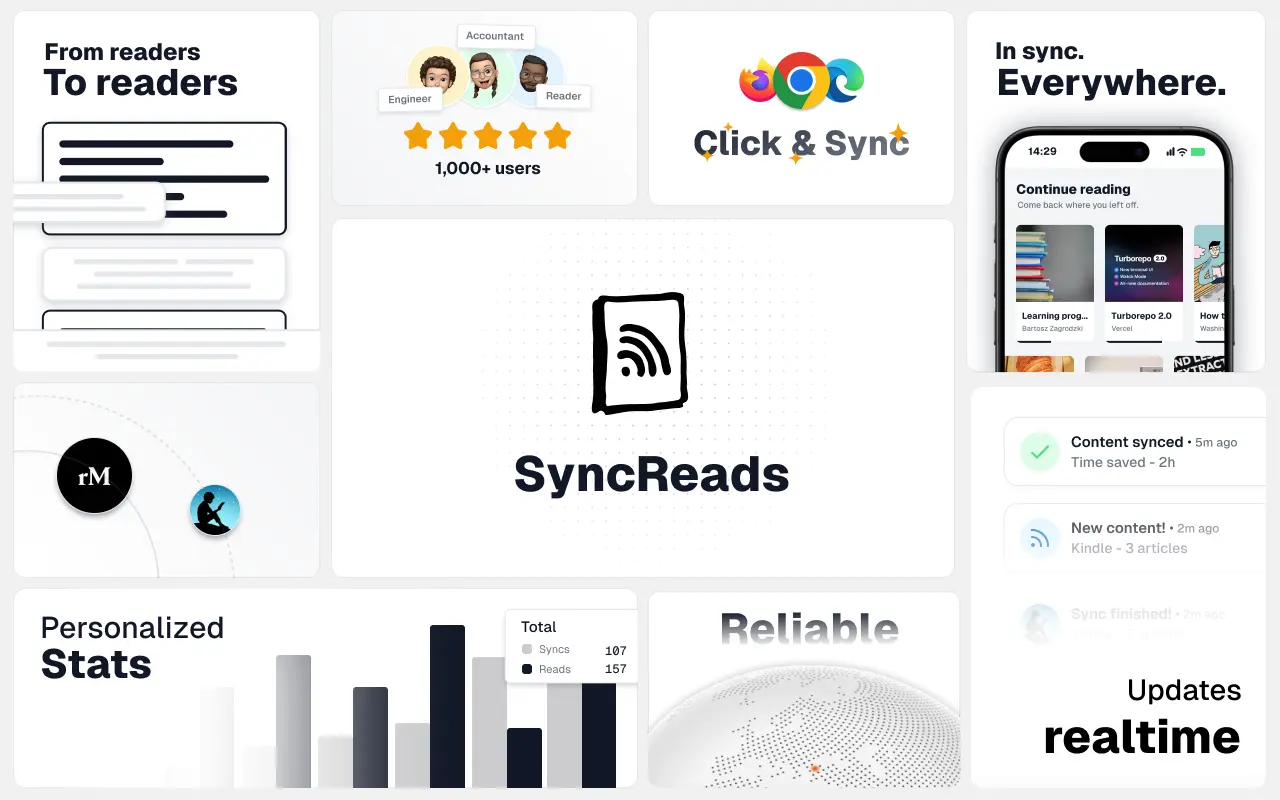
SyncReads
Sync your favorite content for distraction-free reading, save time and replace multiple apps. Anytime, anywhere 🔄
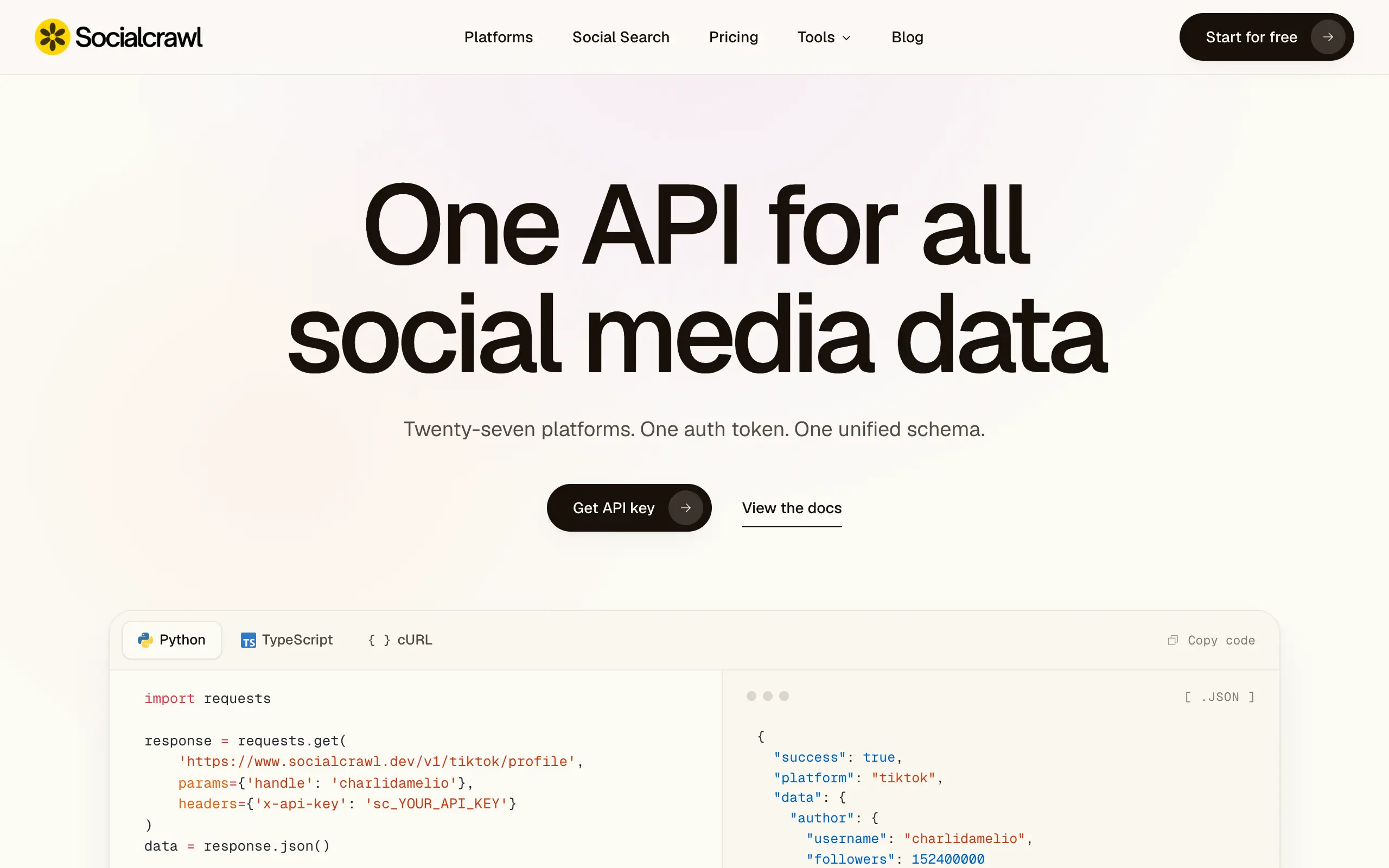
Socialcrawl
Get clean, structured data from 21 platforms like TikTok, Instagram, and YouTube with a single request 📊
Statiko
Monitor any Telegram channel in real time - track posts, edits, deletions, and growth with AI recaps 📡
Shibui
AI website builder - describe your business, pick a niche template, edit by chatting, and publish instantly ✨
Pro Service
Find verified home service professionals, compare quotes, and pay securely through escrow - built for Brazilians across the US 🏠
RankGrow
Fix your SEO with AI agents - connect Search Console, get prioritized tasks, and grow organic traffic 📈
SyncReads
Sync your favorite content for distraction-free reading, save time and replace multiple apps. Anytime, anywhere 🔄
Socialcrawl
Get clean, structured data from 21 platforms like TikTok, Instagram, and YouTube with a single request 📊
Statiko
Monitor any Telegram channel in real time - track posts, edits, deletions, and growth with AI recaps 📡
Shibui
AI website builder - describe your business, pick a niche template, edit by chatting, and publish instantly ✨
Pro Service
Find verified home service professionals, compare quotes, and pay securely through escrow - built for Brazilians across the US 🏠
RankGrow
Fix your SEO with AI agents - connect Search Console, get prioritized tasks, and grow organic traffic 📈
SyncReads
Sync your favorite content for distraction-free reading, save time and replace multiple apps. Anytime, anywhere 🔄
Socialcrawl
Get clean, structured data from 21 platforms like TikTok, Instagram, and YouTube with a single request 📊
Statiko
Monitor any Telegram channel in real time - track posts, edits, deletions, and growth with AI recaps 📡
Shibui
AI website builder - describe your business, pick a niche template, edit by chatting, and publish instantly ✨
Pro Service
Find verified home service professionals, compare quotes, and pay securely through escrow - built for Brazilians across the US 🏠
RankGrow
Fix your SEO with AI agents - connect Search Console, get prioritized tasks, and grow organic traffic 📈
SyncReads
Sync your favorite content for distraction-free reading, save time and replace multiple apps. Anytime, anywhere 🔄
Socialcrawl
Get clean, structured data from 21 platforms like TikTok, Instagram, and YouTube with a single request 📊
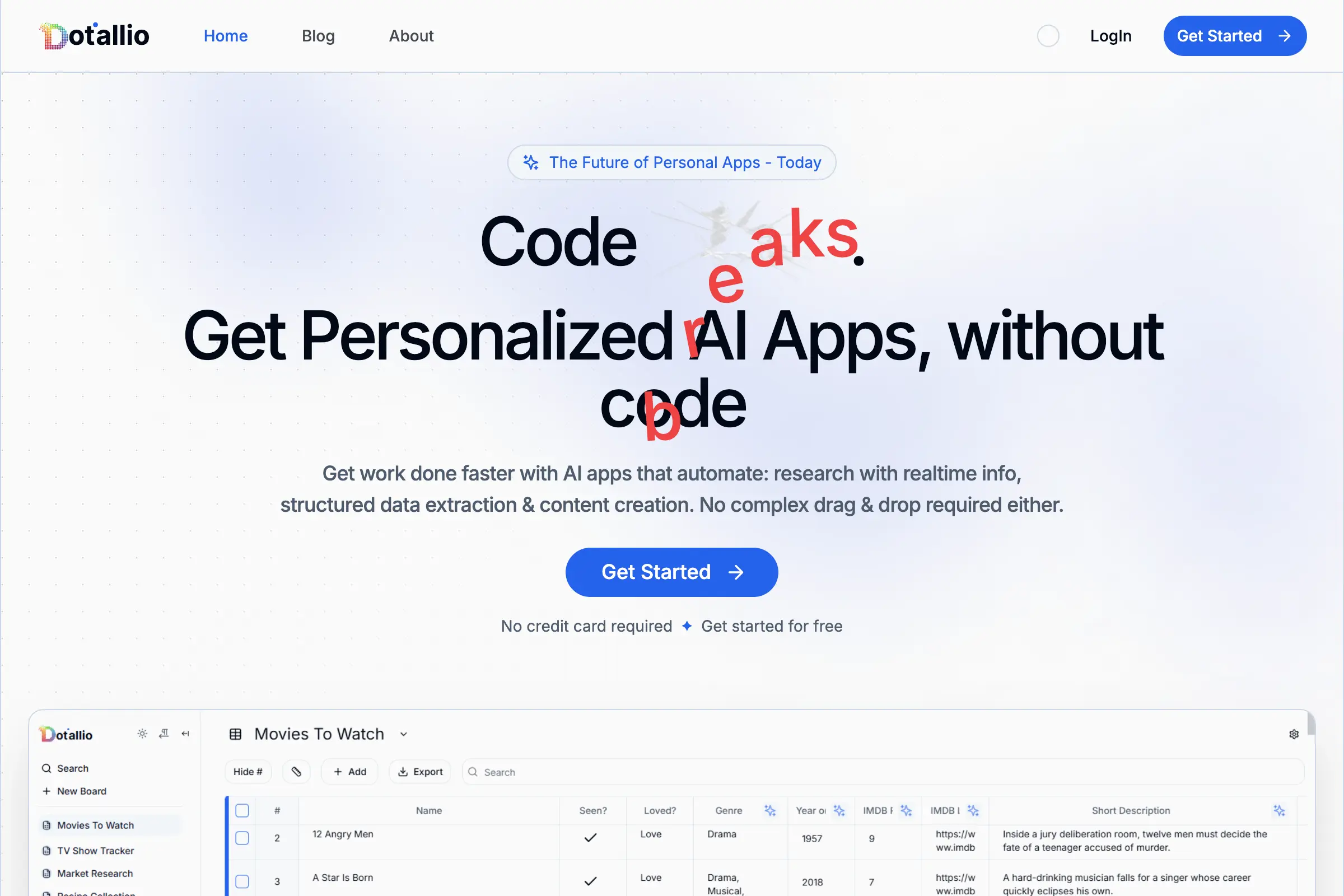
Dotallio
Personalized AI apps that automate research, data extraction, and content creation without code 🤖

Talk to Santa
Enjoy a magical live video chat or receive a unique AI-generated video greeting from Santa Claus 🎅
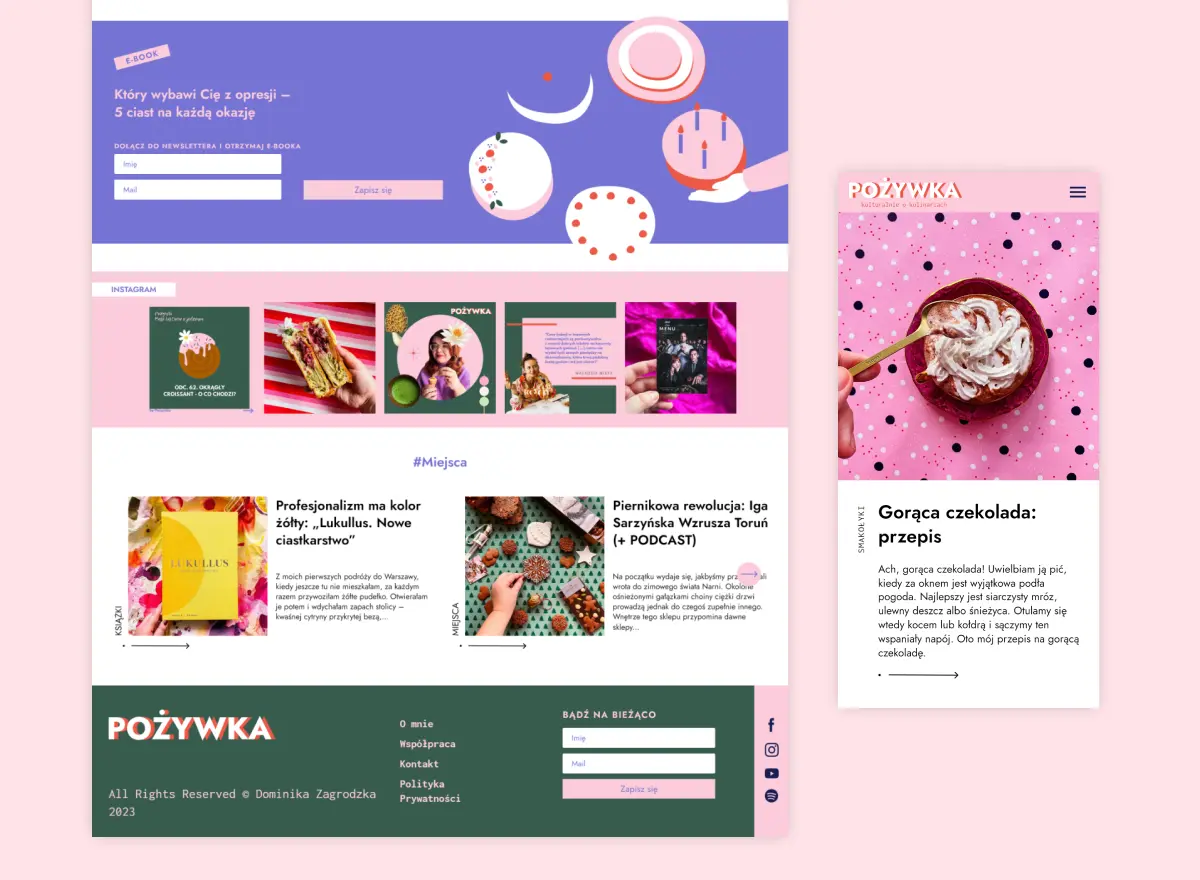
pozywka.pl
Scalable blog for food journalist, focused on performance and user experience 🌭
zagrodzki.me
Personal blog and portfolio of Bart Zagrodzki, where he shares his knowledge and work 💼
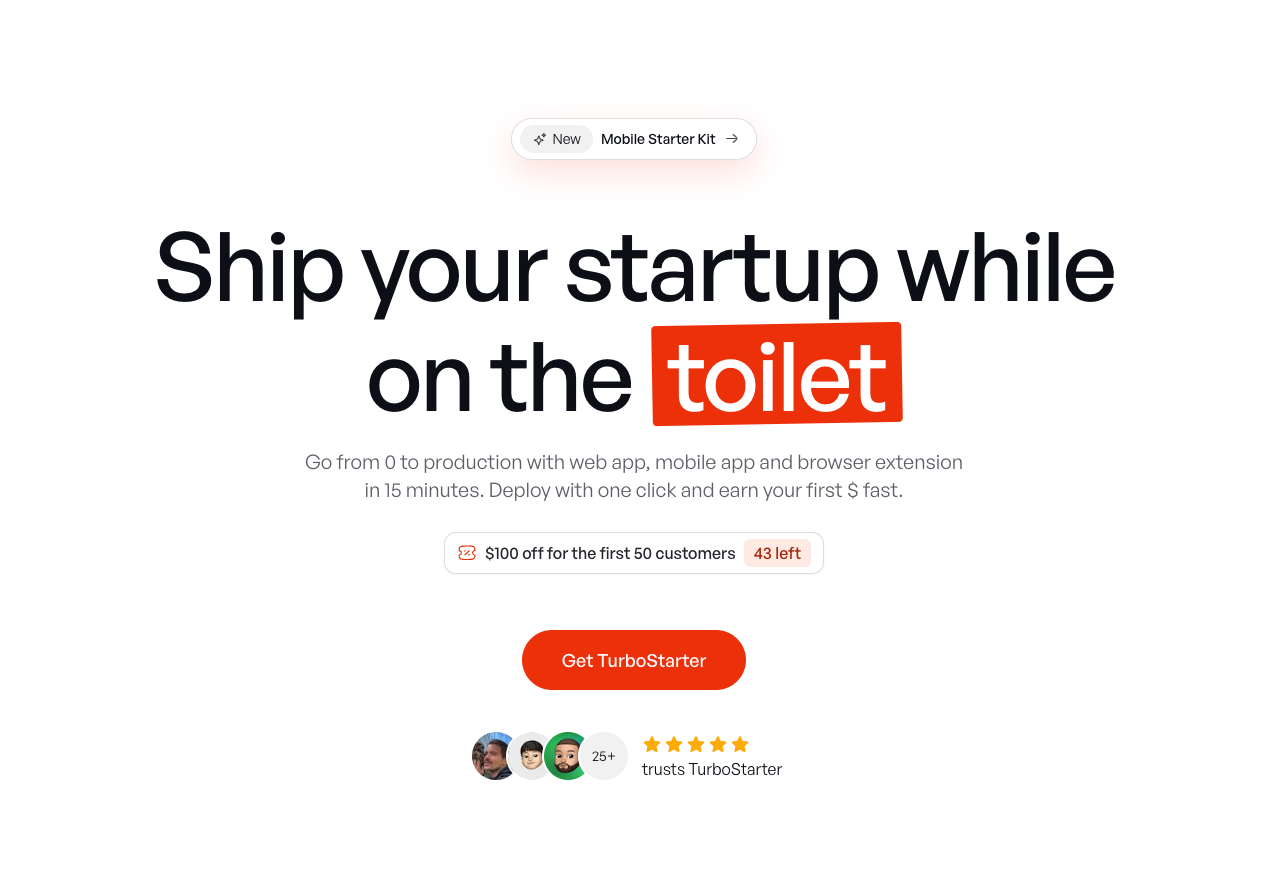
TurboStarter
Ship your startup everywhere. In minutes.
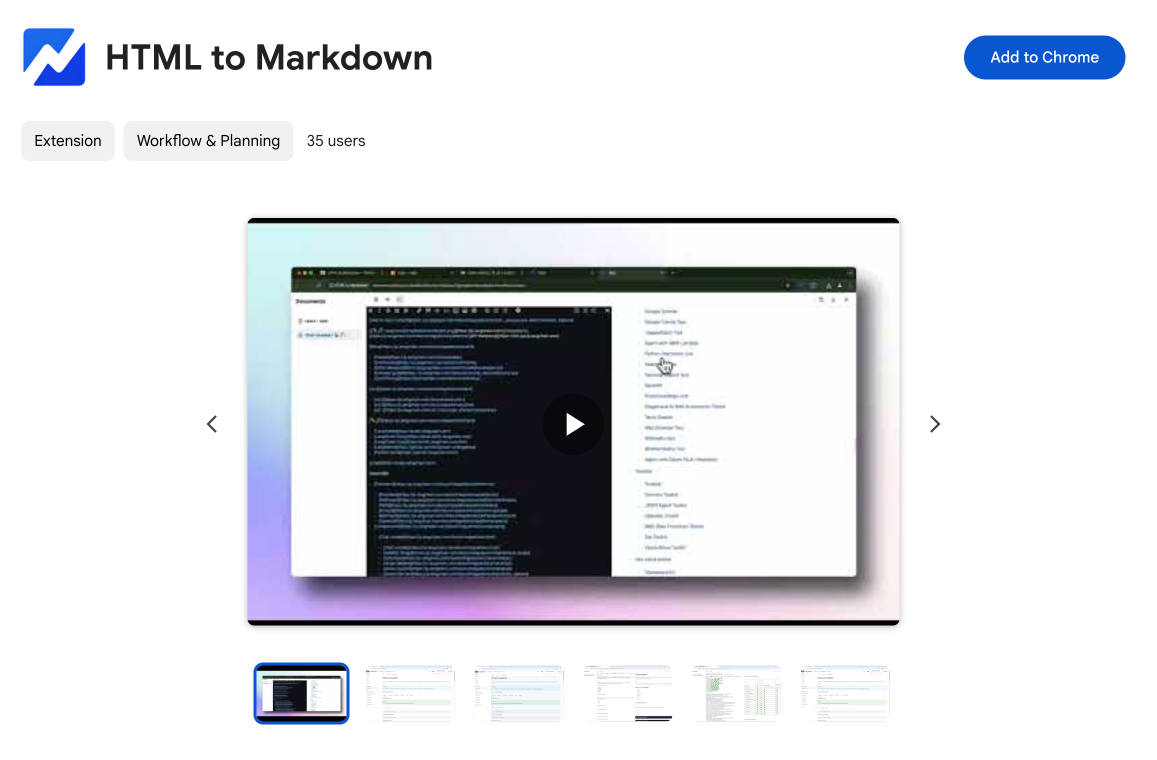
HTML to Markdown
Convert HTML to Markdown with ease, directly in your browser 📄
Dotallio
Personalized AI apps that automate research, data extraction, and content creation without code 🤖
Talk to Santa
Enjoy a magical live video chat or receive a unique AI-generated video greeting from Santa Claus 🎅
pozywka.pl
Scalable blog for food journalist, focused on performance and user experience 🌭
zagrodzki.me
Personal blog and portfolio of Bart Zagrodzki, where he shares his knowledge and work 💼
TurboStarter
Ship your startup everywhere. In minutes.
HTML to Markdown
Convert HTML to Markdown with ease, directly in your browser 📄
Dotallio
Personalized AI apps that automate research, data extraction, and content creation without code 🤖
Talk to Santa
Enjoy a magical live video chat or receive a unique AI-generated video greeting from Santa Claus 🎅
pozywka.pl
Scalable blog for food journalist, focused on performance and user experience 🌭
zagrodzki.me
Personal blog and portfolio of Bart Zagrodzki, where he shares his knowledge and work 💼
TurboStarter
Ship your startup everywhere. In minutes.
HTML to Markdown
Convert HTML to Markdown with ease, directly in your browser 📄
Dotallio
Personalized AI apps that automate research, data extraction, and content creation without code 🤖
Talk to Santa
Enjoy a magical live video chat or receive a unique AI-generated video greeting from Santa Claus 🎅
pozywka.pl
Scalable blog for food journalist, focused on performance and user experience 🌭
zagrodzki.me
Personal blog and portfolio of Bart Zagrodzki, where he shares his knowledge and work 💼
TurboStarter
Ship your startup everywhere. In minutes.
HTML to Markdown
Convert HTML to Markdown with ease, directly in your browser 📄
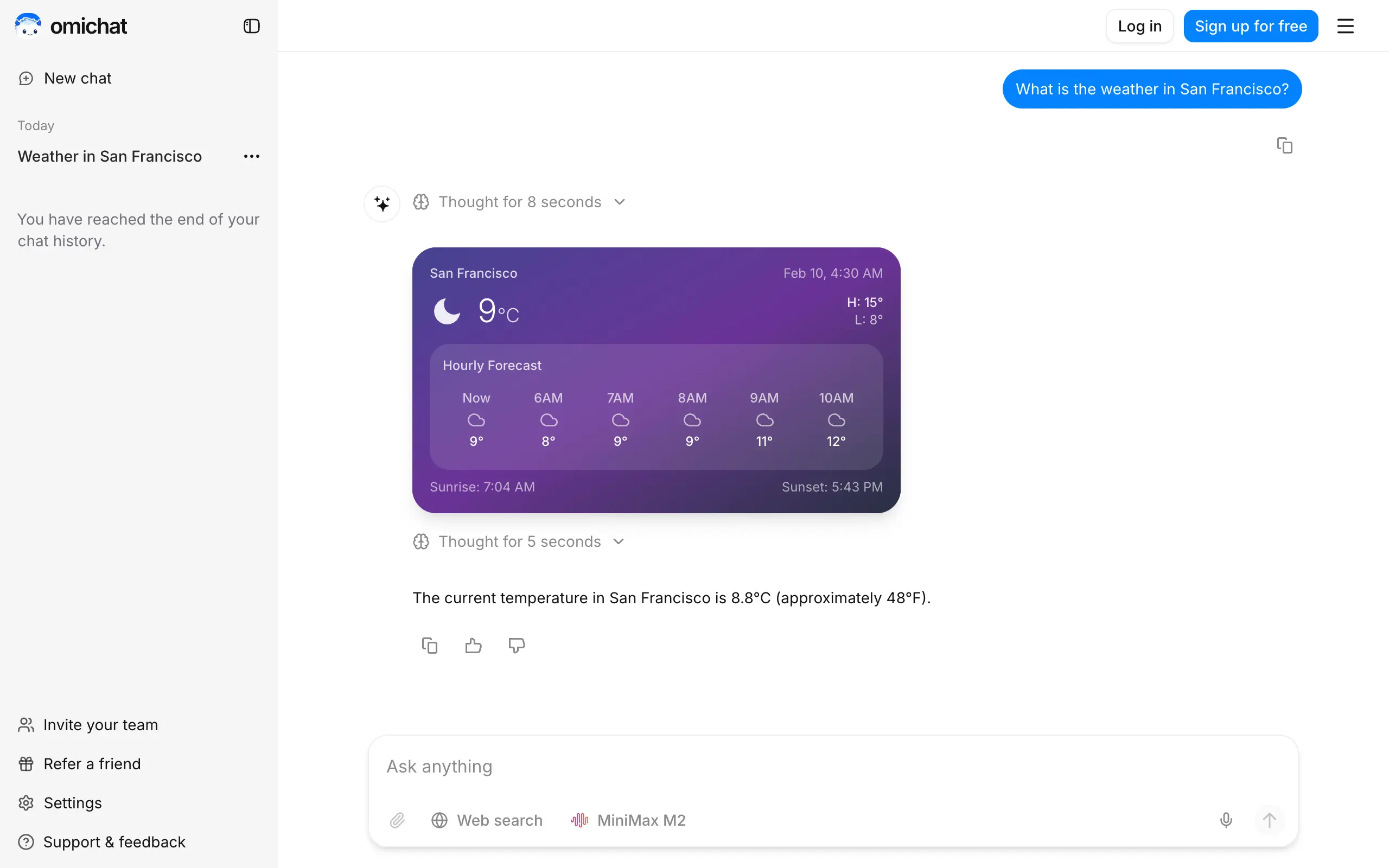
Omichat
Chat with 50+ AI models, including ChatGPT and Claude, in one place - switch models anytime without losing context 🤖
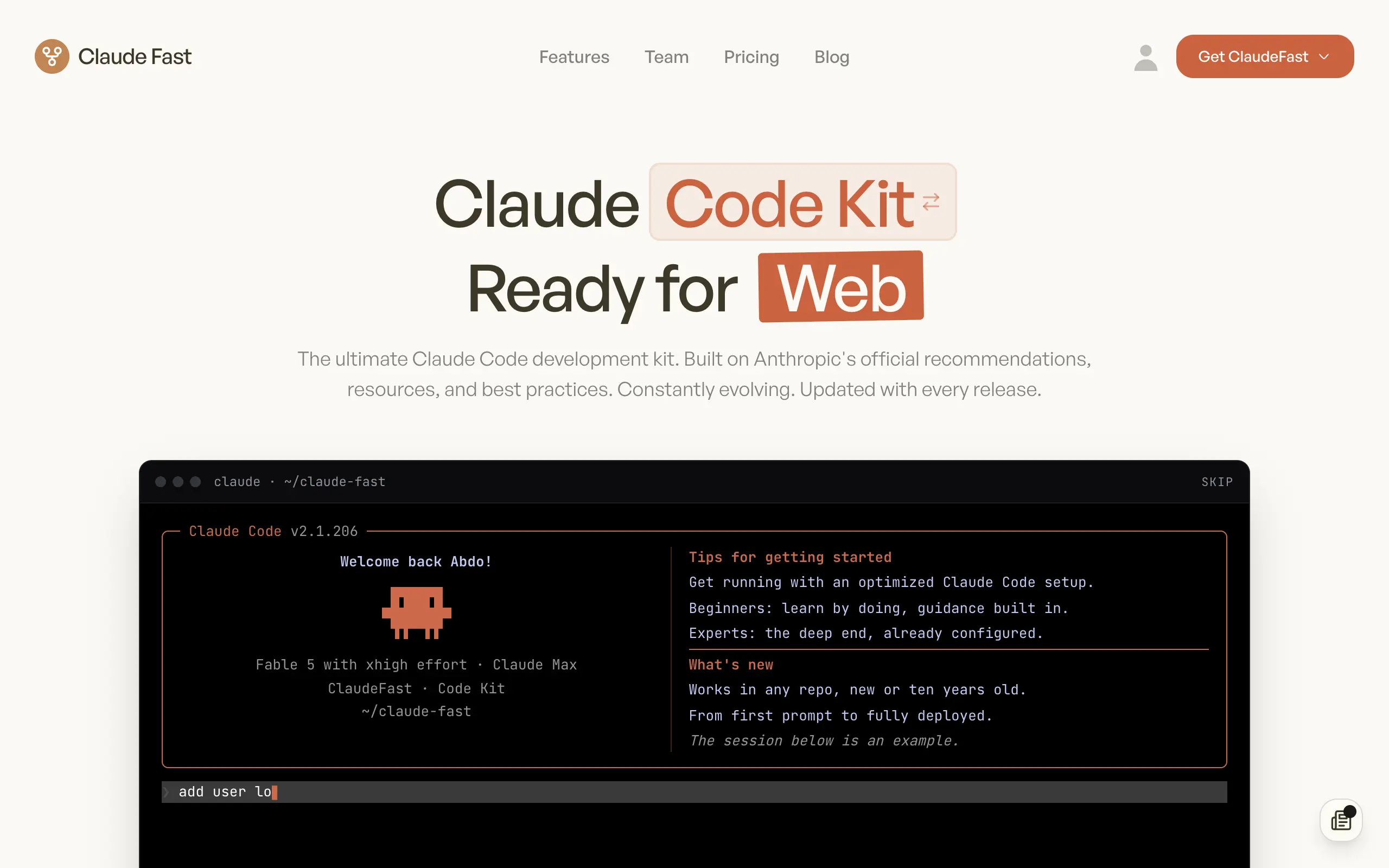
Claude Fast
Supercharge your Claude Code with 6x effective context window and specialized AI agents 🤖

EmojAI
AI-powered emoji picker with smart, context-aware suggestions 🤖
Solohacker
Autonomous company launcher - AI agents work 24/7, escalate what matters, and you stay in control 🤖

BeRawi: Storytelling Coach
Practice storytelling daily with instant feedback to sound clearer, more engaging, and confident 🎤
Omichat
Chat with 50+ AI models, including ChatGPT and Claude, in one place - switch models anytime without losing context 🤖
Claude Fast
Supercharge your Claude Code with 6x effective context window and specialized AI agents 🤖
EmojAI
AI-powered emoji picker with smart, context-aware suggestions 🤖
Solohacker
Autonomous company launcher - AI agents work 24/7, escalate what matters, and you stay in control 🤖
BeRawi: Storytelling Coach
Practice storytelling daily with instant feedback to sound clearer, more engaging, and confident 🎤
Omichat
Chat with 50+ AI models, including ChatGPT and Claude, in one place - switch models anytime without losing context 🤖
Claude Fast
Supercharge your Claude Code with 6x effective context window and specialized AI agents 🤖
EmojAI
AI-powered emoji picker with smart, context-aware suggestions 🤖
Solohacker
Autonomous company launcher - AI agents work 24/7, escalate what matters, and you stay in control 🤖
BeRawi: Storytelling Coach
Practice storytelling daily with instant feedback to sound clearer, more engaging, and confident 🎤
Omichat
Chat with 50+ AI models, including ChatGPT and Claude, in one place - switch models anytime without losing context 🤖
Claude Fast
Supercharge your Claude Code with 6x effective context window and specialized AI agents 🤖
EmojAI
AI-powered emoji picker with smart, context-aware suggestions 🤖
Solohacker
Autonomous company launcher - AI agents work 24/7, escalate what matters, and you stay in control 🤖
BeRawi: Storytelling Coach
Practice storytelling daily with instant feedback to sound clearer, more engaging, and confident 🎤

Connect with like-minded people
Join our community to get feedback, support, and grow together with 1,000+ builders on board, let's ship it!
Join usShip your startup everywhere. In minutes.
Don't burn tokens on setup and start building features on day one.