NeighborRelay
AI organizer for mutual-aid groups that triages requests and assigns nearby helpers. It prevents urgent needs from getting lost in busy group chats.
NeighborRelay is an AI mutual-aid organizer designed to help neighbors coordinate practical support without letting urgent requests disappear in busy group chats. It gives mutual-aid groups a structured way to collect needs, identify nearby volunteers, and coordinate follow-through while keeping people—not an algorithm—in control of sensitive decisions.
The opportunity is not to automate compassion. It is to reduce the administrative work that makes community care difficult to sustain. A well-designed NeighborRelay can help organizers notice requests sooner, match them more thoughtfully, and make it easier for volunteers to understand what help is needed.
What is NeighborRelay?
NeighborRelay is a community coordination platform for mutual-aid groups. Members submit requests for support, such as grocery delivery, transportation, household supplies, or a check-in. AI helps organizers sort and summarize those requests, identify relevant details, and suggest potential volunteer matches based on practical criteria such as location, availability, and skills.
The group’s organizers remain responsible for confirming priorities and assignments. NeighborRelay should be an AI-assisted workflow, not an autonomous service that makes decisions about who deserves help.
A typical workflow could look like this:
- A community member submits a request through a private form or another approved channel.
- NeighborRelay organizes the request into a consistent format.
- The system flags time-sensitive requests for review.
- An organizer checks the request and its suggested next steps.
- The organizer invites suitable volunteers to respond.
- The group tracks whether the request was accepted, completed, or needs follow-up.
The product’s central promise is simple: make it less likely that a person’s request for help gets lost in the noise.
Why mutual-aid groups need better coordination tools
Mutual-aid groups often start with a messaging app, a spreadsheet, and a few committed volunteers. Those tools are familiar and inexpensive, which makes them useful in the early stages. But as requests and participants increase, coordination can become difficult.
Group chats are not case-management systems
A chat is useful for conversation, but it is not designed to manage requests from intake through completion. Important details can be buried beneath new messages. Organizers may need to scroll through a long thread to find a request’s location, deadline, or current status.
The problem is not that people are using chat incorrectly. It is that a conversation stream is optimized for messages, while mutual-aid coordination requires a reliable record of:
- What support is being requested
- When it is needed
- Where it is needed
- Whether the request has been reviewed
- Who has agreed to help
- Whether the help was delivered
- Whether additional support is required
A dedicated workflow can preserve the convenience of community communication while adding a structured layer for coordination.
Organizers carry too much operational knowledge
In many groups, a small number of organizers know where requests come from, which volunteers are reliable, what kinds of support are available, and how to follow up. That knowledge is valuable, but it can become a bottleneck.
If one organizer is unavailable, requests may stall. If a volunteer’s availability changes, the group may not know. If the group has no consistent follow-up process, a request can appear to be handled even when the person still needs help.
NeighborRelay can make these processes more visible without requiring the group to turn care into a bureaucratic operation.
Urgency is difficult to judge from incomplete information
A short message might say, “Can someone help me get medicine today?” Another might describe a need for a ride later in the week. Both matter, but they may require different response times and volunteers.
AI can help extract useful details and identify missing information. It can also suggest that an organizer review a request promptly when the message mentions a deadline or immediate safety concern. However, it should not make a final determination about a person’s eligibility, worthiness, or priority. Those decisions require context and human judgment.
Target audience for an AI mutual-aid organizer
NeighborRelay should begin with a specific operational audience rather than trying to serve every kind of community organization at once.
Primary users
The most likely early adopters are:
- Mutual-aid organizers who coordinate recurring requests across a neighborhood or community
- Volunteer coordinators who need to connect people with practical, time-bound tasks
- Community groups that receive requests through chat, email, forms, or phone-based outreach
- Local nonprofits and grassroots organizations that need a lightweight coordination system but do not want complex case-management software
These users often have limited administrative capacity. They need a tool that is simple to adopt, understandable to volunteers, and flexible enough to reflect their group’s own practices.
Secondary users
The people requesting and providing help are also essential users, even if they do not spend much time in the application.
Requesters need a safe, accessible way to explain what they need and how to contact them. Volunteers need clear, bounded tasks that tell them what to do without exposing more personal information than necessary.
That means NeighborRelay should be designed around three distinct experiences:
- Requester experience: Submit a request, communicate preferences, and receive an update.
- Organizer experience: Review, prioritize, assign, and follow up.
- Volunteer experience: See an appropriate task, accept or decline it, and report completion.
A product that works only for organizers may improve internal operations but still create friction for the people the group is trying to serve.
Best initial customer profile
A strong initial customer profile is a volunteer-led group that:
- Receives a manageable but growing stream of support requests
- Uses multiple communication channels
- Has at least one person responsible for coordination
- Can define basic volunteer capabilities and availability
- Is willing to test a new workflow with real users
- Has clear boundaries around privacy, consent, and escalation
Starting with one community type, such as neighborhood-based grocery and transportation support, can make it easier to learn what information is actually useful. NeighborRelay can expand later to other kinds of assistance once its core workflow is dependable.
Market opportunity and product gap
The opportunity for NeighborRelay sits between informal communication tools and heavyweight service-management platforms. It is not simply another chat app or another general-purpose task board. Its potential value comes from combining request intake, human-reviewed triage, location-aware volunteer matching, and follow-up in one community-centered workflow.
Where current approaches fall short
Different tools solve parts of the coordination problem:
- Messaging platforms support discussion but can make requests difficult to track.
- Spreadsheets provide structure but require manual updates and can be difficult to access on mobile devices.
- General project-management tools track tasks but may not be designed for sensitive requests or volunteer-based care.
- Case-management systems can offer robust records and workflows but may be too complex or costly for an informal community group.
- Forms make intake easier but do not necessarily help organizers assign, track, and close requests.
NeighborRelay can fill the gap by making the path from request to resolution visible while keeping the interface approachable for people with different levels of technical confidence.
A focused opportunity, not an unsupported market-size claim
The number of potential organizations should be validated before making a large market-size claim. Community groups vary widely in structure, funding, volunteer capacity, and willingness to adopt software.
Instead of assuming that every mutual-aid group is a customer, validate the opportunity through discovery:
- Interview organizers about the last request that was delayed or overlooked.
- Map how the group currently handles intake, review, assignment, and follow-up.
- Ask which steps consume the most time and which mistakes are most costly.
- Test whether organizers would change their workflow to address those problems.
- Find out who controls software purchasing or approval.
- Measure whether groups need a free community tool, a paid organization plan, or support from a sponsor.
For any published market-size or adoption statistics, use a clearly identified source and date. Suitable references might include government nonprofit data, reputable community-sector research, or a published survey with a transparent methodology. Avoid presenting estimates as verified facts when they are only assumptions.
Relevant technology trends
Current AI capabilities make it practical to summarize free-text requests, extract structured fields, and suggest responses. But these capabilities do not eliminate the need for careful product design. AI systems can misunderstand context, produce inaccurate summaries, and express more certainty than the information supports.
For NeighborRelay, the most valuable trend is not simply access to a more capable language model. It is the ability to combine AI with clear workflow boundaries: structured data, limited permissions, explicit organizer review, and an auditable record of important actions.
Core NeighborRelay features
The product should prioritize reliability and trust over a long list of AI features. A useful first version can be relatively small if it helps a group handle the full lifecycle of a request.
1. Accessible request intake
Requesters should be able to submit a need using a short, mobile-friendly form. The form can collect only the information needed to coordinate support, such as:
- A description of the requested help
- The timeframe or deadline
- A general location or service area
- A preferred contact method
- Accessibility or communication preferences
- Whether the requester agrees to share relevant details with potential volunteers
The form should make optional fields clearly optional. It should not pressure people to disclose highly sensitive details that are unnecessary to fulfill the request.
NeighborRelay could also support organizer-entered requests for people who cannot or do not want to use a web form. This matters because the people who need help may have limited internet access, low digital confidence, or accessibility needs.
2. AI-assisted request organization
When a request arrives, AI can help turn unstructured text into a reviewable summary. For example, it could identify a requested task, a possible time constraint, and details that appear to be missing.
The organizer should see the original request alongside the AI-generated summary. The system should make it easy to correct errors rather than treating the summary as the authoritative version.
Useful AI assistance may include:
- Extracting a task category from free-text input
- Summarizing a request in plain language
- Highlighting an explicitly stated deadline
- Identifying missing coordination details
- Drafting a respectful clarification question
- Translating a request when the product has a reliable, consent-aware translation workflow
Avoid presenting inferred details as facts. If a deadline was not stated, the system should say that the timeframe is unclear rather than inventing one.
3. Human-reviewed urgency cues
NeighborRelay can help organizers notice requests that may need timely attention. For example, it can flag language that refers to an imminent deadline or an urgent practical need.
The interface should use cautious language such as “Review soon” or “Possible time-sensitive request.” It should not claim that an AI system has objectively determined a person’s level of need.
A responsible urgency workflow should:
- Explain why a request was flagged
- Let organizers change the flag
- Avoid treating the flag as a final priority decision
- Provide a clear escalation path for immediate safety concerns
- Record relevant decisions without turning sensitive details into a permanent dossier
4. Volunteer profiles and availability
Matching volunteers requires more than knowing where they live. A volunteer might be available only on weekends, have a car, speak a particular language, or be able to provide remote support but not in-person help.
A volunteer profile can include only the attributes needed by the group, such as:
- General service area
- Availability windows
- Preferred task types
- Relevant skills or languages
- Transportation or equipment availability
- Communication preferences
These details should be optional and editable. Volunteer data should not be presented as a guarantee that a person can safely or reliably perform every task.
5. Nearby helper suggestions
NeighborRelay’s location-aware matching can recommend volunteers whose service areas and availability appear to fit a request. Matching should operate on the least precise location data necessary. A group may be able to coordinate effectively using a neighborhood or approximate area instead of a requester’s exact address.
The system could rank potential matches using transparent criteria, such as:
- Whether the volunteer is available at the requested time
- Whether the task fits the volunteer’s selected preferences
- Whether the volunteer is within the group’s service area
- Whether the volunteer has a relevant capability
- Whether the volunteer has reached a self-defined task limit
The organizer should be able to understand and override a recommendation. The product should avoid hidden scoring that gives the impression of a definitive judgment about a volunteer or requester.
6. Request status and follow-up
Every request needs a clear status. A practical status flow might include:
- New
- Under review
- Clarification needed
- Ready for volunteers
- Volunteer assigned
- In progress
- Completed
- Unable to fulfill
- Follow-up required
Status names should reflect the group’s actual process. Forcing every group into a rigid workflow can make the software feel more like a compliance system than a coordination aid.
Follow-up prompts can help organizers check whether the request was resolved. They should be configurable and considerate, not automatic messages that may reveal sensitive details or contact someone at an inappropriate time.
7. Privacy-conscious communication
NeighborRelay should make it clear who can see each piece of information. A volunteer who accepts a task may need a way to coordinate delivery, but that does not mean every volunteer should have access to the requester’s full record.
The product should support role-based visibility, limited sharing, and a clear way for organizers to remove access when a task is complete. Groups should be able to choose which channels are appropriate for communication and whether contact details can be shared directly.
8. Organizer dashboard and activity history
A useful dashboard should answer basic operational questions quickly:
- Which requests need review?
- Which requests have no assigned volunteer?
- Which commitments are overdue?
- Which requests need follow-up?
- How many tasks are currently active?
An activity history can show when a request changed status or when an organizer assigned a volunteer. This provides accountability and helps with handoffs. It should be designed for operational transparency, not surveillance.
How AI should work in a mutual-aid product
AI can make a volunteer coordination platform more efficient, but the product should clearly distinguish assistance from authority.
Keep humans responsible for consequential decisions
AI should not independently decide:
- Whether someone deserves assistance
- Whether a request is genuine
- Whether one person should receive support instead of another
- Whether a volunteer is safe for a particular task
- Whether an urgent situation can be handled through the platform
The AI can organize information and suggest next steps. Organizers should review decisions that affect access to help.
Make uncertainty visible
The interface should not hide uncertainty behind a polished summary. When information is incomplete, NeighborRelay should say so. When a model-generated field is uncertain, organizers should have a simple way to inspect the source text and correct the result.
Minimize sensitive data sent to AI systems
Before sending request content to an AI provider, NeighborRelay should define what information is necessary. Depending on the task, names, phone numbers, exact addresses, and other identifiers may be removable or replaceable with internal references.
The product should also document which AI services process data, what the service is used for, and what retention controls are available. These details should be reviewed with qualified privacy and legal advisers before launch, especially if the product operates across jurisdictions.
Recommended technology stack
NeighborRelay needs a stack that supports secure user accounts, structured request records, role-based access, mobile-friendly interfaces, and carefully managed AI integrations.
Web application
A practical web stack could use React with Next.js for the application interface and server-side capabilities. This can support a responsive organizer dashboard and a lightweight request form without requiring separate web applications for each user type.
Trade-off: A feature-rich framework can make deployment and development more involved than a simple static site. It is worthwhile when the product needs authenticated dashboards, server-side actions, and protected data access. Teams should keep the application architecture simple until product requirements justify more complexity.
For styling, a utility-first system such as Tailwind CSS can help a small team iterate quickly. The design should still include a consistent component library, accessible color contrast, keyboard navigation, and readable form errors.
Database and authentication
A relational database such as PostgreSQL fits the core data model because requests, volunteers, assignments, organizations, and status changes have clear relationships.
A managed platform such as Supabase may provide database hosting, authentication, and related development services. This can reduce infrastructure work for an early-stage team.
Trade-off: Managed platforms accelerate development, but the team remains responsible for access policies, backups, data retention, and secure configuration. A database policy is not safe merely because it exists; it needs testing against real role and organization boundaries.
AI integration
The AI layer should be placed behind a server-side service rather than called directly from the browser. That allows the product to control prompt construction, remove unnecessary identifying details, validate outputs, and log relevant processing events.
A safe design pattern is:
- Accept a request.
- Store the original text under the appropriate access controls.
- Prepare only the minimum content needed for the AI task.
- Request structured output.
- Validate the output against an expected schema.
- Show the result to an organizer for review.
- Preserve corrections so the product team can measure error patterns.
AI output should not be trusted simply because it is formatted as JSON or fits a schema. Validation checks whether an output is structurally acceptable; it does not prove that the summary is accurate.
Notifications and background processing
Email or push notifications can help organizers respond promptly, but notifications should avoid exposing sensitive request details on lock screens or shared devices. A notification can say that a request needs review and direct an authorized user to the protected application.
Background jobs can manage reminders, scheduled follow-ups, and notification retries. Those jobs need safeguards against duplicate messages and should respect a group’s quiet hours and communication preferences.
Security and operations
From the beginning, plan for:
- Separate data boundaries between organizations
- Role-based access controls
- Secure session management
- Encrypted transport and provider-supported encryption at rest
- Backups and recovery testing
- Audit records for important changes
- Rate limits and abuse prevention
- A process for handling data access and deletion requests
- Incident response ownership
The team should confirm technical and legal requirements with qualified professionals. A list of security features is not a substitute for a security review.
Monetization strategy options
Monetization should support long-term reliability without creating incentives that conflict with the product’s purpose.
Free community tier
A free plan can help small groups try the product and can reduce adoption barriers. Limits might apply to the number of active requests, organizers, or administrative features, rather than restricting access to essential safety controls.
The risk is that a free tier may attract organizations that need more support than the business can provide. Set clear service expectations and make the upgrade path understandable.
Organization subscription
A paid organization plan could charge a predictable monthly or annual fee for features such as:
- Multiple coordinators
- More active requests
- Advanced reporting
- Custom workflows
- Data export
- Priority support
- Organization-level administration
Pricing should be tested with real organizations. A group’s willingness to pay may depend on its budget source, whether a fiscal sponsor is involved, and whether the tool is considered operational infrastructure or an optional convenience.
Sponsor-funded access
A foundation, municipality, community organization, or local business might sponsor access for a network of groups. This can preserve free or low-cost access for volunteer-led teams.
Sponsorship should not give funders access to individual request data. Reporting should use aggregated information and should be reviewed to ensure that small groups or uncommon situations cannot be identified.
Grants and partnerships
Grants can fund product development, accessibility work, or community onboarding. Partnerships with established organizations may also support distribution and training.
Grant funding can be valuable, but it may be time-limited and tied to specific reporting requirements. The product should avoid building a business model that depends entirely on one funding source unless that dependency is intentional and managed.
What to avoid
NeighborRelay should not monetize by selling personal information, advertising against sensitive requests, or charging people to receive help. These approaches would undermine trust and conflict with the service’s purpose.
Competitive advantage and positioning
NeighborRelay’s advantage should not be described as “AI for mutual aid” alone. AI features are increasingly easy to imitate. A more durable position comes from combining useful automation with a workflow built around community coordination, privacy, and human judgment.
| Product approach | Structured request tracking | Human-reviewed AI assistance | Volunteer matching | Community-centered privacy |
|---|---|---|---|---|
| Group chat | Limited | No | Manual | Depends on group settings |
| Spreadsheet | Possible | Usually limited | Manual | Depends on permissions |
| General task tool | Yes | Varies | Usually generic | Varies by product |
| Case-management platform | Yes | Varies | May require configuration | Often organization-focused |
| NeighborRelay concept | Yes | Core workflow | Location and availability based | Core design requirement |
Why the product can stand out
NeighborRelay can differentiate itself through:
- A complete request lifecycle: Track a need from intake to follow-up rather than treating each message as an isolated event.
- Human-centered AI: Use AI to reduce repetitive coordination work while leaving important decisions with organizers.
- Useful, limited matching: Suggest helpers based on relevant availability and service area rather than building opaque rankings.
- Privacy as a workflow feature: Make it clear what information is shared, with whom, and for how long.
- Low-friction participation: Give requesters and volunteers a simple experience that does not require them to learn a complex operational platform.
That positioning is stronger than competing on the number of AI features or the sophistication of a matching algorithm.
Risks and mitigation strategies
A mutual-aid coordination tool handles sensitive human situations. Trust and operational safety need to be designed into the product from the start.
Risk: AI misclassifies or misrepresents a request
An incorrect summary can change how an organizer understands a need.
Mitigation: Show the original request alongside AI output, label generated content, make corrections easy, and require organizer confirmation before acting on important classifications.
Risk: Private information is exposed
A location, phone number, or personal circumstance may be shared too broadly.
Mitigation: Collect less data, use role-based permissions, limit volunteer visibility, and provide clear controls for sharing and deletion. Test permissions with realistic user roles before launch.
Risk: Volunteers receive unsuitable assignments
A suggested match may not reflect the volunteer’s actual availability, capabilities, or boundaries.
Mitigation: Let volunteers opt into task types, set availability, and decline without penalty. Treat recommendations as suggestions and make assignment confirmation explicit.
Risk: The product creates a false sense of emergency coverage
A group may assume that a flagged request has been handled, even when no person has reviewed it.
Mitigation: Distinguish “flagged” from “reviewed” and “assigned.” Avoid promising instant monitoring unless the organization provides it. Make the group’s operating hours and escalation process visible.
Risk: Product adoption adds work instead of removing it
Organizers may be reluctant to enter the same request into multiple systems.
Mitigation: Observe current workflows before designing integrations. Start with the simplest reliable intake path and avoid requiring organizations to abandon tools they still need. Measure time spent, not just account creation.
Risk: Bias affects prioritization or matching
Incomplete or inconsistent data can lead to uneven treatment across communities.
Mitigation: Do not use demographic proxies to determine access to help. Review outcomes with participating groups, allow human overrides, and examine whether certain requests are repeatedly delayed or underserved.
Risk: Groups cannot sustain the cost
Grassroots organizations may have limited or unpredictable budgets.
Mitigation: Test pricing early, offer a viable low-cost path, consider sponsor-funded access, and keep essential safety functions available across plans.
How to measure whether NeighborRelay works
Success should be measured by whether the product improves coordination—not by how much AI it uses.
Useful early metrics include:
- Median time from request submission to organizer review
- Percentage of requests with an assigned owner
- Percentage of requests with a documented outcome
- Number of requests requiring clarification
- Volunteer acceptance and decline rates
- Follow-up completion rate
- Organizer time spent on coordination
- Requester satisfaction and perceived clarity
- Privacy incidents or inappropriate access events
- Rate of AI summaries corrected by organizers
These metrics should be interpreted in context. A higher number of completed requests might reflect increased demand rather than better coordination. Qualitative interviews can reveal whether people feel more informed and whether organizers believe the workflow is reliable.
Actionable implementation steps
A disciplined launch should validate the coordination problem before building advanced automation.
Interview organizers and community members. Speak with several groups about how they receive requests, where details are lost, and what makes volunteer assignments difficult. Ask for examples of recent workflows rather than hypothetical feature preferences.
Choose a narrow first use case. Select one or two request categories with clear coordination needs, such as grocery delivery or transportation. Define what is in scope and what the product will explicitly not handle.
Map the request lifecycle. Document the steps from intake to completion, including who reviews a request, how urgency is assessed, what information volunteers need, and how follow-up happens.
Prototype without AI. Test a basic request form, organizer queue, volunteer list, and status flow. Confirm that the workflow itself is useful before adding model-generated summaries or recommendations.
Add one low-risk AI feature. Start with summarization or extraction of explicitly stated details. Keep the original text visible, require review, and track corrections so the team can evaluate accuracy.
Run a limited pilot. Work with a small number of groups and agree on what data can be collected, who can access it, and how the group will report safety concerns. Provide a clear way to stop the pilot or remove data.
Measure operational outcomes. Compare coordination time, review delays, completion tracking, and organizer confidence before and during the pilot. Use interviews to understand why workflows improved or failed.
Strengthen security and governance. Review access controls, data retention, AI-provider terms, notification behavior, and incident procedures before expanding to more organizations.
Expand based on evidence. Add new request categories, integrations, and pricing plans only when pilot groups demonstrate a clear need and the team can support them safely.
For teams that want a faster starting point for a SaaS product, TurboStarter can help reduce setup work so more time can go toward user research, workflow design, and trust-focused product decisions.
Frequently asked questions
An AI mutual-aid organizer is software that helps community groups coordinate requests and volunteers. It may use AI to summarize requests, extract details, or suggest potential matches, while keeping organizers responsible for decisions that affect people.
It does not need to replace them. NeighborRelay can provide a structured record for requests and assignments while a group continues using its preferred communication channels. The important distinction is that a request should not depend on someone finding a message in a long conversation thread.
No. AI can highlight a stated deadline or suggest that an organizer review a request, but it should not decide who deserves assistance. Organizers need to make contextual decisions and retain a way to correct automated suggestions.
A focused first version should include accessible request intake, an organizer review queue, clear request statuses, basic volunteer availability, assignment tracking, and follow-up. AI summarization can be added after the basic workflow proves useful.
It can collect only necessary information, limit access by role, share details only with people who need them to coordinate a task, and provide retention and deletion controls. The group should be able to understand what information is stored and how external AI services process it.
Conclusion
NeighborRelay addresses a practical coordination challenge: mutual-aid requests can be difficult to manage when essential details are scattered across conversations and a few overextended organizers. An AI mutual-aid organizer can help by creating a clear path from request intake to follow-up, suggesting useful next steps, and connecting volunteers with tasks that fit their availability.
The strongest version of NeighborRelay will be defined by more than its AI capabilities. It will earn trust through careful data handling, accessible workflows, transparent recommendations, and human oversight. Start with the community’s existing process, prove that a simpler coordination system helps, and add automation only where it reduces work without weakening accountability.
More 🤖 AI Startup SaaS ideas
Discover more innovative ai startup SaaS ideas that are trending in 2026. Each idea is AI-generated with market validation and growth potential to help you find your next profitable venture faster than competitors.
Your competitors are building with TurboStarter
Below are some of the SaaS ideas that have been generated and built with our starter kit.
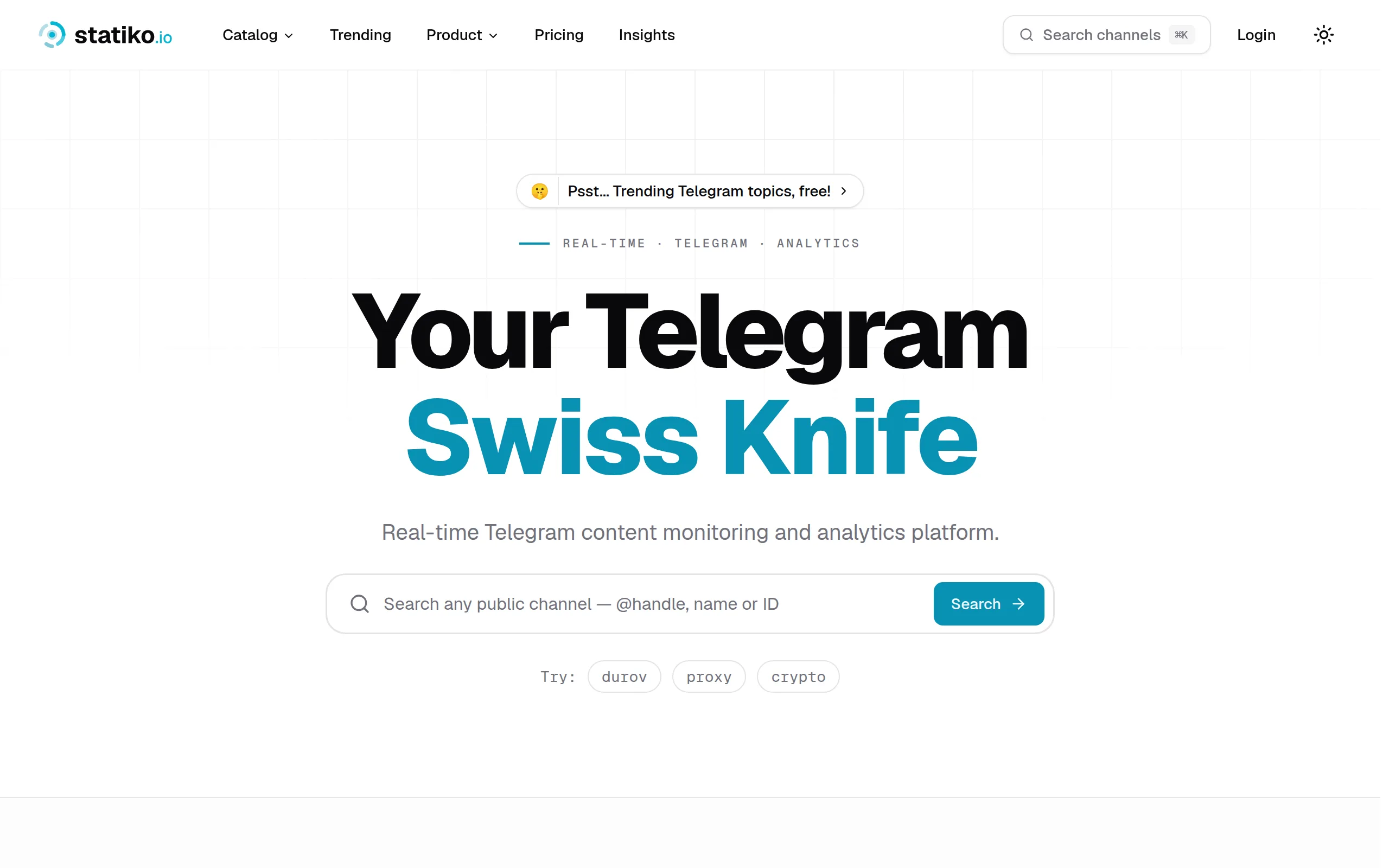
Statiko
Monitor any Telegram channel in real time - track posts, edits, deletions, and growth with AI recaps 📡

Shibui
AI website builder - describe your business, pick a niche template, edit by chatting, and publish instantly ✨

Pro Service
Find verified home service professionals, compare quotes, and pay securely through escrow - built for Brazilians across the US 🏠
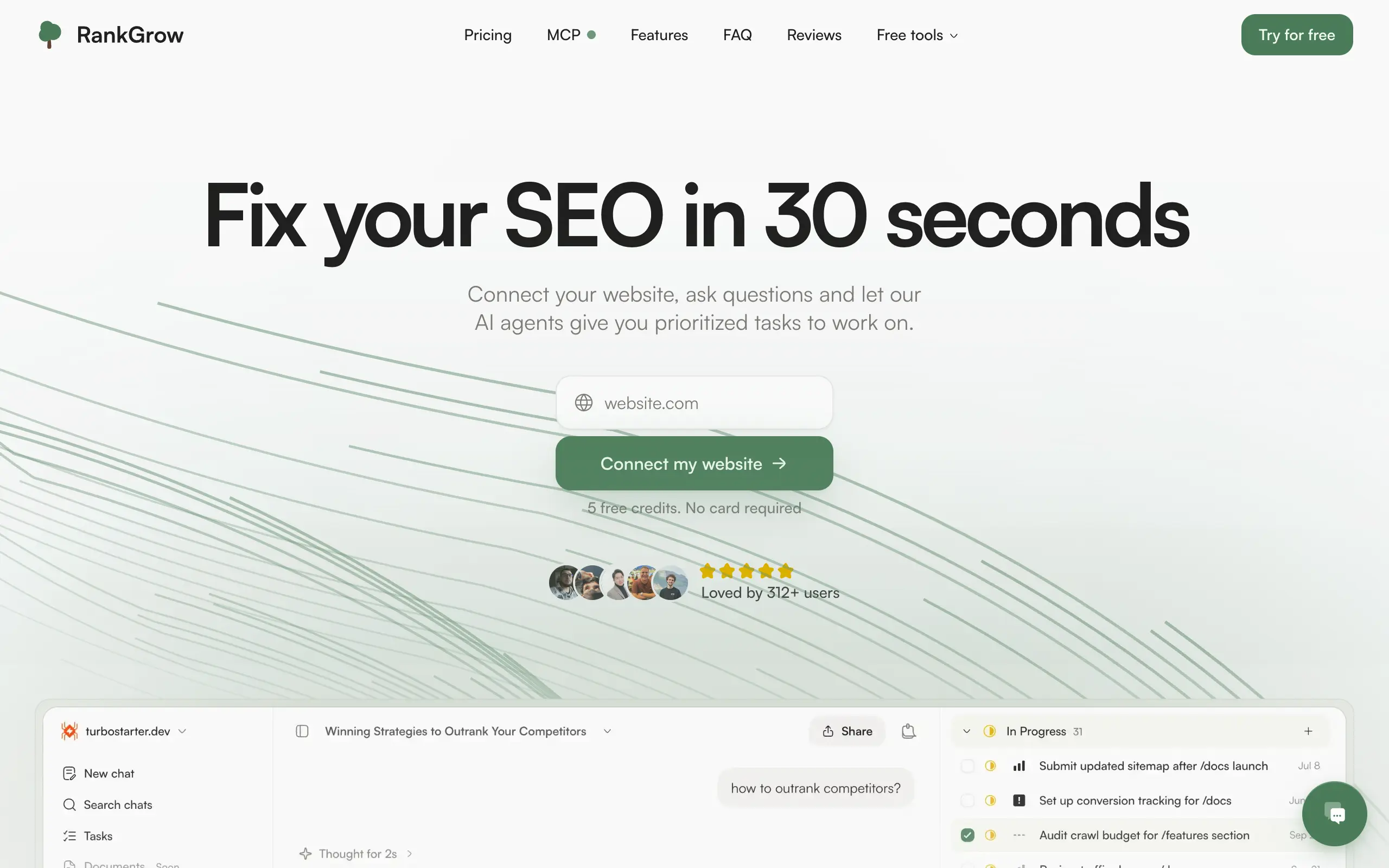
RankGrow
Fix your SEO with AI agents - connect Search Console, get prioritized tasks, and grow organic traffic 📈
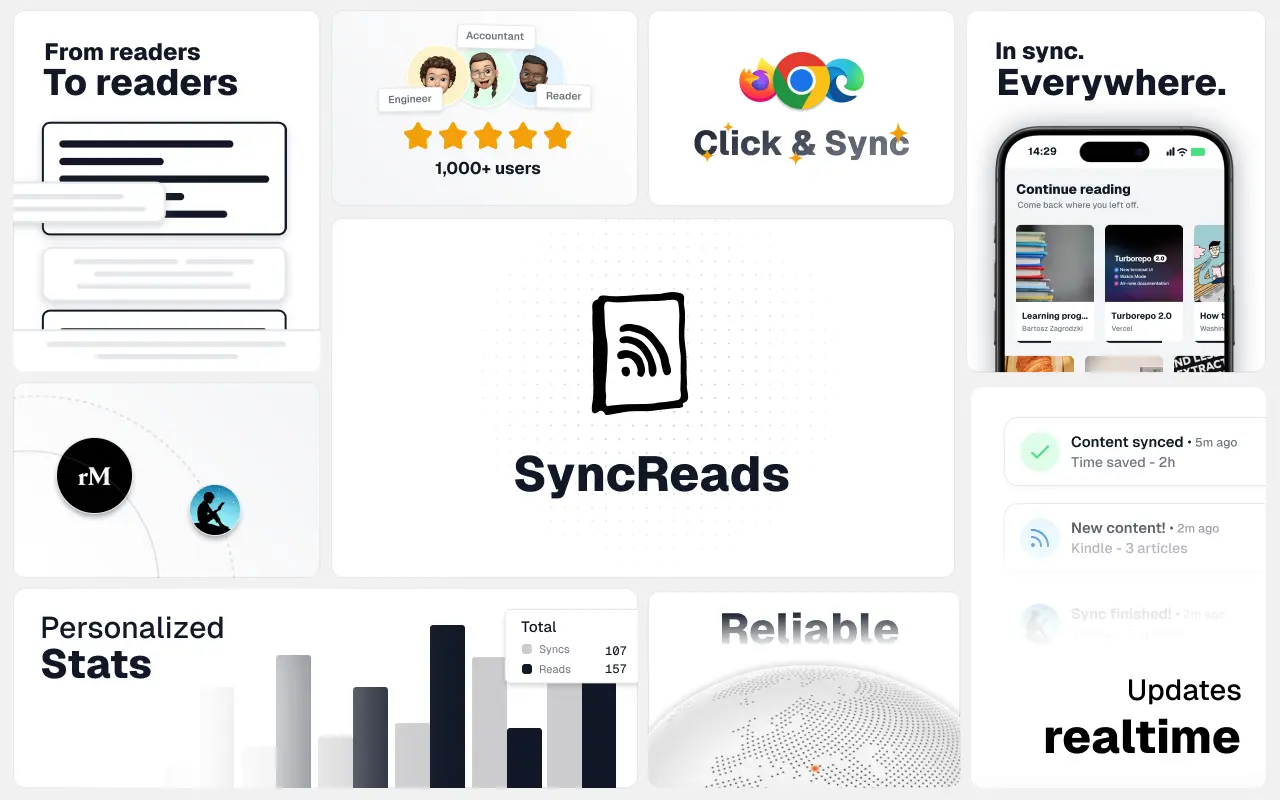
SyncReads
Sync your favorite content for distraction-free reading, save time and replace multiple apps. Anytime, anywhere 🔄
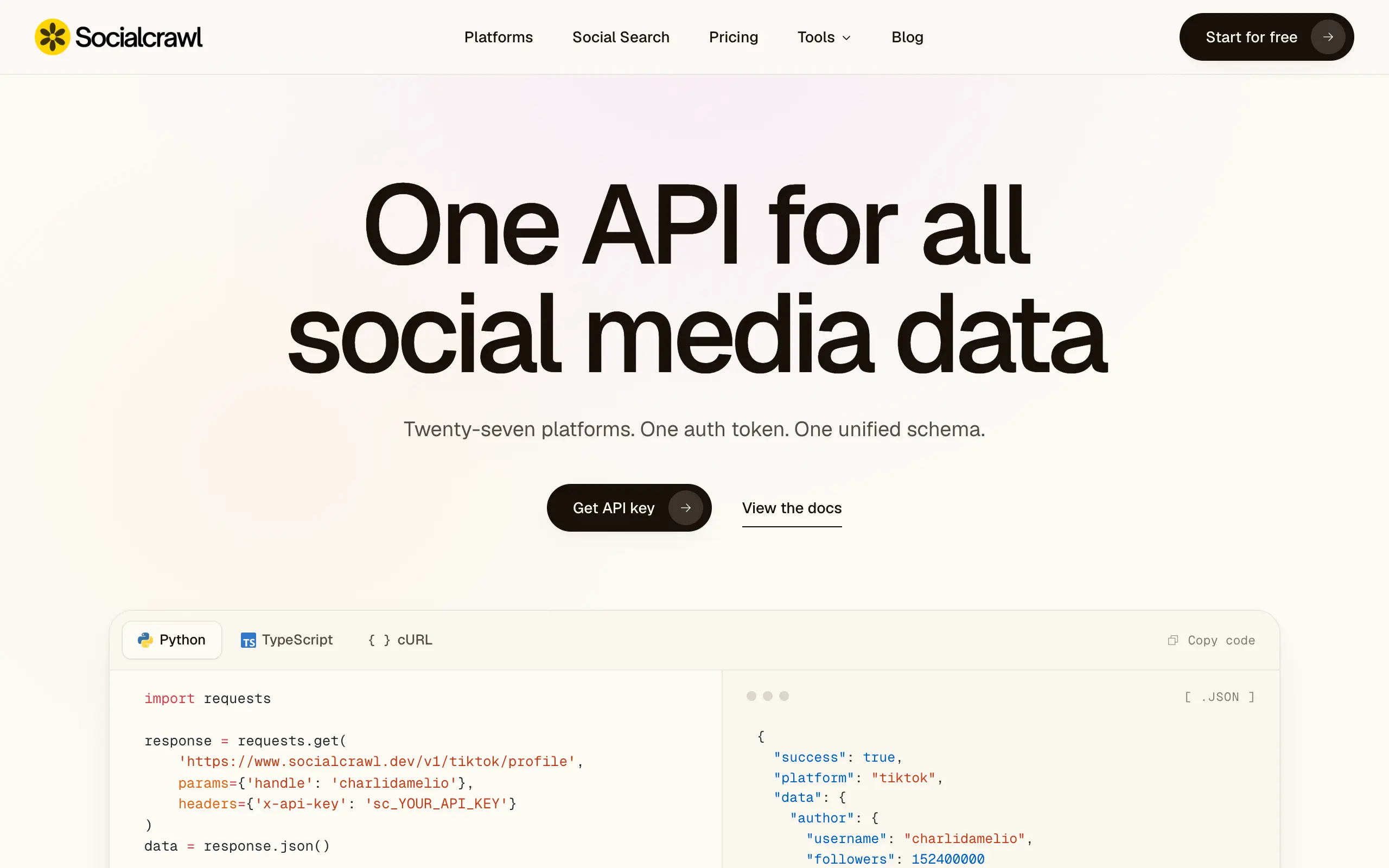
Socialcrawl
Get clean, structured data from 21 platforms like TikTok, Instagram, and YouTube with a single request 📊
Statiko
Monitor any Telegram channel in real time - track posts, edits, deletions, and growth with AI recaps 📡
Shibui
AI website builder - describe your business, pick a niche template, edit by chatting, and publish instantly ✨
Pro Service
Find verified home service professionals, compare quotes, and pay securely through escrow - built for Brazilians across the US 🏠
RankGrow
Fix your SEO with AI agents - connect Search Console, get prioritized tasks, and grow organic traffic 📈
SyncReads
Sync your favorite content for distraction-free reading, save time and replace multiple apps. Anytime, anywhere 🔄
Socialcrawl
Get clean, structured data from 21 platforms like TikTok, Instagram, and YouTube with a single request 📊
Statiko
Monitor any Telegram channel in real time - track posts, edits, deletions, and growth with AI recaps 📡
Shibui
AI website builder - describe your business, pick a niche template, edit by chatting, and publish instantly ✨
Pro Service
Find verified home service professionals, compare quotes, and pay securely through escrow - built for Brazilians across the US 🏠
RankGrow
Fix your SEO with AI agents - connect Search Console, get prioritized tasks, and grow organic traffic 📈
SyncReads
Sync your favorite content for distraction-free reading, save time and replace multiple apps. Anytime, anywhere 🔄
Socialcrawl
Get clean, structured data from 21 platforms like TikTok, Instagram, and YouTube with a single request 📊
Statiko
Monitor any Telegram channel in real time - track posts, edits, deletions, and growth with AI recaps 📡
Shibui
AI website builder - describe your business, pick a niche template, edit by chatting, and publish instantly ✨
Pro Service
Find verified home service professionals, compare quotes, and pay securely through escrow - built for Brazilians across the US 🏠
RankGrow
Fix your SEO with AI agents - connect Search Console, get prioritized tasks, and grow organic traffic 📈
SyncReads
Sync your favorite content for distraction-free reading, save time and replace multiple apps. Anytime, anywhere 🔄
Socialcrawl
Get clean, structured data from 21 platforms like TikTok, Instagram, and YouTube with a single request 📊
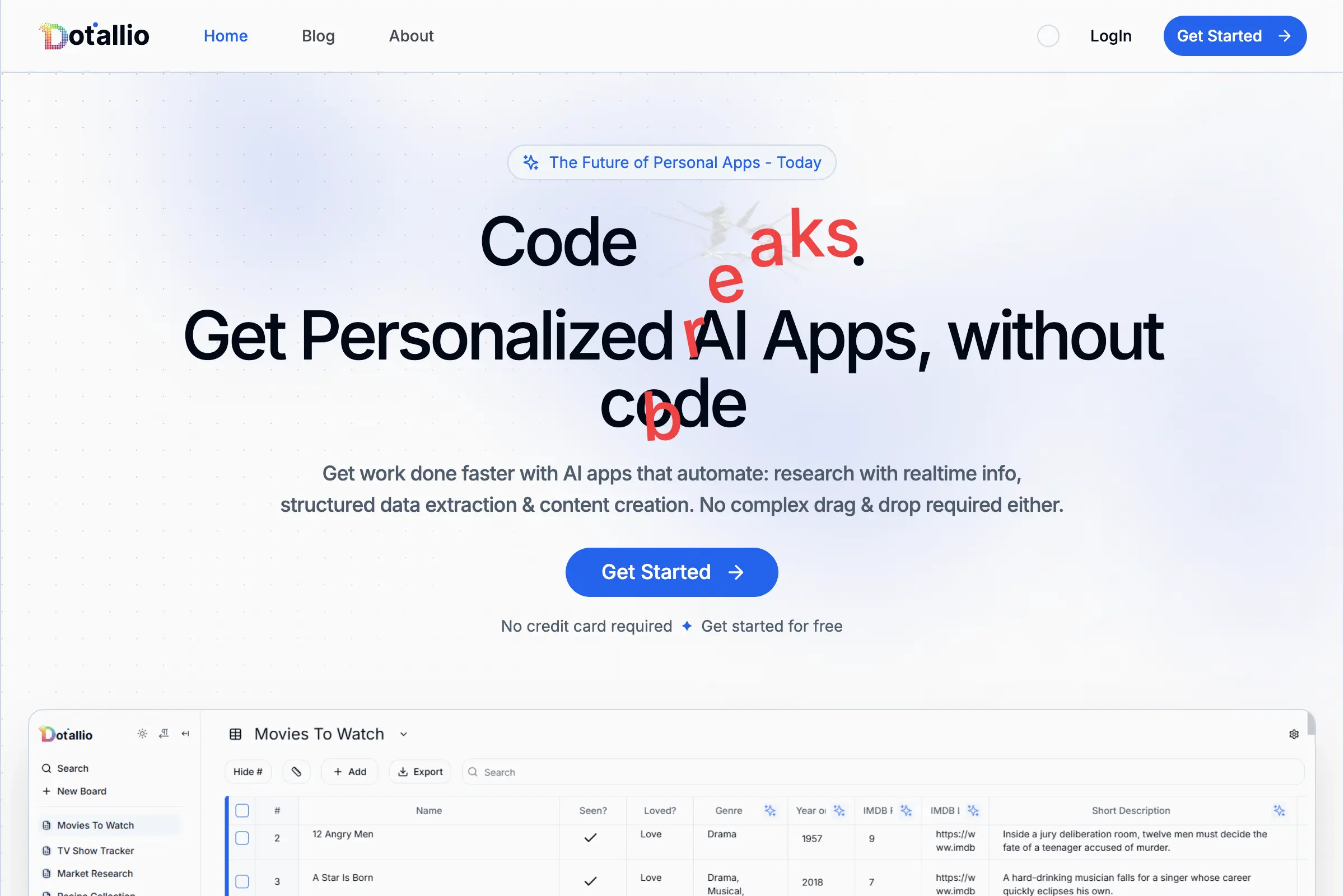
Dotallio
Personalized AI apps that automate research, data extraction, and content creation without code 🤖
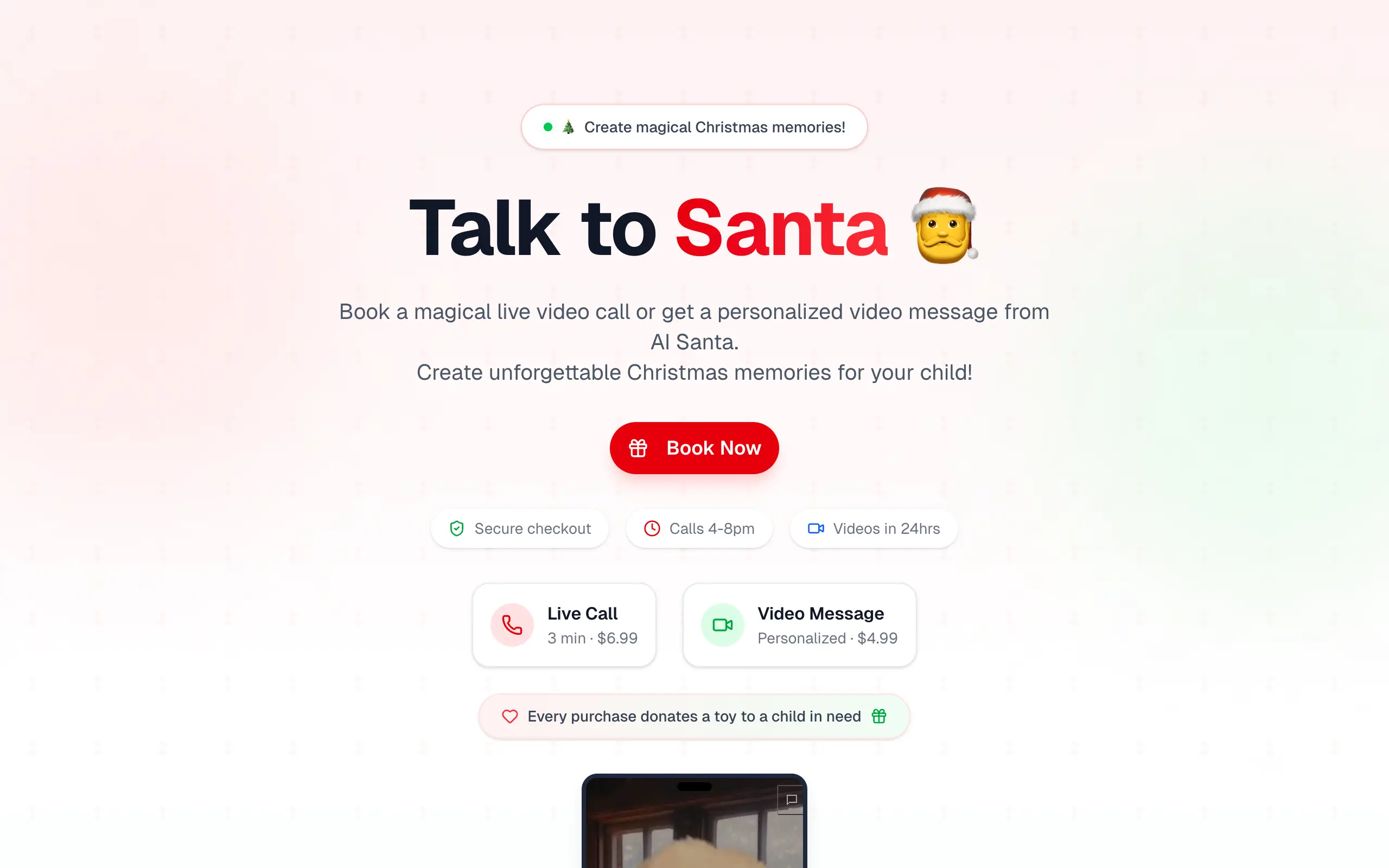
Talk to Santa
Enjoy a magical live video chat or receive a unique AI-generated video greeting from Santa Claus 🎅

pozywka.pl
Scalable blog for food journalist, focused on performance and user experience 🌭
zagrodzki.me
Personal blog and portfolio of Bart Zagrodzki, where he shares his knowledge and work 💼
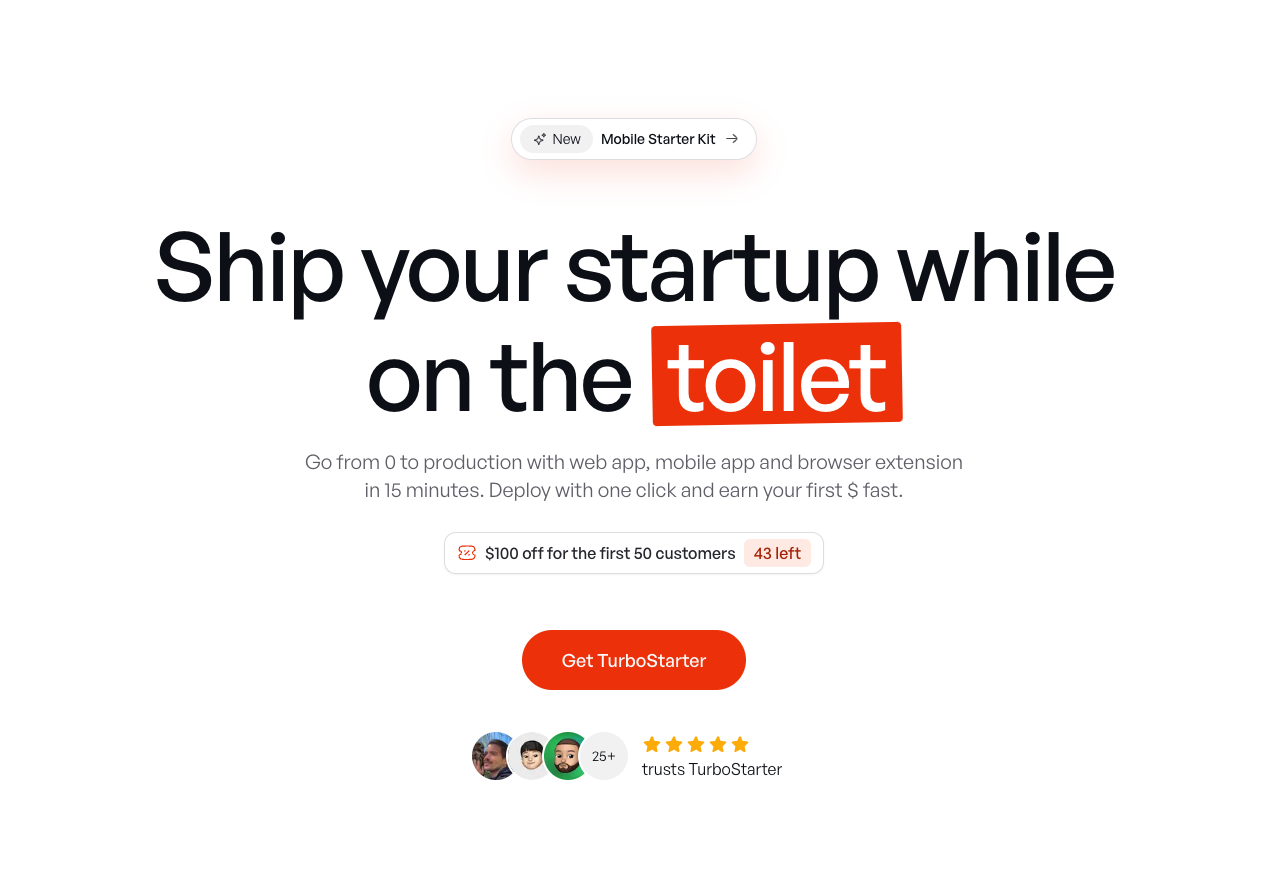
TurboStarter
Ship your startup everywhere. In minutes.
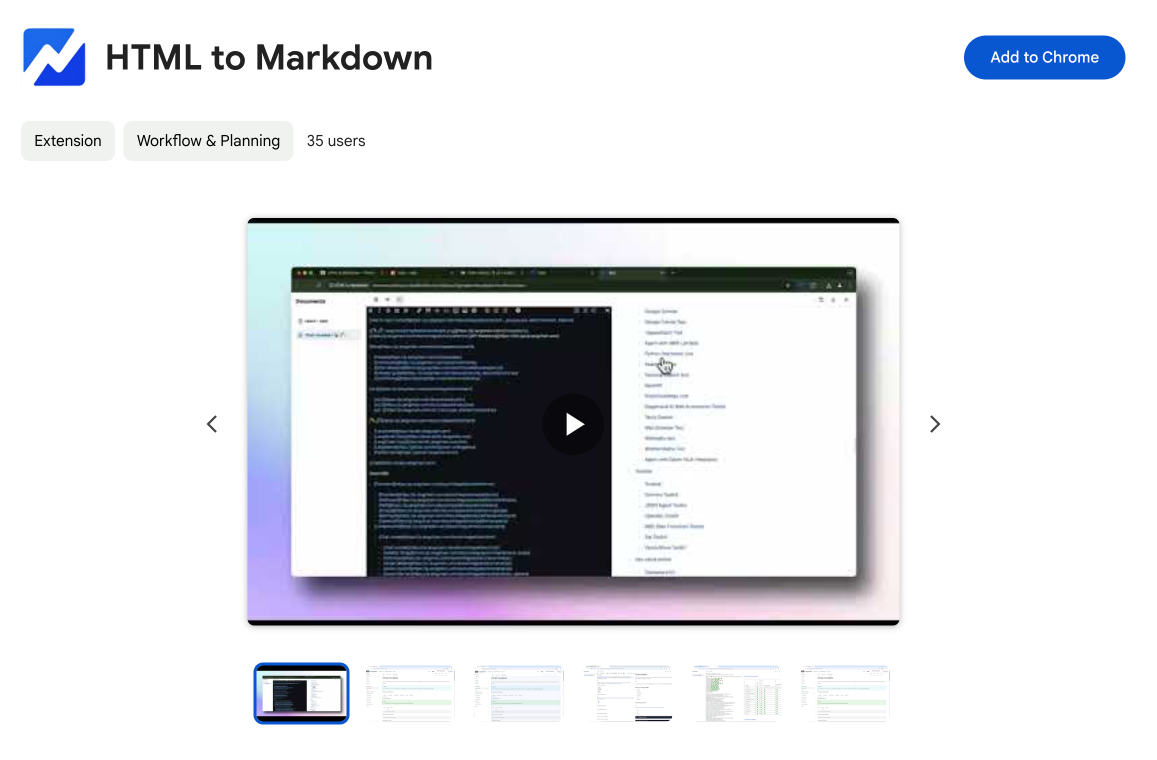
HTML to Markdown
Convert HTML to Markdown with ease, directly in your browser 📄
Dotallio
Personalized AI apps that automate research, data extraction, and content creation without code 🤖
Talk to Santa
Enjoy a magical live video chat or receive a unique AI-generated video greeting from Santa Claus 🎅
pozywka.pl
Scalable blog for food journalist, focused on performance and user experience 🌭
zagrodzki.me
Personal blog and portfolio of Bart Zagrodzki, where he shares his knowledge and work 💼
TurboStarter
Ship your startup everywhere. In minutes.
HTML to Markdown
Convert HTML to Markdown with ease, directly in your browser 📄
Dotallio
Personalized AI apps that automate research, data extraction, and content creation without code 🤖
Talk to Santa
Enjoy a magical live video chat or receive a unique AI-generated video greeting from Santa Claus 🎅
pozywka.pl
Scalable blog for food journalist, focused on performance and user experience 🌭
zagrodzki.me
Personal blog and portfolio of Bart Zagrodzki, where he shares his knowledge and work 💼
TurboStarter
Ship your startup everywhere. In minutes.
HTML to Markdown
Convert HTML to Markdown with ease, directly in your browser 📄
Dotallio
Personalized AI apps that automate research, data extraction, and content creation without code 🤖
Talk to Santa
Enjoy a magical live video chat or receive a unique AI-generated video greeting from Santa Claus 🎅
pozywka.pl
Scalable blog for food journalist, focused on performance and user experience 🌭
zagrodzki.me
Personal blog and portfolio of Bart Zagrodzki, where he shares his knowledge and work 💼
TurboStarter
Ship your startup everywhere. In minutes.
HTML to Markdown
Convert HTML to Markdown with ease, directly in your browser 📄
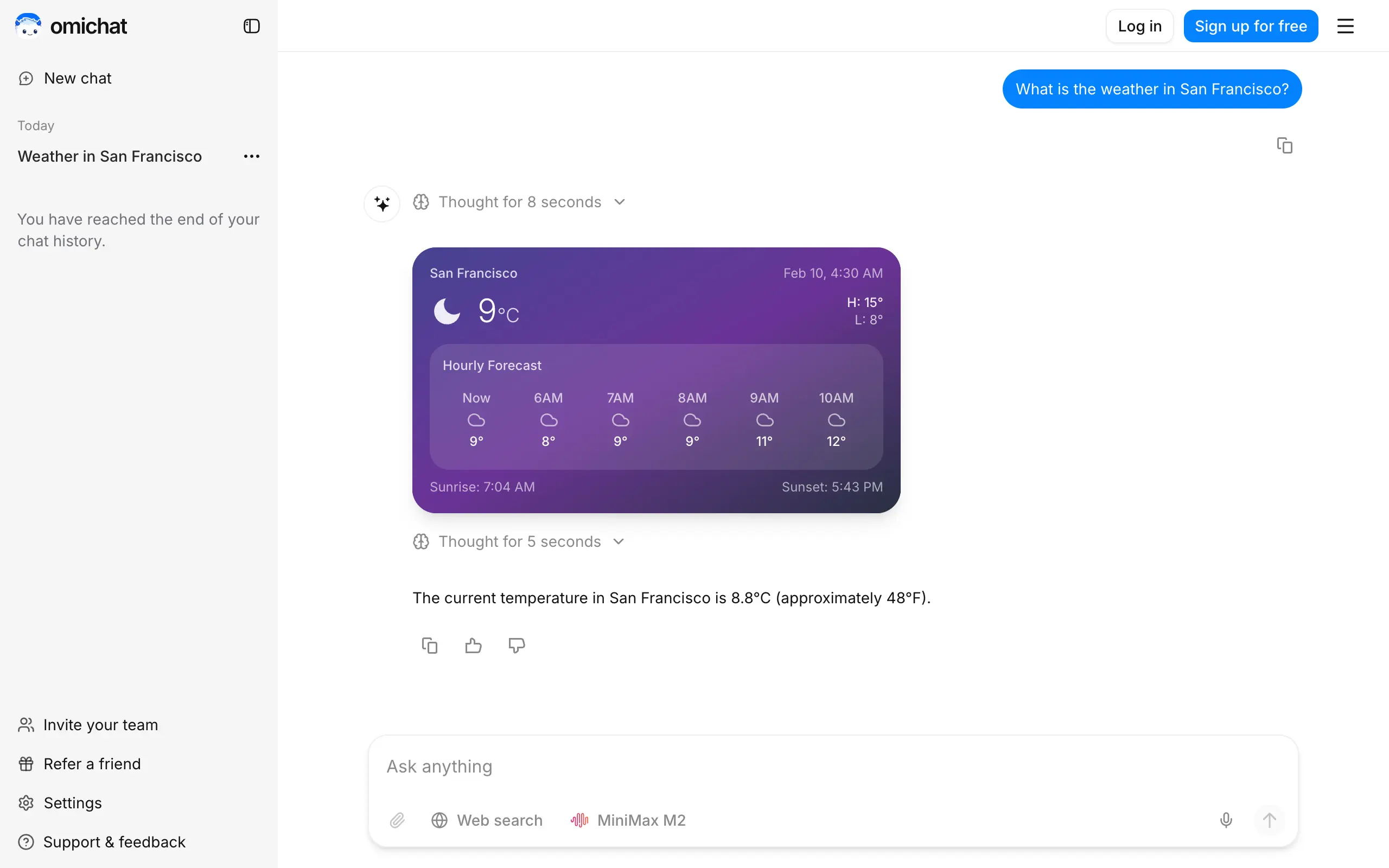
Omichat
Chat with 50+ AI models, including ChatGPT and Claude, in one place - switch models anytime without losing context 🤖
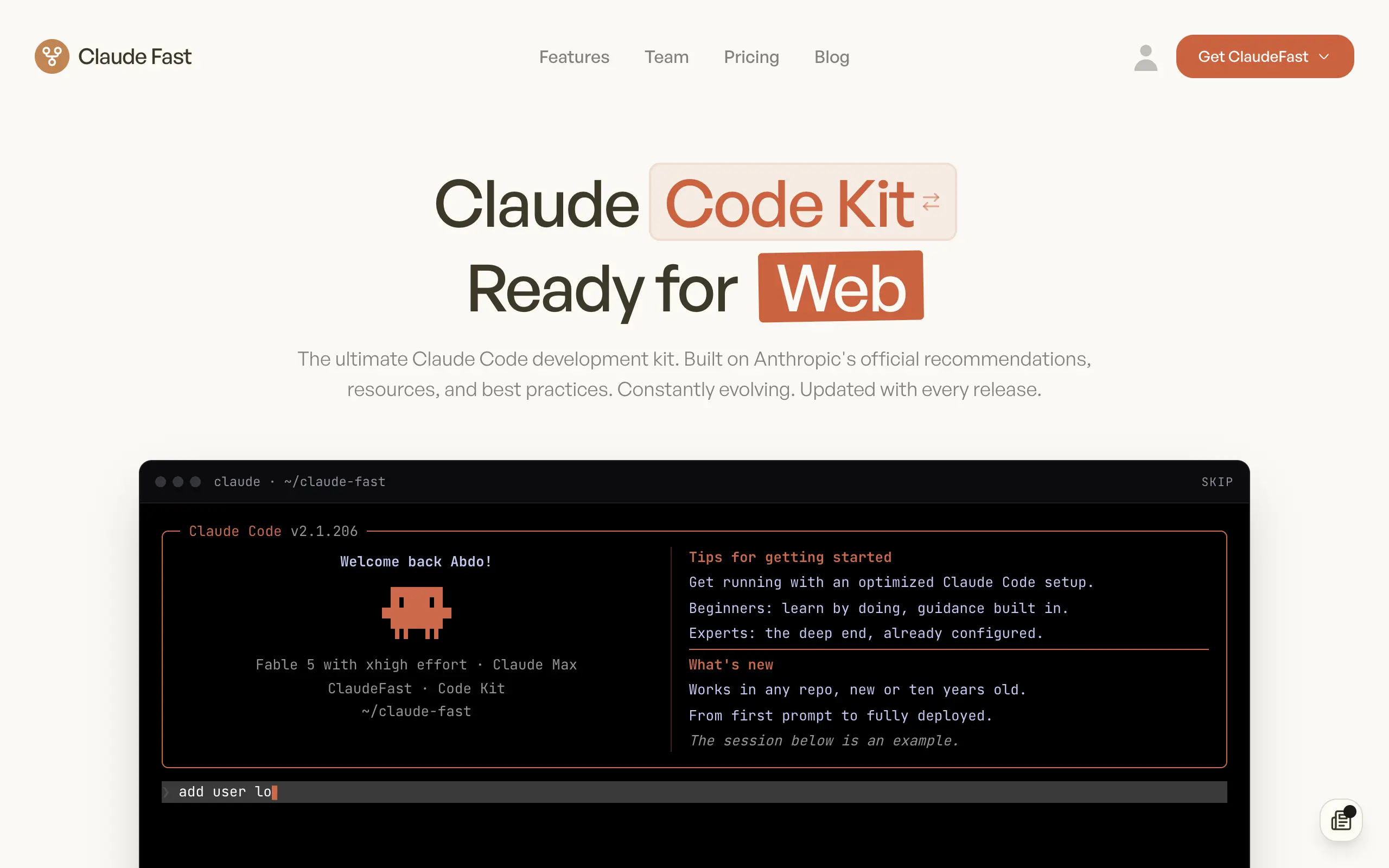
Claude Fast
Supercharge your Claude Code with 6x effective context window and specialized AI agents 🤖
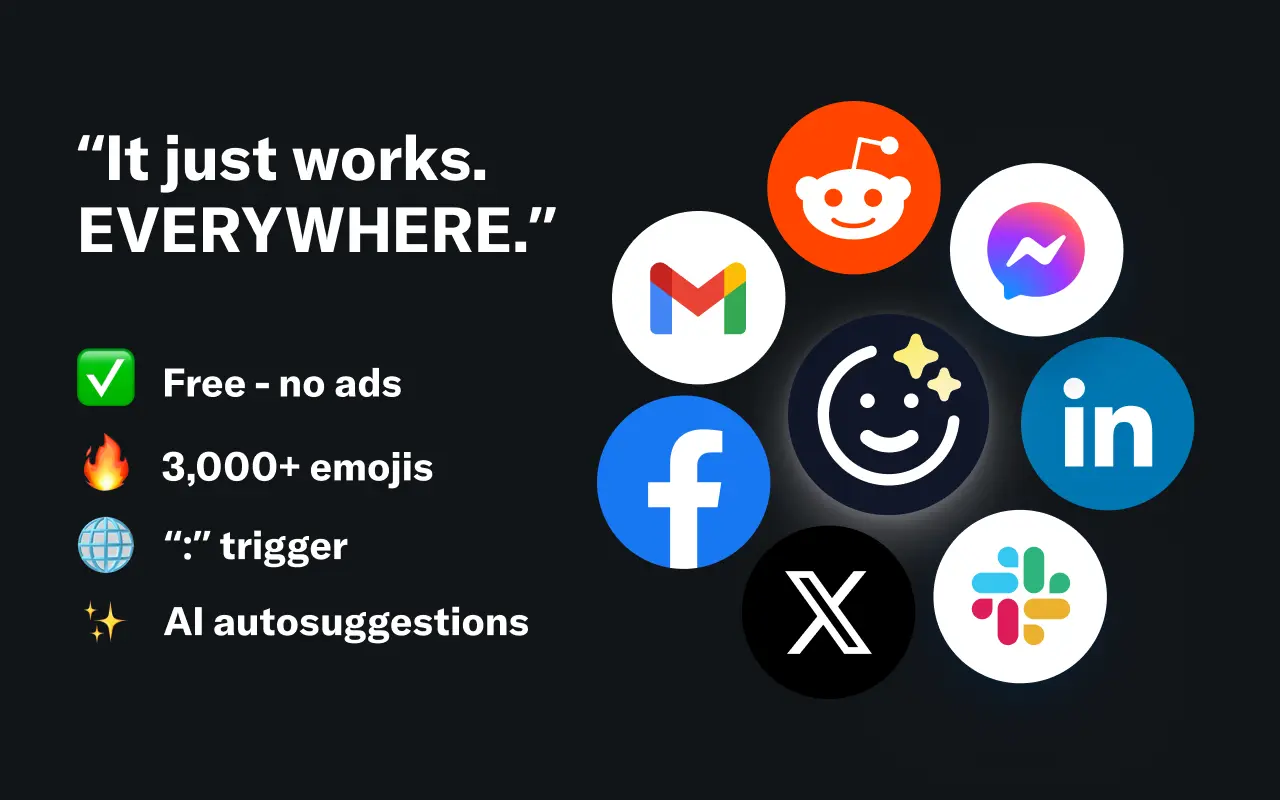
EmojAI
AI-powered emoji picker with smart, context-aware suggestions 🤖
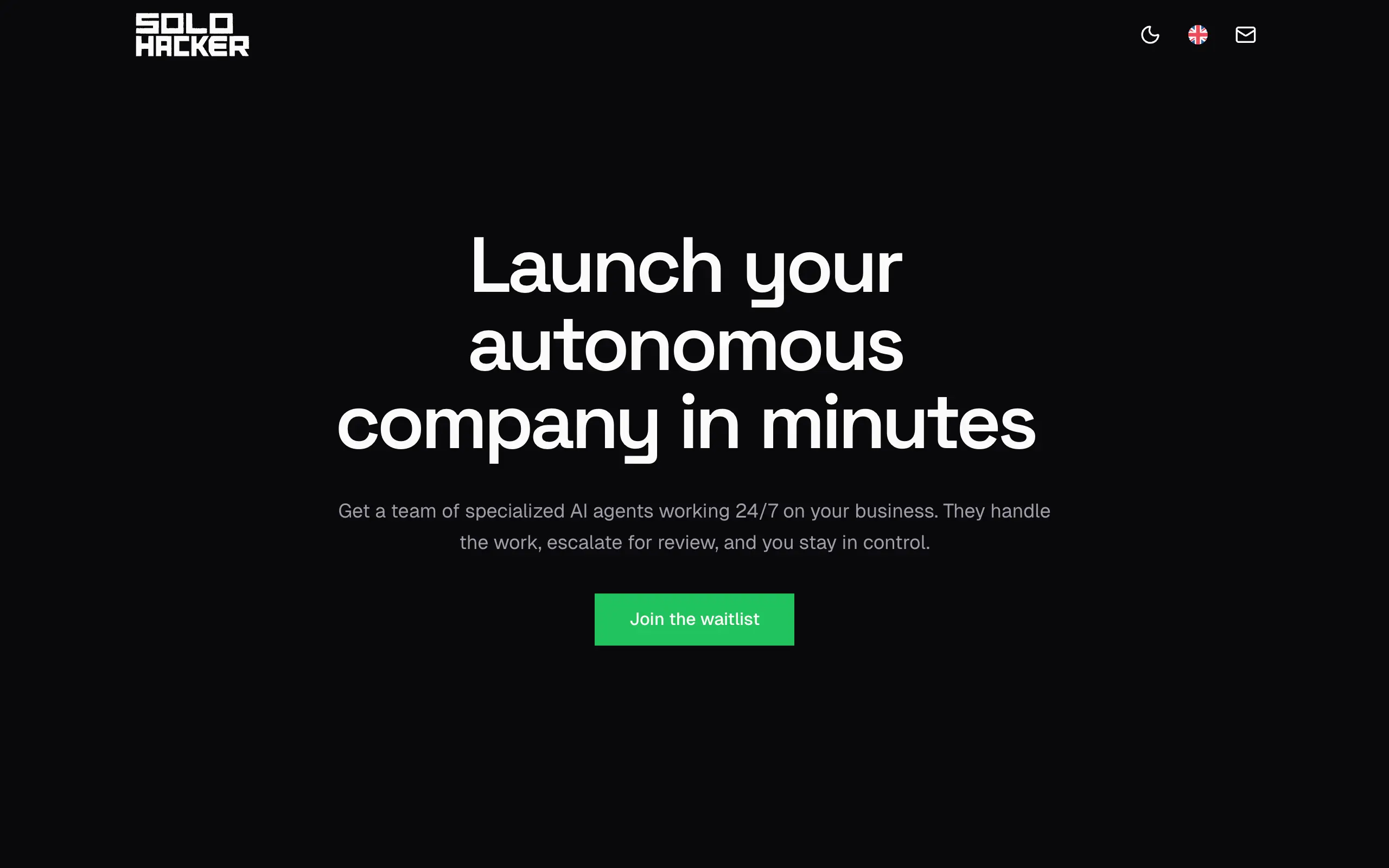
Solohacker
Autonomous company launcher - AI agents work 24/7, escalate what matters, and you stay in control 🤖
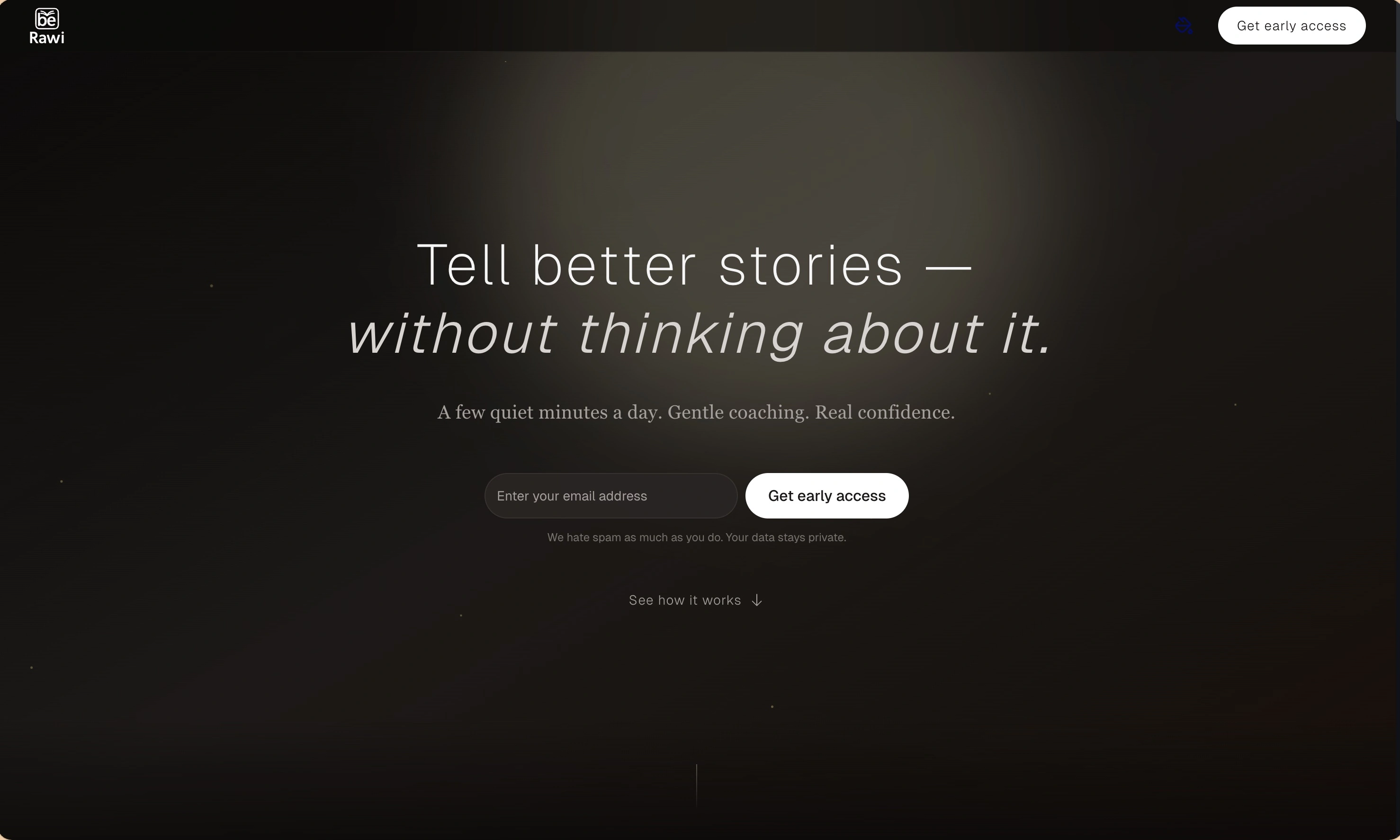
BeRawi: Storytelling Coach
Practice storytelling daily with instant feedback to sound clearer, more engaging, and confident 🎤
Omichat
Chat with 50+ AI models, including ChatGPT and Claude, in one place - switch models anytime without losing context 🤖
Claude Fast
Supercharge your Claude Code with 6x effective context window and specialized AI agents 🤖
EmojAI
AI-powered emoji picker with smart, context-aware suggestions 🤖
Solohacker
Autonomous company launcher - AI agents work 24/7, escalate what matters, and you stay in control 🤖
BeRawi: Storytelling Coach
Practice storytelling daily with instant feedback to sound clearer, more engaging, and confident 🎤
Omichat
Chat with 50+ AI models, including ChatGPT and Claude, in one place - switch models anytime without losing context 🤖
Claude Fast
Supercharge your Claude Code with 6x effective context window and specialized AI agents 🤖
EmojAI
AI-powered emoji picker with smart, context-aware suggestions 🤖
Solohacker
Autonomous company launcher - AI agents work 24/7, escalate what matters, and you stay in control 🤖
BeRawi: Storytelling Coach
Practice storytelling daily with instant feedback to sound clearer, more engaging, and confident 🎤
Omichat
Chat with 50+ AI models, including ChatGPT and Claude, in one place - switch models anytime without losing context 🤖
Claude Fast
Supercharge your Claude Code with 6x effective context window and specialized AI agents 🤖
EmojAI
AI-powered emoji picker with smart, context-aware suggestions 🤖
Solohacker
Autonomous company launcher - AI agents work 24/7, escalate what matters, and you stay in control 🤖
BeRawi: Storytelling Coach
Practice storytelling daily with instant feedback to sound clearer, more engaging, and confident 🎤

Connect with like-minded people
Join our community to get feedback, support, and grow together with 1,000+ builders on board, let's ship it!
Join usShip your startup everywhere. In minutes.
Don't burn tokens on setup and start building features on day one.