Palette Pilot
Generates on-brand color systems, type pairings, and usage rules from a few reference images. Built for small agencies that revise identities for every new client.
Palette Pilot is an AI tool that turns a handful of reference images into a complete, usable brand foundation: color system, type pairings and written usage rules. It has potential in 2026 because small agencies now sell faster, cheaper identity work, and the slow part is no longer sketching ideas but turning a moodboard into a documented system a client and a developer can actually follow. This is a focused AI brand color palette generator for small agencies, not another generic palette picker.
Key takeaways
- Target customer: small branding and web agencies (2 to 15 people) that produce a new or refreshed identity for every client.
- Pricing angle: a flat monthly subscription per studio, with a per-seat add-on, anchored against the billable hours it saves.
- Biggest risk: output that looks plausible but generic, so designers stop trusting it after the second project.
- Time to MVP: about 3 to 5 weeks for one developer, assuming you start from a starter kit for auth, billing and storage.
What problem does an AI brand color palette generator solve?
The problem is the gap between inspiration and a defensible system. Designers collect references, pull a few colors by eye, then spend hours testing contrast, naming tokens, choosing fonts and writing rules that the client will ignore anyway.
Existing tools do the first step well and the rest poorly. That gap is where Palette Pilot lives.
Who feels it most?
The ideal customer is a creative director or senior designer at a small agency, typically a studio of 3 to 12 people that runs several identity or website projects at once. They revise identities for each new client, so the cost repeats every month instead of once.
A concrete example: a five-person studio delivering six brand refreshes per quarter. Each one needs a palette, accessible text combinations, a type pairing and a one-page usage guide. If each takes even a few hours of the senior designer's time, that is a meaningful share of their week.
What do they do today?
Their workaround is a patchwork:
- Pinterest or Figma boards for references, with colors eyedropped manually.
- Coolors, Adobe Color or similar tools for palette exploration.
- A contrast checker in a separate tab.
- Google Fonts browsing for pairings, driven by habit and taste.
- A hand-written PDF or Notion page for usage rules.
Why does the workaround fail?
Each tool solves one fragment and none of them know about the others. Palette tools generate colors without understanding the references' mood, so you get mathematically harmonious palettes that do not feel like the client.
The usage rules are the worst part. They are written last, under deadline pressure, and often skipped. The result is a brand that drifts the moment a developer or junior designer touches it.
Is there a market gap for AI brand tools in 2026?
Yes, but a narrow one. The gap is not "generate colors", which is crowded. It is generating a complete, documented, reference-driven system for agencies that repeat the process every client cycle.
How does the current landscape look?
Broadly, there are four categories:
- Palette explorers such as Coolors and Adobe Color: fast and loved, but they output swatches, not systems.
- Design suites such as Figma: excellent for execution, with plugins for palettes, but no opinionated brand reasoning.
- General AI image and chat tools: flexible, but inconsistent, and they do not produce structured, exportable tokens by default.
- Full AI brand generators aimed at non-designers: they produce a logo and a palette in a minute, but they target founders with no designer, not professionals who need control.
Why now?
Three shifts make this timely, assuming current trends continue. Multimodal models are good enough to read mood, contrast and style from images. Design tokens and variables are now standard in Figma and front-end code, so a structured output has a clear destination. And small agencies are under price pressure from AI-assisted competitors, so they are actively looking for ways to deliver the same quality in fewer hours.
The opening is a tool built for professionals who want speed without surrendering taste.
What should the Palette Pilot MVP include?
Build one path: upload references, get a system you would be willing to show a client. Everything else waits.
The aha moment is the first time a designer uploads three to five images and sees a palette that feels like it came from those images, with named roles, passing contrast pairs and a type pairing, in under a minute.
Reference-to-palette engine
Extracts and interprets colors from three to eight images, then proposes a structured palette with primary, secondary, neutral and accent roles.
Type pairing suggestions
Recommends heading and body font pairs from open font libraries that match the mood of the references, with a short rationale for each.
Auto-written usage rules
Generates plain-language guidance on color ratios, accessible combinations, do and don't examples and when to use each role.
Export to design and code
Outputs CSS variables, a design token JSON file and a shareable one-page brand sheet the client can open without an account.
What should you cut?
Cut logo generation, mockups, team commenting, a Figma plugin and a public gallery. Each is tempting and each doubles the surface area.
Also cut fully custom fonts and licensed typefaces at first. Stick to open libraries so you avoid licensing questions while you learn what designers actually accept.
What do you add right after launch?
Once ten studios use it weekly, the likely next requests are a Figma variables export, saved client projects and a "revise this palette" flow where the designer nudges the system (warmer, calmer, more contrast) instead of starting over.
How is Palette Pilot different from Coolors, spreadsheets or DIY?
The unique selling proposition: "A client-ready color and type system from your references, with the rules written for you." It is narrower than a suite and deeper than a palette picker.
| Option | Reads your references | Usage rules included | Accessible by default | Exports tokens |
|---|---|---|---|---|
| Palette Pilot | ✅ | ✅ | ✅ | ✅ |
| Palette explorers | Partly | ❌ | Checker only | Limited |
| Spreadsheet or Notion doc | ❌ | Manual | Manual | ❌ |
| General AI chat | Inconsistent | Inconsistent | ❌ | Manual |
| Consumer brand generators | Rarely | Basic | Rarely | Limited |
The defensible part is not the model. It is the structured output format, the quality of the rules and the workflow fit for agencies that run the same process repeatedly.
How would Palette Pilot make money?
Charge studios, not individuals. Agencies expense tools and value time saved, and a studio account has natural expansion through seats.
Which pricing models are realistic?
- Flat studio subscription: for example $39 to $79 per month with a monthly cap on generated systems. Simple to explain and to sell.
- Per-seat plus usage: a lower base price with extra seats and a credit pool for generations. It tracks your AI costs more closely but is harder to communicate.
- Project packs: one-time purchases of 10 or 20 systems for freelancers and very small studios who dislike subscriptions. Useful as an entry offer.
A sanity check, framed as an assumption: if you charge $49 per month and 3% of 1,000 monthly trial signups convert, that is about 30 new studios and roughly $1,470 in new monthly recurring revenue. Measure your own conversion before trusting that number.
Which growth channel should come first?
Start with design communities and direct outreach. Designers share tools they like in Slack and Discord groups, on Reddit design forums and in newsletters, and a shareable brand sheet doubles as a quiet referral loop.
Pair that with a free, ungated sample: let visitors upload references and see a palette preview, then require signup to save or export. Programmatic SEO pages around palette and font topics can follow, but they take months, so treat them as a second channel.
How do you validate Palette Pilot in two weeks?
Test whether agencies will change a habit, not whether the output looks cool. The plan below fits in two weeks with no product code beyond a landing page.
Interview eight to ten studio designers
Ask them to walk through their last identity project, where the hours went and which tools they used. Listen for the words "rules", "handoff" and "revisions" without prompting.
Run manual concierge trials
Ask three studios for their reference images and produce a palette, type pairing and usage page by hand, using an AI model and your own judgment. Note what they edit, because those edits are your product spec.
Launch a landing page with a live preview
State one promise, show a sample output and collect waitlist emails. Drive traffic through the communities where you did your interviews.
Ask for a pre-sale
Offer founding-member pricing, such as a discounted annual plan, to the people who engaged most. Even three to five paid commitments tell you more than a hundred waitlist signups.
Decide with a clear threshold
Before you start, write down what counts as success, for example "at least three paid pre-orders and five studios willing to test weekly". If you miss it, narrow the audience or the output before writing more code.
What tech stack should you use to build an AI palette tool?
Use a conventional web stack and spend your effort on the generation quality. A TypeScript monorepo with a React front end, a Postgres database and a hosted multimodal model is enough for the MVP.
What does the architecture look like?
The flow is simple: the user uploads images to object storage, a server route sends them to a vision-capable model with a structured output schema, and your code post-processes the result. Post-processing is where the quality lives: contrast checks, role assignment, color naming and token export are deterministic code, not model guesses.
Run generation as a background job so uploads and retries do not block the interface. Store every generation so designers can revise and re-export.
Which AI provider should you pick?
Best for the MVP. You get strong image understanding and structured outputs with no infrastructure work, at a per-call cost. The trade-offs are vendor dependency and variable latency, so keep the provider behind a thin interface.
Worth considering only if costs or privacy requirements demand it. You gain control and predictable unit costs at scale, but you take on GPU hosting, scaling and evaluation work that a two-person team rarely needs in month one.
A starting data model
type BrandSystem = {
  id: string;
  projectId: string;
  referenceImageUrls: string[];
  colors: {
    role: "primary" | "secondary" | "neutral" | "accent";
    name: string;
    hex: string;
  }[];
  typePairing: { heading: string; body: string; rationale: string };
  usageRules: string[];
  contrastPairs: { foreground: string; background: string; ratio: number }[];
  createdAt: string;
};
How does TurboStarter speed this up?
Authentication, billing, file uploads and email are necessary and not unique to Palette Pilot. TurboStarter ships them in a ready-made monorepo, so you can start on the generation pipeline in the first week.
Specifically relevant here:
- Authentication for studio accounts and magic-link sign in.
- Billing for subscriptions and one-time project packs, so both pricing models above are testable.
- Storage for reference image uploads and exported brand sheets.
- AI integration for wiring the model calls into your routes.
Organizations and teams support also fits the per-studio seat model, and background tasks suit the generation jobs. You can add a mobile app later if designers ask for photo capture in the field.
What could make Palette Pilot fail?
Four risks matter, and the first is the one to watch from day one.
Biggest risk: generic output
If palettes look like what any free tool produces, professional designers will not pay. Taste is the product. Mitigate it by testing every change against real agency references, keeping a library of before-and-after examples and letting designers adjust results quickly instead of regenerating from scratch.
- Free competition from incumbents. Adobe, Figma or Canva could ship a similar feature. Stay narrower, focus on agency workflow and the usage rules, and move faster on exports and handoff than a large suite will.
- Thin willingness to pay. Many designers are used to free palette tools. Validate pre-sales early and price against saved hours, not against swatch generators.
- Model cost and inconsistency. Vision calls add up and results vary. Cache results, cap generations per plan, use deterministic post-processing and measure cost per generated system from the start.
- Copyright and trust questions. Reference images may belong to clients or third parties. Do not train on uploads, state your retention policy clearly and let users delete projects.
What should you do in the first 30 days?
Move from conversations to paid users in a month. The plan assumes one founder with development skills.
- Days 1 to 3: write your threshold for success and book eight to ten designer interviews.
- Days 4 to 10: run the interviews and complete three concierge projects by hand.
- Days 8 to 12: publish the landing page with a sample output and open the waitlist.
- Days 10 to 14: ask engaged studios for founding-member pre-orders.
- Days 12 to 24: set up the starter kit and build the upload, generate, review and export flow.
- Days 20 to 26: add contrast checks, role assignment and the shareable brand sheet.
- Days 26 to 30: onboard five pilot studios, watch them use it and fix the top three friction points.
If your interviews confirm the pain, start building this week with TurboStarter so the first version of your AI brand color palette generator for small agencies reaches real studios in weeks.
FAQ
Interview designers about their last identity project, then deliver a few palettes manually for real studios. If they edit your output heavily or ask for more, you have a signal. Pre-sales from even a handful of studios are stronger evidence than waitlist counts.
A flat studio plan in the tens of dollars per month is a reasonable starting range, assuming each use saves a few billable hours. Test two price points with founding members and compare conversion before locking anything in.
Palette explorers like Coolors and Adobe Color, design suites like Figma, general AI chat tools and consumer brand generators. None of them focus on a documented, reference-driven system for agencies, which is the gap to target.
A TypeScript monorepo with React, Postgres, object storage and a hosted multimodal model works well. Keep the AI provider behind an interface and do contrast, naming and exports in deterministic code.
One developer can typically ship a usable MVP in 3 to 5 weeks when starting from a starter kit that already handles accounts, billing and uploads. Your main costs are model calls and hosting, which stay modest while usage is small, so track cost per generation early.
More 🤖 AI Startup SaaS ideas
Discover more innovative ai startup SaaS ideas that are trending in 2026. Each idea is AI-generated with market validation and growth potential to help you find your next profitable venture faster than competitors.
Your competitors are building with TurboStarter
Below are some of the SaaS ideas that have been generated and built with our starter kit.

Monitor any Telegram channel in real time - track posts, edits, deletions, and growth with AI recaps 📡

AI website builder - describe your business, pick a niche template, edit by chatting, and publish instantly ✨
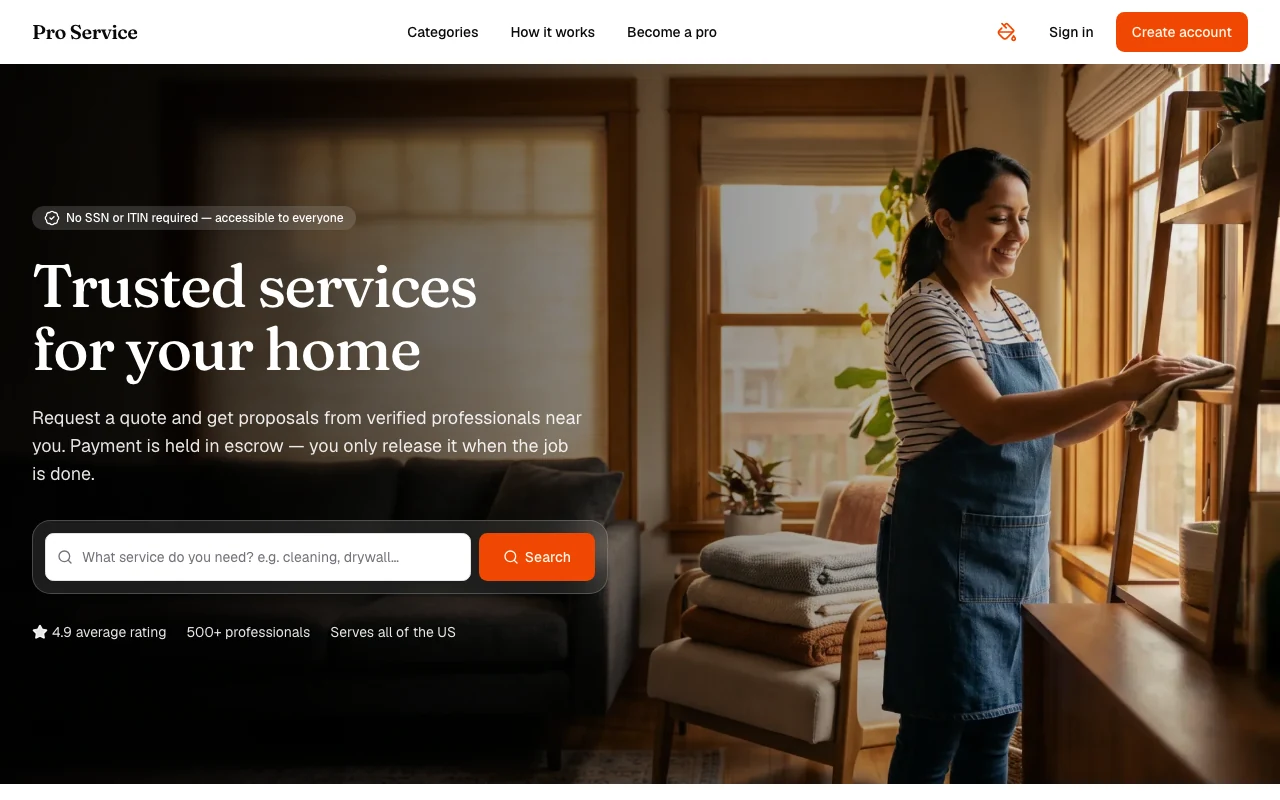
Find verified home service professionals, compare quotes, and pay securely through escrow - built for Brazilians across the US 🏠
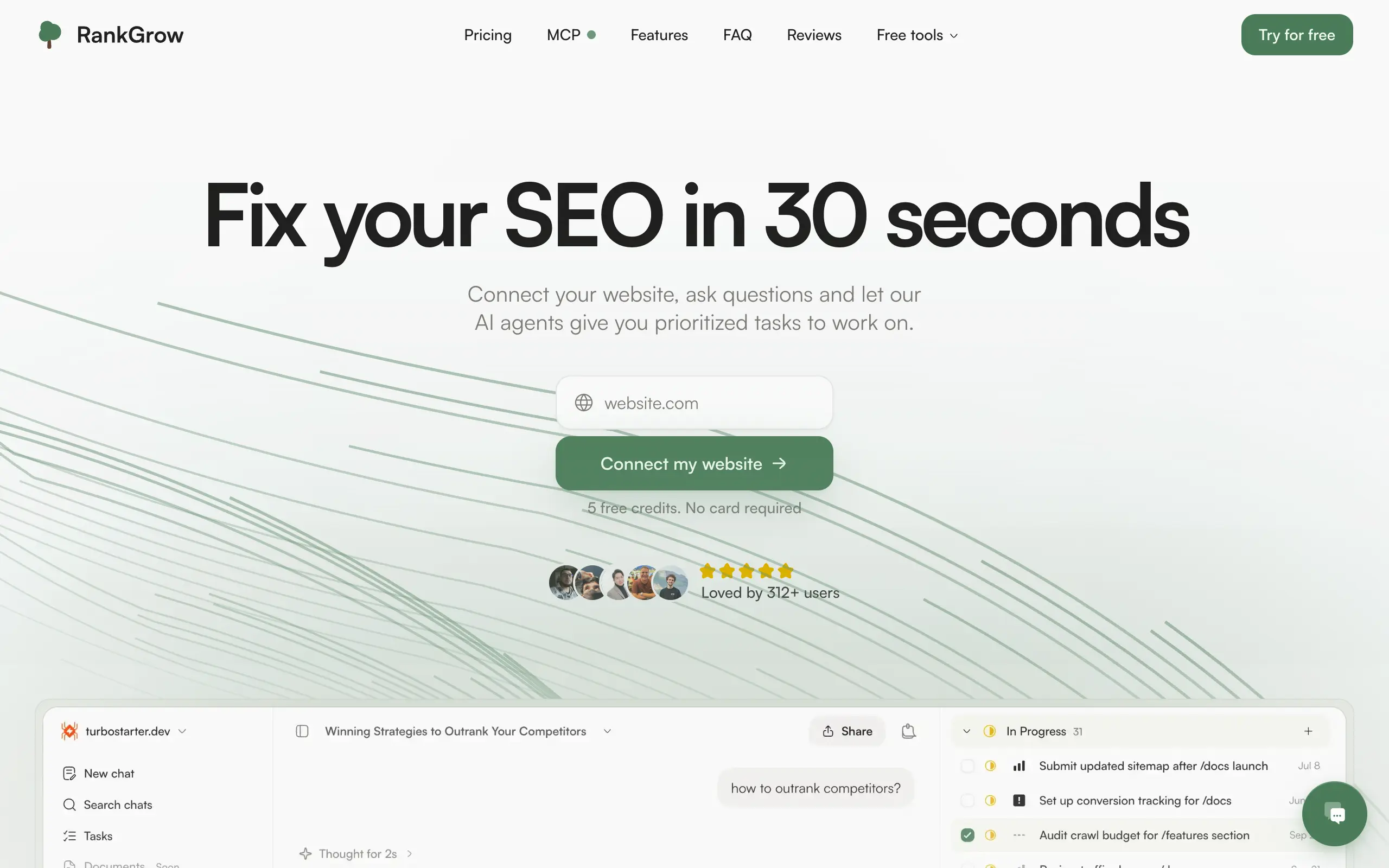
Fix your SEO with AI agents - connect Search Console, get prioritized tasks, and grow organic traffic 📈
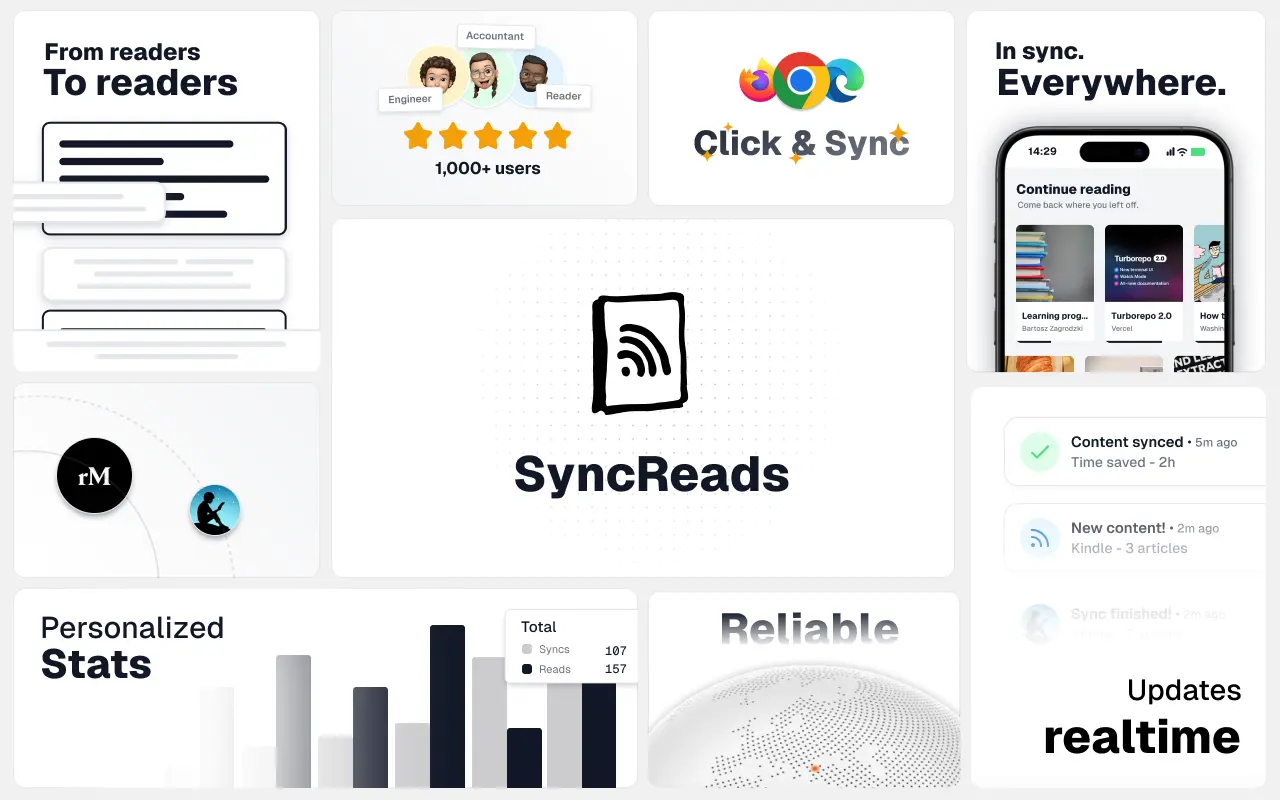
Sync your favorite content for distraction-free reading, save time and replace multiple apps. Anytime, anywhere 🔄
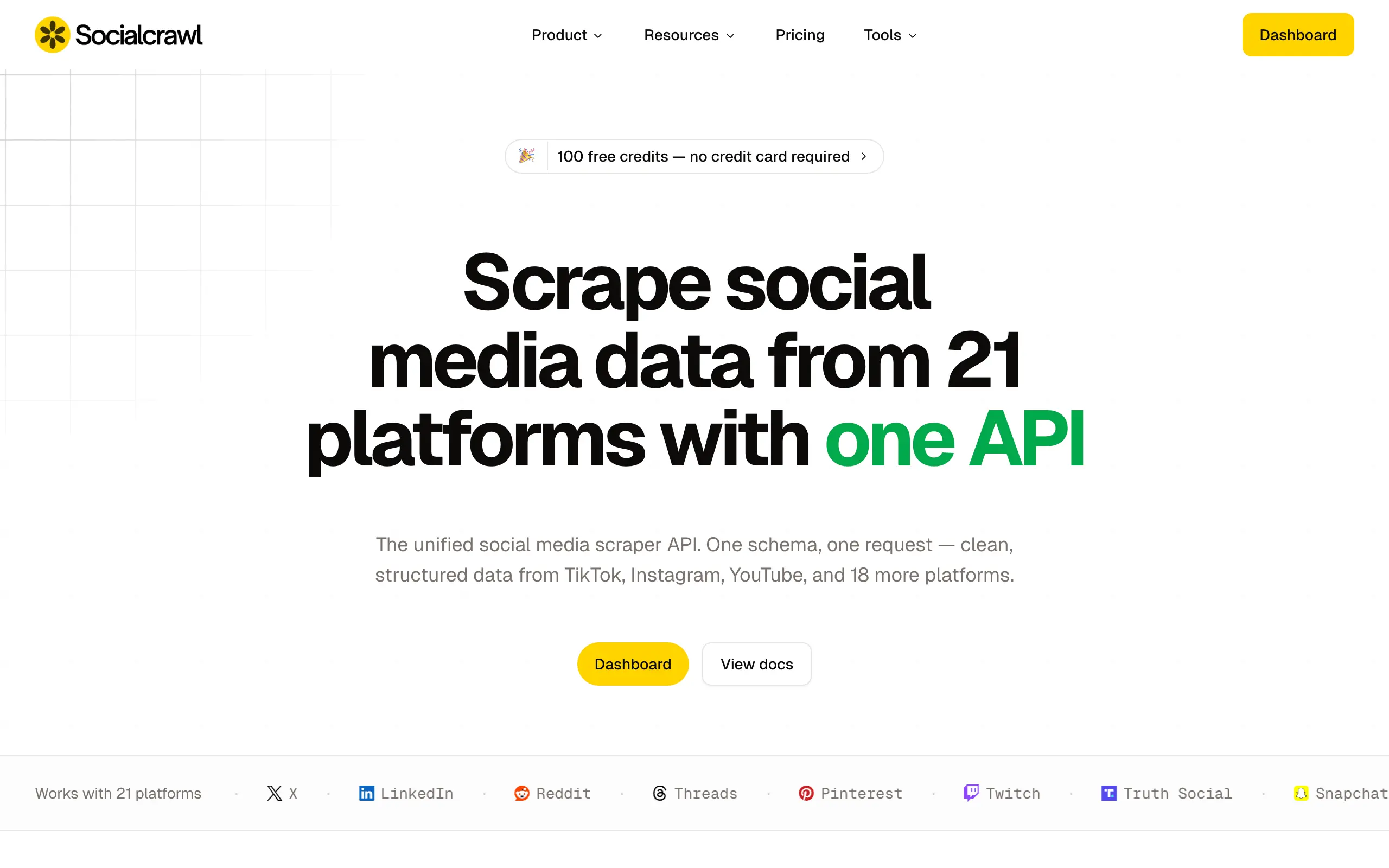
Get clean, structured data from 21 platforms like TikTok, Instagram, and YouTube with a single request 📊
Monitor any Telegram channel in real time - track posts, edits, deletions, and growth with AI recaps 📡
AI website builder - describe your business, pick a niche template, edit by chatting, and publish instantly ✨
Find verified home service professionals, compare quotes, and pay securely through escrow - built for Brazilians across the US 🏠
Fix your SEO with AI agents - connect Search Console, get prioritized tasks, and grow organic traffic 📈
Sync your favorite content for distraction-free reading, save time and replace multiple apps. Anytime, anywhere 🔄
Get clean, structured data from 21 platforms like TikTok, Instagram, and YouTube with a single request 📊
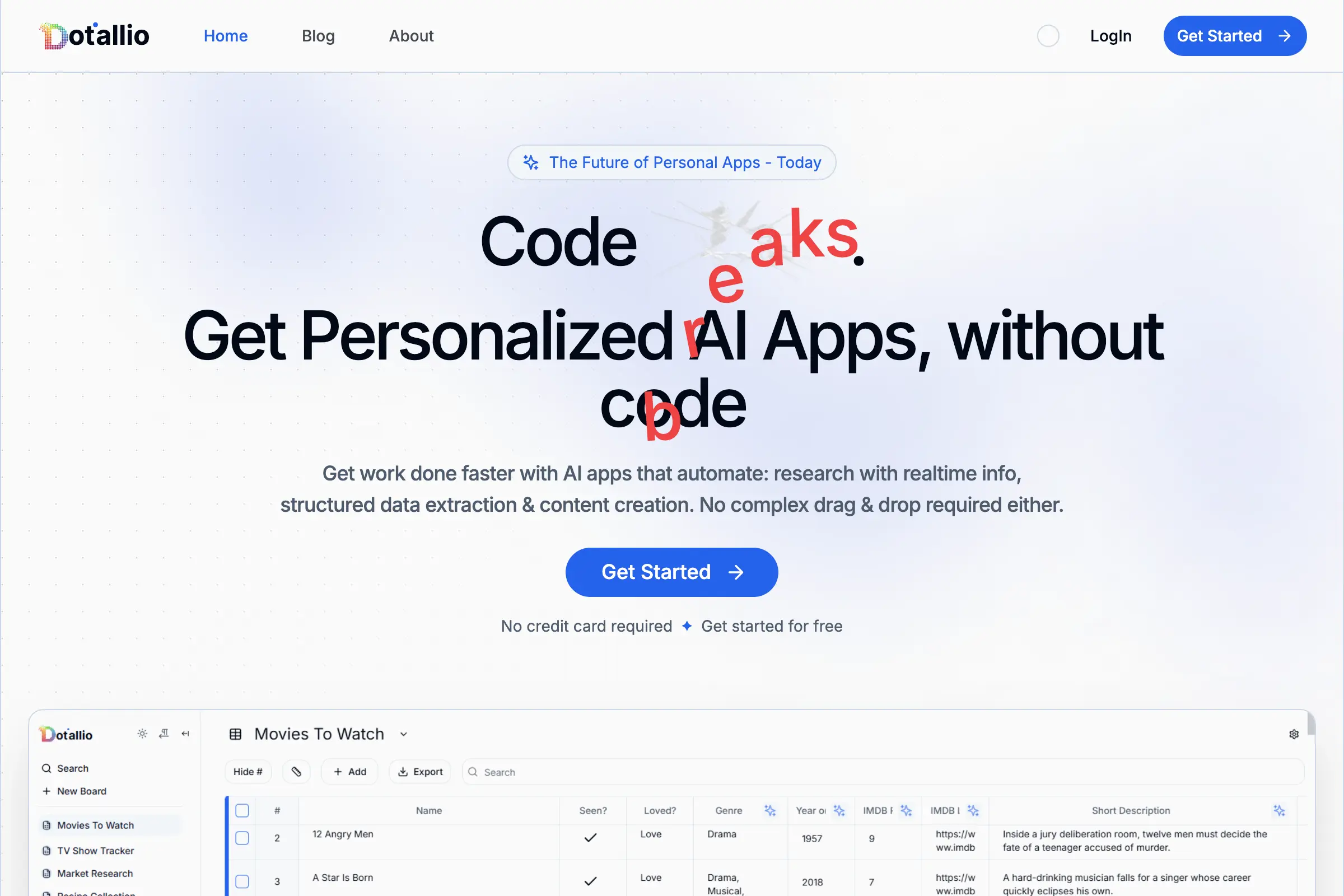
Personalized AI apps that automate research, data extraction, and content creation without code 🤖
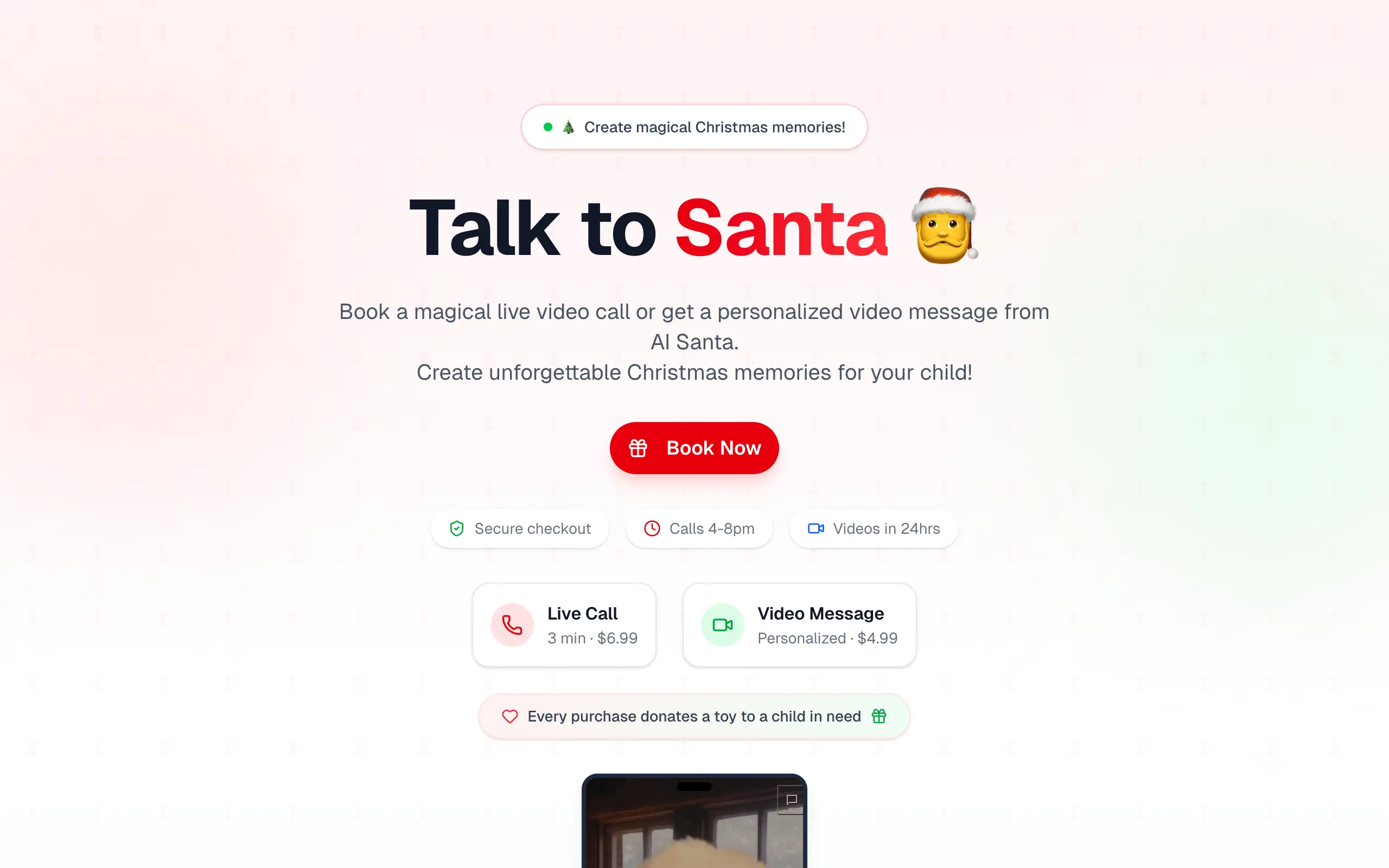
Enjoy a magical live video chat or receive a unique AI-generated video greeting from Santa Claus 🎅
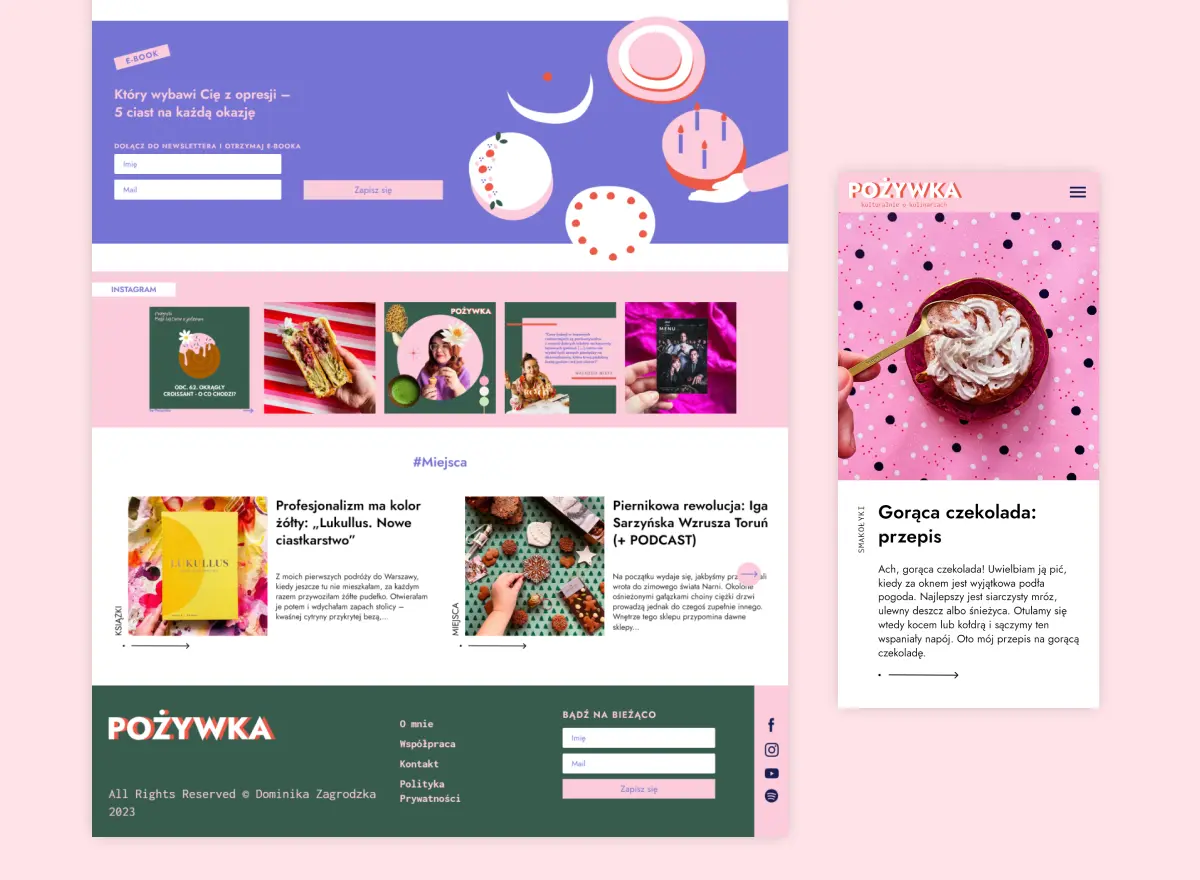
Scalable blog for food journalist, focused on performance and user experience 🌭
Personal blog and portfolio of Bart Zagrodzki, where he shares his knowledge and work 💼
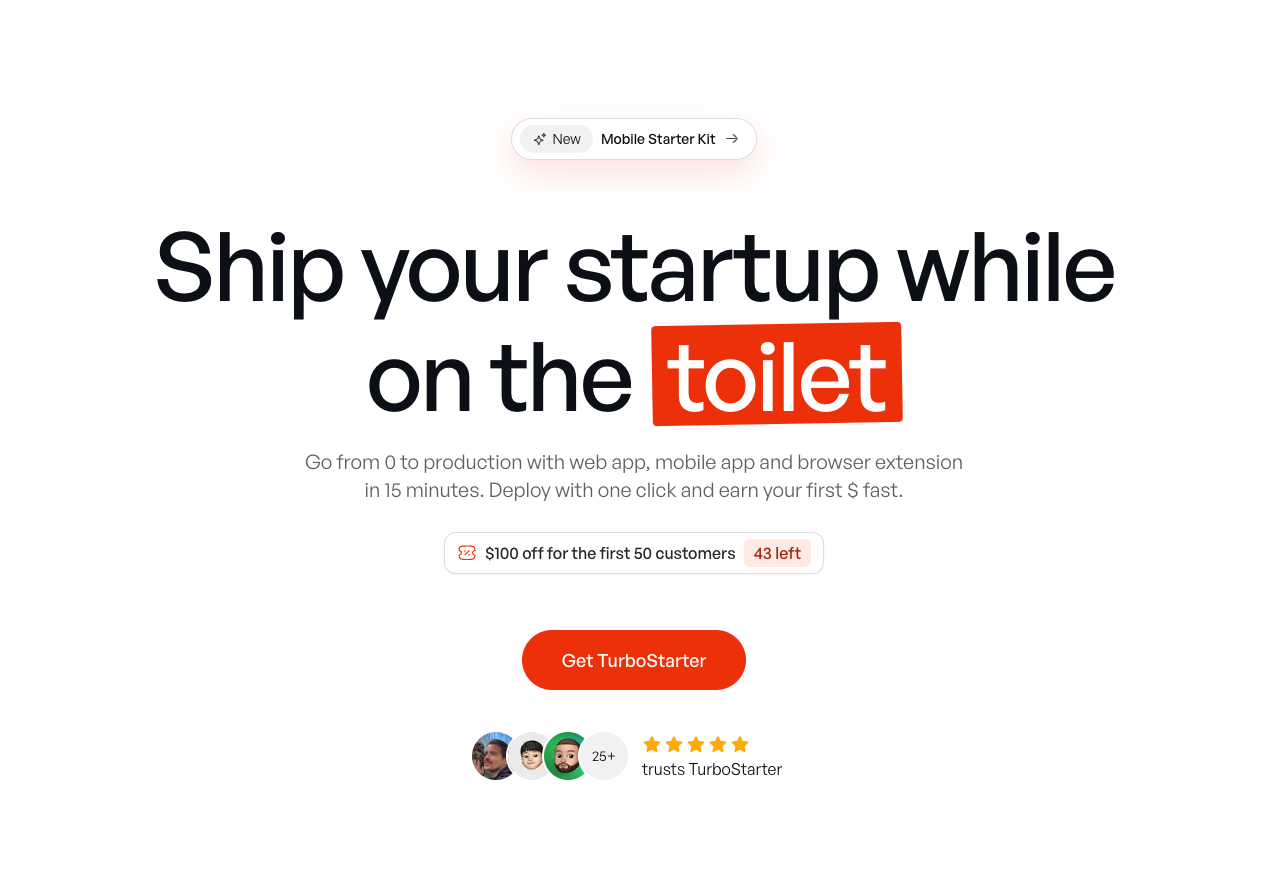
Ship your startup everywhere. In minutes.
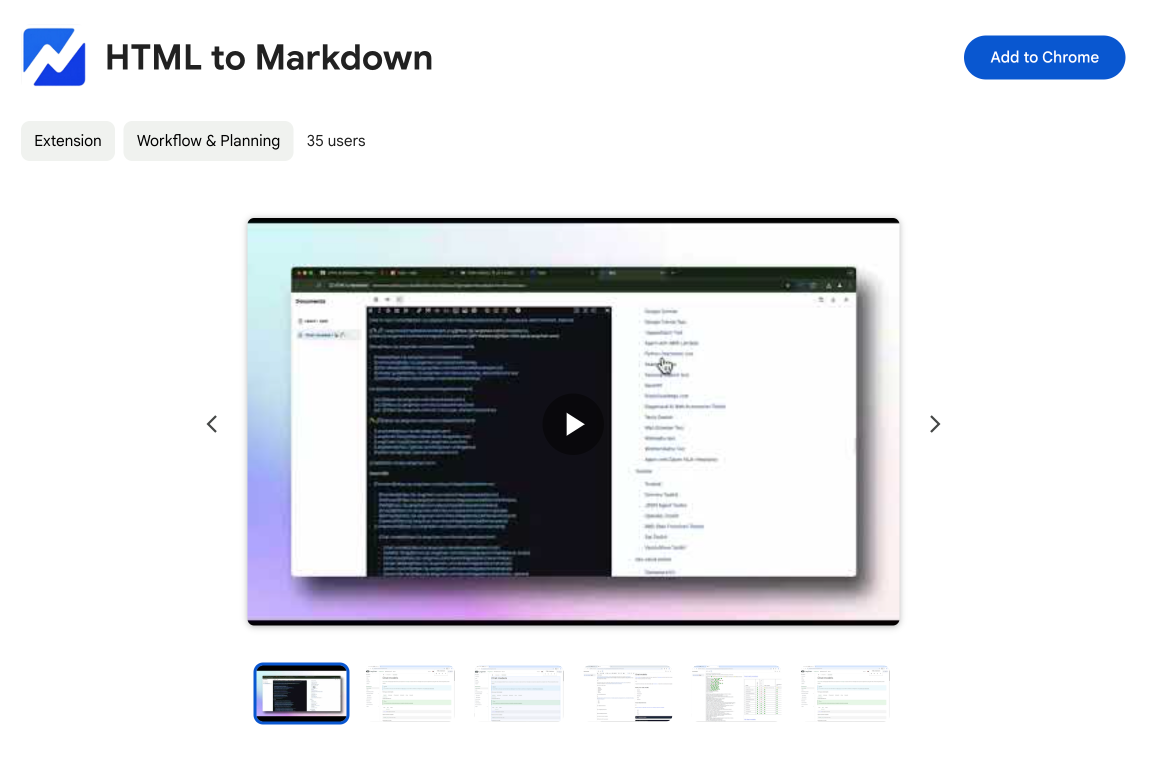
Convert HTML to Markdown with ease, directly in your browser 📄
Personalized AI apps that automate research, data extraction, and content creation without code 🤖
Enjoy a magical live video chat or receive a unique AI-generated video greeting from Santa Claus 🎅
Scalable blog for food journalist, focused on performance and user experience 🌭
Personal blog and portfolio of Bart Zagrodzki, where he shares his knowledge and work 💼
Ship your startup everywhere. In minutes.
Convert HTML to Markdown with ease, directly in your browser 📄
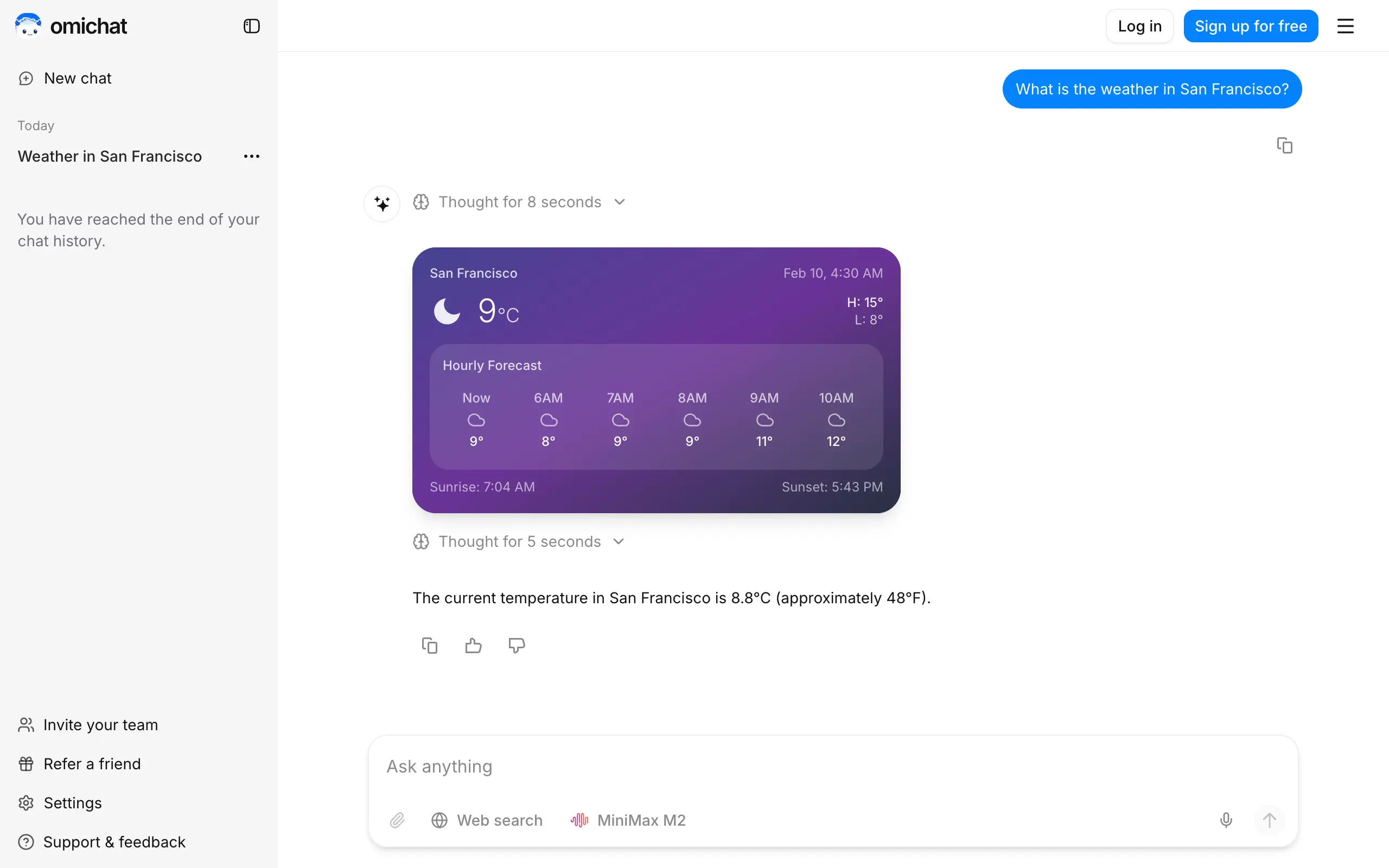
Chat with 50+ AI models, including ChatGPT and Claude, in one place - switch models anytime without losing context 🤖
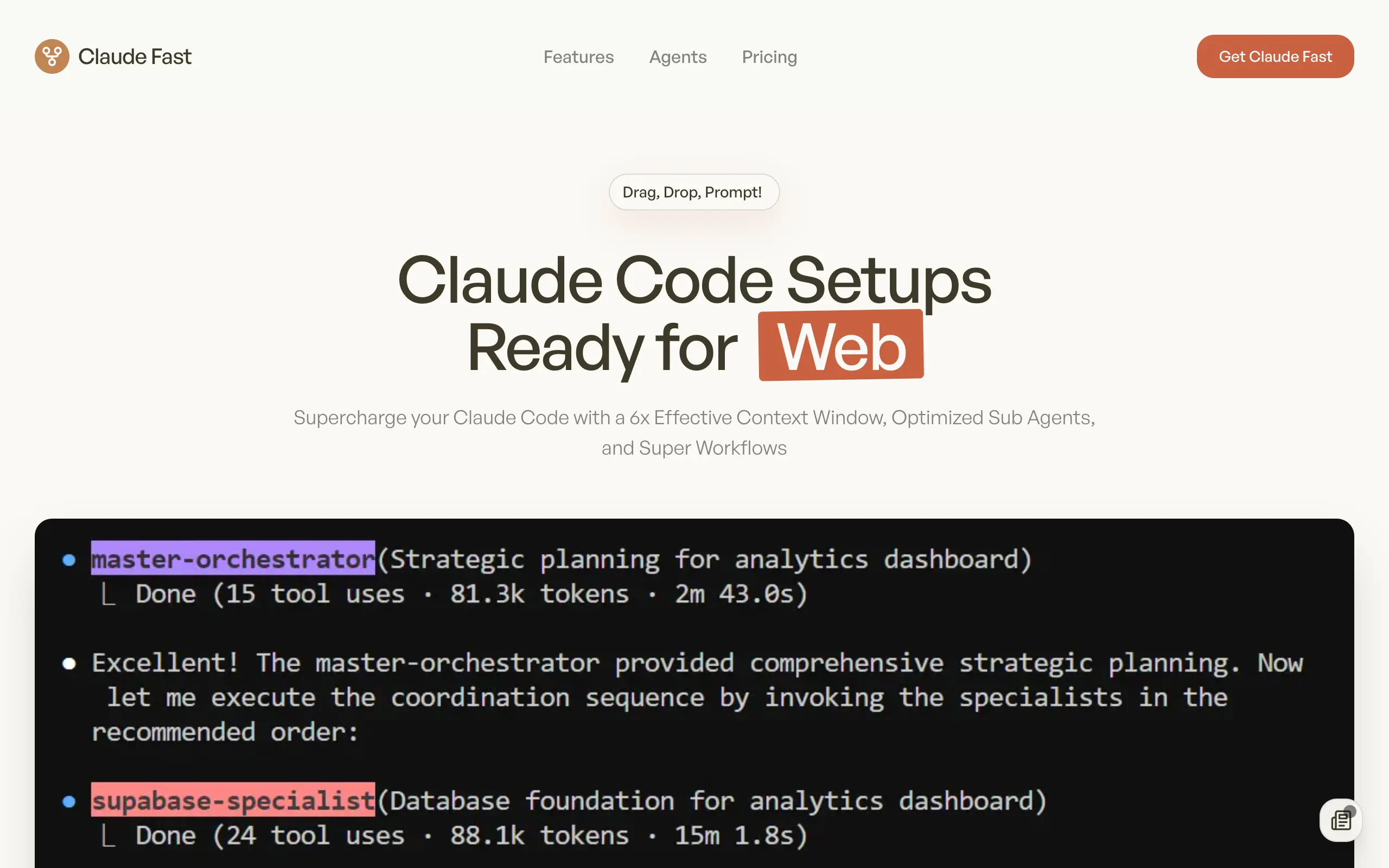
Supercharge your Claude Code with 6x effective context window and specialized AI agents 🤖
AI-powered emoji picker with smart, context-aware suggestions 🤖
Autonomous company launcher - AI agents work 24/7, escalate what matters, and you stay in control 🤖
Practice storytelling daily with instant feedback to sound clearer, more engaging, and confident 🎤
Chat with 50+ AI models, including ChatGPT and Claude, in one place - switch models anytime without losing context 🤖
Supercharge your Claude Code with 6x effective context window and specialized AI agents 🤖
AI-powered emoji picker with smart, context-aware suggestions 🤖
Autonomous company launcher - AI agents work 24/7, escalate what matters, and you stay in control 🤖
Practice storytelling daily with instant feedback to sound clearer, more engaging, and confident 🎤

Connect with like-minded people
Join our community to get feedback, support, and grow together with 1,000+ builders on board, let's ship it!
Join usShip your startup everywhere. In minutes.
Don't burn tokens on setup and start building features on day one.