PinFit Composer
Create scroll-stopping vertical fashion collages with AI-generated styling notes, handwritten labels, shadows, and editable outfit callouts.
Why an AI fashion collage generator is a timely SaaS opportunity
Fashion discovery is increasingly visual, fast-moving, and platform-native. A creator can have excellent taste, a strong product assortment, or a compelling editorial idea, yet still struggle to package it into a format that earns attention on Pinterest, Instagram Stories, TikTok, and ecommerce landing pages.
That is the market opening for PinFit Composer: an AI fashion collage generator that helps users create polished vertical outfit boards with styling notes, handwritten labels, realistic shadows, and editable product callouts.
The product is not simply another image generator. Its value lies in transforming scattered fashion assets into an editorial-ready creative composition. Users start with product cutouts, campaign images, screenshots, or moodboard references. PinFit Composer helps them arrange those assets into a coherent vertical collage, then adds the visual language that makes the output feel intentional:
- Layered product cutouts and background textures
- Handwritten or editorial-style labels
- AI-generated outfit descriptions and styling advice
- Price, product, and source callouts
- Drop shadows, rotations, stickers, and visual annotations
- Templates sized for social media, email, and ecommerce use
The primary keyword opportunity is AI fashion collage generator, supported by semantic keywords such as:
- Fashion moodboard maker
- Outfit collage creator
- Pinterest fashion collage maker
- AI outfit styling tool
- Shoppable outfit board
- Fashion content creation software
- Ecommerce visual merchandising tool
- Outfit inspiration generator
- Fashion social media design tool
The strongest search intent is practical and commercial. Prospective users are not only looking for inspiration; they want a faster way to create high-performing fashion visuals without learning complex design software or hiring a designer for every campaign.
The problem PinFit Composer solves for fashion teams
Creating a visually compelling fashion collage takes more work than it appears to. Most creators move between product pages, image folders, Canva or Figma files, social media schedulers, and notes apps. The result is a repetitive workflow with many small friction points.
A typical fashion content workflow can involve:
- Finding clean product images or removing backgrounds.
- Selecting pieces that work together visually.
- Building a layout that fits a vertical platform format.
- Writing useful styling guidance.
- Adding labels without making the design feel cluttered.
- Revising the image for different publishing channels.
- Linking the visual back to products, campaigns, or affiliate pages.
For solo creators, this becomes a time drain. For ecommerce marketing teams, it becomes a production bottleneck. For stylists and fashion editors, it can dilute the time available for the actual creative direction.
PinFit Composer should treat the collage as a structured content asset rather than a static image. Every visual element can carry meaning: which item it represents, why it was selected, what it pairs with, and where a shopper can buy it.
The core insight
The most valuable outcome is not an attractive collage alone. It is a reusable, editable fashion content asset that combines visual discovery, styling expertise, and a path to conversion.
Target audience for an AI fashion collage maker
The best initial go-to-market strategy is to focus on audiences with urgent, repeatable content needs. Broad consumer styling can become a later expansion, but PinFit Composer should first win users who create fashion visuals as part of their work.
Fashion creators and affiliate publishers
Fashion creators need fresh, recognizable content on a frequent schedule. They may publish seasonal edits, “five ways to wear” posts, capsule wardrobes, vacation packing lists, trend reports, and shopping recommendations.
Their needs include:
- Fast creation for Pinterest and vertical social posts
- A visual aesthetic that does not look like generic templates
- Product labels and affiliate disclosures
- The ability to reuse a design system across posts
- Easy export in platform-appropriate dimensions
For this segment, the AI fashion collage generator becomes a production partner. It reduces design time while helping creators retain their own point of view.
Ecommerce brands and merchandising teams
Direct-to-consumer apparel brands often have quality product photography but lack enough editorial assets to make collections feel discoverable. Standard product grids are useful for browsing, but they do not always communicate how products fit into a lifestyle, outfit, or seasonal story.
Merchandising and marketing teams can use PinFit Composer to create:
- New-arrival outfit edits
- Cross-sell and upsell bundles
- Seasonal landing-page hero visuals
- Email campaign graphics
- Paid social creative variations
- Style-guide content for product detail pages
The most compelling B2B positioning is an ecommerce visual merchandising tool that turns a product catalog into richer inspiration content.
Personal stylists, wardrobe consultants, and fashion educators
Stylists frequently create visual recommendations for clients. Today, those recommendations may live in PDFs, private Pinterest boards, screenshots, or manual Canva layouts. A purpose-built outfit collage creator could make client communication more polished and easier to update.
Relevant workflows include:
- Virtual styling boards
- Client capsule wardrobe plans
- Occasion-based outfit recommendations
- Closet audit summaries
- Shopping lists and product replacement plans
- Fashion school assignments and editorial presentations
This audience values presentation quality, but also needs notes, editable revisions, and client-specific organization.
Social media managers and creative agencies
Agencies often need to create many assets without making every post feel identical. PinFit Composer could serve as a lightweight creative production layer for teams managing fashion, beauty, lifestyle, travel, and retail accounts.
Creator workflow
Turn a weekly shopping edit into multiple cohesive pins, stories, and affiliate-ready posts.
Brand workflow
Create editorial product groupings that make collection merchandising feel more inspirational.
Stylist workflow
Deliver high-touch outfit recommendations with clear visual notes and editable client callouts.
Market gap: why current tools do not fully solve this workflow
Several existing product categories touch part of the fashion collage workflow, but none consistently solve the entire job.
General-purpose design tools provide flexible canvases and templates. They are useful, but users still need to make many creative decisions manually. AI image generators can create striking imagery, but they are not dependable for accurate product representation, shoppable callouts, or fast brand-safe editing. Pinterest offers visual discovery, but it is not a creation workspace. Ecommerce tools manage products and inventory, but they rarely help teams turn catalog data into editorial compositions.
The gap is a workflow-specific platform that combines:
- Visual composition tooling
- Product-aware content creation
- Fashion-oriented design templates
- AI copy and styling assistance
- Export and publishing readiness
- Collaborative editing for teams and clients
The differentiator is specialization. PinFit Composer should understand that a fashion board has different conventions than a general social post. It needs visual hierarchy, aspirational context, product clarity, editorial annotations, and enough whitespace for the image to remain readable on a small screen.
Competitive positioning for PinFit Composer
| Capability | General design tools | Image generators | Social schedulers | PinFit Composer | Value to fashion users |
|---|---|---|---|---|---|
| Editable collage layout | ✅ | ❌ | ❌ | ✅ | Fast visual composition |
| Fashion-specific templates | Limited | ❌ | ❌ | ✅ | Better aesthetic starting point |
| AI styling notes | Limited | Limited | ❌ | ✅ | Useful editorial context |
| Product callouts | Manual | ❌ | Limited | ✅ | Clear route from inspiration to shopping |
| Vertical social exports | ✅ | Variable | ✅ | ✅ | Channel-ready output |
Core features for PinFit Composer
The product should launch with a narrow but complete workflow. Avoid building a broad “design platform” in the first version. The better approach is to make one repeatable fashion-content job dramatically easier.
Smart vertical collage canvas
The central interface should be an intuitive, drag-and-drop vertical canvas. Users need to add, resize, rotate, crop, layer, and group fashion assets without navigating a complex design environment.
Recommended canvas capabilities include:
- Preset sizes for Pinterest, Instagram Stories, Reels covers, and ecommerce modules
- Drag-and-drop image upload
- Background removal for product imagery
- Automatic object shadows
- Alignment guides and snap-to-grid behavior
- Crop and focal-point controls
- Layer ordering and lock controls
- Undo history and draft autosave
- Mobile-safe preview for legibility checks
A “compose for me” mode can give users an immediate first draft. They select products, choose an aesthetic, and enter a prompt such as “French-girl workwear for early fall” or “minimalist beach vacation capsule.” The system creates a layout that remains fully editable.
AI-generated styling notes and fashion copy
AI should support the editorial work, not replace user judgment. The strongest implementation gives users concise, controllable writing assistance.
Useful AI writing outputs include:
- Outfit names
- Short styling notes
- “Why it works” explanations
- Occasion recommendations
- Seasonal transition tips
- Capsule wardrobe pairings
- Product feature summaries
- Pinterest descriptions and keyword suggestions
- Social captions in a selected brand voice
Users should be able to control tone with options such as editorial, playful, minimalist, luxury, trend-led, practical, or inclusive. They should also be able to set a word limit, because a callout on a mobile-first collage needs brevity.
A quality safeguard is essential. The model should avoid fabricating materials, prices, product availability, sizing claims, or sustainability credentials. When data is unavailable, the copy should remain general or explicitly mark the field as requiring user review.
Handwritten labels and editable callouts
This feature is central to the visual identity of PinFit Composer. Labels make an outfit board feel curated and personal, but they must remain editable for professional workflows.
Each callout should support:
- Product name
- Brand name
- Price field
- Product URL
- Optional affiliate disclosure
- Styling note
- Color, font, pointer style, and position controls
- Automatic collision avoidance
- Optional QR code for print or offline use
Callout templates should include arrows, circles, sticky-note shapes, tape effects, and handwritten marker styles. However, the application should not overuse decorative elements. A well-designed “clean editorial” mode is important for premium brands.
Product-aware asset library
A product library converts PinFit Composer from a one-off design tool into a useful operating system for fashion content. Users should be able to save products, images, brand information, URLs, and recurring labels.
For ecommerce teams, a catalog connection can later sync product information from a storefront or product feed. For creators, a browser extension could save product images and links into a private board.
The first release does not need deep integrations. A CSV import, manual product entry, and URL-based asset capture may provide enough value to validate demand.
Templates built around real fashion content formats
Templates should solve specific publishing needs, not merely offer decorative backgrounds. The names should communicate the intended outcome.
Examples include:
- The five-piece capsule
- One item, three outfits
- Weekend packing edit
- New-season trend report
- Date-night outfit formula
- Workwear essentials
- Wedding guest outfit guide
- Under-$150 shopping edit
- Product drop announcement
- Complete the look cross-sell board
The user should be able to save a collage as a reusable brand template. This is particularly valuable for agencies and retail teams that need consistency across campaigns.
Collaboration, approvals, and exports
For teams, collaboration can become a strong retention feature. It does not need to be elaborate on day one, but a simple review process matters.
A practical team workflow includes:
- Shared workspaces
- Comment threads on specific elements
- Version history
- Approval status
- Brand asset access controls
- Export presets
- PNG, JPG, and PDF export
- Optional shareable review links
The unique selling proposition of PinFit Composer
PinFit Composer should be positioned as the AI-powered fashion collage studio for turning product selections into scroll-stopping, editable visual stories.
That positioning is stronger than “AI design tool” because it identifies the user, the workflow, and the output. It is also stronger than “fashion image generator” because fashion professionals need precision. They cannot risk an AI-generated handbag that does not match the actual product or a garment with distorted details.
The product’s defensible advantage comes from combining four layers:
-
Fashion-native composition
Layouts, labels, and templates are informed by fashion editorial conventions. -
Structured product context
Every item can retain its name, URL, price, source, and note instead of becoming an anonymous image layer. -
AI-assisted editorial guidance
Users receive styling copy and content ideas that are relevant to their visual composition. -
Editable, brand-safe output
The AI provides speed, while users preserve final control over every visual and written detail.
Recommended tech stack for an AI fashion collage SaaS
A successful first version requires a stack that supports fast iteration, image processing, multi-tenant accounts, secure billing, and a responsive browser-based editor.
Frontend and application framework
Next.js is a strong choice for the web application because it supports server rendering, API routes, authentication patterns, and fast deployment in one framework. Use React for the editor interface and component architecture.
Tailwind CSS is well suited to the product because it enables consistent design tokens and rapid iteration. A style-heavy application needs a reliable system for spacing, typography, color, and component variants.
For the collage editor, consider a canvas library such as Konva or Fabric.js after validating licensing, performance, and export needs. The key trade-off is flexibility versus implementation complexity:
- A DOM-based editor is easier for basic layout and accessibility, but can become difficult when handling transforms, high-resolution exports, and complex layers.
- A canvas-based editor is better for visual manipulation and rendering, but requires more careful work around text editing, selection states, and accessibility.
- A hybrid approach can use a canvas for the composition while retaining standard HTML controls for properties and metadata.
Backend, data, and authentication
Supabase is a practical early-stage option for Postgres data, authentication, storage, and row-level security. It can reduce infrastructure overhead while supporting a multi-tenant SaaS model.
Key entities may include:
type Collage = {
  id: string
  workspaceId: string
  title: string
  canvasWidth: number
  canvasHeight: number
  templateId?: string
  status: "draft" | "in_review" | "approved"
  createdAt: string
  updatedAt: string
}

type CollageElement = {
  id: string
  collageId: string
  kind: "image" | "text" | "callout" | "shape" | "shadow"
  x: number
  y: number
  width: number
  height: number
  rotation: number
  zIndex: number
  metadata: Record<string, unknown>
}
Store the canvas document as structured JSON and version it. This allows non-destructive revisions, collaboration features, and future template intelligence.
Image storage and transformation
Fashion workflows are image-heavy. Use object storage with CDN delivery and on-demand transformations. Cloudinary is a suitable option when background removal, cropping, format optimization, and image transformations are product requirements. A cloud provider’s native storage can be more economical at scale, but it may require more custom processing infrastructure.
Important technical considerations include:
- Preserve original uploaded assets separately from derivatives.
- Generate web-optimized previews for editor performance.
- Use signed URLs for private brand assets.
- Place reasonable upload and export limits on lower plans.
- Render high-resolution exports asynchronously to prevent browser memory failures.
AI and content generation layer
Use a model provider with structured output support, moderation tooling, and clear data-handling terms. The AI layer should be built behind an internal abstraction, so models can be switched as quality, cost, or policy requirements change.
AI tasks should be narrowly defined:
- Generate three styling-note options from selected products.
- Suggest a concise outfit title.
- Produce SEO-aware Pinterest descriptions.
- Identify potentially conflicting colors or silhouettes.
- Recommend a visual layout based on asset count and canvas format.
Do not ask the model to infer sensitive body traits, make medical claims, or guarantee fit. Also avoid generating copy that presents uncertain brand or material data as fact.
Payments, analytics, and deployment
Stripe is the standard choice for subscriptions, usage-based add-ons, invoices, tax tooling, and customer billing portals. Vercel provides a streamlined deployment experience for a Next.js application.
Measure activation and retention from the start. Useful events include:
- Workspace created
- First asset uploaded
- First collage generated
- First export completed
- Template saved
- AI styling note accepted
- Team member invited
- Subscription started
Monetization options for PinFit Composer
The best monetization model is a subscription with clear value-based limits. Users understand paying for creative software, particularly when it saves time and produces client-ready assets.
Recommended pricing structure
| Plan | Ideal customer | Suggested value metric | Key inclusions | Primary goal |
|---|---|---|---|---|
| Free | Curious creators | Limited exports | Watermarked designs and starter templates | Product discovery |
| Creator | Affiliate publishers and stylists | Monthly exports or AI credits | HD exports, saved brand kits, premium templates | Convert active individuals |
| Pro | High-volume creators | Higher usage allowance | Bulk creation and advanced AI tools | Increase expansion revenue |
| Team | Brands and agencies | Seats and shared workspaces | Approvals, shared assets, collaboration controls | Build retention |
Avoid pricing exclusively by AI credits. AI usage can be one input to the pricing model, but customers pay for completed creative output. Export limits, workspace seats, collaboration, catalog capacity, and premium templates are easier to understand.
Potential expansion revenue can include:
- Premium seasonal template packs
- Brand kit setup services
- Agency white-label exports
- Ecommerce catalog integrations
- Additional storage
- High-resolution or bulk export packs
- API access for enterprise customers
Key risks and practical mitigation strategies
Risk: AI outputs feel generic or visually repetitive
If every collage resembles the same AI-generated template, creators will not build a lasting relationship with the product.
Mitigation includes:
- Use flexible layout systems rather than a small set of rigid templates.
- Offer strong customization around typography, spacing, shadows, and labels.
- Let users save their own visual systems as templates.
- Analyze completed, user-approved compositions only with explicit permission.
- Prioritize user direction over automatic decoration.
Risk: inaccurate product information damages trust
A fashion creator may lose credibility if a generated callout lists the wrong price, material, product name, or availability.
Mitigation includes:
- Treat AI-generated product facts as drafts, never confirmed data.
- Pull structured details from user-provided product records where possible.
- Clearly label fields that require verification.
- Include a pre-export quality checklist for linked product details.
- Preserve the source URL associated with each product asset.
Risk: copyright and image rights concerns
Users may upload campaign photography, influencer images, branded assets, or product images they do not have permission to reuse.
Mitigation includes:
- Publish clear terms requiring users to hold rights to uploaded assets.
- Provide a rights confirmation during upload for commercial workspaces.
- Implement a clear DMCA process and reporting channel.
- Do not train models on private customer assets without opt-in consent.
- Maintain audit logs for asset uploads and exports.
Risk: export quality and editor performance
A slow editor or low-quality export will immediately undermine a visual product.
Mitigation includes:
- Use optimized previews in the browser.
- Move high-resolution rendering to background jobs when necessary.
- Test with large transparent PNGs and image-heavy layouts.
- Set sensible file-size limits and provide helpful compression guidance.
- Build performance monitoring around canvas rendering and export completion.
Risk: customer acquisition costs exceed creator revenue
Individual creators can be a large market, but they may have modest budgets and high churn.
Mitigation includes:
- Build SEO content around high-intent searches such as “fashion moodboard maker” and “outfit collage creator.”
- Encourage shareable outputs that display a subtle Powered by PinFit Composer attribution on the free plan.
- Create template-led landing pages around seasonal and occasion-based searches.
- Use creator partnerships to demonstrate authentic workflows.
- Move successful creators into higher-value team, agency, or brand accounts.
No. Integrations and scheduling can be valuable later, but the first product should focus on creating a better fashion visual faster. Exports, share links, and simple publishing presets are enough for initial validation.
It can be an optional experimental feature, but it should not be the core workflow. Product-accurate collages built from real assets are more useful for creators, stylists, and commerce teams.
Fashion affiliate creators and small ecommerce brands are a practical starting point because both groups need frequent visual content and can clearly measure output quality, engagement, and conversion.
A practical MVP roadmap for launching PinFit Composer
The MVP should validate whether users can create and publish better fashion content faster than with their current workflow. The initial version does not need every integration, advanced collaboration feature, or AI capability.
Phase one: validate the core composition workflow
Build the smallest useful loop:
- Create an account and workspace.
- Upload product images.
- Choose a vertical fashion collage template.
- Arrange and customize the assets.
- Add editable labels and shadows.
- Generate optional styling notes.
- Export a polished image.
The most important success metric is not signups. It is the percentage of activated users who export a first collage and return to create another one within a defined period.
Phase two: make output faster and more repeatable
Once users value the basic collage tool, add the features that create habit:
- Saved templates
- Brand kits
- Product library
- AI caption generation
- Reusable callout styles
- Duplicate-and-edit workflows
- Batch exports in multiple sizes
At this stage, interview retained users closely. Ask what they created before PinFit Composer, how long it took, what they replaced, and whether the finished work received better engagement or conversion.
Phase three: expand into team and commerce workflows
After proving demand among individual creators, introduce features that support larger contracts:
- Shared asset libraries
- Workspace roles
- Approval workflows
- Ecommerce catalog imports
- Product feed sync
- Team analytics
- Brand-level template governance
For founders who want to avoid spending weeks on SaaS boilerplate, authentication, billing architecture, and account management, TurboStarter can accelerate the foundation so development effort stays focused on the visual editor and fashion-specific product experience.
Final recommendation
PinFit Composer has a credible opportunity because it solves a visible, recurring content-production problem for fashion professionals. The product should not compete head-on as a generic AI art tool or a broad graphic design platform. Its advantage comes from owning a specific job: turning fashion products and styling ideas into editable, high-quality vertical collages that are ready to publish.
The winning product experience will feel fast, visually opinionated, and trustworthy. Users should be able to start with a handful of product images and leave with a scroll-stopping outfit board, useful editorial copy, accurate product callouts, and a design they can confidently revise.
Start with fashion creators and small brands. Make the first export exceptional. Then build the product library, templates, and collaboration workflows that turn a helpful AI fashion collage generator into essential fashion content infrastructure.
More 🤖 AI Startup SaaS ideas
Discover more innovative ai startup SaaS ideas that are trending in 2026. Each idea is AI-generated with market validation and growth potential to help you find your next profitable venture faster than competitors.
Your competitors are building with TurboStarter
Below are some of the SaaS ideas that have been generated and built with our starter kit.
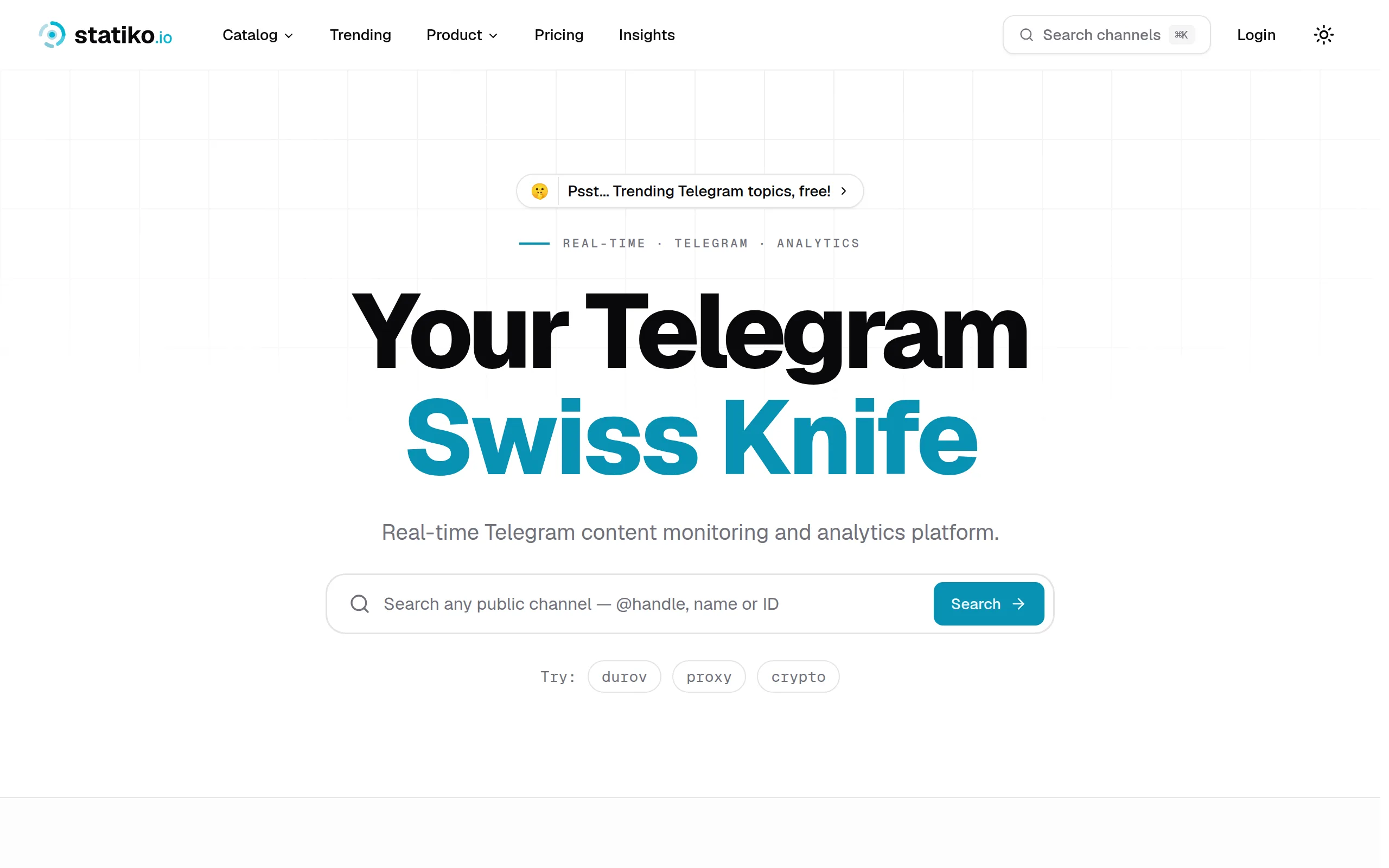
Statiko
Monitor any Telegram channel in real time - track posts, edits, deletions, and growth with AI recaps 📡

Shibui
AI website builder - describe your business, pick a niche template, edit by chatting, and publish instantly ✨

Pro Service
Find verified home service professionals, compare quotes, and pay securely through escrow - built for Brazilians across the US 🏠

RankGrow
Fix your SEO with AI agents - connect Search Console, get prioritized tasks, and grow organic traffic 📈
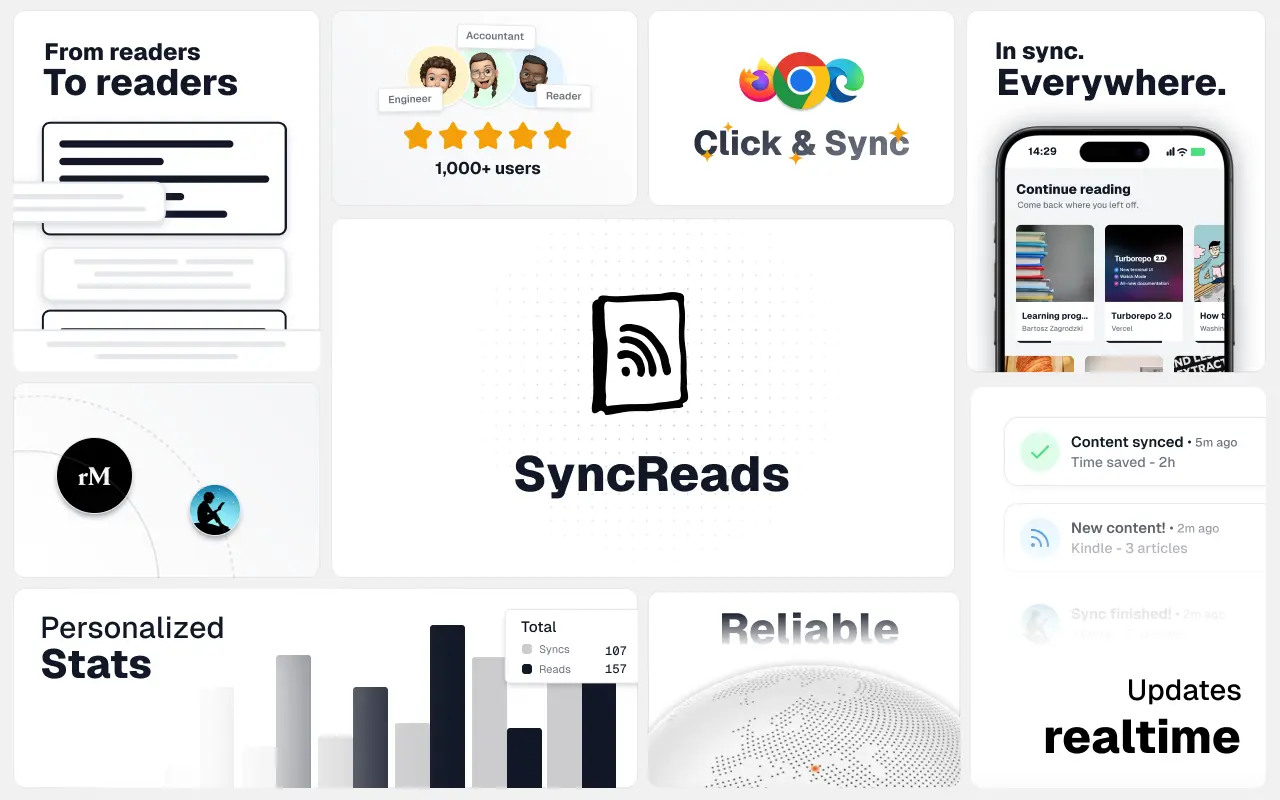
SyncReads
Sync your favorite content for distraction-free reading, save time and replace multiple apps. Anytime, anywhere 🔄
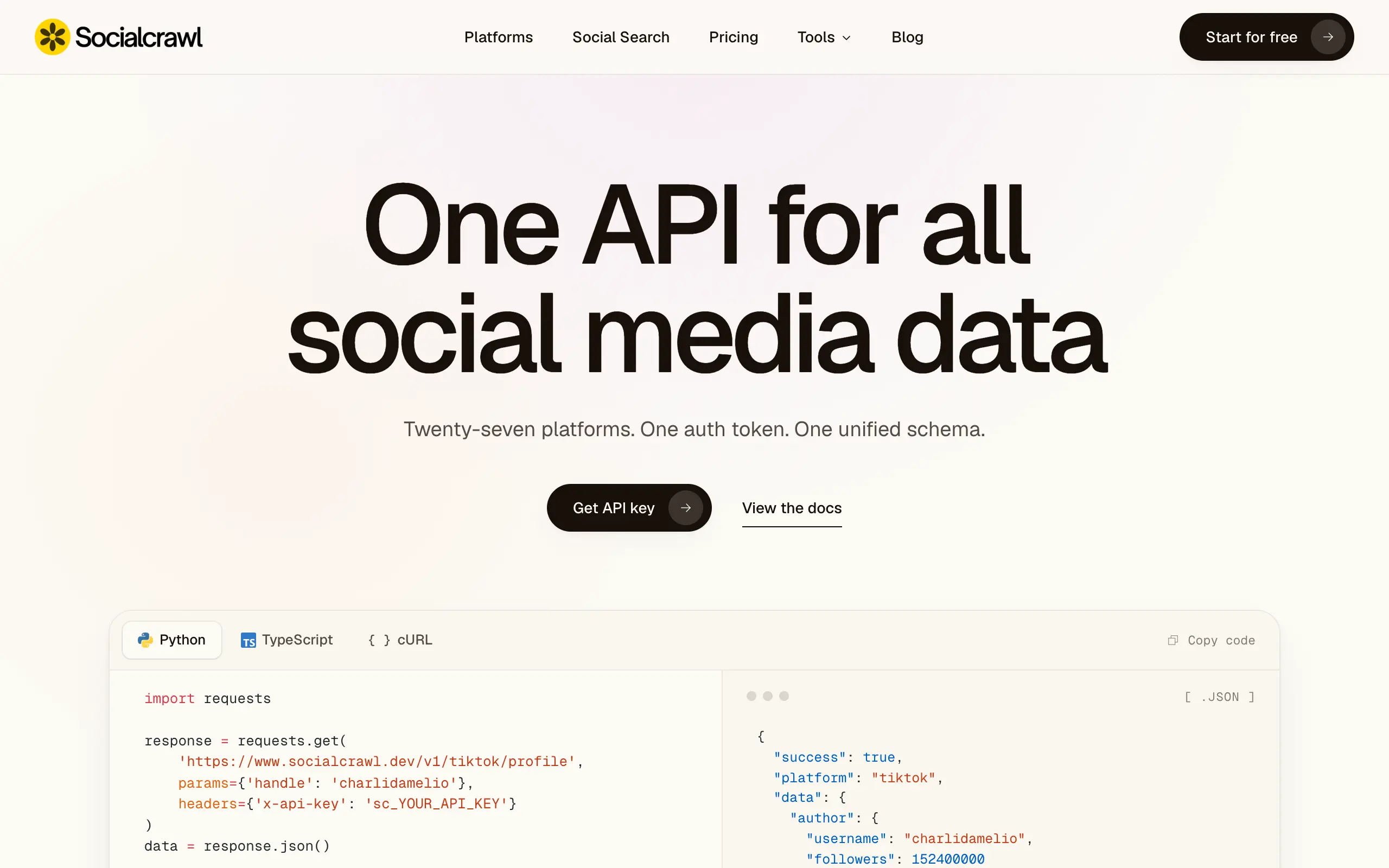
Socialcrawl
Get clean, structured data from 21 platforms like TikTok, Instagram, and YouTube with a single request 📊
Statiko
Monitor any Telegram channel in real time - track posts, edits, deletions, and growth with AI recaps 📡
Shibui
AI website builder - describe your business, pick a niche template, edit by chatting, and publish instantly ✨
Pro Service
Find verified home service professionals, compare quotes, and pay securely through escrow - built for Brazilians across the US 🏠
RankGrow
Fix your SEO with AI agents - connect Search Console, get prioritized tasks, and grow organic traffic 📈
SyncReads
Sync your favorite content for distraction-free reading, save time and replace multiple apps. Anytime, anywhere 🔄
Socialcrawl
Get clean, structured data from 21 platforms like TikTok, Instagram, and YouTube with a single request 📊
Statiko
Monitor any Telegram channel in real time - track posts, edits, deletions, and growth with AI recaps 📡
Shibui
AI website builder - describe your business, pick a niche template, edit by chatting, and publish instantly ✨
Pro Service
Find verified home service professionals, compare quotes, and pay securely through escrow - built for Brazilians across the US 🏠
RankGrow
Fix your SEO with AI agents - connect Search Console, get prioritized tasks, and grow organic traffic 📈
SyncReads
Sync your favorite content for distraction-free reading, save time and replace multiple apps. Anytime, anywhere 🔄
Socialcrawl
Get clean, structured data from 21 platforms like TikTok, Instagram, and YouTube with a single request 📊
Statiko
Monitor any Telegram channel in real time - track posts, edits, deletions, and growth with AI recaps 📡
Shibui
AI website builder - describe your business, pick a niche template, edit by chatting, and publish instantly ✨
Pro Service
Find verified home service professionals, compare quotes, and pay securely through escrow - built for Brazilians across the US 🏠
RankGrow
Fix your SEO with AI agents - connect Search Console, get prioritized tasks, and grow organic traffic 📈
SyncReads
Sync your favorite content for distraction-free reading, save time and replace multiple apps. Anytime, anywhere 🔄
Socialcrawl
Get clean, structured data from 21 platforms like TikTok, Instagram, and YouTube with a single request 📊
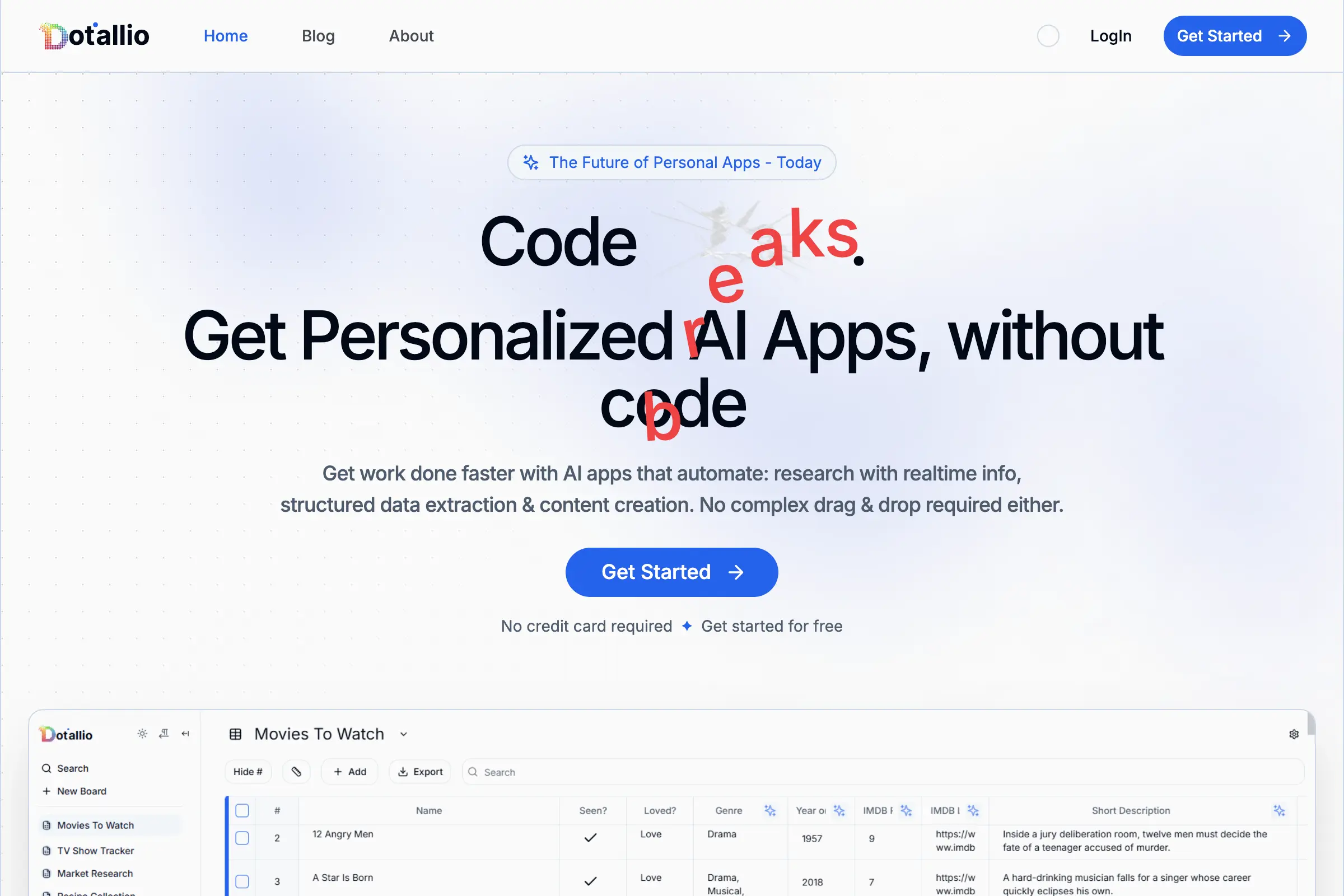
Dotallio
Personalized AI apps that automate research, data extraction, and content creation without code 🤖

Talk to Santa
Enjoy a magical live video chat or receive a unique AI-generated video greeting from Santa Claus 🎅
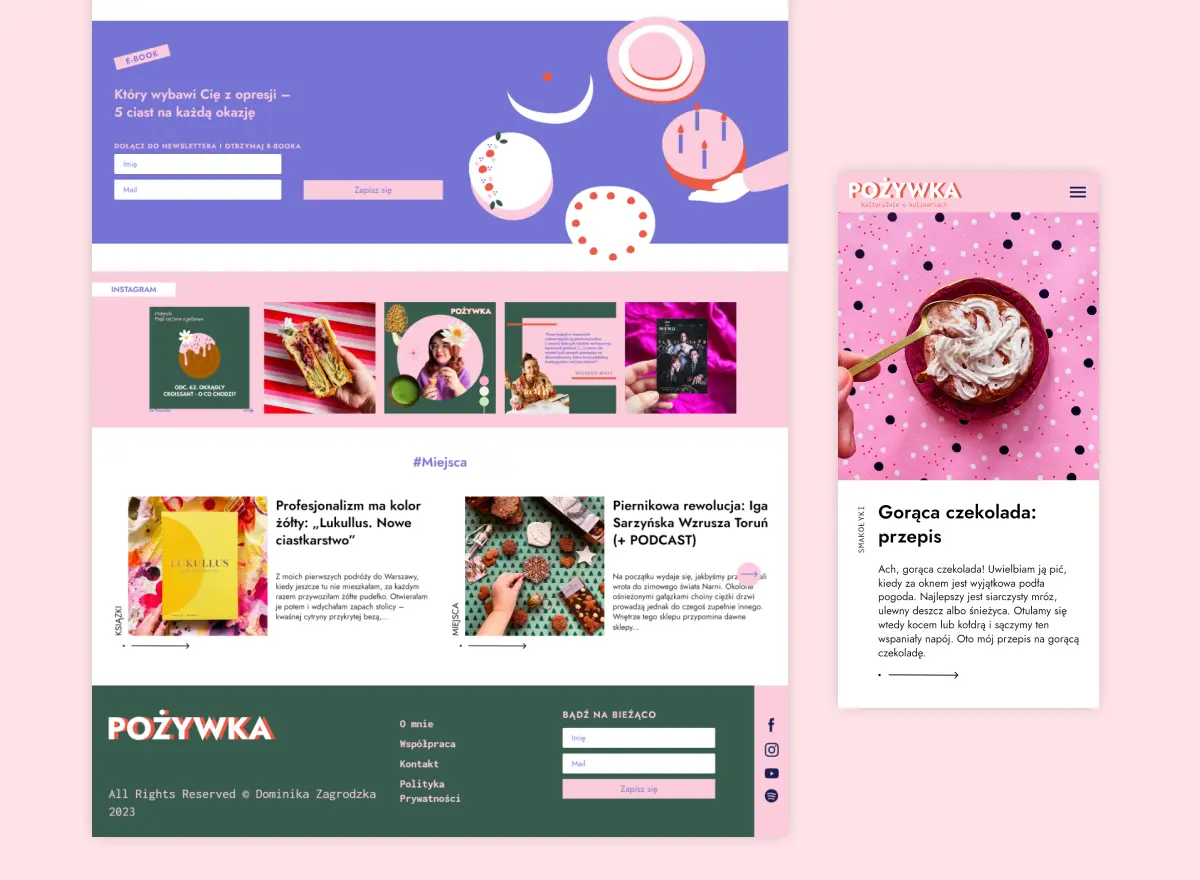
pozywka.pl
Scalable blog for food journalist, focused on performance and user experience 🌭
zagrodzki.me
Personal blog and portfolio of Bart Zagrodzki, where he shares his knowledge and work 💼
TurboStarter
Ship your startup everywhere. In minutes.
HTML to Markdown
Convert HTML to Markdown with ease, directly in your browser 📄
Dotallio
Personalized AI apps that automate research, data extraction, and content creation without code 🤖
Talk to Santa
Enjoy a magical live video chat or receive a unique AI-generated video greeting from Santa Claus 🎅
pozywka.pl
Scalable blog for food journalist, focused on performance and user experience 🌭
zagrodzki.me
Personal blog and portfolio of Bart Zagrodzki, where he shares his knowledge and work 💼
TurboStarter
Ship your startup everywhere. In minutes.
HTML to Markdown
Convert HTML to Markdown with ease, directly in your browser 📄
Dotallio
Personalized AI apps that automate research, data extraction, and content creation without code 🤖
Talk to Santa
Enjoy a magical live video chat or receive a unique AI-generated video greeting from Santa Claus 🎅
pozywka.pl
Scalable blog for food journalist, focused on performance and user experience 🌭
zagrodzki.me
Personal blog and portfolio of Bart Zagrodzki, where he shares his knowledge and work 💼
TurboStarter
Ship your startup everywhere. In minutes.
HTML to Markdown
Convert HTML to Markdown with ease, directly in your browser 📄
Dotallio
Personalized AI apps that automate research, data extraction, and content creation without code 🤖
Talk to Santa
Enjoy a magical live video chat or receive a unique AI-generated video greeting from Santa Claus 🎅
pozywka.pl
Scalable blog for food journalist, focused on performance and user experience 🌭
zagrodzki.me
Personal blog and portfolio of Bart Zagrodzki, where he shares his knowledge and work 💼
TurboStarter
Ship your startup everywhere. In minutes.
HTML to Markdown
Convert HTML to Markdown with ease, directly in your browser 📄
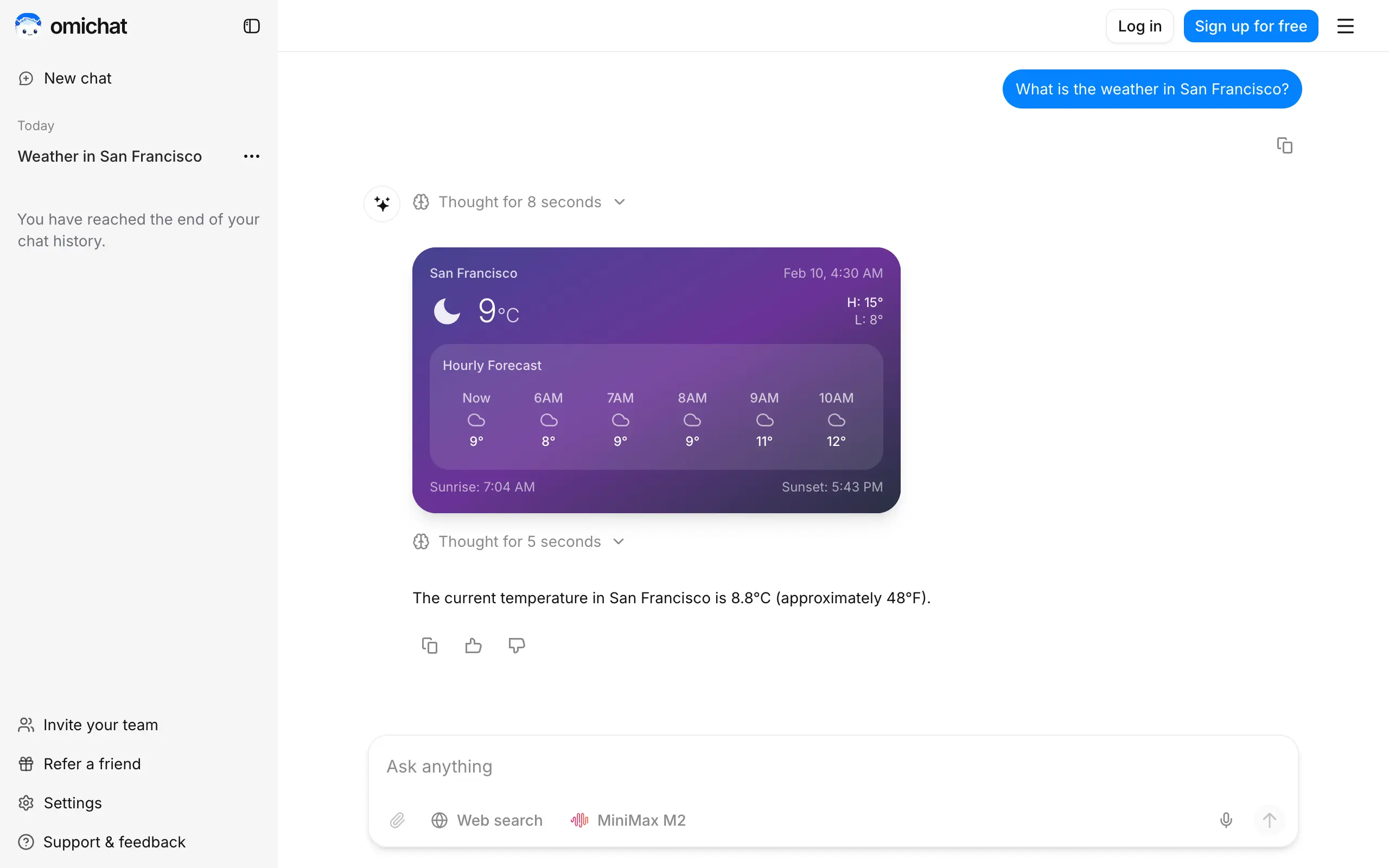
Omichat
Chat with 50+ AI models, including ChatGPT and Claude, in one place - switch models anytime without losing context 🤖
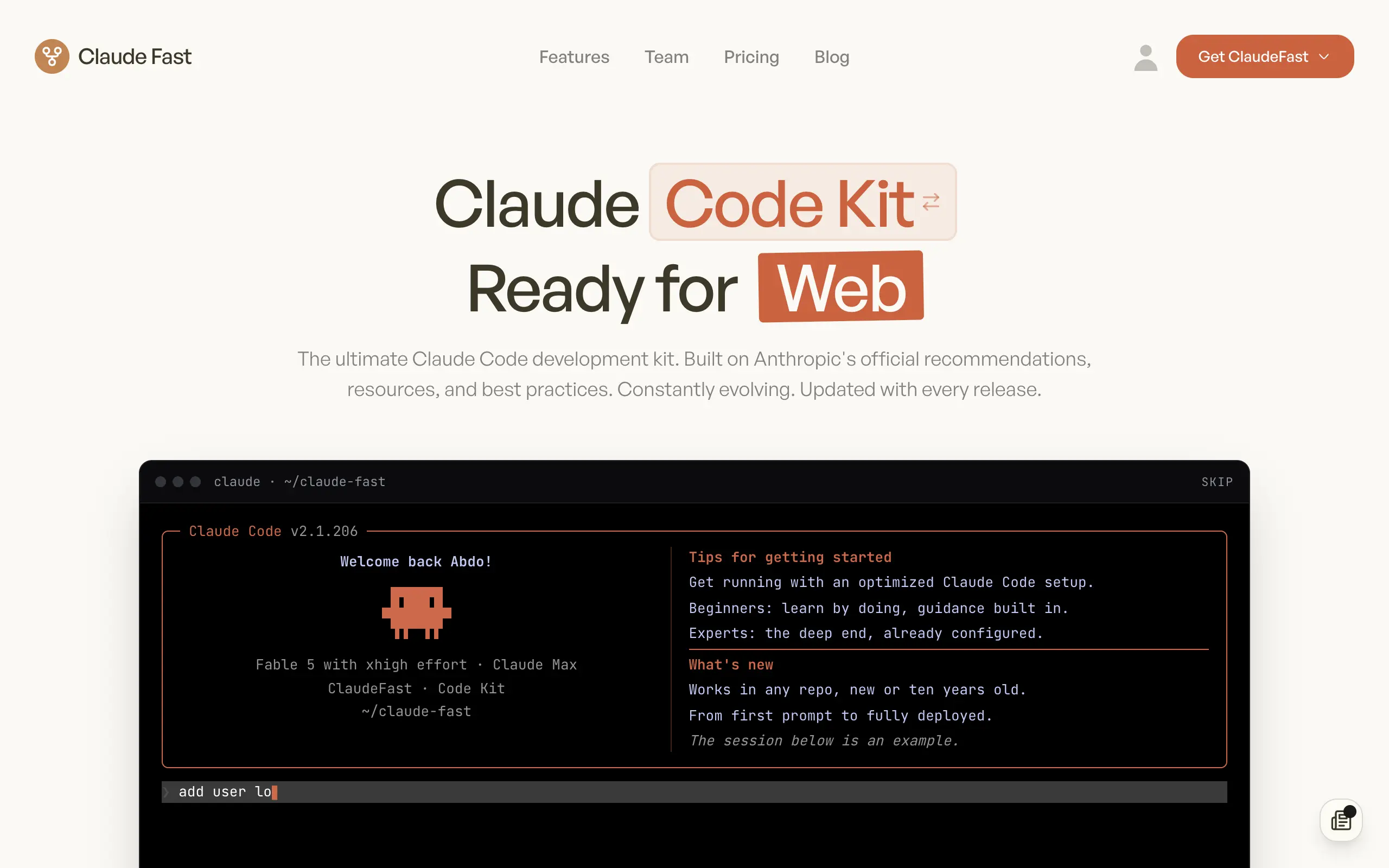
Claude Fast
Supercharge your Claude Code with 6x effective context window and specialized AI agents 🤖
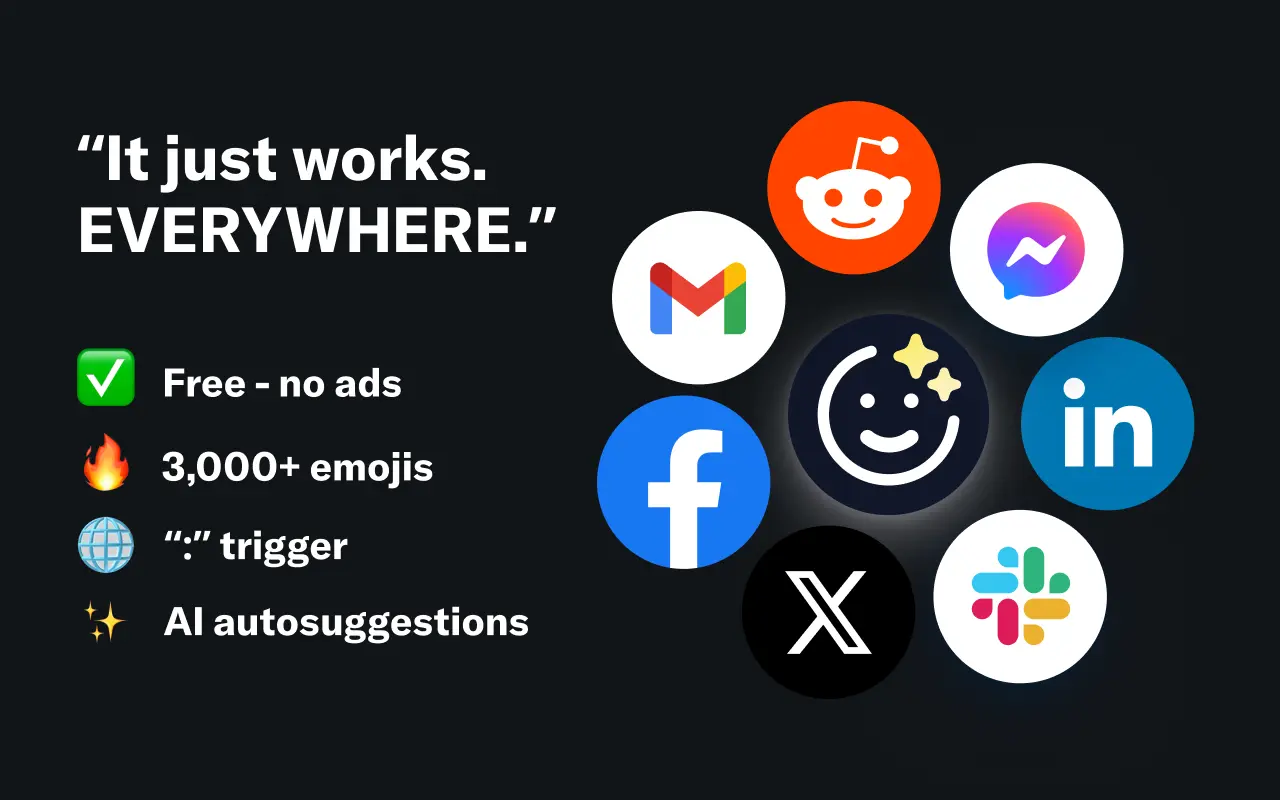
EmojAI
AI-powered emoji picker with smart, context-aware suggestions 🤖

Solohacker
Autonomous company launcher - AI agents work 24/7, escalate what matters, and you stay in control 🤖
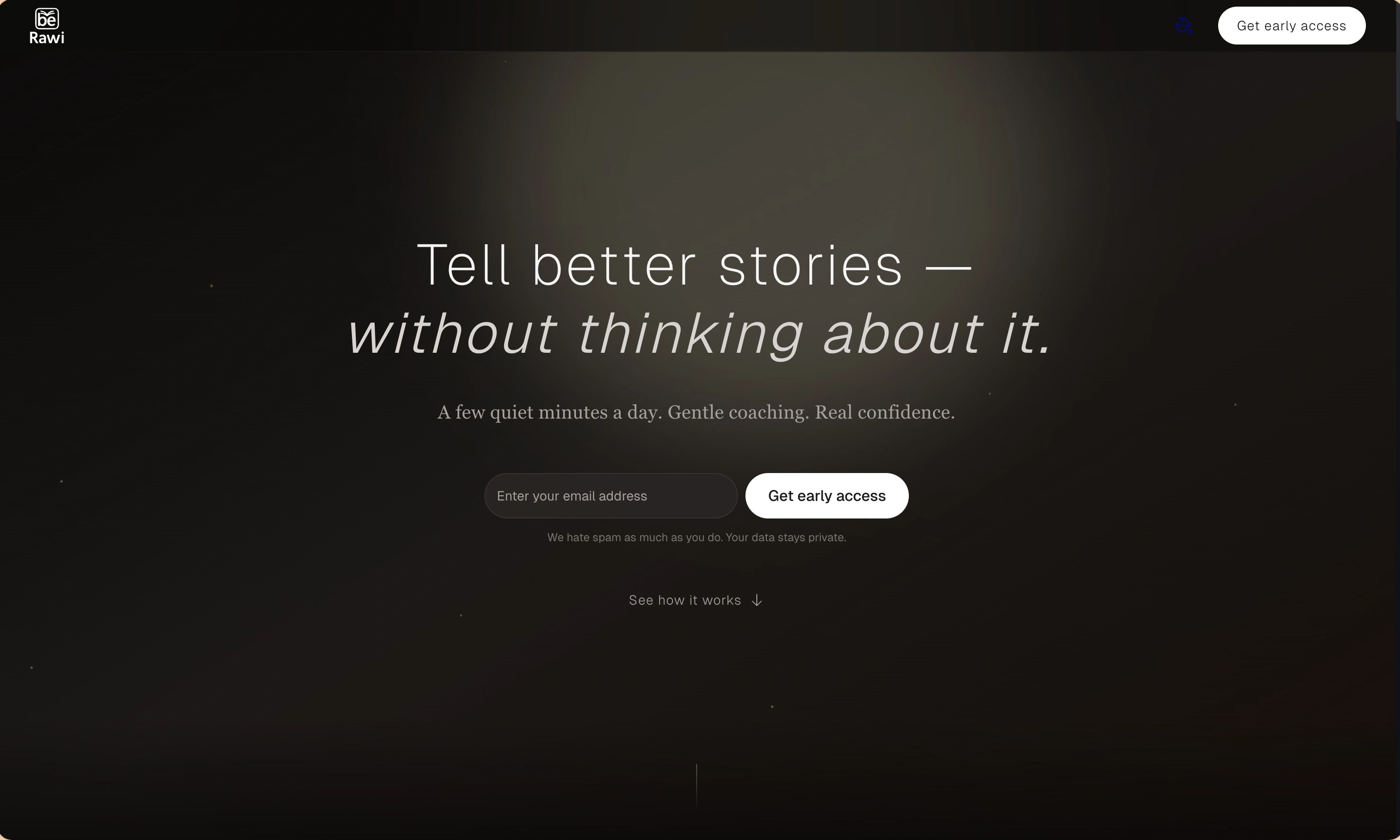
BeRawi: Storytelling Coach
Practice storytelling daily with instant feedback to sound clearer, more engaging, and confident 🎤
Omichat
Chat with 50+ AI models, including ChatGPT and Claude, in one place - switch models anytime without losing context 🤖
Claude Fast
Supercharge your Claude Code with 6x effective context window and specialized AI agents 🤖
EmojAI
AI-powered emoji picker with smart, context-aware suggestions 🤖
Solohacker
Autonomous company launcher - AI agents work 24/7, escalate what matters, and you stay in control 🤖
BeRawi: Storytelling Coach
Practice storytelling daily with instant feedback to sound clearer, more engaging, and confident 🎤
Omichat
Chat with 50+ AI models, including ChatGPT and Claude, in one place - switch models anytime without losing context 🤖
Claude Fast
Supercharge your Claude Code with 6x effective context window and specialized AI agents 🤖
EmojAI
AI-powered emoji picker with smart, context-aware suggestions 🤖
Solohacker
Autonomous company launcher - AI agents work 24/7, escalate what matters, and you stay in control 🤖
BeRawi: Storytelling Coach
Practice storytelling daily with instant feedback to sound clearer, more engaging, and confident 🎤
Omichat
Chat with 50+ AI models, including ChatGPT and Claude, in one place - switch models anytime without losing context 🤖
Claude Fast
Supercharge your Claude Code with 6x effective context window and specialized AI agents 🤖
EmojAI
AI-powered emoji picker with smart, context-aware suggestions 🤖
Solohacker
Autonomous company launcher - AI agents work 24/7, escalate what matters, and you stay in control 🤖
BeRawi: Storytelling Coach
Practice storytelling daily with instant feedback to sound clearer, more engaging, and confident 🎤

Connect with like-minded people
Join our community to get feedback, support, and grow together with 1,000+ builders on board, let's ship it!
Join usShip your startup everywhere. In minutes.
Don't burn tokens on setup and start building features on day one.