PixelRoot
AI explains visual regressions in frontend pull requests, highlighting the likely CSS cause and an annotated screenshot for faster fixes across devices.
What PixelRoot is and why it matters
PixelRoot is an AI-powered visual regression tool for frontend pull requests. It compares a proposed UI change with a known baseline, identifies meaningful visual differences, and explains the likely CSS or layout cause with an annotated screenshot. Its goal is to help developers understand and fix visual bugs faster across screen sizes and devices.
That solves a common problem in frontend delivery: a change can pass unit tests and compile successfully while still breaking the interface. A button shifts, a heading wraps unexpectedly, a modal gets clipped on mobile, or a shared style change affects a page no one happened to check. These regressions are often discovered during manual review or after release, when the cost of diagnosis is higher.
Traditional screenshot comparison can tell a developer that two images differ. PixelRoot’s opportunity is to explain what changed, where it changed, why the difference may have happened, and how to investigate it. That moves the product from a screenshot diff tool toward an AI debugging assistant for visual quality.
The product should not promise that AI can always identify the exact cause. A more credible promise is that it can reduce the time spent locating likely causes by combining visual evidence with pull request context, page structure, CSS information, and test configuration.
The problem with visual regression workflows today
Frontend teams already use many forms of testing, but visual quality is difficult to verify with functional tests alone. A test can confirm that a page loaded, a button can be clicked, and a form submitted. It may not catch that the button is off-center, the font changed, or the page overflows at a particular viewport width.
Visual regression testing helps by capturing screenshots and comparing them against a baseline. Yet common workflows still leave several questions for a developer to answer:
- Is this difference a real bug or an expected design change?
- Which component or style rule caused it?
- Does the change affect one route or many?
- Is the issue limited to a specific viewport or browser?
- Should the baseline be updated, or should the code be fixed?
A raw pixel diff can be noisy. Dynamic content, animations, font loading, antialiasing, and small rendering variations may all produce differences that are not meaningful to users. At the other extreme, a broad image comparison can make a substantial layout shift hard to interpret.
The harder part is often not detecting a difference. It is triaging it. Developers need enough context to decide whether a change matters and how to fix it.
PixelRoot can focus on this gap by pairing screenshot evidence with a concise, technically useful explanation. For example, rather than only showing a highlighted region, it could report that a card is wider at a mobile viewport, point to the affected element, and suggest inspecting a changed min-width rule or a grid column definition. Such suggestions should be presented as hypotheses, not definitive diagnoses.
Who PixelRoot should serve first
PixelRoot could serve a broad range of teams, but an effective first version needs a focused audience. The strongest early customers are teams that ship frontend changes regularly and already feel the cost of visual review.
Product engineering teams
Small and midsize product teams often have limited dedicated quality assurance capacity. Developers, designers, and product managers share responsibility for release quality, but visual review can be inconsistent. A pull request may be reviewed for behavior and code quality without every affected screen being opened at multiple sizes.
For these teams, PixelRoot should make visual review fit into the workflow they already use. A pull request comment with a clear screenshot, a short explanation, and links to affected routes is more useful than a separate dashboard that developers need to remember to visit.
Frontend agencies and consultancies
Agencies often work across multiple client sites, design systems, and release processes. They need repeatable quality checks, particularly when a shared component or theme change could affect many pages.
Useful agency capabilities could include:
- Separate projects for each client or application
- Role-based access for team members and clients
- Reviewable visual reports for handoffs
- Configurable baselines for different branches
- Clear retention and access controls for screenshots
Agencies may value a product that reduces manual review time and helps explain changes to clients. However, their workflows can vary significantly, so PixelRoot should avoid over-customizing for one agency before validating the common needs across several teams.
Design system teams
A design system change can affect dozens or hundreds of components and product surfaces. A token update, typography adjustment, or shared spacing change may create regressions far from the file that was edited.
PixelRoot could help design system maintainers identify the scope of an update by grouping visual changes by component, route, or viewport. This audience may also have more sophisticated needs around component catalogs, approval flows, and baseline ownership.
Startups and small software companies
Startups often move quickly and may not have a dedicated visual testing system. They can be an accessible initial audience if onboarding is simple and the product works with familiar tools such as GitHub and a browser automation framework.
A startup-friendly product should make it easy to connect one repository, run a first comparison, and understand the result without spending days configuring a testing platform.
A practical initial customer profile
A useful early customer profile could be:
- A web product team with a React-based application
- A small group of frontend engineers shipping changes through pull requests
- Existing use of browser-based end-to-end testing, or willingness to add it
- Repeated manual review of key pages and responsive breakpoints
- A meaningful cost when regressions reach production
This profile is narrow enough to guide product decisions but broad enough to support customer discovery. PixelRoot can expand to other frameworks and workflows after it learns which parts of the experience create the most value.
The market opportunity and product gap
Visual testing is not an entirely new category. Teams can compare screenshots with testing frameworks, browser automation tools, design review products, and custom scripts. PixelRoot should not position itself as if customers have no alternatives. Its opportunity is to make the output of visual testing easier to act on.
A useful market analysis separates the existing workflow into three jobs:
- Capture the interface consistently.
- Compare the current result with an approved reference.
- Explain and resolve the differences.
Many products and open-source tools help with capture and comparison. PixelRoot’s proposed distinction is a stronger focus on the third job: understanding the difference in the context of a pull request.
Where current workflows can fall short
Teams may build their own scripts or use a screenshot-testing service, but the process can still involve manual investigation. A developer may need to open the diff, identify which route changed, inspect the relevant DOM, review the pull request, and search through recent CSS edits.
This creates a product gap where several types of context could work together:
- The baseline and current screenshot
- The route and viewport where the difference appeared
- The changed files in the pull request
- Relevant DOM and accessibility information
- The browser and rendering configuration
- The likely component or style rules involved
PixelRoot should be careful about claiming that AI alone creates a durable advantage. Models and visual reasoning capabilities evolve quickly. A more defensible advantage can come from combining reliable capture, high-quality structured evidence, workflow integration, and feedback about which explanations developers find useful.
How to validate the opportunity
Before building a broad platform, interview developers and ask them to walk through their most recent visual regression. Avoid asking only whether they would use an AI tool. Instead, investigate the actual workflow:
- How was the regression discovered?
- Which tools did the team use to reproduce it?
- How long did diagnosis take?
- What made the cause difficult to locate?
- How were screenshot baselines reviewed or updated?
- What kinds of visual differences are too noisy to act on?
- Who is responsible for approving a visual change?
- What would make the team trust an automated explanation?
A good validation signal is not enthusiasm for AI. It is evidence that a specific part of visual regression triage happens repeatedly, consumes meaningful time, and has a clear buyer or internal owner.
For market-size or adoption claims, use current research from recognized developer surveys, software engineering reports, and established testing vendors. Cite the publication, year, and methodology rather than repeating unsourced figures. The article and product should distinguish measured customer research from market assumptions.
Core features PixelRoot should offer
The first product should prioritize trust and usefulness over a long feature list. If screenshots are inconsistent or explanations are speculative, additional dashboards will not solve the core problem.
Pull request visual checks
The central experience is a check that runs for a pull request and reports whether configured pages differ from their baselines. The pull request result should show:
- Which routes were captured
- Which viewport sizes were tested
- Which comparisons passed or need review
- A visual diff for each meaningful change
- A concise summary of the likely impact
- Links to inspect the full-resolution screenshots
The report should be useful inside the developer’s existing workflow. If engineers need to leave the pull request to understand the result, adoption may be lower.
Annotated screenshots
An annotated screenshot should make the location and nature of a difference obvious. PixelRoot could use overlays, side-by-side images, or a slider to show the baseline and current render.
Annotations should be readable and restrained. If every pixel difference is marked equally, the image becomes difficult to interpret. The product should group changes into meaningful regions and let developers zoom into the underlying images.
Each annotation should preserve context: route, viewport, browser, build, and comparison baseline. Without that information, a screenshot may be hard to reproduce later.
AI explanations with evidence
The explanation layer is PixelRoot’s central product promise. An explanation might identify:
- A component that appears shifted or resized
- A responsive breakpoint where the difference appears
- A likely layout or typography change
- A changed file that may be relevant
- A possible distinction between intentional and unintended changes
Every suggestion should be traceable to evidence. PixelRoot could show the screenshot region, relevant DOM element, changed file, or CSS property that contributed to its hypothesis. Confidence indicators can help, but they should not imply mathematical certainty unless they are calibrated and tested.
A good explanation is specific without pretending to know more than the available evidence supports. “The content column appears 32 pixels narrower at this viewport; the pull request changes the grid definition in ProductGrid.css” is more useful than “The CSS is broken.”
Multi-viewport and cross-browser testing
A responsive regression may not appear at the developer’s default desktop size. PixelRoot should let teams define a small set of representative viewports, such as mobile, tablet, and desktop dimensions.
Cross-browser comparison can be valuable, but it increases test time and maintenance. A sensible first release could support one stable browser environment and a few configurable viewport sizes, then expand based on demand. PixelRoot should clearly label the browser and rendering version used to generate each screenshot.
Baseline review and approval
Visual changes are not automatically bugs. A redesign, new feature, or approved typography change should update a baseline. PixelRoot needs a controlled workflow for accepting intentional differences.
Baseline approval should include:
- Who approved the change
- Which routes and viewports were updated
- The pull request or commit associated with the update
- A way to avoid approving unrelated differences by accident
- A history of earlier baseline versions
This is important for both developer trust and auditability. A one-click “accept all” action can be convenient, but it should be clear about the scope of what is being approved.
Noise reduction and deterministic capture
Flaky screenshots can quickly undermine confidence. PixelRoot should provide controls for common sources of instability:
- Waiting for fonts and images to load
- Disabling or stabilizing animations
- Masking dynamic timestamps, avatars, or personalized content
- Setting consistent locale and timezone
- Controlling data fixtures and authentication state
- Defining ignored regions when a component is intentionally dynamic
These options should be configurable rather than hidden. Teams need to understand why a region was excluded and how that affects the comparison.
Team feedback and learning
Developers should be able to mark an explanation as helpful, incorrect, or incomplete. This feedback can help the product improve prioritization and explanation quality, provided that customer data is handled transparently.
Feedback should not be treated as permission to train on private source code or screenshots. PixelRoot needs explicit data-use policies, clear controls, and options that suit companies with stricter security requirements.
How the AI explanation workflow could work
A reliable AI system should not receive two screenshots and be expected to infer everything. PixelRoot can improve its results by assembling structured evidence before generating an explanation.
A possible workflow is:
- Capture the baseline and current page under consistent browser conditions.
- Detect and group visual differences into regions.
- Collect route, viewport, browser, and pull request metadata.
- Map changed regions to relevant DOM nodes where possible.
- Identify changed files and styles that could relate to those nodes.
- Ask an AI model to produce a concise, evidence-based explanation.
- Show the explanation with the underlying evidence and uncertainty.
The AI layer should be an assistant to the debugging process, not an authority that blocks a release without review. Teams may choose different policies, but an early product should default to informing rather than failing builds based on uncertain model output.
PixelRoot should also separate two different signals:
- Visual difference detection, which can be deterministic and rule-based
- Cause explanation, which may be probabilistic and generated by an AI model
Keeping these signals distinct makes the product easier to evaluate. A team can see that a meaningful difference was detected even if the AI explanation is unavailable or uncertain.
Recommended technology stack
The technical architecture should support reliable screenshot capture, fast feedback, secure handling of source context, and manageable operating costs. The right stack depends on the first integrations and customer profile, but the following is a practical starting point.
Frontend and dashboard
Use React for the dashboard and settings experience. It is a well-established choice for building interactive review interfaces, including screenshot viewers, route lists, and baseline approval flows.
A React-based dashboard could include:
- Project and repository settings
- Pull request comparison summaries
- Screenshot overlays and side-by-side views
- Baseline history
- Team and billing administration
Keep the review screen focused. A large number of controls should not obscure the main task of understanding and resolving a visual change.
Browser automation and capture
Use Playwright for browser automation and screenshot capture. It supports browser-driven testing and provides tools for controlling pages, viewports, and screenshots.
A self-hosted capture worker gives PixelRoot more control over browser versions, networking, and job execution. The trade-off is operational complexity: browser processes can consume significant CPU and memory, and untrusted application code may pose a security risk.
A managed browser service can reduce infrastructure work, but it may limit customization and increase per-run costs. The best option should be chosen after measuring capture reliability, isolation requirements, and cost per comparison.
Application API and job processing
Use a backend service to manage projects, pull request events, capture jobs, comparison results, and user permissions. A TypeScript backend can share types and validation logic with a React frontend, while other languages may be a better fit if the team has experience with computer vision or data processing.
A queue is important because screenshots are asynchronous work. The system should be able to retry transient failures, limit concurrency per project, and report status clearly to users. Avoid holding a webhook request open while browsers launch and pages render.
Image storage and comparison
Store screenshot artifacts in object storage rather than in the primary relational database. Use time-limited access URLs for authorized users and define retention policies early, since screenshots may contain customer data or internal application content.
For comparison, PixelRoot can begin with a combination of:
- Pixel-level difference maps
- Region-based visual comparison
- DOM or element geometry where available
- Configurable thresholds
- Masking for known dynamic content
A purely pixel-based comparison is easy to understand but can be noisy. A purely semantic comparison can miss exact alignment or color issues. A hybrid approach gives the product more control over both sensitivity and interpretability.
Data store and integrations
A relational database such as PostgreSQL is suitable for projects, users, permissions, job metadata, baseline references, and billing records. Keep large screenshot files in object storage and avoid putting secrets or source code in logs.
For the first integration, prioritize a source control platform that matches the target customer profile. GitHub pull request checks and comments are a natural starting point if early interviews confirm that the target teams use GitHub. Add other providers only when demand is demonstrated.
AI model layer
Design the AI integration as a replaceable service. PixelRoot should be able to change models, prompts, or providers without rewriting capture and comparison logic.
The model should receive only the context needed to generate the explanation. For example, it may need a cropped screenshot region, a limited DOM excerpt, relevant CSS changes, and pull request metadata—not an entire repository by default.
Evaluate models using a set of representative cases. Measure whether explanations identify the right area, remain grounded in evidence, avoid unsupported claims, and help developers take a useful next step. Human review is essential during early development.
Build trust into the architecture
Treat screenshots, DOM data, source diffs, and logs as potentially sensitive customer data. Define access controls, retention settings, and data-use policies before collecting production artifacts.
Competitive advantage and positioning
PixelRoot should differentiate on the quality of the full debugging workflow, not on the claim that it uses AI. A competitor can add an AI summary; a product that reliably connects visual evidence to pull request context is harder to replace.
Potential differentiators
Explanations tied to evidence
Every suggestion should show why PixelRoot made it. Developers should be able to inspect the screenshot region, affected element, and relevant code change.
Pull request-native review
The comparison should arrive where developers already discuss and approve code. A concise pull request summary reduces the need to maintain a separate review habit.
Responsive impact clarity
PixelRoot can help teams see how one change behaves across defined devices and viewports, rather than treating each screenshot as an isolated test.
Useful signal rather than more alerts
The product should prioritize meaningful differences and explain uncertainty. A high volume of low-value alerts is a competitive weakness, even if the underlying detection is technically impressive.
Simple onboarding
A team should be able to connect a repository, select a small set of routes, and get a first result without building a large custom test harness. Over time, advanced configuration can support more complex projects.
Positioning statement
A practical positioning statement might be:
PixelRoot helps frontend teams review visual changes in pull requests by combining reliable screenshot comparisons with evidence-based explanations of what changed and where to investigate.
This positioning is specific, credible, and focused on an outcome. It does not claim that PixelRoot finds every bug or automatically fixes CSS.
| Product dimension | Basic screenshot diff | Manual review | PixelRoot opportunity |
|---|---|---|---|
| Detects visual changes | Yes | Depends on reviewer | Yes |
| Shows affected screenshot region | Often | Reviewer must locate it | Yes |
| Connects evidence to pull request context | Varies | Requires manual investigation | Core focus |
| Suggests likely causes | Usually limited | Depends on expertise | AI-assisted, evidence-based |
| Supports human approval | Often | Yes | Essential workflow |
Monetization strategy options
PixelRoot should price around the value and cost drivers customers understand. Screenshot volume, projects, seats, browser coverage, and retention all affect both customer value and infrastructure expense.
Free tier for evaluation
A free tier can help an individual developer or small team test the workflow. Keep the limits clear, such as a small number of projects, routes, or monthly comparison runs. The free tier should let users experience the explanation quality rather than limiting the product before its main value is visible.
Usage-based plans
Pricing by comparison runs or captured pages aligns revenue with infrastructure usage. However, usage-based pricing can be hard to predict if a pull request triggers many routes and viewports. Provide usage estimates and alerts so customers are not surprised by a bill.
Per-seat subscriptions
Per-seat pricing is easy for customers to understand and can work when collaboration, review permissions, and team management are central. It may be less aligned with capture costs, so it could be paired with included usage limits.
Team and business plans
Larger plans can include:
- Higher capture limits
- Multiple projects and environments
- Longer screenshot retention
- Advanced role-based access
- Priority support
- Audit history
- Private networking or dedicated infrastructure, if customer demand supports it
Do not build enterprise features solely because they sound valuable. Validate procurement requirements with actual buyers.
Suggested initial packaging
A straightforward model might include a free evaluation tier, a paid team plan with predictable monthly usage, and a higher tier for organizations that need greater security controls and retention. The exact price should come from interviews, infrastructure cost modeling, and willingness-to-pay tests—not arbitrary assumptions.
Risks and how to reduce them
False positives and noisy comparisons
A tool that reports too many irrelevant changes will lose developer trust. PixelRoot should invest early in stable browser environments, dynamic content controls, threshold tuning, and clear distinction between visual changes and AI interpretations.
Track how often teams ignore, accept, or investigate reported differences. These behavioral signals can reveal whether the product is helping or creating additional work.
Incorrect AI explanations
An AI-generated cause can mislead a developer if presented as fact. Reduce this risk by grounding explanations in visible evidence, using cautious language, showing relevant files, and allowing users to report inaccurate suggestions.
If the model lacks enough information, it should say so. A useful “uncertain” result is safer than a confident but fabricated CSS diagnosis.
Screenshot privacy and security
Screenshots can expose unreleased features, customer information, or internal dashboards. PixelRoot should provide encryption in transit and at rest, access controls, retention policies, and clear deletion procedures. It should also assess the risks of executing pull request code in a capture environment.
Untrusted code should run in isolated workers with restricted credentials and network access. Security design needs review as the product’s integrations and customer profile mature.
Flaky capture infrastructure
Browser crashes, slow pages, missing fonts, and unstable test data can make results inconsistent. Use job timeouts, retries for transient errors, environment versioning, and clear error messages. A capture failure should not be reported as a clean visual pass.
Baseline misuse
If baseline updates are too easy to approve, teams may accidentally accept regressions. Make the scope of an approval visible, preserve history, and provide permission controls for organizations that need them.
Infrastructure costs
Browser capture and image storage can become expensive as usage grows. Track cost per successful comparison, not just cost per job. Improve efficiency through concurrency controls, artifact retention policies, caching where appropriate, and limits that align with plan pricing.
Adoption and workflow friction
Developers may resist another dashboard or required configuration step. Make the first setup small, integrate with the pull request workflow, and show value on a real change quickly. Measure time to first useful comparison and identify where users abandon onboarding.
Actionable implementation steps
The strongest path is to validate the workflow before committing to a large platform. A narrow pilot can establish whether evidence-based explanations actually reduce investigation effort.
Interview target teams
Speak with frontend developers, engineering managers, and design system owners. Ask them to demonstrate how they currently detect and resolve visual regressions. Capture the tools they use, recurring failure modes, and the effort required to diagnose a real example.
Choose a focused integration
Select the first source control provider and frontend environment based on interview evidence. A narrower initial scope makes it easier to create a dependable experience than trying to support every framework and CI system immediately.
Build deterministic screenshot capture
Create a small capture service that can run a set of routes at defined viewport sizes. Record browser version, route, viewport, commit, and environment settings for every artifact. Add basic controls for animations, fonts, and dynamic content.
Add clear visual comparisons
Start with understandable overlays and difference views. Let developers inspect the baseline and current screenshot independently. Test the comparison output against real application changes, including both intentional redesigns and genuine regressions.
Add evidence-based explanations
Generate concise explanations from structured visual and pull request context. Keep claims linked to the evidence that supports them, and make uncertainty visible. Compare AI output with expert human review before using it to influence build status.
Test the workflow inside pull requests
Deliver results as a pull request check or comment. Observe whether developers can identify the affected area and decide what to do without opening multiple tools. Use feedback to improve report clarity and reduce noise.
Pilot with a small group
Run a pilot with a few teams that resemble the intended customer profile. Measure capture reliability, useful-result rate, time to diagnosis, baseline approval behavior, and willingness to pay. Treat these as product measures, not marketing claims.
Expand based on demonstrated demand
Add browser coverage, integrations, advanced permissions, and enterprise features only when customer evidence supports them. Revisit pricing as actual capture costs and usage patterns become clear.
For a faster SaaS foundation, teams can evaluate TurboStarter for common product scaffolding and use their engineering time on PixelRoot’s differentiated capture, comparison, and explanation workflow.
What success should look like
PixelRoot should be judged by whether it helps teams make better visual decisions with less investigation—not by the number of screenshots it stores or AI summaries it generates.
Useful early metrics include:
- Capture reliability: The share of configured runs that produce valid, reproducible screenshots.
- Signal quality: The share of reported differences that users consider worth reviewing.
- Time to diagnosis: How long it takes a developer to identify the relevant area and likely next step.
- Resolution behavior: Whether a report leads to a code fix, an approved baseline update, or a documented explanation.
- Adoption: Whether teams continue using the product after the initial trial.
- Cost efficiency: The infrastructure cost associated with a successful comparison.
- Trust: How often developers rely on, correct, or dismiss the AI explanation.
These metrics should be interpreted together. A low false-positive rate is not useful if the tool misses important regressions. A fast explanation is not valuable if it is wrong. The product needs a balanced measure of reliability, relevance, and time saved.
Frequently asked questions
A standard visual regression tool typically captures screenshots and reports differences. PixelRoot’s proposed distinction is to add pull request context and AI-assisted explanations that help developers investigate likely causes. The comparison remains the evidence; the AI explanation is a guided hypothesis.
Automatic fixes should not be the initial promise. CSS changes can affect multiple routes, break responsive behavior, or conflict with design intent. PixelRoot should first help developers locate and understand a problem. Suggestions or automated patches may be explored later with human review and clear rollback controls.
Frontend teams that ship frequently, review changes through pull requests, and manually inspect key pages are strong candidates. Design system teams and agencies may also benefit when shared styles or components affect many screens.
Usually not. PixelRoot should provide the model with the smallest useful set of evidence, such as a screenshot region, relevant DOM information, and files changed in the pull request. Limiting context can reduce privacy exposure and help keep explanations focused.
The biggest risk is losing trust through unreliable capture or misleading explanations. PixelRoot must make the screenshot comparison dependable, distinguish detected differences from AI-generated hypotheses, and give users a way to inspect the supporting evidence.
Final assessment
PixelRoot addresses a real and specific frontend workflow problem: teams can detect visual changes yet still spend too much time figuring out what caused them and whether they matter. Its opportunity is to make visual regression review more actionable by connecting screenshots, pull request changes, responsive context, and carefully bounded AI explanations.
The strongest version of the product will not treat AI as a replacement for visual testing or developer judgment. It will make existing evidence easier to interpret, help teams focus on meaningful changes, and preserve human control over fixes and baseline approvals.
Start with one customer profile, one reliable capture workflow, and one clear measure of value: whether PixelRoot helps developers resolve visual regressions faster without adding noise. If that outcome is demonstrated in real pull requests, the product can expand into broader browser coverage, design system workflows, and enterprise controls with a credible foundation.
More 🤖 AI Startup SaaS ideas
Discover more innovative ai startup SaaS ideas that are trending in 2026. Each idea is AI-generated with market validation and growth potential to help you find your next profitable venture faster than competitors.
Your competitors are building with TurboStarter
Below are some of the SaaS ideas that have been generated and built with our starter kit.
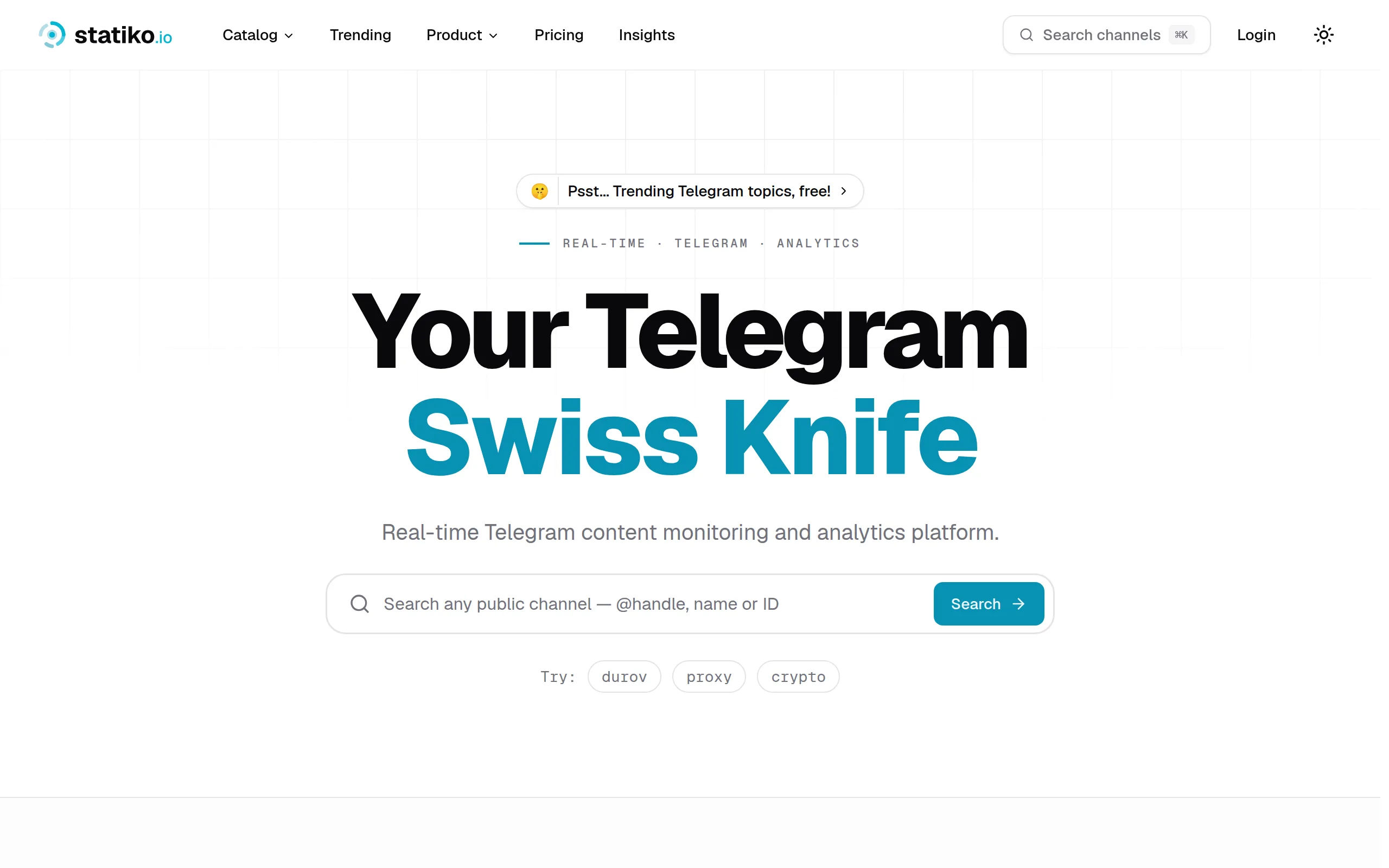
Statiko
Monitor any Telegram channel in real time - track posts, edits, deletions, and growth with AI recaps 📡

Shibui
AI website builder - describe your business, pick a niche template, edit by chatting, and publish instantly ✨

Pro Service
Find verified home service professionals, compare quotes, and pay securely through escrow - built for Brazilians across the US 🏠
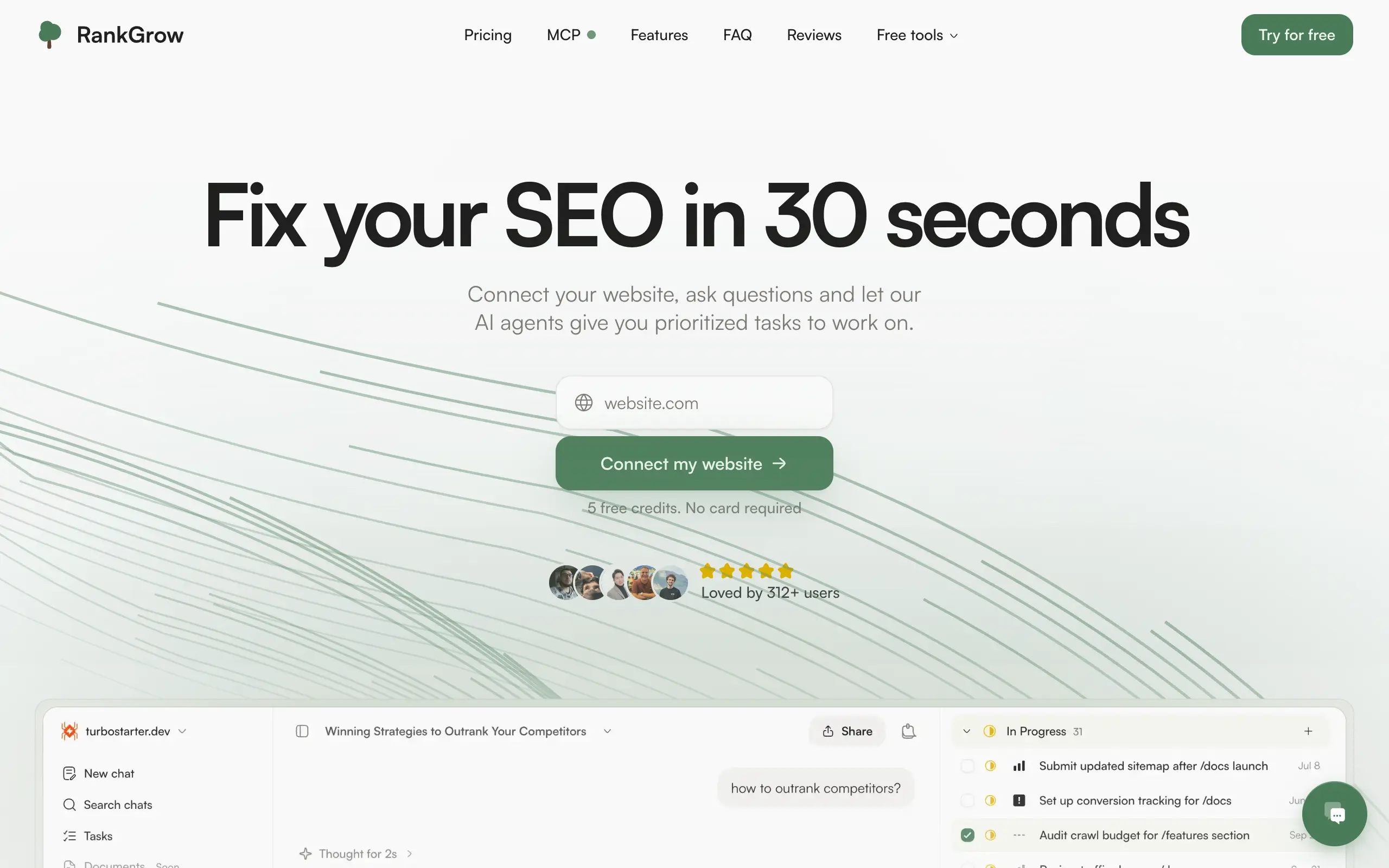
RankGrow
Fix your SEO with AI agents - connect Search Console, get prioritized tasks, and grow organic traffic 📈
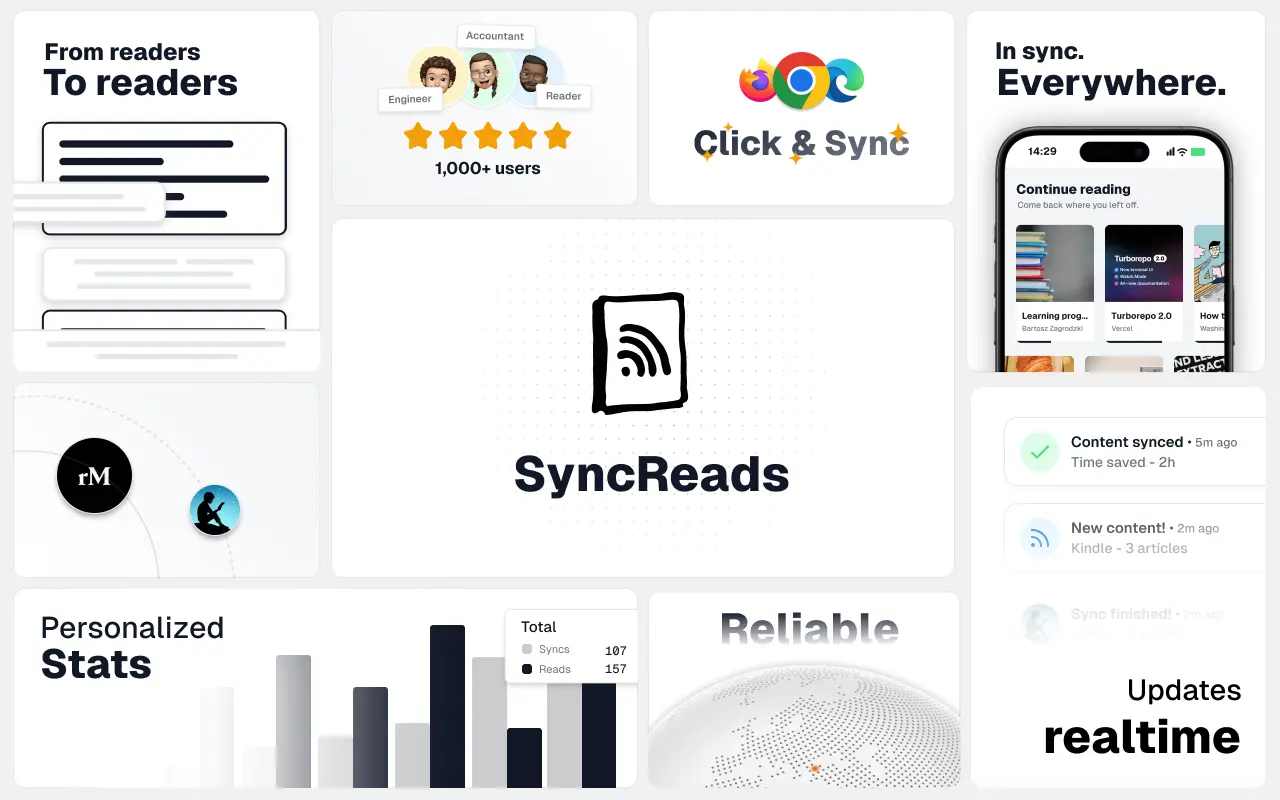
SyncReads
Sync your favorite content for distraction-free reading, save time and replace multiple apps. Anytime, anywhere 🔄
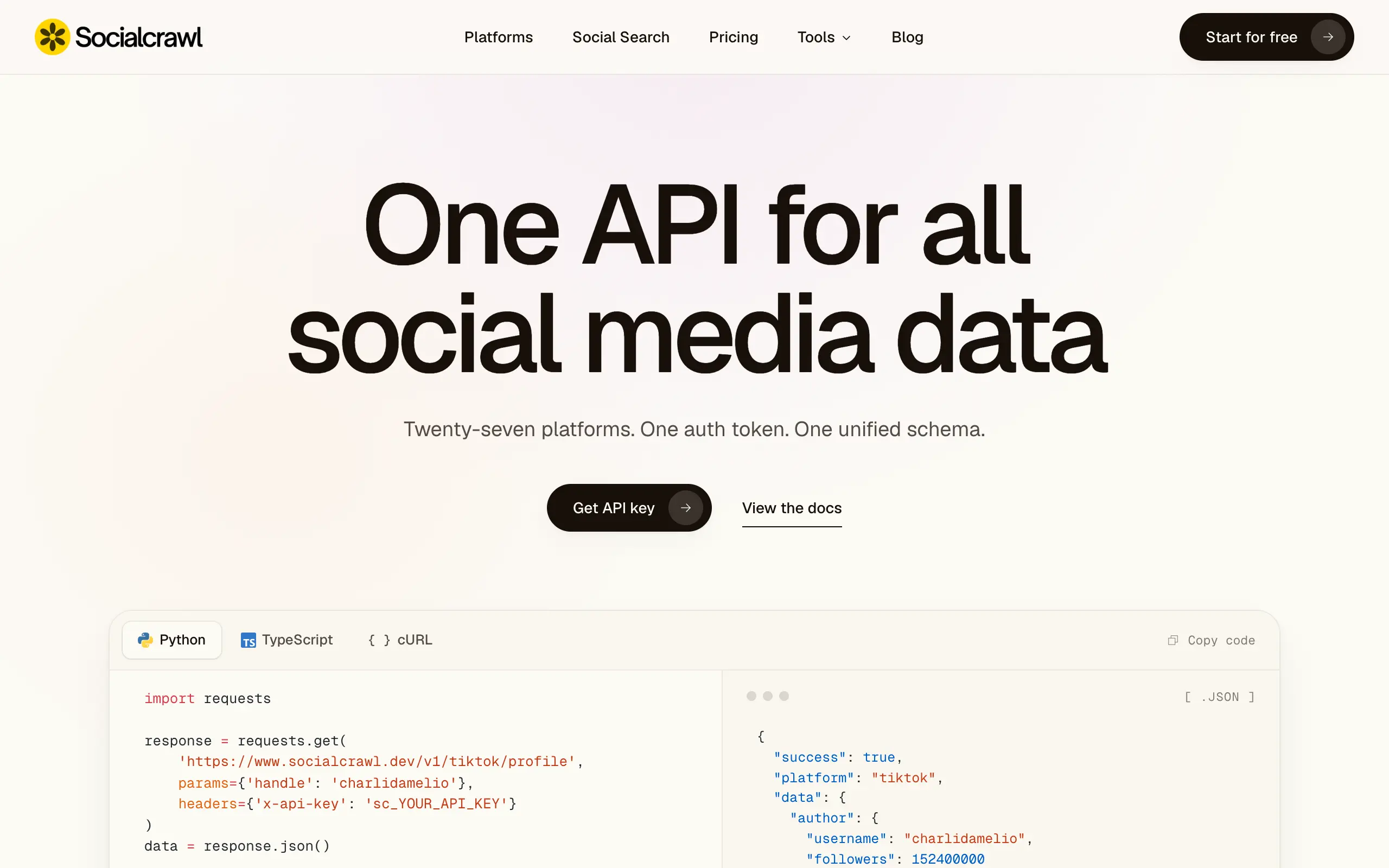
Socialcrawl
Get clean, structured data from 21 platforms like TikTok, Instagram, and YouTube with a single request 📊
Statiko
Monitor any Telegram channel in real time - track posts, edits, deletions, and growth with AI recaps 📡
Shibui
AI website builder - describe your business, pick a niche template, edit by chatting, and publish instantly ✨
Pro Service
Find verified home service professionals, compare quotes, and pay securely through escrow - built for Brazilians across the US 🏠
RankGrow
Fix your SEO with AI agents - connect Search Console, get prioritized tasks, and grow organic traffic 📈
SyncReads
Sync your favorite content for distraction-free reading, save time and replace multiple apps. Anytime, anywhere 🔄
Socialcrawl
Get clean, structured data from 21 platforms like TikTok, Instagram, and YouTube with a single request 📊
Statiko
Monitor any Telegram channel in real time - track posts, edits, deletions, and growth with AI recaps 📡
Shibui
AI website builder - describe your business, pick a niche template, edit by chatting, and publish instantly ✨
Pro Service
Find verified home service professionals, compare quotes, and pay securely through escrow - built for Brazilians across the US 🏠
RankGrow
Fix your SEO with AI agents - connect Search Console, get prioritized tasks, and grow organic traffic 📈
SyncReads
Sync your favorite content for distraction-free reading, save time and replace multiple apps. Anytime, anywhere 🔄
Socialcrawl
Get clean, structured data from 21 platforms like TikTok, Instagram, and YouTube with a single request 📊
Statiko
Monitor any Telegram channel in real time - track posts, edits, deletions, and growth with AI recaps 📡
Shibui
AI website builder - describe your business, pick a niche template, edit by chatting, and publish instantly ✨
Pro Service
Find verified home service professionals, compare quotes, and pay securely through escrow - built for Brazilians across the US 🏠
RankGrow
Fix your SEO with AI agents - connect Search Console, get prioritized tasks, and grow organic traffic 📈
SyncReads
Sync your favorite content for distraction-free reading, save time and replace multiple apps. Anytime, anywhere 🔄
Socialcrawl
Get clean, structured data from 21 platforms like TikTok, Instagram, and YouTube with a single request 📊
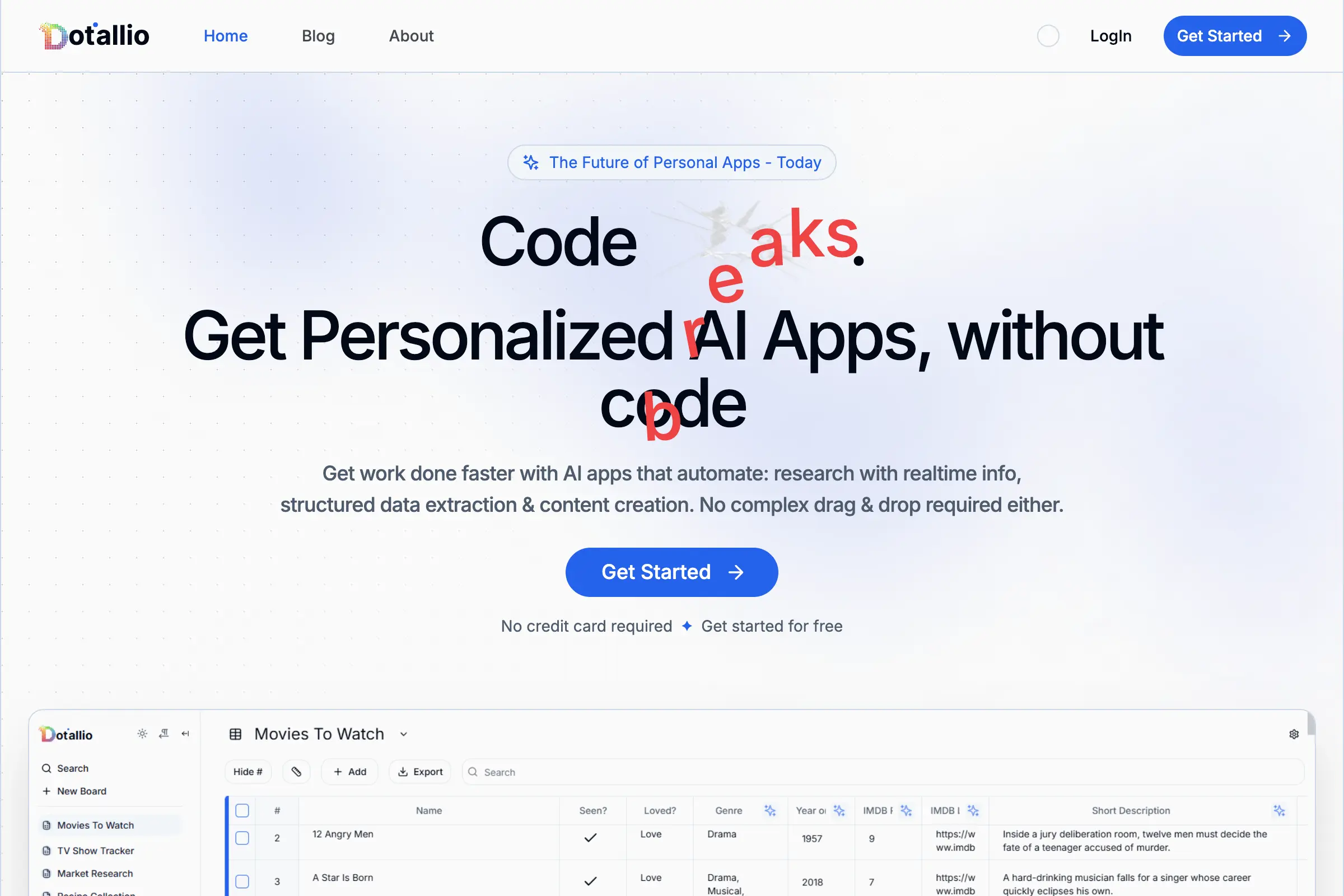
Dotallio
Personalized AI apps that automate research, data extraction, and content creation without code 🤖

Talk to Santa
Enjoy a magical live video chat or receive a unique AI-generated video greeting from Santa Claus 🎅

pozywka.pl
Scalable blog for food journalist, focused on performance and user experience 🌭
zagrodzki.me
Personal blog and portfolio of Bart Zagrodzki, where he shares his knowledge and work 💼
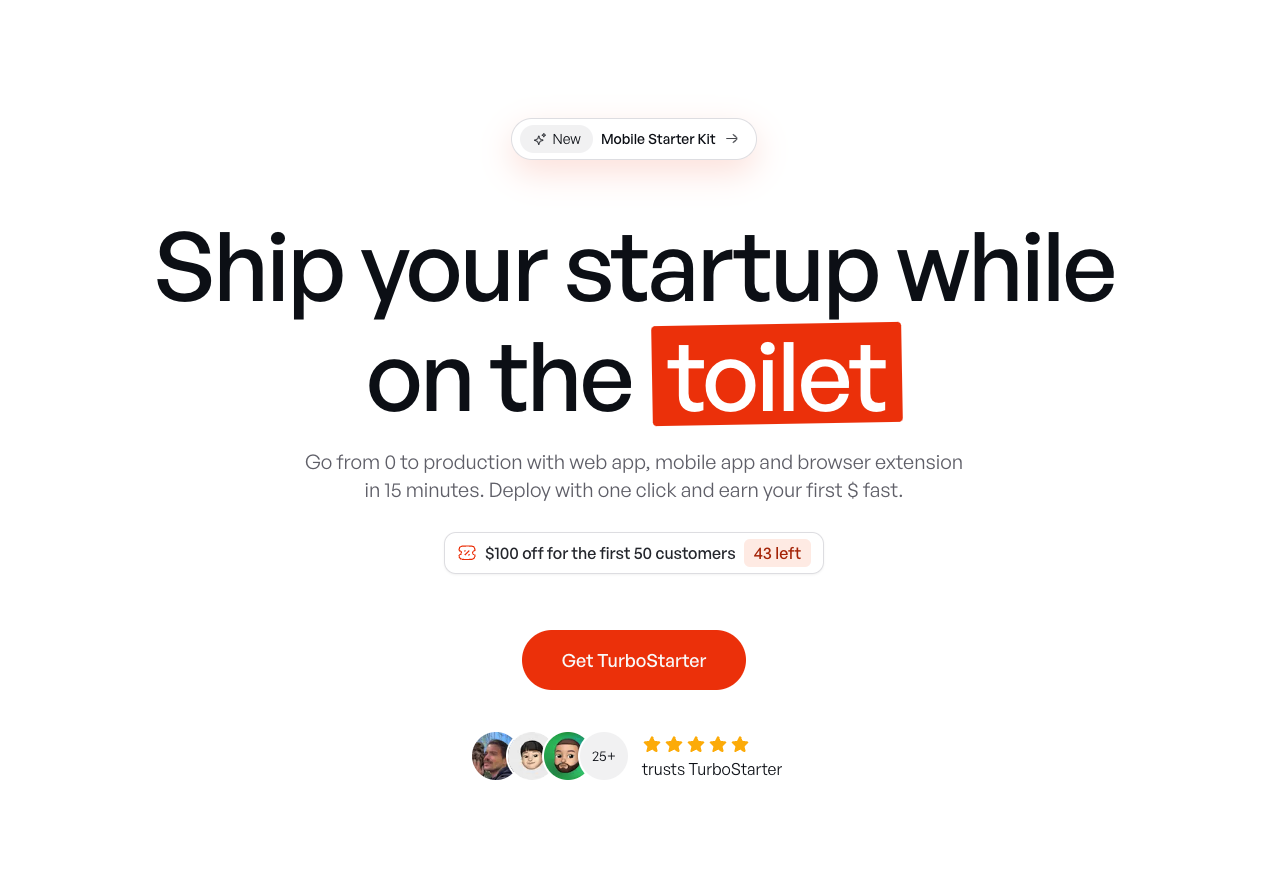
TurboStarter
Ship your startup everywhere. In minutes.
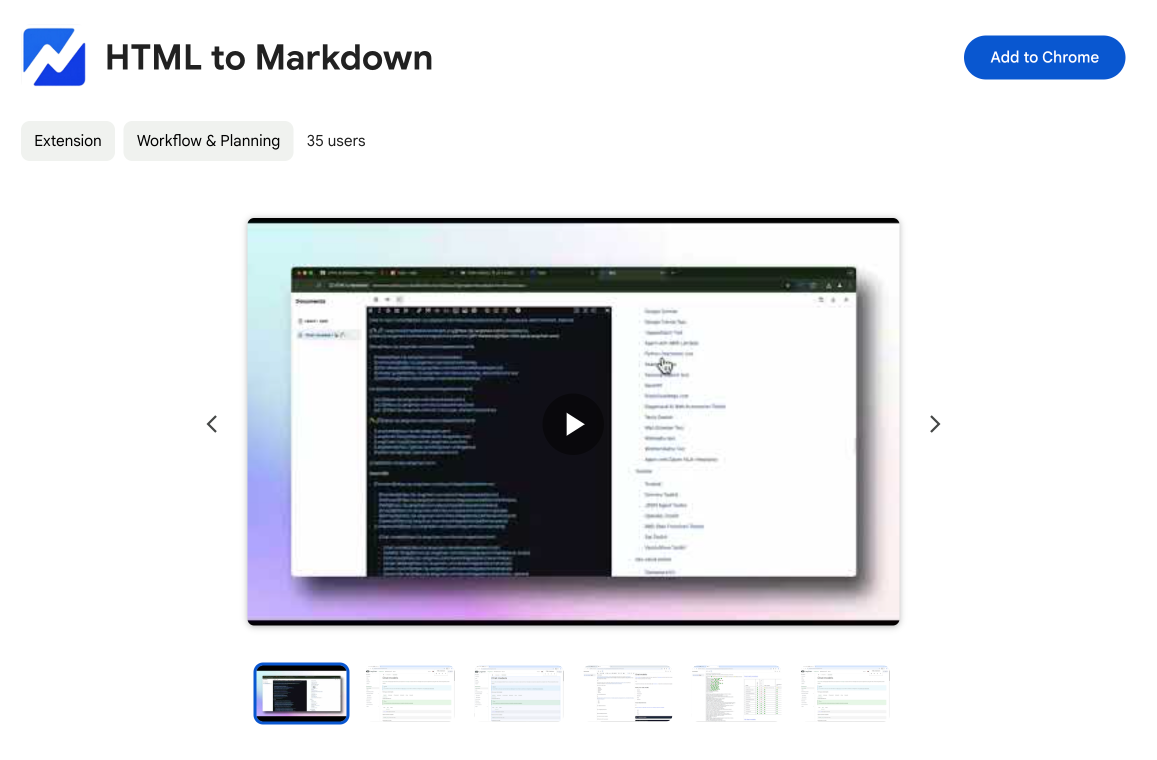
HTML to Markdown
Convert HTML to Markdown with ease, directly in your browser 📄
Dotallio
Personalized AI apps that automate research, data extraction, and content creation without code 🤖
Talk to Santa
Enjoy a magical live video chat or receive a unique AI-generated video greeting from Santa Claus 🎅
pozywka.pl
Scalable blog for food journalist, focused on performance and user experience 🌭
zagrodzki.me
Personal blog and portfolio of Bart Zagrodzki, where he shares his knowledge and work 💼
TurboStarter
Ship your startup everywhere. In minutes.
HTML to Markdown
Convert HTML to Markdown with ease, directly in your browser 📄
Dotallio
Personalized AI apps that automate research, data extraction, and content creation without code 🤖
Talk to Santa
Enjoy a magical live video chat or receive a unique AI-generated video greeting from Santa Claus 🎅
pozywka.pl
Scalable blog for food journalist, focused on performance and user experience 🌭
zagrodzki.me
Personal blog and portfolio of Bart Zagrodzki, where he shares his knowledge and work 💼
TurboStarter
Ship your startup everywhere. In minutes.
HTML to Markdown
Convert HTML to Markdown with ease, directly in your browser 📄
Dotallio
Personalized AI apps that automate research, data extraction, and content creation without code 🤖
Talk to Santa
Enjoy a magical live video chat or receive a unique AI-generated video greeting from Santa Claus 🎅
pozywka.pl
Scalable blog for food journalist, focused on performance and user experience 🌭
zagrodzki.me
Personal blog and portfolio of Bart Zagrodzki, where he shares his knowledge and work 💼
TurboStarter
Ship your startup everywhere. In minutes.
HTML to Markdown
Convert HTML to Markdown with ease, directly in your browser 📄
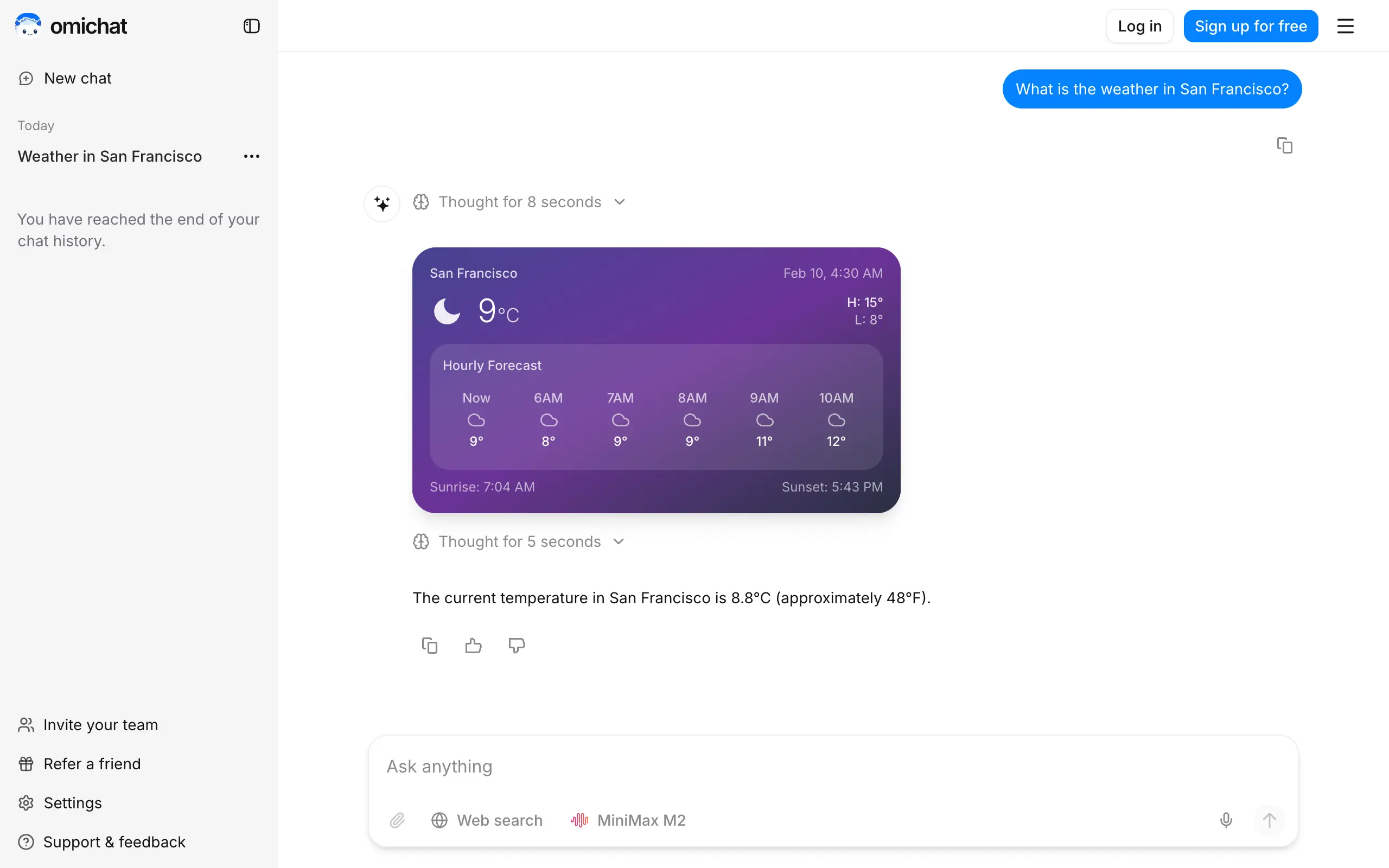
Omichat
Chat with 50+ AI models, including ChatGPT and Claude, in one place - switch models anytime without losing context 🤖
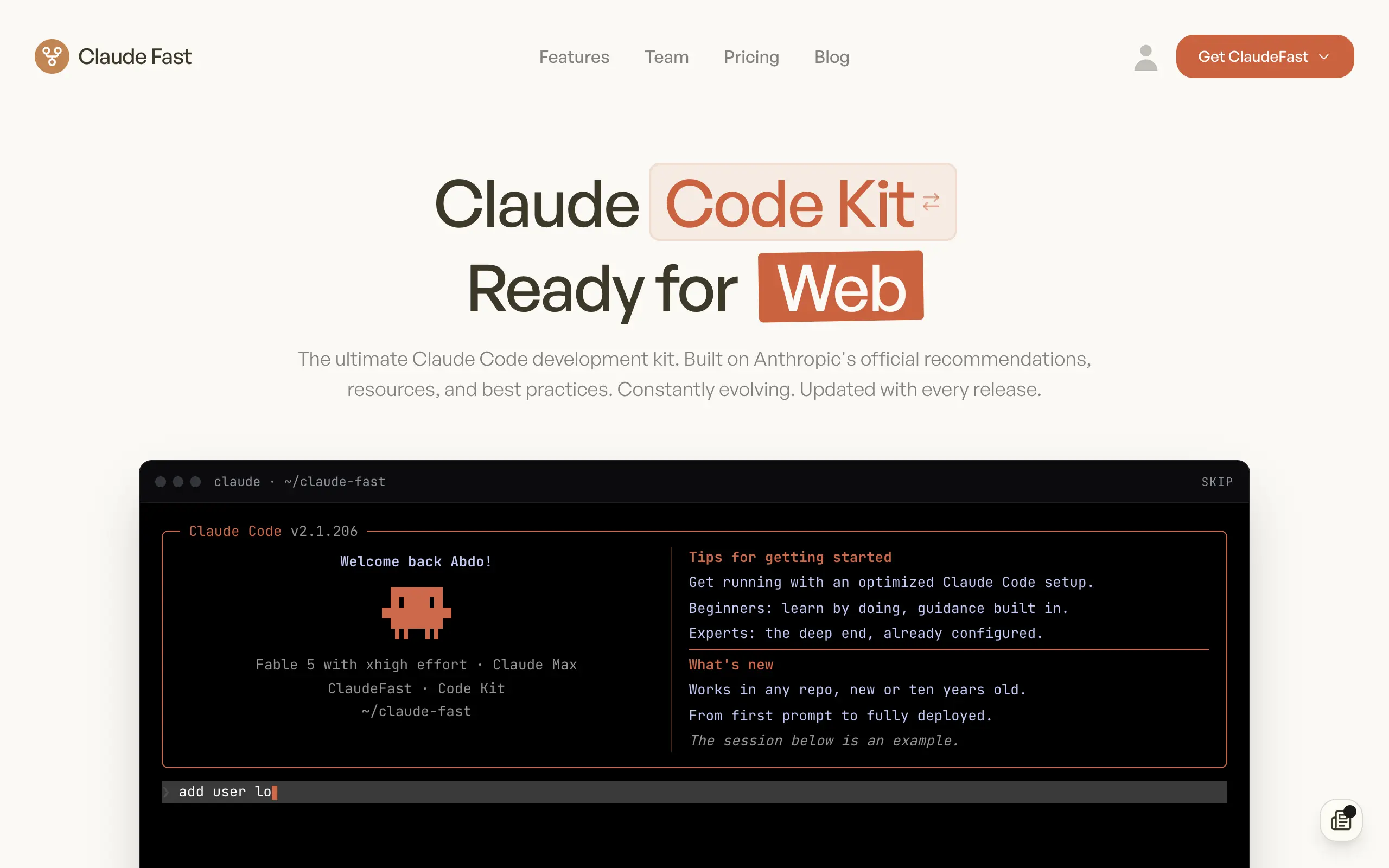
Claude Fast
Supercharge your Claude Code with 6x effective context window and specialized AI agents 🤖
EmojAI
AI-powered emoji picker with smart, context-aware suggestions 🤖
Solohacker
Autonomous company launcher - AI agents work 24/7, escalate what matters, and you stay in control 🤖
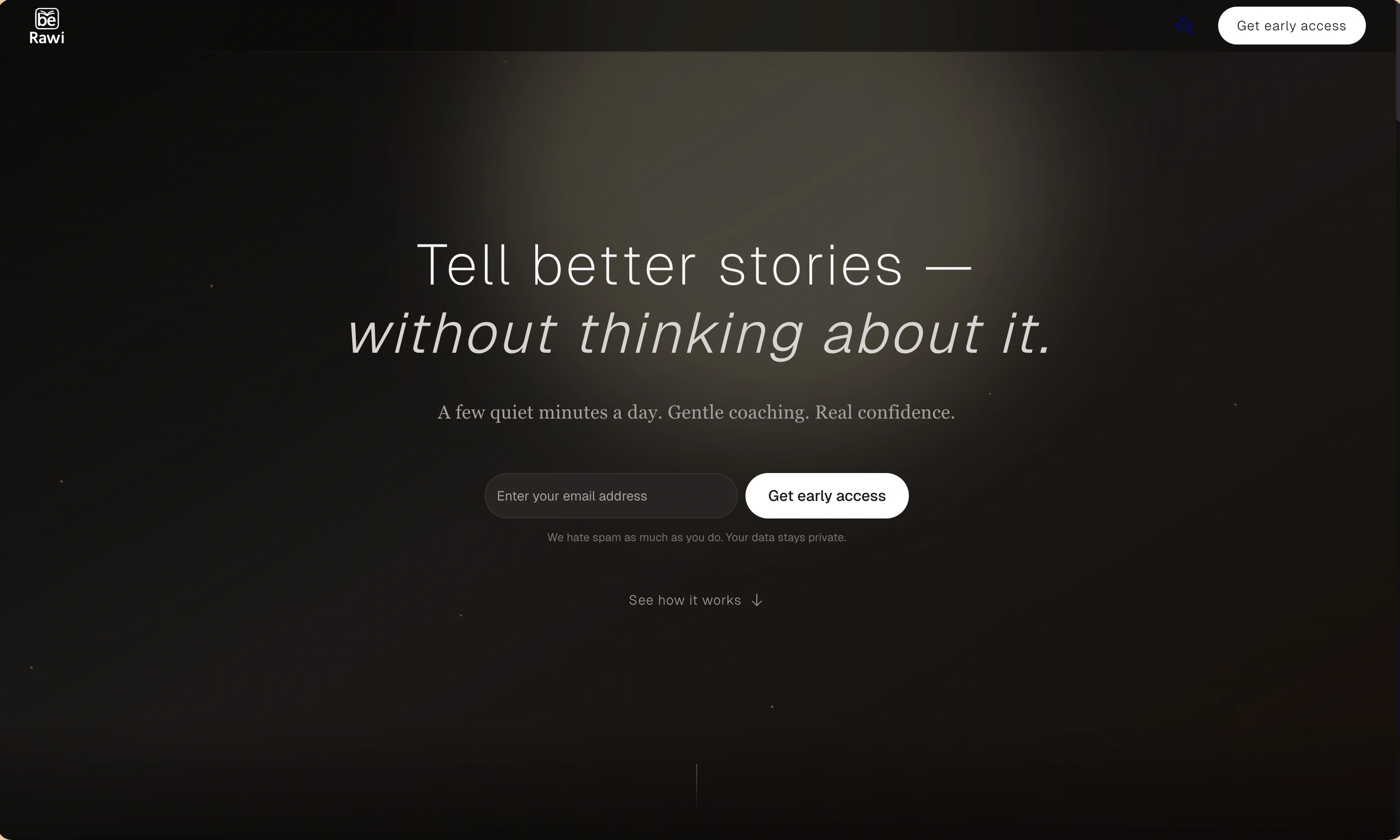
BeRawi: Storytelling Coach
Practice storytelling daily with instant feedback to sound clearer, more engaging, and confident 🎤
Omichat
Chat with 50+ AI models, including ChatGPT and Claude, in one place - switch models anytime without losing context 🤖
Claude Fast
Supercharge your Claude Code with 6x effective context window and specialized AI agents 🤖
EmojAI
AI-powered emoji picker with smart, context-aware suggestions 🤖
Solohacker
Autonomous company launcher - AI agents work 24/7, escalate what matters, and you stay in control 🤖
BeRawi: Storytelling Coach
Practice storytelling daily with instant feedback to sound clearer, more engaging, and confident 🎤
Omichat
Chat with 50+ AI models, including ChatGPT and Claude, in one place - switch models anytime without losing context 🤖
Claude Fast
Supercharge your Claude Code with 6x effective context window and specialized AI agents 🤖
EmojAI
AI-powered emoji picker with smart, context-aware suggestions 🤖
Solohacker
Autonomous company launcher - AI agents work 24/7, escalate what matters, and you stay in control 🤖
BeRawi: Storytelling Coach
Practice storytelling daily with instant feedback to sound clearer, more engaging, and confident 🎤
Omichat
Chat with 50+ AI models, including ChatGPT and Claude, in one place - switch models anytime without losing context 🤖
Claude Fast
Supercharge your Claude Code with 6x effective context window and specialized AI agents 🤖
EmojAI
AI-powered emoji picker with smart, context-aware suggestions 🤖
Solohacker
Autonomous company launcher - AI agents work 24/7, escalate what matters, and you stay in control 🤖
BeRawi: Storytelling Coach
Practice storytelling daily with instant feedback to sound clearer, more engaging, and confident 🎤

Connect with like-minded people
Join our community to get feedback, support, and grow together with 1,000+ builders on board, let's ship it!
Join usShip your startup everywhere. In minutes.
Don't burn tokens on setup and start building features on day one.