PlainFlow
Turn plain-English business ideas into step-by-step no-code automations, with AI selecting tools and building launch-ready workflows.
What PlainFlow solves for modern operations teams
PlainFlow is an AI no-code automation platform that turns plain-English business ideas into step-by-step, launch-ready workflows. Instead of requiring a founder, operator, or analyst to understand triggers, APIs, webhooks, conditional logic, and data mapping before they can automate a process, PlainFlow starts with the outcome they want.
A user might write:
“When a new demo request arrives, enrich the company, score the lead, create a CRM record, alert the right sales rep, and schedule a follow-up if nobody responds within 24 hours.”
PlainFlow interprets that request, recommends the appropriate tools, creates a workflow plan, explains the logic, and helps the user configure and launch the automation. The result is not merely an AI chatbot that offers generic advice. It is an automation-building workspace designed to move users from an operational idea to a functioning workflow.
The core keyword opportunity is AI no-code automation platform, supported by related terms such as:
- AI workflow builder
- plain-English automation
- business process automation
- no-code workflow automation
- AI automation agent
- workflow orchestration software
- Zapier alternative
- operational automation
- SaaS workflow builder
- AI-powered integrations
The market is ready for a product like PlainFlow because companies have adopted more SaaS tools than ever, while the people responsible for operations are still expected to connect them manually. The biggest bottleneck is often not the availability of automation software. It is translating a messy business request into precise automation logic.
The central product insight
Most teams do not begin with a trigger and an action. They begin with a business problem. PlainFlow should be designed around that natural starting point.
Why plain-English automation is a meaningful market opportunity
Traditional automation platforms have proven that organizations want their software to work together. However, most existing products still require users to think like workflow designers. They ask users to select an app, pick a trigger, authenticate an account, map fields, define branches, handle errors, and test every path.
That model works for technical operators and experienced no-code builders. It is much less approachable for the broader group of people who understand the process but do not know how to express it in automation syntax.
This is the gap PlainFlow can address.
The gap between business intent and workflow logic
Business teams communicate work in outcomes:
- “Route urgent customer messages to the on-call person.”
- “Send a welcome sequence when someone buys a course.”
- “Notify finance when a contract reaches the approval stage.”
- “Create a weekly report showing leads that have gone cold.”
- “Collect new vendor requests and route them for review.”
Automation tools tend to require implementation details before they can help:
- Which application starts the workflow?
- Which event counts as the trigger?
- What data is required?
- How should the system handle missing values?
- Which team member receives the notification?
- Does the action happen immediately or on a schedule?
- What should happen when an API fails?
An AI workflow builder can bridge this gap by converting business language into a visual, inspectable, editable automation plan. That is the defining opportunity behind PlainFlow.
Why this opportunity is expanding now
Several trends make AI-powered no-code automation especially timely.
First, businesses are standardizing on increasingly diverse SaaS stacks. Customer data may live in a CRM, support platform, billing tool, email marketing system, product analytics platform, spreadsheet, and data warehouse at the same time. Coordination between these tools is now an operational requirement.
Second, generative AI has changed user expectations. People increasingly expect software to understand a goal described in natural language, propose a plan, and reduce repetitive setup work.
Third, lean teams need leverage. Startups and small businesses rarely have a dedicated automation engineer. Mid-market organizations may have operations teams that are responsible for revenue operations, customer success operations, finance workflows, and internal reporting simultaneously.
Finally, organizations are becoming more cautious about uncontrolled AI usage. This creates demand for AI systems that are not only helpful, but also transparent. PlainFlow should show its reasoning, proposed workflow steps, permissions required, data touched, and failure behavior before the automation goes live.
For market-sizing claims, use a credible research citation format in the published article, such as a Gartner forecast on hyperautomation, an IDC report on AI software spending, or a McKinsey report on generative AI productivity. Avoid presenting a precise market number unless it has been verified against the original publication.
Who should use PlainFlow
PlainFlow should not position itself as a generic automation tool for everyone on day one. The product will gain traction faster by prioritizing audiences with high-frequency, repeatable workflows and a clear cost of manual work.
Primary audience: non-technical operators
The most promising initial users are operators who own outcomes but do not write code.
This audience includes:
- Revenue operations managers
- Sales operations specialists
- Customer success managers
- Marketing operations leads
- Executive assistants and chief-of-staff roles
- Finance and accounts operations teams
- Recruiting coordinators
- Agency owners
- Small business founders
- Internal tools and process managers
These users often know exactly what should happen next in a process. They are held back by limited engineering access, fragmented documentation, and uncertainty about which automation tool is right for the job.
PlainFlow gives them a way to describe the desired process and receive a workflow they can understand and deploy.
Secondary audience: consultants and automation agencies
Automation consultants are another strong customer segment. They frequently need to turn client discovery calls into documented workflow designs, implementation plans, and reusable systems.
For this group, PlainFlow can become a productivity layer rather than a replacement for expertise. It can accelerate discovery, create workflow specifications, generate implementation checklists, and support white-labeled client delivery.
An agency workflow might start with a client request, then use PlainFlow to create:
- A process map
- A tool recommendation
- A workflow blueprint
- A client-facing explanation
- A test plan
- A deployed automation
- Ongoing monitoring documentation
Tertiary audience: technical teams seeking faster prototyping
Developers and solutions engineers may not be the primary buyer, but they can become important champions. A technical user may use PlainFlow to prototype workflows, generate API payload mappings, document automation logic, or hand off a process to operations.
The product must avoid alienating this audience. It should offer a clear path from AI-generated workflow to deeper customization, code steps, webhook support, and exportable documentation.
Founder-led teams
Need automation leverage without waiting for engineering resources or learning complex workflow tooling.
Operations teams
Need dependable, visible processes across CRM, support, billing, spreadsheets, and communication tools.
Automation consultants
Need a faster way to convert client requirements into clear, reusable automation systems.
PlainFlow’s unique value proposition
PlainFlow’s unique selling proposition is simple:
Describe a business outcome in plain English, and PlainFlow designs, explains, and helps launch the no-code automation required to achieve it.
This positioning is stronger than “AI workflow generation” alone because it emphasizes the complete journey from intent to operating system.
A compelling PlainFlow experience should include five layers of value:
-
Intent capture
The user explains the desired outcome in everyday language. -
Workflow interpretation
AI identifies triggers, actions, data sources, exceptions, timing rules, approvals, and dependencies. -
Tool selection
PlainFlow recommends the best tools based on the user’s existing stack, budget, technical maturity, and required reliability. -
Launch-ready implementation
The platform produces an executable workflow or guided setup rather than a high-level recommendation. -
Operational confidence
Users receive test cases, monitoring, error alerts, documentation, ownership details, and an audit trail.
This is how PlainFlow can distinguish itself from generic AI assistants, basic integration directories, and traditional visual automation builders.
Core features for an AI no-code automation platform
A successful first version of PlainFlow should focus on the most valuable workflow-building jobs rather than attempting to support every integration and use case immediately.
Plain-English workflow intake
The entry point should be a conversational prompt with structured follow-up questions.
A user could enter:
“When a customer submits a cancellation request, tag the account as at risk, notify the account owner, create a retention task, and send a personalized confirmation email.”
PlainFlow should extract key entities and identify missing requirements. Instead of guessing silently, it should ask targeted questions:
- Which system receives cancellation requests?
- Which accounts qualify as high value?
- Should the confirmation email be sent immediately?
- What should happen if an account owner is missing?
- Do you need manager approval for discount offers?
The interaction should feel like working with an experienced operations consultant, not filling in a rigid form.
AI-generated workflow blueprint
Before connecting accounts or enabling actions, PlainFlow should present a readable workflow blueprint.
The blueprint should include:
- Trigger definition
- Connected applications
- Step-by-step actions
- Data fields used in each step
- Conditions and branching logic
- Timing and scheduling rules
- Required permissions
- Error handling behavior
- Human approval checkpoints
- Estimated implementation complexity
A visual workflow canvas is useful, but the written explanation is equally important. Non-technical users need to understand what the system will do before they trust it.
Smart tool and integration recommendations
A major differentiator for PlainFlow is AI-assisted tool selection.
Users often know the process they need but not whether they should use a spreadsheet, CRM automation, integration platform, database, webhook, form builder, or email tool. PlainFlow can recommend options based on constraints.
For example, when a user wants lead routing, the platform might compare:
- Native CRM workflow rules for simple ownership assignment
- A no-code integration platform for cross-app automation
- A webhook or API action for custom enrichment
- A database layer for complex routing logic
- A human approval stage for strategic accounts
Recommendations should always explain the trade-off. The “best” tool depends on cost, reliability, existing contracts, data sensitivity, scale, and maintenance capacity.
Workflow generation and deployment modes
PlainFlow should support more than one execution model.
Guided setup helps users configure an automation in their existing tools. This is ideal when customers already use platforms with native automation capabilities and want PlainFlow to act as an intelligent implementation guide.
Managed execution runs the workflow through PlainFlow’s own orchestration layer. This creates a more integrated experience and may support monitoring, retries, usage-based billing, and advanced governance.
Export mode provides a workflow specification, configuration checklist, or structured payload that technical teams can implement in their preferred environment.
Starting with guided setup and a limited managed execution engine may be more realistic than immediately trying to become a universal integration platform.
Workflow testing and simulation
Automation failures are expensive because they often occur silently. A workflow can create duplicate CRM records, send an incorrect email, fail to notify an owner, or apply the wrong tag to a customer account.
PlainFlow should make testing a first-class feature.
Useful testing capabilities include:
- Sample data simulation
- Dry-run mode
- Branch-by-branch previews
- Data field validation
- Duplicate prevention checks
- Permission verification
- Rate-limit warnings
- Replayable test runs
- Approval of AI-generated steps before activation
A user should be able to ask, “What happens if the company domain is missing?” and see the answer in plain language.
Monitoring, alerts, and workflow observability
After launch, users need to know whether workflows are healthy.
PlainFlow should provide:
- Run history
- Success and failure rates
- Error explanations
- Retry status
- Failed-step data
- Alert routing
- Monthly workflow summaries
- Version history
- Ownership records
- Suggested improvements based on failures
This feature is especially important for teams that have accumulated undocumented automations across multiple tools. Over time, PlainFlow can become a source of truth for business process automation.
Human-in-the-loop controls
Not every business action should be fully automated. Financial approvals, contract changes, customer discounts, employee onboarding decisions, and sensitive data updates often require review.
PlainFlow should support controls such as:
- Approval before execution
- Approval only above a threshold
- Escalation to a manager
- Scheduled review queues
- Role-based permissions
- Manual override
- Pause and rollback options
These controls make the product more suitable for teams that need automation without surrendering accountability.
A practical workflow example
Consider a B2B SaaS company that wants to improve inbound lead response time.
The business request is:
“When a high-intent lead requests a demo, enrich the company, assign the lead to the correct sales rep, create the CRM contact, notify Slack, and follow up if no one responds within two hours.”
PlainFlow could convert that request into the following operational design:
The value of PlainFlow is not simply creating this list. It is helping users define ambiguous rules, select appropriate tools, configure connections, test edge cases, and monitor the workflow after it is live.
Recommended technology stack for PlainFlow
The right technical architecture depends on whether PlainFlow is primarily an AI planning layer, a workflow orchestration platform, or both. A phased approach lowers execution risk.
Frontend stack
A modern web application can use:
- React for the interface
- Next.js for full-stack rendering and application routing
- TypeScript for safer workflow schemas and integration contracts
- Tailwind CSS for rapid, consistent product UI development
- shadcn/ui for accessible component foundations
- React Flow for visual workflow canvas interactions
A visual editor is helpful, but it should not be the only interface. PlainFlow’s core user experience should remain language-first. The canvas should clarify and refine the workflow, not force users to build every step manually.
Backend and data layer
A pragmatic backend can include:
- Node.js for API services and integration handlers
- PostgreSQL for users, organizations, workflow definitions, audit logs, and permissions
- Prisma for typed database access
- Redis for queues, caching, rate-limit management, and temporary workflow state
- Docker for repeatable local and production environments
PostgreSQL is an especially strong fit because workflow data benefits from relational consistency, while JSON columns can store flexible integration configurations and evolving node definitions.
Workflow orchestration choices
The most consequential infrastructure decision is workflow execution.
There are three broad approaches:
| Approach | Best for | Advantages | Trade-offs | PlainFlow fit |
|---|---|---|---|---|
| Third-party execution APIs | Fast MVP validation | Lower engineering effort | Less control and margin | Strong early option |
| Open-source workflow engine | Customizable execution | More flexibility and ownership | Operational complexity | Good growth-stage option |
| Proprietary orchestration engine | Enterprise-grade platform | Maximum control and differentiation | Highest build and maintenance cost | Long-term option |
For an MVP, PlainFlow should avoid building a full integration ecosystem from scratch. It is more sensible to focus on the AI planning layer, trustworthy workflow generation, a narrow group of high-value integrations, and transparent deployment.
AI architecture and guardrails
The AI layer should not be treated as a single prompt that returns a workflow. Reliable automation generation requires structured outputs and validation.
A robust design can use:
- A natural-language interpreter that extracts business intent.
- A workflow planner that produces a typed workflow schema.
- An integration matcher that maps each step to supported connectors.
- A policy engine that checks permissions, sensitive actions, and organizational rules.
- A validator that identifies missing variables and unsupported actions.
- A test generator that creates edge cases and sample input data.
- A human-readable explainer that summarizes the workflow for approval.
Use JSON Schema or a similar typed contract to constrain AI output. The model should generate a proposed workflow object, not arbitrary executable code.
type WorkflowStep = {
  id: string;
  app: string;
  action: string;
  inputs: Record<string, unknown>;
  retryPolicy: "none" | "standard" | "aggressive";
  approvalRequired: boolean;
};

type WorkflowDefinition = {
  name: string;
  trigger: WorkflowStep;
  steps: WorkflowStep[];
  failureNotificationChannel?: string;
  status: "draft" | "testing" | "active" | "paused";
};
This approach improves reliability, supports versioning, and gives the product a consistent internal language for auditing and execution.
Security and compliance requirements
PlainFlow will handle credentials and potentially sensitive business data. Trust must be part of the product, not an enterprise add-on.
Important controls include:
- OAuth-based connections where supported
- Encrypted credential storage
- Least-privilege access scopes
- Tenant isolation
- Role-based access control
- Detailed audit logs
- Data retention controls
- Secret rotation procedures
- Sensitive data masking in AI prompts and logs
- Clear disclosure of where data is processed
- Approval workflows for destructive actions
As the product moves upmarket, customers may request evidence for security controls, privacy practices, and vendor management. Start documenting architecture decisions and incident procedures early. Formal certifications can come later, but operational maturity should begin before enterprise sales.
Monetization options for PlainFlow
PlainFlow has several viable SaaS monetization models. The strongest approach is likely a subscription model with usage-based limits for workflow execution and AI planning.
Recommended pricing structure
A tiered model could include:
- Free plan with limited AI workflow plans, a small number of active workflows, and basic templates
- Starter plan for solo founders and small teams with more workflow generations and core integrations
- Team plan for operations groups with shared workspaces, monitoring, approvals, and higher execution limits
- Business plan with advanced governance, role controls, audit history, priority support, and larger usage allowances
- Enterprise plan with security review support, custom data retention, SSO, dedicated onboarding, and negotiated limits
Usage metrics should match the value delivered. Options include workflow runs, active workflows, connected accounts, AI credits, team seats, or premium connectors.
A hybrid structure is usually easier to understand:
- Base subscription for workspace access and product features
- Included workflow runs
- Overage charges for high-volume execution
- Premium fees for advanced AI planning or managed integrations
Additional revenue opportunities
PlainFlow can also monetize through:
- Premium workflow templates for specific functions
- Industry-specific automation packs
- Implementation and onboarding services
- Marketplace revenue share from consultants
- White-label agency workspaces
- Premium monitoring and governance modules
- Custom connector development
- Partner referral relationships where appropriate and compliant
The company should be careful not to overcomplicate pricing early. Customers need to understand what they receive, what they can automate, and what happens when they exceed limits.
Competitive advantage against automation platforms and AI assistants
PlainFlow will face competition from established automation tools, integration platforms, horizontal AI assistants, internal tools products, and vertical workflow software.
The winning strategy is not trying to beat every competitor on connector count from day one.
Where PlainFlow can win
PlainFlow can differentiate through the following advantages:
- Business-outcome-first design rather than trigger-and-action-first configuration
- AI tool selection that explains why a particular implementation is recommended
- Transparent workflow explanations for non-technical stakeholders
- Built-in testing and simulation before a workflow can affect live data
- Operational documentation generated alongside each automation
- Governance and approval controls that reduce fear around autonomous actions
- Workflow health insights that help teams maintain automations after launch
- Opinionated use-case packs for revenue, support, finance, recruiting, and agencies
The product should position itself as the layer that turns an operational request into a dependable system. This is a more meaningful promise than “connect your apps.”
A defensible product moat
The initial AI model alone is unlikely to be a long-term moat. The more durable advantage comes from proprietary workflow intelligence.
Over time, PlainFlow can build defensibility through:
- An anonymized library of successful workflow patterns
- Integration-specific implementation knowledge
- A structured dataset of workflow failures and resolutions
- Role- and industry-specific templates
- Better evaluation systems for workflow correctness
- User feedback loops that improve recommendations
- Embedded operational documentation and governance history
- Switching costs created by workflow monitoring, ownership, and institutional knowledge
In short, the moat is not just AI generation. It is the trusted operational system that organizations rely on to understand, manage, and improve their automations.
Risks and mitigation strategies
Every AI automation product must address reliability, security, and user trust.
Risk: incorrect workflow interpretation
AI can misunderstand vague requirements or infer rules that the user did not intend.
Mitigation: Require a review stage, highlight assumptions, ask clarifying questions, use typed workflow schemas, and provide a readable execution preview before activation.
Risk: fragile third-party integrations
External APIs change, rate limits apply, credentials expire, and webhooks can fail.
Mitigation: Build connector health checks, retries, idempotency controls, clear error states, fallback actions, and proactive notifications. Begin with a limited number of well-supported integrations rather than promising universal connectivity.
Risk: security and data exposure
Workflow tools can access customer records, financial data, employee data, and internal communication.
Mitigation: Use secure credential handling, permission scopes, audit logging, sensitive-data redaction, and strict access controls. Clearly define data processing practices and allow workspace administrators to control AI usage.
Risk: over-automation
Some tasks need human judgment, especially when a workflow affects customer relationships, compliance, spending, or personnel decisions.
Mitigation: Make approvals, thresholds, pause controls, and manual handoffs easy to configure. Position PlainFlow as a system for controlled automation, not unchecked autonomy.
Risk: commodity positioning
If PlainFlow looks like another generic AI wrapper around integrations, customers may struggle to see why they should adopt it.
Mitigation: Own a narrow, valuable wedge first. For example, PlainFlow could become the best AI no-code automation platform for revenue operations teams before expanding into every operational category.
Avoid the connector-count trap
A large integration catalog is useful, but it is not a product strategy. Reliable outcomes, understandable workflows, and domain-specific guidance are more compelling early differentiators.
Go-to-market strategy for PlainFlow
The best initial go-to-market motion is likely product-led growth supported by focused content and expert-led implementation.
Start with high-intent automation use cases
Create landing pages, templates, and demos around specific business outcomes rather than abstract automation features.
Examples include:
- Lead routing automation for B2B SaaS
- Customer onboarding workflow automation
- Sales follow-up automation
- Support ticket escalation workflows
- Client onboarding automations for agencies
- Candidate interview coordination
- Invoice approval workflows
- Churn-risk alert automations
- Weekly operations reporting workflows
Each page should show the problem, the workflow logic, the connected tools, potential exceptions, and the measurable business impact.
Build authority through workflow education
PlainFlow can become an authoritative resource by publishing practical content such as:
- How to map a business process before automating it
- How to audit existing no-code automations
- When to use native automation versus an integration platform
- How to safely use AI automation agents
- How to create approval workflows
- How to prevent duplicate CRM records
- How to monitor business-critical automations
This content directly supports SEO while building trust with the operations professionals most likely to buy.
Partner with consultants
Automation consultants and agencies can provide distribution, user feedback, and early service revenue. Offer agency workspaces, reusable templates, client reporting, and white-label workflow documentation.
Consultants are particularly valuable because they understand the nuanced requirements that a generic self-service product may initially miss.
Actionable implementation roadmap
PlainFlow should be built in phases that validate user demand before taking on the cost of a broad workflow platform.
For a fast but production-minded starting point, TurboStarter can help teams accelerate the foundation of a SaaS application, including common requirements such as authentication, billing, application structure, and developer workflow. That lets the PlainFlow team spend more time on its real differentiation: reliable AI workflow planning and automation governance.
The long-term vision for PlainFlow
The long-term opportunity is larger than creating individual automations. PlainFlow can become the operating layer where businesses capture, standardize, automate, and improve their repeatable processes.
A mature PlainFlow workspace could answer questions such as:
- Which workflows are business-critical?
- Who owns each automation?
- Which automations fail most often?
- What customer data moves between systems?
- Which processes still require manual effort?
- Where are approval bottlenecks slowing the team down?
- Which workflow should be automated next?
- What is the expected impact of changing a CRM field or replacing a SaaS tool?
That vision transforms PlainFlow from an AI workflow builder into a trusted system of record for operational automation.
The key is to earn that position through reliability. Users may be impressed when AI creates a workflow from a paragraph, but they will only depend on PlainFlow when it helps them launch safe automations, understand exactly what is happening, recover from failures, and improve processes over time.
For founders and product teams evaluating this SaaS idea, the clearest path is to start narrow, solve a painful workflow-design problem exceptionally well, and make every AI recommendation explainable. PlainFlow’s opportunity lies in making automation feel less like programming and more like communicating a business decision to a capable, trustworthy operations partner.
More 🤖 AI Startup SaaS ideas
Discover more innovative ai startup SaaS ideas that are trending in 2026. Each idea is AI-generated with market validation and growth potential to help you find your next profitable venture faster than competitors.
Your competitors are building with TurboStarter
Below are some of the SaaS ideas that have been generated and built with our starter kit.
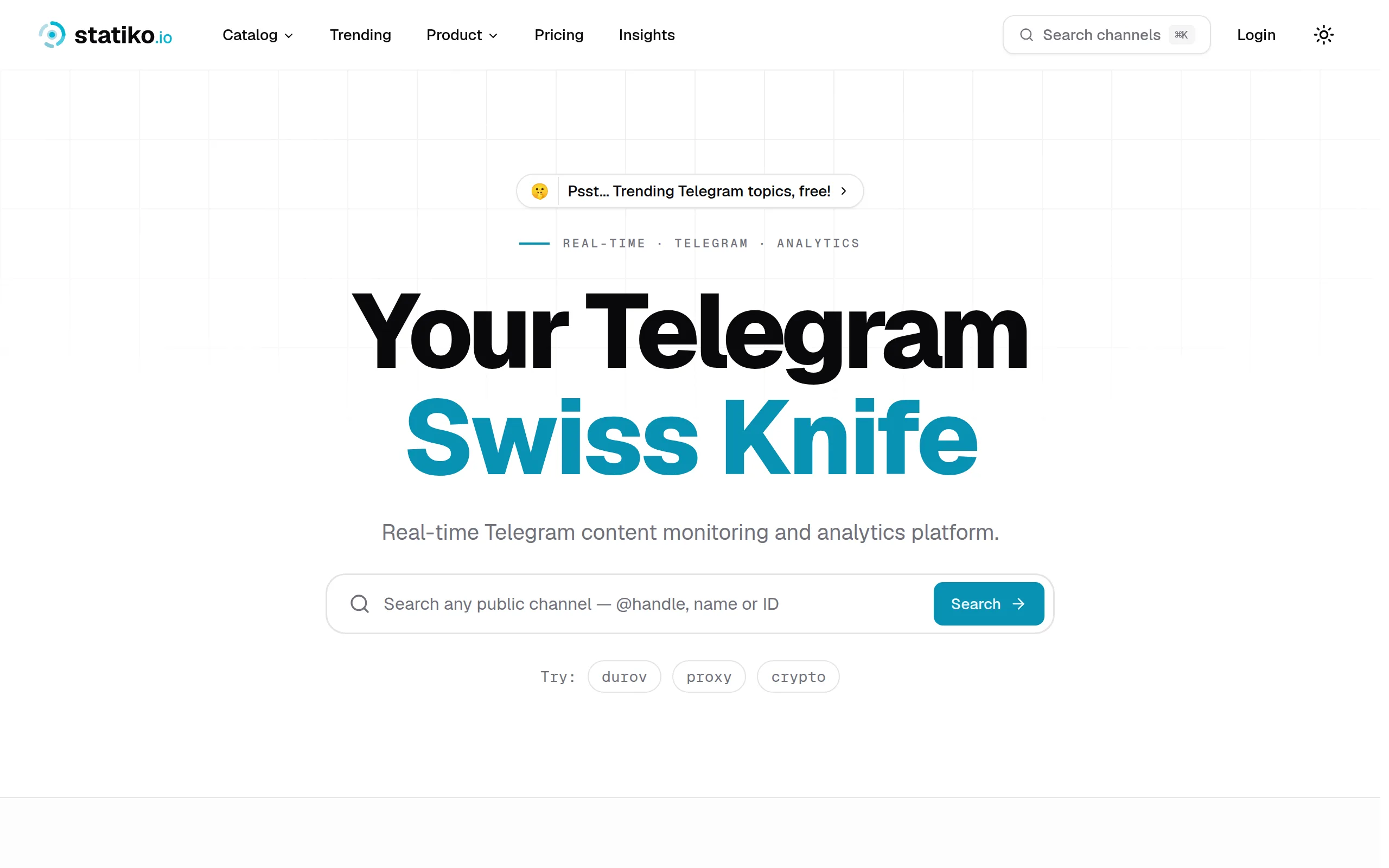
Statiko
Monitor any Telegram channel in real time - track posts, edits, deletions, and growth with AI recaps 📡

Shibui
AI website builder - describe your business, pick a niche template, edit by chatting, and publish instantly ✨

Pro Service
Find verified home service professionals, compare quotes, and pay securely through escrow - built for Brazilians across the US 🏠
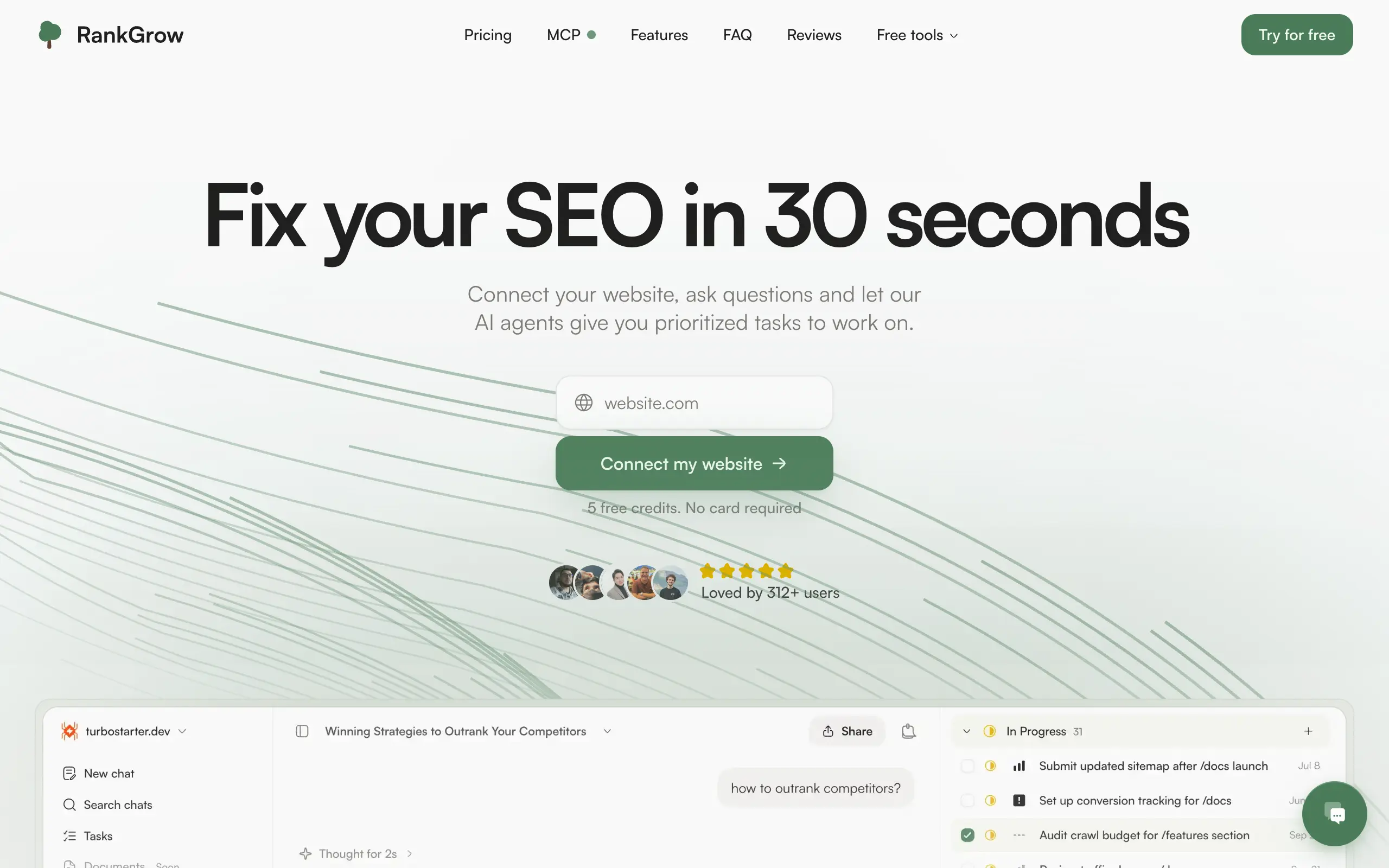
RankGrow
Fix your SEO with AI agents - connect Search Console, get prioritized tasks, and grow organic traffic 📈
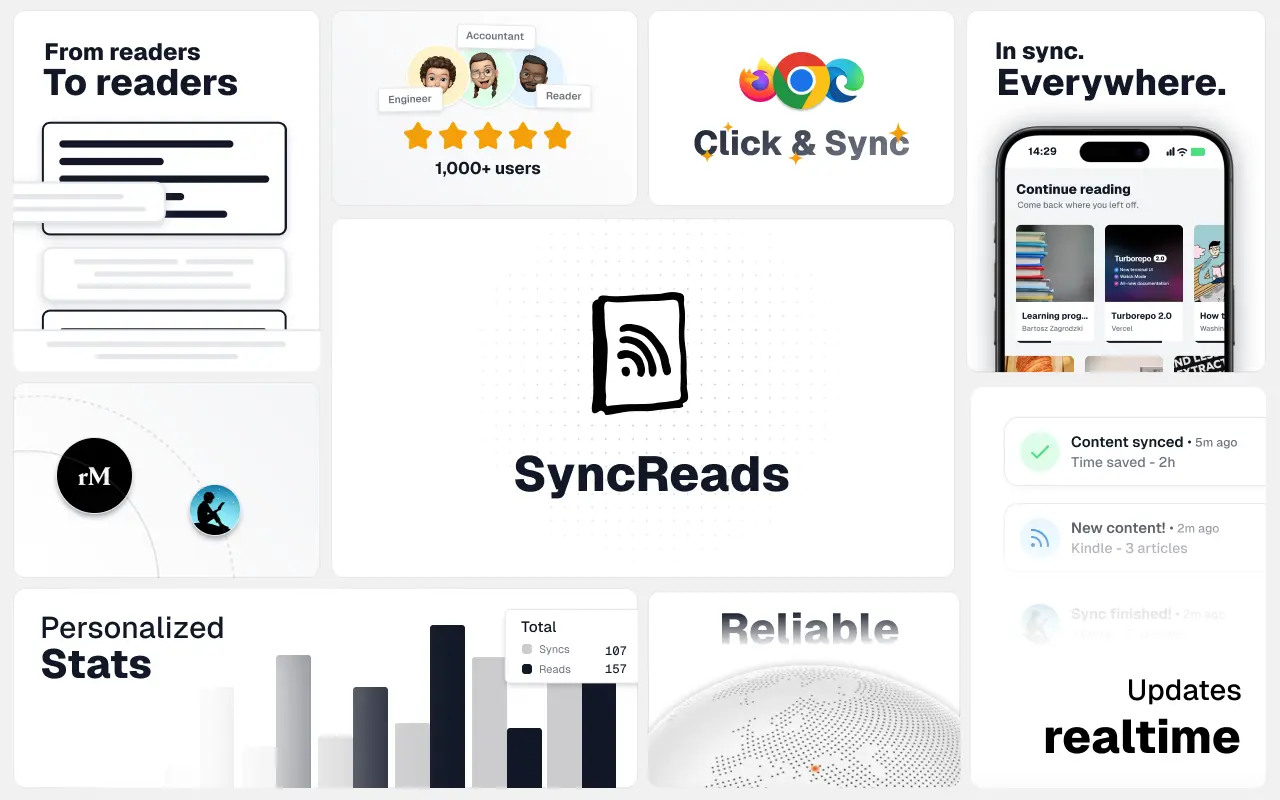
SyncReads
Sync your favorite content for distraction-free reading, save time and replace multiple apps. Anytime, anywhere 🔄
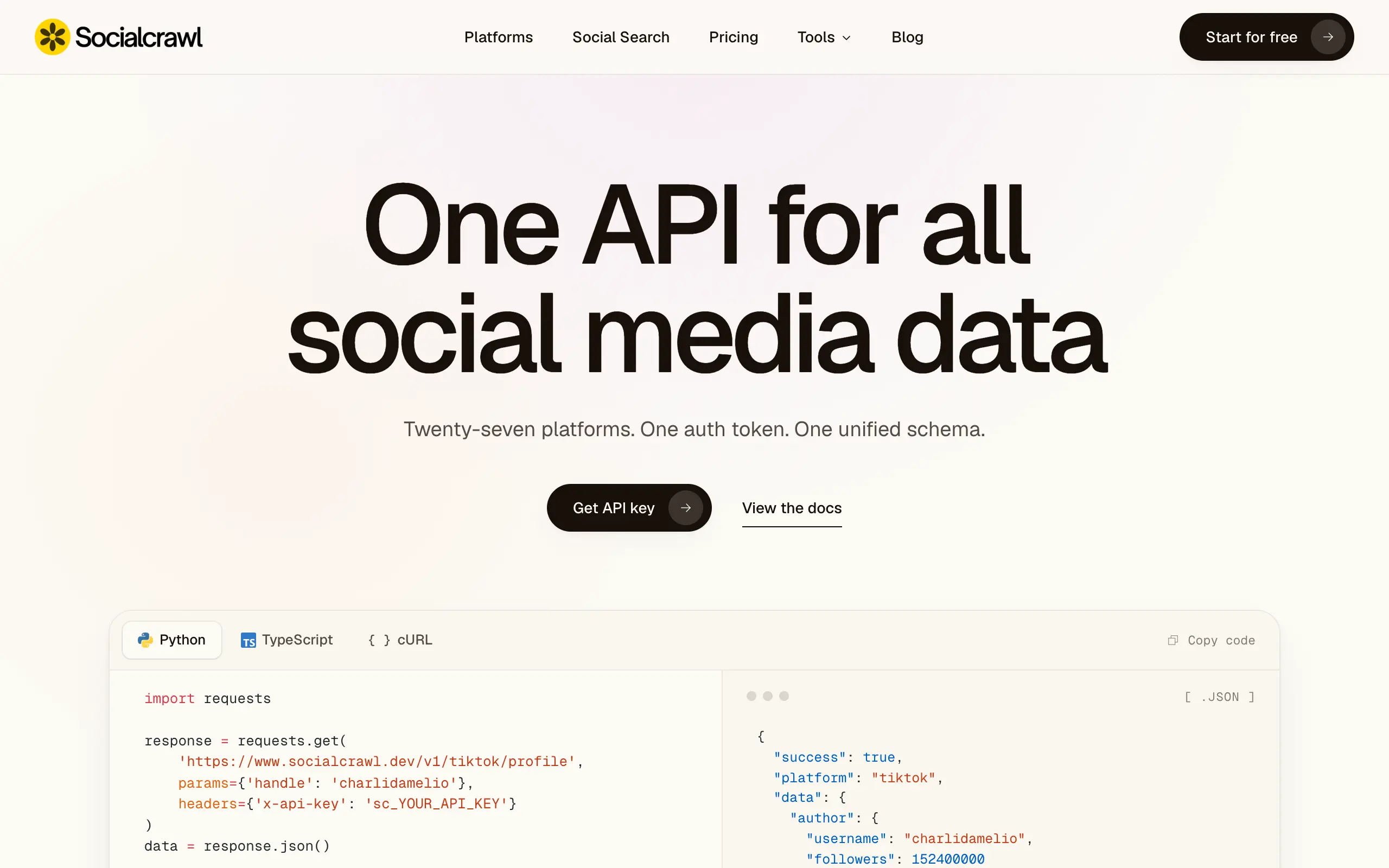
Socialcrawl
Get clean, structured data from 21 platforms like TikTok, Instagram, and YouTube with a single request 📊
Statiko
Monitor any Telegram channel in real time - track posts, edits, deletions, and growth with AI recaps 📡
Shibui
AI website builder - describe your business, pick a niche template, edit by chatting, and publish instantly ✨
Pro Service
Find verified home service professionals, compare quotes, and pay securely through escrow - built for Brazilians across the US 🏠
RankGrow
Fix your SEO with AI agents - connect Search Console, get prioritized tasks, and grow organic traffic 📈
SyncReads
Sync your favorite content for distraction-free reading, save time and replace multiple apps. Anytime, anywhere 🔄
Socialcrawl
Get clean, structured data from 21 platforms like TikTok, Instagram, and YouTube with a single request 📊
Statiko
Monitor any Telegram channel in real time - track posts, edits, deletions, and growth with AI recaps 📡
Shibui
AI website builder - describe your business, pick a niche template, edit by chatting, and publish instantly ✨
Pro Service
Find verified home service professionals, compare quotes, and pay securely through escrow - built for Brazilians across the US 🏠
RankGrow
Fix your SEO with AI agents - connect Search Console, get prioritized tasks, and grow organic traffic 📈
SyncReads
Sync your favorite content for distraction-free reading, save time and replace multiple apps. Anytime, anywhere 🔄
Socialcrawl
Get clean, structured data from 21 platforms like TikTok, Instagram, and YouTube with a single request 📊
Statiko
Monitor any Telegram channel in real time - track posts, edits, deletions, and growth with AI recaps 📡
Shibui
AI website builder - describe your business, pick a niche template, edit by chatting, and publish instantly ✨
Pro Service
Find verified home service professionals, compare quotes, and pay securely through escrow - built for Brazilians across the US 🏠
RankGrow
Fix your SEO with AI agents - connect Search Console, get prioritized tasks, and grow organic traffic 📈
SyncReads
Sync your favorite content for distraction-free reading, save time and replace multiple apps. Anytime, anywhere 🔄
Socialcrawl
Get clean, structured data from 21 platforms like TikTok, Instagram, and YouTube with a single request 📊
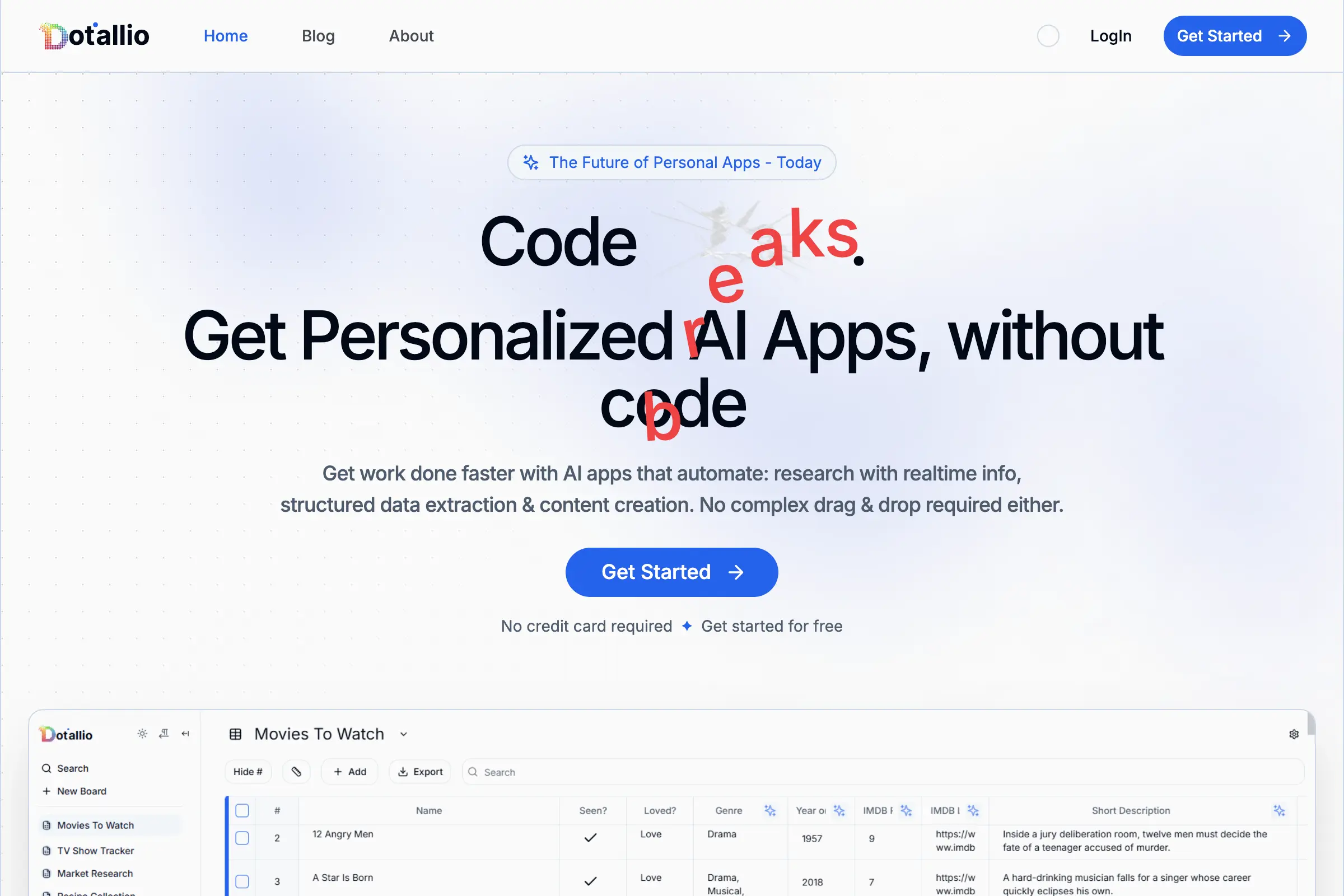
Dotallio
Personalized AI apps that automate research, data extraction, and content creation without code 🤖

Talk to Santa
Enjoy a magical live video chat or receive a unique AI-generated video greeting from Santa Claus 🎅
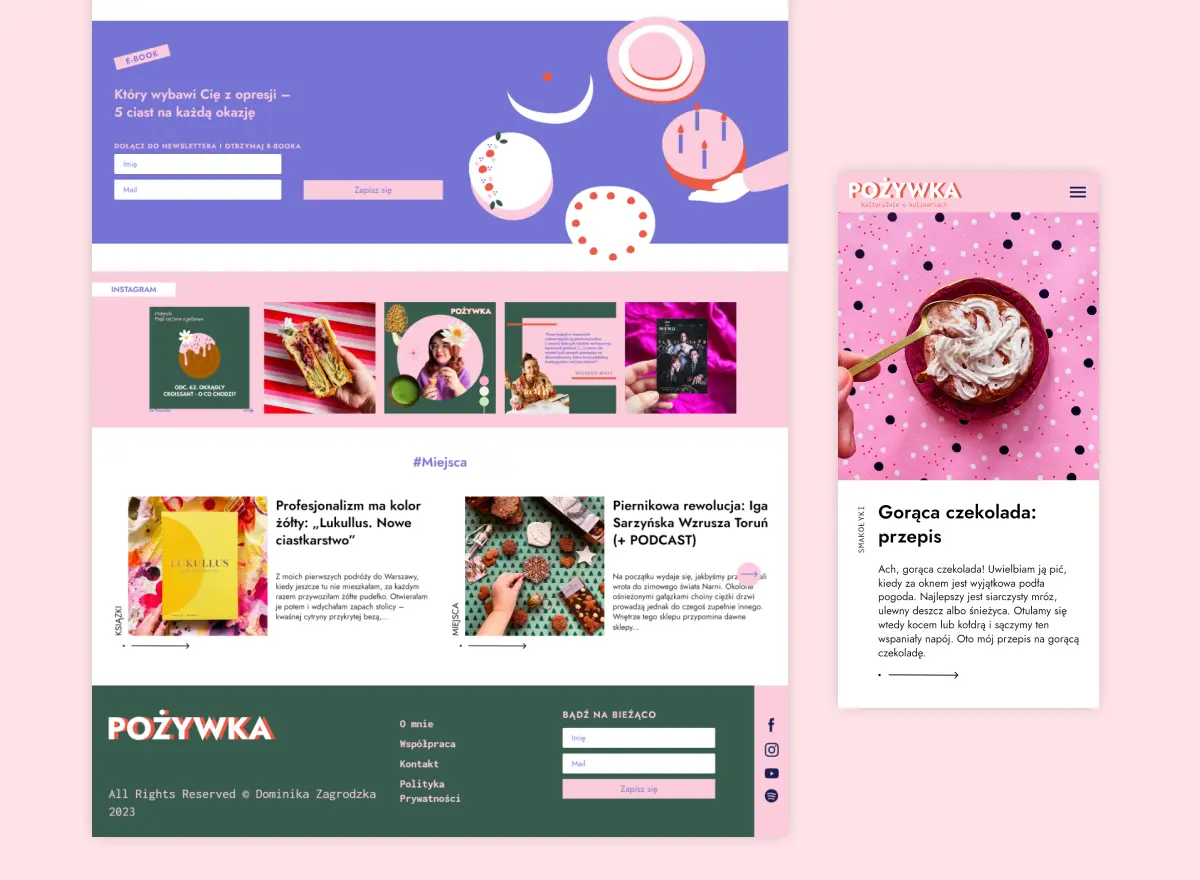
pozywka.pl
Scalable blog for food journalist, focused on performance and user experience 🌭
zagrodzki.me
Personal blog and portfolio of Bart Zagrodzki, where he shares his knowledge and work 💼
TurboStarter
Ship your startup everywhere. In minutes.
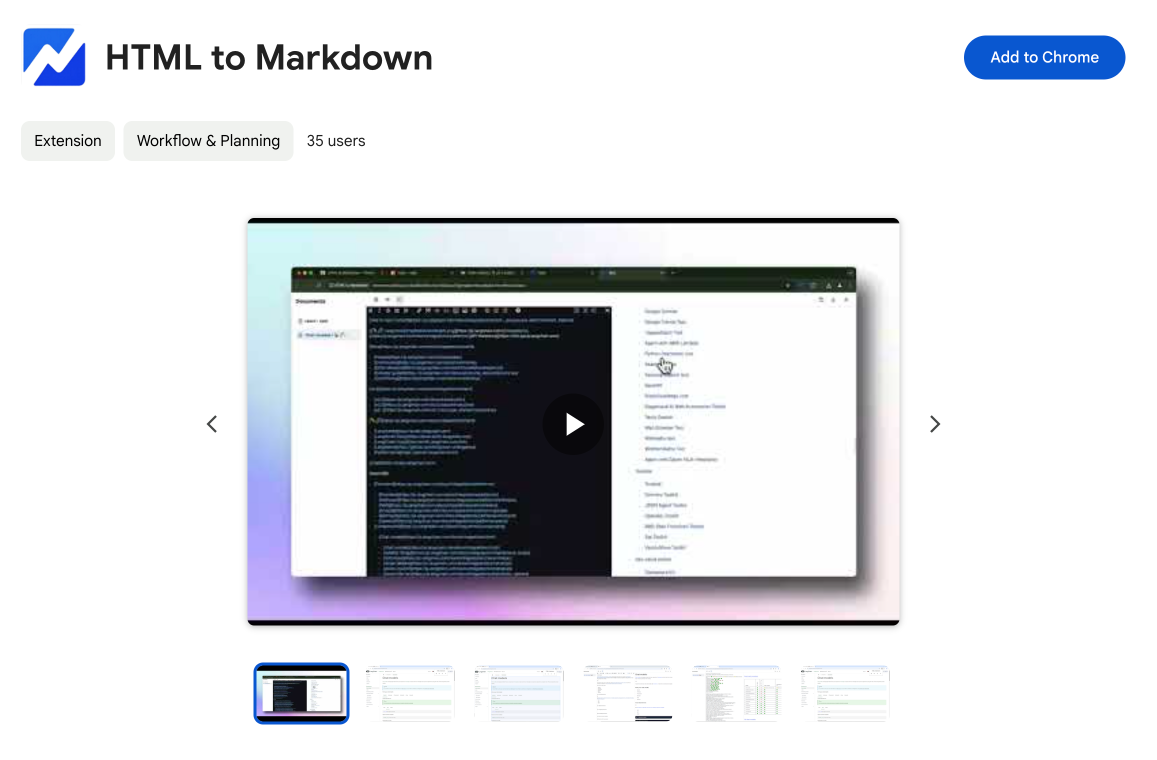
HTML to Markdown
Convert HTML to Markdown with ease, directly in your browser 📄
Dotallio
Personalized AI apps that automate research, data extraction, and content creation without code 🤖
Talk to Santa
Enjoy a magical live video chat or receive a unique AI-generated video greeting from Santa Claus 🎅
pozywka.pl
Scalable blog for food journalist, focused on performance and user experience 🌭
zagrodzki.me
Personal blog and portfolio of Bart Zagrodzki, where he shares his knowledge and work 💼
TurboStarter
Ship your startup everywhere. In minutes.
HTML to Markdown
Convert HTML to Markdown with ease, directly in your browser 📄
Dotallio
Personalized AI apps that automate research, data extraction, and content creation without code 🤖
Talk to Santa
Enjoy a magical live video chat or receive a unique AI-generated video greeting from Santa Claus 🎅
pozywka.pl
Scalable blog for food journalist, focused on performance and user experience 🌭
zagrodzki.me
Personal blog and portfolio of Bart Zagrodzki, where he shares his knowledge and work 💼
TurboStarter
Ship your startup everywhere. In minutes.
HTML to Markdown
Convert HTML to Markdown with ease, directly in your browser 📄
Dotallio
Personalized AI apps that automate research, data extraction, and content creation without code 🤖
Talk to Santa
Enjoy a magical live video chat or receive a unique AI-generated video greeting from Santa Claus 🎅
pozywka.pl
Scalable blog for food journalist, focused on performance and user experience 🌭
zagrodzki.me
Personal blog and portfolio of Bart Zagrodzki, where he shares his knowledge and work 💼
TurboStarter
Ship your startup everywhere. In minutes.
HTML to Markdown
Convert HTML to Markdown with ease, directly in your browser 📄
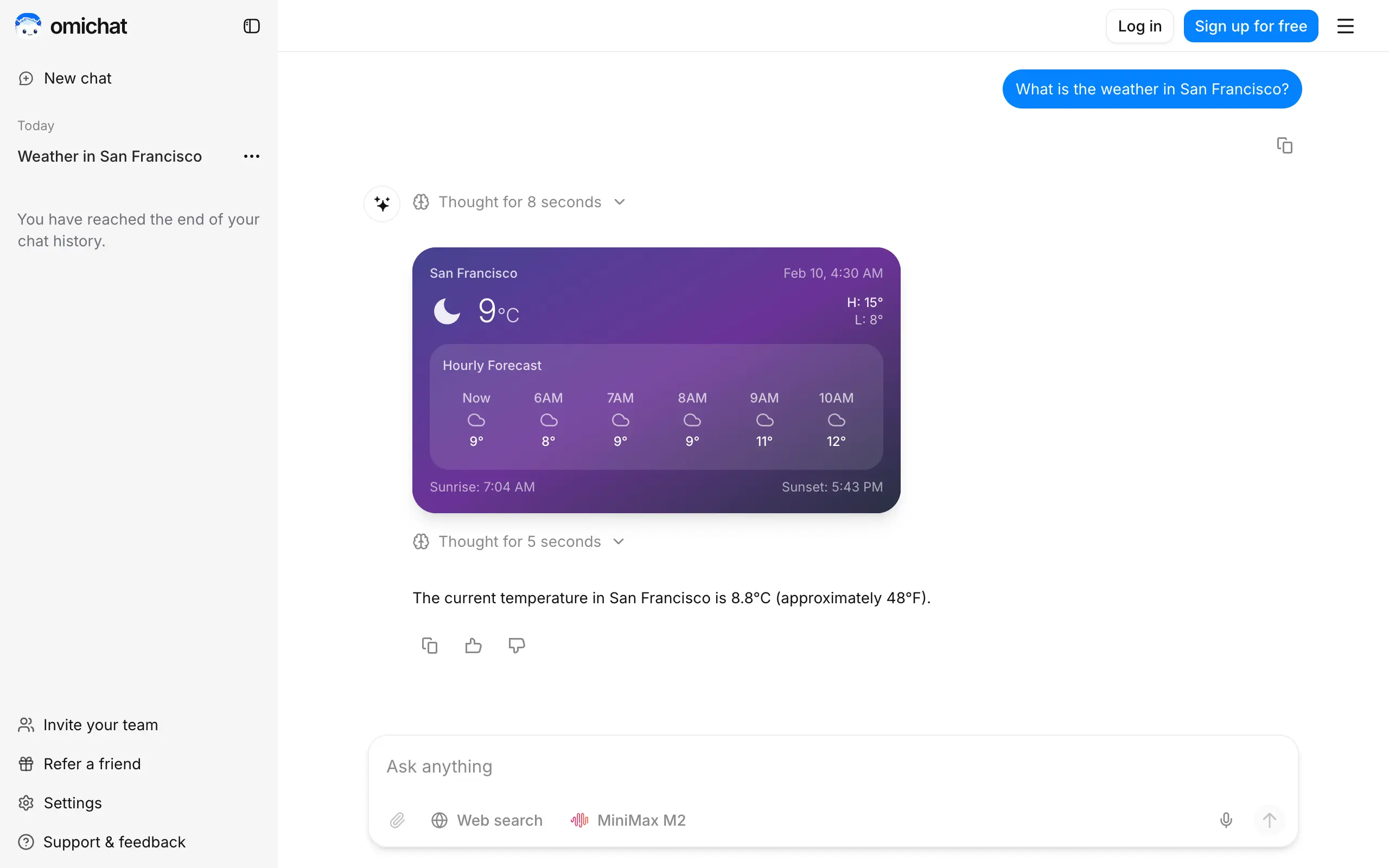
Omichat
Chat with 50+ AI models, including ChatGPT and Claude, in one place - switch models anytime without losing context 🤖
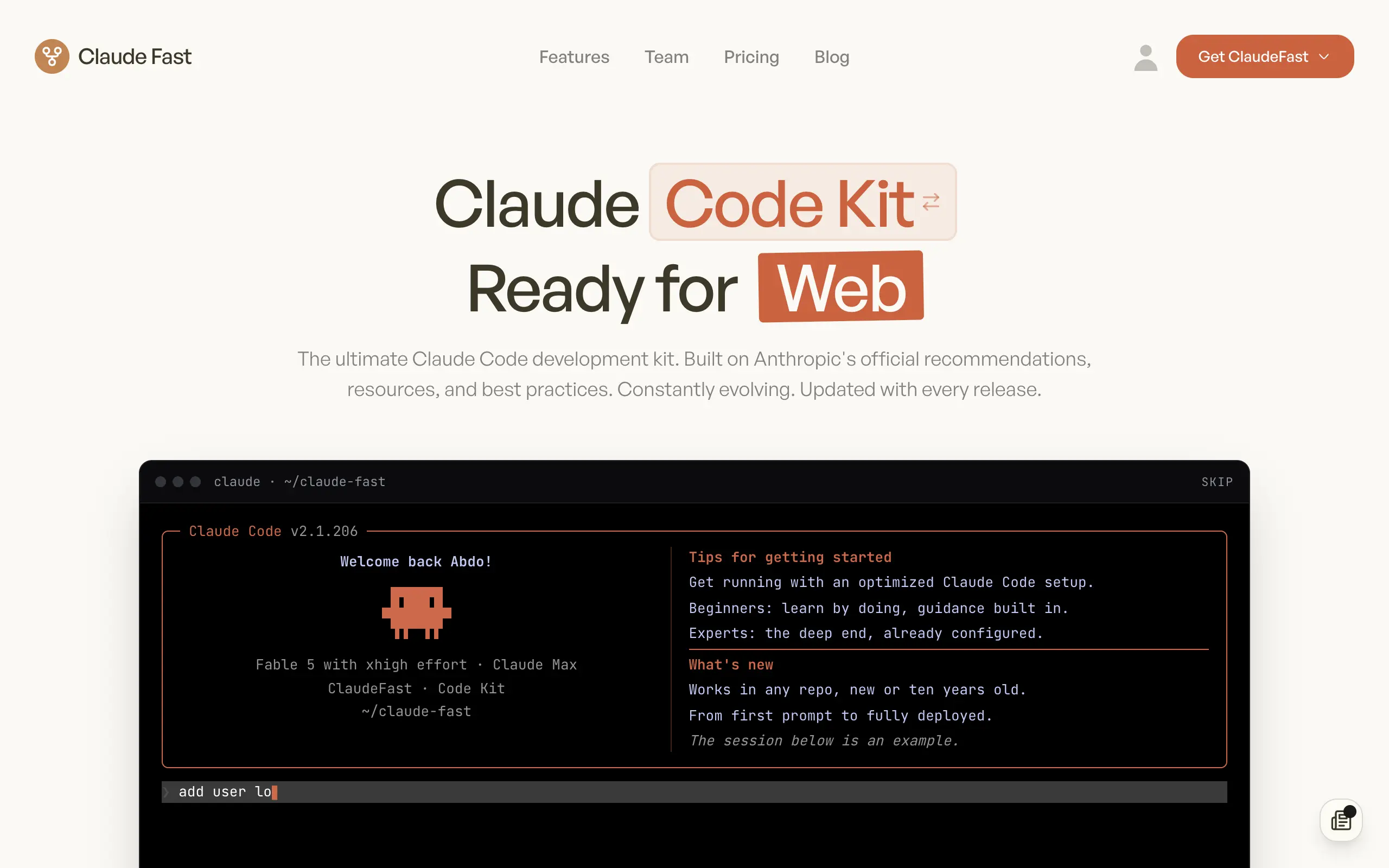
Claude Fast
Supercharge your Claude Code with 6x effective context window and specialized AI agents 🤖
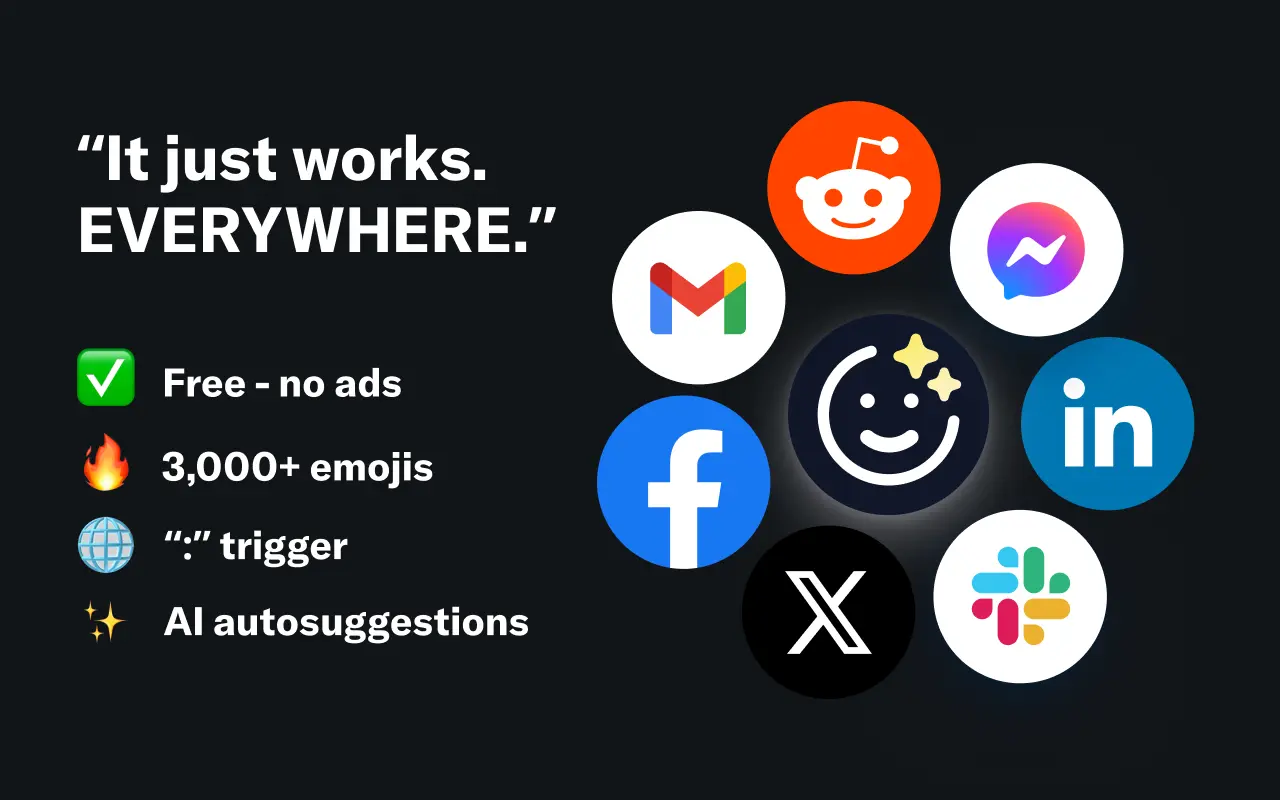
EmojAI
AI-powered emoji picker with smart, context-aware suggestions 🤖
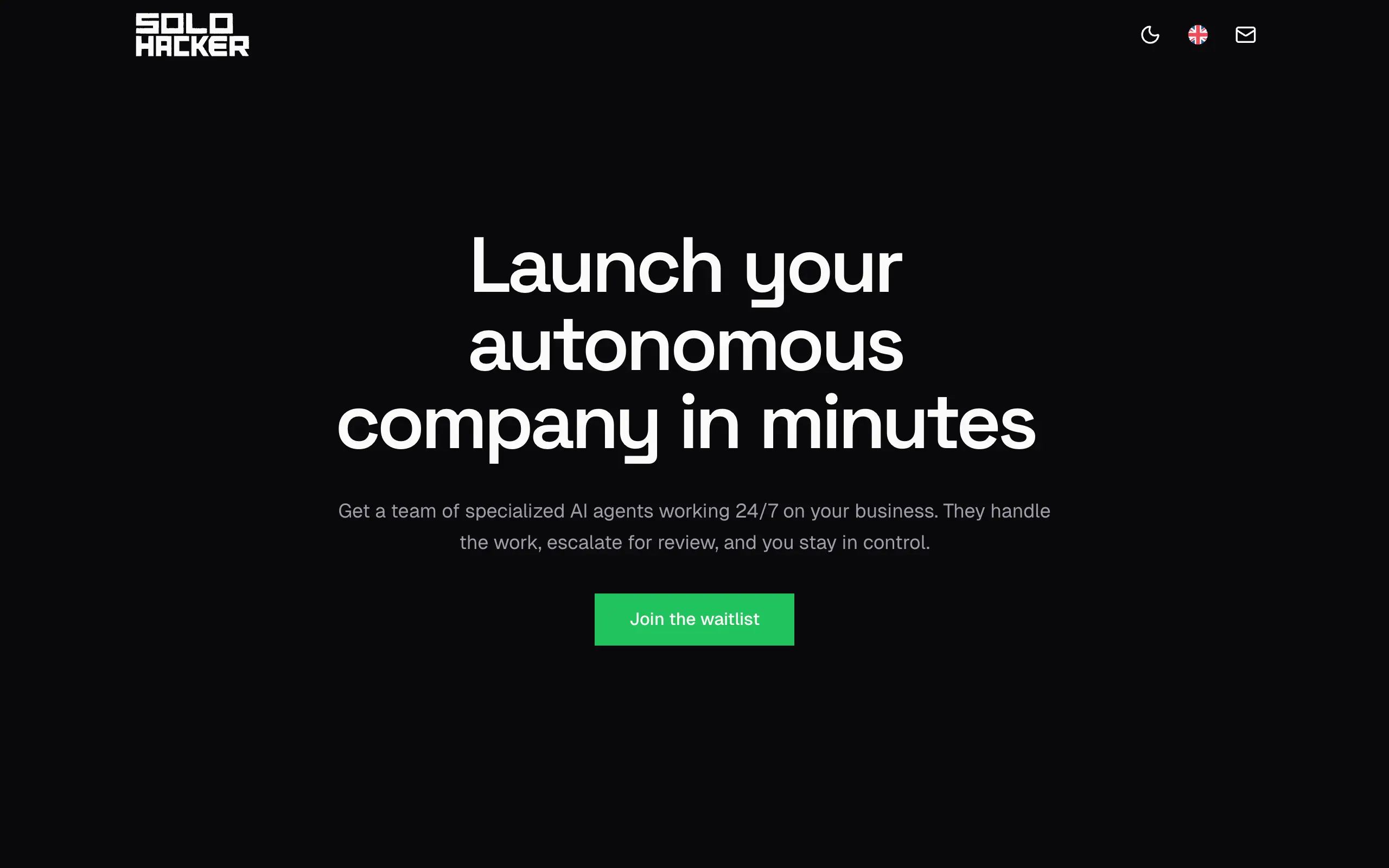
Solohacker
Autonomous company launcher - AI agents work 24/7, escalate what matters, and you stay in control 🤖
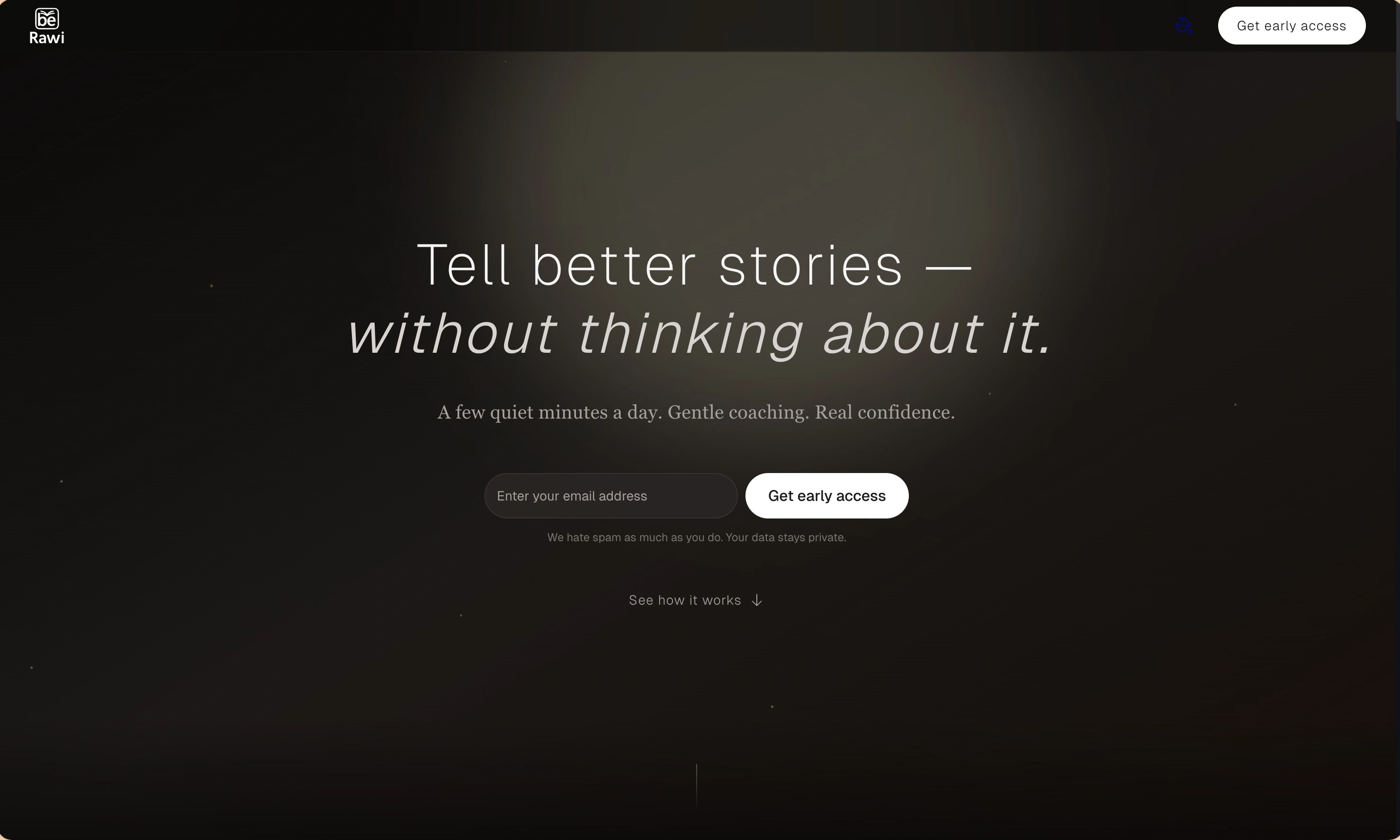
BeRawi: Storytelling Coach
Practice storytelling daily with instant feedback to sound clearer, more engaging, and confident 🎤
Omichat
Chat with 50+ AI models, including ChatGPT and Claude, in one place - switch models anytime without losing context 🤖
Claude Fast
Supercharge your Claude Code with 6x effective context window and specialized AI agents 🤖
EmojAI
AI-powered emoji picker with smart, context-aware suggestions 🤖
Solohacker
Autonomous company launcher - AI agents work 24/7, escalate what matters, and you stay in control 🤖
BeRawi: Storytelling Coach
Practice storytelling daily with instant feedback to sound clearer, more engaging, and confident 🎤
Omichat
Chat with 50+ AI models, including ChatGPT and Claude, in one place - switch models anytime without losing context 🤖
Claude Fast
Supercharge your Claude Code with 6x effective context window and specialized AI agents 🤖
EmojAI
AI-powered emoji picker with smart, context-aware suggestions 🤖
Solohacker
Autonomous company launcher - AI agents work 24/7, escalate what matters, and you stay in control 🤖
BeRawi: Storytelling Coach
Practice storytelling daily with instant feedback to sound clearer, more engaging, and confident 🎤
Omichat
Chat with 50+ AI models, including ChatGPT and Claude, in one place - switch models anytime without losing context 🤖
Claude Fast
Supercharge your Claude Code with 6x effective context window and specialized AI agents 🤖
EmojAI
AI-powered emoji picker with smart, context-aware suggestions 🤖
Solohacker
Autonomous company launcher - AI agents work 24/7, escalate what matters, and you stay in control 🤖
BeRawi: Storytelling Coach
Practice storytelling daily with instant feedback to sound clearer, more engaging, and confident 🎤

Connect with like-minded people
Join our community to get feedback, support, and grow together with 1,000+ builders on board, let's ship it!
Join usShip your startup everywhere. In minutes.
Don't burn tokens on setup and start building features on day one.