PosterPilot AI
Turn a class topic or event brief into polished Canva-ready poster layouts, headline options, and matching social posts in minutes.
What is PosterPilot AI?
PosterPilot AI is a concept for an AI poster design generator that turns a class topic, event brief, or campaign idea into a polished visual package. Instead of starting with a blank canvas, users provide a few details and receive poster layout concepts, headline options, and matching social media post copy.
The product’s central promise is not simply “generate an image.” It is to help people move from a rough brief to usable promotional assets quickly, while preserving the ability to edit the result in a familiar design tool such as Canva.
A useful version of PosterPilot AI would combine four jobs in one workflow:
- Understand the user’s topic, audience, goal, and constraints.
- Create clear, audience-appropriate messaging.
- Arrange that messaging into practical poster layouts.
- Extend the campaign into social formats and editable design assets.
That combination gives the idea a more specific position than a general-purpose AI image generator. The opportunity is to make poster creation easier for people who know what they need to announce but do not have the time, design experience, or copywriting confidence to produce a complete campaign.
The problem PosterPilot AI solves
A poster seems simple until someone has to make one. The creator needs to decide what to say, what information to prioritize, how to make the design readable, which visual style suits the audience, and how to adapt the result for social media.
For a teacher preparing a classroom event, a student club promoting a meeting, or a small business announcing a workshop, this process can be disproportionate to the task. A short event brief may need to become a print-ready poster, an Instagram post, a story, and a few alternate headlines. Each asset has different dimensions and information constraints.
The typical workflow can involve several disconnected tools:
- A writing assistant for headlines and descriptions
- A design application for layout and typography
- A stock image or image-generation tool for visuals
- A resizing or editing tool for alternate formats
- Manual checks to make sure dates, locations, and calls to action remain accurate
PosterPilot AI can reduce that friction by treating the brief as the source of truth for the whole campaign. The user should not have to repeat the event details every time they request a new format or revise a headline.
The product should also acknowledge an important distinction: generating a visually striking poster is not the same as creating an effective one. A useful poster has a clear hierarchy, readable text, accurate details, and a strong next step for the viewer. PosterPilot AI should optimize for those practical outcomes, not just novelty.
Who should use an AI poster design generator?
The strongest initial audience is likely to be people who create promotional materials frequently but do not have a dedicated designer. Their tasks are repetitive enough to benefit from templates and automation, while their needs are specific enough that a generic image generator may not be sufficient.
Teachers and educators
Teachers often need classroom posters, event announcements, activity prompts, club notices, and family communications. Their priorities include clarity, age-appropriate language, quick editing, and designs that work in both digital and printed settings.
Useful features for educators might include:
- Classroom-friendly style presets
- Reading-level and tone controls
- Printable page sizes
- Space for school logos or contact details
- Easy editing of dates, locations, and instructions
- Reusable designs for recurring events
For this audience, an AI-generated layout should never obscure essential information. A playful visual treatment is valuable only if students and families can still understand what is happening and when.
Student organizations and campus groups
Student clubs, societies, and campus event organizers may need to promote meetings, fundraisers, performances, and social events on tight timelines. These users often work collaboratively and may create content across several channels.
PosterPilot AI could help them produce a cohesive campaign without requiring every organizer to be an experienced designer. Templates for club meetings, ticketed events, workshops, and fundraisers could reduce the number of decisions needed to make a first draft.
Small businesses and independent professionals
Local businesses, tutors, fitness instructors, community venues, and independent service providers regularly promote classes, launches, pop-ups, and seasonal offers. They may need a poster that looks consistent with their brand but cannot justify a full design engagement for every announcement.
Brand kits, saved business details, reusable campaign templates, and quick social adaptations would make the product more valuable to this group. They are also more likely than occasional users to pay for dependable output and time savings.
Nonprofits and community organizers
Community groups and nonprofits often promote public events, volunteer opportunities, workshops, and donation drives. They may operate with limited budgets and a mix of staff and volunteers.
A useful product experience would make collaboration and handoff straightforward. Users should be able to share a draft, gather feedback, and export final assets without requiring every reviewer to learn a complex design application.
Freelancers and marketing generalists
Freelancers and small marketing teams may use PosterPilot AI to accelerate first drafts for clients. For them, the product must offer enough control to edit the layout, adapt messaging, and maintain brand consistency.
This audience may also value batch generation. For example, a user could create several event concepts from a shared brand kit, then review and refine the strongest options.
Market opportunity and product gap
The opportunity is not to claim that existing design tools cannot create posters. Many tools already provide templates, image editing, and AI-assisted features. PosterPilot AI needs to win by making a narrower job significantly easier.
The product gap lies in the workflow between a brief and a finished, multi-format campaign. A user may already have access to design software, but still face the effort of deciding what to write, choosing a layout, fitting copy into a hierarchy, and adapting the result for different channels.
A focused product can address that gap by providing:
- A guided brief rather than an empty canvas
- Several layout directions built around the same event details
- Headlines and supporting copy matched to the intended audience
- Social media adaptations connected to the original poster
- Practical exports and editing handoffs
- Brand and content reuse for recurring campaigns
This is a workflow opportunity, not proof of a particular market size. Before investing in a broad product, the team should validate demand with interviews, landing-page tests, and paid pilots. Market-size estimates should be built from clearly defined customer segments and credible sources rather than from broad claims about the entire design-software market.
Competitive landscape
PosterPilot AI would compete indirectly with several categories:
- General-purpose AI writing assistants
- AI image-generation products
- Online design and template platforms
- Traditional desktop design software
- Freelance designers and agencies
- Social media scheduling and content tools
Each category solves part of the problem. A writing assistant can generate copy, but may not create a coherent layout. An image generator can produce visual concepts, but may struggle with accurate, readable text. A design platform can offer templates and editing, but may still require the user to make many creative decisions.
The product should avoid presenting competitors as incapable. Instead, it can differentiate through a more guided and connected workflow for a specific task: turning a short brief into an editable poster and a consistent set of promotional content.
| Product category | Typical strength | Common friction | PosterPilot AI opportunity | Main limitation |
|---|---|---|---|---|
| General AI writing tools | Fast copy generation | Little layout guidance | Connect copy to poster structure | Users still need design work |
| Image generators | Visual exploration | Text accuracy and editability can vary | Generate visual direction around a brief | May require external editing |
| Design platforms | Templates and visual control | Users must make many decisions | Provide a stronger starting point | Must respect platform workflows |
| Freelance designers | Custom judgment and craft | Cost and turnaround time | Support fast, lower-complexity drafts | Cannot replace every design engagement |
| Social content tools | Publishing workflows | May not create campaign concepts | Create assets before scheduling | May not handle design depth |
The unique selling proposition
The clearest USP for PosterPilot AI is:
A brief-to-campaign assistant that turns one event or class topic into an editable poster concept, better headline choices, and matching social content.
That promise is more defensible than “AI makes posters” because it focuses on the full task rather than a single output. It also gives the product a basis for repeat usage. A user who creates an event poster may return to produce a reminder post, a story version, or a new campaign for next month.
The product can stand out by emphasizing five qualities:
-
Brief-first creation
The experience begins with the user’s actual goal and event details, not an unstructured prompt box. -
Legible design by default
Layouts should reserve space for important information and prioritize contrast, hierarchy, and readability. -
Connected campaign assets
Every social adaptation should derive from the same approved source details. -
Practical editability
Users should be able to refine the result in the product or hand it off to a compatible design workflow. -
Audience-aware language
The product should adapt tone and vocabulary to students, families, customers, community members, or other intended audiences.
The strongest long-term advantage would come from consistently reliable workflow quality, not from relying on a particular model or a single visual style.
Core features for a strong MVP
A successful MVP should prove that users will provide a brief, trust the generated drafts enough to edit them, and return for more assets. It should not begin with every possible design feature.
Guided brief intake
The brief form should collect the minimum information needed to produce a useful result:
- Topic or event name
- Intended audience
- Date, time, and location
- Primary call to action
- Preferred tone
- Design style or brand preferences
- Required details and optional supporting copy
- Output format, such as print poster or social post
The form should make required and optional information clear. If the user leaves out a date or location, the system should not invent one. It should either ask a follow-up question or mark the missing information for review.
Headline and copy generation
PosterPilot AI should offer multiple headline directions rather than one supposedly perfect answer. Useful variations might include direct, playful, informative, or community-oriented options.
The generated copy could include:
- Main headline
- Supporting line
- Event description
- Details block
- Call to action
- Short social caption
- Optional reminder message
Users should be able to edit every text field. They should also be able to regenerate a specific section without losing approved content elsewhere.
Poster layout concepts
The MVP should produce a small set of distinct layouts, such as:
- A bold headline-led design
- A photo-led design
- A simple information-first design
- A playful illustration-led design
The layouts should use the user’s brief to determine content hierarchy. A date-sensitive event should make the date easy to find; a class topic might prioritize the subject and learning outcome; a fundraiser should make the participation action prominent.
Do not overpromise fully autonomous design judgment. A more reliable first release can use structured templates, layout rules, and controlled asset placement rather than attempting to generate every poster as a single image.
Social post adaptations
A poster campaign often needs more than one canvas. PosterPilot AI should create versions for relevant social formats and adapt the copy to fit each one.
For example, a square post may use a shorter headline and a compact details block, while a story format may require a clearer vertical sequence and a more prominent action. The system should not merely crop the poster and assume the result will work.
Brand kit and saved preferences
For repeat users, saved brand details can reduce setup time. A basic brand kit might include:
- Logo
- Brand colors
- Preferred type styles
- Business or organization name
- Website or contact details
- Common tone preferences
Users should be able to review and remove saved information. The product should clearly distinguish between details that apply to a single campaign and details that persist across projects.
Review, export, and handoff
A generated result is only useful if the user can take it into their workflow. Export options may include image files and print-friendly formats, depending on technical scope. If Canva compatibility is part of the promise, the team should validate the available integration and export route rather than implying an official partnership without authorization.
A practical MVP should make export dimensions, file type, and editing limitations visible. Users need to know whether they are downloading a flattened image or an editable design.
How the user journey should work
The key product experience is a short, transparent journey from brief to usable asset.
Describe the project. The user enters the topic, audience, event details, preferred tone, and required call to action. The product identifies missing information instead of filling gaps with guesses.
Choose a direction. PosterPilot AI presents several headline and layout options. Each option should communicate a distinct creative direction, not just a different color palette.
Review the draft. The user edits text, adjusts brand details, and checks dates, names, and contact information. The product should make unverified or missing fields easy to spot.
Create campaign versions. The user selects the formats they need, such as a poster, square post, or story. The system adapts layout and copy for each format.
Export and reuse. The user downloads the assets or continues editing in a compatible workflow. The project can be saved as a template for future events.
The product should preserve user control at each stage. AI can accelerate drafting, but final approval belongs to the person responsible for the event or campaign.
Recommended technology stack
A practical technology stack should support a responsive web application, secure project storage, reliable asset generation, and a fast iteration cycle. The best choice depends on team experience and the editing experience planned for the product.
Frontend and application framework
A React-based application can support an interactive brief form, preview canvas, and project dashboard. React is a well-established option for building component-based interfaces.
A full-stack framework such as Next.js can provide routing, server-rendered pages, and server-side endpoints in one application. This can be convenient for an early-stage SaaS product. The trade-off is that teams need to understand its deployment model and conventions rather than treating it as a simple static frontend.
For styling, Tailwind CSS can help teams iterate quickly through reusable utility classes. A component library can further improve consistency, but the product should invest in a distinct visual system rather than looking like a generic dashboard.
Backend and data storage
A relational database such as PostgreSQL is a sensible choice for users, organizations, projects, generated assets, and billing records. These entities have clear relationships and benefit from structured queries.
Object storage should hold uploaded logos, generated images, and export files. The application should store file metadata and ownership information separately from the binary assets.
A useful data model might include:
- User and organization
- Project brief
- Brand kit
- Generated copy options
- Layout configuration
- Asset file and export metadata
- Usage and billing events
AI services and generation strategy
PosterPilot AI may use a language model for brief interpretation, copy generation, and structured output. Image generation can support background art or visual concepts, but should be treated as a separate capability from layout and text rendering.
For reliability, keep essential poster text outside the generated image. Generate or select visual assets separately, then place editable text using controlled layout components. This reduces the risk of misspelled dates, distorted headlines, and content that cannot be corrected after generation.
An AI pipeline might:
- Normalize the user brief.
- Identify required details and missing fields.
- Generate structured copy options.
- Select a layout based on content length and intended format.
- Produce or retrieve visual assets.
- Render a preview and run validation checks.
- Save the project and export files.
The language model should return structured data rather than an unvalidated block of prose. The application can then validate fields such as date, event name, and call to action before rendering.
type PosterBrief = {
  topic: string;
  audience: string;
  eventDate?: string;
  location?: string;
  callToAction: string;
  tone: "friendly" | "bold" | "professional" | "playful";
};

type PosterDraft = {
  headline: string;
  supportingLine: string;
  details: string[];
  callToAction: string;
  layoutId: string;
  missingFields: string[];
};
This approach improves testability because the team can evaluate copy generation, layout selection, and rendering as separate steps.
Design editor and rendering
A full drag-and-drop editor can be expensive to build and maintain. For an MVP, consider offering controlled editing for text, colors, image selection, and layout variants before building unrestricted canvas editing.
The trade-off is clear:
- Template-based editing is faster to build and easier to validate, but offers less freedom.
- A full canvas editor gives users more control, but increases engineering complexity and can make support and cross-format consistency harder.
- External editing handoff can reduce editor scope, but depends on the available integration and may create a less seamless experience.
The product should test whether users need complete design control or simply enough editing to make the generated asset feel theirs.
Authentication, billing, and deployment
The product needs secure authentication, role-aware access for teams, and clear project ownership. Billing should be implemented only after the team understands who pays, how often they create assets, and which usage limits feel reasonable.
For a small team, a managed application platform and managed database can reduce operational overhead. The trade-off is potential vendor dependence and less control over infrastructure. At the MVP stage, reducing maintenance burden is often more valuable than optimizing for hypothetical scale.
Monetization strategy
PosterPilot AI can test several pricing approaches. The right model depends on whether customers are occasional creators, frequent small-business users, or teams producing assets for multiple campaigns.
Freemium with paid upgrades
A free plan can let users test a limited number of projects or exports. Paid tiers can add more generations, saved brand kits, higher-resolution exports, collaboration, and reusable campaign templates.
The free tier should demonstrate real value without making paid output feel artificially unusable. A watermark or strict export limit may help with conversion testing, but should not undermine trust.
Subscription plans
Monthly and annual subscriptions suit users who create promotional content regularly. A simple plan structure might separate individual creators from teams, with differences in project limits, collaboration, brand kits, and administrative controls.
Avoid pricing based only on raw AI calls if customers value the final campaign workflow. Users are more likely to understand limits tied to projects, exports, or team seats than opaque technical units.
Credit-based usage
Credits may work for occasional users who need a poster only a few times a year. The challenge is explaining what a credit buys and preventing users from feeling that ordinary editing consumes value unpredictably.
A hybrid model could offer a small recurring allowance plus optional top-ups. This should be tested with actual usage data rather than assumed to be preferable.
Team and education plans
Organizations may value shared brand settings, admin controls, pooled usage, and collaboration. Education or nonprofit discounts could support adoption, but the team should define eligibility and support requirements clearly.
Potential add-ons
Once the core workflow is validated, paid add-ons could include:
- Additional brand kits
- Batch generation for recurring events
- Team review and approval workflows
- Campaign history and reusable templates
- Premium stock or illustration libraries
- Expanded export formats
The first paid offering should focus on one clear reason to upgrade. Too many tiers and add-ons can make a simple product difficult to understand.
Risks and how to mitigate them
Inaccurate or invented event details
A language model may change a date, invent a location, or rewrite an important instruction. This is a high-impact failure because a visually polished poster can make incorrect information look trustworthy.
Mitigation: Treat user-provided details as locked source data. Keep factual fields separate from generated copy, highlight them in the editor, and require review before export. Do not allow the model to fabricate missing logistics.
Poor typography and layout
Generated designs can look attractive in a preview but fail when text is too small, contrast is weak, or the information hierarchy is unclear.
Mitigation: Use layout constraints, minimum text sizes, contrast checks, and preview modes for common display sizes. Provide print previews where relevant and include a final review checklist.
Copyright, licensing, and brand misuse
Users may upload logos, photographs, or other materials they do not have permission to use. Generated assets can also create uncertainty about ownership, permitted use, or similarity to protected work.
Mitigation: Publish clear terms and asset policies, require users to confirm rights to uploaded materials, and document the licensing terms of any third-party asset providers. Avoid promising unrestricted commercial rights unless those rights have been verified for every relevant service and asset type.
Privacy and sensitive information
An event brief may contain contact details, student information, or internal business information. Users need to understand what data is stored and how it is used.
Mitigation: Collect only what the product needs, explain retention and processing practices in plain language, and provide deletion controls. Review vendor data terms before sending user content to external AI services.
Dependence on third-party AI providers
Model pricing, availability, latency, and quality can change. A product that depends on one provider without a fallback may face interruptions or unexpected cost increases.
Mitigation: Keep model access behind a service layer, track cost and latency per workflow, and test more than one provider where feasible. Use structured prompts and evaluation sets so model changes can be compared before deployment.
Weak retention
Some users may create a single poster and never return. This is especially likely if the product is useful only for one-off events.
Mitigation: Focus on repeatable segments, such as educators, clubs, local businesses, and community organizations. Add saved brand kits, recurring-event templates, and campaign follow-ups only after user research confirms that these features address recurring needs.
Unclear Canva compatibility
“Canva-ready” can mean several things, from a downloadable image to a design that remains editable in Canva. These are not equivalent.
Mitigation: Define the exact output and test it with real users. Describe the export honestly, verify any integration requirements, and avoid implying an official partnership unless one exists.
Protect trust at the point of export
A user may forgive a rough first draft. They are less likely to forgive an incorrect date, a missing venue, or a misleading claim about editability. Treat factual review and export clarity as core product features, not polish for later.
Competitive advantage and defensibility
AI models and basic design features are available to many companies. PosterPilot AI should not rely on model access alone as its competitive moat. Its advantage can instead come from a well-designed workflow and accumulated understanding of recurring poster tasks.
Potential sources of differentiation include:
- A specialized brief system: Questions and defaults designed for events, classes, and community announcements.
- Reliable content hierarchy: Layout rules that make the most important information visible.
- Cross-format consistency: Poster and social versions derived from a shared project record.
- Reusable brand context: Saved preferences that make repeated campaigns faster.
- Quality feedback loops: User edits and selection patterns that help identify which draft types are actually useful.
- A focused customer experience: Fewer design decisions for people who want a good result quickly.
This advantage becomes stronger when the product learns from workflow outcomes, not by collecting unnecessary personal data. For example, the team can measure which layout options users select, where they make edits, and which exports they complete. That information can improve templates and product decisions while respecting privacy expectations.
How to validate demand before building too much
A team should validate the highest-risk assumptions before investing in a sophisticated editor or a large set of AI features.
Start by interviewing people in the likely initial segments. Ask them to describe the last poster they created, what tools they used, how long it took, what they found difficult, and how often they repeat the task. Questions about actual behavior are more useful than asking whether they “like” the product idea.
Then test a low-cost prototype. It could be a guided form followed by manually prepared or semi-automated poster concepts. Observe whether users:
- Complete the brief
- Understand the design options
- Trust the generated text
- Edit or reject the layout
- Need additional formats
- Are willing to pay for the final asset
A landing page can test positioning and collect signups, but signups alone do not prove willingness to pay. Stronger evidence includes paid pilots, repeated use, referrals, and requests for additional projects.
Actionable implementation steps
A lean implementation plan should reduce uncertainty in stages.
Choose one initial audience. Start with one segment, such as teachers, student clubs, or local service businesses. A focused audience makes the brief, templates, and marketing message easier to design.
Interview potential users. Document their current workflow, common poster types, preferred export formats, and biggest points of friction. Look for repeated behaviors rather than isolated feature requests.
Define the MVP promise. Commit to a narrow outcome, such as creating an editable event poster and two matching social assets from one brief. Make clear what “editable” and “matching” mean.
Prototype the brief-to-draft workflow. Use a structured intake form, a small set of layouts, and controlled copy generation. Keep essential factual details outside the generative image process.
Test quality with real briefs. Evaluate spelling, missing information, readability, visual hierarchy, and export usefulness. Include briefs with incomplete details to confirm the product asks questions instead of guessing.
Run a paid pilot. Offer the product to a small group and observe activation, completion, repeat usage, support requests, and willingness to pay. Use feedback to refine the audience and core workflow.
Build for repeat use. Add saved brand kits, project history, collaboration, and more export formats only when pilot users show a recurring need for them.
For an accelerated SaaS build, TurboStarter can help provide a foundation for common product infrastructure, leaving more time to refine the brief-to-poster experience. The specific implementation should still be evaluated against the team’s requirements for authentication, billing, deployment, and customization.
Metrics that matter
PosterPilot AI should measure whether it helps users complete a real task, not just whether they generate many drafts.
Useful early metrics include:
- Brief completion rate: The share of users who provide enough information to generate a draft.
- Time to first usable design: How long it takes to reach an asset the user is willing to export or share.
- Export completion rate: Whether users take the generated work into their actual workflow.
- Edit intensity: How much users change before accepting a design, interpreted alongside qualitative feedback.
- Repeat project rate: Whether users return for another event or campaign.
- Paid conversion and retention: Whether the product creates enough recurring value to support its pricing.
- Correction rate: How often users must fix factual errors, spelling, or readability problems.
These metrics need context. A high edit rate may indicate strong creative control, or it may indicate that the initial draft is poor. Pair quantitative data with interviews and session observations before making product decisions.
Frequently asked questions
It can use generated visuals, but the stronger product concept is a complete poster workflow. It should combine brief interpretation, copy options, layout selection, and social adaptations rather than relying on a single generated image.
It should be defined precisely. It may refer to a correctly sized downloadable asset, a file that can be imported for further editing, or a verified editable integration. Those experiences are different, so product messaging should describe the actual capability.
The best first customer is a group with recurring poster needs, limited design resources, and a clear way to evaluate the result. Educators, student organizations, community groups, and local businesses are plausible segments, but interviews and paid tests should determine the first target.
Not necessarily. A guided editor for copy, colors, images, and layout variants may validate demand with less engineering effort. Build a full canvas editor only if user research shows that controlled editing is insufficient.
Keep factual details in structured fields, separate them from AI-generated copy, and validate them before rendering. The product should ask users to fill missing information rather than allowing the model to invent it.
The opportunity ahead
PosterPilot AI has a credible opportunity if it focuses on a specific, recurring job: helping people turn an event or class brief into a clear poster and coordinated social content. Its strongest path is not to compete as another general-purpose design canvas. It is to make the first useful draft faster, more coherent, and easier to adapt.
The product should earn trust through accurate details, readable layouts, transparent export capabilities, and meaningful user control. Begin with one audience, validate the workflow with real projects, and measure whether users return. If the product consistently saves time without sacrificing clarity or editability, it can build a differentiated position in the crowded design and AI software landscape.
More 🤖 AI Startup SaaS ideas
Discover more innovative ai startup SaaS ideas that are trending in 2026. Each idea is AI-generated with market validation and growth potential to help you find your next profitable venture faster than competitors.
Your competitors are building with TurboStarter
Below are some of the SaaS ideas that have been generated and built with our starter kit.
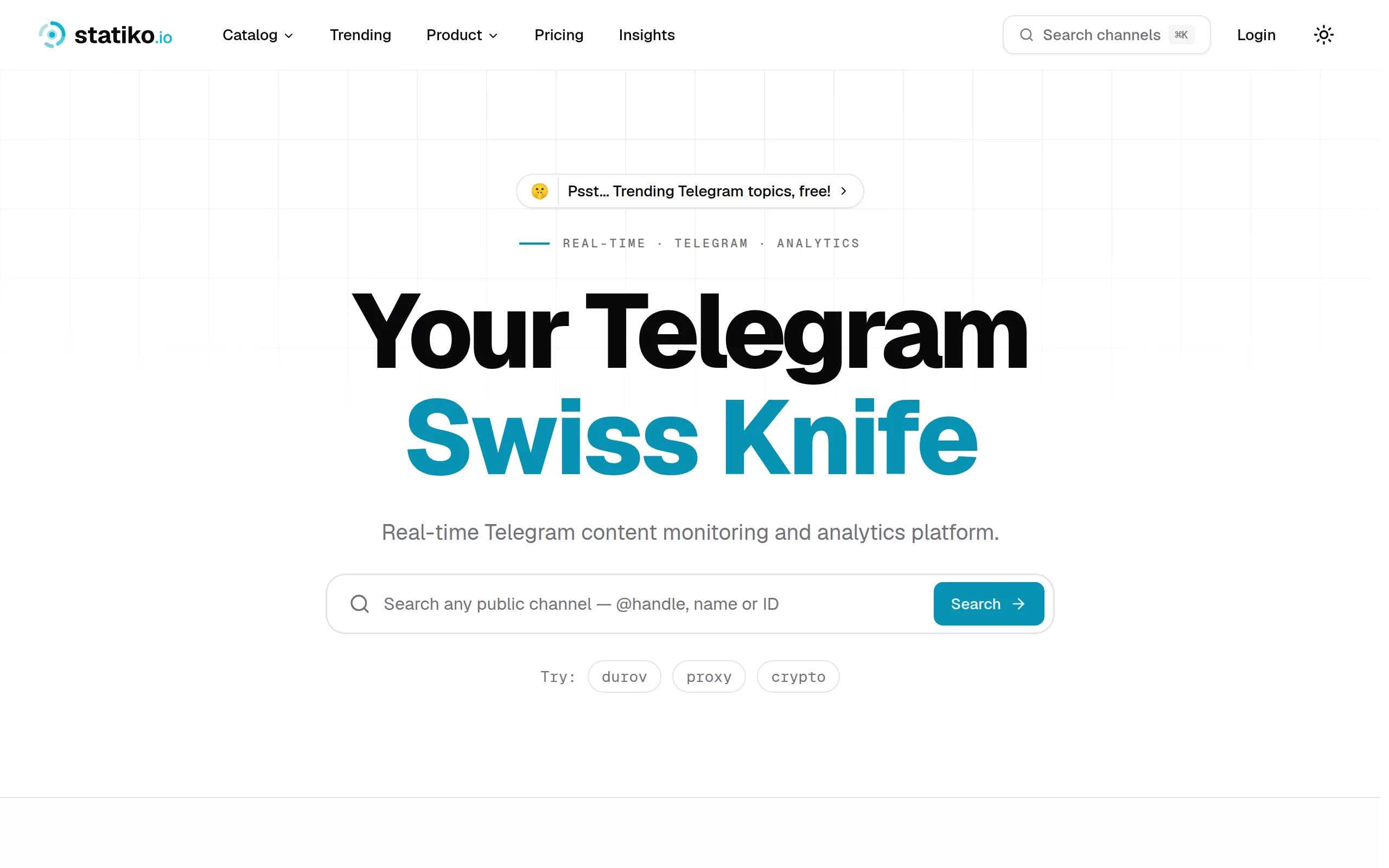
Statiko
Monitor any Telegram channel in real time - track posts, edits, deletions, and growth with AI recaps 📡
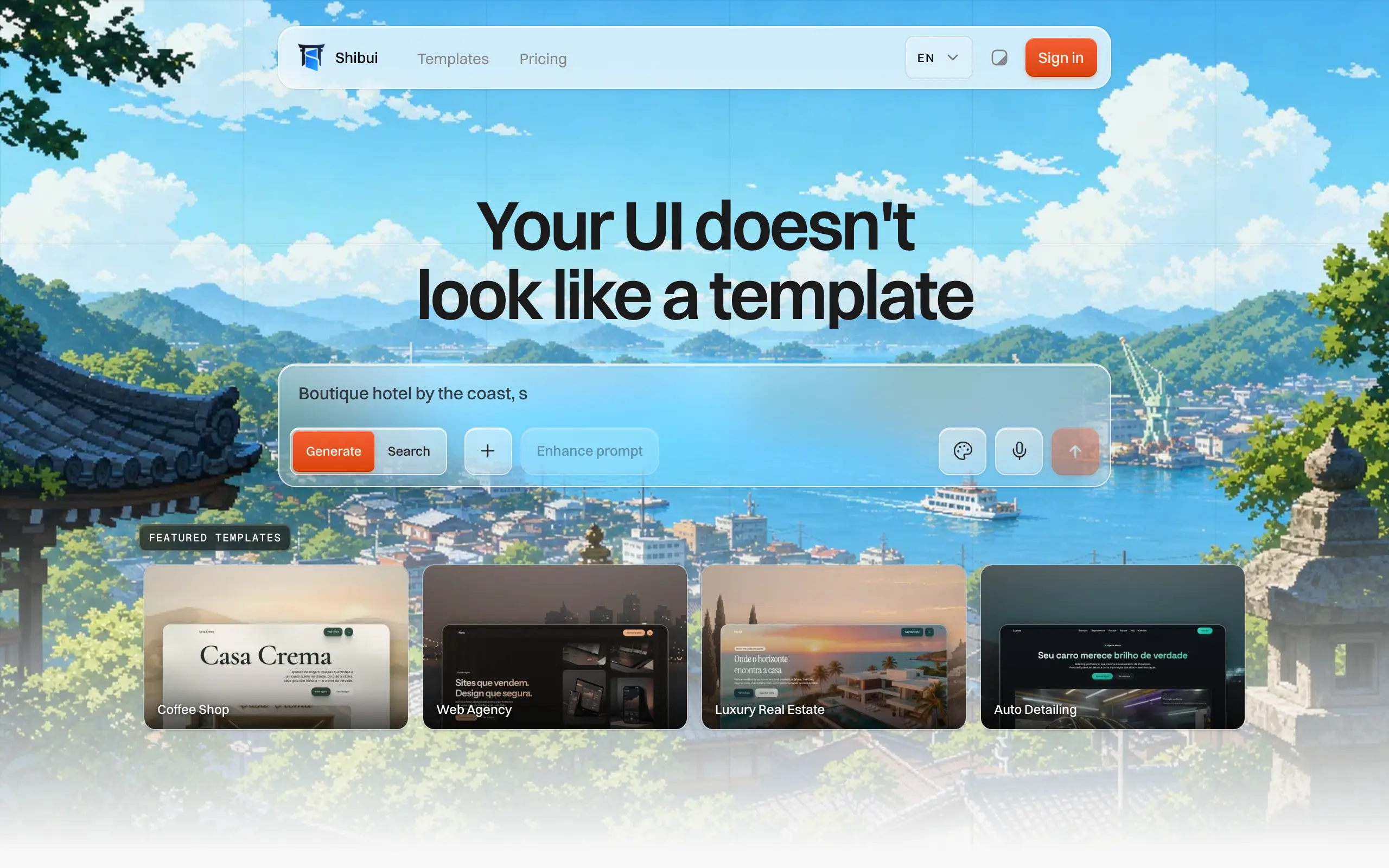
Shibui
AI website builder - describe your business, pick a niche template, edit by chatting, and publish instantly ✨
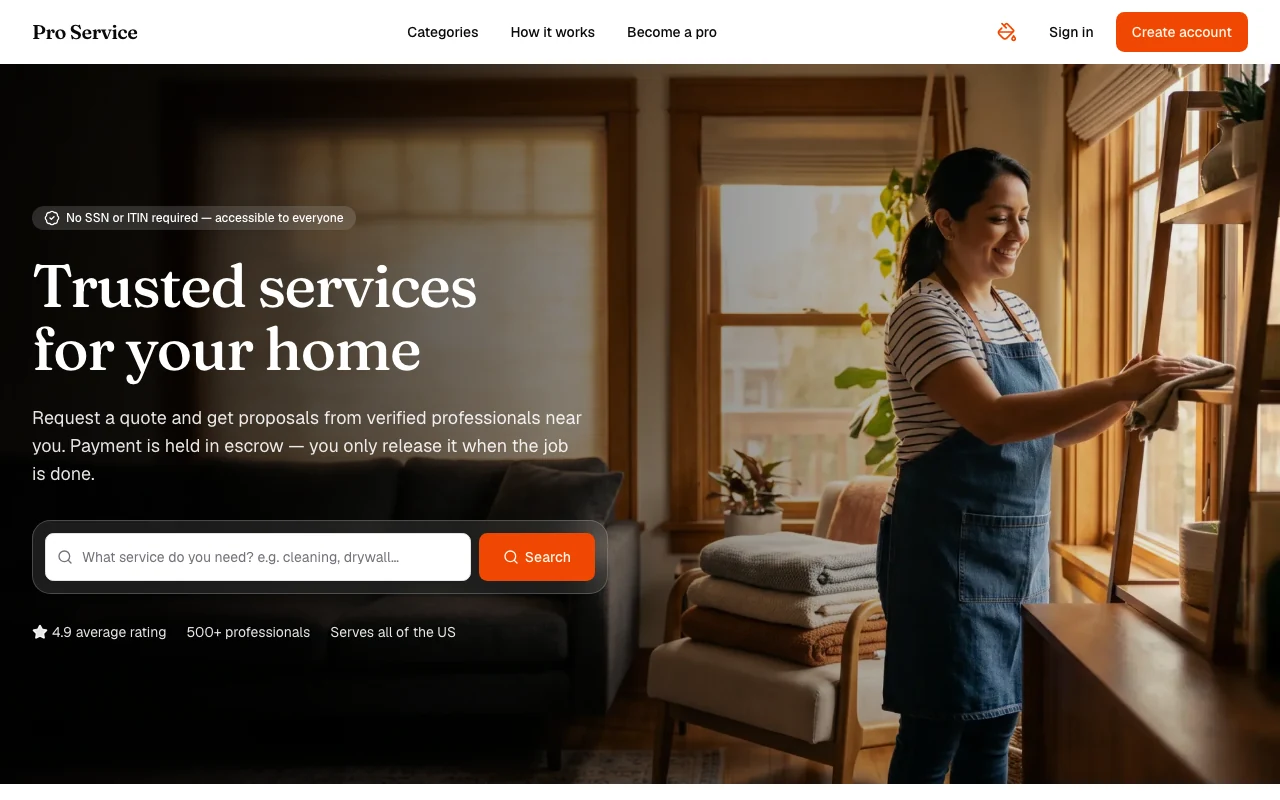
Pro Service
Find verified home service professionals, compare quotes, and pay securely through escrow - built for Brazilians across the US 🏠
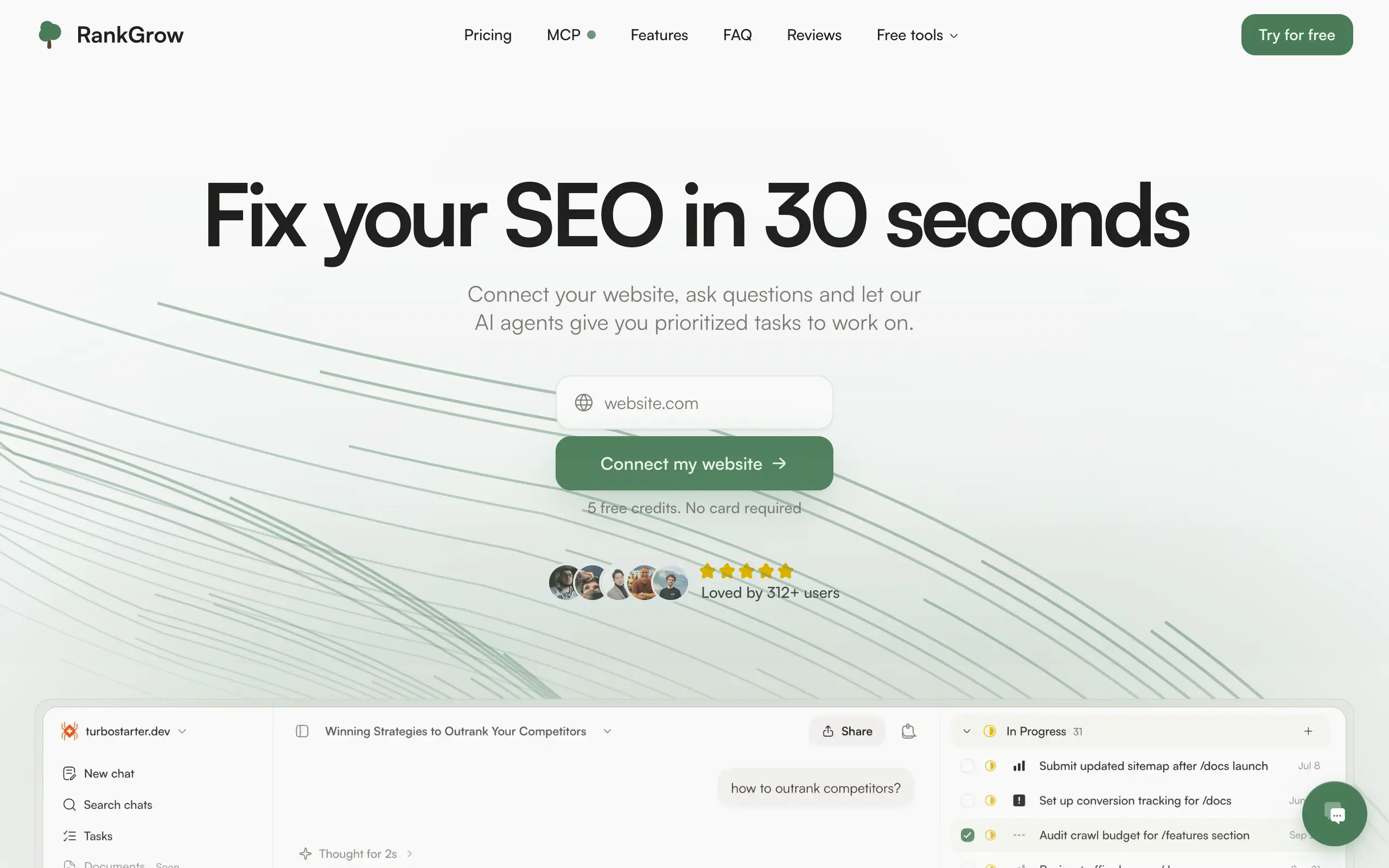
RankGrow
Fix your SEO with AI agents - connect Search Console, get prioritized tasks, and grow organic traffic 📈
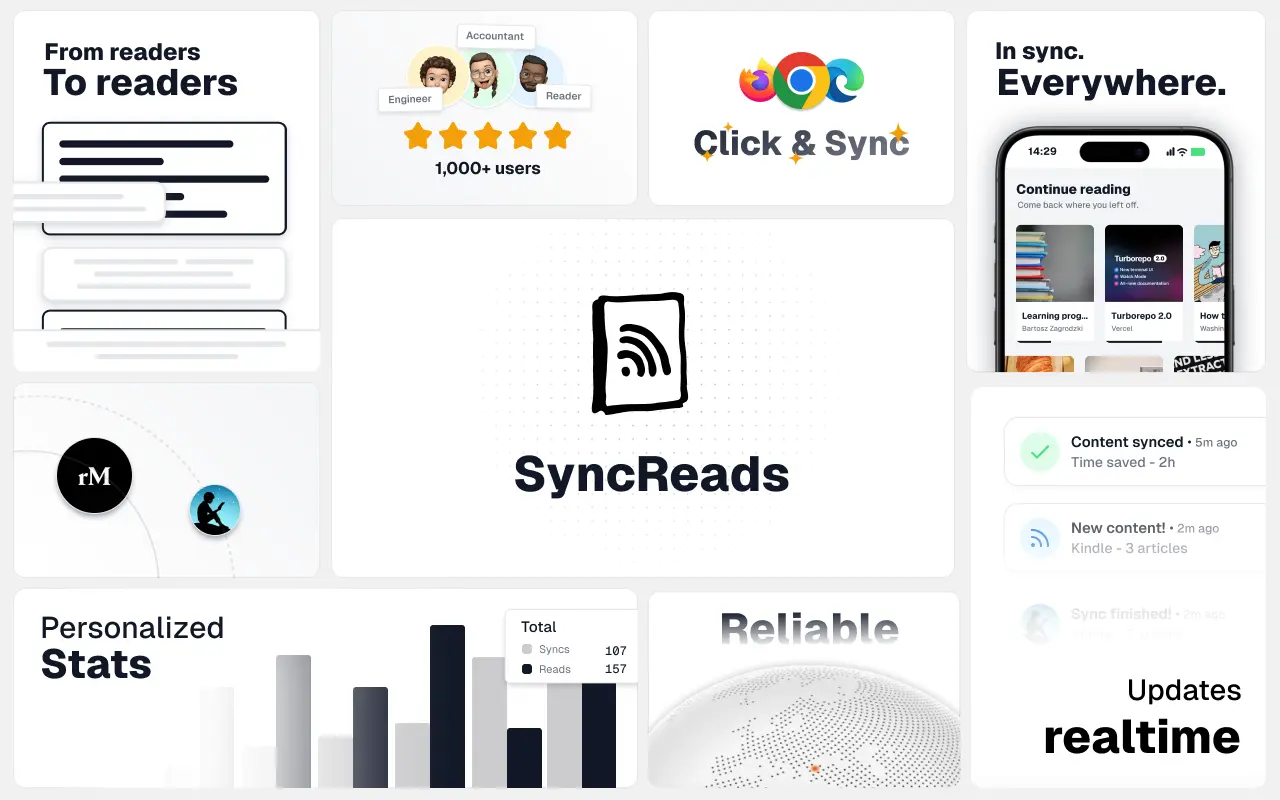
SyncReads
Sync your favorite content for distraction-free reading, save time and replace multiple apps. Anytime, anywhere 🔄
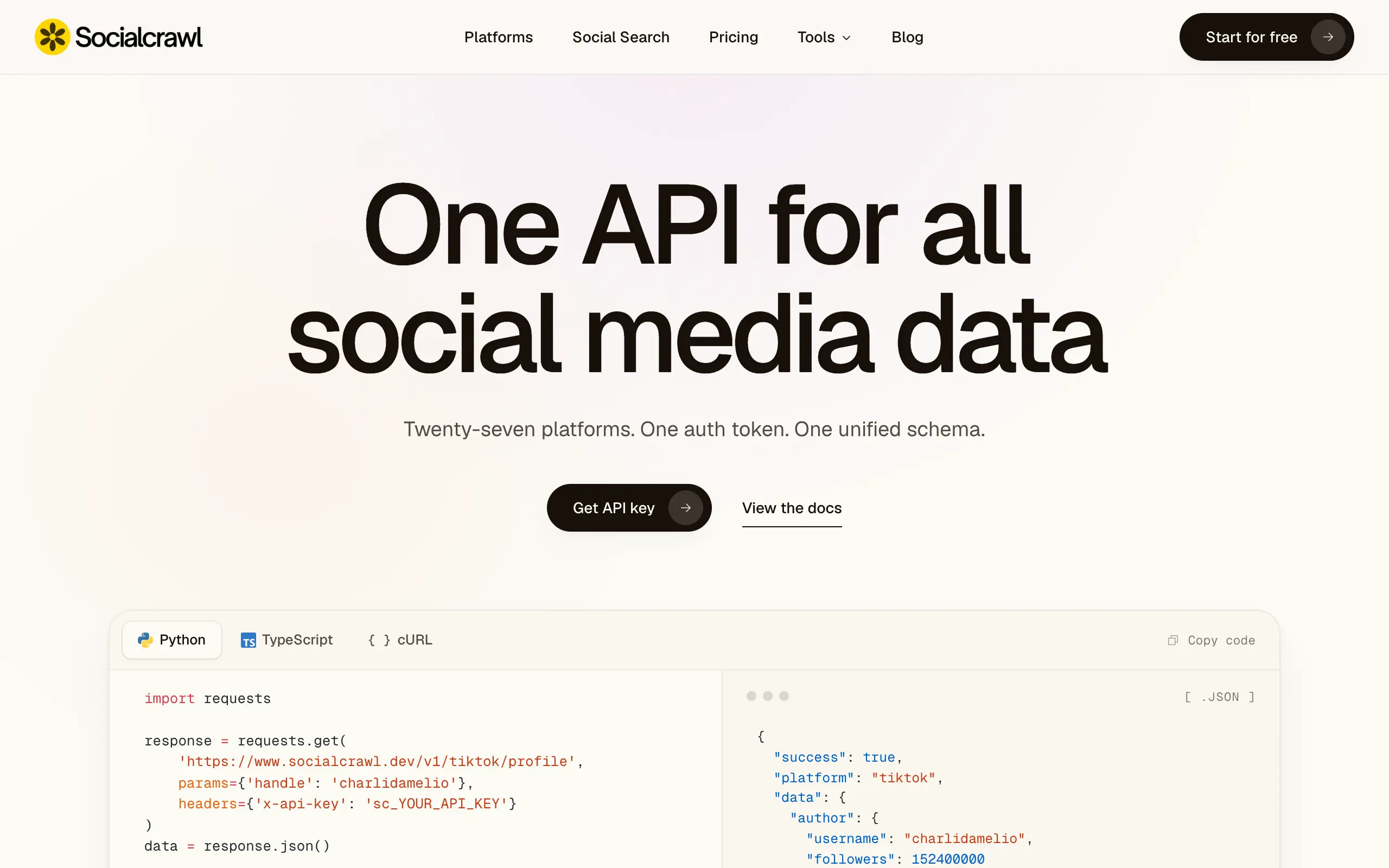
Socialcrawl
Get clean, structured data from 21 platforms like TikTok, Instagram, and YouTube with a single request 📊
Statiko
Monitor any Telegram channel in real time - track posts, edits, deletions, and growth with AI recaps 📡
Shibui
AI website builder - describe your business, pick a niche template, edit by chatting, and publish instantly ✨
Pro Service
Find verified home service professionals, compare quotes, and pay securely through escrow - built for Brazilians across the US 🏠
RankGrow
Fix your SEO with AI agents - connect Search Console, get prioritized tasks, and grow organic traffic 📈
SyncReads
Sync your favorite content for distraction-free reading, save time and replace multiple apps. Anytime, anywhere 🔄
Socialcrawl
Get clean, structured data from 21 platforms like TikTok, Instagram, and YouTube with a single request 📊
Statiko
Monitor any Telegram channel in real time - track posts, edits, deletions, and growth with AI recaps 📡
Shibui
AI website builder - describe your business, pick a niche template, edit by chatting, and publish instantly ✨
Pro Service
Find verified home service professionals, compare quotes, and pay securely through escrow - built for Brazilians across the US 🏠
RankGrow
Fix your SEO with AI agents - connect Search Console, get prioritized tasks, and grow organic traffic 📈
SyncReads
Sync your favorite content for distraction-free reading, save time and replace multiple apps. Anytime, anywhere 🔄
Socialcrawl
Get clean, structured data from 21 platforms like TikTok, Instagram, and YouTube with a single request 📊
Statiko
Monitor any Telegram channel in real time - track posts, edits, deletions, and growth with AI recaps 📡
Shibui
AI website builder - describe your business, pick a niche template, edit by chatting, and publish instantly ✨
Pro Service
Find verified home service professionals, compare quotes, and pay securely through escrow - built for Brazilians across the US 🏠
RankGrow
Fix your SEO with AI agents - connect Search Console, get prioritized tasks, and grow organic traffic 📈
SyncReads
Sync your favorite content for distraction-free reading, save time and replace multiple apps. Anytime, anywhere 🔄
Socialcrawl
Get clean, structured data from 21 platforms like TikTok, Instagram, and YouTube with a single request 📊
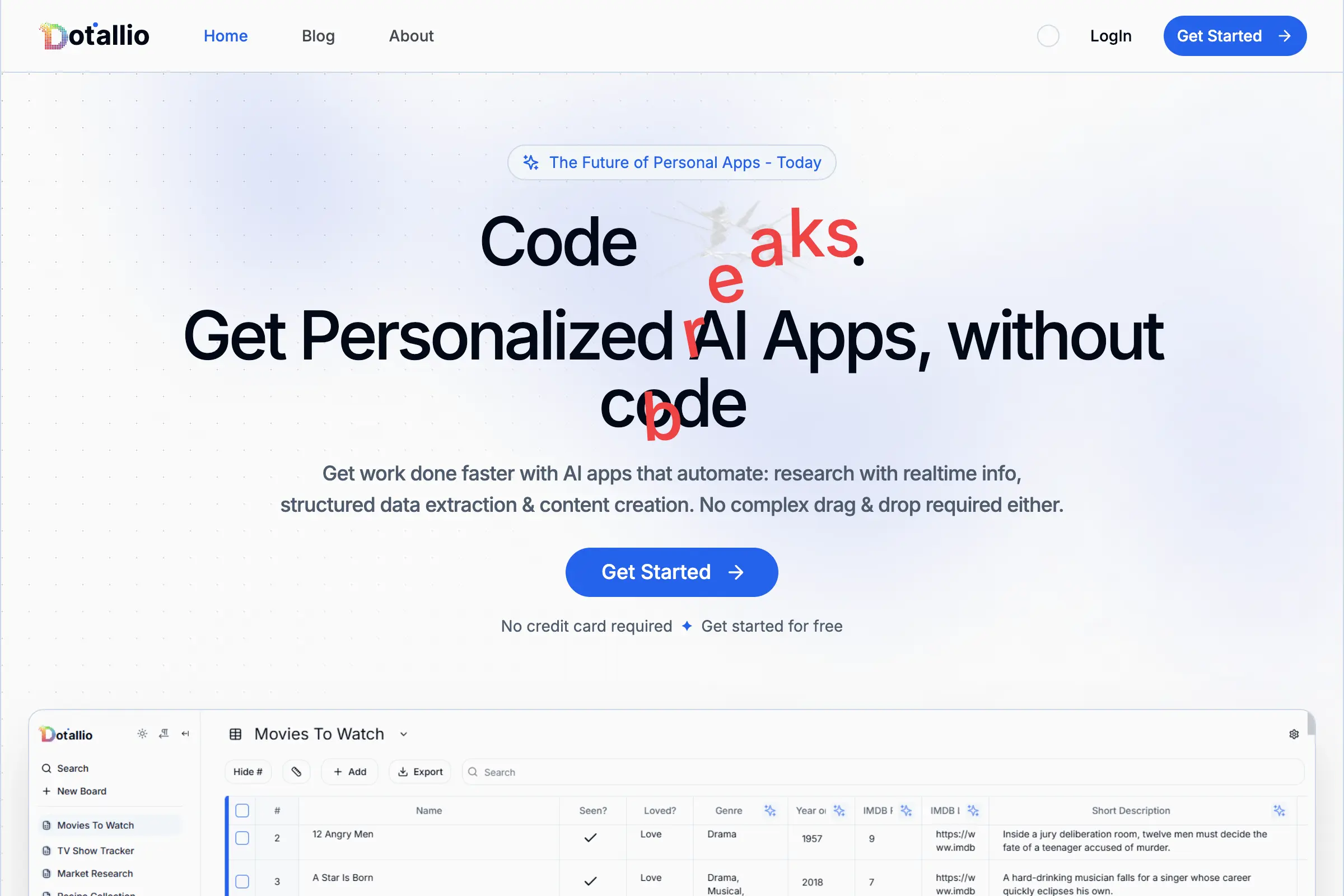
Dotallio
Personalized AI apps that automate research, data extraction, and content creation without code 🤖
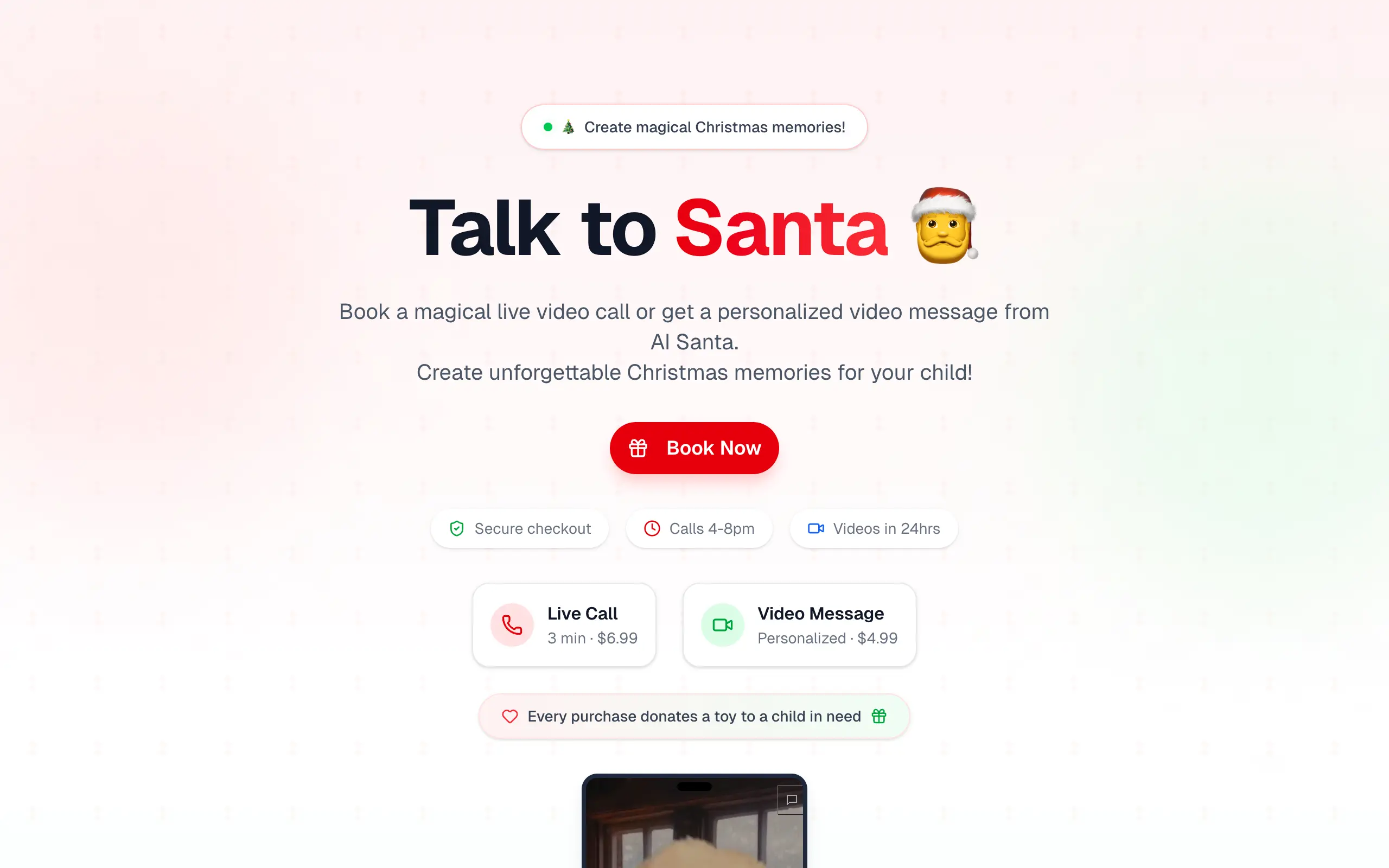
Talk to Santa
Enjoy a magical live video chat or receive a unique AI-generated video greeting from Santa Claus 🎅
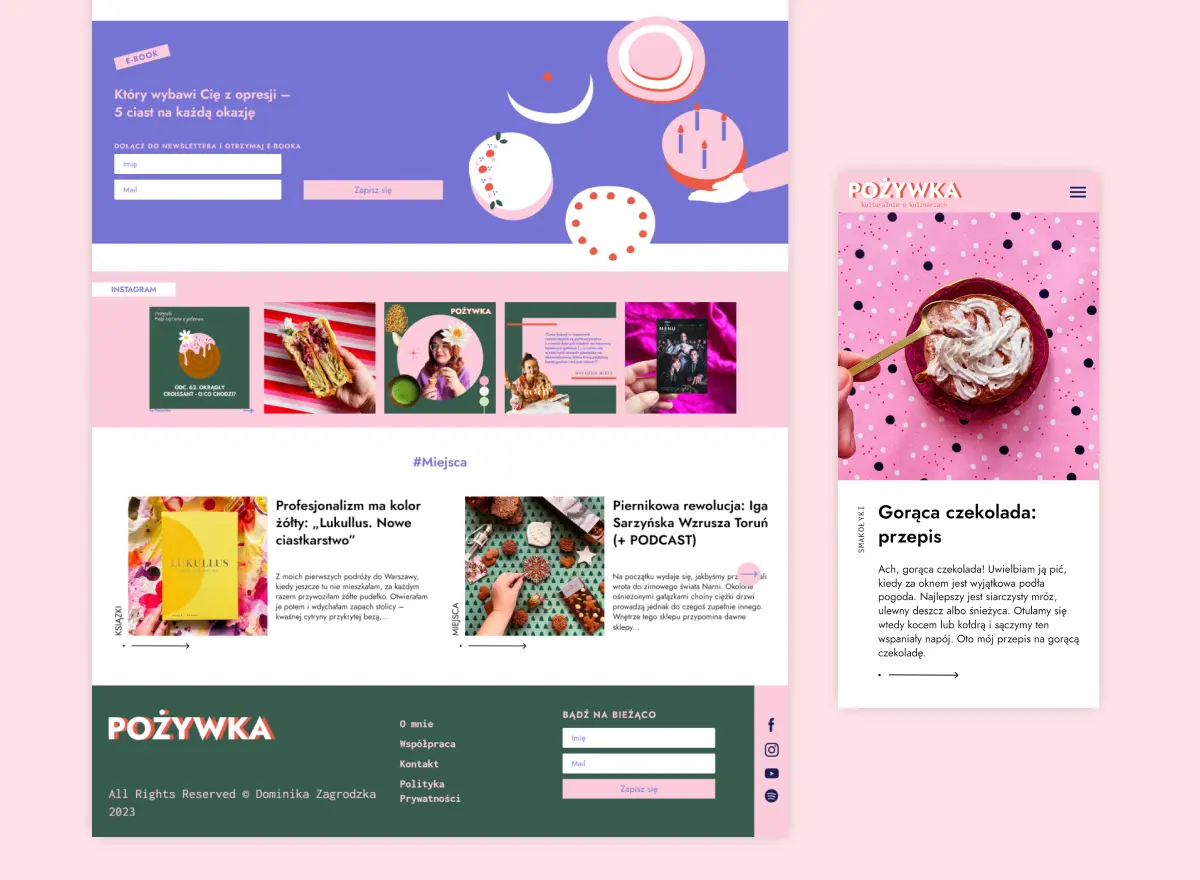
pozywka.pl
Scalable blog for food journalist, focused on performance and user experience 🌭
zagrodzki.me
Personal blog and portfolio of Bart Zagrodzki, where he shares his knowledge and work 💼
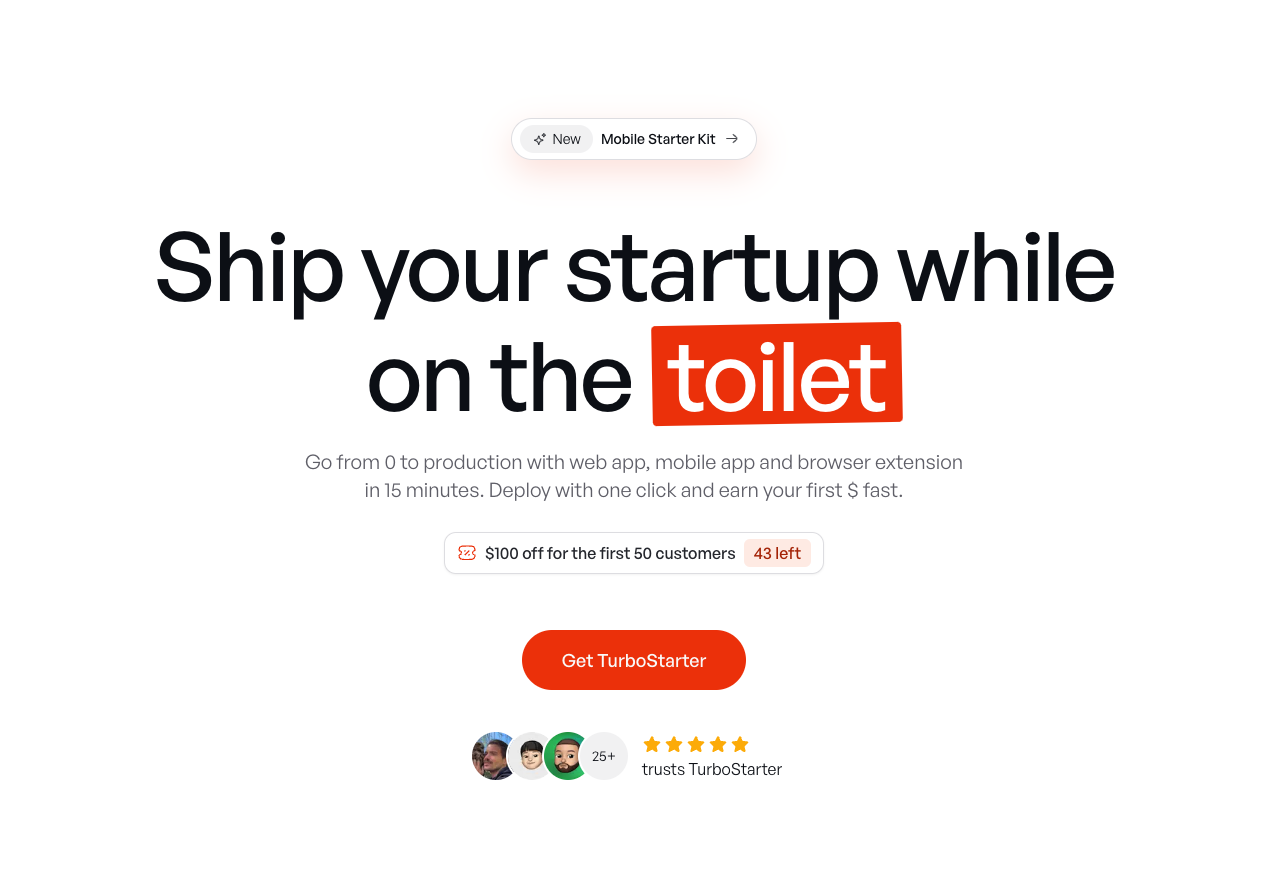
TurboStarter
Ship your startup everywhere. In minutes.
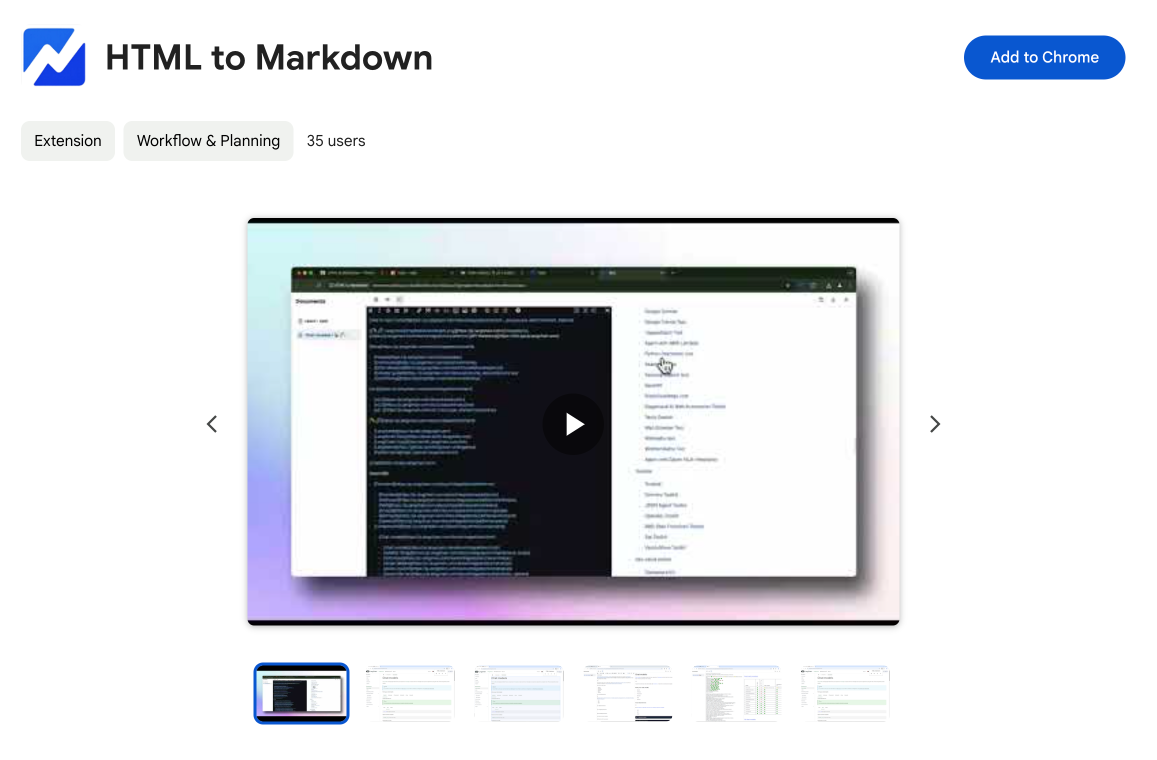
HTML to Markdown
Convert HTML to Markdown with ease, directly in your browser 📄
Dotallio
Personalized AI apps that automate research, data extraction, and content creation without code 🤖
Talk to Santa
Enjoy a magical live video chat or receive a unique AI-generated video greeting from Santa Claus 🎅
pozywka.pl
Scalable blog for food journalist, focused on performance and user experience 🌭
zagrodzki.me
Personal blog and portfolio of Bart Zagrodzki, where he shares his knowledge and work 💼
TurboStarter
Ship your startup everywhere. In minutes.
HTML to Markdown
Convert HTML to Markdown with ease, directly in your browser 📄
Dotallio
Personalized AI apps that automate research, data extraction, and content creation without code 🤖
Talk to Santa
Enjoy a magical live video chat or receive a unique AI-generated video greeting from Santa Claus 🎅
pozywka.pl
Scalable blog for food journalist, focused on performance and user experience 🌭
zagrodzki.me
Personal blog and portfolio of Bart Zagrodzki, where he shares his knowledge and work 💼
TurboStarter
Ship your startup everywhere. In minutes.
HTML to Markdown
Convert HTML to Markdown with ease, directly in your browser 📄
Dotallio
Personalized AI apps that automate research, data extraction, and content creation without code 🤖
Talk to Santa
Enjoy a magical live video chat or receive a unique AI-generated video greeting from Santa Claus 🎅
pozywka.pl
Scalable blog for food journalist, focused on performance and user experience 🌭
zagrodzki.me
Personal blog and portfolio of Bart Zagrodzki, where he shares his knowledge and work 💼
TurboStarter
Ship your startup everywhere. In minutes.
HTML to Markdown
Convert HTML to Markdown with ease, directly in your browser 📄
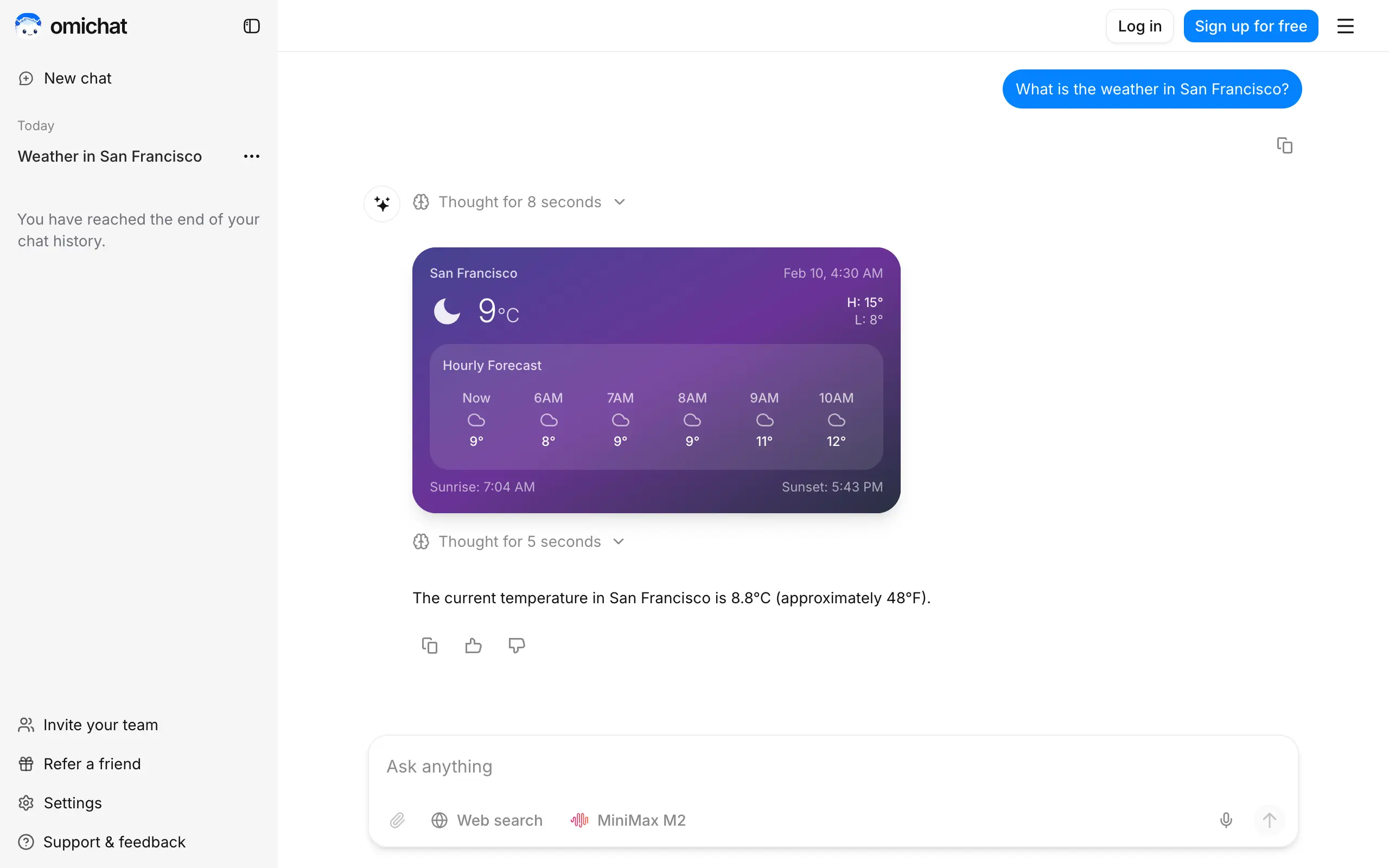
Omichat
Chat with 50+ AI models, including ChatGPT and Claude, in one place - switch models anytime without losing context 🤖
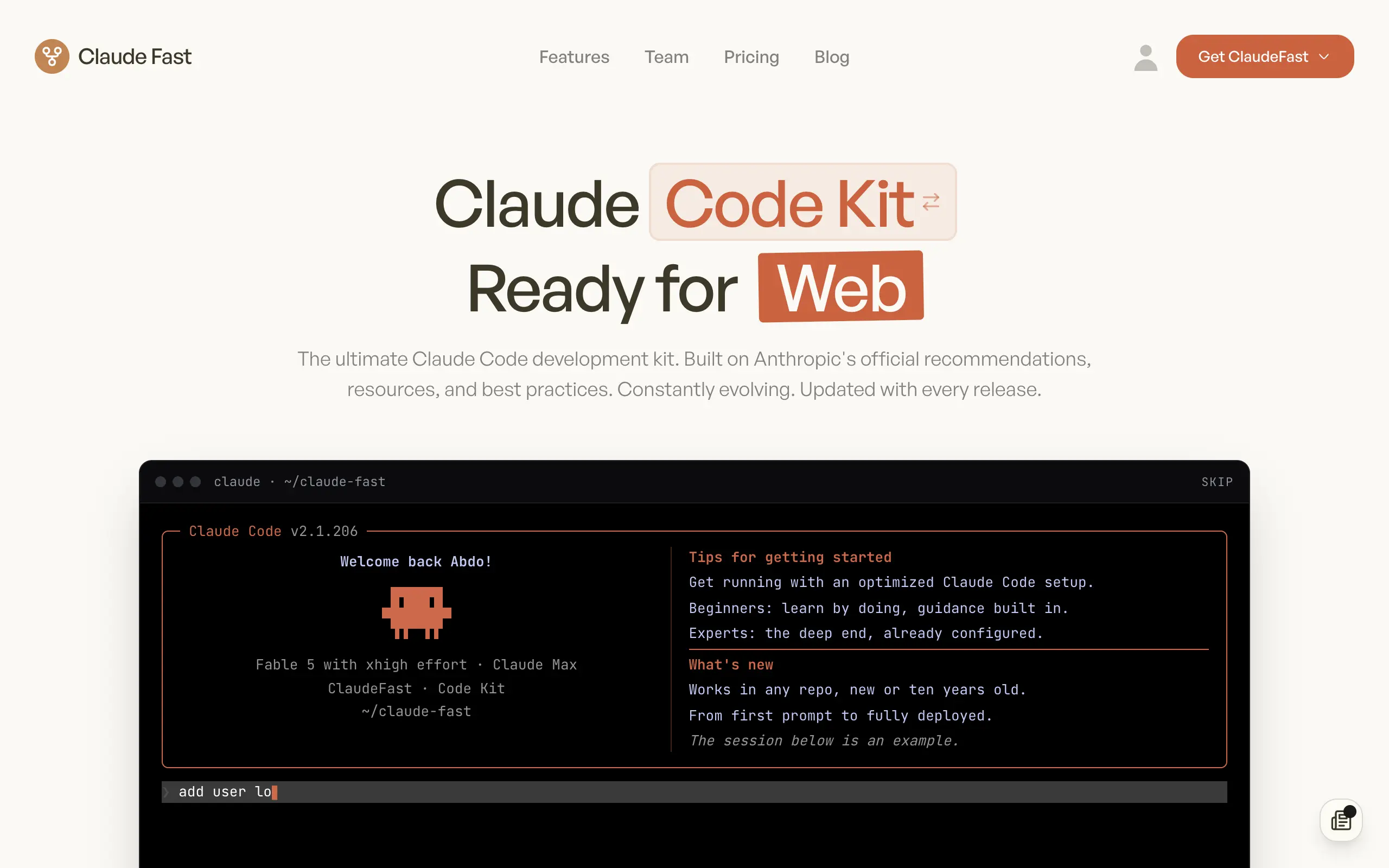
Claude Fast
Supercharge your Claude Code with 6x effective context window and specialized AI agents 🤖
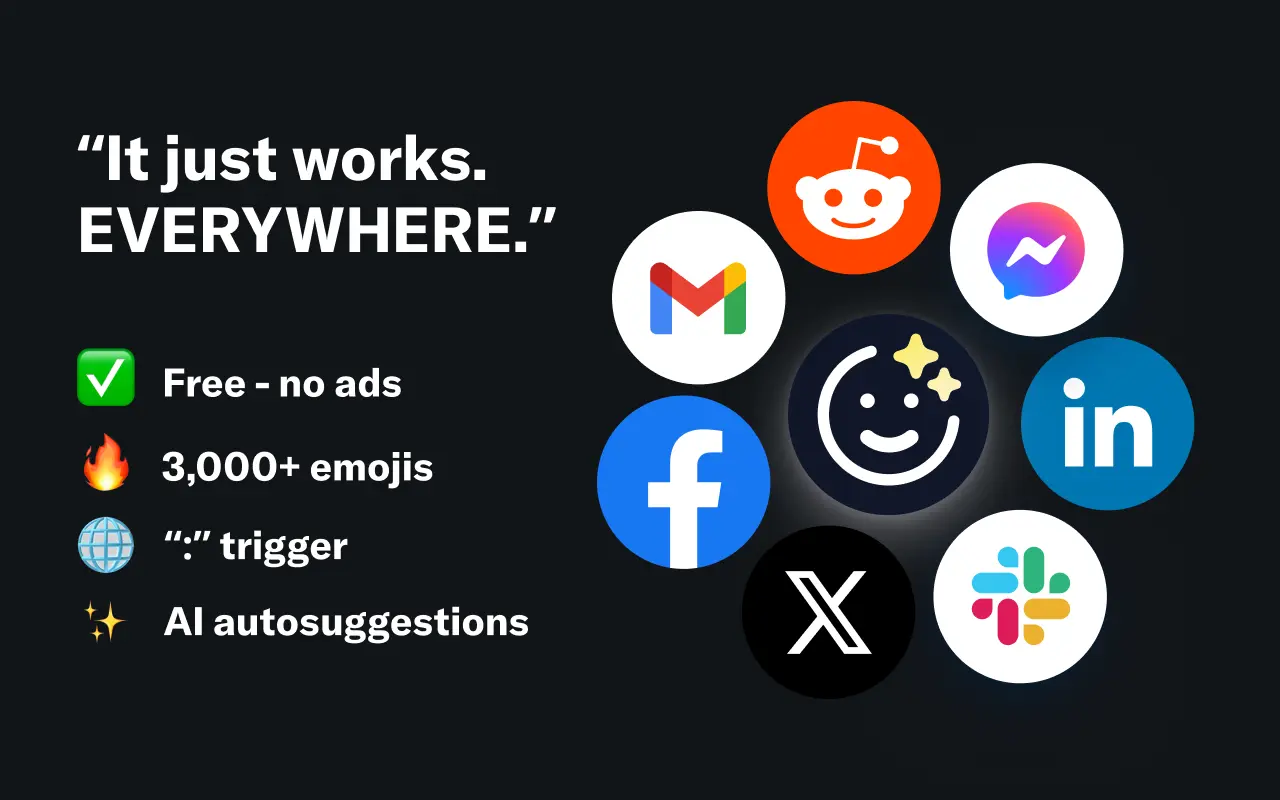
EmojAI
AI-powered emoji picker with smart, context-aware suggestions 🤖
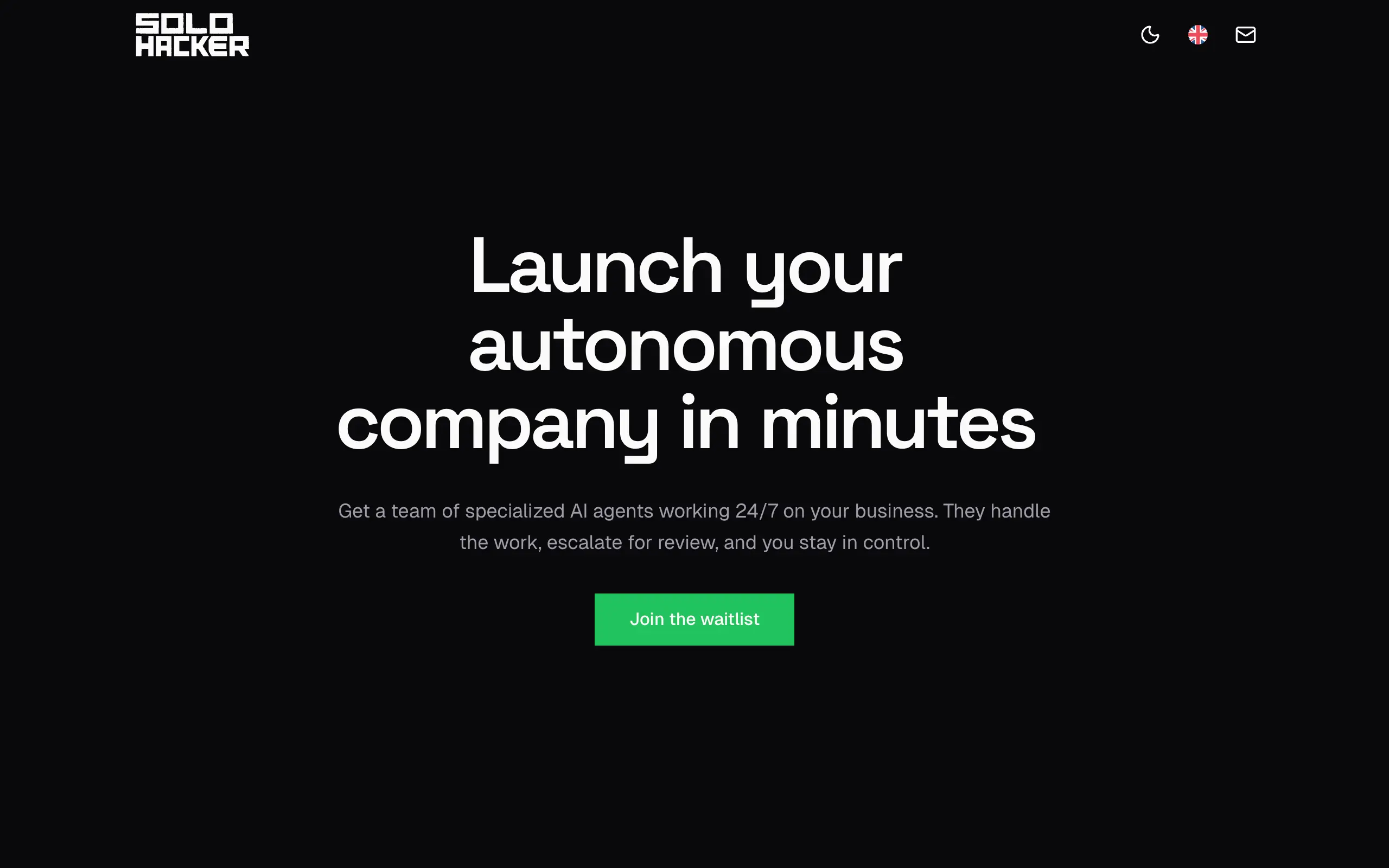
Solohacker
Autonomous company launcher - AI agents work 24/7, escalate what matters, and you stay in control 🤖
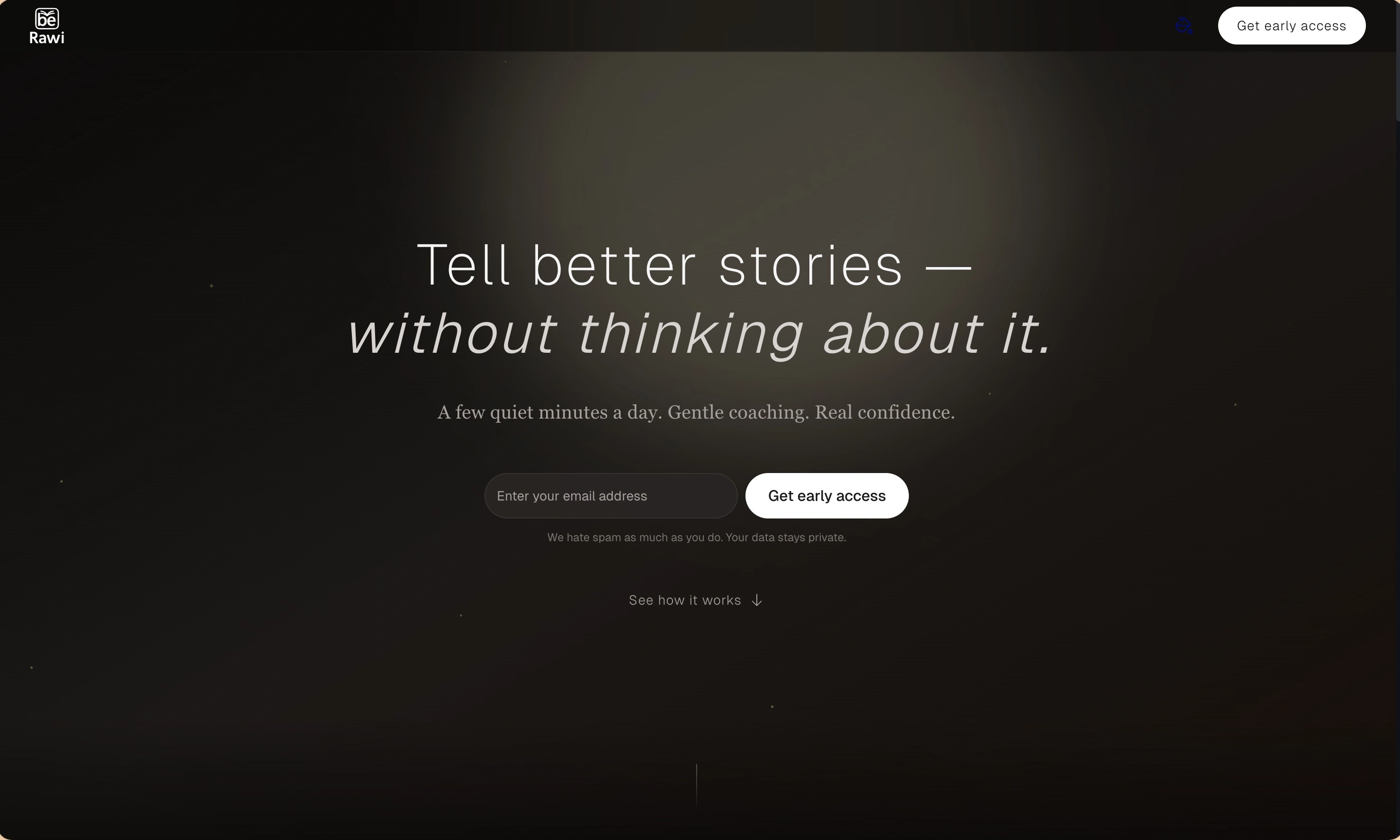
BeRawi: Storytelling Coach
Practice storytelling daily with instant feedback to sound clearer, more engaging, and confident 🎤
Omichat
Chat with 50+ AI models, including ChatGPT and Claude, in one place - switch models anytime without losing context 🤖
Claude Fast
Supercharge your Claude Code with 6x effective context window and specialized AI agents 🤖
EmojAI
AI-powered emoji picker with smart, context-aware suggestions 🤖
Solohacker
Autonomous company launcher - AI agents work 24/7, escalate what matters, and you stay in control 🤖
BeRawi: Storytelling Coach
Practice storytelling daily with instant feedback to sound clearer, more engaging, and confident 🎤
Omichat
Chat with 50+ AI models, including ChatGPT and Claude, in one place - switch models anytime without losing context 🤖
Claude Fast
Supercharge your Claude Code with 6x effective context window and specialized AI agents 🤖
EmojAI
AI-powered emoji picker with smart, context-aware suggestions 🤖
Solohacker
Autonomous company launcher - AI agents work 24/7, escalate what matters, and you stay in control 🤖
BeRawi: Storytelling Coach
Practice storytelling daily with instant feedback to sound clearer, more engaging, and confident 🎤
Omichat
Chat with 50+ AI models, including ChatGPT and Claude, in one place - switch models anytime without losing context 🤖
Claude Fast
Supercharge your Claude Code with 6x effective context window and specialized AI agents 🤖
EmojAI
AI-powered emoji picker with smart, context-aware suggestions 🤖
Solohacker
Autonomous company launcher - AI agents work 24/7, escalate what matters, and you stay in control 🤖
BeRawi: Storytelling Coach
Practice storytelling daily with instant feedback to sound clearer, more engaging, and confident 🎤

Connect with like-minded people
Join our community to get feedback, support, and grow together with 1,000+ builders on board, let's ship it!
Join usShip your startup everywhere. In minutes.
Don't burn tokens on setup and start building features on day one.