QueueCraft
Turn work orders into branded QR tracking portals. QueueCraft predicts completion dates from shop workload and flags jobs likely to run late.
Why AI work order tracking software is an urgent opportunity
For repair shops, fabrication businesses, maintenance teams, print operations, custom manufacturers, and field service organizations, a work order is more than an internal task. It is a customer promise.
Yet many businesses still manage job progress through a mix of spreadsheets, whiteboards, inboxes, verbal updates, and legacy shop management systems. Customers then call or email to ask a simple question that is surprisingly hard to answer accurately: When will my order be ready?
QueueCraft is an AI work order tracking software concept designed to solve this problem. It turns work orders into branded QR tracking portals, predicts likely completion dates based on live workload, and flags jobs that are at risk of being late before the deadline is missed.
The core opportunity is not simply building another work order management app. It is creating a customer-facing visibility layer that helps operational teams manage queues while giving customers a trustworthy, self-service way to track their jobs.
This combination matters because most work order tools are primarily designed for internal users. They may track status, assign technicians, and store notes, but they often fail to translate complex shop-floor activity into a clear customer experience. QueueCraft can bridge that gap with automated status updates, branded QR portals, workload-aware delivery predictions, and practical late-job alerts.
The central product insight
Customers do not need access to every internal detail of a job. They need a clear, accurate answer about progress, expected completion, and whether they need to take action.
The primary keyword opportunity for this concept is AI work order tracking software. Related search terms include:
- QR code work order tracking
- customer job status portal
- work order completion prediction
- manufacturing job tracking software
- repair order tracking system
- service job tracking portal
- work order delay alerts
- shop workload forecasting
- customer-facing work order software
- predictive maintenance workflow software
QueueCraft can serve users searching for better work order visibility, faster customer communication, more accurate delivery estimates, and operational tools that prevent avoidable delays.
The target audience for QueueCraft
QueueCraft should not initially target every company that uses work orders. The most successful SaaS launch will focus on segments where customer updates are frequent, job timelines vary, and missed delivery expectations directly affect trust and revenue.
Primary audience: job-based operational businesses
The ideal QueueCraft customer is a business that receives jobs, processes them through multiple stages, and needs to keep customers informed without manually responding to repetitive status requests.
High-potential customer segments include:
- Custom fabrication shops handling welding, machining, woodworking, signage, or metalwork jobs
- Auto repair shops, body shops, tire centers, and specialty vehicle service businesses
- Appliance, electronics, and equipment repair companies
- Print shops, embroidery businesses, and promotional product companies
- Commercial maintenance teams managing service requests and repair queues
- Equipment rental and industrial service operations
- Small and mid-sized manufacturers with made-to-order production workflows
- IT repair centers and managed device refurbishment businesses
- Laboratories, calibration providers, and technical service firms
These businesses commonly share a similar workflow. A customer submits an item or request, the team creates a work order, the job moves through several internal stages, and the customer expects updates.
The business may already have software, but staff often still answer calls such as:
- “Has my repair started?”
- “Is my order still on track?”
- “Can I pick it up this week?”
- “Why did the expected date change?”
- “Do you need anything else from me?”
Every manual response creates context switching for operational staff. More importantly, vague or incorrect answers can harm customer confidence.
Secondary audience: internal operations leaders
QueueCraft should also appeal to the people accountable for throughput, service quality, and profitability.
Typical buyers include:
- Operations managers
- Shop owners
- Service managers
- Production planners
- Customer experience leaders
- Dispatch coordinators
- General managers at multi-location service businesses
- Digital transformation leads in established operations
These buyers care about more than a customer portal. They need a solution that reduces interruptions, identifies bottlenecks, helps staff prioritize at-risk jobs, and creates measurable accountability around on-time completion.
Customer personas and their core jobs
| Persona | Primary pain | Desired outcome | QueueCraft value | Buying trigger |
|---|---|---|---|---|
| Shop owner | Too many status calls | Happier customers and fewer interruptions | Branded self-service tracking portal | Growth without adding admin staff |
| Operations manager | Late jobs discovered too late | Early warning and clearer prioritization | Workload-based late-risk alerts | Declining on-time delivery performance |
| Customer service lead | Repeated update requests | Consistent proactive communication | Automated status notifications | High inbound support volume |
| End customer | Uncertainty after dropping off an item | Reliable job status and pickup details | QR-based tracking without an account | Need for a timely update |
The market gap in work order management and customer tracking
The work order management market is established, but the gap is clear. Many existing platforms optimize for internal task assignment, asset history, maintenance schedules, dispatch, inventory, or technician time tracking. Those are valuable capabilities, but they do not always solve the communication and forecasting problem at the point where customers feel the impact.
Existing systems often treat customer visibility as an afterthought
A typical internal work order platform may have a status field such as “new,” “in progress,” “waiting for parts,” or “complete.” That does not automatically make the status useful to a customer.
For example, “waiting for parts” is operationally accurate but customer-unfriendly. The customer needs to know whether the delay affects the original completion estimate, what happens next, and when the business will provide another update.
QueueCraft can introduce a translation layer between internal operations and customer communication. Teams can retain detailed internal statuses while mapping them to simple, carefully worded customer-facing milestones.
A repair shop might use internal stages such as:
- Intake review
- Technician diagnosis
- Parts sourcing
- Repair in progress
- Quality check
- Ready for pickup
The customer portal can communicate these stages in a more accessible way, such as “We are reviewing your item,” “Your repair is underway,” or “Your order is ready.”
Date promises are often static, not workload-aware
A second market gap is the way estimated completion dates are created. Many teams manually choose a date based on experience. That estimate may be reasonable when the job enters the system, but conditions change.
A technician may be absent. A priority emergency job may arrive. A machine may be unavailable. A supplier delay may occur. A quality issue may force rework. If the estimated date does not adapt to these changes, the business is effectively operating with stale promises.
QueueCraft’s differentiator is its ability to estimate completion based on job characteristics and current queue conditions rather than presenting a fixed date that no longer reflects reality.
QR portals reduce friction at the moment customers need information
Traditional customer portals often require usernames, passwords, account creation, and password resets. That friction discourages adoption, particularly for one-time repair or custom-order customers.
A QR code solves a more immediate use case. The business can print it on a receipt, work order card, package label, email confirmation, or service tag. When scanned, it opens a secure branded tracking page.
The portal should require no account for basic status access, while still protecting sensitive details through secure, unguessable tokens and optional verification steps.
The ideal positioning
QueueCraft should position itself as:
AI work order tracking software that turns operational queues into accurate, branded customer updates.
This positioning is stronger than “work order management software” because it avoids competing head-on with broad enterprise platforms. It focuses on a specific and painful outcome: reducing status-chasing while preventing late-job surprises.
How QueueCraft should work
The product should be designed around a straightforward promise. Every work order receives a live tracking page, every customer gets understandable updates, and every internal team sees which jobs require intervention.
Branded QR work order tracking portals
The customer-facing portal is the product’s most visible feature. Each work order should have a unique, secure URL and QR code.
A well-designed tracking portal should include:
- The business logo, name, colors, and support contact details
- A simple job reference number
- The current customer-friendly status
- The current estimated completion date or pickup window
- A visual timeline of completed and upcoming milestones
- Customer action requests, such as approving a quote or uploading a photo
- A clear notification when the job is ready
- Optional SMS or email update preferences
- A direct contact option for questions that cannot be resolved by self-service
The experience should feel similar to package tracking, but purpose-built for service and production workflows. Customers already understand how to check a shipment or food delivery status. QueueCraft can apply the same expectation of visibility to repairs, custom orders, and work queues.
AI completion date prediction
The prediction engine is the strategic heart of QueueCraft. It should forecast an expected completion date or range by analyzing relevant operational signals.
Early versions do not need an overly complex machine learning model. In fact, a transparent rules-plus-data approach is often better for initial trust and adoption.
Useful input signals include:
- Historical duration for similar jobs
- Current work order stage
- Job type, priority, and service category
- Assigned technician, team, machine, or workstation capacity
- Number of jobs ahead in the relevant queue
- Expected labor hours remaining
- Parts availability and supplier lead-time status
- Business hours, holidays, and shift patterns
- Rework history or quality control failures
- Manual supervisor adjustments
- Customer approval waiting time
The system can initially generate a predicted date using historical medians and capacity calculations. As data maturity improves, QueueCraft can move toward probabilistic forecasting that estimates the likelihood of meeting a promised deadline.
Rather than saying, “This job will definitely finish Friday,” the portal can communicate a calibrated message:
“Estimated completion is Friday, June 14. Based on current workload, this date is currently on track.”
If risk rises, the internal team sees a warning first. The business can decide whether to reprioritize the job, communicate a revised estimate, or escalate the issue.
Avoid false precision
Completion prediction should present confidence and uncertainty honestly. A date range or confidence label is often more trustworthy than a precise timestamp when work depends on staffing, parts, approvals, or variable repair complexity.
Late-risk detection and operational alerts
QueueCraft should not only predict dates. It should explain which jobs may miss their expected completion window and why.
A late-risk dashboard could surface jobs based on a simple risk score that considers due date proximity, estimated remaining work, queue congestion, unresolved dependencies, and historical cycle time variance.
For each at-risk work order, the platform should show actionable reasons:
- The assigned technician has more remaining scheduled work than available capacity
- The job is waiting on a customer approval
- A required part is delayed or unconfirmed
- The queue at a specific workstation has exceeded normal lead time
- Similar jobs have historically taken longer than the original estimate
- The work order has been inactive for longer than expected
This explanation is crucial. Operations managers will not trust a black-box “high risk” badge if it does not show what drove the result.
Customer communication automation
Automation should make communication more proactive without making it robotic. QueueCraft can support templates triggered by meaningful events.
Useful notification triggers include:
- Work order created
- Job has entered active work
- Customer approval is needed
- Completion estimate has changed
- A part or dependency affects the timeline
- Work is complete and ready for pickup
- Pickup reminder after a configurable period
- Work order closed with a feedback request
Businesses should be able to configure whether messages are sent automatically, require review, or are limited to specific statuses. This control matters in industries where a delay needs personalized handling.
Internal workflow controls
The customer portal depends on accurate internal data, so QueueCraft needs a practical operational interface.
Core internal capabilities should include:
- Work order creation and editing
- Custom status workflows
- Team and technician assignment
- Due date and promised date tracking
- Workload and queue views
- Bulk status updates
- Notes separated into internal and customer-visible categories
- Attachments, photos, and customer documents
- Delay reasons and dependency tracking
- Audit history for estimate changes
- Role-based access permissions
- Multi-location support for growing businesses
The product should make updates easy enough that staff actually use it. If team members must complete lengthy forms to move a work order forward, the data will become unreliable and the prediction layer will suffer.
The unique selling proposition and competitive advantage
QueueCraft’s unique selling proposition is its combination of branded QR tracking portals, workload-aware completion forecasting, and explainable late-job alerts.
Many tools can create a work order. Some tools can send notifications. Some enterprise systems offer sophisticated scheduling. QueueCraft’s advantage comes from packaging the capabilities that matter most to customer-facing job businesses into a focused, accessible workflow.
Customer clarity
Every work order becomes a simple branded status experience that customers can access by scanning a QR code.
Operational foresight
Workload-aware estimates and late-risk signals help teams act before a customer promise is broken.
Practical adoption
A focused overlay or lightweight system is easier for small and mid-sized teams to deploy than a full enterprise replacement.
Why QueueCraft can win against broad work order platforms
Broad platforms often have a larger feature footprint, but that breadth can create friction. They may require long implementation cycles, specialized administrators, extensive configuration, or expensive per-user licensing.
QueueCraft can compete through:
- Faster onboarding for a narrow and valuable use case
- Customer-facing tracking as a first-class feature rather than an add-on
- QR code access that does not force customers to create accounts
- Explainable prediction instead of opaque AI claims
- Configurable communication templates for service-oriented businesses
- An integration-first strategy for teams that already use another system
- Affordable pricing aligned with the number of active jobs rather than every employee
Why QueueCraft can win against spreadsheets and manual updates
The real competitor for many target customers is not another SaaS product. It is a combination of paper tickets, staff memory, text messages, spreadsheets, and reactive customer service.
QueueCraft needs to make the operational improvement obvious:
- Fewer inbound “where is my order?” calls
- Less repetitive customer service work
- More consistent promises and updates
- Earlier detection of bottlenecks
- Stronger brand perception during a stressful customer wait
- Better data for improving lead times and staffing decisions
The value proposition is especially compelling when framed around time savings and customer retention rather than abstract artificial intelligence.
Recommended technology stack for QueueCraft
QueueCraft should be built for rapid iteration, secure multi-tenant data handling, and reliable event-driven notifications. A modern TypeScript stack is a practical fit because it supports a cohesive product team and minimizes context switching between frontend and backend development.
Application foundation
A recommended initial stack includes:
- Next.js for the web application, API routes, server rendering, and public tracking pages
- React for interactive internal dashboards and portal components
- TypeScript for safer shared data models
- Tailwind CSS for rapid, consistent multi-tenant branding
- PostgreSQL for relational work order, event, user, and reporting data
- Prisma or a similar ORM for typed database access and migrations
- Supabase for a managed PostgreSQL option, authentication, storage, and real-time capabilities
- Stripe for subscriptions, billing, invoices, and usage-based pricing
- Sentry for application monitoring and error reporting
For founders who want to avoid building baseline SaaS infrastructure from scratch, TurboStarter can accelerate work on authentication, payments, application structure, and standard product foundations.
Prediction and AI architecture
The first version of QueueCraft should avoid depending entirely on a generative AI model. Completion forecasts are numerical operational predictions, so the system needs structured data and reproducible logic.
A sensible progression looks like this:
Start with configurable service-time estimates, business calendars, queue position, and rule-based risk scoring. This approach is explainable and works even when historical data is limited.
Add historical cycle-time analysis by job category, technician, service stage, and location. Use medians and percentiles rather than simple averages to reduce the effect of unusually complex jobs.
Introduce supervised models only after sufficient clean data exists. Predict completion probability, expected cycle time, and risk of missed promised dates. Continuously measure model accuracy against actual outcomes.
Python is a strong option for analytics and model training because of its mature data ecosystem. The production application can remain TypeScript-based while scheduled Python jobs calculate model features, forecasts, and performance metrics.
The AI layer can also assist with language-oriented work, including:
- Converting internal notes into customer-safe update drafts
- Summarizing why a work order is delayed
- Classifying work order descriptions into service categories
- Suggesting similar historical work orders
- Drafting customer communication that a team member reviews before sending
For customer-facing updates, generative AI should be constrained by structured facts. It should never invent a completion date, part availability, or repair diagnosis.
Data model considerations
The data model should preserve events, not only current states. A historical event trail makes forecasting, reporting, auditing, and debugging far more reliable.
Important entities include:
- Organization and business location
- User, role, and team membership
- Customer and customer contact
- Work order and work order line item
- Work order status and status transition
- Assignment and capacity record
- Estimate and promised completion date
- Customer-facing tracking token
- Notification event and delivery result
- Delay reason and dependency
- Attachment and media asset
- Forecast result, confidence score, and model version
- Audit event
A simplified TypeScript model might look like this:
type WorkOrderRisk = "low" | "medium" | "high";

type WorkOrderForecast = {
  workOrderId: string;
  predictedCompletionAt: Date;
  confidencePercent: number;
  lateRisk: WorkOrderRisk;
  riskReasons: string[];
  modelVersion: string;
  calculatedAt: Date;
};

type WorkOrderStatusEvent = {
  workOrderId: string;
  previousStatus: string;
  nextStatus: string;
  changedAt: Date;
  changedByUserId: string;
  customerVisible: boolean;
};
Key technology trade-offs
A product strategy should acknowledge trade-offs rather than assuming the most advanced stack is automatically best.
- A managed platform such as Supabase can accelerate launch, but deeply custom data pipelines may eventually require more infrastructure control.
- Real-time updates improve dashboard responsiveness, but polling or event-triggered refreshes can be cheaper and simpler at low scale.
- A native mobile app may feel attractive, but a responsive web app and QR portal should come first because customers access tracking occasionally.
- Sophisticated machine learning can improve predictions later, but transparent heuristics are often more useful during the data-poor MVP phase.
- Integrations with established work order systems increase market reach, but each integration adds maintenance and support complexity.
Monetization strategies for AI work order tracking software
QueueCraft should price around the value it creates rather than charging solely for generic software seats. The right pricing model depends on the target segment, but active work orders and locations are likely better value metrics than employee count.
Recommended subscription model
A tiered SaaS model can work well:
- A starter plan for small shops with limited active work orders and one location
- A growth plan with higher work order volume, advanced notifications, custom branding, and forecasting
- A multi-location plan with centralized reporting, location-level controls, and API access
- An enterprise plan with SSO, advanced integrations, custom data retention, and dedicated support
The core portal should be included in every plan because it is the primary adoption driver. Higher tiers can unlock operational intelligence and automation.
Potential premium features include:
- Advanced late-risk prediction
- Custom customer portal domains
- SMS usage bundles
- Additional branded notification templates
- Customer approval workflows
- API access and webhooks
- Integration connectors
- Multi-location analytics
- SLA reporting
- White-label options for franchises or service networks
Usage-based pricing opportunities
Usage-based charges can be appropriate for variable-cost features, especially SMS notifications, document storage, or unusually high portal traffic. However, the primary price should remain predictable.
A confusing billing model can undermine the product’s appeal to small operations. Customers should understand what counts as an active work order and receive alerts before they exceed their plan limits.
ROI-focused sales messaging
QueueCraft should help buyers calculate value using inputs they understand:
- Number of weekly customer status calls
- Average time required to handle each update request
- Number of late jobs per month
- Revenue or retention impact of missed completion promises
- Time spent compiling manual daily queue reports
- Cost of customer service staffing as the business grows
The product does not need to promise unrealistic outcomes. It can demonstrate a credible operational hypothesis: if staff spend less time answering routine status questions and identify at-risk jobs earlier, the business can improve both efficiency and customer experience.
Risks and mitigation strategies
QueueCraft has a strong use case, but it also faces real product, data, and market risks.
Risk: inaccurate predictions reduce trust
If predicted completion dates are consistently wrong, customers and internal teams may stop trusting the system.
Mitigation should include:
- Starting with ranges or confidence labels when uncertainty is high
- Tracking forecast accuracy by job type and location
- Providing staff with an easy way to override estimates
- Explaining the factors behind a risk classification
- Excluding insufficient or unreliable data from model training
- Showing customers revised dates only when communication policy allows it
- Measuring predicted versus actual completion time continuously
Risk: poor operational data quality
Forecasting is only as useful as the underlying status and queue data. Teams may forget to update jobs or use inconsistent status labels.
Mitigation should include:
- Designing fast mobile-friendly status updates
- Offering simple default workflows by vertical
- Supporting barcode and QR scanning for job lookup
- Adding stale-work-order reminders
- Tracking data completeness as an internal health score
- Making status transitions easy to use from the dashboard
- Allowing integrations to sync authoritative data automatically
Risk: customers access sensitive information through QR codes
A QR code printed on a receipt can be scanned by someone other than the original customer. The portal must balance convenience and privacy.
Mitigation should include:
- Using long, cryptographically secure tracking tokens
- Avoiding sensitive personal information on public pages
- Masking customer contact details by default
- Supporting optional verification via email, phone, or ZIP code
- Allowing businesses to expire links after work order closure
- Logging portal access and providing token regeneration
- Applying role-based access controls to internal systems
Risk: integrations become a maintenance burden
Integration requests will arrive quickly, especially from teams already using point-of-sale, ERP, field service, or shop management software.
Mitigation should include:
- Launching with CSV import and API/webhook options first
- Building connectors only for validated customer segments
- Creating a stable canonical work order data model
- Treating integrations as separately scoped commercial offerings
- Documenting sync ownership and conflict-resolution rules
- Monitoring integration failures and notifying administrators promptly
Risk: broad competitors copy QR tracking features
Large work order platforms can add QR pages or simple notifications. QueueCraft needs a deeper moat than a single feature.
Mitigation should focus on:
- Building proprietary benchmark data around cycle time and queue patterns
- Developing vertical workflow templates that reduce setup time
- Improving forecast quality with accumulated historical data
- Creating excellent customer-facing portal design and communication controls
- Building integrations that become embedded in daily workflows
- Establishing a recognizable niche around proactive job visibility
Go-to-market strategy for QueueCraft
The strongest early go-to-market path is vertical-first. Rather than selling to every operations team, QueueCraft should choose one niche where work order delays, customer updates, and QR-based access are immediately understandable.
Good initial verticals may include auto repair, custom fabrication, print shops, or equipment repair. The best choice should be validated through interviews, workflow observation, and pilot customers.
Build a clear vertical landing page strategy
Each landing page should speak the industry’s language.
Examples of focused pages include:
- AI work order tracking software for repair shops
- QR job tracking portal for fabrication businesses
- Customer order status software for print shops
- Work order delay alerts for equipment service teams
The page should show:
- The customer problem in familiar terms
- A short product workflow
- Sample QR tracking portal screens
- Before-and-after process comparisons
- Integration options
- Security and privacy expectations
- ROI examples based on saved administrative time
- A direct demo or pilot call to action
For SEO authority, publish useful operational content rather than only product pages. Topics could include how to reduce “where is my order?” calls, how to estimate repair turnaround time, how to create customer-friendly work order statuses, and how to measure on-time completion.
When using market statistics, cite the original research source in the final published article. Good sources may include government labor data, reputable industry associations, established research firms, or first-party survey data with methodology clearly stated.
Pilot program design
A pilot should be designed to prove value, not simply give away software.
Choose businesses that have:
- At least a moderate weekly volume of work orders
- A recognizable customer communication problem
- Willingness to update statuses consistently
- A manager who can provide operational feedback
- Enough historical work order data to evaluate forecasting
- A process that is repeated often enough to measure change
Track baseline metrics before the pilot begins. Relevant metrics include inbound status inquiries, average completion delay, percentage of jobs completed by the promised date, number of manual update messages, and customer satisfaction feedback.
A practical implementation roadmap
QueueCraft should launch with a narrow MVP that delivers value before pursuing advanced AI, broad integrations, or enterprise workflow complexity.
The first release should optimize for a repeatable loop:
- A staff member creates or imports a work order.
- QueueCraft generates a secure QR tracking page.
- The customer receives a link or scans the QR code.
- The operational team updates job status with minimal effort.
- QueueCraft recalculates the expected completion date.
- The system flags risks before they become customer complaints.
- The customer receives a clear update or pickup notification.
Final perspective on the QueueCraft opportunity
QueueCraft addresses a practical SaaS problem with high emotional and operational stakes. Customers dislike uncertainty, while service and production teams dislike constant interruptions and last-minute delivery surprises.
The opportunity is to make work order visibility feel as simple as package tracking while respecting the complexity of real-world queues, staffing constraints, parts dependencies, and variable job durations.
The most important strategic decision is to avoid leading with “AI” alone. AI can strengthen QueueCraft’s forecasting, classification, and communication capabilities, but customers will buy the product for tangible outcomes:
- Better customer visibility
- Fewer repetitive status requests
- More accurate completion expectations
- Earlier warnings about late jobs
- A more professional, branded service experience
- Better operational decisions based on queue data
By starting with secure QR tracking portals and explainable queue intelligence, QueueCraft can establish a differentiated position in the AI work order tracking software market. As it collects structured workflow data and earns customer trust, its prediction engine, vertical templates, and integrations can become durable competitive advantages.
More 🤖 AI Startup SaaS ideas
Discover more innovative ai startup SaaS ideas that are trending in 2026. Each idea is AI-generated with market validation and growth potential to help you find your next profitable venture faster than competitors.
Your competitors are building with TurboStarter
Below are some of the SaaS ideas that have been generated and built with our starter kit.
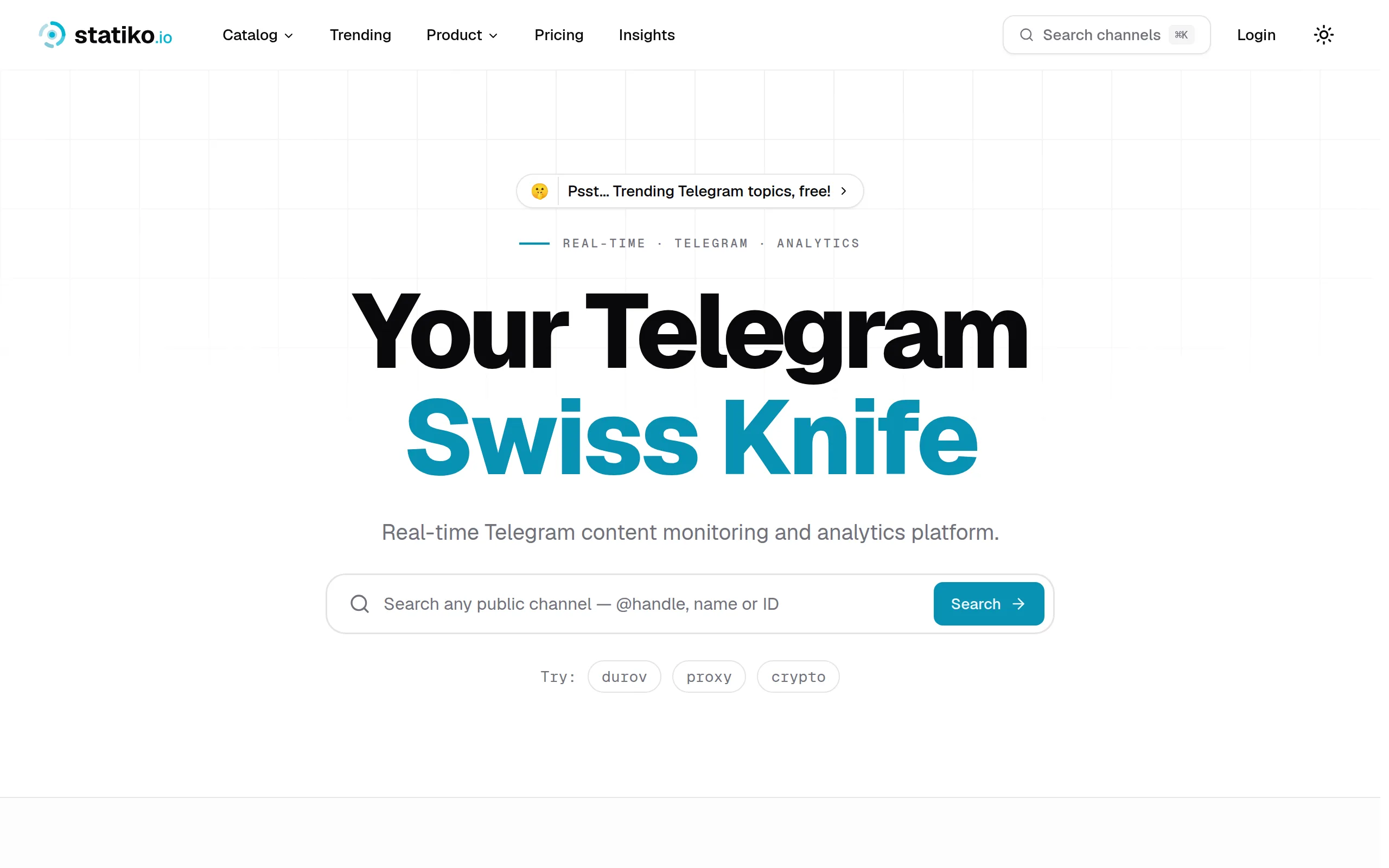
Statiko
Monitor any Telegram channel in real time - track posts, edits, deletions, and growth with AI recaps 📡

Shibui
AI website builder - describe your business, pick a niche template, edit by chatting, and publish instantly ✨

Pro Service
Find verified home service professionals, compare quotes, and pay securely through escrow - built for Brazilians across the US 🏠
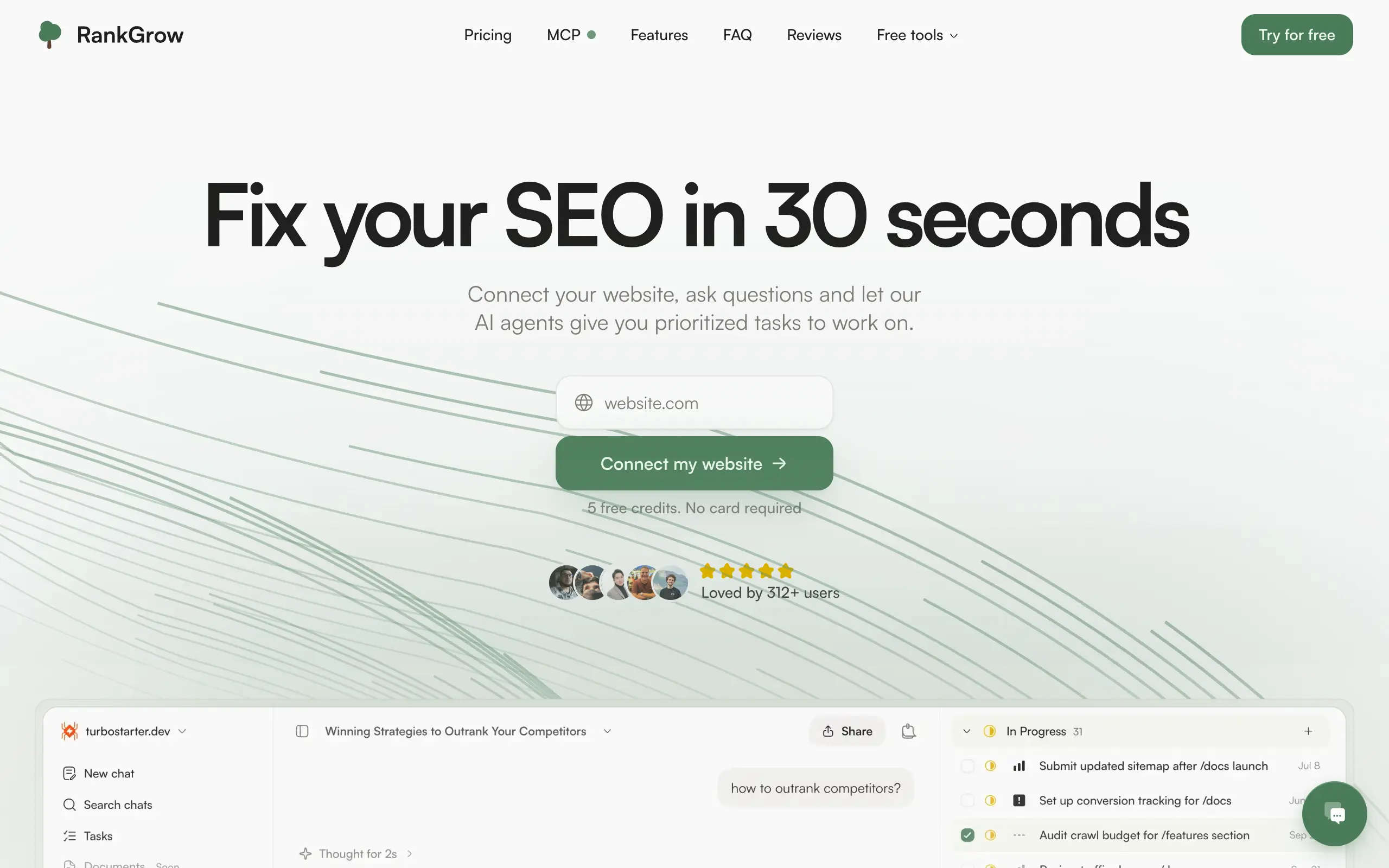
RankGrow
Fix your SEO with AI agents - connect Search Console, get prioritized tasks, and grow organic traffic 📈
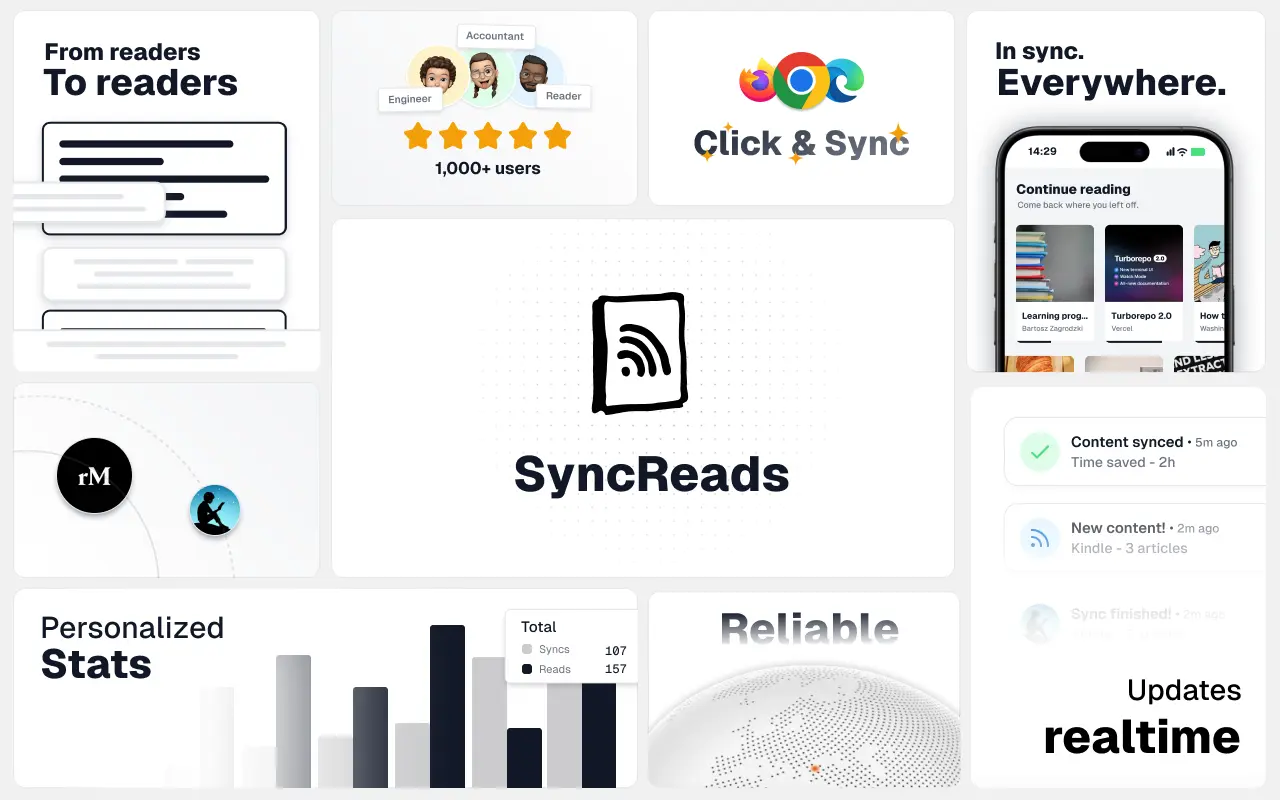
SyncReads
Sync your favorite content for distraction-free reading, save time and replace multiple apps. Anytime, anywhere 🔄
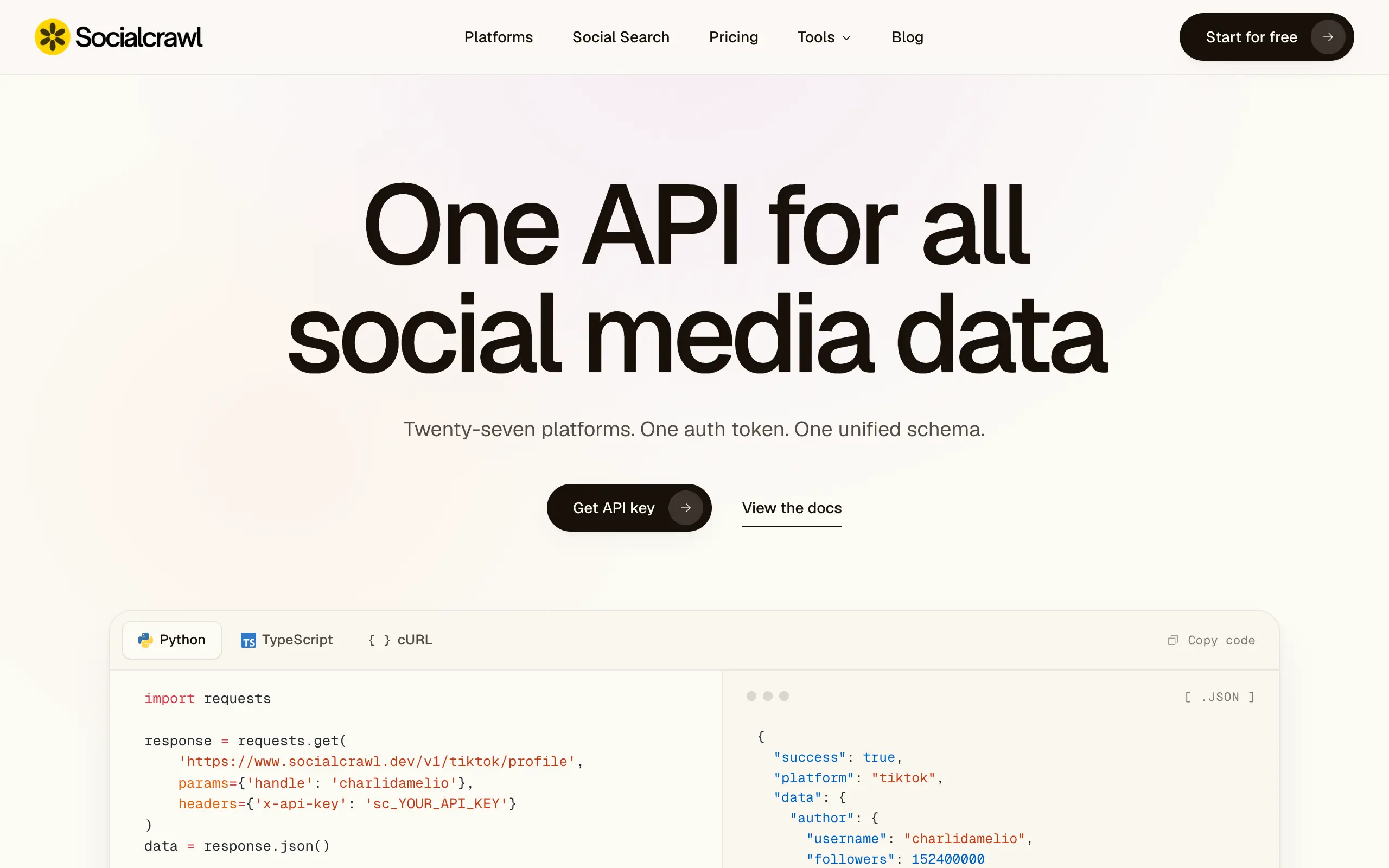
Socialcrawl
Get clean, structured data from 21 platforms like TikTok, Instagram, and YouTube with a single request 📊
Statiko
Monitor any Telegram channel in real time - track posts, edits, deletions, and growth with AI recaps 📡
Shibui
AI website builder - describe your business, pick a niche template, edit by chatting, and publish instantly ✨
Pro Service
Find verified home service professionals, compare quotes, and pay securely through escrow - built for Brazilians across the US 🏠
RankGrow
Fix your SEO with AI agents - connect Search Console, get prioritized tasks, and grow organic traffic 📈
SyncReads
Sync your favorite content for distraction-free reading, save time and replace multiple apps. Anytime, anywhere 🔄
Socialcrawl
Get clean, structured data from 21 platforms like TikTok, Instagram, and YouTube with a single request 📊
Statiko
Monitor any Telegram channel in real time - track posts, edits, deletions, and growth with AI recaps 📡
Shibui
AI website builder - describe your business, pick a niche template, edit by chatting, and publish instantly ✨
Pro Service
Find verified home service professionals, compare quotes, and pay securely through escrow - built for Brazilians across the US 🏠
RankGrow
Fix your SEO with AI agents - connect Search Console, get prioritized tasks, and grow organic traffic 📈
SyncReads
Sync your favorite content for distraction-free reading, save time and replace multiple apps. Anytime, anywhere 🔄
Socialcrawl
Get clean, structured data from 21 platforms like TikTok, Instagram, and YouTube with a single request 📊
Statiko
Monitor any Telegram channel in real time - track posts, edits, deletions, and growth with AI recaps 📡
Shibui
AI website builder - describe your business, pick a niche template, edit by chatting, and publish instantly ✨
Pro Service
Find verified home service professionals, compare quotes, and pay securely through escrow - built for Brazilians across the US 🏠
RankGrow
Fix your SEO with AI agents - connect Search Console, get prioritized tasks, and grow organic traffic 📈
SyncReads
Sync your favorite content for distraction-free reading, save time and replace multiple apps. Anytime, anywhere 🔄
Socialcrawl
Get clean, structured data from 21 platforms like TikTok, Instagram, and YouTube with a single request 📊
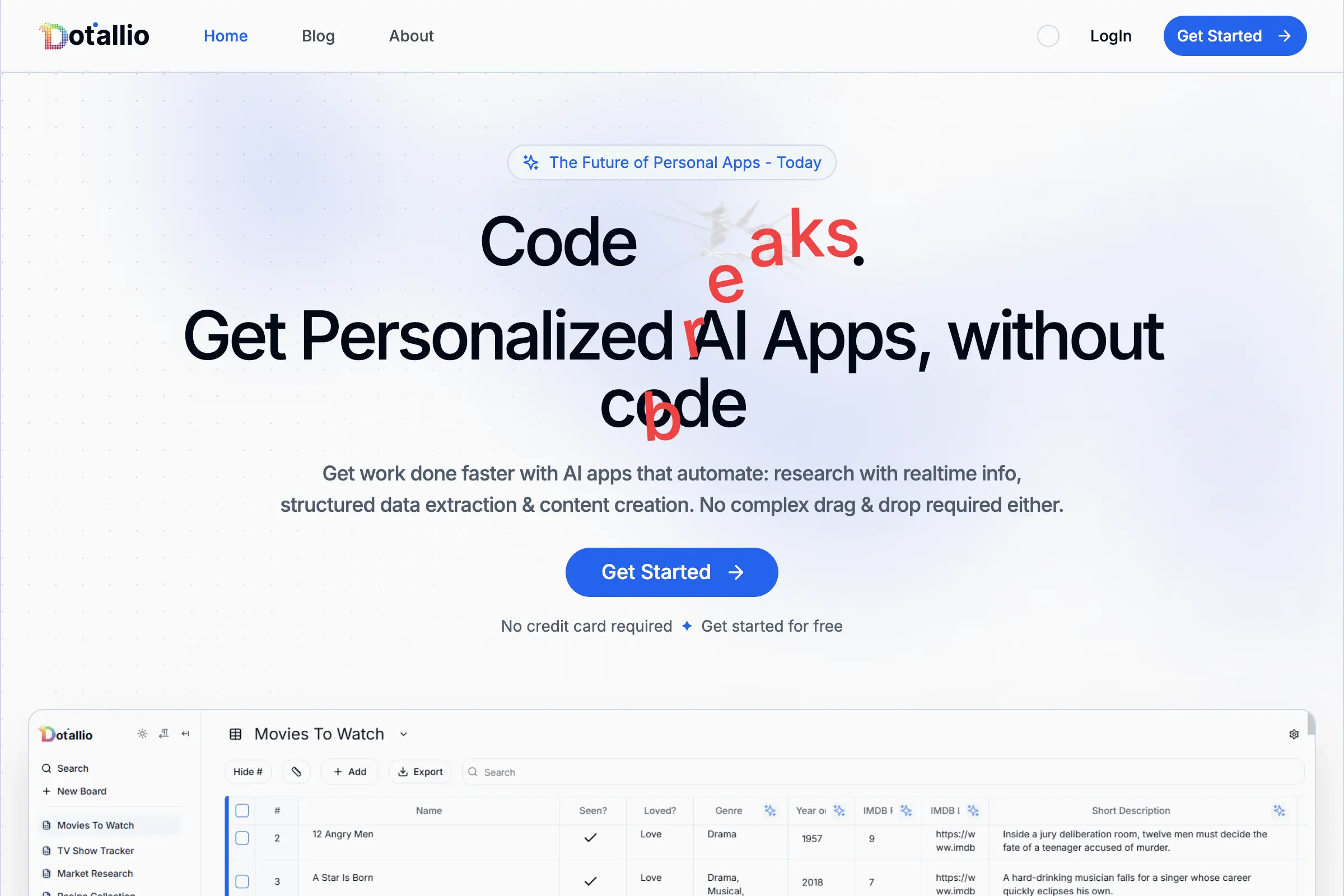
Dotallio
Personalized AI apps that automate research, data extraction, and content creation without code 🤖
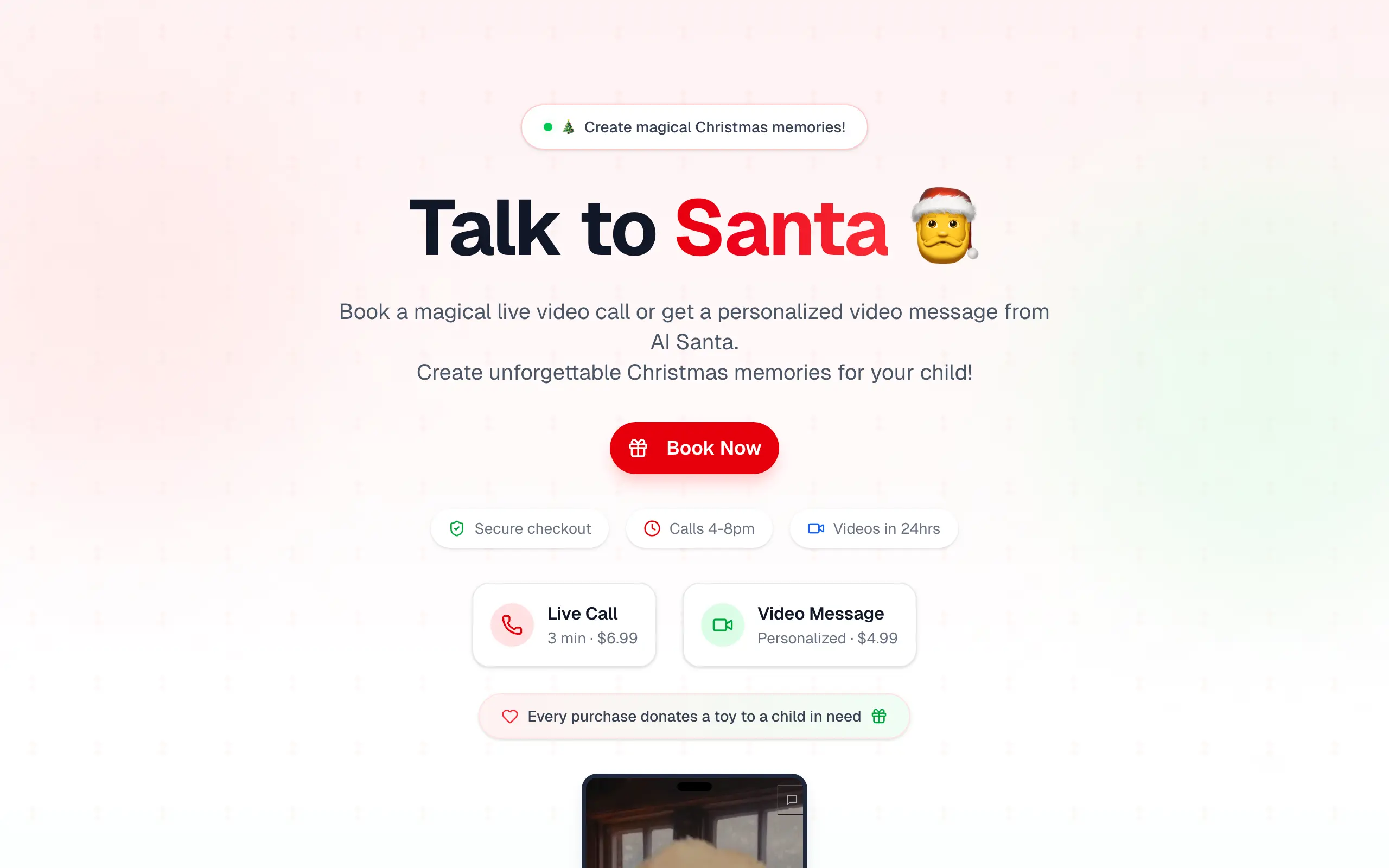
Talk to Santa
Enjoy a magical live video chat or receive a unique AI-generated video greeting from Santa Claus 🎅
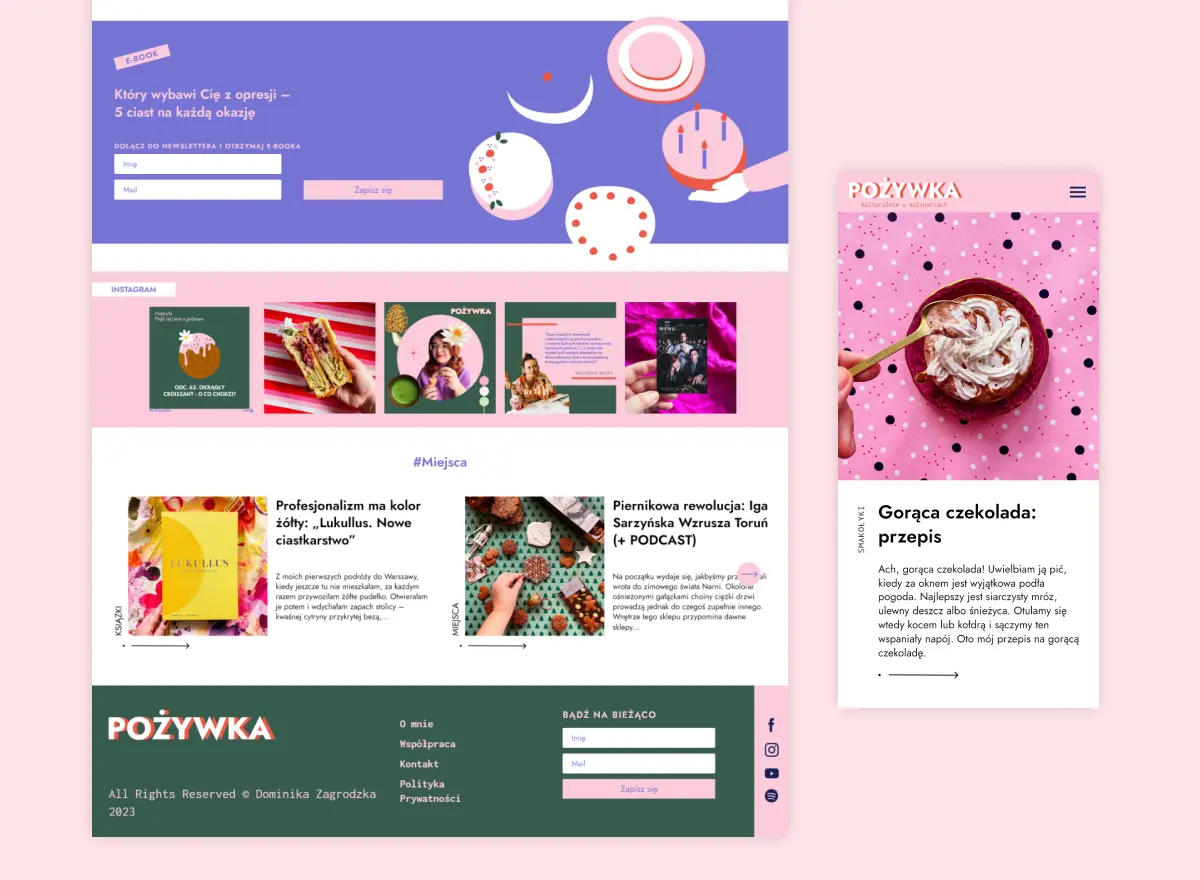
pozywka.pl
Scalable blog for food journalist, focused on performance and user experience 🌭
zagrodzki.me
Personal blog and portfolio of Bart Zagrodzki, where he shares his knowledge and work 💼
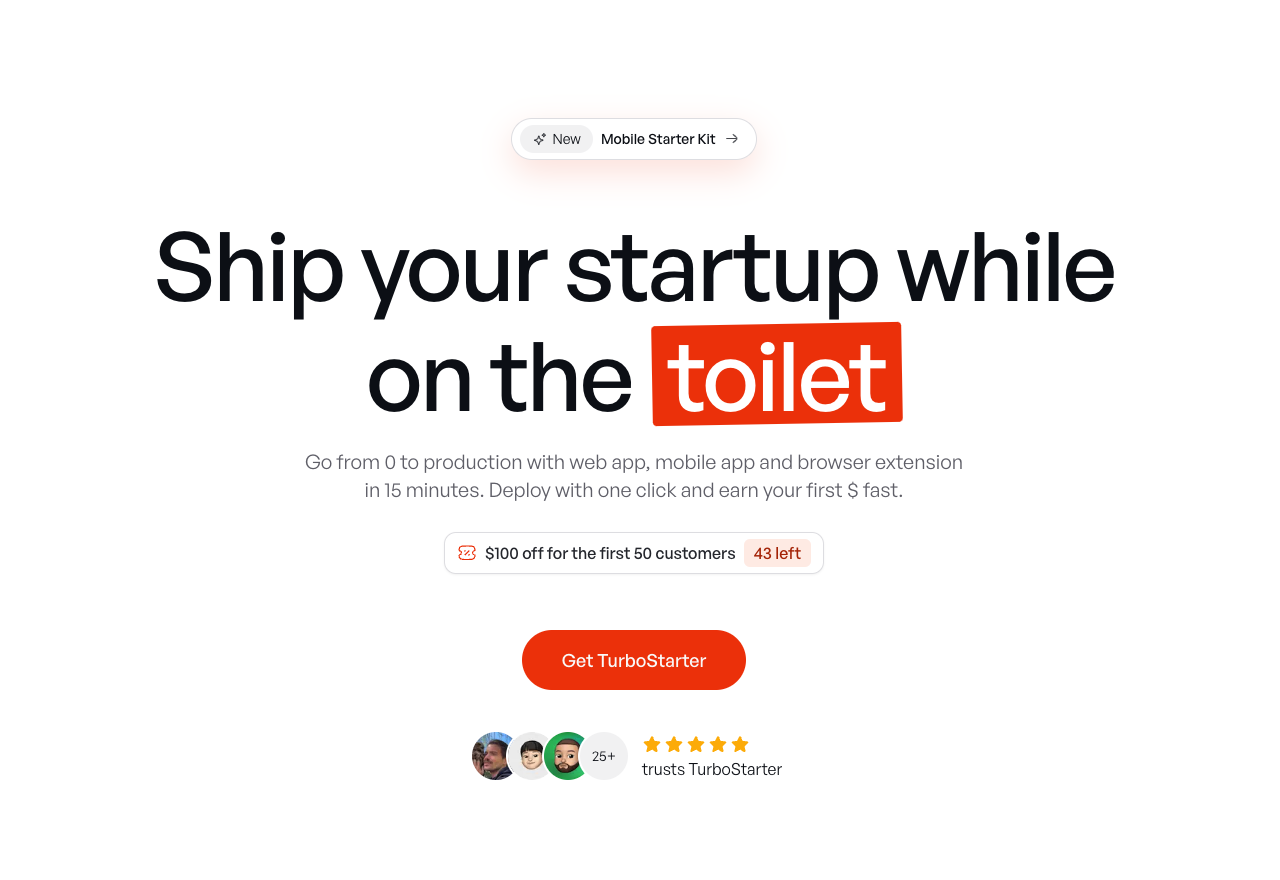
TurboStarter
Ship your startup everywhere. In minutes.
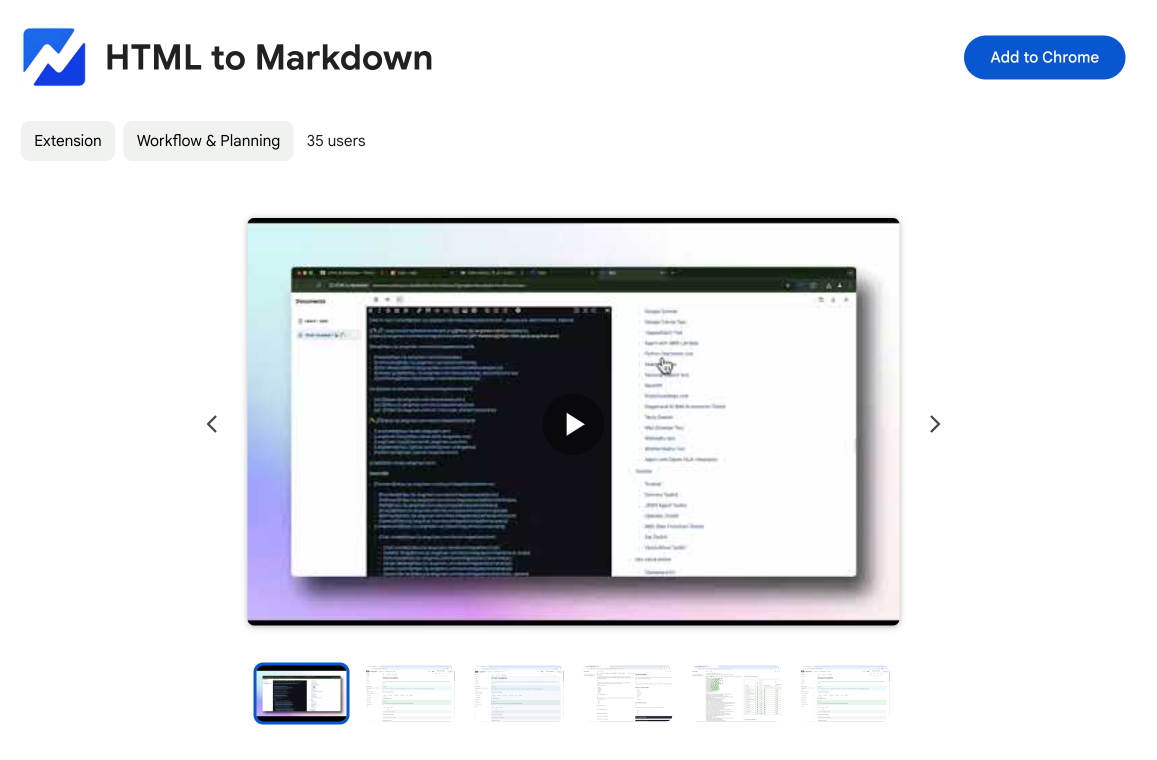
HTML to Markdown
Convert HTML to Markdown with ease, directly in your browser 📄
Dotallio
Personalized AI apps that automate research, data extraction, and content creation without code 🤖
Talk to Santa
Enjoy a magical live video chat or receive a unique AI-generated video greeting from Santa Claus 🎅
pozywka.pl
Scalable blog for food journalist, focused on performance and user experience 🌭
zagrodzki.me
Personal blog and portfolio of Bart Zagrodzki, where he shares his knowledge and work 💼
TurboStarter
Ship your startup everywhere. In minutes.
HTML to Markdown
Convert HTML to Markdown with ease, directly in your browser 📄
Dotallio
Personalized AI apps that automate research, data extraction, and content creation without code 🤖
Talk to Santa
Enjoy a magical live video chat or receive a unique AI-generated video greeting from Santa Claus 🎅
pozywka.pl
Scalable blog for food journalist, focused on performance and user experience 🌭
zagrodzki.me
Personal blog and portfolio of Bart Zagrodzki, where he shares his knowledge and work 💼
TurboStarter
Ship your startup everywhere. In minutes.
HTML to Markdown
Convert HTML to Markdown with ease, directly in your browser 📄
Dotallio
Personalized AI apps that automate research, data extraction, and content creation without code 🤖
Talk to Santa
Enjoy a magical live video chat or receive a unique AI-generated video greeting from Santa Claus 🎅
pozywka.pl
Scalable blog for food journalist, focused on performance and user experience 🌭
zagrodzki.me
Personal blog and portfolio of Bart Zagrodzki, where he shares his knowledge and work 💼
TurboStarter
Ship your startup everywhere. In minutes.
HTML to Markdown
Convert HTML to Markdown with ease, directly in your browser 📄
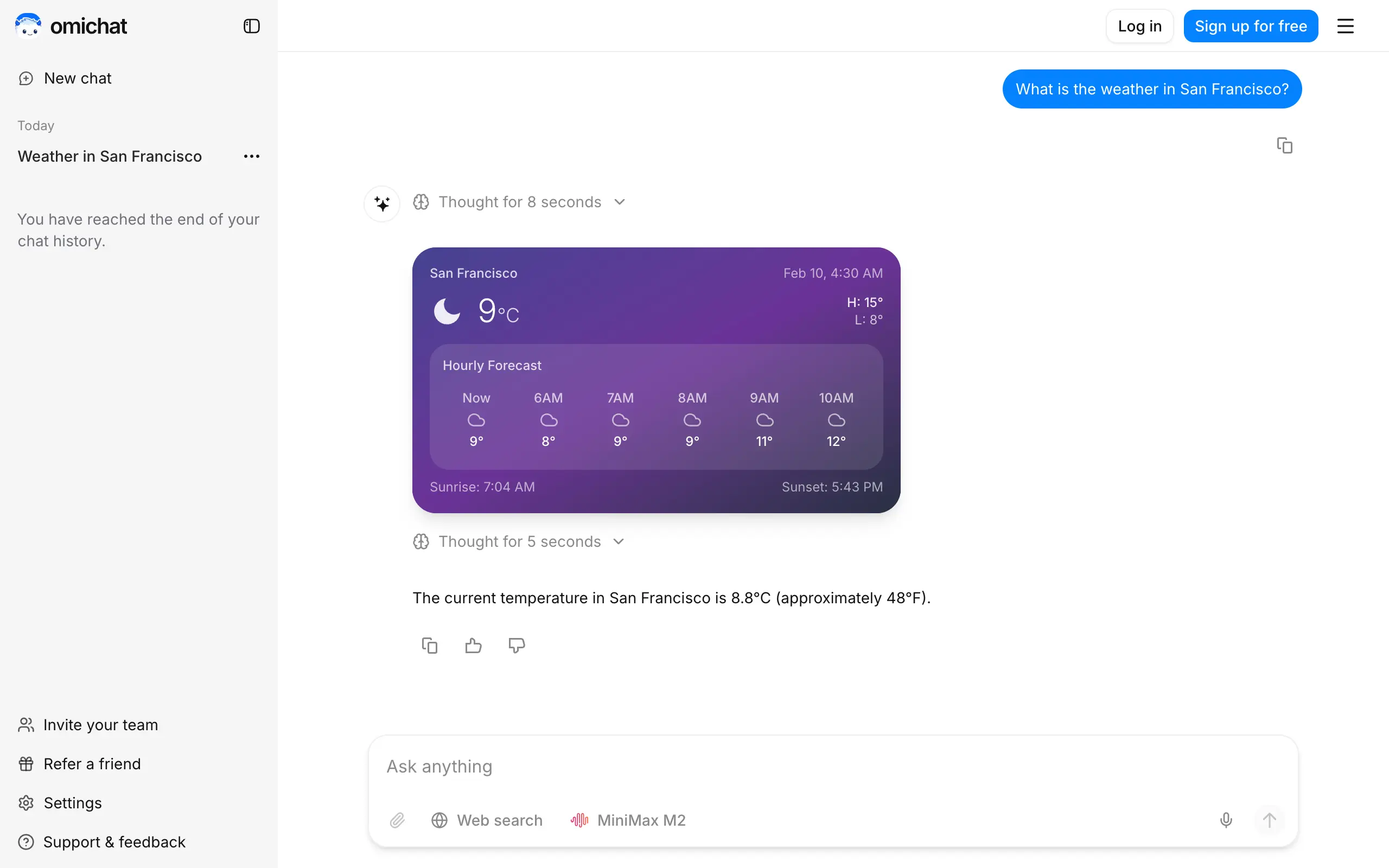
Omichat
Chat with 50+ AI models, including ChatGPT and Claude, in one place - switch models anytime without losing context 🤖
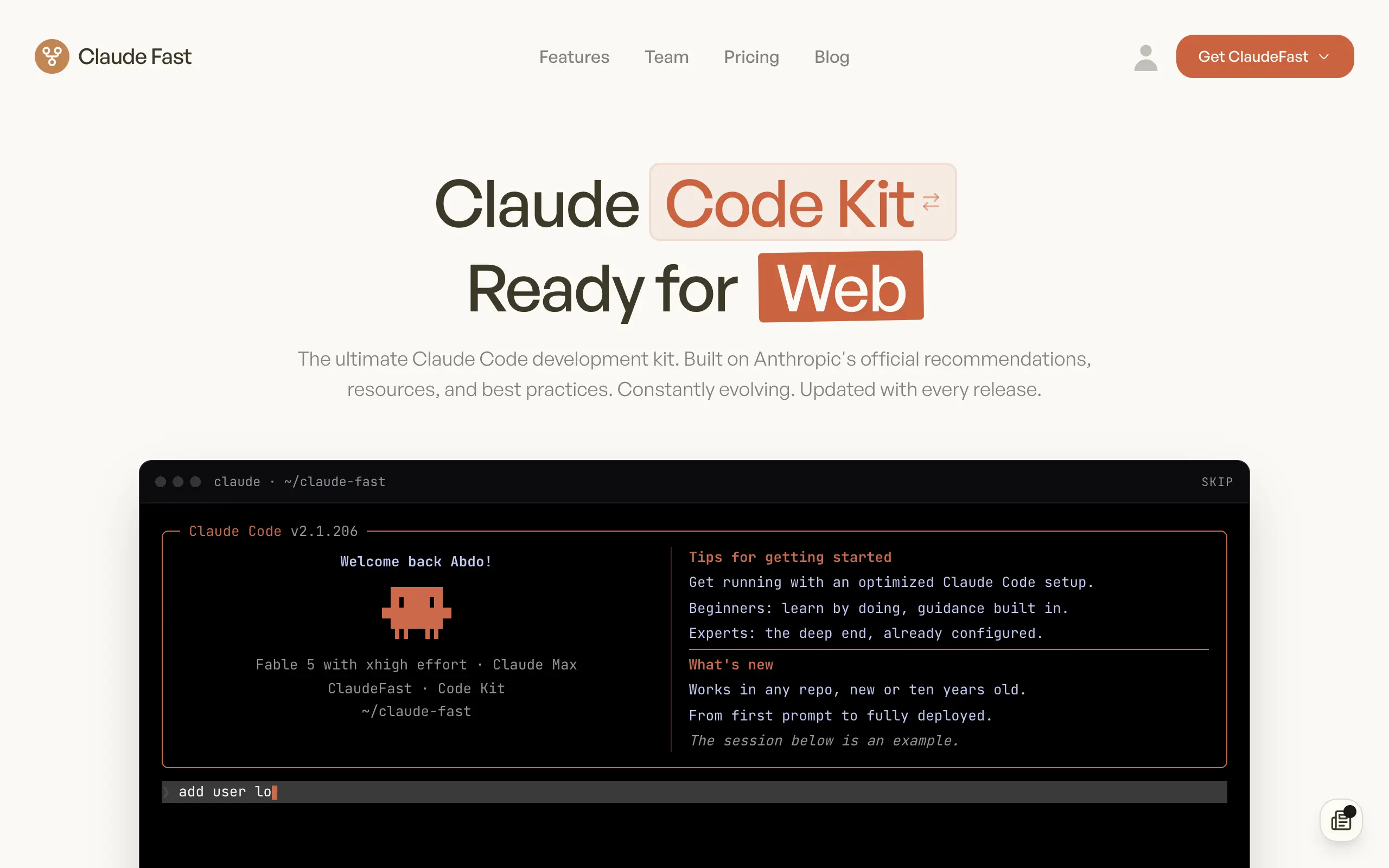
Claude Fast
Supercharge your Claude Code with 6x effective context window and specialized AI agents 🤖
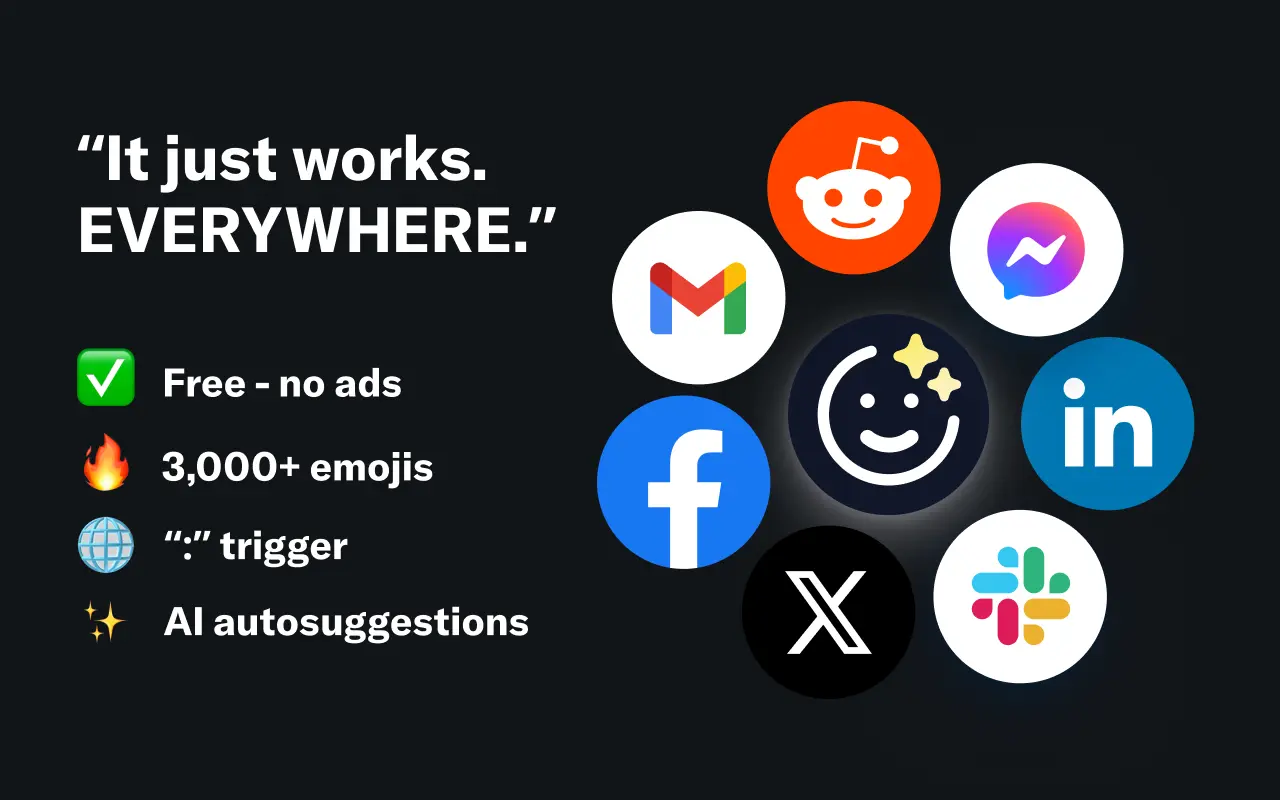
EmojAI
AI-powered emoji picker with smart, context-aware suggestions 🤖
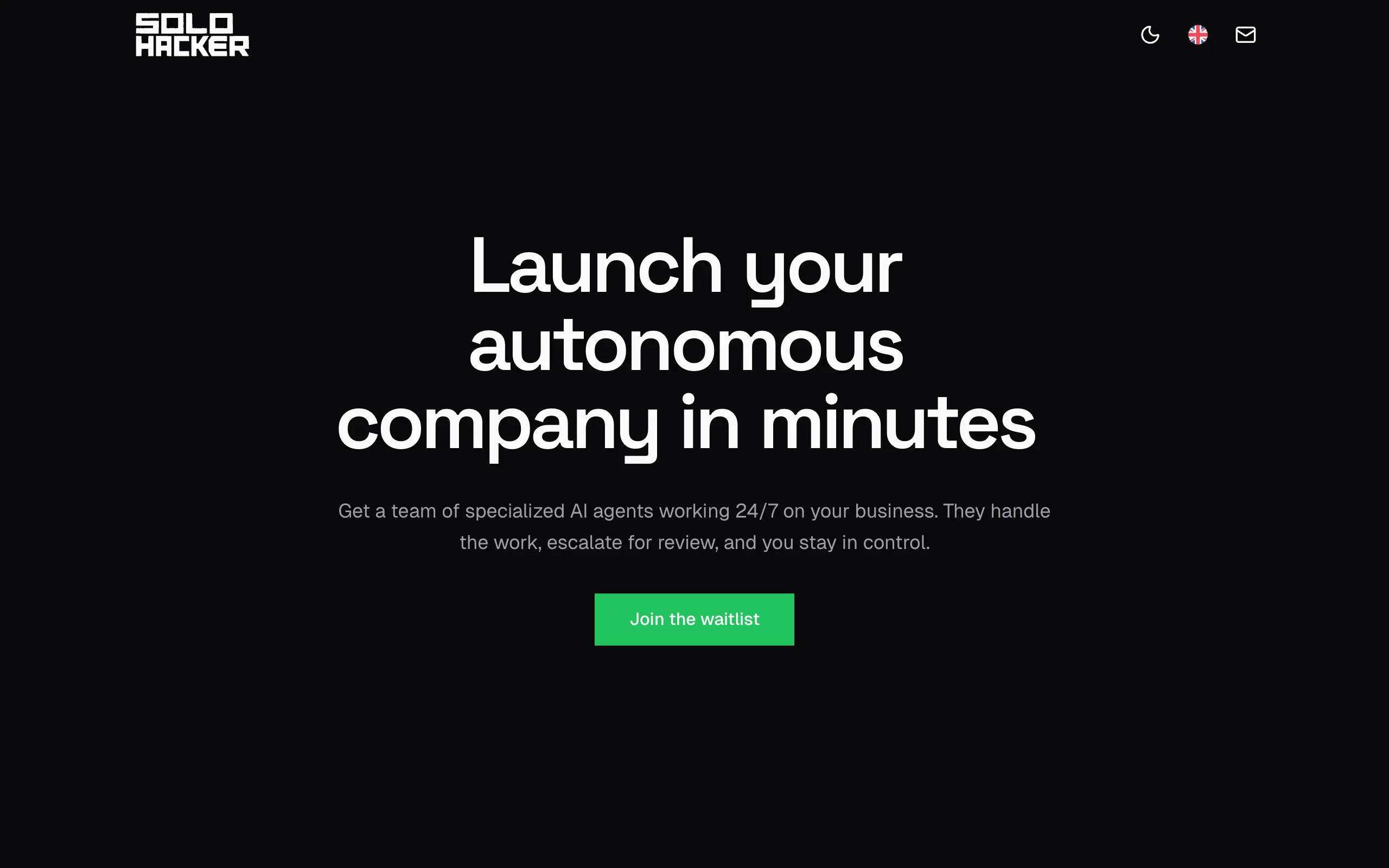
Solohacker
Autonomous company launcher - AI agents work 24/7, escalate what matters, and you stay in control 🤖
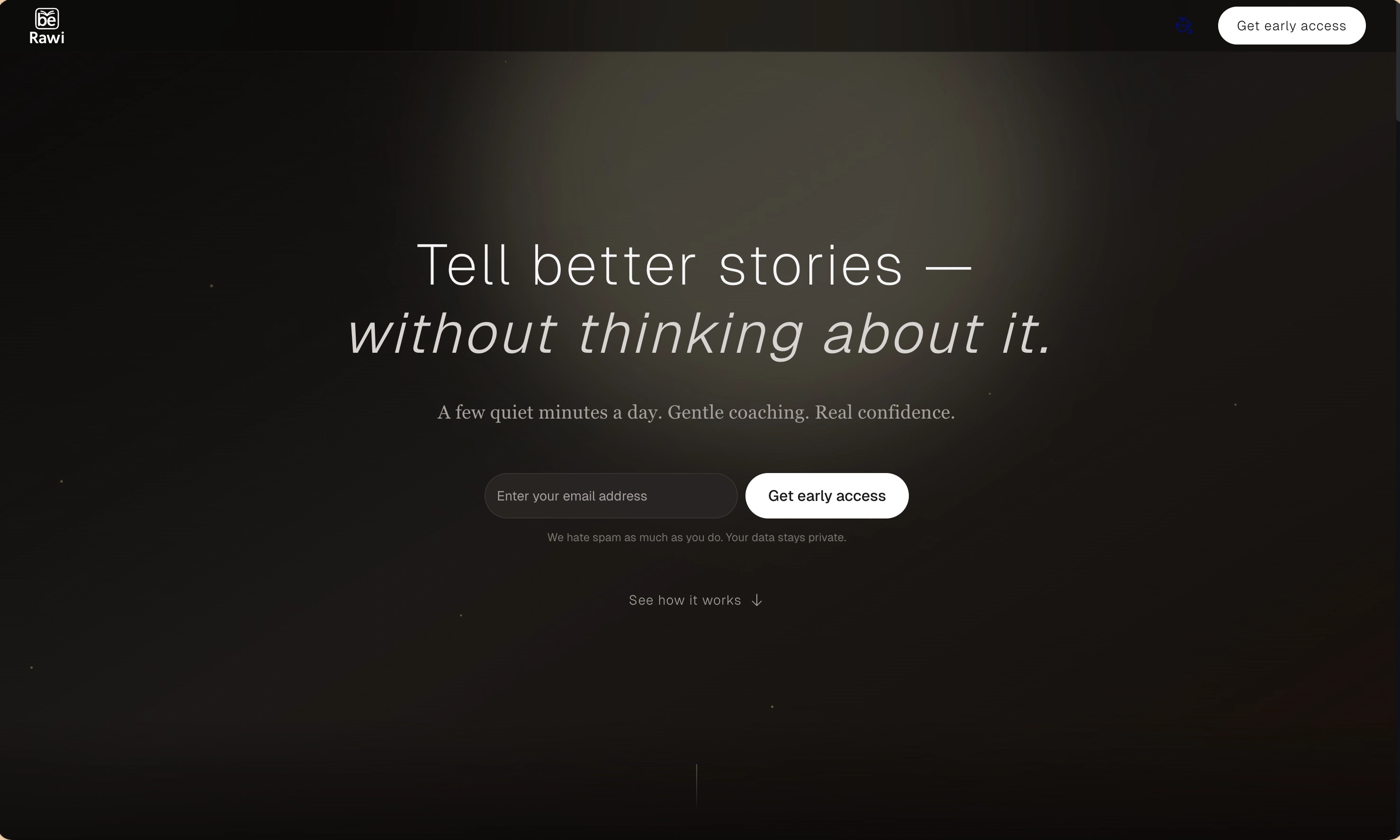
BeRawi: Storytelling Coach
Practice storytelling daily with instant feedback to sound clearer, more engaging, and confident 🎤
Omichat
Chat with 50+ AI models, including ChatGPT and Claude, in one place - switch models anytime without losing context 🤖
Claude Fast
Supercharge your Claude Code with 6x effective context window and specialized AI agents 🤖
EmojAI
AI-powered emoji picker with smart, context-aware suggestions 🤖
Solohacker
Autonomous company launcher - AI agents work 24/7, escalate what matters, and you stay in control 🤖
BeRawi: Storytelling Coach
Practice storytelling daily with instant feedback to sound clearer, more engaging, and confident 🎤
Omichat
Chat with 50+ AI models, including ChatGPT and Claude, in one place - switch models anytime without losing context 🤖
Claude Fast
Supercharge your Claude Code with 6x effective context window and specialized AI agents 🤖
EmojAI
AI-powered emoji picker with smart, context-aware suggestions 🤖
Solohacker
Autonomous company launcher - AI agents work 24/7, escalate what matters, and you stay in control 🤖
BeRawi: Storytelling Coach
Practice storytelling daily with instant feedback to sound clearer, more engaging, and confident 🎤
Omichat
Chat with 50+ AI models, including ChatGPT and Claude, in one place - switch models anytime without losing context 🤖
Claude Fast
Supercharge your Claude Code with 6x effective context window and specialized AI agents 🤖
EmojAI
AI-powered emoji picker with smart, context-aware suggestions 🤖
Solohacker
Autonomous company launcher - AI agents work 24/7, escalate what matters, and you stay in control 🤖
BeRawi: Storytelling Coach
Practice storytelling daily with instant feedback to sound clearer, more engaging, and confident 🎤

Connect with like-minded people
Join our community to get feedback, support, and grow together with 1,000+ builders on board, let's ship it!
Join usShip your startup everywhere. In minutes.
Don't burn tokens on setup and start building features on day one.