ReadyPing AI
AI-powered job status pages for tailors, repair shops and makers, with QR updates, ETA predictions and automated customer notifications.
Why AI job status pages solve a costly service communication problem
Tailors, repair shops, alteration studios, custom furniture makers, cobblers, jewelers, print shops, and independent makers share a familiar operational challenge: customers want to know when their job will be ready.
The question sounds simple, but answering it repeatedly consumes staff time, interrupts production, and can create frustration when estimated completion dates shift. A customer who has already paid a deposit may call, send a text, visit the shop, or message through social media just to ask, “Is it ready yet?”
ReadyPing AI is an AI-powered job status page platform designed for this exact workflow. It gives service businesses a practical way to provide live, self-serve job updates through QR codes, ETA predictions, and automated customer notifications.
Instead of treating customer communication as a manual administrative burden, ReadyPing AI turns it into a reliable part of the production process.
The core value proposition is straightforward:
- Customers scan a QR code or open a secure status link.
- They see the current progress of their repair, alteration, custom order, or maker job.
- The system predicts a realistic completion date based on workflow signals.
- The business automatically sends notifications when a job moves forward, is delayed, or is ready for collection.
For small service businesses, this can reduce repetitive inquiries while improving transparency and customer trust.
The central opportunity
Most local service shops do not need a heavyweight enterprise field-service platform. They need a simple, mobile-friendly customer status experience that fits how their team already works.
The target audience for AI job status pages
The best customers for ReadyPing AI are operationally busy businesses that manage multiple in-progress customer jobs at once. These businesses often have valuable craft expertise but limited time, limited administrative staff, and fragmented communication tools.
Tailors and alteration shops
Tailoring businesses are a particularly strong fit because jobs frequently move through defined stages:
- Item received
- Measurements or fitting completed
- Alterations in progress
- Final quality check
- Ready for pickup
A tailor may manage dozens or hundreds of garments during high-demand periods such as weddings, graduations, prom season, holiday events, and cultural celebrations. Customers are often anxious because the garment is tied to a deadline.
An AI job status page gives the tailor a way to communicate clearly without needing to answer the same question all day.
Relevant search terms include:
- AI job status pages for tailors
- tailoring order tracking software
- alteration shop customer updates
- garment repair ETA notifications
- QR code pickup status for tailor shops
Repair shops and technicians
Repair businesses often face even more uncertainty than tailors. A repair can be delayed by parts availability, diagnostic complexity, supplier lead times, or additional damage discovered during inspection.
Potential repair categories include:
- Electronics repair shops
- Phone and laptop repair services
- Shoe repair and cobblers
- Watch and jewelry repair
- Bicycle repair shops
- Appliance repair centers
- Instrument repair businesses
- Furniture restoration workshops
These operators need a status system that does more than display “in progress.” It should explain the next step, manage expectations, and notify the customer when action is needed.
For example, a customer may need to approve an updated repair quote before work continues. ReadyPing AI could make that event visible within a job timeline and trigger a notification.
Makers and custom-order businesses
Custom makers often operate through a mix of spreadsheets, direct messages, email, paper job cards, and memory. This can work at a small scale, but communication becomes difficult as order volume grows.
Potential audiences include:
- Custom furniture makers
- Laser engraving shops
- 3D printing studios
- Sign makers
- Ceramics studios
- Leatherworkers
- Custom jewelry businesses
- Print and embroidery shops
- Cabinet makers
- Art framing businesses
For these businesses, job status pages create a more professional post-purchase experience. Customers can follow progress without demanding frequent manual updates from the maker.
Multi-location service brands
A later-stage segment includes regional repair franchises, dry cleaning groups, alteration chains, and retail service counters. These businesses may need:
- Team permissions
- Location-level reporting
- Branded status portals
- API integrations
- Service-level agreement tracking
- Centralized notification policies
This segment has longer sales cycles, but it can support higher annual contract values and predictable expansion revenue.
The market gap behind ReadyPing AI
The market contains many adjacent software categories, but there is still a meaningful gap between them.
Point-of-sale systems can create tickets. Appointment platforms can schedule work. Help desk systems can manage support requests. Field-service products can dispatch technicians. Generic project management software can track tasks.
However, a local tailor or repair shop does not necessarily need every feature in those products. More importantly, many tools are built around internal workflow rather than the customer’s question:
What is happening with my item, and when can I expect it back?
ReadyPing AI should focus on answering that question exceptionally well.
Where existing workflows break down
Many small service businesses rely on a fragmented process:
- Paper tickets are attached to customer items.
- Staff record updates in notebooks or spreadsheets.
- Customers receive a handwritten collection date.
- Delays are communicated only after a customer contacts the business.
- Pickup reminders are sent inconsistently, if at all.
- Staff lose time searching for the latest job information.
This model creates several hidden costs:
- More incoming calls and messages
- Lower staff productivity
- Customer dissatisfaction when ETAs change
- Missed opportunities for review requests
- Uncollected completed jobs taking up storage space
- Poor visibility into bottlenecks and overdue work
The opportunity is not merely “add AI.” The opportunity is to create a better operational loop between job progress, ETA communication, and customer confidence.
Why QR-based job tracking is especially practical
QR codes are useful because they minimize friction at the moment a job is created.
A business can print a QR code on:
- A receipt
- A paper claim ticket
- A garment tag
- A repair intake form
- A pickup card
- A counter sign
- An email confirmation
The customer does not need to download an app, remember a password, or call the shop. They scan the code and view their status page.
For businesses that serve less technical customers, the experience should still work through a short SMS link. QR codes are an option, not a requirement.
The unique selling proposition of ReadyPing AI
ReadyPing AI should not position itself as a generic “AI assistant for small businesses.” That category is too broad and difficult to differentiate.
Its strongest positioning is:
An AI job status and customer notification platform for service businesses that complete physical customer work.
The product combines three jobs that are usually disconnected:
- Internal job tracking
- Customer-facing status visibility
- Predictive completion communication
That combination is the defensible product narrative.
Customer clarity
Every customer receives a simple, branded page showing where their job stands and what happens next.
Operational confidence
Teams get a lightweight workflow for updating jobs without replacing every tool they already use.
AI ETA intelligence
Predicted ready dates improve as the system learns from completed jobs, stages, delays, and capacity.
The differentiator is not AI alone
AI-powered ETA prediction matters, but it should be introduced carefully. Small businesses will trust recommendations only when the reasoning is understandable.
ReadyPing AI should avoid presenting ETA predictions as mysterious or absolute. Instead, it can explain estimates in practical language:
- “Estimated ready by Friday, based on similar hemming jobs.”
- “This repair may take longer because a replacement part is pending.”
- “Your expected pickup date was updated after an additional fitting.”
- “Most jobs at this stage are completed within two business days.”
This makes AI useful without overpromising certainty.
A customer-facing status page is the product wedge
The customer status page is the easiest feature to understand, demonstrate, and sell.
It can include:
- Job reference number
- Customer-safe job title
- Current status
- Timeline of completed stages
- Predicted completion window
- Store hours and pickup instructions
- Outstanding payment information
- Approval requests
- Optional photos
- A way to contact the business
- A pickup confirmation action
The status page should be branded with the business logo, colors, and contact details. That transforms a simple tracking page into a trust-building extension of the business.
Essential features for an AI job status page platform
A strong minimum viable product should solve the daily workflow first. Advanced AI features should enhance that workflow, not compensate for missing fundamentals.
Job intake and status management
The business needs a fast way to create a job. The ideal flow should take less than a minute on a phone or tablet.
Core fields can include:
- Customer name and contact details
- Job title or service type
- Item description
- Job notes
- Promised date
- Price or deposit status
- Assigned staff member
- Current workflow stage
- Internal-only notes
- Customer-visible notes
- Job photos where relevant
The platform should support templates. For example, a tailor can use different predefined stages for “hemming,” “wedding dress alteration,” and “zipper replacement.”
Configurable workflow stages
Every vertical has its own language. A generic status like “processing” is less helpful than a specific workflow stage.
A tailor may use:
- Received
- Fitting booked
- Alterations underway
- Ready for final fitting
- Ready for collection
A phone repair shop may use:
- Device checked in
- Diagnostics underway
- Awaiting approval
- Repair in progress
- Quality testing
- Ready for pickup
A furniture maker may use:
- Design confirmed
- Materials ordered
- In production
- Finishing
- Quality check
- Ready for delivery
The product should let each business define stages while preserving a simple default template for fast onboarding.
QR codes and secure tracking links
Each job should receive a unique, difficult-to-guess tracking URL. A QR code can be generated automatically for printing or sharing.
Privacy controls are essential. A public tracking page should not expose sensitive internal notes, detailed customer data, or payment information unless the customer has completed an appropriate verification step.
A practical approach is to provide two modes:
A unique link or QR code opens the job status page directly. This is best for low-risk jobs and fast counter service.
The customer enters a phone number, email address, or short access code before viewing details. This is better for high-value repairs, personal items, and businesses with stricter privacy expectations.
Automated notifications across customer channels
Notifications should be event-driven rather than sent on a fixed schedule alone.
Important notification triggers include:
- Job created
- Estimate changed
- Customer approval needed
- Job moved to a key stage
- Item ready for pickup
- Pickup reminder after a set number of days
- Final reminder before storage fees apply
- Thank-you message after collection
- Review request after successful completion
SMS may be the most effective channel for time-sensitive pickup updates, while email can work well for order records and detailed messages. WhatsApp integration could be valuable in markets where it is the dominant customer communication channel, provided the business follows the platform’s messaging rules and obtains appropriate consent.
AI ETA prediction and delay detection
The AI ETA engine is the most technically differentiated feature, but it should be launched in stages.
At first, ReadyPing AI can use rules and historical averages:
- Standard service duration by job type
- Average turnaround by worker or location
- Current workload
- Weekend and holiday exclusions
- Supplier or parts dependencies
- Jobs waiting for customer approval
Over time, predictive models can improve estimates using completed-job history.
Useful inputs may include:
- Service category
- Number of workflow stages
- Staff assignment
- Current queue size
- Historical completion times
- Time spent in the current stage
- Seasonality
- Rework frequency
- Customer response delays
- Parts availability flags
The output should be a range rather than a falsely precise date whenever uncertainty is high. “Expected between Tuesday and Thursday” is often more honest and more useful than “Ready at 3:14 PM on Wednesday.”
Customer approvals and exception handling
Many delays happen because a customer has not approved a revised quote, selected a replacement material, or responded to a question.
ReadyPing AI can reduce this friction with simple approval flows:
- Approve or decline revised estimate
- Confirm a repair option
- Choose a material or color
- Accept an updated completion date
- Confirm delivery or pickup preference
A complete audit trail is important. The business should be able to see when a message was delivered, viewed, and approved.
Pickup optimization and review automation
Finished items can occupy valuable shelf or storage space. Automated pickup reminders can reduce this problem.
The system can support a sequence such as:
- Notify the customer that the job is ready.
- Send a reminder after three days.
- Send a final reminder after seven or fourteen days.
- Include storage policy information if applicable.
- Send a thank-you and review request after pickup.
This workflow creates a clear operational return on investment because faster pickups free space and close jobs sooner.
How the ReadyPing AI workflow should feel in practice
The winning user experience should be less like enterprise software and more like a polished digital job ticket.
The key is that staff should not have to become data-entry specialists. The product needs fast status actions, sensible defaults, and mobile-first design.
Recommended technology stack for ReadyPing AI
The right technology stack depends on the founding team’s skills, expected launch speed, and integration needs. For a modern SaaS product, a TypeScript-based stack offers strong developer productivity and maintainability.
Frontend and application framework
Next.js is a strong choice for the web application because it supports server-rendered pages, API routes, performance optimization, and modern React workflows. React provides the component model needed for a responsive dashboard and customer-facing tracking pages.
Recommended frontend tools include:
- TypeScript for safer application code
- Tailwind CSS for fast, consistent UI development
- Next.js for the SaaS web application
- React for user interfaces
- Zod for runtime validation of forms and API payloads
The trade-off is that a full-stack Next.js application requires disciplined architecture as the product grows. Teams should separate business logic, notification workflows, and data access layers rather than putting everything directly inside route handlers.
Database and backend architecture
A relational database is the best fit because jobs, customers, workflow events, notifications, organizations, users, and subscriptions have clear relationships.
PostgreSQL is a reliable choice for the primary database. It supports relational consistency, structured queries, JSON fields for flexible metadata, and a mature ecosystem.
A suggested core data model includes:
- Organizations
- Locations
- Users and roles
- Customers
- Jobs
- Job status events
- Workflow templates
- Notification templates
- Notification deliveries
- ETA predictions
- Customer approvals
- Subscription records
- Audit logs
For database access, Prisma can accelerate development with type-safe queries and schema management. The trade-off is that some advanced database patterns may eventually require raw SQL or carefully optimized queries.
AI and prediction layer
Early ETA functionality does not need an expensive or overly complex machine learning system.
A sensible progression is:
- Rules-based turnaround estimates
- Historical averages by job type
- Regression or classification models for delay risk
- AI-generated customer-safe status explanations
- Capacity-aware ETA prediction by location and staff member
For language features, an LLM can transform internal notes into concise customer-facing updates. However, this must be constrained. The system should never invent job progress, completion dates, prices, or repair findings.
A safe approach is to generate language only from approved structured fields. For example:
const customerUpdate = {
  jobStatus: "Repair in progress",
  etaWindow: "Thursday to Friday",
  reason: "Replacement part received",
  nextStep: "Final testing",
};
The AI layer can turn this data into a friendly notification, but the underlying facts remain deterministic and auditable.
Notifications and asynchronous jobs
Status notifications, reminder sequences, QR generation, ETA recalculation, and integration syncing should run asynchronously. This prevents the main application from slowing down when a customer updates a job.
A queue-based architecture is valuable for:
- Sending SMS and email notifications
- Retrying failed deliveries
- Scheduling pickup reminders
- Processing webhook events
- Recalculating predictions
- Generating daily operational summaries
Use provider abstractions so the platform can support multiple email and SMS vendors over time. This helps manage cost, regional availability, and deliverability.
Authentication, payments, and observability
For authentication, prioritize organization-level access controls and role permissions from the beginning. A business owner, manager, counter staff member, and technician should not necessarily have identical permissions.
For billing, a subscription platform should support monthly and annual plans, trials, plan upgrades, and usage-based messaging charges.
Operational monitoring should include:
- Application errors
- Notification failure rates
- ETA prediction accuracy
- Job update frequency
- Customer status-page visits
- Pickup completion time
- Customer opt-out rates
Monetization options for ReadyPing AI
The most natural revenue model is subscription SaaS pricing with optional usage-based messaging charges.
The platform creates recurring value because job tracking and notifications are ongoing operational needs, not a one-time purchase.
| Plan | Best for | Core value | Pricing logic | Expansion path |
|---|---|---|---|---|
| Starter | Solo makers | QR status pages and basic updates | Low monthly fee | More jobs and messages |
| Growth | Busy local shops | Automation, branded pages, staff roles | Mid-tier subscription | AI ETA and integrations |
| Multi-location | Regional operators | Centralized reporting and controls | Per-location pricing | API and enterprise support |
Pricing metrics that fit the product
Avoid pricing only by user seats. Many small shops have part-time staff, seasonal workers, or shared devices. A job-volume or location-based model is easier for operators to understand.
Potential pricing dimensions include:
- Jobs created per month
- Number of active locations
- SMS or WhatsApp messages sent
- Number of automated workflows
- Custom branding availability
- Advanced ETA prediction access
- Integrations and API access
A free trial should let a business create real jobs and send a limited number of customer updates. The “aha” moment is not seeing the dashboard. It is seeing a customer scan a QR code or receive a professional ready-for-pickup notification.
Additional monetization opportunities
Over time, ReadyPing AI can offer paid add-ons:
- White-label branded customer portals
- Custom SMS sender identity where available
- Advanced analytics
- Multi-location reporting
- Point-of-sale integrations
- Custom workflow setup
- Data migration assistance
- Premium onboarding
- Review and reputation automation
- API access for vertical software partners
Competitive advantage and market positioning
ReadyPing AI will compete indirectly with job management software, point-of-sale platforms, CRM tools, customer messaging platforms, and vertical repair systems.
The competitive advantage comes from being more focused than generic tools and more customer-communication-centric than internal job tracking products.
The moat comes from workflow data
As businesses use the product, ReadyPing AI can collect valuable operational signals:
- How long jobs take by type
- Which stages create delays
- How frequently estimates change
- Which notification timing drives pickup
- Which services generate the most customer questions
- How workload affects completion time
Aggregated and privacy-safe benchmarks could eventually become a major differentiator. For example, a shop could see that its average turnaround for a certain service is longer than its historical baseline or that most delayed jobs wait too long for customer approval.
The platform should never expose one business’s sensitive data to another. Benchmarking must be anonymized, aggregated, and optional.
Narrow vertical entry creates a stronger product
A common SaaS mistake is trying to serve every service business immediately. ReadyPing AI should begin with one or two highly compatible verticals, such as tailors and repair shops.
This allows the product to develop:
- Relevant status templates
- Industry-specific job fields
- Better onboarding language
- Practical notification examples
- Credible case studies
- More accurate ETA models
After validating product-market fit, the platform can expand into adjacent maker and service categories.
Risks and mitigation strategies
Every AI SaaS product handling customer communications needs careful risk management.
ETA predictions can damage trust if they are wrong
The biggest risk is presenting an AI estimate as a promise. If the predicted completion date is incorrect, the business may face more customer frustration rather than less.
Mitigation strategies include:
- Display prediction ranges rather than exact timestamps
- Let staff override every prediction
- Clearly distinguish estimated dates from confirmed ready status
- Track prediction accuracy by job type
- Require approval for customer-facing ETA changes in early product versions
- Use confidence thresholds before automating delay notifications
Customer data and privacy requirements
The platform will store names, contact details, job descriptions, and potentially photos of personal belongings. Some repair categories may involve sensitive items or personal data.
Mitigation should include:
- Encrypt data in transit and at rest
- Use least-privilege access controls
- Separate internal notes from customer-visible content
- Maintain audit logs for sensitive actions
- Support consent and opt-out handling for marketing messages
- Define retention and deletion policies
- Publish clear privacy documentation
Before expanding internationally, seek qualified legal guidance on relevant privacy and electronic messaging regulations. Product teams should review authoritative regulator guidance for the jurisdictions they serve.
Staff adoption may be inconsistent
The system only works when staff update statuses. If updates are too slow or inconvenient, the customer-facing page becomes stale.
Mitigation strategies include:
- One-tap status updates
- Barcode or QR scanning for job lookup
- Mobile-friendly interfaces
- Default workflow templates
- Daily overdue-job prompts
- Staff performance dashboards used carefully and constructively
- Integration with existing point-of-sale or repair systems where possible
Notification fatigue and deliverability
Too many messages can annoy customers and reduce trust. Too few messages weaken the value proposition.
The product should provide sensible defaults and allow businesses to control notification policies. For example, “in progress” may not require a message, but “awaiting approval,” “ETA changed,” and “ready for pickup” usually do.
Go-to-market strategy for ReadyPing AI
The initial sales motion should be simple, visual, and rooted in a familiar pain point.
A compelling opening message is:
Stop answering “Is my order ready?” all day. Give every customer a live job status page and automatic pickup updates.
Acquisition channels worth testing
Early channels may include:
- Local search content for tailoring and repair software queries
- Partnerships with point-of-sale consultants
- Vertical Facebook and community groups
- Direct outreach to independent repair shops
- Demonstrations at maker markets and local business events
- Referral incentives for shop owners
- Integrations with vertical software providers
- Short video demonstrations showing QR-to-status-page workflows
The product is especially demo-friendly. A founder can show the full value in minutes by creating a job, generating a QR code, updating a status, and triggering a ready-for-pickup message.
Content strategy for organic search
SEO content should focus on specific service-business problems rather than broad AI topics.
High-intent content opportunities include:
- How to reduce customer calls at a tailor shop
- Best repair shop customer notification software
- QR code order tracking for small businesses
- How to send automated pickup reminders
- How to estimate repair turnaround times
- Tailor shop workflow and order tracking guide
- Customer communication templates for repair businesses
To strengthen trust, publish operational guides written with input from actual shop owners, technicians, and makers. Case studies should show measurable outcomes such as reduced inbound inquiries, faster pickups, or fewer missed approvals. When citing market statistics, reference reputable sources such as government small-business agencies, industry associations, or established research firms.
Actionable implementation plan
The fastest route to market is to launch a focused version that delivers immediate value before building sophisticated prediction systems.
For founders who want to move quickly, a production-ready SaaS foundation can remove significant setup work around authentication, billing, teams, dashboards, and application structure. TurboStarter can be a useful starting point for building and validating ReadyPing AI faster.
Final perspective on building AI job status pages
ReadyPing AI addresses an overlooked but expensive problem for service businesses: the gap between internal job progress and customer expectations.
The winning product will not be the one with the most complex AI model. It will be the one that makes job updates effortless for staff, gives customers immediate clarity, and helps owners run a calmer, more predictable operation.
Start with the essentials:
- Simple job creation
- Relevant workflow stages
- Branded QR status pages
- Reliable automated notifications
- Customer approvals
- Pickup reminders
- Transparent ETA estimates
Then use real job history to make ETA predictions more accurate and operational insights more valuable.
By focusing on tailors, repair shops, and makers who need a better way to communicate progress, ReadyPing AI can become the customer-status layer that small service businesses have been missing.
More 🤖 AI Startup SaaS ideas
Discover more innovative ai startup SaaS ideas that are trending in 2026. Each idea is AI-generated with market validation and growth potential to help you find your next profitable venture faster than competitors.
Your competitors are building with TurboStarter
Below are some of the SaaS ideas that have been generated and built with our starter kit.
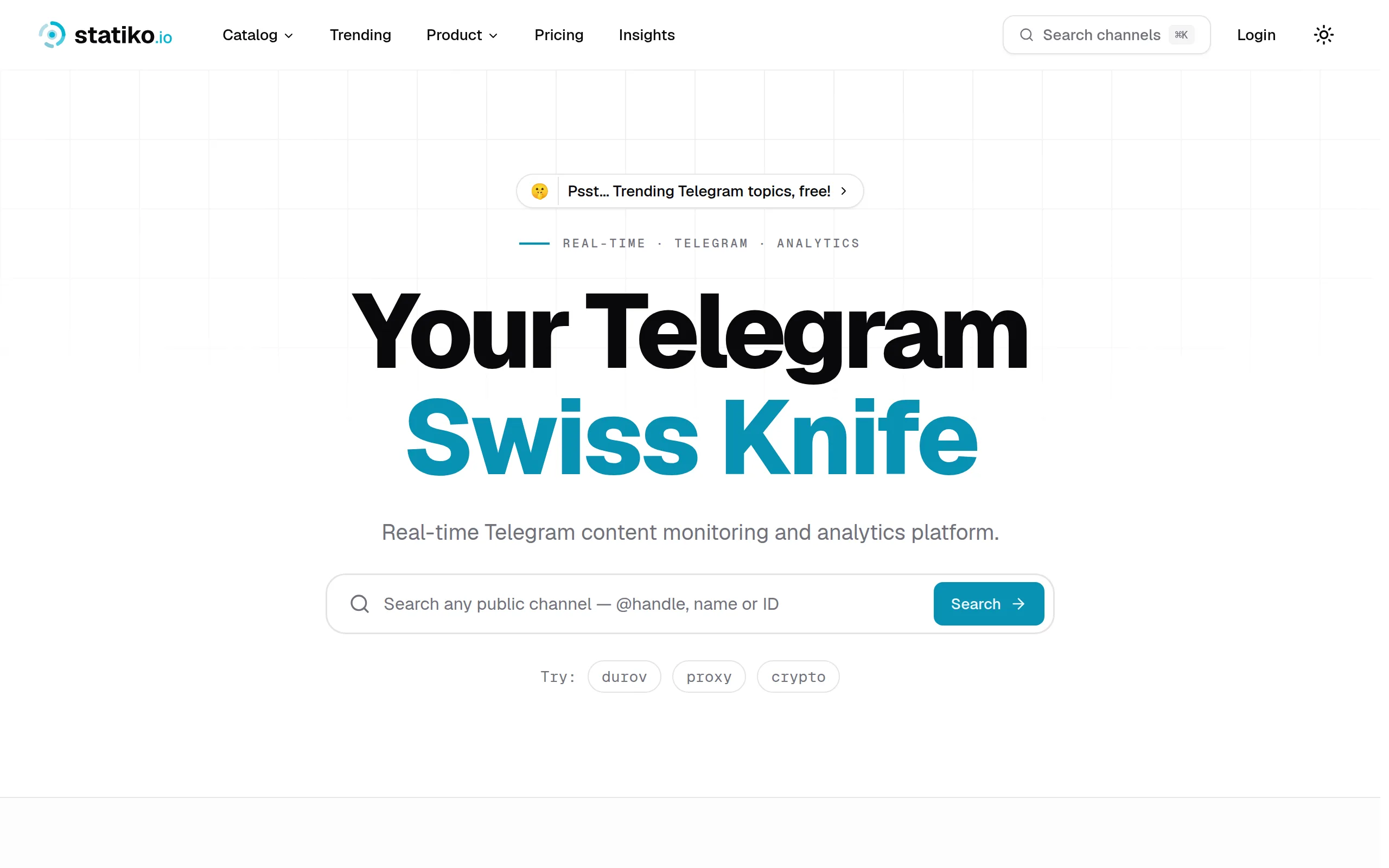
Statiko
Monitor any Telegram channel in real time - track posts, edits, deletions, and growth with AI recaps 📡

Shibui
AI website builder - describe your business, pick a niche template, edit by chatting, and publish instantly ✨

Pro Service
Find verified home service professionals, compare quotes, and pay securely through escrow - built for Brazilians across the US 🏠
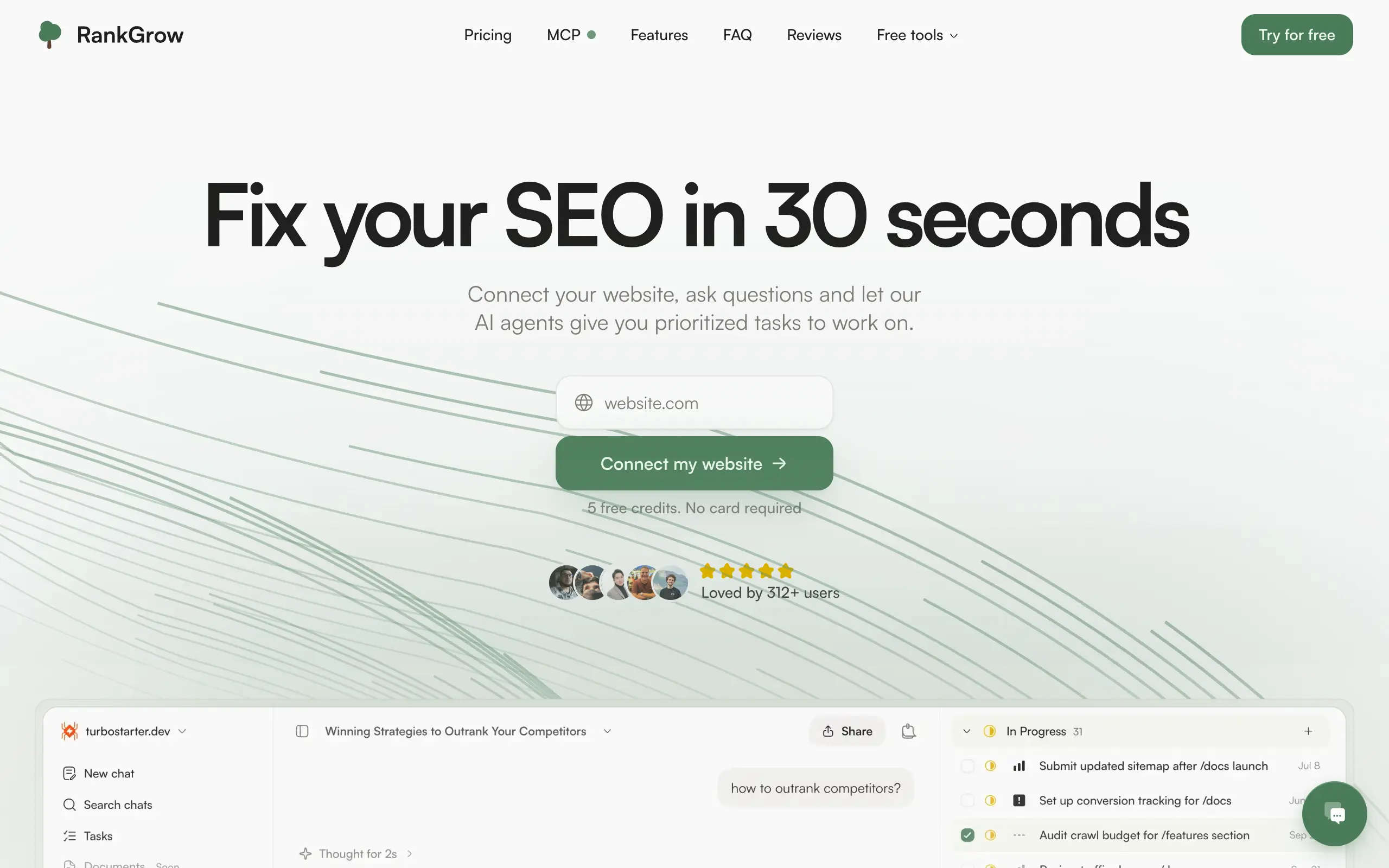
RankGrow
Fix your SEO with AI agents - connect Search Console, get prioritized tasks, and grow organic traffic 📈
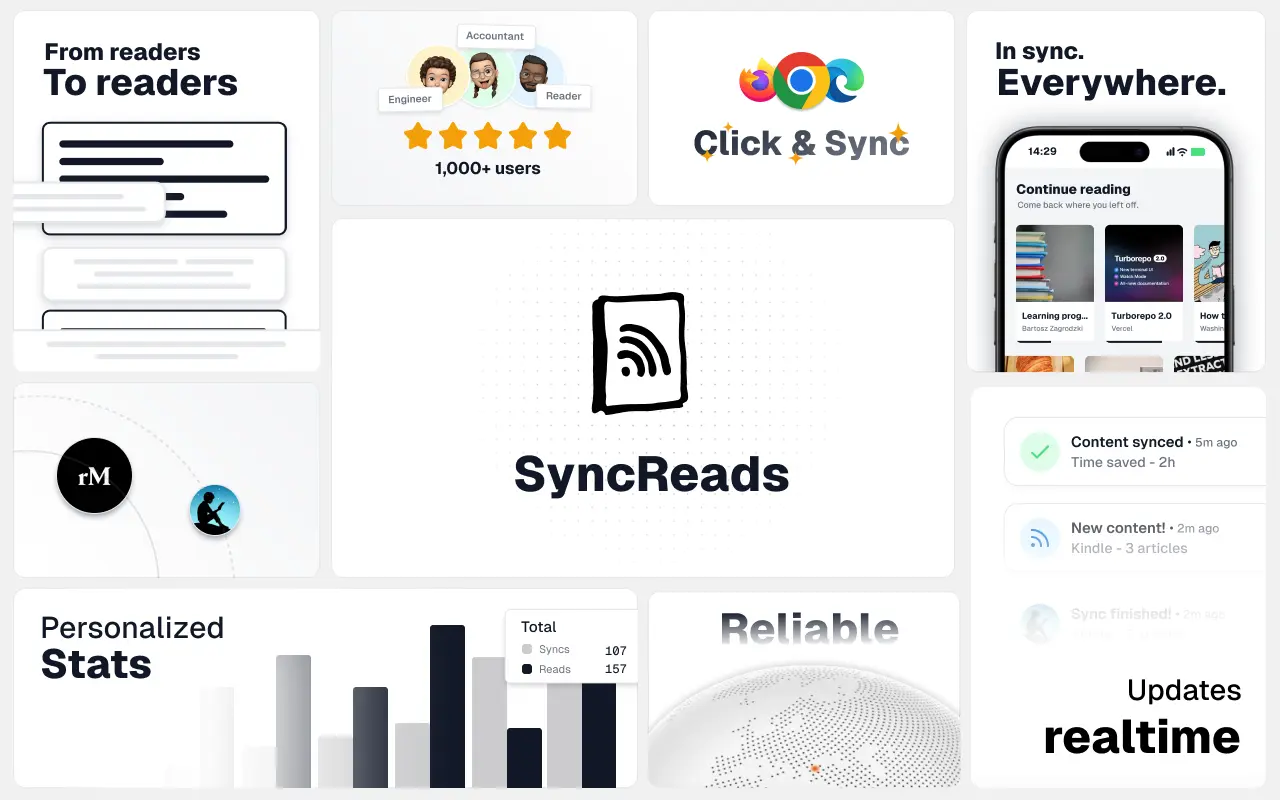
SyncReads
Sync your favorite content for distraction-free reading, save time and replace multiple apps. Anytime, anywhere 🔄
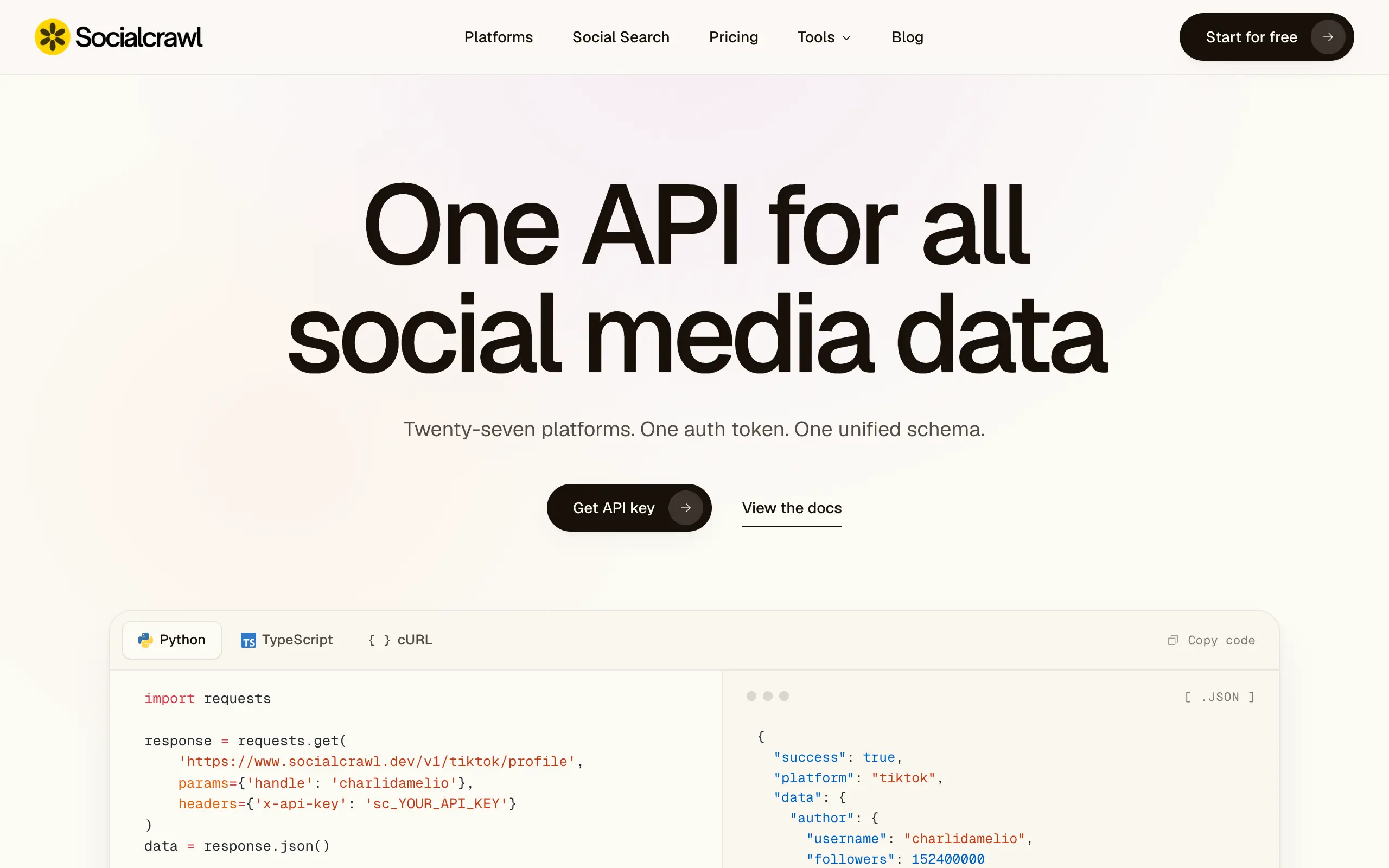
Socialcrawl
Get clean, structured data from 21 platforms like TikTok, Instagram, and YouTube with a single request 📊
Statiko
Monitor any Telegram channel in real time - track posts, edits, deletions, and growth with AI recaps 📡
Shibui
AI website builder - describe your business, pick a niche template, edit by chatting, and publish instantly ✨
Pro Service
Find verified home service professionals, compare quotes, and pay securely through escrow - built for Brazilians across the US 🏠
RankGrow
Fix your SEO with AI agents - connect Search Console, get prioritized tasks, and grow organic traffic 📈
SyncReads
Sync your favorite content for distraction-free reading, save time and replace multiple apps. Anytime, anywhere 🔄
Socialcrawl
Get clean, structured data from 21 platforms like TikTok, Instagram, and YouTube with a single request 📊
Statiko
Monitor any Telegram channel in real time - track posts, edits, deletions, and growth with AI recaps 📡
Shibui
AI website builder - describe your business, pick a niche template, edit by chatting, and publish instantly ✨
Pro Service
Find verified home service professionals, compare quotes, and pay securely through escrow - built for Brazilians across the US 🏠
RankGrow
Fix your SEO with AI agents - connect Search Console, get prioritized tasks, and grow organic traffic 📈
SyncReads
Sync your favorite content for distraction-free reading, save time and replace multiple apps. Anytime, anywhere 🔄
Socialcrawl
Get clean, structured data from 21 platforms like TikTok, Instagram, and YouTube with a single request 📊
Statiko
Monitor any Telegram channel in real time - track posts, edits, deletions, and growth with AI recaps 📡
Shibui
AI website builder - describe your business, pick a niche template, edit by chatting, and publish instantly ✨
Pro Service
Find verified home service professionals, compare quotes, and pay securely through escrow - built for Brazilians across the US 🏠
RankGrow
Fix your SEO with AI agents - connect Search Console, get prioritized tasks, and grow organic traffic 📈
SyncReads
Sync your favorite content for distraction-free reading, save time and replace multiple apps. Anytime, anywhere 🔄
Socialcrawl
Get clean, structured data from 21 platforms like TikTok, Instagram, and YouTube with a single request 📊
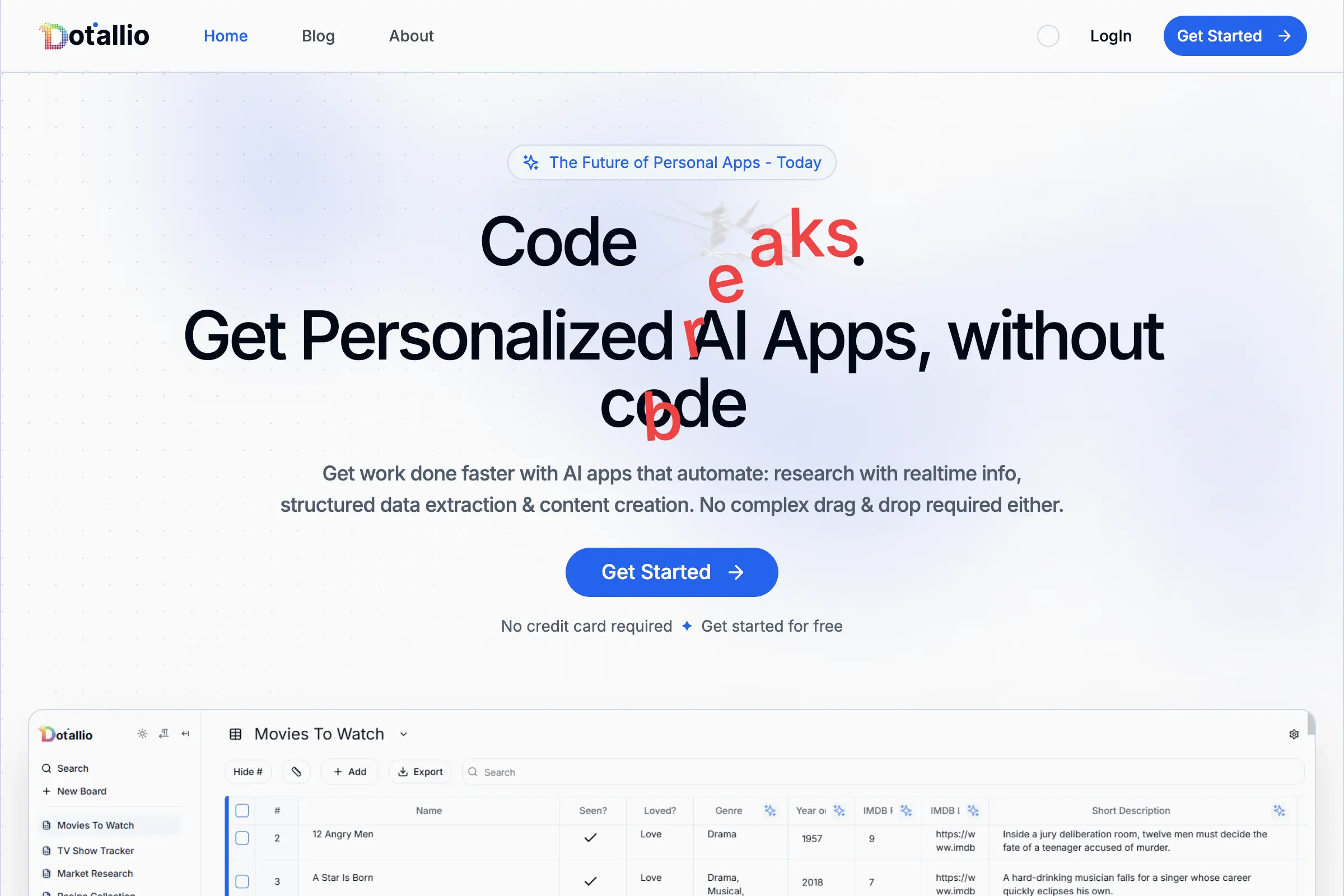
Dotallio
Personalized AI apps that automate research, data extraction, and content creation without code 🤖
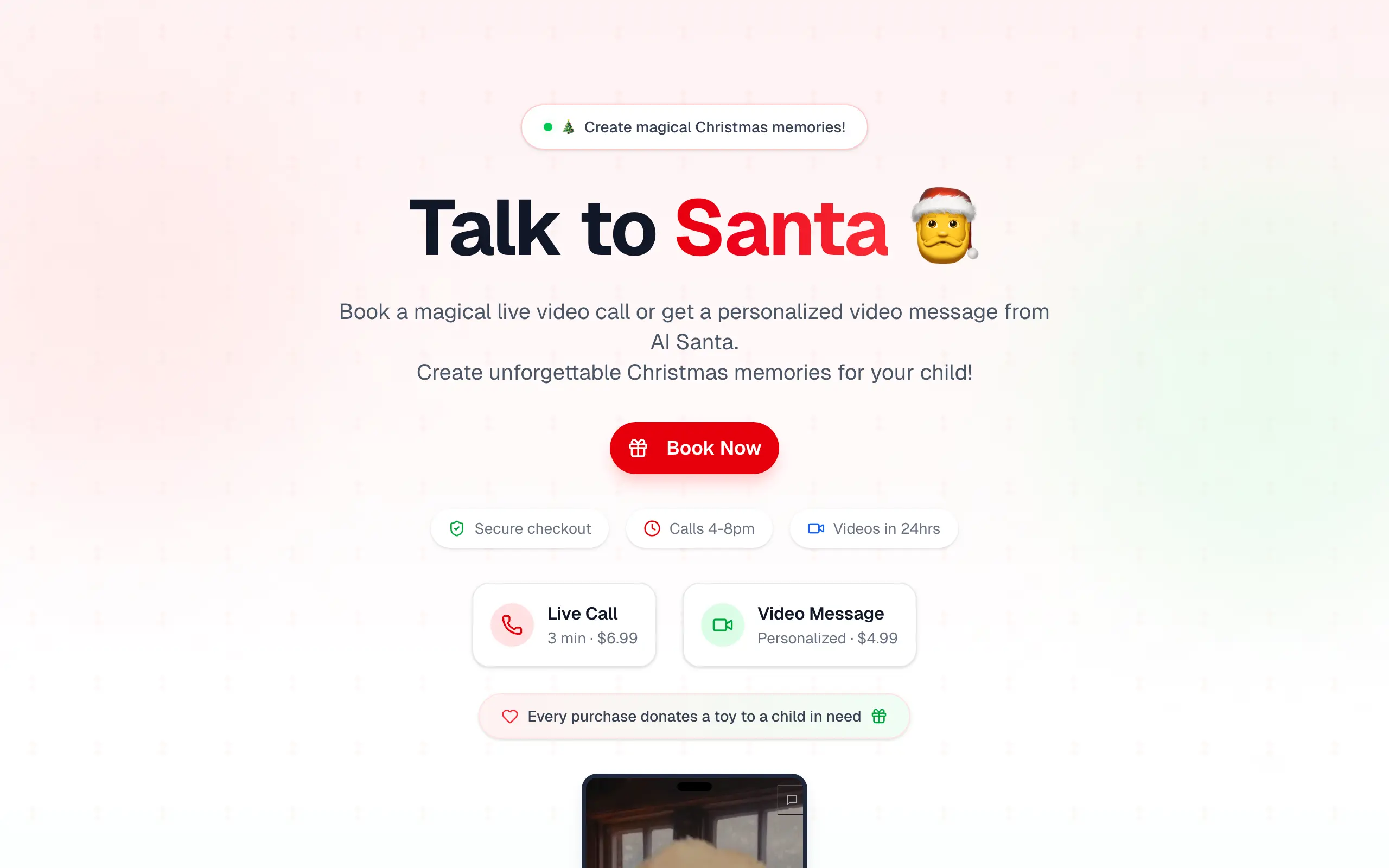
Talk to Santa
Enjoy a magical live video chat or receive a unique AI-generated video greeting from Santa Claus 🎅
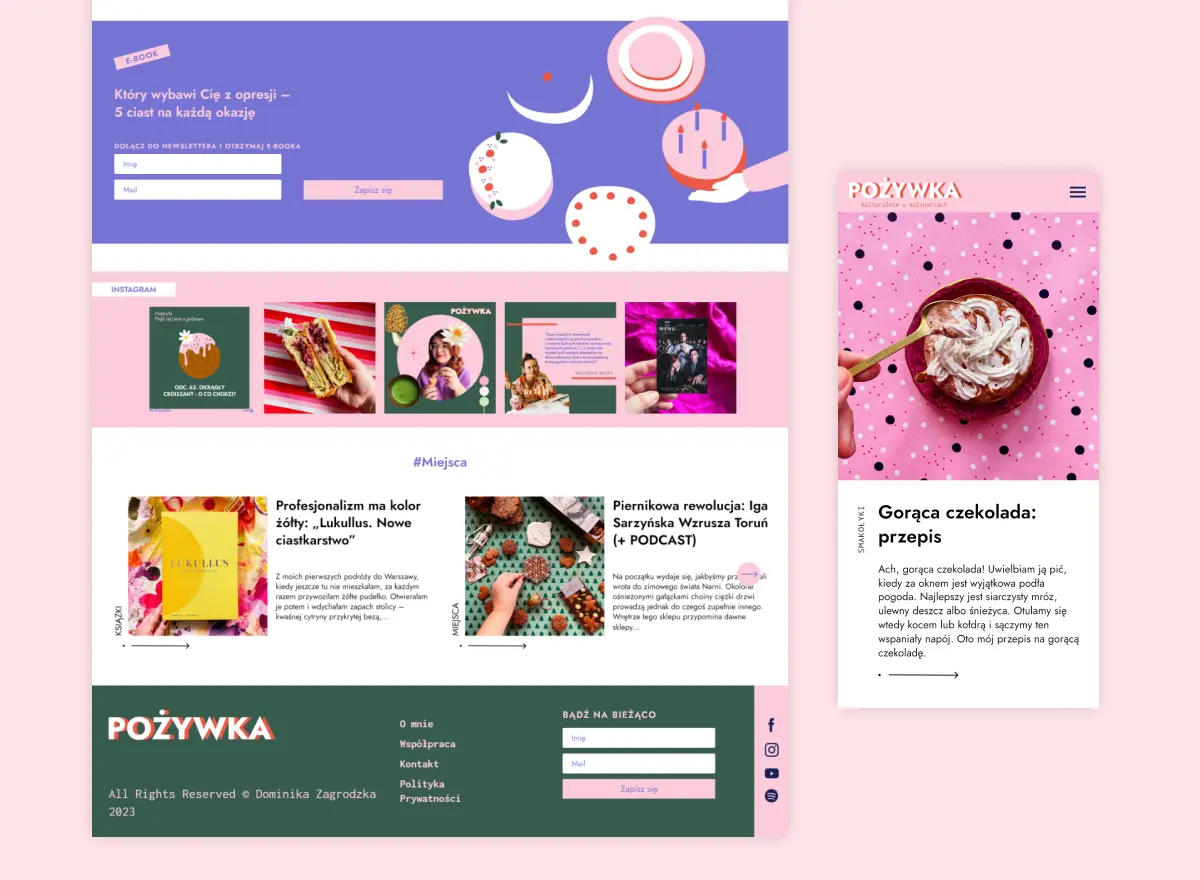
pozywka.pl
Scalable blog for food journalist, focused on performance and user experience 🌭
zagrodzki.me
Personal blog and portfolio of Bart Zagrodzki, where he shares his knowledge and work 💼
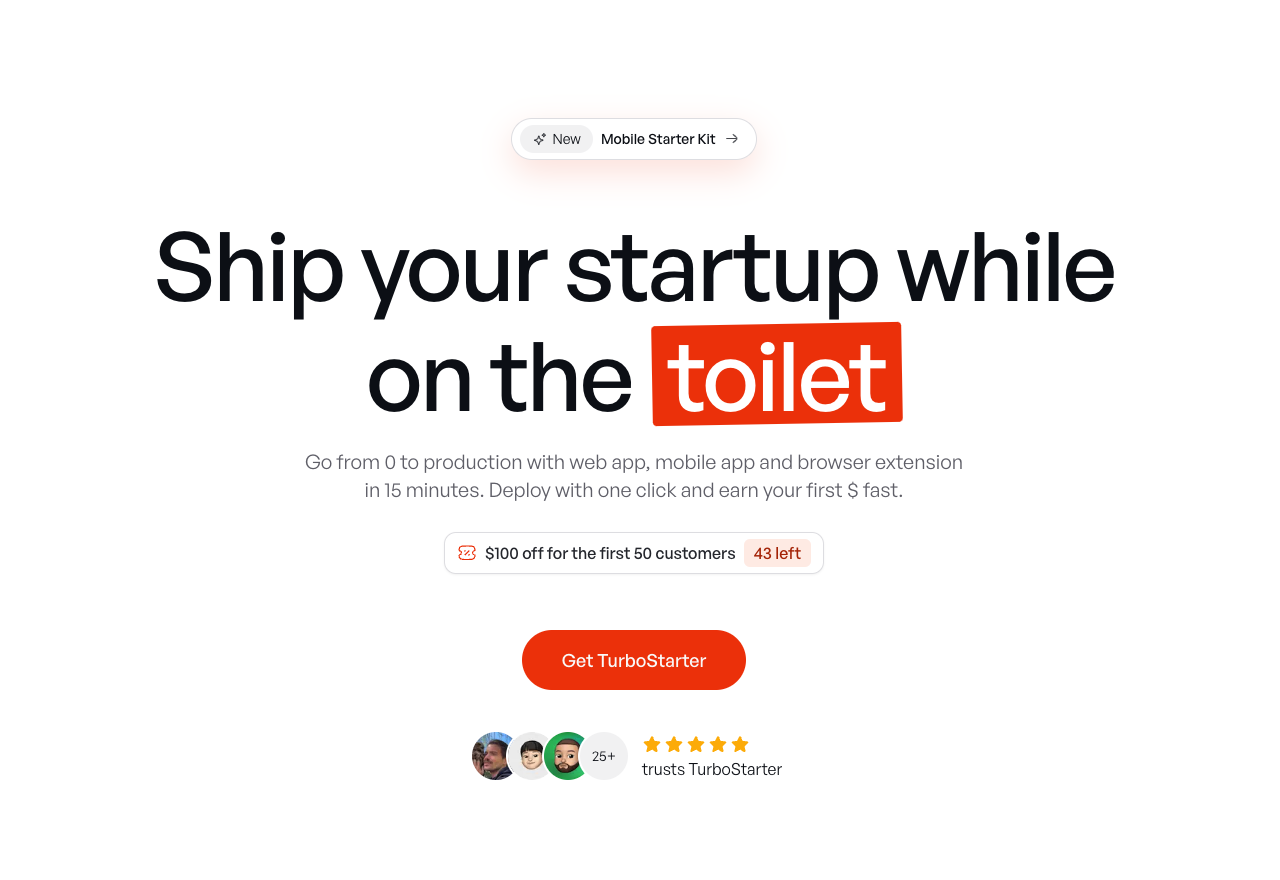
TurboStarter
Ship your startup everywhere. In minutes.
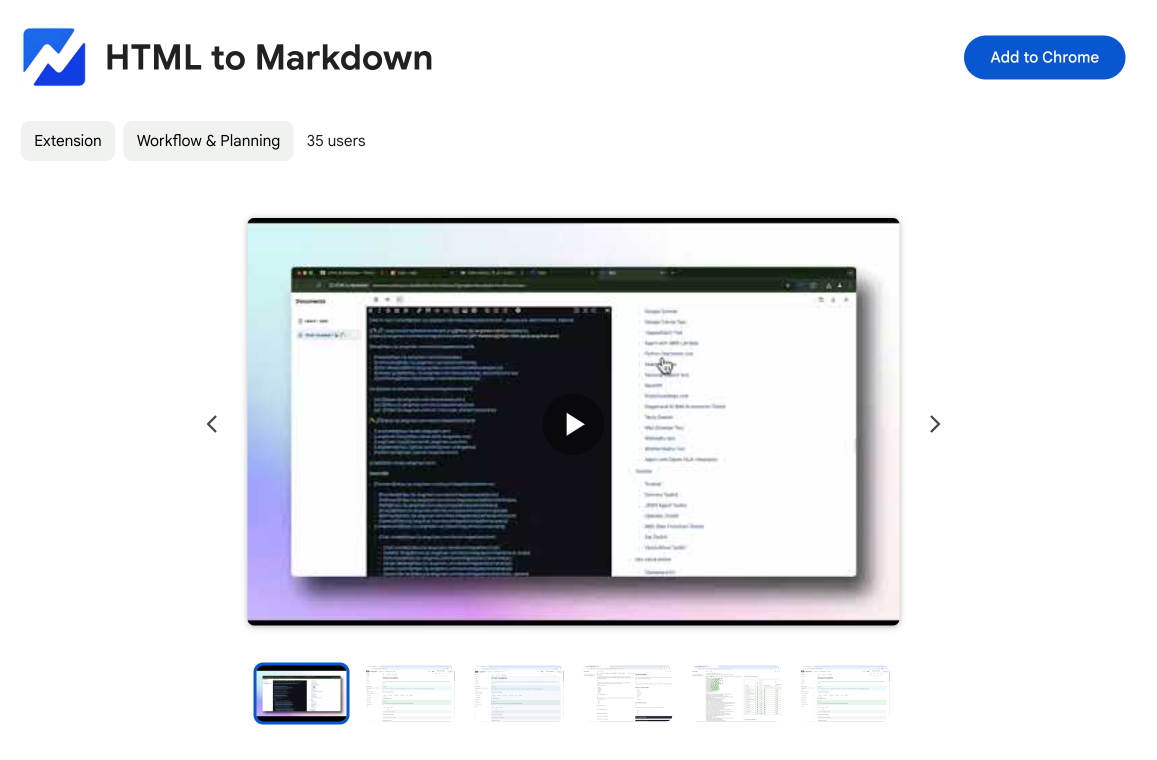
HTML to Markdown
Convert HTML to Markdown with ease, directly in your browser 📄
Dotallio
Personalized AI apps that automate research, data extraction, and content creation without code 🤖
Talk to Santa
Enjoy a magical live video chat or receive a unique AI-generated video greeting from Santa Claus 🎅
pozywka.pl
Scalable blog for food journalist, focused on performance and user experience 🌭
zagrodzki.me
Personal blog and portfolio of Bart Zagrodzki, where he shares his knowledge and work 💼
TurboStarter
Ship your startup everywhere. In minutes.
HTML to Markdown
Convert HTML to Markdown with ease, directly in your browser 📄
Dotallio
Personalized AI apps that automate research, data extraction, and content creation without code 🤖
Talk to Santa
Enjoy a magical live video chat or receive a unique AI-generated video greeting from Santa Claus 🎅
pozywka.pl
Scalable blog for food journalist, focused on performance and user experience 🌭
zagrodzki.me
Personal blog and portfolio of Bart Zagrodzki, where he shares his knowledge and work 💼
TurboStarter
Ship your startup everywhere. In minutes.
HTML to Markdown
Convert HTML to Markdown with ease, directly in your browser 📄
Dotallio
Personalized AI apps that automate research, data extraction, and content creation without code 🤖
Talk to Santa
Enjoy a magical live video chat or receive a unique AI-generated video greeting from Santa Claus 🎅
pozywka.pl
Scalable blog for food journalist, focused on performance and user experience 🌭
zagrodzki.me
Personal blog and portfolio of Bart Zagrodzki, where he shares his knowledge and work 💼
TurboStarter
Ship your startup everywhere. In minutes.
HTML to Markdown
Convert HTML to Markdown with ease, directly in your browser 📄
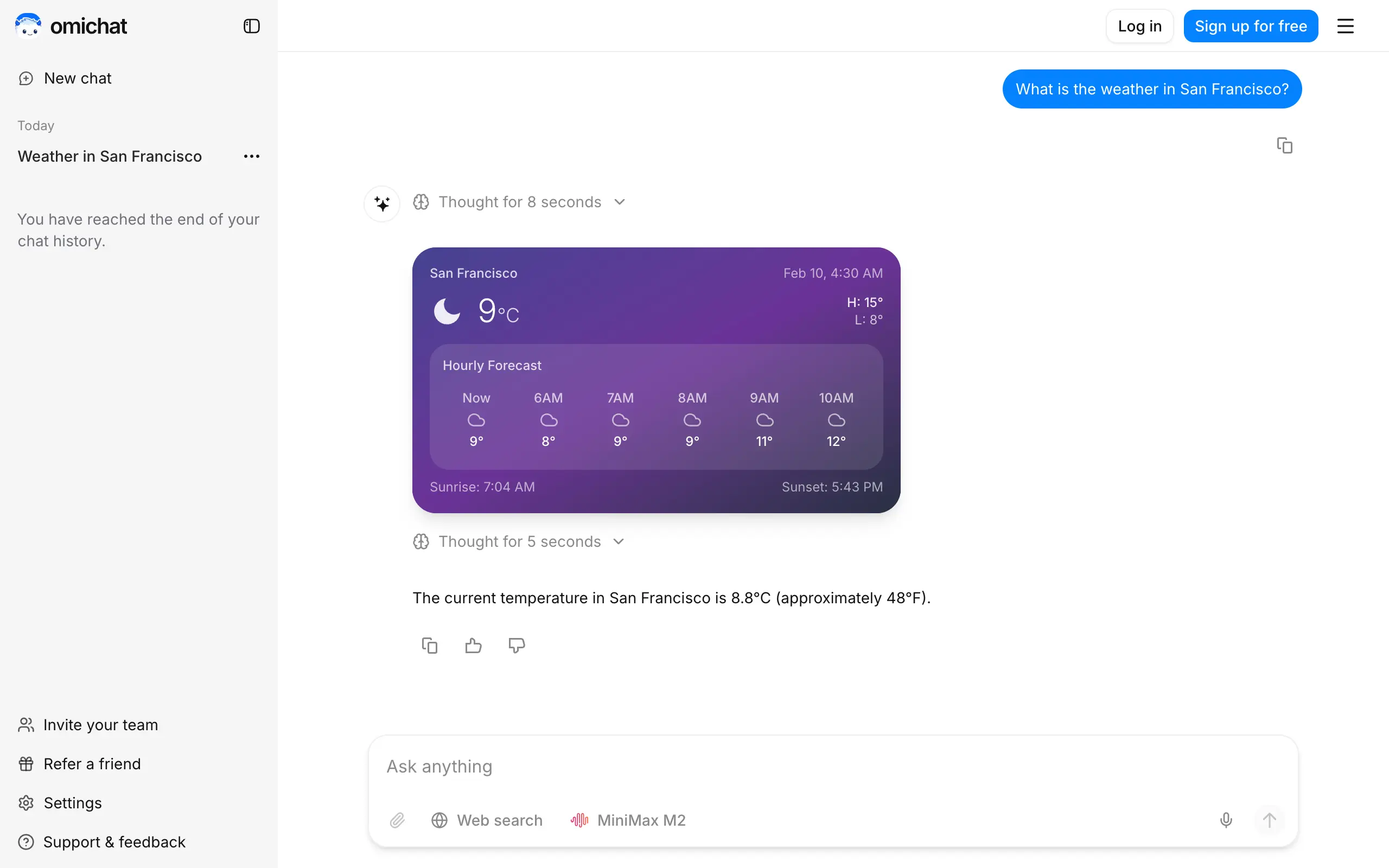
Omichat
Chat with 50+ AI models, including ChatGPT and Claude, in one place - switch models anytime without losing context 🤖
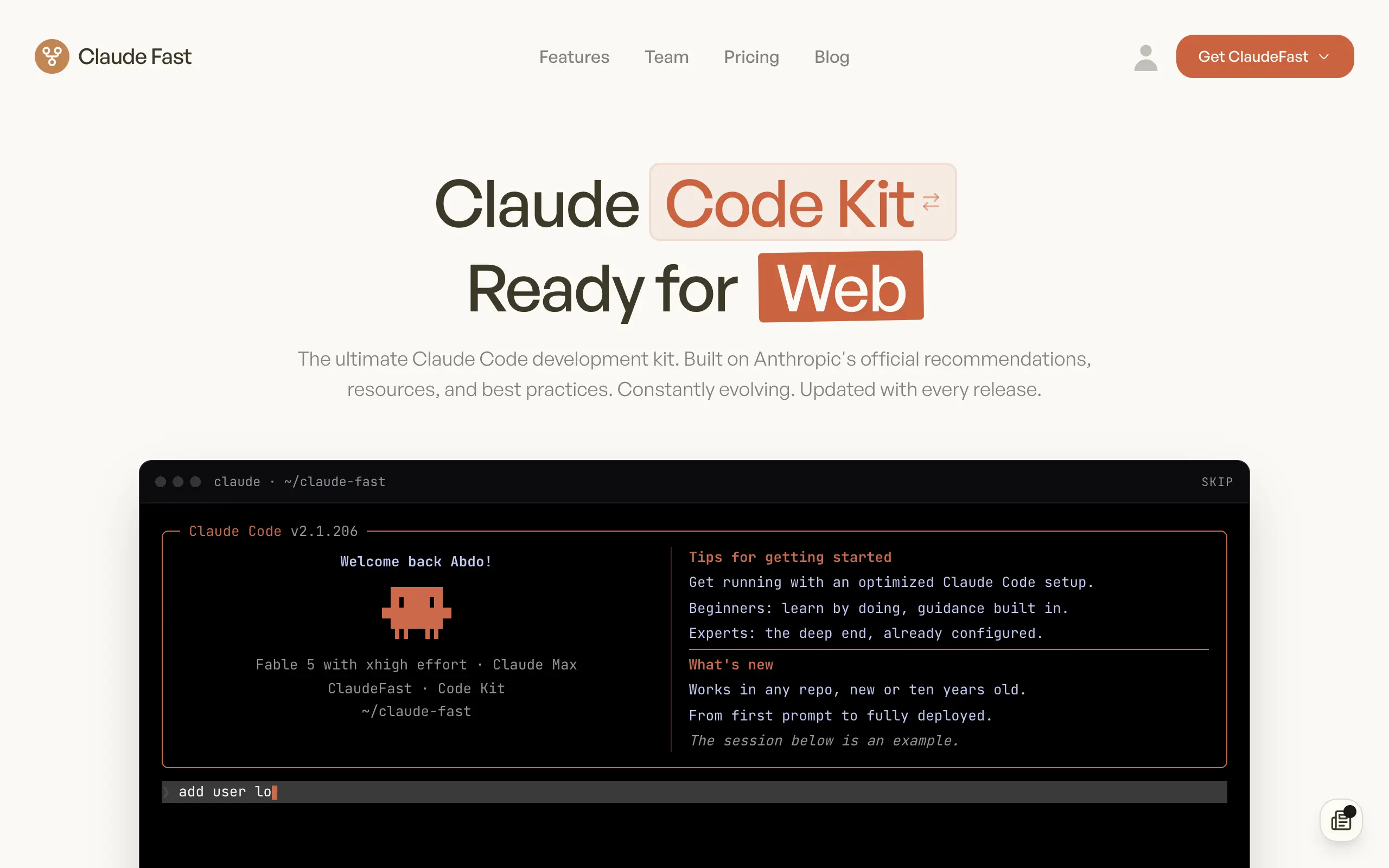
Claude Fast
Supercharge your Claude Code with 6x effective context window and specialized AI agents 🤖
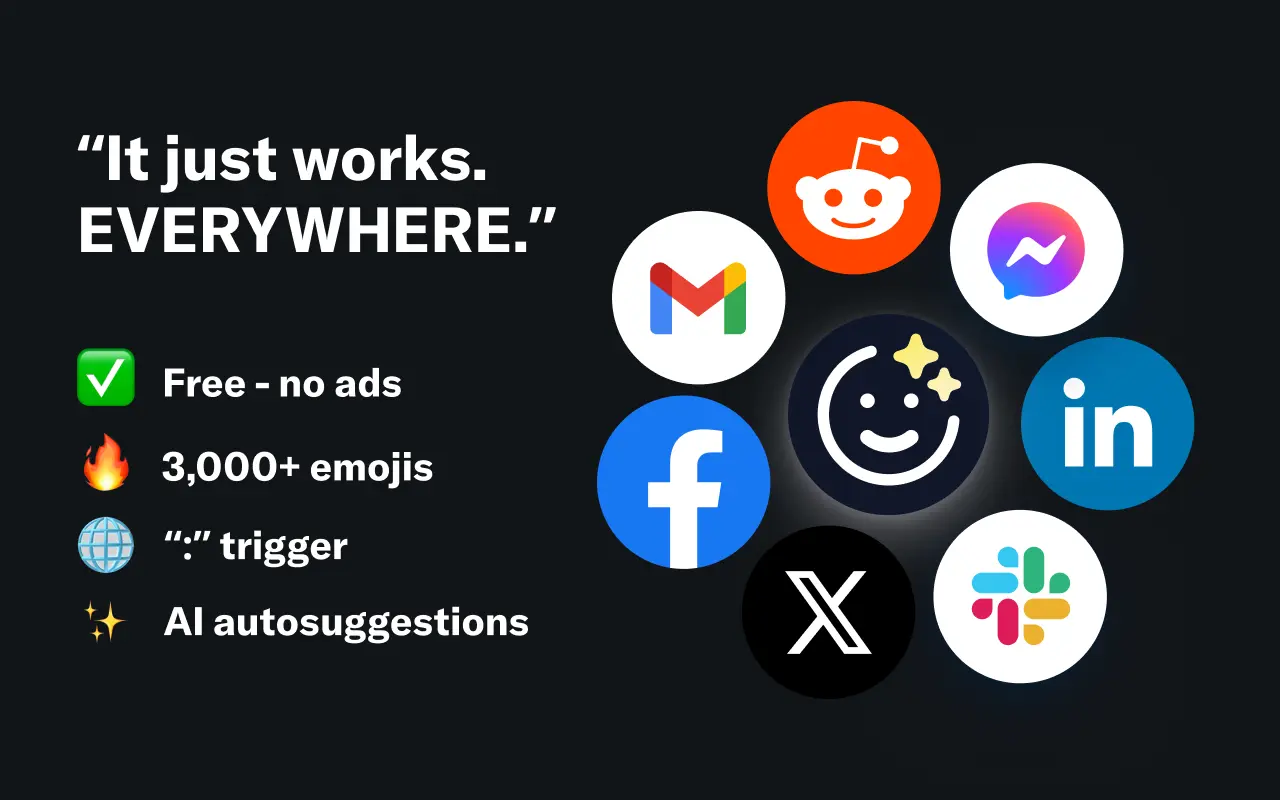
EmojAI
AI-powered emoji picker with smart, context-aware suggestions 🤖
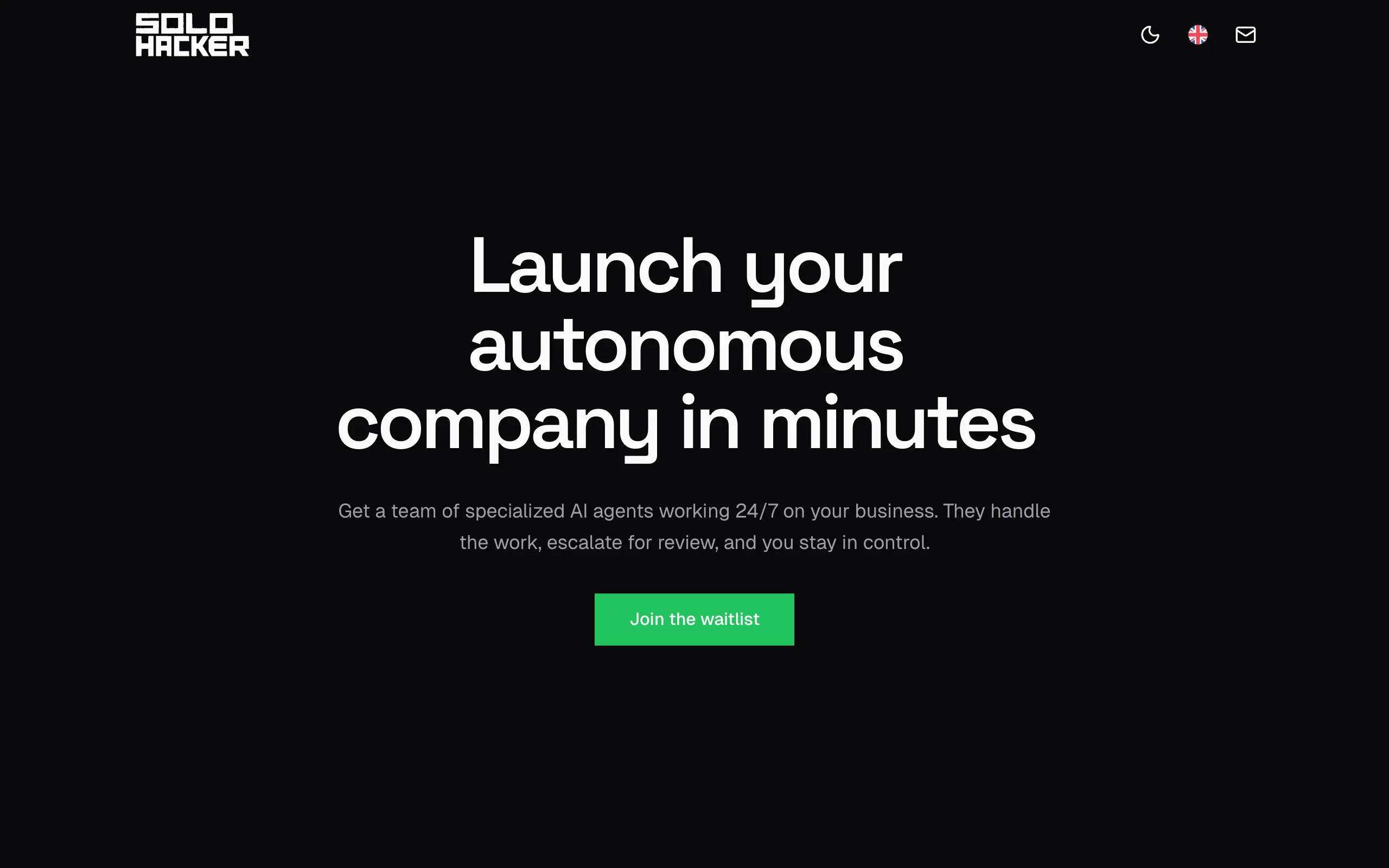
Solohacker
Autonomous company launcher - AI agents work 24/7, escalate what matters, and you stay in control 🤖
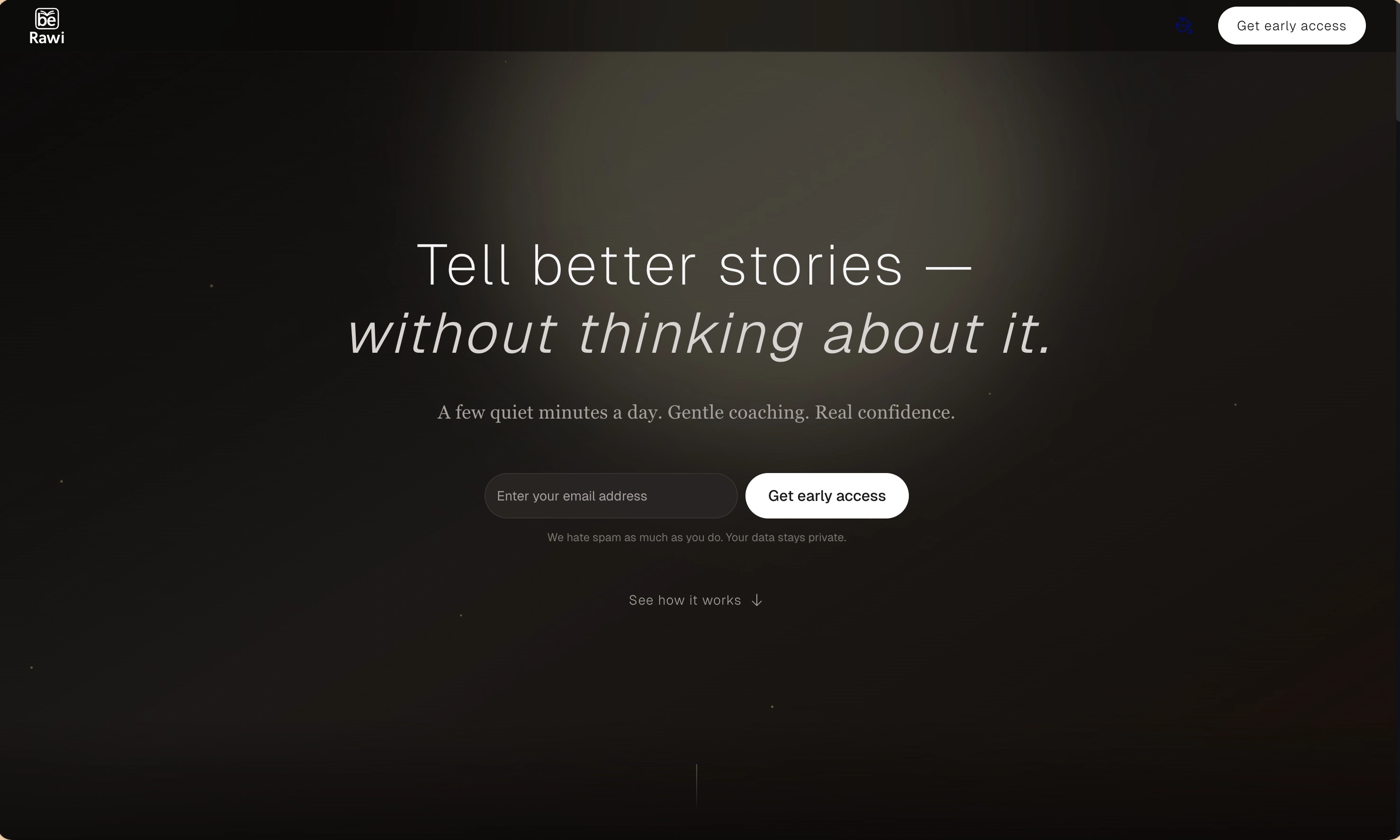
BeRawi: Storytelling Coach
Practice storytelling daily with instant feedback to sound clearer, more engaging, and confident 🎤
Omichat
Chat with 50+ AI models, including ChatGPT and Claude, in one place - switch models anytime without losing context 🤖
Claude Fast
Supercharge your Claude Code with 6x effective context window and specialized AI agents 🤖
EmojAI
AI-powered emoji picker with smart, context-aware suggestions 🤖
Solohacker
Autonomous company launcher - AI agents work 24/7, escalate what matters, and you stay in control 🤖
BeRawi: Storytelling Coach
Practice storytelling daily with instant feedback to sound clearer, more engaging, and confident 🎤
Omichat
Chat with 50+ AI models, including ChatGPT and Claude, in one place - switch models anytime without losing context 🤖
Claude Fast
Supercharge your Claude Code with 6x effective context window and specialized AI agents 🤖
EmojAI
AI-powered emoji picker with smart, context-aware suggestions 🤖
Solohacker
Autonomous company launcher - AI agents work 24/7, escalate what matters, and you stay in control 🤖
BeRawi: Storytelling Coach
Practice storytelling daily with instant feedback to sound clearer, more engaging, and confident 🎤
Omichat
Chat with 50+ AI models, including ChatGPT and Claude, in one place - switch models anytime without losing context 🤖
Claude Fast
Supercharge your Claude Code with 6x effective context window and specialized AI agents 🤖
EmojAI
AI-powered emoji picker with smart, context-aware suggestions 🤖
Solohacker
Autonomous company launcher - AI agents work 24/7, escalate what matters, and you stay in control 🤖
BeRawi: Storytelling Coach
Practice storytelling daily with instant feedback to sound clearer, more engaging, and confident 🎤

Connect with like-minded people
Join our community to get feedback, support, and grow together with 1,000+ builders on board, let's ship it!
Join usShip your startup everywhere. In minutes.
Don't burn tokens on setup and start building features on day one.