ReceiptRelay
Automatically rename and organize receipts, bills and statements using AI extraction. Accountants receive clean, searchable client document batches.
What AI receipt organization software solves for modern accounting teams
ReceiptRelay is an AI receipt organization software concept designed to automatically extract information from receipts, bills, invoices, and bank statements, then rename, categorize, and organize those files into clean client-ready batches.
For bookkeepers, accountants, outsourced finance teams, and small business owners, document collection is still one of the most repetitive parts of monthly close. Clients send receipt photos through email, chat apps, shared drives, and mobile uploads. Files arrive with names such as IMG_4829.jpg, scan.pdf, or receipt-final-new.pdf. Important metadata is trapped inside PDFs and images, making documents difficult to search, reconcile, or audit later.
ReceiptRelay addresses that operational problem by turning unstructured financial documents into searchable, standardized records.
The central promise is simple:
Upload a batch of financial documents, let AI identify what each file contains, extract key details, apply a consistent naming convention, and route the documents to the correct client and folder.
This is more than an OCR utility. A strong AI receipt organizer becomes part of the document operations layer for accounting firms. It helps teams reduce manual file handling, standardize client handoffs, improve audit readiness, and keep the bookkeeping workflow moving without asking staff to rename hundreds of documents every week.
Primary value proposition
ReceiptRelay should position itself as an accounting workflow tool rather than a generic scanner. The outcome is not simply extracted text. The outcome is a clean, searchable, accountant-ready document batch.
Who needs automated receipt and bill organization
The broad market includes anyone who handles financial documents, but the strongest early customers are organizations with recurring document volume and a clear cost attached to manual processing.
Accounting and bookkeeping firms
Accounting firms are the highest-value audience because they process documents across many clients and repeat the same tasks each month.
Their workflow often includes downloading files, identifying document types, naming receipts, sorting by entity, checking dates, and placing documents in a shared folder before reconciliation begins. Even a small amount of manual effort per document becomes expensive when multiplied by hundreds or thousands of files.
ReceiptRelay can help firms create predictable document standards across their client base.
Typical needs include:
- Batch upload capabilities for mixed PDF and image files
- Client-specific folder structures
- Automated naming conventions
- Searchable merchant, date, and amount fields
- Reviewer queues for low-confidence extractions
- Exportable audit trails
- Integrations with accounting and document storage tools
For a firm partner, the benefit is operational leverage. For an operations manager, the benefit is process consistency. For bookkeepers, the benefit is less time spent on administrative cleanup.
Fractional CFO and outsourced finance teams
Fractional finance providers often work with growing companies that lack internal administrative support. They receive irregular collections of bills, receipts, vendor statements, and expense evidence.
These teams need a fast way to convert disorganized source files into an orderly monthly package. ReceiptRelay can become the intake layer that turns a client upload into a reviewable financial document queue.
The product is especially useful where a fractional finance team uses standardized client folders but cannot control how clients name or submit documents.
Small businesses with a monthly bookkeeping routine
Small business owners may not need a full accounting operations platform, but they do need a reliable way to keep receipts organized before tax time or their monthly bookkeeping handoff.
This audience responds to simplicity. They want to forward files, upload a batch from their phone, and know the documents will be sorted correctly.
For this segment, ReceiptRelay should emphasize:
- Minimal setup
- Plain-language organization rules
- Fast uploads
- Receipt search by vendor, amount, and month
- Easy sharing with a bookkeeper or accountant
- Clear notices when a document needs review
Multi-location operators and field-based businesses
Restaurants, contractors, retail operators, property managers, and healthcare-adjacent service businesses often generate high volumes of physical receipts. Staff may submit documents from several locations, which creates inconsistent records and missing supporting evidence.
A mobile-first receipt processing workflow can create significant value for these businesses. Employees can capture documents as they incur expenses, while finance staff receive an organized digital record instead of a pile of paper.
Accounting firms
Best initial market because recurring client document volume creates immediate ROI and strong retention potential.
Fractional finance teams
Need a repeatable intake process for messy client files without expanding administrative headcount.
Small businesses
Need a simple way to prepare clean, searchable financial records for a bookkeeper, accountant, or tax adviser.
The market gap in receipt management and document intake
The market contains many adjacent products. Expense management tools capture employee expenses. Accounting platforms store transactions. OCR APIs extract text. Cloud drives store files. Practice management products manage work assignments.
Yet a meaningful gap remains between document arrival and accounting-ready organization.
A typical accounting workflow is fragmented:
- A client sends receipts by email, SMS, shared drive, or mobile app.
- A staff member downloads and checks files manually.
- Documents receive a human-created filename.
- Staff sort them into folders by client, month, entity, or document type.
- The bookkeeper searches for documents while reconciling transactions.
- Missing items trigger another round of client follow-up.
Each step is manageable on its own. Combined, they create hidden operational cost and inconsistent documentation.
The opportunity for ReceiptRelay is to own the “messy documents in, organized evidence out” workflow.
Why generic OCR is not enough
Generic OCR technology can read a document, but accountants need context. A receipt containing “Total 48.20” is not useful if the system cannot identify the merchant, transaction date, currency, tax amount, payment method, legal entity, and source file.
More importantly, accounting teams need confidence. A system should show where each extracted value came from, flag uncertainty, and preserve the original file.
A credible AI receipt processing product needs to combine:
- Optical character recognition for printed and handwritten text
- Document classification for receipts, invoices, bills, and statements
- Field extraction for accounting-relevant values
- Confidence scoring and exception handling
- File organization rules
- Search and retrieval
- Review workflows
- Secure storage and audit logs
Why the timing is favorable
AI document processing has improved substantially through multimodal models, better OCR engines, and structured extraction pipelines. Businesses are increasingly comfortable using AI for administrative workflows, provided that systems maintain controls, source documents, and human review.
However, trust still matters more than novelty in financial workflows. ReceiptRelay should not claim that AI is always correct. It should instead explain how the product reduces manual effort while making uncertain results visible.
For industry benchmarks, the product’s content and sales materials should reference credible sources such as annual reports from accounting associations, official tax authority guidance, and independently published research on invoice processing costs. Use a dated citation format such as “Source: Organization, report title, publication year, page number” rather than relying on unattributed market statistics.
ReceiptRelay’s unique selling proposition
ReceiptRelay stands out when it focuses on the final deliverable accounting teams actually need: a complete, consistent, searchable document batch.
Its unique selling proposition can be framed as:
ReceiptRelay transforms unstructured receipt, bill, and statement uploads into accountant-ready document batches with AI extraction, standardized filenames, searchable metadata, and human-review controls.
That positioning is more specific than “AI OCR” and more operational than “expense tracking.”
The differentiated workflow
A useful ReceiptRelay workflow could look like this:
Examples of standardized filenames
Different firms have different conventions, so ReceiptRelay should make filenames configurable. Examples include:
2025-03-12_Staples_48.20_USD_Receipt.pdf2025-03-01_Acme-Hosting_125.00_Invoice.pdf2025-03_Bank-Statement_Checking-1234.pdf2025-02-28_Hilton_342.18_Client-Travel.jpg
The value is not only aesthetics. Standardized filenames make documents easier to identify in exports, cloud drives, and audit requests without opening every attachment.
Document intelligence that accountants can trust
ReceiptRelay should always retain both the original source file and the structured extraction result. Users must be able to compare extracted fields with the underlying image or PDF.
A trustworthy review screen should show:
- The source document preview
- Extracted fields side by side with source text
- Confidence indicators for each field
- Reasons for automated categorization where practical
- A clear edit history
- The reviewer and approval timestamp
- The final filename and destination folder
This design supports auditability and helps teams understand when human review is required.
Core features for an AI receipt organizer MVP
The minimum viable product should prioritize one tightly defined workflow rather than trying to replace accounting software from day one.
Smart upload and document ingestion
Users need multiple convenient ways to send documents into the system.
An initial version can support:
- Drag-and-drop uploads
- Multi-file upload
- PDF, JPG, JPEG, PNG, and HEIC support where feasible
- ZIP file ingestion for large batches
- Email forwarding addresses
- Mobile camera upload
- Duplicate document detection
Duplicate detection is especially important. Accounting teams frequently receive the same receipt through several channels. ReceiptRelay can compare file hashes, visual similarity, vendor details, date, and amount to flag likely duplicates for review.
AI classification and field extraction
The extraction engine should identify both the document type and accounting-relevant information.
Key receipt fields may include:
- Merchant or vendor name
- Transaction date
- Total amount
- Tax amount
- Currency
- Receipt number
- Payment method when visible
- Country or location
- Line items when the use case requires them
For bills and invoices, the system should also extract:
- Invoice number
- Due date
- Purchase order number
- Bill-to entity
- Supplier address
- Payment terms
- Subtotal and tax totals
Statements require a different model because users may need statement period, institution, account ending, opening balance, closing balance, and transaction rows.
Avoid overpromising
Handwritten receipts, faded thermal paper, multi-language documents, and low-resolution camera images will create extraction errors. Product messaging should emphasize confidence scoring and review workflows instead of promising perfect automation.
Rules-based file naming and routing
Rules are what convert extraction into business value. Administrators should be able to select a filename template and folder-routing strategy.
For example, a firm could define:
const filenameTemplate =
  "{documentDate}_{vendorName}_{totalAmount}_{currency}_{documentType}";

const folderRule =
  "/{clientName}/{entityName}/{year}/{month}/{documentType}";
The production system should sanitize unsupported characters, normalize dates, handle missing fields, and prevent naming collisions. A practical fallback might append a unique short identifier when two files would otherwise produce the same filename.
Search, filters, and saved views
Search is a retention feature, not an optional extra. Users will return to ReceiptRelay when they need to locate a specific document months later.
Search should cover:
- Vendor names
- Dates and date ranges
- Amount ranges
- Document types
- Client and legal entity
- Status such as pending review or approved
- Invoice and receipt numbers
- Tags and custom fields
- Full OCR text when permitted by the workspace settings
Saved views can support recurring workflows, such as “March receipts pending review” or “Documents missing a date.”
Review queue and quality controls
A reviewer queue is crucial for accounting-grade accuracy. Automated extraction should move work forward, but humans need a deliberate path to resolve ambiguity.
Recommended queue statuses include:
- New
- Processing
- Needs review
- Approved
- Rejected
- Duplicate suspected
- Exported
Each manual correction becomes valuable training data. Initially, that data may improve rule suggestions and vendor recognition within a tenant. Over time, carefully governed feedback can improve the broader extraction system without exposing sensitive customer data.
Team collaboration and permissions
Accounting firms need workspace-level controls. A firm may have internal administrators, bookkeepers, reviewers, client contacts, and external auditors.
A role model should include at least:
- Workspace administrator
- Client manager
- Processor
- Reviewer
- Read-only auditor
- Client uploader
Permissions should determine whether a user can upload, edit metadata, delete files, export records, change rules, or view particular clients.
Recommended tech stack for ReceiptRelay
The best tech stack depends on the desired speed to market, expected document volume, data residency needs, and in-house expertise. For an AI-heavy SaaS product, it is important to separate user-facing workflow reliability from AI processing jobs.
Frontend and application layer
A modern web application can be built with React and Next.js. This combination supports responsive dashboards, authenticated workspaces, server-side capabilities, and a strong developer ecosystem.
For styling, Tailwind CSS provides a fast way to create consistent admin interfaces, review screens, tables, and responsive upload flows.
A good frontend should optimize for document review efficiency:
- Keyboard shortcuts for approve, edit, and skip
- Large document previews
- Side-by-side extracted fields
- Bulk actions
- Clear progress states for batch processing
- Accessible form controls and error messages
Data storage and relational database
A relational database such as PostgreSQL is a strong fit for users, workspaces, permissions, document metadata, processing jobs, review events, and billing records.
Store original files in object storage rather than directly in the database. Object storage supports large PDFs and images more efficiently and enables lifecycle policies for archival or deletion.
The core data model should separate:
- Original uploaded asset
- Document record
- Extraction version
- Structured fields
- Classification result
- File routing result
- Review decision
- Audit event
This structure makes it easier to rerun extraction models, maintain history, and trace how a final record was created.
AI extraction architecture
The AI layer should be modular. ReceiptRelay should not depend entirely on one provider or one model because costs, accuracy, and compliance requirements can change.
A practical pipeline may include:
- Image preprocessing and orientation correction
- OCR text extraction
- Document-type classification
- Structured field extraction
- Validation rules
- Confidence scoring
- Human review routing
- Final indexing and file organization
Use deterministic validation wherever possible. For example, dates should be valid calendar dates, totals should parse as currency values, and tax plus subtotal should reasonably reconcile to a total when all fields are present.
Use managed OCR and multimodal AI services for the fastest path to market. This reduces infrastructure work but creates provider dependence, variable per-document costs, and potential data residency constraints.
Combine a specialist OCR provider with an LLM or multimodal model for interpretation and normalization. This can improve extraction flexibility while preserving deterministic validation rules.
Run OCR and document models in controlled infrastructure when enterprise buyers require deeper privacy controls. This can support compliance requirements but increases engineering, monitoring, and model-operations complexity.
Background jobs and workflow reliability
Document processing is asynchronous. Large files, OCR requests, retries, and batch uploads should not block the main user experience.
Use a durable job queue with idempotent processing. Every processing stage should be safe to retry without creating duplicate document records or duplicate charges.
Important operational safeguards include:
- File virus scanning before processing
- Retry policies with dead-letter handling
- Rate limits for upload and API endpoints
- Processing status updates
- Observability for failed jobs
- Per-tenant quotas
- Cost controls for expensive AI calls
For a production SaaS build, starting from a proven full-stack boilerplate such as TurboStarter can reduce setup time for authentication, billing foundations, dashboard structure, and common SaaS patterns.
Security, privacy, and compliance requirements
ReceiptRelay will process sensitive financial documents. Security cannot be treated as a future enhancement.
Receipts and statements can contain account fragments, addresses, employee names, transaction information, tax identifiers, and business purchasing data. Firms will evaluate the product based on its controls as much as its AI capabilities.
Essential security controls
The platform should include:
- Encryption in transit and at rest
- Tenant isolation
- Role-based access control
- Secure session management
- Audit logs for uploads, downloads, edits, exports, and deletions
- Time-limited signed file access URLs
- Data retention settings
- Backup and disaster recovery procedures
- Incident response documentation
- Vendor security reviews for AI and storage providers
Privacy by design
A strong privacy posture includes clear answers to several customer questions:
- Where are source documents stored?
- Is customer data used to train shared models?
- How long is data retained after account cancellation?
- Can customers request data deletion?
- Which subprocessors handle files or extracted text?
- Can data remain in a specific geographic region?
- What access do support staff have to customer documents?
The product should offer clear contractual language and publish a transparent security overview before targeting larger accounting firms.
Compliance roadmap
Early-stage companies should avoid claiming certifications they do not have. Instead, build toward the standards that customers will eventually ask about.
A realistic roadmap may include:
- Documented security policies and access controls
- Regular penetration testing
- Vendor risk management
- SOC 2 readiness work
- Data processing agreements
- GDPR-supporting processes for applicable customers
- Regional data hosting options for enterprise plans
Monetization options for ReceiptRelay
ReceiptRelay has a natural usage-based cost structure because AI extraction and storage costs scale with document volume. The pricing model should align revenue with value while keeping billing understandable.
Subscription tiers with included document credits
This is likely the best starting model.
A plan can include a set monthly document allowance, then charge for additional documents. Each processed receipt, invoice, statement, or page can count as a unit depending on the cost model.
Possible packages include:
- Solo plan for independent business owners
- Team plan for small bookkeeping practices
- Firm plan for multi-client accounting teams
- Enterprise plan for custom volume, security, and integrations
Pricing should be based on the customer’s unit of value. For a firm, that is usually documents processed, client entities managed, or monthly batch volume, not the number of seats alone.
Per-client workspace pricing
Accounting firms may prefer a predictable fee per active client. This model works well if each client workspace has a reasonable document cap.
The trade-off is that document-heavy clients can become unprofitable. A hybrid plan with per-client pricing and volume overages is safer.
Premium workflow features
Advanced features can create clear upgrade paths:
- Custom filename templates
- Custom extraction fields
- Branded client upload portals
- Accounting software integrations
- API access
- Advanced retention policies
- SSO and SCIM provisioning
- Multi-entity controls
- Dedicated support
- Regional data residency
Professional services and onboarding
Larger firms may pay for implementation help. A paid onboarding package can include folder migration, workspace configuration, naming convention setup, staff training, and integration assistance.
This revenue stream also improves adoption because the firm begins with a standardized workflow rather than an empty account.
| Pricing model | Best for | Strength | Risk | Recommendation |
|---|---|---|---|---|
| Monthly plan plus usage | Most customers | Predictable base revenue | Needs clear overage messaging | ✅ Start here |
| Per client workspace | Accounting firms | Simple budgeting | Heavy users can erode margins | ✅ Add usage guardrails |
| Per document only | Occasional users | Easy value alignment | Revenue volatility | Use as an overage model |
Competitive advantage and positioning strategy
ReceiptRelay should avoid competing head-on as a full accounting platform or generic expense management application. Its advantage comes from being purpose-built for document intake, organization, and handoff.
Positioning against cloud storage
Cloud storage platforms are excellent places to keep files, but they generally do not understand a receipt’s merchant, amount, tax, or date. They also do not create accounting-specific review queues or naming rules from extracted document data.
ReceiptRelay can integrate with storage providers while becoming the intelligence layer on top of the folder system.
Positioning against expense management tools
Expense tools often focus on employee reimbursement, corporate cards, approvals, and spend policy. ReceiptRelay is broader in document intake and more aligned with accounting firms handling external client files.
The key message is that ReceiptRelay organizes financial evidence, even when it is not part of an employee expense report.
Positioning against OCR APIs
OCR APIs are infrastructure, not a workflow. Firms do not want to build their own exception queues, audit logs, folder routing, user permissions, and searchable client portal.
ReceiptRelay provides the workflow and controls around extraction.
Durable product moat
The initial product is relatively easy to replicate at a surface level. A more durable advantage develops through workflow depth and proprietary operational data.
Potential moats include:
- Firm-specific naming and routing configurations
- Document review history
- Vendor normalization knowledge
- High-quality extraction correction feedback
- Deep integrations with accounting workflows
- Embedded client upload portals
- Reliable audit records
- Strong trust and security reputation
The goal is not to claim that AI itself is defensible. The goal is to become embedded in the recurring process that firms use to convert incoming documents into accounting-ready evidence.
Risks and mitigation strategies
Every financial document automation product faces technical, commercial, and trust-related risks. Addressing them early will improve product-market fit and enterprise readiness.
Use field-level confidence scores, deterministic validation, document previews, and reviewer queues. Measure accuracy by field and document type rather than using a single vague accuracy number.
Minimize data access, encrypt documents, isolate tenants, log privileged actions, and offer transparent retention and deletion controls.
Use staged processing. Apply lower-cost classification first, reserve expensive multimodal analysis for uncertain documents, and monitor per-tenant cost continuously.
Start with the existing behavior of accountants. Support familiar folders, exports, and naming conventions before requiring customers to change their entire process.
Build a clean internal document model and maintain provider abstraction layers. Avoid making core workflows dependent on a single external platform.
The biggest commercial risk
The biggest commercial mistake would be targeting everyone who has receipts. That audience is enormous but difficult to reach efficiently and may have low willingness to pay.
A better initial strategy is to focus on small and mid-sized accounting firms with recurring client document collection pain. They have an immediate use case, clear internal champions, and a compounding value proposition as more clients are onboarded.
A practical go-to-market plan
ReceiptRelay should use a focused, service-informed go-to-market approach.
Start with design partners
Recruit five to ten bookkeeping or accounting firms that currently receive messy document batches. Offer close collaboration, discounted early access, and direct influence over the product roadmap.
Interview them about:
- Their intake channels
- Existing naming conventions
- Monthly document volume
- Review responsibilities
- Common document errors
- Storage destinations
- Reconciliation workflow
- Client follow-up process
- Security concerns
- Current cost of manual sorting
The goal is to identify the narrowest high-frequency workflow that produces measurable time savings.
Build a compelling ROI narrative
Avoid unsupported universal savings claims. Instead, help each prospect calculate their own baseline.
A simple value calculator can use:
- Number of documents processed per month
- Average manual handling time per document
- Fully loaded hourly cost of staff
- Percentage of documents requiring review
- Expected reduction in naming and sorting time
This gives prospects a defensible business case without relying on exaggerated AI claims.
Use proof-driven content marketing
SEO content should target high-intent searches such as:
- AI receipt organization software
- Receipt management software for accountants
- Automatically rename receipt files
- Organize client receipts for bookkeeping
- OCR receipt processing for accounting firms
- Receipt document management software
- Invoice and bill organization software
- How to organize receipts for an accountant
The best articles should include workflow diagrams, naming convention examples, implementation checklists, data security guidance, and honest discussion of OCR limitations. This creates trust with accounting professionals who are wary of shallow AI marketing.
Actionable implementation steps for building ReceiptRelay
The most effective path is to build a narrow, reliable product before adding sophisticated integrations or autonomous bookkeeping features.
A strong first release does not need to automate every accounting decision. It needs to reliably solve one painful job: turning a disorderly collection of financial documents into an organized batch that a bookkeeper can confidently use.
Final perspective on the ReceiptRelay opportunity
ReceiptRelay has a compelling SaaS opportunity because it targets a persistent and expensive operational problem. Financial document collection is repetitive, error-prone, difficult to standardize, and essential to accurate bookkeeping.
The strongest version of the product is not simply an AI receipt scanner. It is a trusted document operations platform for accountants and finance teams.
By combining AI extraction with configurable naming rules, searchable metadata, secure storage, reviewer controls, and audit-ready history, ReceiptRelay can turn chaotic incoming files into a dependable accounting workflow.
The winning strategy is to prioritize trust, workflow fit, and measurable time savings. If accounting teams can upload a messy client batch and receive clean, searchable, consistently named documents with minimal intervention, ReceiptRelay becomes a valuable part of the monthly close process rather than another standalone AI tool.
More 🤖 AI Startup SaaS ideas
Discover more innovative ai startup SaaS ideas that are trending in 2026. Each idea is AI-generated with market validation and growth potential to help you find your next profitable venture faster than competitors.
Your competitors are building with TurboStarter
Below are some of the SaaS ideas that have been generated and built with our starter kit.

Statiko
Monitor any Telegram channel in real time - track posts, edits, deletions, and growth with AI recaps 📡

Shibui
AI website builder - describe your business, pick a niche template, edit by chatting, and publish instantly ✨

Pro Service
Find verified home service professionals, compare quotes, and pay securely through escrow - built for Brazilians across the US 🏠

RankGrow
Fix your SEO with AI agents - connect Search Console, get prioritized tasks, and grow organic traffic 📈
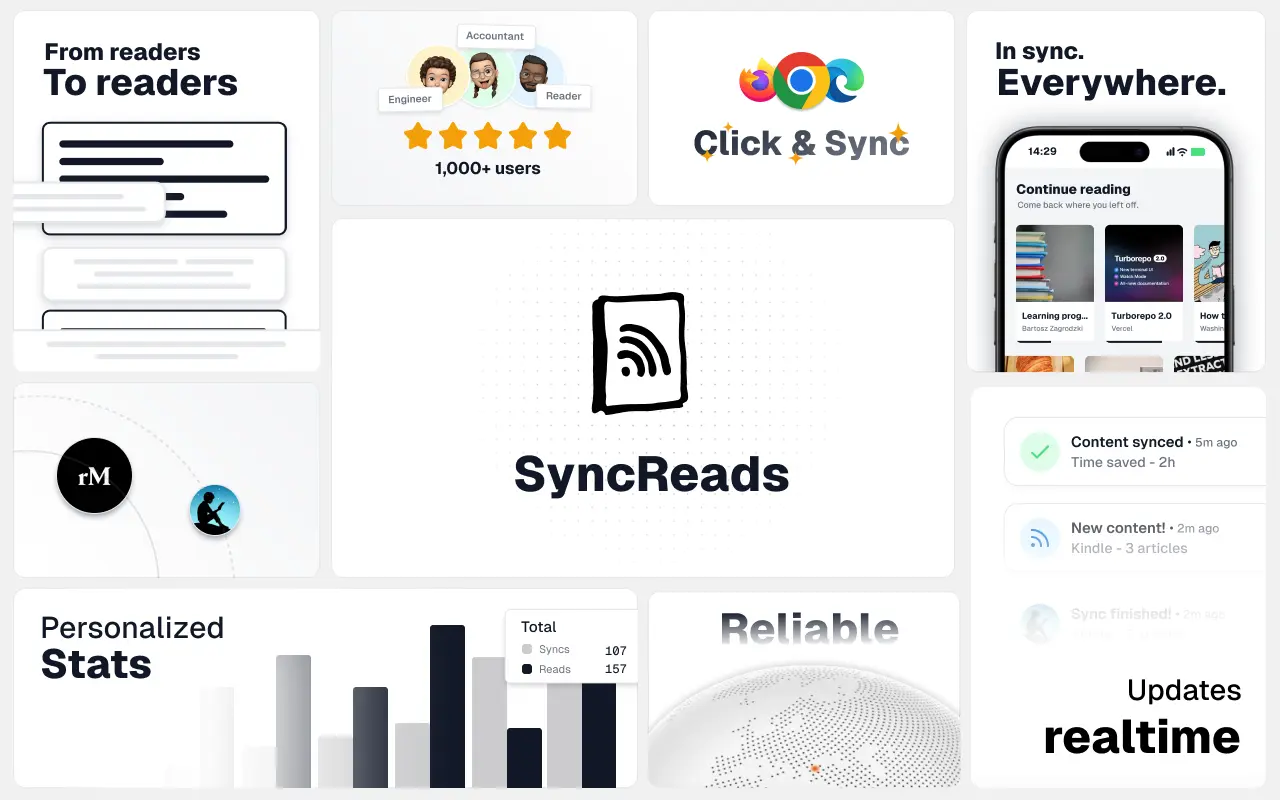
SyncReads
Sync your favorite content for distraction-free reading, save time and replace multiple apps. Anytime, anywhere 🔄

Socialcrawl
Get clean, structured data from 21 platforms like TikTok, Instagram, and YouTube with a single request 📊
Statiko
Monitor any Telegram channel in real time - track posts, edits, deletions, and growth with AI recaps 📡
Shibui
AI website builder - describe your business, pick a niche template, edit by chatting, and publish instantly ✨
Pro Service
Find verified home service professionals, compare quotes, and pay securely through escrow - built for Brazilians across the US 🏠
RankGrow
Fix your SEO with AI agents - connect Search Console, get prioritized tasks, and grow organic traffic 📈
SyncReads
Sync your favorite content for distraction-free reading, save time and replace multiple apps. Anytime, anywhere 🔄
Socialcrawl
Get clean, structured data from 21 platforms like TikTok, Instagram, and YouTube with a single request 📊
Statiko
Monitor any Telegram channel in real time - track posts, edits, deletions, and growth with AI recaps 📡
Shibui
AI website builder - describe your business, pick a niche template, edit by chatting, and publish instantly ✨
Pro Service
Find verified home service professionals, compare quotes, and pay securely through escrow - built for Brazilians across the US 🏠
RankGrow
Fix your SEO with AI agents - connect Search Console, get prioritized tasks, and grow organic traffic 📈
SyncReads
Sync your favorite content for distraction-free reading, save time and replace multiple apps. Anytime, anywhere 🔄
Socialcrawl
Get clean, structured data from 21 platforms like TikTok, Instagram, and YouTube with a single request 📊
Statiko
Monitor any Telegram channel in real time - track posts, edits, deletions, and growth with AI recaps 📡
Shibui
AI website builder - describe your business, pick a niche template, edit by chatting, and publish instantly ✨
Pro Service
Find verified home service professionals, compare quotes, and pay securely through escrow - built for Brazilians across the US 🏠
RankGrow
Fix your SEO with AI agents - connect Search Console, get prioritized tasks, and grow organic traffic 📈
SyncReads
Sync your favorite content for distraction-free reading, save time and replace multiple apps. Anytime, anywhere 🔄
Socialcrawl
Get clean, structured data from 21 platforms like TikTok, Instagram, and YouTube with a single request 📊
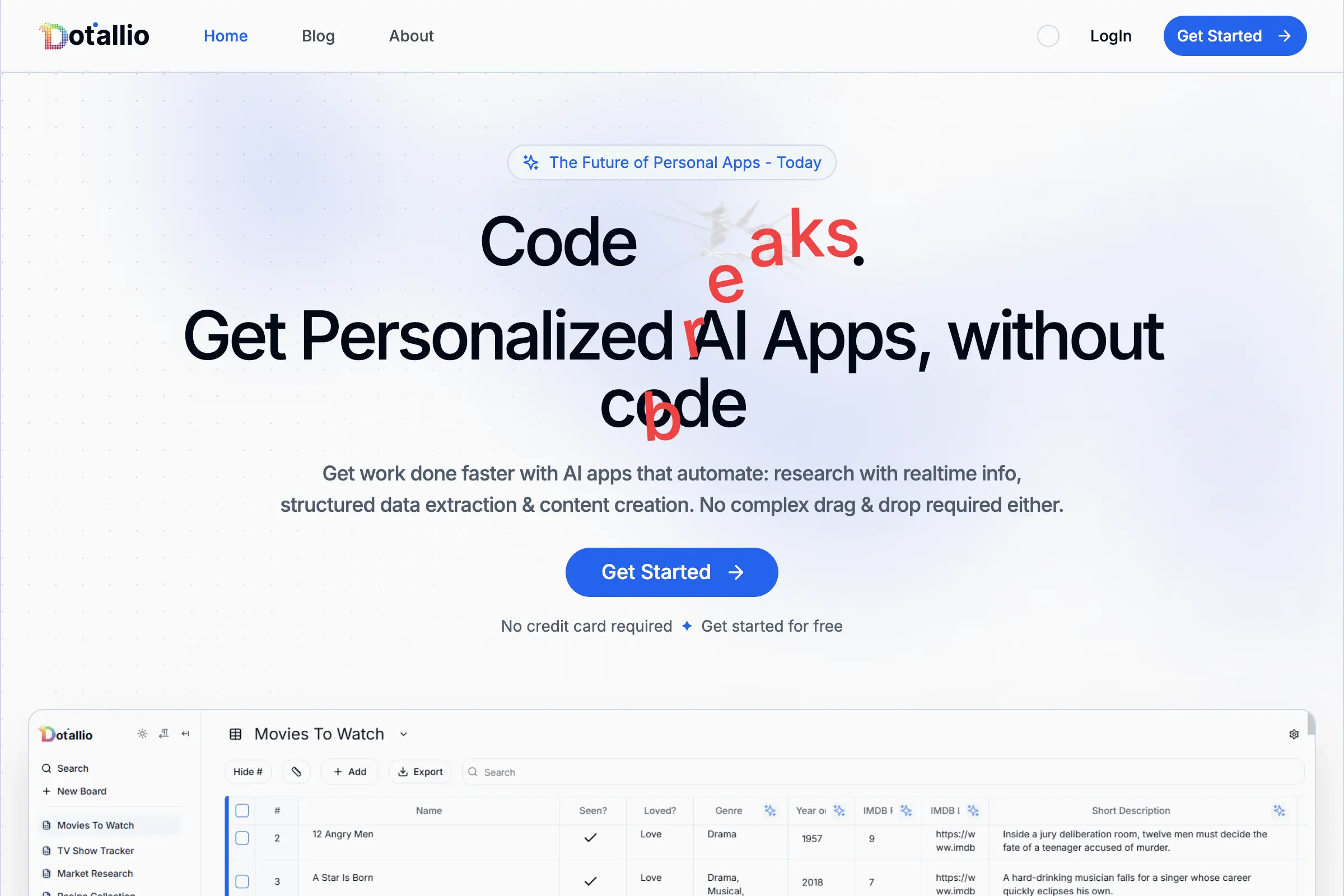
Dotallio
Personalized AI apps that automate research, data extraction, and content creation without code 🤖

Talk to Santa
Enjoy a magical live video chat or receive a unique AI-generated video greeting from Santa Claus 🎅

pozywka.pl
Scalable blog for food journalist, focused on performance and user experience 🌭
zagrodzki.me
Personal blog and portfolio of Bart Zagrodzki, where he shares his knowledge and work 💼

TurboStarter
Ship your startup everywhere. In minutes.
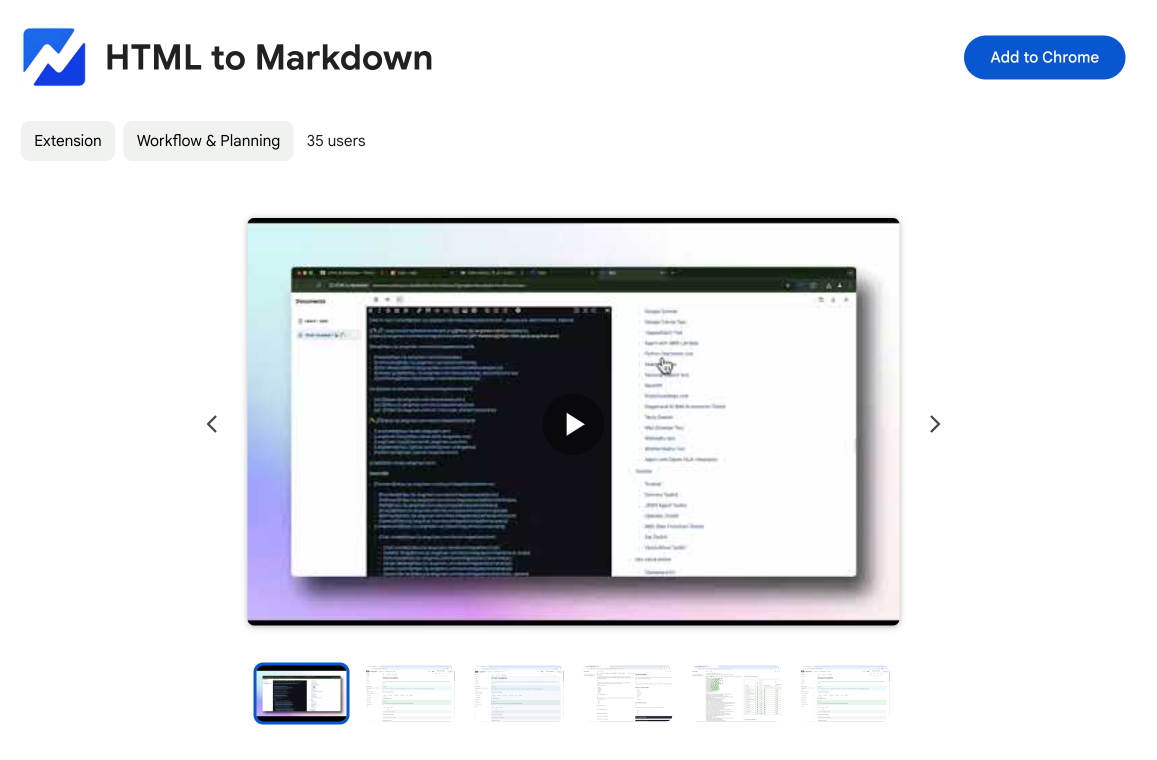
HTML to Markdown
Convert HTML to Markdown with ease, directly in your browser 📄
Dotallio
Personalized AI apps that automate research, data extraction, and content creation without code 🤖
Talk to Santa
Enjoy a magical live video chat or receive a unique AI-generated video greeting from Santa Claus 🎅
pozywka.pl
Scalable blog for food journalist, focused on performance and user experience 🌭
zagrodzki.me
Personal blog and portfolio of Bart Zagrodzki, where he shares his knowledge and work 💼
TurboStarter
Ship your startup everywhere. In minutes.
HTML to Markdown
Convert HTML to Markdown with ease, directly in your browser 📄
Dotallio
Personalized AI apps that automate research, data extraction, and content creation without code 🤖
Talk to Santa
Enjoy a magical live video chat or receive a unique AI-generated video greeting from Santa Claus 🎅
pozywka.pl
Scalable blog for food journalist, focused on performance and user experience 🌭
zagrodzki.me
Personal blog and portfolio of Bart Zagrodzki, where he shares his knowledge and work 💼
TurboStarter
Ship your startup everywhere. In minutes.
HTML to Markdown
Convert HTML to Markdown with ease, directly in your browser 📄
Dotallio
Personalized AI apps that automate research, data extraction, and content creation without code 🤖
Talk to Santa
Enjoy a magical live video chat or receive a unique AI-generated video greeting from Santa Claus 🎅
pozywka.pl
Scalable blog for food journalist, focused on performance and user experience 🌭
zagrodzki.me
Personal blog and portfolio of Bart Zagrodzki, where he shares his knowledge and work 💼
TurboStarter
Ship your startup everywhere. In minutes.
HTML to Markdown
Convert HTML to Markdown with ease, directly in your browser 📄
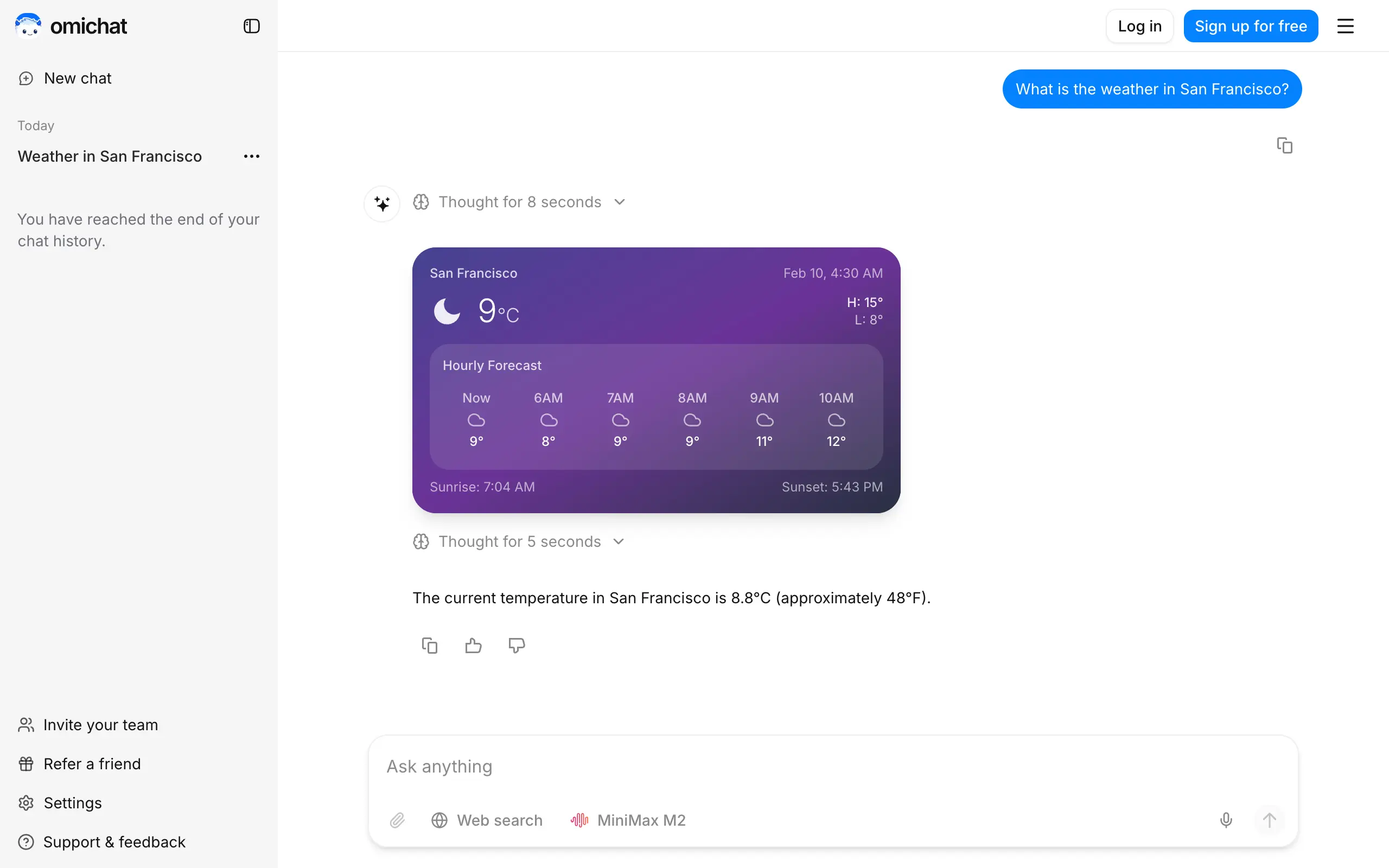
Omichat
Chat with 50+ AI models, including ChatGPT and Claude, in one place - switch models anytime without losing context 🤖
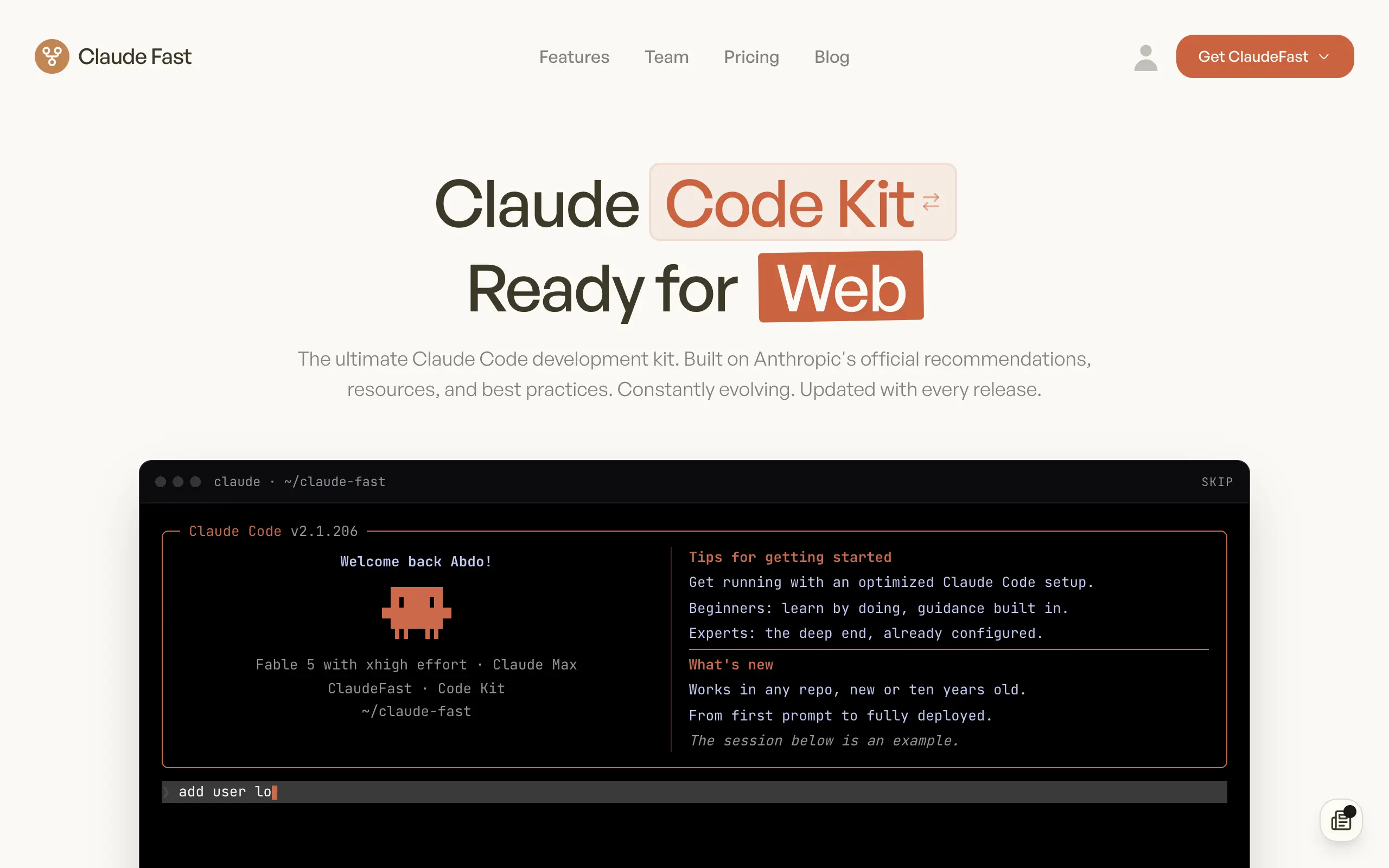
Claude Fast
Supercharge your Claude Code with 6x effective context window and specialized AI agents 🤖

EmojAI
AI-powered emoji picker with smart, context-aware suggestions 🤖

Solohacker
Autonomous company launcher - AI agents work 24/7, escalate what matters, and you stay in control 🤖

BeRawi: Storytelling Coach
Practice storytelling daily with instant feedback to sound clearer, more engaging, and confident 🎤
Omichat
Chat with 50+ AI models, including ChatGPT and Claude, in one place - switch models anytime without losing context 🤖
Claude Fast
Supercharge your Claude Code with 6x effective context window and specialized AI agents 🤖
EmojAI
AI-powered emoji picker with smart, context-aware suggestions 🤖
Solohacker
Autonomous company launcher - AI agents work 24/7, escalate what matters, and you stay in control 🤖
BeRawi: Storytelling Coach
Practice storytelling daily with instant feedback to sound clearer, more engaging, and confident 🎤
Omichat
Chat with 50+ AI models, including ChatGPT and Claude, in one place - switch models anytime without losing context 🤖
Claude Fast
Supercharge your Claude Code with 6x effective context window and specialized AI agents 🤖
EmojAI
AI-powered emoji picker with smart, context-aware suggestions 🤖
Solohacker
Autonomous company launcher - AI agents work 24/7, escalate what matters, and you stay in control 🤖
BeRawi: Storytelling Coach
Practice storytelling daily with instant feedback to sound clearer, more engaging, and confident 🎤
Omichat
Chat with 50+ AI models, including ChatGPT and Claude, in one place - switch models anytime without losing context 🤖
Claude Fast
Supercharge your Claude Code with 6x effective context window and specialized AI agents 🤖
EmojAI
AI-powered emoji picker with smart, context-aware suggestions 🤖
Solohacker
Autonomous company launcher - AI agents work 24/7, escalate what matters, and you stay in control 🤖
BeRawi: Storytelling Coach
Practice storytelling daily with instant feedback to sound clearer, more engaging, and confident 🎤

Connect with like-minded people
Join our community to get feedback, support, and grow together with 1,000+ builders on board, let's ship it!
Join usShip your startup everywhere. In minutes.
Don't burn tokens on setup and start building features on day one.