ReplyGarden
An AI inbox coach for solo businesses that drafts on-brand replies, organizes leads, and suggests follow-ups without complex CRM setup.
What is an AI inbox coach for solo businesses?
An AI inbox coach helps a solo business owner manage customer conversations without the overhead of a full customer relationship management platform. Instead of merely sorting messages, it analyzes the context of an inbox, recognizes lead intent, drafts replies in the owner’s voice, and recommends the next best follow-up.
ReplyGarden is positioned as an AI inbox coach for freelancers, consultants, creators, agencies of one, and service-based founders who need to stay responsive while protecting their time. Its core value is simple: turn a crowded inbox into an organized, revenue-aware workflow without requiring users to learn complicated CRM processes.
For a solo operator, the inbox is often where sales, customer support, partnerships, delivery questions, and administrative tasks all collide. A promising lead can easily disappear beneath newsletters, meeting requests, or routine client conversations. ReplyGarden addresses that problem by combining AI reply drafting, lightweight lead organization, and proactive follow-up suggestions in one focused workspace.
The primary keyword opportunity is AI inbox coach, supported by related terms such as:
- AI email assistant
- AI reply generator
- inbox management software
- lead follow-up automation
- lightweight CRM for solopreneurs
- AI sales assistant
- client communication tool
- email productivity software
- on-brand email replies
- lead organization for freelancers
Unlike broad inbox tools that focus only on speed, ReplyGarden can compete around the quality and commercial relevance of communication. The product is not simply helping users answer messages faster. It helps them answer strategically.
The central product promise
ReplyGarden should help a solo business owner know who needs a reply, what to say in their own voice, and when to follow up so opportunities do not silently go cold.
Why solo businesses need an AI inbox coach
Solo businesses face a communication paradox. Personalized, timely replies build trust and close deals, yet the very act of delivering client work reduces the time available to manage those replies.
A founder may begin the day with an inbox containing a new project inquiry, an existing client request, a late invoice question, a partnership invitation, and several messages that require a thoughtful answer. The owner has to decide what is urgent, what is valuable, what can wait, and how to write each response without sounding rushed or generic.
This creates several recurring business problems.
- "Lead leakage": qualified prospects do not receive a timely answer or follow-up.
- "Context switching": users repeatedly search old threads, notes, and documents before responding.
- "Voice inconsistency": rushed replies fail to reflect the brand’s tone or commercial positioning.
- "Tool fatigue": traditional CRMs require pipeline management, data entry, and workflow setup that feel excessive for a one-person business.
- "Follow-up avoidance": owners delay uncomfortable or ambiguous follow-ups until the opportunity is lost.
- "Inbox anxiety": a growing queue creates uncertainty about what matters most.
Many established tools solve one part of this issue. Email clients offer folders and search. CRMs offer pipelines and reporting. AI writing tools offer blank-page assistance. But solo founders do not need another disconnected layer. They need an intelligent operational companion that understands the conversation already happening in the inbox.
This is where the AI inbox coach category has an opening. ReplyGarden can make decisions easier at the exact moment they matter: when a user opens a message, prepares a response, or wonders whether a prospect has gone quiet.
Target audience analysis for ReplyGarden
The strongest early market for ReplyGarden is not every email user. It is the person whose inbox directly affects revenue, client satisfaction, or professional reputation.
Freelancers and independent consultants
Freelancers often sell high-trust services such as design, development, marketing, finance, operations, coaching, or writing. Their inbox contains both delivery work and future pipeline.
They need help with:
- Answering new project inquiries while maintaining a premium, confident tone
- Qualifying leads before investing time in discovery calls
- Remembering to follow up after sending proposals
- Keeping current clients informed without writing repetitive updates
- Separating serious opportunities from vague requests
For this audience, ReplyGarden should emphasize more polished client communication with less administrative work. A freelancer does not want to “manage a CRM.” They want to avoid losing a $3,000 project because they forgot to respond.
Coaches, advisors, and service creators
Coaches, course creators, and advisors commonly receive emotionally nuanced messages. A prospective client may be interested but hesitant, price-sensitive, or unclear about the offer.
Generic AI email drafts can feel impersonal in this context. ReplyGarden’s advantage is the ability to learn a user’s approved tone, service positioning, boundaries, and common answers. It could help draft warm but clear replies that move conversations toward a booking, application, or purchase.
Important workflow needs include:
- Recognizing high-intent inquiries
- Drafting empathetic answers that preserve boundaries
- Creating follow-up prompts after consultations
- Organizing leads by service, offer, and buying stage
- Reusing proven language without copying stale templates
Boutique agencies and agencies of one
A small agency may be run by a single founder with contractors. The owner usually owns sales, project communication, and relationship management.
This user has a more complex inbox, but still may not want enterprise CRM software. They need a lightweight system that can identify opportunities, summarize threads, surface overdue conversations, and ensure every prospect has a clear next step.
ReplyGarden can appeal to this audience as a lead follow-up and client communication layer, especially if it supports shared mailbox workflows in a later product phase.
Local professional service providers
Accountants, photographers, legal professionals, real estate consultants, recruiters, and similar specialists can benefit from structured communication assistance. However, this segment has higher privacy, regulatory, and data-handling expectations.
It is a valuable expansion market, but not necessarily the best first niche. ReplyGarden should first validate its workflow with digital service providers, where integration needs are simpler and adoption cycles are faster.
| Audience | Inbox pain | High-value outcome | Buying trigger | Product priority |
|---|---|---|---|---|
| Freelancers | Missed inquiries and slow replies | More booked projects | Growing lead volume | High |
| Consultants | Fragmented client context | Faster, higher-quality responses | Too much admin work | High |
| Coaches | Emotionally demanding communication | Consistent, human brand voice | Scaling inquiries | High |
| Boutique agencies | Sales and delivery threads mixed together | Reliable follow-up process | Pipeline inconsistency | Medium |
| Regulated professionals | High communication burden | Safer response workflows | Need for efficiency | Later |
The market gap: between an email client and a CRM
The competitive gap is clear. Most inbox products optimize for email volume. Most CRMs optimize for formal sales processes. Solo businesses often need neither extreme.
A standard email client can label messages, archive threads, and search past conversations. These are useful features, but they depend on manual discipline. The user must decide how to categorize leads, remember when to follow up, and write every response from scratch.
A traditional CRM provides more structure, but that structure can become the problem. Pipelines, activity logs, properties, automation rules, and reports are valuable for teams with repeatable sales operations. For a consultant receiving ten meaningful inquiries a month, the setup burden can exceed the benefit.
ReplyGarden’s market opportunity lies in the lightweight relationship operating system category. It should feel closer to a capable executive assistant than a sales database.
The best positioning is not “AI email software for everyone.” That market is crowded and vague. A sharper message is:
ReplyGarden helps solo service businesses turn inbox conversations into organized leads, on-brand replies, and timely follow-ups.
That positioning highlights three outcomes that users can understand immediately:
- Organize leads without manually maintaining a complicated pipeline.
- Draft on-brand replies without starting from a blank page.
- Follow up at the right time without relying on memory.
Why now is a strong moment for AI inbox management
Recent advances in large language models have made it practical to summarize long email threads, classify intent, extract action items, and generate context-aware drafts. At the same time, users are becoming more selective about AI tools. They do not want novelty. They want measurable time savings and better outcomes.
This creates an important product principle: AI should not be presented as magic. It should be presented as a transparent assistant that gives the user control.
For external validation, a future ReplyGarden content strategy can cite trusted annual reports from recognized productivity, small business, or customer relationship platforms. Any statistics about missed leads, response times, or small-business technology adoption should be linked to the original publisher and publication date rather than repeated without context.
Core ReplyGarden features and solution design
ReplyGarden should be built around an inbox-first workflow. The product must reduce friction from the first session, then become more valuable as it learns the user’s preferences and relationships.
Connected inbox and intelligent conversation view
The entry point is secure email connection. After authorization, ReplyGarden can scan a defined time period and identify conversations likely to involve leads, clients, follow-ups, and action items.
The conversation view should answer four questions instantly:
- Who is this person?
- What is the conversation about?
- What stage is it at?
- What should happen next?
Instead of asking the user to fill in CRM fields manually, the product can propose structured information from thread context. The user can accept, edit, or dismiss each suggestion.
Useful extracted signals include:
- Contact name and organization
- Service or offer discussed
- Estimated intent level
- Last interaction date
- Proposed next action
- Suggested follow-up date
- Conversation sentiment
- Open questions and commitments
The AI should clearly distinguish between facts extracted from the thread and inferences it is making. This improves trust and prevents users from treating uncertain assumptions as verified customer data.
On-brand AI reply drafting
Reply drafting is likely ReplyGarden’s most visible feature, but it should not be a generic “write an email” box.
A helpful draft needs to account for:
- The full thread history
- The user’s selected tone
- The desired business outcome
- Existing commitments in the conversation
- The user’s preferred vocabulary
- Relevant service details and policies
- A clear call to action
The product can offer structured response goals such as:
- Reply warmly and ask a qualifying question
- Send pricing information
- Suggest a discovery call
- Handle an objection
- Confirm next steps
- Decline politely
- Follow up after no response
- Request missing information
Rather than producing one opaque answer, ReplyGarden should offer a draft with editable reasoning cues. For example, a user could see that the draft acknowledges the prospect’s timeline, answers their direct question, and ends with a proposed call time.
Voice profile
Learn tone from approved examples, saved phrases, and explicit preferences rather than guessing from a single email.
Reply goals
Let users choose the desired outcome so drafts move the conversation forward, not merely fill space.
Approval control
Keep the user in charge with review, edit, regenerate, and send workflows for every draft.
Lead organization without CRM complexity
ReplyGarden should make lead organization feel invisible. Users should not have to become system administrators to know which conversations are worth attention.
A simple lead board can use natural stages such as:
- New inquiry
- Need to reply
- Qualified
- Call booked
- Proposal sent
- Awaiting decision
- Won
- Not now
These stages should remain flexible. Some users sell retainers, while others sell one-off projects or coaching packages. The product should let users rename stages while keeping the default system simple.
The crucial difference is automation with review. ReplyGarden might suggest moving a contact to “Proposal sent” when it detects a proposal email, but it should ask for confirmation or make the automation visibly reversible.
Follow-up suggestions and opportunity protection
Follow-up is where ReplyGarden can deliver disproportionate value. Many solo businesses do not lack leads; they lack a reliable system for re-engaging conversations after an initial exchange.
A strong follow-up engine should consider:
- The last meaningful message in the thread
- Whether the user promised to send something
- Whether the contact said they would respond by a date
- The stage and value of the opportunity
- The user’s preferred follow-up cadence
- Whether a reply would be inappropriate or repetitive
The tool should avoid indiscriminate reminders. “Follow up with everyone after three days” is not intelligent and can damage a user’s reputation. Better recommendations are contextual, such as:
This prospect asked for a proposal last Tuesday. You sent it six days ago, and there has been no response. Consider a short follow-up that offers to clarify scope.
Daily priority briefing
A daily briefing can be the habit-forming feature that makes ReplyGarden valuable beyond individual drafts. It should be concise and actionable.
A useful briefing may include:
- New high-intent inquiries
- Client messages requiring a response
- Leads with overdue follow-ups
- Drafts ready for review
- Conversations waiting on the user
- Commitments due today
The design should prioritize clarity over dashboard clutter. A solo business owner should be able to open ReplyGarden, identify the top three communication tasks, and make progress within minutes.
How ReplyGarden can build trust with AI-assisted communication
An AI inbox coach handles sensitive customer relationships. Trust is therefore not a marketing afterthought. It is a product requirement.
Keep the user in control
ReplyGarden should begin as a draft-and-suggest tool, not an autonomous sending tool. Automatically sending emails introduces high reputational risk, especially when model output misunderstands context or uses an inappropriate tone.
Users should always be able to:
- Review every AI-generated email before sending
- Edit drafts directly
- See which source messages informed the suggestion
- Regenerate a draft with different tone or length
- Disable AI processing for selected threads
- Delete connected data according to clear retention controls
Make privacy understandable
Privacy language needs to be direct, specific, and written for business owners rather than only legal teams. The product should explain:
- What email data is accessed
- Why that data is processed
- Whether data is used to train models
- How long data is retained
- How users revoke access
- How users export or delete information
Avoid vague statements such as “bank-level security” unless the underlying controls and certifications justify that claim. A better approach is to document actual practices, including encryption in transit, encryption at rest, scoped OAuth permissions, audit logging, and access-control procedures.
Design for hallucination resistance
Large language models can occasionally generate plausible but incorrect statements. In customer communication, even a small error can create a difficult situation.
ReplyGarden should reduce this risk through grounded generation. Drafts should draw from the email thread, approved knowledge sources, and user-configured instructions. The interface can visually separate:
- Confirmed facts from the conversation
- User-approved business facts
- AI-generated wording suggestions
If the model cannot find an answer, it should ask the user for clarification rather than inventing policy, pricing, deadlines, or availability.
Do not over-automate trust
The safest early product behavior is to recommend, draft, and organize. Sending messages automatically should remain an advanced, heavily constrained option only after users have confidence in the workflow.
Recommended tech stack for an AI inbox coach
ReplyGarden needs a stack that supports secure integrations, asynchronous processing, fast user interfaces, and reliable AI orchestration. The right choice depends on the founding team’s strengths, but a modern TypeScript architecture is a pragmatic default.
Frontend and application framework
Use Next.js with React and TypeScript. This combination supports a fast web application, server-rendered content where appropriate, route handlers, and a cohesive development model.
For interface styling, Tailwind CSS works well for an early SaaS product because it accelerates consistent UI development without imposing a heavy component abstraction too early.
Key interface requirements include:
- A responsive inbox and thread view
- Keyboard-friendly triage workflows
- Fast draft streaming
- Clear AI suggestion states
- Accessible color and status indicators
- Reliable loading and error states
Backend, database, and authentication
A PostgreSQL database is a strong choice for user accounts, contact records, conversation metadata, lead stages, reminders, and audit events. Its relational structure is useful when users need dependable links between contacts, conversations, tasks, and generated drafts.
For object storage, use a reputable S3-compatible service for attachments or retained message artifacts when necessary. Minimize stored raw email content where possible, and make storage choices based on the privacy model rather than convenience alone.
Authentication should support secure OAuth flows for Google and Microsoft email accounts. OAuth scopes should follow least-privilege principles. Request only what ReplyGarden truly needs, and make the permissions screen understandable.
AI orchestration and retrieval
The AI layer should use a provider abstraction instead of tightly coupling the whole application to one model vendor. This gives ReplyGarden flexibility on cost, latency, model quality, and regional availability.
A practical AI workflow has several stages:
- Ingest and normalize messages.
- Create structured thread summaries.
- Extract entities and potential next actions.
- Store approved business context and voice preferences.
- Retrieve relevant information for a requested draft.
- Generate a grounded draft.
- Run safety and quality checks before presenting it.
For semantic retrieval, pgvector can be an efficient choice when using PostgreSQL. It reduces early infrastructure complexity by keeping structured data and embeddings close together.
The trade-off is that a dedicated vector database may offer more specialized scaling features later. For an initial product focused on smaller inboxes and a clear customer niche, PostgreSQL plus pgvector is often simpler to operate.
Background jobs and observability
Email sync, thread classification, summary generation, and reminder evaluation should happen in background jobs. Do not make the user wait for a full mailbox scan while loading the application.
Use a durable job queue and design jobs to be idempotent. Email APIs can produce duplicate events, delayed updates, and rate-limit responses. A resilient architecture expects these conditions.
Observability should cover:
- Email synchronization failures
- OAuth token refresh issues
- AI generation latency and errors
- Model cost per active account
- Draft acceptance and editing rates
- Reminder suggestion outcomes
- Security-relevant account events
This data is essential for both product iteration and responsible AI operations.
type DraftRequest = {
  threadId: string;
  goal: "qualify" | "follow_up" | "proposal" | "client_update";
  tone: "warm" | "direct" | "consultative";
};

async function createGroundedDraft(request: DraftRequest) {
  const thread = await getThreadWithMessages(request.threadId);
  const voiceProfile = await getApprovedVoiceProfile(thread.workspaceId);
  const context = await retrieveRelevantBusinessContext(thread.workspaceId);

  return generateDraft({
    goal: request.goal,
    tone: request.tone,
    thread,
    voiceProfile,
    context,
    requireCitationsToSourceMessages: true,
  });
}
The important implementation detail is not the code syntax. It is the product constraint: generated claims should be traceable to a thread, an approved knowledge source, or an explicit user instruction.
Monetization strategy for ReplyGarden
ReplyGarden should use pricing that maps to clear individual value. Solo business owners are often willing to pay for a tool that saves time and protects revenue, but they are sensitive to pricing models that feel designed for enterprise sales teams.
A subscription model is the most natural starting point.
Recommended pricing structure
A free trial is usually more effective than a permanently free plan for an AI inbox coach. The product’s value becomes visible only after connecting an inbox, processing real conversations, and using drafts in day-to-day work.
Possible plan structure:
- "Starter": one connected inbox, limited AI drafts, core lead organization, and follow-up reminders.
- "Professional": higher usage limits, voice profile training, advanced lead views, business knowledge sources, and deeper follow-up intelligence.
- "Studio": multiple inboxes or brands, shared access, collaboration controls, and priority support.
AI costs should influence usage limits, but pricing should not be confusing. Users should understand what they can do, what counts as an AI action, and what happens when they reach a limit.
Value-based packaging
The strongest premium features are those tied to outcomes rather than novelty:
- Personalized voice profiles
- Advanced follow-up recommendations
- Proposal and sales-response workflows
- Deal and client context across threads
- Custom lead stages
- Shared inbox collaboration
- Analytics on response time and follow-up completion
Avoid charging separately for every minor feature. A solo founder should be able to make a quick buying decision without performing usage calculations.
Expansion revenue opportunities
Once the individual product is validated, ReplyGarden can expand carefully into:
- Team workspaces for boutique agencies
- CRM integrations for users who outgrow the lightweight workflow
- Vertical-specific templates for consultants, coaches, and creative studios
- White-label or partner plans for business coaches and communities
- Premium onboarding that builds a client’s voice profile and workflow
The expansion path should preserve the core promise. ReplyGarden wins by being easier than a conventional CRM, not by gradually becoming one.
Competitive advantage analysis
ReplyGarden’s competitive advantage should come from focused workflow design, not from claiming a better general-purpose language model.
The unique selling proposition
The clearest ReplyGarden USP is:
An AI inbox coach that helps solo businesses write on-brand replies, organize leads, and follow up intelligently without adopting a complex CRM.
This is stronger than “AI email assistant” because it defines both the audience and the business result.
Differentiation against email clients
Email clients are broad productivity tools. ReplyGarden should complement or sit alongside the user’s existing inbox rather than ask them to abandon it.
ReplyGarden differentiates through:
- Lead-aware conversation classification
- Business-oriented reply goals
- Voice-aware drafting
- Follow-up intelligence
- Lightweight pipeline views
- Daily communication priorities
Differentiation against CRM platforms
CRM platforms are powerful but typically require process design. ReplyGarden can win with low setup effort and inbox-native context.
The key message is not that CRMs are bad. It is that many solo businesses are not ready for one, and some may never need the complexity of one.
Differentiation against generic AI writers
Generic AI writers require the user to provide context manually. ReplyGarden can retrieve the relevant thread details, lead stage, approved business information, and tone preferences automatically.
That makes the output more useful and reduces the risk of sending an answer that sounds polished but ignores the conversation’s real context.
Organizes messages and supports search, but generally depends on the user to remember lead status and follow-up timing.
Provides robust pipelines and reporting, but can require substantial setup, data entry, and ongoing maintenance.
Helps produce text quickly, but usually lacks connected inbox context, lead history, and structured follow-up workflows.
Connects inbox context, on-brand reply drafting, lightweight lead organization, and proactive follow-up for solo operators.
Risks and mitigation strategies
Every AI SaaS product handling communications needs an explicit risk plan. Addressing these concerns early improves product quality and strengthens customer trust.
Email platform dependency
ReplyGarden depends on third-party email APIs and permission models. API changes, rate limits, or policy updates can affect core functionality.
Mitigation includes:
- Supporting more than one email provider over time
- Designing graceful sync failure states
- Maintaining clear reauthorization flows
- Avoiding reliance on undocumented behavior
- Monitoring platform announcements and API deprecations
Privacy and data security concerns
Customers may hesitate to connect an AI product to their primary inbox. This is not an objection to dismiss; it is a legitimate adoption barrier.
Mitigation includes:
- Clear privacy documentation
- Minimal OAuth scopes
- Configurable data retention
- Encryption and access controls
- Regular security reviews
- Transparent vendor and subprocesser disclosures
- A clear deletion workflow
Low-quality or inaccurate AI drafts
A poor draft can cause reputational damage. The risk increases when the system is asked to infer facts not present in the available context.
Mitigation includes:
- Draft-only defaults
- Source-grounded generation
- Clear uncertainty indicators
- User-editable voice controls
- Quality evaluation on representative email scenarios
- Feedback controls for poor suggestions
Overly broad initial positioning
Trying to serve every person with email makes product messaging weak and onboarding unfocused.
Mitigation is to start with a narrow beachhead. Independent consultants and freelancers with recurring inbound leads are an excellent first segment because their pain is clear, their workflows are similar, and the revenue impact of missed communication is easy to understand.
AI infrastructure costs
Long threads, embeddings, classifications, and generated drafts can create meaningful variable costs.
Mitigation includes:
- Summarizing older thread content
- Caching stable summaries
- Using smaller models for classification tasks
- Reserving more capable models for high-value draft generation
- Setting plan-level usage boundaries
- Measuring cost per activated and retained customer
Go-to-market strategy for an AI inbox coach
ReplyGarden should market the outcome, not the technical architecture. Solo business owners are rarely searching for “LLM-powered email orchestration.” They are searching for ways to respond faster, avoid missed leads, and stay on top of client messages.
Content-led acquisition
SEO can be a strong channel because the target audience searches for practical solutions. High-intent content topics include:
- How to organize client leads in Gmail
- Best CRM alternative for freelancers
- How to follow up with a client who has not replied
- AI email assistant for consultants
- How to write professional client follow-up emails
- How to manage freelance project inquiries
- Lightweight CRM for solo business owners
Each article should include tactical advice that is genuinely useful without the product. This demonstrates expertise and earns trust. ReplyGarden can then show how the product simplifies the same workflow.
Founder-led community validation
Early customers can come from communities where solo service businesses already share operational problems:
- Freelancer networks
- Consultant groups
- Creator communities
- Independent agency owner communities
- Business coaching cohorts
- Niche professional newsletters
The ideal early sales conversation is not “Would you use AI?” It is “Show me the last lead you nearly forgot to follow up with.” That reveals the real workflow gaps and creates better product insight.
Product-led onboarding
The first session should deliver a visible result quickly. A strong activation path could be:
The activation event should be behavior-based, such as “user sent or copied an approved AI-assisted reply” and “user resolved a follow-up task.” Merely connecting an inbox is not proof of value.
Actionable implementation steps
A disciplined MVP can validate ReplyGarden without attempting to build every CRM feature.
Phase one: validate the core workflow
Build the smallest useful product around a single inbox provider and a narrow user segment.
Focus on:
- Secure inbox connection
- Thread summaries
- Lead detection with user confirmation
- AI reply drafting from selected threads
- Simple voice preferences
- Follow-up reminders
- A basic daily priority view
Do not begin with deep analytics, team collaboration, elaborate automation builders, or autonomous sending. Those features add complexity before the fundamental user behavior is proven.
Phase two: measure meaningful product signals
Track product quality through user behavior, not only signups.
Important metrics include:
- Percentage of users who connect an inbox
- Time from signup to first helpful draft
- Draft acceptance rate
- Draft edit rate
- Follow-up recommendation acceptance rate
- Number of leads organized per active user
- Weekly active users
- Trial-to-paid conversion
- Customer retention by user segment
A high edit rate is not always negative. It may show that users value the starting point but need better voice customization. Combine quantitative metrics with customer interviews to understand why users change drafts.
Phase three: deepen the winning use case
Once ReplyGarden identifies the strongest audience, improve the workflows that audience uses most. For example, if freelance consultants are the most engaged segment, create better discovery-call prompts, proposal follow-ups, scope clarification templates, and client update drafts.
This is how ReplyGarden becomes harder to replace. Its advantage will not be a generic AI model. It will be accumulated workflow knowledge around the communication patterns that matter to a specific type of business.
For founders who want to accelerate the SaaS foundation while keeping attention on product differentiation, TurboStarter can reduce time spent on common application scaffolding and recurring SaaS infrastructure decisions.
The bottom line
ReplyGarden has a compelling opportunity to define the AI inbox coach category for solo businesses. The pain is immediate, frequent, and connected to revenue: business owners need to respond thoughtfully, maintain lead context, and follow up consistently, but they do not want to operate a heavyweight CRM.
The winning product will feel calm, focused, and trustworthy. It will draft replies in the user’s genuine voice, surface the conversations that deserve attention, and recommend useful next steps without pretending to replace human judgment.
Start with freelancers and consultants who already feel the cost of inbox chaos. Build a draft-first, privacy-conscious workflow. Make every AI suggestion explainable and easy to override. Then expand from inbox productivity into a lightweight relationship system that helps independent businesses grow without adding administrative burden.
More 🤖 AI Startup SaaS ideas
Discover more innovative ai startup SaaS ideas that are trending in 2026. Each idea is AI-generated with market validation and growth potential to help you find your next profitable venture faster than competitors.
Your competitors are building with TurboStarter
Below are some of the SaaS ideas that have been generated and built with our starter kit.
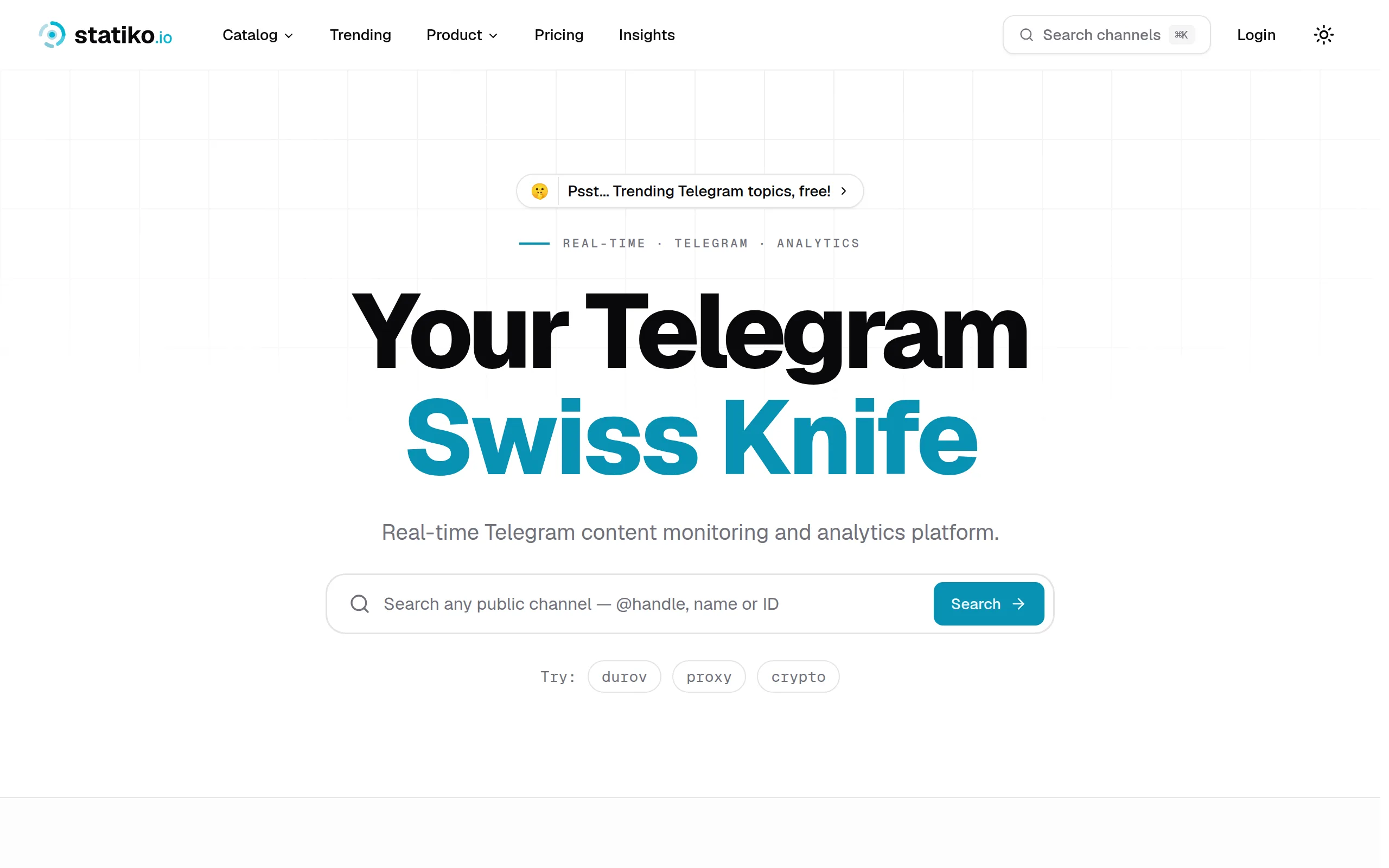
Statiko
Monitor any Telegram channel in real time - track posts, edits, deletions, and growth with AI recaps 📡

Shibui
AI website builder - describe your business, pick a niche template, edit by chatting, and publish instantly ✨

Pro Service
Find verified home service professionals, compare quotes, and pay securely through escrow - built for Brazilians across the US 🏠
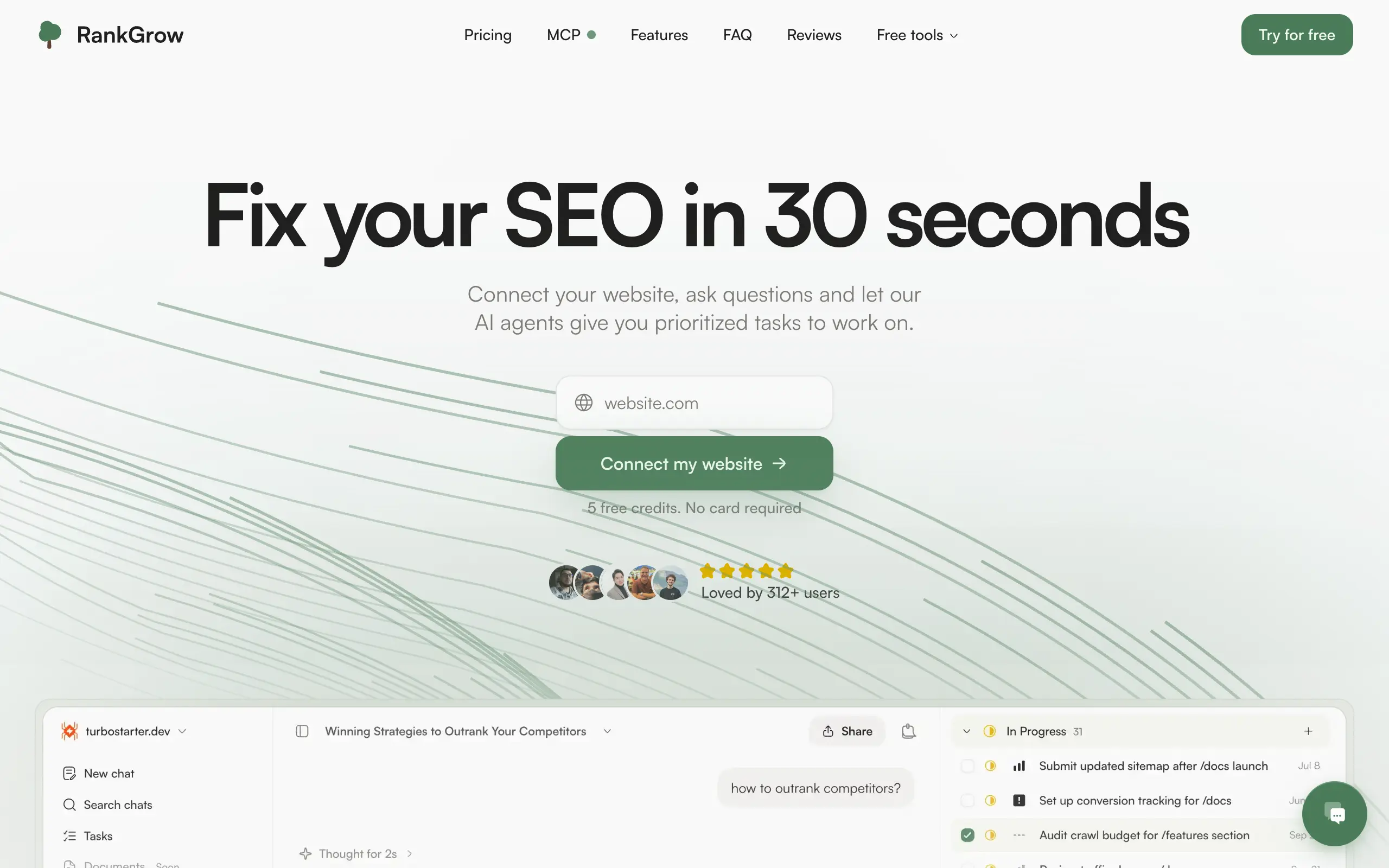
RankGrow
Fix your SEO with AI agents - connect Search Console, get prioritized tasks, and grow organic traffic 📈
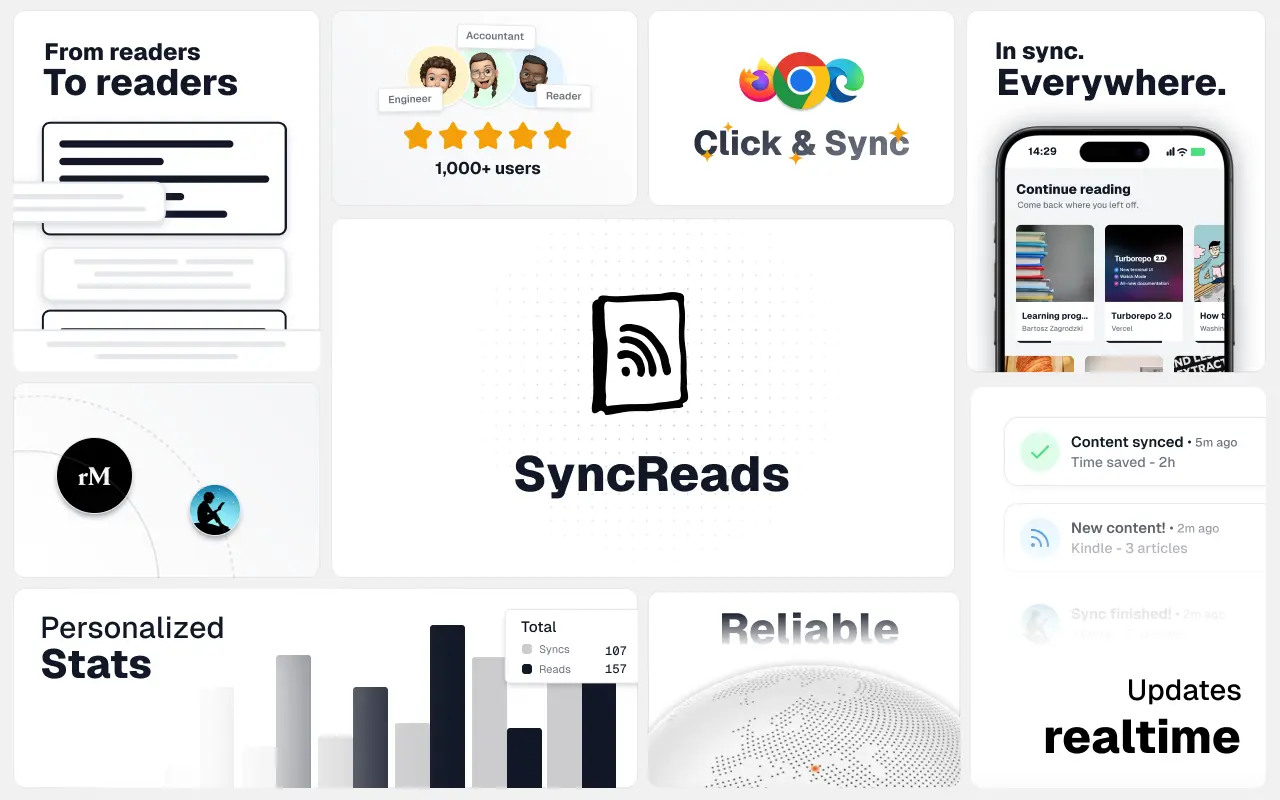
SyncReads
Sync your favorite content for distraction-free reading, save time and replace multiple apps. Anytime, anywhere 🔄
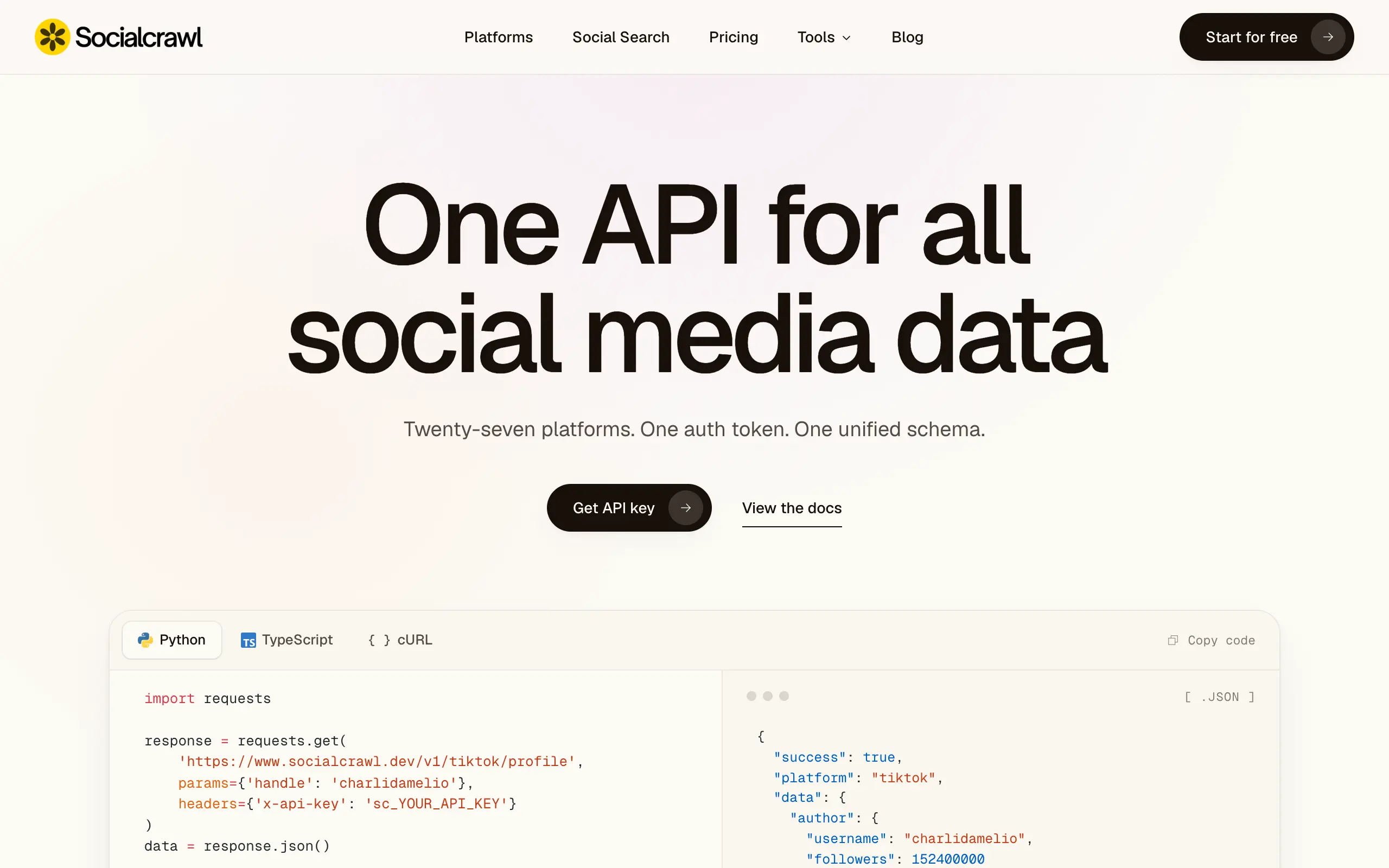
Socialcrawl
Get clean, structured data from 21 platforms like TikTok, Instagram, and YouTube with a single request 📊
Statiko
Monitor any Telegram channel in real time - track posts, edits, deletions, and growth with AI recaps 📡
Shibui
AI website builder - describe your business, pick a niche template, edit by chatting, and publish instantly ✨
Pro Service
Find verified home service professionals, compare quotes, and pay securely through escrow - built for Brazilians across the US 🏠
RankGrow
Fix your SEO with AI agents - connect Search Console, get prioritized tasks, and grow organic traffic 📈
SyncReads
Sync your favorite content for distraction-free reading, save time and replace multiple apps. Anytime, anywhere 🔄
Socialcrawl
Get clean, structured data from 21 platforms like TikTok, Instagram, and YouTube with a single request 📊
Statiko
Monitor any Telegram channel in real time - track posts, edits, deletions, and growth with AI recaps 📡
Shibui
AI website builder - describe your business, pick a niche template, edit by chatting, and publish instantly ✨
Pro Service
Find verified home service professionals, compare quotes, and pay securely through escrow - built for Brazilians across the US 🏠
RankGrow
Fix your SEO with AI agents - connect Search Console, get prioritized tasks, and grow organic traffic 📈
SyncReads
Sync your favorite content for distraction-free reading, save time and replace multiple apps. Anytime, anywhere 🔄
Socialcrawl
Get clean, structured data from 21 platforms like TikTok, Instagram, and YouTube with a single request 📊
Statiko
Monitor any Telegram channel in real time - track posts, edits, deletions, and growth with AI recaps 📡
Shibui
AI website builder - describe your business, pick a niche template, edit by chatting, and publish instantly ✨
Pro Service
Find verified home service professionals, compare quotes, and pay securely through escrow - built for Brazilians across the US 🏠
RankGrow
Fix your SEO with AI agents - connect Search Console, get prioritized tasks, and grow organic traffic 📈
SyncReads
Sync your favorite content for distraction-free reading, save time and replace multiple apps. Anytime, anywhere 🔄
Socialcrawl
Get clean, structured data from 21 platforms like TikTok, Instagram, and YouTube with a single request 📊
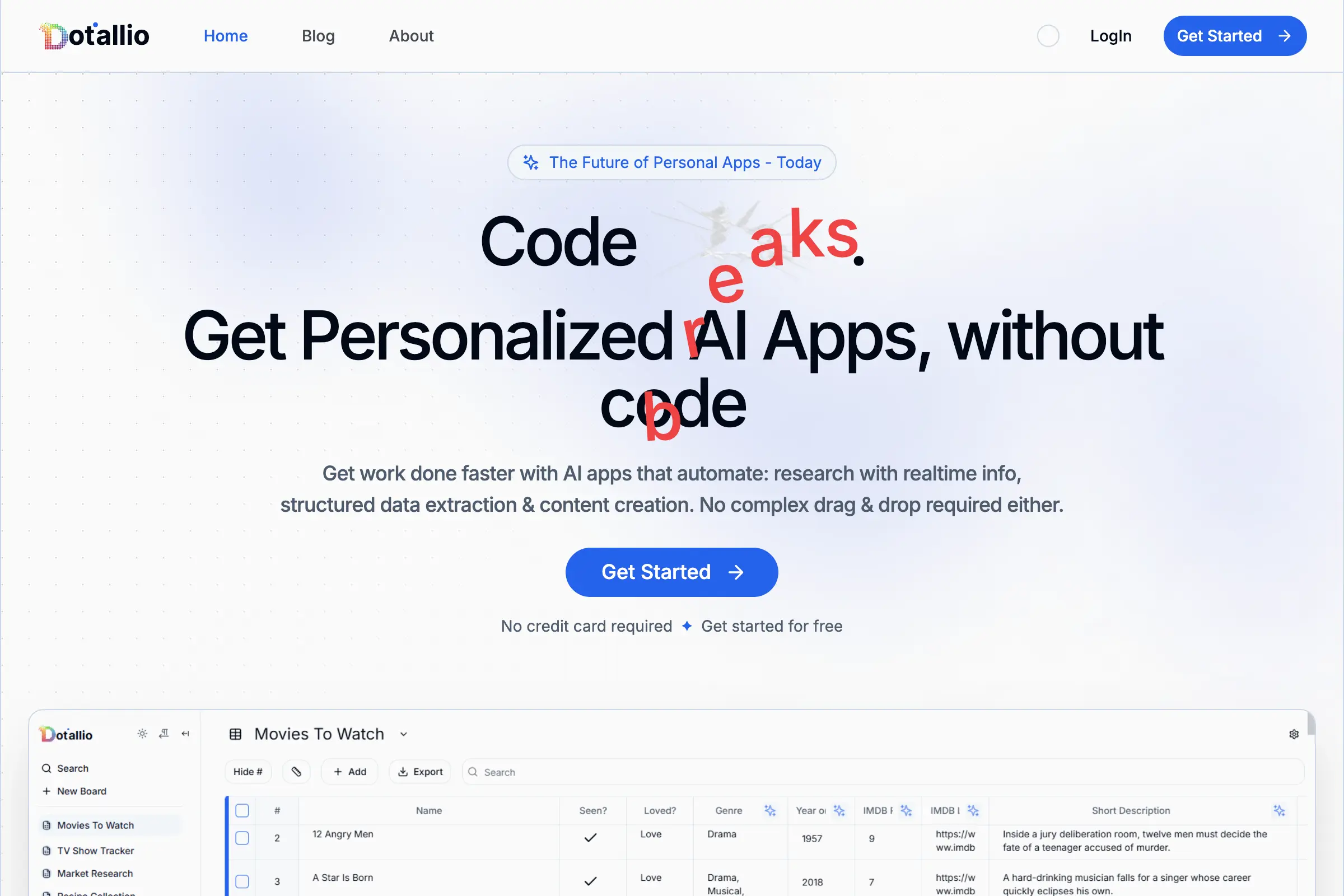
Dotallio
Personalized AI apps that automate research, data extraction, and content creation without code 🤖

Talk to Santa
Enjoy a magical live video chat or receive a unique AI-generated video greeting from Santa Claus 🎅
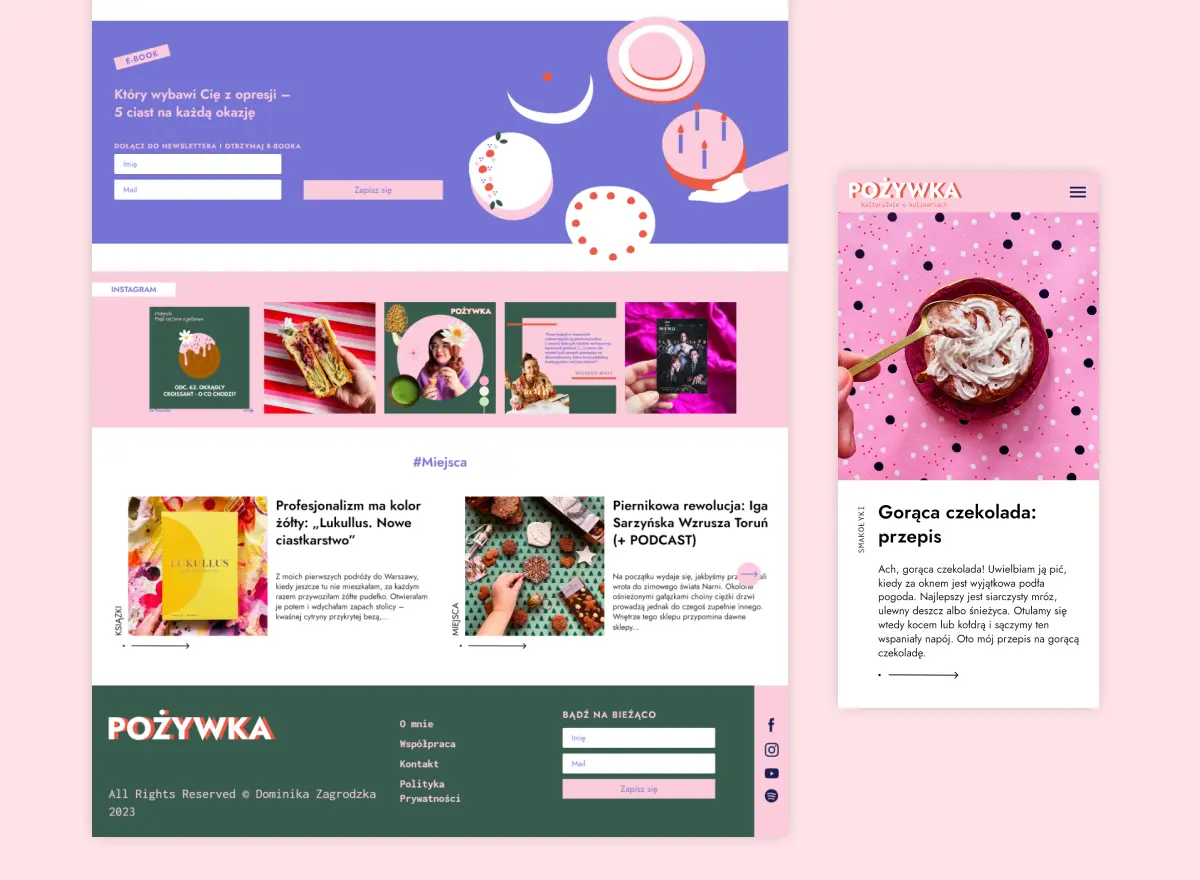
pozywka.pl
Scalable blog for food journalist, focused on performance and user experience 🌭
zagrodzki.me
Personal blog and portfolio of Bart Zagrodzki, where he shares his knowledge and work 💼
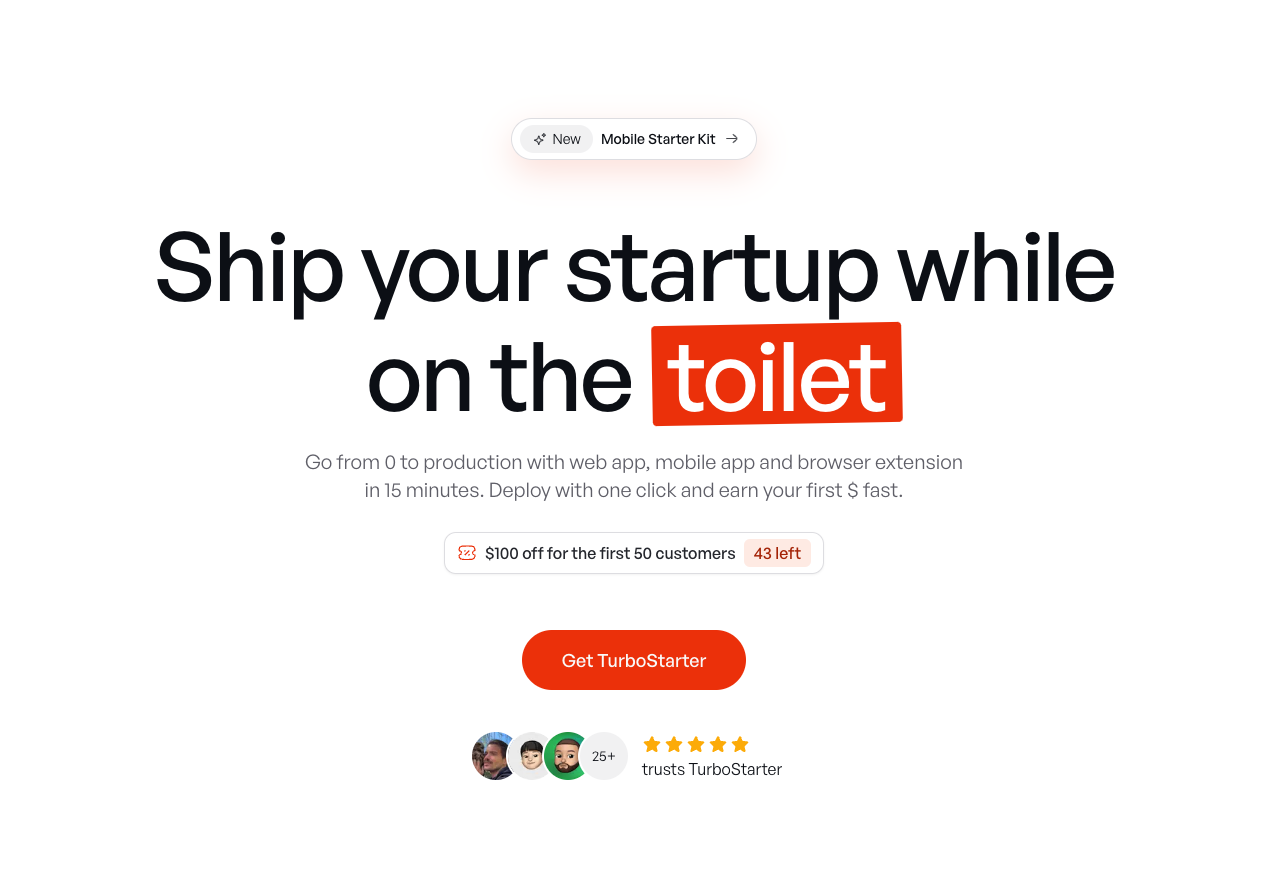
TurboStarter
Ship your startup everywhere. In minutes.
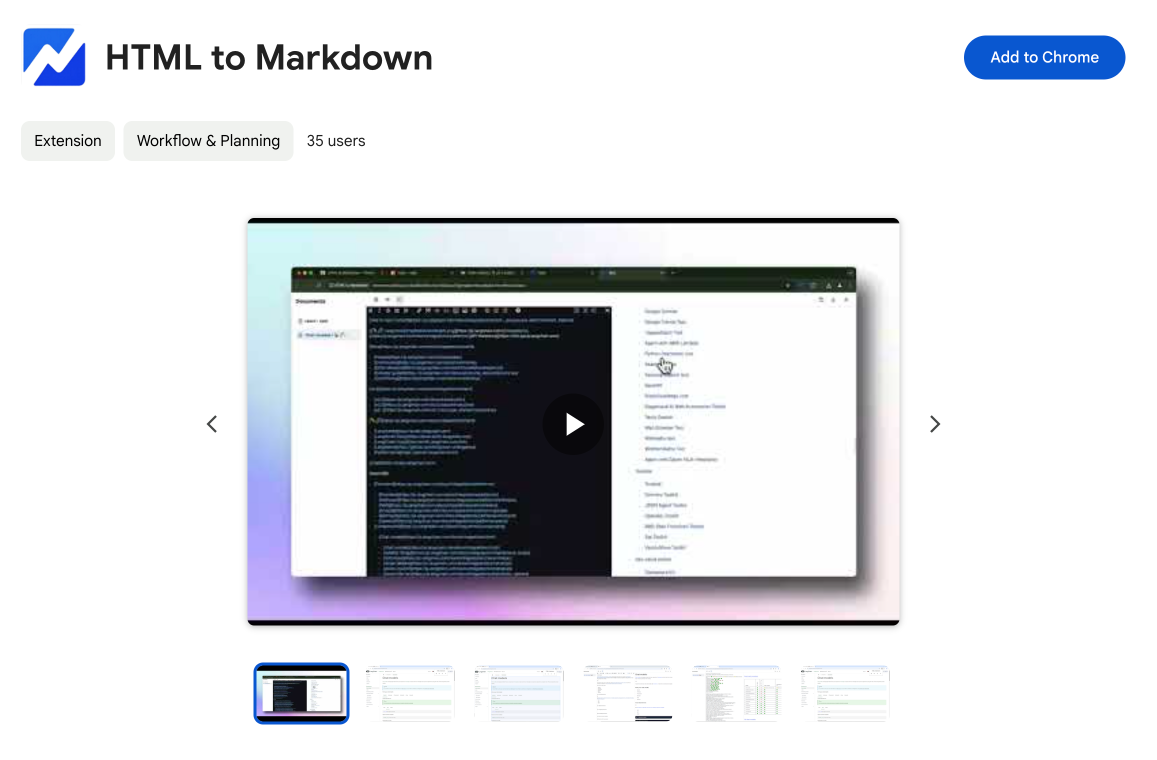
HTML to Markdown
Convert HTML to Markdown with ease, directly in your browser 📄
Dotallio
Personalized AI apps that automate research, data extraction, and content creation without code 🤖
Talk to Santa
Enjoy a magical live video chat or receive a unique AI-generated video greeting from Santa Claus 🎅
pozywka.pl
Scalable blog for food journalist, focused on performance and user experience 🌭
zagrodzki.me
Personal blog and portfolio of Bart Zagrodzki, where he shares his knowledge and work 💼
TurboStarter
Ship your startup everywhere. In minutes.
HTML to Markdown
Convert HTML to Markdown with ease, directly in your browser 📄
Dotallio
Personalized AI apps that automate research, data extraction, and content creation without code 🤖
Talk to Santa
Enjoy a magical live video chat or receive a unique AI-generated video greeting from Santa Claus 🎅
pozywka.pl
Scalable blog for food journalist, focused on performance and user experience 🌭
zagrodzki.me
Personal blog and portfolio of Bart Zagrodzki, where he shares his knowledge and work 💼
TurboStarter
Ship your startup everywhere. In minutes.
HTML to Markdown
Convert HTML to Markdown with ease, directly in your browser 📄
Dotallio
Personalized AI apps that automate research, data extraction, and content creation without code 🤖
Talk to Santa
Enjoy a magical live video chat or receive a unique AI-generated video greeting from Santa Claus 🎅
pozywka.pl
Scalable blog for food journalist, focused on performance and user experience 🌭
zagrodzki.me
Personal blog and portfolio of Bart Zagrodzki, where he shares his knowledge and work 💼
TurboStarter
Ship your startup everywhere. In minutes.
HTML to Markdown
Convert HTML to Markdown with ease, directly in your browser 📄
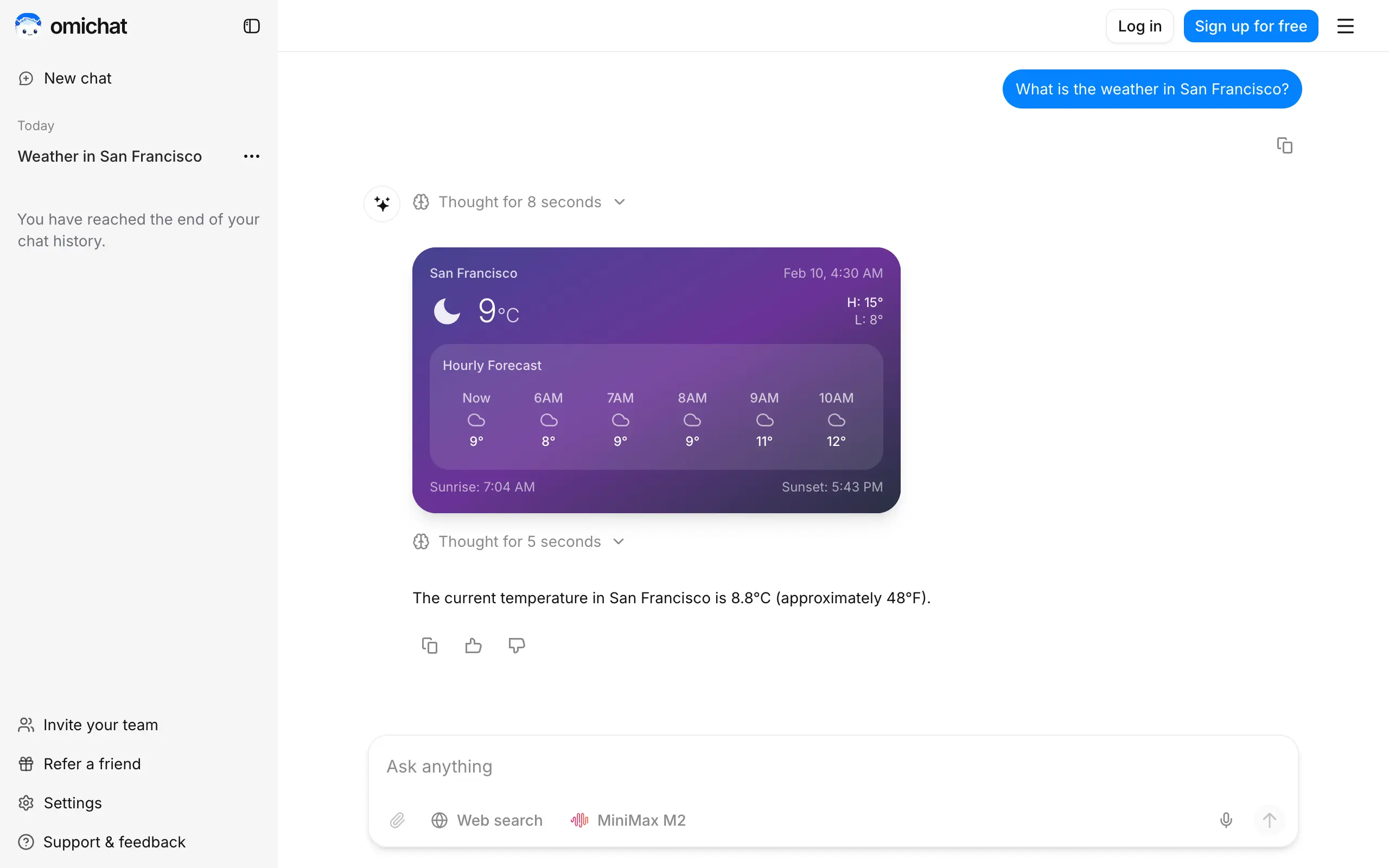
Omichat
Chat with 50+ AI models, including ChatGPT and Claude, in one place - switch models anytime without losing context 🤖
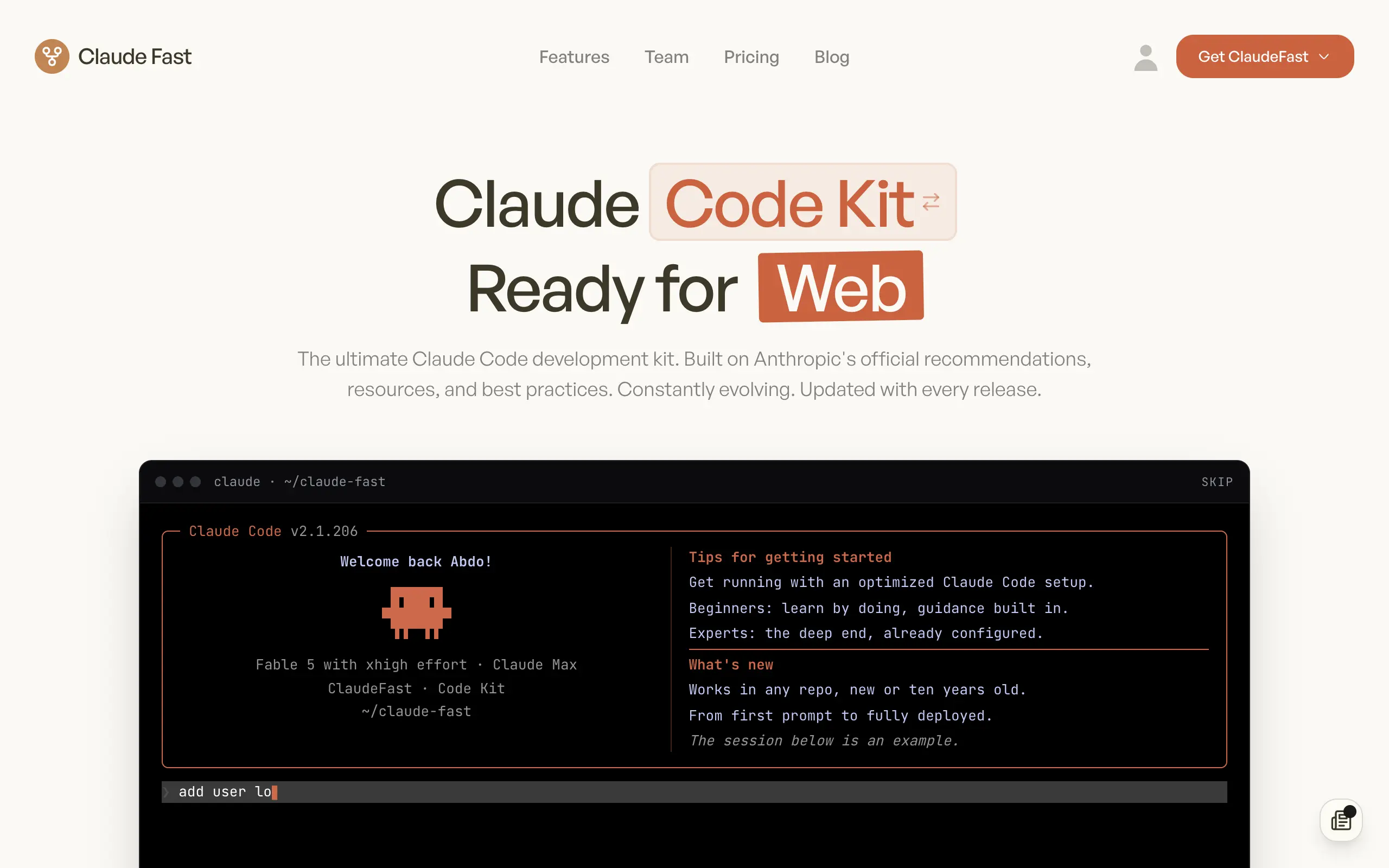
Claude Fast
Supercharge your Claude Code with 6x effective context window and specialized AI agents 🤖
EmojAI
AI-powered emoji picker with smart, context-aware suggestions 🤖
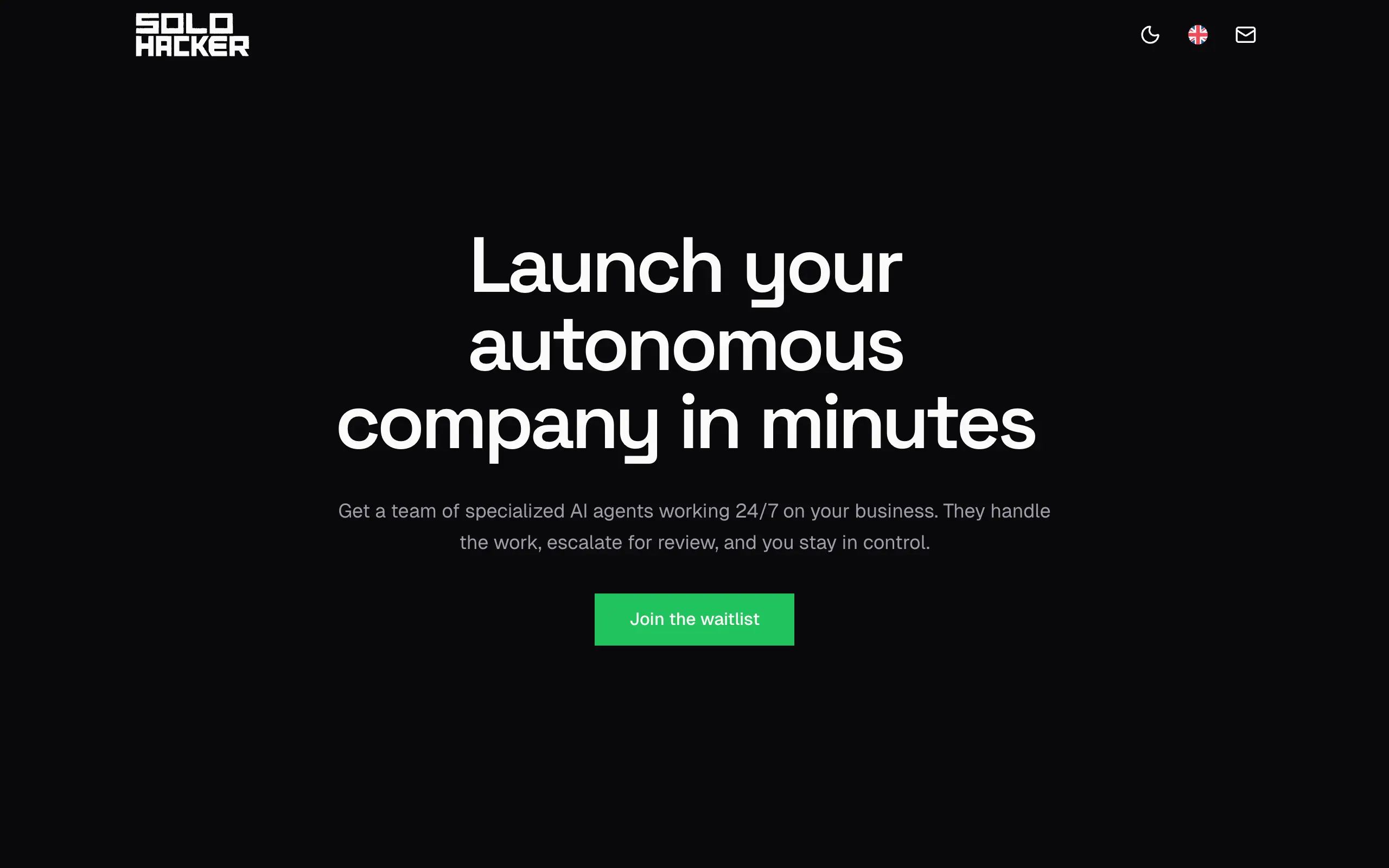
Solohacker
Autonomous company launcher - AI agents work 24/7, escalate what matters, and you stay in control 🤖
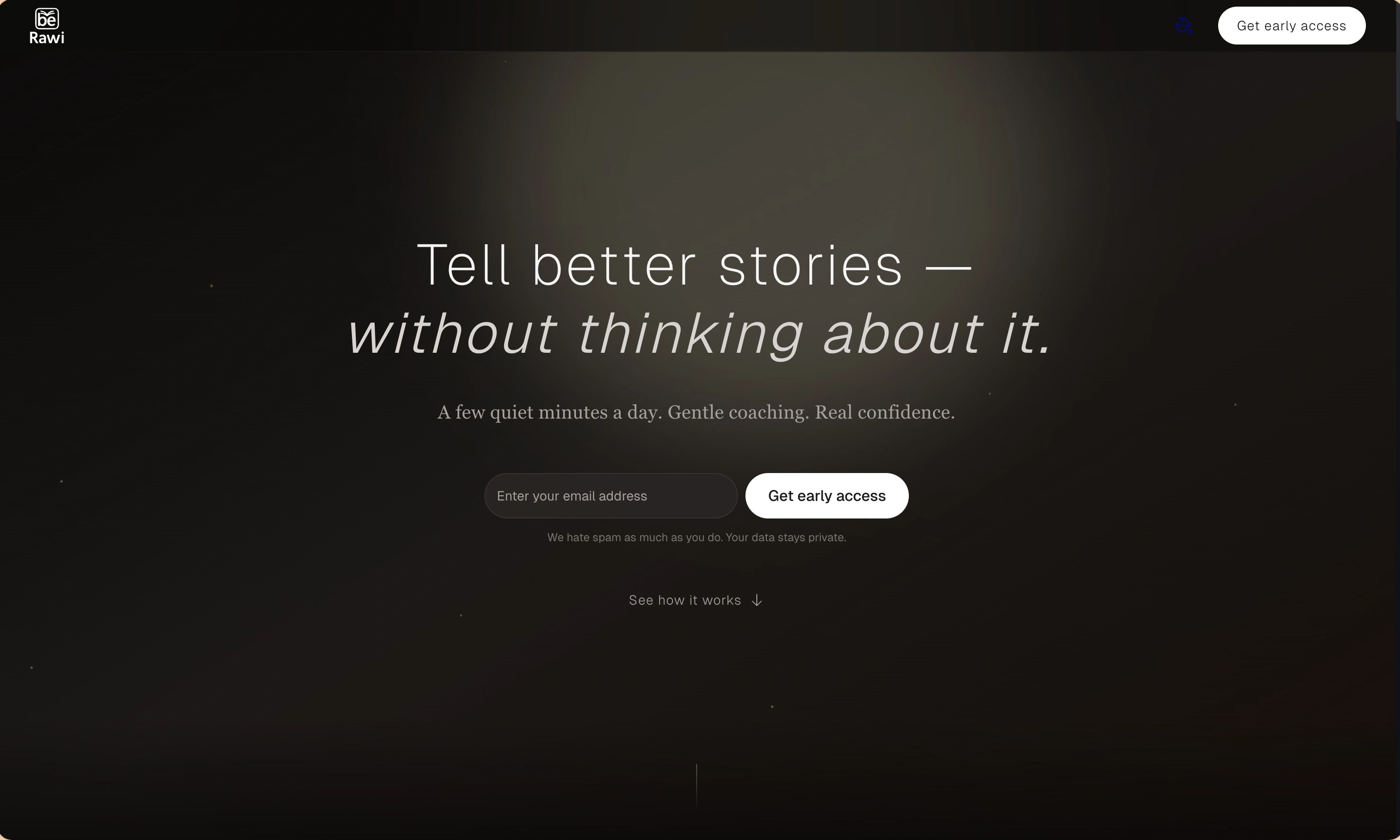
BeRawi: Storytelling Coach
Practice storytelling daily with instant feedback to sound clearer, more engaging, and confident 🎤
Omichat
Chat with 50+ AI models, including ChatGPT and Claude, in one place - switch models anytime without losing context 🤖
Claude Fast
Supercharge your Claude Code with 6x effective context window and specialized AI agents 🤖
EmojAI
AI-powered emoji picker with smart, context-aware suggestions 🤖
Solohacker
Autonomous company launcher - AI agents work 24/7, escalate what matters, and you stay in control 🤖
BeRawi: Storytelling Coach
Practice storytelling daily with instant feedback to sound clearer, more engaging, and confident 🎤
Omichat
Chat with 50+ AI models, including ChatGPT and Claude, in one place - switch models anytime without losing context 🤖
Claude Fast
Supercharge your Claude Code with 6x effective context window and specialized AI agents 🤖
EmojAI
AI-powered emoji picker with smart, context-aware suggestions 🤖
Solohacker
Autonomous company launcher - AI agents work 24/7, escalate what matters, and you stay in control 🤖
BeRawi: Storytelling Coach
Practice storytelling daily with instant feedback to sound clearer, more engaging, and confident 🎤
Omichat
Chat with 50+ AI models, including ChatGPT and Claude, in one place - switch models anytime without losing context 🤖
Claude Fast
Supercharge your Claude Code with 6x effective context window and specialized AI agents 🤖
EmojAI
AI-powered emoji picker with smart, context-aware suggestions 🤖
Solohacker
Autonomous company launcher - AI agents work 24/7, escalate what matters, and you stay in control 🤖
BeRawi: Storytelling Coach
Practice storytelling daily with instant feedback to sound clearer, more engaging, and confident 🎤

Connect with like-minded people
Join our community to get feedback, support, and grow together with 1,000+ builders on board, let's ship it!
Join usShip your startup everywhere. In minutes.
Don't burn tokens on setup and start building features on day one.