ReplyRail
AI inbox copilot for small teams that drafts on-brand customer replies, routes urgent requests, and turns recurring questions into help articles.
Why an AI inbox copilot matters for small teams
Small teams rarely fail because they do not care about customers. They struggle because customer communication becomes fragmented long before it becomes visibly broken.
A founder answers a billing question from their phone. A support generalist handles product issues in a shared inbox. A customer success manager receives urgent requests through a contact form. Meanwhile, the same “How do I reset this?” and “Can I change my plan?” questions appear every day, consuming time that should go toward product improvement, retention, and revenue.
ReplyRail is an AI inbox copilot for small teams that addresses this operational gap. It drafts customer replies in the company’s voice, identifies and routes urgent messages, and turns repeated questions into practical help center articles. Rather than replacing customer-facing staff, ReplyRail gives lean teams a system for responding faster, more consistently, and with better institutional memory.
The opportunity is especially strong as AI adoption moves from generic chat tools to workflow-specific assistants. Teams do not simply want an AI model that can write an email. They want an inbox automation platform that understands context, respects brand voice, surfaces risk, and improves documentation based on actual customer demand.
For founders evaluating the ReplyRail idea, the central question is not whether AI can draft replies. It can. The important question is whether an AI customer support copilot can become a trusted operating layer between incoming customer messages and a small team’s limited attention.
The answer depends on positioning, workflow design, data controls, and a focused initial product.
The core insight
The most valuable outcome is not “more AI-generated replies.” It is a support system that reduces response time, prevents urgent requests from being missed, and continuously converts repeat support work into reusable self-service content.
The target audience for ReplyRail
The ideal ReplyRail customer is not every company with an inbox. The strongest early market is made up of teams that have meaningful customer volume but lack the budget, process maturity, or staffing level for a full enterprise support stack.
Primary audience: SaaS teams with 2 to 25 customer-facing employees
Early-stage and growth-stage SaaS companies are a natural fit for an AI inbox copilot. These organizations usually have a shared support inbox, a basic knowledge base, and a mix of founders, support agents, and product staff answering customers.
Their recurring challenges include:
- Customer responses vary depending on who answers
- Important messages get buried among low-priority requests
- New hires take too long to learn product context and tone
- Repeated questions are answered manually instead of documented
- Founders remain trapped in frontline support because complex cases are hard to delegate
- Existing help desk tools may feel too expensive or overbuilt for a small operation
ReplyRail can position itself as the practical bridge between a simple shared inbox and a heavyweight customer support platform.
Secondary audience: agencies and service businesses
Digital agencies, bookkeeping firms, managed service providers, recruiters, consultancies, and boutique professional service businesses also receive high volumes of repetitive client communication.
Unlike SaaS support teams, these businesses may not need deep ticketing workflows. However, they do need fast, accurate, professional replies that preserve client confidence.
For this segment, ReplyRail’s value proposition should emphasize:
- On-brand draft replies for multiple client-facing team members
- Priority detection for deadlines, outages, compliance issues, and unhappy clients
- Reusable answer templates based on established procedures
- Internal routing to the correct account owner
- Documentation generation for recurring process questions
Tertiary audience: ecommerce operators with lean support teams
Ecommerce brands have highly repetitive support categories, including shipping updates, returns, exchanges, order edits, product sizing, discount questions, and damaged-item claims.
This market can be attractive, but it introduces integration complexity. A useful ecommerce version of ReplyRail may need access to order data from platforms such as Shopify, fulfillment systems, and return management tools. That makes the customer experience more powerful, but it also expands implementation and privacy requirements.
For an initial launch, ReplyRail should avoid trying to become a full ecommerce help desk. Instead, it can support ecommerce teams through email triage, draft generation, and recurring FAQ discovery before expanding into transaction-aware support actions.
Best early adopter
A B2B SaaS company with a shared inbox, 100 to 2,000 monthly customer conversations, and no dedicated knowledge management owner.
High-value buyer
A founder, head of customer success, support lead, or operations manager who feels response quality depends too heavily on tribal knowledge.
Poor initial fit
A heavily regulated enterprise that requires complex procurement, extensive custom controls, and a mature multi-channel service operation from day one.
The market gap in AI customer support software
The customer support software market is crowded, but the gap for ReplyRail is clear. Many tools fall into one of two categories.
The first category is the traditional help desk. These platforms may offer ticket management, macros, reporting, routing, and knowledge bases. They are useful, but can be expensive, difficult to configure, and designed around larger support organizations.
The second category is the generic AI writing assistant. These tools can help compose a response, but they usually lack inbox context, escalation logic, brand controls, team collaboration, and a feedback loop into documentation.
ReplyRail can occupy the space between them: an AI-powered shared inbox designed for operationally constrained teams.
The current workflow is often manual and inconsistent
A typical small-team support workflow looks like this:
- A message arrives through a shared email address or contact form.
- Someone scans the inbox and decides whether the issue is urgent.
- They search old conversations, product docs, Slack, or their memory for context.
- They write a response, often from scratch.
- The same question appears again next week.
- No one has time to update the help center.
This creates a cycle of reactive support. The team responds, but the system does not learn.
ReplyRail should make the workflow cumulative. Every approved response can improve future suggestions. Every recurring question can become a candidate help article. Every urgent message can follow an explicit escalation path.
Why generic AI tools are not enough
Generic AI chat interfaces require the user to manually copy information from an inbox, explain the context, ask for a response, then paste the answer back. This process creates friction and increases the chance of exposing information to the wrong prompt or producing an inaccurate answer.
A purpose-built AI inbox copilot improves on this with:
- Conversation-aware drafting
- Customer history and account context
- Brand voice instructions
- Source-grounded answers from approved knowledge
- Confidence indicators
- Human approval workflows
- Urgency classification
- Escalation rules
- Recurring-topic detection
- Help article generation
The moat is not the base language model. The moat is the workflow, the trusted context layer, the feedback data, and the habit of using ReplyRail as the team’s support operating system.
ReplyRail’s unique selling proposition
ReplyRail’s strongest positioning is:
ReplyRail helps small teams turn every customer conversation into faster, on-brand support and better self-service documentation.
This differentiates the product from AI email writers and conventional help desks. The product is not just an inbox assistant. It is a compounding support intelligence system.
Three connected functions create the USP.
On-brand customer reply drafting
ReplyRail should create suggested replies that sound like the company, not like generic AI output. Teams need control over warmth, brevity, technical depth, formality, and approved language.
For example, one brand may prefer:
Thanks for flagging this. We’re looking into it now and will update you within one business day.
Another may prefer:
You found a real issue. Our engineering team is investigating, and we’ll keep this thread updated as soon as we have a fix.
Both are acceptable. The right answer depends on the company’s voice, service standards, and policy.
The product should let teams establish this voice through:
- Brand tone settings
- Approved reply examples
- Language that should be avoided
- Product terminology and naming rules
- Audience-specific instructions
- Response length preferences
- Required disclaimers or policy statements
Urgent request routing
Not all messages deserve equal attention. A potential data loss issue, a cancellation threat from a large account, a security report, or an outage complaint should not wait behind a password reset question.
ReplyRail should classify urgency using a blend of AI analysis and deterministic rules. This is important because pure model judgment can be inconsistent in high-stakes situations.
Useful urgency signals include:
- Keywords related to security, payment failure, legal issues, downtime, or data deletion
- Negative sentiment or cancellation language
- Customer plan tier or account value
- Existing account health signals
- Specific product areas that are known to be business-critical
- Explicit service-level agreement commitments
- Messages from VIP domains or tagged accounts
Recurring questions turned into help articles
This feature is ReplyRail’s most strategic differentiator. Customer support should not only solve tickets. It should reveal product confusion, missing documentation, onboarding gaps, and feature demand.
When the platform detects repeated questions, it can propose a knowledge base article with:
- A suggested title
- The customer problem it addresses
- A concise answer
- Step-by-step instructions
- Screenshots or media placeholders
- Related articles
- A recommended review owner
- Evidence from anonymized conversation clusters
A human should always review and approve generated help content before publishing. But even with review required, this workflow can save hours of research and writing.
Core features for an MVP and beyond
A focused MVP is essential. ReplyRail should solve a narrow, painful workflow exceptionally well before adding every possible communication channel or automation option.
MVP feature set
The first version should support a shared support inbox and give teams a safe way to draft, review, send, route, and learn from messages.
| Feature | User problem | MVP priority | Automation level | Trust requirement |
|---|---|---|---|---|
| Reply drafting | Slow and inconsistent responses | High | Human approval | High |
| Urgency classification | Critical messages are missed | High | Suggested routing | High |
| Brand voice settings | AI replies sound generic | High | Guided drafting | High |
| FAQ clustering | Repeat work stays hidden | Medium | Weekly insights | Medium |
| Help article generation | Knowledge base stays outdated | Medium | Review before publish | High |
Shared inbox connection and message ingestion
The product needs a reliable way to ingest messages from email providers. A practical first choice is Gmail and Google Workspace because it is common among startups and small businesses.
The connection flow should:
- Use OAuth rather than asking users for email passwords
- Request only the minimum required permissions
- Let teams select which inboxes to connect
- Synchronize recent conversations securely
- Preserve threads, participants, timestamps, attachments, and labels
- Avoid duplicate processing when messages are updated
- Provide a clear disconnect and data deletion path
Microsoft 365 can be a second integration once the core Gmail workflow is stable.
AI reply composer with evidence and control
The drafting interface should show more than a block of generated text. Trust grows when users can see why a suggestion was made.
A strong composer experience includes:
- The suggested response
- Relevant knowledge sources used to create it
- A confidence signal
- Buttons to make the reply shorter, warmer, firmer, or more technical
- A way to ask the AI to explain its reasoning in plain language
- A prompt to request missing information rather than guessing
- An edit history that distinguishes AI text from human changes
- Feedback controls such as “useful,” “incorrect,” or “wrong tone”
The best default is draft-only mode. Let humans approve every customer-facing message until the team explicitly enables limited automation for low-risk categories.
Inbox triage and escalation rules
ReplyRail should help teams answer the question, “What requires attention right now?”
The triage view can group conversations by:
- Urgent and potentially urgent
- Needs a reply today
- Waiting on internal input
- Waiting on customer
- Resolved
- Potential documentation opportunity
Routing rules should be transparent and editable. For example:
- Messages mentioning “security,” “breach,” or “unauthorized” go to an administrator and security owner
- Cancellation requests go to customer success
- Bug reports go to product support
- Invoice and payment questions go to billing
- Enterprise account messages notify the account owner
A rule engine provides predictability. AI classification adds flexibility when language does not match exact rule patterns. The combination is safer than relying on either method alone.
Knowledge base intelligence
Knowledge generation should begin with insights, not automatic publishing.
A weekly digest might show:
- The five fastest-growing support topics
- Questions with the highest average handling time
- Questions with low AI answer confidence
- Topics that have no linked help article
- Existing articles that may be outdated
- Suggested articles ranked by expected ticket reduction
This makes ReplyRail valuable even for teams that do not send AI-written replies. It becomes a customer insight platform that identifies friction from real conversations.
When confidence is low, ReplyRail should avoid inventing an answer. It should recommend a clarification question, show the sources it could not reconcile, or route the conversation to an appropriate teammate. A safe “I need more context” workflow is more valuable than a confidently incorrect reply.
Not in the initial product. Automatic sending should be an opt-in capability for narrowly defined, low-risk categories such as simple receipt confirmations or known account access instructions. Every automated workflow needs guardrails, audit logs, and an immediate disable control.
Use approved examples, response style rules, reviewer feedback, and periodic quality checks. The system should learn from explicitly approved replies rather than treating every edited or sent message as equally reliable training data.
Recommended tech stack for an AI inbox copilot
ReplyRail needs a stack that balances fast iteration with security, observability, and reliable asynchronous processing. AI support products are not only web apps. They are data pipelines that handle sensitive customer communications.
Frontend and application framework
A strong default stack is Next.js with React and TypeScript.
This combination supports a responsive inbox interface, server-side application logic, authenticated dashboards, and route handlers in one ecosystem. Tailwind CSS is a productive option for building consistent UI states quickly, which matters for a complex product with inbox lists, conversation panels, drafts, status badges, and admin settings.
The trade-off is that Next.js can blur the line between frontend and backend as the product grows. The team should establish clear boundaries early, especially for background jobs, integrations, and AI processing.
Database and authentication
PostgreSQL is an excellent fit for relational data such as organizations, team members, inboxes, conversations, messages, labels, rules, audit logs, and subscription records.
For early development, Supabase can reduce setup work by combining Postgres, authentication, storage, and row-level security capabilities. It is particularly useful for a multi-tenant SaaS product.
The key design requirement is tenant isolation. Every query, retrieval result, attachment reference, and background job must be scoped to the correct organization.
AI model layer and retrieval
ReplyRail should use a provider-agnostic AI abstraction layer where possible. This prevents the entire application from being tightly coupled to one model provider and makes it easier to compare quality, latency, and cost across models.
Use a retrieval-augmented generation approach for answer drafting:
- Ingest approved help articles, product documentation, policy documents, and selected past replies.
- Split content into meaningful chunks.
- Create embeddings for semantic search.
- Retrieve relevant sources when a customer message arrives.
- Give the model the customer context and retrieved evidence.
- Instruct the model to state uncertainty or ask a clarifying question when sources are insufficient.
The OpenAI API documentation is a useful official reference when evaluating model capabilities and structured output patterns. However, ReplyRail should architect for model flexibility because model quality, pricing, and privacy options evolve quickly.
A vector extension such as pgvector can be a sensible early choice because it keeps embeddings close to the primary Postgres data model. A dedicated vector database may become worthwhile later if retrieval scale, filtering complexity, or latency requirements exceed what the initial architecture can comfortably support.
Background jobs and event processing
Inbox synchronization, message classification, embeddings, article generation, and notification delivery should not block the user interface.
Use a durable background job system for:
- Email webhook processing
- Scheduled inbox synchronization
- Classification and urgency scoring
- Draft generation
- Embedding creation
- Weekly support insight reports
- Retry handling for failed integrations
- Audit event processing
The trade-off is operational complexity. A simple queue is enough for an MVP, but the system must support idempotency from the beginning. Email providers can resend events, users can refresh pages, and a message should never produce duplicate drafts, duplicate alerts, or duplicate sends.
Billing, analytics, and monitoring
Stripe is a practical billing choice for subscriptions, metered usage, invoices, and customer self-service billing portals.
For observability, ReplyRail needs more than standard application error tracking. Monitor:
- Inbox sync failures
- AI provider latency and error rates
- Cost per generated draft
- Retrieval quality signals
- Escalation rule outcomes
- Automated action volume
- Send failures
- Permission and OAuth failures
- Data deletion job status
Product analytics should focus on customer outcomes, not vanity metrics. Draft acceptance rate, average first response time, escalation accuracy, and FAQ deflection potential are more meaningful than raw message counts.
A lean implementation architecture
type ReplyDraftRequest = {
  organizationId: string;
  conversationId: string;
  messageId: string;
  tone: "friendly" | "direct" | "technical";
};

async function createReplyDraft(input: ReplyDraftRequest) {
  const context = await loadConversationContext(input.organizationId, input.conversationId);
  const sources = await retrieveApprovedKnowledge(input.organizationId, context.latestMessage);

  if (sources.length === 0) {
    return {
      status: "needs_human_context",
      draft: "Thanks for reaching out. I’m checking this with our team and will follow up shortly.",
      citations: [],
    };
  }

  return generateGroundedDraft({
    conversation: context,
    sources,
    tone: input.tone,
    rules: [
      "Do not invent product behavior.",
      "Ask a clarifying question when evidence is incomplete.",
      "Do not promise dates unless they appear in an approved source.",
    ],
  });
}
The important point is architectural, not syntactic. The AI model should never be treated as the source of truth. ReplyRail should ground drafts in approved business knowledge and preserve a clear path to human review.
Monetization strategy for ReplyRail
ReplyRail should price around team value and AI usage while keeping the buying decision simple.
Small teams dislike unpredictable pricing. At the same time, AI processing and email volume create real variable costs. The best approach is a clear base subscription with included usage and understandable overage limits.
Recommended pricing structure
A three-tier subscription model can work well.
- "Starter" for founders and very small teams with one shared inbox, limited monthly AI drafts, basic brand voice controls, and weekly FAQ insights
- "Team" for growing support operations with multiple inboxes, routing rules, collaboration features, more AI usage, and help article generation
- "Scale" for larger small businesses with advanced permissions, priority support, custom retention settings, enhanced analytics, and higher-volume processing
Avoid leading with a free forever plan if inbox syncing and AI inference create meaningful cost. A time-limited trial or a usage-limited pilot is often better for proving value without attracting low-intent users.
Value metric options
Potential pricing metrics include:
- Per seat
- Per connected inbox
- Per monthly resolved conversation
- Per AI draft generated
- Per automated resolution
- Per organization with usage bundles
A hybrid model is usually the most intuitive. Charge a base platform fee per organization, include a set amount of AI-assisted conversations, and offer usage packs or automatic overages for higher volume.
The customer should be able to forecast their bill. Avoid forcing teams to estimate token usage, which is technically accurate but commercially confusing.
Expansion revenue opportunities
Once the core product is trusted, ReplyRail can expand through:
- Additional inboxes and channels
- Advanced integrations with CRM and help desk platforms
- Team-level analytics and coaching
- Premium knowledge base publishing workflows
- Customer sentiment and churn-risk alerts
- Custom AI policy controls
- Dedicated onboarding and implementation services
- Enterprise-grade retention, audit, and security options
Competitive advantage and defensibility
ReplyRail will compete with help desks, shared inbox products, AI support platforms, and general-purpose AI assistants. Winning requires a focused wedge rather than a feature checklist.
The advantage is workflow depth for small teams
Many incumbents serve large support organizations. Their products may have hundreds of settings, but that complexity can be a disadvantage for a five-person team that needs value this week.
ReplyRail can win with:
- A fast setup process
- Opinionated defaults for small teams
- A clean shared inbox workflow
- Transparent AI suggestions
- Brand voice quality controls
- Practical urgency routing
- Documentation generation from actual conversations
- Pricing aligned with smaller budgets
The data flywheel must be built responsibly
Over time, ReplyRail can become better for each customer because it learns from approved responses, successful routing outcomes, and topic patterns.
However, this must be handled carefully. Customer data should not be casually used to improve models across tenants without explicit permission and strong anonymization safeguards. The product’s trust advantage depends on clear data boundaries.
A responsible flywheel looks like this:
- The customer connects approved communication sources.
- ReplyRail identifies useful context within that organization.
- Team members review and improve draft responses.
- Approved replies strengthen that organization’s internal guidance.
- Repeated questions surface knowledge gaps.
- Better documentation reduces future support load.
That is a powerful product loop without compromising confidentiality.
Risks and mitigation strategies
AI inbox software handles sensitive communications. The product must earn trust through system design, not marketing promises alone.
Hallucinated or inaccurate replies
An AI draft can sound polished while being factually wrong. This is the primary product risk.
Mitigate it through:
- Draft-only mode as the default
- Retrieval from approved sources
- Explicit instructions not to guess
- Source citations within the agent interface
- Confidence thresholds
- Mandatory human review for sensitive categories
- Clear escalation when no reliable answer exists
- Feedback loops that flag poor outputs
Privacy and data security
Customer emails may include personal data, financial details, credentials, health-related information, or confidential product information.
ReplyRail should implement:
- Encryption in transit and at rest
- OAuth-based inbox access
- Minimal permission scopes
- Tenant isolation
- Role-based access control
- Audit logs for access and sending activity
- Configurable retention periods
- Data export and deletion flows
- Vendor assessments for AI providers
- A documented incident response process
As the product grows, security documentation, penetration testing, and compliance readiness become commercial assets. Teams evaluating ReplyRail will increasingly ask about data processing agreements, sub-processors, retention, and model training policies.
Misclassification of urgent requests
If ReplyRail misses a security issue or incorrectly labels an urgent customer as low priority, trust can disappear quickly.
Mitigation requires layered safeguards:
- Conservative classification thresholds
- Rule-based overrides for known critical terms
- VIP account handling
- Notification redundancy for severe categories
- Human review queues
- Post-incident analysis of every missed escalation
- Easy user controls to adjust routing behavior
Do not market urgent routing as infallible. Position it as a prioritization layer that helps humans focus faster.
Over-automation and loss of human empathy
Customers can detect canned or inappropriate automated responses, especially during frustrating moments.
ReplyRail should preserve human judgment by making automation selective. A refund dispute, security concern, or emotionally charged complaint should receive a human-reviewed response. Automation should begin with predictable, low-risk interactions.
Integration dependency
Email providers, AI vendors, and third-party APIs can change rate limits, permissions, pricing, or terms.
Mitigate this through:
- Provider abstraction layers
- Queues and retry systems
- Clear integration health monitoring
- Graceful fallback modes
- Exportable customer data
- More than one model provider where feasible
- Regular dependency reviews
Metrics that prove ReplyRail delivers value
ReplyRail should show customers measurable operational outcomes within the first month. Reporting is not an add-on. It is part of the retention strategy.
Track metrics such as:
- Median first response time
- Time to resolution
- Draft acceptance rate
- Percentage of replies requiring major edits
- Number of urgent messages detected
- Escalation precision based on human feedback
- Top recurring support topics
- Help articles created and approved
- Estimated repetitive-ticket reduction
- Support backlog size
- Customer satisfaction trends where survey data exists
When presenting metrics, clearly distinguish between observed results and estimated impact. If publishing benchmark claims, cite a reputable source such as an industry survey, a recognized customer service research firm, or internally documented cohort data with methodology.
Founders need proof that ReplyRail reduces support interruptions, protects important accounts, and creates leverage without immediately hiring another full-time support employee.
Support leads need confidence that the AI drafts are accurate, editable, auditable, and aligned with team standards. They also need routing rules that reduce chaos rather than create another dashboard to manage.
Customers benefit when they receive quicker, clearer answers from a team that understands their context. The product should never make them feel like they are trapped in an impersonal automation loop.
Actionable implementation steps for launching ReplyRail
The fastest path is to validate one end-to-end workflow before building a broad AI support suite.
Start with a promise that is easy to understand and prove: ReplyRail helps a small team reply faster without losing accuracy, consistency, or control.
Do not begin by claiming fully autonomous customer support. Early customers are more likely to adopt an AI inbox copilot that makes their team better than one that asks them to trust a black box with customer relationships.
For a fast path to building the product foundation, TurboStarter can help teams accelerate common SaaS setup work such as authentication, billing, dashboards, and application structure, leaving more time for ReplyRail’s differentiated inbox intelligence and AI workflow.
Final recommendation
ReplyRail has a credible opportunity because it targets a frequent and expensive small-team problem: customer communication does not scale through effort alone.
The strongest version of the product is not an AI tool that merely writes email replies. It is an AI inbox copilot for small teams that combines grounded reply drafting, intelligent triage, brand voice consistency, and knowledge creation into one trusted workflow.
To build a durable advantage, focus on trust before autonomy. Make every AI suggestion explainable. Let humans control sensitive decisions. Use real customer conversations to identify documentation gaps. Price around visible operational value. And keep the initial product narrow enough that early users can experience a meaningful improvement in their support operation within days, not months.
If ReplyRail becomes the place where small teams handle customer questions, protect urgent requests, and turn repeat work into reusable knowledge, it can evolve from a useful inbox assistant into essential customer operations infrastructure.
More 🤖 AI Startup SaaS ideas
Discover more innovative ai startup SaaS ideas that are trending in 2026. Each idea is AI-generated with market validation and growth potential to help you find your next profitable venture faster than competitors.
Your competitors are building with TurboStarter
Below are some of the SaaS ideas that have been generated and built with our starter kit.
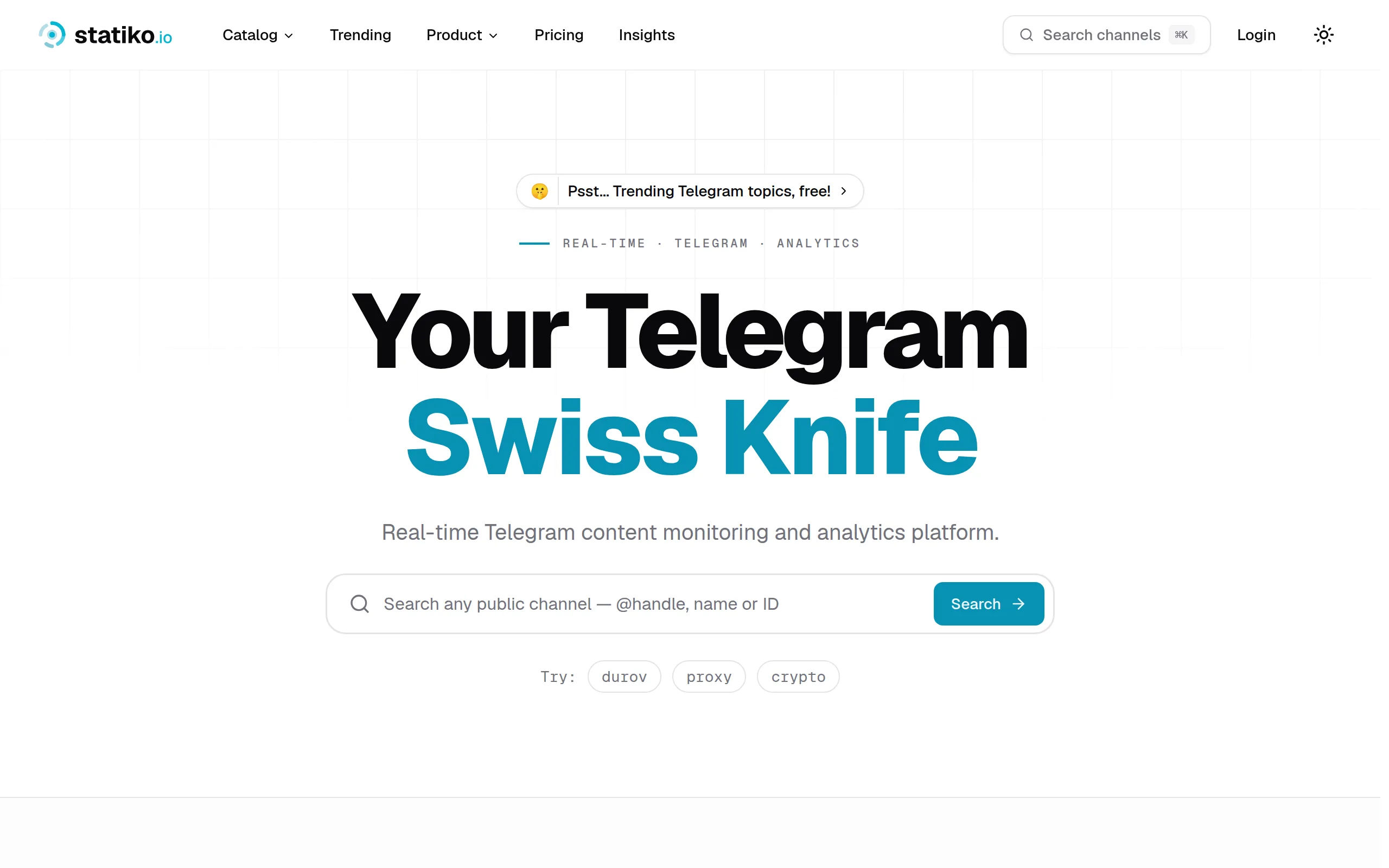
Statiko
Monitor any Telegram channel in real time - track posts, edits, deletions, and growth with AI recaps 📡

Shibui
AI website builder - describe your business, pick a niche template, edit by chatting, and publish instantly ✨

Pro Service
Find verified home service professionals, compare quotes, and pay securely through escrow - built for Brazilians across the US 🏠
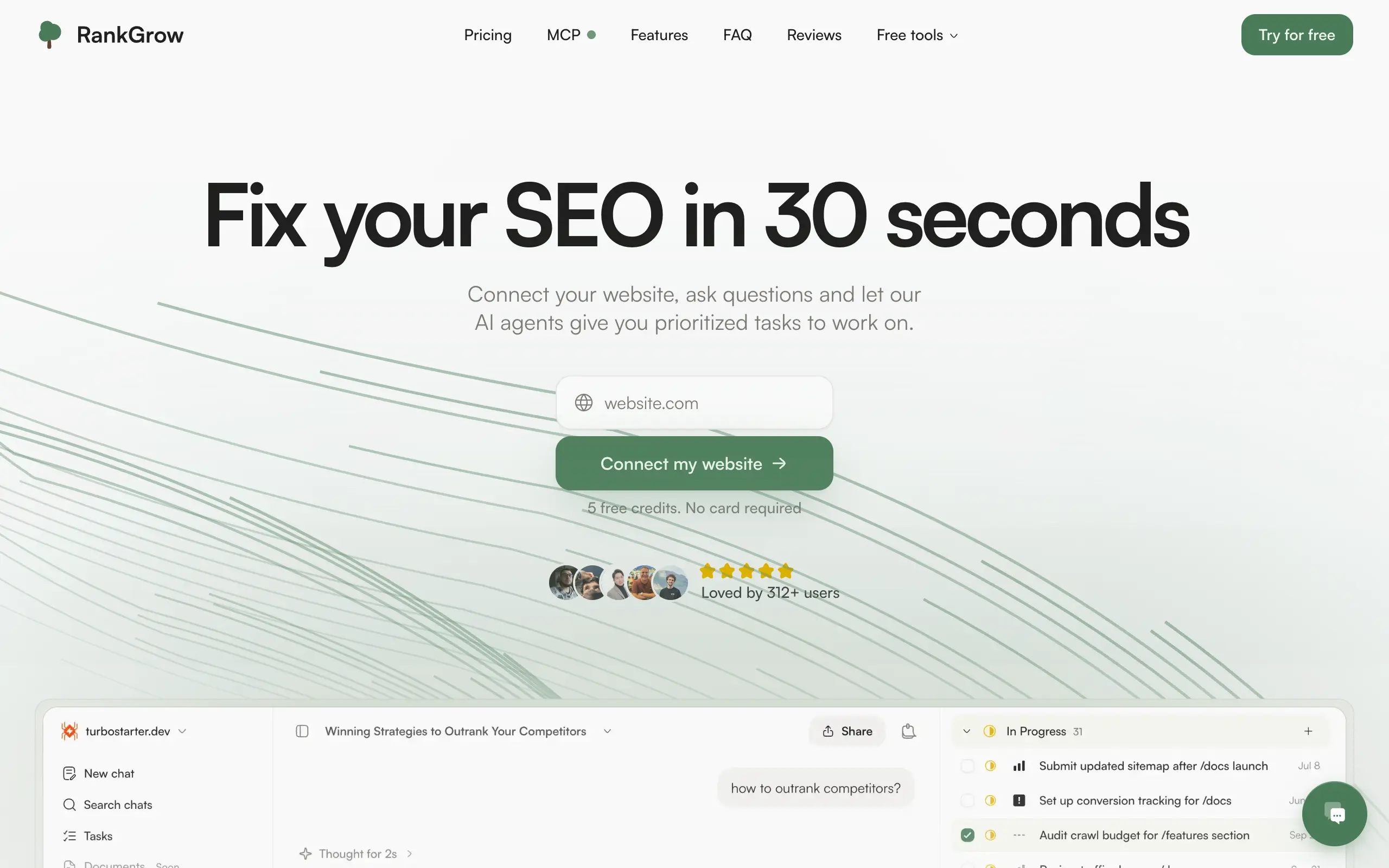
RankGrow
Fix your SEO with AI agents - connect Search Console, get prioritized tasks, and grow organic traffic 📈
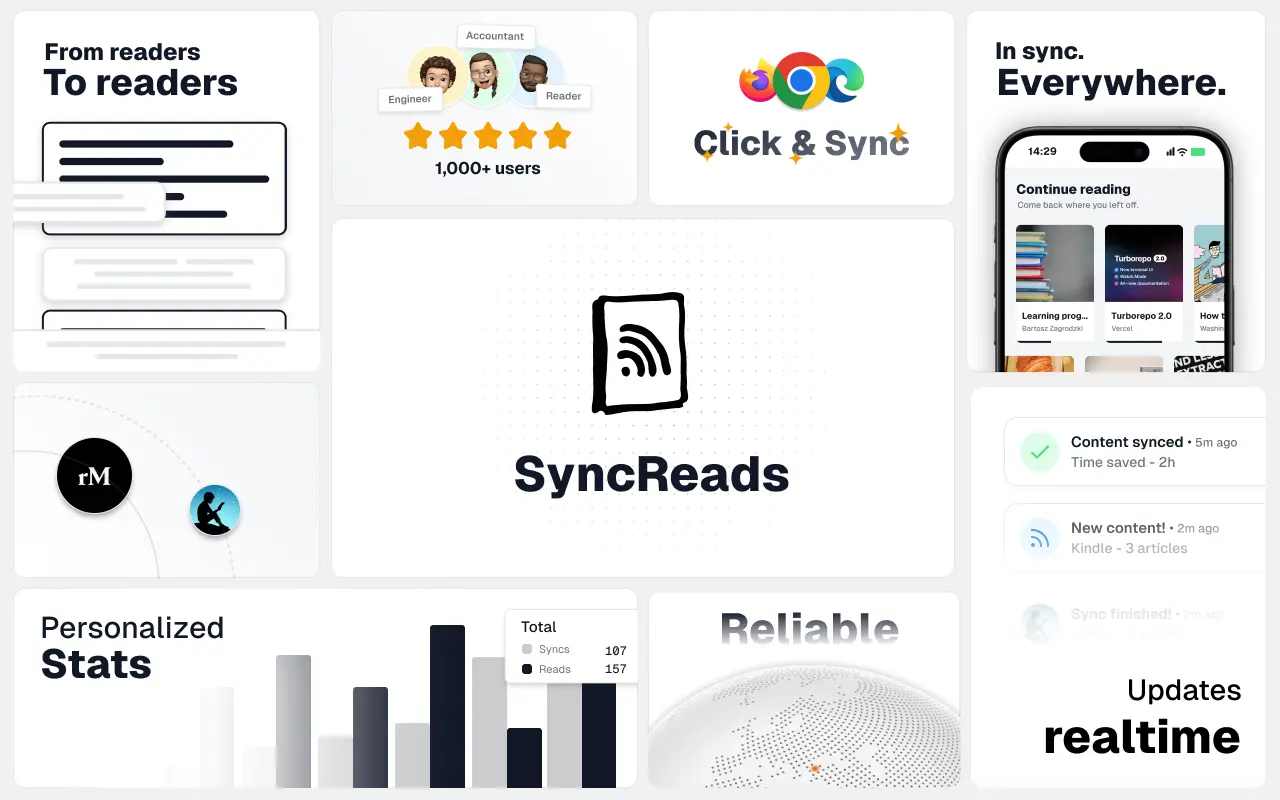
SyncReads
Sync your favorite content for distraction-free reading, save time and replace multiple apps. Anytime, anywhere 🔄
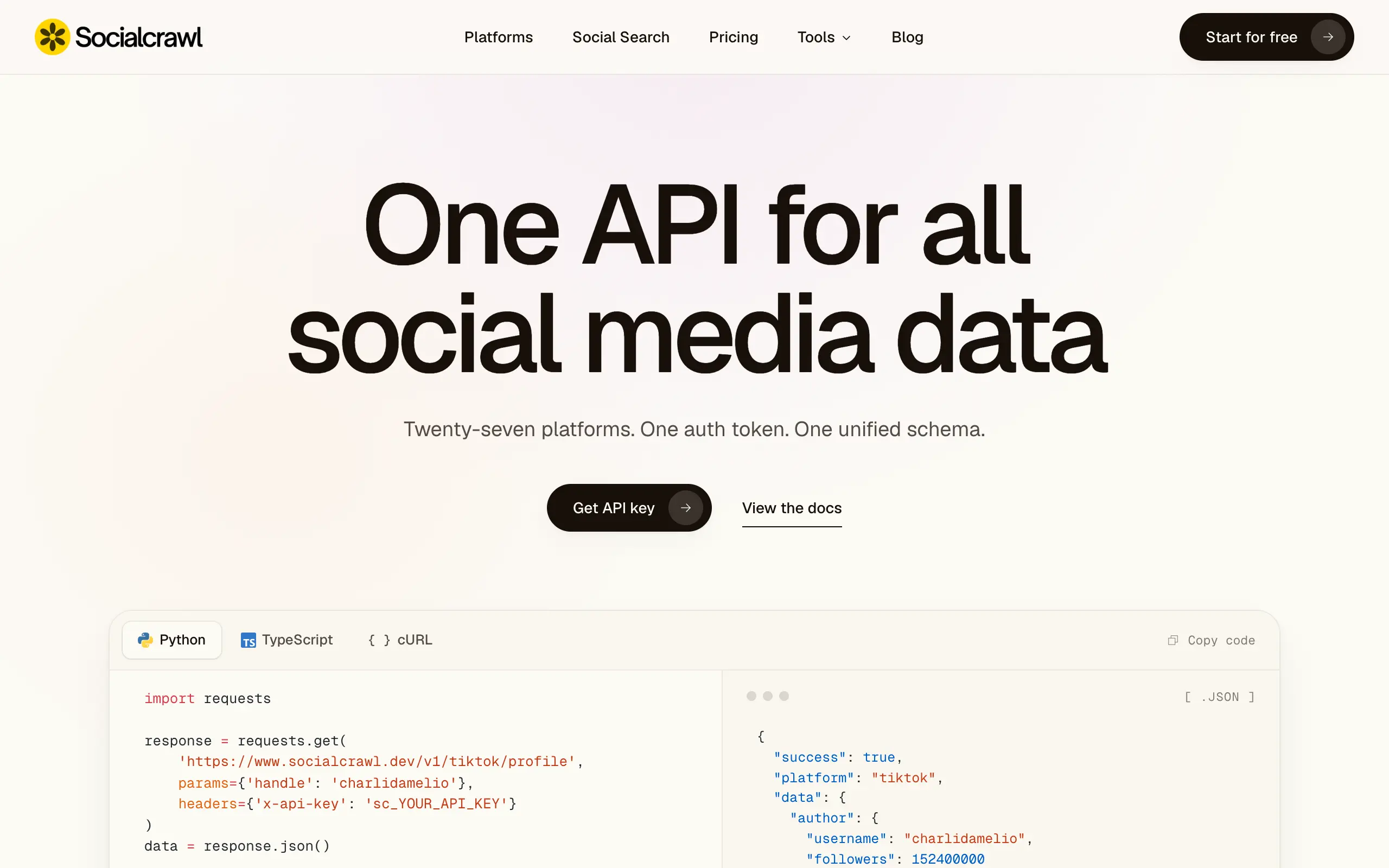
Socialcrawl
Get clean, structured data from 21 platforms like TikTok, Instagram, and YouTube with a single request 📊
Statiko
Monitor any Telegram channel in real time - track posts, edits, deletions, and growth with AI recaps 📡
Shibui
AI website builder - describe your business, pick a niche template, edit by chatting, and publish instantly ✨
Pro Service
Find verified home service professionals, compare quotes, and pay securely through escrow - built for Brazilians across the US 🏠
RankGrow
Fix your SEO with AI agents - connect Search Console, get prioritized tasks, and grow organic traffic 📈
SyncReads
Sync your favorite content for distraction-free reading, save time and replace multiple apps. Anytime, anywhere 🔄
Socialcrawl
Get clean, structured data from 21 platforms like TikTok, Instagram, and YouTube with a single request 📊
Statiko
Monitor any Telegram channel in real time - track posts, edits, deletions, and growth with AI recaps 📡
Shibui
AI website builder - describe your business, pick a niche template, edit by chatting, and publish instantly ✨
Pro Service
Find verified home service professionals, compare quotes, and pay securely through escrow - built for Brazilians across the US 🏠
RankGrow
Fix your SEO with AI agents - connect Search Console, get prioritized tasks, and grow organic traffic 📈
SyncReads
Sync your favorite content for distraction-free reading, save time and replace multiple apps. Anytime, anywhere 🔄
Socialcrawl
Get clean, structured data from 21 platforms like TikTok, Instagram, and YouTube with a single request 📊
Statiko
Monitor any Telegram channel in real time - track posts, edits, deletions, and growth with AI recaps 📡
Shibui
AI website builder - describe your business, pick a niche template, edit by chatting, and publish instantly ✨
Pro Service
Find verified home service professionals, compare quotes, and pay securely through escrow - built for Brazilians across the US 🏠
RankGrow
Fix your SEO with AI agents - connect Search Console, get prioritized tasks, and grow organic traffic 📈
SyncReads
Sync your favorite content for distraction-free reading, save time and replace multiple apps. Anytime, anywhere 🔄
Socialcrawl
Get clean, structured data from 21 platforms like TikTok, Instagram, and YouTube with a single request 📊
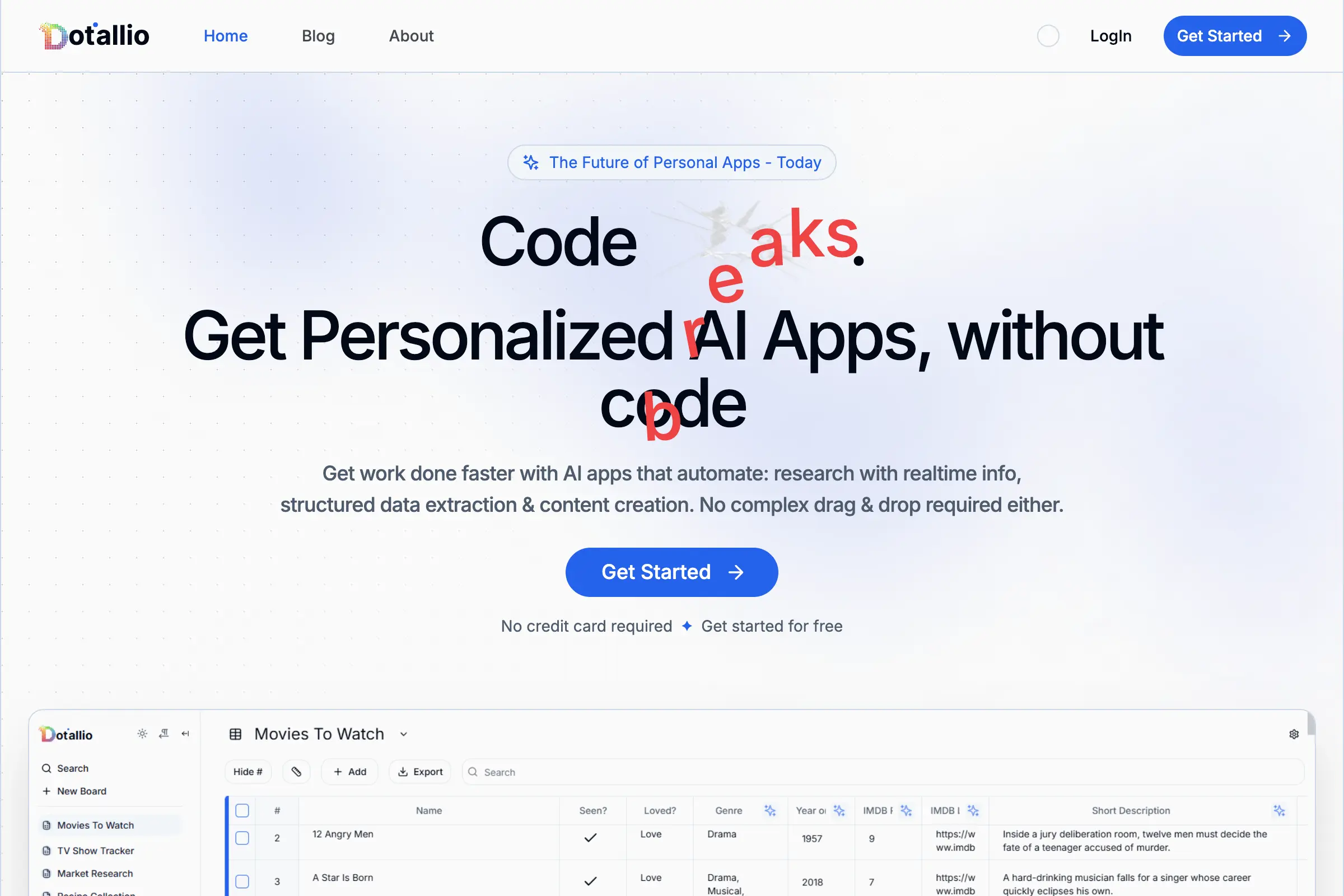
Dotallio
Personalized AI apps that automate research, data extraction, and content creation without code 🤖

Talk to Santa
Enjoy a magical live video chat or receive a unique AI-generated video greeting from Santa Claus 🎅

pozywka.pl
Scalable blog for food journalist, focused on performance and user experience 🌭
zagrodzki.me
Personal blog and portfolio of Bart Zagrodzki, where he shares his knowledge and work 💼
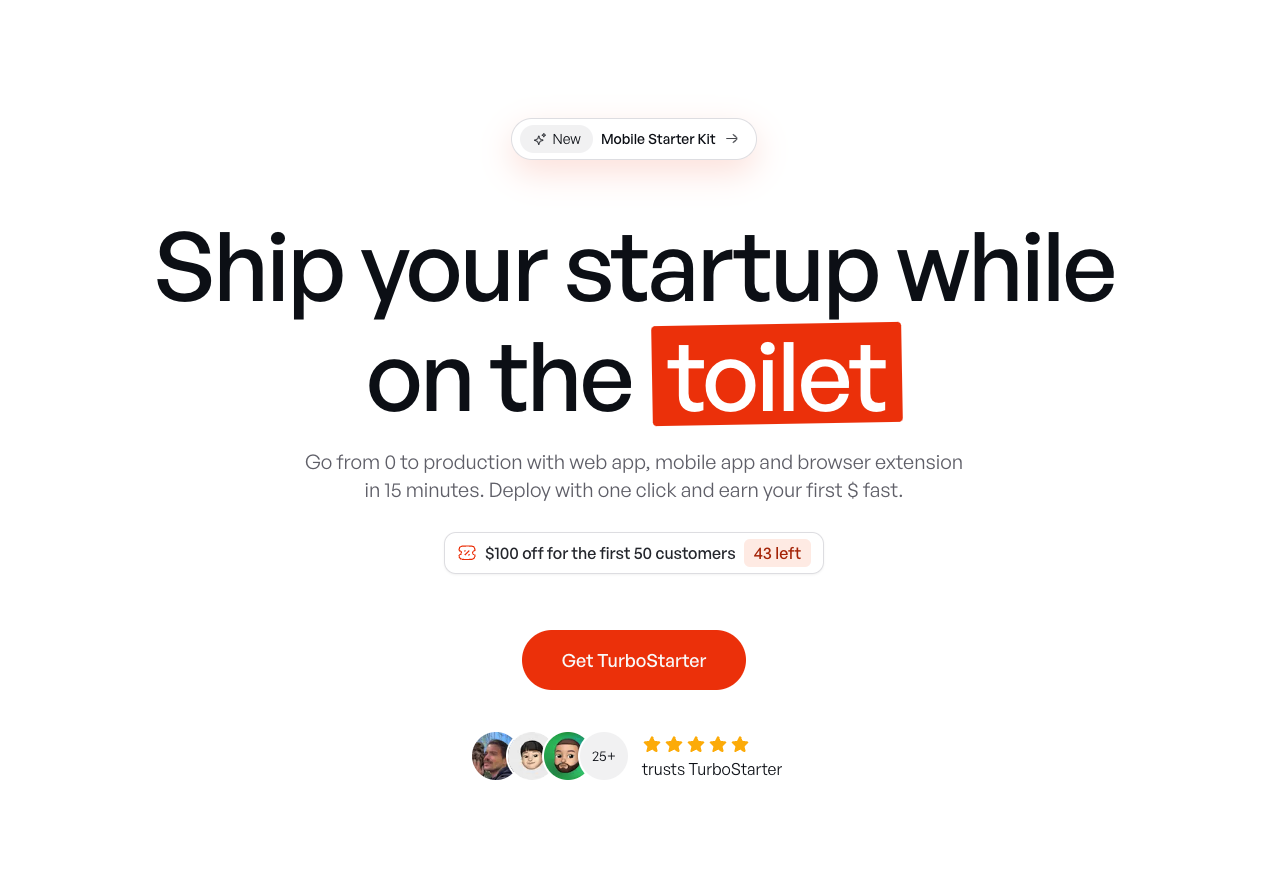
TurboStarter
Ship your startup everywhere. In minutes.
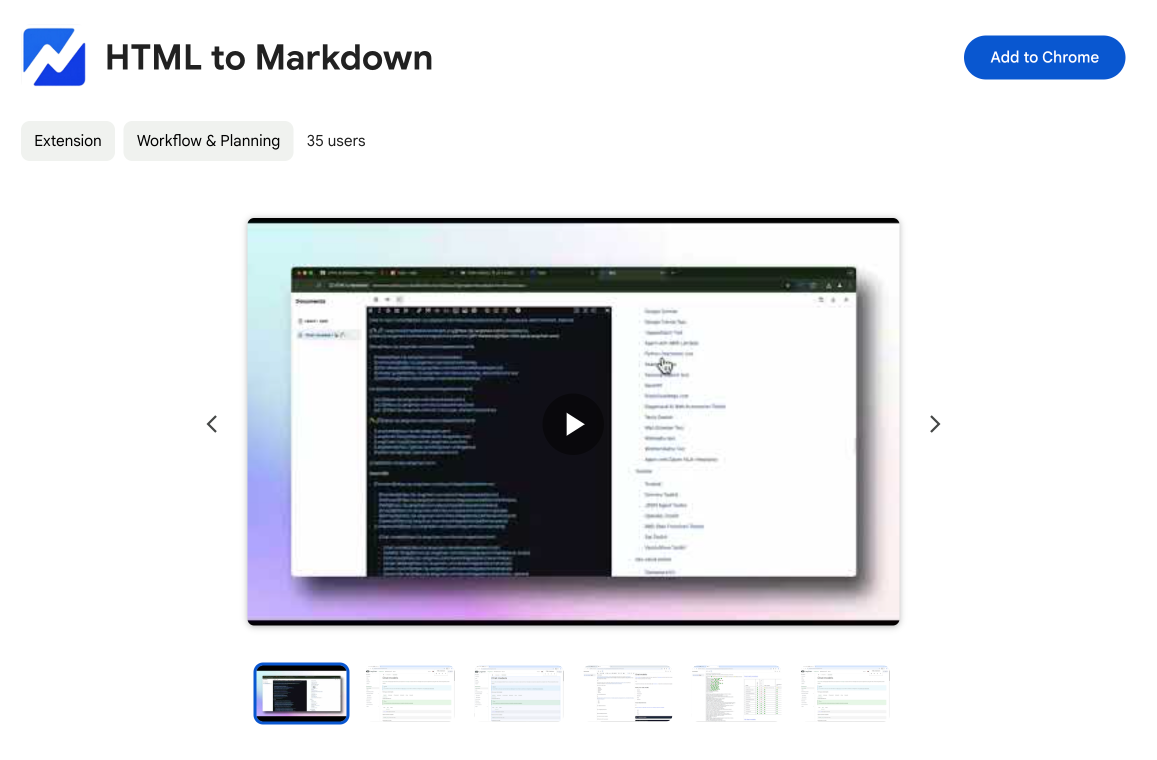
HTML to Markdown
Convert HTML to Markdown with ease, directly in your browser 📄
Dotallio
Personalized AI apps that automate research, data extraction, and content creation without code 🤖
Talk to Santa
Enjoy a magical live video chat or receive a unique AI-generated video greeting from Santa Claus 🎅
pozywka.pl
Scalable blog for food journalist, focused on performance and user experience 🌭
zagrodzki.me
Personal blog and portfolio of Bart Zagrodzki, where he shares his knowledge and work 💼
TurboStarter
Ship your startup everywhere. In minutes.
HTML to Markdown
Convert HTML to Markdown with ease, directly in your browser 📄
Dotallio
Personalized AI apps that automate research, data extraction, and content creation without code 🤖
Talk to Santa
Enjoy a magical live video chat or receive a unique AI-generated video greeting from Santa Claus 🎅
pozywka.pl
Scalable blog for food journalist, focused on performance and user experience 🌭
zagrodzki.me
Personal blog and portfolio of Bart Zagrodzki, where he shares his knowledge and work 💼
TurboStarter
Ship your startup everywhere. In minutes.
HTML to Markdown
Convert HTML to Markdown with ease, directly in your browser 📄
Dotallio
Personalized AI apps that automate research, data extraction, and content creation without code 🤖
Talk to Santa
Enjoy a magical live video chat or receive a unique AI-generated video greeting from Santa Claus 🎅
pozywka.pl
Scalable blog for food journalist, focused on performance and user experience 🌭
zagrodzki.me
Personal blog and portfolio of Bart Zagrodzki, where he shares his knowledge and work 💼
TurboStarter
Ship your startup everywhere. In minutes.
HTML to Markdown
Convert HTML to Markdown with ease, directly in your browser 📄
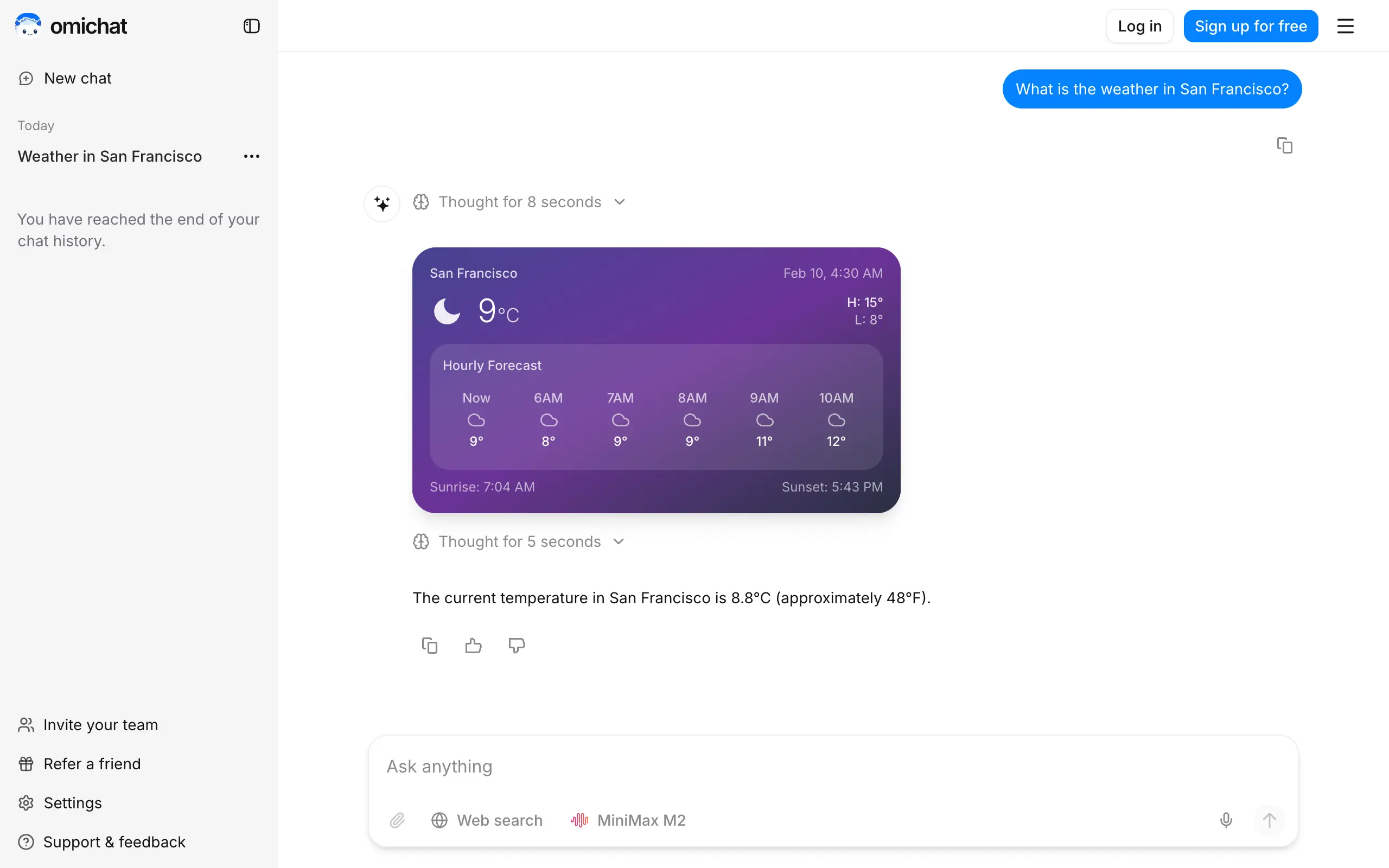
Omichat
Chat with 50+ AI models, including ChatGPT and Claude, in one place - switch models anytime without losing context 🤖
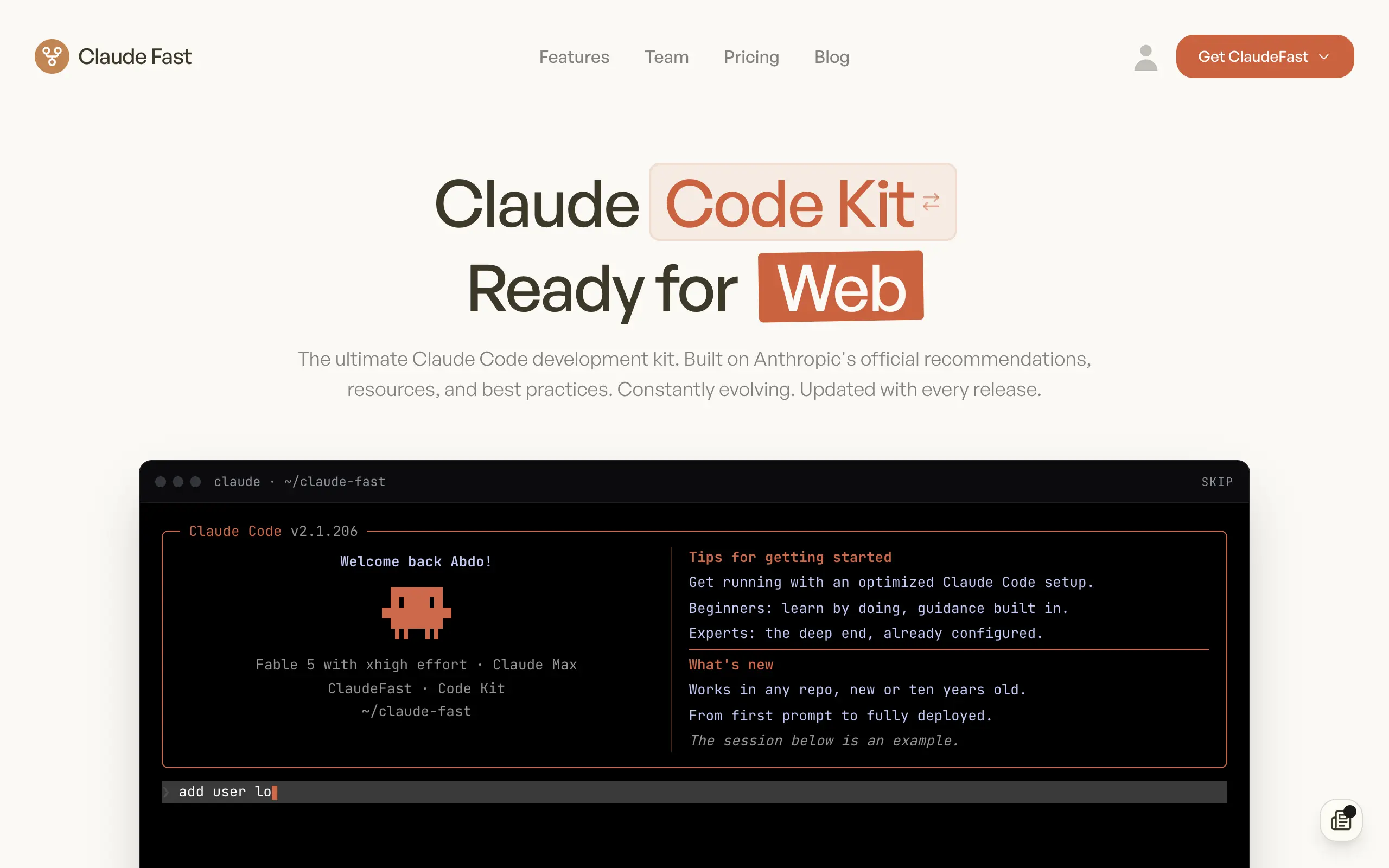
Claude Fast
Supercharge your Claude Code with 6x effective context window and specialized AI agents 🤖
EmojAI
AI-powered emoji picker with smart, context-aware suggestions 🤖

Solohacker
Autonomous company launcher - AI agents work 24/7, escalate what matters, and you stay in control 🤖

BeRawi: Storytelling Coach
Practice storytelling daily with instant feedback to sound clearer, more engaging, and confident 🎤
Omichat
Chat with 50+ AI models, including ChatGPT and Claude, in one place - switch models anytime without losing context 🤖
Claude Fast
Supercharge your Claude Code with 6x effective context window and specialized AI agents 🤖
EmojAI
AI-powered emoji picker with smart, context-aware suggestions 🤖
Solohacker
Autonomous company launcher - AI agents work 24/7, escalate what matters, and you stay in control 🤖
BeRawi: Storytelling Coach
Practice storytelling daily with instant feedback to sound clearer, more engaging, and confident 🎤
Omichat
Chat with 50+ AI models, including ChatGPT and Claude, in one place - switch models anytime without losing context 🤖
Claude Fast
Supercharge your Claude Code with 6x effective context window and specialized AI agents 🤖
EmojAI
AI-powered emoji picker with smart, context-aware suggestions 🤖
Solohacker
Autonomous company launcher - AI agents work 24/7, escalate what matters, and you stay in control 🤖
BeRawi: Storytelling Coach
Practice storytelling daily with instant feedback to sound clearer, more engaging, and confident 🎤
Omichat
Chat with 50+ AI models, including ChatGPT and Claude, in one place - switch models anytime without losing context 🤖
Claude Fast
Supercharge your Claude Code with 6x effective context window and specialized AI agents 🤖
EmojAI
AI-powered emoji picker with smart, context-aware suggestions 🤖
Solohacker
Autonomous company launcher - AI agents work 24/7, escalate what matters, and you stay in control 🤖
BeRawi: Storytelling Coach
Practice storytelling daily with instant feedback to sound clearer, more engaging, and confident 🎤

Connect with like-minded people
Join our community to get feedback, support, and grow together with 1,000+ builders on board, let's ship it!
Join usShip your startup everywhere. In minutes.
Don't burn tokens on setup and start building features on day one.