SafeCircle BV
A private hostel safety app for Banasthali students with trusted SOS circles, discreet incident reporting, and verified safe-route updates.
Why SafeCircle BV solves a meaningful student safety gap
SafeCircle BV is a private hostel safety app designed for Banasthali students who need a faster, more discreet way to ask for help, share safety information, and make better decisions about travel around campus and nearby areas. Its core value is not simply an SOS button. The product combines trusted SOS circles, private incident reporting, and verified safe-route updates into a safety workflow that is appropriate for hostel life.
For students, especially those living away from home for the first time, personal safety is both an everyday concern and a sensitive subject. A student may feel uncomfortable reporting harassment, unsafe transport, suspicious activity, poor street lighting, or a distressing interaction through formal channels. They may also hesitate to call family or hostel authorities when they are unsure whether an incident is “serious enough.”
A student safety app can reduce that friction when it is designed around three principles:
- "Privacy": students should control who sees a report, location, or alert.
- "Trust": emergency contacts and community information must be verified.
- "Actionability": the app should guide users toward a practical next step rather than merely collecting complaints.
SafeCircle BV can position itself as a privacy-first hostel safety network rather than a broad public safety marketplace. That focus gives the product a clearer user, a more manageable launch environment, and a stronger reason for students to return to it.
Important product positioning
SafeCircle BV should never promise to prevent crime, guarantee route safety, or replace emergency services. Its value proposition should focus on faster communication, better awareness, consent-based sharing, and structured escalation during safety concerns.
Who SafeCircle BV is for
The most effective version of a Banasthali student safety app will serve several connected user groups. Each group has different motivations, permissions, and expectations around privacy.
Primary audience: hostel students
The primary users are students living in hostels who regularly move between residence halls, academic buildings, libraries, transit points, markets, coaching centers, and nearby social locations.
Their common safety needs include:
- Walking alone after classes, events, or study sessions
- Sharing live location with a small trusted group
- Finding safer travel options after dark
- Quietly documenting uncomfortable or unsafe incidents
- Receiving alerts about route changes, closures, or recent concerns
- Reaching a trusted friend without making a visible phone call
- Recording key details while the memory is still accurate
- Understanding where to get legitimate institutional support
This audience is mobile-first, usually comfortable with messaging workflows, and likely to adopt a product that feels simple, private, and useful in non-emergency situations.
Secondary audience: trusted circles
A trusted circle can include roommates, close friends, siblings, parents, mentors, wardens, or other approved contacts. These users are not necessarily active in the app every day. Their value comes from being available when an alert is triggered.
They need a low-friction experience that answers three questions immediately:
- Is the student safe right now?
- Where was the alert triggered?
- What action should I take next?
For this reason, SafeCircle BV should support a lightweight trusted-contact experience through push notifications, secure links, or a simplified companion view. Requiring every emergency contact to learn a complex app workflow can weaken emergency response.
Institutional audience: hostel and student support teams
Hostel administrators, wardens, student support staff, and approved safety coordinators may benefit from structured, anonymized safety intelligence. However, this audience should be added carefully.
Students are unlikely to submit sensitive reports if they believe every report automatically reaches administrators. SafeCircle BV should allow users to choose an escalation path, such as:
- Private record only
- Share with trusted circle
- Request support from a verified campus contact
- Submit an anonymous trend report
- Prepare a formal report for later review
The institutional dashboard should emphasize trends, response workflows, and verified updates rather than unrestricted access to student locations or private reports.
Early adopter segments
The most likely early adopters are not necessarily students facing the highest risk. They are students who already coordinate frequently and can see obvious daily value.
Potential launch groups include:
- Hostel roommates who walk together after evening activities
- Student clubs organizing events and travel
- First-year students adjusting to campus routines
- Peer support volunteers
- Students who routinely commute to nearby transport hubs
- Student representatives who receive recurring safety concerns
A small, trusted cohort is better than a campus-wide launch with unclear moderation and weak verification.
The market opportunity for a private hostel safety app
Personal safety technology is a crowded category, but much of the market is poorly aligned with student realities. General SOS apps can be too generic. Public neighborhood safety platforms can expose sensitive location details. Institutional reporting systems may feel formal, slow, or intimidating. Group chat apps are familiar, but they lack structured escalation, consent controls, and reliable incident records.
That creates a gap for a focused solution such as SafeCircle BV.
Where existing tools fall short
Students often patch together safety workflows using multiple tools:
- A messaging group for “reached safely” updates
- A live location-sharing feature in a consumer app
- A phone call to a roommate or parent
- Screenshots and notes saved for an incident
- A formal complaint process only after a situation escalates
- Informal advice about which paths or transport options feel safer
This fragmented approach has predictable weaknesses. Messages get buried. Location sharing is often turned on too late. Reports lack context. Rumors spread faster than verified information. Trusted friends may not know how to respond when someone sends an ambiguous message like “call me.”
SafeCircle BV can unify these workflows while still allowing students to decide what they disclose.
The opportunity is trust infrastructure, not surveillance
A common mistake in safety software is treating more location data as a better product. For student users, that approach can create fear and reduce adoption. The stronger opportunity is to build trust infrastructure.
Trust infrastructure means:
- Clear consent before any location sharing starts
- Time-limited sharing rather than persistent tracking
- Visible controls to stop sharing
- Separate permissions for friends, family, and institutions
- Verified information labels for official route updates
- Abuse-resistant reporting workflows
- Transparent data retention policies
- A clear distinction between community reports and confirmed alerts
This is especially important for a hostel safety app, where users may live, study, socialize, and travel within overlapping communities. Privacy failures can have serious social consequences even when there is no technical breach.
Why timing matters now
Mobile users increasingly expect real-time communication, location-aware services, and personalized alerts. At the same time, users are more aware of privacy risks and less willing to accept opaque data collection. A safety product that is useful without being invasive is well aligned with these expectations.
Recent advances in AI can also help, but only in carefully bounded ways. AI can summarize long incident descriptions, detect duplicate reports, identify potentially urgent language, translate content, and help moderators prioritize cases. It should not independently decide that a person is in danger, publicly label an area unsafe, or make disciplinary recommendations.
For market validation, founders should review credible sources such as university student wellbeing surveys, India-focused digital privacy guidance, campus security reports, and official emergency response recommendations. Use dated, primary research when presenting market-size or safety statistics in investor materials.
The SafeCircle BV product concept
SafeCircle BV should be built as a mobile-first safety companion with four connected product pillars:
- Trusted SOS circles
- Discreet incident reporting
- Verified safe-route updates
- Privacy-aware safety intelligence
The app should make the safest action easier at the moment a student needs help, while avoiding unnecessary data collection during normal life.
Trusted SOS circles
Let students alert selected people through a clear, consent-based emergency workflow.
Discreet reporting
Support private documentation, anonymous trend reports, and optional escalation paths.
Route intelligence
Show verified updates and clearly separate official notices from community observations.
Trusted SOS circles and emergency check-ins
The SOS circle is the core retention feature. A student should be able to select a small group of trusted contacts and define how each person receives alerts.
A strong first version includes:
- A prominent SOS control with a confirmation mechanism
- An optional silent or discreet mode
- Real-time location sharing only after explicit consent
- A short alert message with a customizable template
- A check-in timer for journeys or late-night walks
- Escalation if the student does not confirm safety
- A one-tap “I am safe” resolution action
- A timeline that records alerts, acknowledgments, and outcomes
- Contact-level permissions for friends, family, and support staff
The confirmation mechanism needs careful UX design. A button that activates too easily will generate false alarms. A long multi-step confirmation can fail users during stress. A practical pattern is a hold-to-send control, followed by a brief cancellation window. Accessibility testing is essential so that the flow works for users with motor, visual, or cognitive needs.
Discreet incident reporting for hostel students
The incident reporting feature should support students before, during, and after an uncomfortable or unsafe situation. Not every report should become a formal complaint. The product must respect that distinction.
A structured report can include:
- Incident category selection
- Approximate location
- Date and time
- Optional written description
- Optional attachment support
- Visibility choice
- Escalation preference
- Follow-up status
- A private exportable record for the student
Suggested report categories include harassment, suspicious behavior, unsafe infrastructure, transport concern, medical concern, lost contact, and other. The category taxonomy should be reviewed with qualified student support and legal advisors before launch.
The design should avoid language that pressures users to report. Instead, it can explain available options and help users preserve details if they choose to seek support later.
Do not build a public accusation feed
Unverified reports about identifiable people can create serious safety, legal, and moderation risks. Keep sensitive incident details private by default, remove personally identifying details from community insights, and use trained human review before publishing any broader alert.
Verified safe-route updates
Safe-route functionality can be valuable, but it must not claim a route is objectively “safe.” Safety changes by time, visibility, crowd density, transport availability, weather, and personal circumstances.
A more responsible design presents route awareness rather than a safety score. For example, the app can show:
- Officially verified route notices
- Temporary closures or construction updates
- Reported lighting issues
- Campus shuttle availability where applicable
- Preferred pickup and drop-off points
- Time-sensitive travel advisories
- Community observations marked as unverified
- A clear “last updated” timestamp
SafeCircle BV can use labels such as “official update,” “community observation,” “under review,” and “resolved.” These labels protect trust by showing users what is known, who provided the information, and when it was last reviewed.
AI-assisted safety intelligence
Because SafeCircle BV is positioned as an AI SaaS concept, AI should serve as an assistant to students and moderators rather than as an autonomous authority.
Useful AI capabilities include:
- Summarizing long reports for moderators
- Suggesting report categories from user-written text
- Detecting probable duplicate reports
- Flagging content that may need urgent human review
- Redacting potential personal information before trend analysis
- Translating reports between supported languages
- Drafting a neutral incident summary for the student to review
- Clustering anonymized reports to identify recurring infrastructure issues
The human review requirement is central. AI-generated labels may be inaccurate, biased, or overly confident. Any recommendation involving emergency action, law enforcement, disciplinary outcomes, medical advice, or public warnings should require approved human intervention.
A student can start a journey check-in, notify a trusted circle, submit a private report, and decide whether to escalate. The interface should emphasize calm language, clear privacy choices, and minimal steps during stressful moments.
Approved moderators can review flagged reports, remove identifying details, merge duplicates, request clarification through privacy-aware messaging, and publish verified route updates with an audit trail.
Authorized staff can view aggregated trends, response time metrics, verified notices, and unresolved infrastructure concerns. They should not have unrestricted access to private student reports or live locations.
Core features for the SafeCircle BV MVP
The first release should prove that students will trust and repeatedly use the product. It should not attempt to solve every aspect of campus safety at once.
A focused MVP could include the following.
Essential student-facing features
- User onboarding with explicit privacy explanations
- Phone or email verification
- Trusted circle creation
- SOS alert flow with location permission prompts
- Timed journey check-ins
- “Reached safely” confirmations
- Private incident report creation
- Anonymous infrastructure or route concern submissions
- Official and community update feed
- Notification preferences
- Emergency resources directory
- Account deletion and data export controls
Essential moderation features
- Role-based moderator access
- Report queue and priority labels
- AI-assisted summarization with human approval
- Personal information redaction tools
- Verification status controls
- Route update publishing workflow
- Audit logs for moderator actions
- Abuse and spam controls
- User blocking and reporting tools
Features to defer until product-market fit
Avoid overbuilding in the first version. The following can wait until the core workflows are trusted:
- Public social feeds
- Automatic threat prediction
- Wearable device integrations
- Broad city-wide coverage
- Complex gamification
- Law enforcement integrations
- Facial recognition
- Persistent location tracking
- Open community messaging between strangers
The absence of these features can be a competitive advantage. Students may trust a smaller, more intentional safety product more than a platform that collects excessive data.
Recommended technology stack for a student safety app
SafeCircle BV needs a stack that balances speed, security, real-time capabilities, and operational simplicity. Safety features increase the consequences of outages and data mistakes, so the technical architecture should prioritize reliability and observability from the beginning.
Mobile and web application layer
For the student mobile application, React Native with Expo is a practical choice. It supports iOS and Android from one codebase, provides mature push notification tooling, and helps a small team iterate quickly.
For an administrative dashboard and marketing site, Next.js is a strong option. It works well with React-based teams, supports server-side rendering, and can handle secure authenticated dashboards.
Use React conventions consistently across web and mobile to reduce cognitive overhead for the product team.
Backend and database
A relational database is usually the best foundation for a safety workflow because the domain includes users, trusted contacts, roles, incidents, consent records, audit events, and moderation decisions. PostgreSQL is a reliable choice.
For a fast early-stage build, Supabase can provide PostgreSQL, authentication, storage, realtime capabilities, and row-level security. Its row-level security model is especially relevant for protecting private reports and contact relationships.
The trade-off is that a managed backend accelerates development but still requires careful policy design. A poorly written access rule can expose sensitive records. Treat authorization policies as production code, review them, test them, and monitor them.
Maps, geolocation, and notifications
Map functionality can be built with Mapbox or another established map provider. Mapbox offers flexible styling and location capabilities, though usage costs must be modeled as adoption grows.
Use platform-native location permission flows and request the minimum access necessary. Background location should be optional and limited to active safety sessions. An SOS session may justify temporary high-accuracy location, while browsing route updates may not.
Push notifications should support:
- SOS acknowledgments
- Check-in reminders
- Expiring location-share notifications
- Verified route updates
- Moderator follow-up requests
- Account and privacy notices
Do not place sensitive report details in push notification previews. A lock-screen notification should be useful without exposing confidential information.
AI service architecture
The AI layer should be asynchronous and isolated from critical emergency flows. If an AI provider is unavailable, the SOS button and reporting system must continue to work.
A safe architecture includes:
- A queue for non-critical AI processing
- Structured output schemas
- Prompt-injection defenses for user-provided content
- Human approval states
- Minimal data transfer to external AI vendors
- Clear data processing agreements
- Logging that avoids retaining raw sensitive content unnecessarily
For example, a report can be saved immediately, then sent to an AI service for an optional category suggestion. The student sees the original content and remains in control of the final submission.
type ReportVisibility = "private" | "trusted_circle" | "moderator_review";

type IncidentReport = {
  id: string;
  studentId: string;
  category: "harassment" | "transport" | "infrastructure" | "other";
  visibility: ReportVisibility;
  status: "draft" | "submitted" | "under_review" | "resolved";
  createdAt: string;
};

function canViewReport(
  report: IncidentReport,
  viewerId: string,
  viewerRole: "student" | "trusted_contact" | "moderator"
) {
  if (viewerId === report.studentId) return true;

  if (report.visibility === "trusted_circle" && viewerRole === "trusted_contact") {
    return true;
  }

  return report.visibility === "moderator_review" && viewerRole === "moderator";
}
This example is intentionally simplified. In production, authorization should be enforced on the server and database layer, not only in application code.
Security and monitoring
For a product handling location and sensitive reports, security is a feature rather than a back-office task.
Recommended practices include:
- Encryption in transit and at rest
- Short-lived access tokens
- Multi-factor authentication for moderators
- Role-based access control
- Row-level database security
- Immutable audit logs for staff actions
- Rate limiting for alerts and report submissions
- Secure attachment scanning
- Regular dependency updates
- Backups and recovery testing
- Incident response runbooks
- Error tracking through a service such as Sentry
The team should also run tabletop exercises. Ask practical questions such as what happens if an SOS notification fails, a moderator account is compromised, a false report is mass-submitted, or a map provider experiences downtime.
Monetization strategies that protect student trust
Safety products can lose credibility if the revenue model depends on exploiting fear or selling sensitive behavior data. SafeCircle BV should explicitly reject targeted advertising based on location, incidents, or vulnerability signals.
A sustainable approach is a hybrid business-to-business and business-to-community model.
| Model | Buyer | Best use | Key benefit | Main caution |
|---|---|---|---|---|
| Institutional license | Hostel or university | Moderation and verified updates | Predictable recurring revenue | Protect student independence |
| Premium student plan | Students or families | Extra circles and journey tools | Direct user value | Keep core SOS access free |
| Sponsored safety program | Alumni or foundations | Subsidized student access | Inclusive launch path | Maintain editorial independence |
Recommended pricing direction
The most credible early model is likely an institutional license that funds free or low-cost student access. The license can cover:
- Verified campus and hostel updates
- Moderation tools
- Aggregated safety trend dashboard
- Staff training
- Priority support
- Configurable retention rules
- Incident response and onboarding support
A student premium tier can later offer non-essential convenience features, such as more trusted circles, advanced journey scheduling, family access, or enhanced travel planning. However, critical SOS capabilities should remain available to every verified student.
Competitive advantage and differentiation
SafeCircle BV can stand out by refusing to become a generic emergency button or a public rumor network. Its strongest competitive advantage is the combination of private support circles, structured reporting, and verification-aware route intelligence.
A clear USP for SafeCircle BV
The unique selling proposition can be expressed as:
SafeCircle BV gives hostel students a private, consent-based way to activate trusted support, document safety concerns, and access verified local updates without turning their lives into a surveillance system.
This positioning is stronger than vague claims such as “the safest app for students.” It explains who the product serves, what it does differently, and why privacy matters.
How SafeCircle BV compares conceptually
Traditional emergency apps often focus on sending a single distress signal. Messaging apps facilitate informal coordination but do not provide structured escalation. Formal institutional systems create official records but may be too intimidating for early-stage concerns.
SafeCircle BV sits between these tools:
- It is more structured than group messaging
- It is more private than a public safety feed
- It is less intimidating than a formal complaint portal
- It is more locally relevant than a generic personal safety app
- It is more accountable than unmoderated community alerts
The product should build a defensible advantage through local operational quality rather than through a feature checklist. That means excellent moderation, trusted institutional partnerships, privacy controls users can understand, and reliable emergency workflows.
Risks and mitigation strategies
Safety software has meaningful risks. A credible strategy acknowledges them early and designs operational safeguards before growth.
Risk of false alarms
False alarms can desensitize trusted contacts and undermine confidence in the product.
Mitigation options include:
- Hold-to-send SOS interaction
- Short cancellation countdown
- Clear alert state updates
- Easy “I am safe” resolution
- Rate limiting without blocking real emergencies
- Contextual follow-up after repeated accidental activations
Do not punish students for false alarms. The goal is to improve the interface and educate users, not discourage future use.
Risk of misinformation and rumor amplification
Community safety reports can create panic or unfairly stigmatize people and places.
Mitigation options include:
- Private-by-default reports
- Verification statuses
- Human moderation for broad notices
- No public naming of private individuals
- Time-limited route advisories
- Clear timestamps and source labels
- Appeals and correction processes
Risk of privacy harm
Location data, incident records, and trusted contact networks are highly sensitive.
Mitigation options include:
- Data minimization
- Default expiration for live location sessions
- Granular sharing controls
- Restricted staff access
- Transparent deletion policies
- Consent logs
- Privacy reviews before every major feature launch
- Independent security testing as the product matures
Risk of overreliance
Users may assume the app will always connect them to help. Network failures, device issues, and notification delays can occur.
Mitigation options include:
- Prominent emergency service guidance appropriate to the operating region
- Offline-friendly emergency instructions
- Clear “not a replacement for emergency services” messaging
- Delivery status indicators
- Redundant notification channels where consent allows
- Regular reliability testing
Risk of institutional mistrust
Students may reject the product if they perceive it as a monitoring tool controlled by authorities.
Mitigation options include:
- Separate student and institutional permissions
- Student-facing privacy documentation
- Optional anonymous reporting paths
- Advisory input from students
- Transparent policies on when information is shared
- Public disclosure of data retention and access practices
A practical implementation roadmap
Building SafeCircle BV should begin with discovery, policy design, and a narrow pilot. Launching broadly before moderation, privacy, and emergency workflows are ready would create avoidable risk.
Define the pilot scope with a small student cohort, a limited geographic area, and explicit success criteria such as trusted-circle activation, completed journey check-ins, and report completion quality.
Interview students, hostel representatives, support staff, and trusted contacts. Validate language, privacy expectations, escalation preferences, and the real-world steps users take during a safety concern.
Create a privacy and safety policy before building the feature set. Define data retention, moderator authority, verification standards, emergency disclaimers, and report-handling procedures.
Build the MVP around account verification, trusted SOS circles, journey check-ins, private incident reports, and a basic verified-update feed.
Run a closed beta with trained moderators. Test alert delivery, location-sharing consent, accidental SOS behavior, report review times, and user understanding of privacy controls.
Measure trust alongside engagement. Track whether students understand who can see their data, whether they can stop sharing easily, and whether they would recommend the product to a friend.
Expand only after the pilot demonstrates reliable operations, clear student value, and a sustainable moderation model.
For a faster SaaS foundation, TurboStarter can help teams accelerate the setup of common product infrastructure while they focus engineering effort on the safety-specific workflows that make SafeCircle BV valuable.
Metrics that matter for validation
Downloads are not enough to prove that a student safety app is working. SafeCircle BV should track both product adoption and trust outcomes.
Useful early metrics include:
- Trusted circles created per active student
- Percentage of students who complete onboarding
- Journey check-ins started and successfully completed
- Median SOS delivery and acknowledgment time
- Percentage of alerts resolved with a safety confirmation
- Report completion rate
- Moderator review time
- Ratio of verified updates to unverified submissions
- Student understanding of data-sharing permissions
- User-reported confidence in the product
- Retention after the first month
- Support tickets related to privacy or notification failures
Avoid framing success as “number of incidents reported.” A rise in reports may indicate increased trust, improved awareness, or a worsening problem. Metrics need context and qualitative feedback.
Frequently asked questions about SafeCircle BV
No. Persistent tracking creates unnecessary privacy risk and may reduce student trust. Live location should be opt-in, purpose-limited, visible to the user, and automatically expire after an SOS or journey session ends.
AI can help prioritize reports and identify potentially urgent language, but it should not make final emergency decisions. A human-centered escalation model is safer, more accountable, and less likely to cause harmful errors.
Use clear source labels, moderation workflows, timestamps, expiration dates, and separate official notices from community observations. Do not publish a route warning as verified until an approved reviewer confirms it.
Start with a private pilot among a small group of hostel students and a limited group of trained moderators. A controlled launch makes it easier to test trust, response workflows, and privacy controls before expanding.
Final perspective
SafeCircle BV has the potential to become more than an SOS app. Its strongest version is a private safety layer for hostel life: one that helps students check in, activate trusted support, preserve incident details, and receive verified local updates without sacrificing control over their personal information.
The product will succeed only if its operational design matches its technical ambition. Reliable notifications, thoughtful moderation, transparent privacy rules, and student-led product research matter as much as AI features or map integrations.
Start with the narrowest valuable promise: help Banasthali students feel more supported when moving through everyday hostel and campus life. Prove that trusted circles and private reporting solve a real problem. Then expand the route intelligence, institutional tooling, and AI assistance only when the trust foundation is strong.
More 🤖 AI Startup SaaS ideas
Discover more innovative ai startup SaaS ideas that are trending in 2026. Each idea is AI-generated with market validation and growth potential to help you find your next profitable venture faster than competitors.
Your competitors are building with TurboStarter
Below are some of the SaaS ideas that have been generated and built with our starter kit.
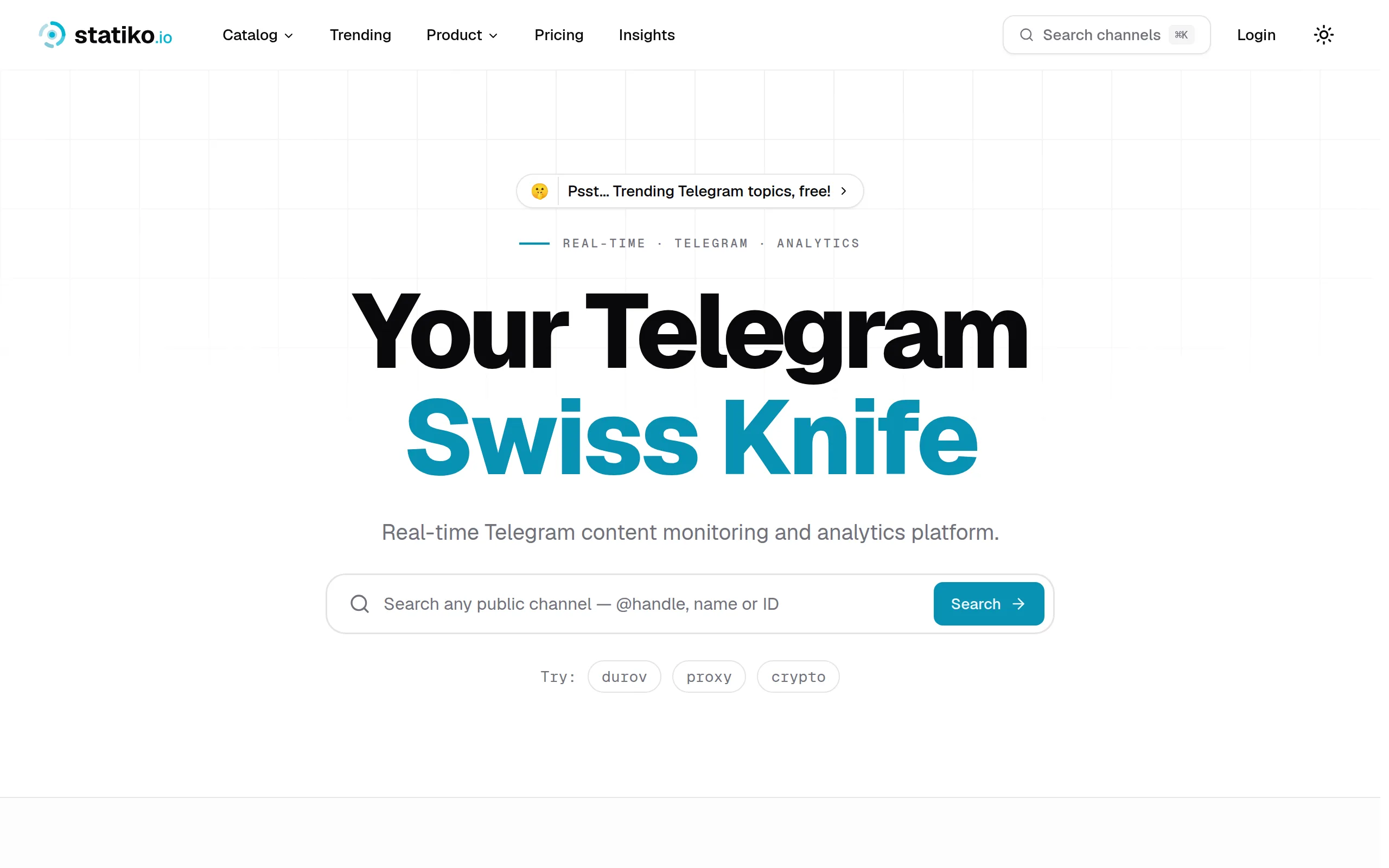
Statiko
Monitor any Telegram channel in real time - track posts, edits, deletions, and growth with AI recaps 📡
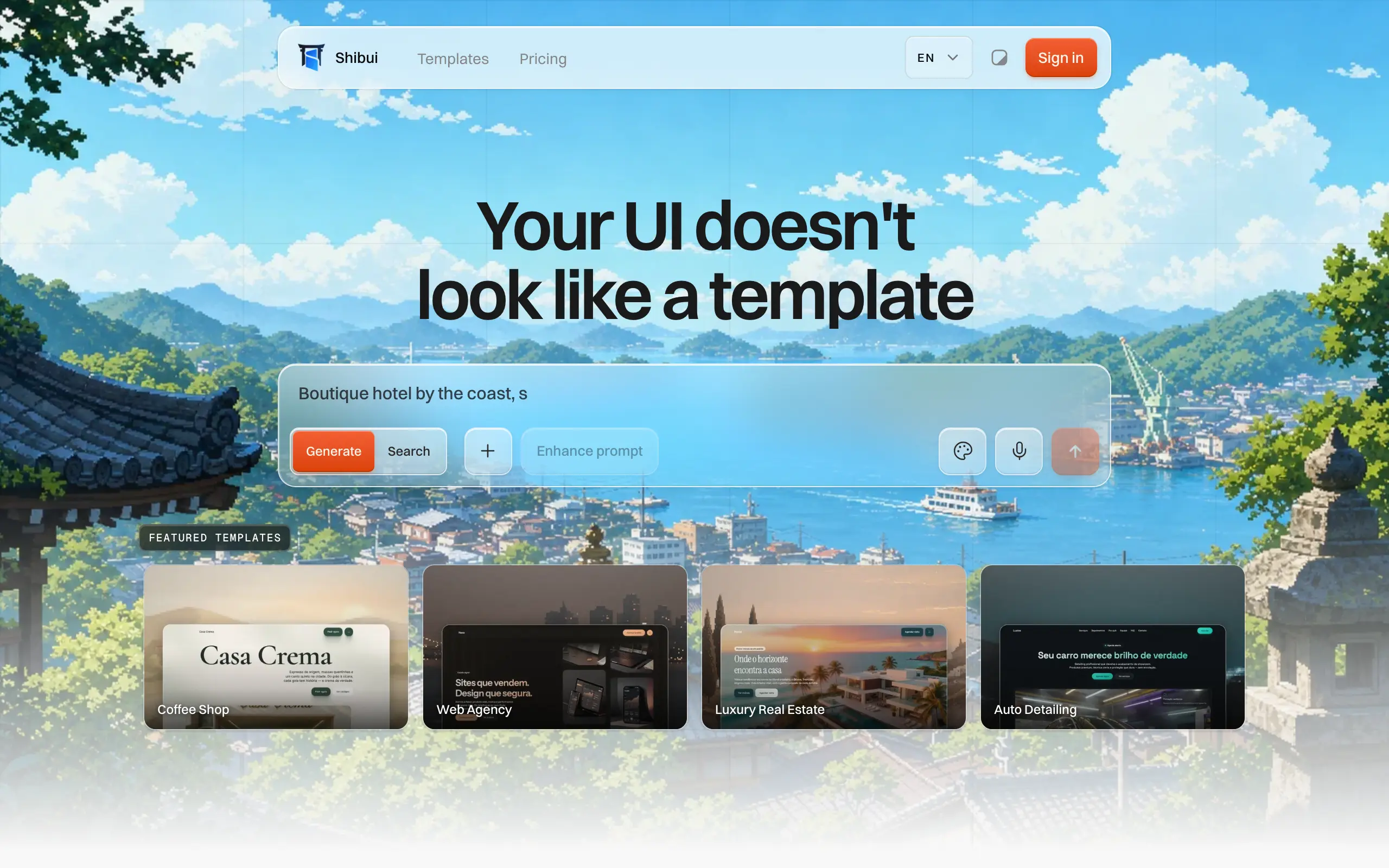
Shibui
AI website builder - describe your business, pick a niche template, edit by chatting, and publish instantly ✨
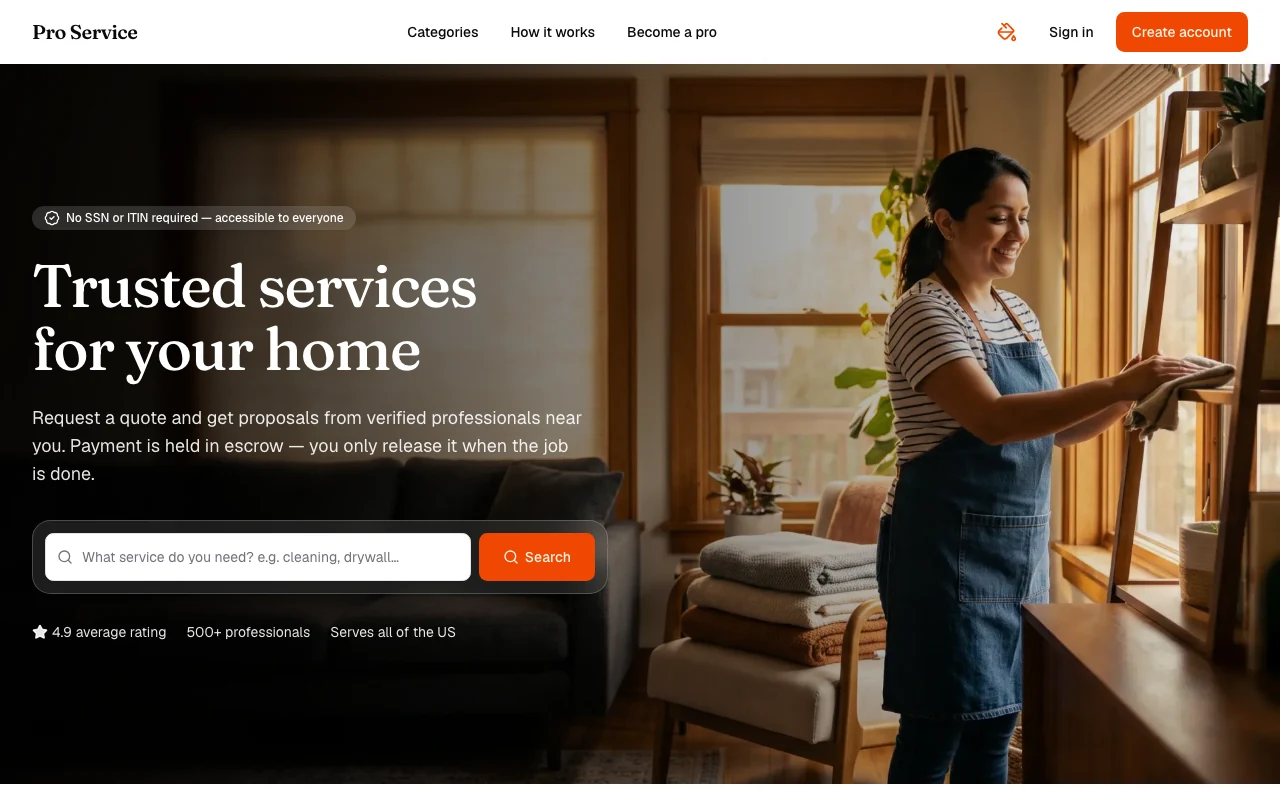
Pro Service
Find verified home service professionals, compare quotes, and pay securely through escrow - built for Brazilians across the US 🏠
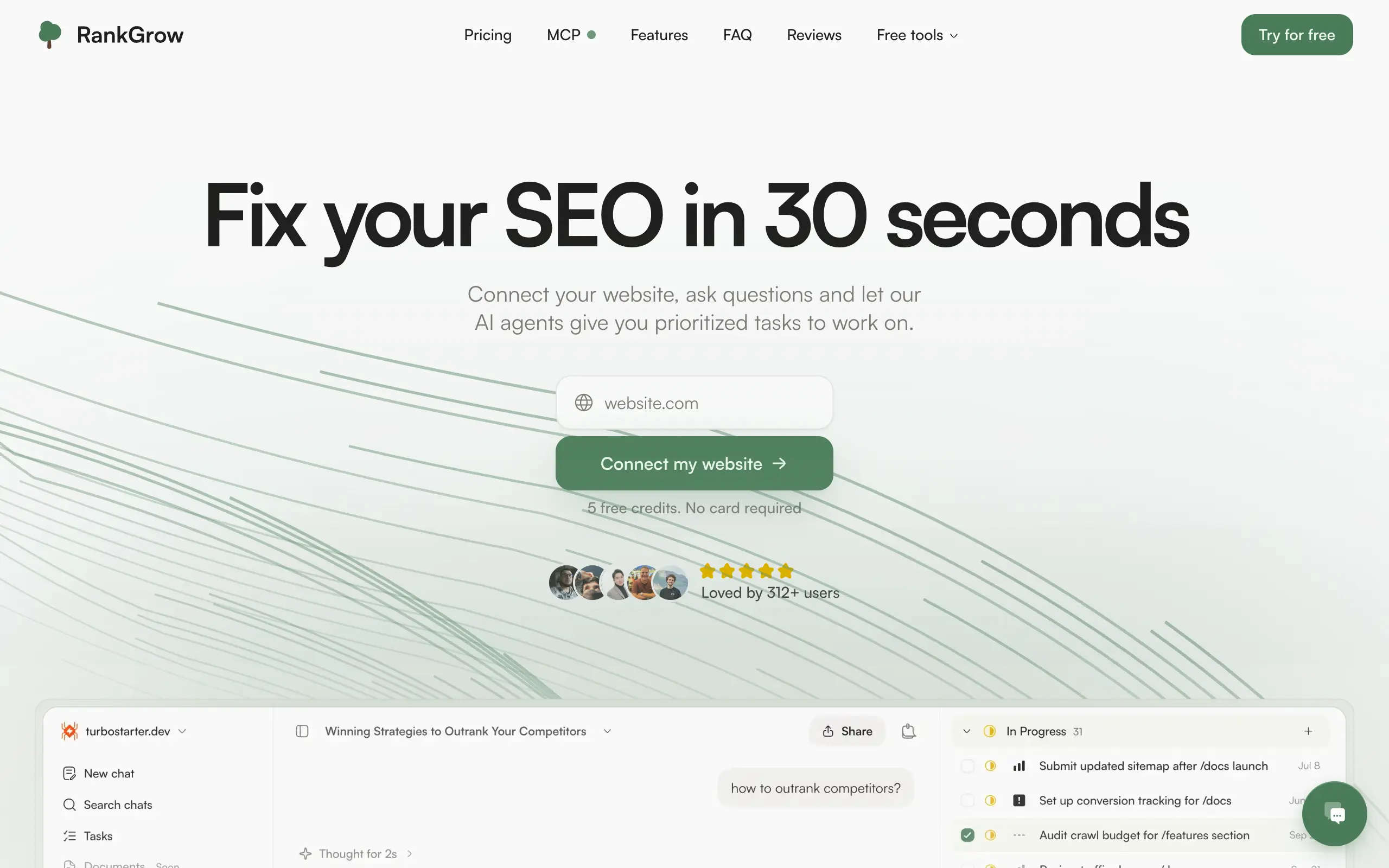
RankGrow
Fix your SEO with AI agents - connect Search Console, get prioritized tasks, and grow organic traffic 📈
SyncReads
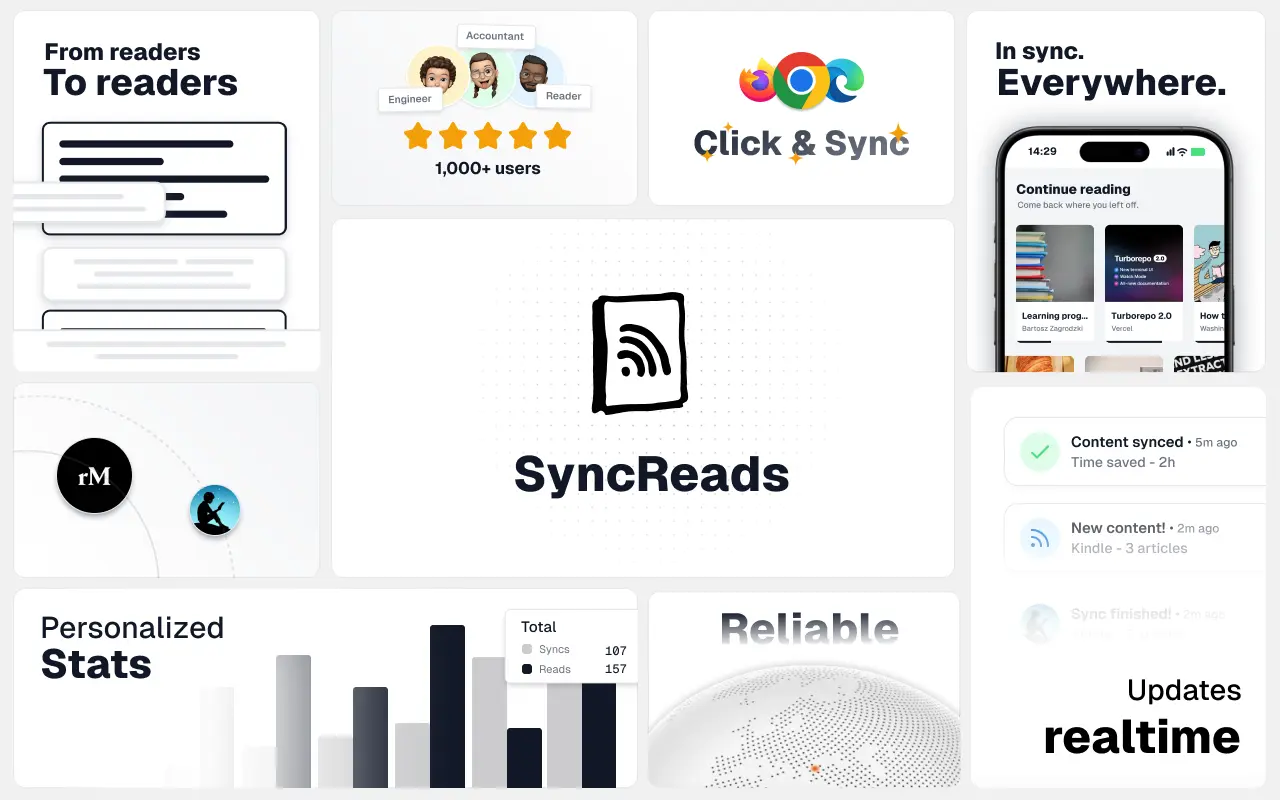
Sync your favorite content for distraction-free reading, save time and replace multiple apps. Anytime, anywhere 🔄
Socialcrawl
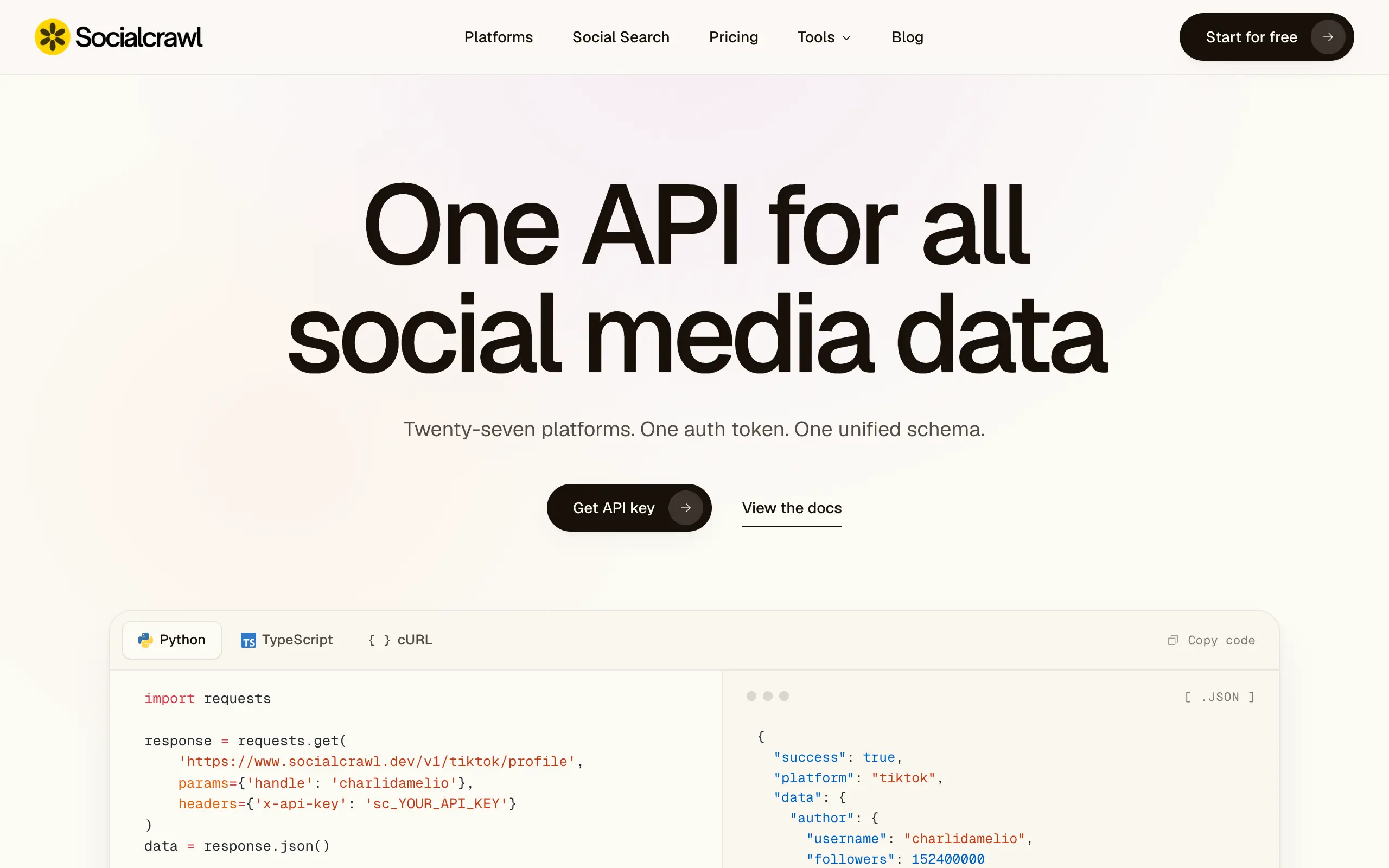
Get clean, structured data from 21 platforms like TikTok, Instagram, and YouTube with a single request 📊
Statiko
Monitor any Telegram channel in real time - track posts, edits, deletions, and growth with AI recaps 📡
Shibui
AI website builder - describe your business, pick a niche template, edit by chatting, and publish instantly ✨
Pro Service
Find verified home service professionals, compare quotes, and pay securely through escrow - built for Brazilians across the US 🏠
RankGrow
Fix your SEO with AI agents - connect Search Console, get prioritized tasks, and grow organic traffic 📈
SyncReads
Sync your favorite content for distraction-free reading, save time and replace multiple apps. Anytime, anywhere 🔄
Socialcrawl
Get clean, structured data from 21 platforms like TikTok, Instagram, and YouTube with a single request 📊
Statiko
Monitor any Telegram channel in real time - track posts, edits, deletions, and growth with AI recaps 📡
Shibui
AI website builder - describe your business, pick a niche template, edit by chatting, and publish instantly ✨
Pro Service
Find verified home service professionals, compare quotes, and pay securely through escrow - built for Brazilians across the US 🏠
RankGrow
Fix your SEO with AI agents - connect Search Console, get prioritized tasks, and grow organic traffic 📈
SyncReads
Sync your favorite content for distraction-free reading, save time and replace multiple apps. Anytime, anywhere 🔄
Socialcrawl
Get clean, structured data from 21 platforms like TikTok, Instagram, and YouTube with a single request 📊
Statiko
Monitor any Telegram channel in real time - track posts, edits, deletions, and growth with AI recaps 📡
Shibui
AI website builder - describe your business, pick a niche template, edit by chatting, and publish instantly ✨
Pro Service
Find verified home service professionals, compare quotes, and pay securely through escrow - built for Brazilians across the US 🏠
RankGrow
Fix your SEO with AI agents - connect Search Console, get prioritized tasks, and grow organic traffic 📈
SyncReads
Sync your favorite content for distraction-free reading, save time and replace multiple apps. Anytime, anywhere 🔄
Socialcrawl
Get clean, structured data from 21 platforms like TikTok, Instagram, and YouTube with a single request 📊
Dotallio
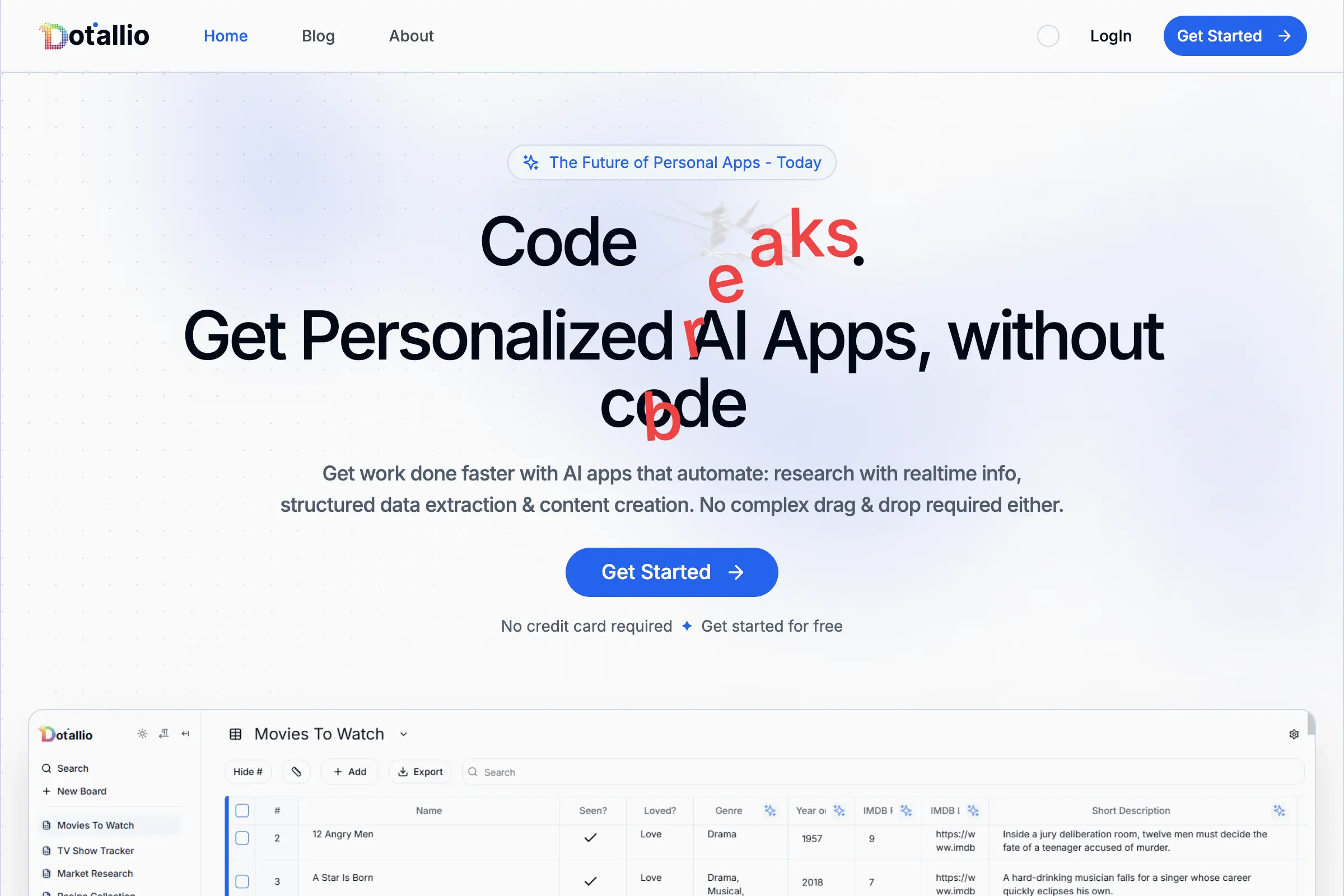
Personalized AI apps that automate research, data extraction, and content creation without code 🤖
Talk to Santa
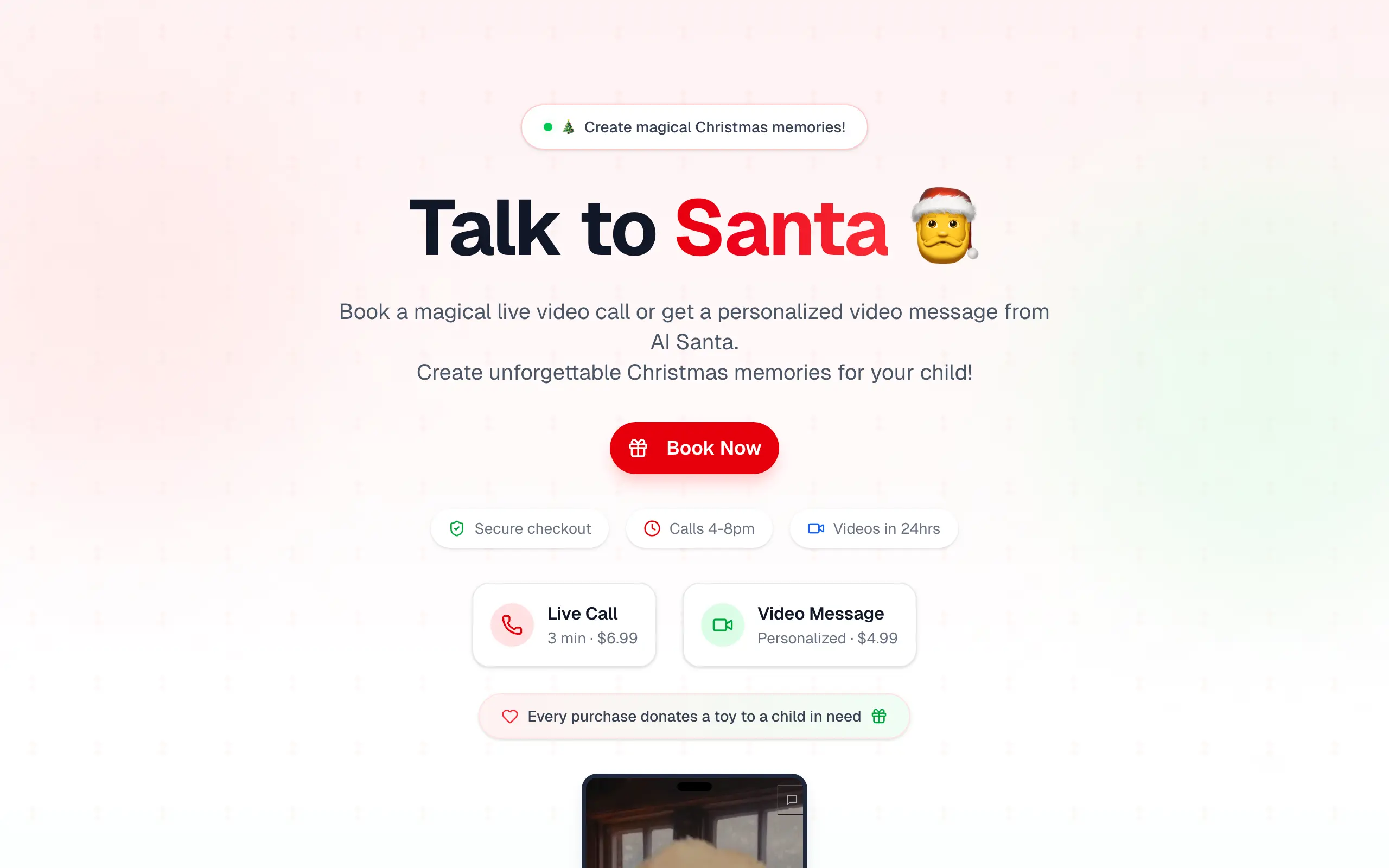
Enjoy a magical live video chat or receive a unique AI-generated video greeting from Santa Claus 🎅
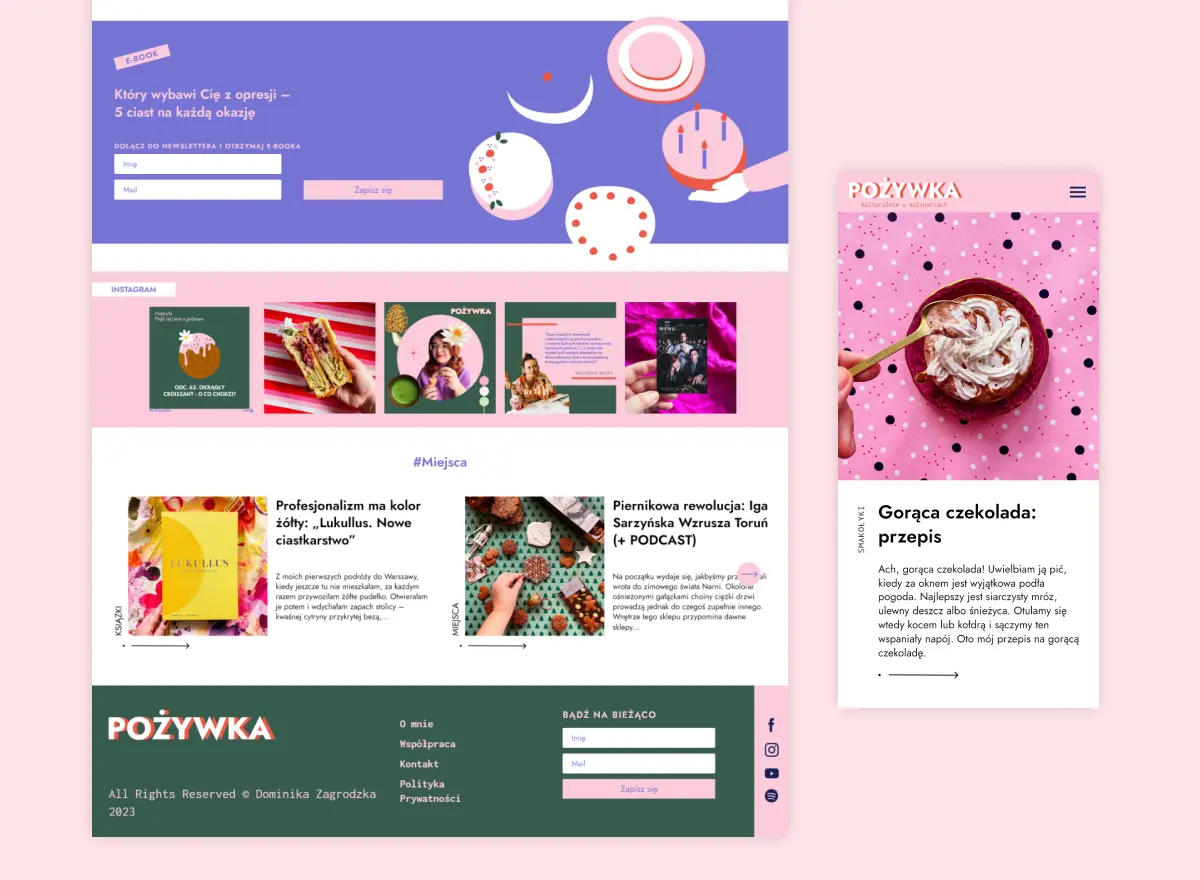
pozywka.pl
Scalable blog for food journalist, focused on performance and user experience 🌭
zagrodzki.me
Personal blog and portfolio of Bart Zagrodzki, where he shares his knowledge and work 💼
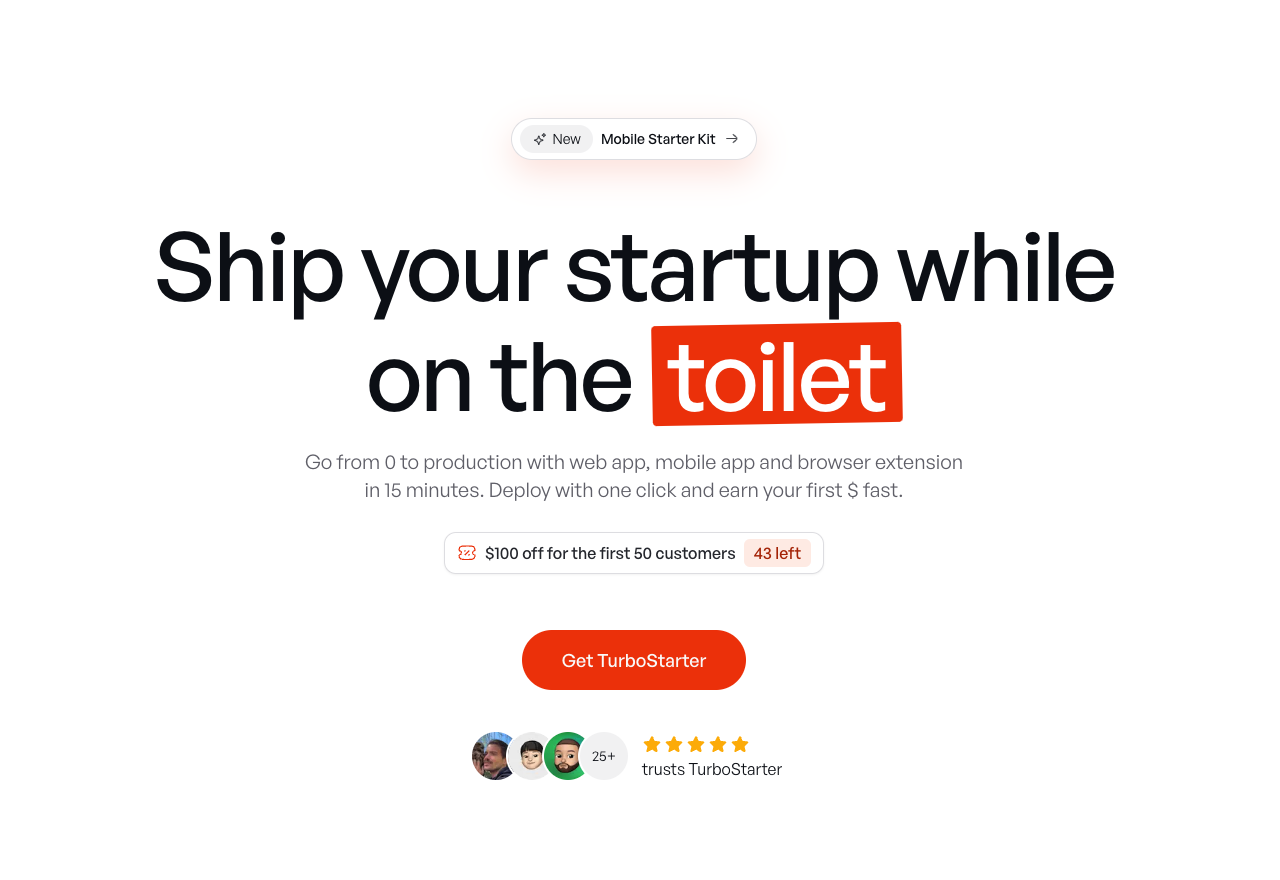
TurboStarter
Ship your startup everywhere. In minutes.
HTML to Markdown
Convert HTML to Markdown with ease, directly in your browser 📄
Dotallio
Personalized AI apps that automate research, data extraction, and content creation without code 🤖
Talk to Santa
Enjoy a magical live video chat or receive a unique AI-generated video greeting from Santa Claus 🎅
pozywka.pl
Scalable blog for food journalist, focused on performance and user experience 🌭
zagrodzki.me
Personal blog and portfolio of Bart Zagrodzki, where he shares his knowledge and work 💼
TurboStarter
Ship your startup everywhere. In minutes.
HTML to Markdown
Convert HTML to Markdown with ease, directly in your browser 📄
Dotallio
Personalized AI apps that automate research, data extraction, and content creation without code 🤖
Talk to Santa
Enjoy a magical live video chat or receive a unique AI-generated video greeting from Santa Claus 🎅
pozywka.pl
Scalable blog for food journalist, focused on performance and user experience 🌭
zagrodzki.me
Personal blog and portfolio of Bart Zagrodzki, where he shares his knowledge and work 💼
TurboStarter
Ship your startup everywhere. In minutes.
HTML to Markdown
Convert HTML to Markdown with ease, directly in your browser 📄
Dotallio
Personalized AI apps that automate research, data extraction, and content creation without code 🤖
Talk to Santa
Enjoy a magical live video chat or receive a unique AI-generated video greeting from Santa Claus 🎅
pozywka.pl
Scalable blog for food journalist, focused on performance and user experience 🌭
zagrodzki.me
Personal blog and portfolio of Bart Zagrodzki, where he shares his knowledge and work 💼
TurboStarter
Ship your startup everywhere. In minutes.
HTML to Markdown
Convert HTML to Markdown with ease, directly in your browser 📄
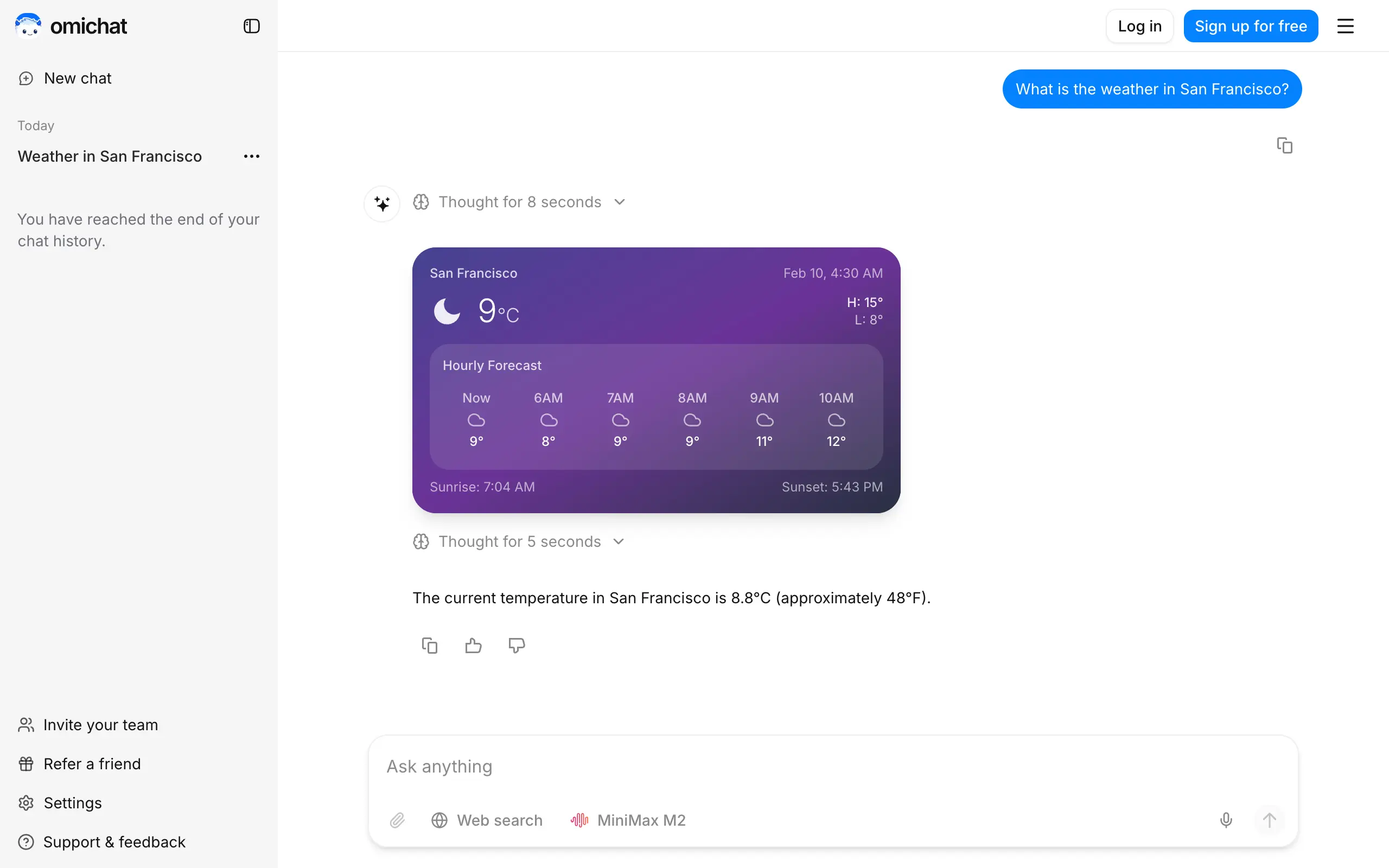
Omichat
Chat with 50+ AI models, including ChatGPT and Claude, in one place - switch models anytime without losing context 🤖
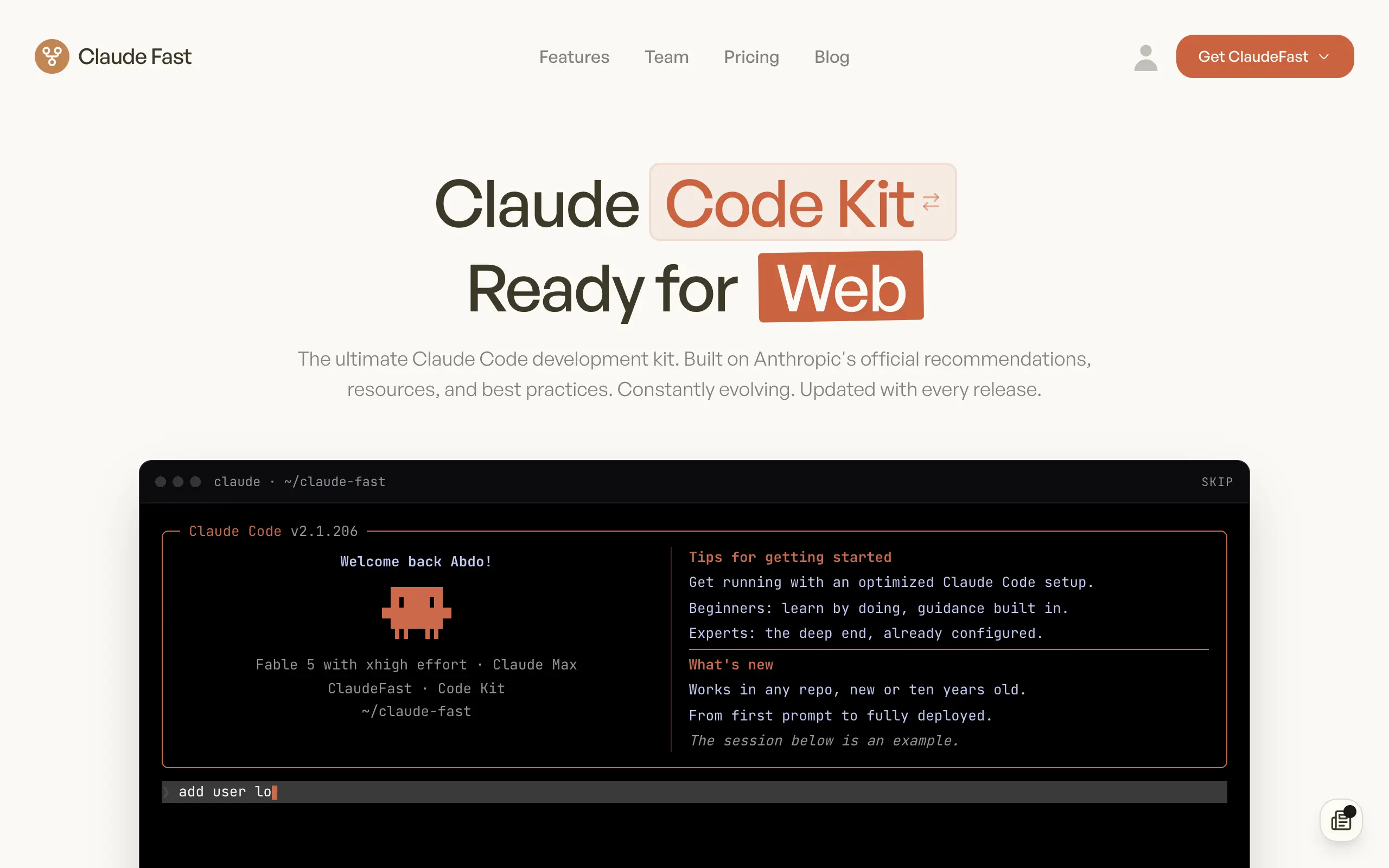
Claude Fast
Supercharge your Claude Code with 6x effective context window and specialized AI agents 🤖
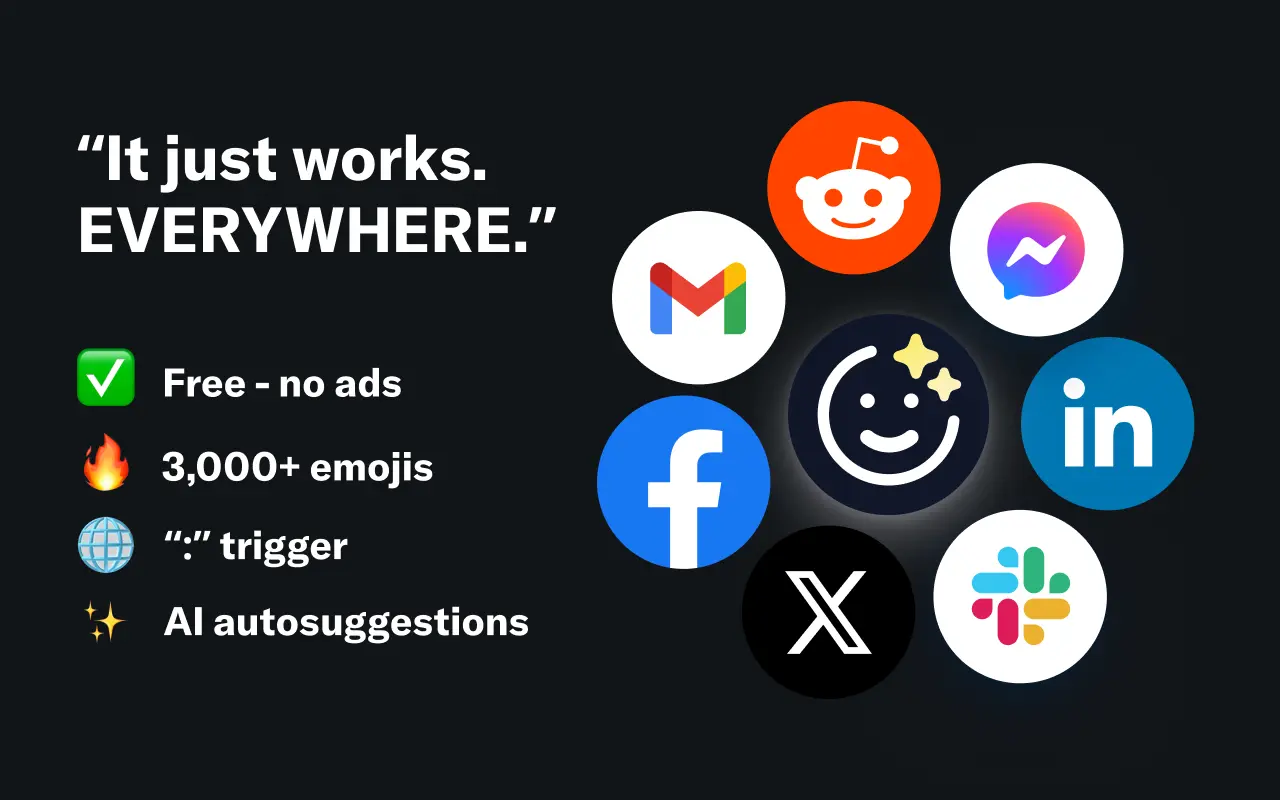
EmojAI
AI-powered emoji picker with smart, context-aware suggestions 🤖
Solohacker
Autonomous company launcher - AI agents work 24/7, escalate what matters, and you stay in control 🤖
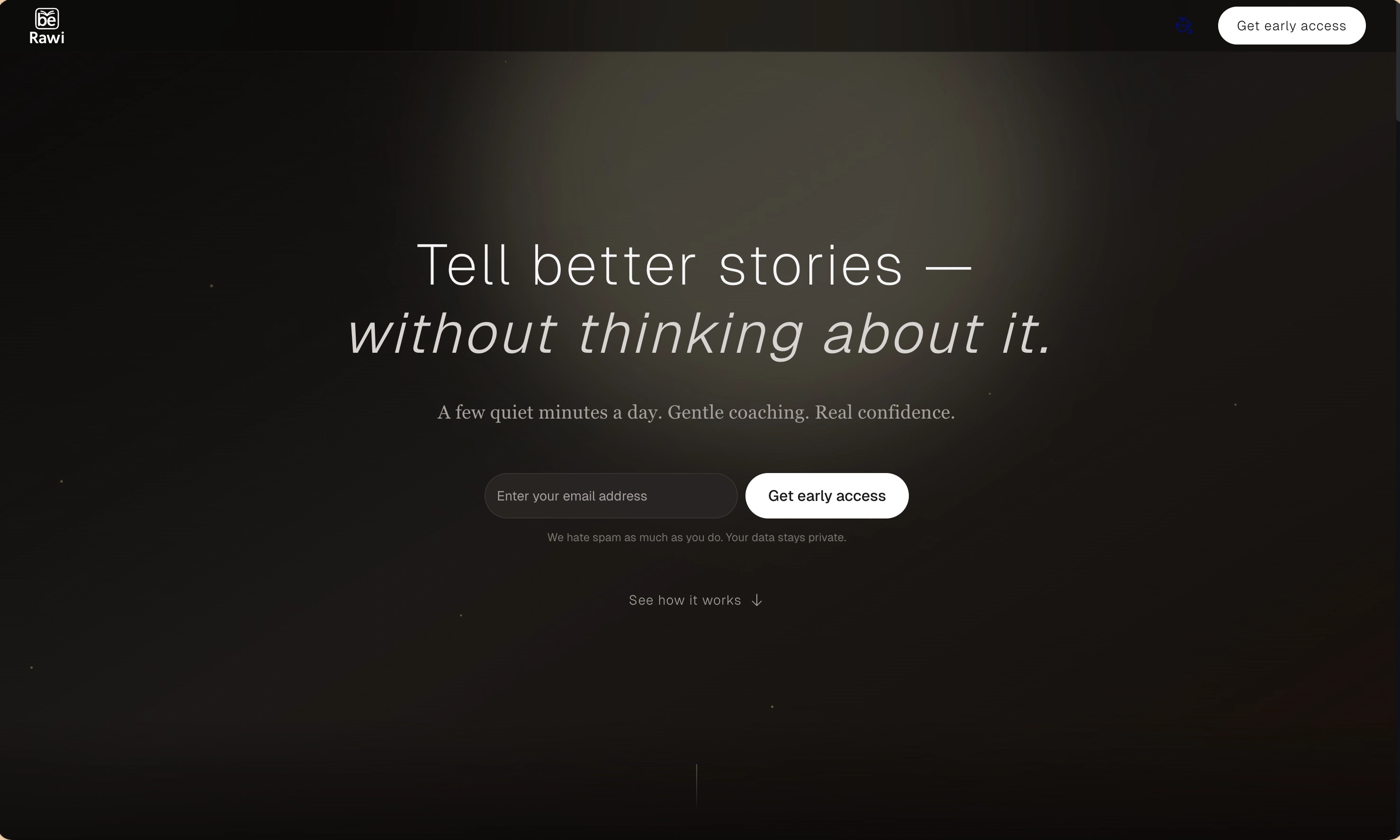
BeRawi: Storytelling Coach
Practice storytelling daily with instant feedback to sound clearer, more engaging, and confident 🎤
Omichat
Chat with 50+ AI models, including ChatGPT and Claude, in one place - switch models anytime without losing context 🤖
Claude Fast
Supercharge your Claude Code with 6x effective context window and specialized AI agents 🤖
EmojAI
AI-powered emoji picker with smart, context-aware suggestions 🤖
Solohacker
Autonomous company launcher - AI agents work 24/7, escalate what matters, and you stay in control 🤖
BeRawi: Storytelling Coach
Practice storytelling daily with instant feedback to sound clearer, more engaging, and confident 🎤
Omichat
Chat with 50+ AI models, including ChatGPT and Claude, in one place - switch models anytime without losing context 🤖
Claude Fast
Supercharge your Claude Code with 6x effective context window and specialized AI agents 🤖
EmojAI
AI-powered emoji picker with smart, context-aware suggestions 🤖
Solohacker
Autonomous company launcher - AI agents work 24/7, escalate what matters, and you stay in control 🤖
BeRawi: Storytelling Coach
Practice storytelling daily with instant feedback to sound clearer, more engaging, and confident 🎤
Omichat
Chat with 50+ AI models, including ChatGPT and Claude, in one place - switch models anytime without losing context 🤖
Claude Fast
Supercharge your Claude Code with 6x effective context window and specialized AI agents 🤖
EmojAI
AI-powered emoji picker with smart, context-aware suggestions 🤖
Solohacker
Autonomous company launcher - AI agents work 24/7, escalate what matters, and you stay in control 🤖
BeRawi: Storytelling Coach
Practice storytelling daily with instant feedback to sound clearer, more engaging, and confident 🎤

Connect with like-minded people
Join our community to get feedback, support, and grow together with 1,000+ builders on board, let's ship it!
Join usShip your startup everywhere. In minutes.
Don't burn tokens on setup and start building features on day one.