Scenewise
Helps freelance web developers tag and search their own video clips and stock footage by scene content. Saves hours hunting for the right clip when building client sites.
Scenewise is an AI tool that generates and tunes page sections (hero, pricing, testimonials, FAQ, footer) for freelance web developers and small agencies building client sites. It has potential in 2026 because the repetitive layout work between "signed contract" and "client-ready draft" is still manual for most freelancers, and general-purpose AI site builders do not fit how agencies actually deliver. The strongest version of this AI section builder for freelance web developers produces clean, editable code in the client's existing stack, not a locked-in hosted site.
Key takeaways
- Target customer: solo freelance web developers and agencies of 2 to 10 people who ship 2 to 6 client sites per month.
- Pricing angle: a flat monthly subscription per seat, with a higher agency tier for shared brand kits and client workspaces.
- Biggest risk: output quality. If generated sections need heavy cleanup, developers will go back to their own snippets and UI kits.
- Time to MVP: about 4 to 6 weeks for one developer on a starter kit, focused on a single framework target.
Who is Scenewise for?
Scenewise is for freelance web developers and small agencies who sell fixed-price marketing sites and lose margin on layout work. The ideal customer builds with React or Next.js, Astro or a similar stack, uses Tailwind CSS, and takes on brochure sites, landing pages and small e-commerce fronts for local businesses or startups.
The current workaround
Most of these developers rely on a mix of three things:
- A personal folder of old project snippets copied between repos.
- A UI kit or template library, adapted by hand for each client.
- A general AI chat tool, pasted into and out of the editor.
Why the workaround fails
Old snippets carry old brand decisions, so every reuse means hunting for hard-coded colors, spacing and copy. Template libraries give you a good starting point but not one that matches the client's tone or design tokens. Chat tools produce plausible markup, but they do not know your component conventions, so you spend the saved time fixing imports, class names and accessibility gaps.
The real cost is not typing speed. It is the dozens of small decisions per section (copy length, grid behavior, mobile stacking, button hierarchy) that a freelancer makes again on every project. A fixed-price project turns unprofitable exactly there.
Why is there room for an AI page section builder in 2026?
The gap is between full-site generators and raw code assistants. Tools like Webflow, Framer and Wix offer AI site generation for people who want a finished site hosted on the vendor's platform. Code assistants such as GitHub Copilot and Cursor help developers write code but have no concept of a "pricing section for this client's brand."
A freelancer sits in between. They need output that drops into their own repo, respects the client's design tokens and can be edited like code written by hand.
Why now
- Code-capable models are good at structured UI. Generating a well-formed section with accessible markup is now a realistic task, where a few years ago output needed constant repair.
- Component conventions have settled. Tailwind CSS and React-based component patterns are common enough that one tool can target them and cover a large share of freelancers.
- Clients expect faster turnaround. Small businesses compare freelancers against site builders that deliver a draft in an afternoon, which squeezes the "two weeks for a first draft" pitch.
- Agencies are staying small. Many one-to-five-person shops prefer tooling over hiring, which favors per-seat software that saves hours.
Where competition is strongest
Expect overlap with AI features inside Webflow and Framer, and with general UI generators. Your defense is not generating prettier pages. It is fitting the freelancer's workflow: their stack, their tokens, their repo and their client handoff.
What should the Scenewise MVP include?
Build one narrow loop: describe a section, get editable code in your stack, tune it against the client's brand, and export it. Everything else waits.
Section generation
Describe a section and a client brief, and get a responsive, accessible section as clean React and Tailwind code.
Brand kit
Store each client's colors, fonts, spacing and tone once so every generated section matches without re-prompting.
Tune controls
Adjust layout, density, copy length and variants with controls and short instructions, without regenerating from scratch.
Code export
Copy or download sections as components that follow your conventions, ready to drop into the client repo.
The aha moment
The aha moment is the second section, not the first. When a developer generates a hero, then asks for a pricing section and it already matches the same brand kit without any extra prompting, they see the time savings.
What to cut from version one
- Full-page generation and hosting. It pulls you into competing with site builders.
- A visual drag-and-drop editor. Developers will edit in their own editor.
- Support for every framework. Pick one target (for example React with Tailwind) and do it well.
- Client-facing review portals. Add them after developers ask for them repeatedly.
How is Scenewise different from alternatives?
Scenewise wins by being code-first and brand-aware. It produces sections that live in the developer's own repo and remember each client's brand, while site builders and chat tools do one or the other at best.
| Option | Fits developer's own repo | Remembers client brand | Speed to first draft | Lock-in |
|---|---|---|---|---|
| Scenewise | ✅ | ✅ | Fast | Low |
| Hand-built from snippets | ✅ | ❌ | Slow | None |
| Template libraries | Partly | ❌ | Medium | Low |
| General AI chat | Partly | ❌ | Medium | None |
| Hosted AI site builders | ❌ | Partly | Fast | High |
The unique selling proposition in one line: client-ready sections in your own stack, matched to each client's brand, in minutes.
How would Scenewise make money?
A per-seat subscription is the most natural fit, because the buyer is an individual professional who can expense a tool without procurement.
Pricing options
- Solo plan, around $19 to $29 per month: capped generations, one workspace, unlimited brand kits. Suits freelancers with a few clients at a time.
- Agency plan, around $79 to $149 per month: several seats, shared brand kits, higher generation limits and a shared component library.
- Credit packs on top: useful if generation costs vary widely per user, since heavy users otherwise erode your margin.
As an assumption to test: if you charge $24 per month and convert 3% of trial users, you need roughly 35 paying users per 1,000 trials to reach about $840 monthly revenue. Model your own inference cost per section before setting limits, because that number decides whether flat pricing is safe.
Best first growth channel
The most likely early channel is content aimed at freelancers: build-in-public posts, short videos showing a client site built in an afternoon, and walkthroughs in developer communities where freelancers already share workflow tips. Paid ads usually underperform at this price point. A free generation allowance with a shareable "built with" credit in exported demos can add a light referral loop.
How do you validate Scenewise before building?
Spend one to two weeks proving that freelancers will pay, not just say the idea sounds good.
Interview ten freelancers
Talk to developers who shipped a client site in the last two months. Ask which sections took longest and what they did to speed them up.
Run a manual concierge test
Take two real briefs and produce sections by hand with an AI model, then send them as code. Note how much cleanup each needs, because that predicts your product quality.
Publish a landing page
State one promise, show a short demo clip and collect waitlist emails. Send traffic from communities you already belong to.
Ask for pre-sales
Offer a discounted annual plan or founding-member price to waitlist signups. Even five to ten paid commitments say more than hundreds of emails.
Decide with a threshold
Set a bar before you start, such as a number of interviews with repeated pain and a number of pre-sales. If you miss it, narrow the audience or the section types and test again.
What tech stack should you use to build Scenewise?
Use a TypeScript web app with a thin generation pipeline, a database for brand kits and generated sections, and a sandboxed preview. The hard part is generation quality, not infrastructure, so avoid spending weeks on plumbing.
TurboStarter covers the undifferentiated work: authentication, billing for subscriptions, a database layer and AI integration, inside a ready-made monorepo. It also includes emails, file storage, organizations and teams, background tasks and an admin panel, which you will want for agency seats and long-running generations.
Suggested architecture
- Web app: dashboard with brand kits, a section editor and a live preview.
- Generation service: takes a brief, brand kit and section type, then returns structured output (component code plus metadata).
- Validation step: lint and type-check generated code before showing it, and retry on failure.
- Preview sandbox: render sections in an isolated frame so broken output cannot break the app.
- Background jobs: run slower generations and batch exports outside the request cycle.
Choosing the AI approach
Simplest to build and the right choice for the MVP. You pay more per generation, but you ship faster and learn which prompts matter.
Use a stronger model for layout and a cheaper one for copy variants or small edits. This lowers cost once you know your usage patterns, at the price of more orchestration code.
Worth considering only after you have a large set of accepted and edited sections. It can improve consistency and cost, but it needs data you will not have at launch.
A simple data model
Store brand kits as structured tokens so every generation uses the same source of truth.
type BrandKit = {
  id: string;
  clientName: string;
  colors: { primary: string; secondary: string; background: string; text: string };
  fonts: { heading: string; body: string };
  radius: "none" | "sm" | "md" | "lg";
  tone: string; // e.g. "friendly, plain language"
};

type GeneratedSection = {
  id: string;
  brandKitId: string;
  type: "hero" | "pricing" | "faq" | "testimonials" | "footer";
  brief: string;
  code: string;
  version: number;
};
Versioning each section lets users compare tunings and roll back, which matters more than it sounds once clients request changes.
Web first, mobile later
Freelancers do this work at a desk, so ship web only. If you later want a companion app for client approvals, TurboStarter's mobile support lets you reuse the same backend and auth.
What could make Scenewise fail?
Most failures here come from quality and positioning, not from technology.
Biggest risk: output that needs too much cleanup
If generated sections take more than a few minutes to fix, developers will conclude it is faster to use their own snippets. Mitigate this by narrowing to one stack, running automated lint and type checks before showing results, and tracking an "accepted without edits" rate from day one. Do not widen to more frameworks until that rate is consistently good for the first one.
Other risks
- Incumbents add similar features. Webflow, Framer and code assistants will keep improving. Stay differentiated through brand kits, repo-friendly export and agency workflow, which they have little reason to prioritize.
- Inference costs eat margin. Heavy users can cost more than they pay. Set generation caps, cache common outputs and test pricing against real usage early.
- Small, price-sensitive market. Many freelancers resist new subscriptions. Focus on agencies with several seats, and position the tool around billable hours saved per project.
Next steps: your 30-day launch plan
Days 1 to 7: validate
Run interviews, a concierge test with two real briefs and publish the landing page with a waitlist.
Days 8 to 14: set up the foundation
Start from TurboStarter so auth, billing and database are done on day one. Define the brand kit schema and the first three section types.
Days 15 to 21: build the core loop
Ship generation, lint and type checks, preview and code export for one stack. Invite five waitlist users to use it on real client work.
Days 22 to 26: tune from real usage
Track which sections get accepted without edits and fix the worst prompts first. Add the tune controls users ask for most.
Days 27 to 30: open paid access
Turn on subscriptions, convert pre-sale buyers and publish one detailed build walkthrough showing a client site made with Scenewise.
Pick one framework, interview ten freelancers this week and start building the first loop. A focused AI section builder for freelance web developers is a buildable business if you protect output quality above everything else.
FAQ
Interview developers about their last client projects, then run a manual version of the product on real briefs. Pre-sales from a small waitlist are the strongest signal, since freelancers are quick to say they like tools they never pay for.
A solo plan in the $19 to $29 monthly range and an agency plan well above it is a reasonable starting test. Calculate your inference cost per generated section first, so you know the usage limit that keeps each plan profitable.
Hosted builders such as Webflow, Framer and Wix cover the "AI generates my site" need, and code assistants like GitHub Copilot and Cursor cover general coding. Neither focuses on brand-aware sections exported into a freelancer's own repo, which is the gap to target.
A TypeScript monorepo with a React front end, a Postgres-style database and a hosted AI model API is a practical choice. Starting from a kit like TurboStarter saves the weeks otherwise spent on auth, billing and emails.
One developer can usually reach a usable MVP in about 4 to 6 weeks when using a starter kit and supporting a single framework. The main ongoing cost is model inference, which grows with usage, so measure it during beta.
More 🤖 AI Startup SaaS ideas
Discover more innovative ai startup SaaS ideas that are trending in 2026. Each idea is AI-generated with market validation and growth potential to help you find your next profitable venture faster than competitors.
Your competitors are building with TurboStarter
Below are some of the SaaS ideas that have been generated and built with our starter kit.

Monitor any Telegram channel in real time - track posts, edits, deletions, and growth with AI recaps 📡

AI website builder - describe your business, pick a niche template, edit by chatting, and publish instantly ✨
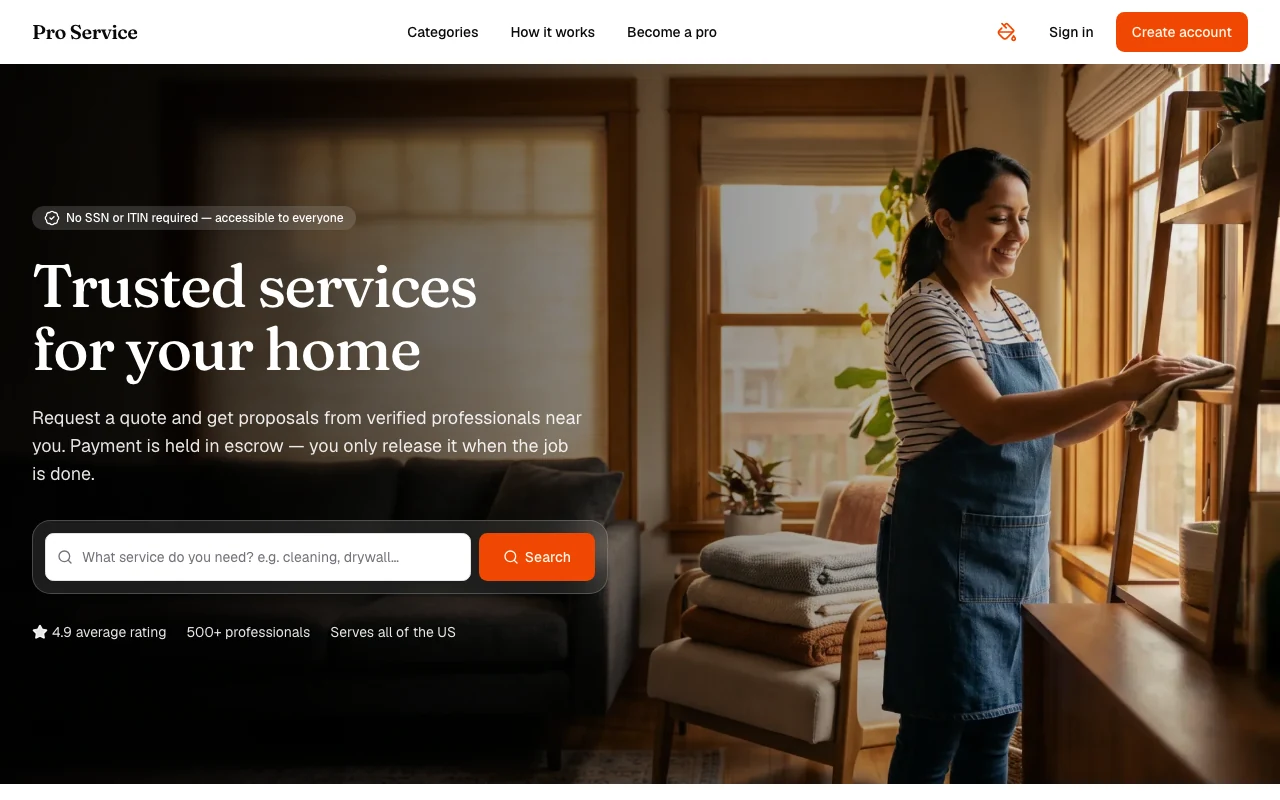
Find verified home service professionals, compare quotes, and pay securely through escrow - built for Brazilians across the US 🏠
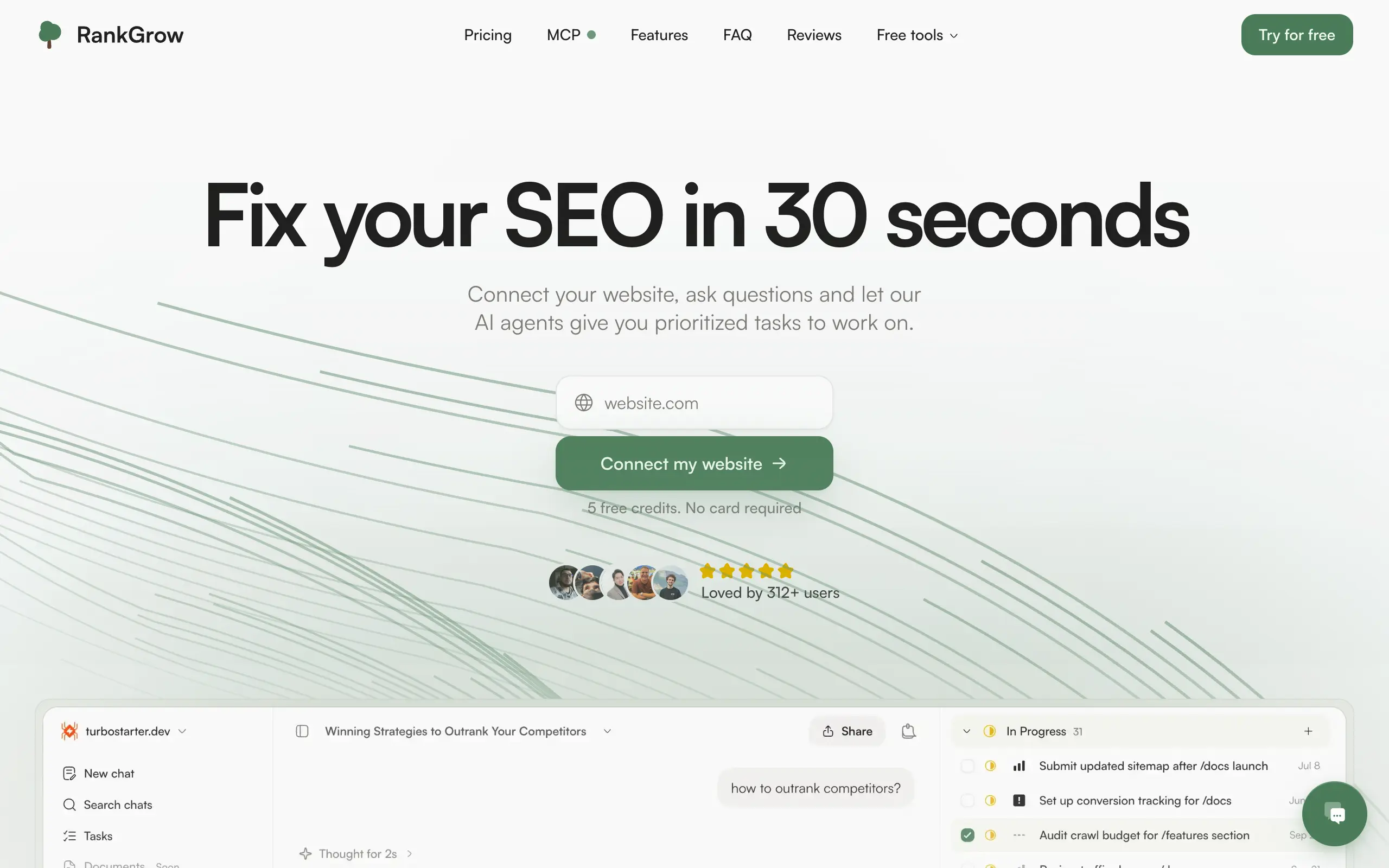
Fix your SEO with AI agents - connect Search Console, get prioritized tasks, and grow organic traffic 📈
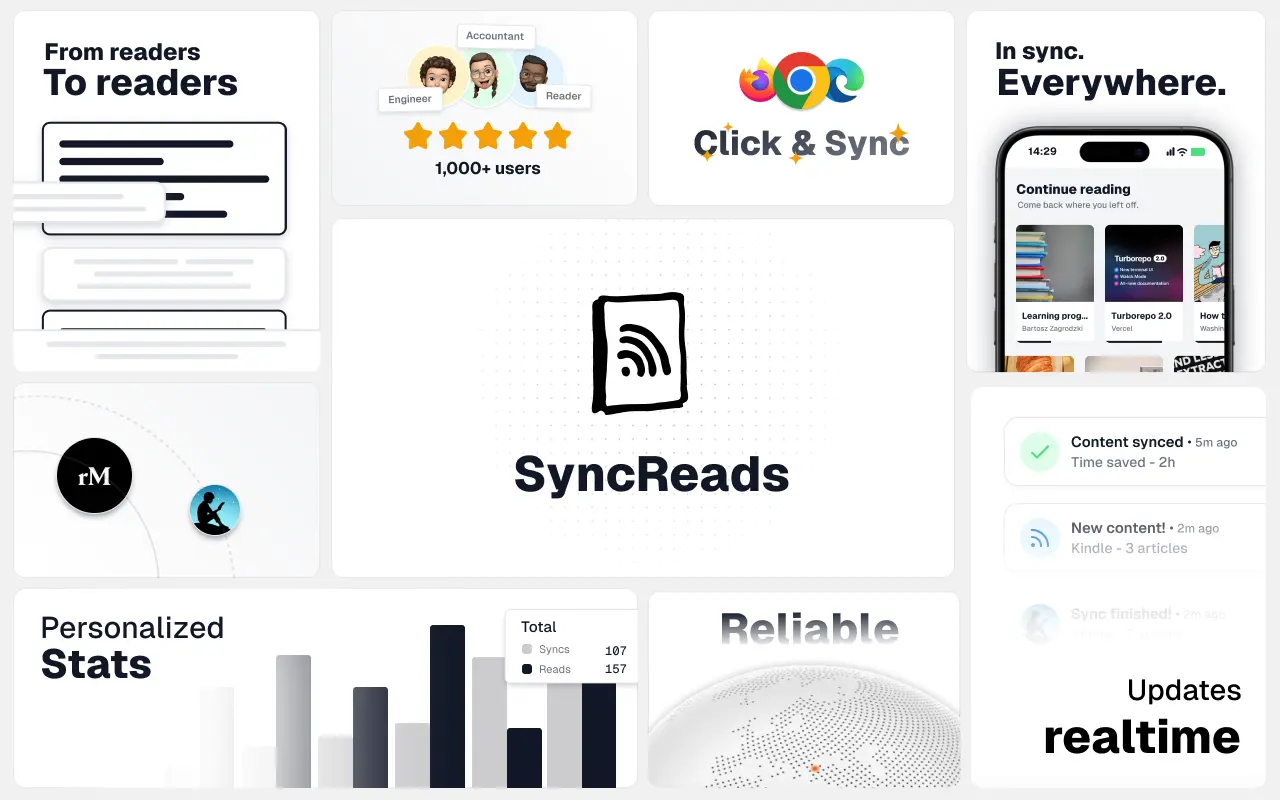
Sync your favorite content for distraction-free reading, save time and replace multiple apps. Anytime, anywhere 🔄
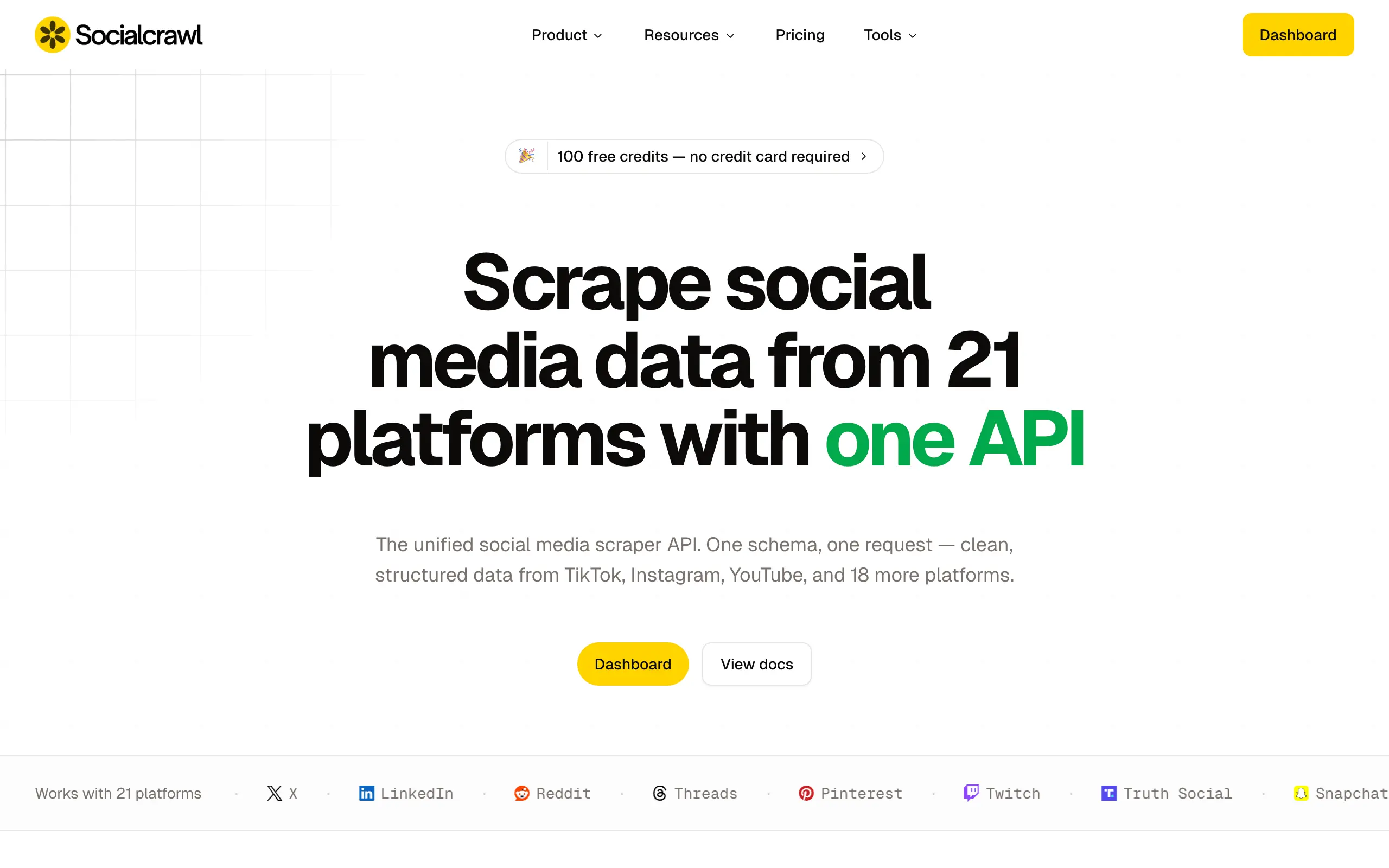
Get clean, structured data from 21 platforms like TikTok, Instagram, and YouTube with a single request 📊
Monitor any Telegram channel in real time - track posts, edits, deletions, and growth with AI recaps 📡
AI website builder - describe your business, pick a niche template, edit by chatting, and publish instantly ✨
Find verified home service professionals, compare quotes, and pay securely through escrow - built for Brazilians across the US 🏠
Fix your SEO with AI agents - connect Search Console, get prioritized tasks, and grow organic traffic 📈
Sync your favorite content for distraction-free reading, save time and replace multiple apps. Anytime, anywhere 🔄
Get clean, structured data from 21 platforms like TikTok, Instagram, and YouTube with a single request 📊
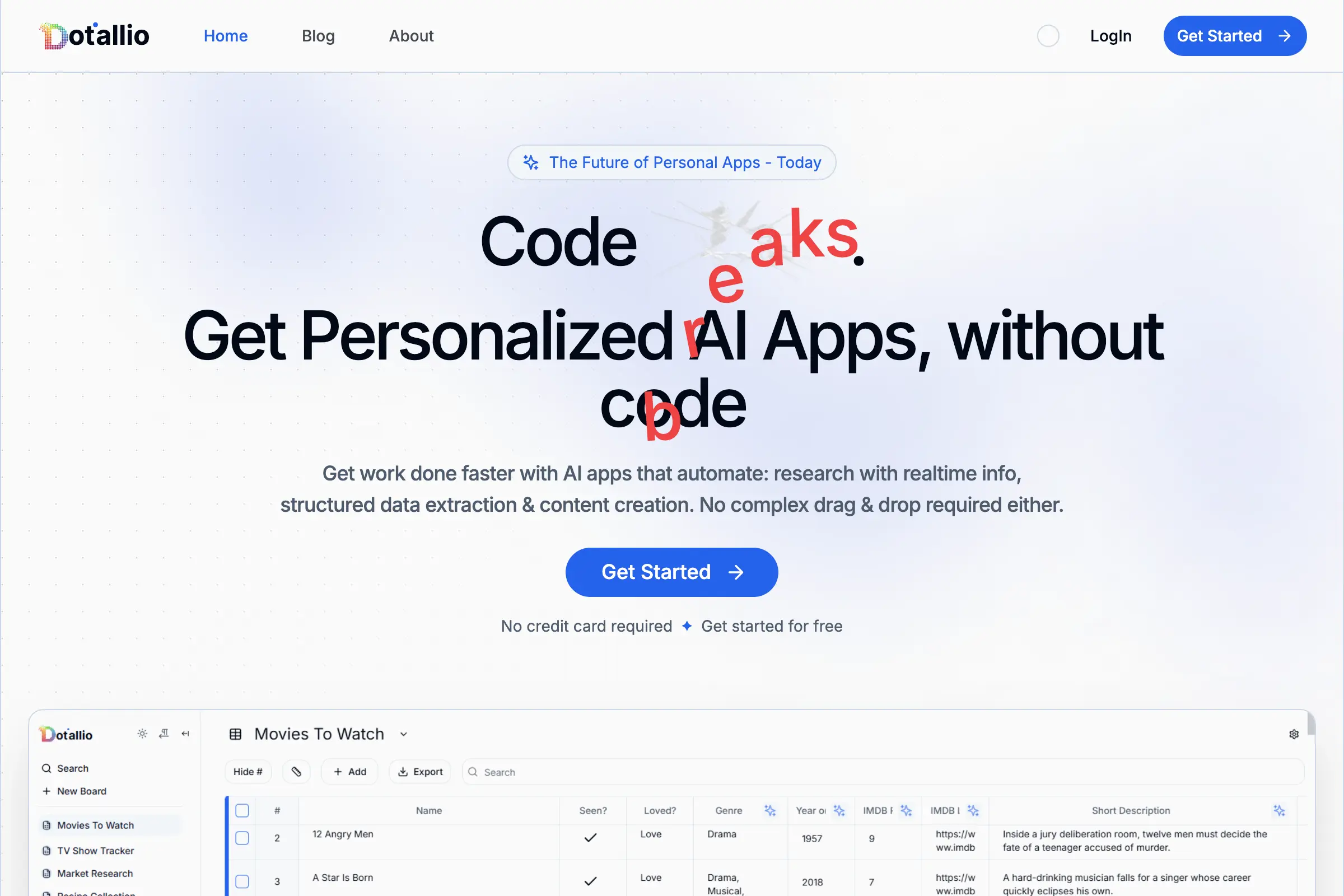
Personalized AI apps that automate research, data extraction, and content creation without code 🤖
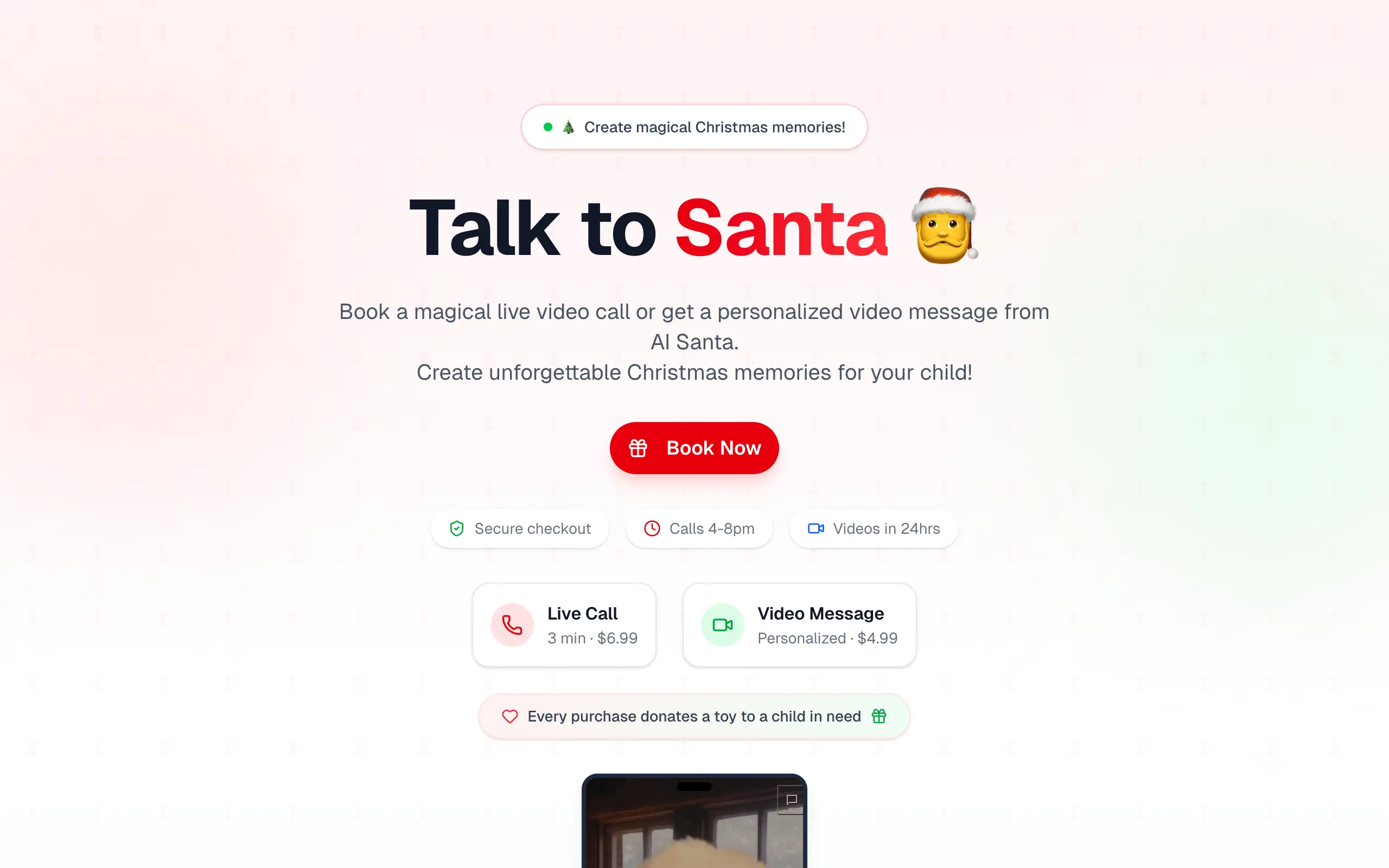
Enjoy a magical live video chat or receive a unique AI-generated video greeting from Santa Claus 🎅
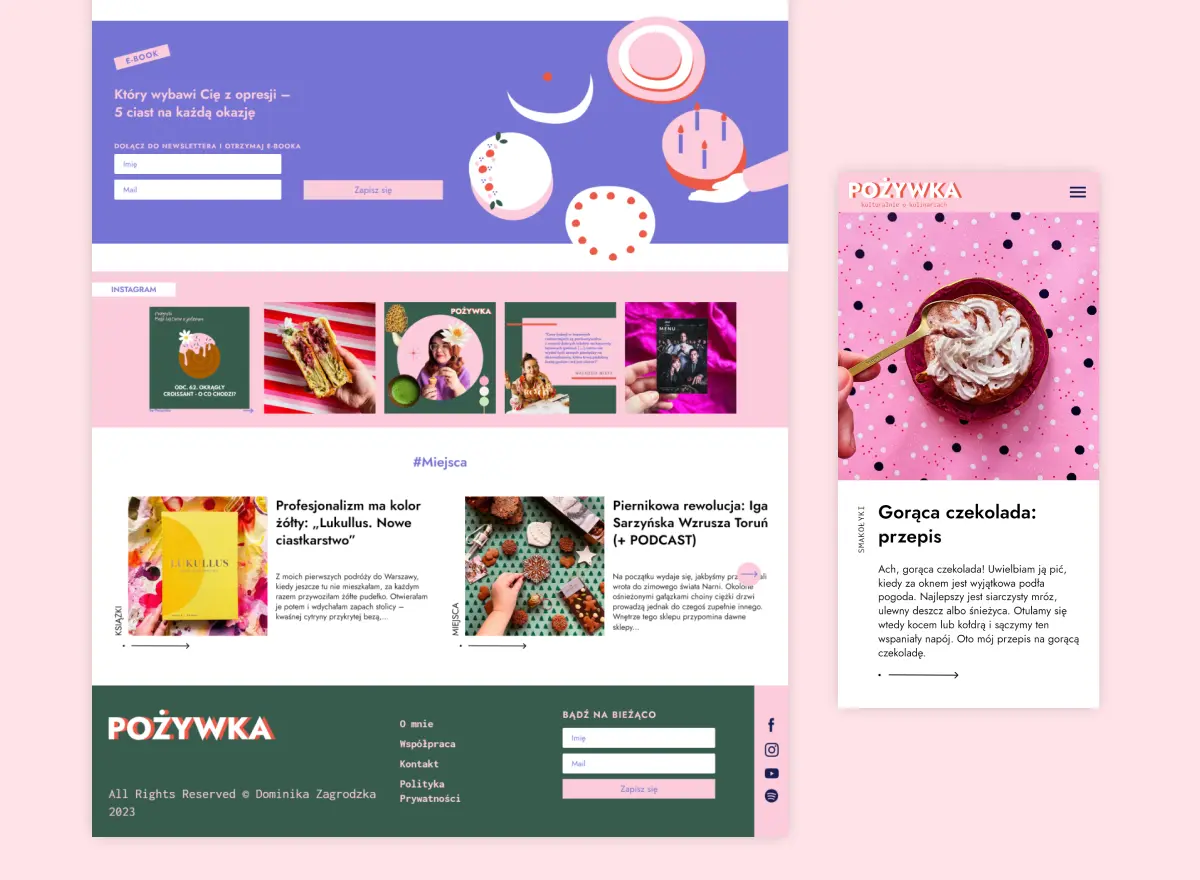
Scalable blog for food journalist, focused on performance and user experience 🌭
Personal blog and portfolio of Bart Zagrodzki, where he shares his knowledge and work 💼
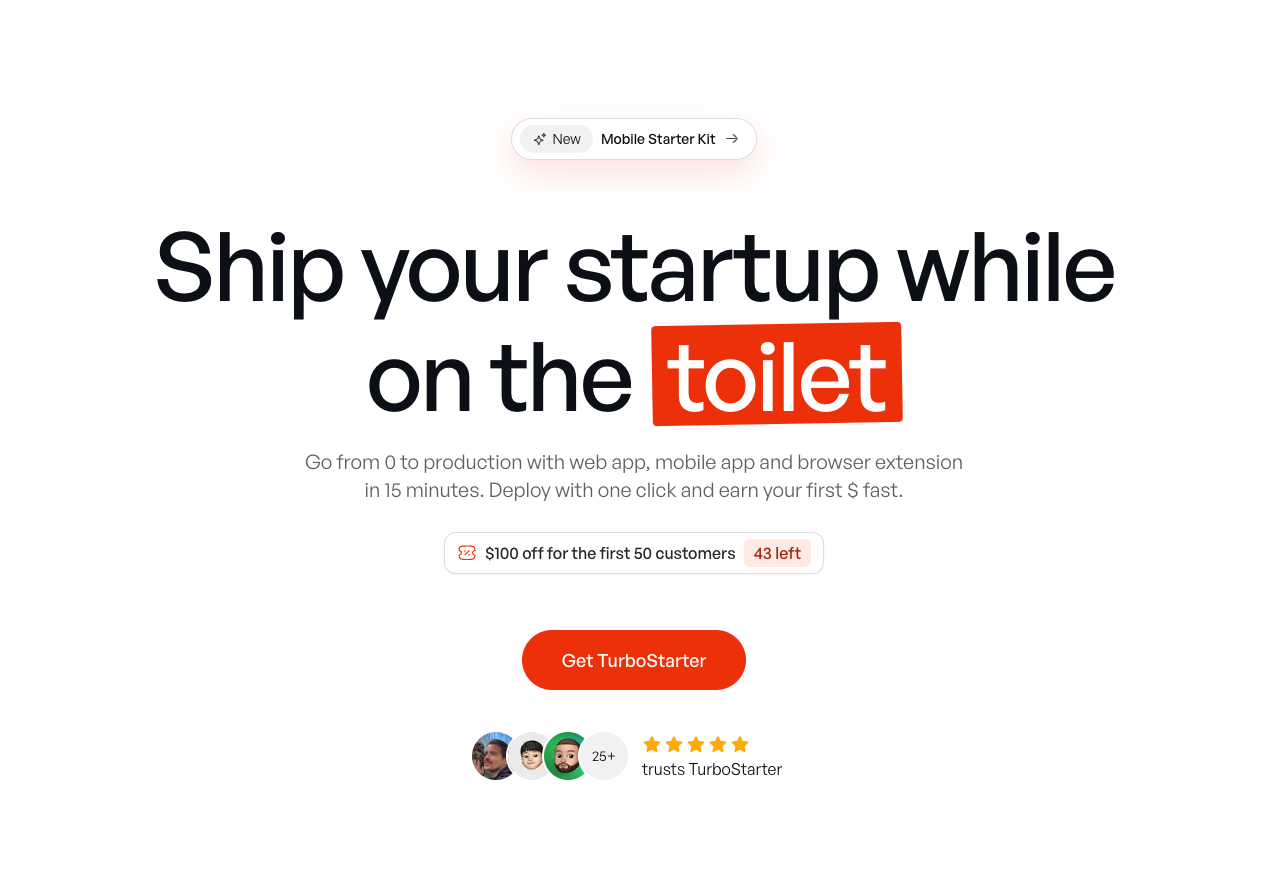
Ship your startup everywhere. In minutes.
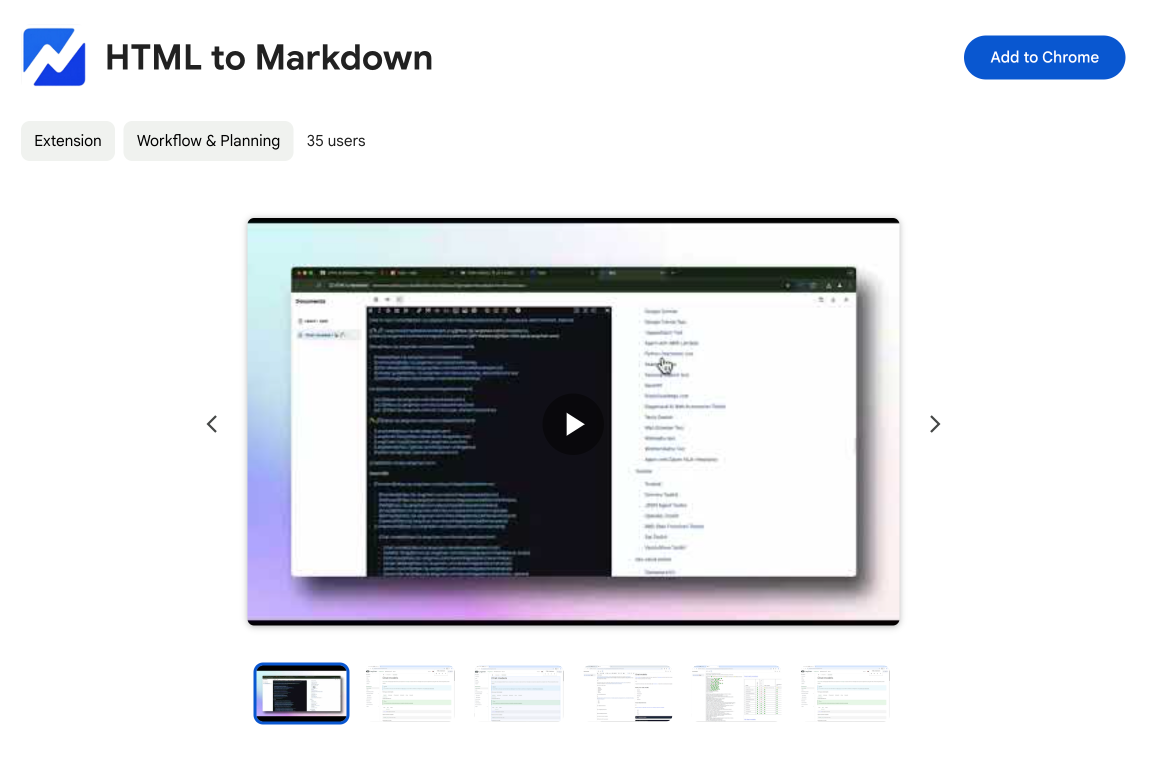
Convert HTML to Markdown with ease, directly in your browser 📄
Personalized AI apps that automate research, data extraction, and content creation without code 🤖
Enjoy a magical live video chat or receive a unique AI-generated video greeting from Santa Claus 🎅
Scalable blog for food journalist, focused on performance and user experience 🌭
Personal blog and portfolio of Bart Zagrodzki, where he shares his knowledge and work 💼
Ship your startup everywhere. In minutes.
Convert HTML to Markdown with ease, directly in your browser 📄
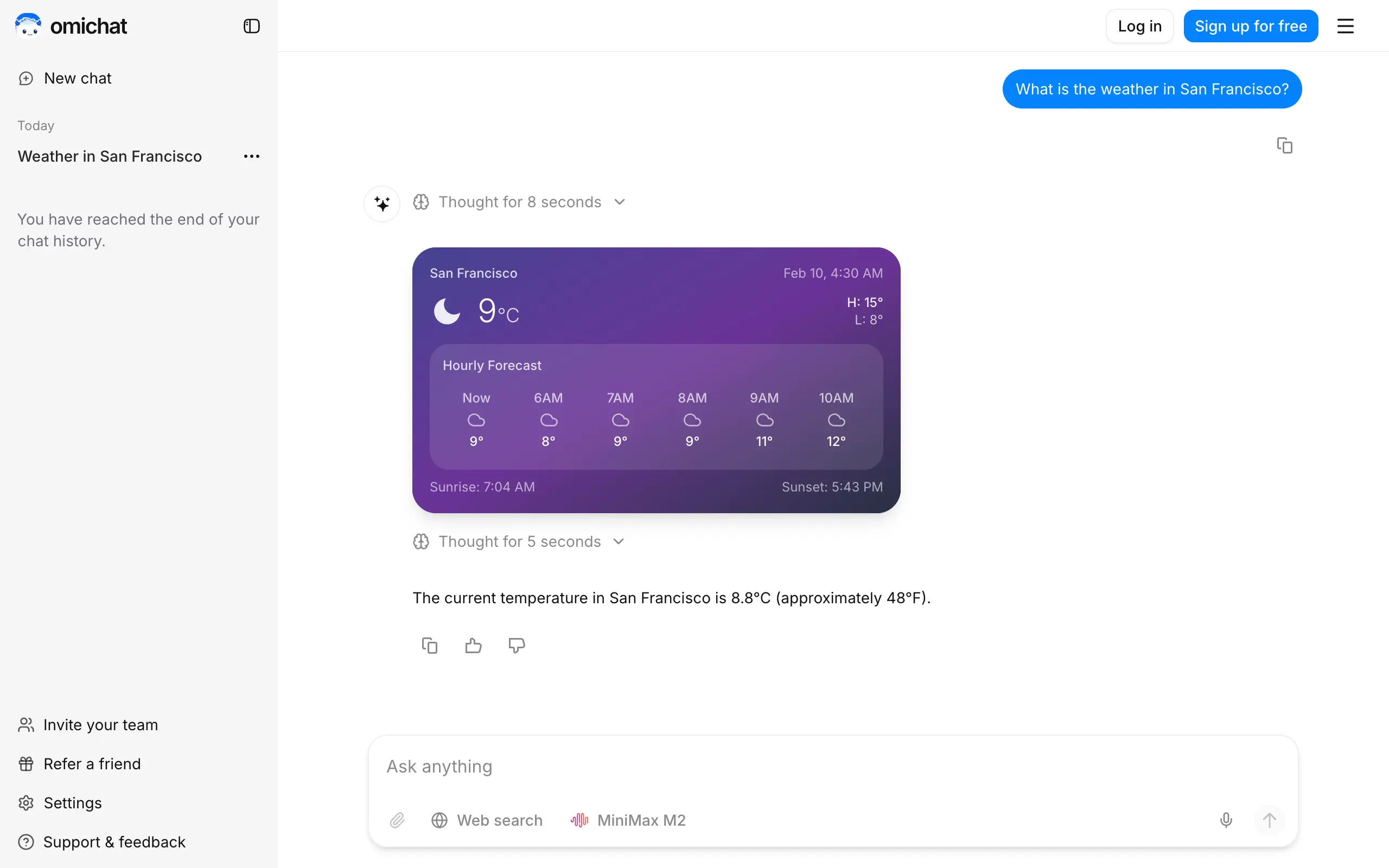
Chat with 50+ AI models, including ChatGPT and Claude, in one place - switch models anytime without losing context 🤖
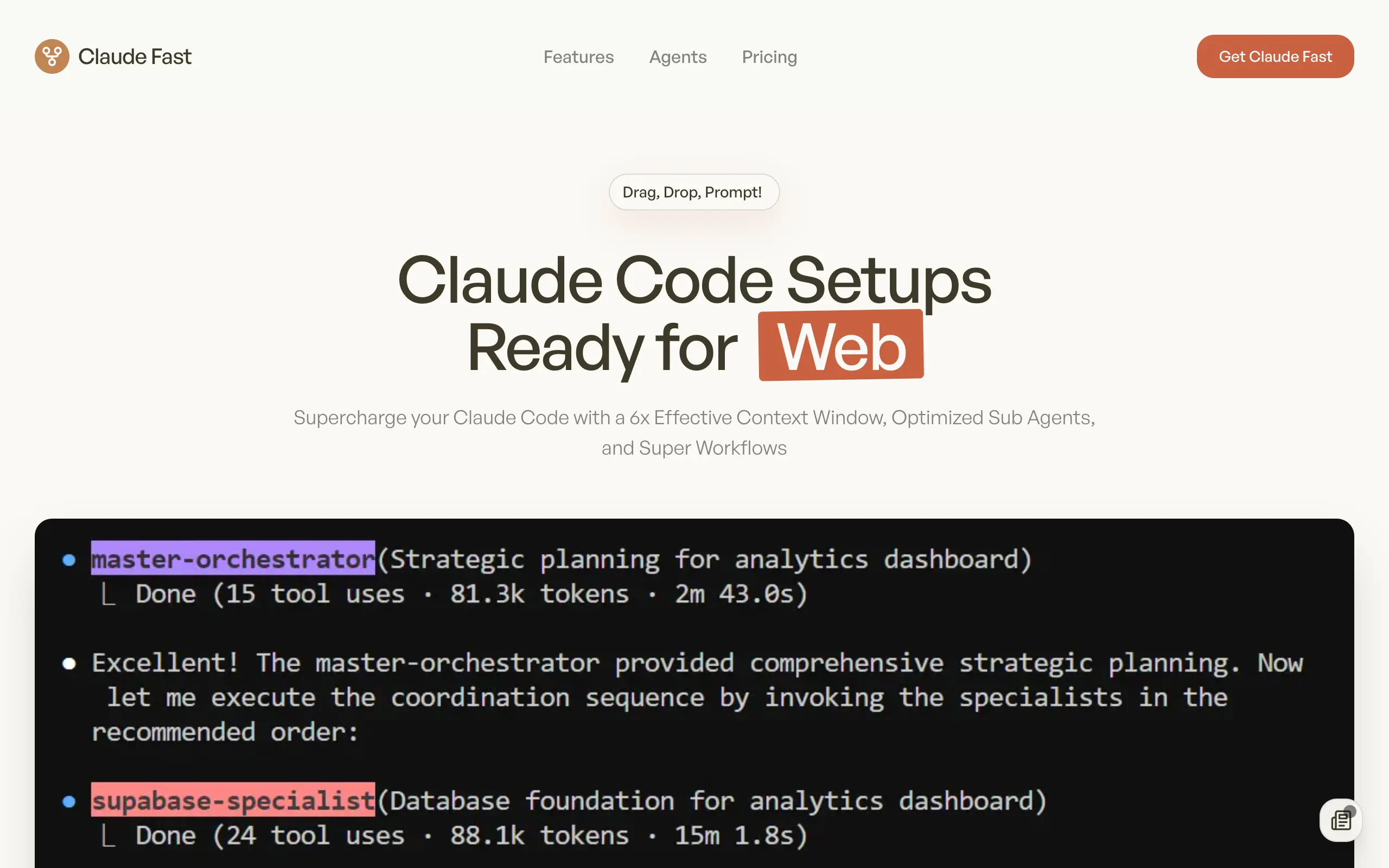
Supercharge your Claude Code with 6x effective context window and specialized AI agents 🤖
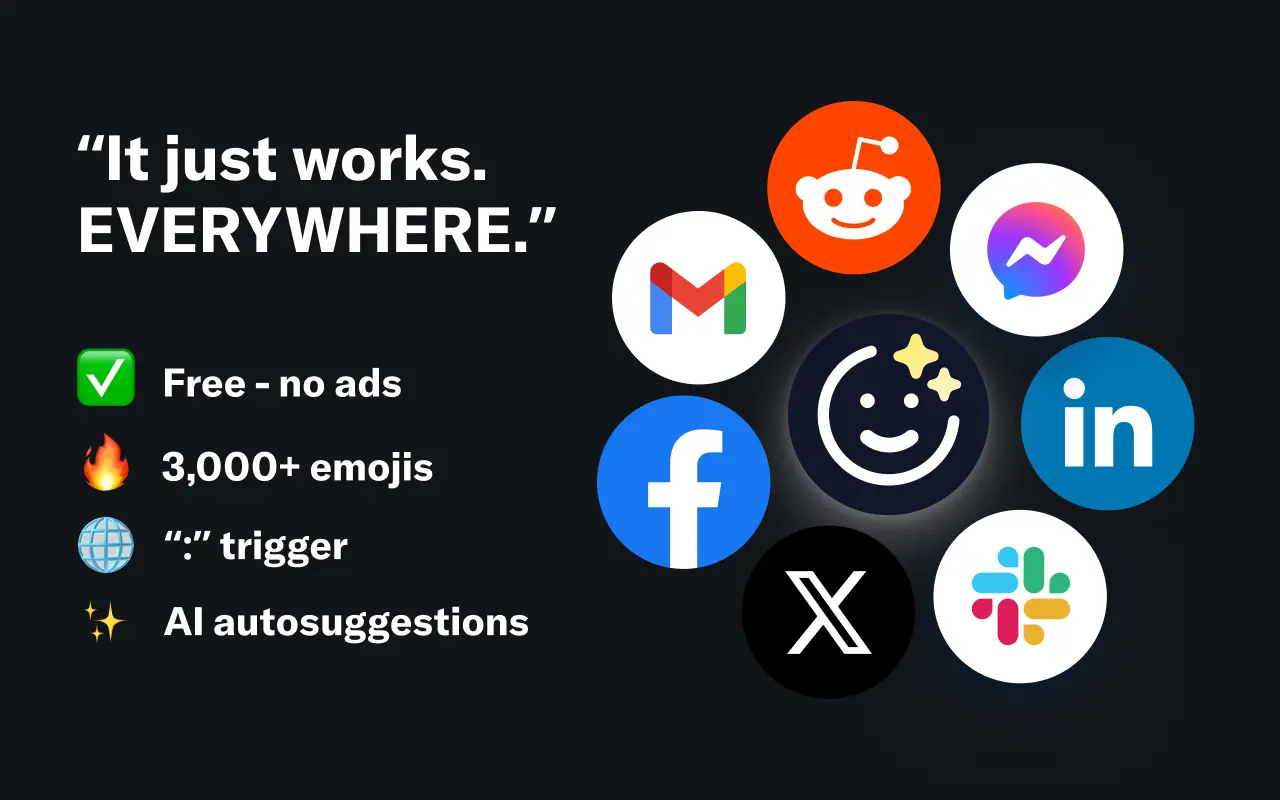
AI-powered emoji picker with smart, context-aware suggestions 🤖
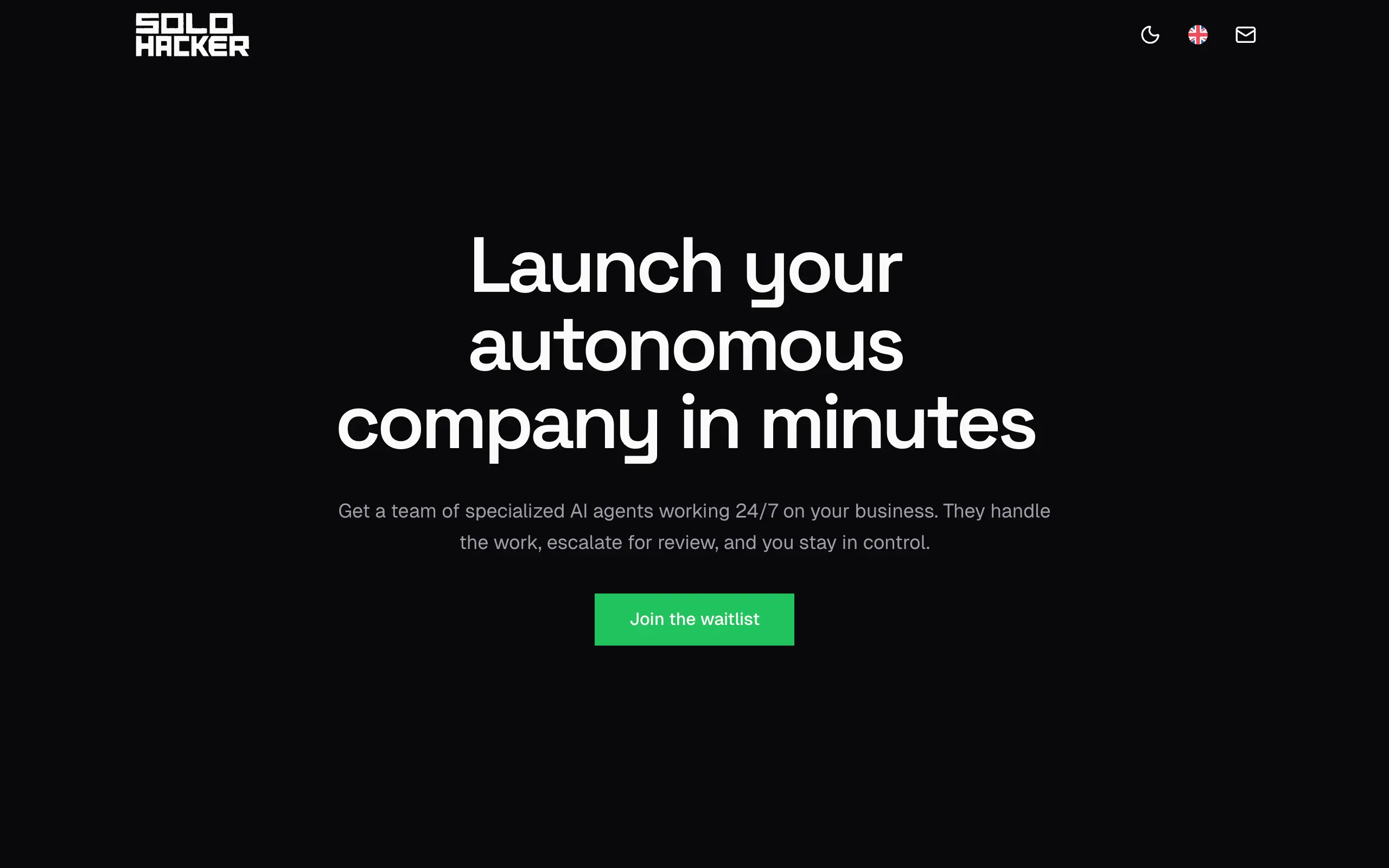
Autonomous company launcher - AI agents work 24/7, escalate what matters, and you stay in control 🤖
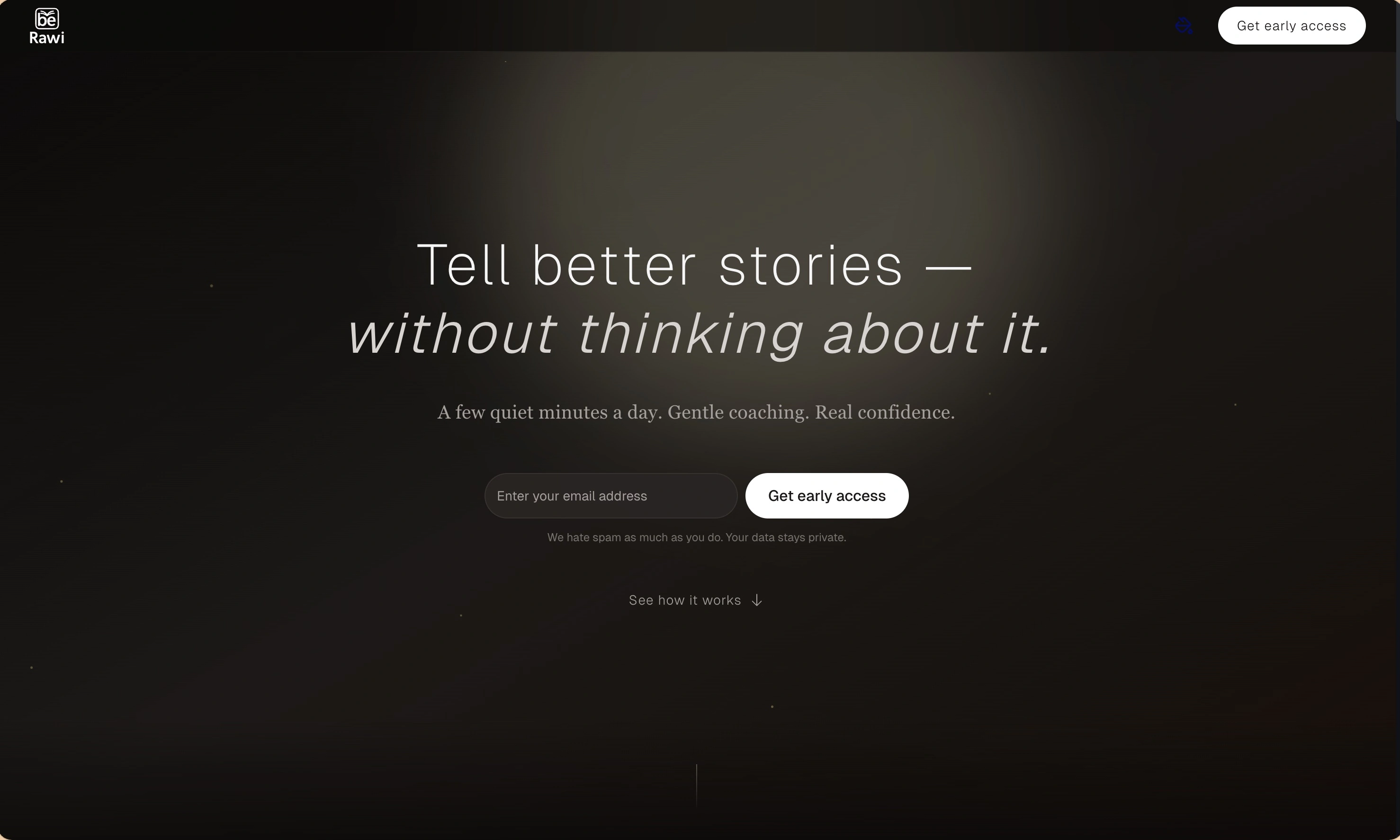
Practice storytelling daily with instant feedback to sound clearer, more engaging, and confident 🎤
Chat with 50+ AI models, including ChatGPT and Claude, in one place - switch models anytime without losing context 🤖
Supercharge your Claude Code with 6x effective context window and specialized AI agents 🤖
AI-powered emoji picker with smart, context-aware suggestions 🤖
Autonomous company launcher - AI agents work 24/7, escalate what matters, and you stay in control 🤖
Practice storytelling daily with instant feedback to sound clearer, more engaging, and confident 🎤

Connect with like-minded people
Join our community to get feedback, support, and grow together with 1,000+ builders on board, let's ship it!
Join usShip your startup everywhere. In minutes.
Don't burn tokens on setup and start building features on day one.