Screen2System
Convert Figma screens or frontend code into a practical backend blueprint. AI maps user flows to data models, API endpoints, business rules, and acceptance tests before you build.
Screen2System is an AI product concept for turning Figma screens or frontend code into a practical backend blueprint. Instead of starting with a visual interface and guessing what the server, database, and business logic should do, a team could use the product to map screens and user flows to data models, API endpoints, business rules, and acceptance tests.
The idea addresses a common gap between product design and software implementation. A polished interface may show what a user can do, but it often leaves important engineering questions unanswered: What data is stored? Which actions require authentication? What happens when a request fails? Which rules must the backend enforce?
A useful Screen2System product would make those questions easier to answer. Its most credible initial promise is not “generate a complete production backend from a screenshot.” It is “create a reviewable, traceable backend specification from the interface and flows you already have.”
What Screen2System does
Screen2System is an AI-assisted design-to-backend planning tool. Users provide one or more of the following:
- Figma frames, components, or prototypes
- Frontend source code
- Screenshots or exported design files
- A short product description or user-flow notes
The product then analyzes the inputs and proposes a structured blueprint containing:
- User roles and permissions
- Core entities and relationships
- API endpoints and request or response shapes
- Business rules and validation requirements
- Important states, such as loading, empty, success, and error
- Acceptance tests tied to specific flows
- Assumptions and unresolved questions for human review
This makes Screen2System relevant to product teams that have a design or early frontend but need to clarify the backend contract before implementation begins.
The product should present its output as a working draft, not as unquestionable truth. Interfaces do not always reveal the complete business model. For example, a “Save” button may store a draft, update a published record, or create a new version. AI can identify plausible interpretations, but stakeholders still need to confirm the intended behavior.
Who should use Screen2System?
The strongest initial audience is teams that work across design, product, and engineering but do not have a reliable process for translating user experiences into backend requirements.
Startup founders and small product teams
Early-stage teams often move quickly from prototype to implementation. A founder may have a Figma flow, a frontend prototype, and a broad product vision, but no detailed data model or API contract.
For these teams, Screen2System could help answer practical questions before backend work begins:
- Which information needs to persist?
- Which actions belong to each user role?
- What should happen when a user edits or deletes a record?
- Which screens depend on the same underlying entity?
- What should the engineering team build first?
The benefit is not that the tool removes the need for a technical co-founder or engineer. Instead, it creates a more concrete starting point for discussion and reduces the number of requirements that remain implicit.
Product designers
Designers often define user journeys, interface states, and interaction patterns. They may not own backend architecture, but their work contains clues about it: forms reveal validation needs, dashboards suggest reporting requirements, and account settings imply user and permission models.
Screen2System could help designers explain the functional implications of their work to engineers. It could also flag missing states, such as what a screen should show when a list is empty or when a user lacks permission.
Frontend developers
Frontend developers often encounter backend ambiguity while implementing an interface. A screen may require data that has not been modeled, or the frontend may need to make assumptions about endpoint behavior.
A blueprint generated from the actual frontend can help developers document:
- Data fields used by components
- User actions that trigger server requests
- Repeated concepts that may represent shared entities
- Missing loading, error, and empty states
- Potential inconsistencies between screens
This is especially useful when a frontend prototype exists before the backend contract has been agreed upon.
Agencies and software consultancies
Agencies frequently receive a design file or a loosely defined scope and must turn it into a credible estimate and implementation plan. Screen2System could support discovery by producing a first-pass specification that consultants can review with a client.
For an agency, the value may come from better scoping rather than automated coding. A consistent blueprint could make it easier to identify unknowns, estimate backend work, and document decisions before delivery begins.
Technical product managers and business analysts
Product managers and analysts often convert requirements into user stories, acceptance criteria, and system behavior. Screen2System could give them a structured way to connect interface elements to rules and tests.
It should complement existing documentation rather than create another isolated artifact. A useful product would let teams export or sync approved outputs to the tools they already use.
The market opportunity and the gap
Design-to-code tools have made it easier to turn visual designs into frontend components. AI coding assistants can also help generate or modify application code. Yet the step between interface intent and backend specification remains difficult.
The gap is not simply “designs cannot generate code.” It is that designs rarely contain enough information to safely determine server-side behavior. A screen may show a form, but not define:
- Whether a field is optional
- How values are normalized
- Who can submit the form
- Whether changes need approval
- Whether the action is reversible
- How records relate to other records
- What must be logged for auditing
This creates an opportunity for a product focused on backend reasoning and specification, rather than only visual code generation.
A key distinction is that Screen2System should help teams make assumptions visible. If the system infers that a “Team” page implies a Team entity, it should show the evidence and confidence behind that inference. If it cannot determine whether a member can belong to multiple teams, it should ask the user instead of silently selecting a model.
Why the workflow is timely
Several trends make this product category more relevant:
- Teams are using AI tools in more stages of software development, increasing the need for reviewable outputs.
- Design and implementation cycles are becoming more iterative, so specifications need to stay connected to the interface.
- Frontend prototypes are increasingly used to validate product ideas before backend architecture is finalized.
- Engineering teams are placing greater emphasis on API contracts, automated tests, and clear ownership of system behavior.
These trends do not prove demand for Screen2System by themselves. They suggest a problem worth validating. The strongest evidence will come from observing teams that regularly receive designs or frontend code and must reconstruct backend requirements manually.
For external market claims, use current, verifiable sources rather than unsourced estimates. For example, a published report about AI development tools should be cited with its author, report title, publication date, and the specific finding being used. Avoid presenting broad industry growth forecasts as proof that this specific product will succeed.
The core Screen2System workflow
A strong product experience should guide users through a clear sequence: import, analyze, review, refine, and export.
1. Import a design or codebase
Users should be able to start with the asset they already have. That might be a Figma project, selected frames, a repository, or a set of images. Figma’s official developer resources can help teams understand supported integration patterns, permissions, and API constraints.
The product should explain what it can and cannot read before users connect an account. For code imports, it should identify supported frameworks and avoid requiring broad repository permissions when a narrower access scope is sufficient.
2. Detect screens, components, and flows
The analysis stage should identify more than visual elements. It should map:
- Screens and their relationships
- Reused components
- Forms and field types
- Navigation paths
- Actions and their likely outcomes
- User roles suggested by the interface
- Important interface states
A single screenshot gives limited context. A prototype with linked screens or a frontend repository provides stronger evidence about the flow. The product should communicate that difference rather than treating all inputs as equally informative.
3. Infer backend concepts
Screen2System can then propose domain concepts, such as User, Workspace, Project, or Invoice. It should distinguish between an inferred concept and a confirmed business requirement.
For example, an account page might suggest a User entity, while a billing screen might suggest a Subscription or Invoice. But a visual label alone does not settle whether billing is handled internally, through a payment provider, or by a human operations team. The blueprint should list that as an assumption or question.
4. Generate a reviewable blueprint
The output should be organized for multiple roles. A product manager may want flows and rules; an engineer may want endpoint definitions and data relationships; a QA specialist may want acceptance tests.
A useful blueprint could include:
- A domain model with descriptions and relationships
- An endpoint catalog grouped by user flow
- Authentication and authorization requirements
- Validation rules and error cases
- Decisions that need confirmation
- Acceptance criteria connected to the relevant screen or action
5. Iterate and export
Users should be able to edit the output directly. AI-generated artifacts that cannot be corrected are difficult to trust.
Exports could include Markdown documentation, OpenAPI-compatible endpoint definitions, task descriptions, or structured JSON. The OpenAPI Specification is a useful reference for teams that want a consistent, machine-readable description of HTTP APIs.
Core features that solve the real problem
Design and code ingestion
Support a narrow set of high-value inputs in the MVP rather than promising every file type and framework. For instance, begin with Figma frames and one or two common frontend patterns. Add more inputs only after learning which ones customers actually use.
Important ingestion requirements include:
- Clear authorization and data-retention controls
- Reliable mapping between imported screens and generated requirements
- Handling of incomplete or duplicated inputs
- A way to refresh analysis after the source changes
- A visible record of which source material informed each output
User-flow mapping
A screen list is not enough. Screen2System should represent how users move through the product and what actions they can take.
A flow might show that a user opens a project, invites a collaborator, assigns a role, and receives confirmation. Each step can produce different backend requirements: reading project data, creating an invitation, checking permissions, and recording an event.
The flow map should make missing transitions visible. If a prototype contains a sign-in screen but no password-reset path, the tool can ask whether that flow is out of scope or simply absent from the source material.
Data-model suggestions
The system should propose entities, fields, relationships, and lifecycle behavior. It should not make the data model look more certain than it is.
For each proposed entity, show:
- Why the entity appears necessary
- Which screens or code elements suggest it
- Which fields are directly observed versus inferred
- Which relationships need confirmation
- Potential privacy or retention considerations
This evidence-based approach is central to trust. A team should be able to challenge a recommendation without restarting the whole analysis.
API endpoint planning
Endpoints should be tied to actions and user flows. Instead of generating a disconnected list of routes, Screen2System should explain what each endpoint is for, who can call it, and what business rule it enforces.
For example, a team invitation flow may require an endpoint to create an invitation, a rule that only an authorized member can invite others, and a defined response when the invitee already belongs to the workspace.
Screen2System should not treat REST as the only possible architecture. Some teams may use GraphQL, server actions, RPC, or event-driven systems. The MVP can choose a default output format while keeping the underlying blueprint independent of a particular backend style.
Business rules and edge cases
Business rules are often more valuable than endpoint names because they define how the product behaves. The tool should look for likely rules around:
- Permissions and ownership
- Required and optional fields
- Uniqueness constraints
- State transitions
- Deletion and recovery
- Limits, quotas, and plan access
- Notifications and external side effects
When source material does not establish a rule, the system should present a question. It should not invent policy and describe it as a requirement.
Acceptance tests
Acceptance criteria make the blueprint testable. They connect the user experience to expected system behavior and help teams confirm that the implementation matches the intended flow.
For example:
- Given a signed-in workspace administrator, when they invite a valid email address, then an invitation is created and the interface displays a confirmation.
- Given a user without invitation permission, when they attempt the same action, then the request is rejected and no invitation is created.
- Given an email address that already belongs to the workspace, when an invitation is submitted, then the system returns a clear and documented response.
These examples should be treated as draft tests until a product owner confirms the expected behavior.
What makes Screen2System different?
The unique selling proposition should be traceable translation from interface evidence to backend requirements.
Many tools can generate code or summarize a design. Screen2System can stand out by showing how each proposed entity, endpoint, rule, and test relates to a specific screen, component, or interaction.
A practical competitive comparison might look like this:
| Approach | Primary output | Backend reasoning | Traceability |
|---|---|---|---|
| Design-to-code tools | Frontend code or UI scaffolding | Usually limited | Often tied to visual components |
| AI coding assistants | Code changes and implementation help | Depends on prompts and repository context | Varies by tool and workflow |
| Traditional specification tools | Documents, diagrams, and tickets | Depends on human-authored requirements | Often manual |
| Screen2System | Backend blueprint tied to interface evidence | Core product focus | Designed into the workflow |
The competitive advantage is not simply using AI. AI capabilities are increasingly accessible, and competitors can add similar generation features. A more durable advantage could come from:
- A strong representation of how screens, actions, entities, and rules relate
- High-quality review and correction workflows
- Reliable links between requirements and source evidence
- Domain-specific templates for common product types
- Integrations that fit existing design and engineering processes
- A growing library of user-approved corrections and patterns, handled with appropriate privacy protections
Screen2System should avoid claiming to replace backend engineers. Its defensible position is to help teams reach a clearer, more testable backend plan sooner.
Recommended technical stack
The best stack depends on the product team’s experience, data-handling requirements, and expected integration needs. The architecture should make it possible to change AI providers without rebuilding the application.
Web application and interface
A TypeScript-based web application can support a shared type system across the interface and server-side code. React is a common option for building interactive user interfaces, and Next.js provides a full-stack framework with routing and server-side capabilities.
A component library and utility-first CSS framework can help the team build a consistent workspace quickly. Tailwind CSS is one option, though a design-system-first approach may be preferable if the product requires extensive data visualization and complex editor interactions.
Trade-off: A full-stack framework can speed up an MVP, but it does not automatically solve background processing, security boundaries, or long-running AI tasks. Keep heavyweight analysis out of request handlers when it may take more than a few seconds.
Application backend and database
A relational database is a sensible default because product requirements, projects, users, generated artifacts, and review decisions have clear relationships. PostgreSQL supports transactions and structured data while also offering flexible options for storing selected document-like content.
A managed backend platform such as Supabase may reduce early infrastructure work. A custom backend can offer more control over authorization, job processing, and data lifecycle policies.
Trade-off: Managed services can accelerate validation, but the team should understand how permissions, backups, migrations, and regional data storage work before onboarding customers with sensitive designs or source code.
AI orchestration and output validation
Treat each analysis stage as a defined workflow rather than one large prompt. A sequence might include:
- Extract visible structure and source code references.
- Identify screens, actions, and user flows.
- Propose domain concepts and relationships.
- Generate endpoints and rules.
- Produce acceptance tests.
- Validate the output against a schema.
- Present uncertain decisions for review.
Use structured outputs and schema validation wherever possible. A generated endpoint should not be accepted simply because it reads convincingly. It should satisfy required fields, supported methods, permission metadata, and a known output format.
A simplified internal type might look like this:
type ApiOperation = {
  id: string;
  method: "GET" | "POST" | "PATCH" | "DELETE";
  path: string;
  purpose: string;
  actor: string;
  permissions: string[];
  inputs: Array<{
    name: string;
    type: string;
    required: boolean;
  }>;
  rules: string[];
  acceptanceCriteria: string[];
  evidence: string[];
  confidence: "low" | "medium" | "high";
};
This structure does not guarantee correct analysis. It makes the output easier to inspect, edit, compare, and export.
Background jobs and observability
Large projects may take longer to analyze than a normal web request can comfortably support. A job queue can handle imports, parsing, analysis, retries, and status updates.
Track operational signals such as:
- Import failures by source type
- Analysis duration and retry rate
- Percentage of generated artifacts edited by users
- Frequency of unresolved questions
- Export failures
- User-reported incorrect inferences
These measures can guide product improvements. For example, frequent edits to permission rules may indicate that the tool needs better role discovery or clearer review prompts.
Security and privacy
Design files and repositories may contain confidential product plans, user information, or proprietary code. Security needs to be part of the product design from the start.
Consider:
- Least-privilege access to connected accounts
- Encryption in transit and at rest
- Clear retention and deletion controls
- Workspace-level access management
- Audit records for imports and exports
- Explicit disclosure of how data is used by AI providers
- A policy for whether customer data is used to improve models
Use the OWASP API Security Project as a reference when reviewing API risks, and consult the NIST AI Risk Management Framework when establishing governance practices for AI-assisted outputs. These resources do not replace legal, security, or compliance advice.
Monetization strategy
Screen2System can test several pricing models, but pricing should reflect the value delivered and the cost of processing projects.
Subscription by seat
A per-seat plan is familiar to design and engineering teams. It can work when collaboration, shared projects, version history, and permissions are central to the product.
A potential drawback is that backend blueprinting may be used intermittently. Teams may resist paying for many seats if only one person runs the analysis.
Subscription by workspace or project volume
A workspace plan can align with agencies and companies that manage multiple products. Limits can be based on active projects, monthly analyses, or connected repositories.
Avoid pricing based only on the number of AI requests if it makes customers afraid to explore or refine results. A clear included allowance with predictable overage rules is easier to understand.
Agency and consultancy plans
Consultancies may value project templates, client-ready exports, reusable workflows, and collaboration across accounts. Pricing could reflect multiple client workspaces or a higher project limit.
The product should make it easy for an agency to separate client data and remove access when a project ends.
Enterprise plans
Larger organizations may need single sign-on, advanced permissions, audit logs, data residency options, and custom retention policies. These features can support enterprise sales, but they add operational and support costs.
Free plan and conversion path
A limited free tier can help individual designers and developers test the concept. A reasonable boundary might allow a small number of projects or exports while reserving team collaboration, versioning, and advanced integrations for paid plans.
The key is to let users evaluate the quality of the blueprint before asking them to make a large commitment. Pricing experiments should be informed by interviews, activation data, and willingness-to-pay conversations rather than copied from adjacent products.
Risks and how to mitigate them
Incorrect inferences
The central product risk is that AI may infer the wrong entities, permissions, or business rules. A wrong suggestion presented confidently can create more work than it saves.
Mitigation: Show evidence, confidence, and unresolved assumptions. Require human approval before a generated specification is treated as final. Track accepted, edited, and rejected recommendations to improve evaluation.
Thin input produces thin output
A screenshot cannot reveal every domain rule. Teams may expect complete specifications from visual material that does not contain enough information.
Mitigation: Ask targeted questions when evidence is insufficient. Explain why an answer is needed, and let users mark a question as unknown or out of scope. The product should reward good discovery rather than manufacture certainty.
Security concerns limit adoption
Customers may hesitate to upload private Figma files or source code to a new service.
Mitigation: Minimize permissions, document data handling plainly, provide deletion controls, and avoid retaining raw source material longer than necessary. Start with a transparent security model and mature it as customer needs become clearer.
Outputs become stale
A backend blueprint can drift from the interface as designs change. If generated documents are quickly outdated, users may stop trusting the product.
Mitigation: Preserve source references and versions. Let users compare a new analysis with the previous blueprint and review only the changes. Make it clear when an output was last analyzed.
Integration scope expands too quickly
Supporting every design platform, repository provider, framework, and project-management tool can delay the core product.
Mitigation: Choose one design input and one code input for the first release. Add integrations when customer evidence shows that they are blocking adoption, not just because they are technically possible.
The product is mistaken for an automatic backend generator
Some users may expect a complete, secure, deployable backend from a visual design.
Mitigation: Position Screen2System as a blueprinting and validation tool. Be precise about what is generated, what requires review, and what remains implementation work. This honesty can improve trust and reduce disappointing sales conversations.
AI costs and latency vary
Large design files and codebases can increase processing time and cost. A single fixed analysis path may be inefficient for every project.
Mitigation: Use staged analysis, caching, file-size limits, and asynchronous jobs. Allow users to select specific frames or directories. Measure cost per successful project rather than optimizing only for the lowest model price.
How to validate demand before building too much
Before investing in a broad platform, test whether the workflow solves a frequent, costly problem.
Interview designers, product managers, and engineers who have recently moved from Figma or frontend prototypes into backend implementation. Ask them to describe the last project, where requirements became unclear, how the team resolved those questions, and what caused rework. Questions about real past behavior are more informative than asking whether someone “would use AI for this.”
Run a concierge experiment:
- Ask a team for a small set of screens and a short product description.
- Produce a backend blueprint manually with AI assistance.
- Review the output with an engineer and product owner.
- Record every correction, missing question, and useful artifact.
- Ask whether the team would use the result in an actual implementation.
The goal is to learn which output creates real value. The most valued feature may turn out to be permission mapping, acceptance tests, or a list of unanswered questions—not automatic endpoint generation.
Useful early metrics include:
- Time from asset import to a reviewed blueprint
- Share of generated items accepted without major edits
- Number of important unknowns identified before implementation
- Frequency of repeated analyses per project
- Conversion from individual use to team use
- Whether the blueprint is referenced during engineering work
Do not optimize for the number of generated endpoints. More output is not necessarily better output.
Actionable implementation steps
1. Pick a focused initial customer
Choose one audience, such as startup teams with Figma designs and a small engineering team. A narrow audience makes it easier to understand its vocabulary, workflow, and willingness to pay.
2. Define the first supported input
Start with one dependable source, such as selected Figma frames, rather than trying to support every design and code format. Document exactly what the product can inspect and what permissions it requires.
3. Build the reviewable blueprint
Prioritize flows, entities, endpoint proposals, business rules, and acceptance criteria. Include evidence and confidence for each inference, plus a clear mechanism to correct the result.
4. Validate output quality with real projects
Test the product on projects that are already understood by experienced engineers. Compare generated recommendations with the actual backend requirements, and record both serious errors and useful discoveries.
5. Add exports and collaboration
Once the blueprint is useful, add formats and integrations that fit the target customer’s workflow. Keep the core specification portable so customers are not trapped in one tool.
6. Test packaging and pricing
Try a small number of clear plans. Learn whether customers value individual analysis, shared workspaces, agency workflows, or enterprise controls most. Tie pricing decisions to observed usage and customer value.
For a faster SaaS foundation, TurboStarter can help reduce time spent on common application scaffolding. The product team should still validate its own data model, integrations, security requirements, and AI workflow before choosing an implementation approach.
The opportunity for Screen2System
Screen2System has a compelling opportunity if it focuses on the difficult translation between interface intent and backend behavior. Its strongest product is not an AI that claims to know what a business needs from a screenshot. It is a collaborative system that turns available evidence into a clear draft, highlights what remains unknown, and helps a team agree on the specification before implementation.
The differentiator should be trust: traceable recommendations, explicit assumptions, useful tests, and human review. The first version should solve one narrow workflow exceptionally well, measure whether it reduces confusion or rework, and expand only when customer evidence supports the next step.
That approach gives Screen2System a credible path from promising concept to useful product: help teams move from screens to systems with fewer hidden assumptions and a backend plan they can actually review, test, and build.
More 🤖 AI Startup SaaS ideas
Discover more innovative ai startup SaaS ideas that are trending in 2026. Each idea is AI-generated with market validation and growth potential to help you find your next profitable venture faster than competitors.
Your competitors are building with TurboStarter
Below are some of the SaaS ideas that have been generated and built with our starter kit.
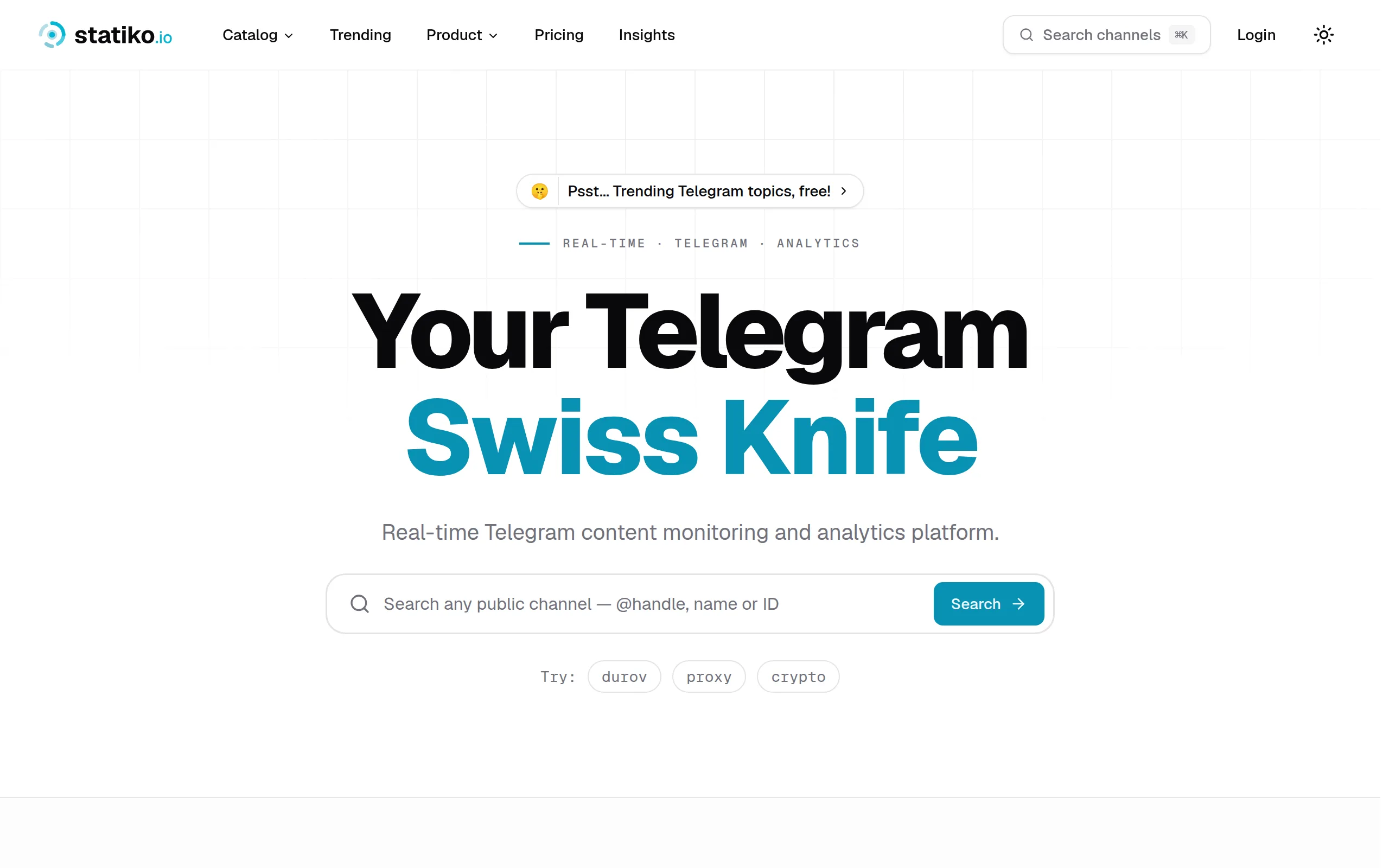
Statiko
Monitor any Telegram channel in real time - track posts, edits, deletions, and growth with AI recaps 📡

Shibui
AI website builder - describe your business, pick a niche template, edit by chatting, and publish instantly ✨

Pro Service
Find verified home service professionals, compare quotes, and pay securely through escrow - built for Brazilians across the US 🏠
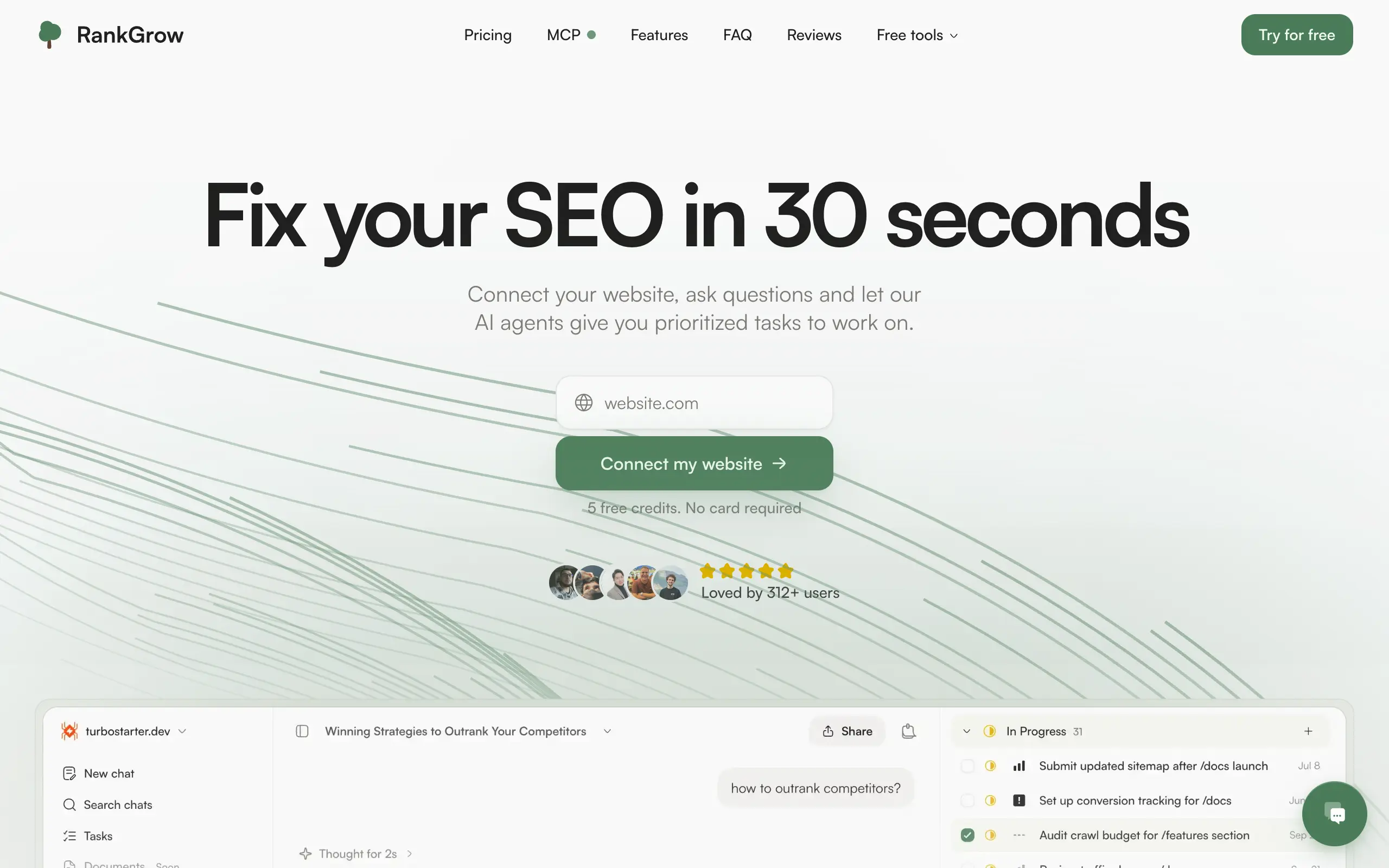
RankGrow
Fix your SEO with AI agents - connect Search Console, get prioritized tasks, and grow organic traffic 📈
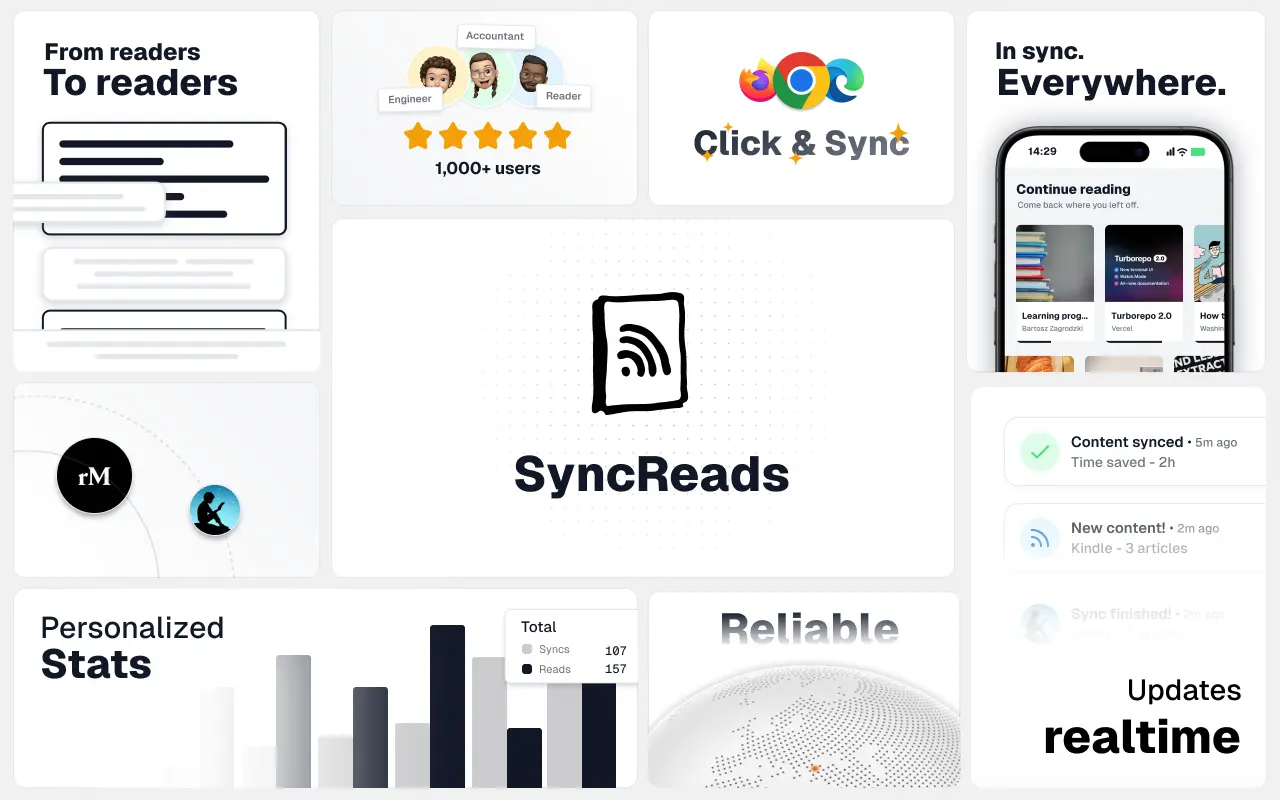
SyncReads
Sync your favorite content for distraction-free reading, save time and replace multiple apps. Anytime, anywhere 🔄
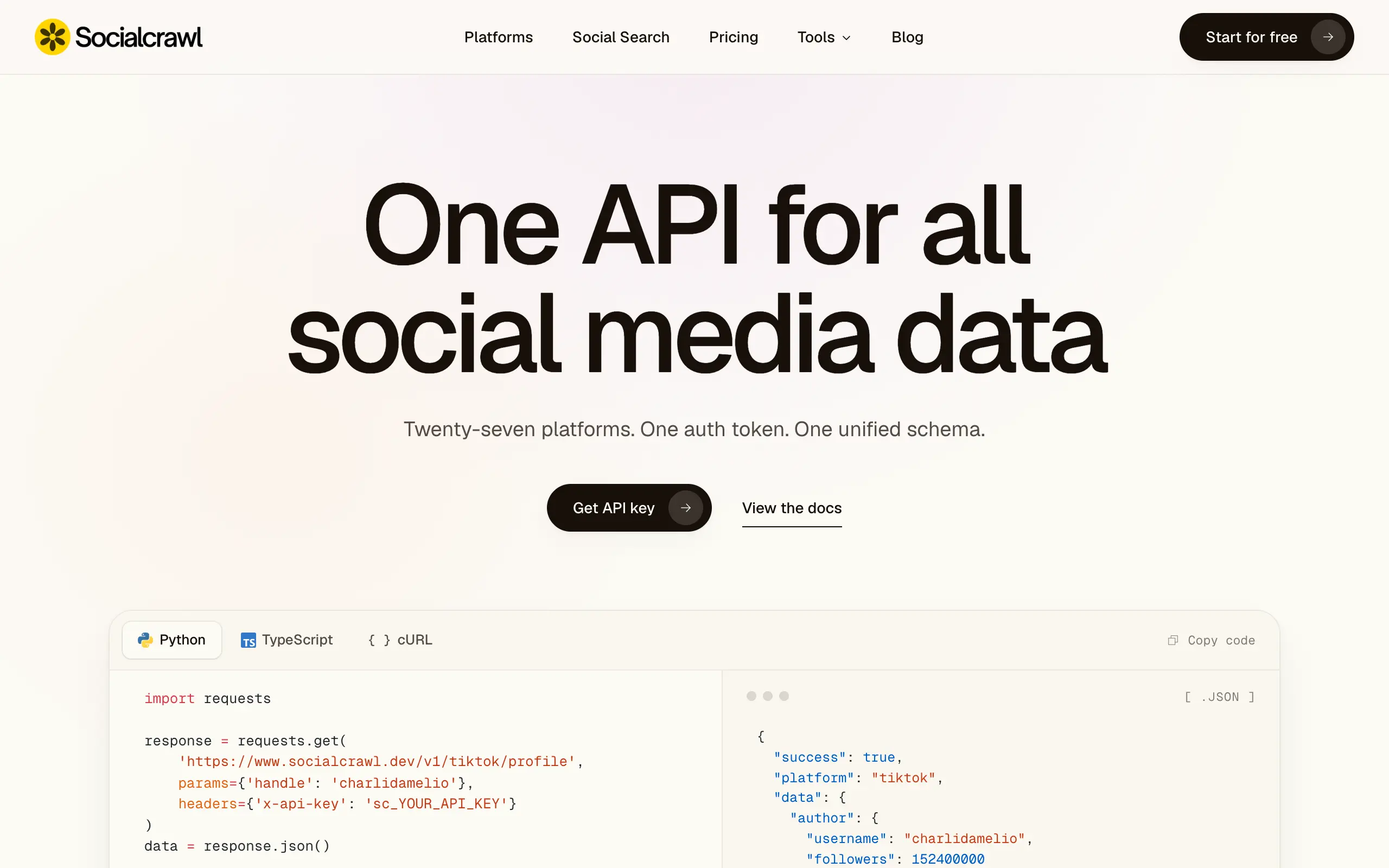
Socialcrawl
Get clean, structured data from 21 platforms like TikTok, Instagram, and YouTube with a single request 📊
Statiko
Monitor any Telegram channel in real time - track posts, edits, deletions, and growth with AI recaps 📡
Shibui
AI website builder - describe your business, pick a niche template, edit by chatting, and publish instantly ✨
Pro Service
Find verified home service professionals, compare quotes, and pay securely through escrow - built for Brazilians across the US 🏠
RankGrow
Fix your SEO with AI agents - connect Search Console, get prioritized tasks, and grow organic traffic 📈
SyncReads
Sync your favorite content for distraction-free reading, save time and replace multiple apps. Anytime, anywhere 🔄
Socialcrawl
Get clean, structured data from 21 platforms like TikTok, Instagram, and YouTube with a single request 📊
Statiko
Monitor any Telegram channel in real time - track posts, edits, deletions, and growth with AI recaps 📡
Shibui
AI website builder - describe your business, pick a niche template, edit by chatting, and publish instantly ✨
Pro Service
Find verified home service professionals, compare quotes, and pay securely through escrow - built for Brazilians across the US 🏠
RankGrow
Fix your SEO with AI agents - connect Search Console, get prioritized tasks, and grow organic traffic 📈
SyncReads
Sync your favorite content for distraction-free reading, save time and replace multiple apps. Anytime, anywhere 🔄
Socialcrawl
Get clean, structured data from 21 platforms like TikTok, Instagram, and YouTube with a single request 📊
Statiko
Monitor any Telegram channel in real time - track posts, edits, deletions, and growth with AI recaps 📡
Shibui
AI website builder - describe your business, pick a niche template, edit by chatting, and publish instantly ✨
Pro Service
Find verified home service professionals, compare quotes, and pay securely through escrow - built for Brazilians across the US 🏠
RankGrow
Fix your SEO with AI agents - connect Search Console, get prioritized tasks, and grow organic traffic 📈
SyncReads
Sync your favorite content for distraction-free reading, save time and replace multiple apps. Anytime, anywhere 🔄
Socialcrawl
Get clean, structured data from 21 platforms like TikTok, Instagram, and YouTube with a single request 📊
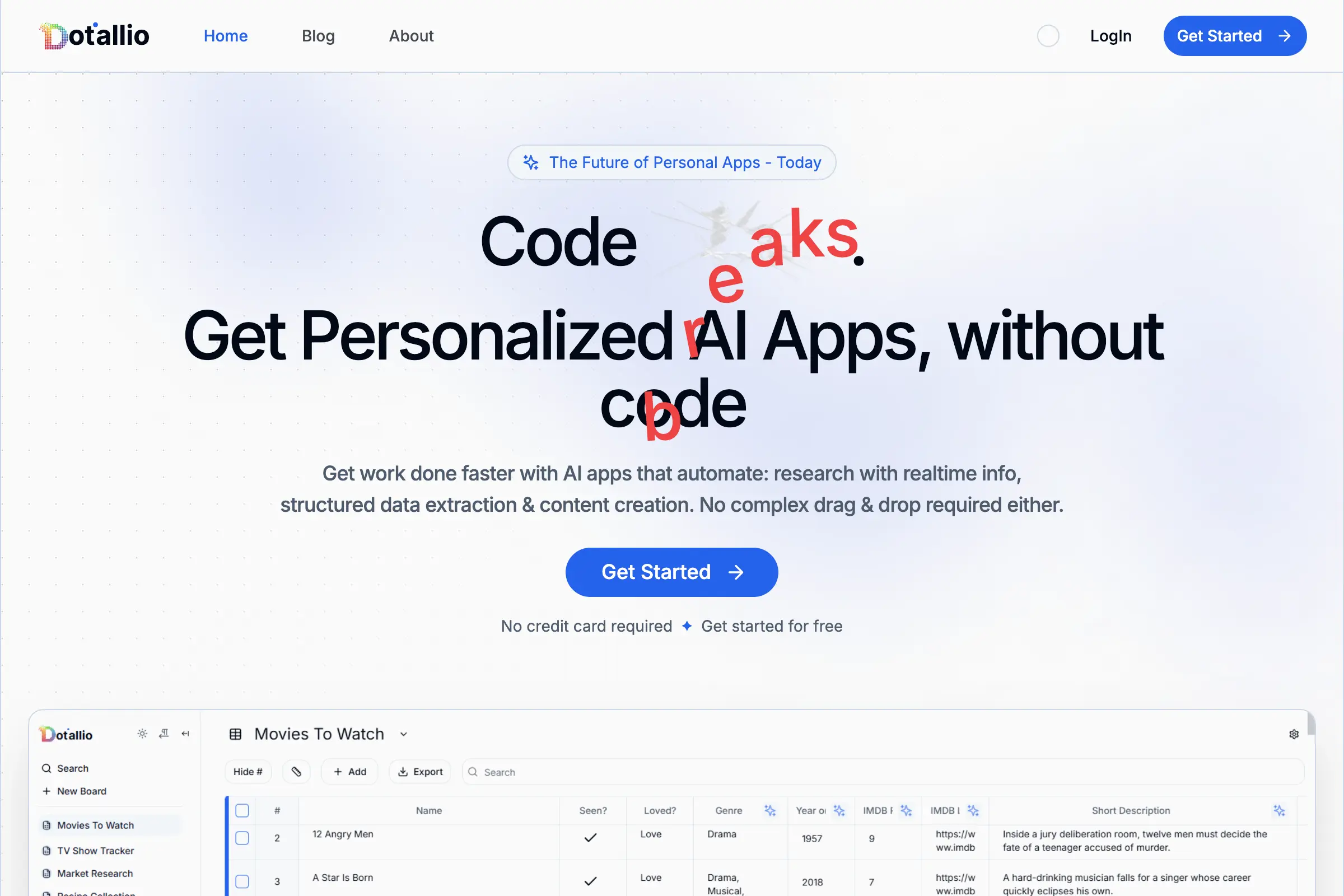
Dotallio
Personalized AI apps that automate research, data extraction, and content creation without code 🤖

Talk to Santa
Enjoy a magical live video chat or receive a unique AI-generated video greeting from Santa Claus 🎅
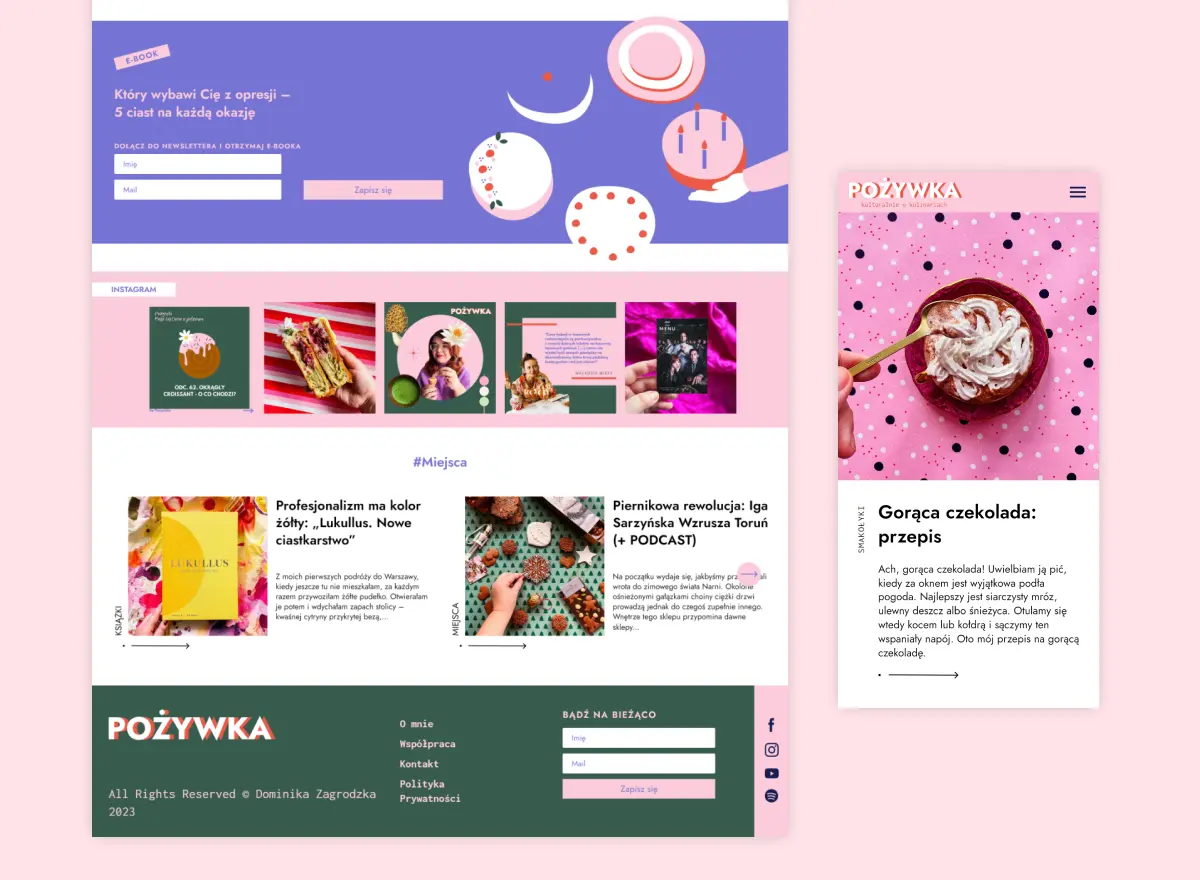
pozywka.pl
Scalable blog for food journalist, focused on performance and user experience 🌭
zagrodzki.me
Personal blog and portfolio of Bart Zagrodzki, where he shares his knowledge and work 💼
TurboStarter
Ship your startup everywhere. In minutes.
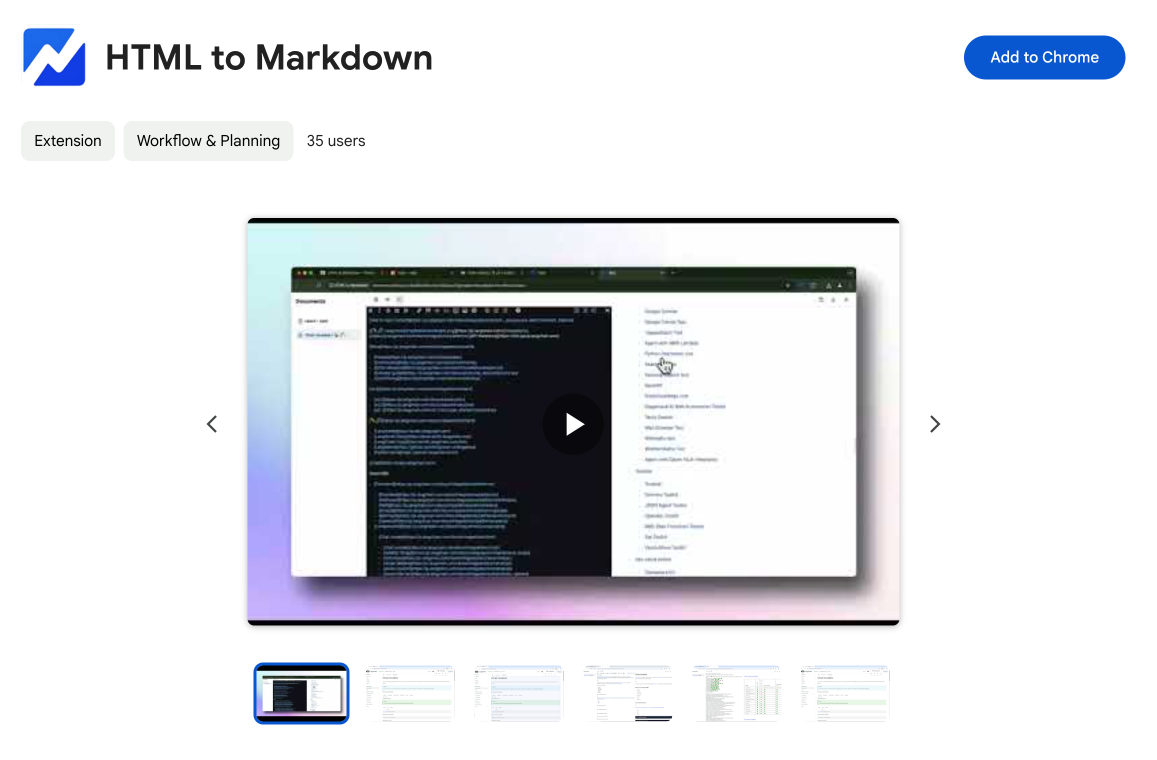
HTML to Markdown
Convert HTML to Markdown with ease, directly in your browser 📄
Dotallio
Personalized AI apps that automate research, data extraction, and content creation without code 🤖
Talk to Santa
Enjoy a magical live video chat or receive a unique AI-generated video greeting from Santa Claus 🎅
pozywka.pl
Scalable blog for food journalist, focused on performance and user experience 🌭
zagrodzki.me
Personal blog and portfolio of Bart Zagrodzki, where he shares his knowledge and work 💼
TurboStarter
Ship your startup everywhere. In minutes.
HTML to Markdown
Convert HTML to Markdown with ease, directly in your browser 📄
Dotallio
Personalized AI apps that automate research, data extraction, and content creation without code 🤖
Talk to Santa
Enjoy a magical live video chat or receive a unique AI-generated video greeting from Santa Claus 🎅
pozywka.pl
Scalable blog for food journalist, focused on performance and user experience 🌭
zagrodzki.me
Personal blog and portfolio of Bart Zagrodzki, where he shares his knowledge and work 💼
TurboStarter
Ship your startup everywhere. In minutes.
HTML to Markdown
Convert HTML to Markdown with ease, directly in your browser 📄
Dotallio
Personalized AI apps that automate research, data extraction, and content creation without code 🤖
Talk to Santa
Enjoy a magical live video chat or receive a unique AI-generated video greeting from Santa Claus 🎅
pozywka.pl
Scalable blog for food journalist, focused on performance and user experience 🌭
zagrodzki.me
Personal blog and portfolio of Bart Zagrodzki, where he shares his knowledge and work 💼
TurboStarter
Ship your startup everywhere. In minutes.
HTML to Markdown
Convert HTML to Markdown with ease, directly in your browser 📄
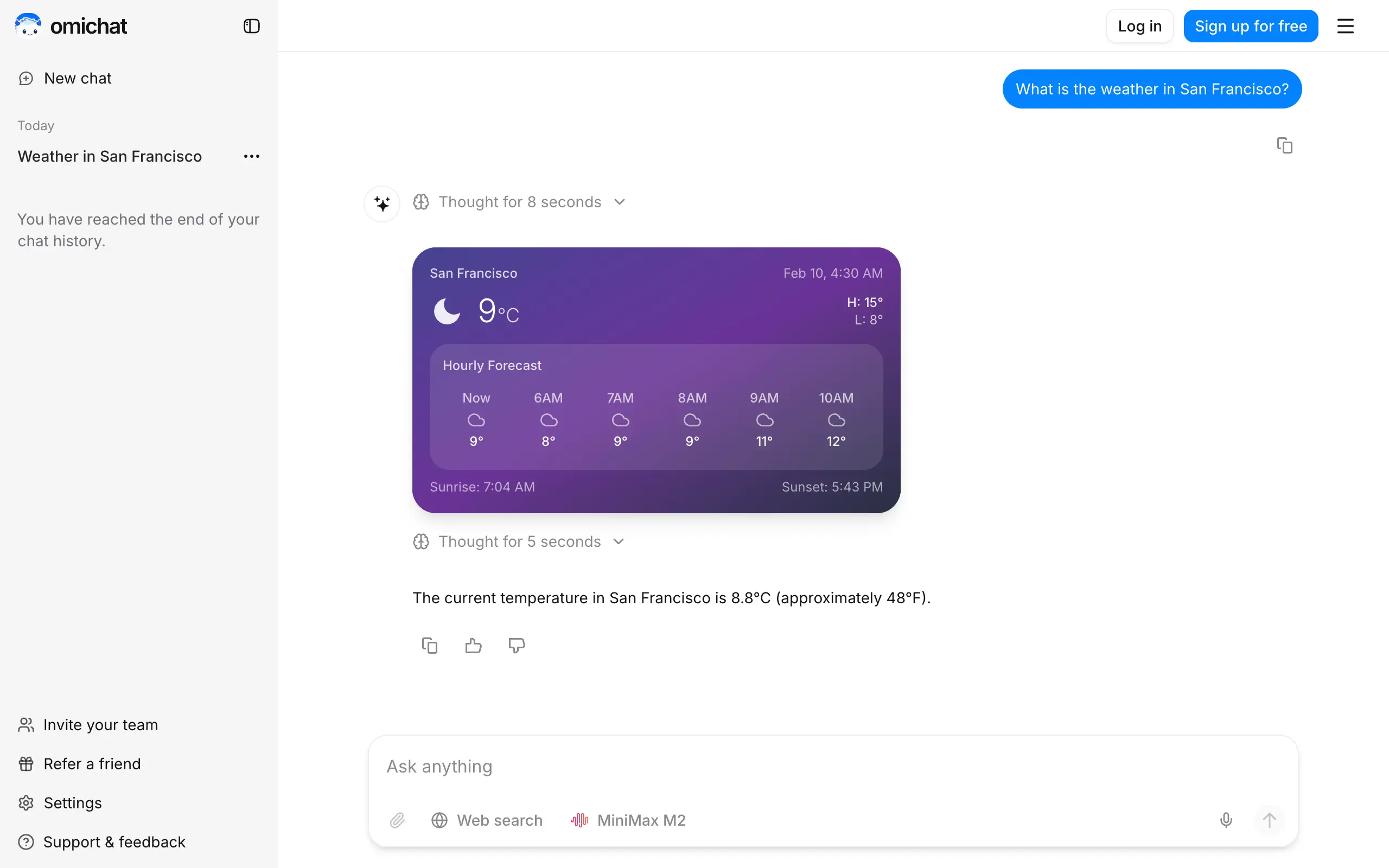
Omichat
Chat with 50+ AI models, including ChatGPT and Claude, in one place - switch models anytime without losing context 🤖
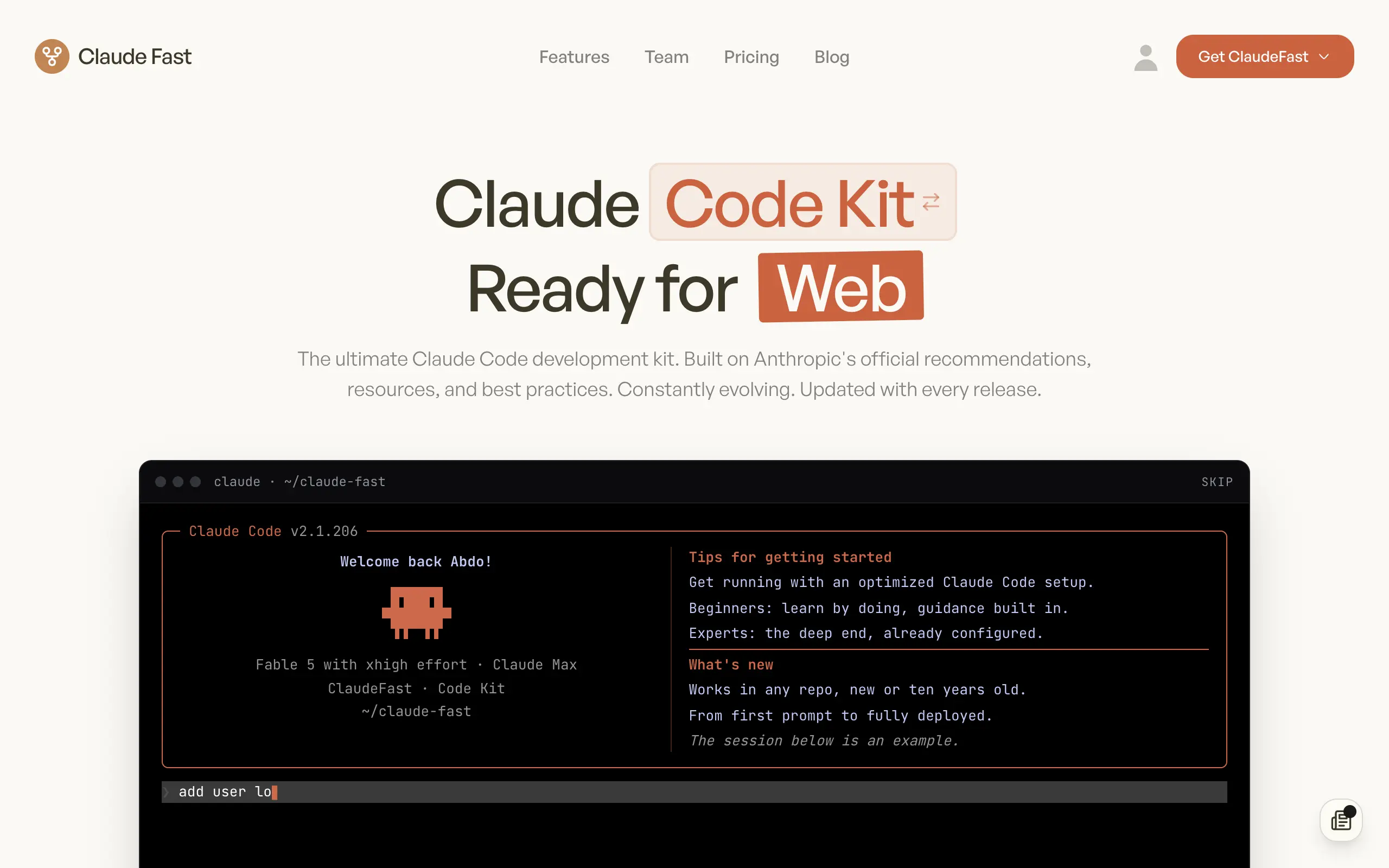
Claude Fast
Supercharge your Claude Code with 6x effective context window and specialized AI agents 🤖
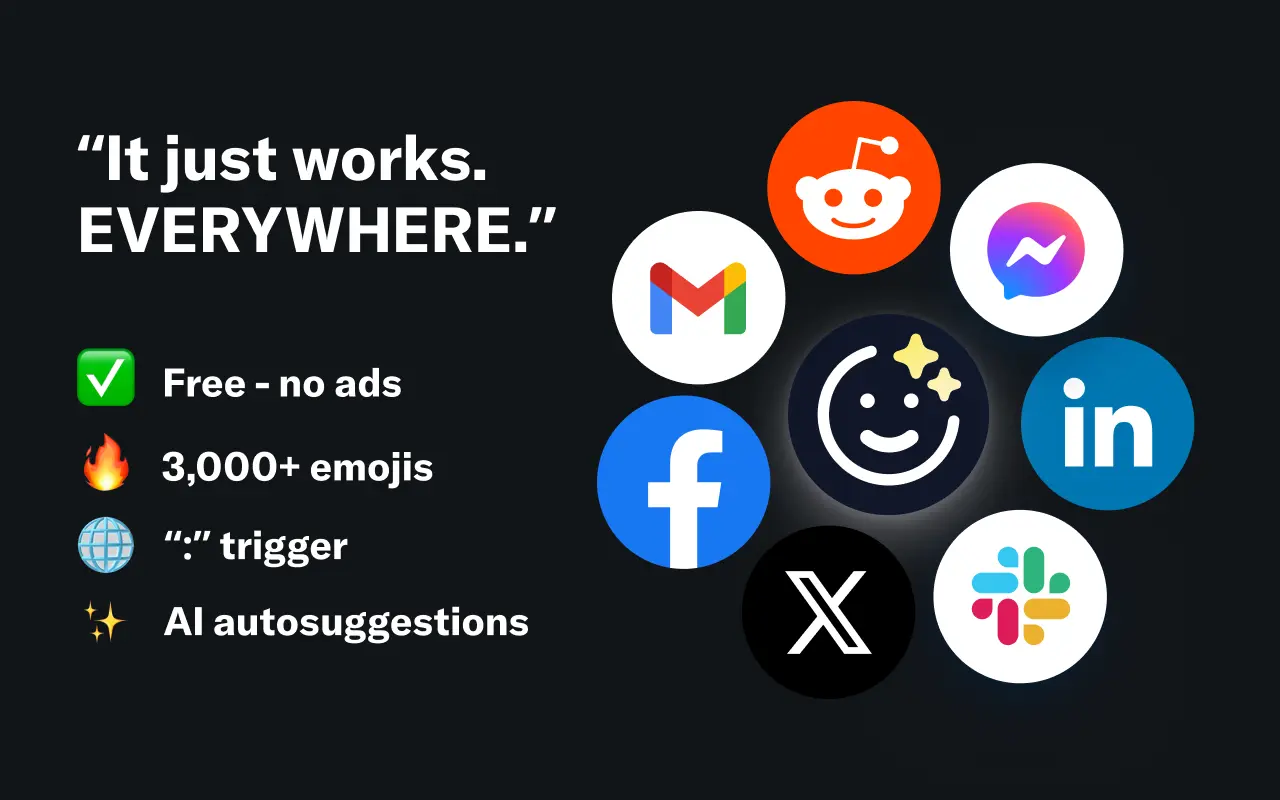
EmojAI
AI-powered emoji picker with smart, context-aware suggestions 🤖
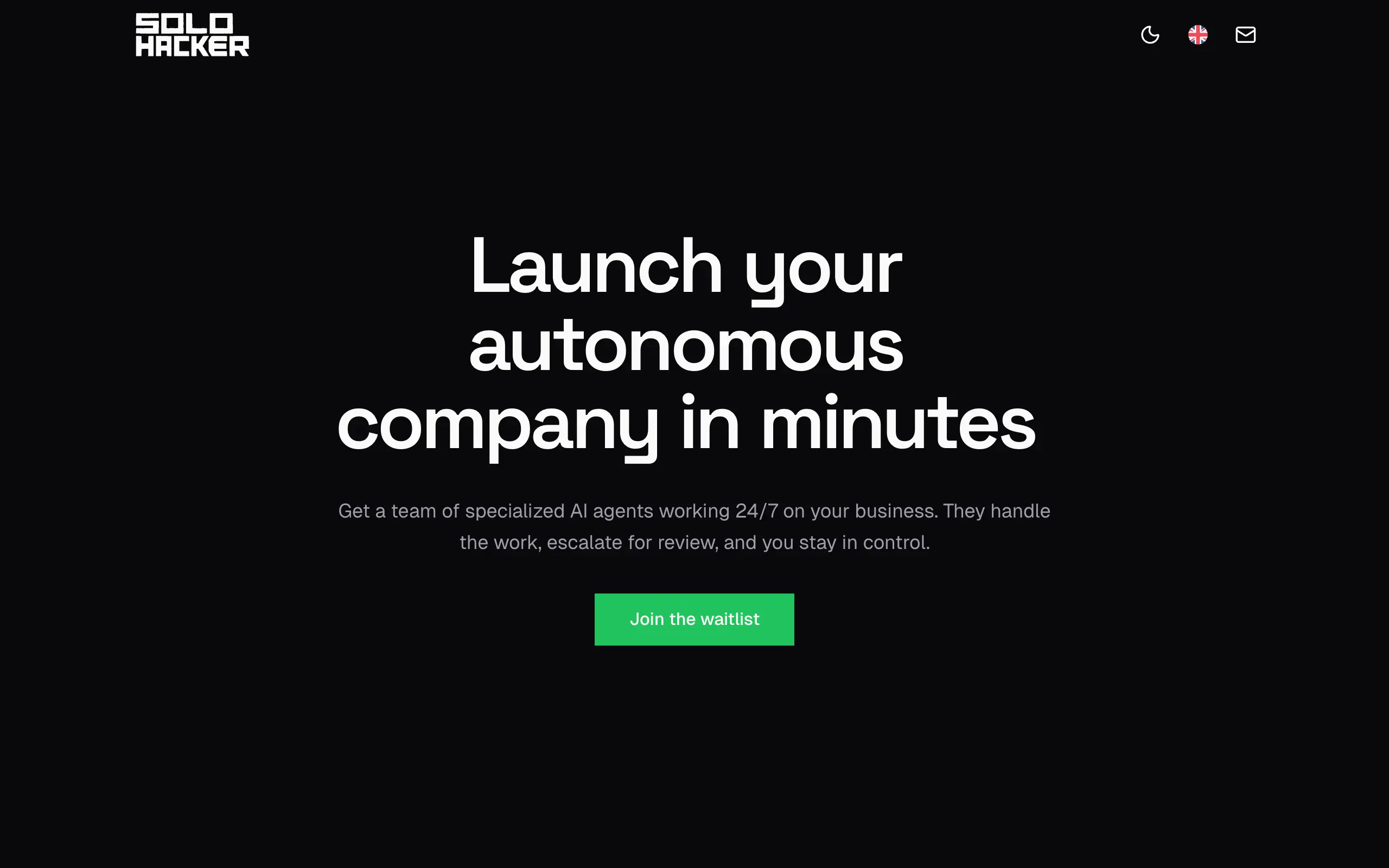
Solohacker
Autonomous company launcher - AI agents work 24/7, escalate what matters, and you stay in control 🤖
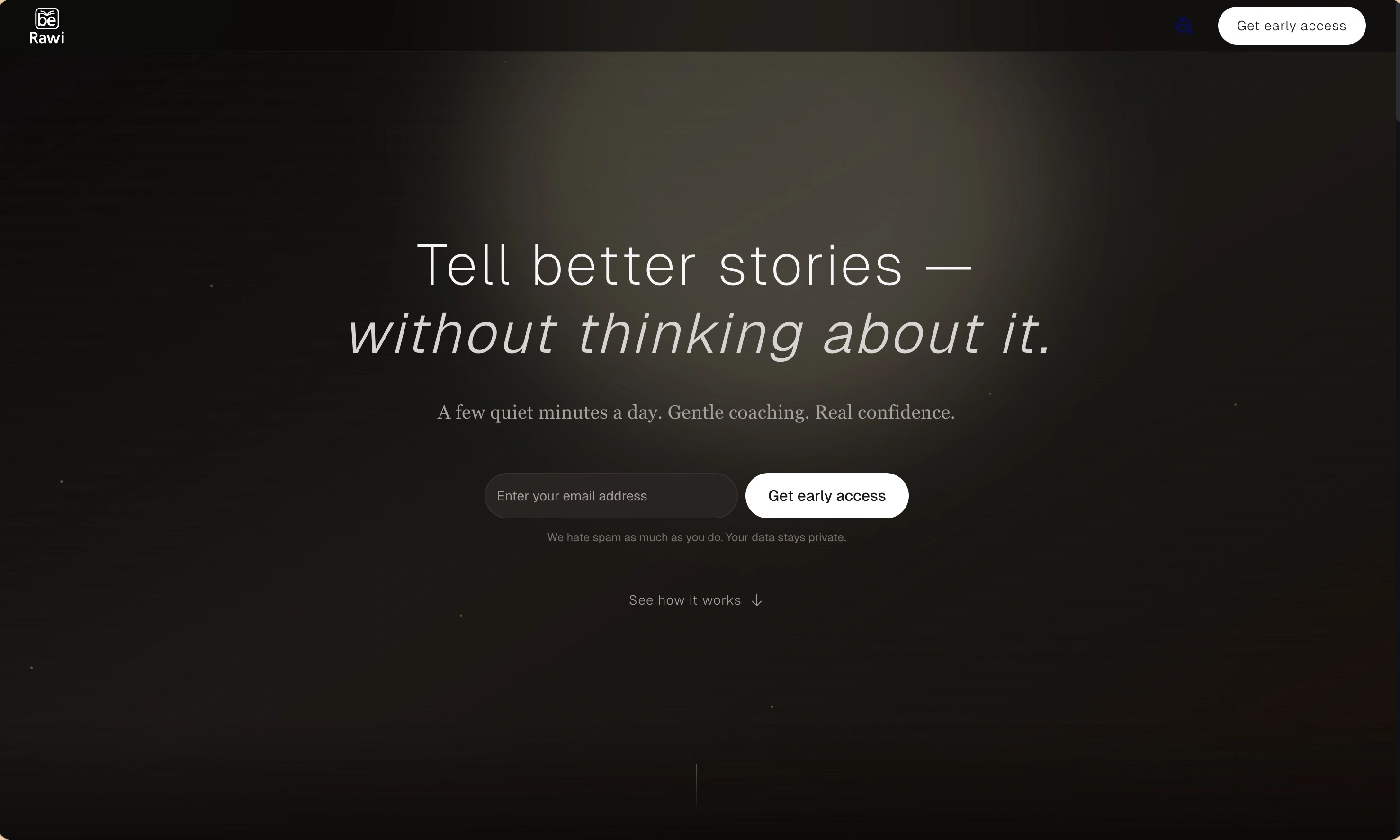
BeRawi: Storytelling Coach
Practice storytelling daily with instant feedback to sound clearer, more engaging, and confident 🎤
Omichat
Chat with 50+ AI models, including ChatGPT and Claude, in one place - switch models anytime without losing context 🤖
Claude Fast
Supercharge your Claude Code with 6x effective context window and specialized AI agents 🤖
EmojAI
AI-powered emoji picker with smart, context-aware suggestions 🤖
Solohacker
Autonomous company launcher - AI agents work 24/7, escalate what matters, and you stay in control 🤖
BeRawi: Storytelling Coach
Practice storytelling daily with instant feedback to sound clearer, more engaging, and confident 🎤
Omichat
Chat with 50+ AI models, including ChatGPT and Claude, in one place - switch models anytime without losing context 🤖
Claude Fast
Supercharge your Claude Code with 6x effective context window and specialized AI agents 🤖
EmojAI
AI-powered emoji picker with smart, context-aware suggestions 🤖
Solohacker
Autonomous company launcher - AI agents work 24/7, escalate what matters, and you stay in control 🤖
BeRawi: Storytelling Coach
Practice storytelling daily with instant feedback to sound clearer, more engaging, and confident 🎤
Omichat
Chat with 50+ AI models, including ChatGPT and Claude, in one place - switch models anytime without losing context 🤖
Claude Fast
Supercharge your Claude Code with 6x effective context window and specialized AI agents 🤖
EmojAI
AI-powered emoji picker with smart, context-aware suggestions 🤖
Solohacker
Autonomous company launcher - AI agents work 24/7, escalate what matters, and you stay in control 🤖
BeRawi: Storytelling Coach
Practice storytelling daily with instant feedback to sound clearer, more engaging, and confident 🎤

Connect with like-minded people
Join our community to get feedback, support, and grow together with 1,000+ builders on board, let's ship it!
Join usShip your startup everywhere. In minutes.
Don't burn tokens on setup and start building features on day one.