ShiftMosaic
Volunteer coordinators waste hours matching people to shifts from scattered messages. ShiftMosaic uses availability and skills to recommend a workable roster.
Volunteer organizations often coordinate schedules across email, spreadsheets, group chats, and last-minute phone calls. The result is more than administrative hassle: coordinators may struggle to fill essential roles, volunteers may miss opportunities that suit them, and teams can lose time resolving avoidable conflicts.
ShiftMosaic is an AI-powered volunteer scheduling concept designed to bring that process into one place. It uses volunteer availability, skills, preferences, and role requirements to recommend workable shift rosters. The opportunity is not simply to automate a calendar. It is to help coordinators make better decisions while keeping people informed, engaged, and in control.
What is AI volunteer scheduling software?
AI volunteer scheduling software helps organizations plan volunteer shifts using structured information about people, roles, and availability. Rather than relying entirely on manual matching, it can identify candidates who meet a shift’s requirements, flag scheduling conflicts, and suggest coverage options.
For ShiftMosaic, the central workflow would look like this:
- A coordinator creates an event and defines its shifts.
- Each shift includes the number of volunteers needed, required skills, location, and timing.
- Volunteers submit availability, interests, and relevant qualifications.
- ShiftMosaic recommends a roster and explains why each person is a suitable match.
- A coordinator reviews the recommendations, confirms assignments, and communicates the schedule.
- Volunteers can accept, decline, or request a change through a self-service experience.
The important distinction is that ShiftMosaic should recommend a workable roster rather than silently make consequential decisions. Volunteer scheduling involves people’s preferences, accessibility needs, commitments, and relationships. Automation can reduce coordination work, but organizers should retain oversight.
The primary search opportunity is around terms such as AI volunteer scheduling software, volunteer shift scheduling, volunteer management software, and volunteer availability management. These phrases describe related needs, but they are not interchangeable. A user searching for scheduling software likely wants to fill roles and manage changes. Someone searching for volunteer management software may also be evaluating recruitment, communications, hours tracking, and reporting.
Who ShiftMosaic is for
The strongest initial customers are organizations that repeatedly coordinate groups of volunteers and have enough role or availability complexity to make manual scheduling painful.
Nonprofits and community organizations
Local nonprofits often run recurring services, seasonal campaigns, food distributions, community programs, or fundraising events. A small staff may be responsible for recruiting volunteers, collecting availability, assigning people, and responding to changes.
ShiftMosaic could help these organizations by:
- Reducing the time spent reviewing availability across messages and spreadsheets.
- Keeping volunteer information and shift assignments in one shared system.
- Identifying uncovered roles before the event.
- Reusing role requirements and schedules for recurring programs.
- Making it easier for volunteers to find shifts that suit their skills and interests.
For a small organization, affordability and ease of setup are likely more important than advanced analytics. The product should be useful without requiring a dedicated operations specialist.
Event organizers and festivals
Events can involve many short-duration shifts, multiple locations, and roles that require specific experience. A volunteer might be a good fit for guest check-in but not for first aid, traffic management, or equipment handling.
In this setting, ShiftMosaic’s role-based matching could help organizers distinguish between general availability and qualified availability. It should also support last-minute changes, waitlists, and visibility into which roles remain uncovered.
Schools, clubs, and faith communities
Schools, sports programs, clubs, and faith communities often depend on volunteers for recurring activities. Their coordinators may have informal knowledge about who is dependable, who has completed required training, and who prefers certain tasks. That knowledge can be difficult to transfer when a coordinator leaves.
A shared scheduling system can make institutional knowledge more accessible while allowing volunteers to set preferences themselves. These groups may need family or household scheduling, recurring commitments, and straightforward mobile access.
Mutual aid groups and emergency response organizations
Some groups coordinate volunteers for time-sensitive or changing needs. They may need to identify people who are nearby, available, and qualified for a specific task. Such organizations could benefit from rapid matching, but they also require strong operational safeguards.
ShiftMosaic should not claim to replace emergency dispatch, credential verification, or official response procedures. In high-stakes contexts, the product should support coordination under the organization’s rules, not act as an independent authority.
Volunteer coordinators as the primary buyer
The end user and buyer may be different. A volunteer coordinator may use the product daily, while an executive director, program manager, or operations lead approves the purchase.
That means ShiftMosaic needs to serve two audiences:
- Coordinators need a fast, practical workflow for building and updating rosters.
- Leaders need confidence that the software is secure, affordable, and improving program operations.
- Volunteers need clear communication, a low-friction way to share availability, and fair access to suitable shifts.
A successful product should not optimize for the coordinator alone. Volunteer participation is essential to the quality of the scheduling data.
The market opportunity and product gap
Many organizations already use spreadsheets, email, messaging apps, signup forms, calendars, or general-purpose volunteer management platforms. Those tools can be effective, especially for a small program with a handful of shifts. The opportunity for ShiftMosaic is not to claim that every organization needs AI. It is to make complicated scheduling easier when manual coordination becomes a recurring burden.
Where existing workflows break down
Scattered coordination creates several predictable problems:
- Availability is hard to compare. Answers arrive in different formats and at different times.
- Skills are disconnected from scheduling. A coordinator may know that someone is qualified, but the information is not attached to the shift-planning process.
- Changes are difficult to propagate. When one volunteer cancels, the coordinator may have to contact several people and update multiple tools.
- The process is difficult to repeat. A schedule that worked last month may be trapped in a spreadsheet or a coordinator’s memory.
- Volunteers have limited visibility. They may not know which shifts need help or whether their preferences were considered.
- Coverage can look complete when it is not. A shift might have enough people assigned but still lack someone with a required certification or role-specific skill.
A focused scheduling product can address these issues without attempting to replace every system an organization uses.
A useful niche between spreadsheets and broad platforms
ShiftMosaic can position itself as a scheduling-first product. That creates a clearer entry point than trying to serve every volunteer-management use case from day one.
A practical initial promise could be:
Turn volunteer availability and role requirements into a coordinator-reviewed shift plan.
This promise is specific, understandable, and testable. It focuses on a real workflow rather than vague claims about artificial intelligence.
The product should also work for organizations that do not want to replace their existing donor database, website, email platform, or finance system. Importing and exporting reliable data may matter more in an early release than building a large set of integrations.
Validate the problem before building a complex matching engine
An AI label does not establish product-market fit. Before investing in sophisticated optimization, ShiftMosaic should validate:
- How many shifts a typical customer coordinates each month.
- How many volunteers and roles are involved.
- How availability is collected today.
- How often schedules change after publication.
- What information is needed to determine eligibility.
- Which tasks consume the most coordinator time.
- Whether volunteers would use a self-service portal.
- What level of scheduling control coordinators expect.
Useful discovery methods include workflow interviews, observation of an actual scheduling cycle, and a small pilot using the organization’s real role and availability data. The goal is to learn where coordination fails, not to persuade interviewees that AI is necessary.
Core ShiftMosaic features
The first version should prioritize dependable scheduling fundamentals. AI recommendations are valuable only if the underlying information is accurate and the workflow is easy to trust.
Organization, program, and event setup
An organization should be able to create programs, locations, events, and recurring shift templates. A coordinator might define a weekly food pantry shift once, then reuse the structure while changing the date and staffing needs.
Core setup fields could include:
- Event name, date, time, and location.
- Shift start and end times.
- Number of volunteers needed.
- Role descriptions and responsibilities.
- Required skills, credentials, or training.
- Physical, language, or access requirements when relevant.
- Check-in instructions and coordinator contact details.
The product should distinguish between a required qualification and a preference. If a certification is mandatory, a high algorithmic score should never override that requirement.
Volunteer profiles and availability
Volunteer profiles can store the information needed for appropriate scheduling, without collecting unnecessary personal data. A profile might include contact details, preferred roles, availability, skills, completed training, language abilities, and communication preferences.
Availability should be easy to update. Volunteers may need to submit a single date, recurring weekly availability, or temporary exceptions. The interface should clearly explain whether an availability response is a firm commitment or an expression of interest.
A strong self-service experience can also reduce coordinator workload. Volunteers should be able to view their upcoming assignments, confirm participation, decline when necessary, and update relevant profile information.
Skills-aware shift matching
The matching engine should compare role requirements with volunteer qualifications and preferences. A transparent first version can use explicit rules before introducing more complex predictive methods.
For example, a shift recommendation could account for:
- Whether the volunteer is available for the full shift.
- Whether the volunteer has a required qualification.
- Whether the person has selected the role as an interest.
- Whether assigning the shift would create a time conflict.
- Whether the volunteer has reached a configured limit.
- Whether the person has already been assigned to another event.
Recommendations should include a short explanation, such as: “Available for the full shift, has the required food-safety training, and selected this role as a preference.” That explanation helps a coordinator assess whether the suggestion is sensible.
Coverage and conflict detection
A schedule needs more than a list of names. ShiftMosaic should show how well each event is staffed and what constraints remain unresolved.
Useful indicators include:
- Open volunteer positions.
- Shifts with missing required skills.
- Overlapping assignments.
- Volunteers who have not confirmed.
- Unfilled roles approaching a deadline.
- Waitlisted volunteers who could fill a cancellation.
The interface should make exceptions visible rather than presenting a polished but incomplete schedule as final.
Coordinator review and roster controls
Coordinators need the ability to accept, reject, edit, or replace recommendations. They should be able to lock confirmed assignments, set eligibility rules, reserve positions, and manually assign a volunteer where appropriate.
These controls are not secondary features. They are part of the trust model. Organizations may have policies or contextual knowledge that a matching algorithm cannot infer, such as pairing new volunteers with experienced team members or avoiding a particular assignment for a valid reason.
Communications and change management
Scheduling is an ongoing process, not a one-time export. ShiftMosaic should support clear messages for invitations, confirmations, reminders, cancellations, and schedule changes.
At minimum, a communication workflow should answer:
- Who needs to receive this update?
- What changed?
- Does the volunteer need to respond?
- Has the message been sent?
- Did the volunteer confirm or decline?
The product should avoid sending repeated or confusing notifications. Coordinators should be able to preview messages, choose an appropriate channel, and see delivery status where available.
Reporting and reusable operations
Basic reporting can help organizations understand whether the system is helping. Useful measures might include time to fill shifts, number of uncovered roles, confirmation rates, cancellation patterns, and scheduling activity by program.
These metrics need context. A low fill rate might reflect poor recruiting, inconvenient shift timing, insufficient notice, or a shortage of qualified people. ShiftMosaic should present operational indicators without implying that volunteers are interchangeable units or that a single score measures commitment.
How the AI scheduling workflow should work
For an early product, “AI” should describe a useful recommendation process, not serve as a substitute for clear rules. A constraint-based scheduler can often solve the core problem more reliably than a generative model.
Start with hard constraints and soft preferences
Hard constraints determine whether an assignment is valid. Examples include required certification, availability during the shift, and no overlapping assignments.
Soft preferences help rank valid options. They might include preferred role, preferred location, prior experience, or a desire to volunteer a certain number of times. A coordinator should be able to see which factors influenced the recommendation.
A simplified scoring model might look like this:
type Volunteer = {
  id: string;
  availableShiftIds: string[];
  skills: string[];
  preferredRoleIds: string[];
  assignedHoursThisMonth: number;
};

type Shift = {
  id: string;
  roleId: string;
  requiredSkills: string[];
};

function scoreVolunteer(volunteer: Volunteer, shift: Shift) {
  const available = volunteer.availableShiftIds.includes(shift.id);
  const qualified = shift.requiredSkills.every((skill) =>
    volunteer.skills.includes(skill),
  );

  if (!available || !qualified) {
    return null;
  }

  const rolePreference = volunteer.preferredRoleIds.includes(shift.roleId);
  const workloadPenalty = volunteer.assignedHoursThisMonth * 0.1;

  return (rolePreference ? 10 : 0) - workloadPenalty;
}
This example is only a starting point. A production scheduler also needs to consider shift capacity, multiple simultaneous assignments, fairness policies, and organization-specific rules. The key design principle is to keep eligibility rules distinct from ranking preferences.
Use generative AI selectively
A language model may help summarize scheduling needs, draft reminder messages, or translate coordinator instructions. It should not be the source of truth for eligibility, availability, or safety-related qualifications.
A safer division of responsibility is:
- Structured logic validates constraints and computes assignments.
- Generative AI helps with optional language tasks, such as drafting a message.
- People review recommendations and make final decisions where context matters.
This design is easier to audit and less likely to produce confident but invalid assignments.
Measure whether recommendations are actually helpful
ShiftMosaic should evaluate its matching quality using operational outcomes, not the novelty of the algorithm. Relevant product measures include:
- How often coordinators accept recommended assignments.
- How many manual edits are required before publishing.
- Whether required roles are filled.
- Whether volunteers confirm recommended shifts.
- How frequently assigned volunteers cancel.
- How much time coordinators report spending on scheduling.
These metrics should be interpreted carefully. For instance, a high acceptance rate may reflect useful recommendations, but it could also indicate that coordinators are approving assignments without review. A healthy system makes recommendations easy to inspect and correct.
Recommended technology stack
The best stack depends on team expertise, budget, and the degree of customization required. For a SaaS product like ShiftMosaic, prioritize a dependable application foundation, role-based access, secure data handling, and a scheduling model that can evolve.
Web application and interface
A TypeScript-based web application can support coordinator dashboards and a responsive volunteer portal from one codebase. React is a widely used interface library, while Next.js provides a framework for building React applications with server-side capabilities.
A utility-first styling approach such as Tailwind CSS can help a small team build consistent interfaces quickly. The trade-off is that teams need conventions for reusable components and design tokens; otherwise, utility classes can become difficult to maintain.
A mobile-friendly web experience is a reasonable starting point. Native mobile apps may be justified later if user research shows that push notifications, offline access, or device-specific features are essential.
Database and scheduling data
A relational database such as PostgreSQL is a strong fit for organizations, volunteers, events, roles, qualifications, availability, and assignments. These entities have clear relationships, and database constraints can help prevent invalid states.
The data model should explicitly represent:
- Organizations and membership.
- Volunteer profiles and consent.
- Skills and qualification records.
- Events, locations, shifts, and role requirements.
- Availability submissions.
- Assignments, confirmations, and cancellations.
- Audit history for important scheduling changes.
Avoid placing the entire schedule in a single unstructured field. Structured records make it easier to query open positions, detect conflicts, and generate useful reports.
Authentication and authorization
Authentication should support coordinators, administrators, and volunteers with different permissions. A volunteer should not be able to view another person’s private information, and a coordinator’s access should be limited to the appropriate organization or program.
Implement authorization on the server, not only by hiding interface controls. Test for common failures such as cross-organization data access and permission escalation. If the product supports multiple organizations, tenant isolation should be a core architectural concern from the beginning.
Scheduling and background processing
Schedule generation, bulk notifications, imports, and reminder delivery may take longer than a normal web request. A background job system can handle those tasks reliably and retry failures without making the user wait.
The matching engine can begin as a transparent service that evaluates hard constraints and ranks eligible volunteers. If the problem grows to include many competing constraints, the team can evaluate an optimization solver. The choice should be driven by demonstrated scheduling complexity rather than by an assumption that a more sophisticated algorithm is automatically better.
Email, messaging, and integrations
Email is often enough for an MVP. Later, ShiftMosaic can add calendar exports, contact imports, or integrations with commonly used nonprofit tools based on customer demand.
For every integration, clarify which system owns each piece of data. For example, if volunteer contact information comes from an existing database, coordinators should know whether ShiftMosaic is importing a snapshot or maintaining an ongoing two-way sync.
Build versus accelerate
Building every SaaS foundation from scratch can divert attention from the scheduling problem. A product starter such as TurboStarter can help teams accelerate common application foundations so they can spend more effort validating ShiftMosaic’s core workflow.
The trade-off is that a starter does not remove the need for architectural review. Teams should understand how authentication, billing, permissions, and data access work before adapting the codebase for a multi-tenant product.
Monetization strategies for ShiftMosaic
Volunteer organizations vary widely in budget and operational scale. Pricing should be easy to understand, tied to real value, and flexible enough for small groups without underpricing complex deployments.
Tiered subscription pricing
A practical starting model is a monthly or annual subscription with tiers based on operational scale. Possible dimensions include the number of active volunteers, scheduled shifts, programs, or coordinator seats.
Keep the limits understandable. A buyer should be able to estimate which plan fits without contacting sales just to decipher a complicated usage formula.
Potential tiers could include:
- Starter for small organizations with basic scheduling needs.
- Growth for organizations managing multiple programs and recurring events.
- Scale for larger organizations needing advanced permissions, reporting, or integrations.
The exact limits should be established through customer interviews and pilots rather than invented in advance.
Free or low-cost entry plan
A limited free plan can help small organizations try the product, but it needs a clear purpose. It could support a single program or a modest number of monthly shifts while making it easy to upgrade when coordination needs grow.
A free tier is less useful if setup takes substantial staff time or if the product requires importing large amounts of data. In that case, a guided pilot or low-cost starter plan may provide a better experience for both the customer and the company.
Annual nonprofit plans and grants
Some nonprofits plan expenses annually or rely on restricted funding. An annual plan with predictable pricing may fit their purchasing process. ShiftMosaic could also explore grant-funded access or sponsored plans for eligible community groups, provided the financial model can support them.
Discounts should be transparent and sustainable. A pricing model that depends on ongoing unpaid services or custom support for every small organization can create operational strain.
Paid onboarding and support
Organizations with complicated role structures or historical data may value onboarding. Paid setup services can include data cleanup, configuration, training, and scheduling workflow review.
Onboarding should not become a requirement for basic use. The core product should remain understandable enough for a coordinator to create a simple event without professional services.
Competitive advantage and positioning
ShiftMosaic’s advantage should come from a focused combination of scheduling depth, volunteer-centered design, and explainable recommendations—not from claiming to have AI when competitors also offer automation.
A scheduling-first product story
A broad volunteer platform may support recruitment, communications, hours, fundraising, and reporting. ShiftMosaic can distinguish itself by making the scheduling workflow unusually clear and effective.
That focus makes it easier to communicate the product’s value:
- Collect availability without juggling separate tools.
- Match people to roles using requirements and preferences.
- Spot gaps and conflicts before publishing.
- Let coordinators review every recommendation.
- Give volunteers a clear view of their commitments.
Explainable matching
If coordinators cannot understand why someone was recommended, they may distrust the system. If volunteers cannot understand how assignments are made, they may see the process as unfair.
ShiftMosaic can differentiate through transparent criteria, visible constraints, and editable recommendations. This is especially valuable when the system makes trade-offs between coverage, preference, and workload.
Volunteer experience as a product feature
Many scheduling systems are designed mainly around administrative control. ShiftMosaic can treat volunteer experience as a core part of operational success.
A respectful product should make it easy for volunteers to:
- Share availability without repeated follow-up.
- Select preferred roles and locations.
- See clear time and location details.
- Confirm or decline an assignment.
- Manage communication preferences.
- Receive timely updates when a schedule changes.
A smoother volunteer experience can improve the quality of availability data and reduce coordination work.
A fairer and more manageable workload
Scheduling algorithms can unintentionally favor people who respond quickly, have more flexible availability, or have been active for longer. ShiftMosaic should help organizations understand how assignments are distributed.
A coordinator might choose to balance volunteer hours, rotate desirable shifts, prioritize required qualifications, or preserve a mix of experienced and new volunteers. These policies should be configurable and visible rather than hidden inside an opaque score.
| Product capability | Manual spreadsheet workflow | General-purpose signup form | ShiftMosaic opportunity |
|---|---|---|---|
| Collect availability | Often requires manual consolidation | Can collect responses | Centralize availability by volunteer and shift |
| Match skills to roles | Depends on coordinator memory | Usually limited | Apply explicit qualification rules |
| Detect conflicts | Manual review | May be limited | Flag overlaps and invalid assignments |
| Explain recommendations | Not applicable | Not applicable | Show why a match was suggested |
| Manage changes | Often spread across messages | Can require manual updates | Track confirmations, cancellations, and coverage |
| Preserve human judgment | Coordinator-driven | Coordinator-driven | Keep recommendations reviewable and editable |
Risks and how to mitigate them
Volunteer scheduling touches personal information and organizational responsibilities. Trust, privacy, and operational reliability should be part of the product design from the outset.
Poor or incomplete data
If volunteers do not update their availability or qualifications, recommendations may be inaccurate. ShiftMosaic should make profile updates simple, show when information was last confirmed, and let coordinators request missing details.
Do not treat an old availability response as current unless the organization explicitly configured a recurring pattern and the volunteer agreed to it.
Bias in recommendations
A system can reinforce unfair patterns if its inputs or scoring rules favor particular groups. For example, prioritizing past attendance without context may repeatedly give the same people preferred assignments.
Mitigations include:
- Avoiding sensitive attributes as ranking features.
- Making assignment criteria visible.
- Giving coordinators the ability to review outcomes.
- Monitoring how shifts and hours are distributed.
- Providing a way to correct inaccurate profile information.
- Testing recommendations with varied schedules and volunteer profiles.
Fairness is not a single algorithmic setting. Organizations may have different legitimate policies, so ShiftMosaic should help them define and inspect those policies.
Privacy and sensitive information
Volunteer profiles can contain personal contact details, accessibility information, or records of training. Collect only what is needed for scheduling, restrict access, and define retention practices.
The product should provide clear explanations of what information is stored and how it is used. Sensitive information should not be exposed in general roster views if coordinators do not need it to manage a shift.
Overreliance on automation
A recommendation can be wrong even when the underlying data appears correct. Coordinators should remain able to inspect, adjust, and override the schedule. For sensitive roles, organizations may require a specific approval process before assignments are finalized.
The product should label suggestions as suggestions and avoid implying that algorithmic ranking is an objective measure of volunteer quality.
Last-minute cancellations and operational disruption
No scheduler can eliminate cancellations. ShiftMosaic can reduce their impact by maintaining a waitlist, identifying qualified replacements, and sending clear requests for coverage.
It should also preserve a reliable record of changes. Coordinators need to know who changed an assignment, when it changed, and whether the affected volunteer received a notification.
Adoption and change management
A coordinator may understand the problem but still hesitate to move from a familiar spreadsheet. Keep onboarding short, allow useful data imports, and provide a clear way to export schedules.
For early customers, measure the time required to set up a real program. If the product takes longer to configure than the current workflow, the team should improve setup before adding more advanced features.
Actionable implementation steps
ShiftMosaic can reduce product risk by building in stages. The first release should solve a complete scheduling workflow, even if some decisions remain manual.
Interview coordinators and observe a live scheduling cycle
Speak with coordinators from different organization sizes and program types. Ask them to demonstrate how they collect availability, assign roles, respond to cancellations, and publish a final schedule.
Document the current process, including exceptions and workarounds. Look for repeated pain rather than assuming that every organization needs the same feature set.
Choose a narrow first customer segment
Start with a segment that has recurring shifts, clear role requirements, and a reachable decision-maker. For example, a team coordinating regular community events may be easier to serve initially than organizations with complex emergency-response requirements.
A narrow segment makes it easier to build relevant defaults, interview customers, and assess whether the product is reducing real work.
Define the minimum reliable scheduling workflow
Build organization setup, volunteer profiles, availability collection, role requirements, manual assignment, conflict detection, and schedule communication before investing heavily in AI.
The MVP should solve a full coordination cycle. A recommendation engine is not valuable if volunteers cannot confirm assignments or coordinators cannot handle a cancellation.
Add transparent matching recommendations
Introduce constraint checks first, then rank eligible volunteers using understandable preferences. Show coordinators why each person is recommended and make manual changes straightforward.
Start with a small number of configurable rules. Add complexity only when pilots reveal a repeated need that simpler logic cannot handle.
Run pilots and measure operational outcomes
Work with a small group of organizations through multiple scheduling cycles. Track setup time, unfilled shifts, coordinator edits, confirmation rates, and customer-reported effort.
Review both quantitative measures and coordinator feedback. A schedule that fills quickly but frustrates volunteers is not a successful outcome.
Improve security, reliability, and integrations
Before expanding to larger customers, test permission boundaries, data exports, backup and recovery procedures, notification failures, and audit history. Prioritize integrations based on actual customer workflows rather than speculative demand.
Establish pricing and a repeatable onboarding process
Use pilot feedback to identify which customers receive enough value to pay and what pricing model fits their budgets. Make the first successful event easy to configure, and document a repeatable process for importing data and training coordinators.
A practical MVP success test
A coordinator should be able to create an event, collect availability, fill or review its roles, publish assignments, and handle a change without returning to a separate spreadsheet as the source of truth. If the product cannot support that complete loop, improve the workflow before expanding the feature list.
Frequently asked questions about volunteer scheduling software
No. A first version can deliver value through structured availability, clear eligibility rules, conflict detection, and transparent ranking. Machine learning may become useful when a larger volume of reliable data supports a specific prediction or optimization need, but it should not be added merely to justify an AI label.
A signup sheet lets people claim or request shifts. AI volunteer scheduling can also compare availability and qualifications with role requirements, detect conflicts, and suggest a balanced roster for coordinator review. The product still needs a clear process for volunteers to confirm or decline assignments.
Not by default. Recommendations can save time, but coordinators may know about context that is not represented in the data. Keeping assignments reviewable and editable supports accountability and helps organizations adapt the software to their policies.
Evaluate ease of setup, volunteer accessibility, recurring shift support, qualification tracking, conflict detection, communications, data export, permissions, and pricing. Ask whether the product supports the organization’s real scheduling process, including cancellations and last-minute coverage.
It can compare scheduling effort and operational outcomes before and after adoption. Useful evidence may include coordinator-reported time spent, open positions at publication, confirmation rates, and the number of changes requiring manual follow-up. Results should be described with context and based on the organization’s own pilot data.
The long-term opportunity for ShiftMosaic
ShiftMosaic can become more than a tool for assigning names to calendar slots. If it earns the trust of coordinators and volunteers, it can become the operational layer that helps organizations understand staffing needs, maintain qualification records, communicate changes, and learn from each event.
The most defensible product strategy is to begin with a clear, recurring pain: volunteer coordinators waste time matching people to shifts from scattered messages. Solve that workflow with reliable foundations, explainable recommendations, and a respectful volunteer experience. Then expand based on evidence from real customers.
Its strongest unique selling proposition is not simply that it uses AI. It is that ShiftMosaic turns fragmented availability and skill information into a coordinator-reviewed roster that organizations can understand, adjust, and communicate.
Build the scheduling fundamentals first, validate the value with pilots, and use automation where it makes the process more dependable—not more opaque.
More 🤖 AI Startup SaaS ideas
Discover more innovative ai startup SaaS ideas that are trending in 2026. Each idea is AI-generated with market validation and growth potential to help you find your next profitable venture faster than competitors.
Your competitors are building with TurboStarter
Below are some of the SaaS ideas that have been generated and built with our starter kit.

Statiko
Monitor any Telegram channel in real time - track posts, edits, deletions, and growth with AI recaps 📡

Shibui
AI website builder - describe your business, pick a niche template, edit by chatting, and publish instantly ✨

Pro Service
Find verified home service professionals, compare quotes, and pay securely through escrow - built for Brazilians across the US 🏠
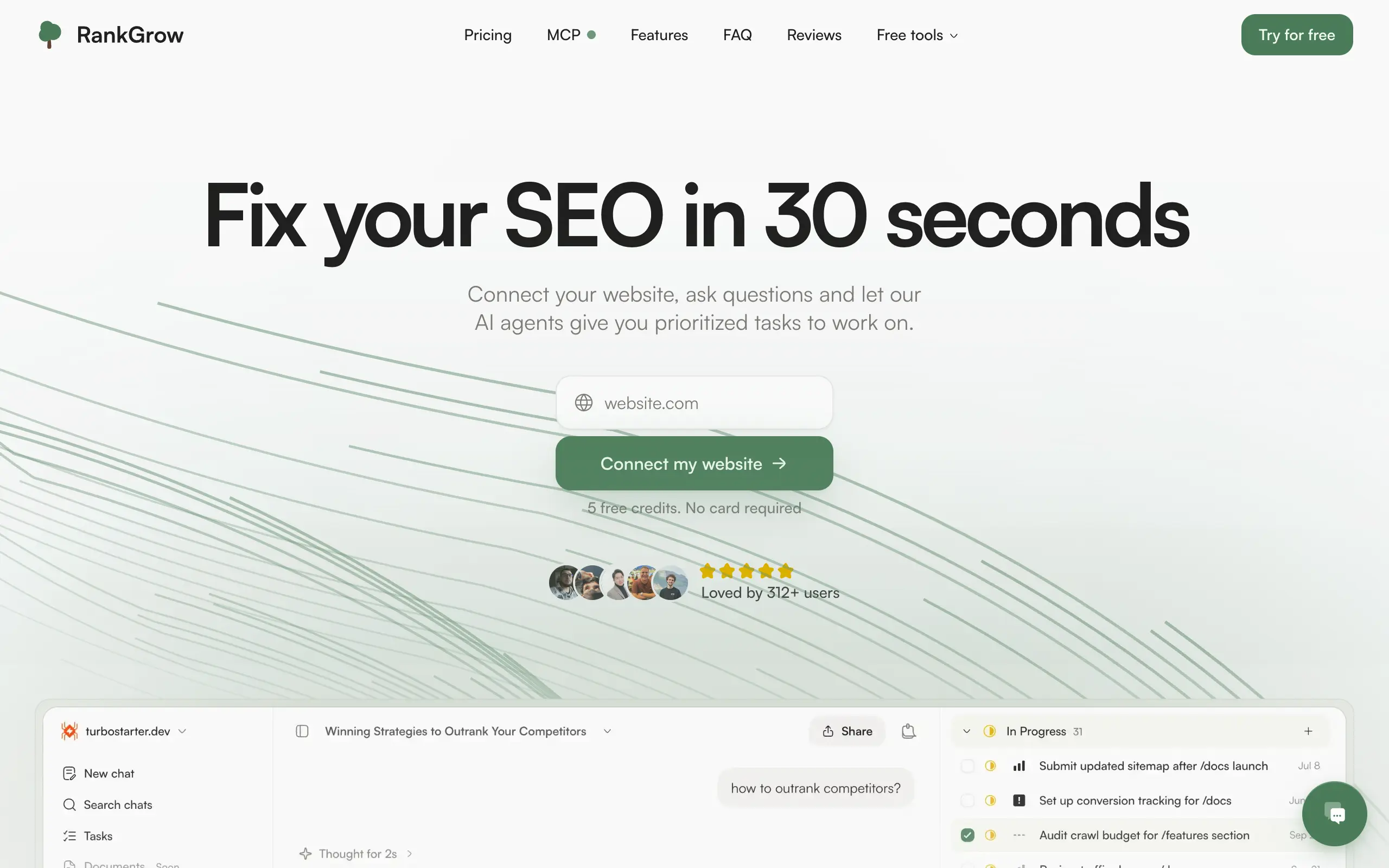
RankGrow
Fix your SEO with AI agents - connect Search Console, get prioritized tasks, and grow organic traffic 📈
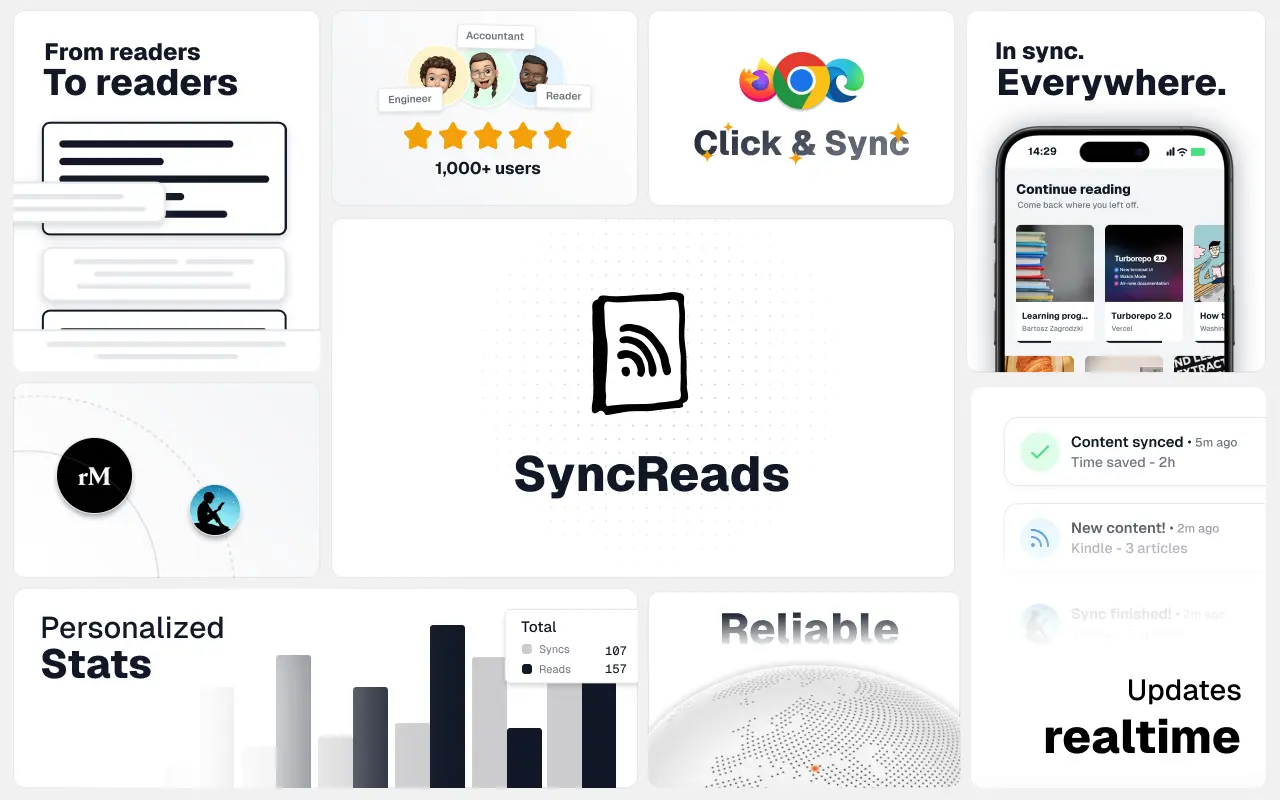
SyncReads
Sync your favorite content for distraction-free reading, save time and replace multiple apps. Anytime, anywhere 🔄
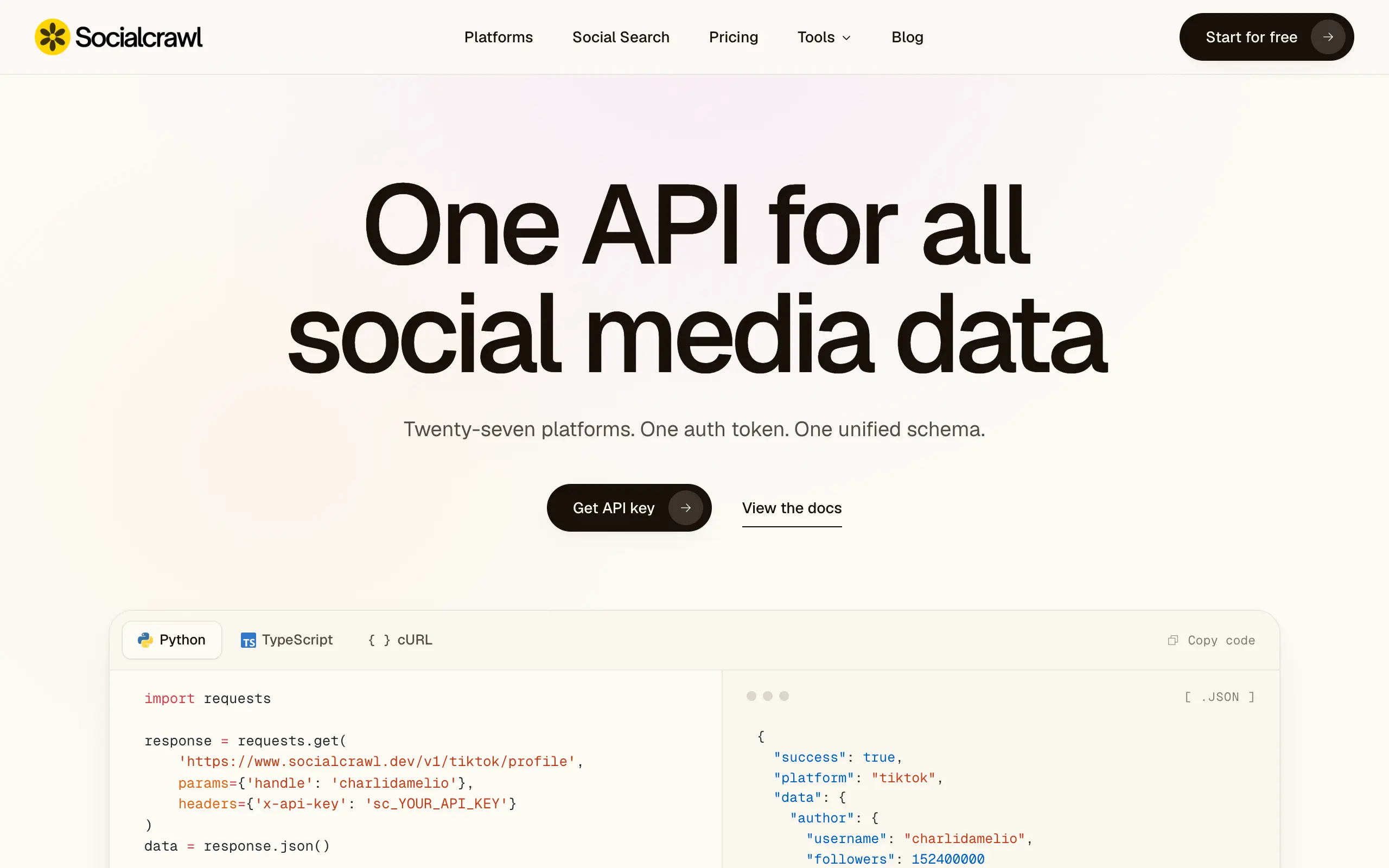
Socialcrawl
Get clean, structured data from 21 platforms like TikTok, Instagram, and YouTube with a single request 📊
Statiko
Monitor any Telegram channel in real time - track posts, edits, deletions, and growth with AI recaps 📡
Shibui
AI website builder - describe your business, pick a niche template, edit by chatting, and publish instantly ✨
Pro Service
Find verified home service professionals, compare quotes, and pay securely through escrow - built for Brazilians across the US 🏠
RankGrow
Fix your SEO with AI agents - connect Search Console, get prioritized tasks, and grow organic traffic 📈
SyncReads
Sync your favorite content for distraction-free reading, save time and replace multiple apps. Anytime, anywhere 🔄
Socialcrawl
Get clean, structured data from 21 platforms like TikTok, Instagram, and YouTube with a single request 📊
Statiko
Monitor any Telegram channel in real time - track posts, edits, deletions, and growth with AI recaps 📡
Shibui
AI website builder - describe your business, pick a niche template, edit by chatting, and publish instantly ✨
Pro Service
Find verified home service professionals, compare quotes, and pay securely through escrow - built for Brazilians across the US 🏠
RankGrow
Fix your SEO with AI agents - connect Search Console, get prioritized tasks, and grow organic traffic 📈
SyncReads
Sync your favorite content for distraction-free reading, save time and replace multiple apps. Anytime, anywhere 🔄
Socialcrawl
Get clean, structured data from 21 platforms like TikTok, Instagram, and YouTube with a single request 📊
Statiko
Monitor any Telegram channel in real time - track posts, edits, deletions, and growth with AI recaps 📡
Shibui
AI website builder - describe your business, pick a niche template, edit by chatting, and publish instantly ✨
Pro Service
Find verified home service professionals, compare quotes, and pay securely through escrow - built for Brazilians across the US 🏠
RankGrow
Fix your SEO with AI agents - connect Search Console, get prioritized tasks, and grow organic traffic 📈
SyncReads
Sync your favorite content for distraction-free reading, save time and replace multiple apps. Anytime, anywhere 🔄
Socialcrawl
Get clean, structured data from 21 platforms like TikTok, Instagram, and YouTube with a single request 📊
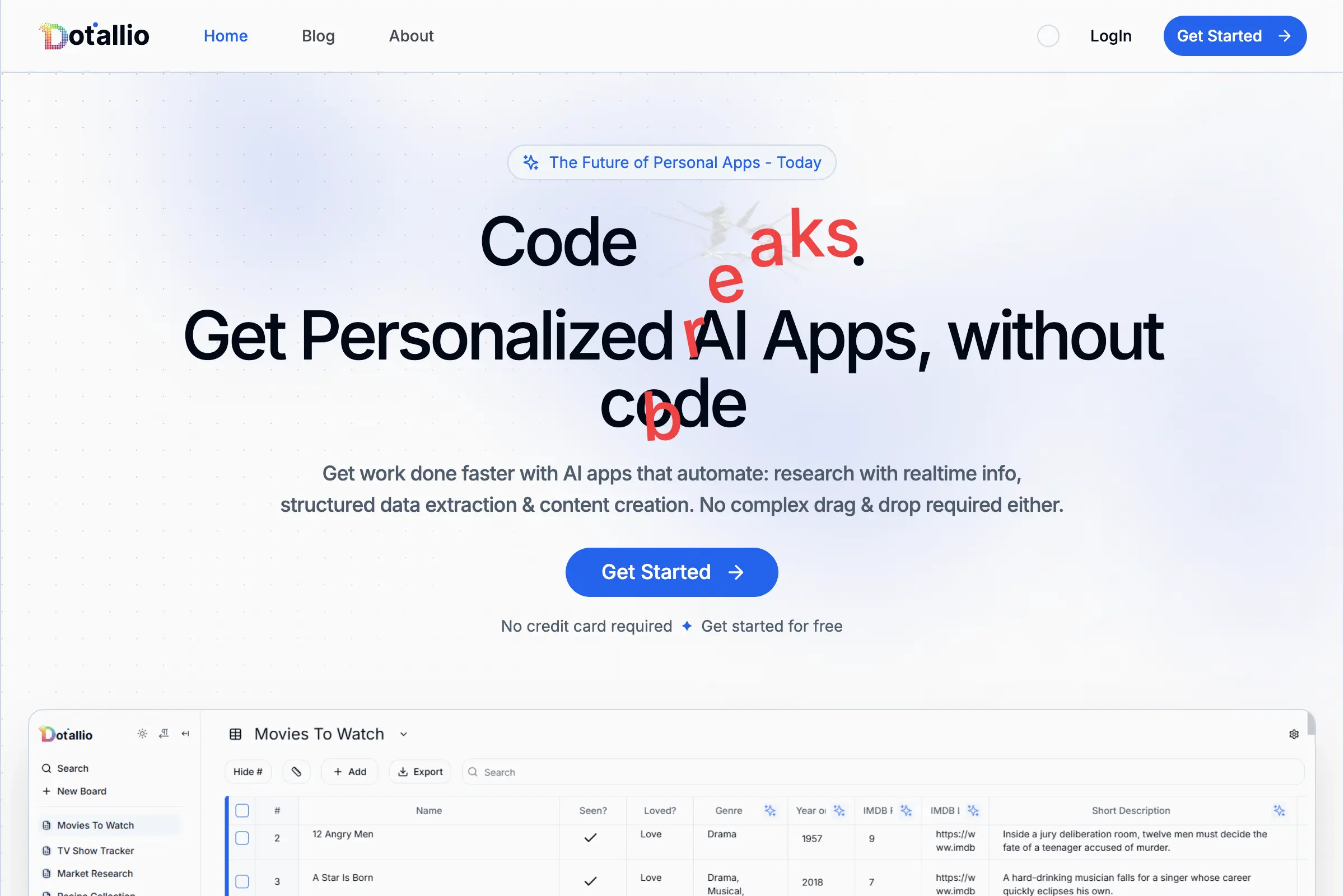
Dotallio
Personalized AI apps that automate research, data extraction, and content creation without code 🤖

Talk to Santa
Enjoy a magical live video chat or receive a unique AI-generated video greeting from Santa Claus 🎅
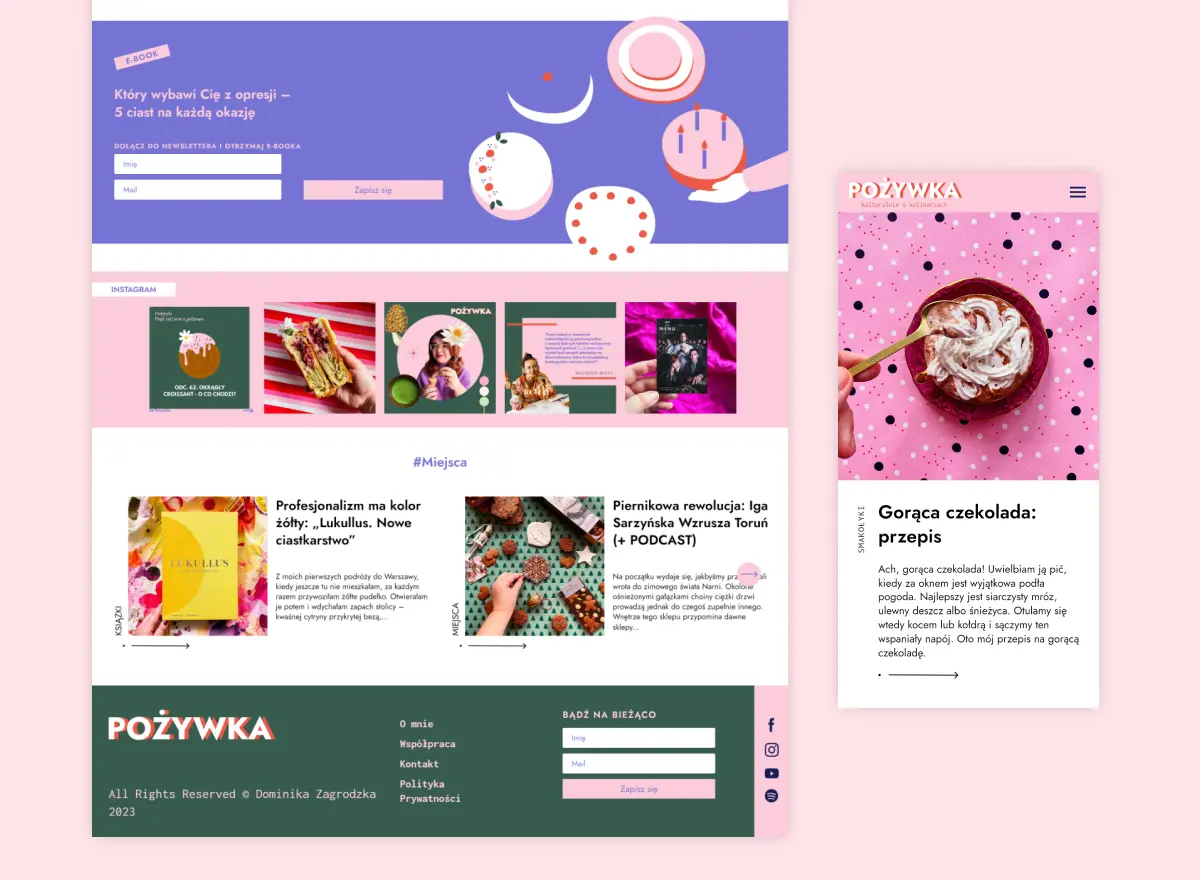
pozywka.pl
Scalable blog for food journalist, focused on performance and user experience 🌭
zagrodzki.me
Personal blog and portfolio of Bart Zagrodzki, where he shares his knowledge and work 💼
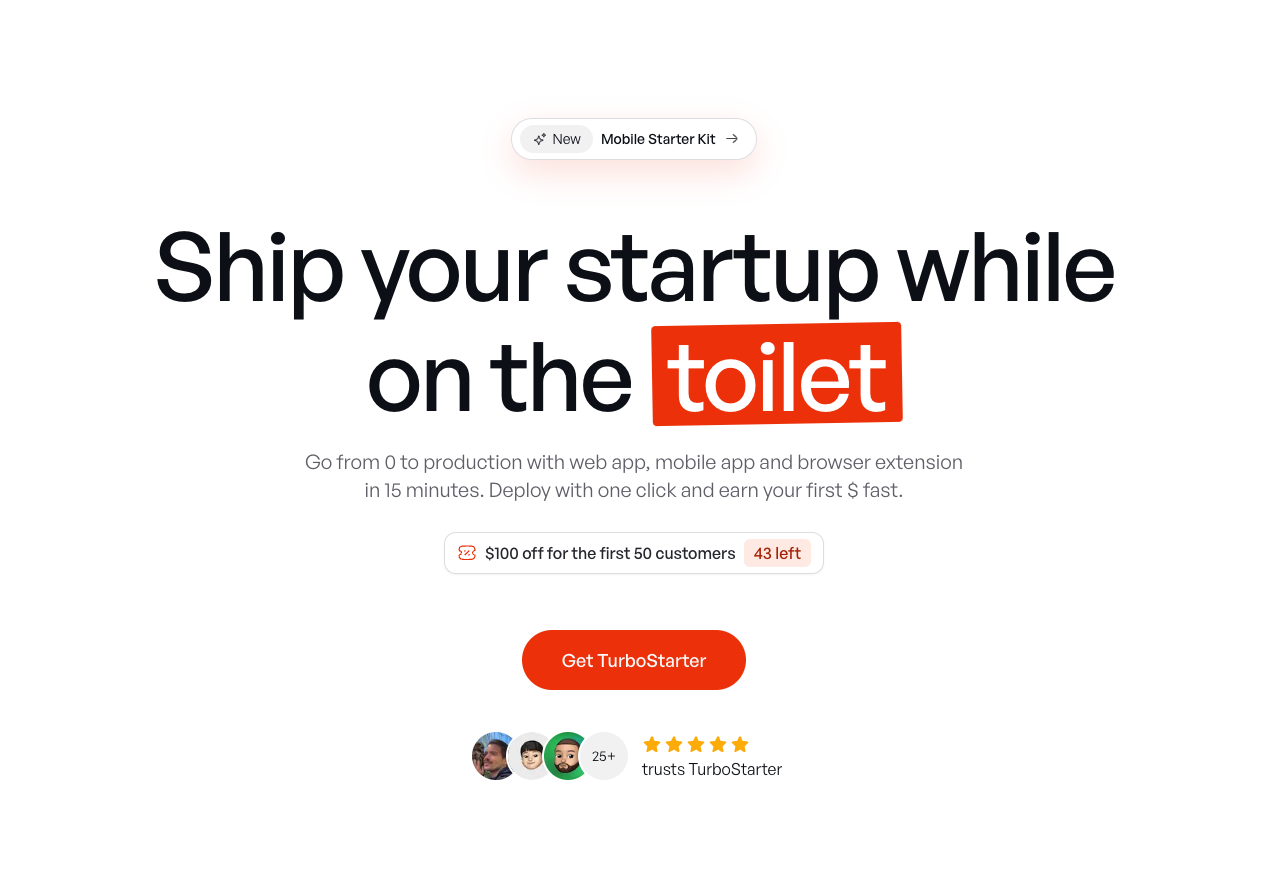
TurboStarter
Ship your startup everywhere. In minutes.
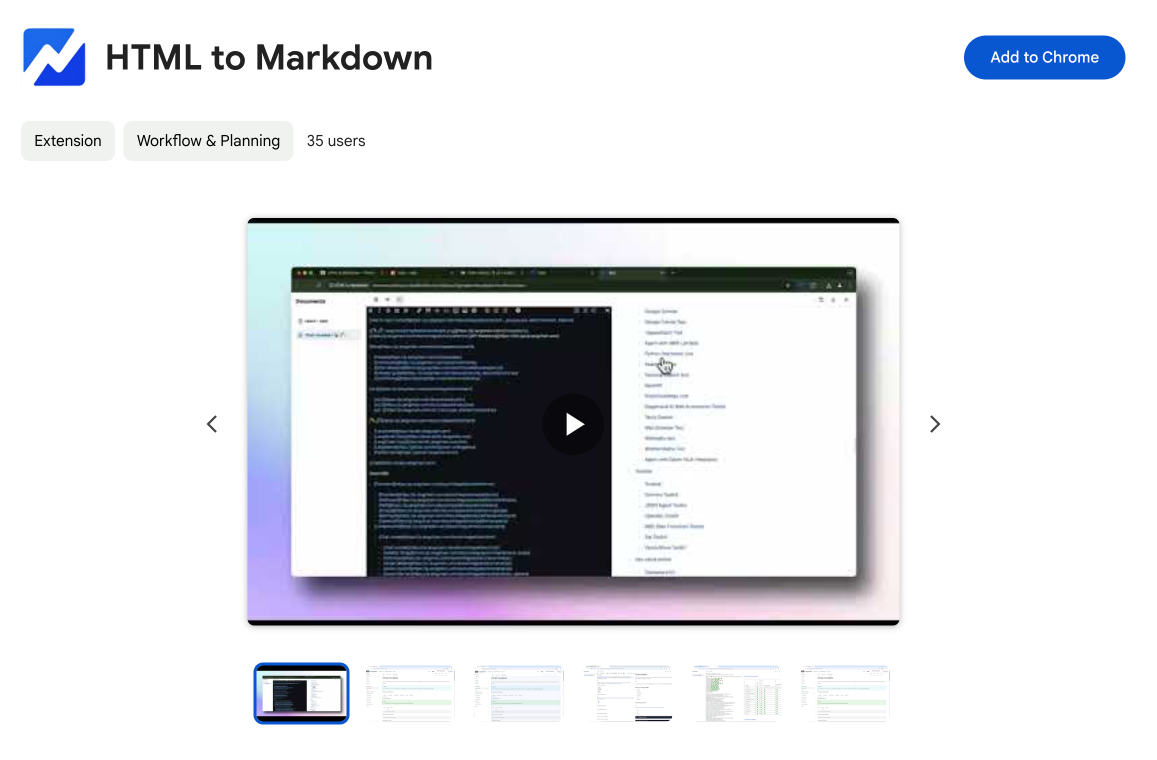
HTML to Markdown
Convert HTML to Markdown with ease, directly in your browser 📄
Dotallio
Personalized AI apps that automate research, data extraction, and content creation without code 🤖
Talk to Santa
Enjoy a magical live video chat or receive a unique AI-generated video greeting from Santa Claus 🎅
pozywka.pl
Scalable blog for food journalist, focused on performance and user experience 🌭
zagrodzki.me
Personal blog and portfolio of Bart Zagrodzki, where he shares his knowledge and work 💼
TurboStarter
Ship your startup everywhere. In minutes.
HTML to Markdown
Convert HTML to Markdown with ease, directly in your browser 📄
Dotallio
Personalized AI apps that automate research, data extraction, and content creation without code 🤖
Talk to Santa
Enjoy a magical live video chat or receive a unique AI-generated video greeting from Santa Claus 🎅
pozywka.pl
Scalable blog for food journalist, focused on performance and user experience 🌭
zagrodzki.me
Personal blog and portfolio of Bart Zagrodzki, where he shares his knowledge and work 💼
TurboStarter
Ship your startup everywhere. In minutes.
HTML to Markdown
Convert HTML to Markdown with ease, directly in your browser 📄
Dotallio
Personalized AI apps that automate research, data extraction, and content creation without code 🤖
Talk to Santa
Enjoy a magical live video chat or receive a unique AI-generated video greeting from Santa Claus 🎅
pozywka.pl
Scalable blog for food journalist, focused on performance and user experience 🌭
zagrodzki.me
Personal blog and portfolio of Bart Zagrodzki, where he shares his knowledge and work 💼
TurboStarter
Ship your startup everywhere. In minutes.
HTML to Markdown
Convert HTML to Markdown with ease, directly in your browser 📄
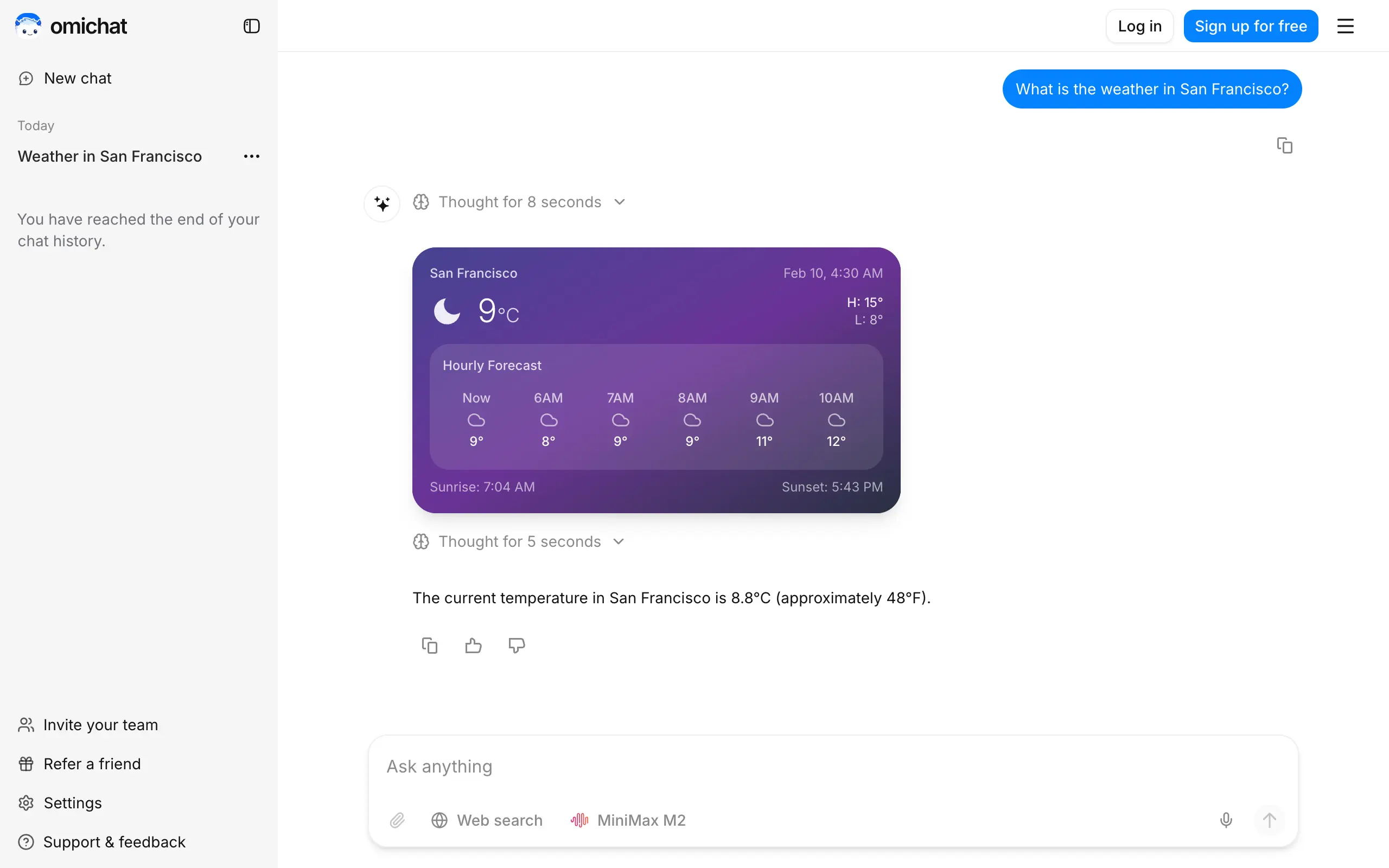
Omichat
Chat with 50+ AI models, including ChatGPT and Claude, in one place - switch models anytime without losing context 🤖
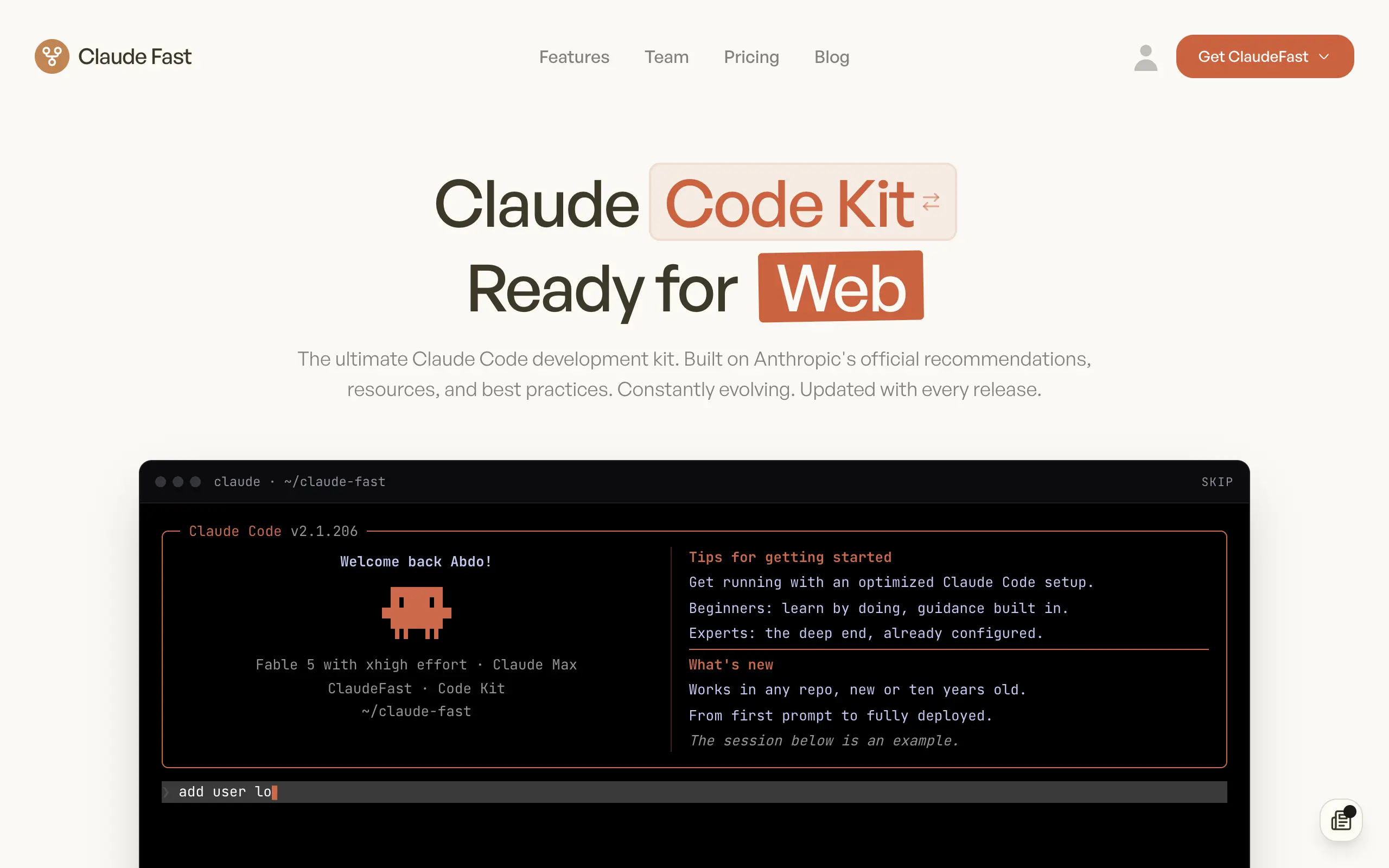
Claude Fast
Supercharge your Claude Code with 6x effective context window and specialized AI agents 🤖
EmojAI
AI-powered emoji picker with smart, context-aware suggestions 🤖
Solohacker
Autonomous company launcher - AI agents work 24/7, escalate what matters, and you stay in control 🤖

BeRawi: Storytelling Coach
Practice storytelling daily with instant feedback to sound clearer, more engaging, and confident 🎤
Omichat
Chat with 50+ AI models, including ChatGPT and Claude, in one place - switch models anytime without losing context 🤖
Claude Fast
Supercharge your Claude Code with 6x effective context window and specialized AI agents 🤖
EmojAI
AI-powered emoji picker with smart, context-aware suggestions 🤖
Solohacker
Autonomous company launcher - AI agents work 24/7, escalate what matters, and you stay in control 🤖
BeRawi: Storytelling Coach
Practice storytelling daily with instant feedback to sound clearer, more engaging, and confident 🎤
Omichat
Chat with 50+ AI models, including ChatGPT and Claude, in one place - switch models anytime without losing context 🤖
Claude Fast
Supercharge your Claude Code with 6x effective context window and specialized AI agents 🤖
EmojAI
AI-powered emoji picker with smart, context-aware suggestions 🤖
Solohacker
Autonomous company launcher - AI agents work 24/7, escalate what matters, and you stay in control 🤖
BeRawi: Storytelling Coach
Practice storytelling daily with instant feedback to sound clearer, more engaging, and confident 🎤
Omichat
Chat with 50+ AI models, including ChatGPT and Claude, in one place - switch models anytime without losing context 🤖
Claude Fast
Supercharge your Claude Code with 6x effective context window and specialized AI agents 🤖
EmojAI
AI-powered emoji picker with smart, context-aware suggestions 🤖
Solohacker
Autonomous company launcher - AI agents work 24/7, escalate what matters, and you stay in control 🤖
BeRawi: Storytelling Coach
Practice storytelling daily with instant feedback to sound clearer, more engaging, and confident 🎤

Connect with like-minded people
Join our community to get feedback, support, and grow together with 1,000+ builders on board, let's ship it!
Join usShip your startup everywhere. In minutes.
Don't burn tokens on setup and start building features on day one.