ShiftNest
AI volunteer coordinator that matches people to shifts by skills and availability. It cuts last-minute gaps caused by scattered sign-ups and manual follow-ups.
What is an AI volunteer coordinator?
ShiftNest is an AI volunteer coordinator designed to match people with volunteer shifts based on their skills, availability, preferences, and an organization’s staffing needs. Its goal is to reduce the last-minute gaps that happen when sign-ups live in spreadsheets, email threads, forms, and messaging apps.
The product sits at the intersection of volunteer management software, shift scheduling, and AI-assisted coordination. Instead of asking coordinators to manually compare availability against role requirements, ShiftNest can recommend suitable volunteers, flag unfilled shifts, and help send timely follow-ups.
The opportunity is not to automate the human side of volunteering. It is to give coordinators more time for it. A good product should make it easier to welcome people, understand what motivates them, and put them in roles where they can contribute confidently.
The product promise
ShiftNest helps volunteer-led organizations fill shifts more reliably by turning scattered sign-ups and manual follow-ups into a coordinated, skills-aware scheduling workflow.
The problem ShiftNest solves
Volunteer coordination can look simple from the outside: publish an event, collect sign-ups, and assign people to available shifts. In practice, each step creates operational work.
A coordinator may need to:
- Collect sign-ups from a form, email, spreadsheet, or social media post.
- Check whether each volunteer is available at the required time.
- Confirm that someone has the experience or training needed for a particular role.
- Avoid scheduling someone for overlapping shifts.
- Remind volunteers of their commitments.
- Find replacements when someone cancels.
- Keep attendance and contact details up to date.
- Answer questions from volunteers who are unsure where to go or what to bring.
These tasks become especially difficult when an organization runs multiple events or depends on a small team of coordinators. Information can be duplicated, missed, or left out of date. A volunteer may believe they signed up, while the coordinator’s spreadsheet says otherwise. A shift may appear full but still lack someone with the right qualification.
The most painful problem is often not the initial scheduling. It is the uncertainty between sign-up and show-up. Coordinators need to know who is confirmed, who needs a reminder, and what to do when a person cannot attend.
ShiftNest can address that coordination burden with a central system that connects volunteer profiles, shift requirements, availability, assignments, and communications.
Who is the target audience for ShiftNest?
ShiftNest should begin with organizations that schedule volunteers repeatedly and have enough coordination complexity to feel the cost of manual processes.
Nonprofits and community organizations
Local nonprofits often rely on volunteers for food distribution, community events, mentoring programs, fundraising, outreach, and administrative support. Their teams may be small, and their software budgets may be limited.
For these organizations, ShiftNest should prioritize ease of use, low setup effort, and clear visibility into upcoming staffing needs. A coordinator should be able to create an event, define shifts, invite volunteers, and understand coverage without learning a complex enterprise system.
Event organizers
Festivals, races, conferences, cultural events, and community fairs may need many people across locations and time slots. Their requirements can change quickly as attendance estimates, venue layouts, and event plans evolve.
Event organizers need a way to identify coverage gaps by role, time, and location. They also benefit from tools that help manage check-in, broadcast urgent requests, and find replacements when schedules change.
Schools, universities, and parent organizations
Schools and campus groups coordinate volunteers for activities such as field trips, fundraisers, performances, sports events, and community programs. Some positions may require specific qualifications, permissions, or background checks.
For this audience, ShiftNest should make role requirements explicit and help administrators avoid assigning people to roles they are not approved to perform. It should also support recurring events and shared access for multiple organizers.
Faith communities and mutual-aid groups
Faith communities and mutual-aid organizations often coordinate recurring services, meal programs, neighborhood support, and emergency response. Their volunteers may have different levels of availability and may prefer particular kinds of work.
ShiftNest can help these groups match people to roles without making the process feel impersonal. Flexible scheduling, straightforward communication, and a mobile-friendly volunteer experience may matter more than advanced reporting at first.
Volunteer coordinators and operations leads
The direct user is often the person responsible for staffing an activity. This person may not have a formal technology background. They need to make decisions quickly and see what requires attention.
The best interface should answer practical questions immediately:
- Which shifts are still open?
- Which roles need a particular skill or qualification?
- Who has not confirmed?
- Which volunteers are available at the required time?
- What happens if a confirmed volunteer cancels?
- Which assignments still need human review?
The market opportunity and product gap
Volunteer software is not a blank market. Organizations can already use spreadsheets, form builders, calendar tools, email platforms, messaging apps, and dedicated volunteer management products. ShiftNest must therefore offer a clear improvement over the tools organizations already know.
The opportunity is in reducing coordination effort across the entire shift lifecycle, rather than providing one more place to store volunteer names.
Many existing workflows are fragmented. An organization may collect sign-ups in one tool, maintain availability in a spreadsheet, send reminders through email, and track attendance at the event. Even when a dedicated platform is available, small organizations may find that its setup, feature set, or pricing does not fit their needs.
ShiftNest can focus on the gap between registration and reliable staffing:
- Gather skills, availability, and preferences in a usable volunteer profile.
- Convert event needs into clearly defined roles and shifts.
- Recommend suitable matches while making the reasoning visible.
- Help coordinators resolve unfilled or conflicting assignments.
- Keep volunteers informed about confirmations, reminders, and changes.
- Learn from outcomes so future planning becomes more accurate.
The product should not assume that “AI” alone is a competitive advantage. Volunteer coordinators will care more about whether the system saves time, reduces confusion, and helps people show up prepared. AI is valuable when it makes a concrete workflow faster or more reliable.
Core features for an AI volunteer coordinator
A strong first version should center on the full path from volunteer registration to shift completion. The following features provide a practical foundation.
Volunteer profiles with skills and preferences
Each volunteer profile should include useful details such as:
- Contact information and preferred communication method.
- Skills, interests, and languages.
- Availability and scheduling constraints.
- Preferred locations or types of activity.
- Relevant qualifications or training status.
- Accessibility or accommodation needs, when voluntarily provided and appropriate.
- Participation history and past assignments.
Keep the profile focused. Asking for too much information at sign-up creates friction and may discourage volunteers. Collect only what the organization needs, explain why it is needed, and let volunteers update it later.
Qualifications and sensitive information require particular care. ShiftNest should not treat a free-text description as proof that someone is certified or approved for a role. The organization should control how credentials are verified and who can see them.
Shift and role creation
Coordinators should be able to define an event, its locations, the roles required, and the shifts associated with each role. A shift might include:
- Date and time.
- Location and arrival instructions.
- Number of volunteers required.
- Skills or qualifications needed.
- Physical or accessibility requirements, if relevant.
- Coordinator contact details.
- Notes about equipment, clothing, or preparation.
The system should make the relationship between an event, a role, and a shift easy to understand. A role describes the kind of work. A shift describes when and where that work happens.
AI-assisted volunteer matching
The matching engine should compare role requirements with volunteer availability, skills, preferences, and scheduling constraints. It should produce recommendations that a coordinator can review rather than silently assigning people.
A useful match explanation might say that a volunteer is recommended because they are available, have the requested language skill, and have previously completed a similar assignment. Explanations build trust and help coordinators catch bad assumptions.
The matching process should account for constraints in a clear order:
- Eligibility: Does the volunteer meet any required qualifications?
- Availability: Can the person attend the full shift?
- Conflict checking: Would the assignment overlap another commitment?
- Fit: Do their skills and preferences align with the role?
- Fairness and distribution: Are assignments being shared reasonably across volunteers?
- Coordinator review: Is there any context the system cannot know?
AI recommendations should not override safety rules or organizational policies. If a role requires an approved credential, the system should treat that requirement as a hard constraint, not a preference.
Coverage dashboard and gap alerts
The coordinator’s dashboard should make staffing status visible at a glance. Useful views include:
- Open shifts and remaining volunteer capacity.
- Shifts awaiting confirmation.
- Roles with specific qualification gaps.
- Volunteers who have canceled or not responded.
- Upcoming shifts that need attention first.
- Coverage by date, location, or event.
A good dashboard prioritizes action. It should not merely report that a shift is unfilled; it should help the coordinator decide what to do next, such as invite eligible volunteers or send a targeted availability request.
Invitations, confirmations, and reminders
ShiftNest should support the communication steps that turn a suggested match into a confirmed assignment. Coordinators may need to invite volunteers, wait for responses, send reminders, and share updated instructions.
Messages should be concise and include the details volunteers need: the shift time, location, role, confirmation status, and a clear way to respond. Organizations should be able to configure reminder timing and avoid sending excessive notifications.
Cancellation and replacement workflows
Cancellations are inevitable. The product should make the replacement process manageable by identifying qualified, available volunteers who have not been assigned elsewhere. It can then suggest people to contact in an appropriate order.
A replacement workflow should preserve coordinator control. An AI recommendation should not automatically contact a volunteer unless the organization has enabled that behavior and the volunteer has agreed to receive such messages.
Event check-in and attendance
Attendance data helps organizations understand whether their schedule worked. A simple check-in flow can record who arrived, who was absent, and whether the shift started or ended as expected.
For an initial product, a mobile-friendly check-in page may be enough. More advanced versions could support QR codes or team check-in, but those features should follow evidence that customers need them.
Reports and operational insights
Useful reports should answer questions that lead to better planning:
- Which shifts are consistently difficult to fill?
- How often do volunteers cancel?
- How many people return for another event?
- Which roles have the highest no-show rate?
- How long does it take to fill a typical shift?
- Are some volunteer groups receiving a disproportionate share of assignments?
Reports should avoid implying that a person’s value can be reduced to a score. The purpose is to improve the organization’s processes, not to rank volunteers unfairly.
How ShiftNest’s AI should work
The safest and most practical approach is to use a hybrid matching system. Deterministic rules handle hard constraints, while AI helps interpret less structured information and prioritize recommendations.
For example, a role may require a verified first-aid qualification. That requirement should be checked with a rule against a verified profile field. AI can then help rank eligible volunteers based on availability, interests, travel preferences, or prior experience.
This separation matters because generative AI can produce plausible but incorrect output. A language model should not be the final authority on eligibility, overlapping shifts, or capacity limits.
A simplified matching score could combine several factors:
type Volunteer = {
  id: string;
  availableShiftIds: string[];
  skills: string[];
  preferredRoleIds: string[];
  verifiedQualifications: string[];
};

type Shift = {
  id: string;
  requiredSkills: string[];
  requiredQualifications: string[];
  roleId: string;
  capacity: number;
};

function scoreVolunteerForShift(
  volunteer: Volunteer,
  shift: Shift,
): number | null {
  const hasRequiredQualifications =
    shift.requiredQualifications.every((qualification) =>
      volunteer.verifiedQualifications.includes(qualification),
    );

  if (!hasRequiredQualifications) {
    return null;
  }

  if (!volunteer.availableShiftIds.includes(shift.id)) {
    return null;
  }

  const matchingSkills = shift.requiredSkills.filter((skill) =>
    volunteer.skills.includes(skill),
  ).length;

  const preferredRoleBonus =
    volunteer.preferredRoleIds.includes(shift.roleId) ? 2 : 0;

  return matchingSkills + preferredRoleBonus;
}
This example is intentionally simple. A production system would also need to handle capacity, conflicts, organization-specific rules, data quality, and transparent recommendation explanations. Most importantly, it should be tested against real coordination scenarios before its suggestions influence live assignments.
Keep human judgment in the loop
Volunteers are people, not interchangeable capacity. A coordinator may know that a person is new, needs a particular accommodation, or would benefit from a certain assignment. The product should make room for that context.
Human review is especially important when:
- A role has safety, safeguarding, or legal requirements.
- A match depends on sensitive or incomplete information.
- Volunteers have requested accommodations.
- An assignment could create an excessive burden for one person.
- A model’s recommendation is difficult to explain.
Competitive advantage and positioning
ShiftNest’s strongest position is not “another volunteer database.” It is an AI-assisted shift coordination layer that helps organizations move from sign-up data to staffed, confirmed shifts.
| Capability | Spreadsheet workflow | Generic form and calendar tools | ShiftNest opportunity |
|---|---|---|---|
| Collect volunteer details | Possible, but often fragmented | Usually possible | Centralized volunteer profiles |
| Track role requirements | Manual and inconsistent | Limited | Structured skills and qualification needs |
| Check availability conflicts | Manual review | Often limited | Automated constraint checks |
| Recommend suitable volunteers | Coordinator judgment only | Usually not included | Explainable AI-assisted matching |
| Find coverage gaps | Requires manual inspection | May require workarounds | Prioritized coverage dashboard |
| Handle cancellations | Ad hoc messages | Separate process | Replacement suggestions and follow-up |
| Support human oversight | Yes, but without automation | Varies | Coordinator review remains central |
The table describes a product opportunity, not a claim that every competing product lacks these features. A proper competitive analysis should compare current products directly, using their published feature lists, pricing, and trial experience.
A defensible unique selling proposition
A useful USP for ShiftNest could be:
ShiftNest helps volunteer coordinators fill the right shifts with the right people by combining availability, skills, and role requirements in one reviewable workflow.
That promise is specific enough to guide product decisions. It also avoids overclaiming that AI can guarantee attendance or eliminate the need for coordinators.
The strongest long-term advantages may come from:
- A workflow designed around volunteer coordination rather than general employee scheduling.
- Trustworthy, transparent recommendations.
- A low-friction experience for both volunteers and coordinators.
- Strong handling of cancellations and last-minute gaps.
- Reliable integrations with the tools organizations already use.
- Clear privacy controls and responsible treatment of volunteer data.
Recommended technology stack
The first version should use a stack that supports fast iteration without making sensitive data or scheduling logic difficult to manage.
Web application and user interface
React is a strong choice for the user interface, particularly for interactive dashboards, volunteer forms, and schedule views. A framework such as Next.js can provide routing, server-side capabilities, and a clear structure for a production web app.
TypeScript is useful for modeling volunteers, roles, shifts, assignments, and permissions. Strong typing can reduce errors in workflows where an incorrect assignment or missing requirement could affect event operations.
A utility framework such as Tailwind CSS can help a small team build a consistent interface quickly. The trade-off is that teams need to maintain design discipline so the interface does not become a collection of inconsistent utility classes.
Database and backend
A relational database such as PostgreSQL is a natural fit for organizations, users, volunteers, events, roles, shifts, and assignments. These entities have clear relationships, and coordinators will need reliable querying for availability, conflicts, and coverage.
A managed backend platform such as Supabase can reduce the effort required for database hosting, authentication, and storage. Its trade-off is platform dependency: the team should understand how to export data and move core business logic if product requirements outgrow the managed platform.
Scheduling logic should be implemented and tested on the server. Avoid relying on client-side calculations for assignment eligibility or conflict detection, because clients can be stale, modified, or inconsistent.
AI and matching services
AI can be introduced in stages:
- Begin with deterministic rules for availability, qualification checks, capacity, and conflicts.
- Add ranking to prioritize eligible volunteers by skills and preferences.
- Use language models for optional tasks such as summarizing role descriptions or helping coordinators draft messages.
- Evaluate more advanced recommendations only after collecting enough appropriate, consented, and well-governed data.
If using an external model provider, review its data handling, retention settings, security documentation, and contractual terms. Do not send sensitive volunteer information to an AI service unless the organization has a legitimate basis to do so and the system’s privacy commitments support it.
Notifications and payments
Email is a practical first notification channel. SMS can be valuable for urgent schedule changes, but it adds cost and may require additional consent and regional compliance work. Let organizations choose their communication settings and give volunteers a way to manage preferences.
Stripe can support subscription billing if ShiftNest chooses a paid SaaS model. Billing should remain separate from volunteer scheduling logic so the product can change plans or pricing without rewriting its core workflows.
A practical architecture
A small-team architecture could include:
- A responsive web application for coordinators and volunteers.
- A relational database for organizations, profiles, shifts, and assignments.
- Server-side scheduling and authorization logic.
- A background job system for reminders and follow-ups.
- An email provider for transactional notifications.
- Optional AI services for explainable suggestions and text assistance.
- Audit logs for important changes to assignments and permissions.
Monetization strategy options
Volunteer organizations vary considerably in size and budget. Pricing should reflect the value ShiftNest provides while keeping essential coordination accessible.
Tiered subscription plans
A tiered model can serve organizations at different levels of complexity:
- A free or low-cost plan for small groups with a limited number of active events or coordinators.
- A standard plan for organizations that need recurring schedules, reminders, and basic reporting.
- A higher-tier plan for larger organizations that need multiple teams, advanced permissions, integrations, or custom workflows.
Avoid making basic accessibility, privacy, or data export features available only to the most expensive plan. Those capabilities build trust and should be considered part of a responsible product.
Pricing by organization size or active volunteers
Charging by the number of active volunteers can be easy to understand, but it may discourage an organization from inviting more people. A pricing model based on active events, coordinator seats, or monthly shift volume may align better with the actual operational burden.
Test how customers perceive each pricing unit. If a pricing metric feels unpredictable or penalizes participation, it may undermine adoption.
Annual contracts for larger organizations
Larger nonprofits, universities, and event operators may prefer annual agreements, invoicing, and procurement support. This can create more predictable revenue, but it also increases sales and onboarding requirements.
Do not pursue enterprise contracts before the product can handle permission controls, data retention, support expectations, and implementation needs reliably.
Paid onboarding and services
Some organizations may need help importing existing volunteer data, setting up roles, or designing their first event workflow. Paid onboarding can generate revenue while improving activation, provided that the process is repeatable and does not turn the company into a custom-services business.
Risks and how to mitigate them
Poor or incomplete data
An AI matching system can only make useful recommendations when volunteer availability and role requirements are accurate. Old profiles, vague skills, and missing qualifications can produce unreliable results.
Mitigation: Let volunteers update their information easily, show coordinators when profile data was last confirmed, and distinguish verified qualifications from self-reported skills.
Bias in recommendations
A ranking system could repeatedly favor volunteers with more recorded history, greater availability, or profiles that match past patterns. This may disadvantage new volunteers or people with limited schedules.
Mitigation: Make ranking factors visible, monitor assignment distribution, give coordinators ways to adjust recommendations, and avoid treating past participation as the only measure of suitability. Include new volunteers in appropriate suggestions.
Privacy and sensitive information
Volunteer records may contain contact details, availability, accommodation requests, qualifications, and other personal information. Organizations need to know who can access that data and why.
Mitigation: Collect the minimum necessary information, use role-based access controls, protect data in transit and at rest, document retention practices, and provide clear deletion and export processes. Consult qualified privacy counsel about requirements in the regions where the product operates.
AI overreach
If ShiftNest presents recommendations as guaranteed matches or automatically assigns people without appropriate controls, coordinators may lose trust. Errors could also create safety or operational problems.
Mitigation: Keep hard eligibility checks deterministic, make suggestions explainable, and provide a clear human approval step. Measure recommendation quality and allow organizations to disable AI features.
Last-minute communication failures
A reminder is not useful if the message goes to the wrong person, arrives too late, or lacks event details. Messaging also creates cost and consent considerations.
Mitigation: Verify contact details, support configurable reminders, track delivery status where available, and provide a clear fallback process for urgent changes.
Long sales cycles and limited budgets
Some organizations have little software budget and complex approval processes. A product can be genuinely useful yet difficult to sell if the buyer cannot identify a clear return.
Mitigation: Start with organizations that feel the coordination burden frequently, offer a fast setup path, and demonstrate time saved through real pilot results rather than broad claims.
Integrations and migration challenges
Organizations may already have volunteer data in spreadsheets or another platform. Requiring a complete manual re-entry can block adoption.
Mitigation: Support practical CSV imports early, validate data before importing, and provide a preview that highlights duplicates or missing information. Add deeper integrations based on repeated customer requests.
How to validate ShiftNest before building too much
The riskiest assumption is not whether volunteer organizations have scheduling problems. It is whether they will adopt a new tool and change their existing process.
Start with discovery interviews and workflow observation. Speak with volunteer coordinators, event leads, and volunteers. Ask participants to walk through the last event they staffed, including what happened when a shift was unfilled or someone canceled.
Useful discovery questions include:
- How do you currently collect sign-ups?
- Where do you store availability and skills?
- Which part of scheduling takes the most time?
- What happens when a volunteer cancels?
- How do you know which shifts need attention?
- What information do volunteers often ask for?
- Which tools would you need ShiftNest to work alongside?
- Who would approve and pay for a new system?
- What would make you unwilling to use AI recommendations?
Look for repeated behaviors and concrete examples, not just positive reactions to the idea. A coordinator saying “that sounds helpful” is weaker evidence than a coordinator sharing a spreadsheet, describing a recent coverage failure, and agreeing to test a prototype with a real event.
A useful validation sequence is:
- Interview a focused group of coordinators in one or two organization types.
- Map their current workflow, including exceptions and last-minute changes.
- Test a clickable prototype of event setup, coverage review, and volunteer confirmation.
- Run a concierge pilot in which the team manually supports matching behind the scenes.
- Measure whether the pilot reduces coordination work or improves coverage.
- Ask organizations to commit to a paid pilot or a clear next step.
Actionable implementation steps
Step 1: Choose a narrow starting segment
Do not launch to every organization that uses volunteers. Select a segment with repeated events and a clear staffing challenge, such as community events, food distribution programs, or recurring nonprofit activities.
A narrow segment makes it easier to understand terminology, workflows, integrations, and buying decisions.
Step 2: Define the minimum viable workflow
The first release should enable an organization to:
- Create an event and define shifts.
- Invite volunteers or import their details.
- Record skills, availability, and required qualifications.
- Review eligible match suggestions.
- Confirm assignments and send reminders.
- Identify open shifts and respond to cancellations.
- Record attendance and review basic outcomes.
This scope tests the core value proposition without overbuilding analytics, automation, or integrations before customers need them.
Step 3: Establish trust and privacy requirements
Before launch, define what data ShiftNest collects, who can access it, how long it is retained, and how organizations can export or remove it. Build permissions and auditability into the data model rather than treating them as later enhancements.
Give volunteers understandable explanations of how their information is used. Make it easy to correct availability and communication preferences.
Step 4: Build the scheduling foundation before advanced AI
Implement role requirements, availability checks, capacity limits, and conflict detection first. These rules create a dependable baseline and make it possible to evaluate whether AI improves the process.
Then add explainable ranking. Keep the first recommendations simple enough that coordinators can understand why a person was suggested.
Step 5: Pilot with real events
Choose a small number of organizations willing to use ShiftNest for live activities. Provide close support, but do not hide product problems by doing all the work manually.
Track outcomes such as:
- Time spent coordinating each event.
- Percentage of shifts filled before the event.
- Number of manual follow-ups required.
- Cancellation and replacement frequency.
- Volunteer confirmation and attendance rates.
- Coordinator satisfaction after each event.
These measures will help distinguish a useful product from a promising demo. Interpret them in context: event size, volunteer familiarity, and seasonal patterns can affect results.
Step 6: Improve onboarding and repeat usage
After the pilot, identify where users hesitate. If coordinators abandon setup, simplify the event creation flow. If volunteers miss reminders, improve message clarity and timing. If recommendations are ignored, investigate whether the ranking is weak or the explanations are not trustworthy.
Prioritize improvements that reduce friction in the core workflow. Add integrations and advanced reporting when multiple customers identify the same need.
Step 7: Choose a pricing model and prove value
Test pricing with actual buyers. Explain what is included, which organizations the plan suits, and what happens as the team grows. Look for willingness to pay tied to a specific operational outcome, such as reducing coordinator workload or improving event coverage.
Avoid basing the product’s value on vague promises of “AI efficiency.” Show the workflow improvement and the results customers can verify.
Step 8: Prepare for repeatable growth
Once the product works for a focused segment, document onboarding, support, data migration, and customer feedback processes. Build partnerships with nonprofit networks or event communities only when the product can serve the organizations those partners introduce.
For a faster path from product concept to launch, TurboStarter can provide a starting point for building a SaaS application, leaving more time to validate ShiftNest’s scheduling workflow and customer needs.
The outlook for ShiftNest
ShiftNest has a promising product direction because it focuses AI on a specific, recurring operational problem: matching volunteers to shifts and helping coordinators respond when plans change. Its success will depend less on how sophisticated the AI sounds and more on whether organizations trust its recommendations, volunteers find the experience clear, and coordinators can reliably fill the roles they need.
The strongest path is to start with a narrow customer segment, build dependable scheduling rules, and make recommendations transparent and reviewable. From there, ShiftNest can expand its automation in response to real usage rather than assumptions.
A volunteer coordinator should remain in control. The software should handle repetitive comparisons and follow-ups so people can focus on welcoming volunteers, supporting events, and serving their communities.
More 🤖 AI Startup SaaS ideas
Discover more innovative ai startup SaaS ideas that are trending in 2026. Each idea is AI-generated with market validation and growth potential to help you find your next profitable venture faster than competitors.
Your competitors are building with TurboStarter
Below are some of the SaaS ideas that have been generated and built with our starter kit.

Statiko
Monitor any Telegram channel in real time - track posts, edits, deletions, and growth with AI recaps 📡

Shibui
AI website builder - describe your business, pick a niche template, edit by chatting, and publish instantly ✨

Pro Service
Find verified home service professionals, compare quotes, and pay securely through escrow - built for Brazilians across the US 🏠
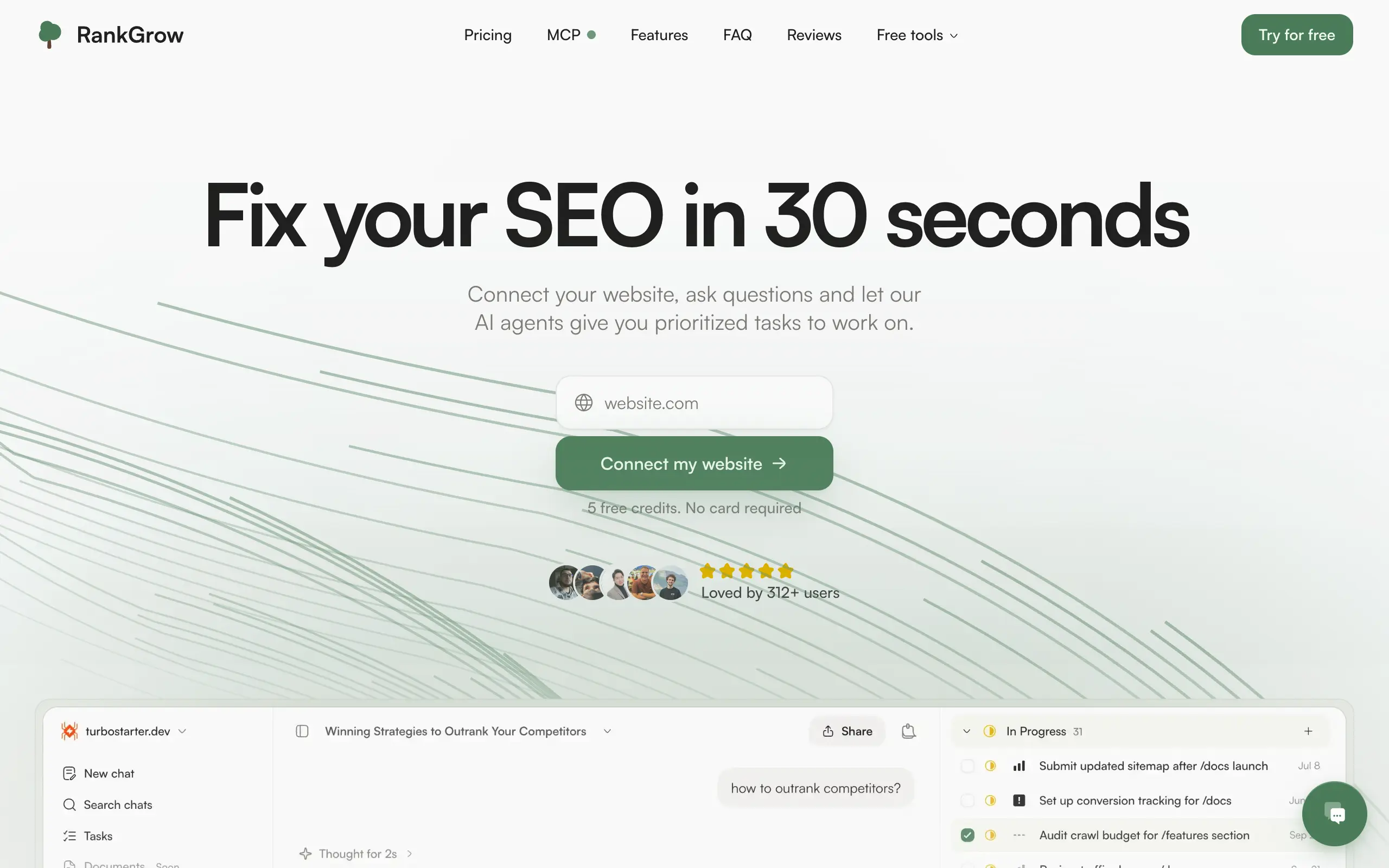
RankGrow
Fix your SEO with AI agents - connect Search Console, get prioritized tasks, and grow organic traffic 📈
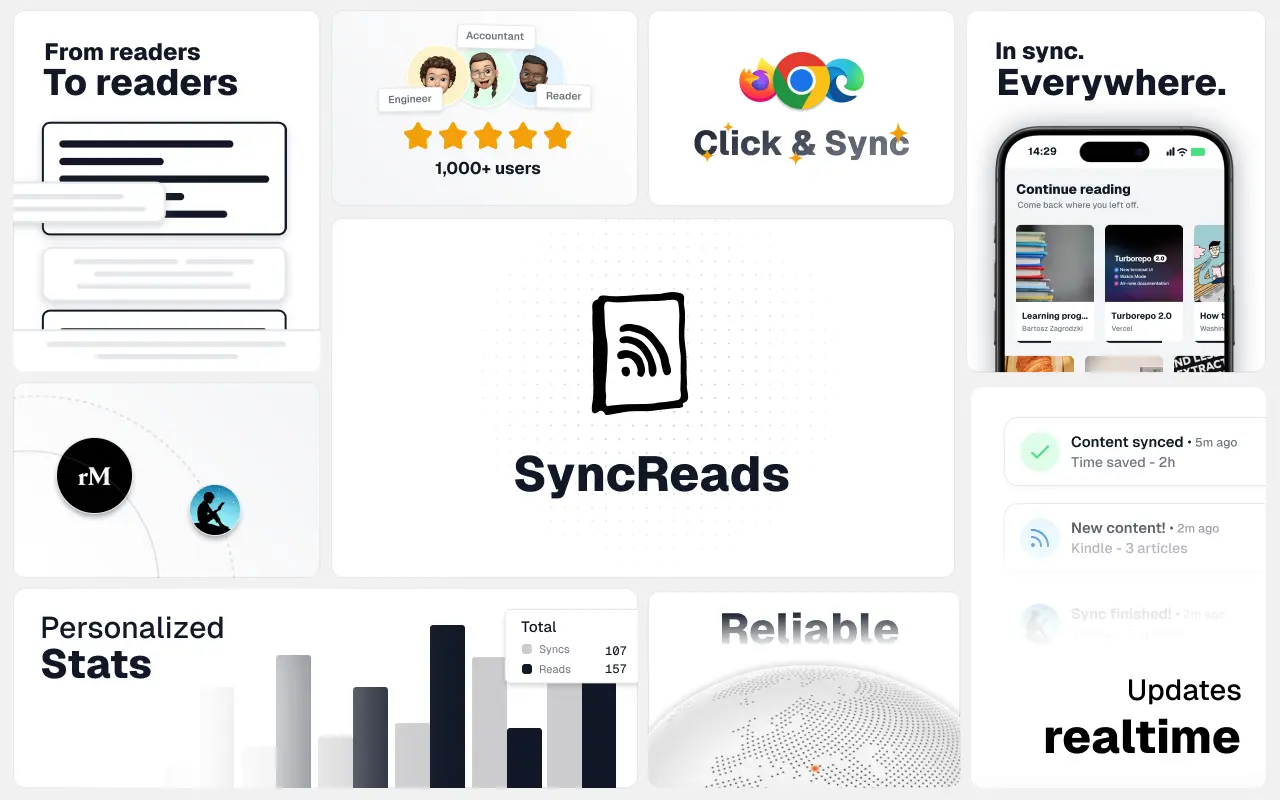
SyncReads
Sync your favorite content for distraction-free reading, save time and replace multiple apps. Anytime, anywhere 🔄
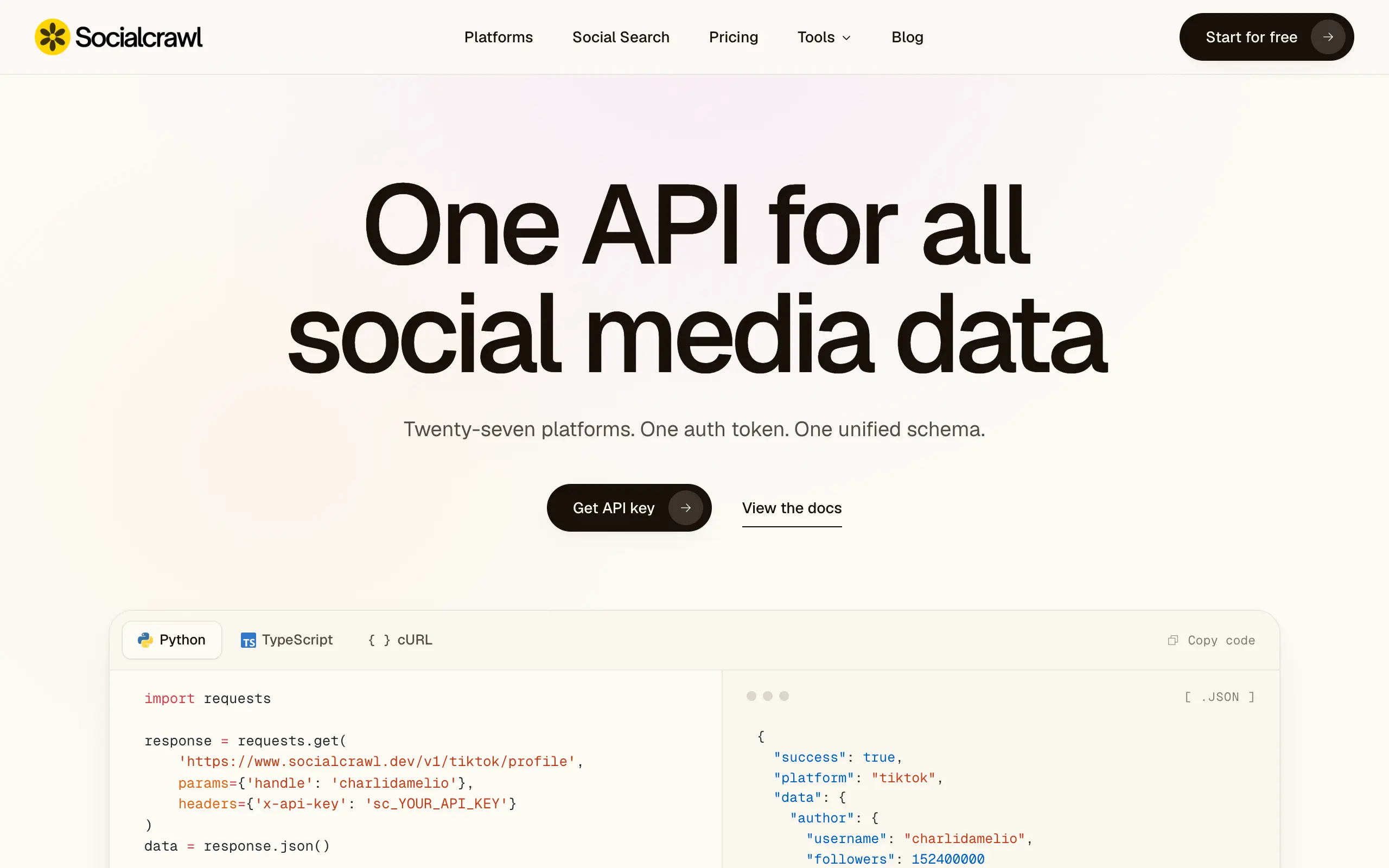
Socialcrawl
Get clean, structured data from 21 platforms like TikTok, Instagram, and YouTube with a single request 📊
Statiko
Monitor any Telegram channel in real time - track posts, edits, deletions, and growth with AI recaps 📡
Shibui
AI website builder - describe your business, pick a niche template, edit by chatting, and publish instantly ✨
Pro Service
Find verified home service professionals, compare quotes, and pay securely through escrow - built for Brazilians across the US 🏠
RankGrow
Fix your SEO with AI agents - connect Search Console, get prioritized tasks, and grow organic traffic 📈
SyncReads
Sync your favorite content for distraction-free reading, save time and replace multiple apps. Anytime, anywhere 🔄
Socialcrawl
Get clean, structured data from 21 platforms like TikTok, Instagram, and YouTube with a single request 📊
Statiko
Monitor any Telegram channel in real time - track posts, edits, deletions, and growth with AI recaps 📡
Shibui
AI website builder - describe your business, pick a niche template, edit by chatting, and publish instantly ✨
Pro Service
Find verified home service professionals, compare quotes, and pay securely through escrow - built for Brazilians across the US 🏠
RankGrow
Fix your SEO with AI agents - connect Search Console, get prioritized tasks, and grow organic traffic 📈
SyncReads
Sync your favorite content for distraction-free reading, save time and replace multiple apps. Anytime, anywhere 🔄
Socialcrawl
Get clean, structured data from 21 platforms like TikTok, Instagram, and YouTube with a single request 📊
Statiko
Monitor any Telegram channel in real time - track posts, edits, deletions, and growth with AI recaps 📡
Shibui
AI website builder - describe your business, pick a niche template, edit by chatting, and publish instantly ✨
Pro Service
Find verified home service professionals, compare quotes, and pay securely through escrow - built for Brazilians across the US 🏠
RankGrow
Fix your SEO with AI agents - connect Search Console, get prioritized tasks, and grow organic traffic 📈
SyncReads
Sync your favorite content for distraction-free reading, save time and replace multiple apps. Anytime, anywhere 🔄
Socialcrawl
Get clean, structured data from 21 platforms like TikTok, Instagram, and YouTube with a single request 📊
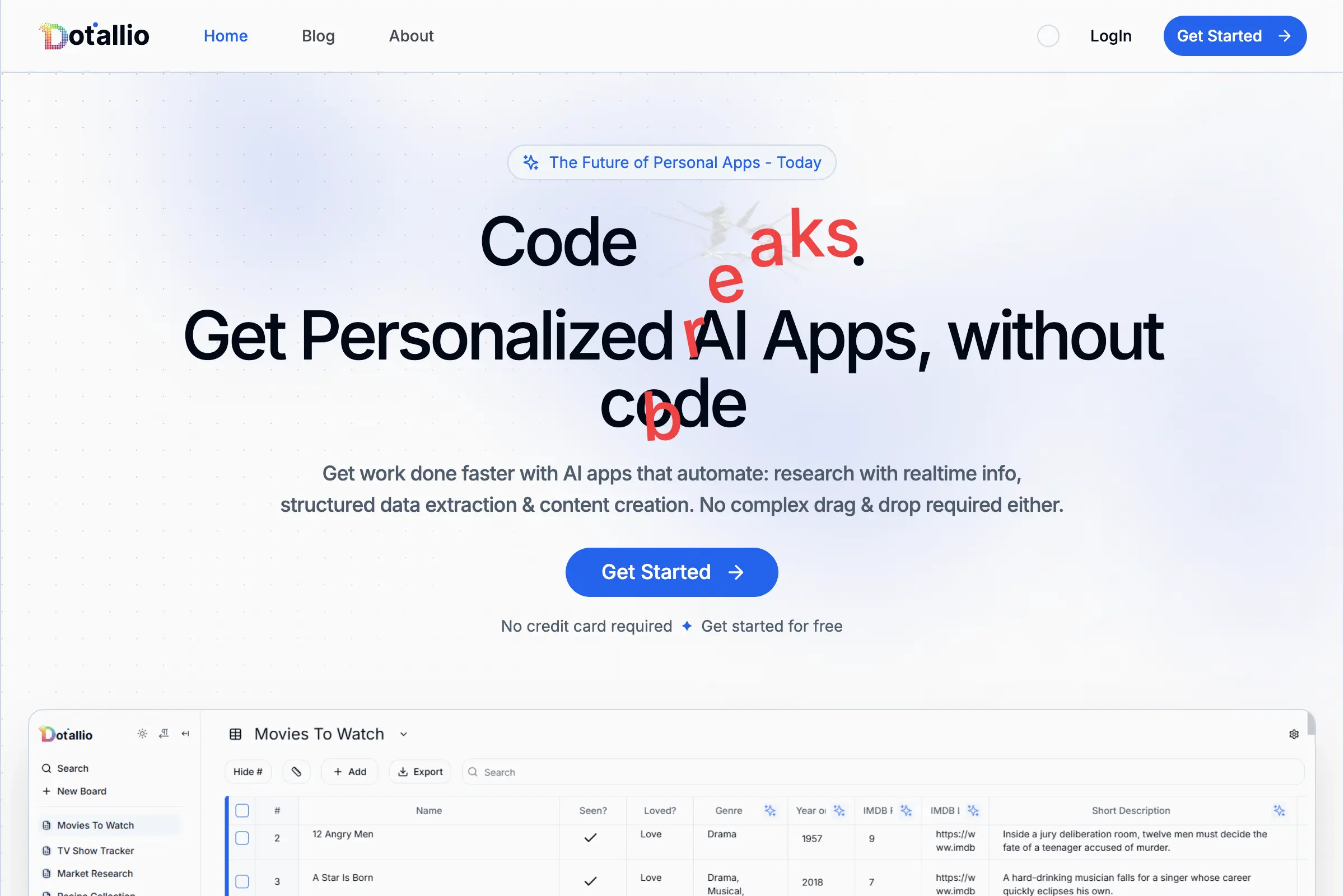
Dotallio
Personalized AI apps that automate research, data extraction, and content creation without code 🤖
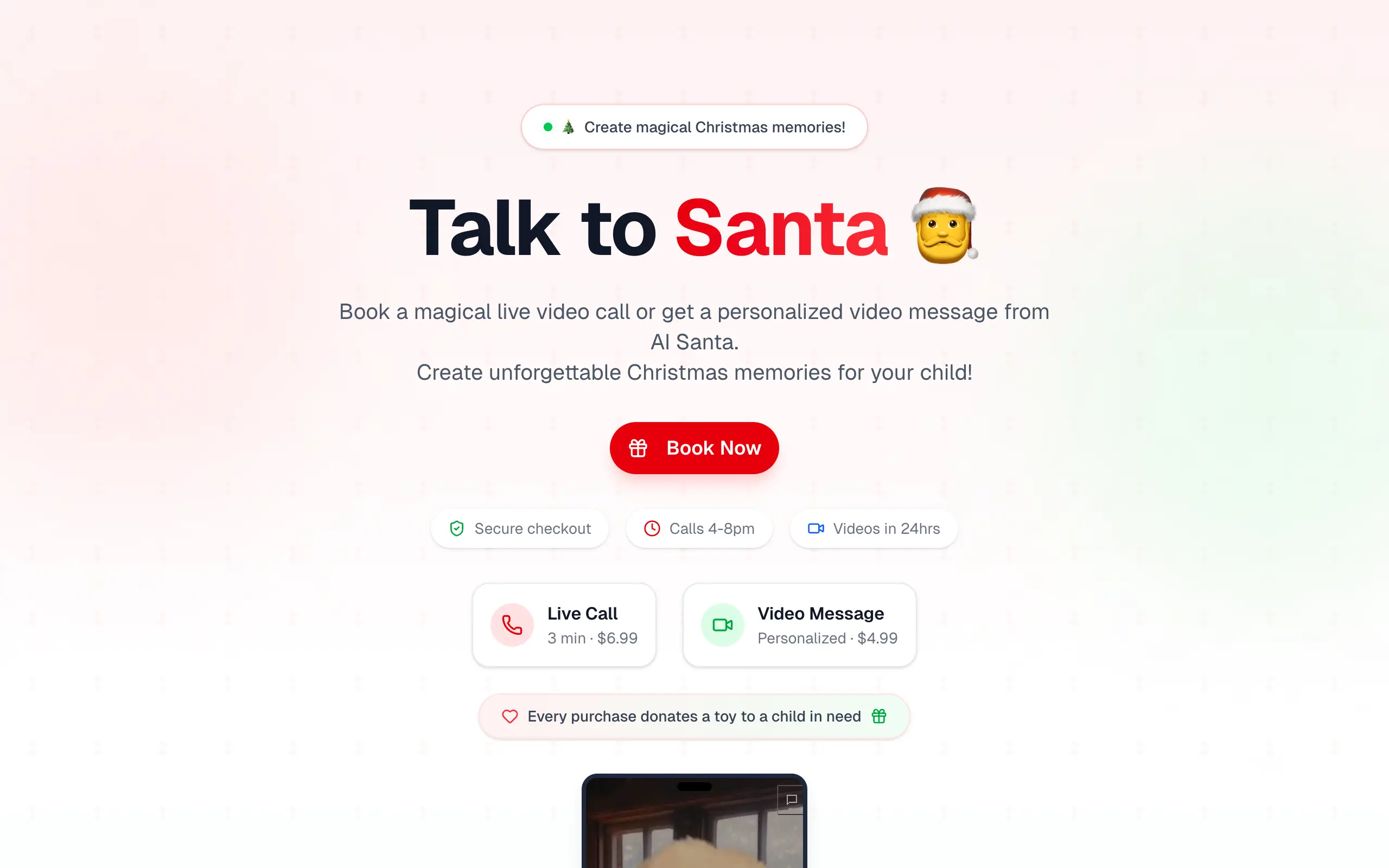
Talk to Santa
Enjoy a magical live video chat or receive a unique AI-generated video greeting from Santa Claus 🎅

pozywka.pl
Scalable blog for food journalist, focused on performance and user experience 🌭
zagrodzki.me
Personal blog and portfolio of Bart Zagrodzki, where he shares his knowledge and work 💼
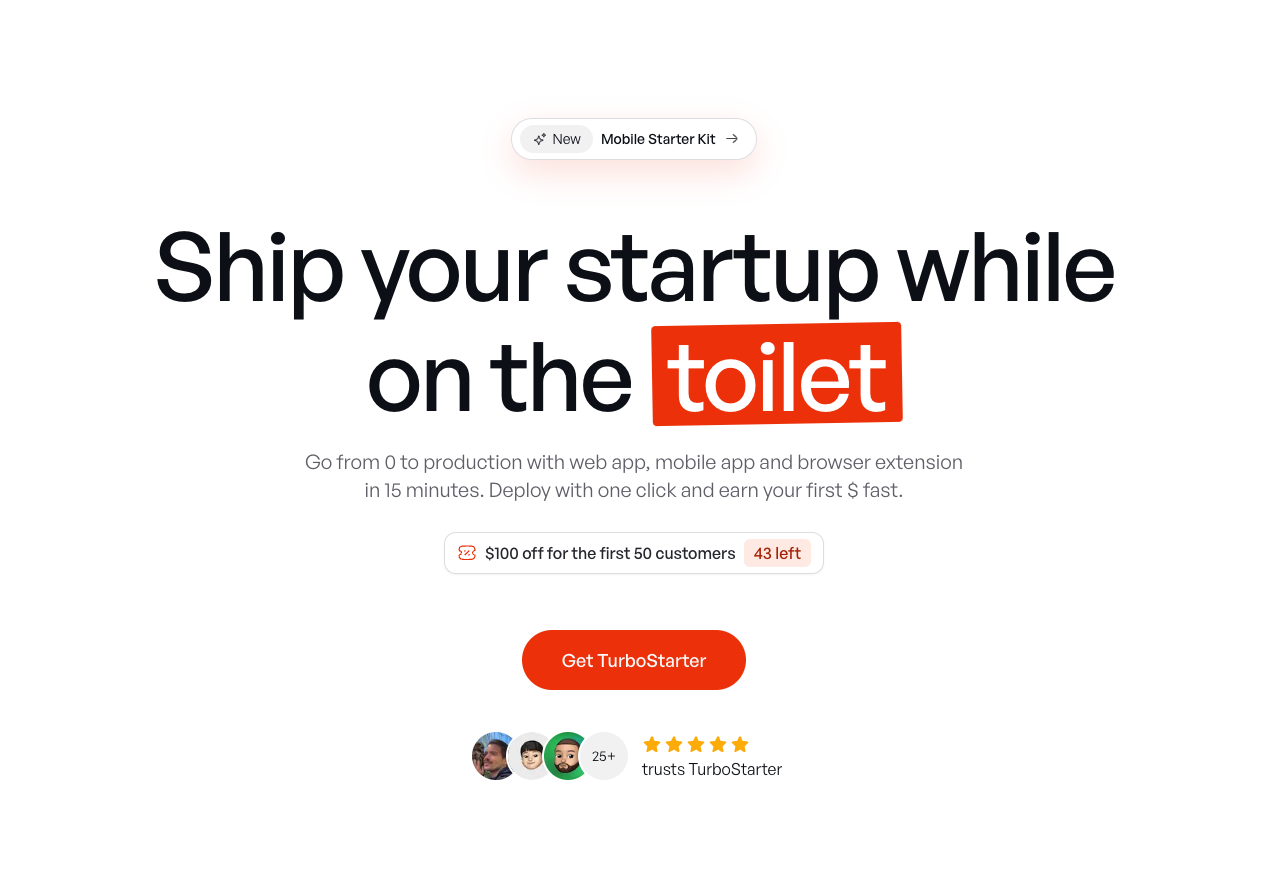
TurboStarter
Ship your startup everywhere. In minutes.
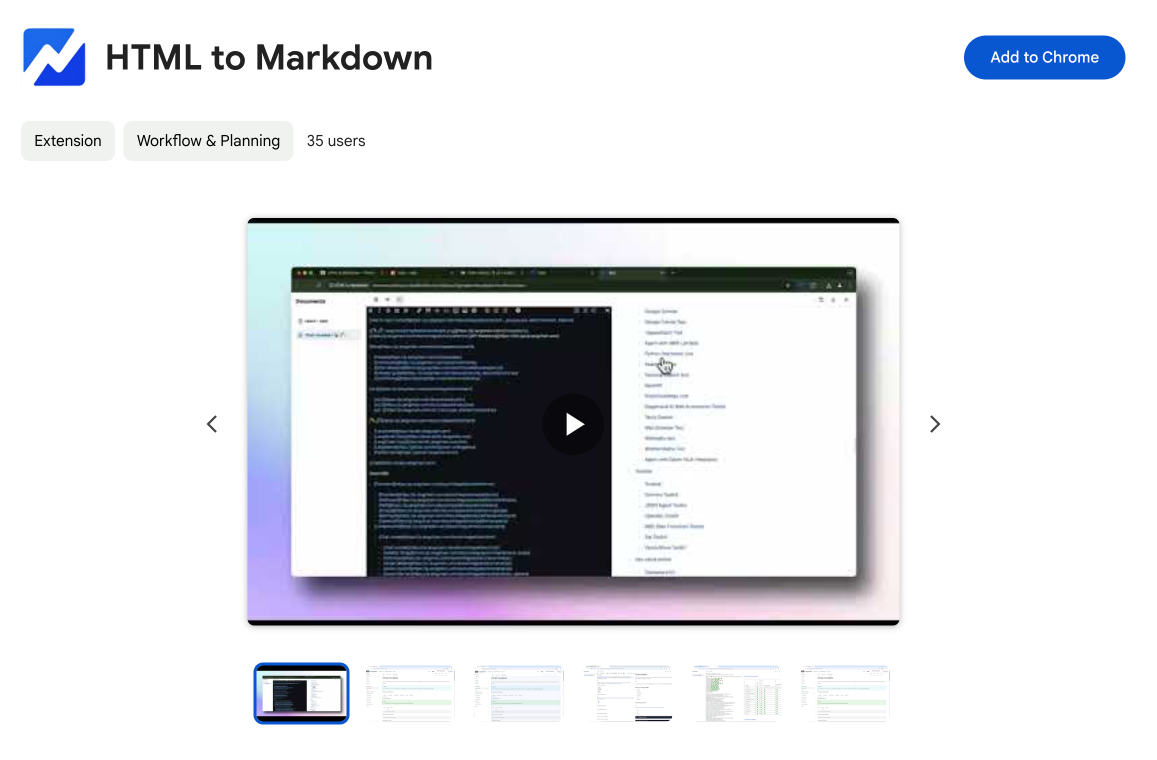
HTML to Markdown
Convert HTML to Markdown with ease, directly in your browser 📄
Dotallio
Personalized AI apps that automate research, data extraction, and content creation without code 🤖
Talk to Santa
Enjoy a magical live video chat or receive a unique AI-generated video greeting from Santa Claus 🎅
pozywka.pl
Scalable blog for food journalist, focused on performance and user experience 🌭
zagrodzki.me
Personal blog and portfolio of Bart Zagrodzki, where he shares his knowledge and work 💼
TurboStarter
Ship your startup everywhere. In minutes.
HTML to Markdown
Convert HTML to Markdown with ease, directly in your browser 📄
Dotallio
Personalized AI apps that automate research, data extraction, and content creation without code 🤖
Talk to Santa
Enjoy a magical live video chat or receive a unique AI-generated video greeting from Santa Claus 🎅
pozywka.pl
Scalable blog for food journalist, focused on performance and user experience 🌭
zagrodzki.me
Personal blog and portfolio of Bart Zagrodzki, where he shares his knowledge and work 💼
TurboStarter
Ship your startup everywhere. In minutes.
HTML to Markdown
Convert HTML to Markdown with ease, directly in your browser 📄
Dotallio
Personalized AI apps that automate research, data extraction, and content creation without code 🤖
Talk to Santa
Enjoy a magical live video chat or receive a unique AI-generated video greeting from Santa Claus 🎅
pozywka.pl
Scalable blog for food journalist, focused on performance and user experience 🌭
zagrodzki.me
Personal blog and portfolio of Bart Zagrodzki, where he shares his knowledge and work 💼
TurboStarter
Ship your startup everywhere. In minutes.
HTML to Markdown
Convert HTML to Markdown with ease, directly in your browser 📄
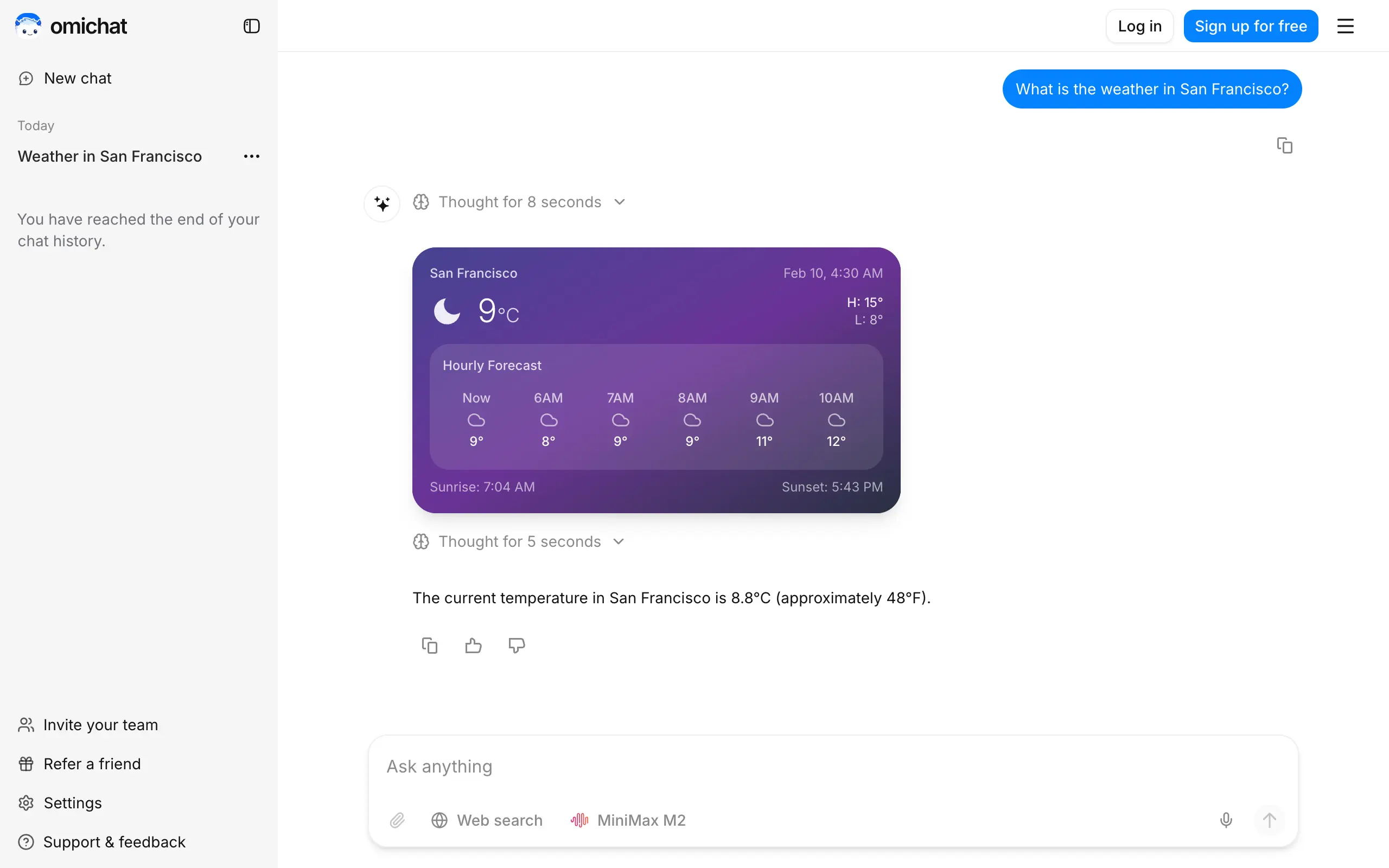
Omichat
Chat with 50+ AI models, including ChatGPT and Claude, in one place - switch models anytime without losing context 🤖
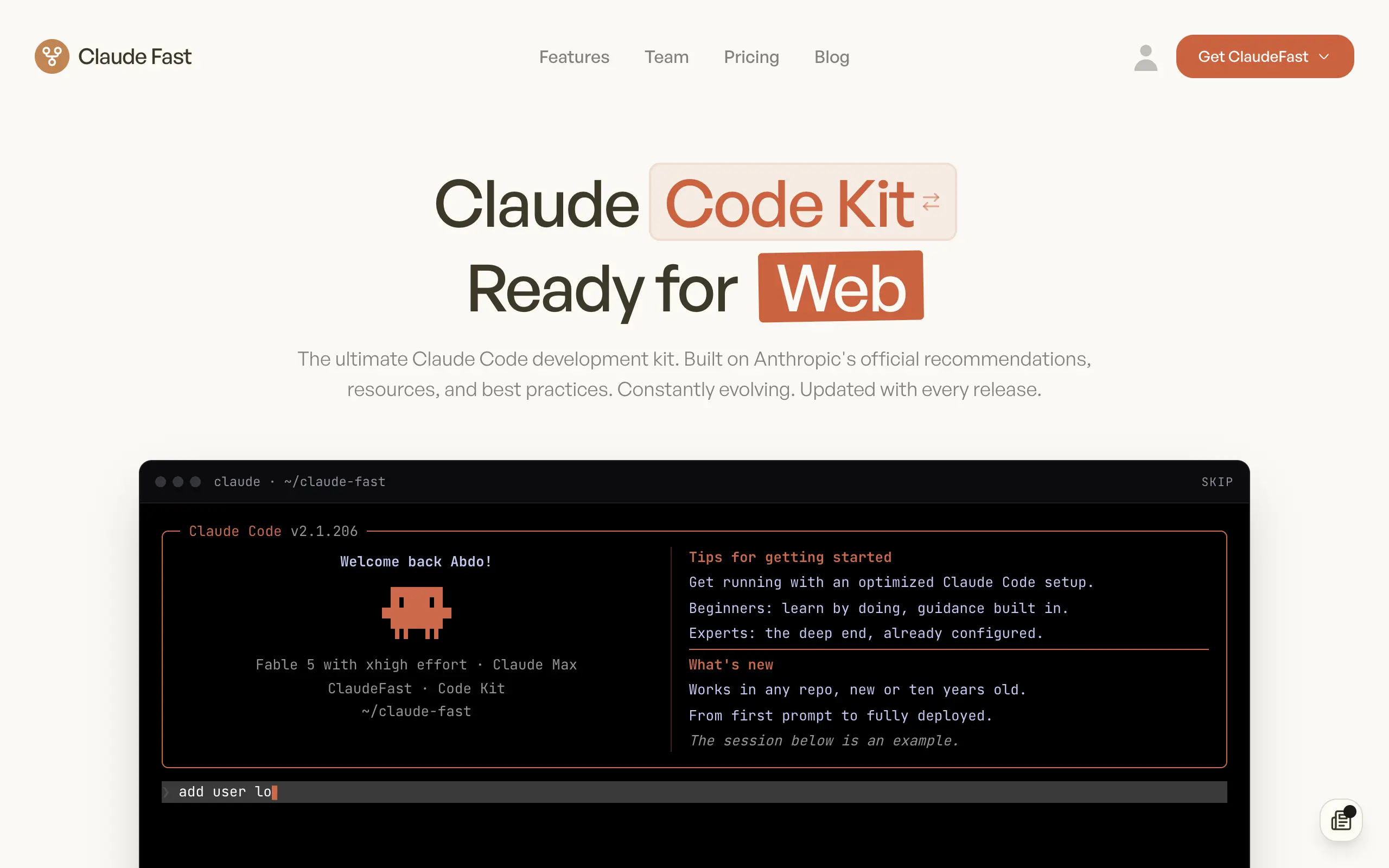
Claude Fast
Supercharge your Claude Code with 6x effective context window and specialized AI agents 🤖
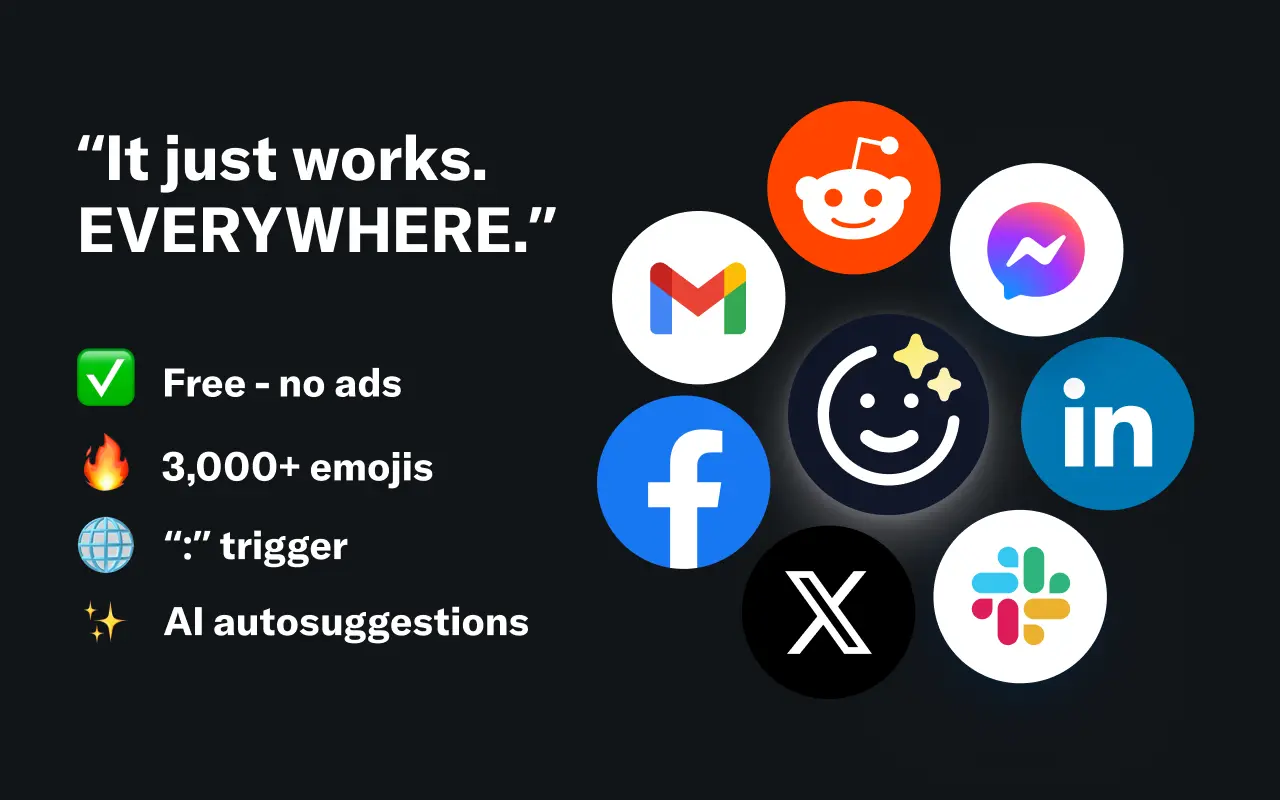
EmojAI
AI-powered emoji picker with smart, context-aware suggestions 🤖
Solohacker
Autonomous company launcher - AI agents work 24/7, escalate what matters, and you stay in control 🤖
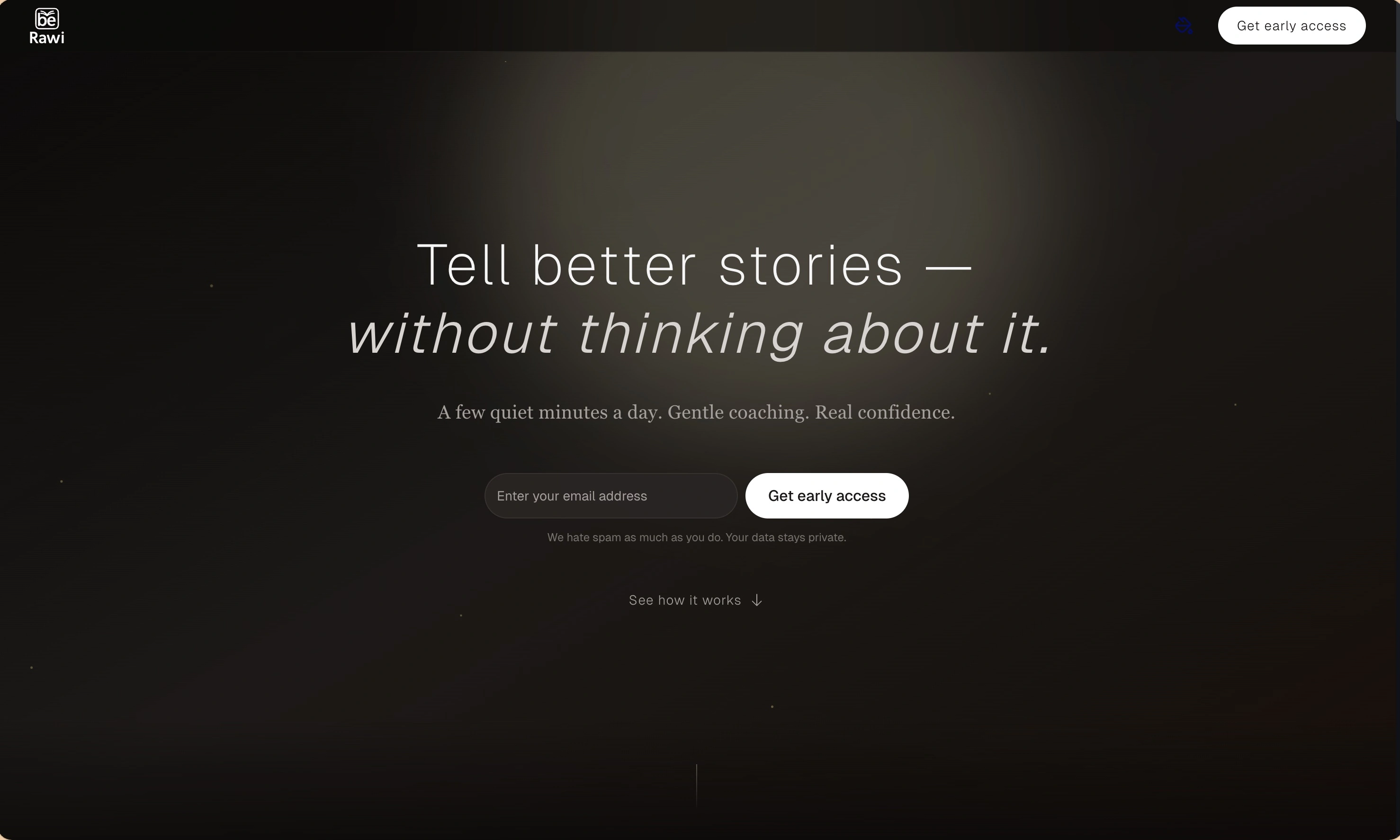
BeRawi: Storytelling Coach
Practice storytelling daily with instant feedback to sound clearer, more engaging, and confident 🎤
Omichat
Chat with 50+ AI models, including ChatGPT and Claude, in one place - switch models anytime without losing context 🤖
Claude Fast
Supercharge your Claude Code with 6x effective context window and specialized AI agents 🤖
EmojAI
AI-powered emoji picker with smart, context-aware suggestions 🤖
Solohacker
Autonomous company launcher - AI agents work 24/7, escalate what matters, and you stay in control 🤖
BeRawi: Storytelling Coach
Practice storytelling daily with instant feedback to sound clearer, more engaging, and confident 🎤
Omichat
Chat with 50+ AI models, including ChatGPT and Claude, in one place - switch models anytime without losing context 🤖
Claude Fast
Supercharge your Claude Code with 6x effective context window and specialized AI agents 🤖
EmojAI
AI-powered emoji picker with smart, context-aware suggestions 🤖
Solohacker
Autonomous company launcher - AI agents work 24/7, escalate what matters, and you stay in control 🤖
BeRawi: Storytelling Coach
Practice storytelling daily with instant feedback to sound clearer, more engaging, and confident 🎤
Omichat
Chat with 50+ AI models, including ChatGPT and Claude, in one place - switch models anytime without losing context 🤖
Claude Fast
Supercharge your Claude Code with 6x effective context window and specialized AI agents 🤖
EmojAI
AI-powered emoji picker with smart, context-aware suggestions 🤖
Solohacker
Autonomous company launcher - AI agents work 24/7, escalate what matters, and you stay in control 🤖
BeRawi: Storytelling Coach
Practice storytelling daily with instant feedback to sound clearer, more engaging, and confident 🎤

Connect with like-minded people
Join our community to get feedback, support, and grow together with 1,000+ builders on board, let's ship it!
Join usShip your startup everywhere. In minutes.
Don't burn tokens on setup and start building features on day one.