SprintSignal
AI flags delivery risks in software sprints by connecting tickets, code changes, and team updates. Project managers get early warnings with evidence and practical next steps.
What is SprintSignal?
SprintSignal is an AI sprint risk management platform that connects project tickets, code changes, and team updates to identify delivery risks before they become missed commitments. It gives project managers, engineering leaders, and delivery teams evidence-backed warnings, explains what may be causing a delay, and recommends practical next steps.
The product addresses a common gap in software delivery: teams have plenty of activity data, but it is scattered across project management tools, code repositories, chat, and status reports. A sprint board may show that work is “in progress” without revealing that a pull request is blocked, a dependency has changed, or a ticket has not received an update in days.
SprintSignal’s opportunity is to turn those separate signals into a clearer, earlier view of delivery health. Rather than replacing a team’s issue tracker or asking engineers to maintain another dashboard, it can sit across existing tools and help people decide where attention is needed.
The problem with sprint delivery visibility
A sprint plan is a forecast, not a guarantee. Priorities change, technical work expands, dependencies slip, and people become unavailable. Those events are normal. The problem is that teams often learn about their combined effect too late to adjust the plan.
A conventional sprint report may be based on a handful of indicators:
- The number of tickets marked complete
- The amount of work remaining
- Team members’ self-reported status
- A velocity trend from past sprints
- A project manager’s judgment
Each indicator can be useful, but each has limitations. Ticket status may lag behind the actual work. A completed ticket may still be waiting on review or deployment. A team member may report progress without mentioning an external dependency. Velocity can describe the past without explaining what is changing in the current sprint.
When these indicators are reviewed only during a stand-up or a weekly status meeting, teams can miss opportunities to intervene early. A project manager might discover a risk when there is no longer enough time to reassign work, reduce scope, or resolve a dependency.
SprintSignal aims to make delivery risk more visible by connecting the artifacts teams already create. That distinction matters. The product should not treat “more activity” as proof of progress. It should look for patterns that suggest a meaningful change in delivery conditions and show users the evidence behind its interpretation.
Who is SprintSignal for?
The strongest early audience is not every organization that runs software projects. It is teams that have enough delivery complexity to benefit from cross-tool analysis, but not enough process overhead to justify building a bespoke delivery intelligence system.
Engineering managers
Engineering managers need a reliable way to see where work is getting stuck without repeatedly interrupting contributors for status. SprintSignal could summarize emerging risks across teams, identify tickets that have stalled, and help managers focus conversations on the specific blocker rather than asking for generic updates.
Its value is not to score individual engineers. A responsible implementation should report on work and dependencies at the team or project level, with clear safeguards against turning delivery signals into employee surveillance.
Project and program managers
Project and program managers often coordinate work across multiple teams, tools, and stakeholders. SprintSignal could help them:
- Identify projects with a rising number of blocked or aging items
- See how code review delays affect planned ticket completion
- Prepare evidence-based status summaries
- Understand which dependencies need escalation
- Compare current delivery signals with the sprint plan
This audience may be the most natural initial buyer because the product’s outputs map directly to coordination and reporting tasks.
Product managers
Product managers need to know whether a release or feature is likely to remain on schedule. SprintSignal can help distinguish between a normal fluctuation in ticket activity and a pattern that threatens a milestone.
For example, a feature may appear on track in the backlog while its associated code changes are accumulating review requests or while a dependency ticket remains unresolved. Connecting those signals can give product teams a better basis for making trade-offs.
Engineering executives
Directors and vice presidents of engineering may want a cross-team view of delivery health. They need that view at an appropriate level of detail: enough to spot recurring bottlenecks, but not so much that the dashboard becomes a feed of individual tickets.
For this group, SprintSignal’s long-term value may include trend analysis across teams, recurring risk categories, and evidence about whether interventions are improving flow.
Agencies and software consultancies
Agencies often manage multiple client projects with different tooling and reporting expectations. SprintSignal could help delivery leads prepare consistent status updates and spot risks across engagements. This segment may be attractive if the product supports multiple workspaces, clear client boundaries, and flexible reporting.
However, agencies also introduce requirements around data separation and client access. Those should be designed into the product rather than added later as an afterthought.
Market opportunity and product gap
SprintSignal sits at the intersection of project management, engineering analytics, and AI-assisted decision support. Those categories already contain powerful products, which means the opportunity is not simply to build another sprint dashboard. The opportunity is to solve a narrower problem better: explain delivery risks by connecting the work plan to what is happening in engineering workflows.
Many organizations already have tools for tickets, source control, code review, team communication, and reporting. Their challenge is often not the absence of data, but the effort required to interpret it consistently. When information is split across systems, someone has to assemble a narrative manually.
SprintSignal can address that gap by providing a layer that:
- Ingests relevant activity from existing tools.
- Relates work items to code and team updates.
- Detects meaningful changes in delivery conditions.
- Explains why a risk was flagged.
- Suggests an intervention that a person can evaluate.
This positioning keeps the product focused. It does not need to replace a backlog tool, a source control platform, or a team chat application. It needs to make those systems more useful together.
Why generic project dashboards may fall short
A dashboard can display project data without explaining what it means. Teams may see that a ticket has been open for several days, but still need to investigate whether it is actively being worked on, waiting for review, or blocked by another team.
SprintSignal can differentiate by emphasizing relationships and evidence:
- A ticket’s status is considered alongside its linked pull request activity.
- A stalled item is evaluated in the context of its dependencies.
- A risk alert includes the supporting events and the time period considered.
- A suggested action is specific enough to test, such as confirming a dependency owner or reviewing a set of aging pull requests.
This approach is more useful than a single “sprint health” score because it preserves the reasoning behind the conclusion.
How to validate demand
Before building broad integrations or complex predictive models, the team should validate that buyers recognize the problem and trust the proposed solution. Useful discovery questions include:
- How do you currently discover that a sprint is at risk?
- Which tools do you check before preparing a delivery update?
- What kinds of risks are usually discovered too late?
- What happens after a risk is identified?
- Which people need to see a warning, and who should not?
- What evidence would make you trust or reject an alert?
- What existing reports or dashboards are already in use?
- How much time does delivery reporting take each week?
The answers should inform the product’s first use case. A tool that saves a project manager time on weekly reporting may have a different onboarding flow from one designed to help an engineering manager identify blocked work each morning.
Core SprintSignal features
The initial product should prioritize explainability, useful integrations, and a low-noise alert experience. AI is not a product advantage on its own. The advantage comes from turning relevant data into a decision that users can understand and act on.
1. Connected delivery data
SprintSignal should connect a small number of high-value systems first, rather than attempting to support every tool at launch. Likely integration categories include:
- Issue and project tracking
- Source control and pull requests
- Team communication or asynchronous updates
- Identity and access management for larger customers
The product should map data into a consistent internal model. A ticket, code change, review, dependency, and update may use different terminology across vendors, but SprintSignal needs to relate them in a coherent way.
Users should be able to review and correct these relationships. If the platform incorrectly associates a pull request with a ticket, that error can undermine trust in every later alert.
2. Evidence-backed risk detection
A risk alert should answer three questions:
- What may be at risk?
- What evidence led to the alert?
- What could the team do next?
An example alert might say that a sprint item is at risk because its linked pull request has been awaiting review, a dependent ticket remains blocked, and the item has not had a status change since a particular date. It could then suggest confirming the dependency owner or reviewing the work’s remaining scope.
These are examples of product behavior, not claims about any existing data or prediction accuracy. SprintSignal should only surface evidence that it has actually observed and should distinguish observed facts from inferred conclusions.
3. Risk categories that users understand
A single opaque risk score is difficult to trust. SprintSignal should classify alerts into understandable categories, such as:
- Blocked work — a ticket is waiting on a dependency or external decision.
- Stalled work — an item has little or no observed progress over a defined period.
- Review bottleneck — code changes are waiting for review or approval.
- Scope pressure — remaining work appears large relative to the time left.
- Coordination risk — multiple teams or owners need to complete related work.
- Status mismatch — the ticket state and connected engineering activity appear inconsistent.
Categories should be configurable. A team that uses a different workflow should not receive irrelevant warnings because it does not follow a standard process.
4. Practical next steps
A warning is only valuable if it helps someone act. SprintSignal could suggest actions such as:
- Confirming ownership of a blocked dependency
- Asking whether a ticket should be split or descoped
- Assigning a reviewer to an aging pull request
- Updating the ticket to reflect a changed plan
- Escalating a cross-team decision
- Reforecasting a milestone based on current work
The product should present these as recommendations, not commands. A project manager or engineering lead needs to consider context that the system may not have, including planned leave, an agreed scope change, or an intentional pause.
5. Sprint and project summaries
SprintSignal could generate a concise summary for a team or stakeholder audience. A useful summary should separate:
- Work that appears on track
- Work with specific risk signals
- New blockers since the last update
- Decisions or assistance needed
- Changes in the forecast and the evidence behind them
Generated summaries should be editable and should identify their data coverage. If an integration is disconnected or a team uses an untracked workflow, the system should make that limitation visible rather than implying complete visibility.
6. Alert controls and feedback
Too many alerts will cause users to ignore the product. SprintSignal should let teams tune the conditions that trigger notifications, select delivery channels, and indicate whether an alert was helpful.
Feedback can improve both rules and product configuration. For example, users may mark an alert as irrelevant because the work was intentionally paused. That feedback should not automatically be treated as proof that the underlying data is wrong; it may reveal missing context or a threshold that needs adjustment.
A responsible AI approach to sprint risk management
SprintSignal should use AI where it improves interpretation, summarization, or recommendation quality. It should not use AI as a substitute for reliable data handling.
A robust approach can combine deterministic rules with language models:
- Rules and event logic can detect measurable conditions, such as an unresolved dependency or a review waiting beyond a team-defined threshold.
- Statistical analysis can identify unusual changes in activity compared with a team’s own history.
- Language models can summarize evidence, map natural-language updates to project context, or draft an explanation.
- Human review can confirm whether a recommendation is appropriate before a team makes a consequential decision.
This hybrid model is often easier to inspect than asking a generative model to infer the entire risk picture from raw data. It also makes it possible to show the facts that triggered a warning separately from the model-generated explanation.
SprintSignal should avoid unsupported certainty. A risk alert is a signal that deserves attention, not a guarantee that a sprint will fail. Product language should reflect confidence and evidence quality, and the user interface should make it easy to dismiss, correct, or investigate a warning.
Recommended technology stack
The best stack depends on the founding team’s experience, expected integrations, and security requirements. The recommendations below are a practical starting point, not a requirement to use every technology listed.
Web application and API
A TypeScript application can share types across the user interface, API, and integration logic. React is a strong option for a responsive, interactive dashboard. A server-rendering framework built around React can also help with routing, server-side work, and application structure.
For the backend, a typed Node.js service can be a natural fit if the team wants to use TypeScript throughout. A separate Python service may be appropriate for data science or model workflows, but introducing multiple runtimes early adds operational complexity. Start with the smallest architecture the team can maintain.
Data storage and asynchronous processing
A relational database such as PostgreSQL is suitable for organizations, projects, users, tickets, integration metadata, risk events, and audit records. It can support a clear data model while allowing the team to add specialized storage only when the product needs it.
Integration ingestion should be asynchronous. Webhooks can provide timely updates, while scheduled reconciliation jobs can catch missed events and refresh state. A queue helps prevent a slow external API or transient failure from blocking user-facing requests.
A practical flow might look like this:
External tools
    ↓ webhooks and scheduled sync
Integration workers
    ↓ normalize and relate events
PostgreSQL + event history
    ↓ rules and analysis
Risk service
    ↓ explanations and notifications
SprintSignal web application
This separation makes it easier to retry failed syncs, trace where a risk signal came from, and keep external API latency away from interactive screens.
AI and model orchestration
The model layer should be replaceable. Keep provider-specific code behind an internal interface, and do not make model responses the only source of truth for risk state.
Useful design choices include:
- Store model inputs and outputs with appropriate retention controls.
- Redact or minimize sensitive content before sending it to a third-party model.
- Record which source events support each generated explanation.
- Test model behavior against a curated set of realistic scenarios.
- Provide fallbacks when a model provider is unavailable.
- Avoid feeding unnecessary private messages or code into prompts.
The team should evaluate model providers based on data handling terms, latency, cost, regional availability, and enterprise requirements—not just output quality.
Authentication, authorization, and observability
SprintSignal will process data from multiple customer systems, so access controls are foundational. Use role-based permissions, least-privilege integration scopes, secure token storage, and an audit trail for significant account and integration actions.
Observability should include:
- Integration sync success and failure rates
- Webhook processing delays
- Alert volume and dismissal rates
- Model latency and error rates
- Data freshness by workspace
- Background job retries and dead-letter events
These measures help the team detect whether a quiet dashboard means “no risks” or “data has stopped syncing.”
Stack trade-offs
A serverless architecture can reduce operational overhead and scale background workloads, but can complicate long-running jobs, connection management, and local debugging. A persistent application server may be more straightforward for workers and real-time processing, but requires more infrastructure care.
Similarly, a vector database may be useful if SprintSignal later needs semantic retrieval across large volumes of project documents. It is not automatically necessary for the first version. Begin with relational data and well-defined event relationships; add specialized retrieval when user research shows a concrete need.
Competitive advantage and positioning
SprintSignal’s competitive advantage should be based on workflow fit and trust, not on a broad claim that it uses AI. Many products can summarize text or display project metrics. A more defensible position is to connect delivery evidence across systems and make the resulting risk explanations actionable.
| Product approach | Cross-tool context | Evidence behind alerts | Practical next steps | Replaces current tools |
|---|---|---|---|---|
| Basic sprint dashboard | Limited | Usually metric-based | Often generic | No |
| Manual status reporting | Depends on the author | Human-provided | Human-generated | No |
| Generic AI summarizer | May summarize supplied data | Varies by implementation | Often broad | No |
| SprintSignal’s target | Tickets, code, and updates | Linked to observed signals | Tailored to delivery risks | No |
This positioning creates several possible advantages:
- Less manual status gathering because relevant project signals are brought together.
- Earlier investigation because risk patterns can be surfaced between formal meetings.
- More credible reporting because summaries include supporting evidence.
- A lower adoption barrier because the product complements existing tools.
- Team-specific learning as users tune thresholds and correct context over time.
The product still needs to prove that these advantages are meaningful in real workflows. A technically impressive integration is not a moat if teams do not change their behavior or trust the alerts.
Monetization strategy options
SprintSignal can test pricing models that align with the value delivered and the way customers buy project software.
Per-seat subscription
A per-seat model is familiar to SaaS buyers and can work when most team members actively use the product. The risk is that customers may resist paying for engineers who only need occasional access or whose data is analyzed without requiring an individual login.
Possible mitigations include separating active users from connected contributors or setting a minimum workspace price.
Per-team or per-workspace pricing
A team-based plan can be easier to understand for smaller organizations. It may include a defined number of projects, integrations, or tracked teams. This model is attractive when value is delivered to the team collectively rather than to each individual user.
The challenge is selecting boundaries that feel fair as customers add projects or expand the number of teams.
Usage-based pricing
Pricing could scale with the number of tracked work items, connected projects, or processed events. Usage-based pricing may reflect infrastructure costs more closely, but it can be difficult for buyers to forecast. If used, the pricing page should explain what counts toward usage and provide safeguards against unexpected bills.
Enterprise plans
Larger customers may pay for capabilities such as:
- Single sign-on and advanced access controls
- Longer data retention or custom retention policies
- Audit logs and compliance documentation
- Dedicated support and implementation assistance
- Custom integrations or deployment requirements
- Organization-wide portfolio reporting
These features should be developed in response to real procurement needs. Enterprise pricing is most credible when the product can demonstrate reliability, security, and measurable operational value.
A sensible initial packaging test
A starting structure could include:
- Free or trial workspace — limited projects and a short evaluation period
- Team plan — core integrations, sprint-level risk alerts, and summaries
- Business plan — cross-team views, configurable alert policies, and expanded administration
- Enterprise plan — security, governance, and support requirements
Pricing should be validated through customer conversations and paid pilots. In particular, test whether buyers value saved reporting time, earlier intervention, improved milestone confidence, or reduced coordination overhead. Those outcomes influence both packaging and sales messaging.
Risks and how to mitigate them
Noisy or inaccurate alerts
If users see frequent false positives, they may stop paying attention. If the system misses meaningful risks, they may lose confidence.
Mitigation: Start with a limited set of transparent rules. Track alert precision through user feedback, label the evidence clearly, and let teams tune thresholds. Measure whether alerts lead to useful investigation, not just how many alerts the system sends.
Incomplete data
A team may use chat for some decisions, update tickets irregularly, or keep important work outside connected systems. SprintSignal cannot infer every relevant fact.
Mitigation: Show data freshness and coverage. Explain which tools are connected and which signals are missing. Let users add context or mark planned pauses without forcing every workflow into a rigid template.
Privacy and employee surveillance concerns
Delivery analytics can be misused if it shifts from understanding work to ranking individuals. Engineers may reject a tool that appears to monitor personal productivity or infer performance from activity logs.
Mitigation: Establish clear product boundaries. Focus on project and team-level delivery conditions, avoid individual productivity scores, minimize personal data, and provide administrators with transparent data use documentation. Discuss these choices during sales and onboarding.
Security and integration access
Connected tools may contain source code, project plans, customer information, and private team communication. A weak integration model can create significant security exposure.
Mitigation: Request only the scopes needed for the product’s features. Encrypt credentials and sensitive data, isolate customer workspaces, log privileged actions, and establish a process for revoking access and deleting customer data. Security controls should be reviewed by qualified professionals before enterprise deployment.
Overreliance on model-generated explanations
A model may misstate what happened, confuse correlation with causation, or invent a plausible recommendation.
Mitigation: Ground explanations in retrieved records, cite the underlying evidence in the interface, and separate facts from interpretations. Test edge cases and provide a fallback explanation when the system cannot confidently summarize the available information.
Integration maintenance
Third-party APIs change, rate limits vary, and webhook delivery can be inconsistent. Supporting many integrations increases operational cost.
Mitigation: Launch with a small set of integrations that match the target customer segment. Build a reusable connector framework, monitor sync health, and create documented retry and reconciliation processes.
Long sales cycles
Security review and organizational approval can slow adoption, especially with larger companies.
Mitigation: Offer a focused pilot with a narrow scope, clear data boundaries, and a defined success criterion. Start with teams that can evaluate the product without a lengthy organization-wide rollout, while preparing enterprise documentation as demand develops.
Metrics that show whether SprintSignal is working
The product should measure user value, not merely feature activity. Useful indicators include:
- Time from a risk signal appearing to a user reviewing it
- Percentage of alerts marked useful, irrelevant, or already known
- Reduction in time spent preparing delivery updates
- Number of risks that lead to a documented action
- Integration freshness and successful sync rates
- Weekly active teams rather than only individual logins
- Trial-to-paid conversion by customer segment
- Retention of teams after their initial sprint cycles
Be cautious about claiming that SprintSignal reduces missed deadlines unless the company has credible evidence and a sound measurement method. Delivery outcomes are influenced by many factors. A pilot can still demonstrate value through less manual reporting, faster blocker discovery, or clearer stakeholder communication.
Actionable implementation plan
A focused launch should prove that a specific audience trusts and acts on the product’s warnings. Avoid building a broad analytics suite before confirming the core workflow.
Interview target teams
Speak with engineering managers, project managers, and product leaders who coordinate software delivery. Ask them to walk through a recent sprint that became difficult to deliver. Identify which signals they used, when they noticed the risk, and what action they took.
Choose a narrow first use case
Select one recurring problem, such as stalled work waiting on code review or delivery risks across linked tickets and pull requests. Define the user, the trigger, the evidence needed, and the action the product should support.
Build a small integration set
Choose the issue tracker and source control tools used by the interview participants. Implement secure, read-only connections first where possible. Make sync status visible and test how the product behaves when data is delayed or missing.
Create an explainable risk model
Begin with transparent conditions and thresholds. Store the events behind every alert. Add AI-generated explanations only after the underlying relationships are reliable and the team can evaluate output quality.
Run a design-partner pilot
Work with a small number of teams through several sprint cycles. Review alerts with users, record where the system is wrong or unhelpful, and establish a clear pilot success measure before the trial begins.
Improve onboarding and trust
Explain what data SprintSignal reads, how it uses that data, what it does not measure, and how customers can revoke access or delete records. Make the first dashboard useful even before the system has enough history for trend analysis.
Test pricing and expand deliberately
Offer paid pilots or early subscriptions to validate willingness to pay. Expand to additional integrations, portfolio reporting, or enterprise controls only when customer evidence supports the investment.
Building SprintSignal with a faster SaaS foundation
The product’s differentiation will come from its delivery model, integrations, evidence quality, and customer trust. Foundational SaaS work—such as authentication, billing, organizations, and application structure—still matters, but it does not need to consume the team’s entire early roadmap.
A starter platform can help accelerate that foundation so the team can focus more attention on the specific risk-detection experience. TurboStarter is one option to evaluate when setting up a SaaS application baseline.
The long-term opportunity
SprintSignal can become more than a sprint alert tool if it earns a reputation for helping teams make better delivery decisions without adding reporting overhead. A natural progression is to move from item-level signals to project-level explanations, then to portfolio insights that help organizations identify recurring delivery constraints.
That progression should be guided by evidence. Some customers may want release forecasting, while others may value dependency mapping or stakeholder-ready summaries more. The product should expand where the data is reliable and users can take a concrete action.
The central product promise remains straightforward: connect the signals teams already generate, surface delivery risks early enough to investigate, and show the evidence behind every recommendation. If SprintSignal can do that with low noise, transparent data practices, and a workflow that fits existing tools, it can occupy a meaningful space in AI-assisted software delivery management.
More 🤖 AI Startup SaaS ideas
Discover more innovative ai startup SaaS ideas that are trending in 2026. Each idea is AI-generated with market validation and growth potential to help you find your next profitable venture faster than competitors.
Your competitors are building with TurboStarter
Below are some of the SaaS ideas that have been generated and built with our starter kit.
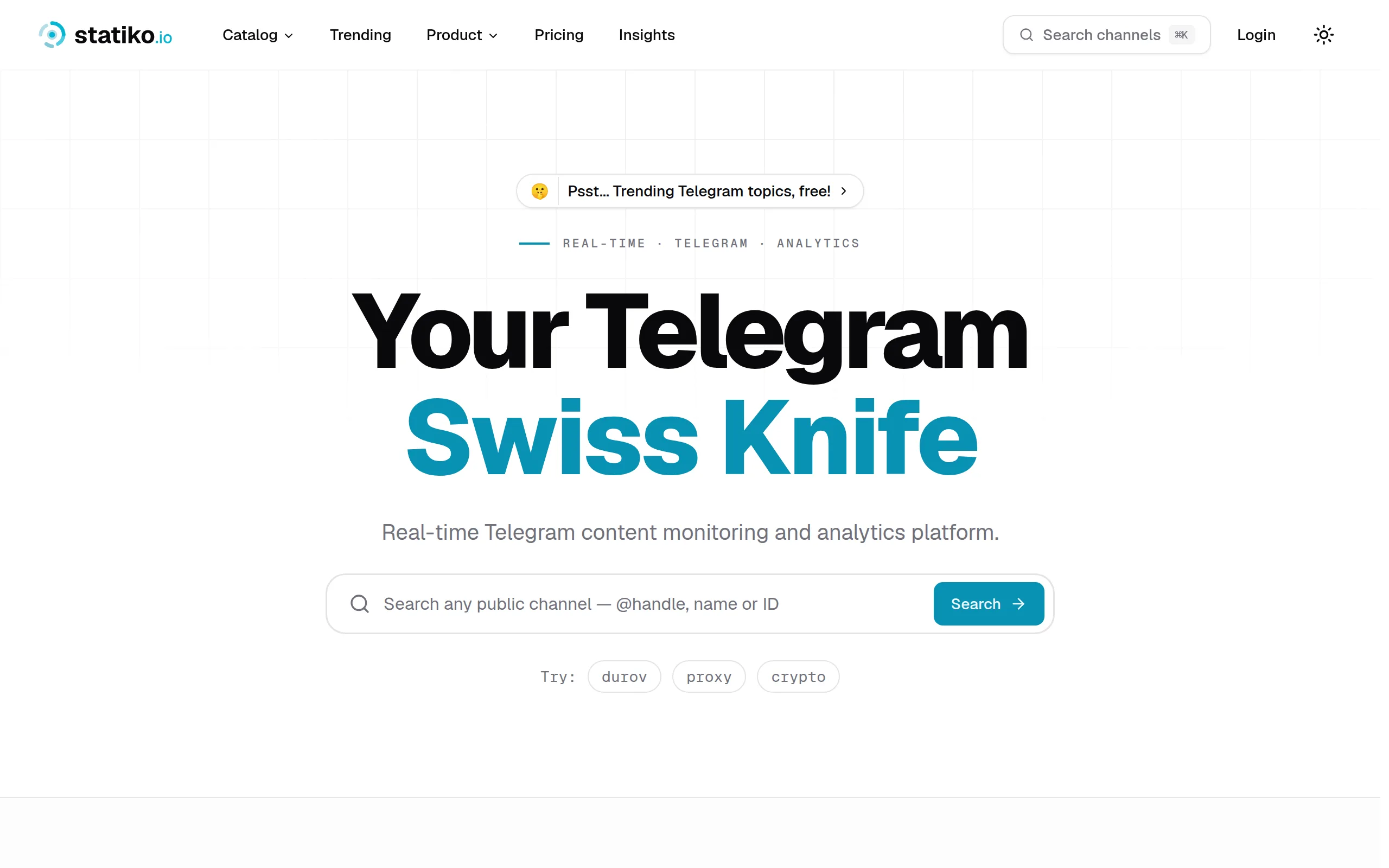
Statiko
Monitor any Telegram channel in real time - track posts, edits, deletions, and growth with AI recaps 📡

Shibui
AI website builder - describe your business, pick a niche template, edit by chatting, and publish instantly ✨

Pro Service
Find verified home service professionals, compare quotes, and pay securely through escrow - built for Brazilians across the US 🏠
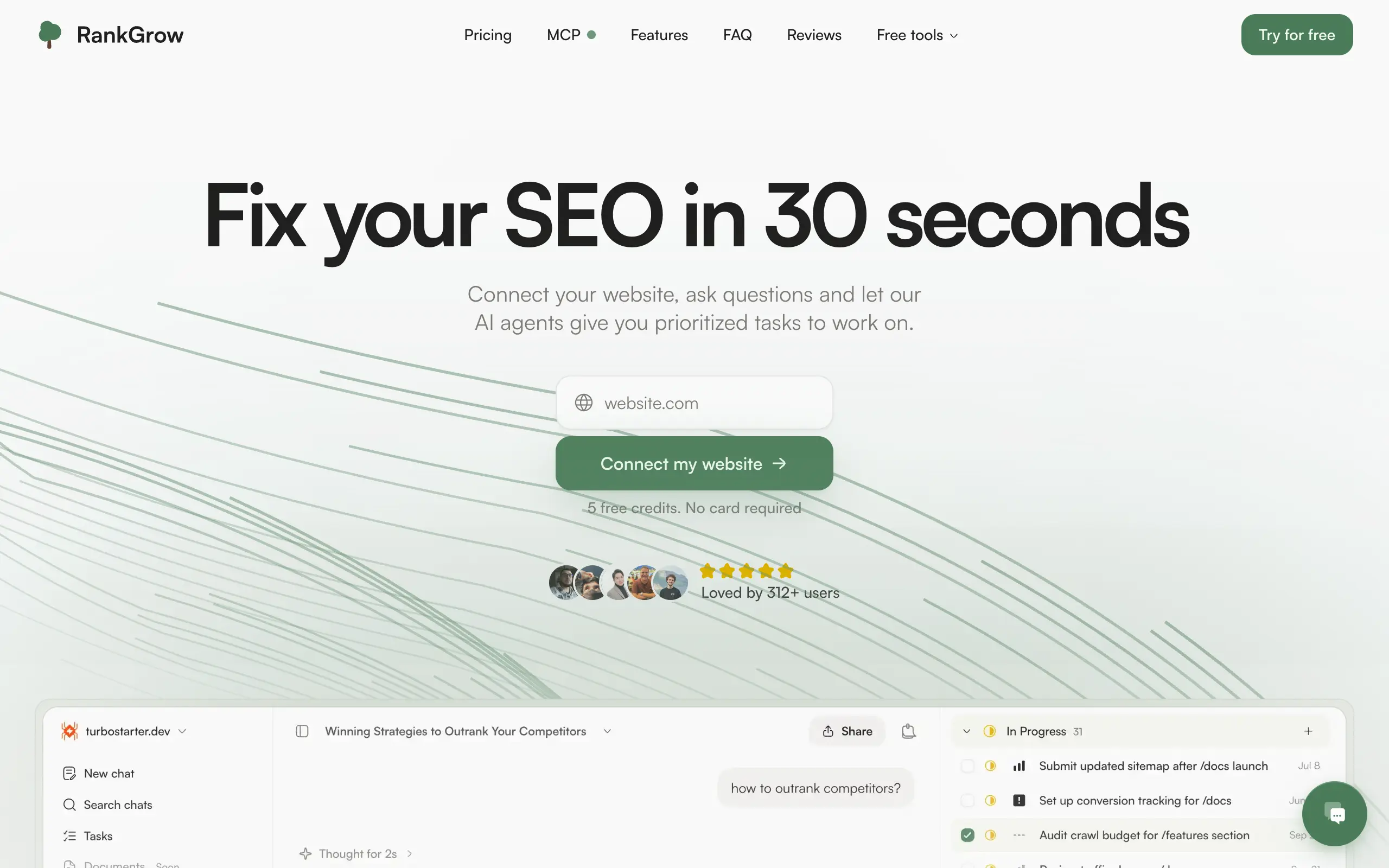
RankGrow
Fix your SEO with AI agents - connect Search Console, get prioritized tasks, and grow organic traffic 📈
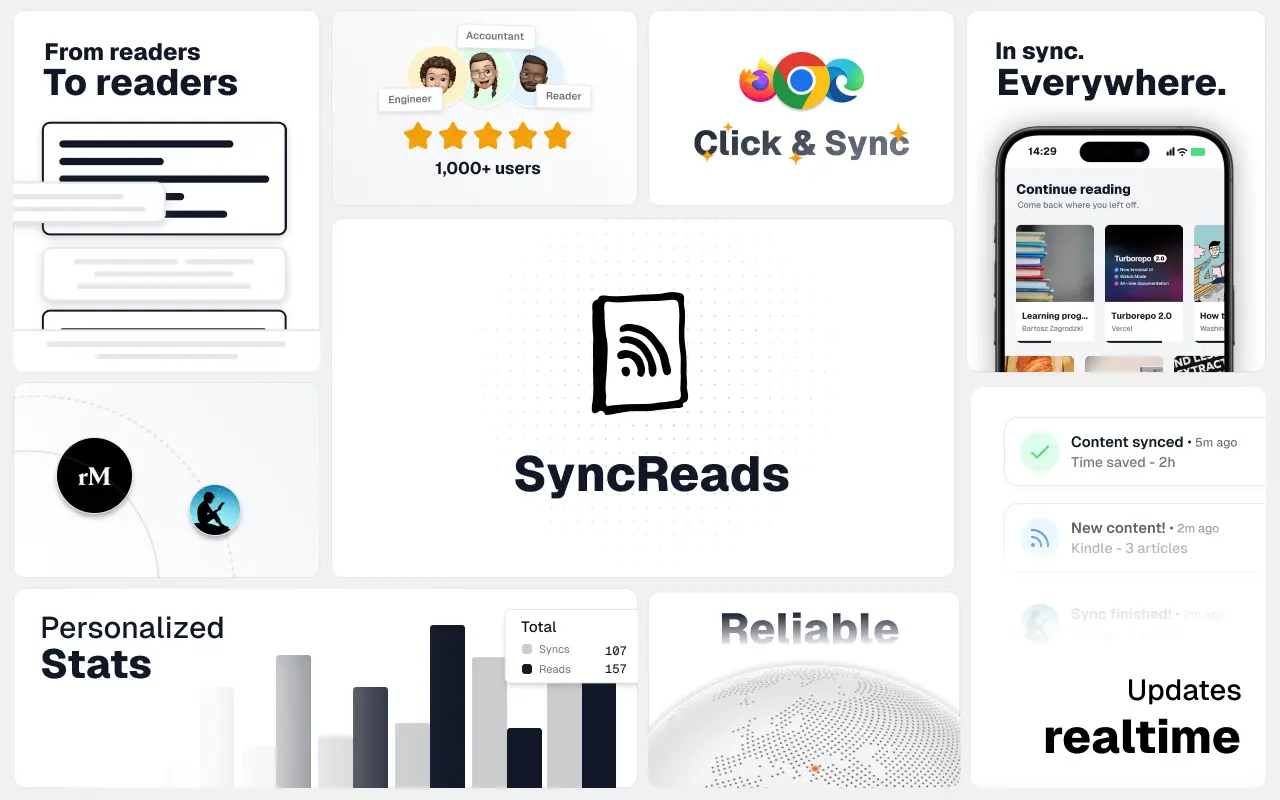
SyncReads
Sync your favorite content for distraction-free reading, save time and replace multiple apps. Anytime, anywhere 🔄
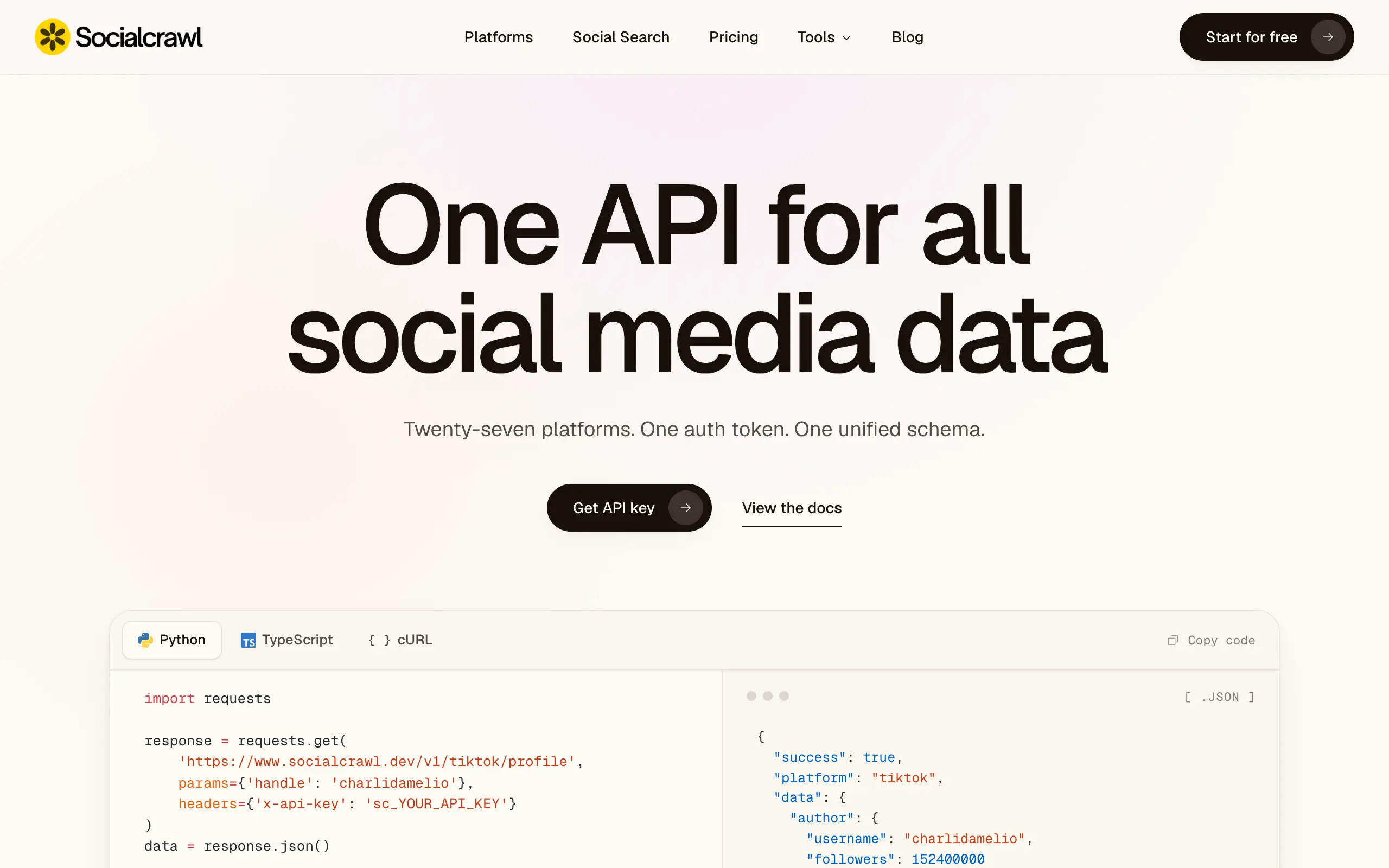
Socialcrawl
Get clean, structured data from 21 platforms like TikTok, Instagram, and YouTube with a single request 📊
Statiko
Monitor any Telegram channel in real time - track posts, edits, deletions, and growth with AI recaps 📡
Shibui
AI website builder - describe your business, pick a niche template, edit by chatting, and publish instantly ✨
Pro Service
Find verified home service professionals, compare quotes, and pay securely through escrow - built for Brazilians across the US 🏠
RankGrow
Fix your SEO with AI agents - connect Search Console, get prioritized tasks, and grow organic traffic 📈
SyncReads
Sync your favorite content for distraction-free reading, save time and replace multiple apps. Anytime, anywhere 🔄
Socialcrawl
Get clean, structured data from 21 platforms like TikTok, Instagram, and YouTube with a single request 📊
Statiko
Monitor any Telegram channel in real time - track posts, edits, deletions, and growth with AI recaps 📡
Shibui
AI website builder - describe your business, pick a niche template, edit by chatting, and publish instantly ✨
Pro Service
Find verified home service professionals, compare quotes, and pay securely through escrow - built for Brazilians across the US 🏠
RankGrow
Fix your SEO with AI agents - connect Search Console, get prioritized tasks, and grow organic traffic 📈
SyncReads
Sync your favorite content for distraction-free reading, save time and replace multiple apps. Anytime, anywhere 🔄
Socialcrawl
Get clean, structured data from 21 platforms like TikTok, Instagram, and YouTube with a single request 📊
Statiko
Monitor any Telegram channel in real time - track posts, edits, deletions, and growth with AI recaps 📡
Shibui
AI website builder - describe your business, pick a niche template, edit by chatting, and publish instantly ✨
Pro Service
Find verified home service professionals, compare quotes, and pay securely through escrow - built for Brazilians across the US 🏠
RankGrow
Fix your SEO with AI agents - connect Search Console, get prioritized tasks, and grow organic traffic 📈
SyncReads
Sync your favorite content for distraction-free reading, save time and replace multiple apps. Anytime, anywhere 🔄
Socialcrawl
Get clean, structured data from 21 platforms like TikTok, Instagram, and YouTube with a single request 📊
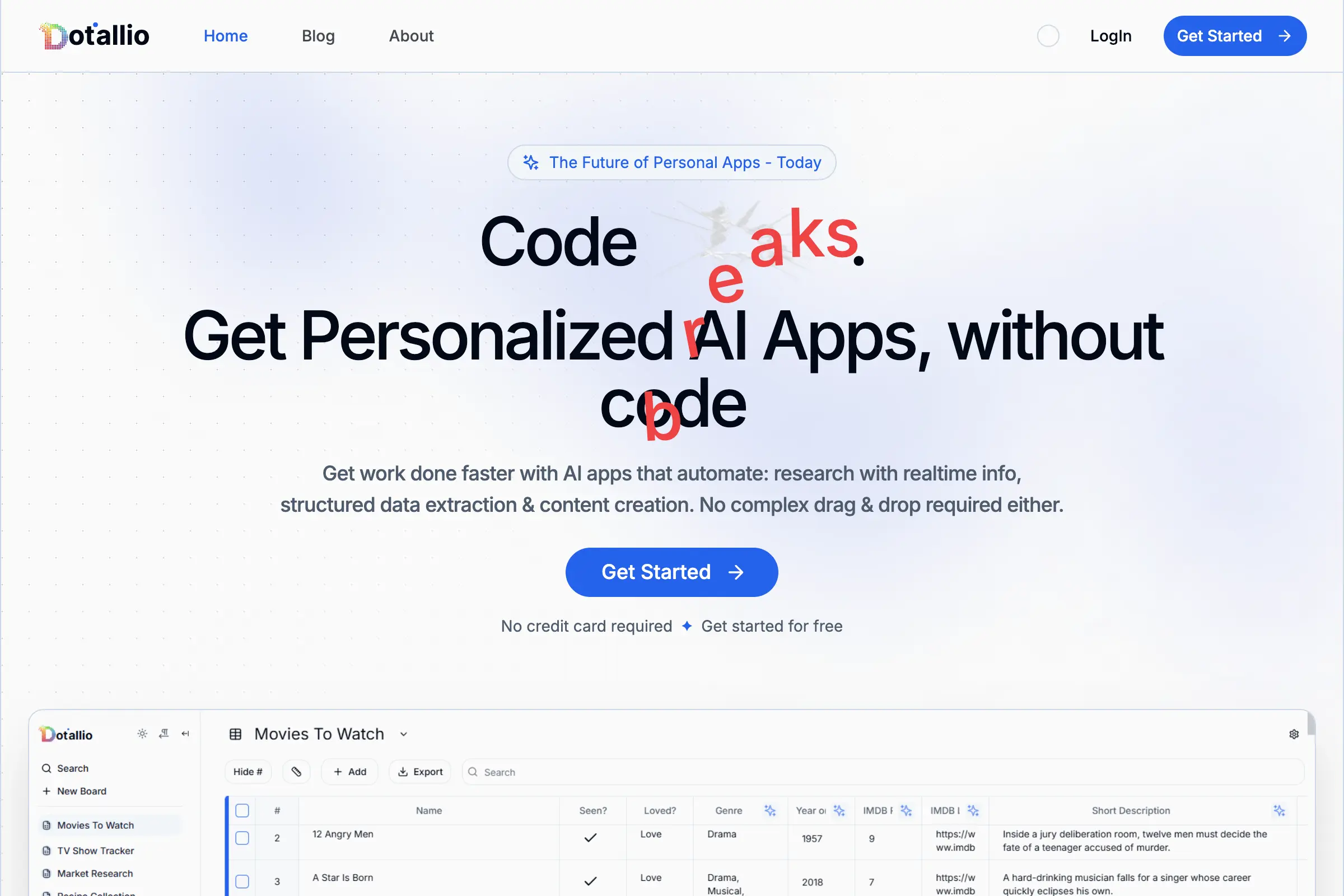
Dotallio
Personalized AI apps that automate research, data extraction, and content creation without code 🤖

Talk to Santa
Enjoy a magical live video chat or receive a unique AI-generated video greeting from Santa Claus 🎅

pozywka.pl
Scalable blog for food journalist, focused on performance and user experience 🌭
zagrodzki.me
Personal blog and portfolio of Bart Zagrodzki, where he shares his knowledge and work 💼
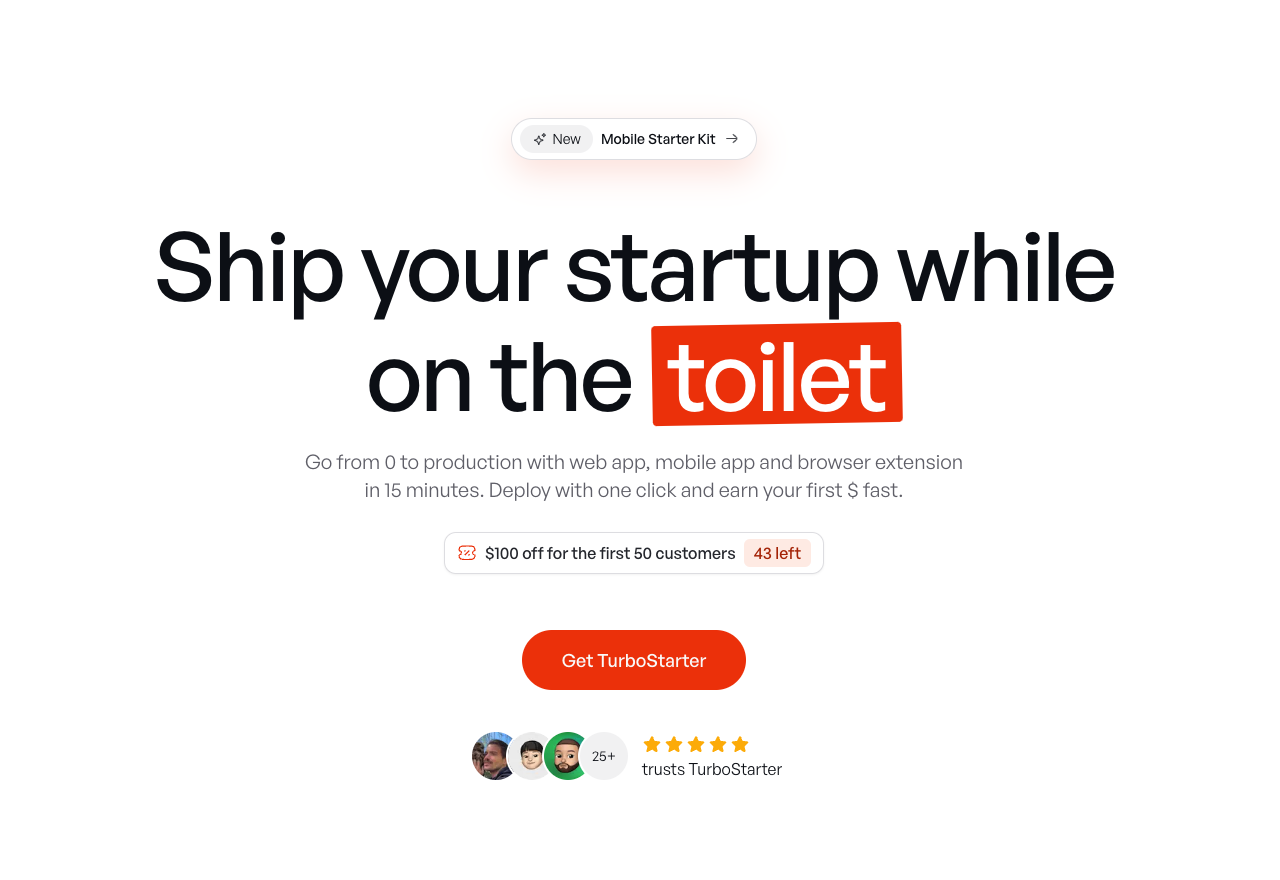
TurboStarter
Ship your startup everywhere. In minutes.
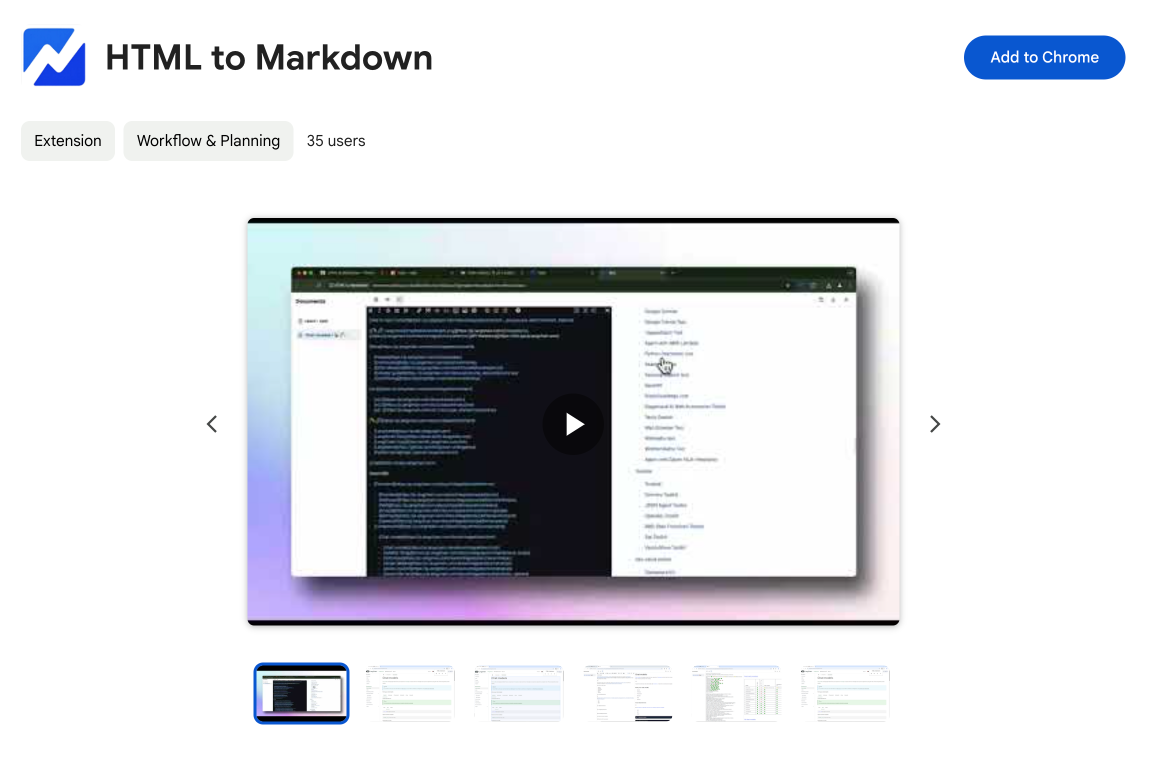
HTML to Markdown
Convert HTML to Markdown with ease, directly in your browser 📄
Dotallio
Personalized AI apps that automate research, data extraction, and content creation without code 🤖
Talk to Santa
Enjoy a magical live video chat or receive a unique AI-generated video greeting from Santa Claus 🎅
pozywka.pl
Scalable blog for food journalist, focused on performance and user experience 🌭
zagrodzki.me
Personal blog and portfolio of Bart Zagrodzki, where he shares his knowledge and work 💼
TurboStarter
Ship your startup everywhere. In minutes.
HTML to Markdown
Convert HTML to Markdown with ease, directly in your browser 📄
Dotallio
Personalized AI apps that automate research, data extraction, and content creation without code 🤖
Talk to Santa
Enjoy a magical live video chat or receive a unique AI-generated video greeting from Santa Claus 🎅
pozywka.pl
Scalable blog for food journalist, focused on performance and user experience 🌭
zagrodzki.me
Personal blog and portfolio of Bart Zagrodzki, where he shares his knowledge and work 💼
TurboStarter
Ship your startup everywhere. In minutes.
HTML to Markdown
Convert HTML to Markdown with ease, directly in your browser 📄
Dotallio
Personalized AI apps that automate research, data extraction, and content creation without code 🤖
Talk to Santa
Enjoy a magical live video chat or receive a unique AI-generated video greeting from Santa Claus 🎅
pozywka.pl
Scalable blog for food journalist, focused on performance and user experience 🌭
zagrodzki.me
Personal blog and portfolio of Bart Zagrodzki, where he shares his knowledge and work 💼
TurboStarter
Ship your startup everywhere. In minutes.
HTML to Markdown
Convert HTML to Markdown with ease, directly in your browser 📄
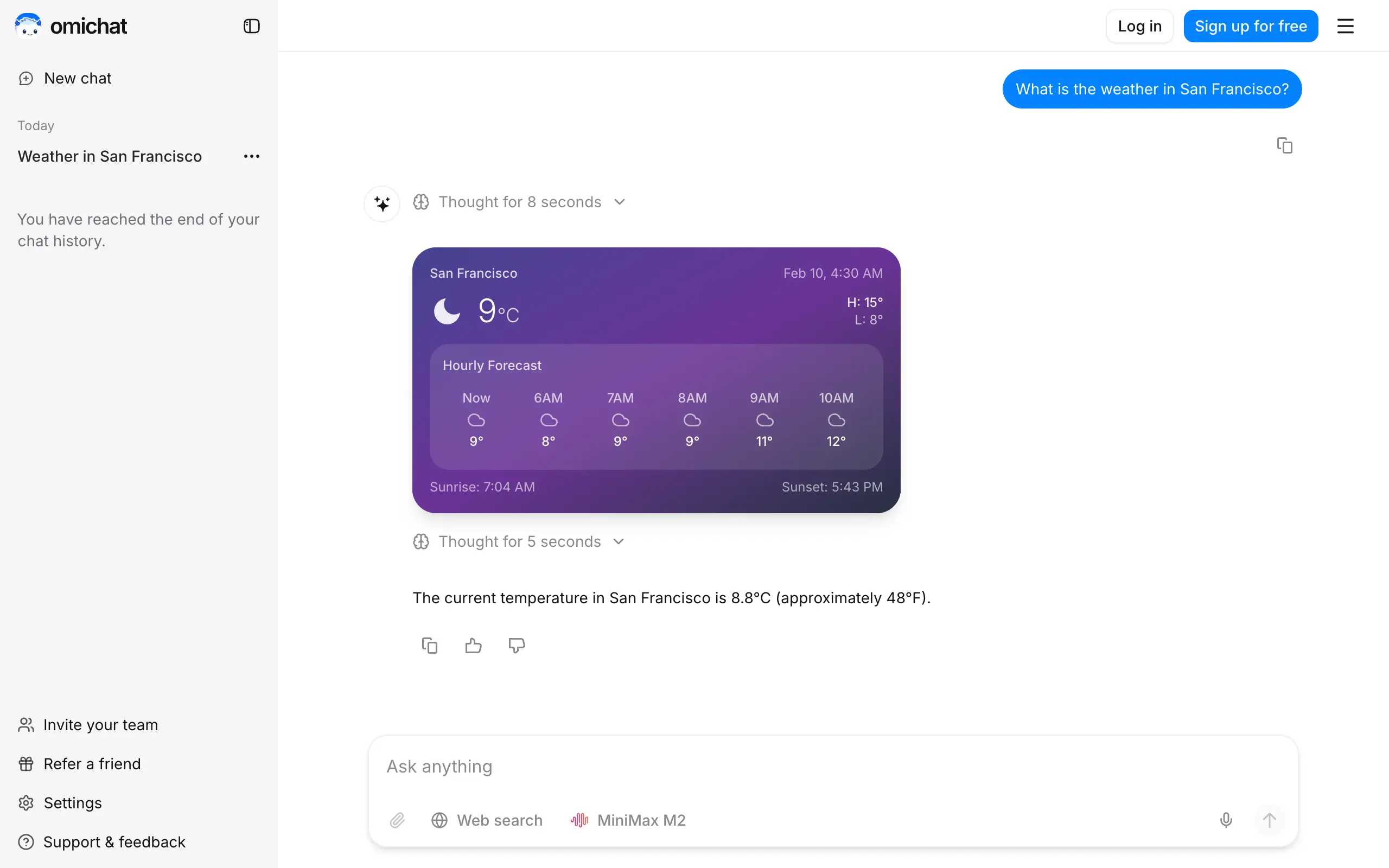
Omichat
Chat with 50+ AI models, including ChatGPT and Claude, in one place - switch models anytime without losing context 🤖
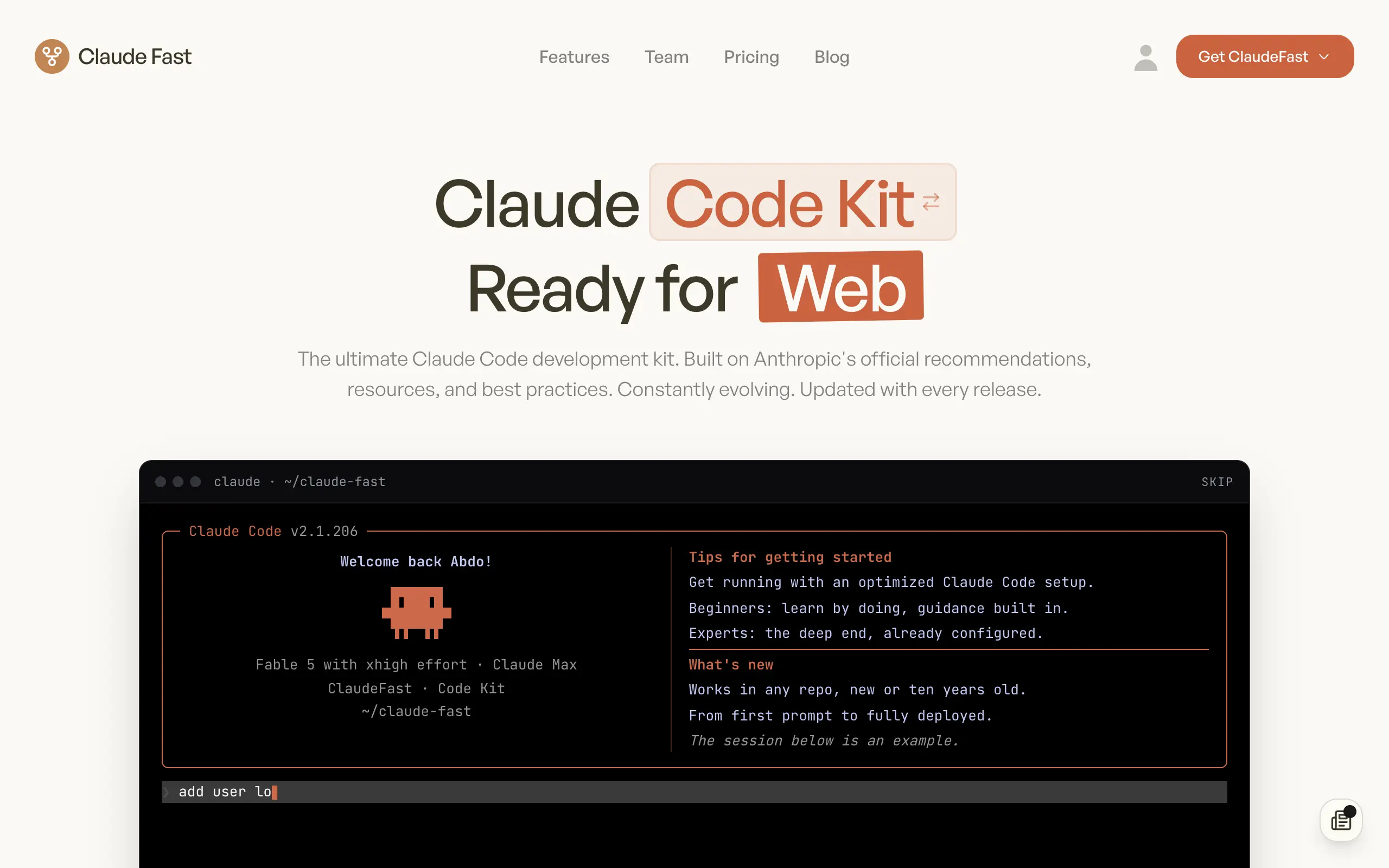
Claude Fast
Supercharge your Claude Code with 6x effective context window and specialized AI agents 🤖
EmojAI
AI-powered emoji picker with smart, context-aware suggestions 🤖
Solohacker
Autonomous company launcher - AI agents work 24/7, escalate what matters, and you stay in control 🤖

BeRawi: Storytelling Coach
Practice storytelling daily with instant feedback to sound clearer, more engaging, and confident 🎤
Omichat
Chat with 50+ AI models, including ChatGPT and Claude, in one place - switch models anytime without losing context 🤖
Claude Fast
Supercharge your Claude Code with 6x effective context window and specialized AI agents 🤖
EmojAI
AI-powered emoji picker with smart, context-aware suggestions 🤖
Solohacker
Autonomous company launcher - AI agents work 24/7, escalate what matters, and you stay in control 🤖
BeRawi: Storytelling Coach
Practice storytelling daily with instant feedback to sound clearer, more engaging, and confident 🎤
Omichat
Chat with 50+ AI models, including ChatGPT and Claude, in one place - switch models anytime without losing context 🤖
Claude Fast
Supercharge your Claude Code with 6x effective context window and specialized AI agents 🤖
EmojAI
AI-powered emoji picker with smart, context-aware suggestions 🤖
Solohacker
Autonomous company launcher - AI agents work 24/7, escalate what matters, and you stay in control 🤖
BeRawi: Storytelling Coach
Practice storytelling daily with instant feedback to sound clearer, more engaging, and confident 🎤
Omichat
Chat with 50+ AI models, including ChatGPT and Claude, in one place - switch models anytime without losing context 🤖
Claude Fast
Supercharge your Claude Code with 6x effective context window and specialized AI agents 🤖
EmojAI
AI-powered emoji picker with smart, context-aware suggestions 🤖
Solohacker
Autonomous company launcher - AI agents work 24/7, escalate what matters, and you stay in control 🤖
BeRawi: Storytelling Coach
Practice storytelling daily with instant feedback to sound clearer, more engaging, and confident 🎤

Connect with like-minded people
Join our community to get feedback, support, and grow together with 1,000+ builders on board, let's ship it!
Join usShip your startup everywhere. In minutes.
Don't burn tokens on setup and start building features on day one.