SquadScout
Plan software projects with AI that matches work to team skills, forecasts capacity, and highlights gaps before they affect delivery.
Why SquadScout addresses a real planning problem
Software delivery depends on more than a project plan. Teams also need to know whether the people assigned to that plan have the right skills, enough available time, and realistic room for unexpected work. That information is often spread across project-management tools, spreadsheets, calendars, and conversations with managers.
SquadScout is an AI team capacity planning and project staffing platform designed to bring those signals together. It helps organizations plan software projects around team skills and availability, forecast capacity, and identify gaps before they become delivery risks.
The idea has a clear promise: make project plans more realistic by connecting what needs to be done with who can do it and when. Rather than treating a team as a fixed number of hours, SquadScout can help project leaders reason about role requirements, skill coverage, workload, dependencies, and uncertainty.
The product should not position AI as an automatic project manager or a guarantee of on-time delivery. A more credible and useful promise is that SquadScout gives teams earlier, clearer evidence for better staffing decisions. People remain responsible for priorities and trade-offs; the product makes those trade-offs easier to see.
The user problem SquadScout should solve
Many planning tools are good at recording work but less effective at answering questions such as:
- Do we have enough available engineering capacity to start this project?
- Does the team have the skills needed for the work, or are there critical gaps?
- Which commitments are already consuming the people we plan to assign?
- If a project’s scope changes, what other work is likely to move?
- Should we hire, contract, train, reassign, or reduce scope?
- How reliable is this forecast, and what assumptions produced it?
Teams can attempt to answer these questions manually, but manual planning tends to become stale. A spreadsheet may show an engineer as available even though they are supporting an incident rotation, helping another team, or taking planned leave. A project plan may list roles without accounting for specialized experience. A capacity estimate may count working hours while ignoring meetings, reviews, onboarding, and operational responsibilities.
The result is a gap between nominal capacity and usable capacity. SquadScout can make that gap visible.
A helpful product model separates three concepts:
- Demand: the people, skills, and effort a project is expected to require.
- Supply: the team’s available time, skills, and existing commitments.
- Risk: the uncertainty or mismatch between demand and supply.
SquadScout becomes valuable when it helps users compare these concepts in a way they can understand and act on—not simply when it generates an AI-written plan.
Who is the target audience?
SquadScout should initially serve organizations where delivery depends on coordinating multiple projects, teams, and specialized skills. A focused first market is more promising than trying to serve every organization that manages work.
Primary users
Engineering managers need to balance delivery commitments with team health. They want to understand workload, avoid assigning the same people to several high-priority projects, and make the cost of new commitments visible.
Project and program managers need a practical way to coordinate timelines across teams. They benefit from a shared view of capacity and skill dependencies, especially when a project requires work from engineering, design, security, data, or operations.
Resource and portfolio planners need to compare project demand against organizational capacity. Their questions often involve trade-offs across several initiatives rather than a single sprint or team.
Technical leaders and CTOs need to make decisions about investment, hiring, sequencing, and scope. They may not use the product every day, but they need credible forecasts and clear explanations of risk.
Secondary users
- Product managers who need to understand the staffing implications of roadmap changes.
- People operations teams supporting workforce planning and skills development.
- Delivery consultants who coordinate work across client engagements.
- Software agencies that need to staff several projects with a shared pool of specialists.
- Startup founders who need a lightweight view of whether their small team can take on another commitment.
Best initial customer profile
A practical initial customer profile could be a software organization with:
- Multiple active projects or product teams.
- At least several dozen employees or contractors involved in delivery.
- Shared specialists, such as security engineers or data engineers.
- Existing project and people data in tools that can be integrated or imported.
- A recurring planning process where capacity decisions affect timelines, cost, or customer commitments.
These characteristics create enough complexity for a dedicated planning product to matter. Very small teams may solve the problem informally, while very large enterprises may require extensive procurement, customization, and governance. A focused mid-market customer can offer a useful balance for early product learning.
The market opportunity and product gap
The opportunity is not simply to add AI to project management. It is to connect project demand with people capacity and skills in a transparent, usable planning workflow.
Many organizations already have tools for task tracking, documentation, time reporting, HR records, and communication. The challenge is that these systems typically represent different parts of reality. A project-management system may know what work is planned, while a people directory may know someone’s role, and a calendar may show time away. None of these signals alone necessarily answers whether a project is realistically staffed.
SquadScout can occupy the space between these systems by creating a planning layer that:
- Consolidates relevant capacity and skills information.
- Lets users define assumptions and planning periods.
- Identifies demand-supply mismatches.
- Shows the consequences of potential changes.
- Makes recommendations understandable and reviewable.
This distinction matters. A generic AI assistant can summarize a project plan, but a trusted planning product must also know which data informed the summary, when that data was updated, and where uncertainty remains.
The gap between task planning and capacity planning
Task planning answers, “What work is on the board?” Capacity planning asks, “Can the people available to us complete this work while honoring their other commitments?”
Those questions are related but not interchangeable. Counting unassigned tasks does not reveal whether the team has the right skills. Counting employee hours does not reveal whether the time is available for focused project work. A useful SquadScout forecast should account for both quantity of capacity and fit of capability.
The gap between skills inventories and staffing decisions
A skills directory may list technologies or competencies, but a list alone is not a staffing plan. Users need to connect skills to project requirements, proficiency or experience levels, availability, and the cost of assigning a person to a particular effort.
SquadScout should treat skill information as a planning input, not as an objective measure of employee worth. Skills may be self-reported, manager-verified, inferred from work history, or outdated. The product should show where information came from and allow people to correct it.
The gap between forecasts and trust
An AI-generated forecast can look polished while concealing weak assumptions. For a product dealing with staffing and delivery, that is a serious risk. SquadScout can differentiate itself by showing users the inputs behind recommendations, including data freshness and confidence.
For example, instead of presenting a single definitive statement, it could say that a project has a likely capacity gap in a specific skill area, identify the commitments contributing to that gap, and explain which assumptions would change the forecast. This makes AI useful without asking users to trust a black box.
Core SquadScout features
The strongest first version should focus on a few connected workflows rather than a large catalog of AI features.
1. Team skills and availability profiles
Create team profiles that represent relevant planning information, such as:
- Skills and technologies.
- Role or functional area.
- Experience level or proficiency, where appropriate.
- Planned availability and time off.
- Existing project allocation.
- Operational responsibilities, such as on-call rotations.
- Source and last-updated date for each data point.
Users should be able to control what information is visible to whom. A skills profile should support planning and development, not quietly become a performance scorecard.
2. Project demand modeling
Let users describe a project in terms of phases, roles, skills, estimated effort, and time windows. The product can support structured inputs alongside natural-language descriptions.
AI may help turn a project brief into a draft set of requirements, but the result should be editable. A project lead should be able to confirm that a proposed need for “backend engineering” really means a specific skill, seniority, or time commitment.
A useful demand model distinguishes between:
- Required skills and preferred skills.
- Total effort and timing of effort.
- Fixed dependencies and flexible sequencing.
- Internal work and work that could be contracted or outsourced.
- Confirmed estimates and assumptions that still need review.
3. Capacity forecasting
SquadScout should forecast available capacity over a selected planning period. The forecast should account for existing assignments, leave, operational duties, and a configurable allowance for non-project work.
Avoid presenting a person’s entire working week as assignable capacity. Organizations have meetings, collaboration, support, context switching, and other responsibilities. A configurable model is more realistic than a universal utilization target.
The product should make forecast inputs visible so that teams can adapt them to their operating model. For example, a team with a substantial support rotation may need a different baseline from a team working on a stable internal product.
4. Skills-gap detection
A project may have enough total hours but still lack a crucial capability. SquadScout should identify those gaps and distinguish between:
- Capacity gaps, where there is not enough available time.
- Skill gaps, where the team lacks a required capability.
- Timing gaps, where the right person is available too late.
- Concentration risks, where a critical skill depends on one person.
- Data gaps, where the system lacks enough information to make a dependable recommendation.
This classification gives users more actionable choices. A capacity gap might call for rescheduling or reducing scope. A skill gap might call for training, hiring, contracting, or pairing. A data gap might call for a manager to review the project or team profile.
5. Scenario planning
Users should be able to explore changes without overwriting the approved plan. For example:
- What happens if a project starts two weeks later?
- What if a key engineer is unavailable?
- What if the team reduces scope?
- What if another project becomes higher priority?
- What if the organization adds a contractor with a particular skill?
Scenario planning is likely to be one of SquadScout’s most compelling workflows because it turns a forecast into a decision tool. The interface should make it easy to compare scenarios and explain the assumptions that differ between them.
6. AI planning assistant
An AI assistant can help users interpret data and create a first draft of a plan. Possible tasks include:
- Converting a project brief into a draft skills and effort breakdown.
- Summarizing capacity risks for an upcoming planning review.
- Identifying assumptions that need confirmation.
- Explaining which commitments drive a projected bottleneck.
- Suggesting options for resolving a gap.
The assistant should avoid making high-impact staffing decisions autonomously. Recommendations should be explainable, editable, and clearly marked as suggestions. The system should not imply that AI can objectively determine an individual’s productivity or future performance.
7. Alerts and planning reports
Notifications should be tied to decisions, not generated simply because the system has detected a change. Useful alerts might include a new conflict in an approved plan, an expiring skill-data review, or a forecasted shortage in a critical role.
Reports can help teams prepare for recurring planning meetings. A practical report might summarize:
- Project demand by period.
- Capacity by team or skill.
- Important assumptions.
- Unresolved risks.
- Changes since the last review.
- Decisions needed from leadership.
8. Integrations and imports
Integrations can reduce setup friction, but early development should prioritize a small number of sources that customers actually use. Depending on discovery, these may include project-management tools, identity providers, calendars, or HR systems.
A CSV import and export workflow can be a useful early bridge. It enables pilots without requiring a mature integration catalog and gives customers a way to inspect their data. Integrations should be designed around clear permissions and data minimization.
What makes the product different?
SquadScout’s unique selling proposition should be AI-assisted project planning that connects skills, capacity, and delivery risk in one explainable workflow.
The product should not try to win by claiming to have the most powerful language model or the largest number of integrations. Those advantages are easy to imitate and may not address the customer’s core trust problem. A stronger competitive advantage comes from making planning decisions more transparent and operationally useful.
| Product approach | Typical strength | Common limitation | SquadScout opportunity | Buyer concern |
|---|---|---|---|---|
| Project tracking tools | Work visibility | May not model skill fit or real availability | Connect planned work to capacity | Data integration effort |
| Spreadsheets | Flexible and familiar | Manual upkeep and limited scenario analysis | Provide structured, repeatable forecasting | Change management |
| Workforce planning platforms | Broad resource views | May feel heavyweight for software delivery | Focus on software teams and delivery workflows | Fit with existing systems |
| Generic AI assistants | Fast summaries and drafting | May lack reliable, connected planning data | Ground recommendations in reviewed inputs | Explainability |
| Internal planning processes | Tailored to the organization | Knowledge may live with a few people | Make assumptions reusable and visible | Trust in the model |
This table is a strategic framing, not a claim that every tool in a category has the same limitations. Competitive research should validate how specific products work and which workflows customers already rely on.
SquadScout can stand out through a combination of:
- Skills-aware forecasts rather than capacity totals alone.
- Human-reviewed recommendations rather than automated assignments.
- Visible assumptions and data freshness rather than opaque outputs.
- Scenario comparison rather than one static forecast.
- A focused software delivery model rather than a generic resource-planning abstraction.
Recommended technology stack
The initial architecture should prioritize secure multi-tenancy, clear data lineage, and an ability to change forecasting logic as customer feedback arrives. Avoid over-engineering for hypothetical scale before the core workflow is validated.
Frontend
A modern web application built with React and TypeScript is a reasonable fit for interactive dashboards, scenario comparisons, and complex forms. TypeScript can reduce common errors when modeling projects, people, skills, and forecast assumptions.
Use a component system and design tokens to keep planning screens consistent. Capacity interfaces can become visually dense, so accessibility, keyboard navigation, clear labels, and responsive behavior should be built into the design rather than added at the end.
Backend and data layer
A relational database such as PostgreSQL is a strong default for structured relationships among organizations, teams, people, projects, skills, commitments, and planning periods. Relational constraints can help preserve important invariants, such as preventing records from one organization from appearing in another organization’s workspace.
An API layer should enforce authorization and data validation independently of the frontend. Forecasting should run in a service or module that can be tested separately from the user interface.
AI and forecasting
Treat forecasting and generative AI as related but distinct capabilities:
- Forecasting logic should calculate capacity, identify constraints, and compare scenarios using explicit rules and assumptions.
- Generative AI can help interpret project briefs, summarize results, and explain potential actions in natural language.
This separation makes it easier to test whether a forecast is correct without relying on a language model to perform arithmetic. A model can assist with ambiguous text, but deterministic calculations should handle core totals wherever possible.
If using a hosted model, review its documentation, data-processing terms, retention controls, and regional availability before sending customer information. For example, consult the official OpenAI API documentation if OpenAI is being evaluated. The final provider choice should follow security review and customer requirements, not only output quality.
Background processing and integrations
Long-running imports, scheduled forecast refreshes, and report generation may need a job queue. Start with a managed queue or a reliable application framework before adopting a more complex distributed architecture. Make jobs idempotent so that retries do not create duplicate commitments or notifications.
For each integration, document:
- Which data is read or written.
- Required permissions.
- How often data syncs.
- What happens when a sync fails.
- How users disconnect the integration.
- How imported data is deleted.
Authentication, billing, and product foundation
Authentication should support organization-level access controls and a path to single sign-on for larger customers. Billing can begin with a simple subscription workflow, then expand to negotiated contracts when enterprise requirements emerge.
For teams building the application with a starter platform, TurboStarter can help provide a foundation for SaaS product development. Evaluate any starter against SquadScout’s specific needs, especially tenant isolation, permission modeling, billing workflows, and the ability to customize data access.
Trade-offs to consider
| Decision | Faster starting point | More control | Key trade-off |
|---|---|---|---|
| AI provider | Hosted model API | Self-hosted model | Speed and quality versus infrastructure and governance |
| Forecasting | Simple rules | Custom optimization | Easier validation versus flexibility for complex constraints |
| Integrations | CSV import | Native connectors | Lower build cost versus less automatic data freshness |
| Architecture | Modular monolith | Distributed services | Simpler operations versus independent scaling |
| Pricing | Per-seat plans | Organization contracts | Easier self-serve sales versus more complex procurement |
A modular monolith is often a sensible early choice. Keep domain boundaries clear, but do not introduce microservices until real operational needs justify the additional deployment and debugging burden.
Data privacy, security, and responsible AI
SquadScout may process information about employee skills, availability, assignments, and work plans. That makes trust a core product requirement, not a feature to postpone.
The product should follow several principles:
- Data minimization: collect only the information required for planning.
- Purpose clarity: explain how each data category is used.
- Access control: provide role-based access and organization-level boundaries.
- Data provenance: show where information came from and when it was updated.
- Correction paths: let authorized users and, where appropriate, employees correct inaccurate profile data.
- Auditability: record significant changes to plans, permissions, and recommendations.
- Human oversight: require review before AI suggestions become staffing decisions.
The product should also avoid presenting inferred skills or availability as verified facts. A user may be qualified in a skill that is absent from their profile, and a person with a listed skill may not be available for a particular type of assignment. The interface should communicate uncertainty rather than conceal it.
Before selling to larger organizations, prepare for security and procurement questions about encryption, access controls, data retention, subprocessors, backups, incident response, and deletion workflows. For applicable legal and regulatory requirements, obtain advice from qualified counsel and security professionals. Do not make compliance claims until they are supported by the relevant process and evidence.
Monetization strategy
SquadScout has several viable pricing models. The best choice depends on who receives value, how frequently the product is used, and how much implementation support customers need.
Per-seat subscription
Charging per user is easy to understand and can work for self-serve teams. However, the model may discourage broad participation if stakeholders who contribute data or review plans are also billed as full users.
A possible alternative is to distinguish between planners, contributors, and read-only viewers. Be careful not to make the pricing structure so complex that buyers cannot estimate cost.
Team or organization tiers
A tiered subscription can bundle a number of teams, projects, or managed people profiles. This may align more closely with the value of portfolio visibility than a simple seat count.
For example, tiers could vary by:
- Number of planning teams.
- Forecasting and scenario capabilities.
- Integration availability.
- Historical data retention.
- Administrative controls.
- Support and onboarding.
The exact limits should be based on customer research and cost analysis, not arbitrary feature gates.
Enterprise contracts
Larger customers may pay for security reviews, single sign-on, advanced permissions, implementation assistance, or custom integrations. Enterprise pricing can support higher-touch sales, but it brings longer procurement cycles and greater support expectations.
Services and onboarding
A paid onboarding package can help customers map their planning processes, import data, define assumptions, and train users. Services can produce early revenue and improve activation, but the core product should remain repeatable. If every customer requires extensive manual consulting, product usability or the target segment may need reconsideration.
Pricing validation
Before choosing a final model, interview buyers about their current cost of planning, the frequency of staffing decisions, budget ownership, and procurement expectations. Test price ranges through structured conversations and pilot proposals. Avoid using feature requests alone as evidence of willingness to pay; a buyer’s commitment to a paid pilot is a stronger signal.
Risks and how to mitigate them
Inaccurate or stale data
If profiles and commitments are outdated, a capacity forecast can be misleading.
Mitigation: display data freshness, provide lightweight update workflows, support CSV review, and make it easy to flag uncertain information. Integrations should not silently imply that synced data is complete.
False precision
A forecast presented as a precise date or percentage can create unwarranted confidence, especially when estimates and dependencies are uncertain.
Mitigation: show assumptions, ranges, and confidence indicators where appropriate. Distinguish measured facts from user-entered estimates and AI-generated suggestions.
Employee surveillance concerns
Team members may worry that the product measures individual productivity or enables punitive workload monitoring.
Mitigation: position SquadScout around project planning and team-level capacity, not employee scoring. Explain data use clearly, limit access to sensitive views, and involve users in product research.
Biased or unfair recommendations
Historical work data may reflect unequal opportunities, incomplete profiles, or biased assumptions about who is suited to particular work.
Mitigation: avoid using AI to rank people or make employment decisions. Make assignments reviewable, offer correction mechanisms, and test recommendations for systematic differences. Seek qualified legal and fairness review for high-impact use cases.
Integration complexity
Customers may use different project, HR, and calendar systems, each with its own permissions and data structures.
Mitigation: begin with the smallest set of integrations that supports the initial customer profile. Offer CSV import and export, document data mappings, and build a clear integration roadmap from observed demand.
Long sales cycles
Workforce planning software can involve multiple stakeholders, security reviews, and budget approvals.
Mitigation: validate a focused segment with a clear buyer and urgent planning problem. Offer a constrained pilot with success criteria, while developing a self-serve path for smaller teams.
Overreliance on AI
Users may accept confident-sounding recommendations even when the underlying data is incomplete.
Mitigation: separate deterministic calculations from generative summaries, expose supporting evidence, and label suggestions. Add review checkpoints for consequential actions.
How to validate demand before building too much
The core hypothesis is not merely that teams want AI. It is that organizations will adopt a dedicated tool to improve project staffing and capacity decisions.
Conduct discovery interviews with engineering managers, delivery leaders, and portfolio planners. Ask participants to walk through their most recent planning decision rather than asking whether they like the idea. Useful questions include:
- How do you decide whether a new project can be staffed?
- What information do you consult, and where does it live?
- When was the last time a capacity assumption proved wrong?
- Which roles or skills are hardest to plan?
- How do you handle competing priorities?
- What would prevent your team from connecting this data to a new tool?
- Who would approve a purchase, and what evidence would they need?
Look for evidence of recurring workarounds, measurable delivery consequences, and an identifiable budget owner. A spreadsheet used in every monthly planning cycle is stronger evidence than a one-time complaint about project visibility.
A pilot should test a specific workflow, such as preparing a quarterly roadmap review or identifying staffing conflicts before project kickoff. Define success criteria in advance. These might include reduced preparation effort, earlier discovery of conflicts, improved confidence in assumptions, or a higher share of plans with named owners and validated skills.
When reporting pilot results, distinguish observed product outcomes from broader causal claims. If a team identifies risks earlier during a pilot, that is useful evidence; it does not automatically prove the product improved delivery predictability across the organization.
Actionable implementation roadmap
Phase 1: Choose the first user and planning workflow
Select one initial customer segment and one recurring decision. For example, focus on engineering managers preparing monthly capacity plans across several product teams. Avoid trying to model every kind of workforce planning from the start.
Phase 2: Map the data and decision process
Document the data users need, where it currently lives, who maintains it, and how a planning decision gets approved. Identify sensitive fields and determine whether they are truly necessary.
Phase 3: Build a no-AI planning prototype
Create a basic workflow that supports team profiles, project demand, capacity assumptions, and visible conflicts. Test whether users can understand and act on the output before adding generative AI.
Phase 4: Add scenario comparison
Let users adjust a small number of assumptions and compare outcomes. Prioritize explanations that help users understand which change caused a risk to increase or decrease.
Phase 5: Introduce AI with bounded responsibilities
Use AI first for low-risk assistance, such as parsing project briefs into editable draft requirements or summarizing a forecast. Keep calculations and final staffing decisions under explicit user control.
Phase 6: Run paid or commitment-based pilots
Recruit a small group of organizations that match the target profile. Agree on a specific planning use case and success measures before implementation. Track both usage and decision quality signals, not just account creation.
Phase 7: Improve security and onboarding
As adoption grows, invest in role-based access controls, audit logs, reliable data deletion, integration reliability, documentation, and onboarding. Build these capabilities in response to validated customer needs and risk.
The long-term opportunity
If SquadScout earns user trust, it can become more than a dashboard. It can provide a shared planning layer that helps teams learn from prior assumptions, compare scenarios, and make staffing trade-offs earlier.
The long-term opportunity is not to claim that software can remove uncertainty from delivery. Projects will still change, estimates will still be imperfect, and people will still make decisions under constraints. The opportunity is to make those constraints visible while there is still time to respond.
That means the strongest product is likely to be one that helps users answer three practical questions:
- What do we believe this project needs?
- What capacity and skills do we actually have?
- Which decisions could reduce the gap?
A focused, trustworthy answer to those questions is a stronger foundation than a broad promise of autonomous project planning.
Final recommendation
SquadScout has a compelling SaaS opportunity if it stays centered on skills-aware capacity planning for software delivery. Its differentiation should come from connecting project demand, team capability, and availability while showing users how forecasts are formed.
Start with a narrow customer segment, build a transparent planning workflow, and validate whether teams will use it in real staffing decisions. Treat AI as an assistant for interpreting and explaining information—not as a substitute for reliable data, explicit assumptions, or human judgment.
For founders ready to turn the concept into a SaaS product, TurboStarter can help accelerate the application foundation while the team concentrates on validating SquadScout’s planning workflows and customer value.
Frequently asked questions
SquadScout is a proposed AI-assisted planning platform for software teams. It connects project requirements with team skills and availability to help users forecast capacity, explore scenarios, and identify potential staffing gaps.
Likely users include engineering managers, project and program managers, portfolio planners, technical leaders, software agencies, and founders coordinating multiple commitments. The best initial audience is one with recurring planning decisions and enough shared work to make capacity conflicts difficult to manage manually.
AI can help interpret project briefs, draft skill requirements, summarize risks, and explain possible responses. Core capacity calculations should rely on explicit, testable logic, and recommendations that affect staffing should remain reviewable by people.
A key risk is that forecasts appear more reliable than the underlying data. Stale availability, incomplete skills profiles, and unclear assumptions can undermine trust. SquadScout should show data freshness, uncertainty, and the inputs behind its conclusions.
A focused MVP should include team skill and availability profiles, project demand modeling, a transparent capacity forecast, basic skill-gap detection, and one scenario-planning workflow. CSV import can help validate demand before investing in numerous integrations.
More 🤖 AI Startup SaaS ideas
Discover more innovative ai startup SaaS ideas that are trending in 2026. Each idea is AI-generated with market validation and growth potential to help you find your next profitable venture faster than competitors.
Your competitors are building with TurboStarter
Below are some of the SaaS ideas that have been generated and built with our starter kit.
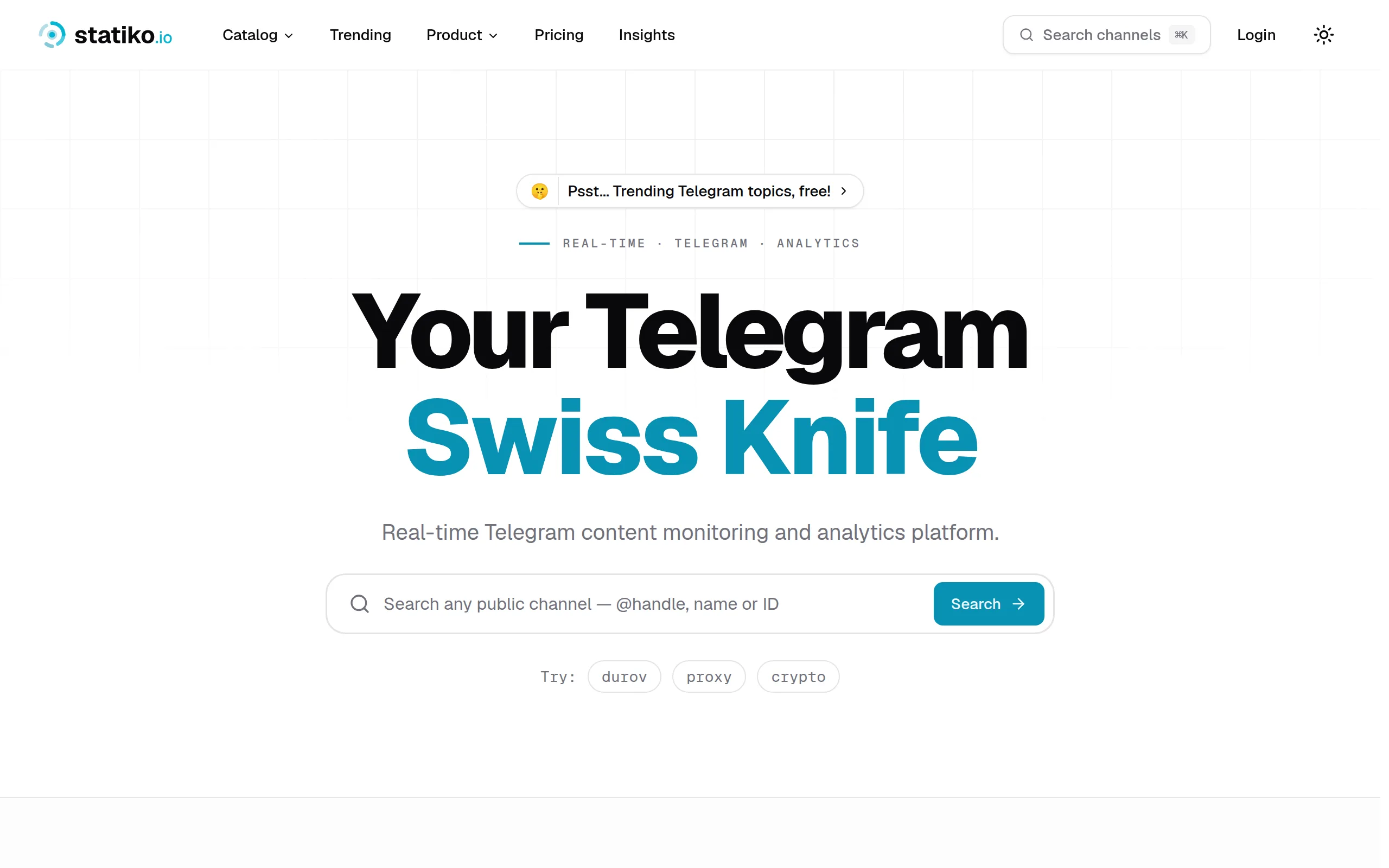
Statiko
Monitor any Telegram channel in real time - track posts, edits, deletions, and growth with AI recaps 📡

Shibui
AI website builder - describe your business, pick a niche template, edit by chatting, and publish instantly ✨

Pro Service
Find verified home service professionals, compare quotes, and pay securely through escrow - built for Brazilians across the US 🏠
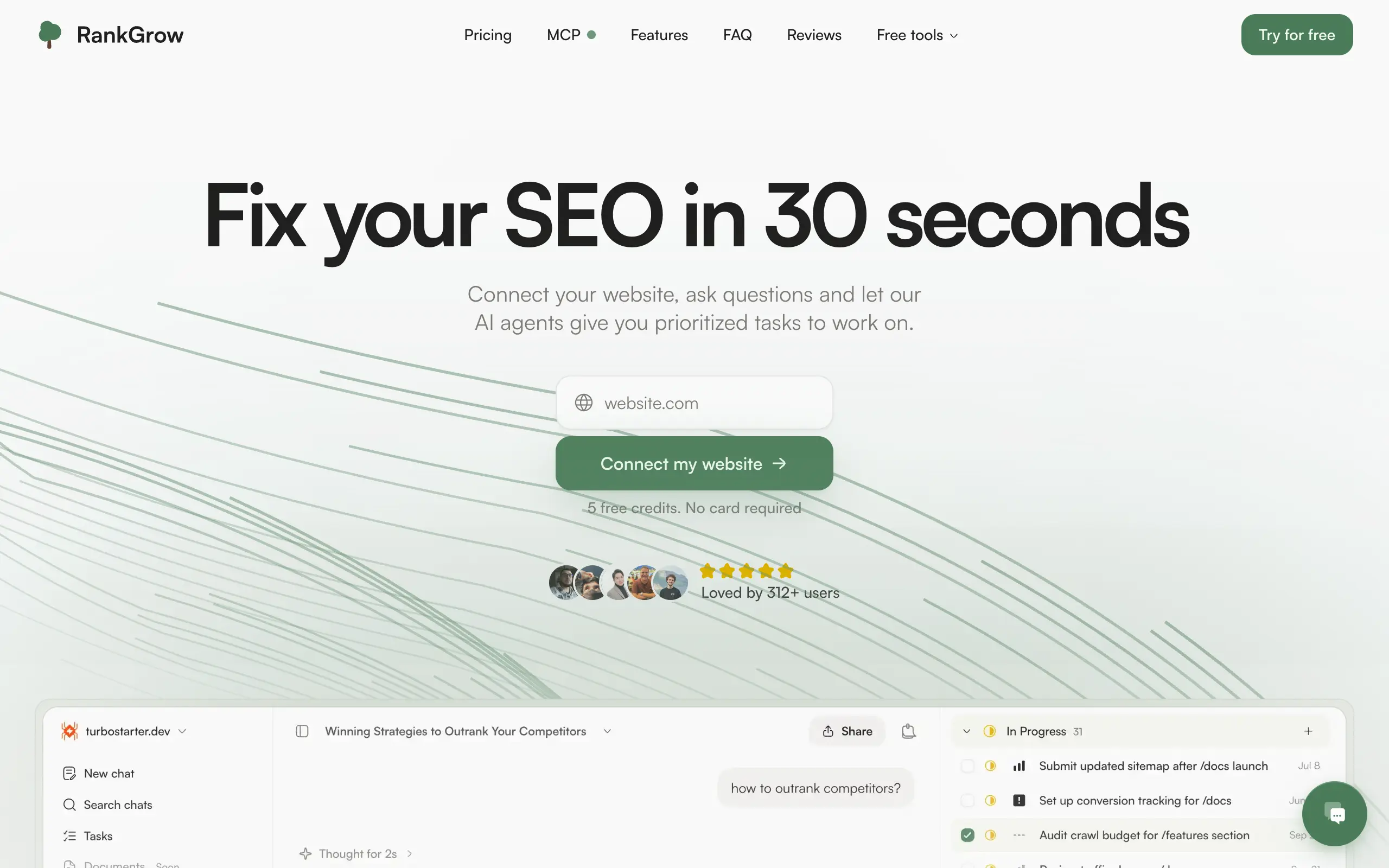
RankGrow
Fix your SEO with AI agents - connect Search Console, get prioritized tasks, and grow organic traffic 📈
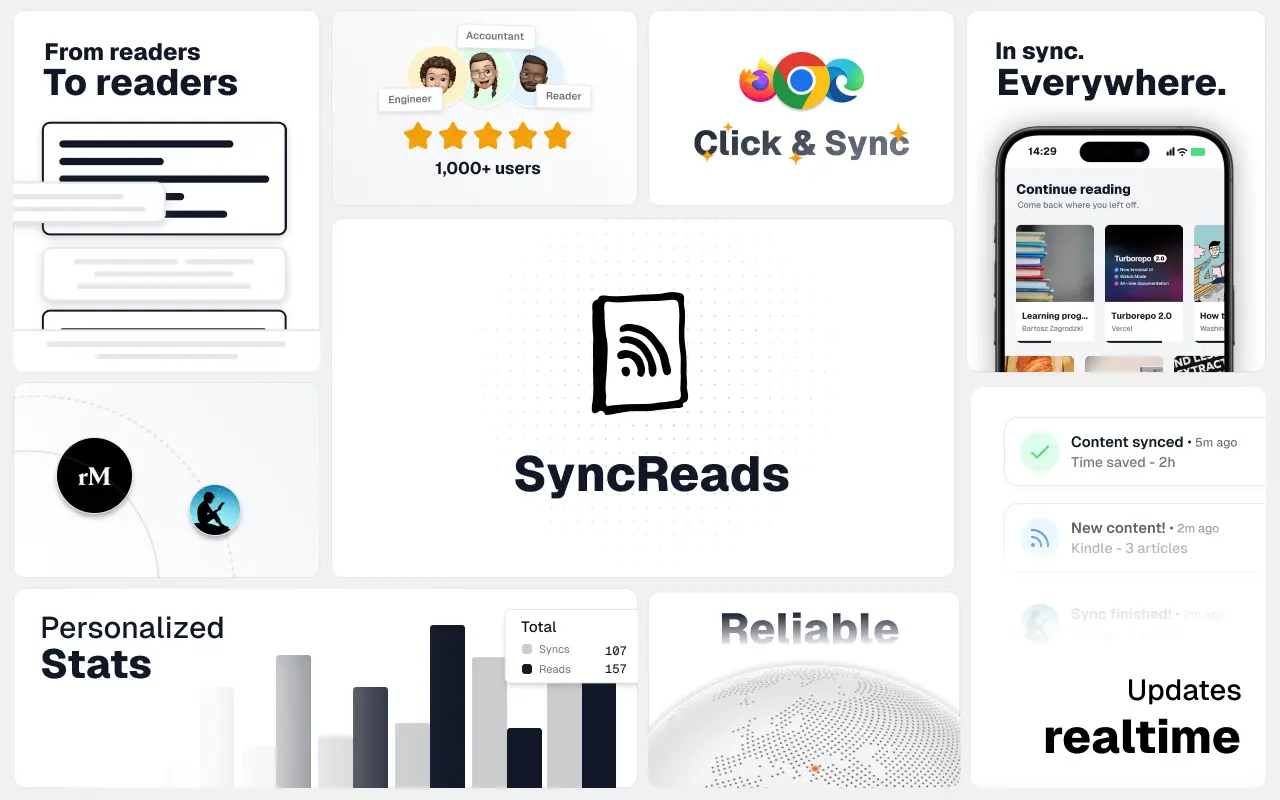
SyncReads
Sync your favorite content for distraction-free reading, save time and replace multiple apps. Anytime, anywhere 🔄
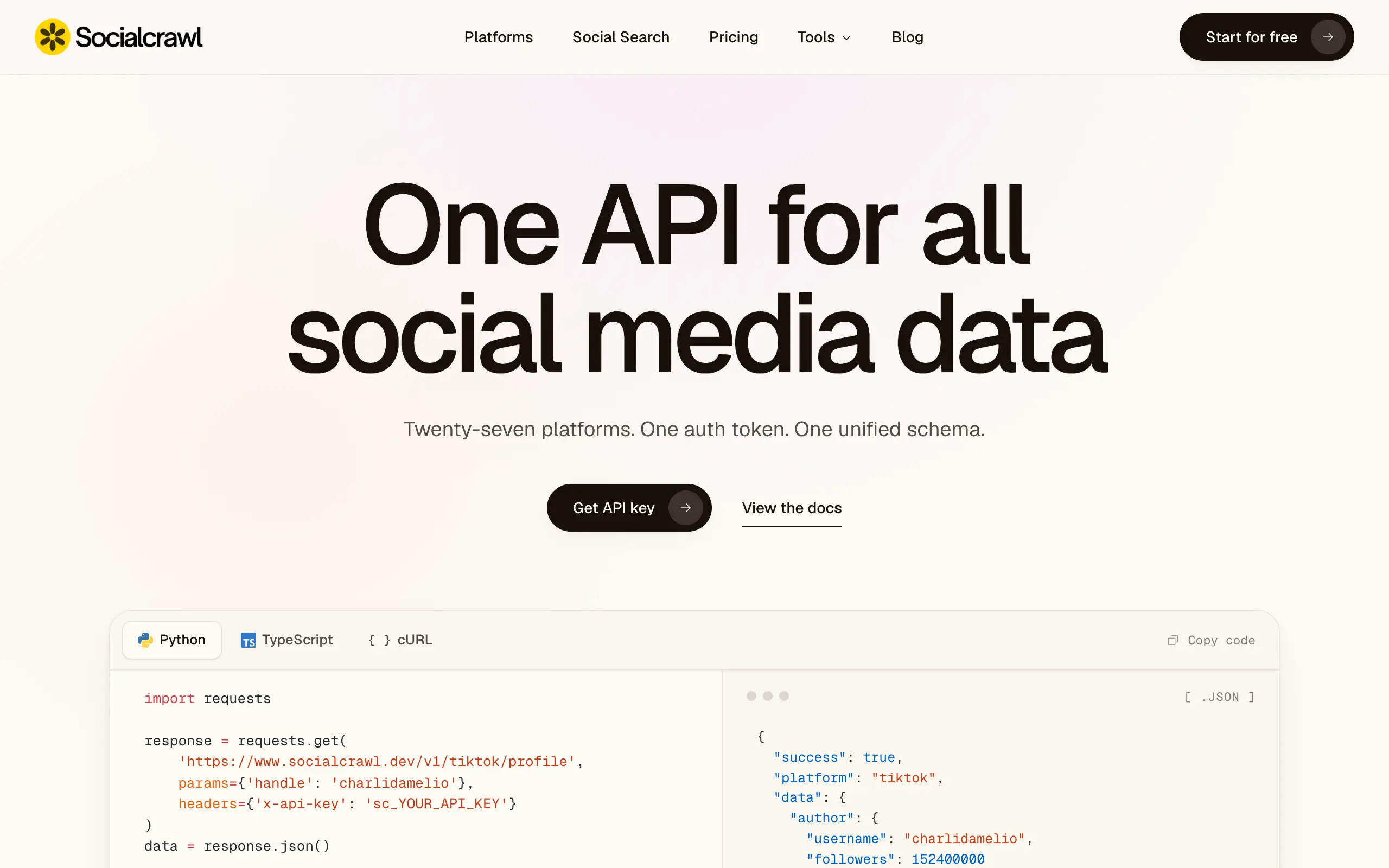
Socialcrawl
Get clean, structured data from 21 platforms like TikTok, Instagram, and YouTube with a single request 📊
Statiko
Monitor any Telegram channel in real time - track posts, edits, deletions, and growth with AI recaps 📡
Shibui
AI website builder - describe your business, pick a niche template, edit by chatting, and publish instantly ✨
Pro Service
Find verified home service professionals, compare quotes, and pay securely through escrow - built for Brazilians across the US 🏠
RankGrow
Fix your SEO with AI agents - connect Search Console, get prioritized tasks, and grow organic traffic 📈
SyncReads
Sync your favorite content for distraction-free reading, save time and replace multiple apps. Anytime, anywhere 🔄
Socialcrawl
Get clean, structured data from 21 platforms like TikTok, Instagram, and YouTube with a single request 📊
Statiko
Monitor any Telegram channel in real time - track posts, edits, deletions, and growth with AI recaps 📡
Shibui
AI website builder - describe your business, pick a niche template, edit by chatting, and publish instantly ✨
Pro Service
Find verified home service professionals, compare quotes, and pay securely through escrow - built for Brazilians across the US 🏠
RankGrow
Fix your SEO with AI agents - connect Search Console, get prioritized tasks, and grow organic traffic 📈
SyncReads
Sync your favorite content for distraction-free reading, save time and replace multiple apps. Anytime, anywhere 🔄
Socialcrawl
Get clean, structured data from 21 platforms like TikTok, Instagram, and YouTube with a single request 📊
Statiko
Monitor any Telegram channel in real time - track posts, edits, deletions, and growth with AI recaps 📡
Shibui
AI website builder - describe your business, pick a niche template, edit by chatting, and publish instantly ✨
Pro Service
Find verified home service professionals, compare quotes, and pay securely through escrow - built for Brazilians across the US 🏠
RankGrow
Fix your SEO with AI agents - connect Search Console, get prioritized tasks, and grow organic traffic 📈
SyncReads
Sync your favorite content for distraction-free reading, save time and replace multiple apps. Anytime, anywhere 🔄
Socialcrawl
Get clean, structured data from 21 platforms like TikTok, Instagram, and YouTube with a single request 📊
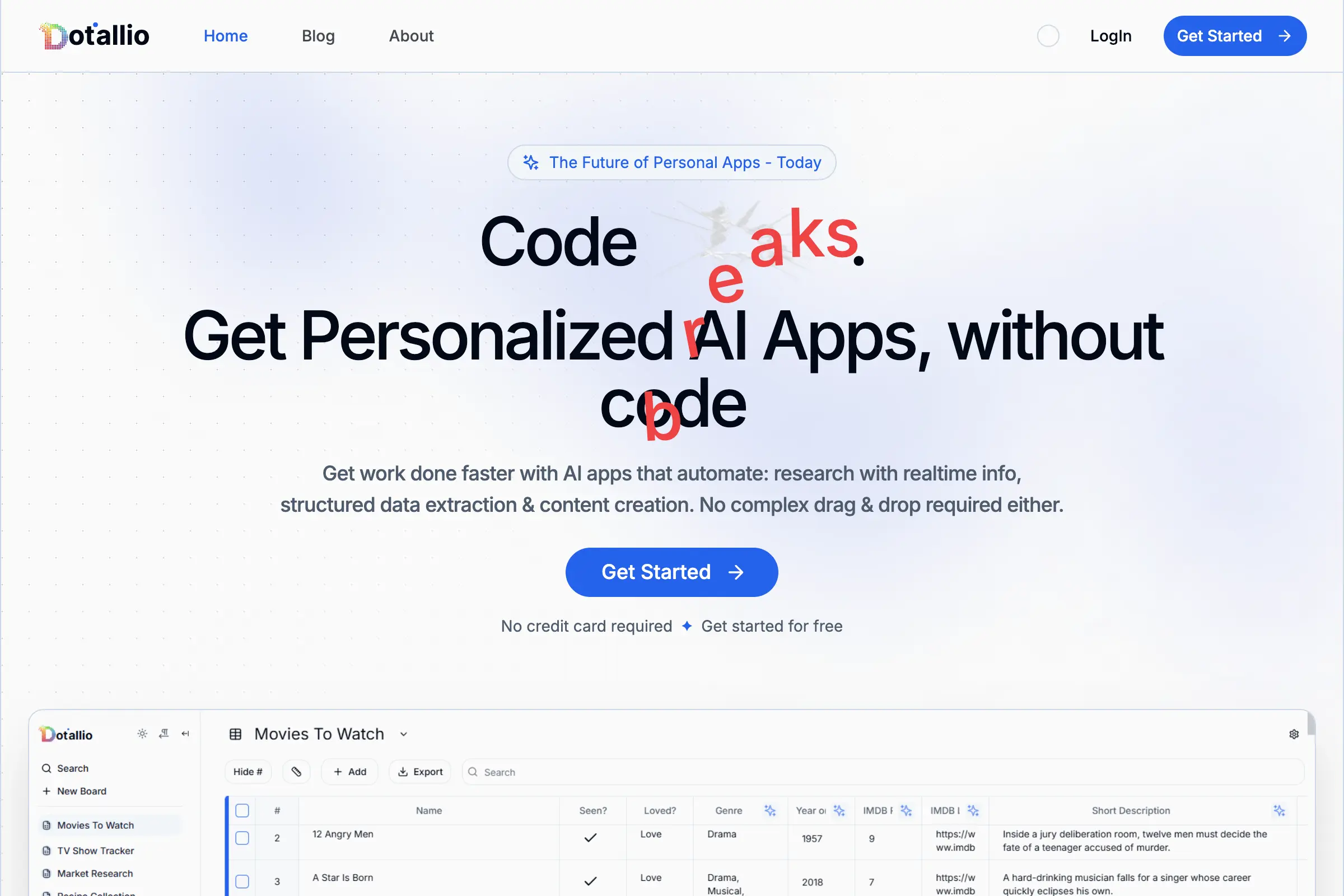
Dotallio
Personalized AI apps that automate research, data extraction, and content creation without code 🤖

Talk to Santa
Enjoy a magical live video chat or receive a unique AI-generated video greeting from Santa Claus 🎅
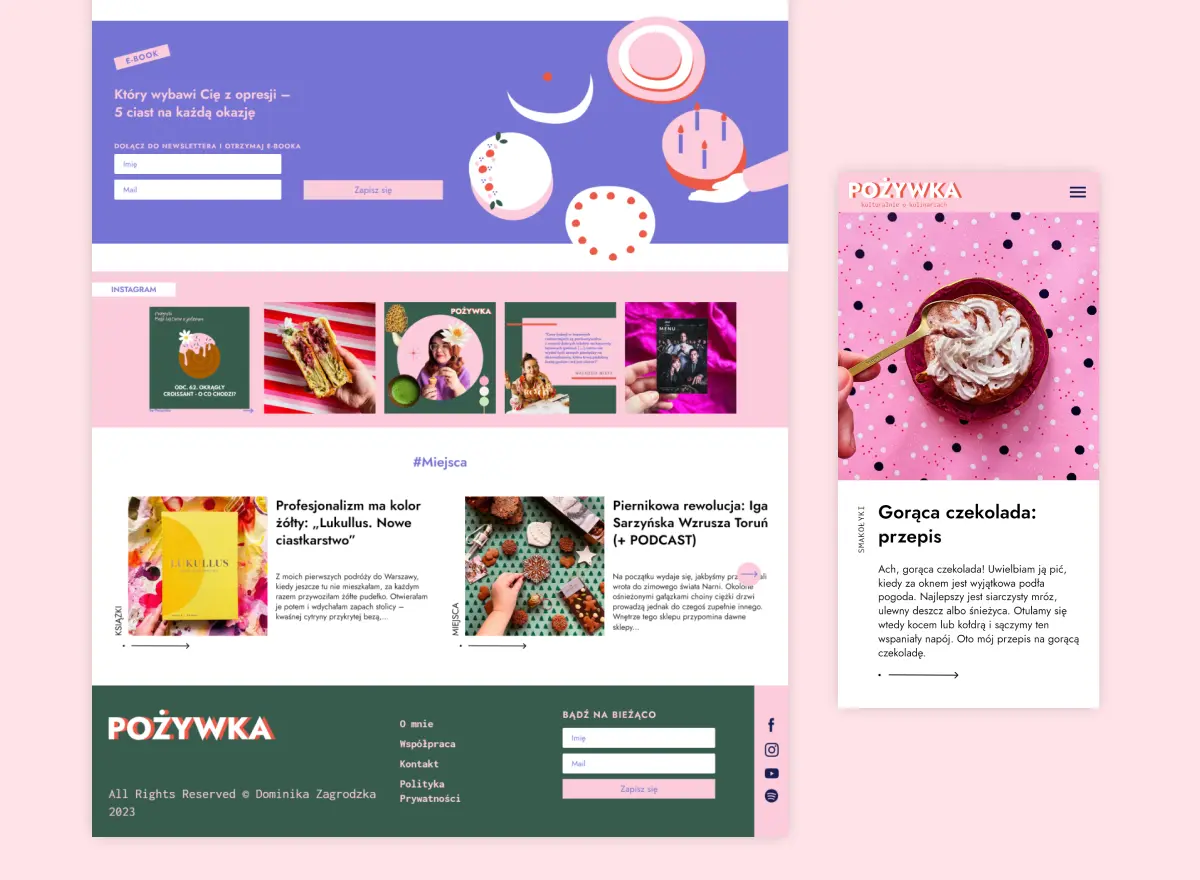
pozywka.pl
Scalable blog for food journalist, focused on performance and user experience 🌭
zagrodzki.me
Personal blog and portfolio of Bart Zagrodzki, where he shares his knowledge and work 💼
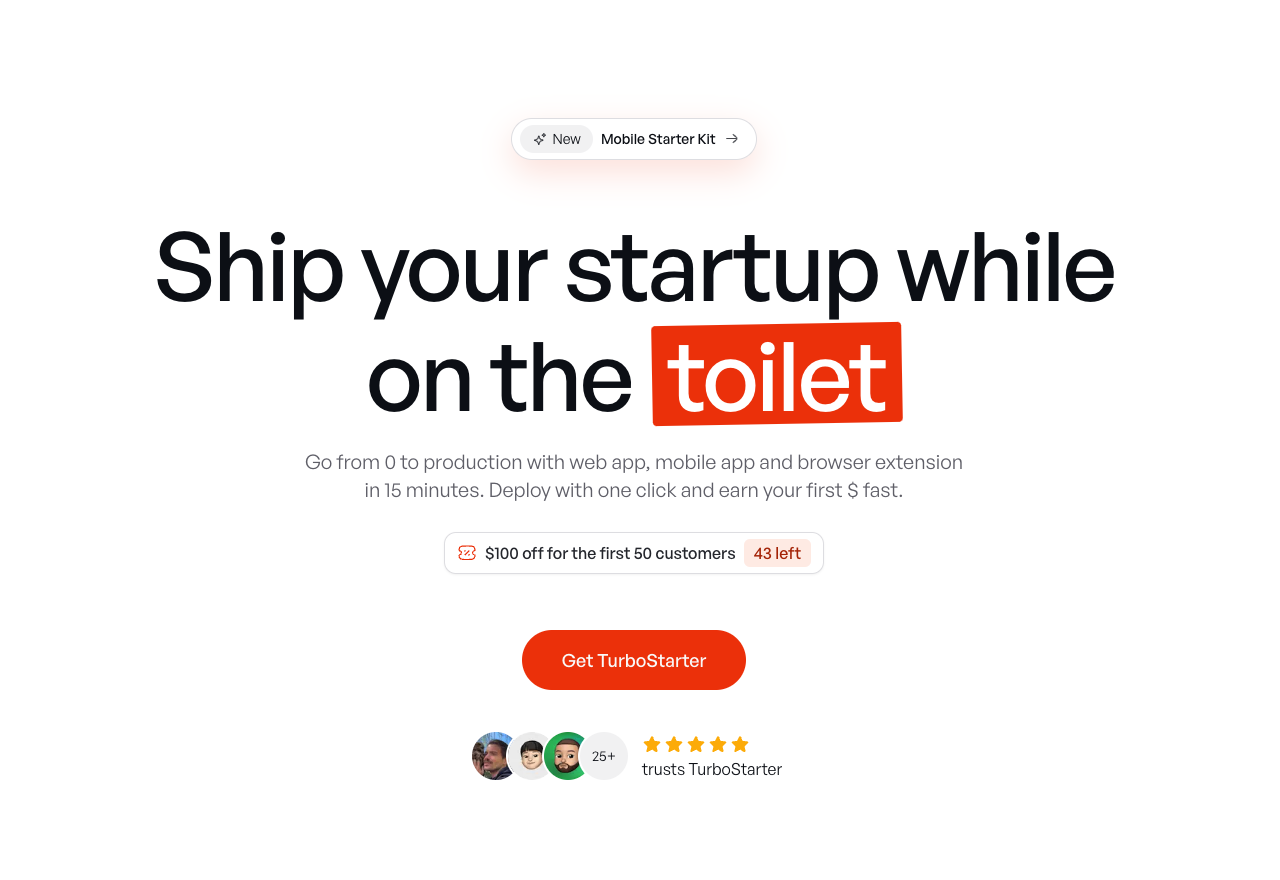
TurboStarter
Ship your startup everywhere. In minutes.
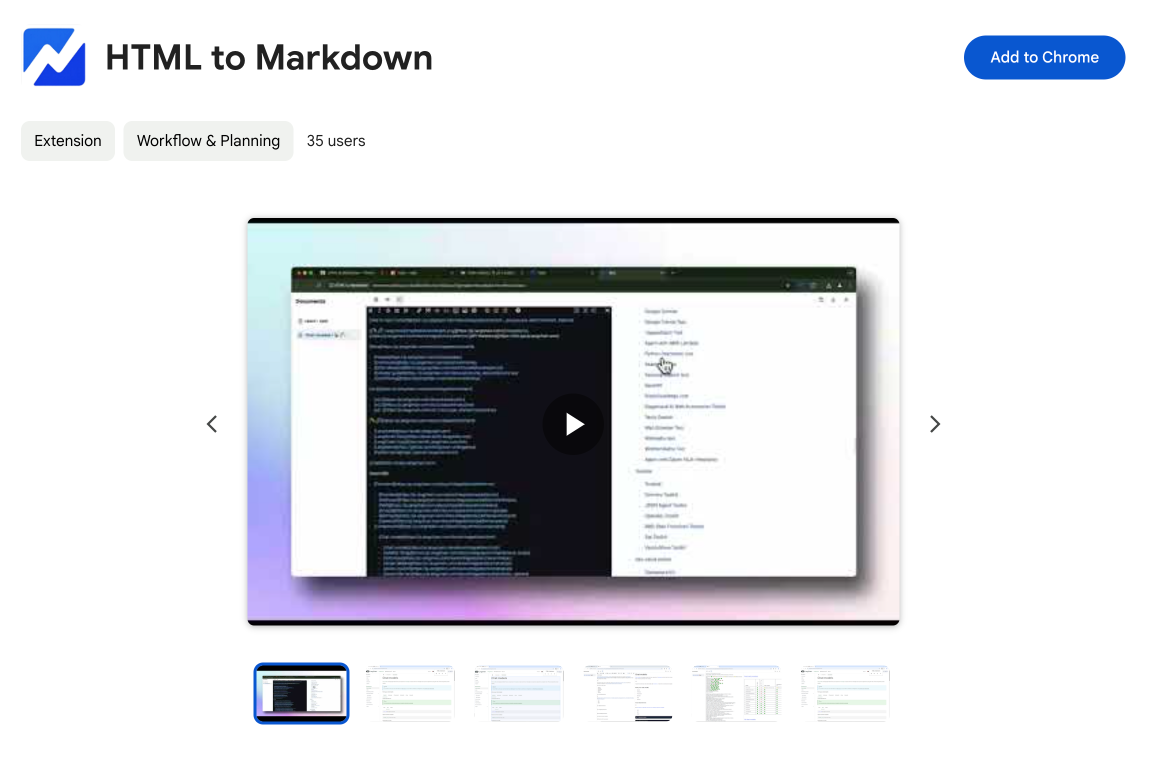
HTML to Markdown
Convert HTML to Markdown with ease, directly in your browser 📄
Dotallio
Personalized AI apps that automate research, data extraction, and content creation without code 🤖
Talk to Santa
Enjoy a magical live video chat or receive a unique AI-generated video greeting from Santa Claus 🎅
pozywka.pl
Scalable blog for food journalist, focused on performance and user experience 🌭
zagrodzki.me
Personal blog and portfolio of Bart Zagrodzki, where he shares his knowledge and work 💼
TurboStarter
Ship your startup everywhere. In minutes.
HTML to Markdown
Convert HTML to Markdown with ease, directly in your browser 📄
Dotallio
Personalized AI apps that automate research, data extraction, and content creation without code 🤖
Talk to Santa
Enjoy a magical live video chat or receive a unique AI-generated video greeting from Santa Claus 🎅
pozywka.pl
Scalable blog for food journalist, focused on performance and user experience 🌭
zagrodzki.me
Personal blog and portfolio of Bart Zagrodzki, where he shares his knowledge and work 💼
TurboStarter
Ship your startup everywhere. In minutes.
HTML to Markdown
Convert HTML to Markdown with ease, directly in your browser 📄
Dotallio
Personalized AI apps that automate research, data extraction, and content creation without code 🤖
Talk to Santa
Enjoy a magical live video chat or receive a unique AI-generated video greeting from Santa Claus 🎅
pozywka.pl
Scalable blog for food journalist, focused on performance and user experience 🌭
zagrodzki.me
Personal blog and portfolio of Bart Zagrodzki, where he shares his knowledge and work 💼
TurboStarter
Ship your startup everywhere. In minutes.
HTML to Markdown
Convert HTML to Markdown with ease, directly in your browser 📄
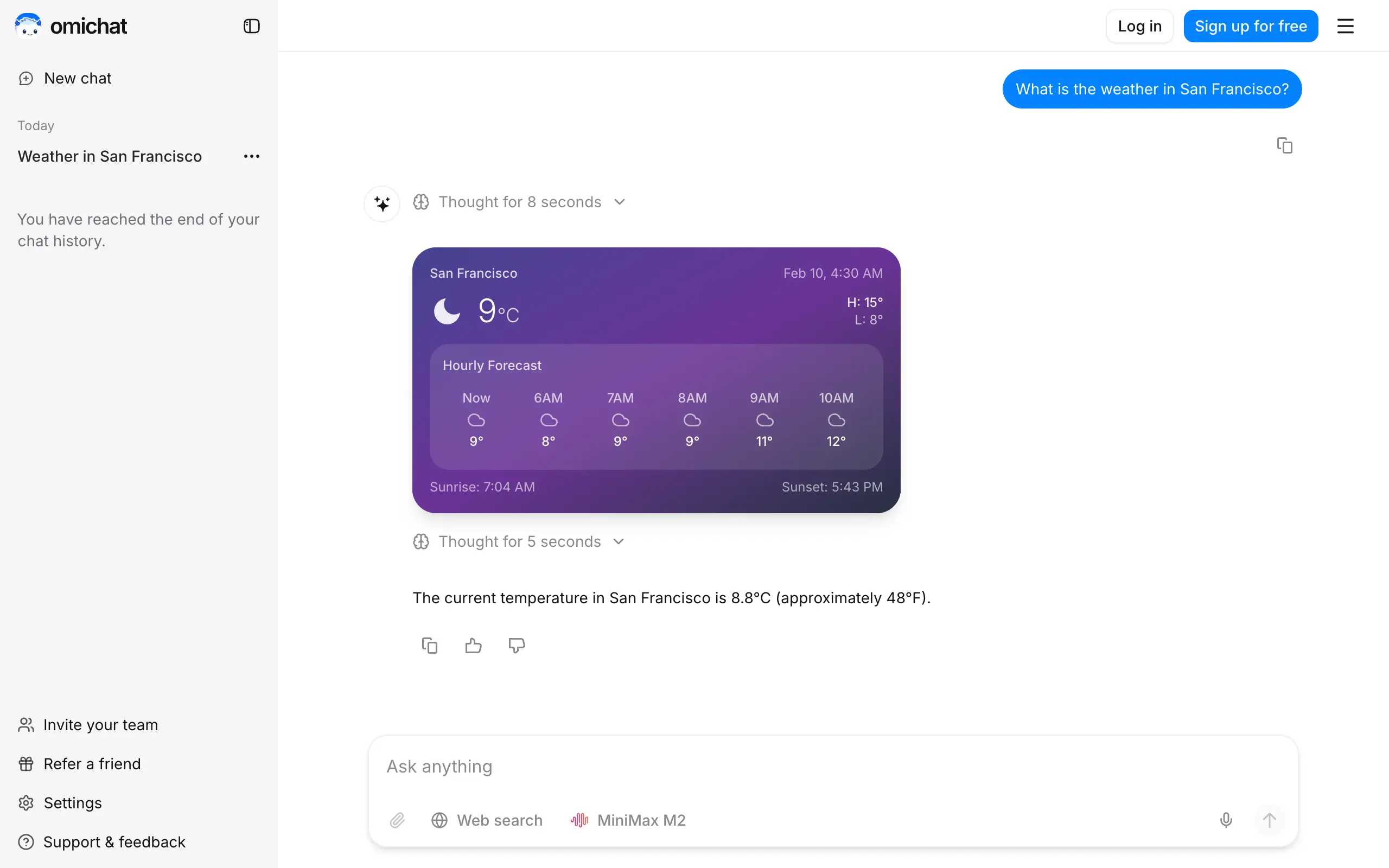
Omichat
Chat with 50+ AI models, including ChatGPT and Claude, in one place - switch models anytime without losing context 🤖
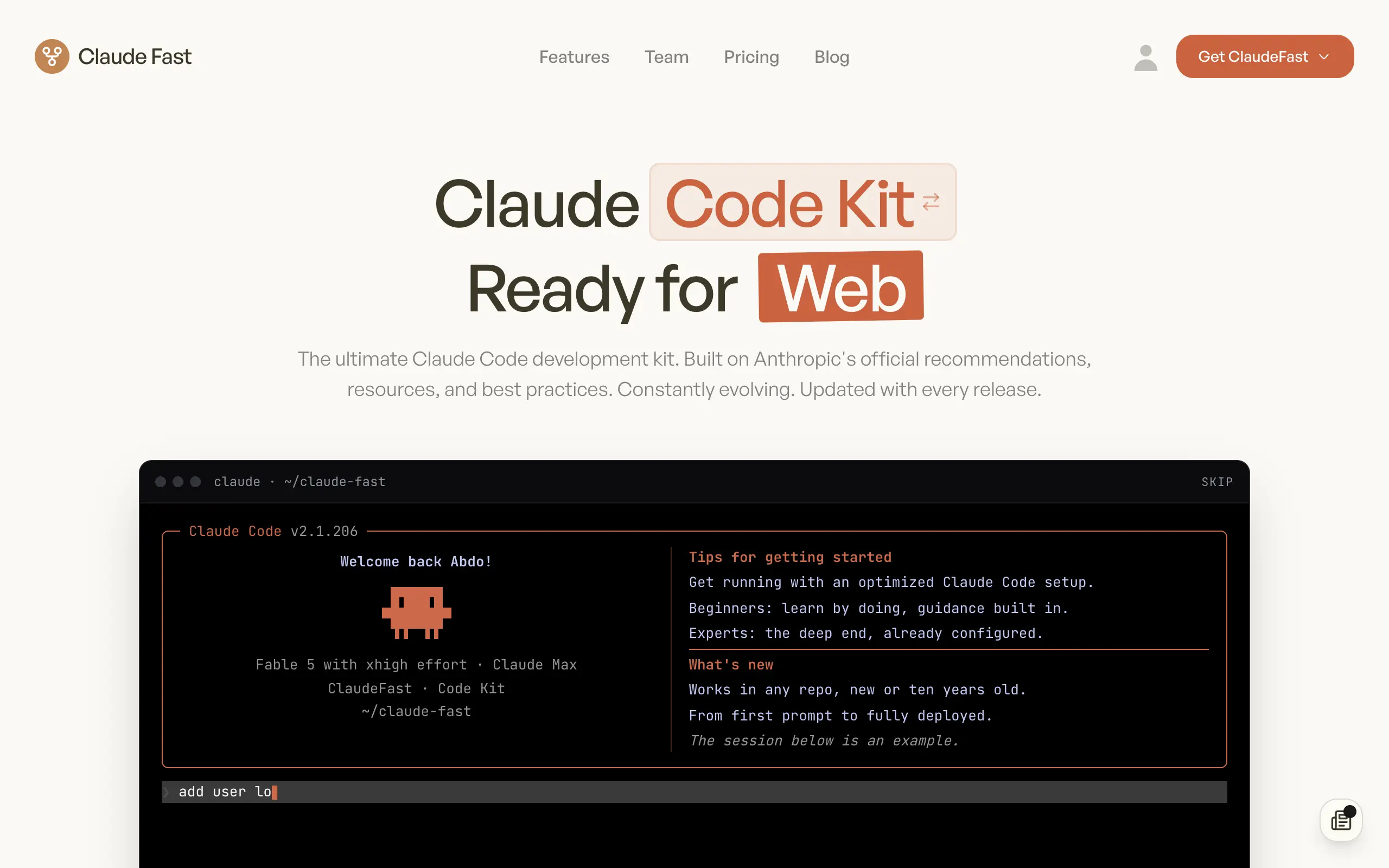
Claude Fast
Supercharge your Claude Code with 6x effective context window and specialized AI agents 🤖
EmojAI
AI-powered emoji picker with smart, context-aware suggestions 🤖
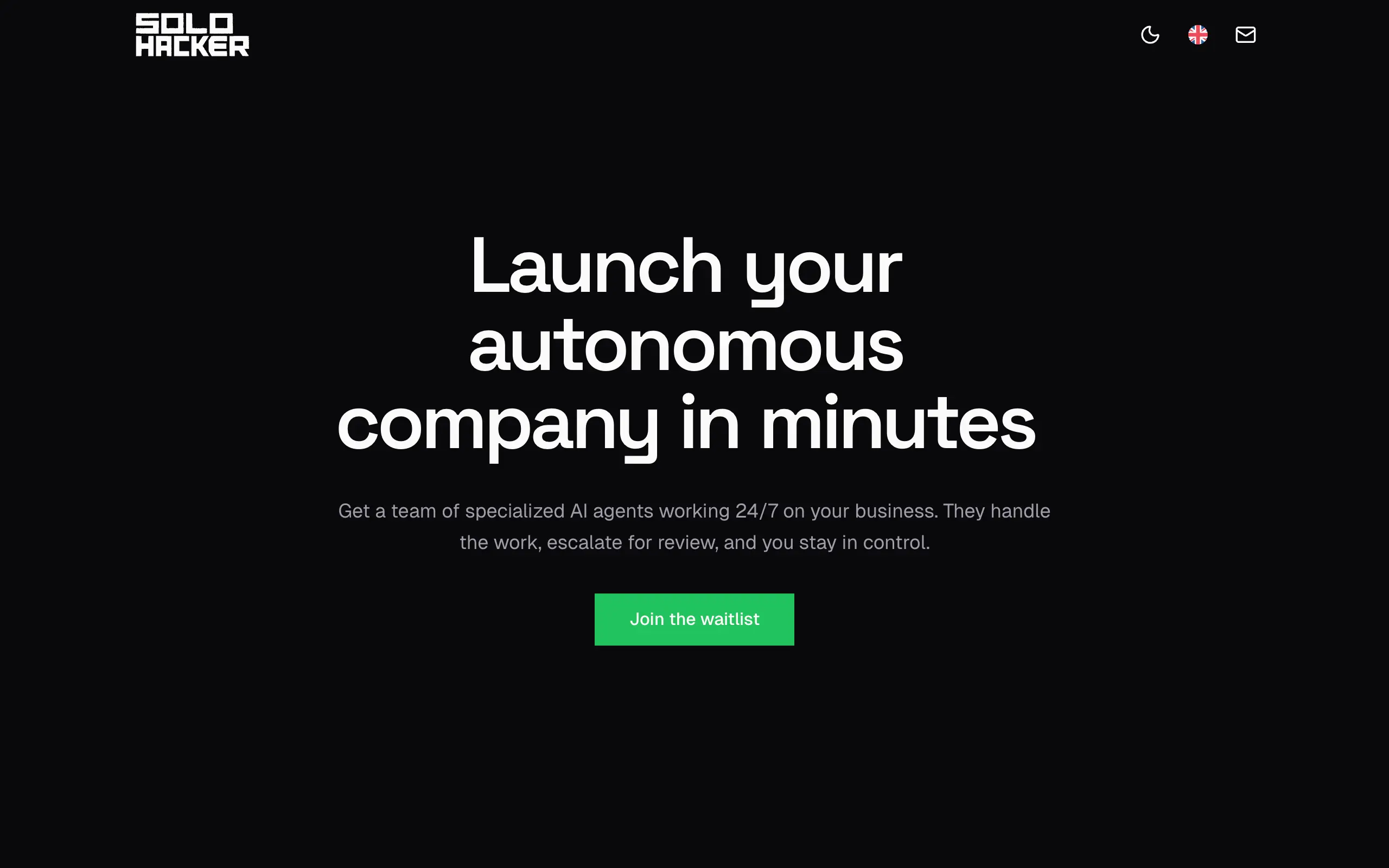
Solohacker
Autonomous company launcher - AI agents work 24/7, escalate what matters, and you stay in control 🤖
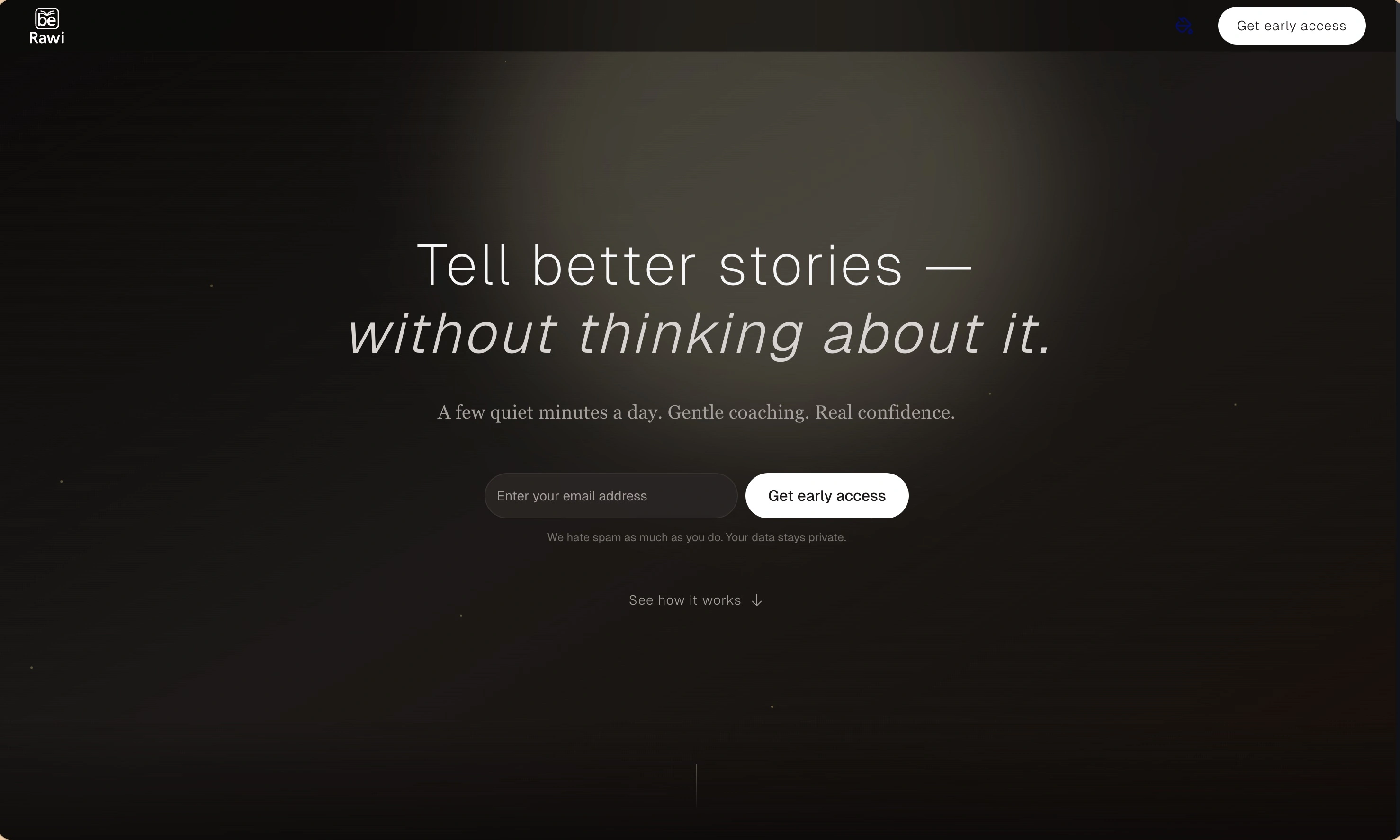
BeRawi: Storytelling Coach
Practice storytelling daily with instant feedback to sound clearer, more engaging, and confident 🎤
Omichat
Chat with 50+ AI models, including ChatGPT and Claude, in one place - switch models anytime without losing context 🤖
Claude Fast
Supercharge your Claude Code with 6x effective context window and specialized AI agents 🤖
EmojAI
AI-powered emoji picker with smart, context-aware suggestions 🤖
Solohacker
Autonomous company launcher - AI agents work 24/7, escalate what matters, and you stay in control 🤖
BeRawi: Storytelling Coach
Practice storytelling daily with instant feedback to sound clearer, more engaging, and confident 🎤
Omichat
Chat with 50+ AI models, including ChatGPT and Claude, in one place - switch models anytime without losing context 🤖
Claude Fast
Supercharge your Claude Code with 6x effective context window and specialized AI agents 🤖
EmojAI
AI-powered emoji picker with smart, context-aware suggestions 🤖
Solohacker
Autonomous company launcher - AI agents work 24/7, escalate what matters, and you stay in control 🤖
BeRawi: Storytelling Coach
Practice storytelling daily with instant feedback to sound clearer, more engaging, and confident 🎤
Omichat
Chat with 50+ AI models, including ChatGPT and Claude, in one place - switch models anytime without losing context 🤖
Claude Fast
Supercharge your Claude Code with 6x effective context window and specialized AI agents 🤖
EmojAI
AI-powered emoji picker with smart, context-aware suggestions 🤖
Solohacker
Autonomous company launcher - AI agents work 24/7, escalate what matters, and you stay in control 🤖
BeRawi: Storytelling Coach
Practice storytelling daily with instant feedback to sound clearer, more engaging, and confident 🎤

Connect with like-minded people
Join our community to get feedback, support, and grow together with 1,000+ builders on board, let's ship it!
Join usShip your startup everywhere. In minutes.
Don't burn tokens on setup and start building features on day one.