SupplySignal
Analyze supplier emails, purchase orders, and shipment updates to flag delay risks early. Get actionable reorder and rerouting options for lean importers.
SupplySignal is an AI-powered supplier risk monitoring platform for lean importers. It analyzes supplier emails, purchase orders, and shipment updates to identify potential delays early, then recommends practical next steps such as reordering, expediting, or rerouting.
The opportunity is not simply to summarize messages. Importers need to connect scattered communications to specific orders, understand which risks affect their business, and decide what to do before a delay becomes a stockout. A focused product can turn fragmented supplier updates into a prioritized, actionable view of inbound supply.
What SupplySignal does
SupplySignal collects information from the tools importers already use, including email and purchase order files. It extracts relevant details, links those details to orders and shipments, and looks for changes that could indicate risk.
For example, a supplier might email that a production run will finish “next Friday,” while a freight forwarder later sends a revised sailing schedule. Either message could be easy to miss in a busy inbox. SupplySignal should connect both updates to the same purchase order, show how they affect the expected arrival date, and recommend a response.
The core workflow is:
- Collect supplier emails, purchase orders, and shipment updates.
- Extract dates, quantities, products, locations, and commitments.
- Match messages and documents to the right order, supplier, or shipment.
- Assess the likelihood and business impact of a delay.
- Recommend a relevant action and explain the evidence behind it.
That focus matters. A generic AI inbox assistant may summarize a message, but an importer needs to know which order is affected, whether inventory coverage is sufficient, and what options remain.
Who SupplySignal is for
The best initial customers are businesses with enough supplier complexity to feel the problem, but not enough staff or enterprise software to manage it systematically.
Primary audience: lean importers
A strong early customer profile might include:
- Small and midsize product companies that source goods internationally.
- Importers managing multiple suppliers and purchase orders at once.
- Operations teams that rely on email, spreadsheets, and shared folders.
- Businesses where late inbound shipments can create stockouts, missed sales, or expensive expedited freight.
- Teams without a dedicated supply chain risk or procurement analytics function.
The key qualification is not company size alone. It is the combination of supplier communication volume, uncertain lead times, and meaningful consequences when an order arrives late.
Potential customer segments
E-commerce brands may be especially receptive because inventory availability affects product listings, advertising efficiency, and customer delivery promises. Their purchasing teams often need to coordinate supplier lead times with promotions and sales forecasts.
Specialty retailers and wholesalers may have fewer digital integrations than larger chains, yet still manage many seasonal or replenishment orders. A clear risk queue can help small teams focus attention on the shipments that matter most.
Small manufacturers may depend on imported components or materials. A delayed component can affect production schedules even when the finished goods are not yet close to a stockout.
Import agencies and buying offices may manage communications for multiple clients. They could benefit from a shared monitoring product, although their permissions and account structure will need careful design.
Who is less suitable at first
Large enterprises with mature procurement, transportation management, and supplier risk systems may require complex integrations, custom security reviews, and specialized workflows before a small product can meet their needs. At the other end of the market, a very small seller with only a few low-impact orders may not have a strong enough reason to pay.
SupplySignal should start with users who already experience painful exceptions but still manage them manually.
The market opportunity and product gap
Supplier delays are not a new problem. The opportunity lies in how often important information is distributed across systems that do not share context.
An importer might have:
- A purchase order in an accounting or inventory system.
- A production estimate in a supplier email.
- A booking confirmation in a freight forwarder’s portal.
- A revised departure date in a spreadsheet.
- Inventory coverage in a separate planning tool.
Each source can be useful on its own. The operational gap appears when nobody has the time to reconcile all of them consistently.
Why existing approaches leave room
Email search is reactive. Teams can search for supplier names or order numbers, but that requires knowing what to look for and remembering to check. A message that changes a delivery date may be buried in a thread.
Spreadsheets depend on maintenance. A well-built spreadsheet can track order status, but its value declines when updates are copied manually or dates are not refreshed. The problem is often less about spreadsheet capability than about keeping the data current.
Enterprise supply chain platforms can be heavy. Larger planning and risk systems may offer deep functionality, but smaller importers can find them too expensive, complex, or dependent on implementation work that their team cannot support.
Generic AI assistants lack operational context. Summarizing an email is useful, but a summary does not necessarily identify the affected order, calculate urgency, or propose a feasible mitigation.
SupplySignal’s potential gap is a lightweight layer between communications and decisions. It can give a small team structured visibility without requiring a full supply chain transformation.
Validate the opportunity before building broadly
The market thesis should be tested through customer interviews and workflow observation, not assumed from the size of global trade. Ask potential users to walk through the last three delayed orders, including how they discovered the problem and what they did next.
Useful questions include:
- How do you know whether a supplier’s latest estimate differs from the original commitment?
- Where are purchase orders and shipment updates stored?
- How many people need to be notified when an order is at risk?
- What actions are available once a delay is identified?
- What did the last late shipment cost in lost sales, extra freight, or staff time?
- Which data would you trust an AI system to interpret, and which decisions need human approval?
These conversations can reveal whether the strongest initial value is earlier warning, less manual tracking, better supplier follow-up, or better inventory decisions. Each is a viable product direction, but trying to solve all of them in the first release will make the product harder to explain and build.
Core features for an AI supplier risk monitoring product
The product should prioritize dependable data capture and clear action over a large number of AI features. If an alert is wrong or lacks evidence, users may stop trusting the system.
1. Supplier and order data intake
SupplySignal needs a practical way to ingest the documents and messages importers already have. A first version could support:
- Connecting a dedicated inbox or selected email accounts.
- Forwarding supplier messages to a unique address.
- Uploading purchase orders as PDF, spreadsheet, or CSV files.
- Importing order records from a basic spreadsheet template.
- Adding shipment updates manually when no integration exists.
Starting with a small set of dependable intake methods is often better than promising integrations with every email provider, ERP, freight platform, and inventory system.
The product should explain what data it reads, how it is used, and how a user can revoke access or delete imported information.
2. Purchase order and shipment matching
The system must associate an update with the correct supplier, purchase order, product, and shipment. Matching can use a combination of:
- Purchase order numbers.
- Supplier names and aliases.
- SKU or product descriptions.
- Quantities and units.
- Shipment or booking references.
- Relevant dates and destination information.
Not every email will contain an exact identifier. A message may refer to “the blue item” or “the order we discussed last week.” In these cases, the platform should show its confidence and ask the user to confirm rather than silently making a consequential match.
3. Structured update extraction
AI can convert unstructured messages into fields that the application can evaluate. Relevant information might include:
- Original and revised production completion dates.
- Estimated departure and arrival dates.
- Quantity changes or partial shipments.
- Missing documents or approvals.
- Supplier explanations for a delay.
- Requests for payment, confirmation, or a revised forecast.
The system should preserve the source message and highlight the text that supports each extracted field. This makes the result easier to verify and helps users distinguish a supplier’s confirmed commitment from an AI interpretation.
4. Risk scoring that is explainable
A useful risk score should represent both the likelihood of disruption and its operational impact. It should not present a number without context.
A practical first model might consider:
- Schedule variance: How far the current estimated date is from the agreed date.
- Update confidence: Whether the new date is explicit, inferred, or contradictory.
- Inventory exposure: How soon available stock may run out.
- Recovery time: How long it could take to reorder or source an alternative.
- Shipment status: Whether goods are in production, booked, in transit, or awaiting clearance.
- Historical supplier behavior: Whether previous commitments were met, once enough reliable data exists.
The first version can use transparent rules rather than claiming a highly predictive machine-learning model. For example, a confirmed arrival date beyond the projected stockout date could be treated as high priority. The user should be able to inspect the inputs and correct inaccurate data.
5. Actionable recommendations
A risk alert is valuable only when it helps the user decide what to do. Recommendations can include:
- Ask the supplier to confirm a production or dispatch date.
- Request a partial shipment for the most urgent quantity.
- Check whether an alternate transport route is available.
- Reorder from the supplier sooner than planned.
- Identify another supplier or substitute product.
- Update a sales or inventory plan based on the revised arrival estimate.
Early recommendations should be framed as options, not autonomous instructions. SupplySignal should show the assumptions behind a suggested action, such as the expected stockout date or the affected quantity.
6. Prioritized risk dashboard
The dashboard should organize work around decisions rather than raw data. Useful views include:
- Orders at risk, ranked by urgency and estimated impact.
- Changes since the last review.
- Supplier updates awaiting confirmation.
- Orders without a recent status update.
- Alerts assigned to a team member.
- Resolved risks and the action taken.
A buyer should be able to answer three questions quickly: What changed? Why does it matter? What should I do next?
7. Audit trail and feedback
A trustworthy system should record the source of each alert, how the recommendation was produced, who reviewed it, and what action followed. Users should be able to mark an extraction as correct, incorrect, or incomplete.
That feedback supports product improvement, but it also helps explain why a past alert was raised. Supply chain decisions may have financial consequences, so a history of the underlying evidence is more useful than an opaque score.
How SupplySignal can stand out
The product’s unique selling proposition should be early, evidence-backed supplier risk detection designed for lean importers.
That positioning is more specific than “AI for supply chains.” It defines the user, the information being analyzed, and the result the product promises to support.
| Capability | Spreadsheet tracking | Email AI assistant | Enterprise planning platform | SupplySignal opportunity |
|---|---|---|---|---|
| Reads supplier emails | Manual | Often | Varies | Core workflow |
| Connects updates to purchase orders | Manual | Not always | Usually requires structured data | Lightweight matching |
| Explains why an order is at risk | Depends on maintenance | Summarizes text | Often feature-rich | Clear evidence and impact |
| Suggests next steps | User-created | General suggestions | May offer planning workflows | Practical importer-focused options |
| Designed for lean teams | Often | Yes | Not always | Primary positioning |
This comparison is a positioning framework, not a claim that every product in a category has the same capabilities. A thorough competitor review should examine specific alternatives, pricing, onboarding requirements, integrations, and user reviews.
Sources of defensibility
AI models alone are unlikely to be a durable moat. A stronger advantage can develop from:
- High-quality order and communication matching.
- A reliable workflow that users trust during exceptions.
- Historical supplier performance data, accumulated with customer permission.
- Industry-specific templates for common purchasing and shipping documents.
- Action feedback that improves recommendations.
- Integrations that reduce setup and ongoing maintenance.
- A clear audit record that helps teams coordinate and learn.
A defensible product earns trust through repeated operational usefulness, not through a claim that its model is uniquely intelligent.
Recommended technology stack
The initial architecture should make it possible to iterate on extraction and workflows while keeping customer data secure. The exact stack depends on the founding team’s expertise, expected integrations, and compliance needs.
Application and interface
A TypeScript web application built with React can provide a responsive dashboard, order detail pages, alert workflows, and administrative settings. A framework such as Next.js can support the web application and server-side features in one project.
For styling, Tailwind CSS can help a small team build consistent interfaces quickly. The trade-off is that teams need conventions for shared components and design tokens so the application does not become difficult to maintain.
Data storage and authentication
A relational database such as PostgreSQL is a strong fit for structured entities including suppliers, purchase orders, shipments, extracted events, alerts, and user actions. Relationships between these records are central to the product, making relational constraints and queries useful.
Authentication and authorization should support organization-level access from the beginning. A small importer may have only a few users, but even a small team needs clear separation between customers and appropriate roles for owners, buyers, and read-only viewers.
Background processing
Email ingestion, document parsing, and AI extraction should run asynchronously. A queue-based design can handle retries, rate limits, and long-running tasks without blocking the user interface.
For each imported item, track processing status such as received, parsed, matched, needs review, or failed. This makes failures visible and gives support teams a way to diagnose problems.
AI and document processing
Use a model that can extract structured fields from unstructured text, but validate its output before relying on it. A robust pipeline can combine:
- Deterministic parsing for known formats and identifiers.
- AI extraction for variable language and document layouts.
- Schema validation for required fields and data types.
- Confidence thresholds for automated matching.
- Human review for ambiguous or high-impact cases.
Avoid sending unnecessary customer data to a model provider. Review the provider’s data handling terms, retention options, security controls, and availability before selecting a service. Keep an abstraction layer around model calls so the product can change providers or use different models for different tasks.
Suggested event and data model
A minimum data model could include:
- Organization: Customer account and settings.
- User: Person with access to an organization.
- Supplier: Supplier identity and known aliases.
- Purchase order: Items, quantities, dates, and supplier.
- Shipment: Carrier references, milestones, and destination.
- Source document: Email or file metadata and secure storage reference.
- Extracted event: A proposed change with evidence and confidence.
- Risk alert: Priority, reason, affected order, and current status.
- Action record: User review, decision, and outcome.
This model helps keep the system auditable. An extracted update should not overwrite the original purchase order commitment without preserving the previous value and its source.
Security and privacy foundations
Supplier email can contain commercially sensitive information. Security should be part of the product design, not a later checklist.
Prioritize:
- Encryption in transit and at rest.
- Organization-level data isolation.
- Least-privilege access for staff and integrations.
- Secure token storage and revocation.
- Clear data retention and deletion controls.
- Logging that avoids exposing message contents unnecessarily.
- A documented process for security incidents.
- Vendor review for AI, email, and cloud providers.
Avoid promising a particular certification or compliance status until it has been independently achieved and can be substantiated.
Build versus buy
The early product does not need custom infrastructure for every capability. Managed email APIs, object storage, background job services, and established authentication providers can shorten development time.
The trade-off is dependency risk and recurring cost. Before committing to a vendor, assess exportability, service limits, data handling, pricing at higher volumes, and the effort required to migrate.
TurboStarter can help a team move faster on SaaS foundations such as authentication, billing, and application structure. It can be useful when the goal is to spend more development time on supplier workflows and risk logic rather than rebuilding common product infrastructure.
Monetization strategy
SupplySignal should price around ongoing operational value and the complexity of the customer’s workflow. A simple, transparent plan is usually easier to test than a large menu of feature gates.
Possible pricing models
Per organization is straightforward for small teams. Pricing can scale by order volume, supplier count, or monthly processed documents.
Tiered subscriptions can separate a starter plan for basic monitoring from higher tiers with more users, integrations, historical analysis, or advanced reporting.
Usage-based pricing can reflect email or document processing costs. It should be predictable, with clear included limits and warnings before overages.
Annual contracts may fit customers that rely on the product throughout their purchasing cycle. An annual plan can improve revenue predictability, but it should follow evidence that customers use and value the product consistently.
Pricing principles
- Connect the price to a measurable customer problem, such as manual monitoring time or avoidable disruption.
- Keep the initial plan easy to understand.
- Avoid charging separately for every small action.
- Offer a trial or guided pilot that reaches a meaningful value moment.
- Do not price solely on AI processing cost; price should reflect the operational outcome and support burden as well.
- Review gross margin as document and message volume grows.
A pilot could focus on a single product category, supplier group, or set of open purchase orders. The goal is to prove that SupplySignal identifies useful changes and helps the customer act on them—not simply that the system can parse emails.
Risks and how to mitigate them
Incorrect extraction or matching
An AI system may attach an update to the wrong purchase order or interpret an informal date incorrectly. That could create false alarms or, more seriously, a missed risk.
Mitigation: Show source evidence, use confidence thresholds, require confirmation for ambiguous matches, and measure extraction precision on realistic customer data before automating high-impact decisions.
False positives and alert fatigue
If every uncertainty produces an urgent notification, users may ignore the alerts that matter.
Mitigation: Let users tune materiality thresholds, group related updates, distinguish confirmed facts from possible risks, and measure the share of alerts that result in useful action.
Incomplete or outdated inputs
A recommendation based on missing inventory data or an old lead time can be misleading.
Mitigation: Display the freshness and source of key inputs. Start with a clear statement of what the product can and cannot assess. Avoid implying a complete risk picture when the system sees only email and purchase order data.
Long integration cycles
Email permissions, ERP integrations, and data cleanup can slow down onboarding.
Mitigation: Begin with forwarding, uploads, or a spreadsheet import. Add integrations after observing repeated customer demand and understanding which data fields are truly necessary.
Privacy and security concerns
Some customers may hesitate to grant access to supplier correspondence or purchasing records.
Mitigation: Request the minimum permissions needed, clearly document data usage, support deletion, and provide an easy way to review or revoke connected access. Make security practices visible during sales and onboarding.
Overstated savings claims
Avoid promising that SupplySignal will prevent all delays or eliminate stockouts. Supplier disruptions can be caused by events the product cannot predict or control.
Mitigation: Describe the product as an early-warning and decision-support tool. Validate customer outcomes with evidence and use carefully defined measures such as time to detect an update, alert review rate, or number of orders requiring manual follow-up.
Dependence on AI providers
Model performance, availability, and cost can change. A single provider may also become unsuitable for a customer’s security requirements.
Mitigation: Keep AI calls modular, maintain deterministic fallbacks for basic rules, monitor performance and spend, and preserve a human review path.
Keep recommendations reviewable
SupplySignal should support purchasing decisions rather than silently making them. Early versions should explain the evidence and let a person approve consequential actions such as changing an order, contacting a supplier, or arranging expedited freight.
Metrics that show whether the product is working
The team should measure customer value as well as model performance. A technically impressive extraction system is not enough if it does not improve the importer’s workflow.
Useful product metrics include:
- Time to first useful alert: How quickly a new customer sees a relevant, explainable risk.
- Match accuracy: How often updates are associated with the correct supplier, purchase order, and shipment.
- Alert usefulness: The percentage of reviewed alerts users mark as actionable.
- Review time: How long it takes a user to understand and triage an alert.
- Coverage: The share of active purchase orders with sufficiently current data.
- Resolution outcomes: Whether the team took an action and how the risk changed afterward.
- Retention: Whether customers continue using the product across purchasing cycles.
- Activation: Whether an organization connects a source, imports orders, and reviews its first meaningful alert.
These measures should be defined consistently. For example, “match accuracy” needs a clear test set and review method; it should not be inferred from a small number of positive user reactions.
Actionable implementation steps
Step 1: Interview a narrow customer group
Start with one segment, such as e-commerce brands importing a recurring set of products. Interview buyers and operations leads about real delayed orders, not hypothetical interest in AI.
Collect examples of the documents, email language, status changes, and decisions involved. Get permission before using any customer data in development or model evaluation.
Step 2: Map the existing workflow
Document how an order moves from purchase to delivery. Identify who owns each update, where information is stored, and what events trigger action.
Look for a recurring failure point. A good first problem might be “we discover supplier date changes too late,” rather than a broad goal like “improve supply chain visibility.”
Step 3: Define a narrow MVP
A focused minimum viable product could include:
- One email intake method.
- Purchase order upload through CSV or spreadsheet.
- Supplier, order, and shipment records.
- Extraction of key dates and quantities.
- Manual confirmation for uncertain matches.
- A prioritized alert list with evidence.
- A basic follow-up or resolution status.
Defer advanced forecasting, automated procurement, broad ERP integrations, and claims of predictive intelligence until the core workflow is proven.
Step 4: Build an evaluation dataset
Create a permissioned set of representative emails and order documents. Label the correct supplier, order, dates, quantities, and update type.
Track errors by category, including wrong entity matching, date interpretation, missing updates, and false risk classification. This provides a more reliable improvement loop than changing prompts based on isolated examples.
Step 5: Pilot with real users
Run a time-limited pilot with a small number of importers. Keep the initial scope manageable and review alerts with users regularly.
Ask them to identify:
- Which alerts changed what they did.
- Which alerts were irrelevant.
- What information they needed but could not find.
- Whether they trusted the evidence.
- How the product affected their existing process.
Step 6: Refine the value proposition and price
Use pilot evidence to determine whether customers value early warnings, time savings, better supplier accountability, or improved inventory decisions most. Then test packaging and pricing with the same customer profile.
Do not use broad market claims as a substitute for willingness-to-pay evidence. The strongest signal is a customer who continues using the product and is willing to pay for the next purchasing cycle.
Step 7: Expand carefully
Once the central workflow works, add integrations based on repeated demand. Improve recommendations with more reliable inventory and lead-time data. Add historical supplier analysis only when there is enough consistent information to make the conclusions meaningful.
The bottom line
SupplySignal addresses a specific, persistent problem for lean importers: important supplier updates are scattered across emails, orders, and shipment notices, while small teams have limited time to reconcile them. Its opportunity is to make that information easier to interpret and act on before a delay becomes a larger business problem.
The product’s advantage will depend less on making the boldest AI claim and more on doing the operational basics exceptionally well: matching updates to the right orders, showing evidence, prioritizing real exposure, and making next steps clear. A narrow MVP, careful human review, and customer-led validation can turn that promise into a product importers trust.
More 🤖 AI Startup SaaS ideas
Discover more innovative ai startup SaaS ideas that are trending in 2026. Each idea is AI-generated with market validation and growth potential to help you find your next profitable venture faster than competitors.
Your competitors are building with TurboStarter
Below are some of the SaaS ideas that have been generated and built with our starter kit.
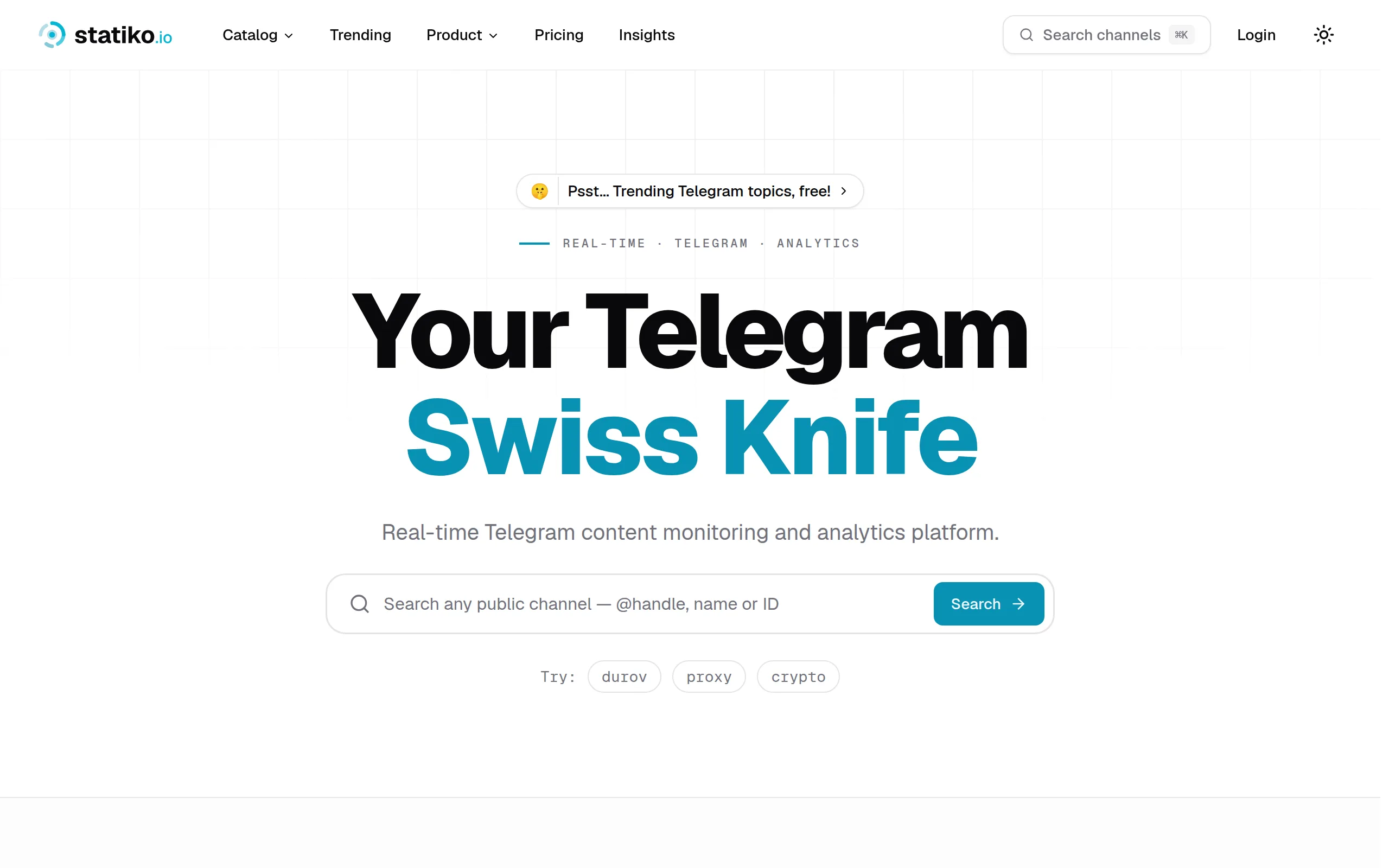
Statiko
Monitor any Telegram channel in real time - track posts, edits, deletions, and growth with AI recaps 📡

Shibui
AI website builder - describe your business, pick a niche template, edit by chatting, and publish instantly ✨

Pro Service
Find verified home service professionals, compare quotes, and pay securely through escrow - built for Brazilians across the US 🏠
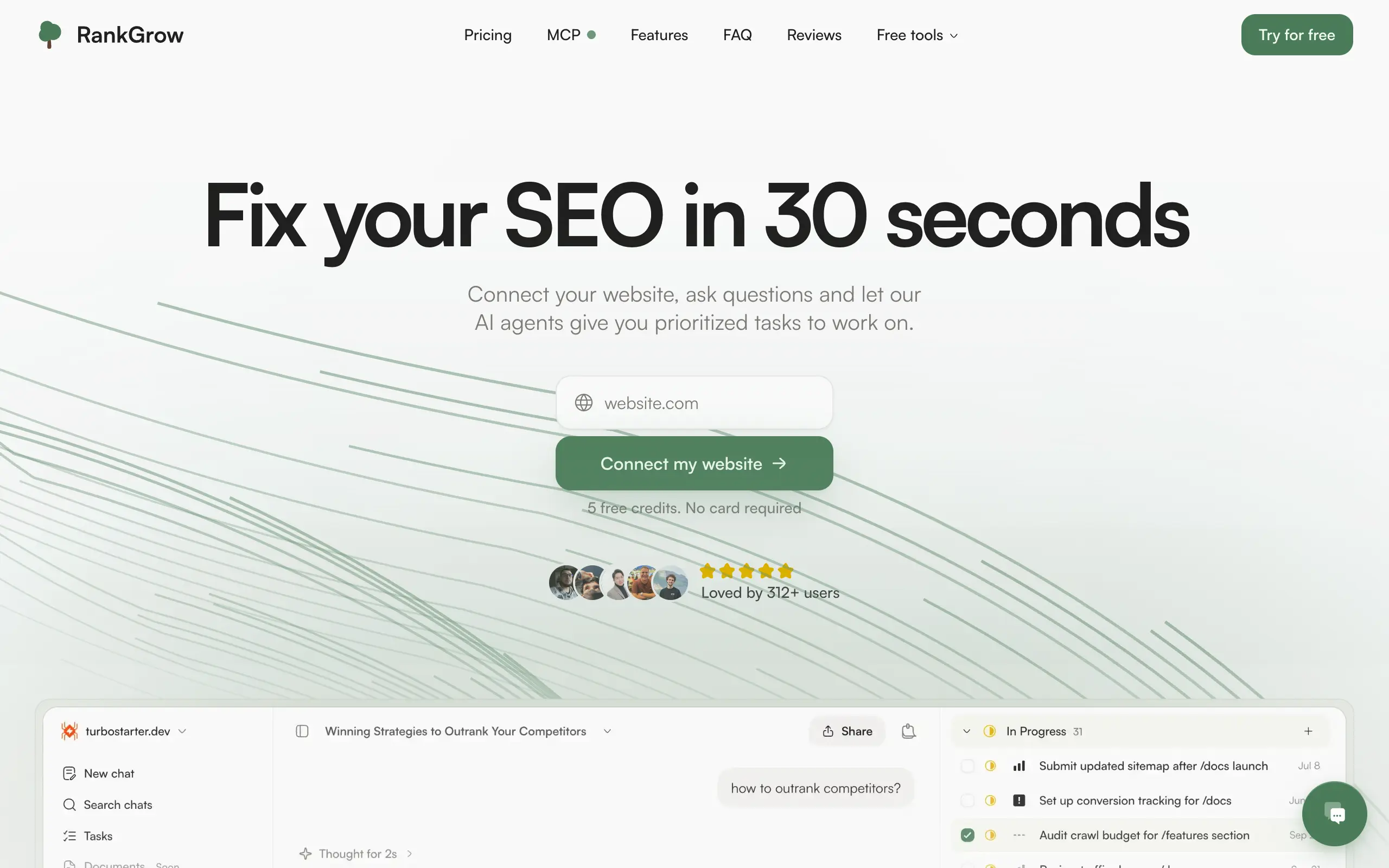
RankGrow
Fix your SEO with AI agents - connect Search Console, get prioritized tasks, and grow organic traffic 📈
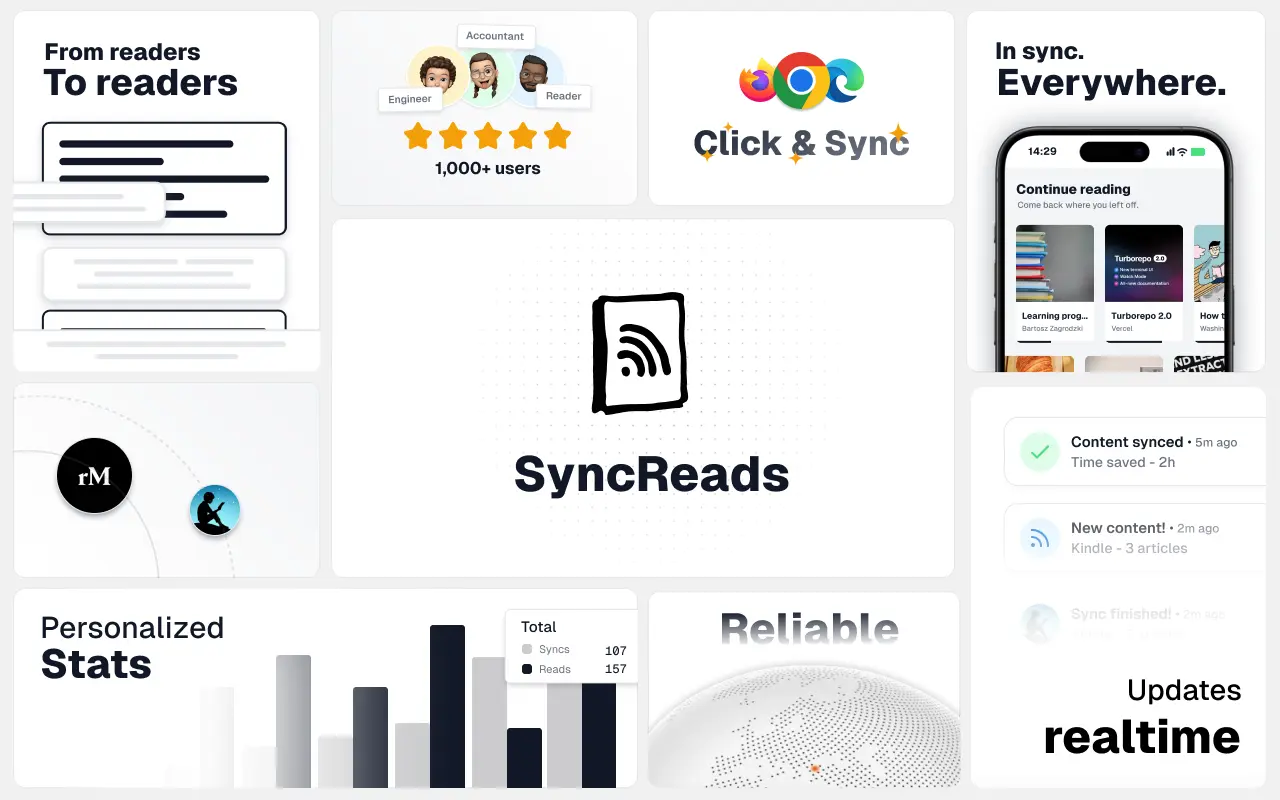
SyncReads
Sync your favorite content for distraction-free reading, save time and replace multiple apps. Anytime, anywhere 🔄
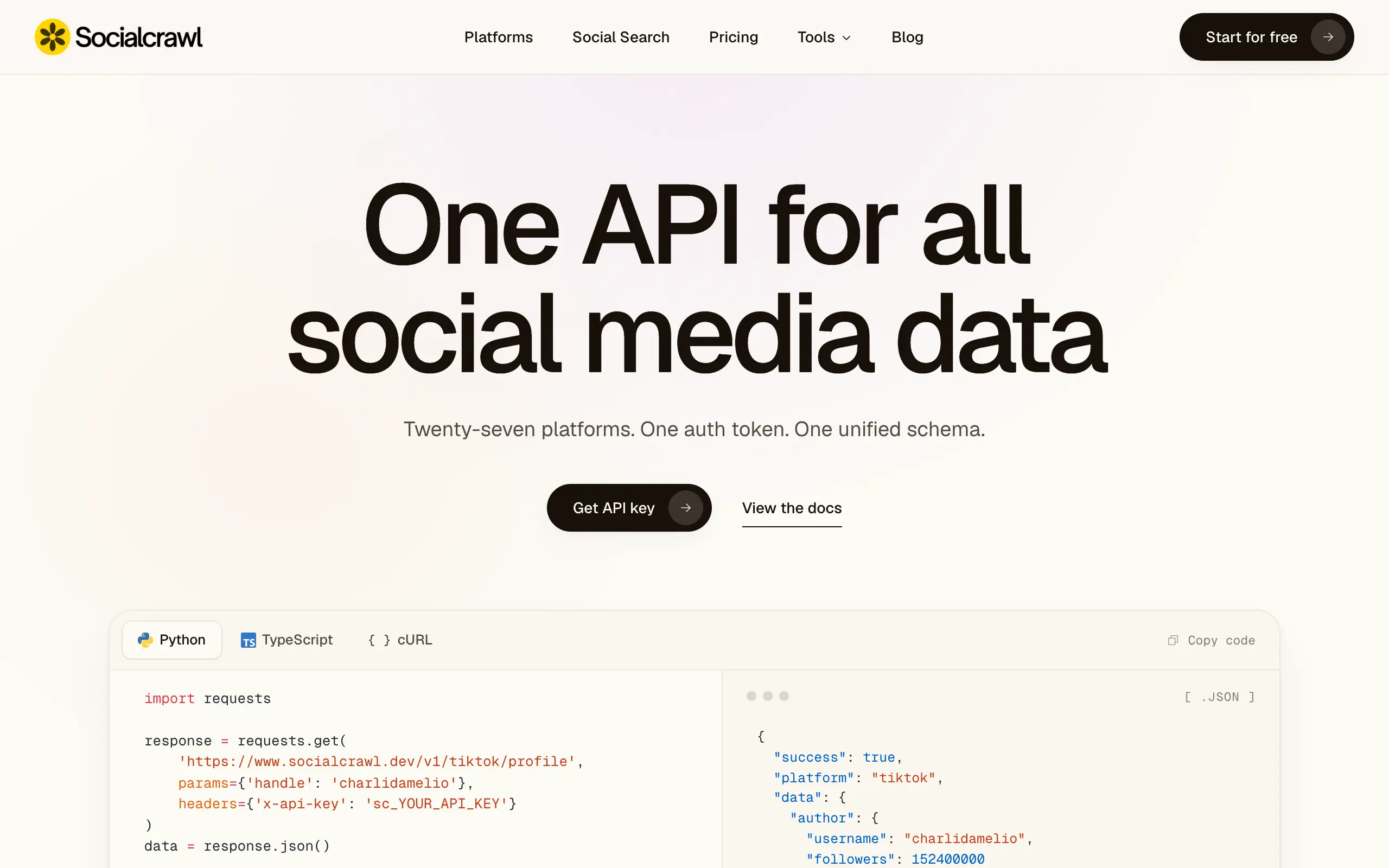
Socialcrawl
Get clean, structured data from 21 platforms like TikTok, Instagram, and YouTube with a single request 📊
Statiko
Monitor any Telegram channel in real time - track posts, edits, deletions, and growth with AI recaps 📡
Shibui
AI website builder - describe your business, pick a niche template, edit by chatting, and publish instantly ✨
Pro Service
Find verified home service professionals, compare quotes, and pay securely through escrow - built for Brazilians across the US 🏠
RankGrow
Fix your SEO with AI agents - connect Search Console, get prioritized tasks, and grow organic traffic 📈
SyncReads
Sync your favorite content for distraction-free reading, save time and replace multiple apps. Anytime, anywhere 🔄
Socialcrawl
Get clean, structured data from 21 platforms like TikTok, Instagram, and YouTube with a single request 📊
Statiko
Monitor any Telegram channel in real time - track posts, edits, deletions, and growth with AI recaps 📡
Shibui
AI website builder - describe your business, pick a niche template, edit by chatting, and publish instantly ✨
Pro Service
Find verified home service professionals, compare quotes, and pay securely through escrow - built for Brazilians across the US 🏠
RankGrow
Fix your SEO with AI agents - connect Search Console, get prioritized tasks, and grow organic traffic 📈
SyncReads
Sync your favorite content for distraction-free reading, save time and replace multiple apps. Anytime, anywhere 🔄
Socialcrawl
Get clean, structured data from 21 platforms like TikTok, Instagram, and YouTube with a single request 📊
Statiko
Monitor any Telegram channel in real time - track posts, edits, deletions, and growth with AI recaps 📡
Shibui
AI website builder - describe your business, pick a niche template, edit by chatting, and publish instantly ✨
Pro Service
Find verified home service professionals, compare quotes, and pay securely through escrow - built for Brazilians across the US 🏠
RankGrow
Fix your SEO with AI agents - connect Search Console, get prioritized tasks, and grow organic traffic 📈
SyncReads
Sync your favorite content for distraction-free reading, save time and replace multiple apps. Anytime, anywhere 🔄
Socialcrawl
Get clean, structured data from 21 platforms like TikTok, Instagram, and YouTube with a single request 📊
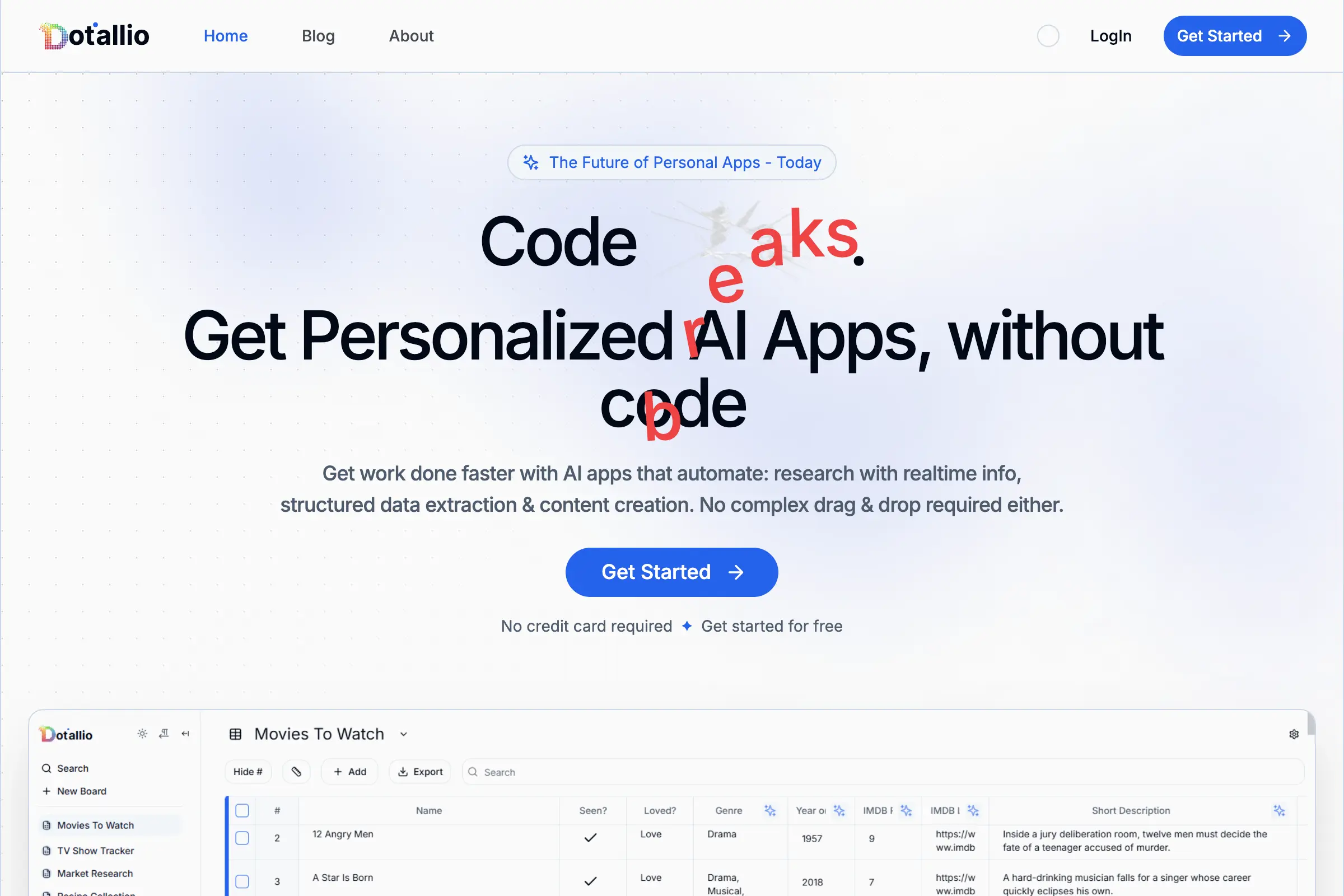
Dotallio
Personalized AI apps that automate research, data extraction, and content creation without code 🤖

Talk to Santa
Enjoy a magical live video chat or receive a unique AI-generated video greeting from Santa Claus 🎅

pozywka.pl
Scalable blog for food journalist, focused on performance and user experience 🌭
zagrodzki.me
Personal blog and portfolio of Bart Zagrodzki, where he shares his knowledge and work 💼
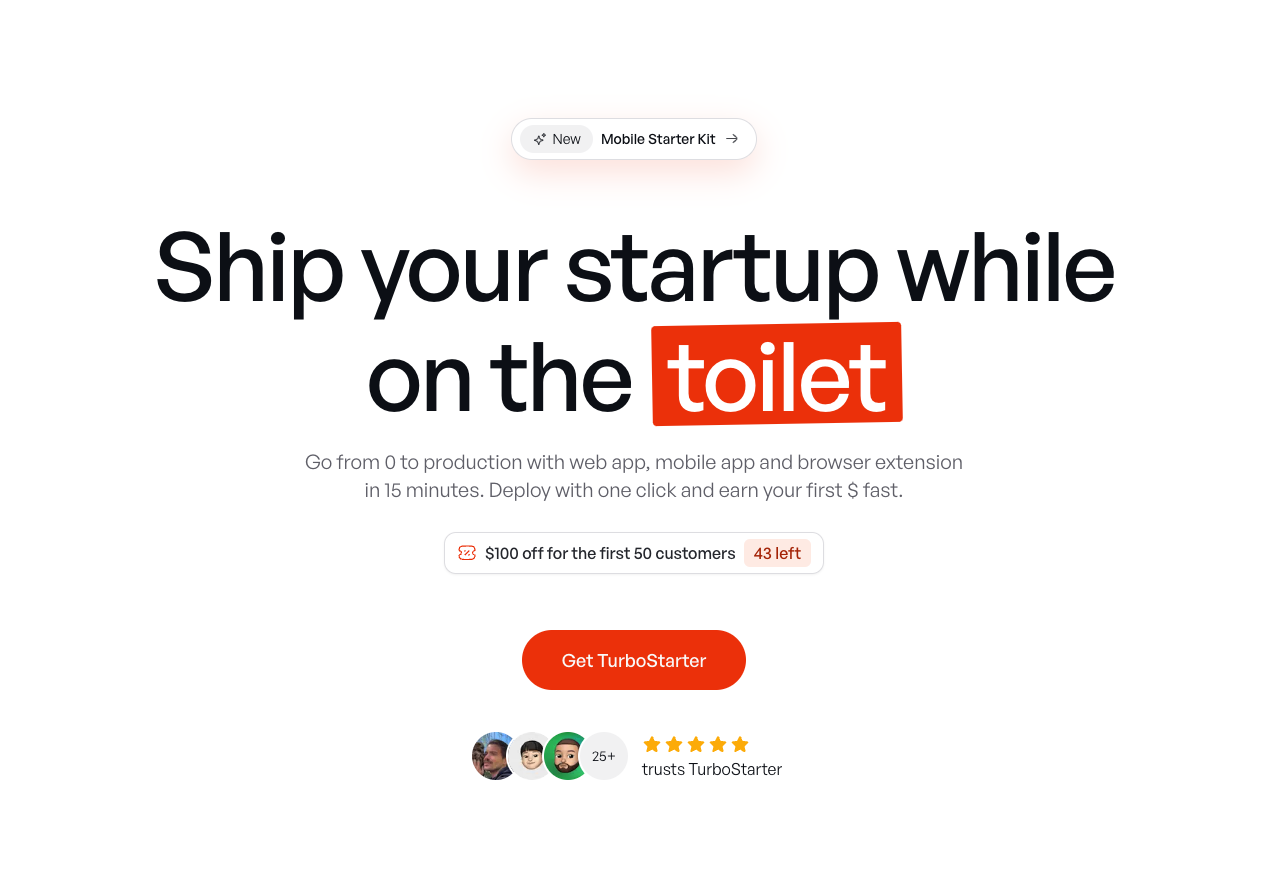
TurboStarter
Ship your startup everywhere. In minutes.
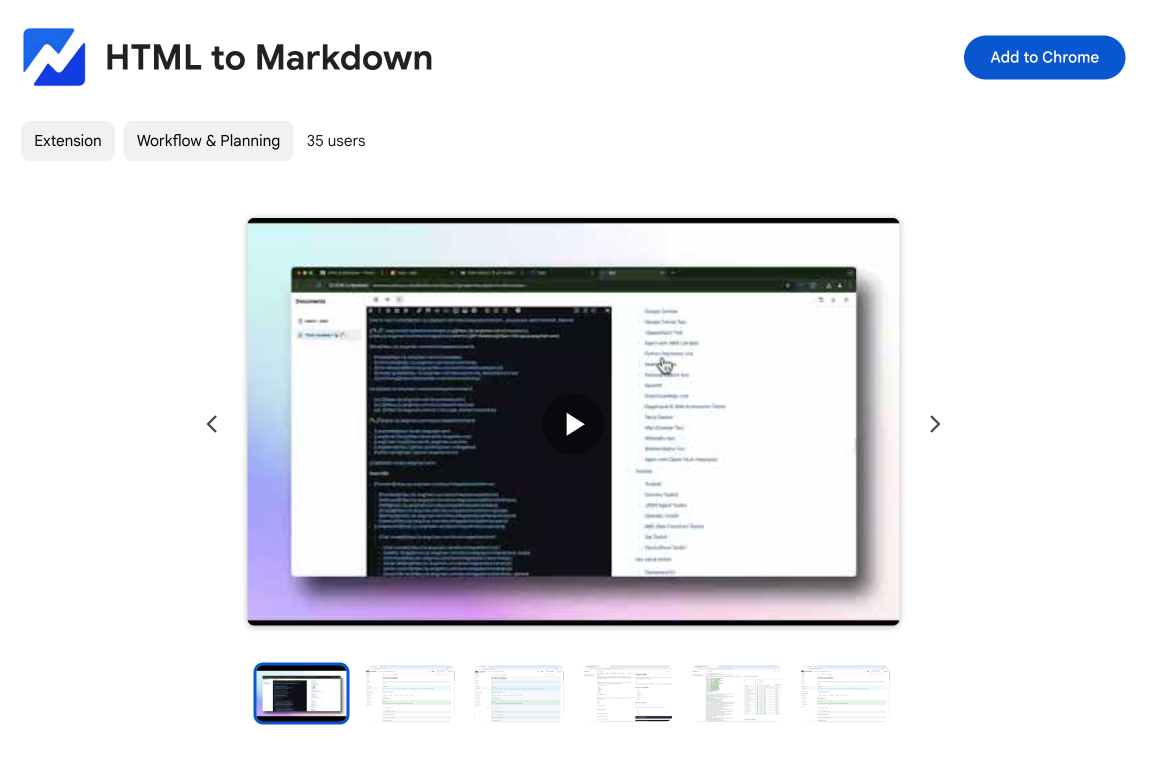
HTML to Markdown
Convert HTML to Markdown with ease, directly in your browser 📄
Dotallio
Personalized AI apps that automate research, data extraction, and content creation without code 🤖
Talk to Santa
Enjoy a magical live video chat or receive a unique AI-generated video greeting from Santa Claus 🎅
pozywka.pl
Scalable blog for food journalist, focused on performance and user experience 🌭
zagrodzki.me
Personal blog and portfolio of Bart Zagrodzki, where he shares his knowledge and work 💼
TurboStarter
Ship your startup everywhere. In minutes.
HTML to Markdown
Convert HTML to Markdown with ease, directly in your browser 📄
Dotallio
Personalized AI apps that automate research, data extraction, and content creation without code 🤖
Talk to Santa
Enjoy a magical live video chat or receive a unique AI-generated video greeting from Santa Claus 🎅
pozywka.pl
Scalable blog for food journalist, focused on performance and user experience 🌭
zagrodzki.me
Personal blog and portfolio of Bart Zagrodzki, where he shares his knowledge and work 💼
TurboStarter
Ship your startup everywhere. In minutes.
HTML to Markdown
Convert HTML to Markdown with ease, directly in your browser 📄
Dotallio
Personalized AI apps that automate research, data extraction, and content creation without code 🤖
Talk to Santa
Enjoy a magical live video chat or receive a unique AI-generated video greeting from Santa Claus 🎅
pozywka.pl
Scalable blog for food journalist, focused on performance and user experience 🌭
zagrodzki.me
Personal blog and portfolio of Bart Zagrodzki, where he shares his knowledge and work 💼
TurboStarter
Ship your startup everywhere. In minutes.
HTML to Markdown
Convert HTML to Markdown with ease, directly in your browser 📄
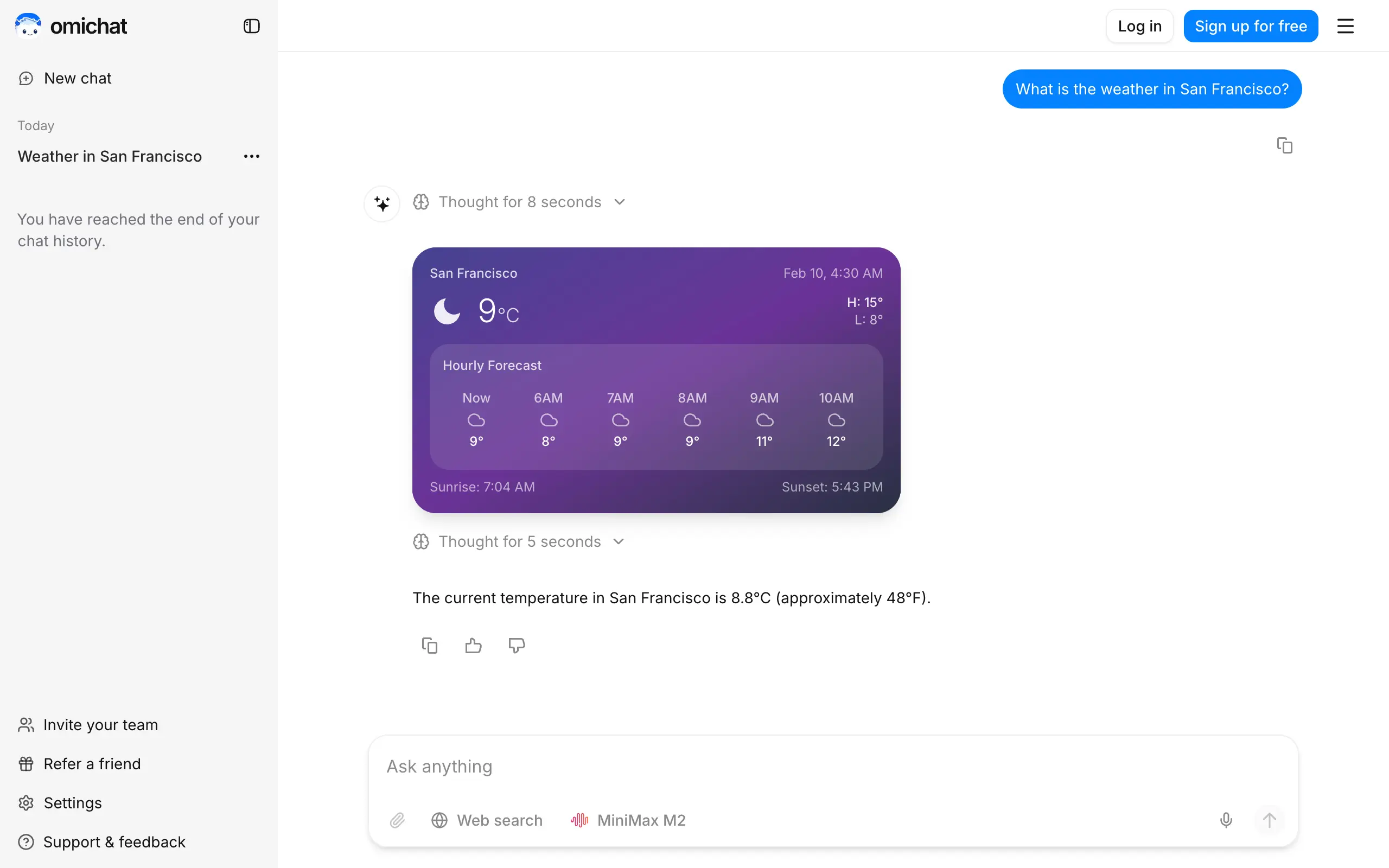
Omichat
Chat with 50+ AI models, including ChatGPT and Claude, in one place - switch models anytime without losing context 🤖
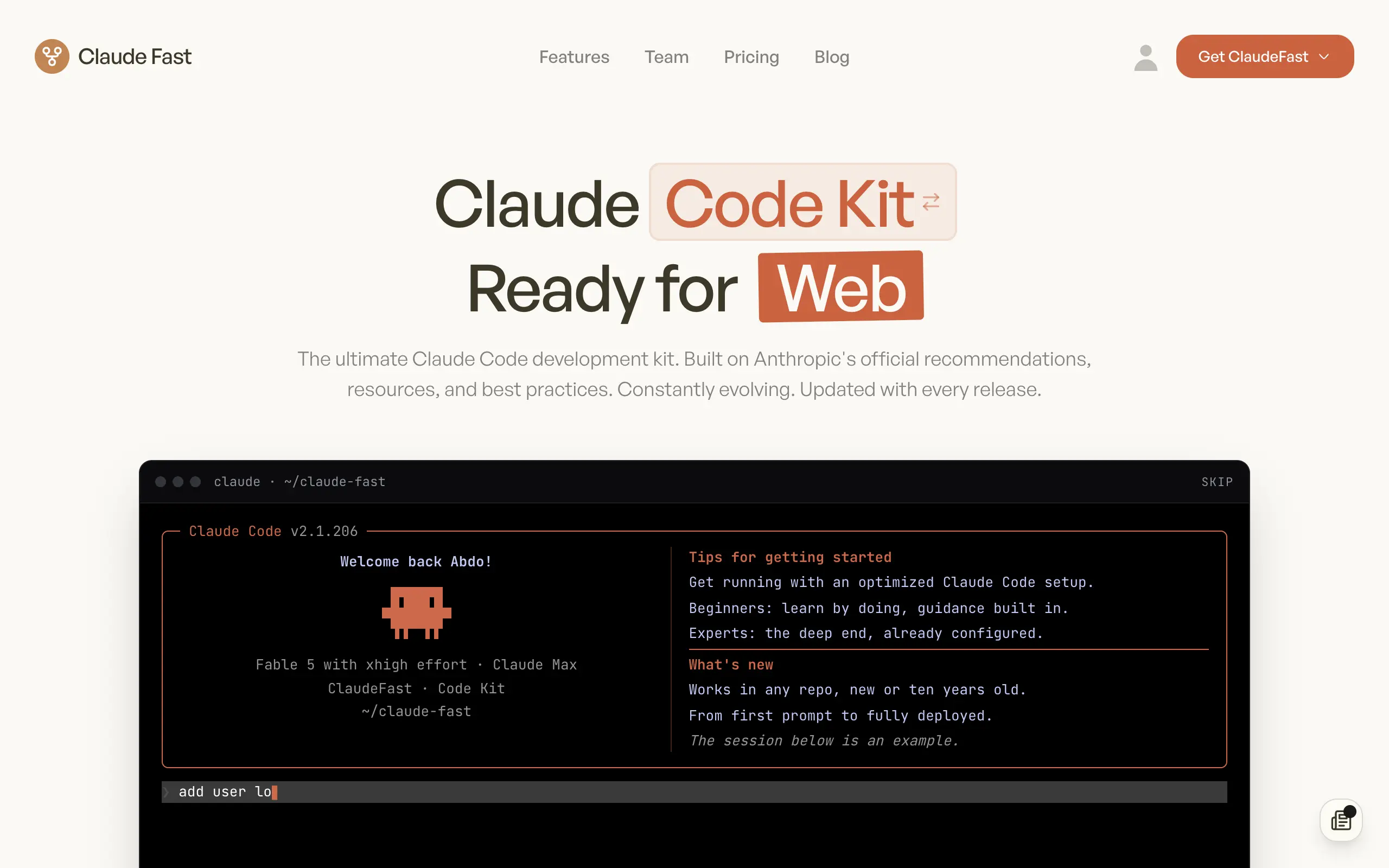
Claude Fast
Supercharge your Claude Code with 6x effective context window and specialized AI agents 🤖

EmojAI
AI-powered emoji picker with smart, context-aware suggestions 🤖

Solohacker
Autonomous company launcher - AI agents work 24/7, escalate what matters, and you stay in control 🤖

BeRawi: Storytelling Coach
Practice storytelling daily with instant feedback to sound clearer, more engaging, and confident 🎤
Omichat
Chat with 50+ AI models, including ChatGPT and Claude, in one place - switch models anytime without losing context 🤖
Claude Fast
Supercharge your Claude Code with 6x effective context window and specialized AI agents 🤖
EmojAI
AI-powered emoji picker with smart, context-aware suggestions 🤖
Solohacker
Autonomous company launcher - AI agents work 24/7, escalate what matters, and you stay in control 🤖
BeRawi: Storytelling Coach
Practice storytelling daily with instant feedback to sound clearer, more engaging, and confident 🎤
Omichat
Chat with 50+ AI models, including ChatGPT and Claude, in one place - switch models anytime without losing context 🤖
Claude Fast
Supercharge your Claude Code with 6x effective context window and specialized AI agents 🤖
EmojAI
AI-powered emoji picker with smart, context-aware suggestions 🤖
Solohacker
Autonomous company launcher - AI agents work 24/7, escalate what matters, and you stay in control 🤖
BeRawi: Storytelling Coach
Practice storytelling daily with instant feedback to sound clearer, more engaging, and confident 🎤
Omichat
Chat with 50+ AI models, including ChatGPT and Claude, in one place - switch models anytime without losing context 🤖
Claude Fast
Supercharge your Claude Code with 6x effective context window and specialized AI agents 🤖
EmojAI
AI-powered emoji picker with smart, context-aware suggestions 🤖
Solohacker
Autonomous company launcher - AI agents work 24/7, escalate what matters, and you stay in control 🤖
BeRawi: Storytelling Coach
Practice storytelling daily with instant feedback to sound clearer, more engaging, and confident 🎤

Connect with like-minded people
Join our community to get feedback, support, and grow together with 1,000+ builders on board, let's ship it!
Join usShip your startup everywhere. In minutes.
Don't burn tokens on setup and start building features on day one.