Touchline AI
Turn Jira, GitHub, and Slack updates into clear project match reports, with AI-detected blockers, delivery risks, and recommended next moves.
Touchline AI is a product concept for turning Jira, GitHub, and Slack activity into clear, trustworthy project match reports. Instead of asking a project manager to assemble updates from multiple tools, it would connect the work already happening, identify meaningful changes and potential blockers, and recommend practical next steps.
The opportunity is bigger than generating another AI summary. Teams need a reliable way to understand whether delivery is on track, what changed since the last update, and where a decision or intervention could make a difference. A useful product must answer those questions with evidence, not just polished prose.
What Touchline AI would do
Touchline AI would act as an AI project status reporting and delivery intelligence layer across a team’s existing workflow. It would read authorized updates from Jira, GitHub, and Slack, connect relevant activity to a project or milestone, and produce a concise report for the people who need it.
A typical report might include:
- Delivery progress based on completed work, open work, pull requests, and milestone changes.
- New blockers such as unresolved dependencies, stalled reviews, or decisions waiting on an owner.
- Emerging delivery risks supported by evidence from connected tools.
- Recommended next moves such as assigning an owner, unblocking a review, or confirming scope.
- A change log showing what has changed since the previous report.
The product should not treat every new message, ticket, or code change as important. Its value depends on filtering noise and helping people understand the consequences of activity.
Who would benefit from an AI project status reporting tool?
The most promising customers are organizations where delivery information is distributed across collaboration and development tools, but the cost of confusion is high enough to justify a dedicated solution.
Product and engineering managers
Product and engineering managers often need to explain delivery progress to leadership while relying on information spread across tickets, code reviews, and team conversations. Touchline AI could reduce the time required to prepare updates and give these managers a consistent view of what has changed.
The product should support their judgment, not replace it. Managers need the ability to correct an inaccurate interpretation, add context, and decide whether a detected risk belongs in a stakeholder report.
Program and project managers
Program managers coordinate work that crosses multiple teams, services, or milestones. A dependency may appear in a Jira issue, be discussed in Slack, and become visible in a GitHub pull request only days later.
A connected project reporting tool could bring those signals together. It could help program managers identify which dependencies need attention and create reports that distinguish team-level progress from cross-team delivery risk.
Technical leads and engineering directors
Technical leaders need more than a percentage-complete estimate. They may want to understand whether reviews are accumulating, whether work is blocked on an architectural decision, or whether a milestone depends on a small number of unresolved changes.
Touchline AI could help them spot these patterns across projects without requiring them to read every ticket and conversation. To earn trust, however, it should show the source and reasoning behind its conclusions.
Startup founders and small teams
Smaller teams may not have a dedicated project operations function, but they still need to communicate progress to customers, investors, or colleagues. An automated report could make regular updates less burdensome and help a founder see when a commitment is starting to drift.
This audience is especially price-sensitive. A simple, easy-to-configure product may be more attractive than a highly customizable enterprise platform with a long deployment process.
Agencies and client-service teams
Agencies often have to report on several client projects at once. They can benefit from consistent reporting and early visibility into delays, scope changes, and unanswered client decisions.
A product serving this audience should provide workspace separation, carefully controlled sharing, and configurable report language. Client-facing summaries should not expose private internal conversations or sensitive implementation details.
The initial ideal customer profile
A practical first customer profile could be a software company with several delivery teams that:
- Uses Jira for work tracking, GitHub for development, and Slack for coordination.
- Produces recurring stakeholder or leadership updates.
- Has projects with inter-team dependencies or milestone commitments.
- Can identify an owner for integrations, access controls, and rollout.
- Is willing to review AI-generated reports before sharing them.
Starting with a narrow customer profile helps make the product’s integrations, report format, and onboarding experience coherent. It also makes early customer interviews more useful than trying to serve every organization that uses project management software.
The market gap in project status reporting
Most teams already have tools that store project activity. The gap is that activity is not the same as understanding.
Jira can represent tickets and workflow states. GitHub can show commits, pull requests, and review activity. Slack can capture decisions and discussion. But a project stakeholder may still have to search across all three to answer a simple question: What changed, what could delay delivery, and who needs to act?
Updates are fragmented across systems
Each tool is optimized for a different kind of work. Team members may discuss a dependency in Slack, track it in Jira, and resolve it through a GitHub change. Without a shared interpretation layer, people must manually connect these events.
That manual stitching is time-consuming and fragile. Important context can be missed, and different people may produce reports that describe the same project in different ways.
Status reports can become stale or overly optimistic
A report written once a week is only as useful as the information included in it. A project can change significantly between reporting cycles, while a manually prepared update may reuse an old description or omit a newly emerging issue.
AI-generated reporting can help make updates more timely, but only if it distinguishes recent activity from real progress. A spike in messages should not automatically be interpreted as a healthy project, and a quiet Slack channel should not automatically signal trouble.
Existing dashboards often require interpretation
Dashboards can be useful for people who know the project, the team’s workflow, and the meaning of each metric. Executives or cross-functional stakeholders may not know how to interpret a board full of ticket states, charts, and filters.
Touchline AI’s opportunity is to translate operational evidence into a readable explanation. A report should make the underlying activity more accessible without hiding uncertainty or inventing certainty.
Generic AI summaries lack project-specific context
A general-purpose assistant can summarize text that a user provides. But a useful project reporting product needs more than a summary of isolated messages. It needs to know which workspace, project, milestone, owner, and time period matter.
It also needs to handle conflicting or incomplete signals. If a Jira ticket is marked blocked but a Slack thread says the dependency was resolved, the product should surface that discrepancy rather than silently choose one source.
Core features for a useful Touchline AI product
A strong first version should focus on a small number of high-value workflows. The goal is to generate reports that people can verify, edit, and act on.
1. Secure integrations with Jira, GitHub, and Slack
The product needs to connect to each source with clearly defined permissions and a reliable data sync process. Users should be able to choose which projects, repositories, and channels are in scope.
Integration design should account for:
- Permission boundaries at the workspace, project, repository, and channel level.
- Incremental synchronization rather than repeated full imports.
- Rate limits, retries, and temporary service outages.
- Deleted or edited source content.
- A visible indication of when data was last refreshed.
- A clear process for disconnecting an integration and removing associated data.
The product should begin with read-only access wherever possible. Write access, such as posting a report to Slack or creating a Jira issue, can be introduced later with explicit user approval.
2. Project mapping across tools
One of the hardest product problems is deciding which activity belongs to which project. A GitHub repository may support multiple projects, while a Slack channel may include discussion from several teams.
Touchline AI could let administrators map sources manually during setup, then use project names, issue keys, repository metadata, and user-selected rules to suggest additional associations. Users should be able to correct those suggestions.
This mapping layer is important because poor project attribution will undermine every feature built on top of it. A report based on the wrong repository or conversation is not merely less useful; it can mislead stakeholders.
3. Evidence-based status reports
Each report should separate observed facts from interpretation. For example:
- Observed activity: a pull request has been open for four days and is awaiting review.
- Interpretation: the review delay may affect the milestone if the pull request is on the delivery path.
- Suggested action: confirm the reviewer or check whether the work has been reprioritized.
Reports should include links or references to the underlying Jira issue, pull request, or Slack discussion so readers can validate claims. A report that cannot show where a statement came from is difficult to trust.
4. Blocker detection and ownership
Blockers may be explicit, such as a ticket labeled “blocked,” or implicit, such as a dependency repeatedly discussed without an assigned owner. The product can identify potential blockers by combining source signals, but it should label them as potential until someone confirms them.
Useful blocker information includes:
- What is blocked and why.
- Which project or milestone is affected.
- Who appears to own the next action.
- When the issue was last updated.
- Which source material supports the interpretation.
- Whether a person has confirmed, dismissed, or resolved the blocker.
Avoid presenting speculative conclusions as verified facts. A confidence label and a short explanation can help users decide what to review first.
5. Delivery risk detection
A delivery risk is not simply a late ticket. It is a potential threat to a meaningful outcome, such as a release, milestone, or customer commitment.
An initial risk engine could use explainable signals such as:
- A milestone with unfinished, high-priority work.
- Work that has not changed for a configured period.
- A growing queue of pull requests awaiting review.
- Repeated mentions of an unresolved dependency.
- Scope changes that are not reflected in the project plan.
- A key decision that lacks a confirmed owner or deadline.
These signals should be configurable. A team with short review cycles may consider a two-day delay significant, while another team may not. The product should let teams tune thresholds instead of treating one rule as universally correct.
6. Recommended next moves
A report becomes more valuable when it points toward an action. Recommendations should be specific, limited, and connected to the evidence that prompted them.
Examples might include:
- Confirm whether a delayed pull request is still part of the current milestone.
- Assign an owner to an unresolved dependency.
- Ask the product owner to clarify acceptance criteria on a blocked issue.
- Review a milestone date after a scope change.
- Share a decision from a Slack thread in the project’s source of truth.
Recommendations should remain suggestions. Automatically changing priorities, assigning people, or notifying leadership without approval could create confusion and damage trust.
7. Report customization and distribution
Different readers need different levels of detail. A technical lead may want issue-level context, while an executive may want a concise summary of milestone confidence and decisions needed.
Useful controls could include:
- Audience-specific report formats.
- Daily, weekly, or milestone-based schedules.
- Custom project and date filters.
- A review step before sharing.
- Export or copy options for existing reporting workflows.
- Slack delivery with explicit channel selection.
- An audit trail showing who created or shared a report.
8. Feedback and correction
Users should be able to mark an insight as accurate, irrelevant, resolved, or based on missing context. This feedback can improve project configuration and help the product identify where its rules are too noisy.
A correction should not disappear into a black box. The interface should explain whether feedback changed an alert, project mapping, or future report behavior.
How a project match report could work
A good reporting workflow combines deterministic data processing with carefully constrained AI generation. The AI should help explain and organize evidence, while the application’s underlying rules determine what data is in scope and how it is permissioned.
A report-generation process could follow these stages:
- Collect authorized data from connected Jira projects, GitHub repositories, and Slack channels.
- Normalize events into a shared structure with timestamps, source references, project associations, and access metadata.
- Identify meaningful changes such as completed work, reopened issues, new dependencies, or stalled reviews.
- Evaluate configured risk rules against milestones and project history.
- Generate a draft narrative that summarizes the evidence without making unsupported claims.
- Attach source references to every important statement.
- Ask a reviewer to edit or approve the report before it is shared externally or with leadership.
This approach gives teams a useful balance between automation and human oversight. It also makes it easier to investigate errors. If a report incorrectly identifies a blocker, the product team can examine the source data, project mapping, rule, or generated text that produced it.
Recommended technology stack and trade-offs
The best stack is not necessarily the most novel one. Touchline AI should prioritize secure integrations, reliable background processing, clear auditability, and a product interface that makes uncertainty understandable.
Frontend
A TypeScript-based React application is a practical choice for the web interface. React’s component model can support reusable report cards, project settings, integration flows, and review tools. See the official React documentation.
A component-based design system can help keep the product consistent as it grows. The trade-off is that a flexible frontend does not solve the harder product problem: making project status understandable without overwhelming users with controls.
Backend and API
A backend written in TypeScript, Python, or another mature server-side language can support integration callbacks, report generation, and administrative workflows. The team should choose based on existing expertise and the reliability of available libraries.
A modular API should separate responsibilities such as:
- Authentication and workspace membership.
- Integration configuration and token management.
- Data ingestion and normalization.
- Project mapping and reporting rules.
- Report generation and review.
- Audit events and user feedback.
This separation reduces the risk that changes to a report prompt inadvertently affect permission checks or integration behavior.
Data storage
A relational database such as PostgreSQL is a sensible foundation for workspace data, project configuration, report records, and normalized events. It supports structured relationships and transactional updates.
A separate object store may be appropriate for larger payloads or retained source snapshots, subject to the product’s data retention policy. Do not keep more source content than the product needs. Minimizing stored data can reduce risk, complexity, and customer concerns.
Background jobs and event processing
Integrations should not depend on a user keeping a browser tab open. A job queue can handle scheduled synchronization, webhook processing, retries, and report generation.
The system should be designed for duplicate and out-of-order events. Webhooks can be delivered more than once, and external services may be temporarily unavailable. Idempotent processing, retry limits, and dead-letter handling are important operational safeguards.
AI and retrieval
A large language model can turn selected evidence into a readable report, but it should not be the sole source of project truth. The application should retrieve authorized, relevant records, apply deterministic checks, and provide the model with bounded context.
Important safeguards include:
- Sending only the minimum context needed for the task.
- Keeping customer data isolated by workspace.
- Requiring evidence references for consequential statements.
- Evaluating output for unsupported claims and sensitive information.
- Measuring quality with a test set based on realistic project scenarios.
- Providing a fallback when the model is unavailable or the evidence is insufficient.
The trade-off is straightforward: more automation can reduce preparation time, but it can also increase the impact of mistakes. Review controls and source attribution are essential, especially during early adoption.
Integrations
The official Jira platform REST API documentation, GitHub REST API documentation, and Slack API documentation are appropriate starting points for integration planning.
API permissions and available events can change. Before committing to a feature, validate the required scopes, webhook behavior, rate limits, and app-review requirements against the current official documentation and a test workspace.
Build speed versus control
A starter platform can speed up common SaaS foundations such as authentication, billing, and application structure. TurboStarter may be worth evaluating if its current capabilities fit the product’s requirements.
Using a starter can reduce time spent on repetitive setup, but it does not remove the need to review security, data isolation, integration permissions, and operational practices. The team should understand and test every foundation it adopts.
Competitive advantage and positioning
Touchline AI would operate in a competitive space that includes project management platforms, work intelligence products, reporting tools, and general-purpose AI assistants. Its differentiation should come from the quality of its workflow and evidence, not from simply describing itself as AI-powered.
Where the product could stand out
Cross-tool project context is the central opportunity. Rather than asking teams to move all their work into a new system, Touchline AI would connect the tools they already use.
Reports designed for action could distinguish it from generic activity digests. The product should clarify what changed, what may be at risk, and what a person could do next.
Evidence-linked insights could make its outputs more trustworthy. Readers should be able to inspect the issue, pull request, or conversation behind a claim.
Human-reviewed communication could make the tool safer for stakeholder reporting. Users should be able to edit a report before sharing it and retain a record of what was approved.
A focused initial workflow could help the product outperform broad platforms for a particular customer segment. For example, weekly engineering delivery reports for teams using Jira, GitHub, and Slack may be a more credible entry point than an all-purpose “AI project management” promise.
| Product approach | Cross-tool context | Evidence-linked reports | Delivery risk focus | Human review |
|---|---|---|---|---|
| Manual status reporting | Depends on the author | Often informal | Depends on experience | Usually yes |
| Single-tool dashboards | Limited to the platform | Usually tied to platform records | Varies by product | Varies |
| General-purpose AI assistant | Depends on supplied context | Not inherent | Not specialized | User-managed |
| Touchline AI concept | Jira, GitHub, and Slack | Core product requirement | Core product focus | Recommended by default |
This positioning is a hypothesis to validate, not a guarantee of market leadership. Customer interviews and pilot usage should reveal whether teams value the integrated report enough to adopt another tool.
Monetization strategy options
A pricing model should reflect the value delivered, the cost of processing data, and the way customers organize projects and teams.
Per-seat subscription
Charging per user is familiar to SaaS buyers and can produce predictable revenue. It may work well if many people actively create, review, and customize reports.
The drawback is that status reporting often serves a broad audience, including people who only read reports occasionally. Restricting access by seat could reduce distribution and weaken the product’s value.
Workspace or project-based tiers
A workspace plan can include a set number of projects, integrations, or report schedules. Higher tiers could add advanced controls, longer retention, or broader team coverage.
This model is easy to explain if the limits map to customer value. Avoid arbitrary feature gates that make it difficult for a small team to test the product’s core workflow.
Usage-based pricing
Usage-based pricing could reflect the number of synchronized events, report runs, or AI-generated reports. This can align revenue with processing costs, especially for customers with many projects.
The trade-off is budget uncertainty. If usage is difficult to predict, customers may hesitate to connect more data or use the product routinely. Clear quotas, usage visibility, and spending limits can reduce that friction.
Enterprise plans
Larger customers may pay for security reviews, administrative controls, custom retention, audit capabilities, and support commitments. These features can justify a higher contract value, but they require real investment in security and operational readiness.
Do not promise compliance certifications, data residency, or service guarantees until the company can meet and verify them.
Recommended early pricing approach
For a first commercial version, consider a free trial or limited pilot followed by a straightforward workspace subscription. Track which features customers actually use and which outcomes they value before introducing multiple pricing dimensions.
Potential value metrics include:
- Number of active projects monitored.
- Number of scheduled reports.
- Number of connected workspaces.
- Availability of advanced governance and administrative controls.
Test pricing with prospective customers rather than assuming a specific price from competitor pages or informal guesses.
Risks and how to mitigate them
Inaccurate summaries and false alarms
An AI-generated report may misread an ambiguous conversation or describe a possible risk as a confirmed issue.
Mitigation: show source references, distinguish fact from interpretation, use calibrated confidence language, and make review and correction easy. Track false positives and missed risks during pilots.
Incomplete project mapping
If the system does not know that a repository or Slack channel belongs to a project, its report will be incomplete. If it maps a source incorrectly, it may include irrelevant or sensitive information.
Mitigation: make mapping visible, support manual configuration, display coverage gaps, and ask users to confirm high-impact suggestions.
Sensitive information exposure
Slack and development tools can contain confidential business information, personal data, credentials, and customer details. Bringing those sources into a new product increases the importance of access control.
Mitigation: request minimal scopes, respect source permissions, encrypt data in transit and at rest, isolate customer workspaces, document retention practices, and provide a reliable deletion process. Review data-processing arrangements with qualified security and legal professionals.
Overreliance on activity metrics
More commits, messages, or tickets do not always mean more progress. Teams may work effectively through quiet focus, or generate substantial activity without moving the milestone forward.
Mitigation: treat activity as evidence rather than a performance score. Focus on milestones, dependencies, decisions, and user-defined project outcomes. Avoid using the product to rank individual employees.
Integration changes and service limits
Third-party APIs can change, rate-limit requests, or introduce permission requirements that affect product behavior.
Mitigation: monitor integration health, design for retries, communicate stale data clearly, and maintain integration tests. Recheck official API documentation before launching new capabilities.
Low adoption and workflow friction
A product that requires extensive setup or creates another reporting destination may not become part of a team’s routine.
Mitigation: start with one recurring report workflow, make onboarding guided, connect only the tools needed for the pilot, and fit distribution into existing habits such as a reviewed Slack report.
Confusion about responsibility
If an AI tool identifies a risk, users may assume someone else will act on it. Conversely, a recommendation could be treated as an assignment even when no one accepted it.
Mitigation: make recommendations explicit, require a human to confirm ownership, and track status changes separately from generated suggestions.
Treat reports as decision support
Touchline AI should help people notice and communicate delivery signals. It should not claim to guarantee project outcomes, replace accountable project owners, or make unreviewed commitments on a team’s behalf.
Actionable implementation plan
The most reliable way to build Touchline AI is to validate the reporting workflow before expanding into a broad project intelligence platform.
Interview target users
Talk to engineering managers, project managers, and technical leads who prepare recurring status updates. Ask them to walk through the last report they wrote, where they found the information, what was difficult to verify, and which decisions the report needed to support.
Avoid leading with a product demo. First establish how frequently the problem occurs, who experiences it, and what an acceptable report would change.
Choose a narrow first use case
Select one customer profile and one reporting rhythm. A weekly engineering delivery report for a Jira, GitHub, and Slack workspace is a stronger starting point than trying to serve every type of project team.
Define the report’s audience, required data, approval process, and success criteria before building advanced risk detection.
Prototype with human-curated data
Create sample reports from customer-approved, redacted project data or use cases that do not require broad integration access. Ask users to judge whether the report is accurate, useful, and easy to validate.
This step can reveal terminology and information needs before engineering investment makes the first design difficult to change.
Build the minimum integration path
Implement secure read-only connections for the sources required by the pilot. Add clear project mapping, synchronization status, and a way to disconnect sources.
Test permission boundaries and data deletion early. These are foundational product requirements, not finishing touches.
Generate evidence-linked drafts
Start with a limited report structure that separates observed changes, possible risks, and suggested actions. Attach a source reference to each important statement and require a person to review the draft before sharing.
Measure whether reviewers spend less time collecting information without sacrificing accuracy.
Run a small pilot
Work with a small group of teams and observe how they use the reports over multiple reporting cycles. Record edits, dismissals, missing context, and actions taken.
A pilot should test repeat use, not just whether someone likes a one-time demo. Monitor whether the report becomes part of an existing meeting or communication workflow.
Improve quality before expanding scope
Use pilot feedback to improve source mapping, report clarity, and risk rules. Add more integrations or automated distribution only when the core report is consistently useful and trustworthy.
Set explicit quality measures, such as the proportion of report claims with valid evidence, reviewer correction frequency, and the time required to prepare an update.
A successful implementation should make it easy to answer three questions: What changed? What could affect delivery? What should someone do next? If the product can answer them accurately, with evidence and appropriate human oversight, it can deliver value without requiring teams to replace their existing project tools.
Frequently asked questions about Touchline AI
No. The concept is designed to work alongside Jira, GitHub, and Slack. Its role is to connect authorized information from those tools and make project progress, blockers, and delivery risks easier to understand.
A dashboard presents data and metrics, while an AI project status report can explain selected changes in natural language and suggest follow-up actions. The report should still link back to its underlying evidence so readers can verify the explanation.
AI can help identify potential blockers by finding patterns across tickets, code reviews, and conversations. It cannot always know whether a statement is current, complete, or relevant. A reliable product labels uncertainty, provides evidence, and lets a person confirm or correct the finding.
A focused first version should include secure read-only integrations, project mapping, evidence-linked report drafts, a review step, and basic feedback controls. More advanced forecasting and automated actions can wait until the core reporting workflow has been validated.
Teams can track time spent preparing reports, how often report claims need correction, whether important risks are identified early enough to act, and whether stakeholders find the updates easier to understand. These measures should be considered together rather than relying on a single activity metric.
More 🤖 AI Startup SaaS ideas
Discover more innovative ai startup SaaS ideas that are trending in 2026. Each idea is AI-generated with market validation and growth potential to help you find your next profitable venture faster than competitors.
Your competitors are building with TurboStarter
Below are some of the SaaS ideas that have been generated and built with our starter kit.
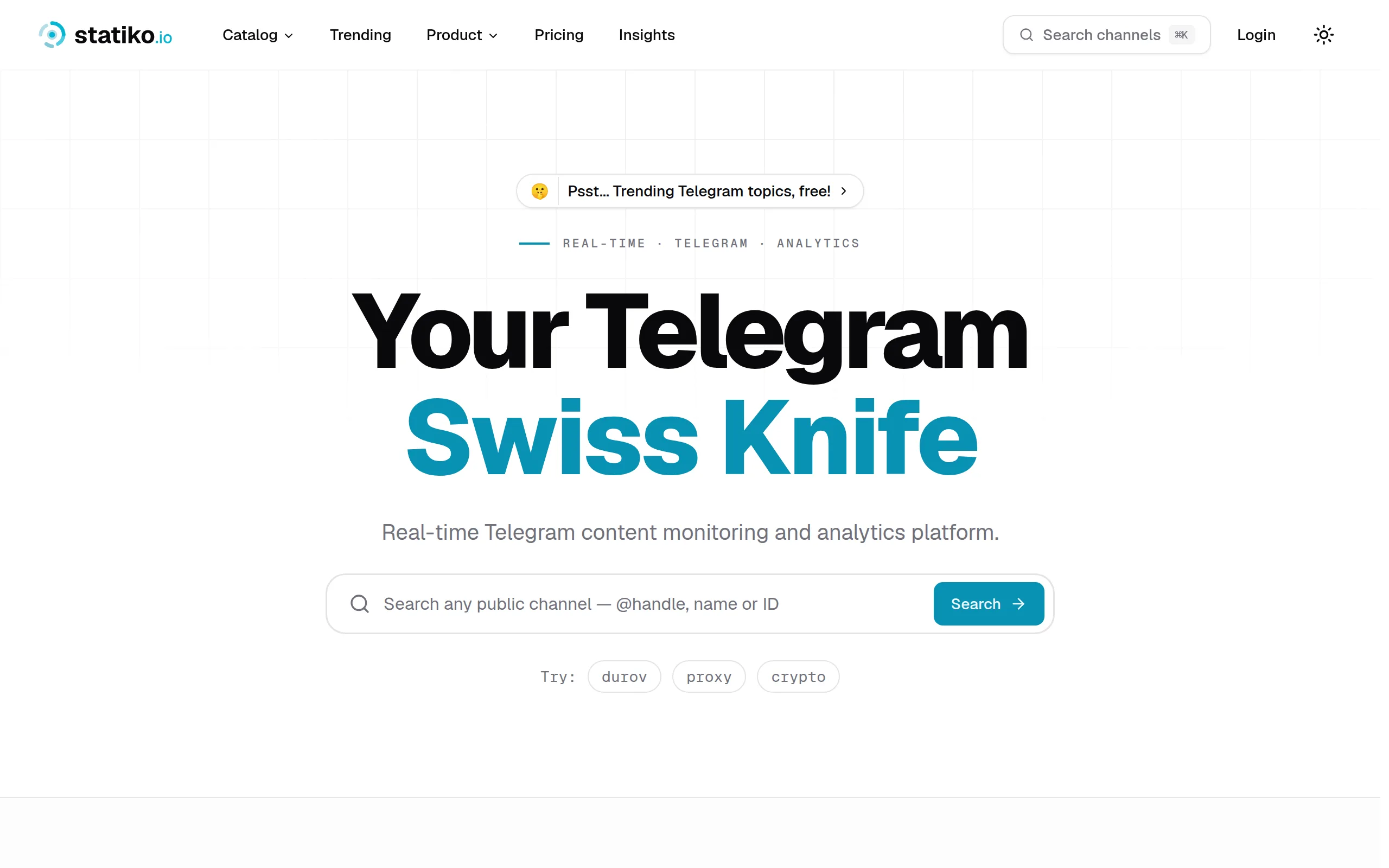
Statiko
Monitor any Telegram channel in real time - track posts, edits, deletions, and growth with AI recaps 📡

Shibui
AI website builder - describe your business, pick a niche template, edit by chatting, and publish instantly ✨

Pro Service
Find verified home service professionals, compare quotes, and pay securely through escrow - built for Brazilians across the US 🏠
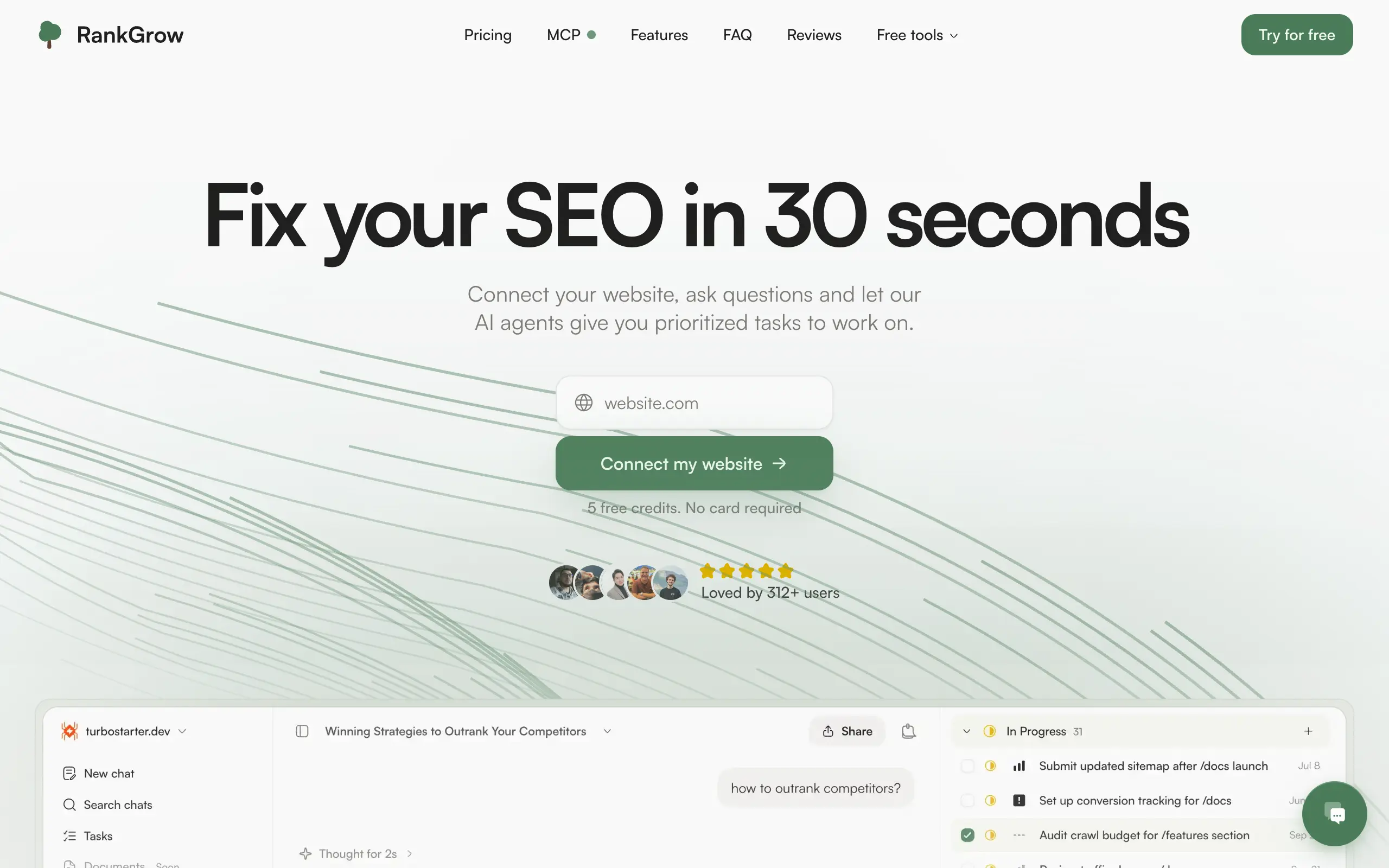
RankGrow
Fix your SEO with AI agents - connect Search Console, get prioritized tasks, and grow organic traffic 📈
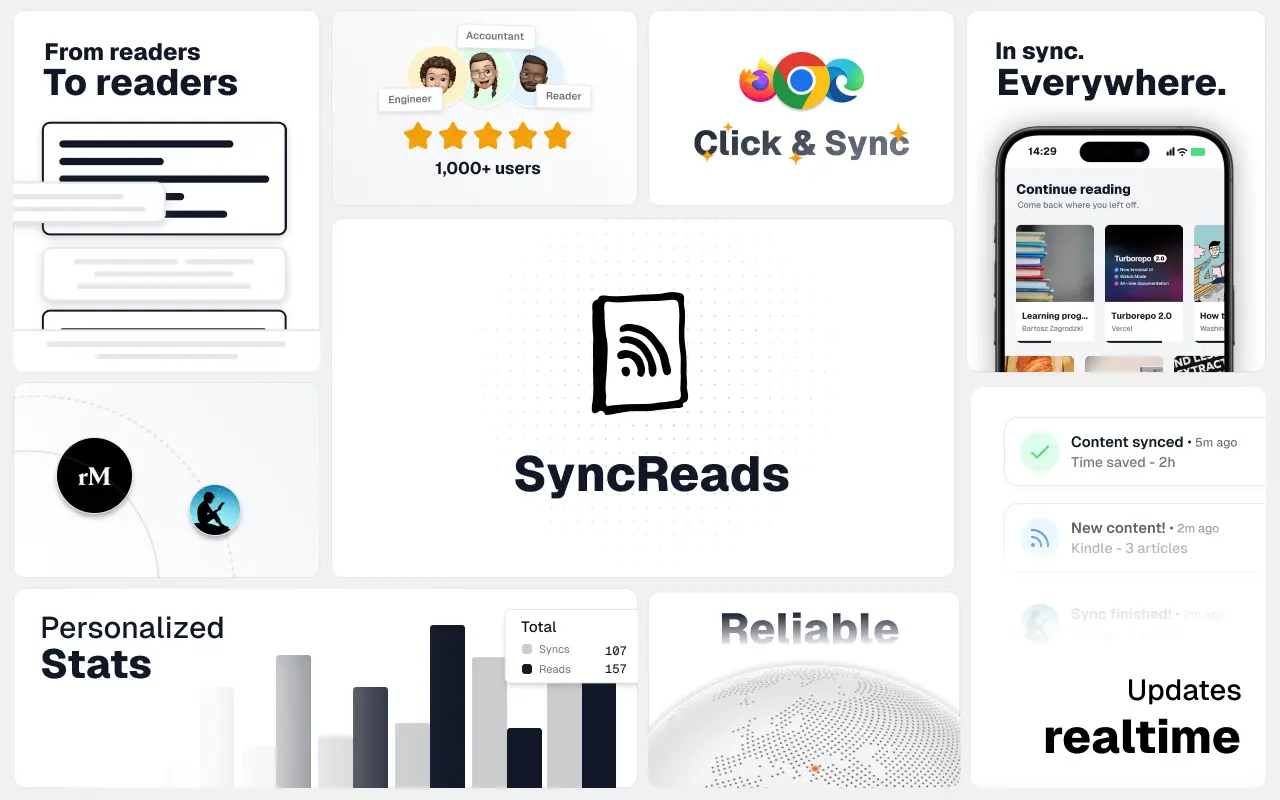
SyncReads
Sync your favorite content for distraction-free reading, save time and replace multiple apps. Anytime, anywhere 🔄
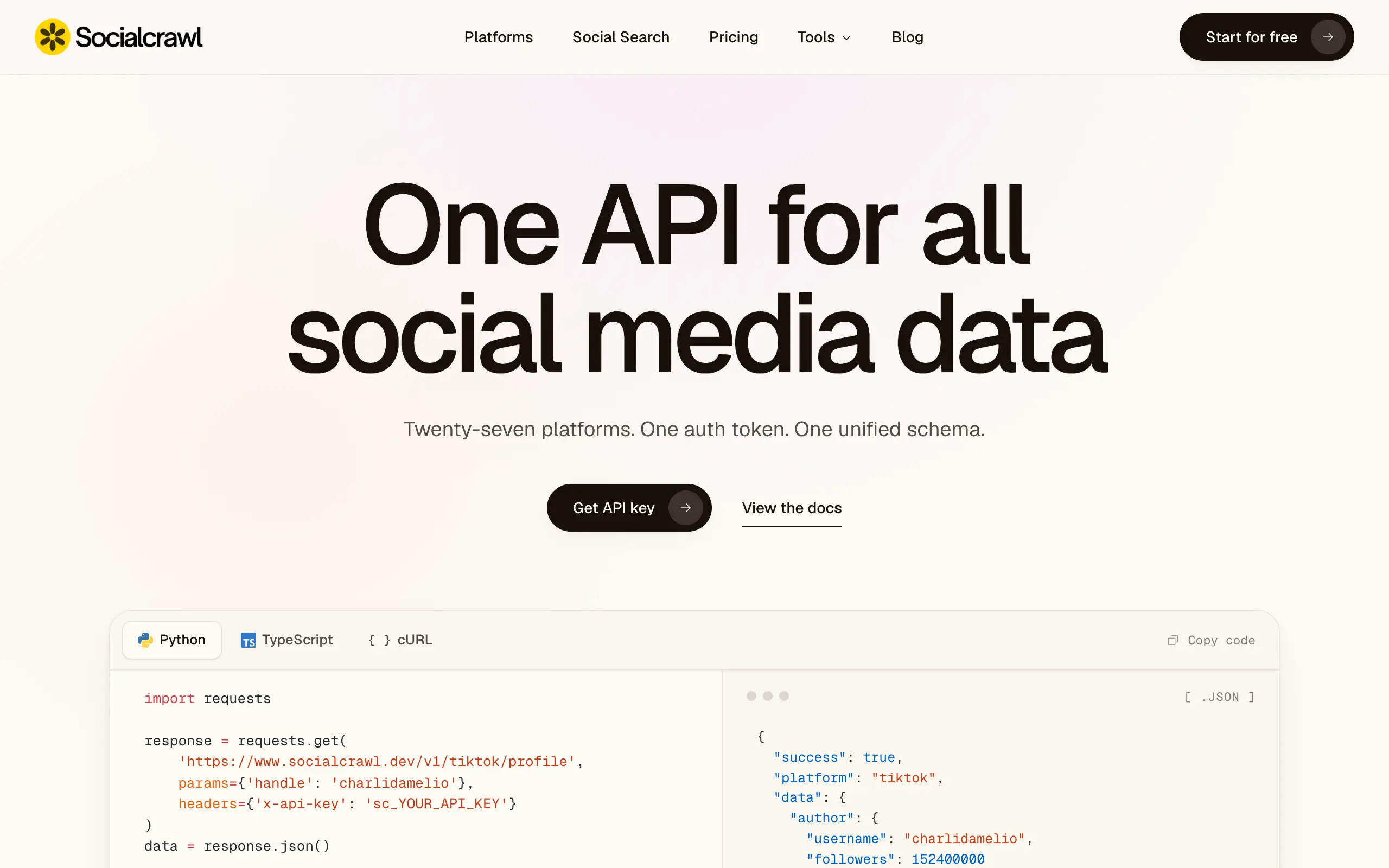
Socialcrawl
Get clean, structured data from 21 platforms like TikTok, Instagram, and YouTube with a single request 📊
Statiko
Monitor any Telegram channel in real time - track posts, edits, deletions, and growth with AI recaps 📡
Shibui
AI website builder - describe your business, pick a niche template, edit by chatting, and publish instantly ✨
Pro Service
Find verified home service professionals, compare quotes, and pay securely through escrow - built for Brazilians across the US 🏠
RankGrow
Fix your SEO with AI agents - connect Search Console, get prioritized tasks, and grow organic traffic 📈
SyncReads
Sync your favorite content for distraction-free reading, save time and replace multiple apps. Anytime, anywhere 🔄
Socialcrawl
Get clean, structured data from 21 platforms like TikTok, Instagram, and YouTube with a single request 📊
Statiko
Monitor any Telegram channel in real time - track posts, edits, deletions, and growth with AI recaps 📡
Shibui
AI website builder - describe your business, pick a niche template, edit by chatting, and publish instantly ✨
Pro Service
Find verified home service professionals, compare quotes, and pay securely through escrow - built for Brazilians across the US 🏠
RankGrow
Fix your SEO with AI agents - connect Search Console, get prioritized tasks, and grow organic traffic 📈
SyncReads
Sync your favorite content for distraction-free reading, save time and replace multiple apps. Anytime, anywhere 🔄
Socialcrawl
Get clean, structured data from 21 platforms like TikTok, Instagram, and YouTube with a single request 📊
Statiko
Monitor any Telegram channel in real time - track posts, edits, deletions, and growth with AI recaps 📡
Shibui
AI website builder - describe your business, pick a niche template, edit by chatting, and publish instantly ✨
Pro Service
Find verified home service professionals, compare quotes, and pay securely through escrow - built for Brazilians across the US 🏠
RankGrow
Fix your SEO with AI agents - connect Search Console, get prioritized tasks, and grow organic traffic 📈
SyncReads
Sync your favorite content for distraction-free reading, save time and replace multiple apps. Anytime, anywhere 🔄
Socialcrawl
Get clean, structured data from 21 platforms like TikTok, Instagram, and YouTube with a single request 📊
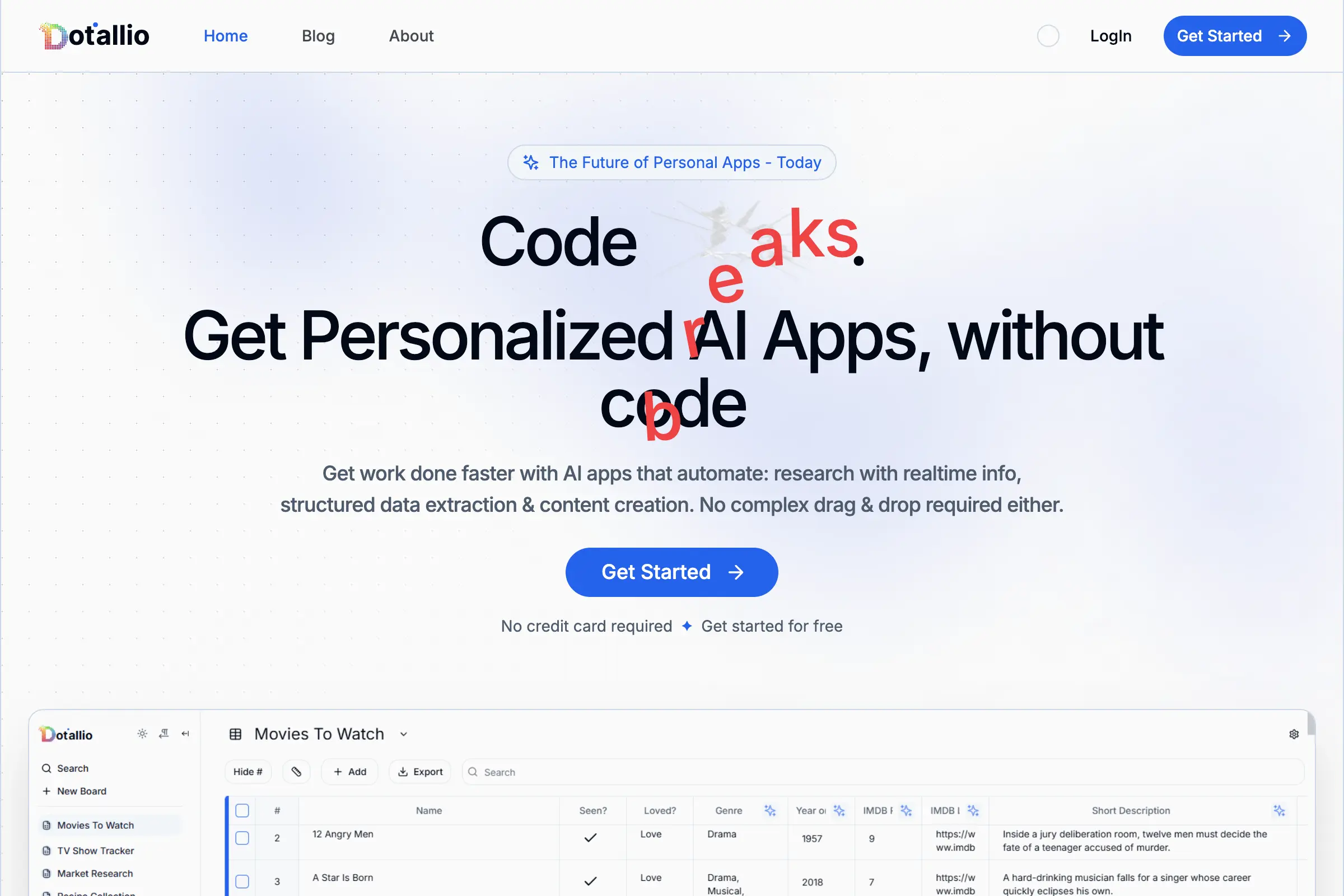
Dotallio
Personalized AI apps that automate research, data extraction, and content creation without code 🤖

Talk to Santa
Enjoy a magical live video chat or receive a unique AI-generated video greeting from Santa Claus 🎅

pozywka.pl
Scalable blog for food journalist, focused on performance and user experience 🌭
zagrodzki.me
Personal blog and portfolio of Bart Zagrodzki, where he shares his knowledge and work 💼
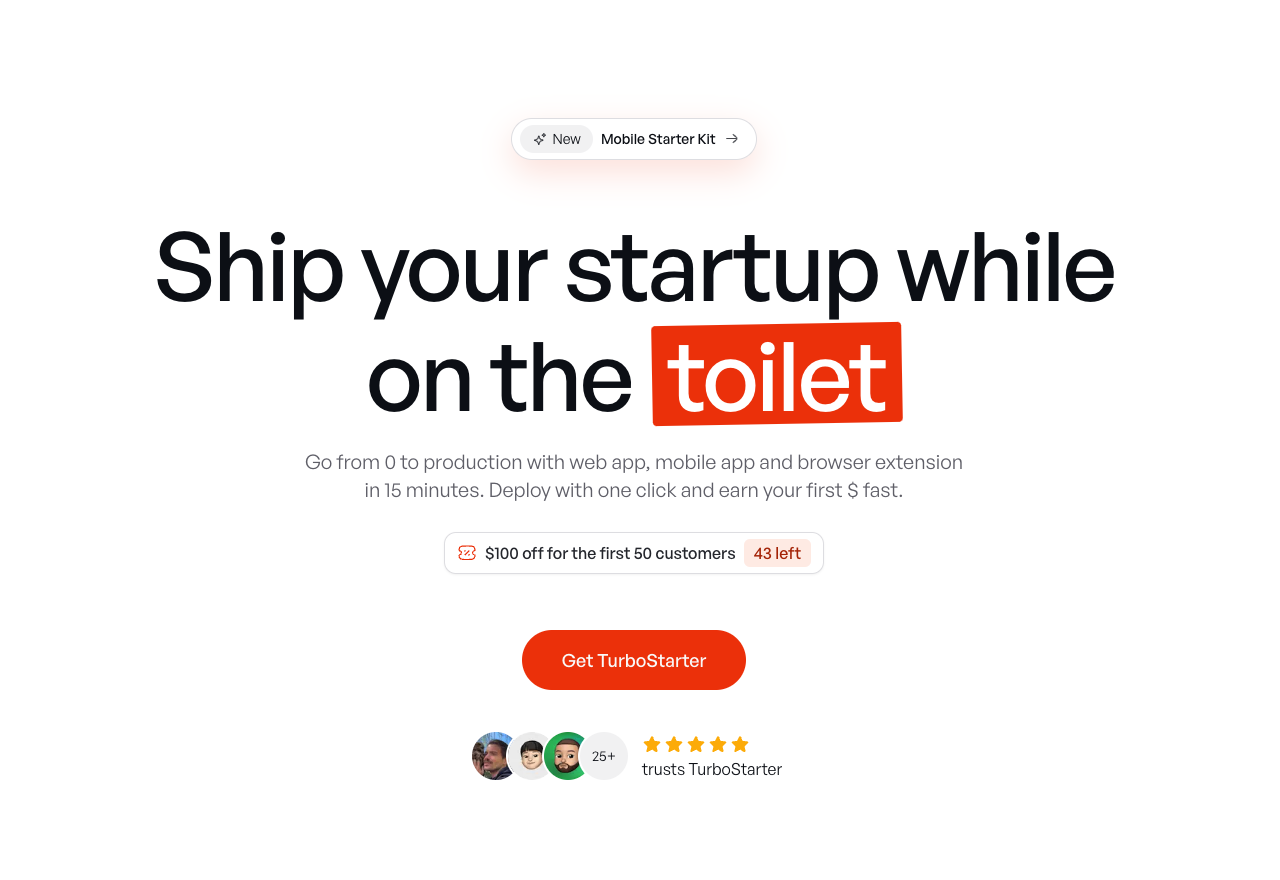
TurboStarter
Ship your startup everywhere. In minutes.
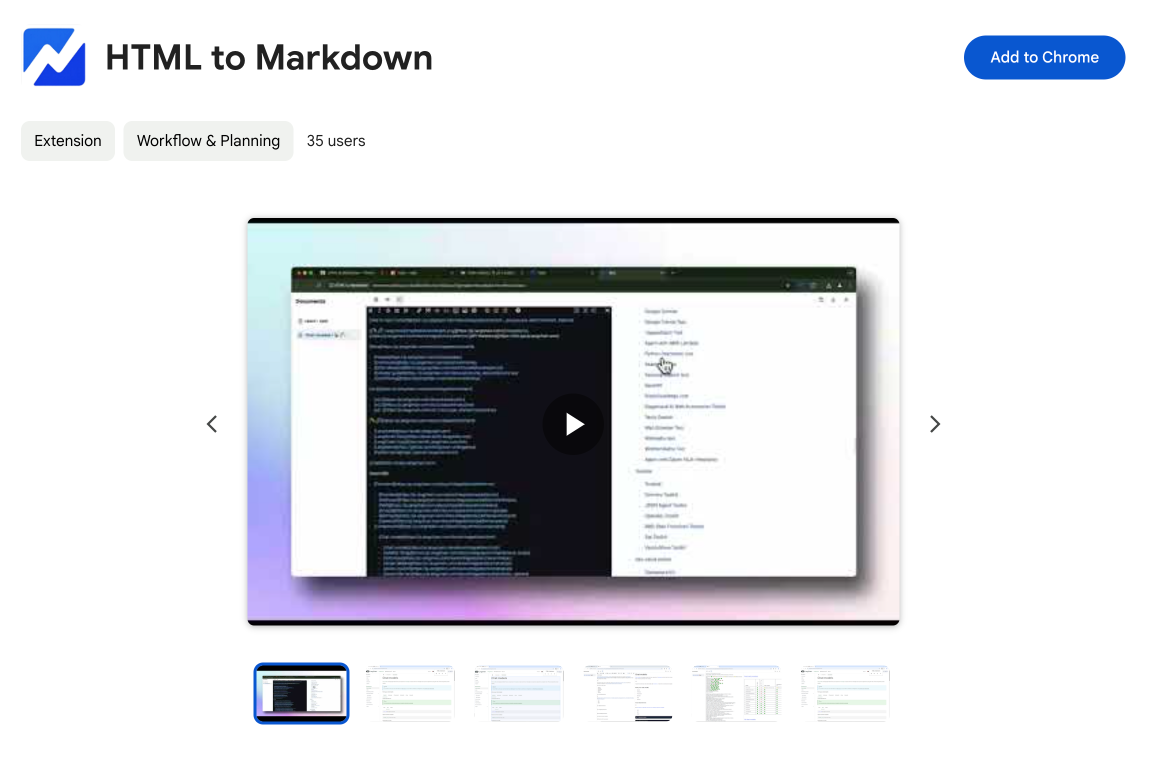
HTML to Markdown
Convert HTML to Markdown with ease, directly in your browser 📄
Dotallio
Personalized AI apps that automate research, data extraction, and content creation without code 🤖
Talk to Santa
Enjoy a magical live video chat or receive a unique AI-generated video greeting from Santa Claus 🎅
pozywka.pl
Scalable blog for food journalist, focused on performance and user experience 🌭
zagrodzki.me
Personal blog and portfolio of Bart Zagrodzki, where he shares his knowledge and work 💼
TurboStarter
Ship your startup everywhere. In minutes.
HTML to Markdown
Convert HTML to Markdown with ease, directly in your browser 📄
Dotallio
Personalized AI apps that automate research, data extraction, and content creation without code 🤖
Talk to Santa
Enjoy a magical live video chat or receive a unique AI-generated video greeting from Santa Claus 🎅
pozywka.pl
Scalable blog for food journalist, focused on performance and user experience 🌭
zagrodzki.me
Personal blog and portfolio of Bart Zagrodzki, where he shares his knowledge and work 💼
TurboStarter
Ship your startup everywhere. In minutes.
HTML to Markdown
Convert HTML to Markdown with ease, directly in your browser 📄
Dotallio
Personalized AI apps that automate research, data extraction, and content creation without code 🤖
Talk to Santa
Enjoy a magical live video chat or receive a unique AI-generated video greeting from Santa Claus 🎅
pozywka.pl
Scalable blog for food journalist, focused on performance and user experience 🌭
zagrodzki.me
Personal blog and portfolio of Bart Zagrodzki, where he shares his knowledge and work 💼
TurboStarter
Ship your startup everywhere. In minutes.
HTML to Markdown
Convert HTML to Markdown with ease, directly in your browser 📄
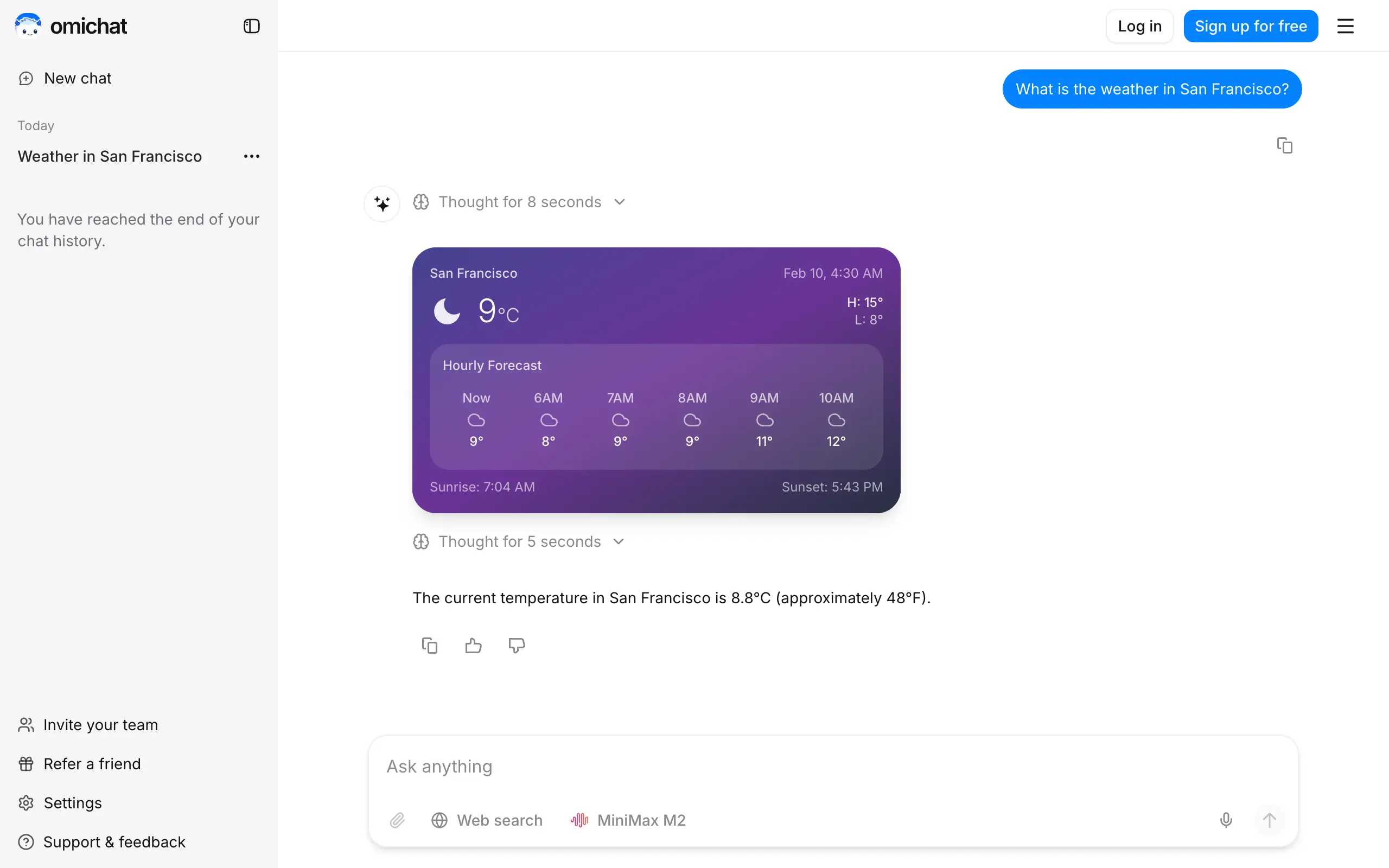
Omichat
Chat with 50+ AI models, including ChatGPT and Claude, in one place - switch models anytime without losing context 🤖
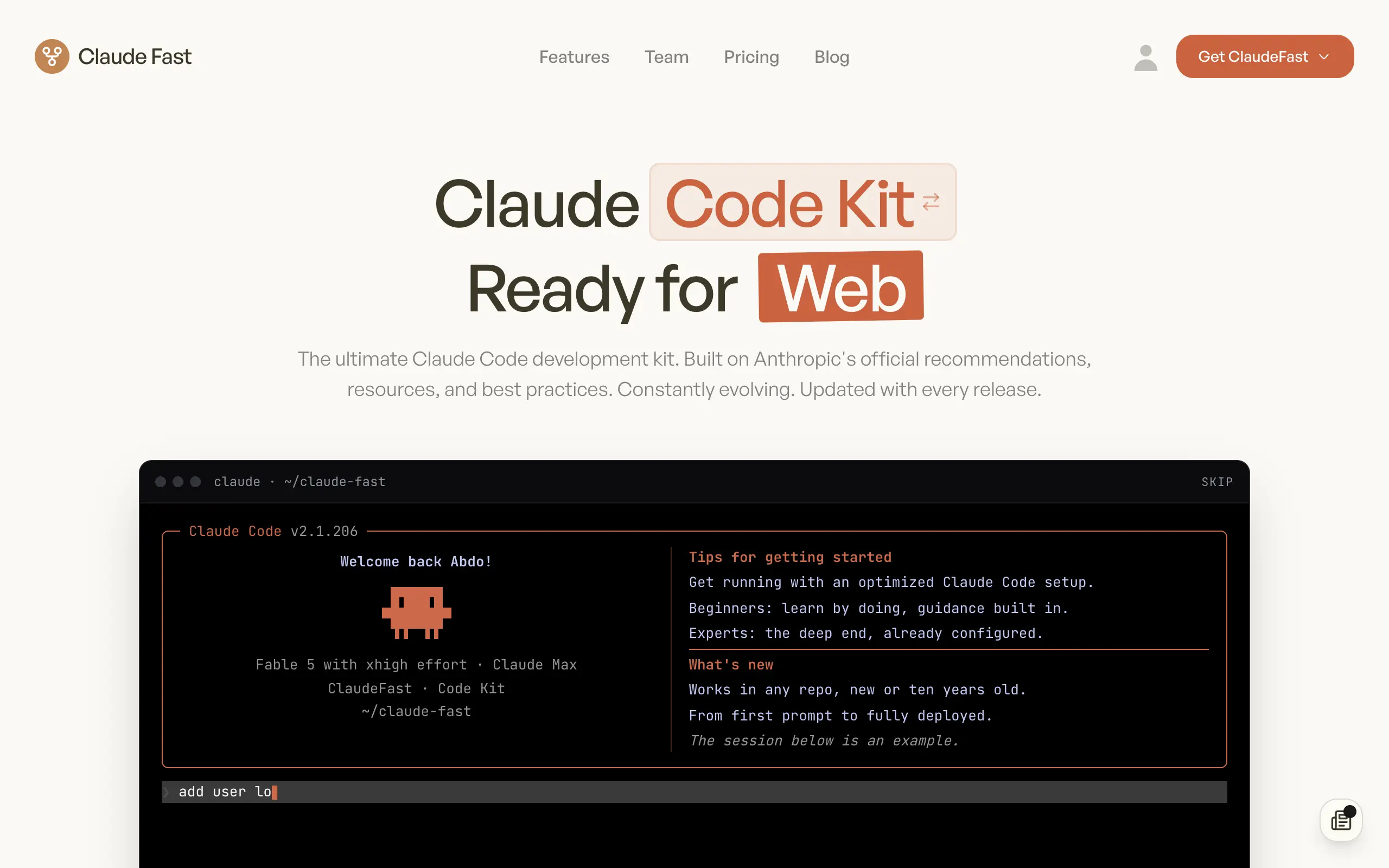
Claude Fast
Supercharge your Claude Code with 6x effective context window and specialized AI agents 🤖
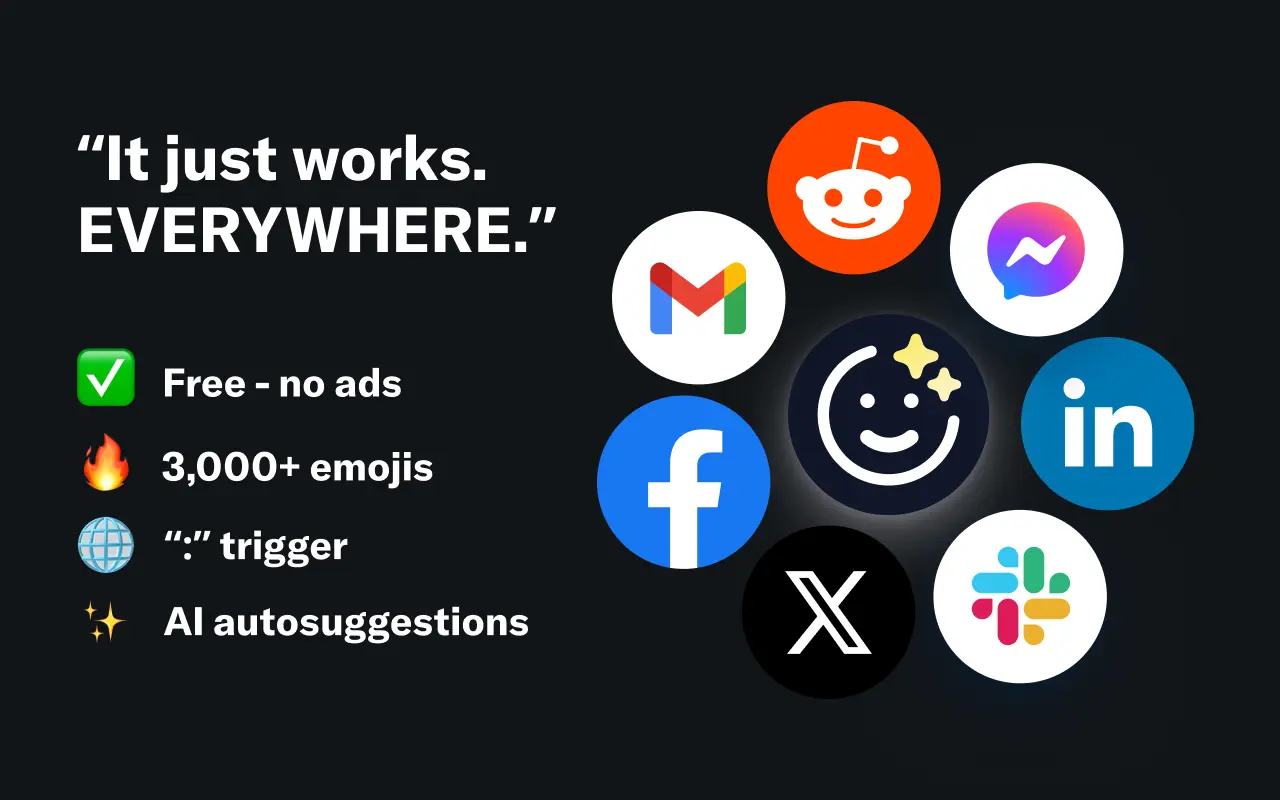
EmojAI
AI-powered emoji picker with smart, context-aware suggestions 🤖
Solohacker
Autonomous company launcher - AI agents work 24/7, escalate what matters, and you stay in control 🤖

BeRawi: Storytelling Coach
Practice storytelling daily with instant feedback to sound clearer, more engaging, and confident 🎤
Omichat
Chat with 50+ AI models, including ChatGPT and Claude, in one place - switch models anytime without losing context 🤖
Claude Fast
Supercharge your Claude Code with 6x effective context window and specialized AI agents 🤖
EmojAI
AI-powered emoji picker with smart, context-aware suggestions 🤖
Solohacker
Autonomous company launcher - AI agents work 24/7, escalate what matters, and you stay in control 🤖
BeRawi: Storytelling Coach
Practice storytelling daily with instant feedback to sound clearer, more engaging, and confident 🎤
Omichat
Chat with 50+ AI models, including ChatGPT and Claude, in one place - switch models anytime without losing context 🤖
Claude Fast
Supercharge your Claude Code with 6x effective context window and specialized AI agents 🤖
EmojAI
AI-powered emoji picker with smart, context-aware suggestions 🤖
Solohacker
Autonomous company launcher - AI agents work 24/7, escalate what matters, and you stay in control 🤖
BeRawi: Storytelling Coach
Practice storytelling daily with instant feedback to sound clearer, more engaging, and confident 🎤
Omichat
Chat with 50+ AI models, including ChatGPT and Claude, in one place - switch models anytime without losing context 🤖
Claude Fast
Supercharge your Claude Code with 6x effective context window and specialized AI agents 🤖
EmojAI
AI-powered emoji picker with smart, context-aware suggestions 🤖
Solohacker
Autonomous company launcher - AI agents work 24/7, escalate what matters, and you stay in control 🤖
BeRawi: Storytelling Coach
Practice storytelling daily with instant feedback to sound clearer, more engaging, and confident 🎤

Connect with like-minded people
Join our community to get feedback, support, and grow together with 1,000+ builders on board, let's ship it!
Join usShip your startup everywhere. In minutes.
Don't burn tokens on setup and start building features on day one.