VisualBugBot
AI-driven screenshot tool for Chrome that detects UI bugs, accessibility issues, and design inconsistencies directly from captured web pages.
understanding the target audience
When planning an AI-driven screenshot tool like VisualBugBot, it’s essential to pinpoint who will benefit most and tailor features accordingly. Below are the primary personas and their specific pain points:
qa engineers and frontend developers
- Pain points
- Manual cross-browser screenshot comparisons
- Time-consuming UI bug triage
- Late discovery of layout shifts and regressions
- Goals
- Automate visual regression testing
- Integrate seamlessly into CI/CD pipelines
- Get actionable bug reports with annotated screenshots
ui/ux designers and accessibility auditors
- Pain points
- Enforcing consistent design tokens across pages
- Identifying inaccessible color contrasts and missing ARIA labels
- Lack of tooling to catch design inconsistencies early
- Goals
- Ensure compliance with WCAG guidelines (WCAG 2.1 AA) via W3C standards
- Validate component library usage across different pages
- Provide proof-of-concept screenshots with issue overlays
devops and product managers
- Pain points
- Bottlenecks in release cycles due to manual UI checks
- Difficulty tracking QA coverage and bug resolution trends
- Goals
- Real-time dashboards showing UI health metrics
- Exportable reports for stakeholder presentations
why target clarification matters
Clearly defining your audience ensures VisualBugBot’s features solve real problems. It drives adoption, improves positioning, and boosts ROI by delivering the right capabilities to the right users.
identifying market opportunities and gaps
A thriving market exists for visual regression and accessibility testing tools, but common gaps remain:
- Manual processes still dominate in many teams
- Existing solutions (Percy, Applitools) cater more to enterprise budgets
- Accessibility scanners often lack context-aware UI bug detection
- Designers and developers juggle multiple tools, lacking a unified workflow
Market size & growth
According to Gartner, the global application testing market is projected to reach $60 billion by 2025 (link: https://www.gartner.com). However, only 30–40% of teams automate visual tests today. This leaves a significant white space for mid-market and SMB solutions that can:
- Bundle UI bug detection, accessibility checks, and design consistency
- Integrate natively within Chrome for immediate browser context
- Leverage AI to reduce false positives
core features and solution details
VisualBugBot’s unique selling proposition is a single Chrome extension that automates screenshot capture and AI-driven analysis for:
ai-powered ui bug detection
Automatically identify layout shifts, misaligned elements, off-grid components, and inconsistent margins.
accessibility compliance scanner
Detect WCAG issues—color contrast, missing alt tags, ARIA roles—and generate remediation suggestions.
design consistency checker
Compare against a central design system to flag typography, color, and spacing inconsistencies.
visual regression reports
Generate diff-based screenshots across branches or commits with annotated highlights.
custom rule engine
Define project-specific checks via a simple JSON schema or DSL.
how it works
- extension injects a script to capture DOM snapshots
- images and metadata are sent to a backend AI pipeline
- ML models analyze for layout, accessibility, and design deviations
- results appear in an interactive UI panel with downloadable PDF/HTML reports
For rigorous accessibility checks, we recommend following the methodology outlined by the Deque University.
recommended tech stack
Choosing a robust, scalable tech stack ensures maintainability and rapid iteration:
frontend & chrome extension
- TypeScript + React for UI panel
- Chrome Extension Manifest v3
- Tailwind CSS for rapid styling
trade-offs
- React offers component reusability vs. vanilla JS smaller bundle
- Tailwind CSS speeds up styling but adds build complexity
backend & ai pipeline
- Node.js (Express) or Fastify for REST API
- Python (TensorFlow or PyTorch) for model training
- PostgreSQL for metadata; S3-compatible storage for screenshots
- Docker + Kubernetes for scalability; AWS Lambda for serverless bursts
trade-offs
- Serverless reduces ops but may have cold-starts (AWS Lambda)
- Kubernetes offers robust scaling vs. higher DevOps overhead
scaffolding a full-stack prototype
# scaffold extension + backend with TurboStarter
npx turbostarter create visualbugbot --template fullstack
cd visualbugbot
npm run dev
// sample extension background.ts
import { capturePage } from 'visualbugbot-core';
chrome.action.onClicked.addListener(async () => {
const screenshot = await capturePage();
const result = await fetch('https://api.visualbugbot.io/analyze', {
method: 'POST',
body: JSON.stringify({ image: screenshot }),
headers: { 'Content-Type': 'application/json' },
});
const report = await result.json();
console.log('VisualBugBot report', report);
});Note: TurboStarter helps you generate boilerplate for both Chrome extension and backend API, accelerating your time to market.
monetization strategy options
Multiple pricing models can maximize revenue while aligning with user value:
-
freemium
- Basic AI checks (layout shifts + simple WCAG)
- Limited to 100 screenshots/month
-
subscription tiers
- Pro: unlimited screenshots, design consistency checks, custom rules
- Enterprise: on-premise options, dedicated SLA, advanced analytics
-
usage-based billing
- Pay per analyzed screenshot or per user seat
-
add-ons
- Priority support
- Custom training of AI models for brand-specific design systems
potential risks and mitigation strategies
Risk: AI may misclassify legitimate variations as bugs.
Mitigation:
- Implement feedback loops (thumbs up/down) to retrain models
- Allow manual override and rule whitelisting
Risk: Screenshot capture and analysis might slow down workflows.
Mitigation:
- Batch processing and rate limiting
- Caching results for unchanged pages
Risk: Captured screenshots may contain sensitive data.
Mitigation:
- End-to-end encryption in transit and at rest
- Offer on-premise/self-hosted deployment
Risk: Teams reluctant to replace existing CI/CD tools.
Mitigation:
- Provide out-of-the-box integrations (GitHub Actions, Jenkins)
- Offer a clear ROI calculator in the sales deck
competitive advantage analysis
| competitor | focus | pricing | chrome extension | ai-driven analysis |
|---|---|---|---|---|
| Applitools | visual regression enterprise | high | no | yes |
| Percy (Chromatic) | snapshot diffing | mid-market | partial (CLI) | limited |
| Deque Axe | accessibility scanner | per-seat | no | no |
| VisualBugBot | ui bugs, a11y, design checks | flexible tiers | yes | comprehensive |
why VisualBugBot stands out
- Unified tool for UI bugs, accessibility, and design consistency
- Natively inside Chrome, eliminating context switching
- Custom rule engine to adapt to any design system
- Rapid prototyping with TurboStarter
implementation roadmap
Below is a high-level step-by-step plan to launch an MVP of VisualBugBot:
By following this comprehensive guide—rooted in E-E-A-T principles and real user pain points—you’ll be well on your way to delivering a market-ready, AI-driven screenshot tool that transforms UI QA and accessibility auditing for modern development teams.
More 🤖 AI Startup SaaS ideas
Discover more innovative ai startup SaaS ideas that are trending in 2026. Each idea is AI-generated with market validation and growth potential to help you find your next profitable venture faster than competitors.
Your competitors are building with TurboStarter
Below are some of the SaaS ideas that have been generated and built with our starter kit.
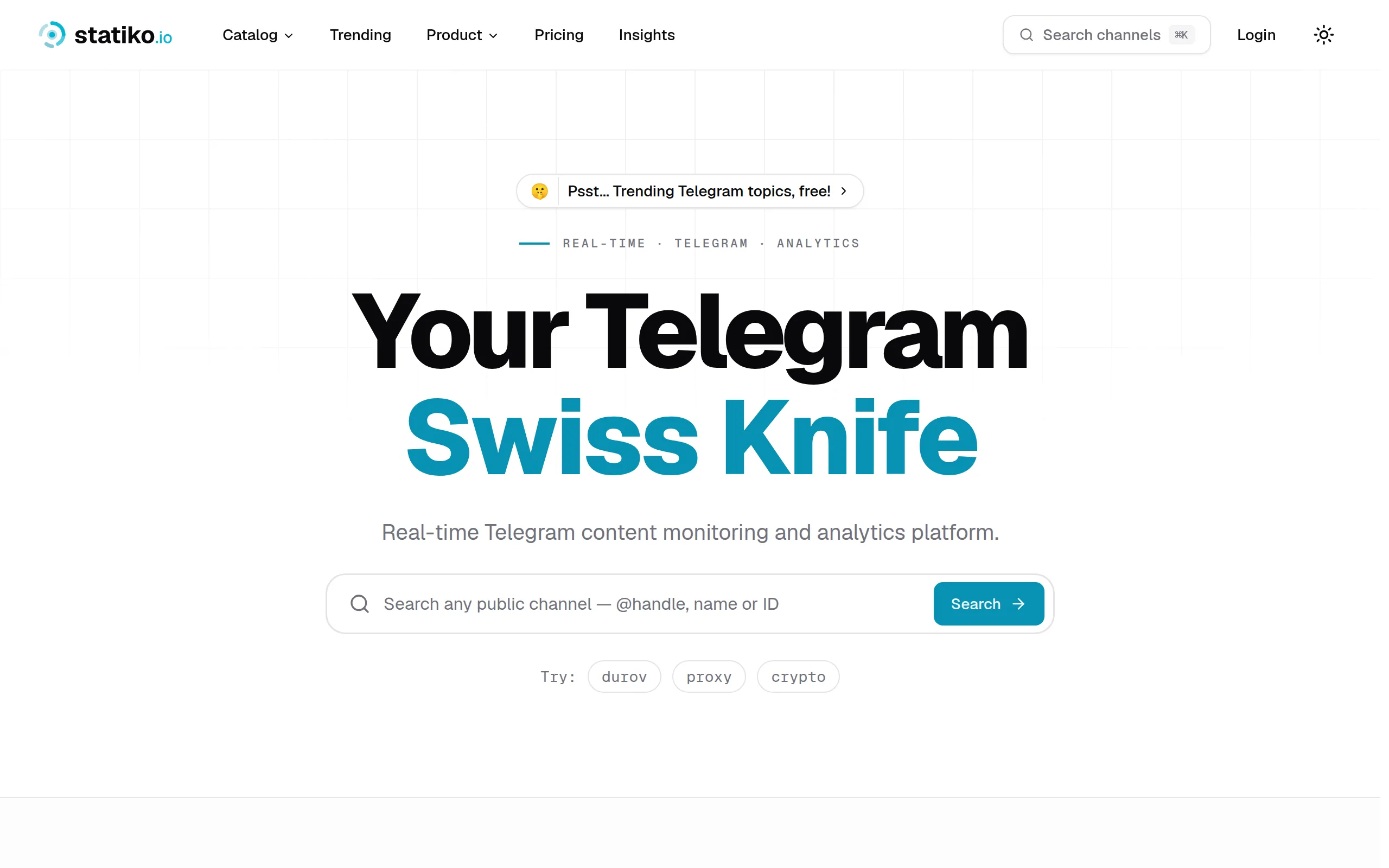
Statiko
Monitor any Telegram channel in real time - track posts, edits, deletions, and growth with AI recaps 📡

Shibui
AI website builder - describe your business, pick a niche template, edit by chatting, and publish instantly ✨

Pro Service
Find verified home service professionals, compare quotes, and pay securely through escrow - built for Brazilians across the US 🏠
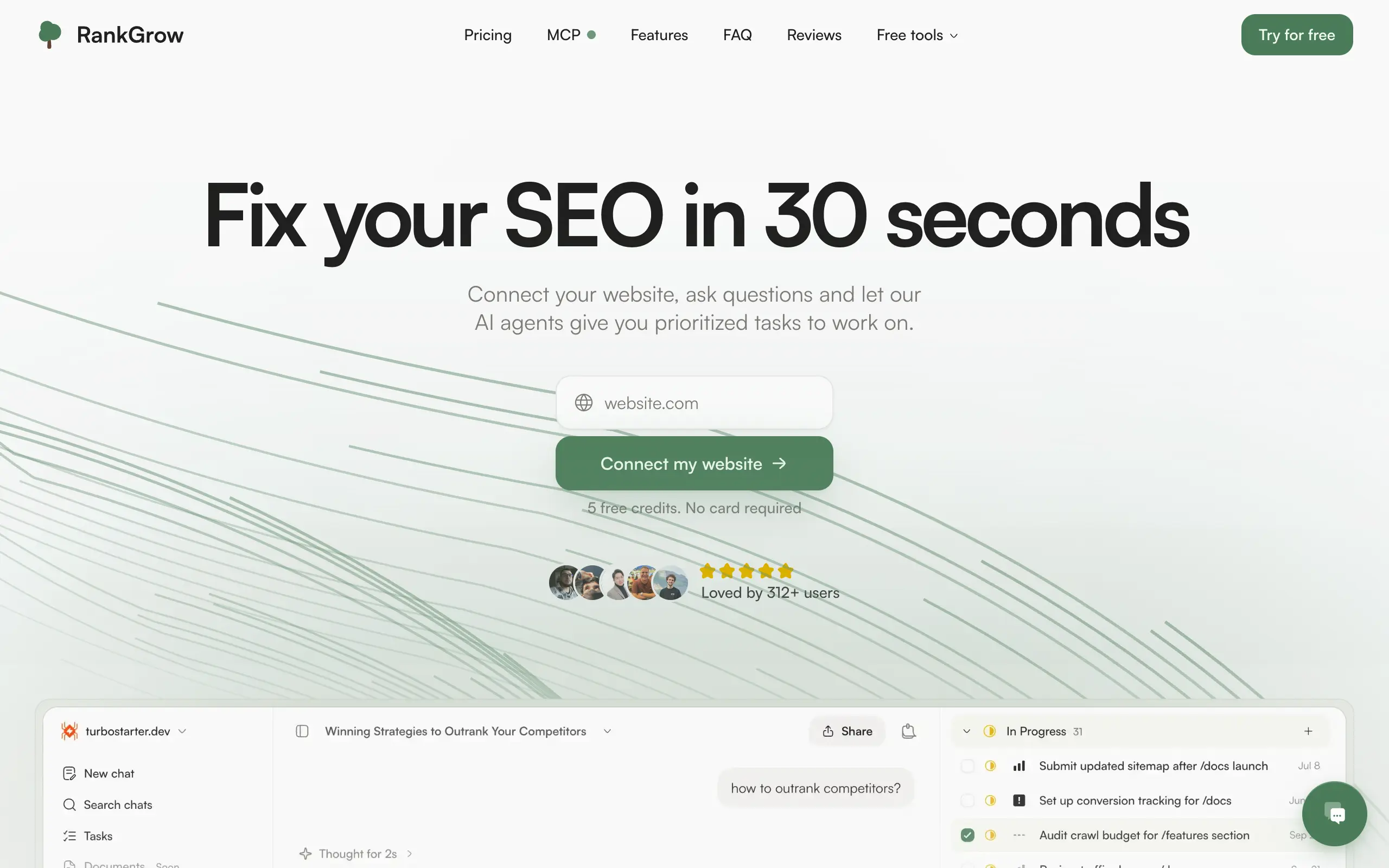
RankGrow
Fix your SEO with AI agents - connect Search Console, get prioritized tasks, and grow organic traffic 📈
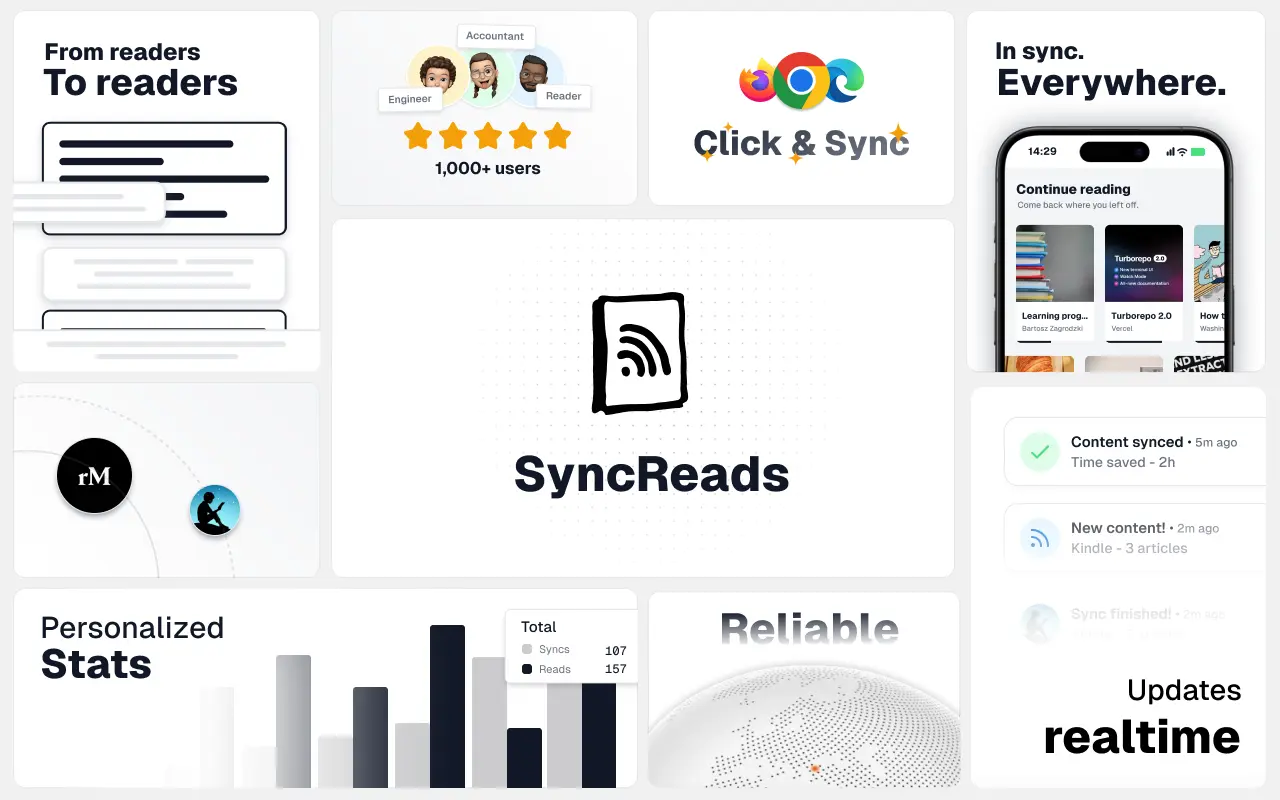
SyncReads
Sync your favorite content for distraction-free reading, save time and replace multiple apps. Anytime, anywhere 🔄
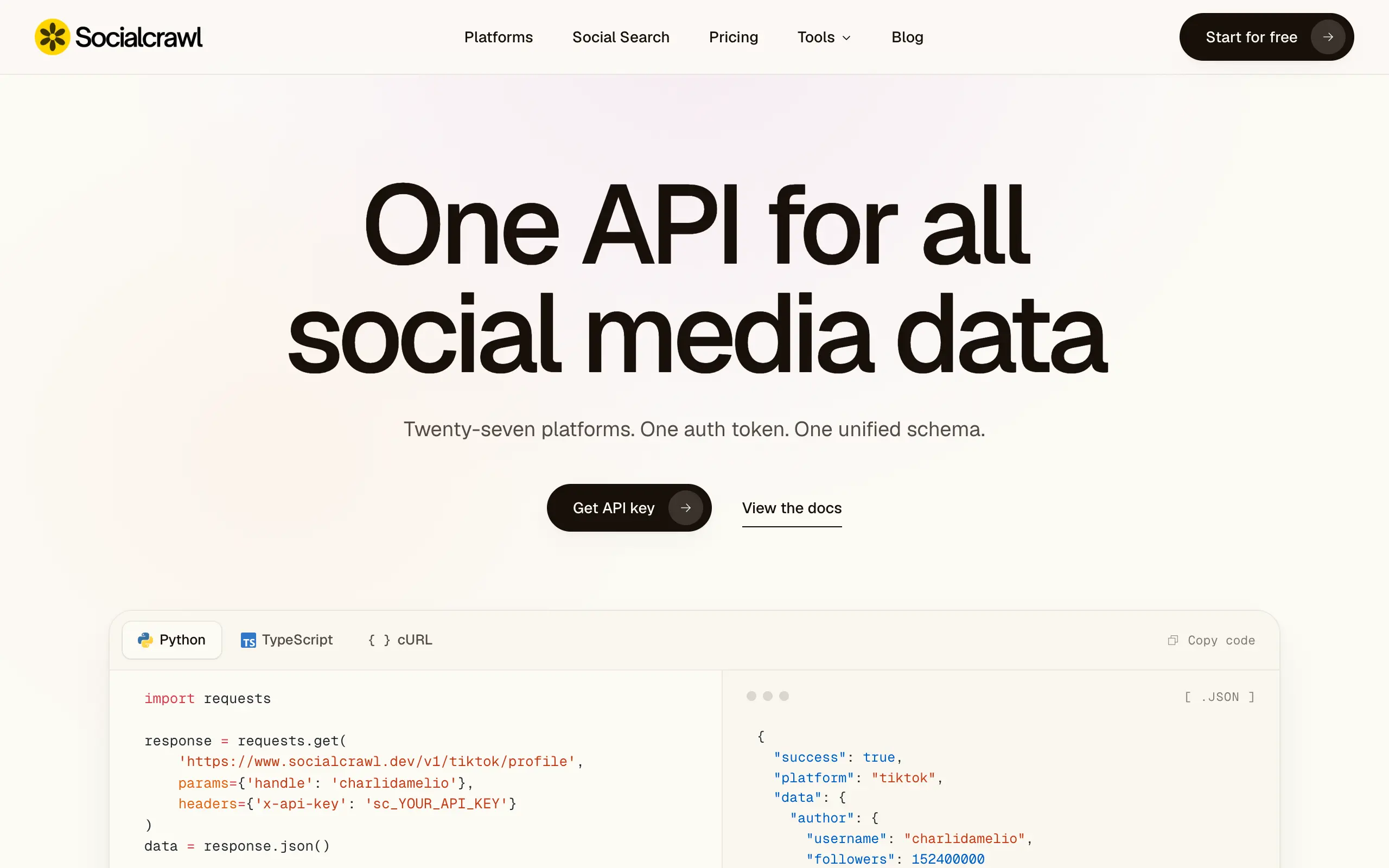
Socialcrawl
Get clean, structured data from 21 platforms like TikTok, Instagram, and YouTube with a single request 📊
Statiko
Monitor any Telegram channel in real time - track posts, edits, deletions, and growth with AI recaps 📡
Shibui
AI website builder - describe your business, pick a niche template, edit by chatting, and publish instantly ✨
Pro Service
Find verified home service professionals, compare quotes, and pay securely through escrow - built for Brazilians across the US 🏠
RankGrow
Fix your SEO with AI agents - connect Search Console, get prioritized tasks, and grow organic traffic 📈
SyncReads
Sync your favorite content for distraction-free reading, save time and replace multiple apps. Anytime, anywhere 🔄
Socialcrawl
Get clean, structured data from 21 platforms like TikTok, Instagram, and YouTube with a single request 📊
Statiko
Monitor any Telegram channel in real time - track posts, edits, deletions, and growth with AI recaps 📡
Shibui
AI website builder - describe your business, pick a niche template, edit by chatting, and publish instantly ✨
Pro Service
Find verified home service professionals, compare quotes, and pay securely through escrow - built for Brazilians across the US 🏠
RankGrow
Fix your SEO with AI agents - connect Search Console, get prioritized tasks, and grow organic traffic 📈
SyncReads
Sync your favorite content for distraction-free reading, save time and replace multiple apps. Anytime, anywhere 🔄
Socialcrawl
Get clean, structured data from 21 platforms like TikTok, Instagram, and YouTube with a single request 📊
Statiko
Monitor any Telegram channel in real time - track posts, edits, deletions, and growth with AI recaps 📡
Shibui
AI website builder - describe your business, pick a niche template, edit by chatting, and publish instantly ✨
Pro Service
Find verified home service professionals, compare quotes, and pay securely through escrow - built for Brazilians across the US 🏠
RankGrow
Fix your SEO with AI agents - connect Search Console, get prioritized tasks, and grow organic traffic 📈
SyncReads
Sync your favorite content for distraction-free reading, save time and replace multiple apps. Anytime, anywhere 🔄
Socialcrawl
Get clean, structured data from 21 platforms like TikTok, Instagram, and YouTube with a single request 📊
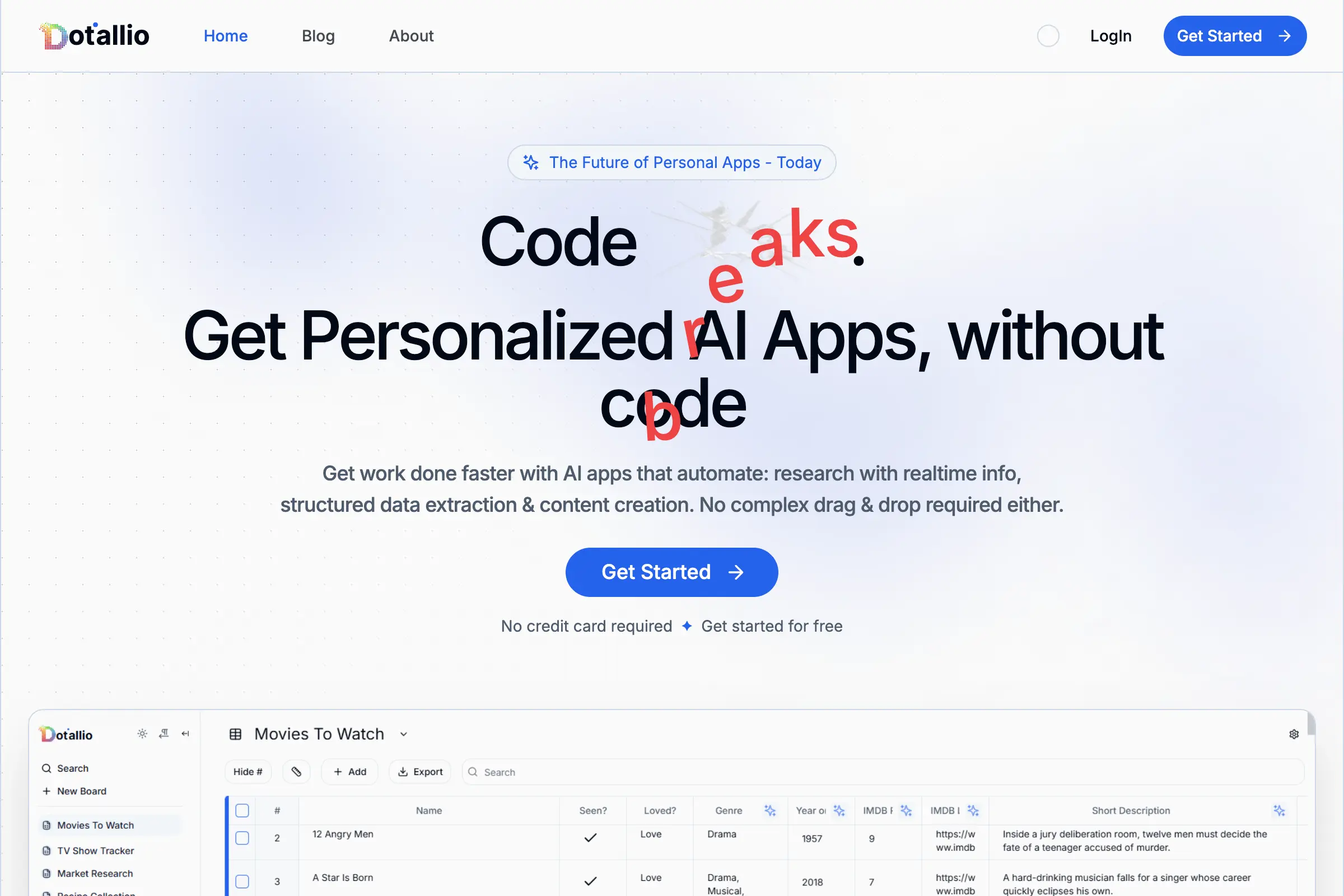
Dotallio
Personalized AI apps that automate research, data extraction, and content creation without code 🤖

Talk to Santa
Enjoy a magical live video chat or receive a unique AI-generated video greeting from Santa Claus 🎅
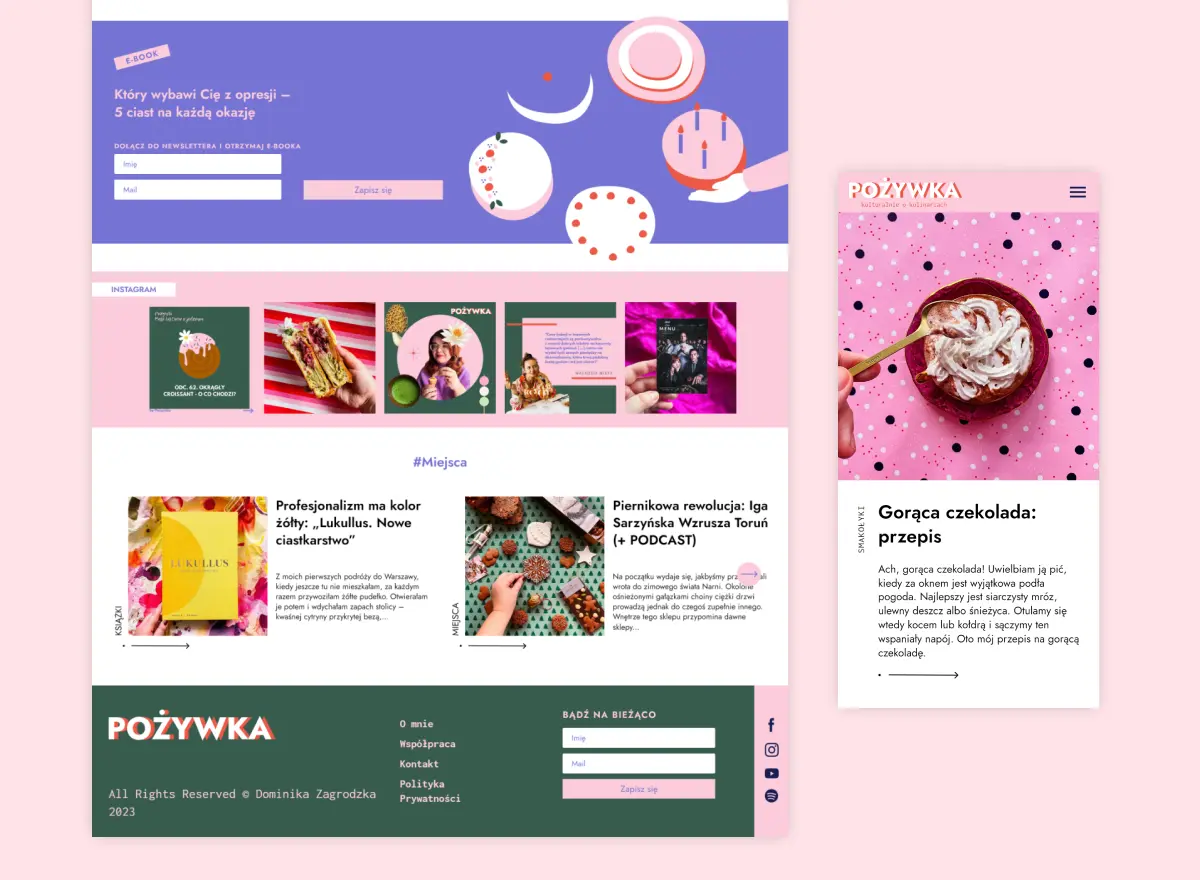
pozywka.pl
Scalable blog for food journalist, focused on performance and user experience 🌭
zagrodzki.me
Personal blog and portfolio of Bart Zagrodzki, where he shares his knowledge and work 💼
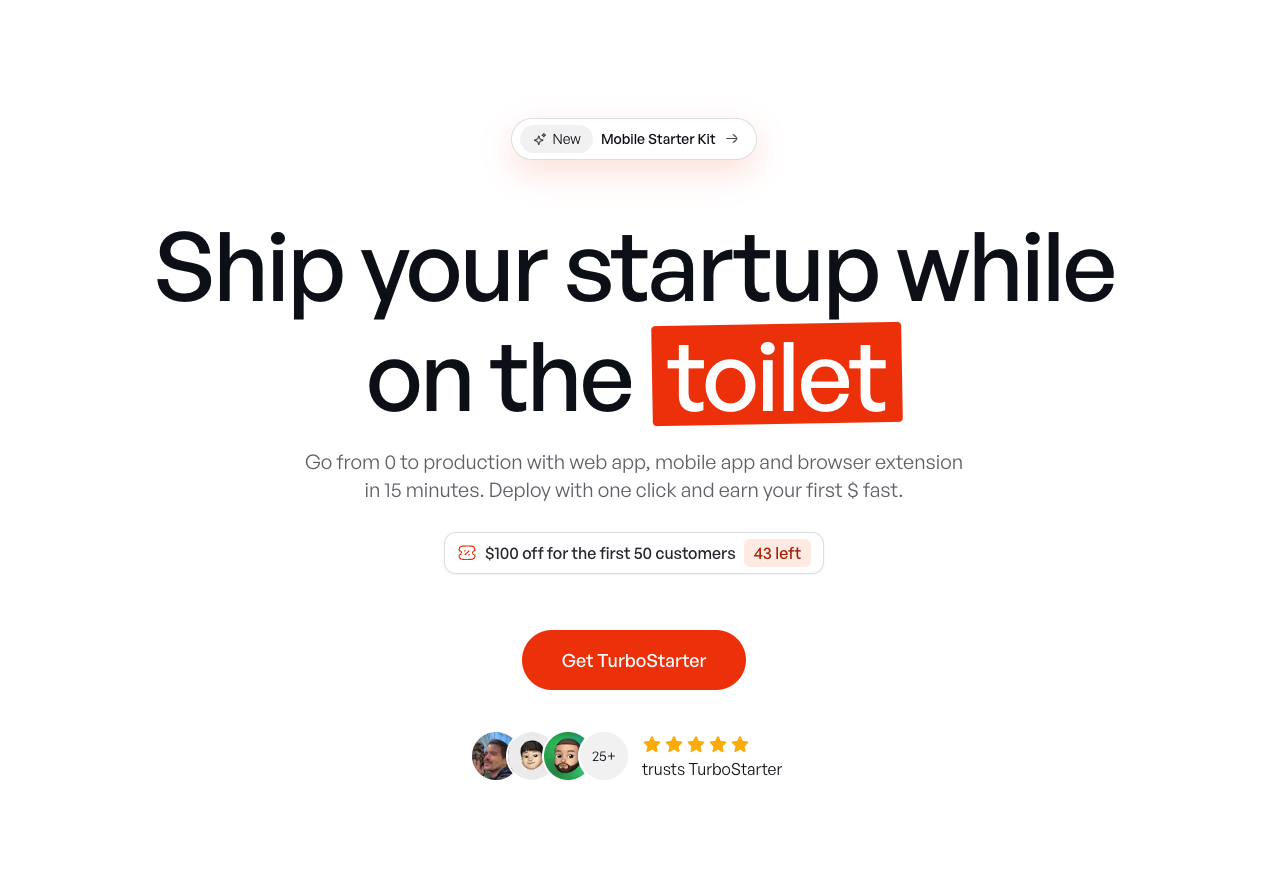
TurboStarter
Ship your startup everywhere. In minutes.
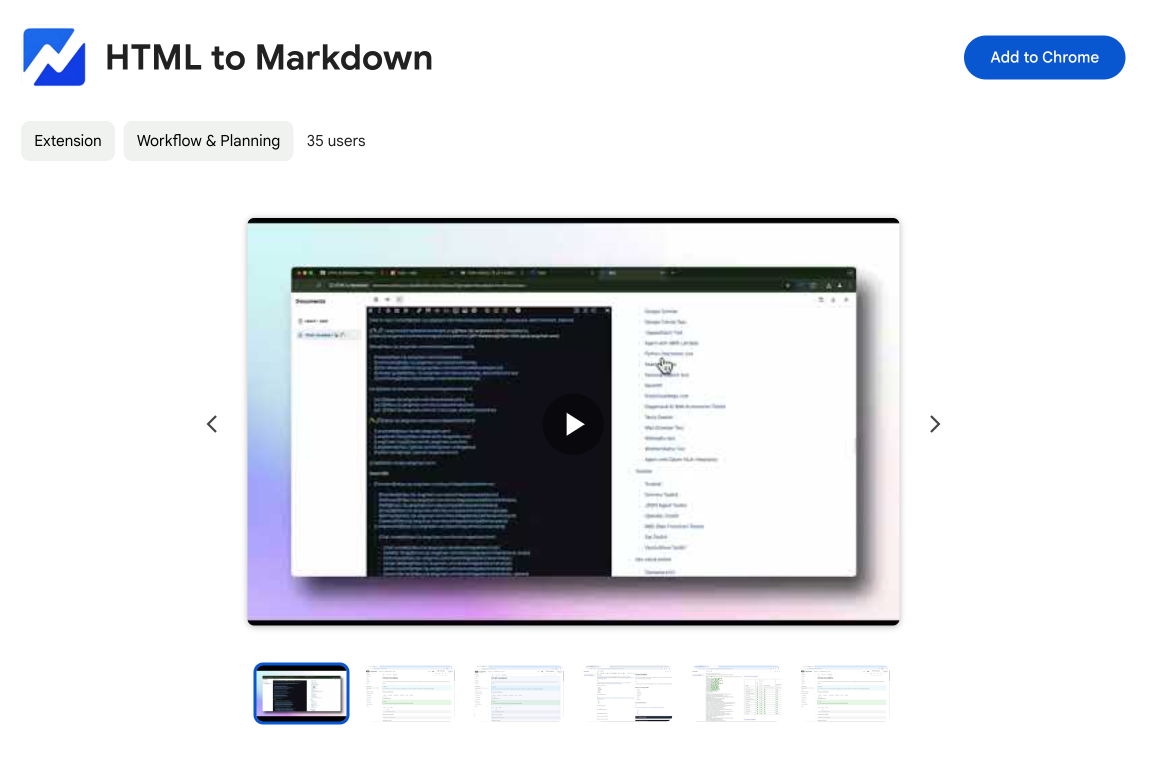
HTML to Markdown
Convert HTML to Markdown with ease, directly in your browser 📄
Dotallio
Personalized AI apps that automate research, data extraction, and content creation without code 🤖
Talk to Santa
Enjoy a magical live video chat or receive a unique AI-generated video greeting from Santa Claus 🎅
pozywka.pl
Scalable blog for food journalist, focused on performance and user experience 🌭
zagrodzki.me
Personal blog and portfolio of Bart Zagrodzki, where he shares his knowledge and work 💼
TurboStarter
Ship your startup everywhere. In minutes.
HTML to Markdown
Convert HTML to Markdown with ease, directly in your browser 📄
Dotallio
Personalized AI apps that automate research, data extraction, and content creation without code 🤖
Talk to Santa
Enjoy a magical live video chat or receive a unique AI-generated video greeting from Santa Claus 🎅
pozywka.pl
Scalable blog for food journalist, focused on performance and user experience 🌭
zagrodzki.me
Personal blog and portfolio of Bart Zagrodzki, where he shares his knowledge and work 💼
TurboStarter
Ship your startup everywhere. In minutes.
HTML to Markdown
Convert HTML to Markdown with ease, directly in your browser 📄
Dotallio
Personalized AI apps that automate research, data extraction, and content creation without code 🤖
Talk to Santa
Enjoy a magical live video chat or receive a unique AI-generated video greeting from Santa Claus 🎅
pozywka.pl
Scalable blog for food journalist, focused on performance and user experience 🌭
zagrodzki.me
Personal blog and portfolio of Bart Zagrodzki, where he shares his knowledge and work 💼
TurboStarter
Ship your startup everywhere. In minutes.
HTML to Markdown
Convert HTML to Markdown with ease, directly in your browser 📄
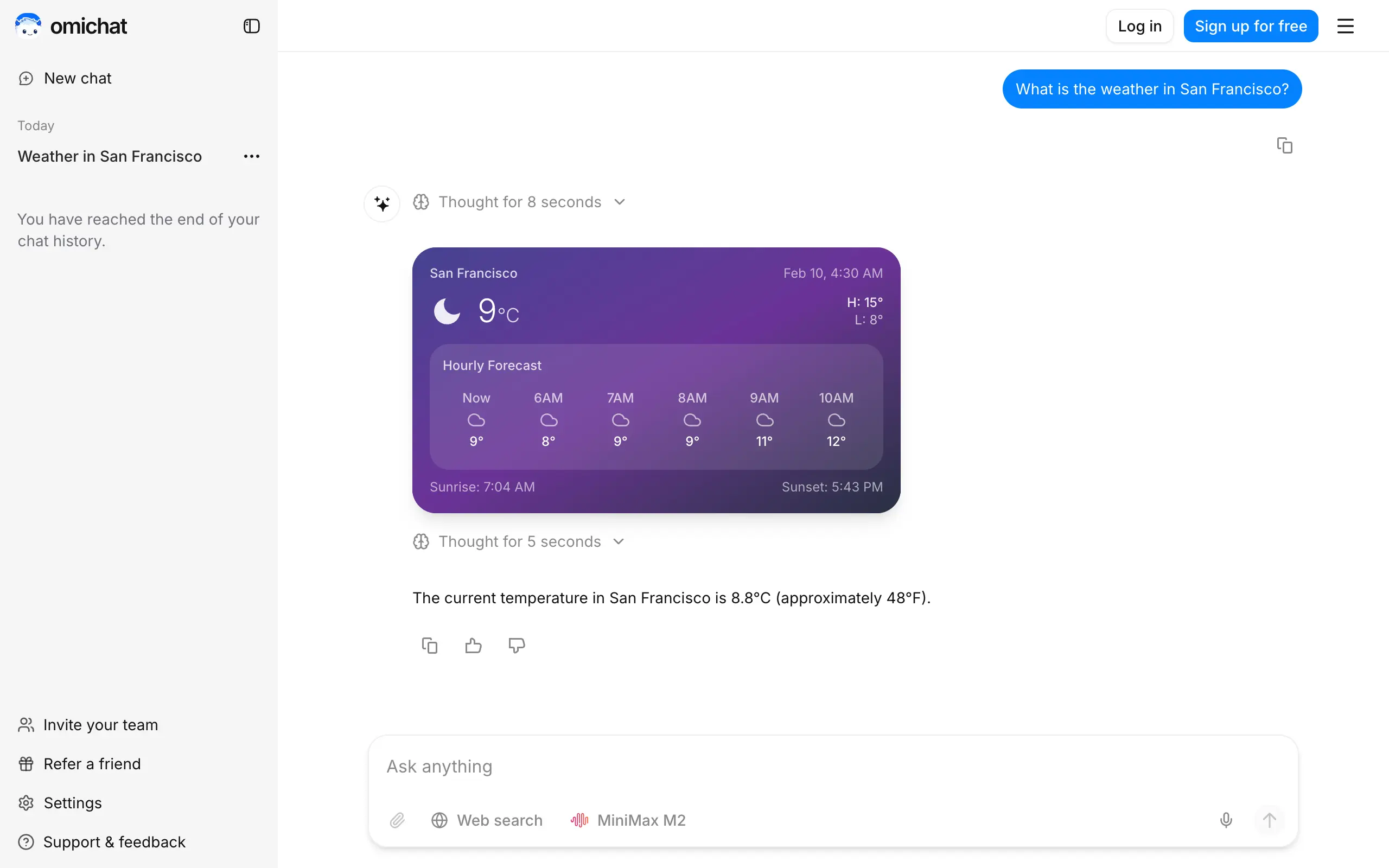
Omichat
Chat with 50+ AI models, including ChatGPT and Claude, in one place - switch models anytime without losing context 🤖
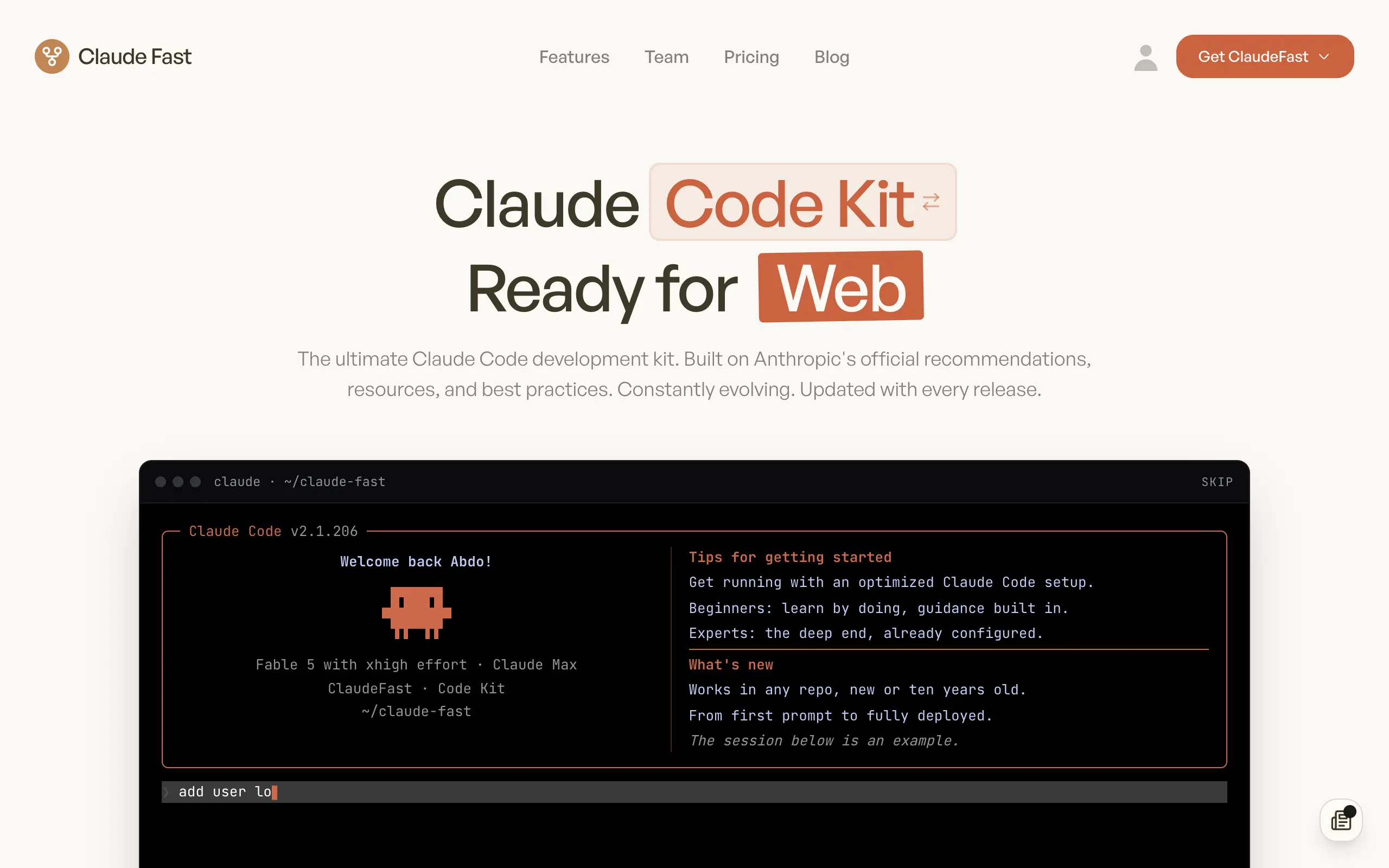
Claude Fast
Supercharge your Claude Code with 6x effective context window and specialized AI agents 🤖
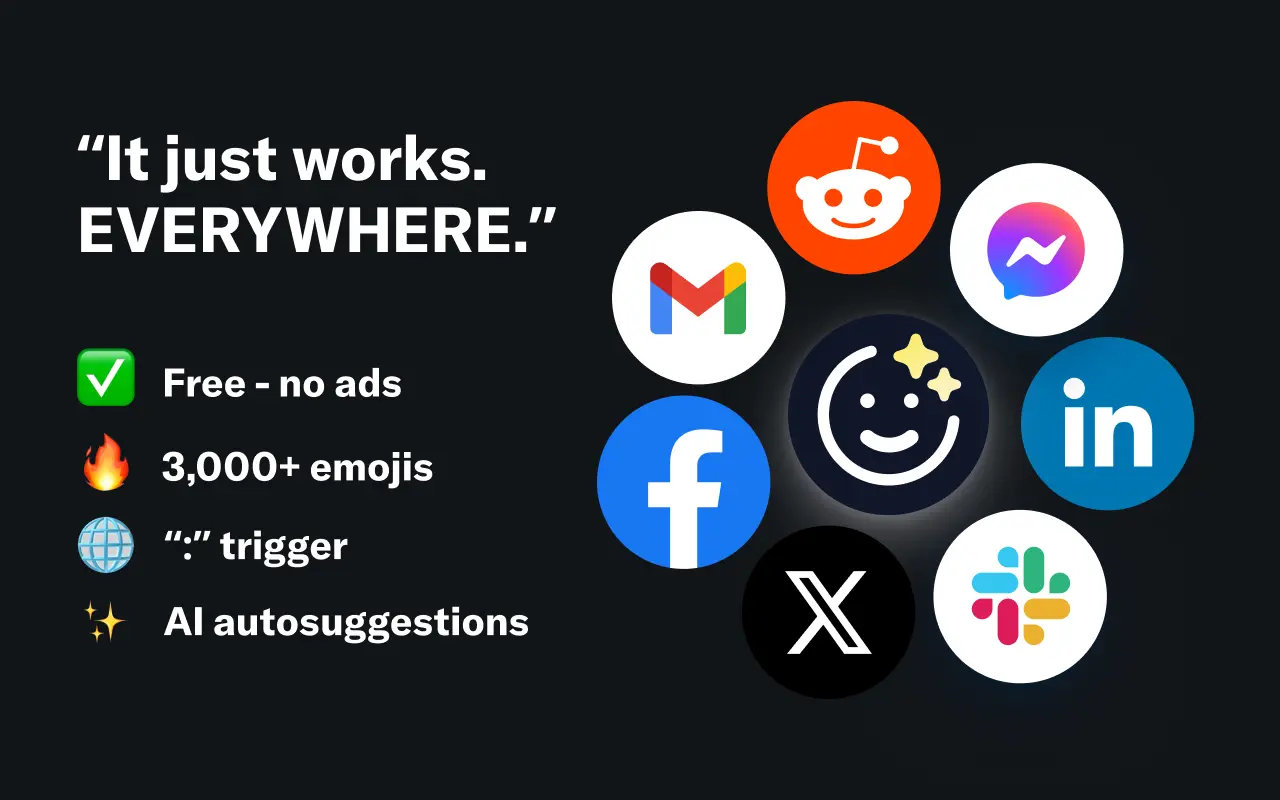
EmojAI
AI-powered emoji picker with smart, context-aware suggestions 🤖
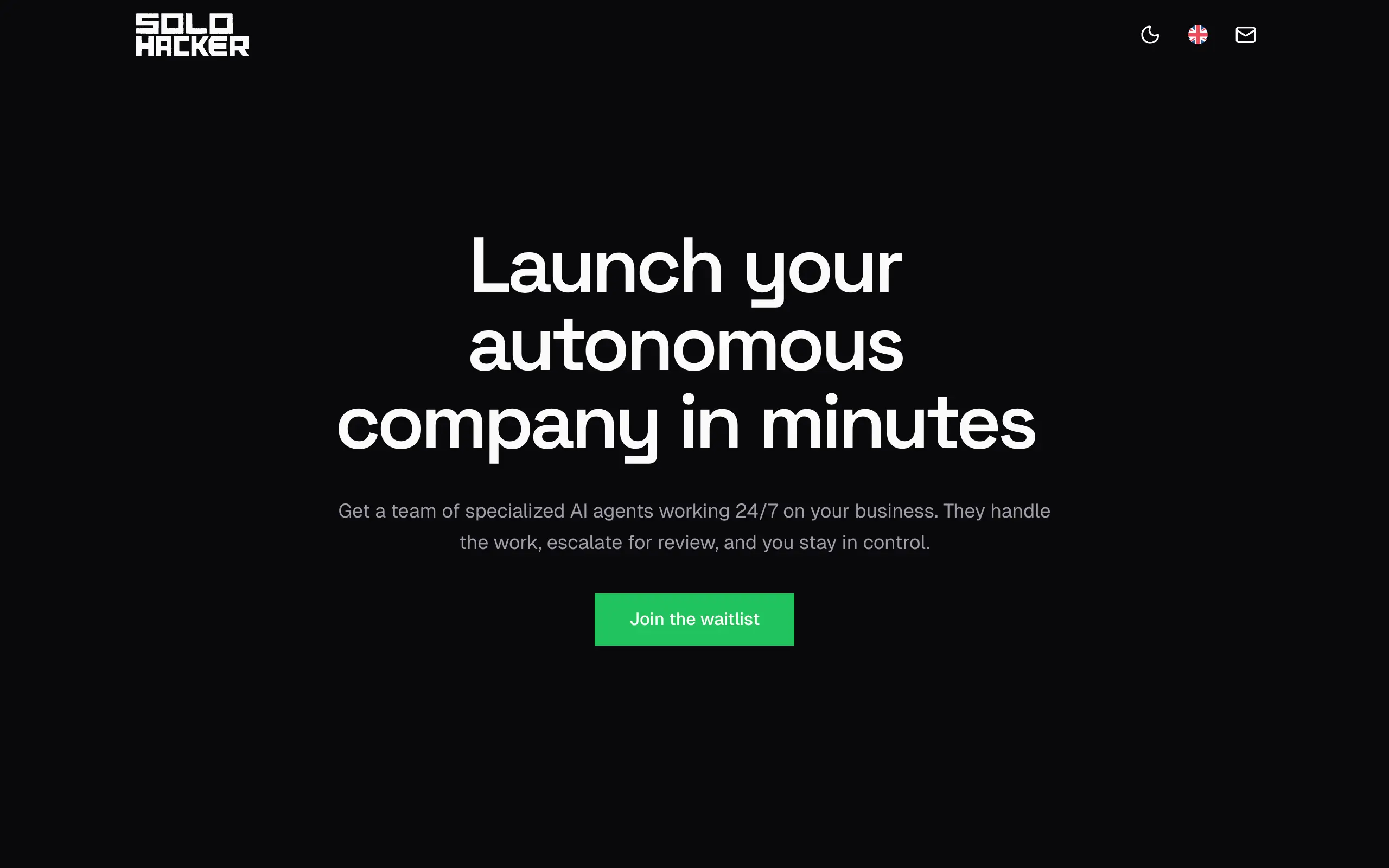
Solohacker
Autonomous company launcher - AI agents work 24/7, escalate what matters, and you stay in control 🤖
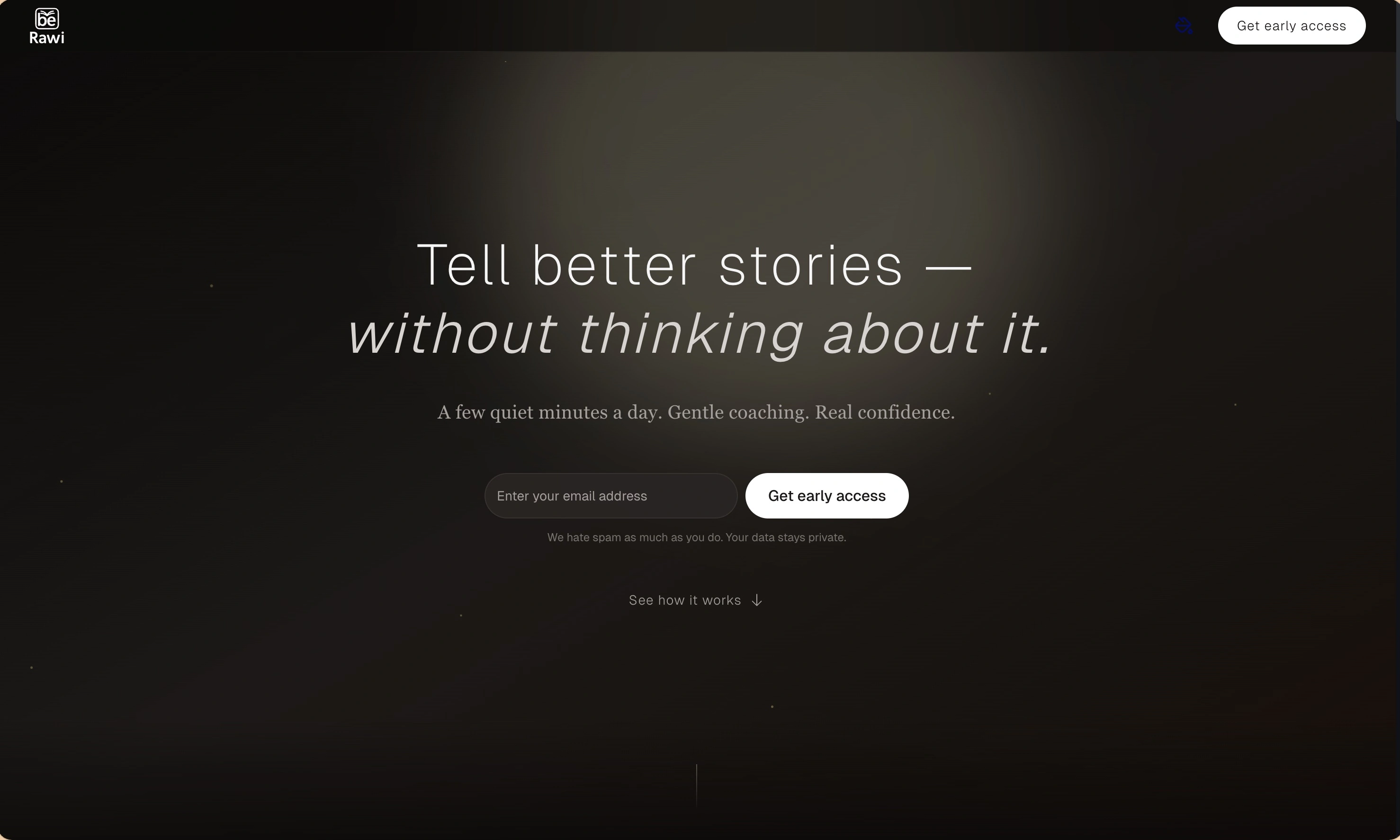
BeRawi: Storytelling Coach
Practice storytelling daily with instant feedback to sound clearer, more engaging, and confident 🎤
Omichat
Chat with 50+ AI models, including ChatGPT and Claude, in one place - switch models anytime without losing context 🤖
Claude Fast
Supercharge your Claude Code with 6x effective context window and specialized AI agents 🤖
EmojAI
AI-powered emoji picker with smart, context-aware suggestions 🤖
Solohacker
Autonomous company launcher - AI agents work 24/7, escalate what matters, and you stay in control 🤖
BeRawi: Storytelling Coach
Practice storytelling daily with instant feedback to sound clearer, more engaging, and confident 🎤
Omichat
Chat with 50+ AI models, including ChatGPT and Claude, in one place - switch models anytime without losing context 🤖
Claude Fast
Supercharge your Claude Code with 6x effective context window and specialized AI agents 🤖
EmojAI
AI-powered emoji picker with smart, context-aware suggestions 🤖
Solohacker
Autonomous company launcher - AI agents work 24/7, escalate what matters, and you stay in control 🤖
BeRawi: Storytelling Coach
Practice storytelling daily with instant feedback to sound clearer, more engaging, and confident 🎤
Omichat
Chat with 50+ AI models, including ChatGPT and Claude, in one place - switch models anytime without losing context 🤖
Claude Fast
Supercharge your Claude Code with 6x effective context window and specialized AI agents 🤖
EmojAI
AI-powered emoji picker with smart, context-aware suggestions 🤖
Solohacker
Autonomous company launcher - AI agents work 24/7, escalate what matters, and you stay in control 🤖
BeRawi: Storytelling Coach
Practice storytelling daily with instant feedback to sound clearer, more engaging, and confident 🎤

Connect with like-minded people
Join our community to get feedback, support, and grow together with 1,000+ builders on board, let's ship it!
Join usShip your startup everywhere. In minutes.
Don't burn tokens on setup and start building features on day one.