WarrantyPilot
Converts appliance repair notes and photos into manufacturer-ready warranty claims, helping independent repair shops recover more reimbursable costs.
What is WarrantyPilot?
WarrantyPilot is an AI-powered warranty claims platform for independent appliance repair shops. It turns technicians’ repair notes, diagnostic details, and photos into structured, manufacturer-ready claim documentation.
The core problem is familiar to many service businesses: a repair may qualify for reimbursement, but the paperwork takes time, documentation is incomplete, or the claim is submitted in a format the manufacturer will reject. Those gaps can mean delayed payments, denied claims, and revenue a shop never recovers.
WarrantyPilot’s value proposition is straightforward: help repair shops prepare more complete warranty claims with less manual administration. The product would not decide whether a claim is eligible or guarantee reimbursement. Instead, it would organize evidence, flag missing information, and produce a draft that a qualified staff member can review before submission.
That distinction matters. A trustworthy warranty claims product should assist people with documentation and workflow—not make unsupported promises about manufacturer policies or claim outcomes.
Why AI warranty claims software has a promising opportunity
Warranty administration sits between field service and finance. Technicians generate the evidence during a repair, but office staff often have to turn that evidence into a claim later. Information may be spread across service notes, invoices, photos, equipment records, and manufacturer portals.
This creates a practical opportunity for AI: bringing those records together and helping staff complete repetitive documentation tasks.
The opportunity is especially relevant for independent repair shops. Large service organizations may have dedicated warranty teams or custom integrations. Smaller operators are more likely to rely on a mix of field-service software, spreadsheets, email, paper forms, and manual portal entry. A focused product can address this operational gap without requiring a shop to replace its existing systems.
WarrantyPilot should enter the market with a narrow, measurable promise:
- Reduce time spent preparing warranty claims.
- Make it easier to identify missing evidence before submission.
- Help shops create consistent claim records across technicians and service calls.
- Give owners a clearer view of submitted, pending, approved, and denied claims.
These benefits can be tested in a pilot. A product team should measure handling time, completeness, rework, and claim status—not assume that automation will automatically increase reimbursement.
Who should use WarrantyPilot?
The initial target market should be small and midsize appliance repair businesses that handle manufacturer warranty work but do not have a large back-office team.
Independent appliance repair shops
Owners and office managers are likely buyers. They care about cash flow, labor efficiency, and reducing administrative work. A simple dashboard that tracks claim status and missing documentation may be more valuable to them than a complex analytics suite.
Warranty administrators and service coordinators
These users prepare or submit claims, follow up on pending reimbursements, and resolve documentation issues. They are the most frequent users and should shape the product’s workflow. Their priorities include clear review queues, reliable record matching, and easy access to the original evidence.
Field technicians
Technicians create the raw material for a claim: what they observed, what they tested, what they repaired, and what parts they used. They need a fast mobile workflow that fits into the service visit. If documentation requires too many extra steps, adoption will suffer.
Multi-location service businesses
A growing regional operator may need standardized claim preparation across locations. WarrantyPilot could help managers see whether technicians consistently capture required details and whether some locations experience more rework. These businesses may also need role-based access, consolidated reporting, and integration with existing service systems.
Adjacent customer segments
After establishing a strong appliance-repair workflow, the company could explore adjacent markets such as:
- HVAC and other equipment service providers.
- Authorized service networks.
- Repair businesses that process extended-warranty claims.
- Service organizations that manage claims for multiple brands.
Expansion should follow validated demand. Different industries and warranty programs may use different forms, terminology, and evidence requirements, so a broader market does not necessarily mean a simple product extension.
The market gap and the customer’s real job to be done
A repair shop is not simply looking for “AI that writes a claim.” It needs a dependable process for converting field evidence into a claim record that staff can verify and act on.
That process usually involves several jobs:
- Identify the correct service visit, appliance, and warranty context.
- Collect the technician’s notes, labor details, part information, and supporting photos.
- Check whether the record appears complete for the relevant claim workflow.
- Format the information into a draft that can be reviewed.
- Submit the claim through an approved process.
- Track the result and record any follow-up or denial reason.
Many generic AI tools can summarize text, but summarization alone does not solve the full workflow. WarrantyPilot’s opportunity is to connect the evidence, claim preparation, human review, and status tracking in one product.
The product also needs to respect the limits of available information. Manufacturer rules may vary and change. A system that confidently invents missing details could create compliance problems and reduce user trust. A system that clearly identifies unknowns and asks for confirmation is more useful.
How WarrantyPilot could work
A well-designed product should fit naturally into a repair shop’s existing process.
1. Import or create a service record
A claim can begin with a service visit imported from a field-service platform or entered manually. The record should include the customer, appliance, model and serial number where available, service date, technician, reported issue, and relevant warranty information.
The system should avoid creating a second source of truth unnecessarily. If an integration is available, WarrantyPilot should link to the original service record and preserve its identifier.
2. Collect notes and supporting evidence
Technicians or office staff can add repair notes, diagnosis details, labor information, parts used, and photos. The interface should make it obvious which evidence is attached and which information still needs review.
For mobile use, the system should support quick capture and straightforward uploads. It should also preserve original files and timestamps where appropriate, rather than keeping only an AI-generated description.
3. Extract structured information
AI can help identify fields in unstructured notes and images—for example, a model number visible in a photo or the diagnostic sequence described in a technician’s note.
Every extracted field should be shown as a draft, with a way to inspect its source. Users need to distinguish between:
- Information entered directly by a person.
- Information extracted from a document or image.
- Information inferred by the model.
- Information that remains unknown.
For high-impact fields, require confirmation rather than silently accepting an uncertain extraction.
4. Check completeness
WarrantyPilot can apply a configurable checklist to identify likely gaps. A checklist might flag a missing part number, unclear failure description, absent photo, or labor detail that has not been entered.
The language should be careful. A flag such as “Potentially missing information” is more defensible than “This claim will be denied.” The software can help users prepare a record, but the manufacturer or warranty administrator determines the outcome.
5. Generate a reviewable claim draft
The system can format the available information into a structured draft. Users should be able to edit it, see where each field came from, and approve it before submission.
A useful draft is not merely polished prose. It should be complete enough for the relevant workflow, consistent with the shop’s records, and easy to correct.
6. Submit and track the claim
In an initial version, submission may mean exporting a document or copying organized information into a manufacturer portal. Where permitted and technically supported, integrations can reduce repetitive entry.
The status workflow should be explicit. For example, a claim could move from “Draft” to “Needs review,” “Ready to submit,” “Submitted,” “Pending,” “Approved,” “Denied,” or “Needs follow-up.” Shops should be able to record the source of each status update.
Core features for an AI warranty claims product
A compelling first release does not need to automate everything. It should make the most common tasks easier while preserving human oversight.
Claim intake and service record matching
The platform needs to connect a claim to the right repair visit. Search and matching should account for customer, appliance, service date, work-order number, and other available identifiers. Duplicate detection can help prevent staff from creating multiple claim records for the same repair.
AI-assisted note and photo processing
AI can extract details and summarize evidence, but it should not be treated as a source of truth. The product should display the original note or image beside extracted fields so a person can verify them.
For images, useful capabilities may include identifying visible labels or organizing photos by type. The product should avoid claiming that an image proves a defect unless the evidence actually supports that conclusion and the workflow has been validated.
Configurable claim checklists
A checklist can guide users through required fields and supporting evidence. Since claim requirements may differ by brand, program, or repair type, the product should support configuration and versioning rather than hard-coding assumptions that quickly become outdated.
Human review and approval
Human review should be part of the primary workflow, not an afterthought. Reviewers need to see:
- The proposed claim content.
- The source for extracted information.
- Missing or uncertain fields.
- Relevant attachments.
- A clear history of edits and approvals.
Submission tracking and follow-up
A central queue can help staff find claims that need attention. Reminders for pending claims and follow-up tasks may be valuable, provided users can configure them and dismiss or resolve them easily.
Audit trail and reporting
A record of who changed a claim, what changed, and when supports internal accountability and troubleshooting. Reporting can help owners understand claim volume, processing time, common missing fields, and recorded outcomes.
These reports should describe the data accurately. For example, “claims marked approved in the system” is more precise than implying that WarrantyPilot independently verified a payment.
Competitive advantage and unique selling proposition
WarrantyPilot’s strongest potential advantage is not simply that it uses AI. AI features can be copied, and general-purpose models can already summarize notes. The defensible value comes from combining domain-specific workflow design with evidence management and practical integrations.
| Capability | General AI assistant | Spreadsheet workflow | Field-service platform | WarrantyPilot opportunity |
|---|---|---|---|---|
| Structured claim preparation | Limited | Manual | Varies | Core product focus |
| Evidence linked to claim fields | Usually manual | Manual | Varies | Source-aware review |
| Missing-information checks | Prompt-dependent | Manual | Varies | Configurable checklist |
| Submission and status workflow | Limited | Custom-built | Varies | Claim-focused queue |
| Human approval history | Varies | Limited | Varies | Audit-friendly review |
| Manufacturer-specific process support | User-created | User-created | Varies | Specialized configuration |
The table describes a positioning opportunity, not a claim that every existing competitor lacks these features. A proper competitor review should examine current warranty-management tools, field-service platforms, manufacturer portals, and manual workarounds used by target shops.
The product’s USP
A clear positioning statement could be:
WarrantyPilot helps independent appliance repair shops turn service notes and photos into reviewable, organized warranty claim drafts, while keeping people in control of verification and submission.
That message is specific, credible, and grounded in the product’s intended job. It avoids guaranteeing claim approval or promising reimbursement results the software cannot control.
What could make the advantage durable?
Potential sources of long-term differentiation include:
- A high-quality library of configurable claim checklists.
- Integrations that reduce duplicate data entry.
- Reliable evidence-to-field traceability.
- A workflow technicians can use without extensive training.
- Historical data that helps shops identify recurring documentation gaps.
- Strong trust practices around privacy, access, and data retention.
Any accumulated data should be used responsibly. Customer records and claim materials may contain sensitive information, so the product should not treat them as unrestricted training data.
Recommended technology stack
The right architecture depends on the product’s integration requirements, data sensitivity, and expected processing volume. For an early SaaS product, a conventional web application with clear boundaries between application data, uploaded evidence, and AI processing is a practical starting point.
Application layer
A team could use React for the user interface and Next.js for the web application framework. This combination has a large ecosystem and can support both dashboard experiences and server-side functionality.
A responsive interface is important because technicians may capture evidence from phones while office staff work from desktop browsers. Native mobile apps can be considered later if browser-based capture proves insufficient.
Data and file storage
A relational database such as PostgreSQL is a strong fit for customers, work orders, claims, permissions, audit events, and status histories. Structured relationships make it easier to enforce consistent records and build reporting queries.
Store original photos and documents in object storage, with database records holding metadata and secure references. Do not store large files directly in ordinary claim rows. Apply access controls, retention rules, and deletion workflows that match the product’s privacy commitments.
AI processing
Use a model provider capable of handling the product’s required text and image tasks. Keep AI functionality behind an application service so the product can change providers, models, or prompts without rewriting core claim logic.
For each AI-assisted field, consider storing:
- The extracted value.
- The source document or image reference.
- The extraction timestamp.
- A confidence or uncertainty indicator where meaningful.
- Whether a user verified or changed the value.
Confidence scores should not be presented as proof of correctness. They are one signal to guide review, not a substitute for it.
Background jobs and integrations
File processing, notifications, exports, and external-system synchronization may take longer than a normal user request. A background job queue can make those tasks more reliable and allow retries without blocking the interface.
Integrations should use documented APIs and appropriate authorization. Where a manufacturer portal has no supported integration, avoid fragile automation that could break or violate its terms. A structured export may be a safer initial option.
Security and observability
Security should be part of the architecture from the beginning:
- Use role-based access and least-privilege permissions.
- Encrypt data in transit and at rest through the hosting and storage layers.
- Keep audit events for important claim changes.
- Separate customer data logically and test tenant boundaries.
- Avoid placing sensitive content in routine application logs.
- Establish backups, recovery procedures, and an incident response plan.
A SaaS startup should also document where data is processed, how long it is retained, and which subprocessors may receive it. Customers will reasonably ask these questions before sharing service records and photos.
Monetization strategy options
WarrantyPilot should charge in a way that maps to the customer’s value while keeping pricing predictable.
Subscription tiers
A monthly subscription can be based on shop size, user count, claim volume, or a combination of these. A simple tier structure may work well:
- A small-shop plan with a limited monthly claim allowance.
- A growing-shop plan with more users, reporting, and integrations.
- A multi-location plan with centralized administration and advanced controls.
The first pricing model should be easy to explain. Avoid piling on fees for basic activities such as editing a draft or attaching evidence.
Usage-based pricing
Charging by processed claim can align price with use, but unpredictable bills may discourage adoption. If using this model, show usage clearly and provide alerts or caps. The customer should know whether a claim is counted at intake, at AI processing, or at submission.
Onboarding and integration services
Some customers may need help configuring workflows, importing data, or connecting existing systems. Paid onboarding can support these needs, especially for larger operators. Keep the core product usable without mandatory consulting so smaller shops are not excluded.
Pricing validation
Before setting final prices, interview shop owners and administrators. Test willingness to pay against measurable alternatives, such as staff time spent preparing claims or the cost of repeated corrections. Avoid basing price on an assumed increase in approvals until pilots provide reliable evidence.
Risks and how to mitigate them
Incorrect AI extraction
A model may misread a label, misinterpret a technician’s shorthand, or produce a plausible but unsupported detail.
Mitigation: Keep original evidence visible, mark extracted fields, require review for consequential information, and never silently fill unknown fields with invented values.
Changing warranty requirements
Claim requirements can vary across manufacturers and may change over time.
Mitigation: Make checklists configurable, record their effective dates and sources, and give administrators a way to update them. Avoid presenting a generic checklist as an authoritative statement of every manufacturer’s current rules.
Integration limitations
A manufacturer or field-service platform may not offer a suitable API. Portal interfaces can change, and unofficial automation can be unreliable.
Mitigation: Start with imports, exports, and supported integrations. Treat direct submission automation as a later capability that requires technical, legal, and operational review.
Data privacy and security
Repair notes, customer details, appliance identifiers, and photos may contain sensitive information.
Mitigation: Minimize collection, set clear retention policies, restrict access, protect uploads, and explain AI data handling in plain language. Establish contractual and technical controls for any model provider or subprocessor.
Low technician adoption
Technicians may resist extra documentation if the workflow feels slow or disconnected from their job.
Mitigation: Design mobile-first capture, reuse existing service data, and test the experience during real service workflows. Measure completion rates and time burden, not just the number of features released.
Unclear return on investment
A shop may not know whether the product saves enough time or improves its process enough to justify a subscription.
Mitigation: Provide a pilot that tracks baseline and post-adoption measures such as time per claim, missing-field frequency, rework, and status visibility. Report observed outcomes without claiming that the product caused every change.
Overreliance on AI
Users may assume that a polished draft is correct or that a completeness check guarantees claim acceptance.
Mitigation: Use clear product language, preserve human approval, show uncertainty, and state that the manufacturer or warranty administrator makes the final determination.
Go-to-market strategy
WarrantyPilot should sell through a focused audience rather than targeting every service business at launch.
Start with direct discovery
Interview independent appliance repair shop owners, office managers, warranty coordinators, and technicians. Ask them to walk through a recent claim from service visit to final outcome. Observe where information is recorded, where it is re-entered, and what causes delays or correction work.
Avoid leading questions such as “Would AI save you time?” Better questions include:
- How many claims did your shop handle last month?
- Who prepared them, and how long did the work take?
- What information is most often missing?
- What happens when a claim is rejected or returned for more details?
- Which tools do you already use?
- What would make you trust or distrust an automated draft?
Run a narrow pilot
Select a small group of shops with a genuine warranty-claim workload. Define success measures before the pilot, such as preparation time, percentage of records with required fields present, user correction rates, and staff satisfaction.
Keep a human review step in place. The pilot’s goal is to validate workflow quality and customer value, not to automate every decision immediately.
Build credibility through practical education
Useful content can address the operational questions repair shops already have: how to organize claim evidence, how to improve technician notes, how to track pending claims, and how to evaluate warranty administration software.
Content should be clear about the difference between documentation support and warranty-policy advice. For claims about reimbursement, approval rates, or time savings, use measured customer data and explain the methodology.
Metrics that show whether the product is working
Track a mix of operational, product, and business metrics.
Workflow metrics can include median time from service completion to claim draft, percentage of claims requiring manual correction, and the number of claims waiting on missing information.
Adoption metrics can include active shops, claims processed per shop, technician evidence completion, and the percentage of drafts reviewed by a human.
Outcome metrics can include submitted, pending, approved, denied, and returned-for-more-information counts, based on statuses recorded by the customer. Compare outcomes carefully and account for differences in claim types and manufacturer processes.
Business metrics can include trial-to-paid conversion, account retention, expansion to additional locations, support volume, and gross margin after AI and storage costs.
A product team should define each metric precisely. For example, “processing time” needs a clear start and end point, and “complete claim” should be measured against an explicit checklist rather than an informal judgment.
Actionable implementation steps
Validate the workflow
Interview target shops and map the current claim process from technician visit through submission and follow-up. Identify the most common claim types and the fields that cause the most rework.
Define a safe minimum product
Build service-record intake, evidence uploads, structured extraction, configurable completeness checks, human review, and basic status tracking. Defer automatic manufacturer-portal submission until demand and integration feasibility are established.
Establish data and AI boundaries
Document which information the product collects, where it is stored, how AI providers process it, and how customers can control retention. Make source attribution and human verification part of the data model.
Pilot with real repair shops
Test the product in live workflows with a small number of shops. Measure staff time, correction rates, missing fields, and user trust. Review failures with users rather than treating them as edge cases.
Improve integrations and pricing
Prioritize integrations based on repeated customer requests and available supported APIs. Test pricing against demonstrated customer value and keep usage limits transparent.
Expand only after the core workflow works
Add more manufacturers, claim types, or adjacent service industries after the appliance-repair workflow is reliable. Each expansion should be supported by customer research and a clear maintenance plan for its requirements.
For teams building the product, TurboStarter can provide a starting point for a SaaS application, helping founders move from an idea to a working foundation while they focus on validating the warranty workflow.
The bottom line
WarrantyPilot addresses a specific and practical problem: independent appliance repair shops need a better way to turn field notes and photos into organized warranty claim documentation. The strongest version of the product will combine AI-assisted extraction with configurable checklists, traceable evidence, human review, and straightforward claim tracking.
Its competitive advantage will depend less on producing fluent text and more on earning trust in a real administrative workflow. Start with a focused customer segment, validate the process with working shops, measure outcomes carefully, and make uncertainty visible. If WarrantyPilot consistently reduces avoidable paperwork without obscuring the source or reliability of claim information, it can become a valuable operational tool for repair businesses.
More 🤖 AI Startup SaaS ideas
Discover more innovative ai startup SaaS ideas that are trending in 2026. Each idea is AI-generated with market validation and growth potential to help you find your next profitable venture faster than competitors.
Your competitors are building with TurboStarter
Below are some of the SaaS ideas that have been generated and built with our starter kit.
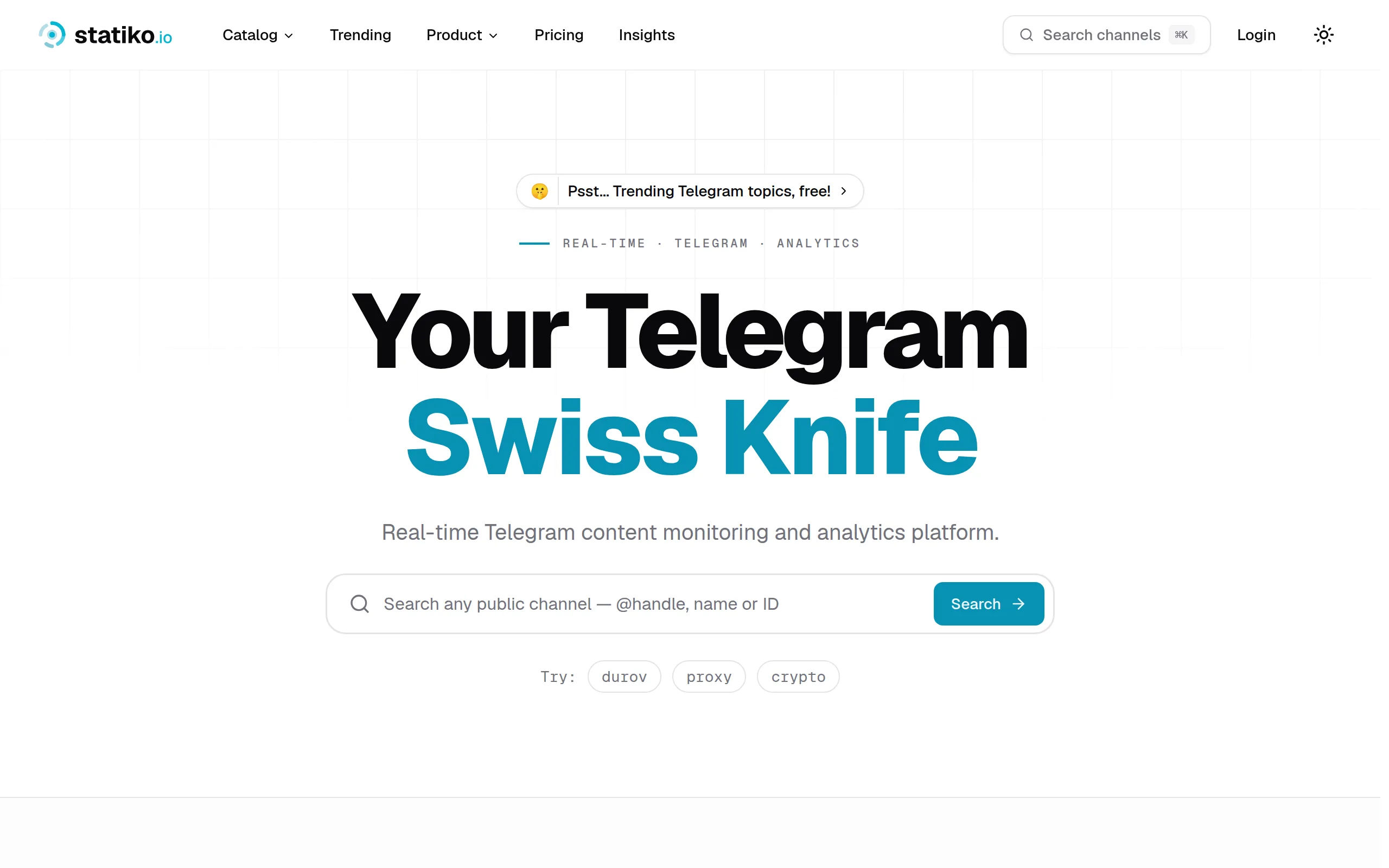
Statiko
Monitor any Telegram channel in real time - track posts, edits, deletions, and growth with AI recaps 📡

Shibui
AI website builder - describe your business, pick a niche template, edit by chatting, and publish instantly ✨
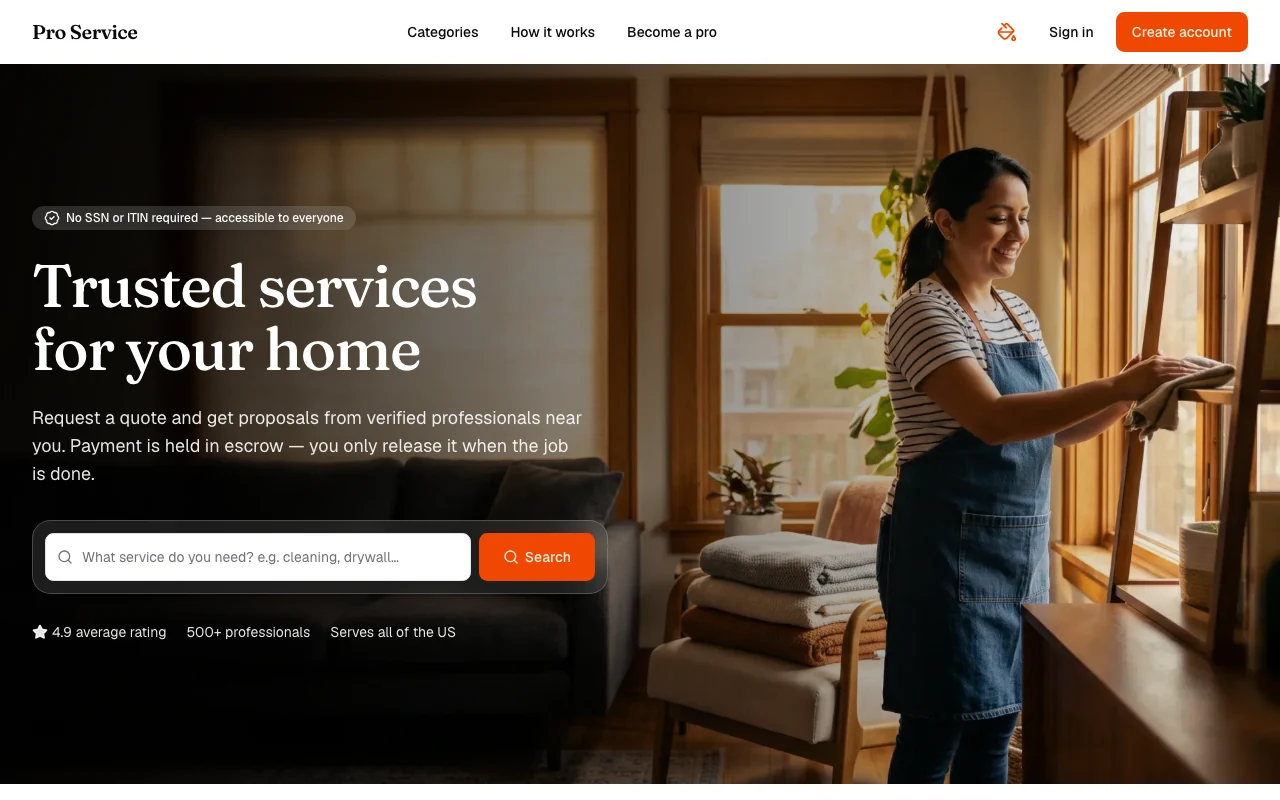
Pro Service
Find verified home service professionals, compare quotes, and pay securely through escrow - built for Brazilians across the US 🏠
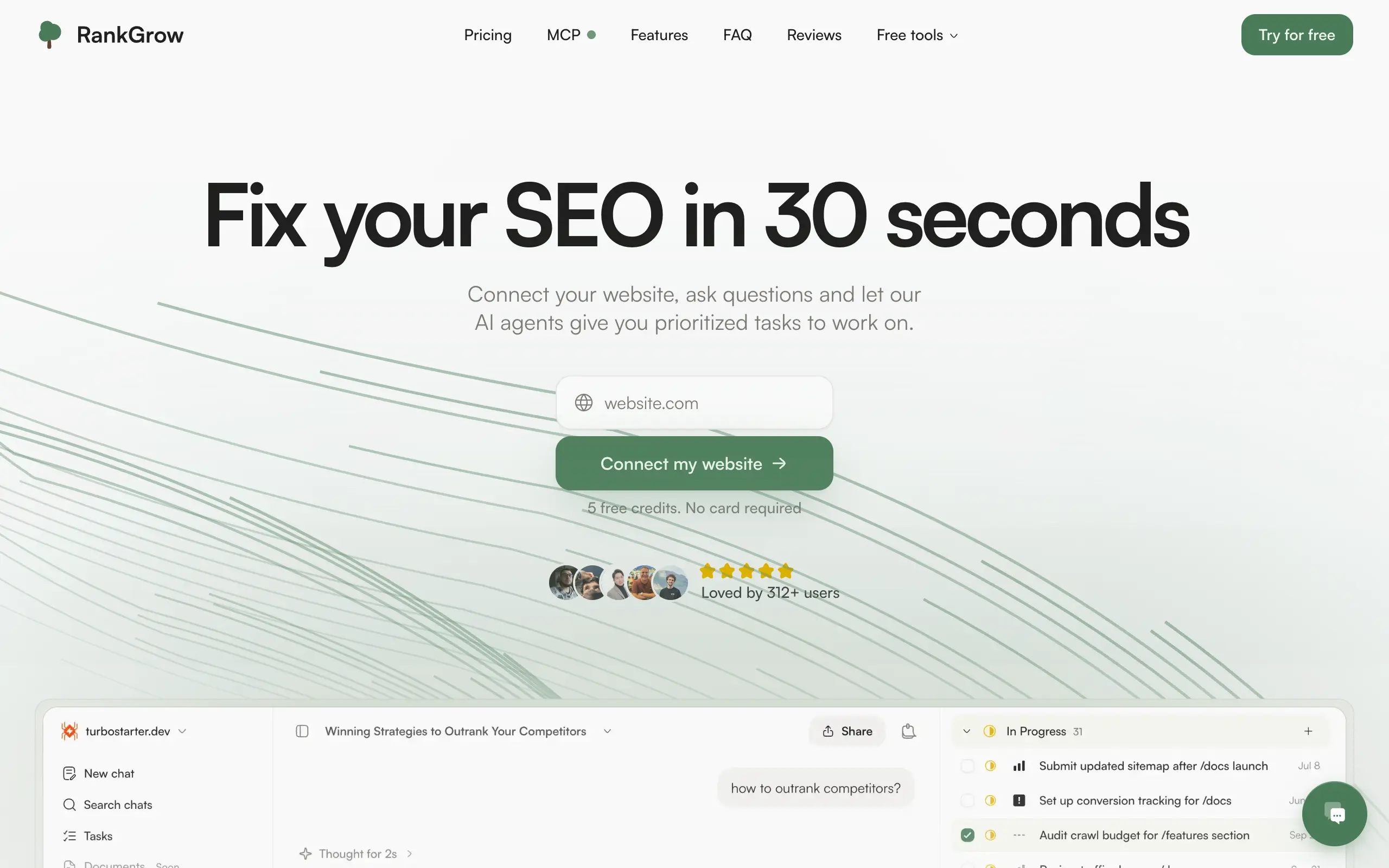
RankGrow
Fix your SEO with AI agents - connect Search Console, get prioritized tasks, and grow organic traffic 📈
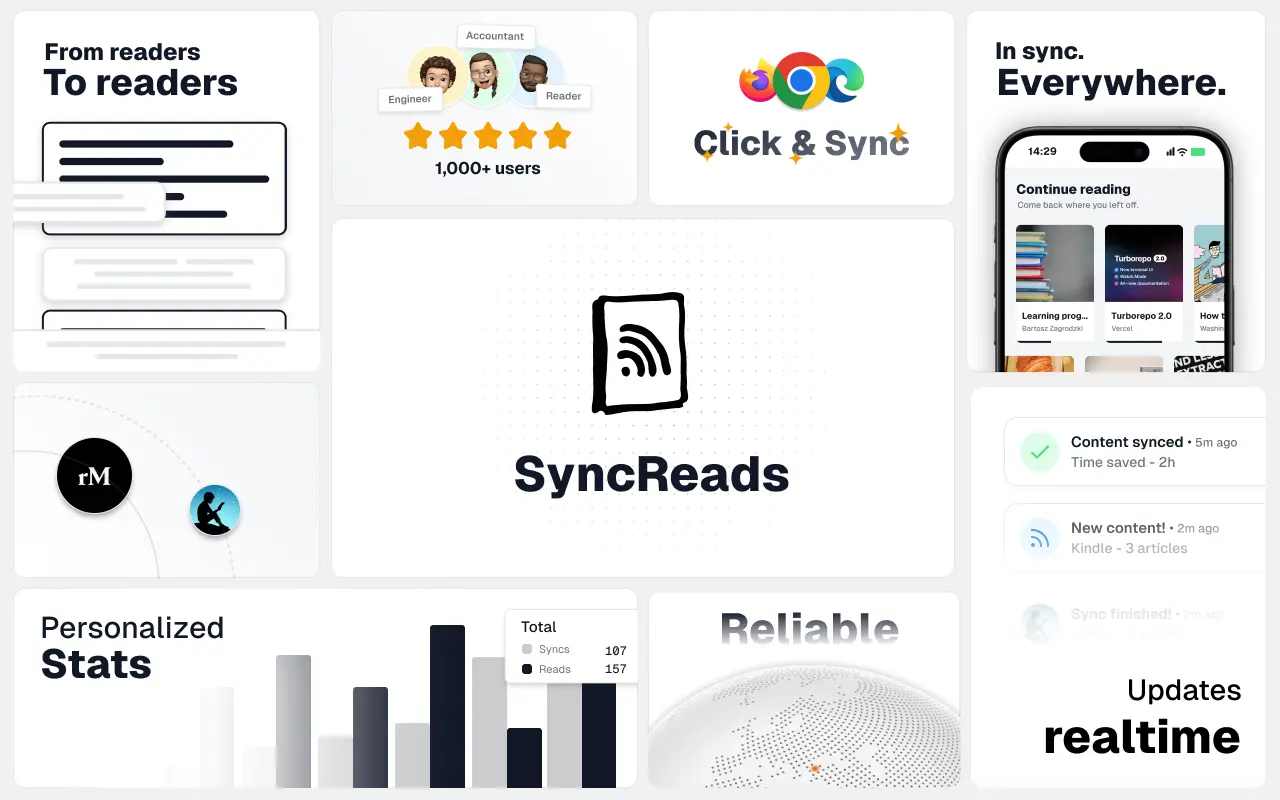
SyncReads
Sync your favorite content for distraction-free reading, save time and replace multiple apps. Anytime, anywhere 🔄
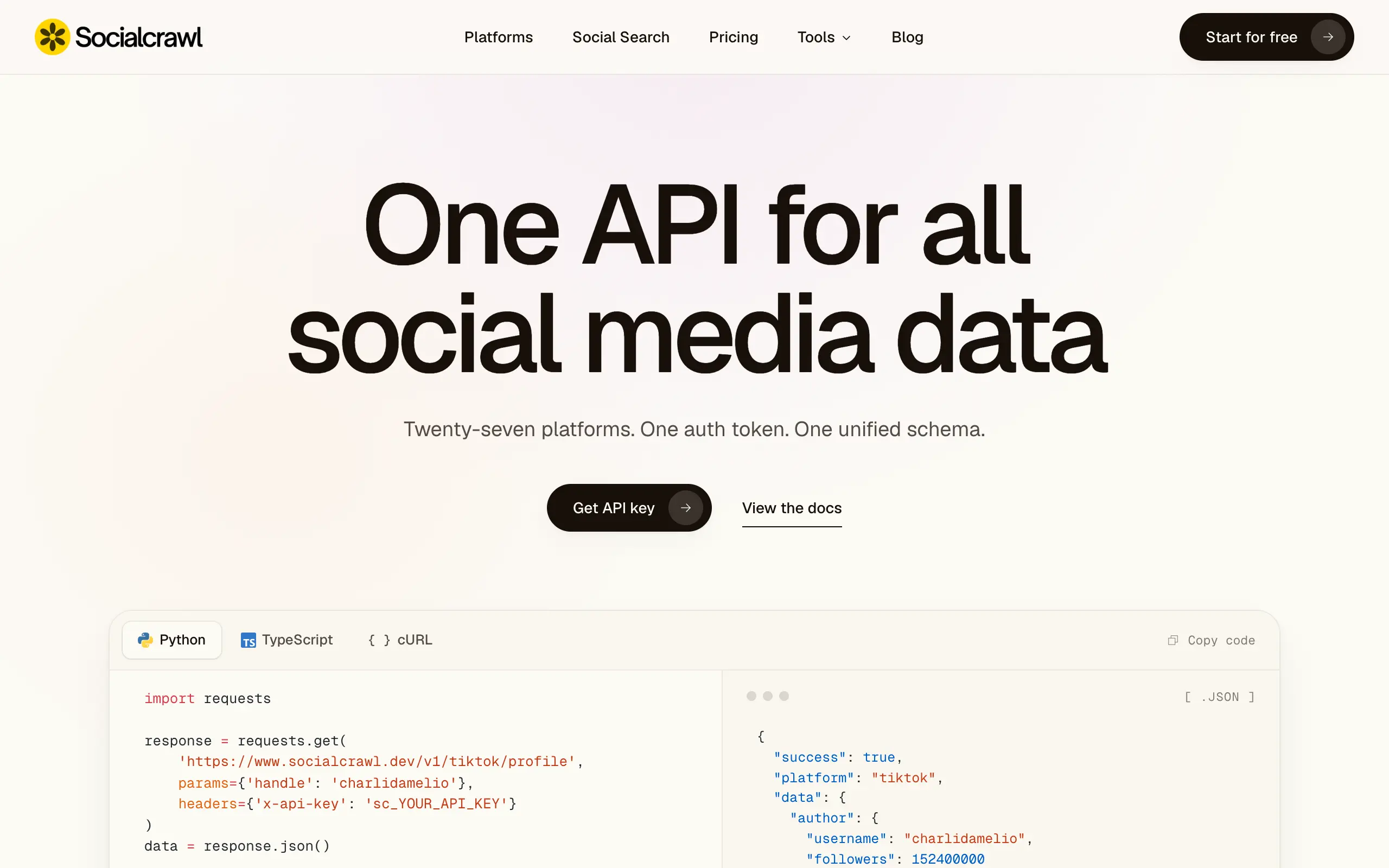
Socialcrawl
Get clean, structured data from 21 platforms like TikTok, Instagram, and YouTube with a single request 📊
Statiko
Monitor any Telegram channel in real time - track posts, edits, deletions, and growth with AI recaps 📡
Shibui
AI website builder - describe your business, pick a niche template, edit by chatting, and publish instantly ✨
Pro Service
Find verified home service professionals, compare quotes, and pay securely through escrow - built for Brazilians across the US 🏠
RankGrow
Fix your SEO with AI agents - connect Search Console, get prioritized tasks, and grow organic traffic 📈
SyncReads
Sync your favorite content for distraction-free reading, save time and replace multiple apps. Anytime, anywhere 🔄
Socialcrawl
Get clean, structured data from 21 platforms like TikTok, Instagram, and YouTube with a single request 📊
Statiko
Monitor any Telegram channel in real time - track posts, edits, deletions, and growth with AI recaps 📡
Shibui
AI website builder - describe your business, pick a niche template, edit by chatting, and publish instantly ✨
Pro Service
Find verified home service professionals, compare quotes, and pay securely through escrow - built for Brazilians across the US 🏠
RankGrow
Fix your SEO with AI agents - connect Search Console, get prioritized tasks, and grow organic traffic 📈
SyncReads
Sync your favorite content for distraction-free reading, save time and replace multiple apps. Anytime, anywhere 🔄
Socialcrawl
Get clean, structured data from 21 platforms like TikTok, Instagram, and YouTube with a single request 📊
Statiko
Monitor any Telegram channel in real time - track posts, edits, deletions, and growth with AI recaps 📡
Shibui
AI website builder - describe your business, pick a niche template, edit by chatting, and publish instantly ✨
Pro Service
Find verified home service professionals, compare quotes, and pay securely through escrow - built for Brazilians across the US 🏠
RankGrow
Fix your SEO with AI agents - connect Search Console, get prioritized tasks, and grow organic traffic 📈
SyncReads
Sync your favorite content for distraction-free reading, save time and replace multiple apps. Anytime, anywhere 🔄
Socialcrawl
Get clean, structured data from 21 platforms like TikTok, Instagram, and YouTube with a single request 📊
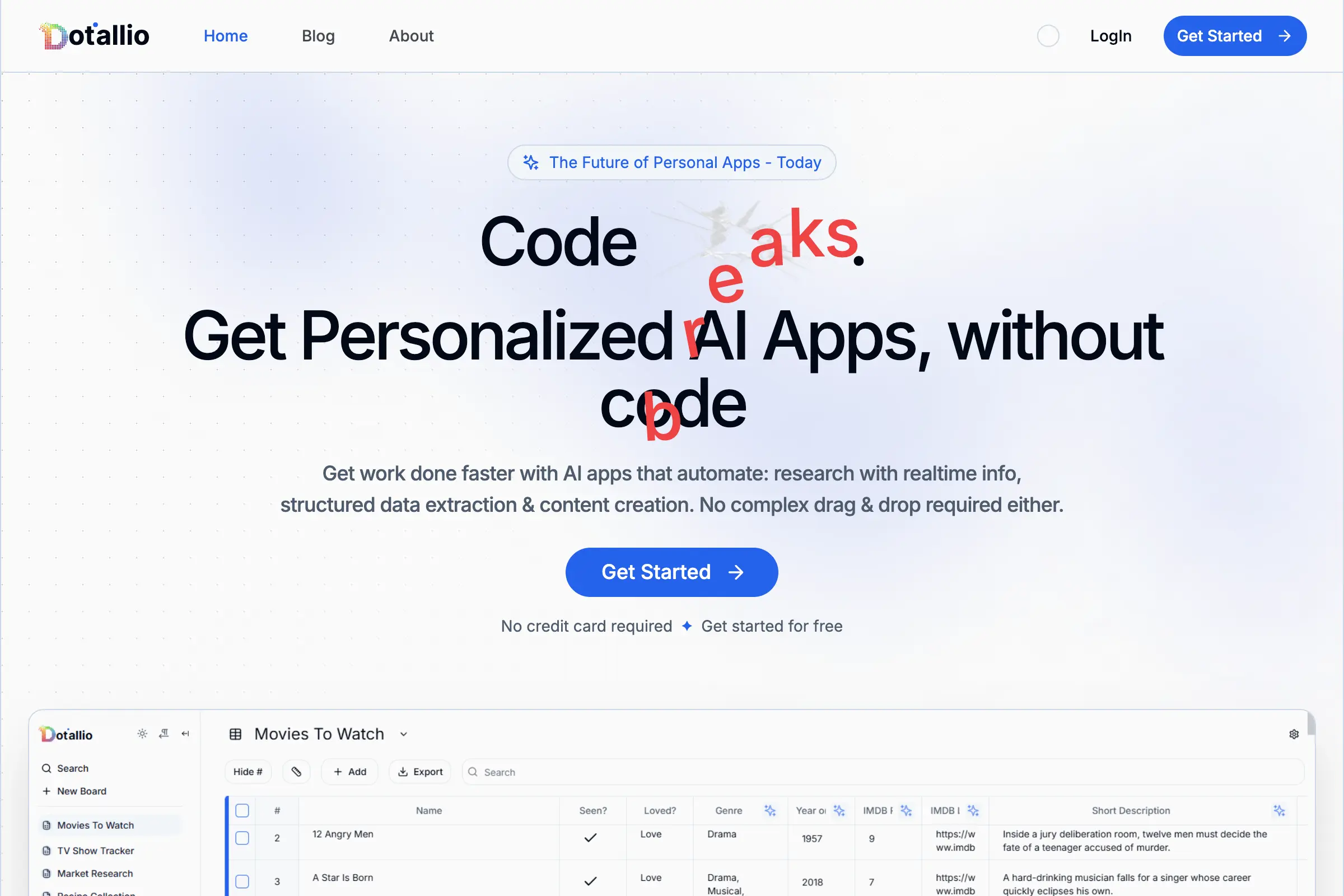
Dotallio
Personalized AI apps that automate research, data extraction, and content creation without code 🤖
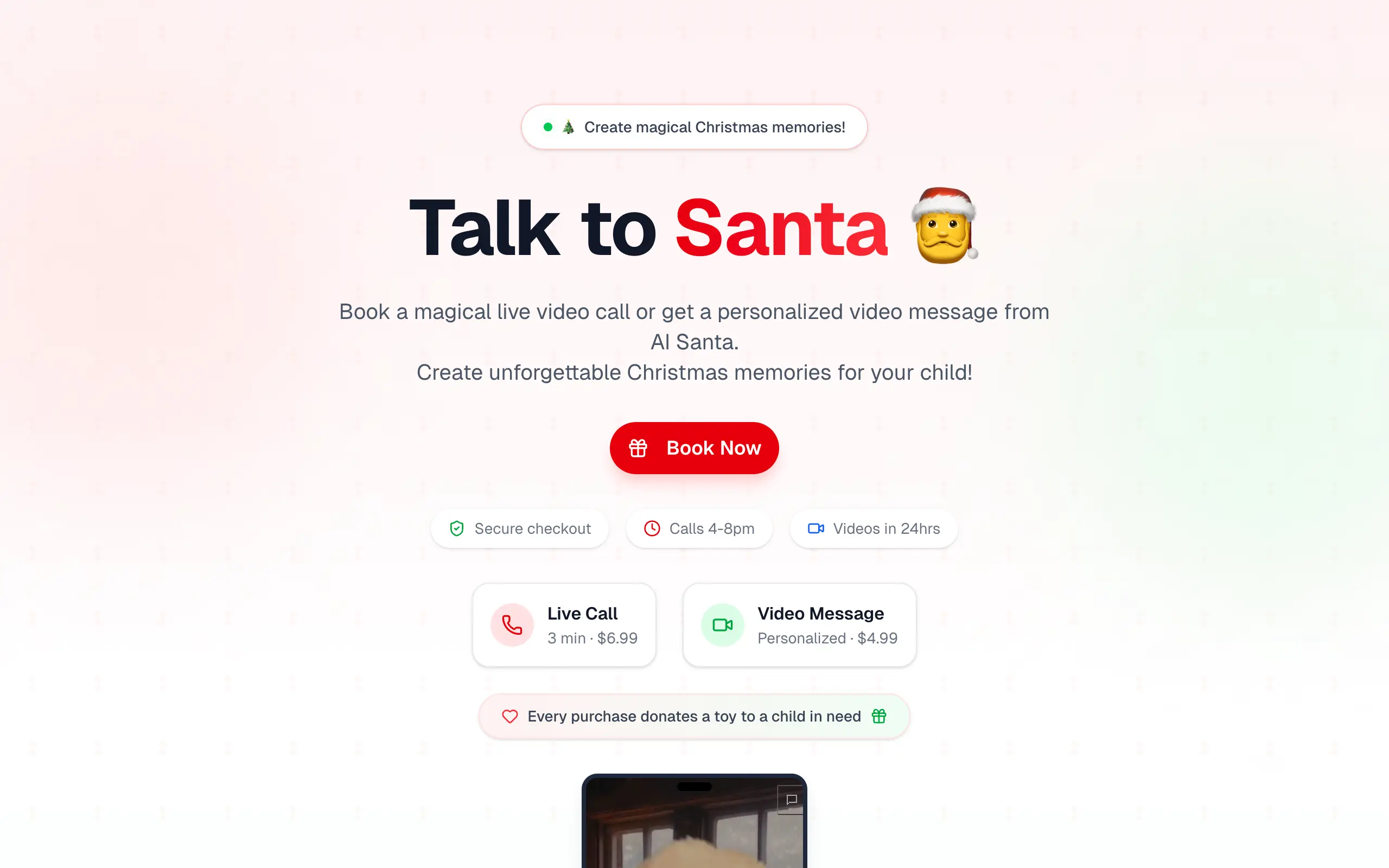
Talk to Santa
Enjoy a magical live video chat or receive a unique AI-generated video greeting from Santa Claus 🎅

pozywka.pl
Scalable blog for food journalist, focused on performance and user experience 🌭
zagrodzki.me
Personal blog and portfolio of Bart Zagrodzki, where he shares his knowledge and work 💼
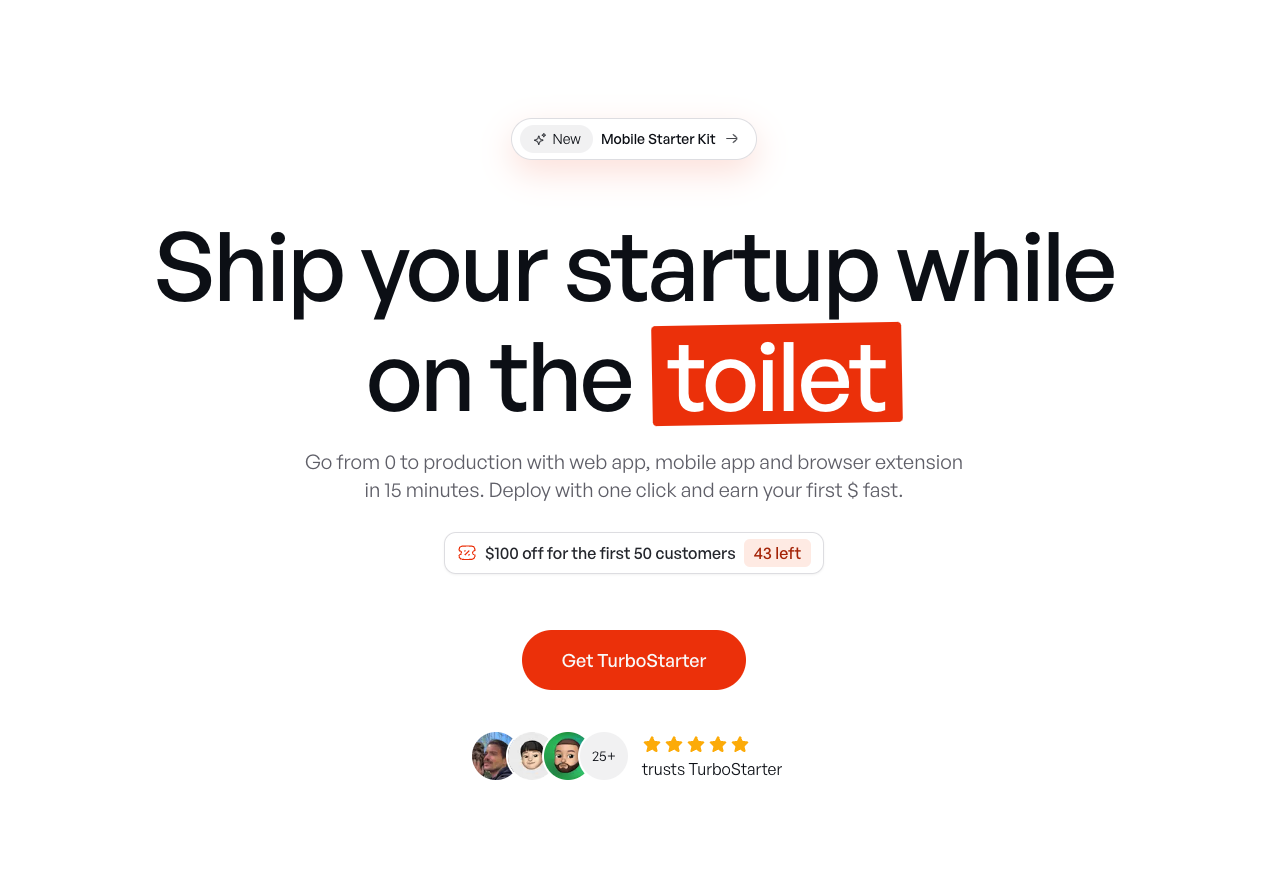
TurboStarter
Ship your startup everywhere. In minutes.
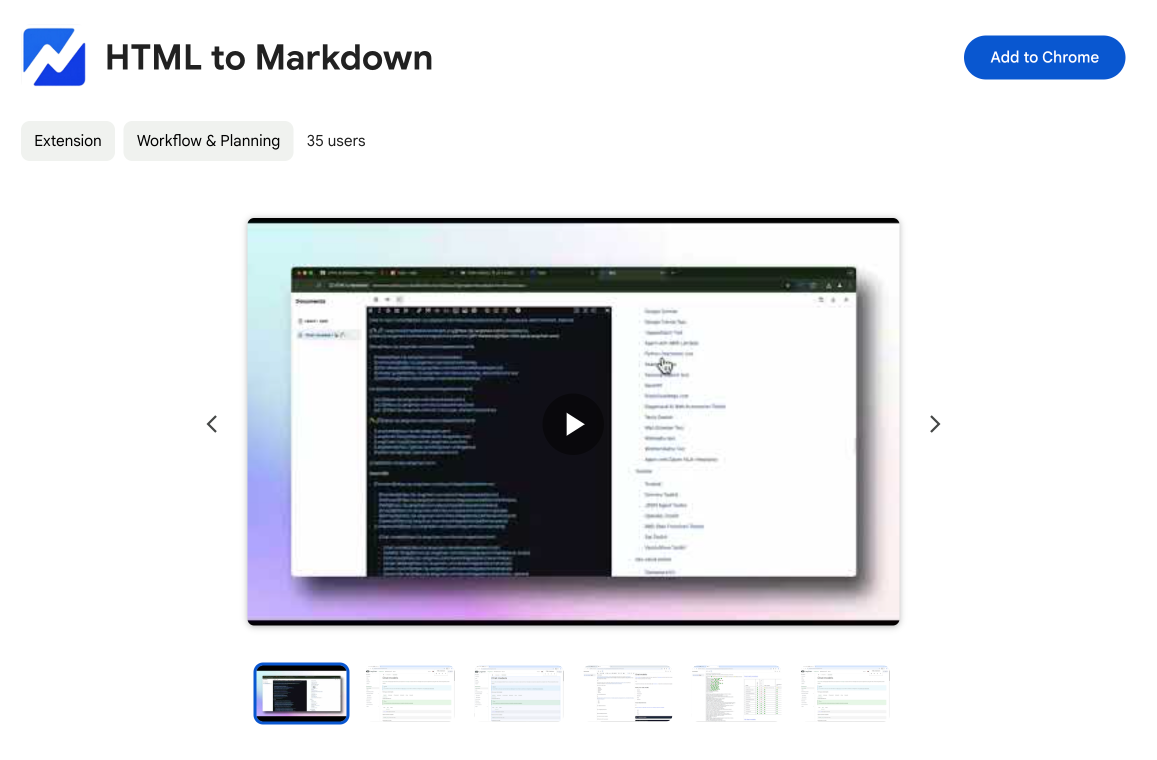
HTML to Markdown
Convert HTML to Markdown with ease, directly in your browser 📄
Dotallio
Personalized AI apps that automate research, data extraction, and content creation without code 🤖
Talk to Santa
Enjoy a magical live video chat or receive a unique AI-generated video greeting from Santa Claus 🎅
pozywka.pl
Scalable blog for food journalist, focused on performance and user experience 🌭
zagrodzki.me
Personal blog and portfolio of Bart Zagrodzki, where he shares his knowledge and work 💼
TurboStarter
Ship your startup everywhere. In minutes.
HTML to Markdown
Convert HTML to Markdown with ease, directly in your browser 📄
Dotallio
Personalized AI apps that automate research, data extraction, and content creation without code 🤖
Talk to Santa
Enjoy a magical live video chat or receive a unique AI-generated video greeting from Santa Claus 🎅
pozywka.pl
Scalable blog for food journalist, focused on performance and user experience 🌭
zagrodzki.me
Personal blog and portfolio of Bart Zagrodzki, where he shares his knowledge and work 💼
TurboStarter
Ship your startup everywhere. In minutes.
HTML to Markdown
Convert HTML to Markdown with ease, directly in your browser 📄
Dotallio
Personalized AI apps that automate research, data extraction, and content creation without code 🤖
Talk to Santa
Enjoy a magical live video chat or receive a unique AI-generated video greeting from Santa Claus 🎅
pozywka.pl
Scalable blog for food journalist, focused on performance and user experience 🌭
zagrodzki.me
Personal blog and portfolio of Bart Zagrodzki, where he shares his knowledge and work 💼
TurboStarter
Ship your startup everywhere. In minutes.
HTML to Markdown
Convert HTML to Markdown with ease, directly in your browser 📄
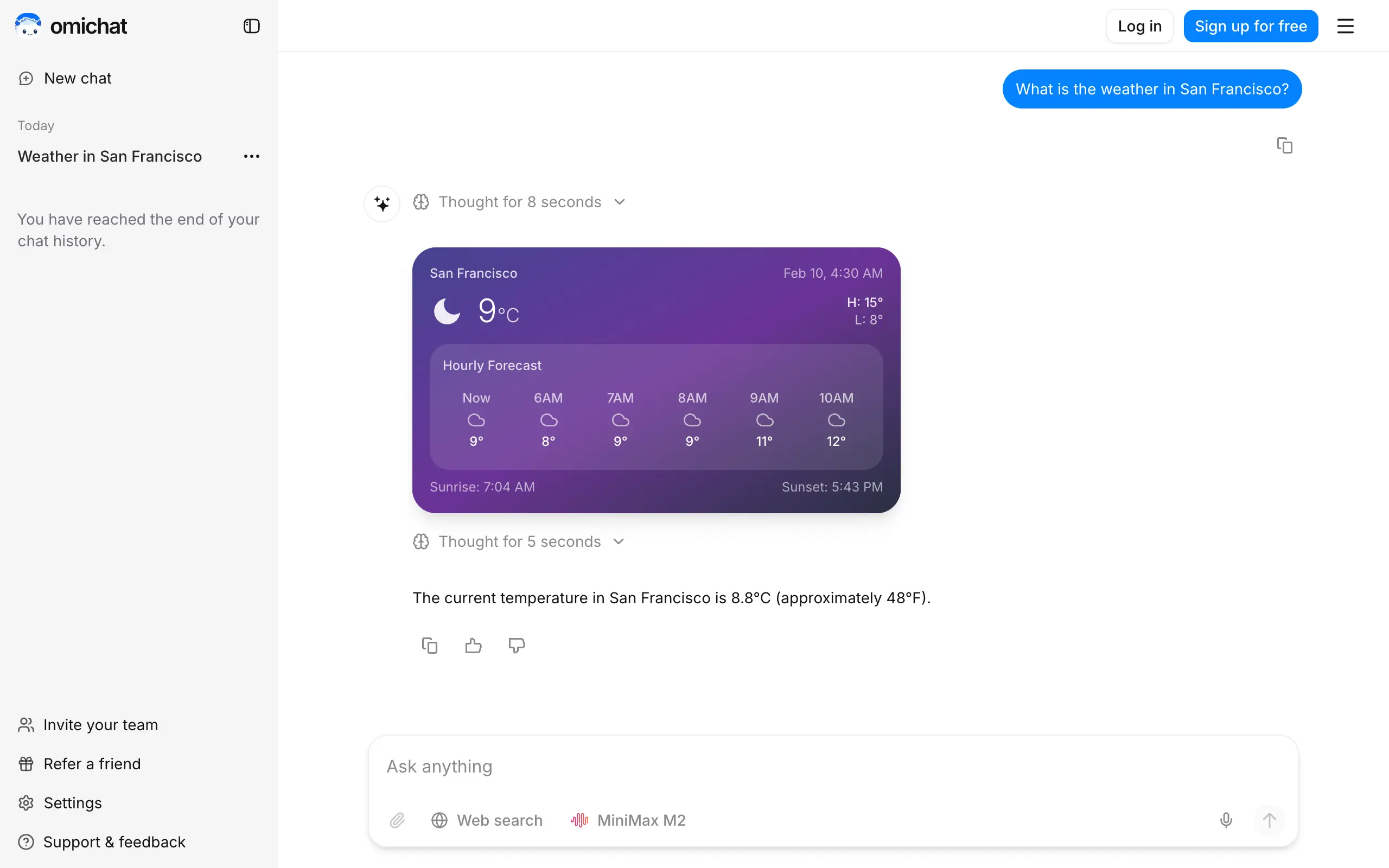
Omichat
Chat with 50+ AI models, including ChatGPT and Claude, in one place - switch models anytime without losing context 🤖
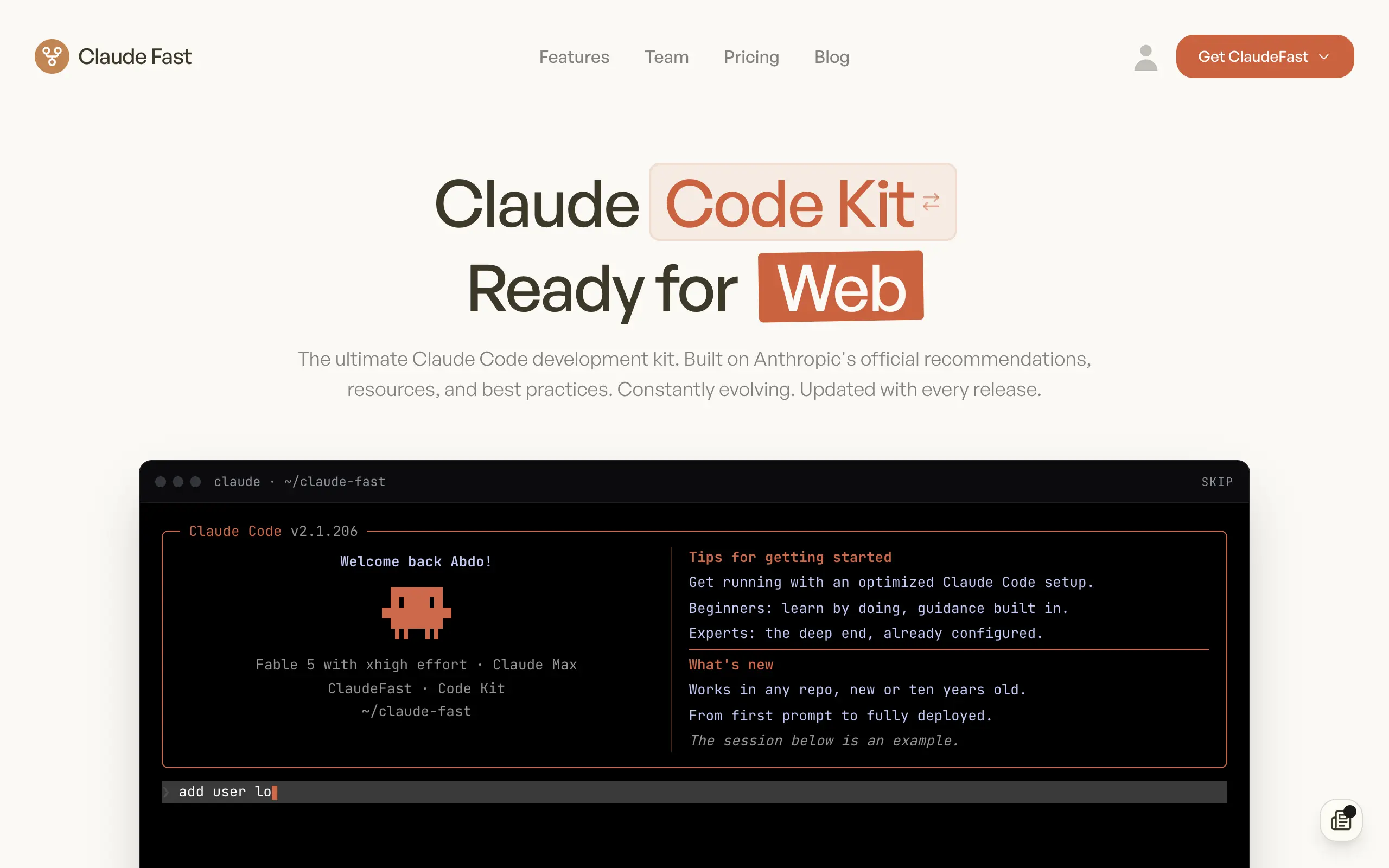
Claude Fast
Supercharge your Claude Code with 6x effective context window and specialized AI agents 🤖
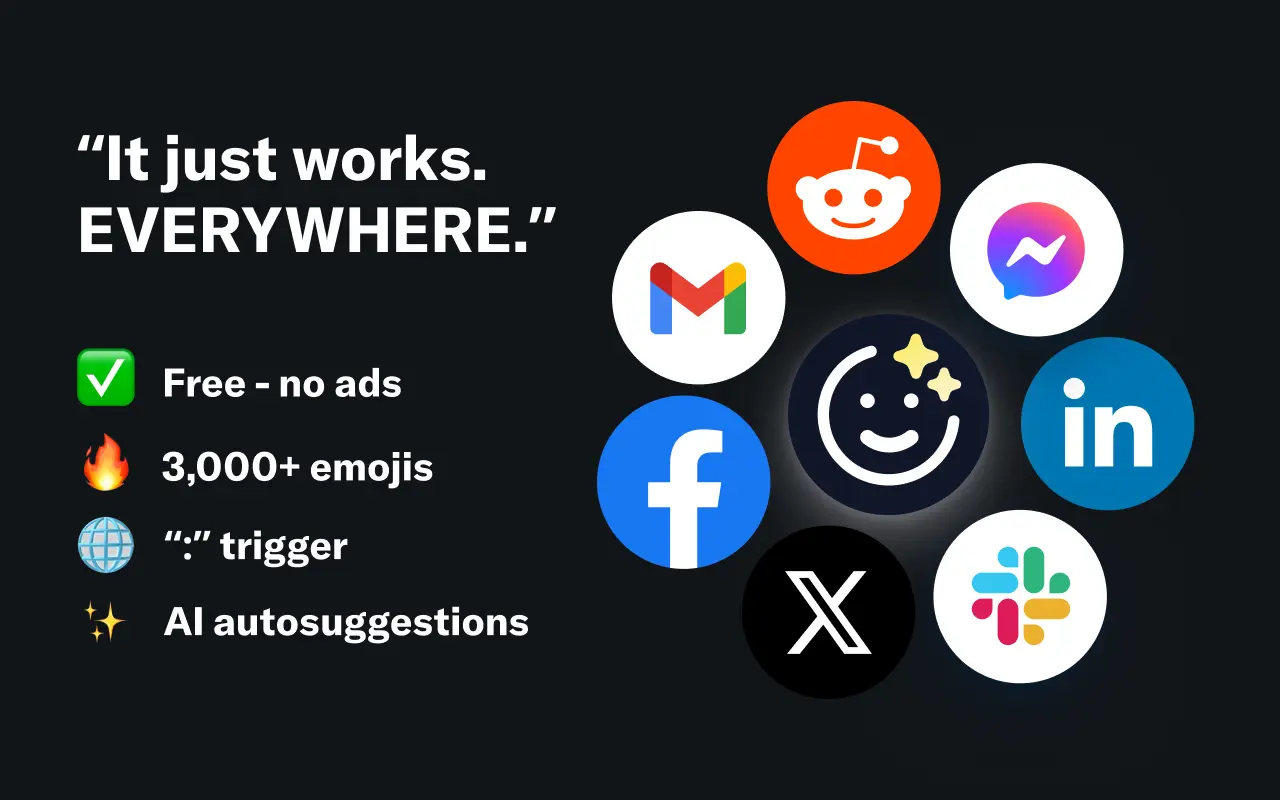
EmojAI
AI-powered emoji picker with smart, context-aware suggestions 🤖
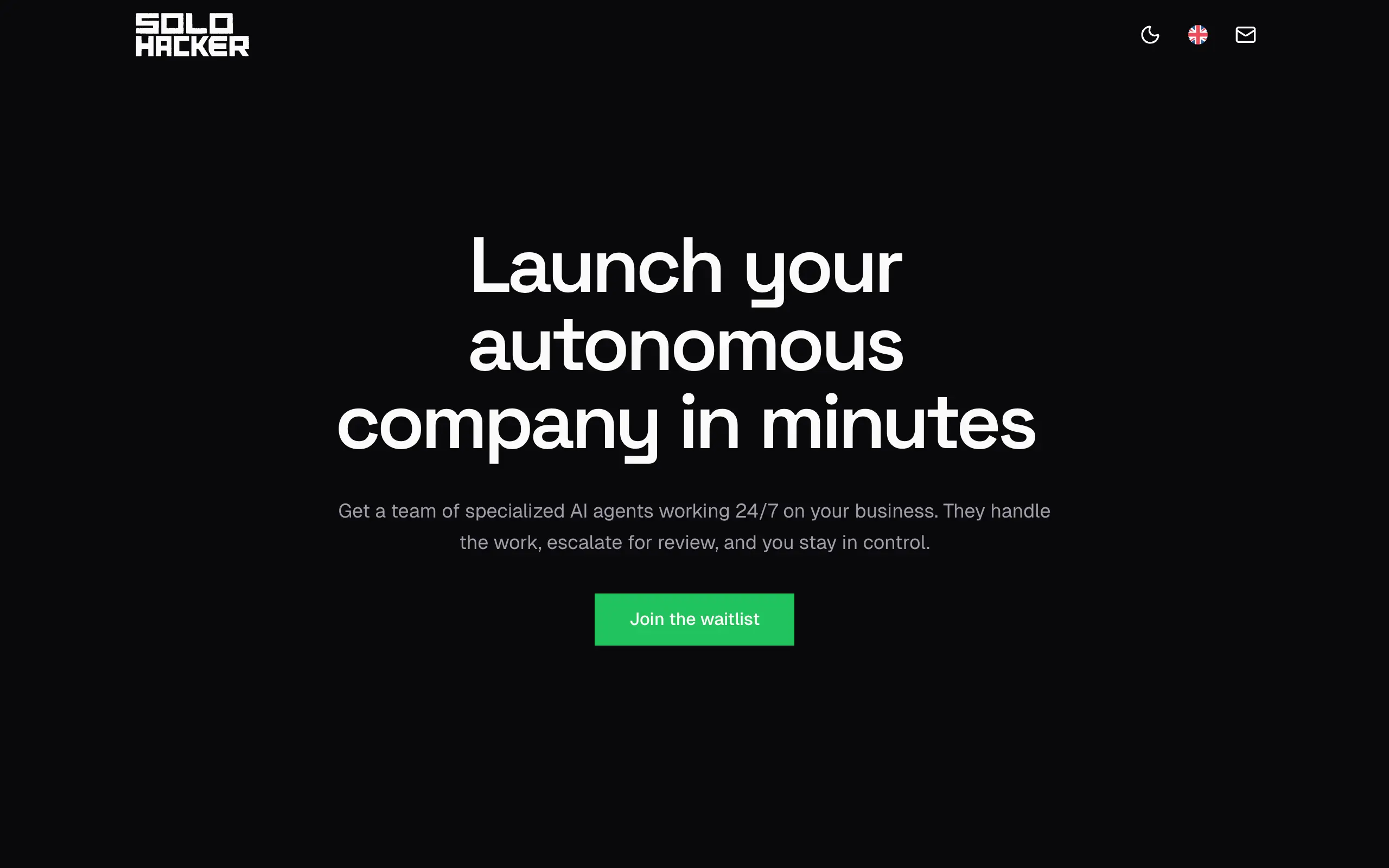
Solohacker
Autonomous company launcher - AI agents work 24/7, escalate what matters, and you stay in control 🤖
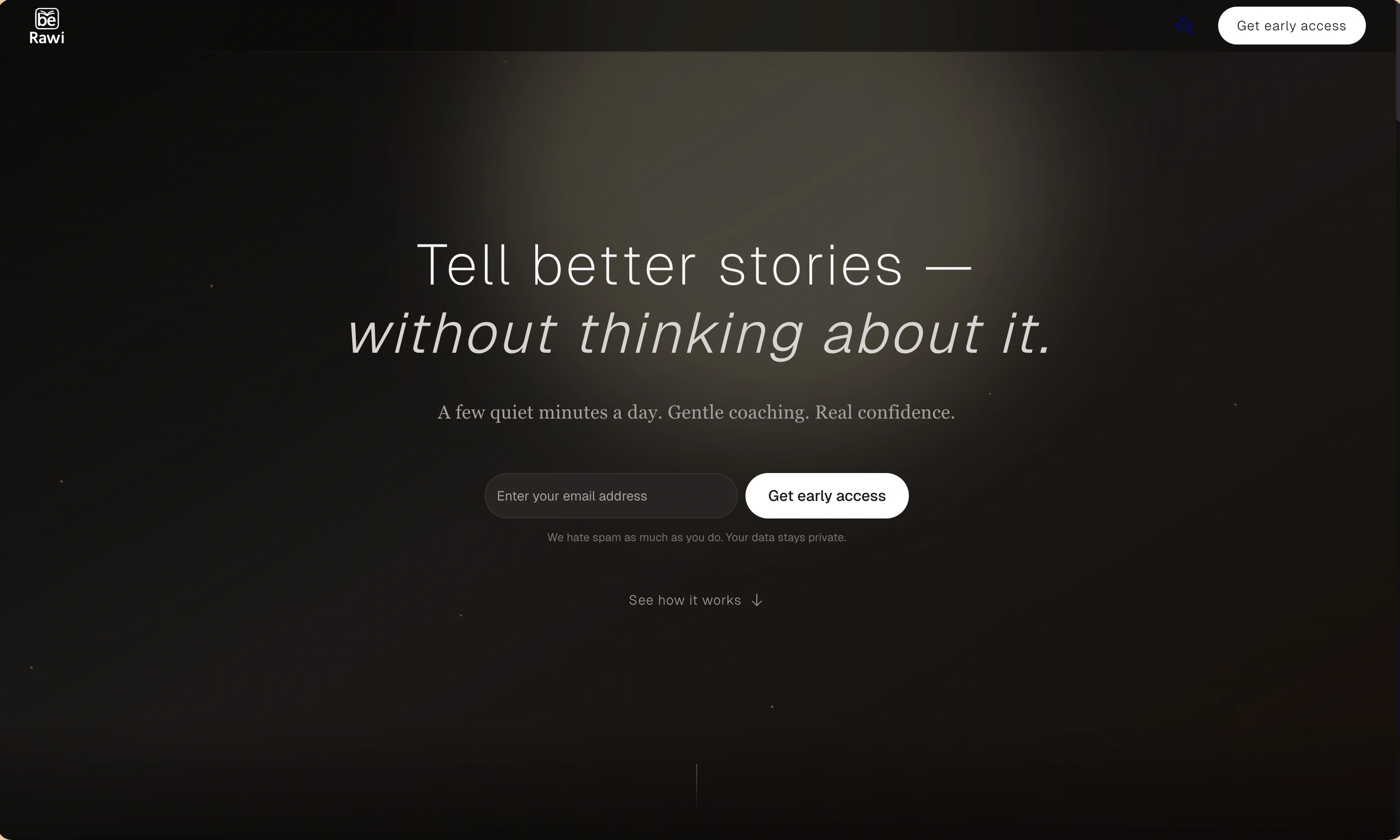
BeRawi: Storytelling Coach
Practice storytelling daily with instant feedback to sound clearer, more engaging, and confident 🎤
Omichat
Chat with 50+ AI models, including ChatGPT and Claude, in one place - switch models anytime without losing context 🤖
Claude Fast
Supercharge your Claude Code with 6x effective context window and specialized AI agents 🤖
EmojAI
AI-powered emoji picker with smart, context-aware suggestions 🤖
Solohacker
Autonomous company launcher - AI agents work 24/7, escalate what matters, and you stay in control 🤖
BeRawi: Storytelling Coach
Practice storytelling daily with instant feedback to sound clearer, more engaging, and confident 🎤
Omichat
Chat with 50+ AI models, including ChatGPT and Claude, in one place - switch models anytime without losing context 🤖
Claude Fast
Supercharge your Claude Code with 6x effective context window and specialized AI agents 🤖
EmojAI
AI-powered emoji picker with smart, context-aware suggestions 🤖
Solohacker
Autonomous company launcher - AI agents work 24/7, escalate what matters, and you stay in control 🤖
BeRawi: Storytelling Coach
Practice storytelling daily with instant feedback to sound clearer, more engaging, and confident 🎤
Omichat
Chat with 50+ AI models, including ChatGPT and Claude, in one place - switch models anytime without losing context 🤖
Claude Fast
Supercharge your Claude Code with 6x effective context window and specialized AI agents 🤖
EmojAI
AI-powered emoji picker with smart, context-aware suggestions 🤖
Solohacker
Autonomous company launcher - AI agents work 24/7, escalate what matters, and you stay in control 🤖
BeRawi: Storytelling Coach
Practice storytelling daily with instant feedback to sound clearer, more engaging, and confident 🎤

Connect with like-minded people
Join our community to get feedback, support, and grow together with 1,000+ builders on board, let's ship it!
Join usShip your startup everywhere. In minutes.
Don't burn tokens on setup and start building features on day one.