Youthlink Brief
Drafts case notes and weekly activity reports for youth workers from their rough session observations. Staff spend less time on documentation and more time with the young people they support.
Youthlink Brief is an AI documentation tool for youth workers: they type or dictate rough session observations, and it drafts structured case notes and weekly activity reports in the format their organization requires. In 2026, AI case note tools for youth workers are viable because language models now handle messy, informal input reliably, and funded youth programs are under constant pressure to prove outcomes while staff burn out on paperwork.
Key takeaways
- Target customer: small to mid-sized youth organizations (drop-in centers, mentoring programs, outreach teams) with 5 to 50 frontline staff and a funder-mandated reporting burden.
- Pricing angle: per-staff monthly subscription, with an organization tier that adds templates, funder report exports and admin controls.
- Biggest risk: trust and privacy. Case notes about minors are highly sensitive, and one data-handling mistake can end the business.
- Time to MVP: roughly 4 to 6 weeks for one developer, assuming you start from a starter kit and limit scope to notes and weekly reports.
What problem does an AI case note tool for youth workers solve?
Youth workers spend a meaningful share of their week writing up what already happened. The work itself is relational: conversations at a drop-in, a walk with a teenager, a call to a school. The documentation comes after, usually at the end of a long shift, and it is the first thing to suffer when the day goes badly.
Who feels it most
The ideal customer profile is a program manager or team lead at a small youth nonprofit who also has to sign off on staff notes and compile monthly or quarterly funder reports. They are not a technology buyer. They want fewer late notes, more consistent records and an easier time at reporting deadlines.
The daily user is a frontline youth worker, often part-time, often moving between sites, frequently working from a phone.
The current workaround and why it fails
Most teams rely on a mix of Word templates, shared drives, spreadsheets and, if they are lucky, a case management system. Workers jot shorthand in a notebook or phone, then reconstruct it later.
This fails in predictable ways:
- Notes get written days late, so details are lost and quality varies by person.
- Tone and structure are inconsistent, which makes supervision and audits harder.
- Weekly and funder reports are assembled by hand from scattered notes, usually by the person with the least spare time.
- Generic AI chatbots are not an option in many organizations, because pasting identifiable information about minors into a consumer tool breaks policy and often law.
Why is there an opportunity for AI documentation in youth work in 2026?
The gap is between heavy case management platforms and a blank document. Incumbent case management systems store records and track outcomes, but they largely assume the worker will write everything themselves. Generic assistants write well but have no knowledge of your template, your funder's categories or your safeguarding rules.
Several shifts make the timing good:
- Models handle rough input well. Fragmented, shorthand observations can now be turned into clear prose without heavy prompt engineering.
- Voice capture is good enough. Dictation on a phone makes post-session capture realistic for people who dislike typing.
- Funders keep asking for outcomes data. Reporting expectations rarely shrink, while staffing budgets do.
- Organizations are writing AI policies. Many now want an approved tool rather than staff quietly using consumer chatbots.
The competition includes case management software used in social services, general AI writing assistants and ambient note-taking tools built for healthcare and social work. None of them is tuned to the informal, high-turnover, funder-driven reality of youth programs. That is the wedge, though you should expect adjacent players to move toward it.
What should the MVP of a youth worker documentation tool include?
Build the smallest thing that produces a note a worker would actually sign within two minutes of finishing a session. Everything else waits.
The aha moment is this: a worker pastes or dictates five messy lines, and gets back a clean, correctly structured note with nothing invented. If they have to rewrite more than a sentence or two, the product has failed.
Rough notes to case note
Turn shorthand or dictated observations into a structured note that follows the organization's own template.
Weekly activity report
Combine a worker's notes from the week into one summary of sessions, themes and follow-ups.
Review and edit flow
Show the draft next to the source input, flag anything uncertain and require explicit approval before saving.
Template and tone settings
Let managers define note sections, required fields and language style once for the whole team.
What to cut from version one
- No full case management. Do not try to replace the incumbent system. Export clean text instead.
- No integrations at launch. Copy to clipboard and export to document formats are enough to start.
- No analytics dashboard. Funder report exports come later, once you see which formats customers ask for.
- No native mobile app at first. A responsive web app with browser dictation is adequate for early testing.
A critical design rule: the model should only rephrase and organize what the worker provided. It should flag gaps ("no follow-up action recorded") rather than fill them in.
How is Youthlink Brief different from alternatives?
The positioning is simple: documentation drafted from your rough notes, in your organization's format, without inventing facts, built for youth work. It is narrower than a case management system and safer than a general chatbot.
| Option | Matches your template | Built for youth work | Safe for minors' data | Weekly report drafting |
|---|---|---|---|---|
| Youthlink Brief | ✅ | ✅ | Designed for it | ✅ |
| Spreadsheets and Word templates | Manual | ❌ | Depends on storage | ❌ |
| Case management systems | ✅ | Sometimes | ✅ | Limited |
| General AI chatbots | ❌ | ❌ | Often prohibited | Manual prompting |
| Healthcare note-taking tools | Partly | ❌ | Varies | ❌ |
Treat this table as a starting hypothesis, and check each competitor's current features during your interviews. The real differentiator will not be the model. It will be the templates, the review flow and the trust you build with managers.
How would Youthlink Brief make money?
Charge organizations, not individual workers. Budgets sit with managers, and workers rarely have authority to approve tools that touch records about minors.
Option 1: per-staff monthly subscription
A simple seat price, for example $15 to $25 per staff member per month, is easy to explain. As an assumption: a 12-person team at $20 per seat is $240 per month, or about $2,880 per year. That sits within reach of a small nonprofit's discretionary software budget, but you will need annual invoicing options.
Option 2: organization plan with a base fee
A flat monthly fee covering a set number of staff, plus shared templates, funder report exports and admin controls. This suits teams who dislike counting seats and gives you a cleaner path to larger contracts.
Option 3: pilot-to-annual contract
Offer a paid 60-day pilot, then convert to an annual agreement. Nonprofits often need a purchase order or board approval, so a pilot with a clear price removes friction better than a free trial that quietly expires.
Which growth channel works first
Direct outreach and referrals within youth work networks. Contact program managers through professional associations, regional youth worker forums and LinkedIn. One credible manager who says "this cut our report prep" is worth more than any ad spend. Cold email with a concrete before-and-after example of a note will outperform generic pitches.
How do you validate a youth worker AI tool before building it?
Spend one to two weeks talking to the people who will buy and use it, and aim to collect at least a few payment commitments, not compliments.
Interview eight to ten youth workers and managers
Ask how they documented their last three sessions, how long it took and what happens at reporting time. Listen for specifics about templates, deadlines and policy limits on AI.
Run a manual concierge test
Take real (anonymized or fictional) rough notes from two or three willing workers and draft the notes yourself with a model. Ask them how much they would edit before signing.
Publish a focused landing page
State one promise, such as "Finish your case notes in minutes, in your own template," and add a short waitlist form. Share it in two or three youth work communities.
Ask for a paid pilot
Offer three or four organizations a discounted pilot with a start date. A signed pilot or a firm verbal commitment from a budget holder is the strongest validation signal available.
Document data and policy questions
Collect each organization's rules about AI, data residency and consent. These answers shape your architecture and will be your best sales material later.
What tech stack do you need to build an AI case note tool?
The product is a fairly standard SaaS with a sensitive AI feature. The undifferentiated work, such as accounts, billing, teams and emails, should not eat your first month. TurboStarter gives you a monorepo with web and mobile apps, authentication, organizations and teams, billing, database, emails, file storage, AI, background tasks and an admin panel already wired together.
That lets you spend your time on what is unique: template handling, prompt design, the review flow and privacy controls.
The pieces you need
- Accounts and roles: managers and workers need different permissions. Use the built-in authentication and organizations support so each youth organization is its own isolated workspace.
- Subscriptions: per-seat or flat plans run through the billing setup, so you are not hand-building invoicing logic.
- AI drafting: the AI integration covers calling model providers from your backend.
- Weekly reports: scheduled generation and reminders fit naturally into background tasks.
- Mobile later: because the starter includes a mobile app option, you can add a dictation-first app once the web version proves demand.
Choosing an AI provider
The fastest route. Major providers offer strong output quality and simple integration. Choose one with clear data processing terms, no training on your inputs and a regional hosting option if customers require it. Expect to sign a data processing agreement with each customer.
More control over where data lives, which can matter for government-funded or safeguarding-heavy buyers. The trade-offs are higher infrastructure cost, more operational work and usually weaker output quality for the same effort. Consider it after you have customers who demand it, not before.
A minimal data model
Keep the original input, the draft and the approved note as separate records. This gives you an audit trail and lets you measure how much workers edit.
create table case_notes (
  id uuid primary key,
  organization_id uuid not null,
  author_id uuid not null,
  raw_input text not null,
  draft text not null,
  approved_text text,
  status text not null default 'draft',
  created_at timestamptz not null default now(),
  approved_at timestamptz
);
Consider using the starter's database layer for this, and encrypt sensitive fields or avoid storing raw input long term if your customers prefer it. Make retention periods configurable per organization.
What are the biggest risks of building Youthlink Brief?
Biggest risk: privacy and trust
Case notes about minors are among the most sensitive data you can handle. A single leak, or a model that fabricates a detail in an official record, can destroy trust with your first customers. Do not store more than you need, sign data processing agreements, offer data deletion, and require human approval of every note. Seek legal advice on the child data and safeguarding rules in each region you sell to before onboarding real records.
Beyond that, four other risks deserve a plan:
- Hallucinated details: the model adds something the worker never said. Mitigate with strict prompts, side-by-side review, highlighted uncertain phrases and a rule that missing fields are flagged, not guessed.
- Slow nonprofit sales cycles: budgets and approvals take months. Offer pilots, annual invoicing and a short security overview document, and target small teams where one manager can decide.
- Incumbents adding AI: case management vendors will ship drafting features. Stay ahead by being better at template flexibility and funder report formats, and consider integrations once you have traction.
- Low worker adoption: if capture is awkward, people revert to old habits. Test dictation on real phones during real shifts, and measure time from session end to approved note.
What should you do in the first 30 days?
Aim for a working pilot with two or three organizations by day 30. Keep scope narrow.
- Days 1 to 5: Run interviews and collect sample templates and report formats from at least three organizations.
- Days 6 to 10: Hand-draft notes for volunteers and measure edits. Publish the landing page and waitlist.
- Days 11 to 18: Set up the project from a starter kit, with accounts, organizations and billing. Build the note drafting and review flow.
- Days 19 to 24: Add template settings, the weekly report and basic exports. Write a plain-language privacy and data handling page.
- Days 25 to 28: Onboard pilot users, watch them use it and fix the top three friction points.
- Days 29 to 30: Convert pilots to paid agreements and ask each manager for one referral.
Pick the one organization you can reach this week, and ask to see their current case note template. Starting with TurboStarter means the first working version can be in front of them in weeks rather than months.
FAQ
Interview managers and frontline staff, then run a manual test where you draft notes from fictional or anonymized observations and see how much they edit. The strongest signal is a paid pilot commitment from someone who controls budget. Compliments and waitlist signups alone are weak evidence.
Start with a per-staff price in the range of $15 to $25 per month and test it in interviews. Many youth organizations have tight budgets, so offer annual invoicing and a paid pilot. Adjust based on how much time you actually save them on reports.
It can be, but only with careful design: human approval of every note, minimal data storage, clear data processing terms with your AI provider and customer-specific retention settings. Requirements vary by country and funder, so get legal advice before handling real records.
Case management systems used in social services, general AI assistants and ambient note-taking tools from healthcare are the closest alternatives. Spreadsheets and Word templates are the real default for small organizations. Your edge is youth-specific templates, funder report formats and a safer workflow.
A TypeScript web app with a relational database, an authenticated multi-organization model, subscription billing and a hosted AI provider is enough for the MVP. A starter kit like TurboStarter covers most of the non-differentiating parts. Add mobile and integrations once the web version is used weekly.
A solo developer can usually reach a usable MVP in 4 to 6 weeks if scope stays on notes, weekly reports and template settings. Costs are mostly your time, model usage and hosting, which stay small at pilot scale. Legal review and security documentation are the expenses founders often forget.
More 🤖 AI Startup SaaS ideas
Discover more innovative ai startup SaaS ideas that are trending in 2026. Each idea is AI-generated with market validation and growth potential to help you find your next profitable venture faster than competitors.
Your competitors are building with TurboStarter
Below are some of the SaaS ideas that have been generated and built with our starter kit.

Monitor any Telegram channel in real time - track posts, edits, deletions, and growth with AI recaps 📡

AI website builder - describe your business, pick a niche template, edit by chatting, and publish instantly ✨

Find verified home service professionals, compare quotes, and pay securely through escrow - built for Brazilians across the US 🏠
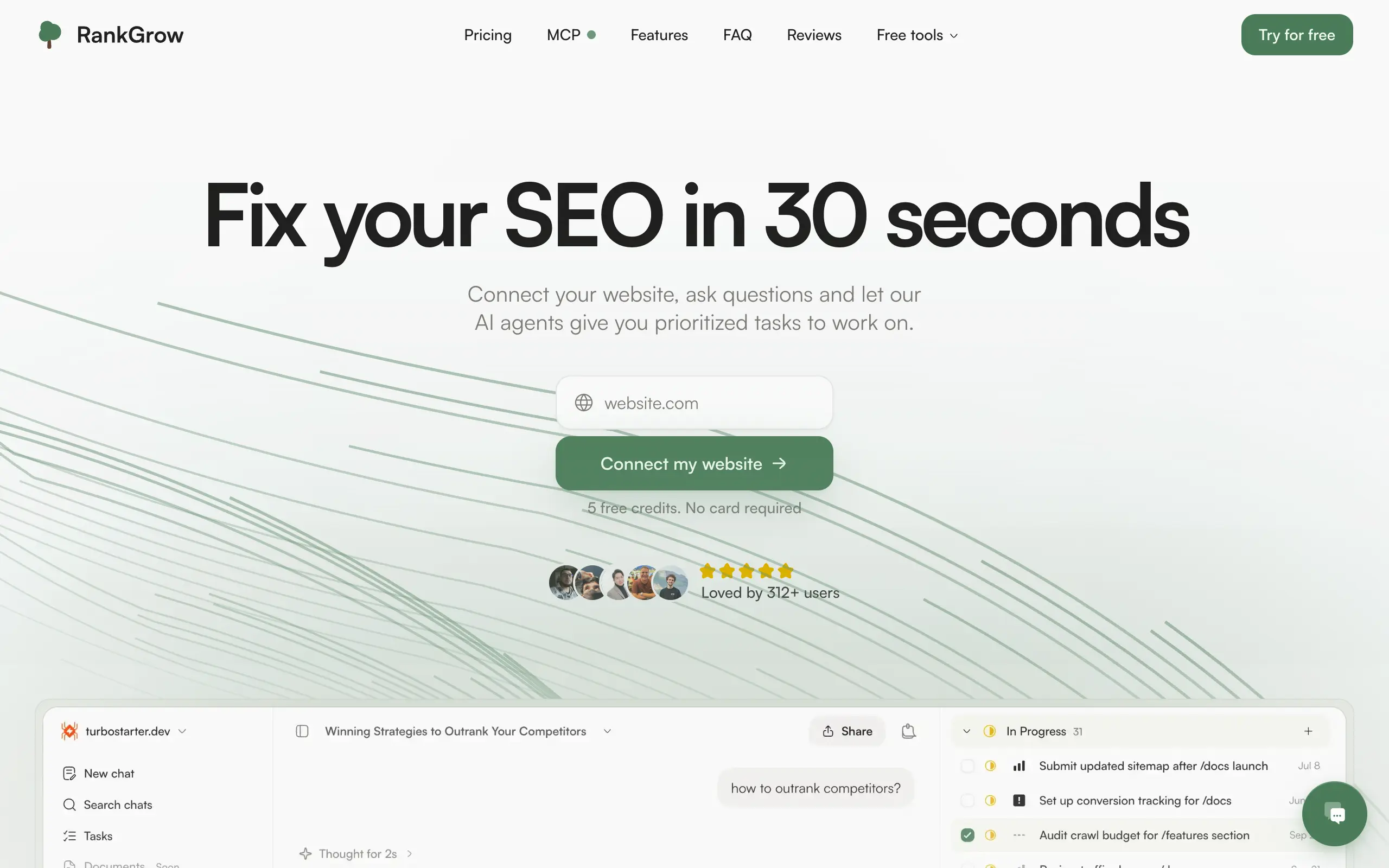
Fix your SEO with AI agents - connect Search Console, get prioritized tasks, and grow organic traffic 📈
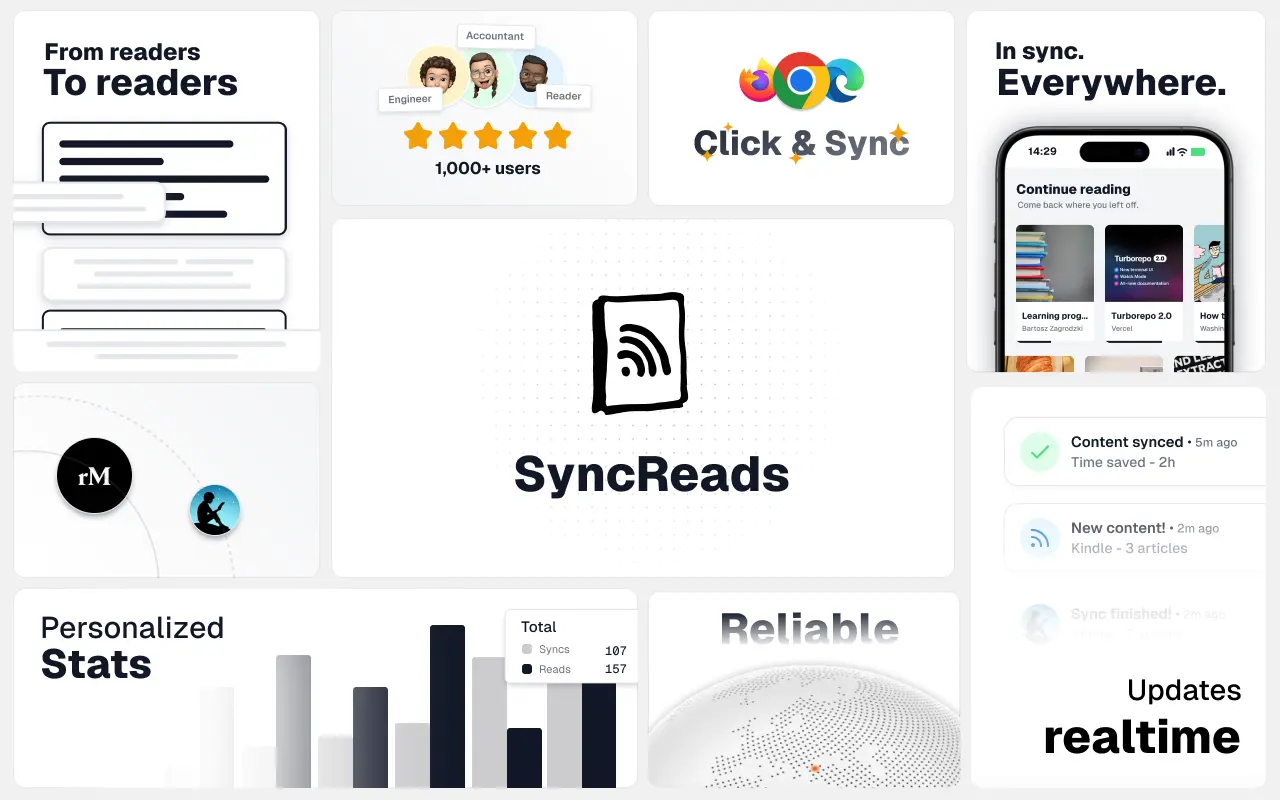
Sync your favorite content for distraction-free reading, save time and replace multiple apps. Anytime, anywhere 🔄
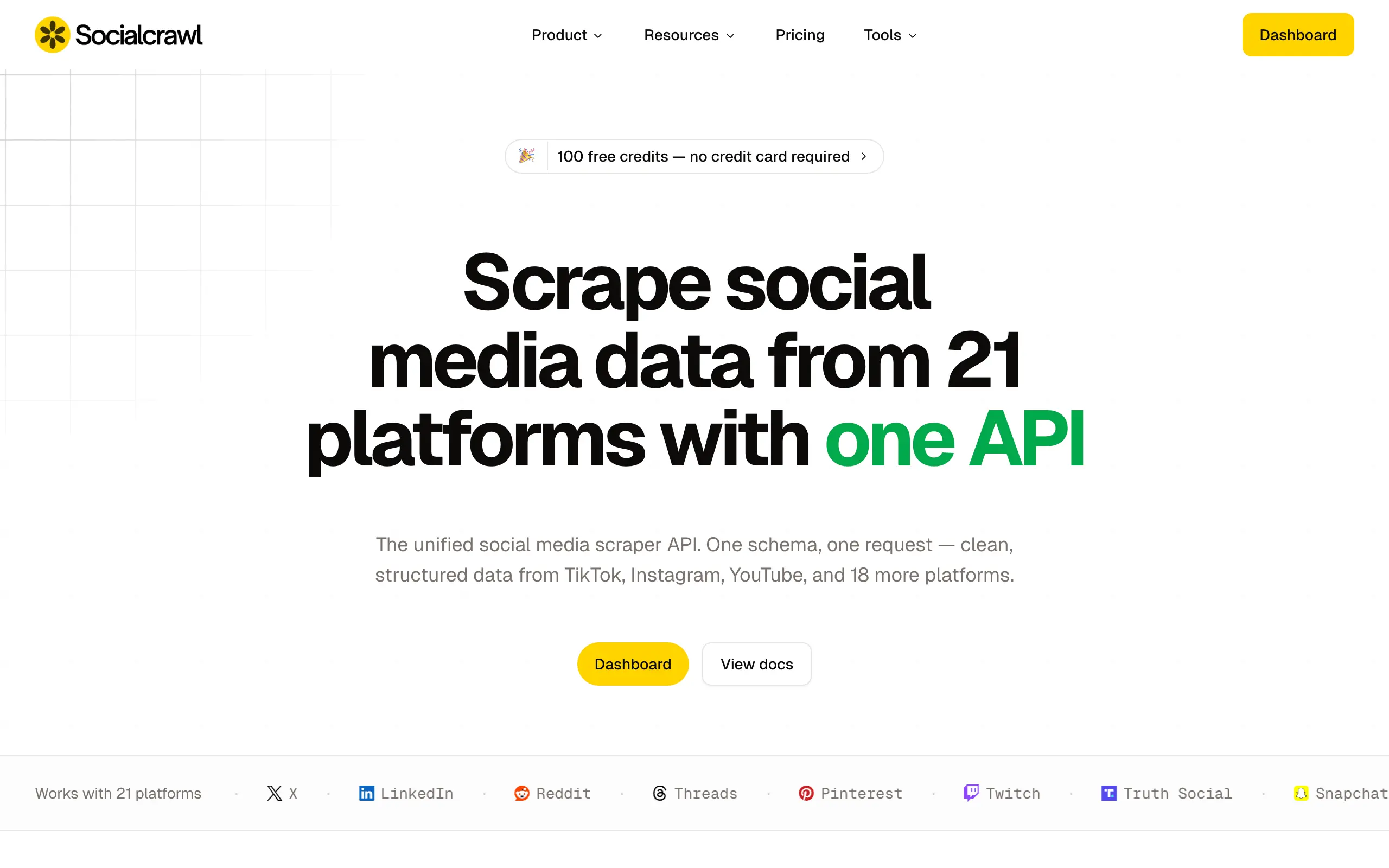
Get clean, structured data from 21 platforms like TikTok, Instagram, and YouTube with a single request 📊
Monitor any Telegram channel in real time - track posts, edits, deletions, and growth with AI recaps 📡
AI website builder - describe your business, pick a niche template, edit by chatting, and publish instantly ✨
Find verified home service professionals, compare quotes, and pay securely through escrow - built for Brazilians across the US 🏠
Fix your SEO with AI agents - connect Search Console, get prioritized tasks, and grow organic traffic 📈
Sync your favorite content for distraction-free reading, save time and replace multiple apps. Anytime, anywhere 🔄
Get clean, structured data from 21 platforms like TikTok, Instagram, and YouTube with a single request 📊
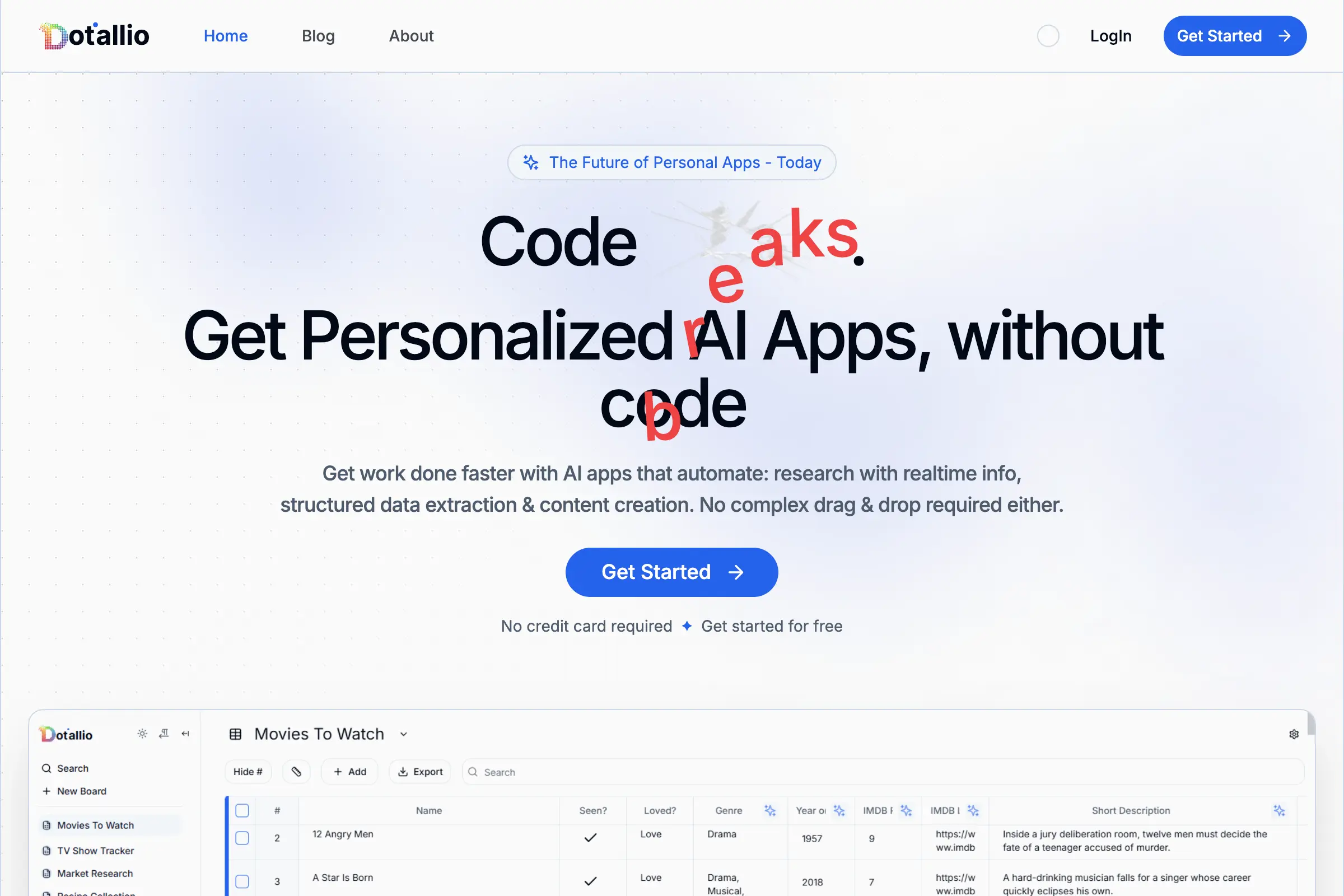
Personalized AI apps that automate research, data extraction, and content creation without code 🤖
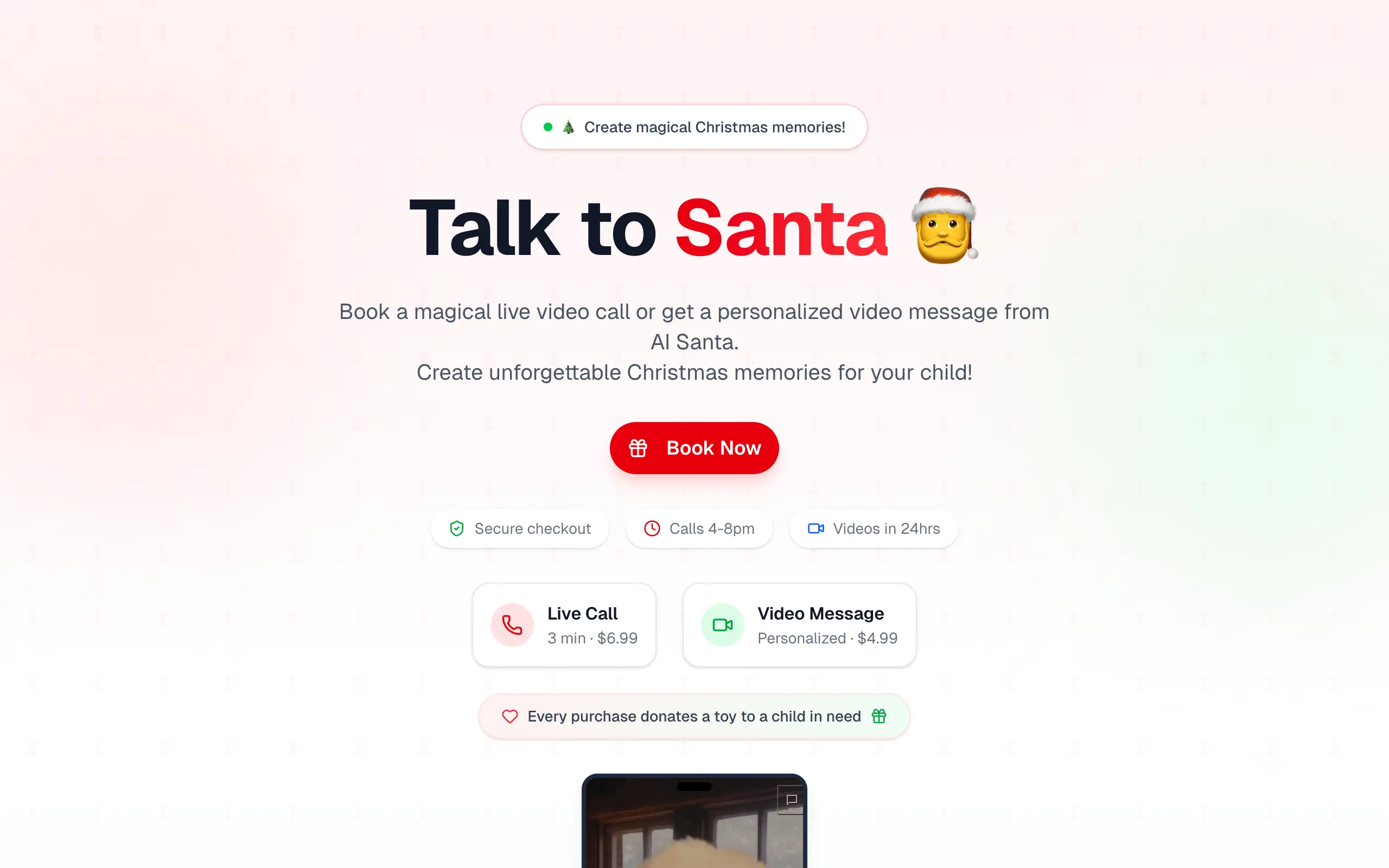
Enjoy a magical live video chat or receive a unique AI-generated video greeting from Santa Claus 🎅
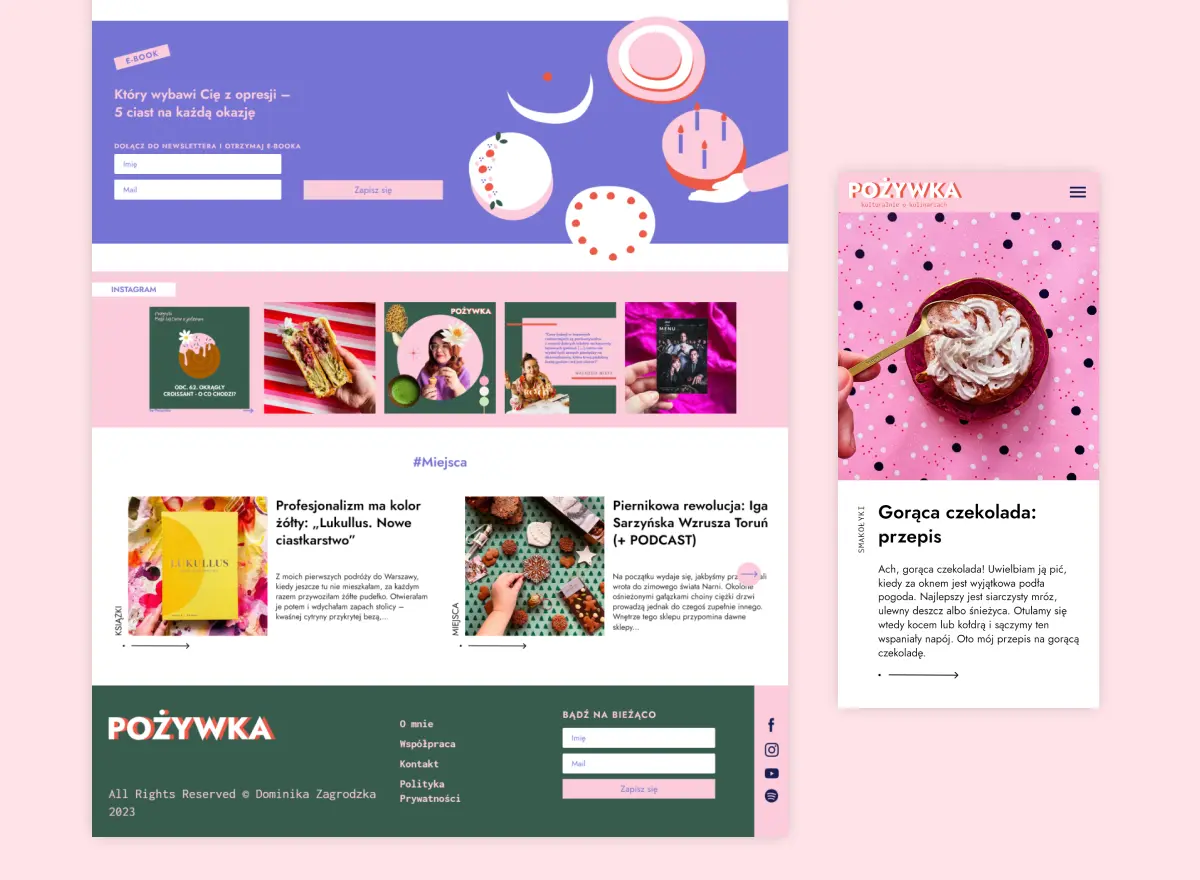
Scalable blog for food journalist, focused on performance and user experience 🌭
Personal blog and portfolio of Bart Zagrodzki, where he shares his knowledge and work 💼
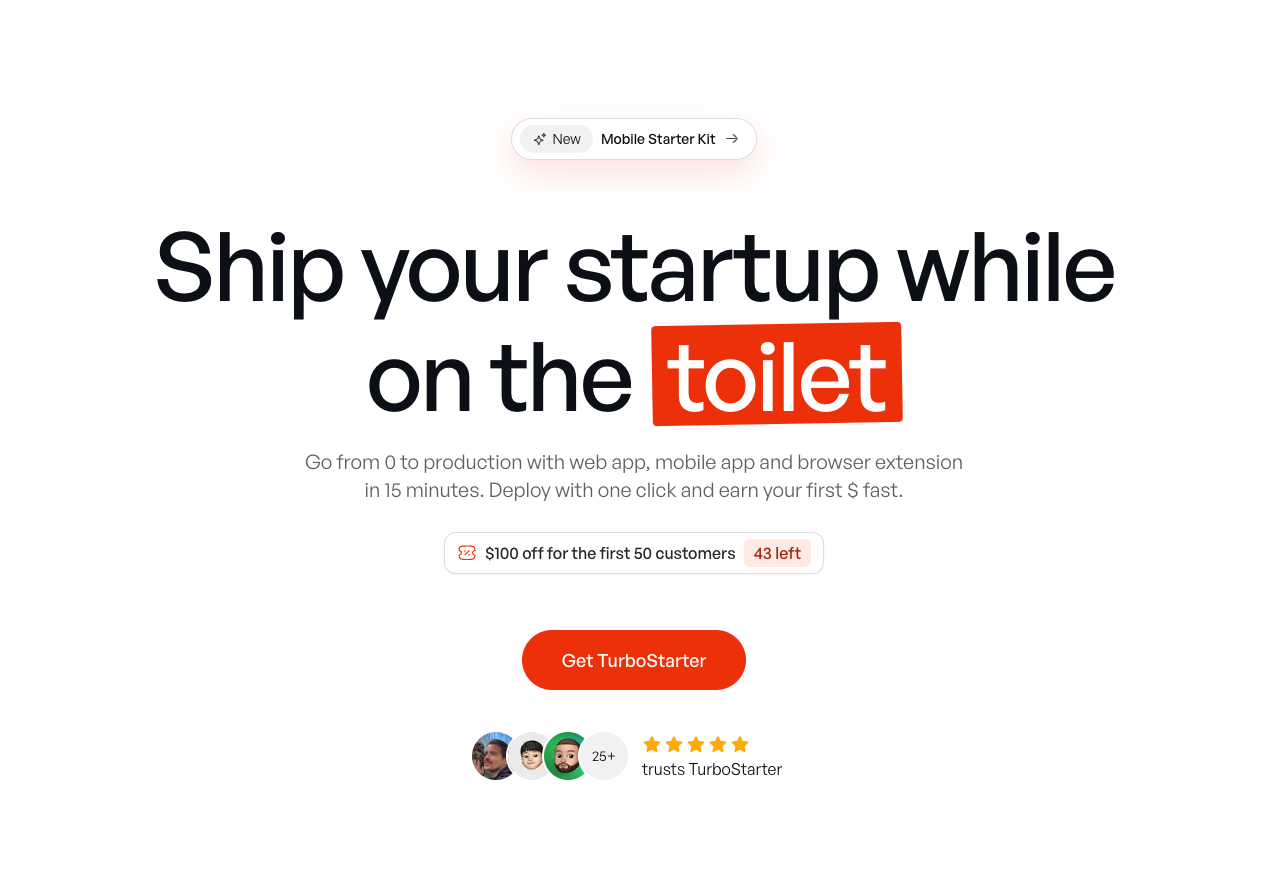
Ship your startup everywhere. In minutes.
Convert HTML to Markdown with ease, directly in your browser 📄
Personalized AI apps that automate research, data extraction, and content creation without code 🤖
Enjoy a magical live video chat or receive a unique AI-generated video greeting from Santa Claus 🎅
Scalable blog for food journalist, focused on performance and user experience 🌭
Personal blog and portfolio of Bart Zagrodzki, where he shares his knowledge and work 💼
Ship your startup everywhere. In minutes.
Convert HTML to Markdown with ease, directly in your browser 📄
Chat with 50+ AI models, including ChatGPT and Claude, in one place - switch models anytime without losing context 🤖
Supercharge your Claude Code with 6x effective context window and specialized AI agents 🤖
AI-powered emoji picker with smart, context-aware suggestions 🤖
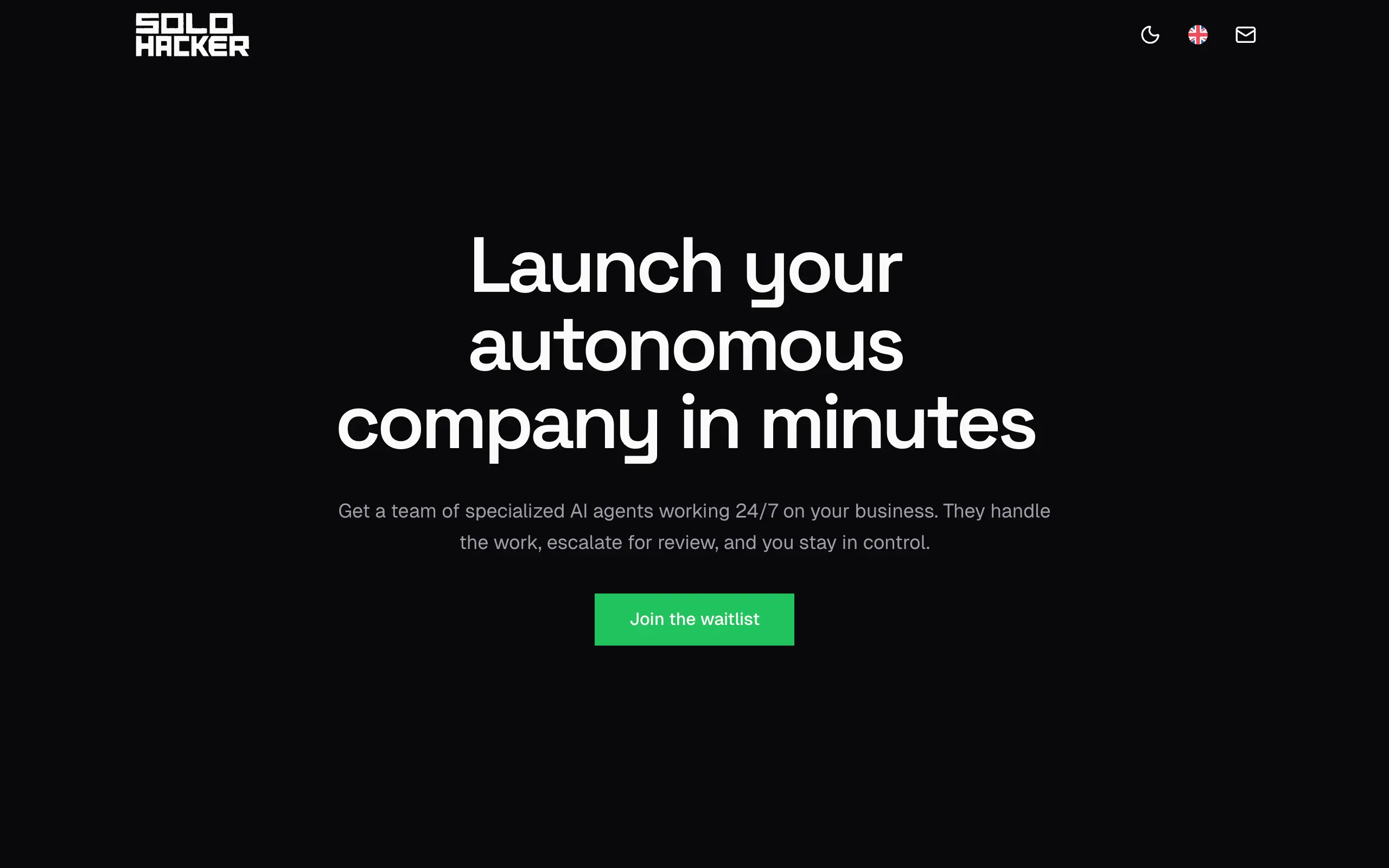
Autonomous company launcher - AI agents work 24/7, escalate what matters, and you stay in control 🤖
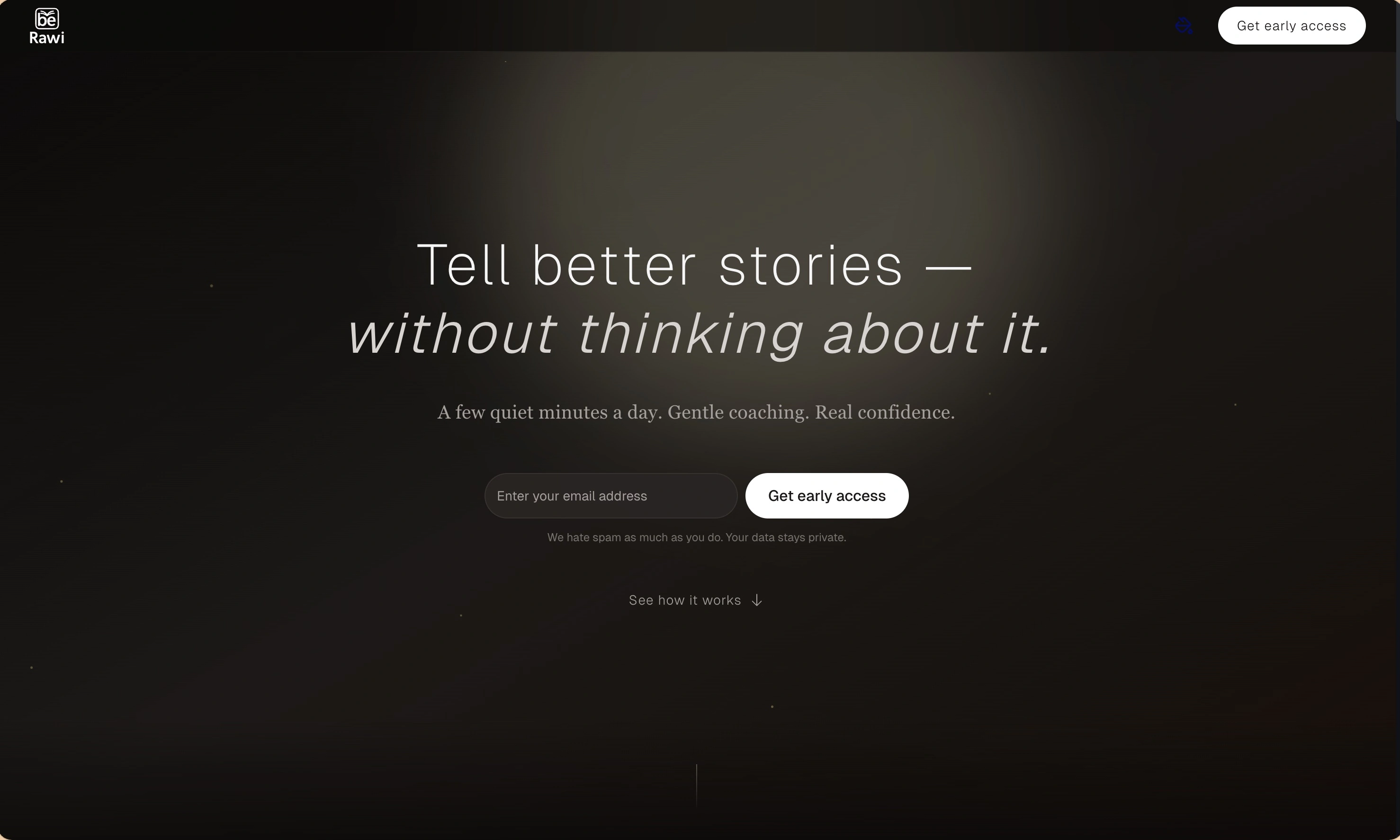
Practice storytelling daily with instant feedback to sound clearer, more engaging, and confident 🎤
Chat with 50+ AI models, including ChatGPT and Claude, in one place - switch models anytime without losing context 🤖
Supercharge your Claude Code with 6x effective context window and specialized AI agents 🤖
AI-powered emoji picker with smart, context-aware suggestions 🤖
Autonomous company launcher - AI agents work 24/7, escalate what matters, and you stay in control 🤖
Practice storytelling daily with instant feedback to sound clearer, more engaging, and confident 🎤

Connect with like-minded people
Join our community to get feedback, support, and grow together with 1,000+ builders on board, let's ship it!
Join usShip your startup everywhere. In minutes.
Don't burn tokens on setup and start building features on day one.