Cellar Ledger
Inventory and tasting-notes tool for small wine shop owners who track bottles across back rooms and shelves. Staff can see stock counts and reorder points without calling the owner.
Cellar Ledger is wine shop inventory software for independent retailers: it tracks bottles by location (shelf, back room, cold storage), stores tasting notes next to each SKU, and shows staff stock counts and reorder points without a call to the owner. In 2026 the opportunity is that small shops have outgrown spreadsheets but are badly served by retail point-of-sale suites built for grocery and apparel. A focused wine shop inventory software product with the right defaults can win a niche that bigger vendors treat as an afterthought.
Key takeaways
- Target customer: owner-operated wine shops with one to three locations and roughly two to ten staff, who keep stock in a back room and on the floor.
- Pricing angle: flat monthly subscription per shop, with a higher tier for multiple locations. For example, $39/month per location is a reasonable starting assumption to test.
- Biggest risk: shops already live inside a POS system, so any tool that does not sync sales data feels like double entry and gets abandoned.
- Time to MVP: about four to six weeks for a solo founder using a starter kit, assuming you skip POS integrations at first.
What problem does wine shop inventory software solve?
The problem is simple: the owner is the only one who knows what is actually in the building. A staff member gets asked "do you have another case of this Barolo?", cannot answer, and texts the owner. That interruption costs sales and trust.
Who feels it most
The ideal customer is an independent wine shop owner with a small team, a floor of a few hundred to a few thousand SKUs, and a back room that has grown organically. They buy from several distributors, often by phone or email, and they care about what they recommend to customers.
The current workaround and why it fails
Most of these shops use a mix of three things:
- A spreadsheet: it works until two people edit it, and nobody updates it when a case moves from back room to shelf.
- The POS system: it knows what sold, but typically not where the remaining bottles physically sit.
- The owner's memory: this is the real system, and it breaks when the owner is off, sick, or on a buying trip.
Tasting notes make it worse. They live in notebooks, distributor PDFs, or staff heads, so the shop floor recommends inconsistently.
Is there room for a new wine inventory tool in 2026?
Yes, but the room is narrow and specific. General retail suites cover checkout, loyalty and ecommerce, yet they handle multi-location bottle placement and per-bottle tasting knowledge as an add-on at best. Wine-specific tools exist, and some serve large cellars, restaurants and collectors, but small shops often find them either too heavy or aimed at a different buyer.
Why now
- Staff turnover and part-time help: shops depend on people who need answers fast, without the owner's context.
- Phone-first work: staff already carry phones, so a mobile-friendly stock lookup is a natural fit.
- Cheaper AI drafting: turning a distributor sheet or rough staff notes into clean tasting notes is now a small feature, not a research project.
- Tool fatigue with bloated suites: owners increasingly want one sharp tool that does one job well beside their existing POS.
The honest caveat: this is a small, specific market. You are building a sustainable niche business, not a venture-scale platform, and that is fine if you price and scope accordingly.
What features should the first version include?
Build the smallest thing that lets a staff member answer "do we have it and where?" in under ten seconds. The aha moment is the first time an employee checks stock on a phone and the owner is not interrupted.
Location-aware stock counts
Track bottles and cases by shelf, back room or cold storage so staff know exactly where to look.
Reorder points and alerts
Set a minimum per SKU and get a simple low-stock list the owner can turn into a distributor order.
Tasting notes per bottle
Store the owner's notes, food pairings and talking points next to each SKU for consistent floor recommendations.
Staff access with roles
Let staff view and adjust counts while only the owner edits costs, suppliers and reorder rules.
What to cut from the MVP
- POS integrations: start with CSV import and a quick manual adjust. Add one integration only after paying customers ask for the same one.
- Ecommerce sync: it multiplies edge cases and is not needed for the aha moment.
- Purchase order automation: a low-stock list is enough at first.
- Barcode scanning hardware: phone camera scanning can come later, once the data model is stable.
How is Cellar Ledger different from spreadsheets and POS systems?
The unique selling proposition is location-level stock plus tasting knowledge, built for staff to use without the owner. It does not try to replace checkout. It sits beside the POS as the place where the shop's physical and tasting knowledge lives.
| Option | Bottle location tracking | Tasting notes per SKU | Staff-friendly on a phone | Setup effort |
|---|---|---|---|---|
| Cellar Ledger | ✅ | ✅ | ✅ | Low |
| Spreadsheet | Manual | Manual | ❌ | Low, then messy |
| General retail POS | Limited | ❌ | Depends | Medium |
| Cellar apps for collectors | ✅ | ✅ | ✅ | Built for personal use |
| DIY database tool | Depends | Depends | Depends | High |
Treat the table as directional: individual products vary, so check the current feature set of any competitor you plan to position against.
How would Cellar Ledger make money?
The cleanest model is a flat monthly subscription per location. Small shop owners dislike per-user pricing because it punishes them for giving staff access, which is exactly the behavior you want.
Pricing options
- Flat per-location plan: for example $39/month. If you reach 100 paying shops, that is $3,900 in monthly recurring revenue, an assumption to test, not a forecast.
- Tiered by SKU count or locations: a lower starter tier for small floors and a higher tier for multi-location owners. It adds a natural upgrade path.
- Setup service add-on: a one-time paid import where you clean a shop's spreadsheet and load it. It lowers churn and funds early growth, though it does not scale well.
First growth channel
Direct outreach to local shops is the most likely first channel. Visit or email ten shops a week, offer to import their spreadsheet for free, and ask for a trial. After that, wine retail associations, distributor-hosted events and the owners' own peer networks are the next places to look.
How do you validate this idea before building?
Spend one to two weeks proving that owners will say yes with money or time, not just compliments.
Interview eight to ten shop owners
Ask them to walk you through the last time a customer asked for a bottle and nobody knew where it was. Listen for the workaround and how often it happens.
Collect real spreadsheets
Ask two or three owners to share their current inventory sheet. If they hesitate, the pain may be lower than it sounds.
Publish a one-page site
State a single promise: staff can see stock and reorder points without calling the owner. Add a waitlist form and send the page to every interviewee.
Ask for a paid pilot
Offer a discounted founding price in exchange for a spreadsheet import and weekly feedback. Even three committed shops is a stronger signal than a hundred waitlist emails.
What tech stack should you use to build it?
Use a standard web stack with a mobile-friendly interface first. A responsive web app covers the "staff on a phone" use case without app store overhead. Add a native app only if scanning or offline use becomes a repeated request.
The undifferentiated work is large: accounts, roles, billing, emails, file uploads and an admin view. TurboStarter provides a ready-made monorepo for web and mobile with these pieces already wired up, so your time goes into stock logic and tasting notes. Relevant pieces here:
- Accounts and staff roles: authentication and organizations map directly to a shop with an owner and staff.
- Subscriptions: billing handles the monthly plan and upgrades.
- Data: the database layer is where your inventory model lives.
Core data model
Keep it small. One shop has many locations, and stock is a row per product per location.
create table product (
  id uuid primary key,
  shop_id uuid not null,
  name text not null,
  vintage int,
  producer text,
  tasting_notes text,
  reorder_point int default 0
);

create table stock (
  product_id uuid references product(id),
  location_id uuid not null,
  quantity int not null default 0,
  primary key (product_id, location_id)
);
Choosing how to add tasting-note drafting
Use an AI model to turn rough staff comments or a distributor description into a clean draft the owner edits. It saves time and feels modern, but it adds cost per request and needs a clear "review before saving" step so wrong claims never reach customers.
Ship a plain text field first. It is cheaper, has no accuracy risk, and is enough to prove the value of having notes beside stock. Add drafting later once you know owners actually fill the field.
Why could Cellar Ledger fail?
Biggest risk: double entry with the POS
If sales are recorded in the POS and Cellar Ledger counts do not update automatically, staff must enter every sale twice. They will not, the counts drift, and trust collapses within weeks. Mitigate this by scoping the product around receiving, moving and counting stock rather than sales, by offering periodic CSV sync from the POS early, and by adding one native integration as soon as several paying shops use the same system.
- Small market ceiling: the number of independent shops is limited. Keep costs low, aim for profitable at a modest customer count, and consider adjacent buyers such as bottle shops with bars or restaurants.
- Slow sales cycle with busy owners: owners work on the floor and rarely read email. Sell in person, offer free imports, and keep onboarding under an hour.
- Incumbent response: a larger vendor can add location tracking. Your defense is niche depth: tasting notes, wine-specific fields and a tool tuned to how small shops actually work.
What should your first 30 days look like?
Days 1 to 7: talk to owners
Run the interviews, collect spreadsheets and decide on the three fields every shop needs on day one.
Days 8 to 14: launch the page and set up the base
Publish the waitlist page and start the app from a starter kit so auth, roles and billing exist from the first commit.
Days 15 to 24: build the aha moment
Ship CSV import, location stock, search and reorder alerts. Test with two pilot shops using their real data.
Days 25 to 30: charge the first customers
Turn pilots into paid plans, record where staff got stuck and write the next month's roadmap from what they actually used.
Pick one shop, import their sheet and watch a staff member use it. That single session tells you more than another week of planning, and TurboStarter gets the foundation running so you can be in front of that shop sooner.
FAQ
Interview eight to ten owners, ask for their current spreadsheet, and offer a paid pilot. Commitment of time or money from a few shops is the signal that matters, more than waitlist signups.
Start with a flat per-location price, for example $39/month, and test it against what owners currently spend on tools. Avoid per-user pricing so staff access is never discouraged.
General retail POS systems, collector-oriented cellar apps and plain spreadsheets. Your edge is focusing on small shop staff workflows rather than checkout or personal collections.
A responsive web app with a relational database fits well, since stock is naturally tabular. A starter kit like TurboStarter covers authentication, billing, emails and organizations so you can focus on inventory logic.
Roughly four to six weeks for a solo founder, assuming no POS integrations and a simple CSV import. Costs are mostly your time plus modest hosting, with AI usage costs only if you add note drafting.
More 🏢 B2B Application SaaS ideas
Discover more innovative b2b application SaaS ideas that are trending in 2026. Each idea is AI-generated with market validation and growth potential to help you find your next profitable venture faster than competitors.
Your competitors are building with TurboStarter
Below are some of the SaaS ideas that have been generated and built with our starter kit.

Monitor any Telegram channel in real time - track posts, edits, deletions, and growth with AI recaps 📡

AI website builder - describe your business, pick a niche template, edit by chatting, and publish instantly ✨
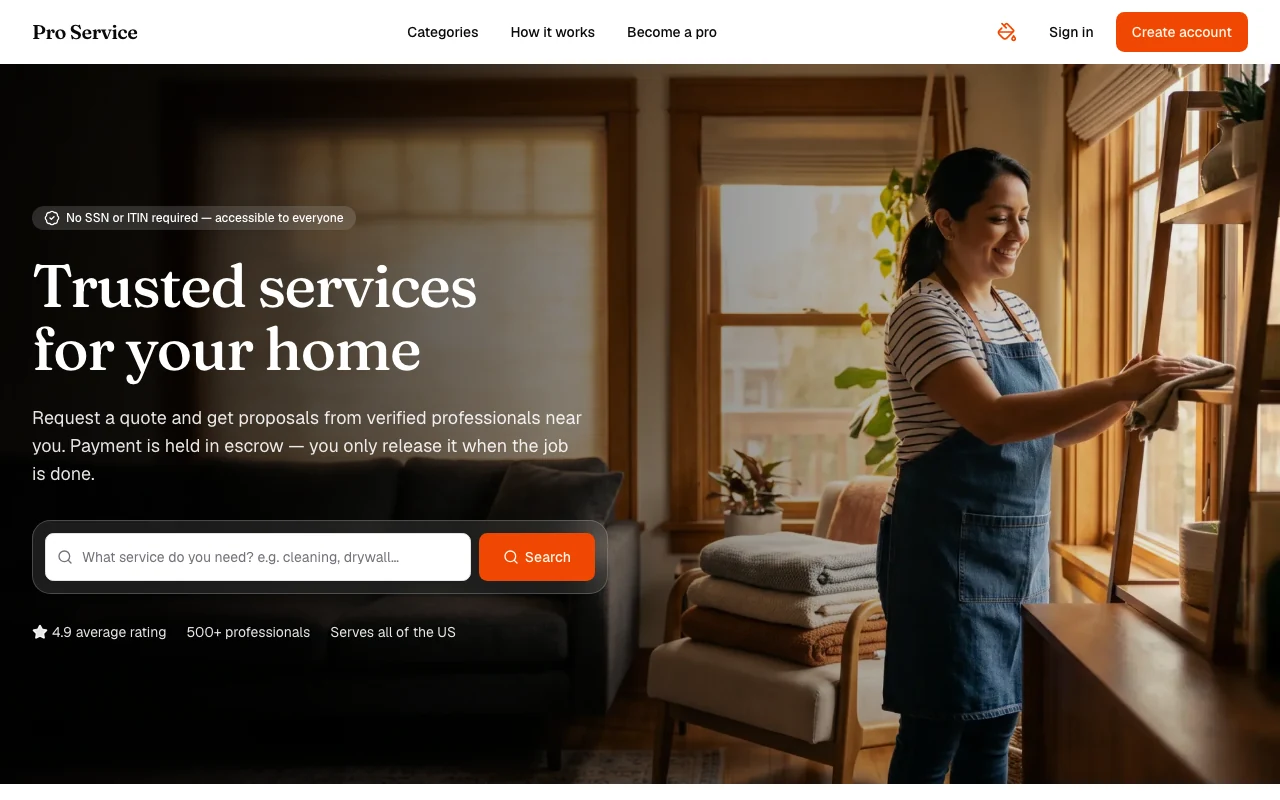
Find verified home service professionals, compare quotes, and pay securely through escrow - built for Brazilians across the US 🏠
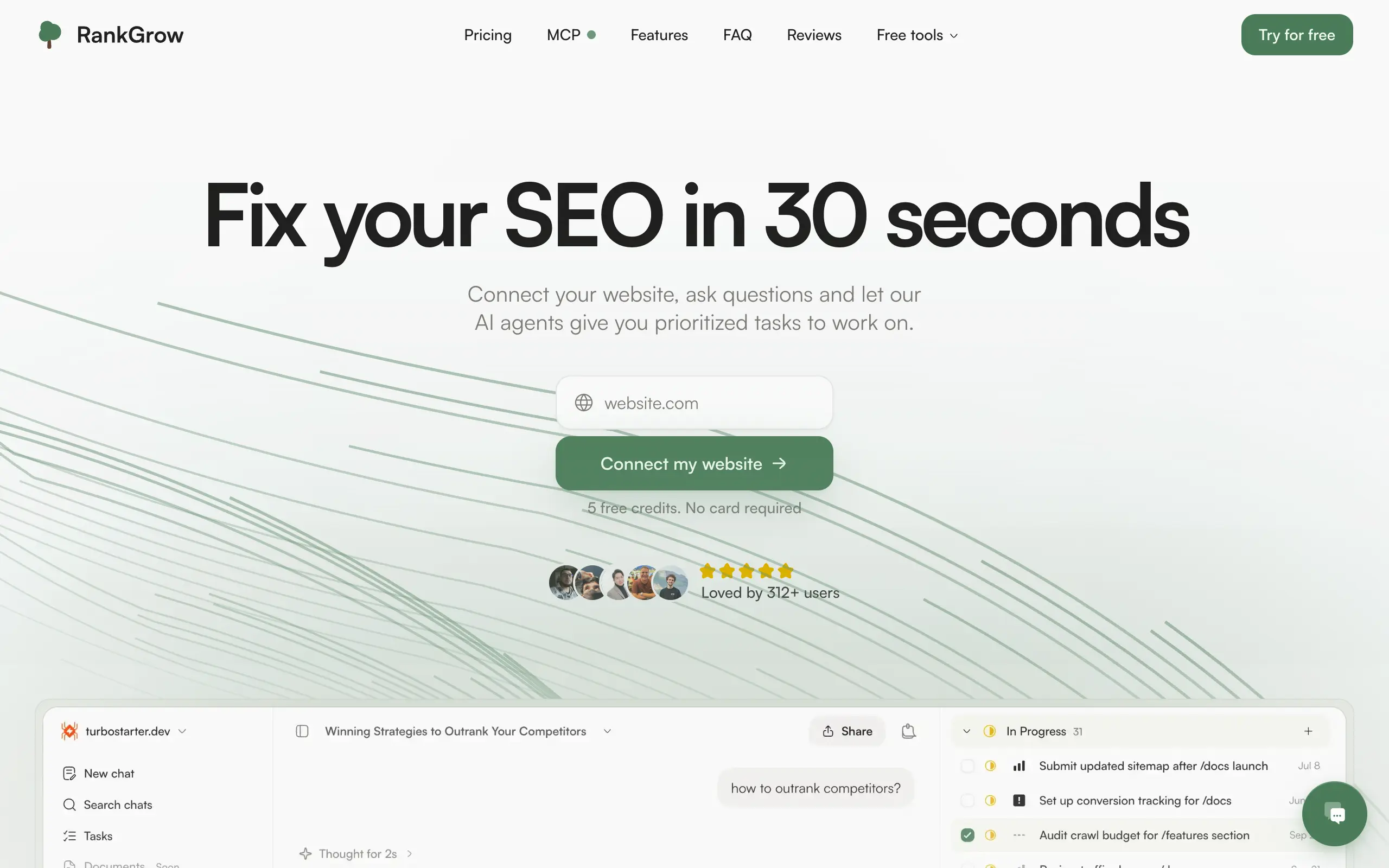
Fix your SEO with AI agents - connect Search Console, get prioritized tasks, and grow organic traffic 📈

Sync your favorite content for distraction-free reading, save time and replace multiple apps. Anytime, anywhere 🔄

Get clean, structured data from 21 platforms like TikTok, Instagram, and YouTube with a single request 📊
Monitor any Telegram channel in real time - track posts, edits, deletions, and growth with AI recaps 📡
AI website builder - describe your business, pick a niche template, edit by chatting, and publish instantly ✨
Find verified home service professionals, compare quotes, and pay securely through escrow - built for Brazilians across the US 🏠
Fix your SEO with AI agents - connect Search Console, get prioritized tasks, and grow organic traffic 📈
Sync your favorite content for distraction-free reading, save time and replace multiple apps. Anytime, anywhere 🔄
Get clean, structured data from 21 platforms like TikTok, Instagram, and YouTube with a single request 📊
Monitor any Telegram channel in real time - track posts, edits, deletions, and growth with AI recaps 📡
AI website builder - describe your business, pick a niche template, edit by chatting, and publish instantly ✨
Find verified home service professionals, compare quotes, and pay securely through escrow - built for Brazilians across the US 🏠
Fix your SEO with AI agents - connect Search Console, get prioritized tasks, and grow organic traffic 📈
Sync your favorite content for distraction-free reading, save time and replace multiple apps. Anytime, anywhere 🔄
Get clean, structured data from 21 platforms like TikTok, Instagram, and YouTube with a single request 📊
Monitor any Telegram channel in real time - track posts, edits, deletions, and growth with AI recaps 📡
AI website builder - describe your business, pick a niche template, edit by chatting, and publish instantly ✨
Find verified home service professionals, compare quotes, and pay securely through escrow - built for Brazilians across the US 🏠
Fix your SEO with AI agents - connect Search Console, get prioritized tasks, and grow organic traffic 📈
Sync your favorite content for distraction-free reading, save time and replace multiple apps. Anytime, anywhere 🔄
Get clean, structured data from 21 platforms like TikTok, Instagram, and YouTube with a single request 📊

Personalized AI apps that automate research, data extraction, and content creation without code 🤖

Enjoy a magical live video chat or receive a unique AI-generated video greeting from Santa Claus 🎅

Scalable blog for food journalist, focused on performance and user experience 🌭

Personal blog and portfolio of Bart Zagrodzki, where he shares his knowledge and work 💼

Ship your startup everywhere. In minutes.

Convert HTML to Markdown with ease, directly in your browser 📄
Personalized AI apps that automate research, data extraction, and content creation without code 🤖
Enjoy a magical live video chat or receive a unique AI-generated video greeting from Santa Claus 🎅
Scalable blog for food journalist, focused on performance and user experience 🌭
Personal blog and portfolio of Bart Zagrodzki, where he shares his knowledge and work 💼
Ship your startup everywhere. In minutes.
Convert HTML to Markdown with ease, directly in your browser 📄
Personalized AI apps that automate research, data extraction, and content creation without code 🤖
Enjoy a magical live video chat or receive a unique AI-generated video greeting from Santa Claus 🎅
Scalable blog for food journalist, focused on performance and user experience 🌭
Personal blog and portfolio of Bart Zagrodzki, where he shares his knowledge and work 💼
Ship your startup everywhere. In minutes.
Convert HTML to Markdown with ease, directly in your browser 📄
Personalized AI apps that automate research, data extraction, and content creation without code 🤖
Enjoy a magical live video chat or receive a unique AI-generated video greeting from Santa Claus 🎅
Scalable blog for food journalist, focused on performance and user experience 🌭
Personal blog and portfolio of Bart Zagrodzki, where he shares his knowledge and work 💼
Ship your startup everywhere. In minutes.
Convert HTML to Markdown with ease, directly in your browser 📄

Chat with 50+ AI models, including ChatGPT and Claude, in one place - switch models anytime without losing context 🤖

Supercharge your Claude Code with 6x effective context window and specialized AI agents 🤖

AI-powered emoji picker with smart, context-aware suggestions 🤖

Autonomous company launcher - AI agents work 24/7, escalate what matters, and you stay in control 🤖

Practice storytelling daily with instant feedback to sound clearer, more engaging, and confident 🎤
Chat with 50+ AI models, including ChatGPT and Claude, in one place - switch models anytime without losing context 🤖
Supercharge your Claude Code with 6x effective context window and specialized AI agents 🤖
AI-powered emoji picker with smart, context-aware suggestions 🤖
Autonomous company launcher - AI agents work 24/7, escalate what matters, and you stay in control 🤖
Practice storytelling daily with instant feedback to sound clearer, more engaging, and confident 🎤
Chat with 50+ AI models, including ChatGPT and Claude, in one place - switch models anytime without losing context 🤖
Supercharge your Claude Code with 6x effective context window and specialized AI agents 🤖
AI-powered emoji picker with smart, context-aware suggestions 🤖
Autonomous company launcher - AI agents work 24/7, escalate what matters, and you stay in control 🤖
Practice storytelling daily with instant feedback to sound clearer, more engaging, and confident 🎤
Chat with 50+ AI models, including ChatGPT and Claude, in one place - switch models anytime without losing context 🤖
Supercharge your Claude Code with 6x effective context window and specialized AI agents 🤖
AI-powered emoji picker with smart, context-aware suggestions 🤖
Autonomous company launcher - AI agents work 24/7, escalate what matters, and you stay in control 🤖
Practice storytelling daily with instant feedback to sound clearer, more engaging, and confident 🎤

Connect with like-minded people
Join our community to get feedback, support, and grow together with 1,000+ builders on board, let's ship it!
Join usShip your startup everywhere. In minutes.
Don't burn tokens on setup and start building features on day one.