CLI Pulse
Analytics and automation tool that tracks CLI workflows, identifies inefficiencies, and suggests optimizations for engineering and DevOps teams.
what is a CLI analytics and automation platform?
Modern engineering teams live in the terminal. Whether it's running build scripts, deploying infrastructure, debugging services, or managing cloud environments, the command line interface (CLI) is still one of the most powerful—and most under-optimized—tools in the developer workflow.
A CLI analytics and automation platform like CLI Pulse is designed to bring visibility, intelligence, and optimization to terminal usage across teams. Instead of treating CLI activity as ephemeral and invisible, it captures structured insights about how developers actually work in the terminal, then turns those insights into actionable recommendations and automation.
This category sits at the intersection of:
- Developer productivity tooling
- DevOps observability
- Workflow automation
- Engineering intelligence platforms
And it addresses a surprisingly large blind spot in modern engineering organizations.
why CLI workflow optimization matters more than ever
Engineering teams today are under pressure to ship faster, reduce costs, and maintain reliability—all while managing increasingly complex systems.
Yet, despite sophisticated observability stacks and project management tools, CLI workflows remain largely unmeasured.
the hidden cost of inefficient CLI usage
Consider the following realities:
- Developers repeatedly type long, error-prone commands
- Teams lack standardization across environments and scripts
- Debugging often involves trial-and-error commands with no visibility
- Knowledge of “how things actually work” is tribal, not documented
These inefficiencies compound over time.
Key insight
Even a 5–10% inefficiency in daily CLI usage can translate into hundreds of lost engineering hours per team annually.
rise of platform engineering and developer experience (DevEx)
The emergence of platform engineering and DevEx teams has created demand for tools that:
- Improve developer workflows
- Reduce cognitive load
- Standardize operations
- Provide measurable productivity insights
CLI Pulse fits directly into this trend by making terminal usage observable and optimizable.
target audience and ideal users
CLI Pulse is a B2B SaaS product with a clear focus on technical teams. However, multiple personas benefit from it in different ways.
primary audience
- DevOps engineers
- Platform engineers
- SRE teams (Site Reliability Engineering)
- Backend developers working with infrastructure-heavy systems
These users spend significant time in the CLI and directly experience inefficiencies.
secondary audience
- Engineering managers looking for productivity insights
- CTOs and VPs of Engineering focused on optimization and cost control
- Developer experience teams tasked with improving workflows
user pain points
Across these personas, common frustrations include:
- Repeating the same commands manually
- Lack of visibility into team workflows
- Inefficient onboarding for new engineers
- Debugging inconsistencies across environments
- No data-driven way to improve developer productivity
market opportunity and gap analysis
existing solutions fall short
There are adjacent tools, but none fully solve this problem:
- Terminal emulators (e.g., iTerm2) → enhance UI but not analytics
- Shell history tools → store commands but don’t analyze them
- Observability platforms → track systems, not developer workflows
- Automation tools (e.g., scripts, Makefiles) → require manual setup
the gap: developer workflow intelligence
What’s missing is a platform that:
- Captures CLI behavior at scale
- Analyzes patterns across teams
- Identifies inefficiencies automatically
- Suggests optimizations and automations
This creates a new category: CLI workflow intelligence platforms.
market trends supporting adoption
- Growth of DevOps and platform engineering teams
- Increased focus on developer productivity metrics
- Rise of AI-assisted development workflows
- Remote teams needing standardized processes
According to widely cited industry reports like the Accelerate State of DevOps Report (Google Cloud), high-performing teams prioritize workflow optimization and developer experience as key drivers of performance.
core features of CLI Pulse
To succeed, CLI Pulse needs to deliver both insight and action.
1. CLI activity tracking
At its core, CLI Pulse captures structured data from terminal sessions:
- Commands executed
- Frequency and repetition
- Execution time
- Error rates
- Context (project, environment, repo)
This can be implemented via:
- Shell plugins (Zsh, Bash, Fish)
- Lightweight local agents
2. workflow analytics dashboard
A centralized dashboard provides visibility into:
- Most frequently used commands
- Time spent on repetitive tasks
- Error-prone workflows
- Team-level patterns
This transforms raw CLI usage into actionable insights.
3. inefficiency detection
Using pattern recognition and heuristics, the platform identifies:
- Repeated command sequences
- Long command chains that could be scripted
- High-error commands
- Redundant steps in workflows
4. intelligent suggestions
CLI Pulse should recommend:
- Aliases or shortcuts
- Script automation opportunities
- Standardized commands for teams
- Safer alternatives for risky operations
5. automation generation
This is where the product becomes truly valuable:
- Auto-generate shell scripts
- Create reusable CLI workflows
- Suggest Makefile or task runner entries
- Integrate with CI/CD pipelines
6. team knowledge sharing
- Shared command libraries
- Workflow templates
- Best practice recommendations
- Onboarding guides based on real usage
7. privacy-first design
Given the sensitivity of CLI data:
- Local processing options
- Command redaction
- Opt-in tracking
- Secure storage and encryption
Privacy is critical
Capturing CLI data can expose secrets or sensitive commands. Strong redaction and security policies are non-negotiable for adoption.
product architecture and tech stack
Building CLI Pulse requires a thoughtful balance between performance, privacy, and scalability.
frontend
- React for UI
- TailwindCSS for styling
- Data visualization libraries (e.g., charts)
backend
- Node.js or Go (Go is ideal for performance-heavy processing)
- REST or GraphQL API
- Event-driven architecture for ingestion
data pipeline
- CLI events streamed from agents
- Message queue (e.g., Kafka or lightweight alternative)
- Processing layer for pattern detection
storage
- Time-series database for command logs
- Relational DB for metadata
- Optional local storage for privacy-first users
CLI agent
- Written in Go or Rust for performance
- Cross-platform compatibility
- Minimal overhead
AI/ML layer
- Pattern recognition models
- Recommendation engine
- Future: LLM-powered suggestions
// Example: simple CLI tracking hook (conceptual)
function trackCommand(command: string) {
  fetch("/api/cli-event", {
    method: "POST",
    body: JSON.stringify({
      command,
      timestamp: Date.now(),
    }),
  });
}
competitive landscape
While no direct competitor dominates this niche, several tools overlap partially.
| Feature | CLI Pulse | Shell History Tools | Observability Platforms | Automation Tools |
|---|---|---|---|---|
| CLI analytics | ✅ | ❌ | ❌ | ❌ |
| Workflow insights | ✅ | ❌ | ❌ | ❌ |
| Automation suggestions | ✅ | ❌ | ❌ | ✅ |
| Team-level visibility | ✅ | ❌ | ✅ | ❌ |
competitive advantage
CLI Pulse stands out by combining:
- Observability (what’s happening)
- Intelligence (why it matters)
- Automation (how to fix it)
This full loop creates a defensible product.
monetization strategy
A SaaS like CLI Pulse can adopt multiple revenue models.
subscription tiers
- Free tier: limited tracking for individuals
- Pro: advanced analytics and suggestions
- Team: collaboration and shared insights
- Enterprise: security, compliance, custom integrations
usage-based pricing
- Based on number of tracked commands
- Or number of active users
add-ons
- Advanced AI recommendations
- Workflow automation packs
- Enterprise integrations
expansion opportunities
- Marketplace for workflow templates
- Integration with CI/CD tools
- DevEx analytics suite
potential risks and mitigation strategies
1. privacy concerns
Risk: Users may hesitate to share CLI data.
Mitigation:
- Strong anonymization
- Local-first processing
- Transparent data policies
2. perceived complexity
Risk: Teams may not immediately see value.
Mitigation:
- Quick onboarding
- Immediate insights (first-day value)
- Clear ROI dashboards
3. competition from larger platforms
Risk: DevOps platforms could expand into this space.
Mitigation:
- Focus on niche excellence
- Build strong developer loyalty
- Move fast with innovation
4. data overload
Risk: Too many insights without clarity.
Mitigation:
- Prioritized recommendations
- Simple dashboards
- Action-oriented UX
unique selling proposition (USP)
CLI Pulse is not just another developer tool—it’s a behavioral intelligence layer for engineering workflows.
what makes it unique
- First-class focus on CLI behavior
- Converts raw usage into automation
- Bridges gap between individuals and teams
- Turns invisible work into measurable data
Visibility
Understand exactly how engineers use the CLI across projects and environments.
Optimization
Identify inefficiencies and eliminate repetitive workflows automatically.
Automation
Transform insights into scripts, shortcuts, and standardized processes.
step-by-step implementation plan
If you’re building CLI Pulse, here’s a realistic roadmap.
go-to-market strategy
early adopters
- Start with DevOps-heavy startups
- Target teams with complex infrastructure
- Focus on companies already investing in DevEx
acquisition channels
- Developer communities (GitHub, Reddit, Hacker News)
- Content marketing (SEO-driven articles like this one)
- Partnerships with DevOps tools
- Product Hunt launch
messaging
Focus on:
- “Stop wasting time in your terminal”
- “Turn CLI habits into automation”
- “Make developer workflows measurable”
future roadmap and expansion
CLI Pulse can evolve far beyond its initial scope.
AI-powered CLI assistant
- Real-time command suggestions
- Error correction
- Workflow prediction
team benchmarking
- Compare productivity across teams
- Industry benchmarks
integration ecosystem
- GitHub
- CI/CD tools
- Cloud providers
full developer productivity suite
Eventually, CLI Pulse could expand into:
- IDE analytics
- Code workflow tracking
- DevEx scoring
actionable next steps for founders
If you're serious about building CLI Pulse:
- Interview 15–20 DevOps engineers
- Identify top repetitive CLI workflows
- Build a minimal tracking prototype
- Validate insights with real users
- Iterate fast on recommendations
- Focus on delivering immediate value
build faster with the right foundation
Building a SaaS product like CLI Pulse requires speed, scalability, and a strong technical foundation.
That’s where tools like TurboStarter come in—helping you launch faster with pre-built architecture, so you can focus on your core differentiator: CLI intelligence.
final thoughts
The command line has remained largely unchanged for decades—but how teams use it has evolved dramatically.
CLI Pulse taps into a powerful insight: developer workflows are data, and data can be optimized.
By turning invisible CLI habits into measurable, actionable intelligence, this platform has the potential to redefine how engineering teams operate—making them faster, smarter, and more efficient.
The opportunity is real, the market is emerging, and the timing couldn’t be better.
More 🏢 B2B Application SaaS ideas
Discover more innovative b2b application SaaS ideas that are trending in 2026. Each idea is AI-generated with market validation and growth potential to help you find your next profitable venture faster than competitors.
Your competitors are building with TurboStarter
Below are some of the SaaS ideas that have been generated and built with our starter kit.
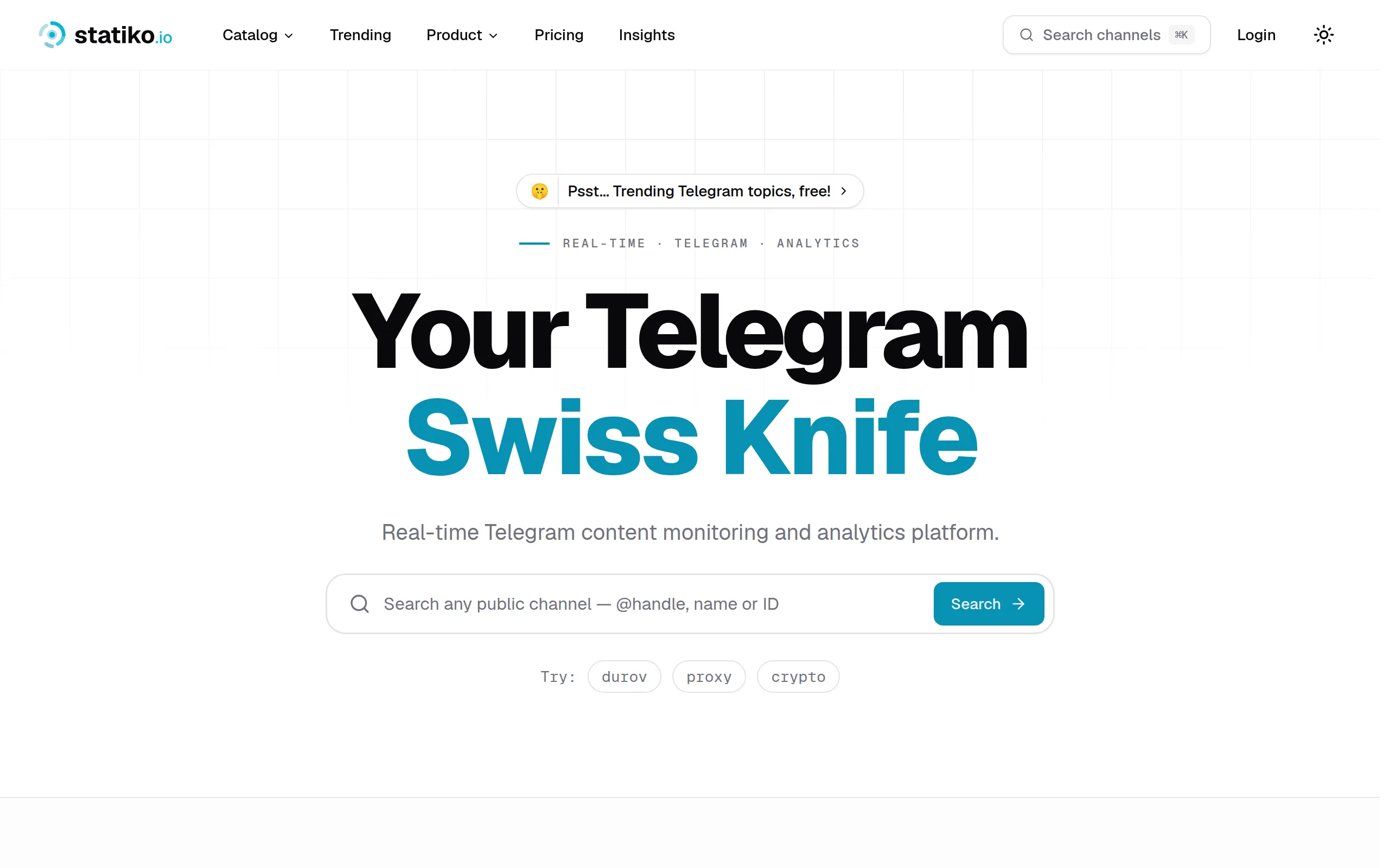
Statiko
Monitor any Telegram channel in real time - track posts, edits, deletions, and growth with AI recaps 📡

Shibui
AI website builder - describe your business, pick a niche template, edit by chatting, and publish instantly ✨

Pro Service
Find verified home service professionals, compare quotes, and pay securely through escrow - built for Brazilians across the US 🏠
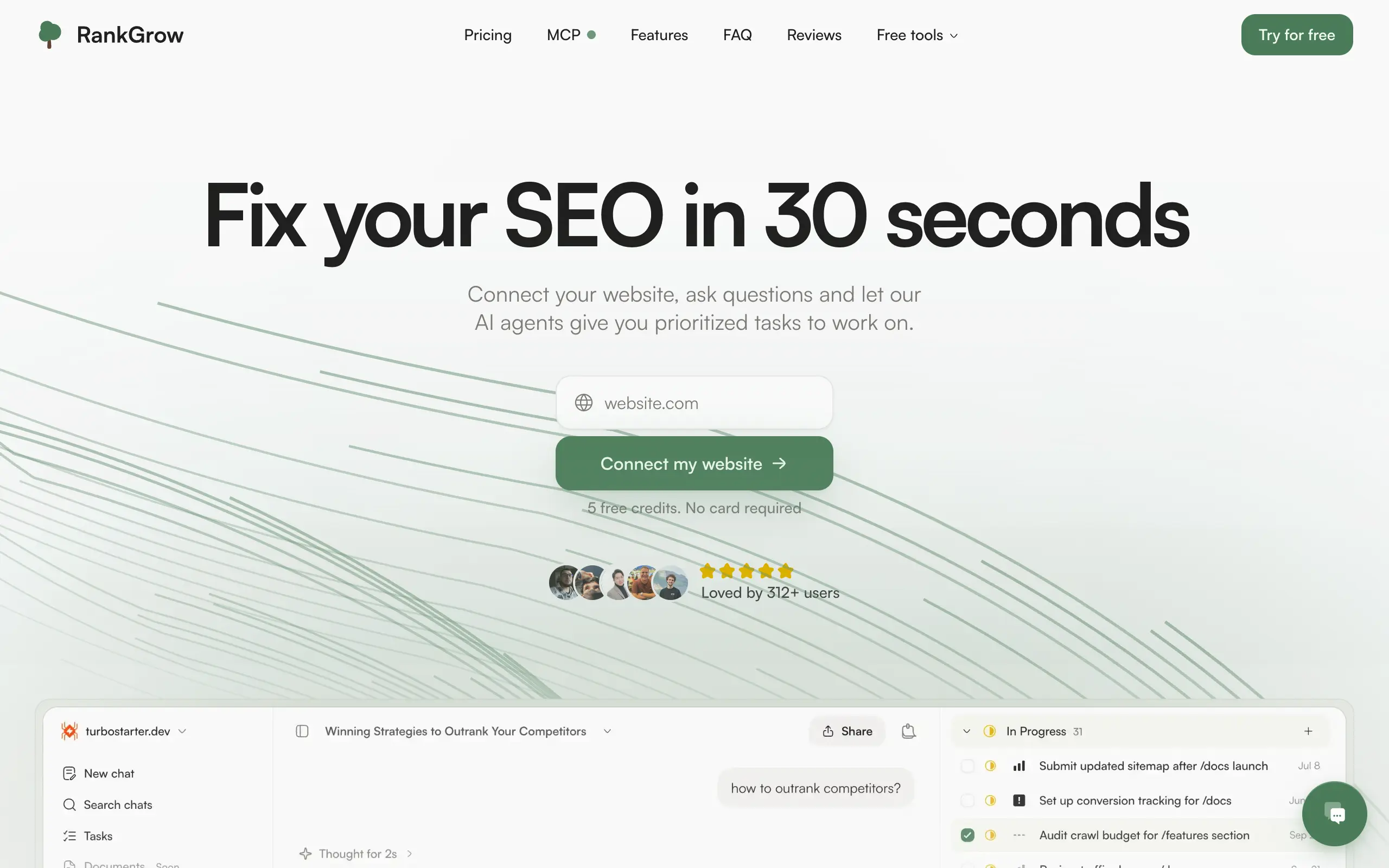
RankGrow
Fix your SEO with AI agents - connect Search Console, get prioritized tasks, and grow organic traffic 📈
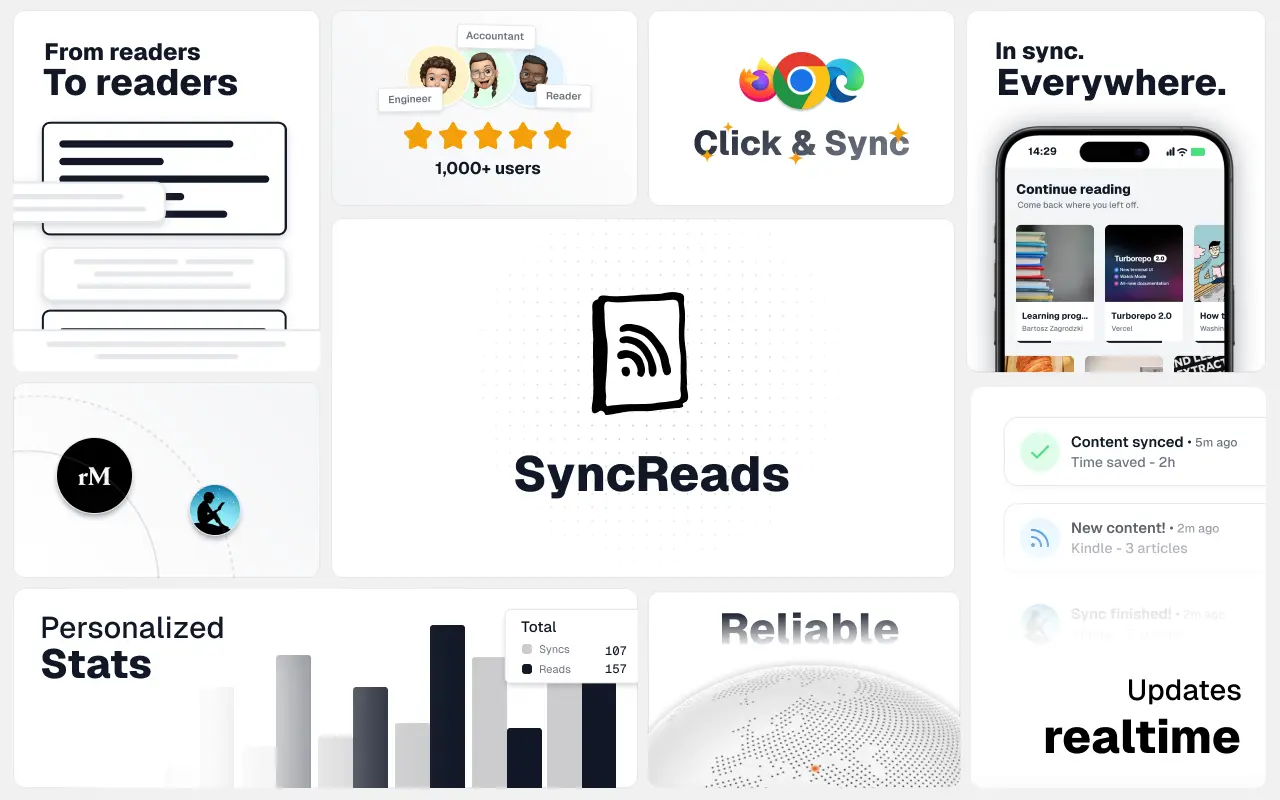
SyncReads
Sync your favorite content for distraction-free reading, save time and replace multiple apps. Anytime, anywhere 🔄
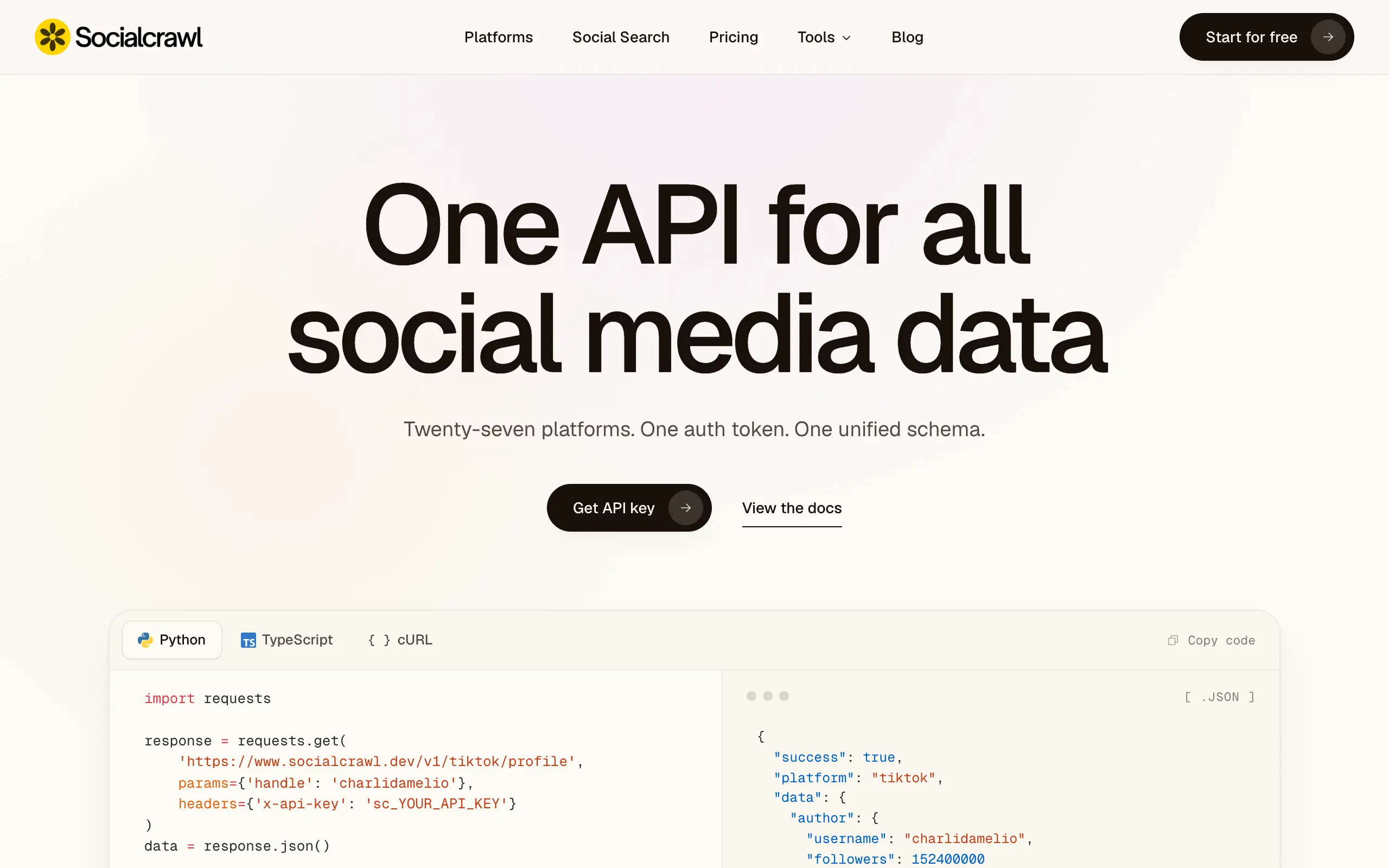
Socialcrawl
Get clean, structured data from 21 platforms like TikTok, Instagram, and YouTube with a single request 📊
Statiko
Monitor any Telegram channel in real time - track posts, edits, deletions, and growth with AI recaps 📡
Shibui
AI website builder - describe your business, pick a niche template, edit by chatting, and publish instantly ✨
Pro Service
Find verified home service professionals, compare quotes, and pay securely through escrow - built for Brazilians across the US 🏠
RankGrow
Fix your SEO with AI agents - connect Search Console, get prioritized tasks, and grow organic traffic 📈
SyncReads
Sync your favorite content for distraction-free reading, save time and replace multiple apps. Anytime, anywhere 🔄
Socialcrawl
Get clean, structured data from 21 platforms like TikTok, Instagram, and YouTube with a single request 📊
Statiko
Monitor any Telegram channel in real time - track posts, edits, deletions, and growth with AI recaps 📡
Shibui
AI website builder - describe your business, pick a niche template, edit by chatting, and publish instantly ✨
Pro Service
Find verified home service professionals, compare quotes, and pay securely through escrow - built for Brazilians across the US 🏠
RankGrow
Fix your SEO with AI agents - connect Search Console, get prioritized tasks, and grow organic traffic 📈
SyncReads
Sync your favorite content for distraction-free reading, save time and replace multiple apps. Anytime, anywhere 🔄
Socialcrawl
Get clean, structured data from 21 platforms like TikTok, Instagram, and YouTube with a single request 📊
Statiko
Monitor any Telegram channel in real time - track posts, edits, deletions, and growth with AI recaps 📡
Shibui
AI website builder - describe your business, pick a niche template, edit by chatting, and publish instantly ✨
Pro Service
Find verified home service professionals, compare quotes, and pay securely through escrow - built for Brazilians across the US 🏠
RankGrow
Fix your SEO with AI agents - connect Search Console, get prioritized tasks, and grow organic traffic 📈
SyncReads
Sync your favorite content for distraction-free reading, save time and replace multiple apps. Anytime, anywhere 🔄
Socialcrawl
Get clean, structured data from 21 platforms like TikTok, Instagram, and YouTube with a single request 📊
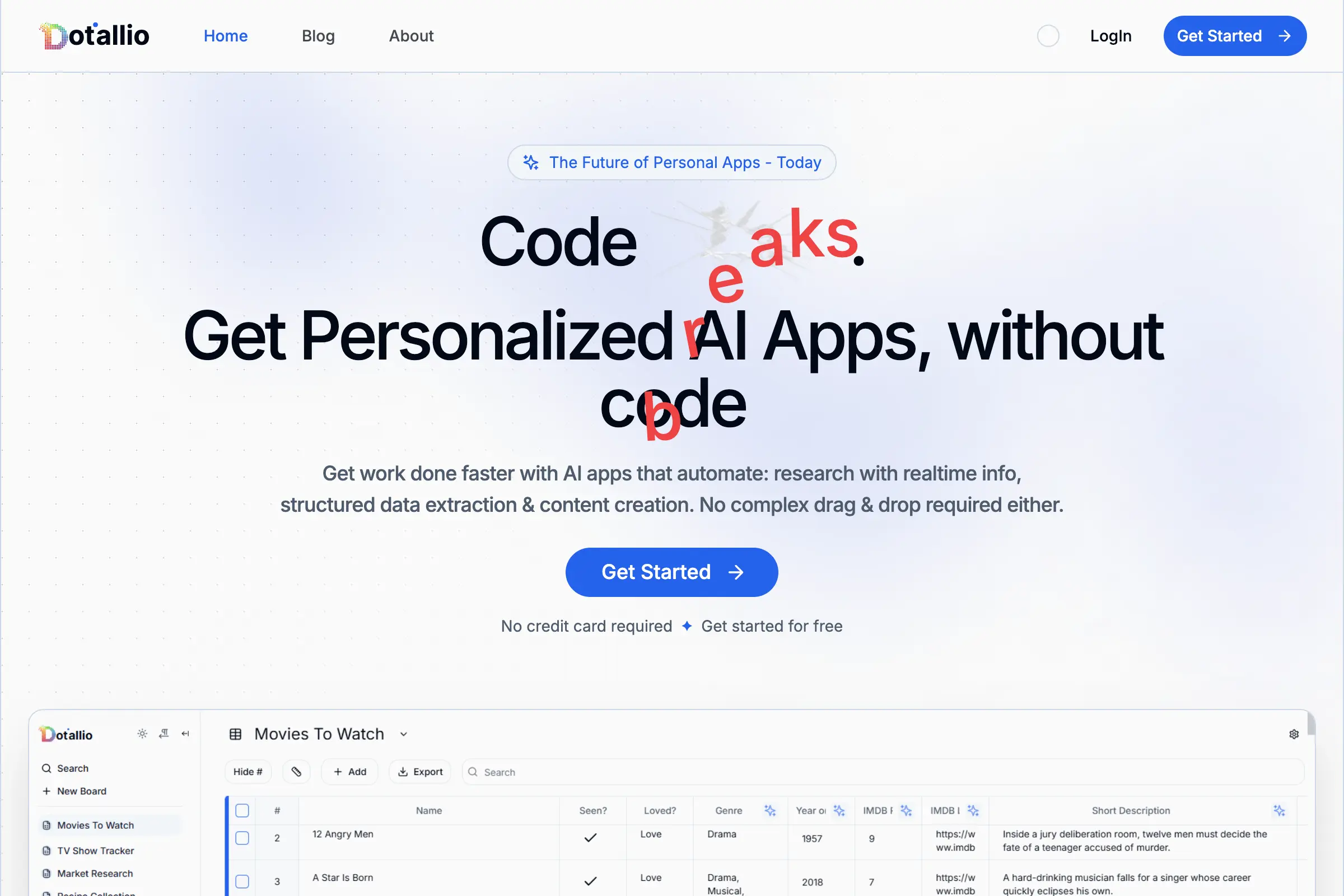
Dotallio
Personalized AI apps that automate research, data extraction, and content creation without code 🤖

Talk to Santa
Enjoy a magical live video chat or receive a unique AI-generated video greeting from Santa Claus 🎅

pozywka.pl
Scalable blog for food journalist, focused on performance and user experience 🌭
zagrodzki.me
Personal blog and portfolio of Bart Zagrodzki, where he shares his knowledge and work 💼
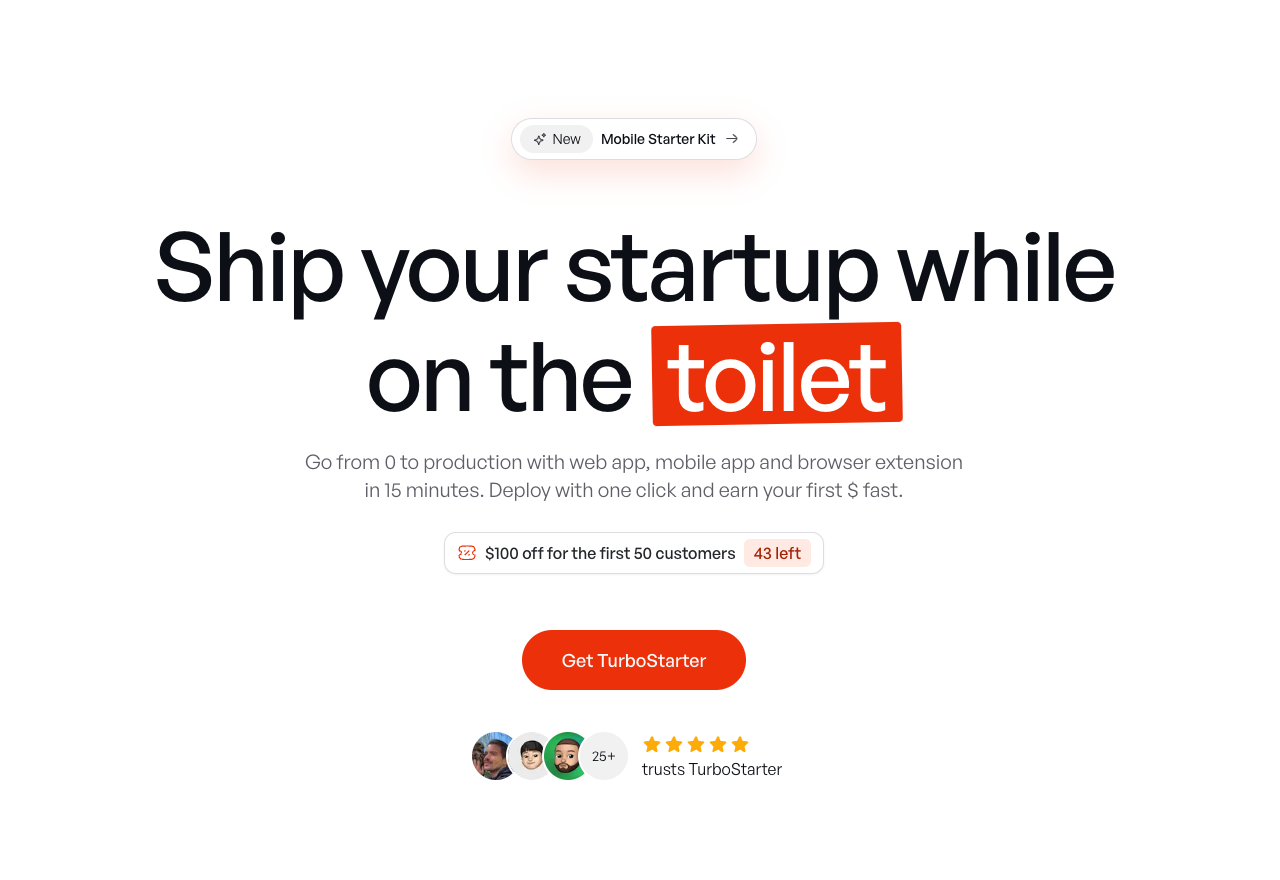
TurboStarter
Ship your startup everywhere. In minutes.
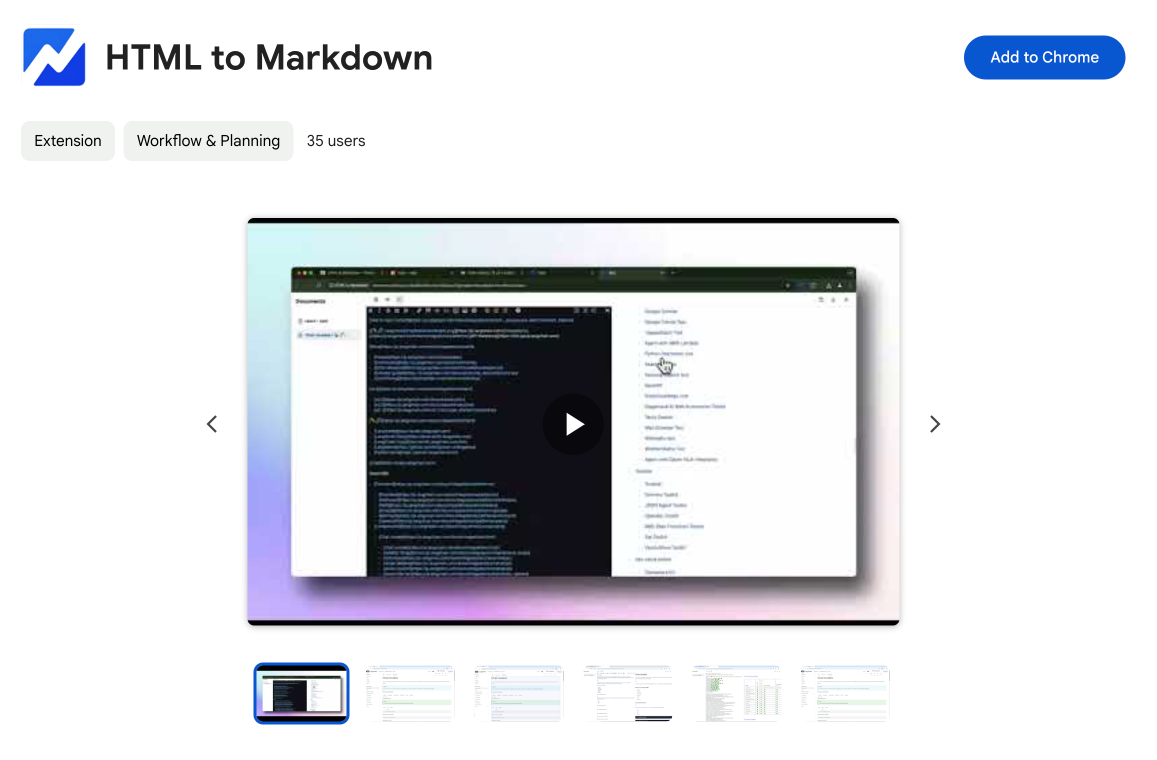
HTML to Markdown
Convert HTML to Markdown with ease, directly in your browser 📄
Dotallio
Personalized AI apps that automate research, data extraction, and content creation without code 🤖
Talk to Santa
Enjoy a magical live video chat or receive a unique AI-generated video greeting from Santa Claus 🎅
pozywka.pl
Scalable blog for food journalist, focused on performance and user experience 🌭
zagrodzki.me
Personal blog and portfolio of Bart Zagrodzki, where he shares his knowledge and work 💼
TurboStarter
Ship your startup everywhere. In minutes.
HTML to Markdown
Convert HTML to Markdown with ease, directly in your browser 📄
Dotallio
Personalized AI apps that automate research, data extraction, and content creation without code 🤖
Talk to Santa
Enjoy a magical live video chat or receive a unique AI-generated video greeting from Santa Claus 🎅
pozywka.pl
Scalable blog for food journalist, focused on performance and user experience 🌭
zagrodzki.me
Personal blog and portfolio of Bart Zagrodzki, where he shares his knowledge and work 💼
TurboStarter
Ship your startup everywhere. In minutes.
HTML to Markdown
Convert HTML to Markdown with ease, directly in your browser 📄
Dotallio
Personalized AI apps that automate research, data extraction, and content creation without code 🤖
Talk to Santa
Enjoy a magical live video chat or receive a unique AI-generated video greeting from Santa Claus 🎅
pozywka.pl
Scalable blog for food journalist, focused on performance and user experience 🌭
zagrodzki.me
Personal blog and portfolio of Bart Zagrodzki, where he shares his knowledge and work 💼
TurboStarter
Ship your startup everywhere. In minutes.
HTML to Markdown
Convert HTML to Markdown with ease, directly in your browser 📄
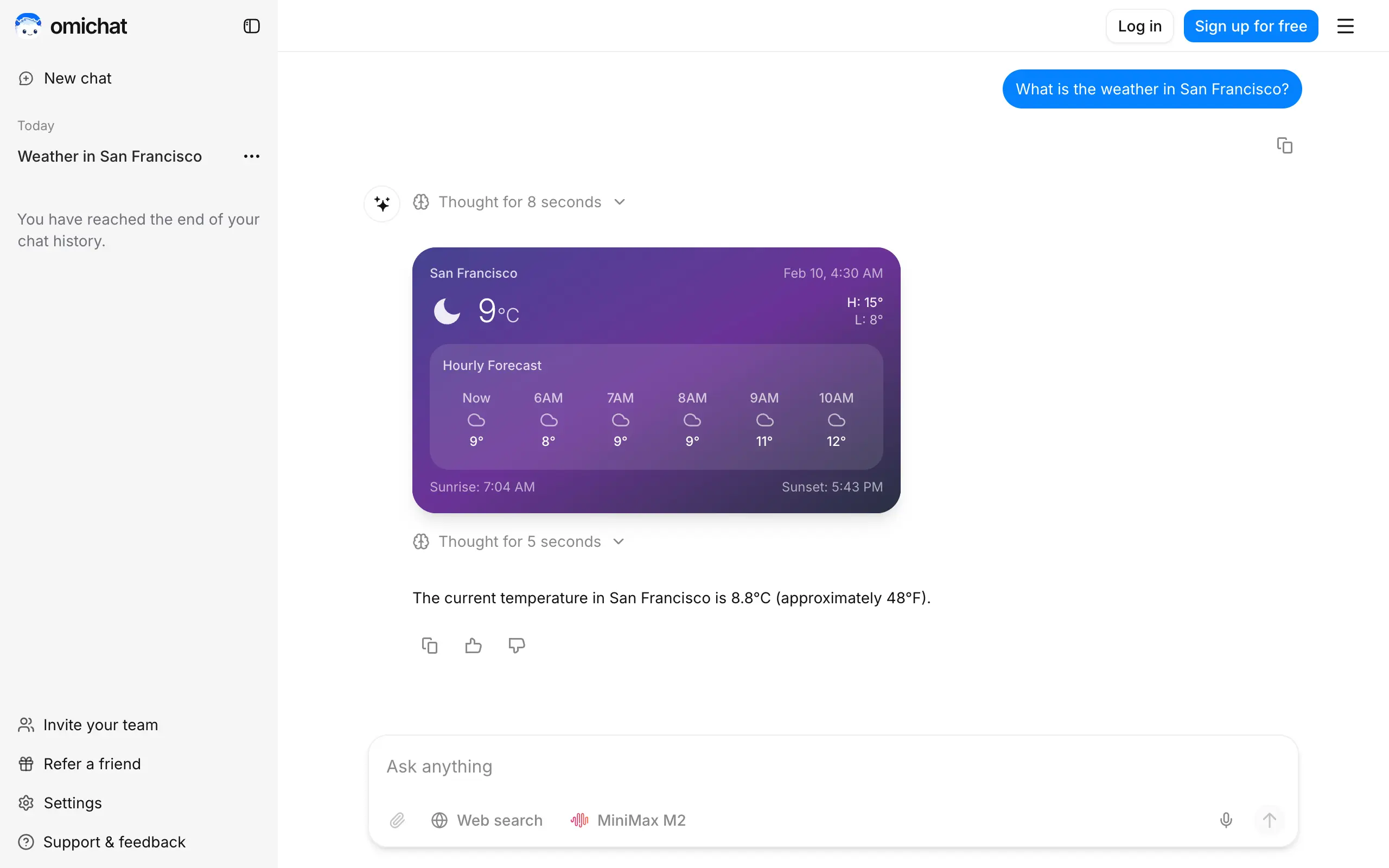
Omichat
Chat with 50+ AI models, including ChatGPT and Claude, in one place - switch models anytime without losing context 🤖
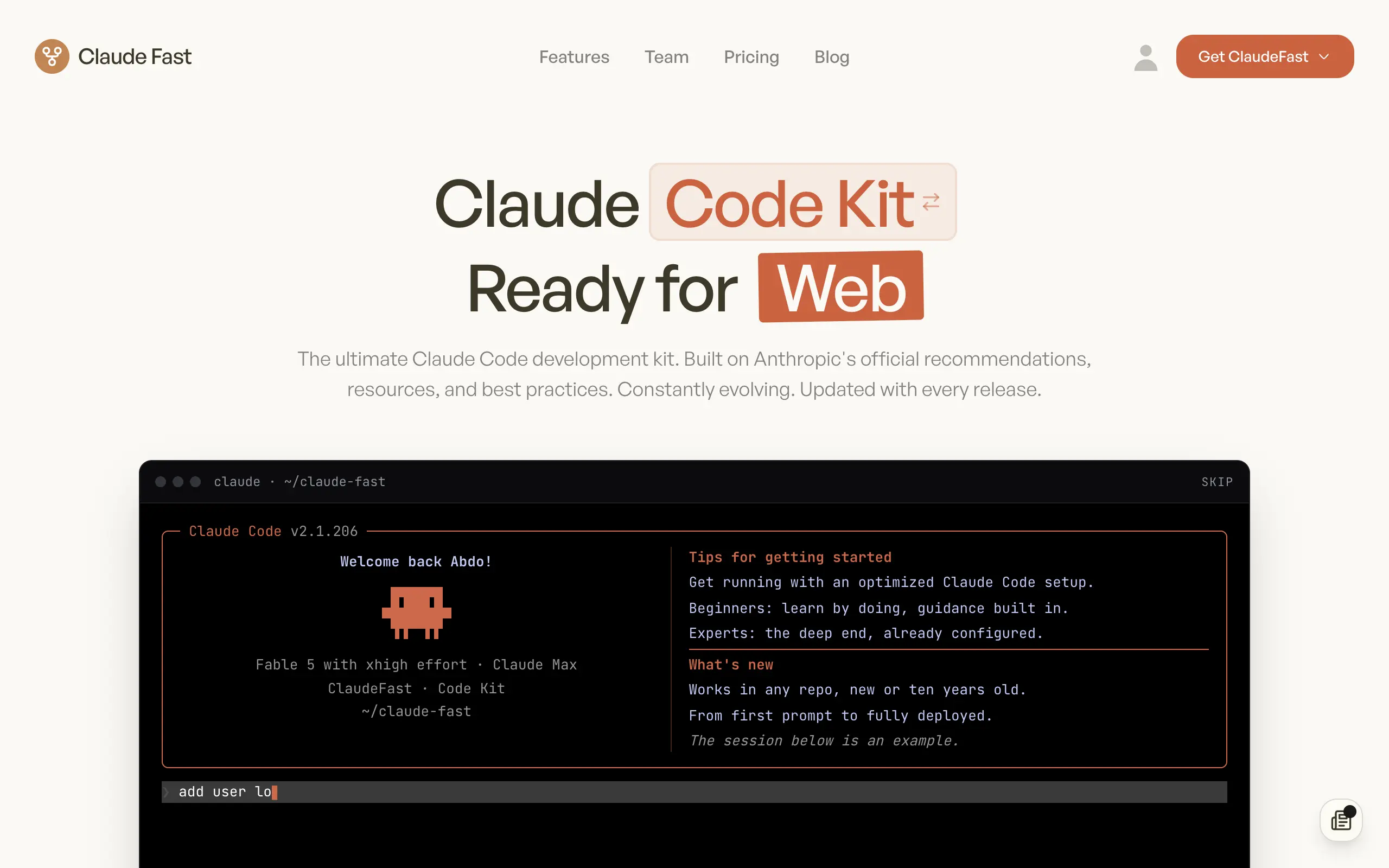
Claude Fast
Supercharge your Claude Code with 6x effective context window and specialized AI agents 🤖
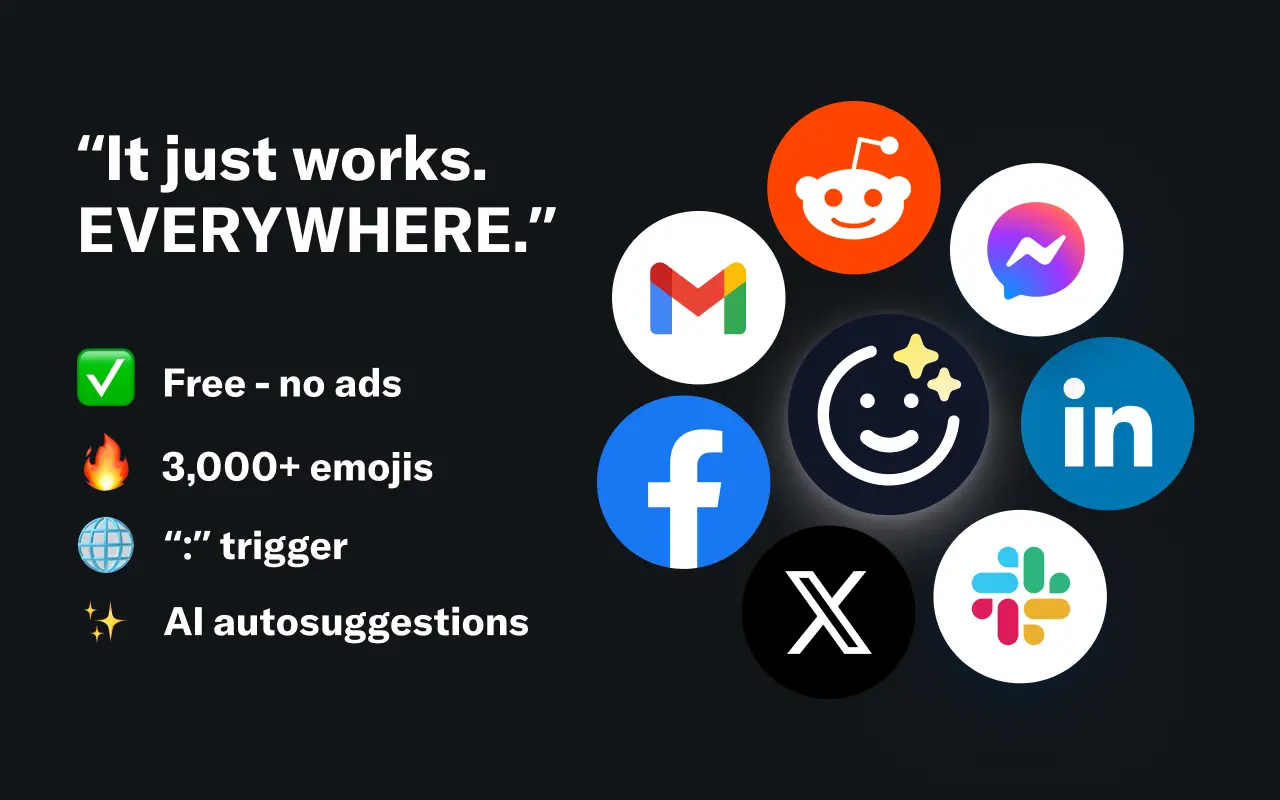
EmojAI
AI-powered emoji picker with smart, context-aware suggestions 🤖
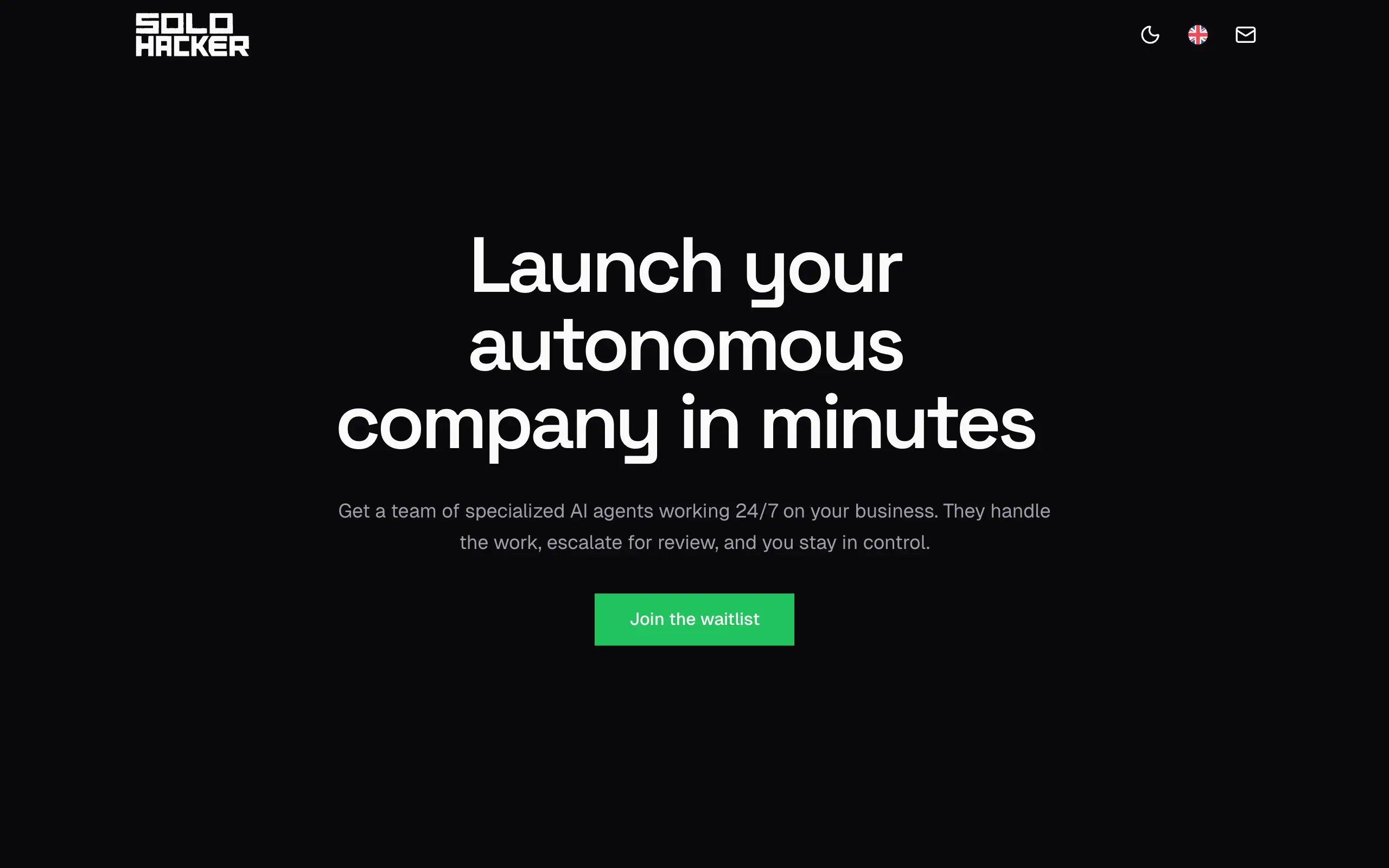
Solohacker
Autonomous company launcher - AI agents work 24/7, escalate what matters, and you stay in control 🤖
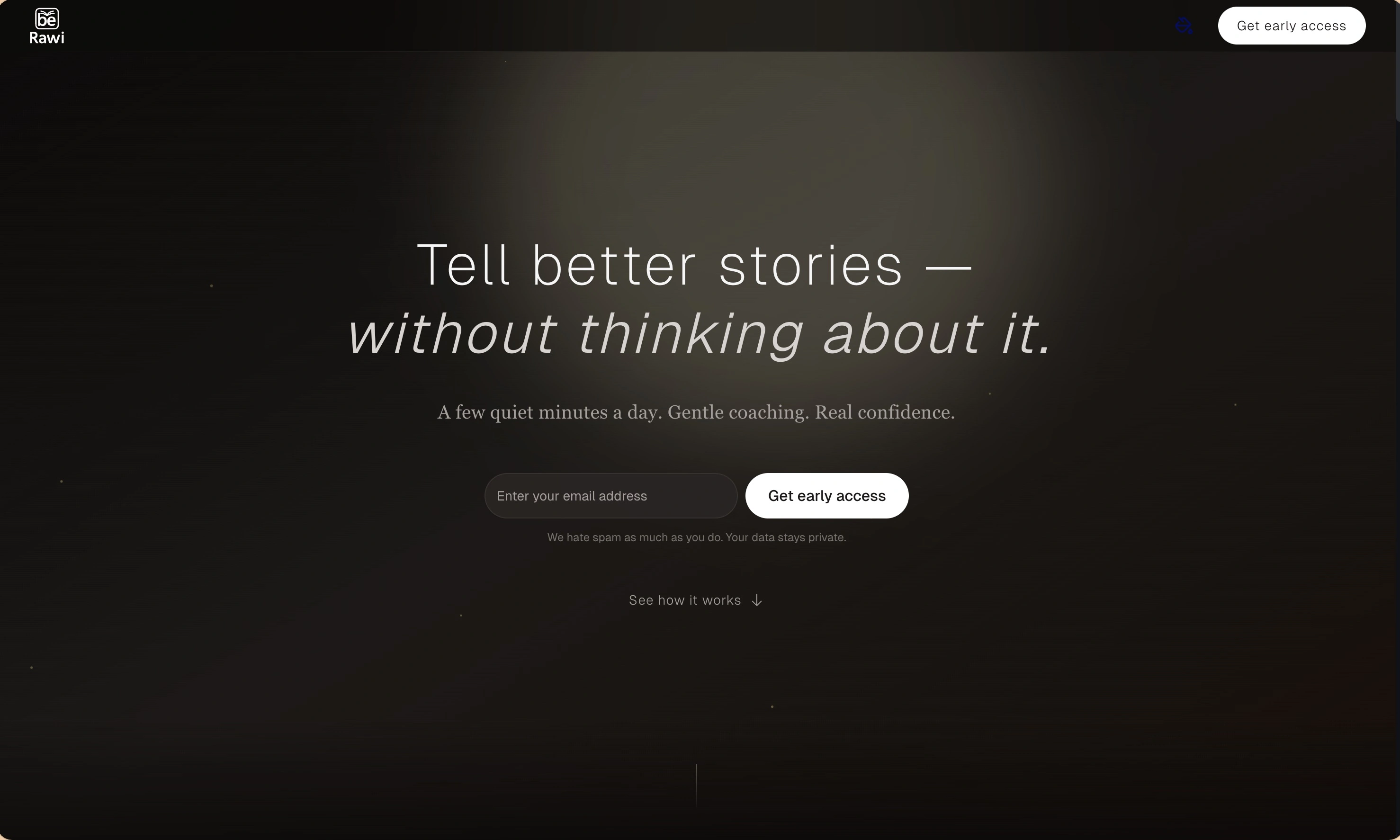
BeRawi: Storytelling Coach
Practice storytelling daily with instant feedback to sound clearer, more engaging, and confident 🎤
Omichat
Chat with 50+ AI models, including ChatGPT and Claude, in one place - switch models anytime without losing context 🤖
Claude Fast
Supercharge your Claude Code with 6x effective context window and specialized AI agents 🤖
EmojAI
AI-powered emoji picker with smart, context-aware suggestions 🤖
Solohacker
Autonomous company launcher - AI agents work 24/7, escalate what matters, and you stay in control 🤖
BeRawi: Storytelling Coach
Practice storytelling daily with instant feedback to sound clearer, more engaging, and confident 🎤
Omichat
Chat with 50+ AI models, including ChatGPT and Claude, in one place - switch models anytime without losing context 🤖
Claude Fast
Supercharge your Claude Code with 6x effective context window and specialized AI agents 🤖
EmojAI
AI-powered emoji picker with smart, context-aware suggestions 🤖
Solohacker
Autonomous company launcher - AI agents work 24/7, escalate what matters, and you stay in control 🤖
BeRawi: Storytelling Coach
Practice storytelling daily with instant feedback to sound clearer, more engaging, and confident 🎤
Omichat
Chat with 50+ AI models, including ChatGPT and Claude, in one place - switch models anytime without losing context 🤖
Claude Fast
Supercharge your Claude Code with 6x effective context window and specialized AI agents 🤖
EmojAI
AI-powered emoji picker with smart, context-aware suggestions 🤖
Solohacker
Autonomous company launcher - AI agents work 24/7, escalate what matters, and you stay in control 🤖
BeRawi: Storytelling Coach
Practice storytelling daily with instant feedback to sound clearer, more engaging, and confident 🎤

Connect with like-minded people
Join our community to get feedback, support, and grow together with 1,000+ builders on board, let's ship it!
Join usShip your startup everywhere. In minutes.
Don't burn tokens on setup and start building features on day one.