ClientCanvas
Give freelance designers and small agencies a simple branded portal for client intake, project updates, and handoff guides. Keep every client experience polished without extra admin.
What is ClientCanvas?
ClientCanvas is a proposed client portal software product for freelance designers and small creative agencies. It gives each client a polished, branded place to complete intake forms, review project updates, access files, and follow handoff instructions.
The product addresses a familiar operational problem. Designers often manage client work across email, shared folders, forms, project-management tools, and video calls. Each tool may work well on its own, but clients have to remember where to find information—and designers have to repeat updates, track missing details, and assemble handoff materials manually.
ClientCanvas aims to bring those client-facing moments together without asking a small team to adopt a complicated agency-management platform. Its core promise is straightforward: make the client experience feel organized and professional while reducing the administrative work behind it.
That positioning makes the idea more specific than a general client portal. Rather than attempting to serve every professional service business, ClientCanvas can focus on the needs and vocabulary of freelance designers and small creative studios.
The market opportunity for client portal software
Client portals sit at the intersection of several product categories, including project management, customer relationship management, file sharing, forms, and client communication. That overlap creates an opportunity—and a challenge.
A general-purpose platform may provide powerful task management but feel like internal software exposed to clients. A shared drive can store deliverables but does not explain what clients should do next. Email is familiar, yet it scatters decisions, attachments, and status updates across long threads.
For a solo designer, the cost of this fragmentation is not necessarily a dramatic process failure. It is a steady accumulation of small interruptions:
- Re-sending a link to an intake form
- Asking a client to provide the same missing content again
- Explaining which design version is current
- Answering “What happens next?” in multiple projects
- Rebuilding a handoff email for every launch
- Searching through email to find approval or project context
ClientCanvas could address this gap by organizing the client-facing layer of a design engagement. It does not need to replace every tool a designer already uses. Instead, it can give clients one branded destination for the information and actions that matter to them.
Why a focused product may outperform a broad platform
A narrower product can be easier to understand and adopt. Designers are more likely to evaluate a tool when its onboarding language, templates, and workflows reflect the way they already work.
For example, a generic form builder may let a user create an intake questionnaire. A design-focused portal could offer a ready-to-customize brand discovery form, a content collection checklist, and a client-friendly explanation of why each item is needed.
That difference is not just cosmetic. It reduces setup effort and helps the product become useful before the customer has configured an entire business system.
The market opportunity should still be validated rather than assumed. A useful discovery process would test whether designers experience this problem frequently, whether they already pay to solve it, and which part of the workflow is most painful. A market-sizing analysis should distinguish the total number of independent designers from the smaller group that regularly manages multiple active client projects and is willing to pay for workflow software.
Who should ClientCanvas serve?
The strongest initial audience is likely to be independent designers and small agencies that repeatedly guide clients through a defined service process.
Primary audience: freelance designers
Freelancers often handle sales, project delivery, client communication, and invoicing themselves. They may not need a complex business suite, but they do need to appear organized and keep work moving.
Potential early users include:
- Brand identity designers
- Web and product designers
- Graphic designers
- UX consultants
- Webflow or no-code implementers
- Independent creative directors
These users may be particularly interested when they work on several projects at once, use repeatable packages, or have a visible client onboarding process. A portal that is easy to configure and present professionally could help them deliver a consistent experience without hiring an operations assistant.
Secondary audience: small creative agencies
A small agency can benefit from a shared client-facing workflow across team members. The owner may want clients to see a consistent brand and process, even when different designers or project managers handle the work.
Agency-specific requirements could include team permissions, reusable templates, project ownership, and visibility into client response status. These capabilities matter, but they should not necessarily dominate the first release. Building for large teams too early could make the product harder for solo users to understand.
Additional audience: independent consultants and studios
Some consultants and adjacent service providers also manage structured client engagements. These users may become a later expansion opportunity, but the product should initially speak clearly to designers. Broadening too quickly can dilute the value proposition and create pressure to support unrelated workflows.
| Audience | Common friction | Potential ClientCanvas value | Buying signal | Product consideration |
|---|---|---|---|---|
| Freelance brand designer | Repeatedly collecting brand details and assets | Branded intake and content collection | Multiple similar projects per month | Make setup fast for one-person businesses |
| Freelance web designer | Disorganized approvals, content, and launch tasks | A client hub that shows status and next steps | Clients ask for status or resend links | Connect updates to practical project milestones |
| Small design agency | Inconsistent communication across team members | Shared templates and client-ready workspaces | Several team members serve the same clients | Add roles without overwhelming solo users |
| UX consultant | Research materials and decisions scattered across tools | Centralized project context and resources | Long engagements with recurring client reviews | Support varied project structures without forcing one process |
The core product promise
ClientCanvas should not position itself as another place to manage every task in a business. Its central job is to make the client experience clearer.
A strong client portal should answer five questions quickly:
- Where do I go? One reliable link to the project space.
- What do you need from me? Intake questions, content requests, and outstanding actions.
- What is happening now? A current project update and the next milestone.
- Where are the relevant materials? Organized links, files, and approved deliverables.
- What happens after launch? A clear handoff guide and next steps.
These questions provide a practical test for feature decisions. If a capability does not help the client find information, respond, understand progress, or use the completed work, it may not belong in the initial product.
Essential ClientCanvas features
Branded client workspaces
Each project should have a dedicated client-facing page with the designer’s logo, colors, business name, and a professional welcome message. The branding should be configurable without requiring design or technical skills.
Customization should improve trust while preserving usability. For example, a customer might select a logo, accent color, portal name, and welcome text. The product should avoid giving users so many styling controls that every workspace becomes a miniature website-building project.
A custom domain may be valuable for higher-tier plans, but it should be evaluated against setup complexity and support costs. The basic experience should look polished even when hosted on a ClientCanvas domain.
Client intake and content collection
The intake workflow should help designers collect relevant information at the start of an engagement. Useful capabilities might include:
- Custom questions and reusable form templates
- Required and optional fields
- File and reference-link collection
- Save-and-return behavior
- Clear confirmation after submission
- Internal visibility into incomplete responses
A useful differentiator would be connecting intake to the rest of the project. Rather than treating a submitted form as a separate response, ClientCanvas could show the designer what has arrived, what is missing, and which client action is needed next.
Project updates and next steps
Clients do not always need full access to internal task boards. They often need a concise, understandable summary of progress and a clear request.
A project update could include:
- Current phase or milestone
- A brief update written in plain language
- The next action for the designer
- The next action for the client, if any
- A due date or expected review window
- Links to relevant materials
This approach can keep the portal simple while reducing status-check emails. Designers should be able to publish an update in seconds, not compose a lengthy report.
Deliverable access and handoff guides
The handoff stage is a natural fit for a product focused on client experience. Designers can provide a structured guide that explains what was delivered, where it is stored, how to use it, and what to do next.
A handoff template might include:
- Final deliverable links
- Brand or design usage notes
- Login or access instructions, handled securely
- Launch or maintenance recommendations
- A list of remaining client responsibilities
- Optional support or follow-up information
The portal should be careful about sensitive information. If a customer needs to share passwords or other secrets, the product should not encourage insecure practices such as placing credentials in ordinary project notes. A secure credential-sharing integration may be a future consideration, but the early experience can instead direct customers to an appropriate password manager.
Notifications and reminders
Notifications can help clients complete outstanding actions, but poorly designed reminders quickly feel intrusive. ClientCanvas should give designers control over timing, message content, and which events trigger an email.
A reasonable initial notification system might support:
- A project invitation
- A new intake request
- A published project update
- A reminder for an overdue client action
- A final handoff notification
Every email should make the next action obvious and link directly to the relevant portal section. Customers should be able to avoid duplicate notifications when they already communicate through another system.
Templates for repeatable design services
Templates can reduce the time it takes to create a new project. They can package together the intake form, milestone structure, update format, and handoff guide for a particular service.
For example, a designer might create separate templates for a brand identity project, website redesign, or design audit. Templates help turn ClientCanvas from a blank portal into a repeatable operating system for client-facing work.
A practical MVP scope
The first version should validate the core promise before expanding into a full agency platform. A focused MVP could include:
- Account creation and a simple business profile
- Project creation from a small set of templates
- A client invitation and secure sign-in or access flow
- A branded project page
- Intake forms and file or link collection
- A lightweight project update area
- A handoff checklist or guide
- Basic email notifications
- A simple overview of active projects and pending client actions
Features such as advanced analytics, complex task dependencies, billing, native mobile applications, extensive integrations, and multi-level agency permissions can wait until customer research shows they are necessary.
The MVP should prove that designers can create a client-ready workspace quickly and that clients can complete important actions without extra explanation. That is a more meaningful validation target than simply measuring how many features the application contains.
Competitive advantage and positioning
ClientCanvas would compete with tools that solve part of the workflow rather than only with products marketed as client portals. Potential alternatives include project-management software, agency-management platforms, proposal and CRM products, form tools, shared drives, and custom-built client pages.
The key strategic question is not whether another tool can store files or send updates. It is whether designers can create a coherent, branded client journey with less setup and less administrative work.
| Alternative category | Typical strength | Common limitation for this use case | ClientCanvas opportunity |
|---|---|---|---|
| Project-management platforms | Flexible task tracking and team workflows | Client views may expose more complexity than a client needs | Present a focused, client-friendly view of progress |
| Agency-management software | Broad business operations in one system | May feel oversized for solo designers | Offer a lighter product centered on client experience |
| Forms and survey tools | Flexible information collection | Responses may remain disconnected from project updates | Link intake to project status and next actions |
| Shared drives | Familiar file storage and collaboration | Files do not explain context, ownership, or next steps | Provide organized access with a human-readable handoff |
| Email and document templates | Low cost and familiar | Information becomes scattered and repetitive to maintain | Make recurring communication easier to reuse and find |
The likely USP
A compelling unique selling proposition would combine three elements:
- Designed for creative client work: Templates and terminology reflect the way designers onboard, review, deliver, and hand off projects.
- Polished without heavy configuration: The product looks professional quickly and does not require a complex implementation.
- Focused on the client-facing workflow: It complements existing tools instead of trying to replace every internal business system.
This positioning should be tested in customer interviews and landing-page experiments. If designers describe the product primarily as “a nicer project dashboard,” that may indicate the value proposition is too generic. If they describe it as a faster way to onboard clients and deliver a consistent experience, the positioning is more distinctive.
Recommended technology stack
The stack should support secure client access, reliable file handling, responsive interfaces, and rapid product iteration. It should also be understandable to a small team.
Front end and application framework
React is a strong foundation for building interactive portal interfaces. A team could use it with a full-stack framework such as Next.js to handle routing, server-rendered pages, and application functionality.
A component-based design system can help maintain a consistent interface across designer dashboards, client portals, forms, and handoff pages. The main trade-off is that a custom front end requires more design and engineering work than adapting a generic website builder. That effort may be justified because trust and presentation are central to the product.
Styling and design system
Tailwind CSS can help a small team build and refine interfaces quickly, particularly when the product needs a consistent design system. The trade-off is that utility-heavy styling can become difficult to maintain if conventions are not established. Reusable components and documented design tokens can help keep the interface coherent.
Data, authentication, and file storage
A managed database and authentication provider can reduce infrastructure work during early validation. Supabase is one option for a product that needs relational data, authentication, and file storage. The team should evaluate its security model, data residency needs, operational requirements, and likely scaling path before committing.
Core entities could include:
- Users and organizations
- Projects and project templates
- Client invitations and memberships
- Intake forms and submissions
- Updates and client actions
- Deliverable links and files
- Notification preferences
Access control requires special attention. A client should only be able to view the projects and materials explicitly shared with them. Authorization checks should happen on the server or through carefully designed database policies, not only by hiding interface elements.
Billing and product analytics
A payment provider such as Stripe can support subscription billing if the business chooses a self-serve SaaS model. Billing should be introduced only after the team understands which plan boundaries customers value. A basic free trial or limited free plan may help users experience the workflow, but it can also increase support and infrastructure costs.
Product analytics should answer specific questions, such as whether users create a project, invite a client, receive a completed intake form, and publish a project update. The team should collect only data needed to improve the product and should make its privacy practices clear.
A trade-off-conscious architecture
Early architecture should prioritize maintainability over speculative scale. A modular application with clear boundaries around authentication, projects, forms, files, and notifications is usually more useful than prematurely splitting the product into multiple services.
Before launch, the team should define:
- How client and designer permissions are enforced
- How uploaded files are stored and removed
- How invitation links expire or can be revoked
- How backups and data export work
- How customer data is deleted when an account closes
- How notification failures are detected
These decisions are not merely technical. They affect customer trust and the product’s ability to serve agencies with multiple collaborators.
Monetization strategies
ClientCanvas could test several pricing models. The best choice depends on how customers measure value and whether the product is primarily for solo users or teams.
Subscription tiers
A subscription model is easy for customers to understand when pricing is tied to a stable unit, such as active projects, team seats, or feature access.
Potential tiers could include:
- Starter: A limited number of active client projects and core portal features
- Professional: More projects, reusable templates, custom branding, and advanced notifications
- Studio: Multiple team members, shared templates, and agency-level settings
The product should avoid limits that feel arbitrary. If active projects are the pricing unit, define what happens to archived projects. If seats are the unit, explain whether external clients count as seats.
Usage-based pricing
A usage-based model could charge according to active projects, storage, or client workspaces. This can align price with product use, but unpredictable bills may be a poor fit for freelancers. A predictable base subscription with generous included usage may be easier to sell.
Annual plans and service add-ons
Annual billing may improve revenue predictability after the product establishes retention. Optional add-ons could include custom-domain setup, premium templates, or white-label branding. The team should validate demand before making paid customization a core business line, since bespoke work can distract from scalable product development.
Pricing research
Pricing should be informed by customer behavior, not just by competitor plan pages. Interviews can explore current software spending, the cost of administrative work, and the value of a more consistent client experience. Landing-page tests can compare positioning and packaging, but stated willingness to pay is not the same as a completed purchase.
A useful early measure is whether the target user will pay for the specific outcome ClientCanvas provides—not whether they agree that client experience matters in principle.
Risks and mitigation
Risk: the product becomes a generic project-management tool
Adding tasks, time tracking, invoicing, CRM, chat, proposals, and reporting may appear to increase value. It can also blur the product’s identity and make onboarding more complicated.
Mitigation: Maintain a clear product boundary. Prioritize features that make client intake, updates, and handoff more coherent. Integrate with other tools when customers need a capability that is not central to the product.
Risk: designers do not want clients using another tool
Some clients may resist creating an account or learning a new interface. A portal that creates additional friction could increase, rather than reduce, administrative work.
Mitigation: Test the client experience with people who did not participate in product setup. Make invitations clear, keep navigation minimal, and consider a secure low-friction access flow where appropriate. Measure client completion rates, not only designer satisfaction.
Risk: setup takes too long
If the designer needs hours to configure branding, forms, and project stages, the product may not save enough time to justify adoption.
Mitigation: Offer editable templates, sensible defaults, and a guided first-project setup. Track time to first published portal and improve the onboarding path before adding advanced configuration.
Risk: weak differentiation
A portal may be easy for competitors to reproduce at the feature level. A list of basic capabilities alone may not support durable positioning.
Mitigation: Build an integrated workflow, develop high-quality templates for common design services, and learn from the specific needs of creative professionals. A focused brand and strong customer experience can support differentiation, but they should be reinforced by product depth and reliable execution.
Risk: sensitive files or project information are exposed
Client portals may contain private business details, design assets, and project communication. A permission error or insecure file link could damage customer trust.
Mitigation: Use least-privilege access, test authorization rules, protect invitation flows, and document data retention practices. Keep security and privacy requirements in the product plan from the beginning instead of treating them as a later enhancement.
Risk: feature adoption is low
Users may create an account but continue to send updates and collect content through their existing channels.
Mitigation: Observe real client projects during onboarding. Identify where users abandon the workflow, then focus on making one complete client journey easier than the existing approach. Activation should be measured by a successful client action, not just account creation.
Metrics that reveal product-market fit
Early metrics should be tied to the product’s intended outcome. A large number of sign-ups can hide a product that users never incorporate into their work.
Useful measures include:
- Time from sign-up to first published client portal
- Percentage of users who invite at least one client
- Client invitation acceptance rate
- Intake form completion rate
- Percentage of active projects with a current update
- Number of client follow-up messages needed for common requests
- Repeat project creation by the same designer
- Free-to-paid conversion and paid retention, once monetization begins
- Support requests related to onboarding, permissions, and file access
These metrics need context. For example, a low client invitation acceptance rate might reflect confusing email copy, a weak access experience, or simply a project that has not reached the right stage. Pair quantitative data with interviews and direct observation.
Actionable implementation plan
A disciplined launch plan reduces the chance of building a broad product before confirming the main problem.
Interview designers about current workflows
Speak with freelance designers and small agencies that manage recurring client projects. Ask them to walk through a recent project from kickoff to handoff. Focus on what they actually did, which tools they used, where clients got stuck, and what they had to repeat.
Avoid leading questions such as “Would you use a branded portal?” Instead, ask for examples of recent client delays, missing information, repeated explanations, and handoff problems.
Choose one high-frequency workflow
Select a narrow workflow to address first, such as onboarding and content collection for freelance web designers. A clear initial segment makes it easier to create relevant templates, write useful marketing copy, and evaluate product feedback.
The first segment can expand later if the core workflow is successful.
Prototype the client journey
Create a clickable prototype that includes the designer’s setup experience and the client’s view. Test whether a designer can understand how to create a project and whether a client can find the next action without assistance.
Pay particular attention to invitation wording, mobile usability, and how project status is explained.
Build the smallest complete product
Develop the end-to-end path from project creation to client intake, update, and handoff. Keep internal administration lightweight and use templates to make the experience useful quickly.
Do not add advanced capabilities simply because they are common in other SaaS products. Add them when user evidence shows that they remove a meaningful obstacle.
Run a concierge pilot
Work closely with a small group of designers as they use ClientCanvas on real client projects. Help with setup where needed, but record every manual intervention. Repeated manual assistance can reveal missing product capabilities or confusing onboarding.
Ask clients for feedback as well as designers. The portal must work for both sides of the relationship.
Measure behavior and refine positioning
Review whether customers complete the core workflow, return for a second project, and are willing to pay. Compare the language customers use to describe the benefit with the product’s marketing message.
Refine the target audience, templates, onboarding, and pricing based on observed behavior rather than assumptions.
Establish a repeatable acquisition channel
Once the product reliably solves a defined problem, test acquisition channels that reach designers. Possible approaches include practical workflow content, design-community partnerships, template-led landing pages, and referrals from existing users.
Each channel should be assessed by the quality and activation of the customers it brings, not just by traffic volume.
How to position ClientCanvas for search and discovery
The product’s website should explain the outcome before listing features. Potential search themes include client portal software for designers, freelance designer client portal, client onboarding software for creative agencies, and branded client project portal.
These phrases should be used naturally in page titles, descriptions, and helpful educational content. Search optimization should support a clear product story, not replace it. A page that repeats keywords but fails to explain the workflow will not resolve a buyer’s questions.
Useful content could include:
- A guide to creating a smoother design client onboarding process
- A client handoff checklist for freelance designers
- A comparison of client portals and project-management tools
- Templates for collecting website content or brand assets
- Advice on reducing avoidable client follow-ups
Each article should offer practical guidance even to readers who do not purchase the product. That approach builds trust and creates opportunities to demonstrate how ClientCanvas supports the workflow.
For specific market statistics or claims about the size of the freelance design industry, cite a current, credible source and include the publication name, report title, year, and relevant methodology. Avoid presenting an unsourced market estimate as established fact.
Why ClientCanvas could stand out
ClientCanvas has a credible opportunity if it remains focused on the gap between internal project management and the client’s actual experience. Its potential advantage is not simply that it offers a portal. It is the combination of design-specific workflows, reusable client-facing templates, quick setup, and clear next steps.
That proposition is strongest when the product helps a designer deliver a better experience without adding another administrative burden. A polished workspace matters, but repeatable workflows and dependable access matter just as much.
The most important validation question is therefore practical: Can a designer use ClientCanvas to make a real client project easier to manage, easier to understand, and easier to hand off? If early customers can demonstrate that improvement—and return to the product for their next project—the idea has a stronger foundation for sustainable growth.
The next steps for launching ClientCanvas
Start with a narrow group of designers and a workflow they already repeat. Observe how they currently collect information, share progress, and deliver final work. Build a focused portal that improves those moments, then measure whether clients complete actions more easily and whether designers reuse the product.
For founders who want to move from idea to a production-ready SaaS foundation without assembling every standard component from scratch, TurboStarter can be one option to evaluate. The product architecture should still reflect ClientCanvas’s specific needs, especially around client access, project privacy, file handling, and notification controls.
Frequently asked questions
A client portal for freelance designers is a shared online space where clients can access project information, submit requested materials, review updates, and find deliverables. A design-focused portal can organize those interactions around common creative workflows such as discovery, content collection, approvals, and handoff.
ClientCanvas is intended to focus on the client-facing experience rather than replacing a designer’s internal task-management system. Its proposed strengths are branded project workspaces, design-oriented intake, clear client updates, and structured handoff guides.
A useful MVP should support project creation, client invitations, a branded workspace, intake or content collection, project updates, file or deliverable access, basic notifications, and a handoff guide. The exact scope should be based on interviews and observed workflows with the intended customer group.
A strong initial customer is likely to be a freelance designer or small creative studio that manages recurring client projects and regularly collects information, shares updates, or prepares handoff materials. The best segment should be confirmed through customer research rather than assumed in advance.
More 🏢 B2B Application SaaS ideas
Discover more innovative b2b application SaaS ideas that are trending in 2026. Each idea is AI-generated with market validation and growth potential to help you find your next profitable venture faster than competitors.
Your competitors are building with TurboStarter
Below are some of the SaaS ideas that have been generated and built with our starter kit.
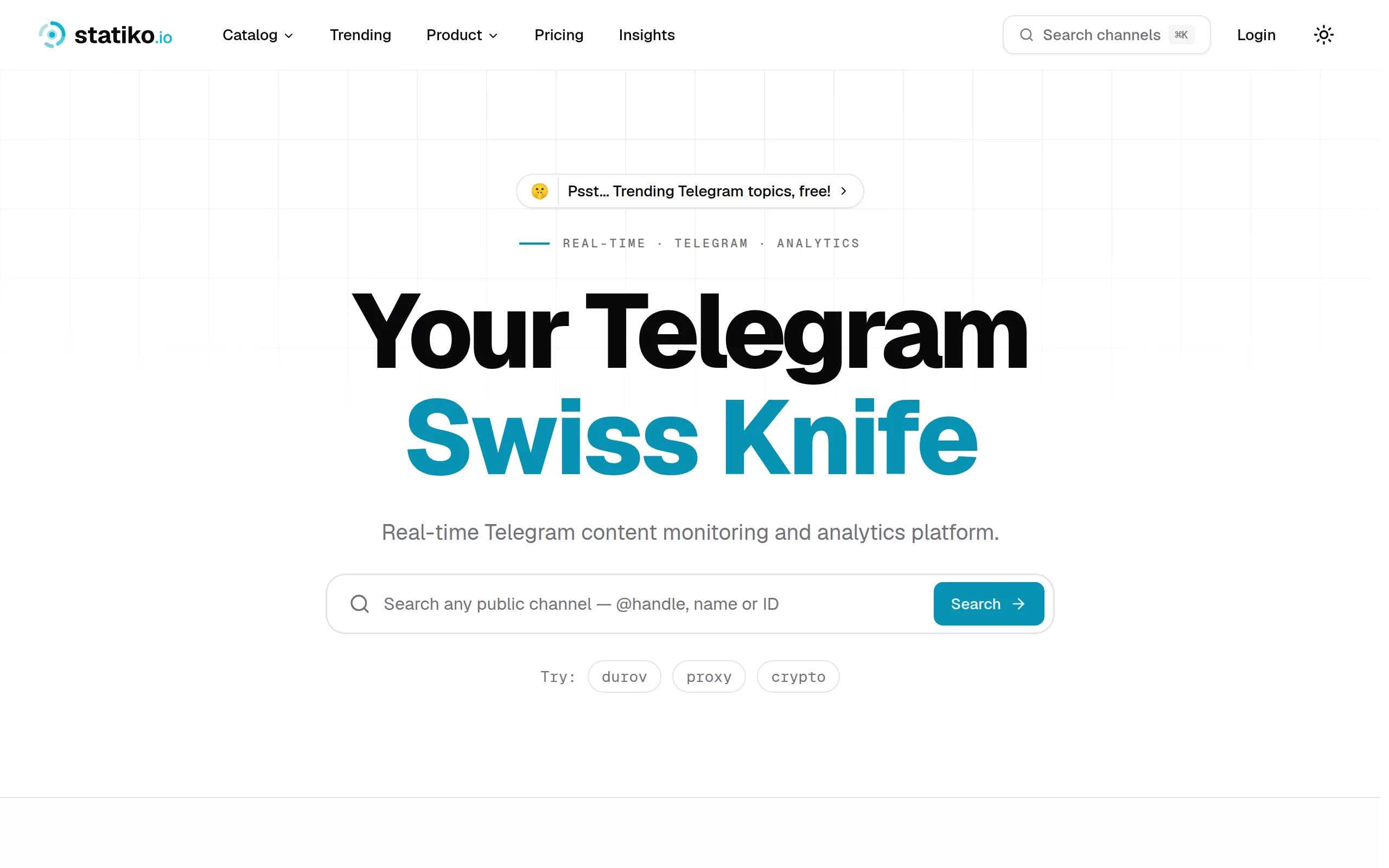
Statiko
Monitor any Telegram channel in real time - track posts, edits, deletions, and growth with AI recaps 📡

Shibui
AI website builder - describe your business, pick a niche template, edit by chatting, and publish instantly ✨
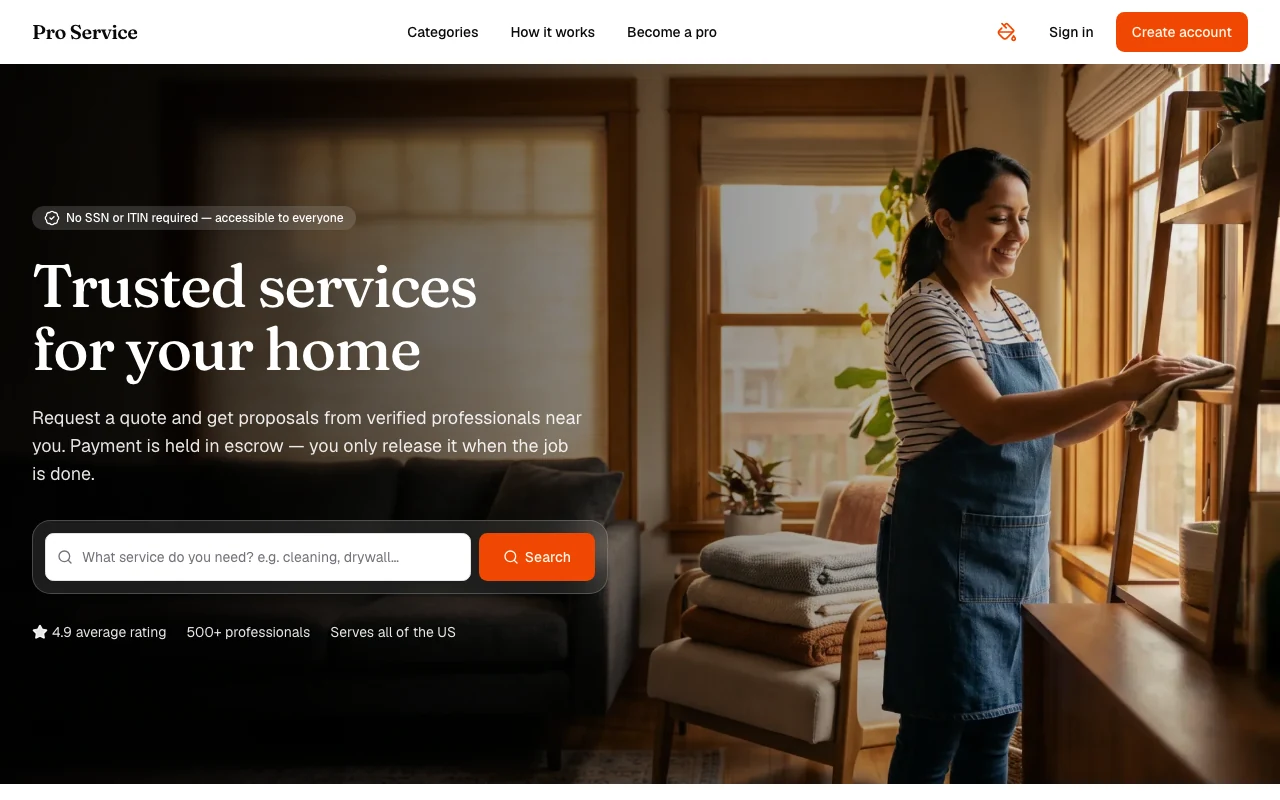
Pro Service
Find verified home service professionals, compare quotes, and pay securely through escrow - built for Brazilians across the US 🏠
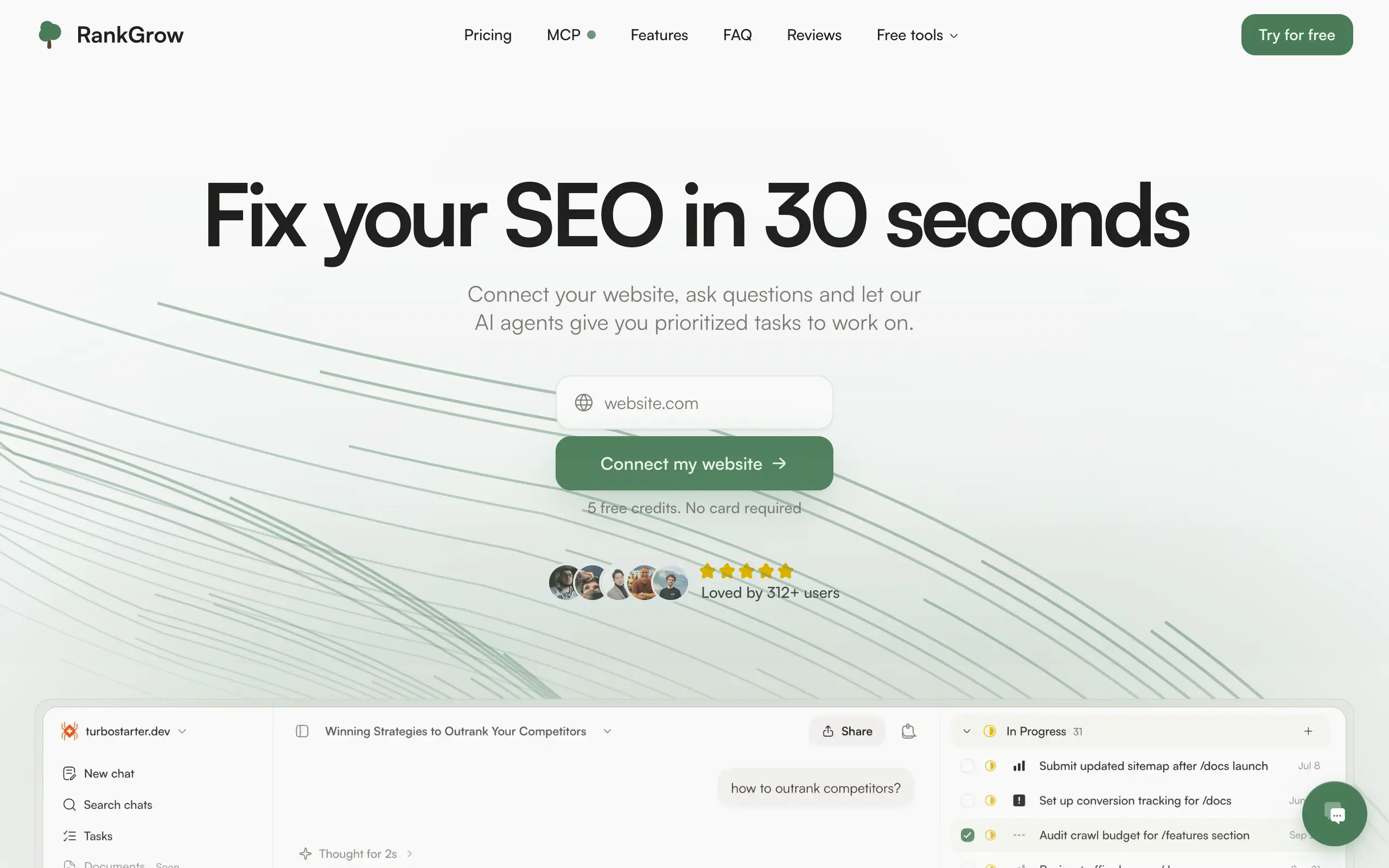
RankGrow
Fix your SEO with AI agents - connect Search Console, get prioritized tasks, and grow organic traffic 📈
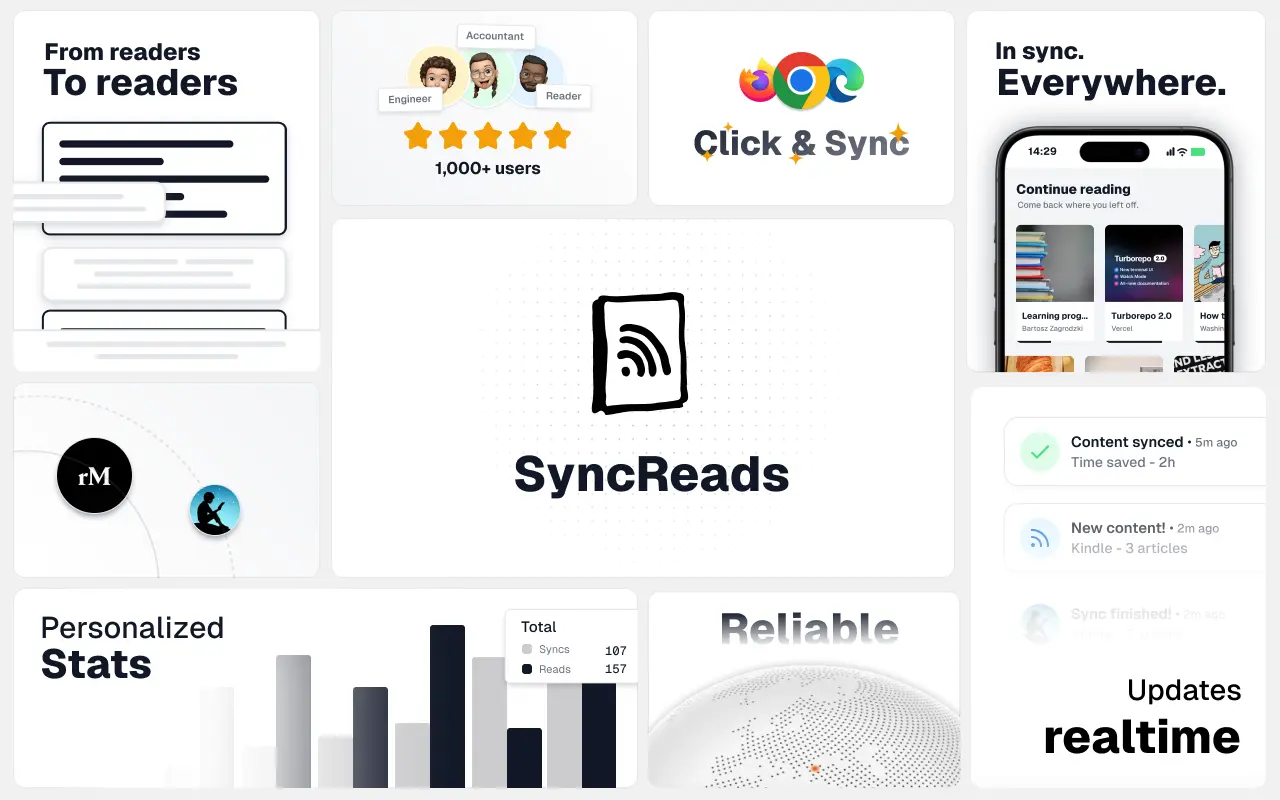
SyncReads
Sync your favorite content for distraction-free reading, save time and replace multiple apps. Anytime, anywhere 🔄
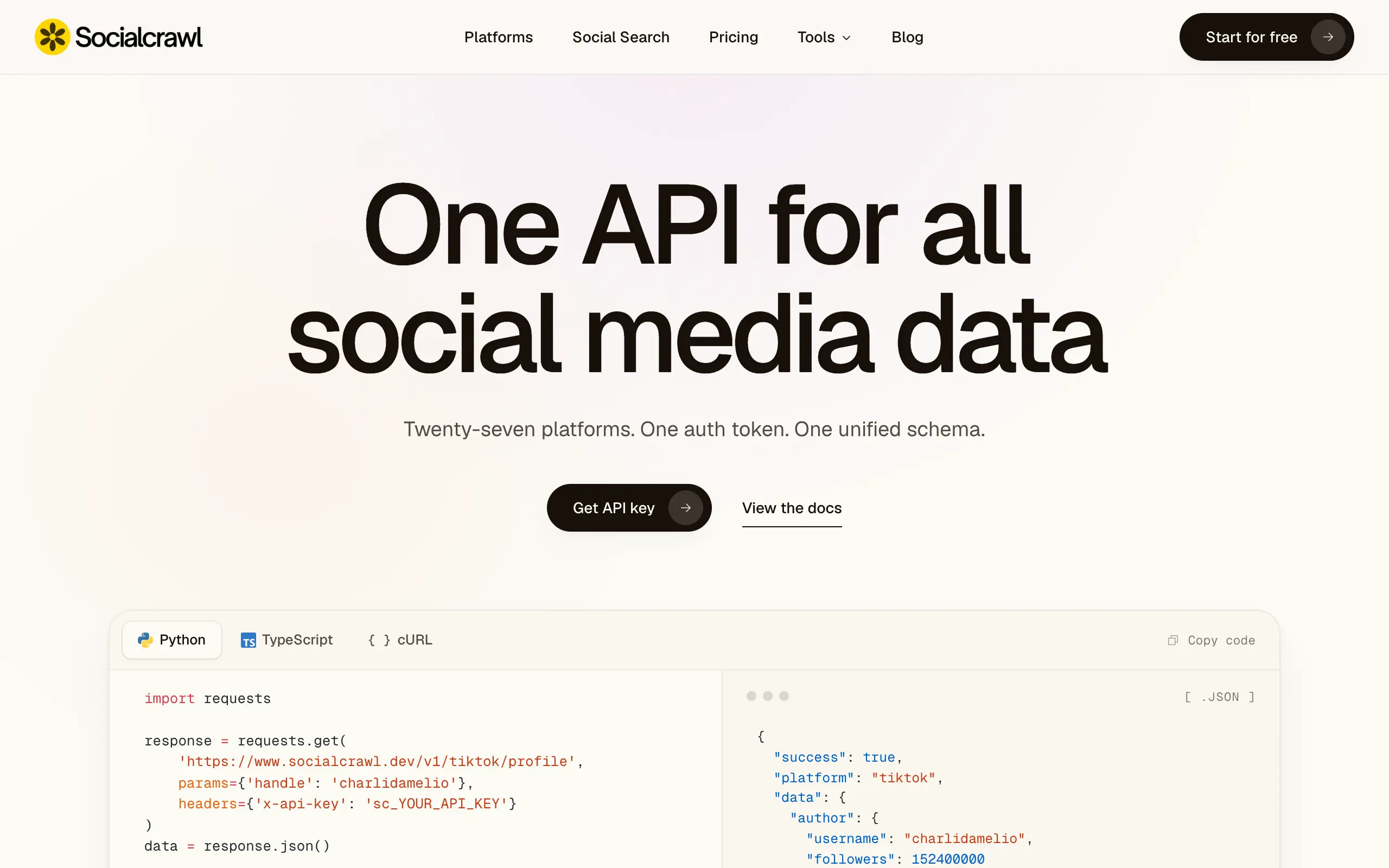
Socialcrawl
Get clean, structured data from 21 platforms like TikTok, Instagram, and YouTube with a single request 📊
Statiko
Monitor any Telegram channel in real time - track posts, edits, deletions, and growth with AI recaps 📡
Shibui
AI website builder - describe your business, pick a niche template, edit by chatting, and publish instantly ✨
Pro Service
Find verified home service professionals, compare quotes, and pay securely through escrow - built for Brazilians across the US 🏠
RankGrow
Fix your SEO with AI agents - connect Search Console, get prioritized tasks, and grow organic traffic 📈
SyncReads
Sync your favorite content for distraction-free reading, save time and replace multiple apps. Anytime, anywhere 🔄
Socialcrawl
Get clean, structured data from 21 platforms like TikTok, Instagram, and YouTube with a single request 📊
Statiko
Monitor any Telegram channel in real time - track posts, edits, deletions, and growth with AI recaps 📡
Shibui
AI website builder - describe your business, pick a niche template, edit by chatting, and publish instantly ✨
Pro Service
Find verified home service professionals, compare quotes, and pay securely through escrow - built for Brazilians across the US 🏠
RankGrow
Fix your SEO with AI agents - connect Search Console, get prioritized tasks, and grow organic traffic 📈
SyncReads
Sync your favorite content for distraction-free reading, save time and replace multiple apps. Anytime, anywhere 🔄
Socialcrawl
Get clean, structured data from 21 platforms like TikTok, Instagram, and YouTube with a single request 📊
Statiko
Monitor any Telegram channel in real time - track posts, edits, deletions, and growth with AI recaps 📡
Shibui
AI website builder - describe your business, pick a niche template, edit by chatting, and publish instantly ✨
Pro Service
Find verified home service professionals, compare quotes, and pay securely through escrow - built for Brazilians across the US 🏠
RankGrow
Fix your SEO with AI agents - connect Search Console, get prioritized tasks, and grow organic traffic 📈
SyncReads
Sync your favorite content for distraction-free reading, save time and replace multiple apps. Anytime, anywhere 🔄
Socialcrawl
Get clean, structured data from 21 platforms like TikTok, Instagram, and YouTube with a single request 📊
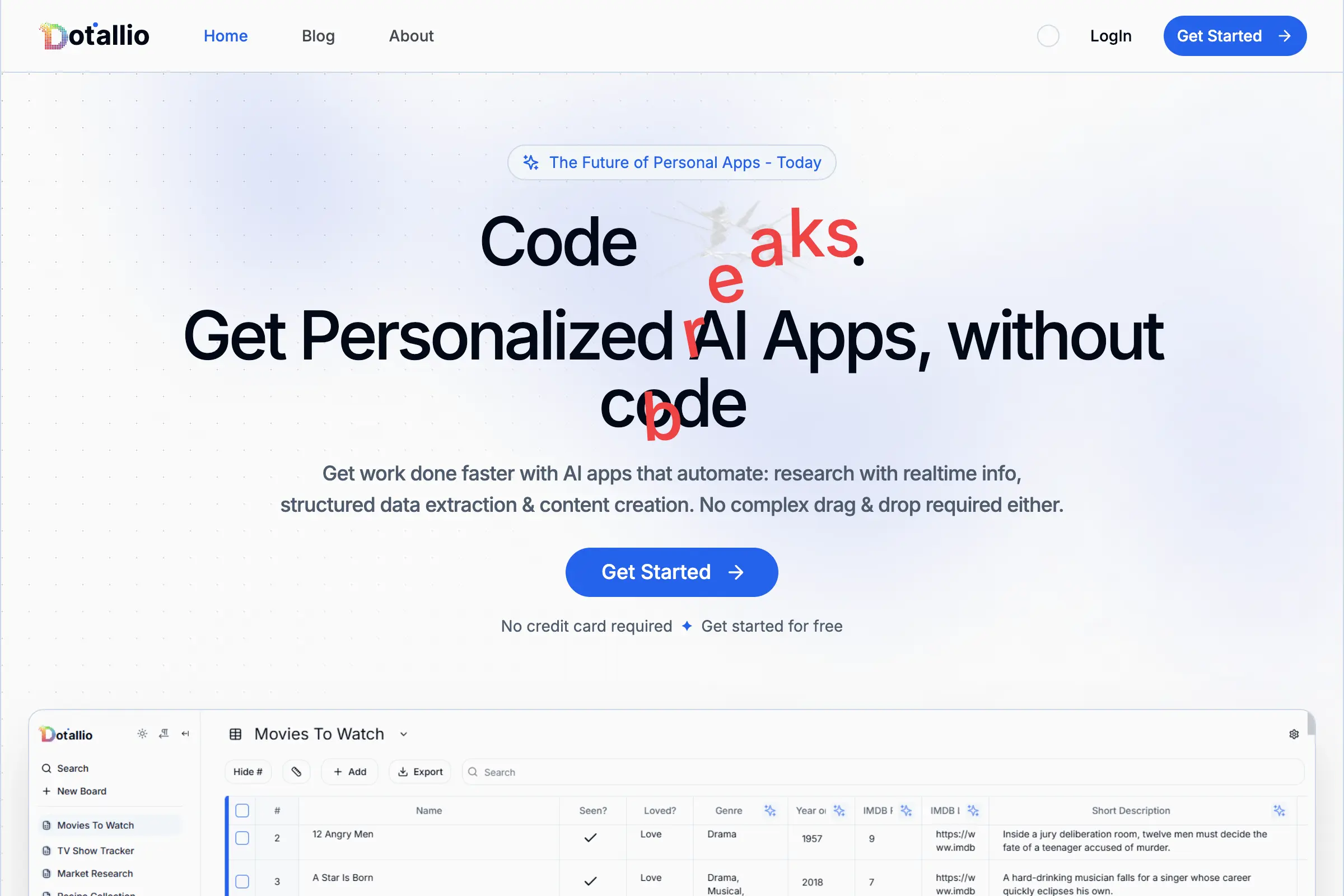
Dotallio
Personalized AI apps that automate research, data extraction, and content creation without code 🤖

Talk to Santa
Enjoy a magical live video chat or receive a unique AI-generated video greeting from Santa Claus 🎅
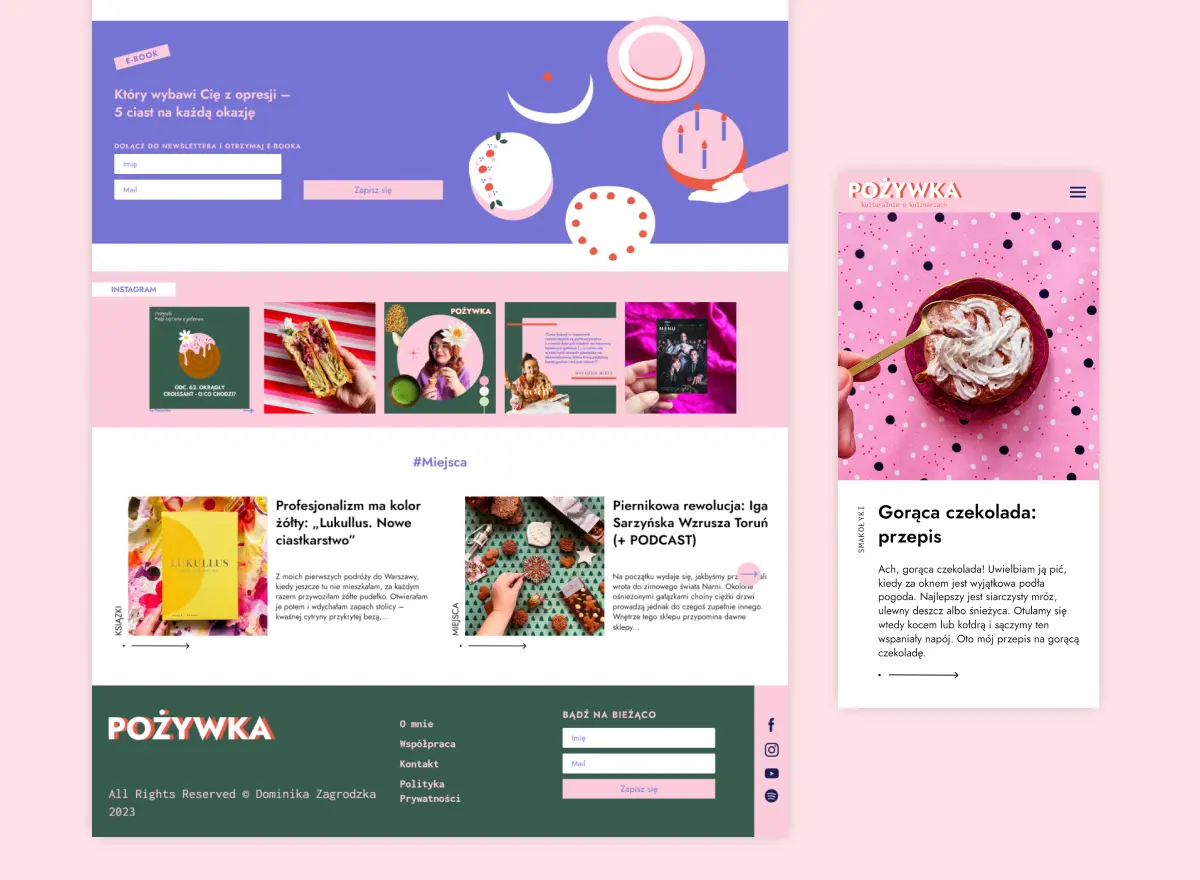
pozywka.pl
Scalable blog for food journalist, focused on performance and user experience 🌭
zagrodzki.me
Personal blog and portfolio of Bart Zagrodzki, where he shares his knowledge and work 💼
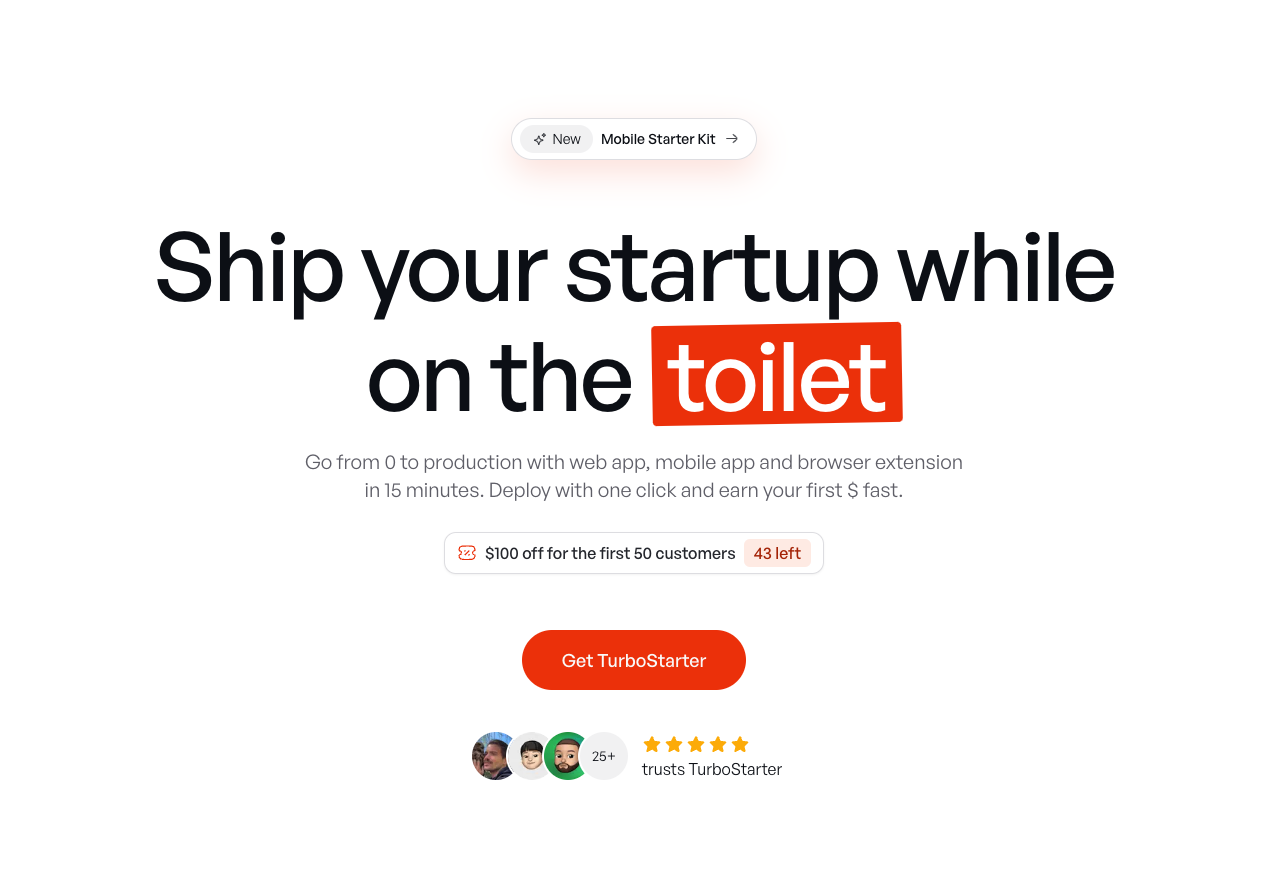
TurboStarter
Ship your startup everywhere. In minutes.
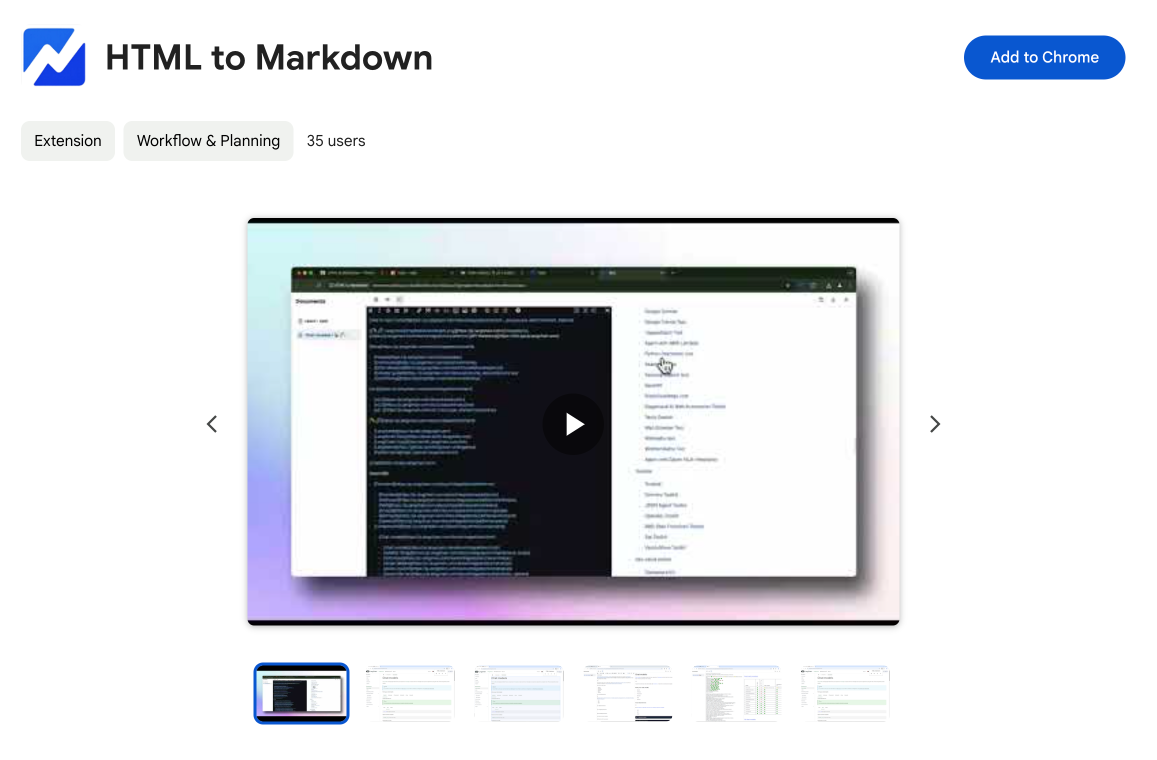
HTML to Markdown
Convert HTML to Markdown with ease, directly in your browser 📄
Dotallio
Personalized AI apps that automate research, data extraction, and content creation without code 🤖
Talk to Santa
Enjoy a magical live video chat or receive a unique AI-generated video greeting from Santa Claus 🎅
pozywka.pl
Scalable blog for food journalist, focused on performance and user experience 🌭
zagrodzki.me
Personal blog and portfolio of Bart Zagrodzki, where he shares his knowledge and work 💼
TurboStarter
Ship your startup everywhere. In minutes.
HTML to Markdown
Convert HTML to Markdown with ease, directly in your browser 📄
Dotallio
Personalized AI apps that automate research, data extraction, and content creation without code 🤖
Talk to Santa
Enjoy a magical live video chat or receive a unique AI-generated video greeting from Santa Claus 🎅
pozywka.pl
Scalable blog for food journalist, focused on performance and user experience 🌭
zagrodzki.me
Personal blog and portfolio of Bart Zagrodzki, where he shares his knowledge and work 💼
TurboStarter
Ship your startup everywhere. In minutes.
HTML to Markdown
Convert HTML to Markdown with ease, directly in your browser 📄
Dotallio
Personalized AI apps that automate research, data extraction, and content creation without code 🤖
Talk to Santa
Enjoy a magical live video chat or receive a unique AI-generated video greeting from Santa Claus 🎅
pozywka.pl
Scalable blog for food journalist, focused on performance and user experience 🌭
zagrodzki.me
Personal blog and portfolio of Bart Zagrodzki, where he shares his knowledge and work 💼
TurboStarter
Ship your startup everywhere. In minutes.
HTML to Markdown
Convert HTML to Markdown with ease, directly in your browser 📄
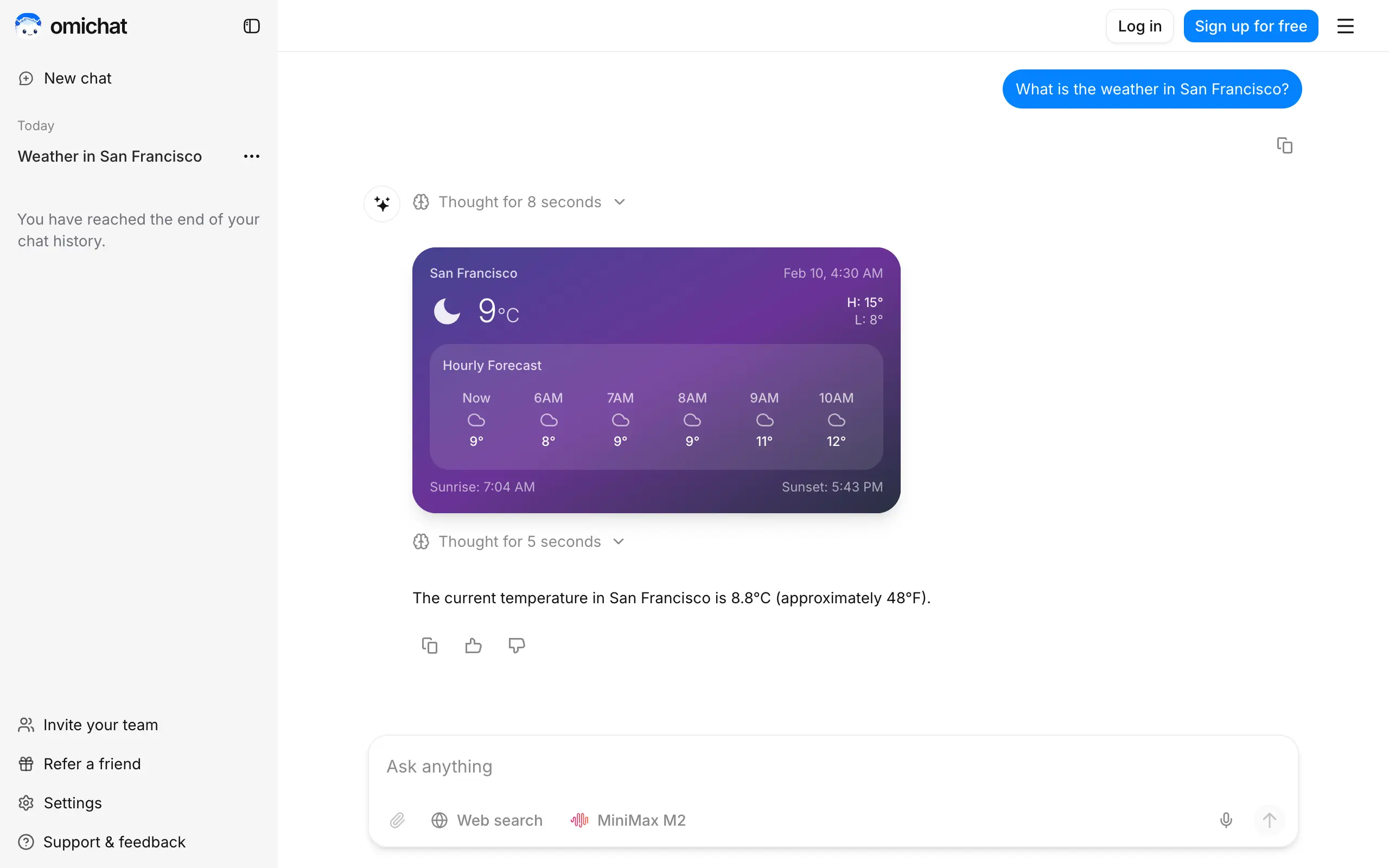
Omichat
Chat with 50+ AI models, including ChatGPT and Claude, in one place - switch models anytime without losing context 🤖
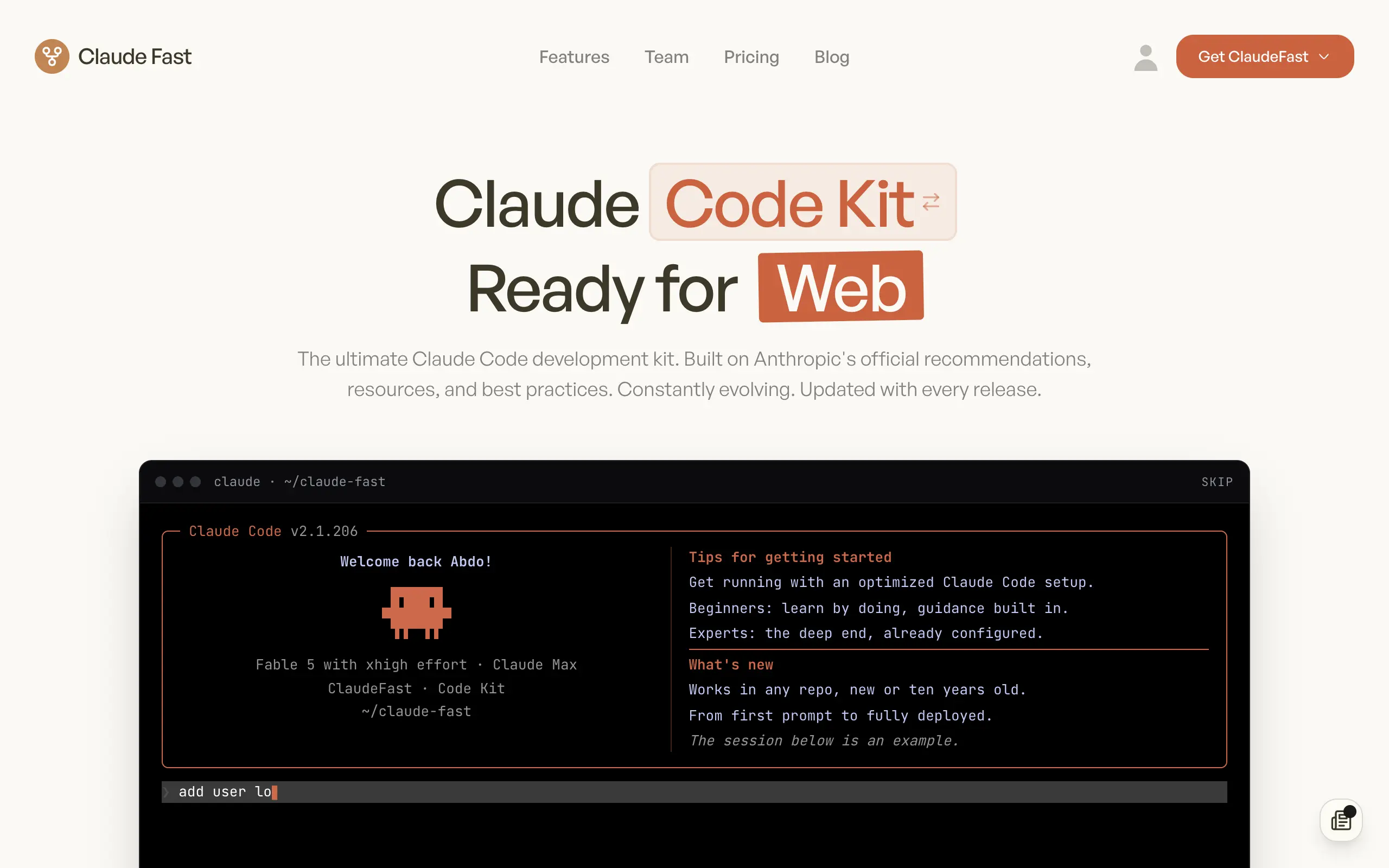
Claude Fast
Supercharge your Claude Code with 6x effective context window and specialized AI agents 🤖
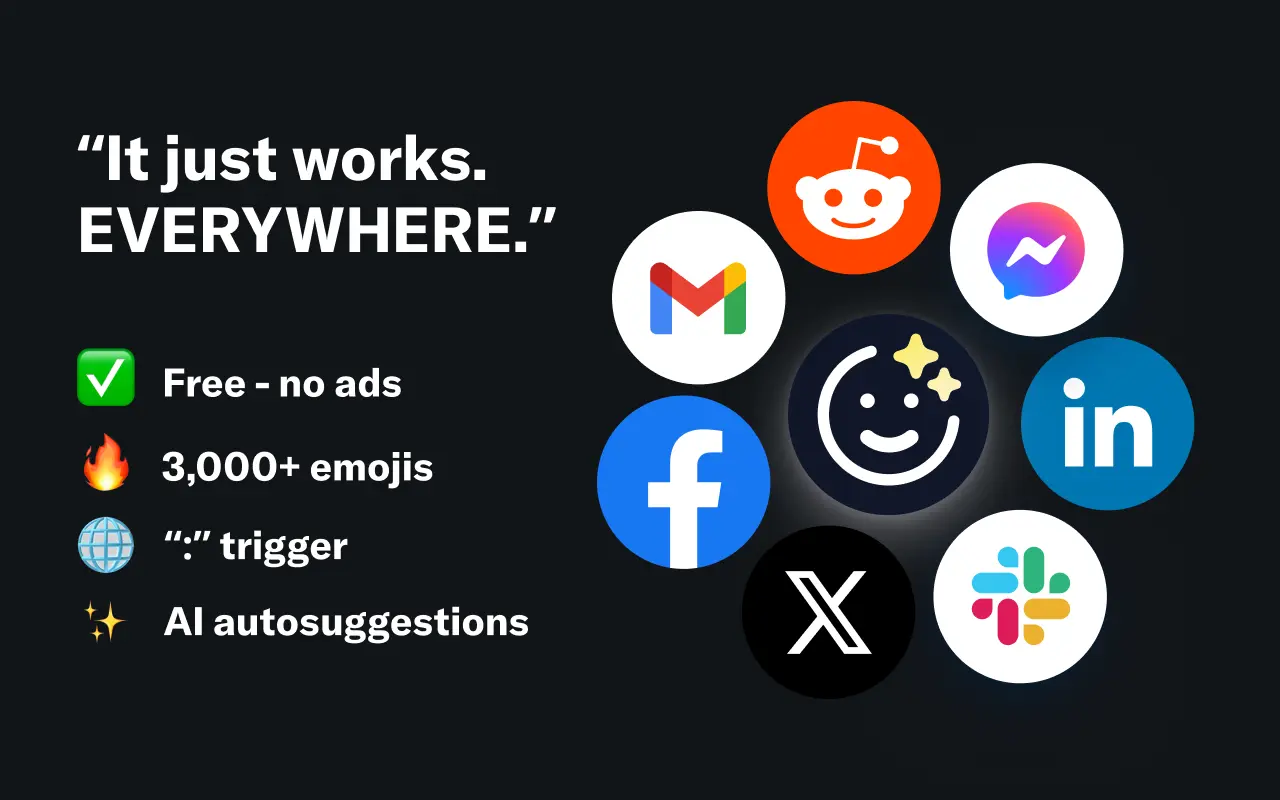
EmojAI
AI-powered emoji picker with smart, context-aware suggestions 🤖

Solohacker
Autonomous company launcher - AI agents work 24/7, escalate what matters, and you stay in control 🤖
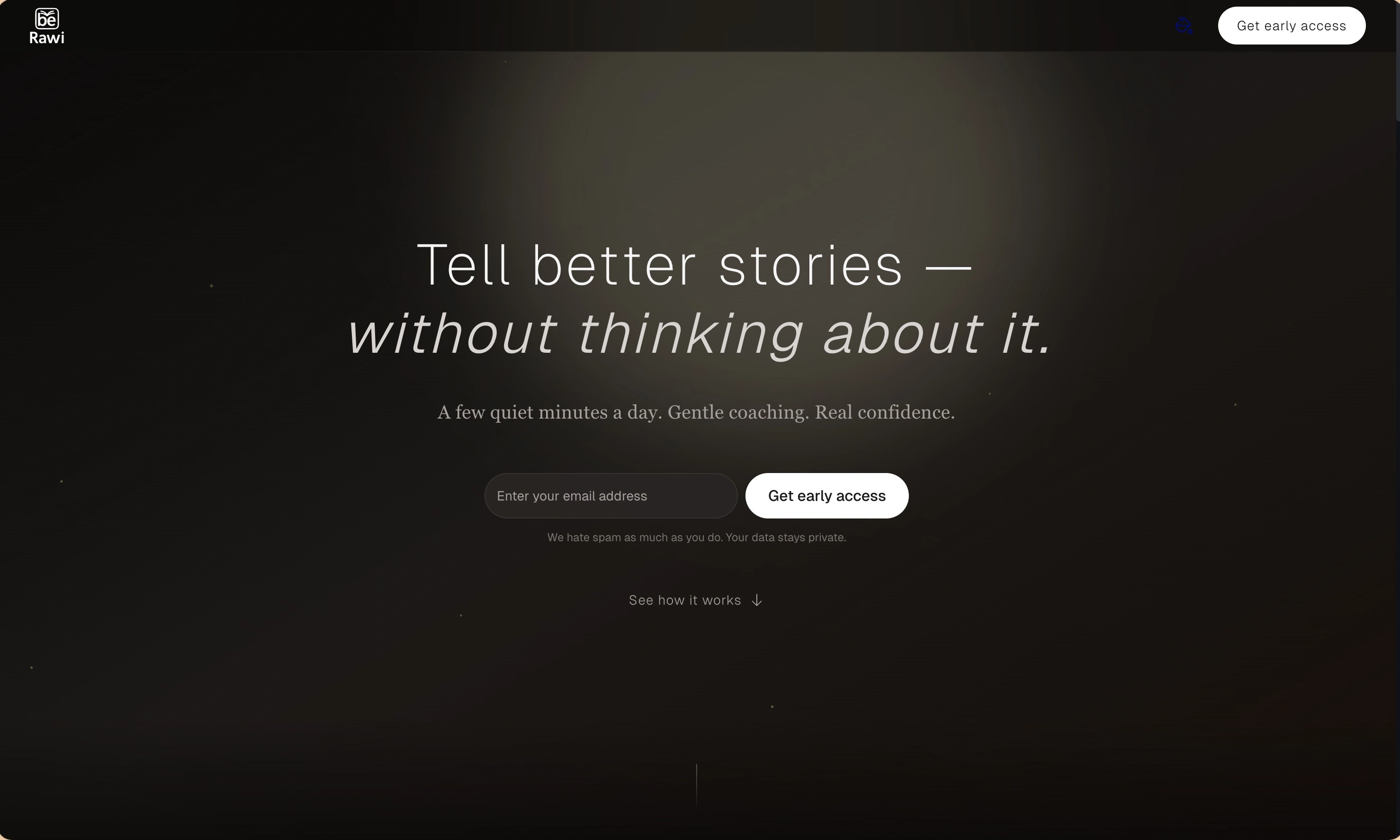
BeRawi: Storytelling Coach
Practice storytelling daily with instant feedback to sound clearer, more engaging, and confident 🎤
Omichat
Chat with 50+ AI models, including ChatGPT and Claude, in one place - switch models anytime without losing context 🤖
Claude Fast
Supercharge your Claude Code with 6x effective context window and specialized AI agents 🤖
EmojAI
AI-powered emoji picker with smart, context-aware suggestions 🤖
Solohacker
Autonomous company launcher - AI agents work 24/7, escalate what matters, and you stay in control 🤖
BeRawi: Storytelling Coach
Practice storytelling daily with instant feedback to sound clearer, more engaging, and confident 🎤
Omichat
Chat with 50+ AI models, including ChatGPT and Claude, in one place - switch models anytime without losing context 🤖
Claude Fast
Supercharge your Claude Code with 6x effective context window and specialized AI agents 🤖
EmojAI
AI-powered emoji picker with smart, context-aware suggestions 🤖
Solohacker
Autonomous company launcher - AI agents work 24/7, escalate what matters, and you stay in control 🤖
BeRawi: Storytelling Coach
Practice storytelling daily with instant feedback to sound clearer, more engaging, and confident 🎤
Omichat
Chat with 50+ AI models, including ChatGPT and Claude, in one place - switch models anytime without losing context 🤖
Claude Fast
Supercharge your Claude Code with 6x effective context window and specialized AI agents 🤖
EmojAI
AI-powered emoji picker with smart, context-aware suggestions 🤖
Solohacker
Autonomous company launcher - AI agents work 24/7, escalate what matters, and you stay in control 🤖
BeRawi: Storytelling Coach
Practice storytelling daily with instant feedback to sound clearer, more engaging, and confident 🎤

Connect with like-minded people
Join our community to get feedback, support, and grow together with 1,000+ builders on board, let's ship it!
Join usShip your startup everywhere. In minutes.
Don't burn tokens on setup and start building features on day one.