Fletchbook
Gives custom archery bow shops a way to record arrow spine, fletching, and draw weight for each customer. Repeat buyers get matched builds without re-measuring from scratch.
Fletchbook is a customer build record system for custom archery shops. It stores each archer's arrow spine, fletching, draw weight and tuning notes, so a repeat buyer can reorder a matched set of arrows in minutes instead of being re-measured from scratch. In 2026, this kind of niche vertical software has potential because small specialty retailers are still running on paper cards and spreadsheets, and a purpose-built tool for custom archery shop software can be built by one developer in weeks.
Key takeaways
- Target customer: independent pro shops and custom arrow builders that fit and sell bows, arrows and accessories to repeat local customers.
- Pricing angle: a flat monthly subscription per shop, for example $29 to $79/month, with a per-location add-on rather than per-customer fees.
- Biggest risk: a small market where shop owners are not used to paying for software, so distribution and switching from paper decide everything.
- Time to MVP: about 3 to 5 weeks for a solo founder using a starter kit for auth, billing and the database.
Who is Fletchbook for?
The ideal customer is the owner or lead technician of an independent archery pro shop with one location and one to five staff. They sell and tune compound bows, build custom arrows, and see the same hunters and target archers every season. Their value is expertise, and their customers expect them to remember what they shot last year.
What do they do today?
Most shops use a mix of index cards, a binder, a point-of-sale system with a free-text notes field, or a spreadsheet. A few rely on the memory of one experienced employee. That works until it does not.
Why the workaround fails
- Knowledge walks out the door. When the veteran tech is off or leaves, nobody knows that a customer shoots 29.5 inch arrows with a specific spine and vane setup.
- Generic POS notes are unsearchable. Free text cannot answer "who shot this spine at this draw weight?" when a shaft model is discontinued.
- Draw weight changes. A customer who adds or drops weight needs a different spine, and nothing in a binder flags that.
- Re-measuring wastes counter time. Every repeat order that starts with measuring draw length again is time not spent selling.
What is the market opportunity for archery shop software?
The opportunity is a gap, not a crowd. General retail POS systems such as Square and Lightspeed handle inventory and payments but know nothing about arrow builds. Spine charts and arrow calculators from manufacturers help with selection but do not store a customer's history. Nobody owns the customer build record for a pro shop.
Why now
- Cheap vertical software. Starter kits and managed infrastructure mean a niche tool no longer needs a team to be viable.
- Shops are consolidating tools. Owners already accept subscriptions for POS, email and booking, so another small monthly line is not a new behavior.
- Online ordering expectations. Customers increasingly expect to reorder without a phone call, which a structured record makes possible.
- AI-assisted data entry. Parsing a messy photo of an index card or a pasted spreadsheet into structured records is now a practical import feature.
The honest caveat: the total number of shops is limited, so this is a small, profitable business, not a venture-scale one, unless you expand into adjacent crafts such as bowyers, gunsmiths or custom fly rod builders.
What should the MVP include?
Build the smallest thing that lets a shop look up a customer and reorder their exact build. The aha moment is a technician typing a name, seeing the full arrow spec, and clicking "reorder same build" with a pre-filled work order.
Customer build profiles
One record per archer with draw length, draw weight, bow model, arrow spine, shaft length, point weight and fletching details.
Build history and versions
Every change is saved as a dated version, so a draw weight change shows the old and new setup side by side.
Reorder in one click
Duplicate a past build into a new work order, with a flag when the current draw weight no longer matches the saved spine.
Import and search
Bring in spreadsheets or CSV exports, then search by name, shaft model, spine or fletching color.
What to cut at first
- Inventory and full POS. Integrate later, do not rebuild.
- Spine calculators. Start with a manual spine field and optional shop-defined rules.
- Customer-facing portals and native mobile apps. Staff use it at the counter on a tablet or laptop.
- Multi-location reporting. One shop, a few staff accounts.
How is Fletchbook different from spreadsheets and POS systems?
The unique selling proposition is simple: every repeat customer is a one-click reorder, with the shop's own build rules built in. It is a system of record for the craft, not a general retail tool.
| Option | Structured arrow specs | Build version history | One-click reorder | Setup effort |
|---|---|---|---|---|
| Fletchbook | ✅ | ✅ | ✅ | Low |
| Paper cards or binder | ❌ | ❌ | ❌ | None |
| Spreadsheet | Partial | Manual | ❌ | Medium |
| General retail POS notes | ❌ | ❌ | ❌ | Low |
| Manufacturer spine charts | ✅ | ❌ | ❌ | Low |
The real competitor is inertia. If importing existing records takes more than an afternoon, shops will stay on their binder.
How would Fletchbook make money?
Charge shops a flat monthly fee. Per-customer pricing punishes the shops with the best retention, and shop owners prefer predictable bills.
Pricing options
- Single plan at $39/month: simplest to explain and sell. If 3% of shops that see a demo convert, you need a steady demo pipeline, not a complex plan matrix.
- Tiered by staff seats: a $29 base plan for up to two users and a $79 plan for larger shops with more staff and extra locations. This captures bigger shops without scaring off small ones.
- Setup fee for data migration: a one-time $150 to $300 to key in or clean up legacy records. It pays for the hardest part of onboarding and filters out uncommitted shops.
As a rough assumption, 100 paying shops at $39/month is about $3,900 monthly recurring revenue. That is a solid solo business, but not a large one, so keep costs low.
First growth channel
Direct outreach and archery trade communities are the most likely first channel. Visit or call shops, offer to import their binder for free, and ask for referrals to the next shop. Local league and tournament circuits, and archery retailer groups on social platforms, are where owners already talk to each other.
How do you validate the idea before building?
Spend one to two weeks testing whether shop owners feel the pain and will pay, before writing production code.
Interview 10 shop owners
Ask how they store customer specs today, what happens when a tech is out, and how long a repeat order takes. Listen for stories of lost records or wrong reorders.
Photograph their current system
Ask to see the binder or spreadsheet. The mess you find defines your import feature and your onboarding offer.
Publish a one-page site
State one promise: reorder any customer's exact build in under a minute. Add a waitlist form and a demo booking link.
Offer a paid pilot
Ask five interested shops to prepay a discounted first quarter in exchange for free data import. Even two or three yeses are a strong signal in a niche this small.
Decide with a clear threshold
Set the bar before you start, for example three paid pilots out of ten conversations. If you miss it, change the target segment or the promise before building.
What tech stack should you use to build Fletchbook?
Use a standard web app with a relational database. The data is structured and relational: shops, staff, customers, bows, builds and build versions. The first version needs authentication, team accounts, billing, a database and transactional email, none of which differentiates you.
TurboStarter covers that undifferentiated work in a ready-made monorepo, including authentication, organizations for shops and staff, billing for subscriptions, and the database layer. That leaves your time for the build model, reorder flow and import tool. A tablet-friendly web app is enough at first, and a mobile app can come later from the same codebase.
Data model sketch
create table customer (
  id uuid primary key,
  shop_id uuid not null,
  name text not null,
  phone text,
  email text
);

create table build (
  id uuid primary key,
  customer_id uuid not null references customer(id),
  version int not null default 1,
  draw_length numeric(4,2),
  draw_weight numeric(5,1),
  spine int,
  shaft_model text,
  shaft_length numeric(4,2),
  point_weight int,
  fletching text,
  notes text,
  created_at timestamptz default now()
);
Never overwrite a build. Insert a new version, so history and the reorder button always work.
Choosing an import approach
Let the shop upload a spreadsheet and map columns to fields. It is predictable, cheap and easy to debug. Pick this first, since most shops with digital records have a spreadsheet.
Parse photos of cards or messy free-text notes into structured fields, with a review screen before saving. It handles the worst data, but it costs per request and needs human confirmation because a wrong spine is an expensive mistake. Add it after the CSV flow works.
What could make Fletchbook fail?
Biggest risk: shops will not switch from paper
The product can be good and still lose to the binder on the counter. If onboarding requires the owner to type in hundreds of records themselves, adoption will stall. Offer done-for-you data import in the pilot, and measure how many shops reach a first successful reorder within a week.
Other risks
- Small market ceiling. Revenue stalls at a modest level. Keep costs tiny, and plan adjacent verticals with similar custom-build records.
- Incumbent adds a notes template. A POS vendor could add archery fields. Your defense is depth: version history, rule-based mismatch warnings and trade-specific workflows.
- Data accuracy liability. A wrong spine suggestion could cause a bad build. Present warnings as prompts for the technician, not authoritative recommendations, and let shops define their own rules.
What does a 30-day launch plan look like?
- Days 1 to 7: run interviews, collect sample binders and spreadsheets, and publish the landing page.
- Days 8 to 14: secure two or three paid pilots, then scaffold the app with auth, organizations and billing from the starter kit.
- Days 15 to 21: build customer profiles, build versioning and the reorder flow.
- Days 22 to 26: add CSV import and search, then migrate the pilot shops' data yourself.
- Days 27 to 30: put it on the counter in pilot shops, watch real reorders, and fix whatever slows the technician down.
Start with the one workflow that matters, a repeat customer reordering an exact build, and expand only after shops use it weekly. TurboStarter can get the foundation running in days so your first month goes to shop owners, not boilerplate.
FAQ
Demand is likely real but narrow. Test it by interviewing shop owners and asking for a prepaid pilot, since stated interest is cheap and payment is not. A few paid commitments from ten conversations is a healthy early signal.
Start between $29 and $79/month per shop, depending on staff seats and locations. Assuming a shop sees even a handful of repeat orders sped up each week, the price is small relative to the time saved. Add a one-time import fee for shops with messy legacy data.
Direct competition is thin. Your alternatives are paper records, spreadsheets, general POS systems such as Square or Lightspeed, and manufacturer spine charts. None of them store a versioned customer build with a reorder flow.
A TypeScript web app with a relational database such as Postgres fits the structured, versioned data well. Using a starter kit for auth, teams and billing keeps the build focused on the reorder and import features.
A solo developer can ship a usable MVP in roughly 3 to 5 weeks with a starter kit. Infrastructure costs are low at this stage, so the main expense is your time and the effort spent importing pilot shops' data.
More 🏢 B2B Application SaaS ideas
Discover more innovative b2b application SaaS ideas that are trending in 2026. Each idea is AI-generated with market validation and growth potential to help you find your next profitable venture faster than competitors.
Your competitors are building with TurboStarter
Below are some of the SaaS ideas that have been generated and built with our starter kit.

Statiko
Monitor any Telegram channel in real time - track posts, edits, deletions, and growth with AI recaps 📡

Shibui
AI website builder - describe your business, pick a niche template, edit by chatting, and publish instantly ✨
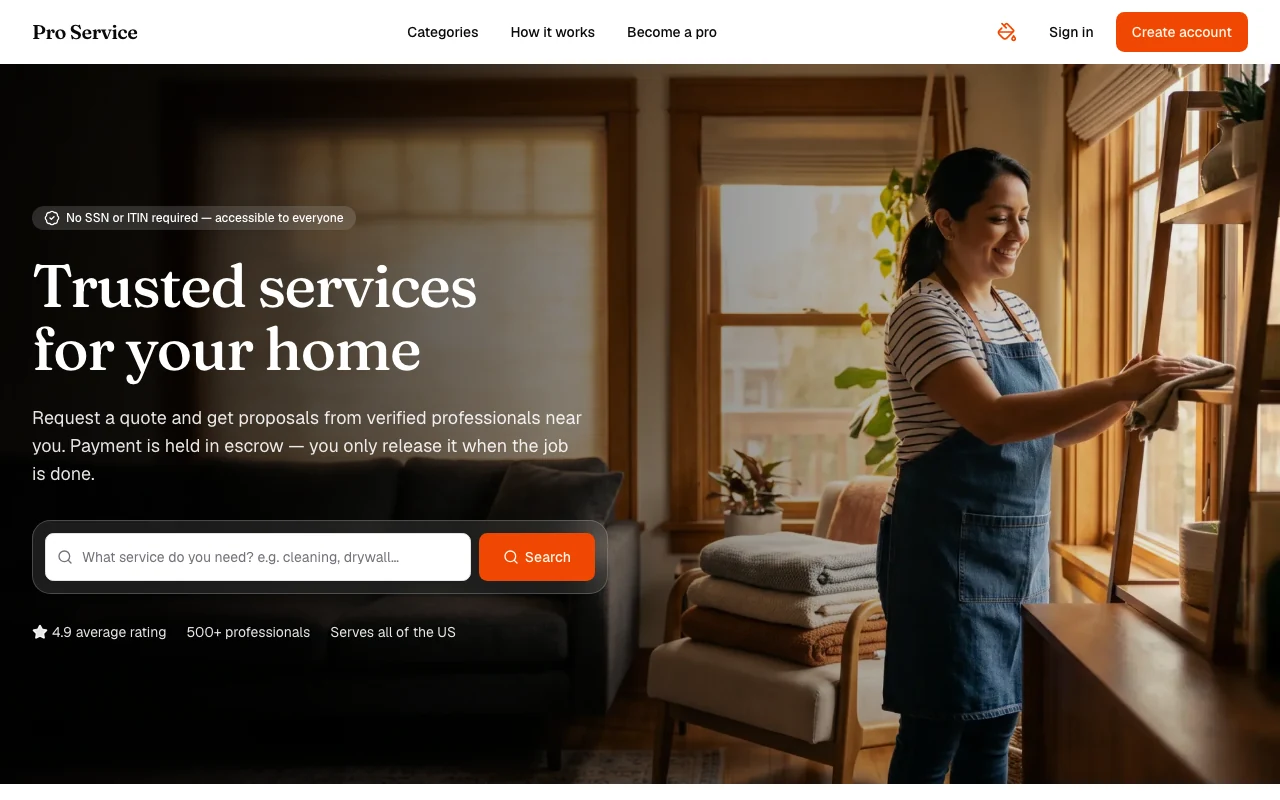
Pro Service
Find verified home service professionals, compare quotes, and pay securely through escrow - built for Brazilians across the US 🏠
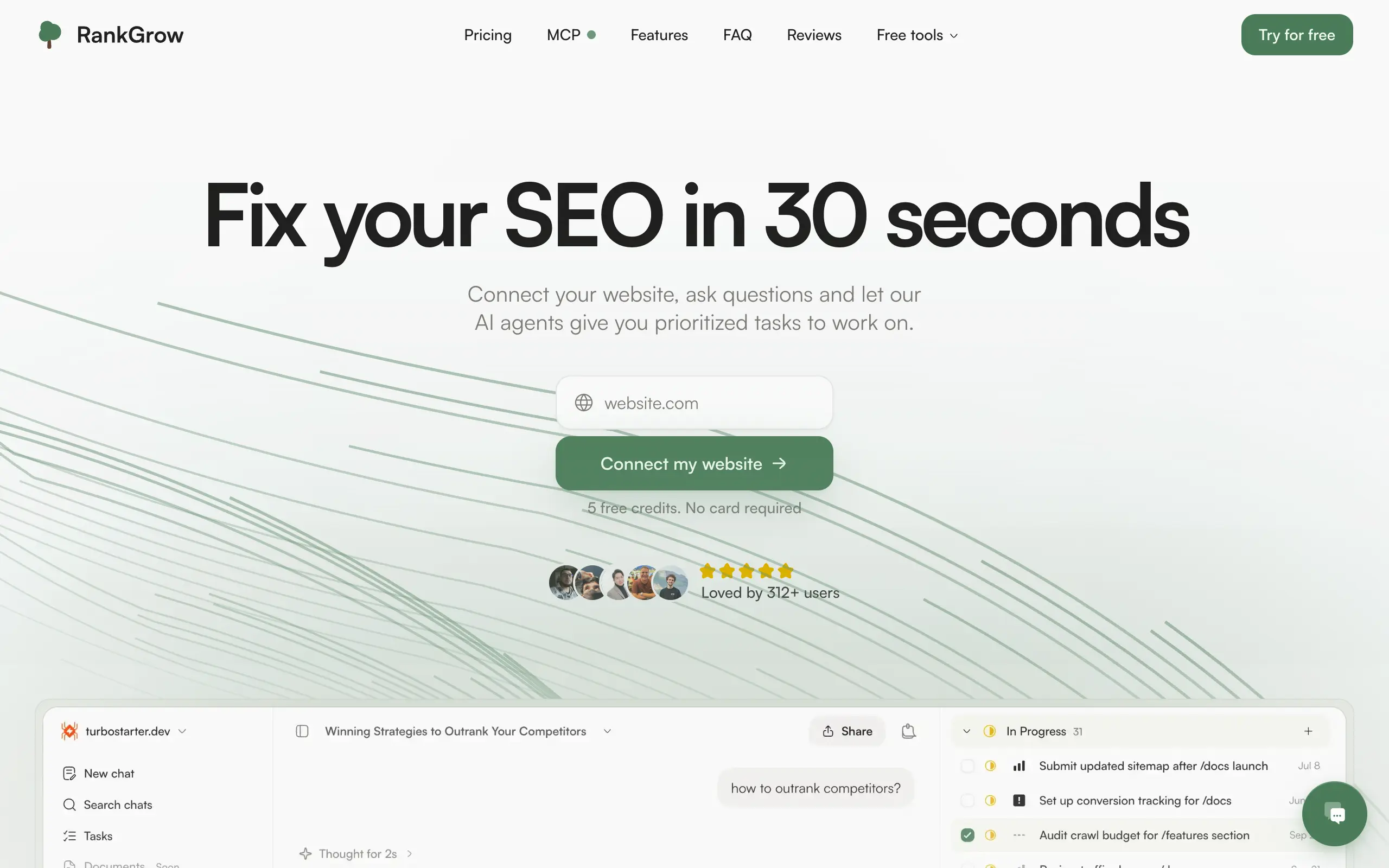
RankGrow
Fix your SEO with AI agents - connect Search Console, get prioritized tasks, and grow organic traffic 📈

SyncReads
Sync your favorite content for distraction-free reading, save time and replace multiple apps. Anytime, anywhere 🔄

Socialcrawl
Get clean, structured data from 21 platforms like TikTok, Instagram, and YouTube with a single request 📊
Statiko
Monitor any Telegram channel in real time - track posts, edits, deletions, and growth with AI recaps 📡
Shibui
AI website builder - describe your business, pick a niche template, edit by chatting, and publish instantly ✨
Pro Service
Find verified home service professionals, compare quotes, and pay securely through escrow - built for Brazilians across the US 🏠
RankGrow
Fix your SEO with AI agents - connect Search Console, get prioritized tasks, and grow organic traffic 📈
SyncReads
Sync your favorite content for distraction-free reading, save time and replace multiple apps. Anytime, anywhere 🔄
Socialcrawl
Get clean, structured data from 21 platforms like TikTok, Instagram, and YouTube with a single request 📊
Statiko
Monitor any Telegram channel in real time - track posts, edits, deletions, and growth with AI recaps 📡
Shibui
AI website builder - describe your business, pick a niche template, edit by chatting, and publish instantly ✨
Pro Service
Find verified home service professionals, compare quotes, and pay securely through escrow - built for Brazilians across the US 🏠
RankGrow
Fix your SEO with AI agents - connect Search Console, get prioritized tasks, and grow organic traffic 📈
SyncReads
Sync your favorite content for distraction-free reading, save time and replace multiple apps. Anytime, anywhere 🔄
Socialcrawl
Get clean, structured data from 21 platforms like TikTok, Instagram, and YouTube with a single request 📊
Statiko
Monitor any Telegram channel in real time - track posts, edits, deletions, and growth with AI recaps 📡
Shibui
AI website builder - describe your business, pick a niche template, edit by chatting, and publish instantly ✨
Pro Service
Find verified home service professionals, compare quotes, and pay securely through escrow - built for Brazilians across the US 🏠
RankGrow
Fix your SEO with AI agents - connect Search Console, get prioritized tasks, and grow organic traffic 📈
SyncReads
Sync your favorite content for distraction-free reading, save time and replace multiple apps. Anytime, anywhere 🔄
Socialcrawl
Get clean, structured data from 21 platforms like TikTok, Instagram, and YouTube with a single request 📊

Dotallio
Personalized AI apps that automate research, data extraction, and content creation without code 🤖

Talk to Santa
Enjoy a magical live video chat or receive a unique AI-generated video greeting from Santa Claus 🎅

pozywka.pl
Scalable blog for food journalist, focused on performance and user experience 🌭

zagrodzki.me
Personal blog and portfolio of Bart Zagrodzki, where he shares his knowledge and work 💼

TurboStarter
Ship your startup everywhere. In minutes.

HTML to Markdown
Convert HTML to Markdown with ease, directly in your browser 📄
Dotallio
Personalized AI apps that automate research, data extraction, and content creation without code 🤖
Talk to Santa
Enjoy a magical live video chat or receive a unique AI-generated video greeting from Santa Claus 🎅
pozywka.pl
Scalable blog for food journalist, focused on performance and user experience 🌭
zagrodzki.me
Personal blog and portfolio of Bart Zagrodzki, where he shares his knowledge and work 💼
TurboStarter
Ship your startup everywhere. In minutes.
HTML to Markdown
Convert HTML to Markdown with ease, directly in your browser 📄
Dotallio
Personalized AI apps that automate research, data extraction, and content creation without code 🤖
Talk to Santa
Enjoy a magical live video chat or receive a unique AI-generated video greeting from Santa Claus 🎅
pozywka.pl
Scalable blog for food journalist, focused on performance and user experience 🌭
zagrodzki.me
Personal blog and portfolio of Bart Zagrodzki, where he shares his knowledge and work 💼
TurboStarter
Ship your startup everywhere. In minutes.
HTML to Markdown
Convert HTML to Markdown with ease, directly in your browser 📄
Dotallio
Personalized AI apps that automate research, data extraction, and content creation without code 🤖
Talk to Santa
Enjoy a magical live video chat or receive a unique AI-generated video greeting from Santa Claus 🎅
pozywka.pl
Scalable blog for food journalist, focused on performance and user experience 🌭
zagrodzki.me
Personal blog and portfolio of Bart Zagrodzki, where he shares his knowledge and work 💼
TurboStarter
Ship your startup everywhere. In minutes.
HTML to Markdown
Convert HTML to Markdown with ease, directly in your browser 📄

Omichat
Chat with 50+ AI models, including ChatGPT and Claude, in one place - switch models anytime without losing context 🤖

Claude Fast
Supercharge your Claude Code with 6x effective context window and specialized AI agents 🤖

EmojAI
AI-powered emoji picker with smart, context-aware suggestions 🤖

Solohacker
Autonomous company launcher - AI agents work 24/7, escalate what matters, and you stay in control 🤖

BeRawi: Storytelling Coach
Practice storytelling daily with instant feedback to sound clearer, more engaging, and confident 🎤
Omichat
Chat with 50+ AI models, including ChatGPT and Claude, in one place - switch models anytime without losing context 🤖
Claude Fast
Supercharge your Claude Code with 6x effective context window and specialized AI agents 🤖
EmojAI
AI-powered emoji picker with smart, context-aware suggestions 🤖
Solohacker
Autonomous company launcher - AI agents work 24/7, escalate what matters, and you stay in control 🤖
BeRawi: Storytelling Coach
Practice storytelling daily with instant feedback to sound clearer, more engaging, and confident 🎤
Omichat
Chat with 50+ AI models, including ChatGPT and Claude, in one place - switch models anytime without losing context 🤖
Claude Fast
Supercharge your Claude Code with 6x effective context window and specialized AI agents 🤖
EmojAI
AI-powered emoji picker with smart, context-aware suggestions 🤖
Solohacker
Autonomous company launcher - AI agents work 24/7, escalate what matters, and you stay in control 🤖
BeRawi: Storytelling Coach
Practice storytelling daily with instant feedback to sound clearer, more engaging, and confident 🎤
Omichat
Chat with 50+ AI models, including ChatGPT and Claude, in one place - switch models anytime without losing context 🤖
Claude Fast
Supercharge your Claude Code with 6x effective context window and specialized AI agents 🤖
EmojAI
AI-powered emoji picker with smart, context-aware suggestions 🤖
Solohacker
Autonomous company launcher - AI agents work 24/7, escalate what matters, and you stay in control 🤖
BeRawi: Storytelling Coach
Practice storytelling daily with instant feedback to sound clearer, more engaging, and confident 🎤

Connect with like-minded people
Join our community to get feedback, support, and grow together with 1,000+ builders on board, let's ship it!
Join usShip your startup everywhere. In minutes.
Don't burn tokens on setup and start building features on day one.