InboxRelay
Turn shared mailbox requests into assigned, auditable workflows automatically. It extracts intent, updates business systems, and sends status replies.
Why shared mailbox workflow automation is a growing B2B opportunity
Shared mailboxes remain a central operating system for many teams. Sales operations manages orders@, finance owns billing@, support monitors help@, and HR handles people@. The email address may be shared, but the process behind it rarely is.
A typical request arrives as an unstructured message. Someone must read it, interpret the intent, determine ownership, find context across other systems, update records, and reply. When volumes increase, this manual workflow creates missed requests, duplicated work, unclear accountability, and limited auditability.
InboxRelay is positioned as shared mailbox workflow automation software for teams that need to turn inbound requests into assigned, auditable, system-connected work. Instead of treating a shared inbox as a passive message queue, InboxRelay can classify intent, route requests, execute structured updates in connected business systems, and communicate status back to requesters.
The opportunity is significant because shared mailbox management tools often stop at collaboration features such as assignment, tags, collision detection, and templates. Those capabilities are useful, but they do not fully solve the operational problem. Teams still need to manually move data between email and CRMs, ERPs, ticketing systems, HR platforms, procurement tools, and internal approval workflows.
InboxRelay’s core differentiation is the move from inbox collaboration to inbox-to-workflow execution.
The strategic positioning
InboxRelay should not market itself as another shared inbox. It should lead with a clearer promise: turn every business-critical shared mailbox request into a trackable workflow with accountable ownership, connected system updates, and an audit trail.
The shared mailbox workflow problem InboxRelay solves
A shared inbox creates a deceptively simple problem. Multiple people can see the same emails, yet no one has guaranteed ownership of any specific request.
As teams grow, the consequences become costly:
- Requests remain unread or are marked as read without action.
- Multiple teammates respond independently to the same customer or vendor.
- Employees forward emails internally, creating fragmented conversation trails.
- Important details are copied into business systems manually.
- Managers cannot reliably answer who owns a request or what happened to it.
- Compliance-sensitive teams lack evidence of approvals, decisions, and system changes.
- Customers receive inconsistent or delayed status updates.
Traditional mailbox rules can route emails based on sender, subject keywords, or recipients. However, rules are brittle when requests vary in language and require contextual interpretation. A message containing “Please update our renewal contact” is not merely an email to assign. It is an operational event that may require identity verification, an account lookup, CRM updates, approval controls, and a confirmation response.
Shared mailbox workflow automation gives teams a structured way to handle these events.
What a modern mailbox workflow should do
A capable platform should convert an inbound message into a sequence of controlled actions:
- Ingest the email, attachments, headers, and sender metadata.
- Identify the request type and confidence level.
- Extract relevant entities such as customer name, invoice number, order ID, employee name, or requested date.
- Enrich the request with data from connected systems.
- Assign the work to the right person, queue, or workflow.
- Require approval when the action has financial, legal, security, or customer-impacting consequences.
- Update the system of record when appropriate.
- Send a relevant acknowledgment or progress update.
- Record every step in an immutable, searchable audit trail.
That is the product category InboxRelay should own: shared mailbox request automation with workflow orchestration and auditability.
Target audience analysis for InboxRelay
The ideal InboxRelay customer is not simply any company with an email address. The strongest early customers are organizations where shared mailboxes are tied directly to revenue, customer experience, financial operations, compliance, or internal service delivery.
Primary customer segments
Customer operations teams
Support, account management, and customer success teams managing high-volume requests that require updates in a CRM, subscription system, or customer database.
Finance and accounts receivable
Teams handling invoices, remittance advice, payment status questions, vendor onboarding, credit requests, and purchase order exceptions.
Sales and revenue operations
Teams processing quote requests, deal desk approvals, contract routing, lead handoffs, partner requests, and account changes.
HR and people operations
Teams coordinating employee documentation, onboarding requests, policy questions, payroll changes, and benefits-related workflows.
IT and internal service teams
Teams that receive access requests, equipment requests, security notifications, procurement queries, and operational incident emails.
Best initial ideal customer profile
The best initial ICP is likely a mid-market B2B organization with 100 to 2,000 employees that has:
- Several high-value shared mailboxes.
- Repetitive request categories with recognizable patterns.
- Existing SaaS systems that require manual updates after receiving an email.
- A need for accountability, response-time reporting, or compliance evidence.
- Workflow volume large enough that manual triage consumes meaningful employee time.
- Process owners who can champion an operational improvement initiative.
This buyer profile is more compelling than very small businesses because small teams may solve the problem with a shared inbox, manual processes, or basic help desk software. Enterprise organizations can be valuable later, but may require extensive procurement, complex security reviews, and deep integration support before reaching product-market fit.
Key buyer roles and their motivations
| Buyer role | Primary pain | What success looks like | Purchase concern | InboxRelay message |
|---|---|---|---|---|
| Operations leader | Manual handoffs and missed deadlines | Predictable request handling | Change management | Standardize work without forcing users into a new inbox |
| Support leader | Slow replies and inconsistent ownership | Better SLA performance | Agent adoption | Route and resolve requests with clear ownership |
| Finance leader | Invoice and payment exceptions | Fewer manual updates and stronger controls | Auditability | Transform billing emails into controlled workflows |
| IT or security leader | Untracked access and service requests | Governed, logged actions | Data protection | Maintain a complete record of every decision and action |
| RevOps leader | CRM data quality and handoff gaps | Accurate, timely system updates | Integration reliability | Let inbound requests update the right revenue workflow |
Jobs to be done
InboxRelay should frame product marketing around practical jobs rather than abstract AI claims.
- “When an invoice dispute arrives in our billing mailbox, help my team identify the account, assign the case, update the right record, and keep the customer informed without manual chasing.”
- “When a customer requests an account change, help us verify the request, capture the data, route it for approval, and leave a complete history.”
- “When an internal access request comes through email, help us make ownership, approvals, and fulfillment visible.”
- “When routine emails arrive in a shared inbox, help us automate safe actions and escalate exceptions to people.”
These jobs clarify why InboxRelay is more valuable than a generic email client or AI writing assistant.
Market gap: where shared inbox tools and automation platforms fall short
The market includes several adjacent product categories:
- Shared inbox and customer communication platforms.
- Help desk and ticketing software.
- Workflow automation platforms.
- Robotic process automation tools.
- AI email assistants.
- Enterprise service management platforms.
Each category addresses part of the problem, but few products offer an opinionated, email-native operating layer that combines intent extraction, business-system actions, approval controls, status communication, and full auditability.
The gap between collaboration and execution
Shared inbox tools are generally optimized for team communication. Their core features usually include assignments, tags, internal notes, collision detection, shared templates, and reporting. These features improve collaboration, but the employee often still has to interpret the email and complete work in another application.
Workflow automation platforms can connect applications, but they may require teams to design workflows around structured triggers, forms, or APIs. Email is messier. It includes unstructured language, threaded conversations, changing attachments, forwarded content, and ambiguities that need human review.
Help desks create tickets, but they may be too support-centric for finance, revenue operations, HR, procurement, or back-office request processing. They also do not necessarily complete downstream system changes.
InboxRelay can occupy the valuable middle layer:
Email arrives → intent is understood → work is created and governed → systems are updated → requester receives a status response.
Why AI makes the category more viable now
Modern language models make it possible to classify requests and extract structured data from varied email language. However, AI alone is not a workflow product. A reliable B2B solution must pair model outputs with deterministic controls.
InboxRelay should use AI where interpretation is needed and rules where correctness is mandatory.
Intent classification, summarization, entity extraction, suggested routing, draft replies, attachment interpretation, and duplicate-request detection are strong AI-assisted tasks.
Permission checks, assignment constraints, approval policies, required fields, system write operations, retention settings, SLA timers, and audit logging should remain deterministic and policy-driven.
Low-confidence interpretation, sensitive exceptions, high-value customer changes, unusual requests, and actions that exceed configured risk thresholds should be reviewed by authorized people.
This hybrid model is central to trust. Customers do not want an autonomous agent changing financial records because it misunderstood an email. They want automation that is transparent, controllable, and easy to override.
Core InboxRelay features and solution design
The first version of InboxRelay should prioritize one complete loop: receive, understand, assign, act, communicate, and audit. Building a broad automation canvas before validating this loop risks creating a technically impressive product that feels too complex for operational buyers.
Shared mailbox ingestion and conversation normalization
InboxRelay needs reliable connections to common business email providers. Begin with Microsoft 365 and Google Workspace because they dominate business email deployments.
Core ingestion requirements include:
- OAuth-based mailbox authorization.
- Support for shared mailboxes, delegated access, and group inboxes where provider APIs allow it.
- Incremental synchronization using provider webhooks or change notifications.
- Email thread reconstruction.
- HTML-to-text normalization.
- Attachment metadata and secure file storage.
- Sender identity, recipient, timestamp, and message header capture.
- Idempotent processing to prevent duplicate workflows.
For Microsoft ecosystems, integration should use the Microsoft Graph API. For Google environments, use the Gmail API. Both platforms have permission scopes, rate limits, webhook considerations, and administrative consent models that should influence product design early.
Intent extraction and structured request creation
Once an email is ingested, InboxRelay should transform it into a structured request object.
A useful request object may include:
type InboxRequest = {
  id: string;
  mailboxId: string;
  threadId: string;
  category: "invoice_dispute" | "account_change" | "access_request" | "other";
  confidence: number;
  summary: string;
  extractedFields: Record<string, string | number | boolean | null>;
  matchedEntities: Array<{
    system: "crm" | "erp" | "hris";
    entityType: string;
    entityId: string;
    confidence: number;
  }>;
  riskLevel: "low" | "medium" | "high";
  status: "new" | "assigned" | "waiting_approval" | "in_progress" | "resolved";
};
The product should show users both the original email and the extracted fields. This makes the AI output inspectable and gives users a fast way to correct errors.
A strong UX pattern is to show:
- The source email and attachments.
- A concise generated summary.
- The detected request type.
- Extracted fields with editable values.
- Recommended owner or queue.
- Proposed downstream action.
- Confidence and risk indicators.
- Full workflow history.
Intelligent routing and workload-aware assignment
Routing must go beyond simple sender or keyword rules. InboxRelay should support layered routing logic:
- Deterministic mailbox and keyword rules.
- AI-derived request category.
- Account, region, customer tier, or department context.
- Team availability and capacity.
- Escalation policies based on SLA or risk.
- Manual overrides and learning from corrections.
For example, a billing request from a strategic account could route to a named account manager and finance queue, while a standard invoice-copy request can be processed automatically.
The key is explainability. A user should be able to see why InboxRelay routed the request to a person or workflow. “Assigned to Revenue Operations because the request was classified as contract amendment, the account is in the Enterprise segment, and the assigned account owner is unavailable” is more trustworthy than a black-box recommendation.
Connected business-system actions
The most valuable feature is not merely creating a task. It is performing or preparing relevant actions in the systems where work actually happens.
Priority integrations should be selected by vertical and workflow focus. A broad integration marketplace can come later.
Potential initial integration categories include:
- CRM systems for account, contact, opportunity, and case updates.
- Help desk systems for ticket creation and synchronization.
- Accounting and ERP systems for invoices, vendors, payment status, and purchase orders.
- HRIS platforms for employee-related workflows.
- Team collaboration tools for approvals and escalations.
- Automation platforms or webhooks for long-tail connectivity.
The product should distinguish between read actions and write actions. Read actions enrich the request with account context. Write actions update a record or trigger a workflow. Write actions need stronger safeguards, idempotency keys, permissions, retries, and audit records.
Status replies and requester communication
Requesters should not need to ask, “Did anyone see my email?”
InboxRelay should send thoughtful status messages based on workflow state:
- Receipt acknowledgment when a request enters a queue.
- Clarification request when essential data is missing.
- Progress notification for long-running work.
- Resolution summary when the task is completed.
- Escalation message when a request requires an alternate path.
The response system should preserve the original email thread and allow admins to configure brand voice, response templates, sender identity, and approval requirements.
Avoid overly robotic replies. The best status communication confirms what was understood, explains the next step, and sets realistic expectations.
Auditable workflow timelines
Auditability is a major differentiator, especially for finance, HR, legal-adjacent, and IT workflows. Every request should have a durable timeline that records:
- Incoming message receipt.
- Classification results and model version.
- Extracted data and user corrections.
- Routing decisions.
- Ownership changes.
- Approval requests and approver decisions.
- System reads and writes.
- Outbound messages.
- Errors, retries, and manual interventions.
- Resolution state and timestamps.
For regulated customers, audit controls may become a top reason to purchase. This does not mean InboxRelay should claim compliance certifications before earning them. It does mean the product architecture should support retention policies, access controls, audit export, and evidence collection from the beginning.
The InboxRelay competitive advantage
InboxRelay can establish a defensible position by focusing on the operational layer between email and business systems.
A clear USP
InboxRelay turns shared mailbox requests into accountable, auditable workflows that can safely update the systems your business already relies on.
This positioning has four concrete pillars:
-
Email-native intake
Teams can improve workflows without forcing customers, vendors, or employees to use a new portal or form. -
AI-assisted interpretation with human control
The platform handles messy language while retaining confidence indicators, editable extraction, approvals, and escalation paths. -
Action-oriented integrations
InboxRelay does not end at routing. It connects requests to real business-system updates. -
End-to-end auditability
Every decision, assignment, approval, update, and response is visible in one timeline.
How InboxRelay should avoid commodity positioning
The shared inbox market can be crowded. Terms such as “collaborative inbox,” “email assignment,” and “AI email assistant” are easy to understand but can make the product seem interchangeable.
Instead, focus messaging on outcomes:
- Reduce manual rekeying from email into business systems.
- Create reliable ownership for operational requests.
- Make every request status visible.
- Automate low-risk repetitive work.
- Preserve an audit trail for important decisions.
- Improve response times without expanding headcount.
The website should feature specific workflow pages, such as:
- Shared mailbox automation for finance teams.
- Invoice request workflow automation.
- Customer account change request automation.
- HR shared mailbox workflow software.
- IT access request email automation.
- Microsoft 365 shared mailbox workflow automation.
These pages can capture high-intent, problem-specific search traffic while demonstrating practical product depth.
Recommended tech stack for a reliable InboxRelay SaaS
InboxRelay is an integration-heavy workflow product. Reliability, observability, security, and asynchronous processing matter as much as UI speed.
Frontend and application layer
A strong stack for an early-stage B2B SaaS includes:
- Next.js for the web application, server rendering, API routes, and dashboard experience.
- React for interactive workflow views and administrative interfaces.
- TypeScript for safer integration contracts and shared types.
- Tailwind CSS for fast, consistent interface development.
- PostgreSQL as the primary transactional database.
- Prisma or a SQL-first data layer for schema management and type-safe database access.
TurboStarter can reduce time to market by providing a production-oriented SaaS foundation for authentication, billing, dashboard patterns, and application scaffolding. The product-specific work should then focus on mailbox ingestion, workflow orchestration, integrations, permissions, and audit history.
Workflow and background processing architecture
Email processing should never depend on a synchronous browser request. InboxRelay needs durable background jobs for ingestion, AI processing, retries, integration calls, outbound email, and SLA monitoring.
Consider:
- Temporal for durable, long-running workflows with retries and stateful orchestration.
- Redis for caching, rate limiting, queues, and transient coordination.
- A queue system such as BullMQ when the operational model is simpler and the team prefers a Node.js-first job queue.
- Sentry for application error tracking and performance monitoring.
- OpenTelemetry for distributed tracing across ingestion, AI, and integration workflows.
The core trade-off is complexity. A queue-based architecture is faster to build and can be sufficient for an MVP. Temporal provides stronger guarantees for long-running, retry-heavy, multi-step workflows, but introduces operational and learning overhead. For a product whose promise depends on reliable execution and auditability, that investment can become worthwhile as workflow complexity grows.
AI and document processing architecture
InboxRelay should treat AI providers as replaceable infrastructure rather than hardcode product logic around one model.
A practical AI layer should include:
- Structured output schemas for categories and extracted fields.
- Confidence scoring.
- Prompt and model version tracking.
- Evaluation datasets based on anonymized or synthetic workflows.
- Fallback models or deterministic rules for critical paths.
- Human review queues for low-confidence results.
- Redaction options for sensitive data where feasible.
Do not allow a model response to directly execute irreversible actions. Instead, model output should create a proposed action that passes through policy checks.
Multi-tenant data and security model
For B2B trust, tenant isolation should be foundational.
Minimum security architecture considerations include:
- Tenant-scoped authorization in every database query.
- Encryption in transit and at rest.
- Secure storage for OAuth refresh tokens.
- Role-based access controls for administrators, operators, approvers, and auditors.
- Least-privilege provider scopes.
- Event logs that cannot be silently modified.
- Data retention and deletion controls.
- Secret rotation procedures.
- Rate limits and abuse prevention for public-facing inbound endpoints.
Security is product work, not a checklist
InboxRelay will process emails that may include personal data, financial details, contracts, and authentication-related requests. Design data minimization, access controls, customer consent, and audit logging into the product before scaling integrations or AI features.
Monetization strategy for shared mailbox workflow automation
InboxRelay should price around operational value rather than only mailbox count. A mailbox-only model is simple, but it fails to capture value created by workflow automation, integrations, and audited system actions.
Recommended pricing model
A hybrid pricing model is likely the strongest fit:
- A base platform fee per workspace or organization.
- Included shared mailboxes and workflow volume.
- Usage tiers based on processed requests or automated actions.
- Higher plans for premium integrations, advanced routing, approvals, audit exports, and longer retention.
- Optional implementation services for complex initial workflows.
This structure avoids punishing customers for adding users while ensuring high-volume, high-value use cases contribute appropriately to revenue.
Example packaging approach
| Plan | Best for | Included value | Upgrade trigger | Commercial goal |
|---|---|---|---|---|
| Starter | One operational team | Core mailbox, assignment, templates, basic workflow rules | More volume or integrations | Fast adoption |
| Growth | Cross-functional operations | AI extraction, connected actions, approvals, SLA reporting | Advanced governance | Primary revenue tier |
| Enterprise | Regulated or complex organizations | SSO, advanced permissions, audit export, custom retention, priority support | Custom integrations and scale | Expansion and strategic accounts |
Pricing metrics to validate
Test the pricing metric with design partners before publishing pricing:
- Shared mailboxes connected.
- Requests processed per month.
- Automated workflow runs.
- Human operators or named seats.
- Premium integration connections.
- Business units or departments.
The most intuitive metric may differ by segment. Finance teams may understand per-workflow volume. Support teams may expect per-agent pricing. Enterprise operations teams may prefer a predictable platform license. The product should keep pricing easy to forecast and avoid charging separately for every small action.
Risks and mitigation strategies
InboxRelay has compelling potential, but the product handles sensitive data and operational actions. The roadmap should explicitly account for risk.
Risk: incorrect AI interpretation
An AI classifier may misunderstand context, extract the wrong account number, or misclassify an exception.
Mitigation
- Use confidence thresholds.
- Require human review for uncertain classifications.
- Make extracted fields editable.
- Add deterministic validation against connected systems.
- Restrict automatic write actions to high-confidence, low-risk workflows.
- Build a labeled evaluation set before expanding automation.
Risk: integration failures and duplicate actions
APIs fail, webhooks can be delivered more than once, and systems can time out. A duplicate CRM or ERP update can create real operational harm.
Mitigation
- Use idempotency keys for every write action.
- Maintain job state and retry history.
- Implement dead-letter queues for failed jobs.
- Show clear exception states to operators.
- Avoid retrying non-idempotent actions blindly.
- Build integration health monitoring and alerting.
Risk: security and privacy concerns
Prospects may be reluctant to connect their shared mailboxes to a new vendor.
Mitigation
- Request only necessary OAuth scopes.
- Explain data flows clearly in security documentation.
- Encrypt credentials and sensitive data.
- Support role-based access and audit logging.
- Establish incident response procedures.
- Prepare a security questionnaire response pack early.
- Pursue independent compliance attestations when the customer segment justifies the investment.
Risk: complex onboarding
A workflow platform can fail if every customer needs extensive configuration and consulting.
Mitigation
- Start with narrow, repeatable workflow templates.
- Create guided setup for mailbox connection, routing, and approvals.
- Offer opinionated templates for finance, customer operations, and IT.
- Make the first useful workflow deployable in days, not months.
- Use professional services only for high-value custom work, not as a requirement for basic adoption.
Risk: competing against established inbox and automation vendors
Buyers may compare InboxRelay to software they already use.
Mitigation
- Integrate rather than replace when possible.
- Position InboxRelay as the execution layer for shared mailboxes.
- Quantify operational outcomes in sales discovery.
- Focus on workflows where the current process requires manual updates across systems.
- Build vertical proof points and customer stories.
Practical go-to-market strategy
A horizontal “AI for email” message will be broad but difficult to differentiate. The initial go-to-market should focus on a workflow where pain is frequent, measurable, and connected to valuable records.
Strong beachhead use cases
Consider validating these use cases first:
-
Accounts receivable mailbox automation
Categorize invoice and payment questions, match customers, create finance work items, update records, and send status replies. -
Customer account change requests
Extract requested changes, verify account context, route for approval, update CRM or customer systems, and preserve evidence. -
Internal IT request mailbox
Route access and equipment requests, require approvals, create downstream tasks, and maintain a full history. -
Revenue operations request management
Process quote, contract, lead routing, and data correction requests that otherwise arrive through a chaotic internal inbox.
The right beachhead depends on founder expertise, access to design partners, and available integrations. It is better to solve one workflow exceptionally well than to market a generic automation platform with shallow coverage.
Content and SEO strategy
InboxRelay’s organic content should target high-intent operational searches. Useful content clusters include:
- Shared mailbox workflow automation.
- Shared inbox automation software.
- Microsoft 365 shared mailbox automation.
- Gmail shared mailbox workflow management.
- Accounts receivable email automation.
- Invoice request workflow automation.
- Email-to-CRM automation.
- Email approval workflow software.
- Auditable email workflows.
- How to automate account change requests from email.
Content should include implementation guidance, workflow templates, integration details, compliance considerations, and comparison pages. Avoid publishing unsupported industry statistics. When making claims about response time, cost savings, or adoption trends, cite reputable research in the final published version using sources such as analyst firms, official platform reports, or recognized industry associations.
Actionable implementation roadmap
InboxRelay should be built in deliberate stages, with each stage proving a customer outcome before adding complexity.
A compelling MVP does not need dozens of integrations or a fully autonomous agent. It needs to reliably prove one important promise: a request that enters a shared mailbox becomes owned, visible, processed, and documented without the usual operational chaos.
Final perspective
InboxRelay addresses a familiar but under-solved business problem. Shared mailboxes are still where many important requests begin, yet they are often disconnected from the structured workflows and systems needed to complete those requests safely.
The winning product will not be the one that sends the most AI-generated email replies. It will be the one that earns trust by making email-driven operations more reliable. That means accurate intent extraction, transparent routing, controlled system actions, useful status communication, resilient integrations, and a complete audit trail.
By positioning InboxRelay as shared mailbox workflow automation software rather than a generic inbox tool, the company can target a valuable gap between communication software and business-process automation. Start with a narrow, high-frequency workflow, demonstrate measurable operational value, and build outward from a foundation of security, control, and reliability.
More 🏢 B2B Application SaaS ideas
Discover more innovative b2b application SaaS ideas that are trending in 2026. Each idea is AI-generated with market validation and growth potential to help you find your next profitable venture faster than competitors.
Your competitors are building with TurboStarter
Below are some of the SaaS ideas that have been generated and built with our starter kit.
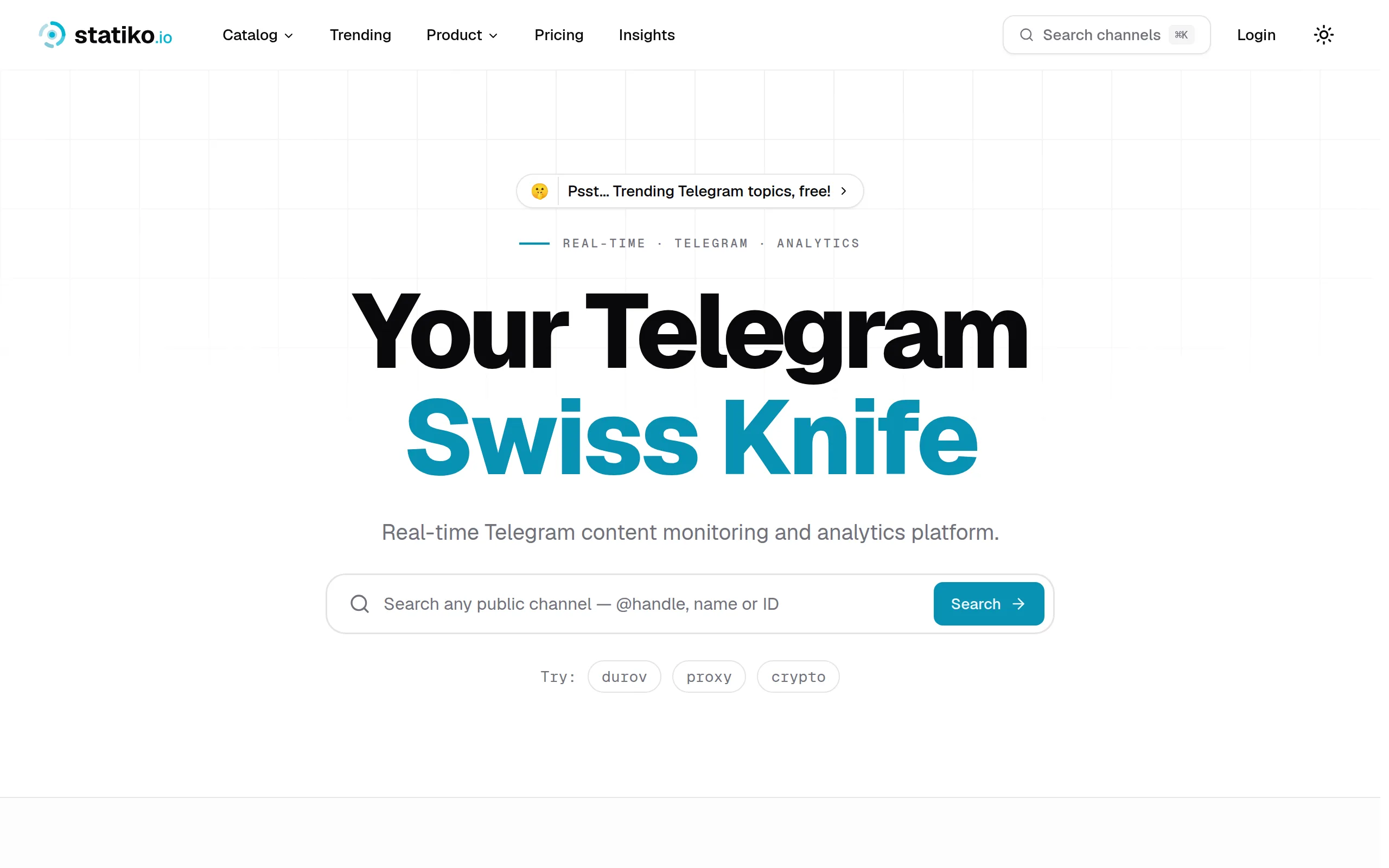
Statiko
Monitor any Telegram channel in real time - track posts, edits, deletions, and growth with AI recaps 📡

Shibui
AI website builder - describe your business, pick a niche template, edit by chatting, and publish instantly ✨

Pro Service
Find verified home service professionals, compare quotes, and pay securely through escrow - built for Brazilians across the US 🏠
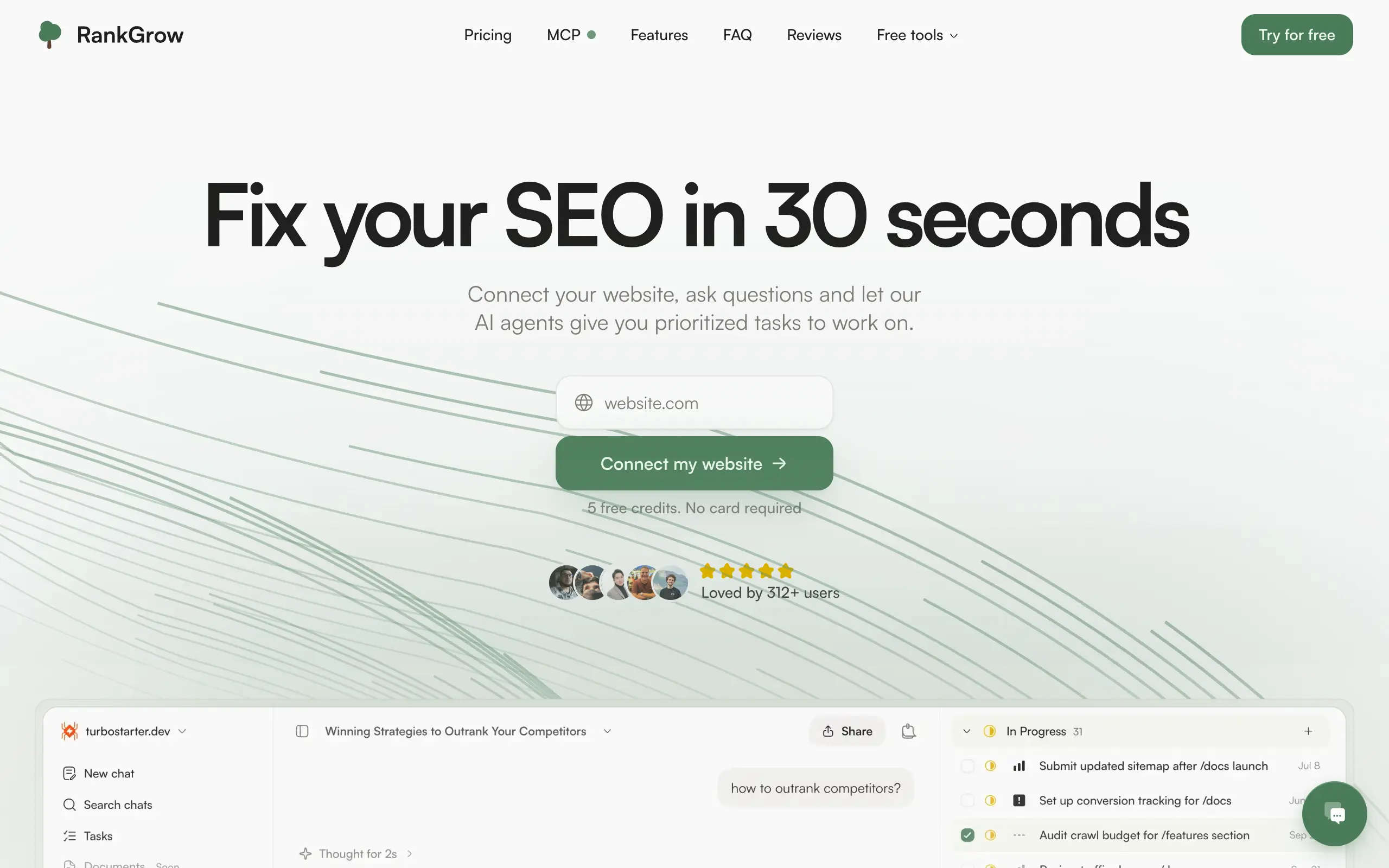
RankGrow
Fix your SEO with AI agents - connect Search Console, get prioritized tasks, and grow organic traffic 📈
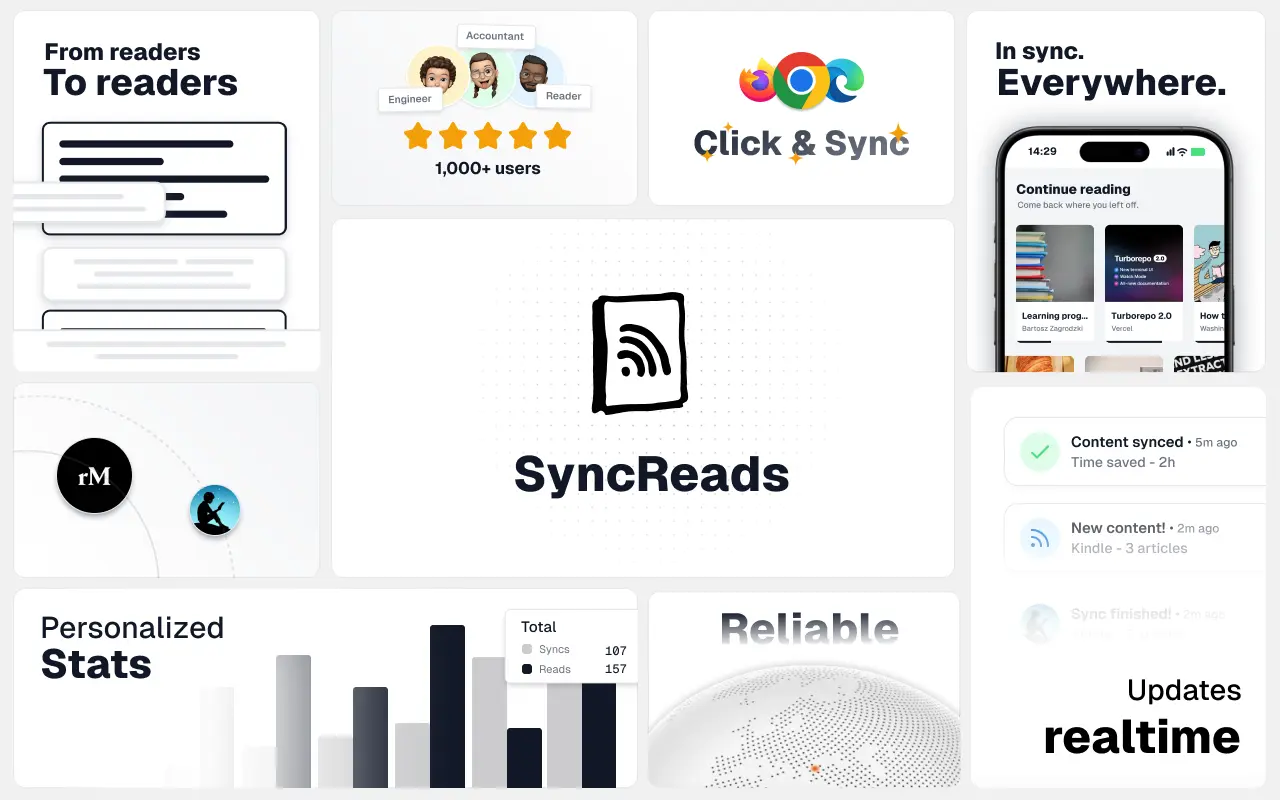
SyncReads
Sync your favorite content for distraction-free reading, save time and replace multiple apps. Anytime, anywhere 🔄
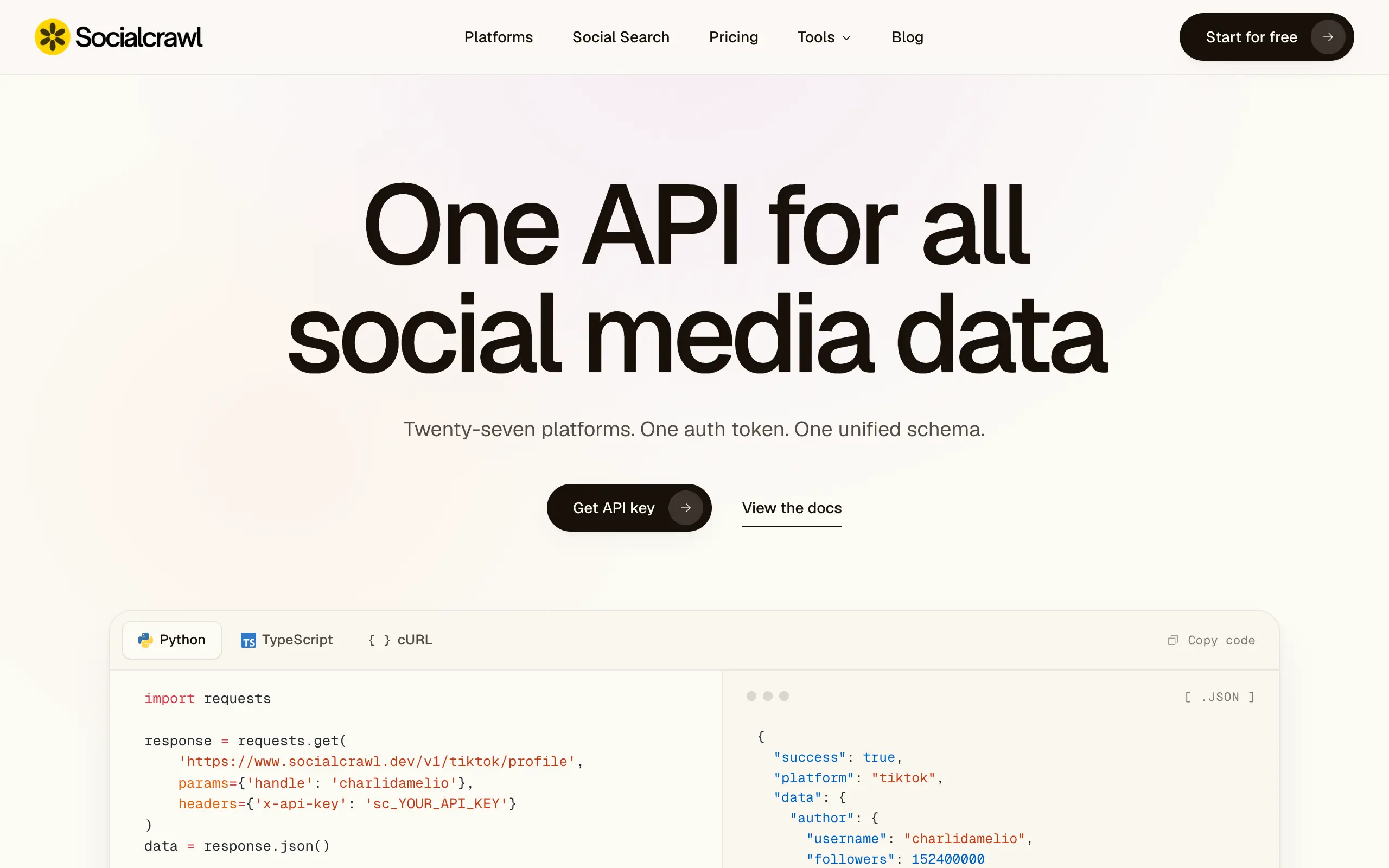
Socialcrawl
Get clean, structured data from 21 platforms like TikTok, Instagram, and YouTube with a single request 📊
Statiko
Monitor any Telegram channel in real time - track posts, edits, deletions, and growth with AI recaps 📡
Shibui
AI website builder - describe your business, pick a niche template, edit by chatting, and publish instantly ✨
Pro Service
Find verified home service professionals, compare quotes, and pay securely through escrow - built for Brazilians across the US 🏠
RankGrow
Fix your SEO with AI agents - connect Search Console, get prioritized tasks, and grow organic traffic 📈
SyncReads
Sync your favorite content for distraction-free reading, save time and replace multiple apps. Anytime, anywhere 🔄
Socialcrawl
Get clean, structured data from 21 platforms like TikTok, Instagram, and YouTube with a single request 📊
Statiko
Monitor any Telegram channel in real time - track posts, edits, deletions, and growth with AI recaps 📡
Shibui
AI website builder - describe your business, pick a niche template, edit by chatting, and publish instantly ✨
Pro Service
Find verified home service professionals, compare quotes, and pay securely through escrow - built for Brazilians across the US 🏠
RankGrow
Fix your SEO with AI agents - connect Search Console, get prioritized tasks, and grow organic traffic 📈
SyncReads
Sync your favorite content for distraction-free reading, save time and replace multiple apps. Anytime, anywhere 🔄
Socialcrawl
Get clean, structured data from 21 platforms like TikTok, Instagram, and YouTube with a single request 📊
Statiko
Monitor any Telegram channel in real time - track posts, edits, deletions, and growth with AI recaps 📡
Shibui
AI website builder - describe your business, pick a niche template, edit by chatting, and publish instantly ✨
Pro Service
Find verified home service professionals, compare quotes, and pay securely through escrow - built for Brazilians across the US 🏠
RankGrow
Fix your SEO with AI agents - connect Search Console, get prioritized tasks, and grow organic traffic 📈
SyncReads
Sync your favorite content for distraction-free reading, save time and replace multiple apps. Anytime, anywhere 🔄
Socialcrawl
Get clean, structured data from 21 platforms like TikTok, Instagram, and YouTube with a single request 📊
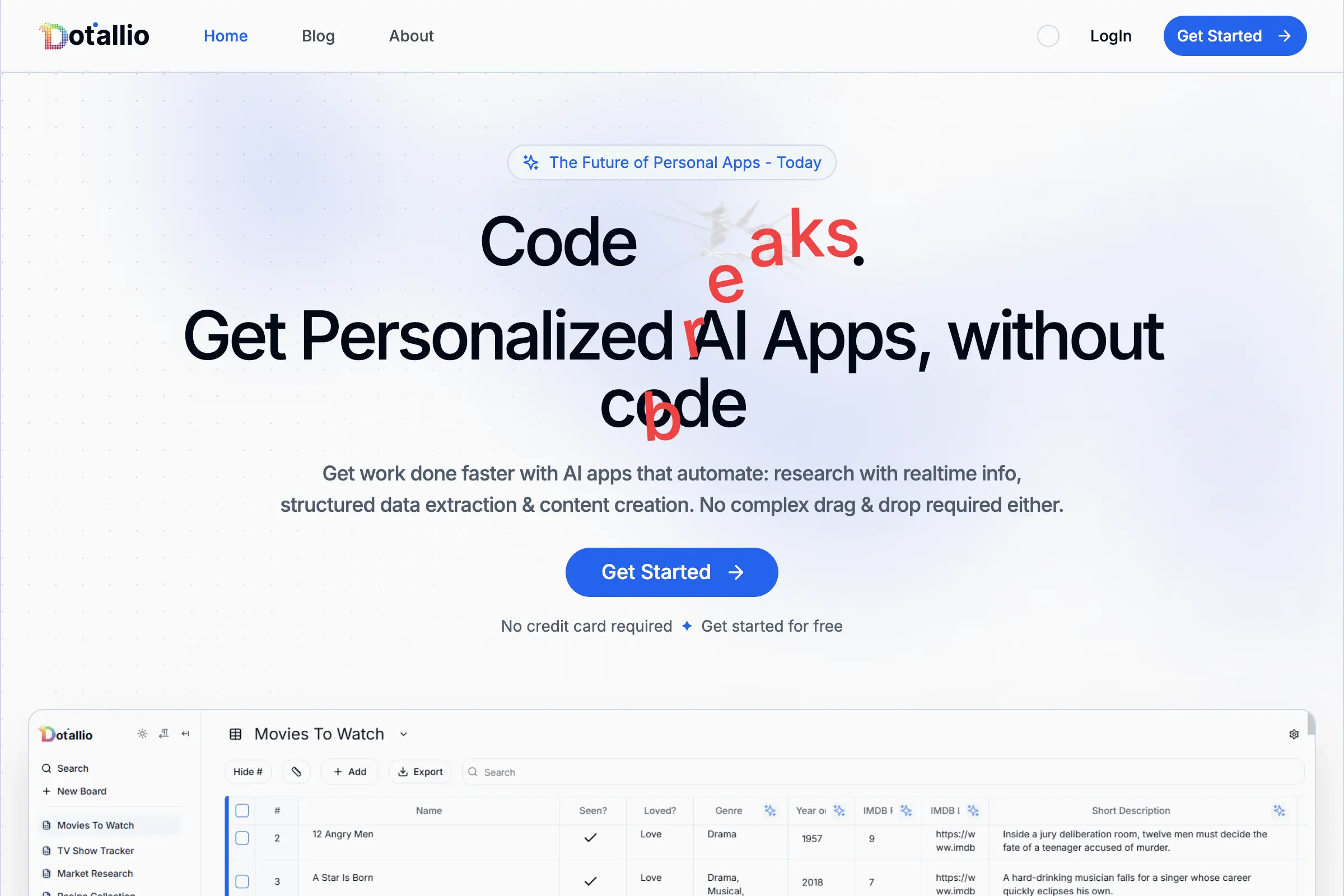
Dotallio
Personalized AI apps that automate research, data extraction, and content creation without code 🤖

Talk to Santa
Enjoy a magical live video chat or receive a unique AI-generated video greeting from Santa Claus 🎅
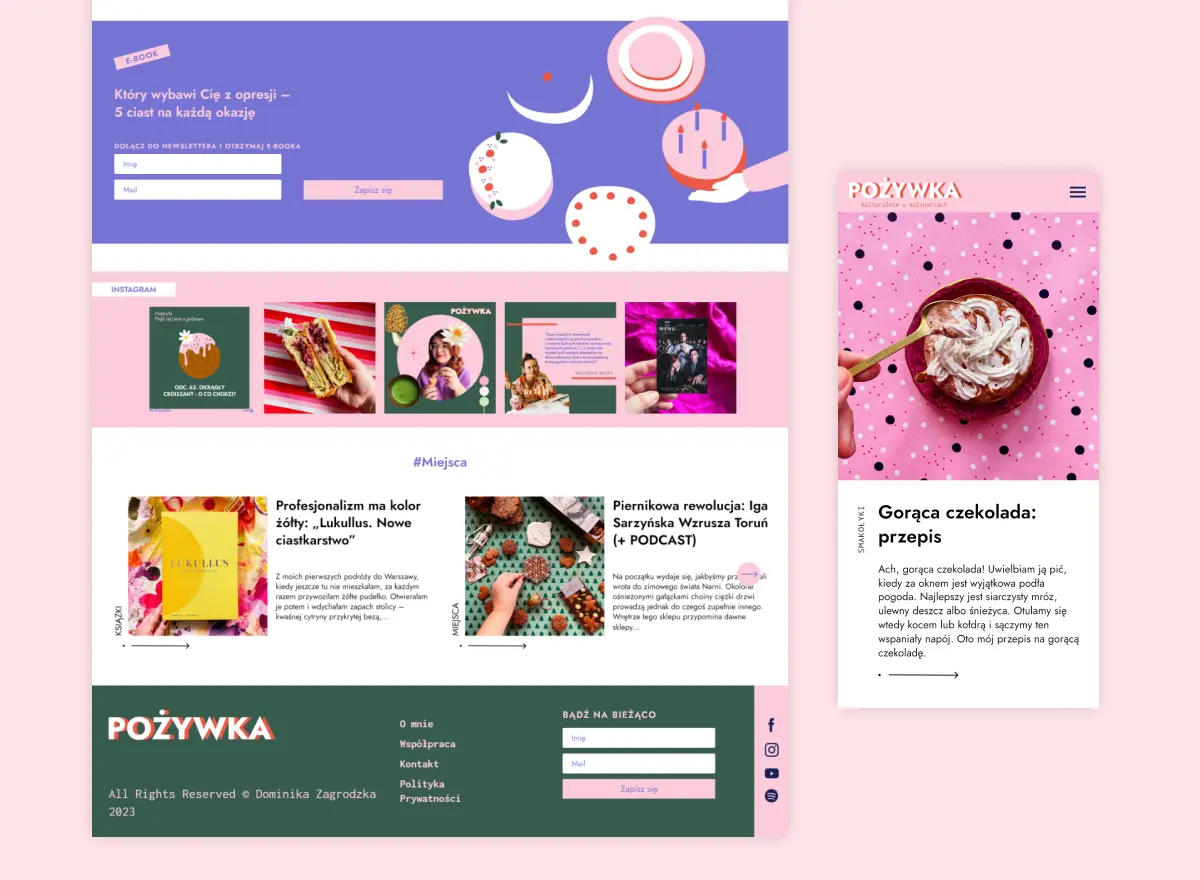
pozywka.pl
Scalable blog for food journalist, focused on performance and user experience 🌭
zagrodzki.me
Personal blog and portfolio of Bart Zagrodzki, where he shares his knowledge and work 💼
TurboStarter
Ship your startup everywhere. In minutes.
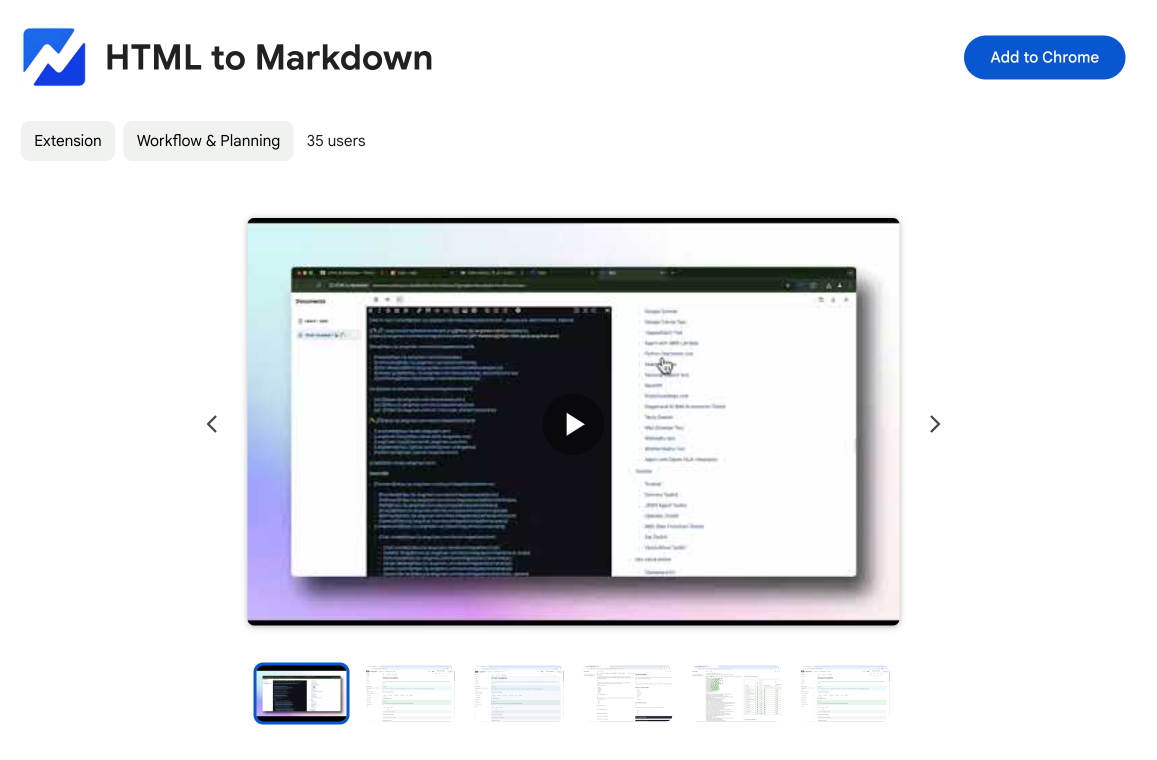
HTML to Markdown
Convert HTML to Markdown with ease, directly in your browser 📄
Dotallio
Personalized AI apps that automate research, data extraction, and content creation without code 🤖
Talk to Santa
Enjoy a magical live video chat or receive a unique AI-generated video greeting from Santa Claus 🎅
pozywka.pl
Scalable blog for food journalist, focused on performance and user experience 🌭
zagrodzki.me
Personal blog and portfolio of Bart Zagrodzki, where he shares his knowledge and work 💼
TurboStarter
Ship your startup everywhere. In minutes.
HTML to Markdown
Convert HTML to Markdown with ease, directly in your browser 📄
Dotallio
Personalized AI apps that automate research, data extraction, and content creation without code 🤖
Talk to Santa
Enjoy a magical live video chat or receive a unique AI-generated video greeting from Santa Claus 🎅
pozywka.pl
Scalable blog for food journalist, focused on performance and user experience 🌭
zagrodzki.me
Personal blog and portfolio of Bart Zagrodzki, where he shares his knowledge and work 💼
TurboStarter
Ship your startup everywhere. In minutes.
HTML to Markdown
Convert HTML to Markdown with ease, directly in your browser 📄
Dotallio
Personalized AI apps that automate research, data extraction, and content creation without code 🤖
Talk to Santa
Enjoy a magical live video chat or receive a unique AI-generated video greeting from Santa Claus 🎅
pozywka.pl
Scalable blog for food journalist, focused on performance and user experience 🌭
zagrodzki.me
Personal blog and portfolio of Bart Zagrodzki, where he shares his knowledge and work 💼
TurboStarter
Ship your startup everywhere. In minutes.
HTML to Markdown
Convert HTML to Markdown with ease, directly in your browser 📄
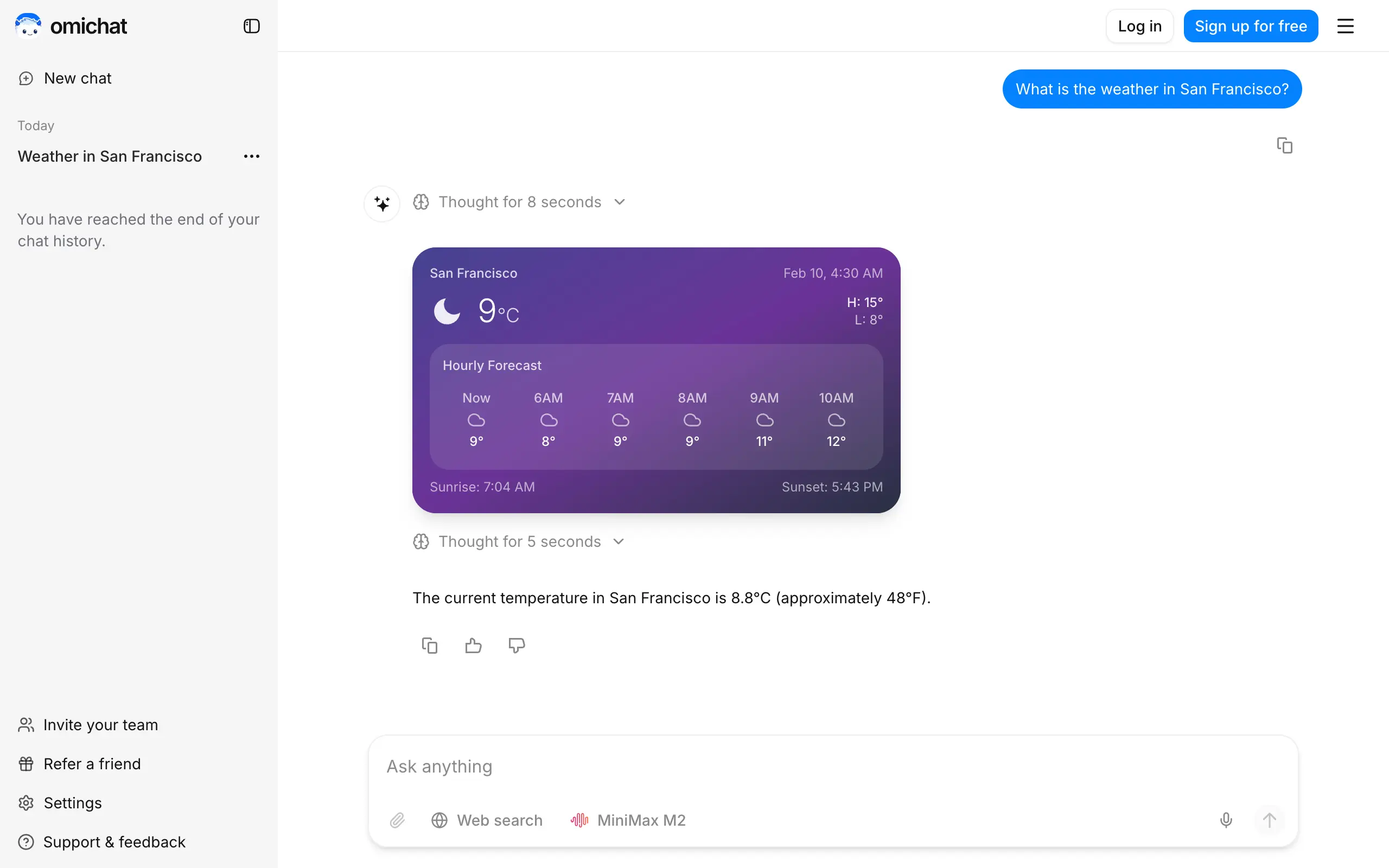
Omichat
Chat with 50+ AI models, including ChatGPT and Claude, in one place - switch models anytime without losing context 🤖
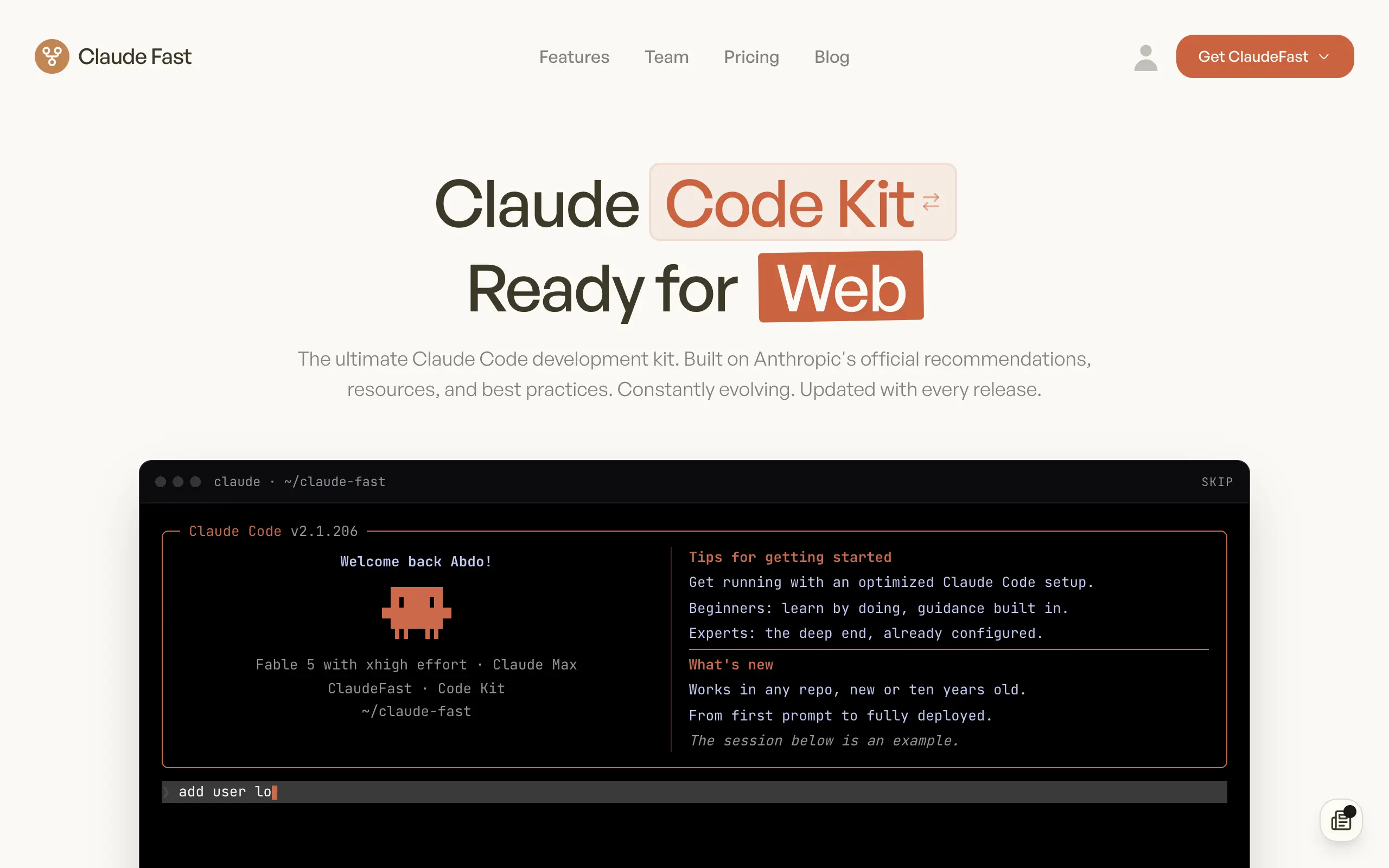
Claude Fast
Supercharge your Claude Code with 6x effective context window and specialized AI agents 🤖

EmojAI
AI-powered emoji picker with smart, context-aware suggestions 🤖
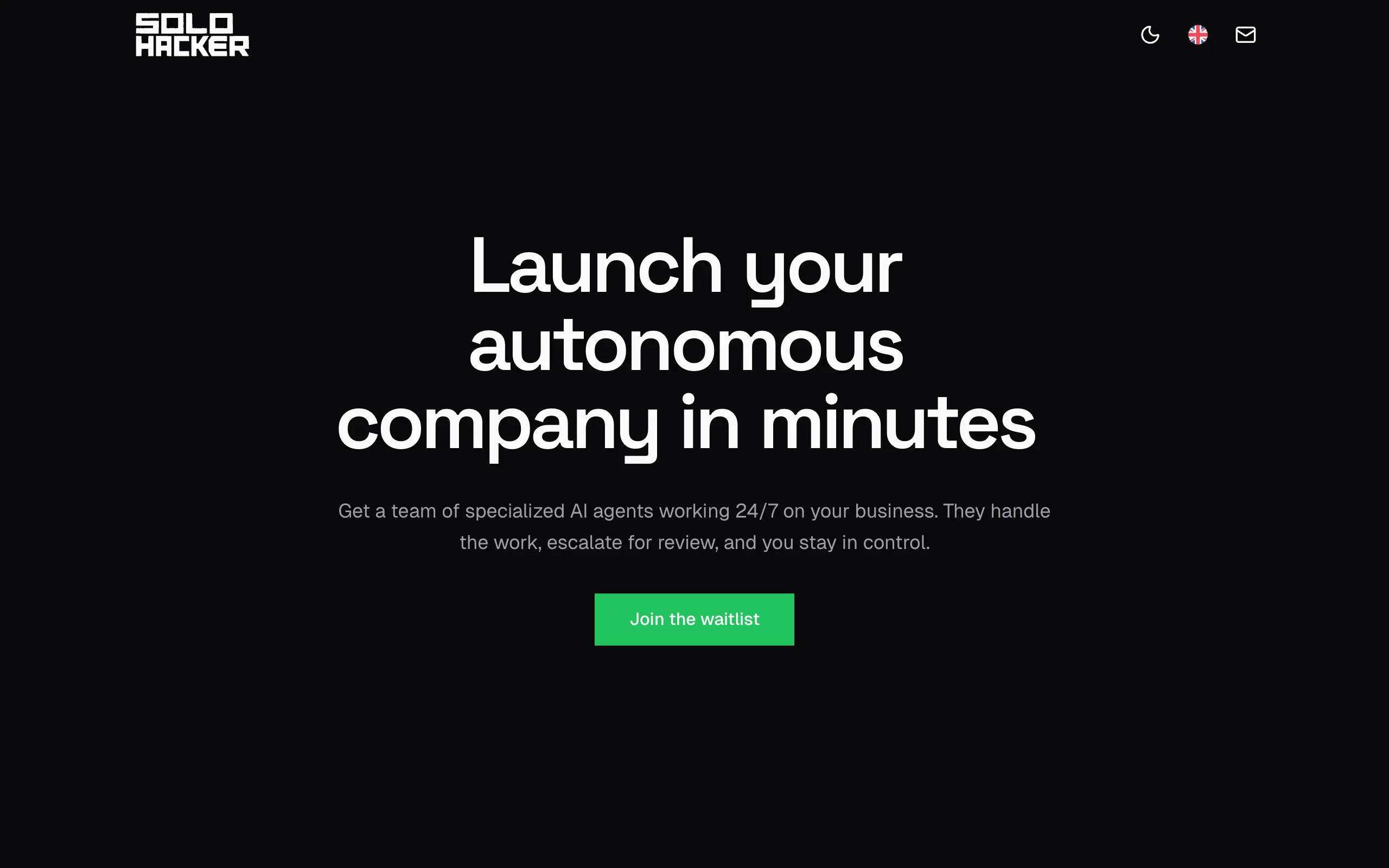
Solohacker
Autonomous company launcher - AI agents work 24/7, escalate what matters, and you stay in control 🤖

BeRawi: Storytelling Coach
Practice storytelling daily with instant feedback to sound clearer, more engaging, and confident 🎤
Omichat
Chat with 50+ AI models, including ChatGPT and Claude, in one place - switch models anytime without losing context 🤖
Claude Fast
Supercharge your Claude Code with 6x effective context window and specialized AI agents 🤖
EmojAI
AI-powered emoji picker with smart, context-aware suggestions 🤖
Solohacker
Autonomous company launcher - AI agents work 24/7, escalate what matters, and you stay in control 🤖
BeRawi: Storytelling Coach
Practice storytelling daily with instant feedback to sound clearer, more engaging, and confident 🎤
Omichat
Chat with 50+ AI models, including ChatGPT and Claude, in one place - switch models anytime without losing context 🤖
Claude Fast
Supercharge your Claude Code with 6x effective context window and specialized AI agents 🤖
EmojAI
AI-powered emoji picker with smart, context-aware suggestions 🤖
Solohacker
Autonomous company launcher - AI agents work 24/7, escalate what matters, and you stay in control 🤖
BeRawi: Storytelling Coach
Practice storytelling daily with instant feedback to sound clearer, more engaging, and confident 🎤
Omichat
Chat with 50+ AI models, including ChatGPT and Claude, in one place - switch models anytime without losing context 🤖
Claude Fast
Supercharge your Claude Code with 6x effective context window and specialized AI agents 🤖
EmojAI
AI-powered emoji picker with smart, context-aware suggestions 🤖
Solohacker
Autonomous company launcher - AI agents work 24/7, escalate what matters, and you stay in control 🤖
BeRawi: Storytelling Coach
Practice storytelling daily with instant feedback to sound clearer, more engaging, and confident 🎤

Connect with like-minded people
Join our community to get feedback, support, and grow together with 1,000+ builders on board, let's ship it!
Join usShip your startup everywhere. In minutes.
Don't burn tokens on setup and start building features on day one.