Invoiceline
Helps freelance bookkeepers chase late client payments from one shared dashboard. It sends automated reminders and flags overdue invoices before cash flow suffers.
Invoiceline is a shared accounts receivable dashboard built for freelance bookkeepers who manage invoicing for several small business clients. It sends automated payment reminders on the client's behalf and flags overdue invoices before they turn into cash flow problems. In 2026 the opportunity is a gap between heavyweight accounting suites and the spreadsheets that freelancers use to track who owes what, and the tool for chasing late payments across many clients is still mostly missing.
Key takeaways
- Target customer: solo and small-practice freelance bookkeepers who handle receivables for roughly 5 to 40 small business clients.
- Pricing angle: a flat monthly plan per bookkeeper with tiers by number of client workspaces, not per invoice.
- Biggest risk: accounting platforms already ship basic reminders, so Invoiceline must win on multi-client workflow rather than on reminders alone.
- Time to MVP: about 4 to 6 weeks for one developer, assuming a starter kit handles auth, billing and emails.
What problem does Invoiceline solve for freelance bookkeepers?
Freelance bookkeepers spend real hours chasing late client payments, and that work is rarely billed. Each client has its own accounting file, its own customers and its own tone of voice, so chasing means logging into many places and writing many similar emails.
Who is the ideal customer?
The ideal customer is a solo bookkeeper or a two or three person practice that runs accounts receivable for small businesses such as trades, agencies, clinics and local retailers. They work in tools like QuickBooks Online or Xero, and the client's cash flow directly affects whether the bookkeeper looks good.
Typical traits:
- Manages receivables for many small clients at once.
- Has no dedicated collections staff or process.
- Gets blamed, indirectly, when a client runs short of cash.
- Wants to look proactive without adding unpaid hours.
What do they do today, and why does it fail?
The common workaround is a mix of accounting software reminders, a spreadsheet of overdue invoices and manual emails written from memory. It breaks in three predictable ways.
- No cross-client view: each accounting file shows only its own overdue invoices, so the bookkeeper has no single morning list.
- Reminders are generic or off: built-in reminders usually fire from the client's account, on fixed schedules, with little control per customer.
- Chasing is reactive: invoices are noticed after they are already weeks late, not when the payment pattern first slips.
Why is there room for an invoice chasing tool in 2026?
The gap is not in sending reminders. It is in treating the bookkeeper, not the business owner, as the primary user across many clients. Established accounting platforms such as QuickBooks and Xero include invoice reminders, and there are dedicated credit control tools like those aimed at larger finance teams, but most are designed around one business with one finance team.
Why now?
Several shifts make the timing reasonable, assuming you describe them as direction rather than precise figures:
- Small business owners keep outsourcing finance work to freelancers and fractional bookkeepers rather than hiring in house.
- Bookkeepers are moving from data entry to advisory, so they want to automate low value chasing work.
- Language models make personalized reminders cheap, so tone and context can vary per customer without templates feeling robotic.
- Accounting platforms expose APIs, which makes read access to invoices a standard integration rather than a custom project.
Where incumbents are weak
Incumbent reminders are tied to a single business account. Credit control platforms for mid-market teams are typically priced and scoped for finance departments, not for a freelancer with twelve small clients. That leaves the multi-client freelancer underserved.
What should the Invoiceline MVP include?
The MVP should do one thing: show a bookkeeper every overdue and at-risk invoice across all clients, and send the right reminder with one click or automatically. Everything else can wait.
The aha moment
The aha moment is the first morning the bookkeeper opens one screen and sees all late invoices across every client, sorted by risk, with reminders already queued. If that takes under 10 minutes from signup, the product has a chance.
The four core features
Multi-client dashboard
One view of every open, due soon and overdue invoice across all client workspaces, sorted by amount and days late.
Automated reminder sequences
Scheduled emails sent in the client's name, with tone and timing adjustable per customer and per client.
Early risk flags
Highlights invoices likely to slip based on simple rules such as past late payments and approaching due dates.
Accounting sync
Read-only import of invoices and payment status from a major accounting platform, starting with one.
What to cut from version one
- Payment processing and card collection. Link to the client's existing payment page instead.
- SMS and WhatsApp reminders.
- A client-facing portal.
- Support for every accounting platform. Start with one and a CSV import fallback.
- Advanced forecasting and reporting.
How is Invoiceline different from spreadsheets and accounting tools?
Invoiceline's position is simple: it is the receivables workspace for people who chase payments on behalf of many businesses. It does not replace the accounting system. It sits on top of it and adds the cross-client workflow that accounting tools do not offer.
| Option | Cross-client view | Per-customer reminder control | Early risk flags | Setup effort |
|---|---|---|---|---|
| Invoiceline | ✅ | ✅ | ✅ | Low |
| Spreadsheet plus manual email | Manual | ✅ | ❌ | High ongoing |
| Accounting platform reminders | ❌ | Limited | ❌ | Low |
| Mid-market credit control tools | Depends | ✅ | Depends | High |
The honest caveat: a bookkeeper who has two clients gets little from this. The value grows with the number of client files, so aim marketing at practices that already feel the pain.
How would Invoiceline make money?
The most natural model is a monthly subscription priced per bookkeeper, with tiers based on how many client workspaces they connect. Bookkeepers think in terms of clients, so pricing should track that unit.
Pricing options
- Tiered by client count: for example a starter tier for up to 10 clients and a higher tier for up to 40. This is the cleanest fit and easy to explain.
- Flat per seat with a client cap: simpler, but it penalizes small practices that grow.
- Usage-based on invoices tracked: aligns with value but makes monthly cost unpredictable, which small practices dislike.
As an assumption to test: if you charge $29 per month and 40 bookkeepers stay subscribed, that is $1,160 in monthly recurring revenue. Treat those numbers as a planning example, not a forecast.
The first growth channel
The most likely first channel is direct community outreach: bookkeeping groups, accounting forums and communities around the major accounting platforms. Bookkeepers talk to each other and trust peer recommendations, so a handful of engaged early users can seed referrals. Content that teaches better collections practice, such as reminder email templates, fits the same audience.
How do you validate Invoiceline before building it?
You can test demand in one to two weeks without writing product code. The goal is to learn whether bookkeepers feel the pain strongly enough to pay.
Interview eight to ten bookkeepers
Ask them to walk through the last time a client invoice went 30 days late. Note which tools they used, how long chasing took and who paid for the lost time.
Publish a one-promise landing page
State the outcome in one line, such as "See every late invoice across all your clients in one place." Add a waitlist form and a short demo mockup.
Drive targeted traffic
Post in bookkeeping communities and send direct messages to interviewees. Measure how many visitors join the waitlist, not how many click.
Ask for a pre-sale
Offer founding member pricing with a refund guarantee to the most engaged people. Even three to five paid commitments tell you more than a hundred waitlist emails.
What tech stack should you use to build Invoiceline?
Build a standard web app with a relational database, background jobs for reminders and a read-only accounting integration. Most of the work is not unique, so the practical move is to start from a starter kit. TurboStarter provides a monorepo with web and mobile apps, authentication, billing, database, emails, storage and background tasks, so you can spend the first weeks on the dashboard and reminder logic.
What TurboStarter covers for you
- Accounts and teams: authentication and organizations let each bookkeeper sign in and, later, invite a colleague.
- Subscriptions: billing handles tiered plans so you can price by client count.
- Reminder delivery: emails cover transactional templates, and background tasks handle scheduled sends.
- Data layer: a database setup you extend with your own invoice and client tables.
Core data model
A minimal schema keeps the first version simple:
create table client_workspace (
  id uuid primary key,
  owner_id uuid not null,
  name text not null,
  accounting_source text
);

create table invoice (
  id uuid primary key,
  workspace_id uuid references client_workspace(id),
  customer_name text not null,
  amount_cents integer not null,
  due_date date not null,
  paid_at timestamptz,
  risk_score integer default 0
);

create table reminder (
  id uuid primary key,
  invoice_id uuid references invoice(id),
  scheduled_for timestamptz not null,
  sent_at timestamptz,
  tone text default 'neutral'
);
Which reminder-writing approach should you pick?
Predictable, cheap and easy to audit. Start here, since bookkeepers want control over what goes out under a client's name. The trade-off is that messages can feel repetitive.
Better at adjusting tone for a long-standing customer versus a new one. Keep a human approval step at first, because a wrong or aggressive message sent in a client's name is costly. Add it once templates are working.
What could make Invoiceline fail?
Most failure modes are about distribution and trust, not code.
Biggest risk: incumbents close the gap
If QuickBooks, Xero or a similar platform adds a strong multi-client receivables view for accountants and bookkeepers, Invoiceline's main edge shrinks. Mitigate this by going deep on bookkeeper workflow, such as per-customer tone, risk flags and shared notes, and by supporting more than one accounting source over time.
- Integration friction: if connecting an accounting account takes more than a few minutes, trials die. Start with one integration and a CSV import, and test the connection flow with real users.
- Trust in sending emails for clients: a bad reminder harms the bookkeeper's relationship. Add approval modes, preview and a clear audit trail.
- Small market per customer: freelancers have limited budgets. Keep infrastructure costs low and consider selling to small practices with several seats as the plan matures.
What are the next steps to launch in 30 days?
A tight launch plan keeps scope under control.
- Days 1 to 7: run interviews, publish the landing page and collect waitlist signups.
- Days 8 to 10: pre-sell founding memberships and choose your first accounting integration based on what interviewees use.
- Days 11 to 20: set up the project from the starter kit, build the dashboard and invoice import, and wire up scheduled reminders.
- Days 21 to 25: onboard five waitlist users by hand and watch where they get stuck.
- Days 26 to 30: fix the top three friction points, turn on billing and open access to the rest of the waitlist.
If you want the fastest path, start from TurboStarter and put your first week into the receivables dashboard instead of the plumbing.
FAQ
Talk to eight to ten freelance bookkeepers about their last late invoice, then run a landing page with a waitlist. Ask the most interested for a pre-sale, since payment is stronger evidence than interest.
A tiered monthly plan based on the number of client workspaces is the cleanest starting point. Test a price in the range bookkeepers already pay for other practice tools, and adjust based on pre-sale conversations.
Accounting platforms like QuickBooks and Xero include basic reminders, and there are dedicated credit control tools for larger finance teams. Spreadsheets and manual email remain the most common competitor for freelancers.
A TypeScript web app with a relational database such as Postgres, background jobs for scheduled reminders and an email provider covers the MVP. Using a starter kit like TurboStarter saves time on authentication, billing and email setup.
One developer can usually reach a working MVP in four to six weeks if the starter kit handles the common infrastructure. Costs at the start are mostly hosting, email sending and your own time, which stay modest until you have a meaningful number of users.
More 🏢 B2B Application SaaS ideas
Discover more innovative b2b application SaaS ideas that are trending in 2026. Each idea is AI-generated with market validation and growth potential to help you find your next profitable venture faster than competitors.
Your competitors are building with TurboStarter
Below are some of the SaaS ideas that have been generated and built with our starter kit.

Monitor any Telegram channel in real time - track posts, edits, deletions, and growth with AI recaps 📡

AI website builder - describe your business, pick a niche template, edit by chatting, and publish instantly ✨

Find verified home service professionals, compare quotes, and pay securely through escrow - built for Brazilians across the US 🏠
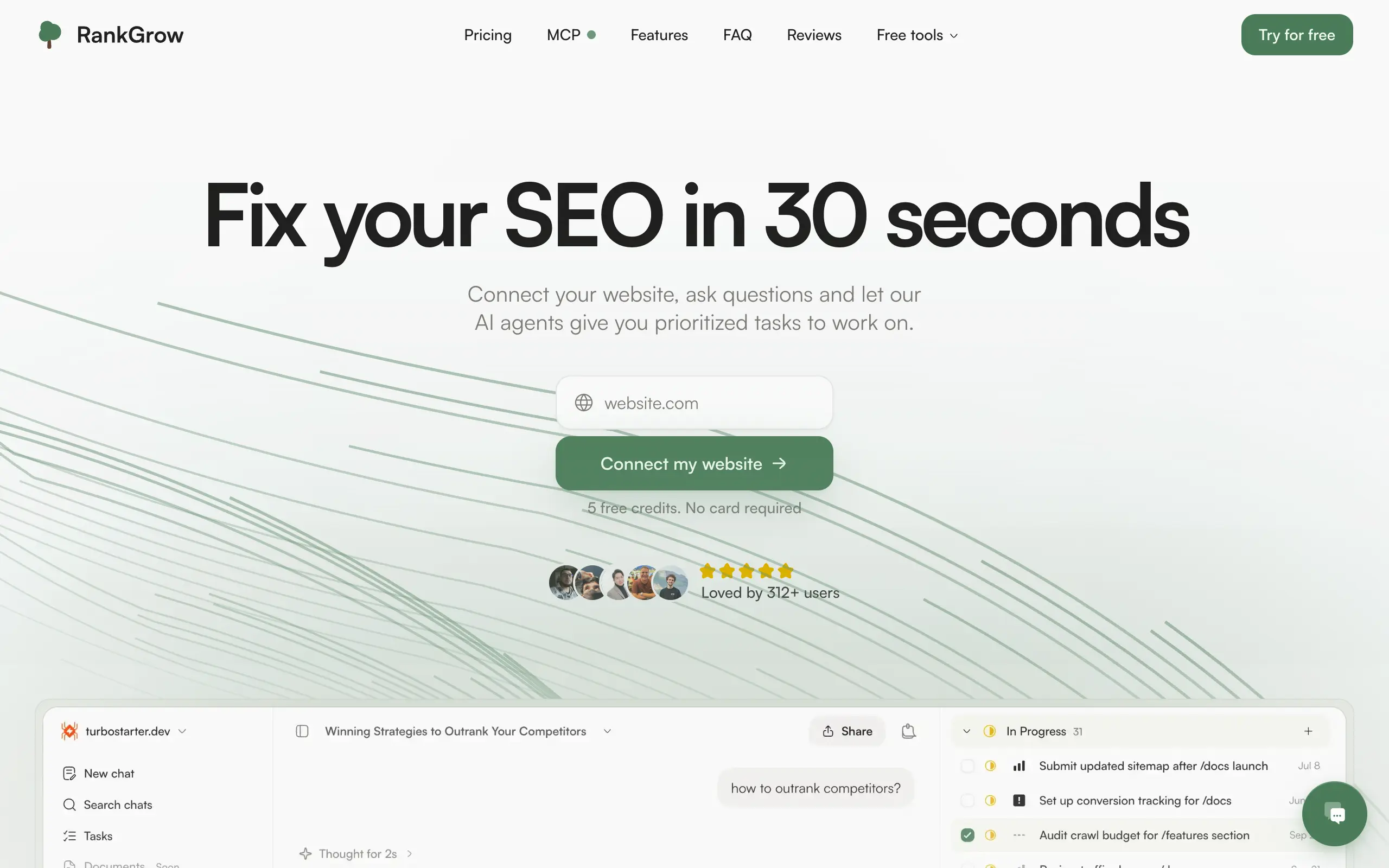
Fix your SEO with AI agents - connect Search Console, get prioritized tasks, and grow organic traffic 📈

Sync your favorite content for distraction-free reading, save time and replace multiple apps. Anytime, anywhere 🔄

Get clean, structured data from 21 platforms like TikTok, Instagram, and YouTube with a single request 📊
Monitor any Telegram channel in real time - track posts, edits, deletions, and growth with AI recaps 📡
AI website builder - describe your business, pick a niche template, edit by chatting, and publish instantly ✨
Find verified home service professionals, compare quotes, and pay securely through escrow - built for Brazilians across the US 🏠
Fix your SEO with AI agents - connect Search Console, get prioritized tasks, and grow organic traffic 📈
Sync your favorite content for distraction-free reading, save time and replace multiple apps. Anytime, anywhere 🔄
Get clean, structured data from 21 platforms like TikTok, Instagram, and YouTube with a single request 📊
Monitor any Telegram channel in real time - track posts, edits, deletions, and growth with AI recaps 📡
AI website builder - describe your business, pick a niche template, edit by chatting, and publish instantly ✨
Find verified home service professionals, compare quotes, and pay securely through escrow - built for Brazilians across the US 🏠
Fix your SEO with AI agents - connect Search Console, get prioritized tasks, and grow organic traffic 📈
Sync your favorite content for distraction-free reading, save time and replace multiple apps. Anytime, anywhere 🔄
Get clean, structured data from 21 platforms like TikTok, Instagram, and YouTube with a single request 📊
Monitor any Telegram channel in real time - track posts, edits, deletions, and growth with AI recaps 📡
AI website builder - describe your business, pick a niche template, edit by chatting, and publish instantly ✨
Find verified home service professionals, compare quotes, and pay securely through escrow - built for Brazilians across the US 🏠
Fix your SEO with AI agents - connect Search Console, get prioritized tasks, and grow organic traffic 📈
Sync your favorite content for distraction-free reading, save time and replace multiple apps. Anytime, anywhere 🔄
Get clean, structured data from 21 platforms like TikTok, Instagram, and YouTube with a single request 📊

Personalized AI apps that automate research, data extraction, and content creation without code 🤖

Enjoy a magical live video chat or receive a unique AI-generated video greeting from Santa Claus 🎅

Scalable blog for food journalist, focused on performance and user experience 🌭

Personal blog and portfolio of Bart Zagrodzki, where he shares his knowledge and work 💼

Ship your startup everywhere. In minutes.

Convert HTML to Markdown with ease, directly in your browser 📄
Personalized AI apps that automate research, data extraction, and content creation without code 🤖
Enjoy a magical live video chat or receive a unique AI-generated video greeting from Santa Claus 🎅
Scalable blog for food journalist, focused on performance and user experience 🌭
Personal blog and portfolio of Bart Zagrodzki, where he shares his knowledge and work 💼
Ship your startup everywhere. In minutes.
Convert HTML to Markdown with ease, directly in your browser 📄
Personalized AI apps that automate research, data extraction, and content creation without code 🤖
Enjoy a magical live video chat or receive a unique AI-generated video greeting from Santa Claus 🎅
Scalable blog for food journalist, focused on performance and user experience 🌭
Personal blog and portfolio of Bart Zagrodzki, where he shares his knowledge and work 💼
Ship your startup everywhere. In minutes.
Convert HTML to Markdown with ease, directly in your browser 📄
Personalized AI apps that automate research, data extraction, and content creation without code 🤖
Enjoy a magical live video chat or receive a unique AI-generated video greeting from Santa Claus 🎅
Scalable blog for food journalist, focused on performance and user experience 🌭
Personal blog and portfolio of Bart Zagrodzki, where he shares his knowledge and work 💼
Ship your startup everywhere. In minutes.
Convert HTML to Markdown with ease, directly in your browser 📄

Chat with 50+ AI models, including ChatGPT and Claude, in one place - switch models anytime without losing context 🤖

Supercharge your Claude Code with 6x effective context window and specialized AI agents 🤖

AI-powered emoji picker with smart, context-aware suggestions 🤖

Autonomous company launcher - AI agents work 24/7, escalate what matters, and you stay in control 🤖

Practice storytelling daily with instant feedback to sound clearer, more engaging, and confident 🎤
Chat with 50+ AI models, including ChatGPT and Claude, in one place - switch models anytime without losing context 🤖
Supercharge your Claude Code with 6x effective context window and specialized AI agents 🤖
AI-powered emoji picker with smart, context-aware suggestions 🤖
Autonomous company launcher - AI agents work 24/7, escalate what matters, and you stay in control 🤖
Practice storytelling daily with instant feedback to sound clearer, more engaging, and confident 🎤
Chat with 50+ AI models, including ChatGPT and Claude, in one place - switch models anytime without losing context 🤖
Supercharge your Claude Code with 6x effective context window and specialized AI agents 🤖
AI-powered emoji picker with smart, context-aware suggestions 🤖
Autonomous company launcher - AI agents work 24/7, escalate what matters, and you stay in control 🤖
Practice storytelling daily with instant feedback to sound clearer, more engaging, and confident 🎤
Chat with 50+ AI models, including ChatGPT and Claude, in one place - switch models anytime without losing context 🤖
Supercharge your Claude Code with 6x effective context window and specialized AI agents 🤖
AI-powered emoji picker with smart, context-aware suggestions 🤖
Autonomous company launcher - AI agents work 24/7, escalate what matters, and you stay in control 🤖
Practice storytelling daily with instant feedback to sound clearer, more engaging, and confident 🎤

Connect with like-minded people
Join our community to get feedback, support, and grow together with 1,000+ builders on board, let's ship it!
Join usShip your startup everywhere. In minutes.
Don't burn tokens on setup and start building features on day one.